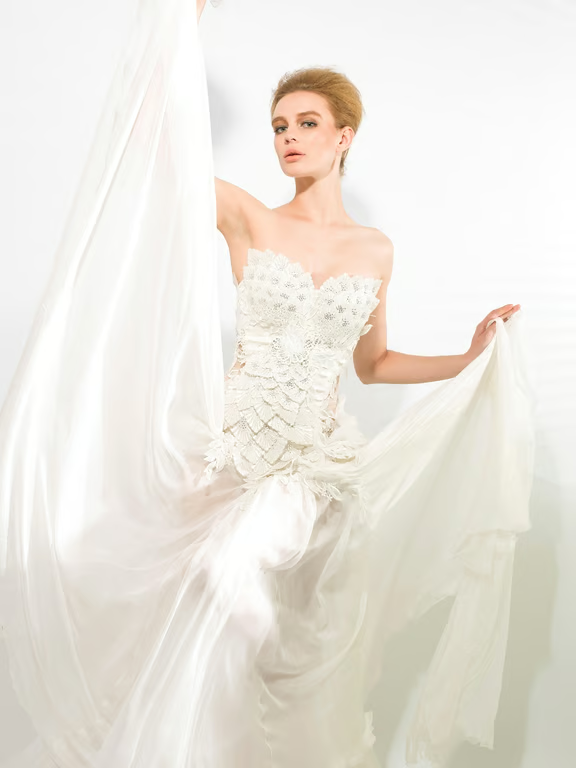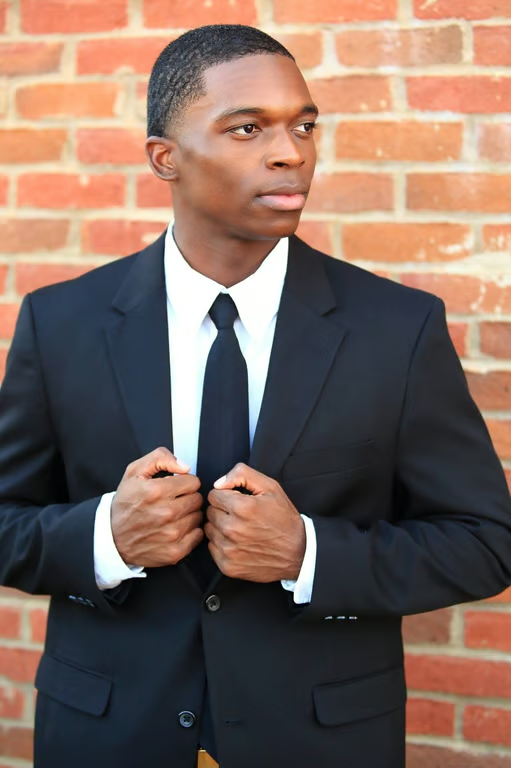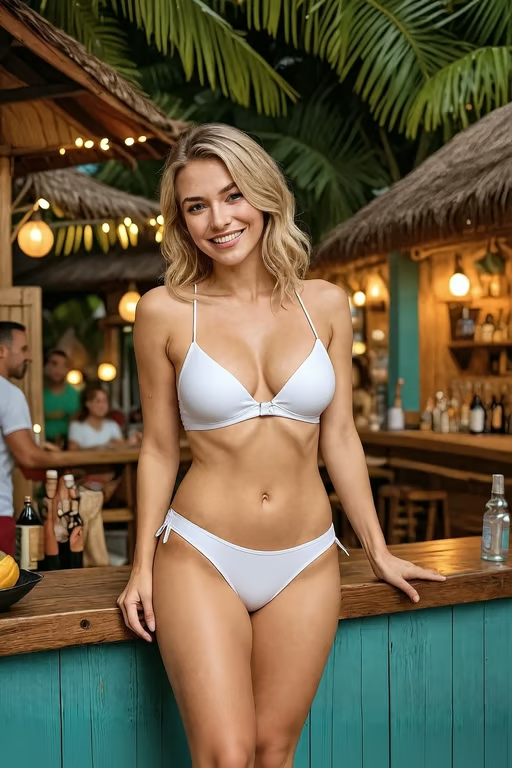
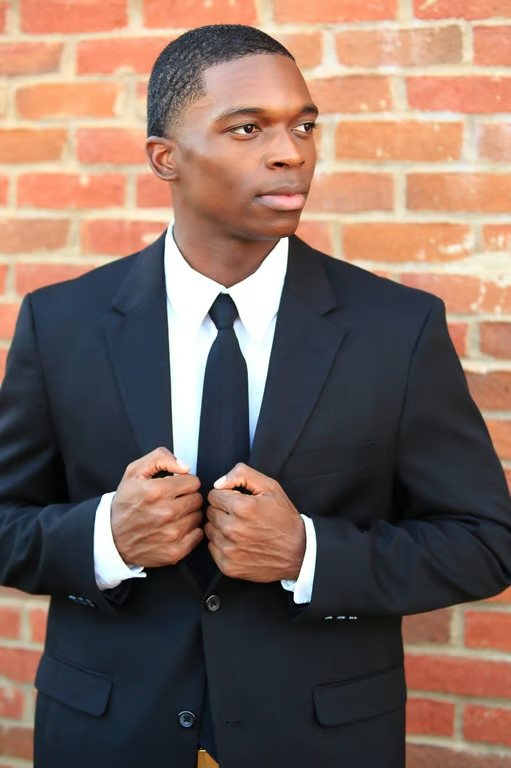


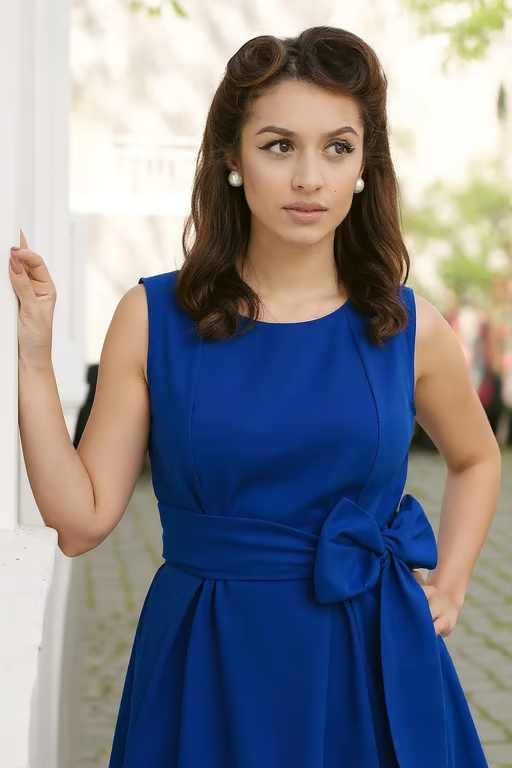
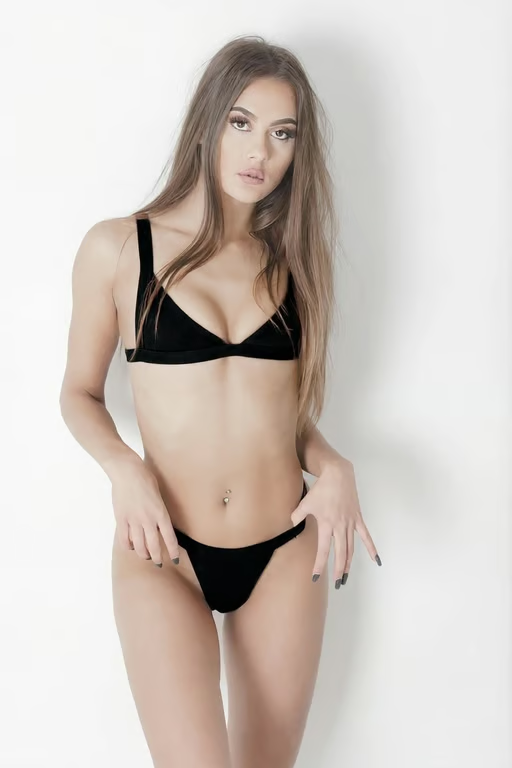
Prompt-led recoloring
Describe the color replacement in plain language and pair it with your own photo.
Turn one photo into a fresh color variation.
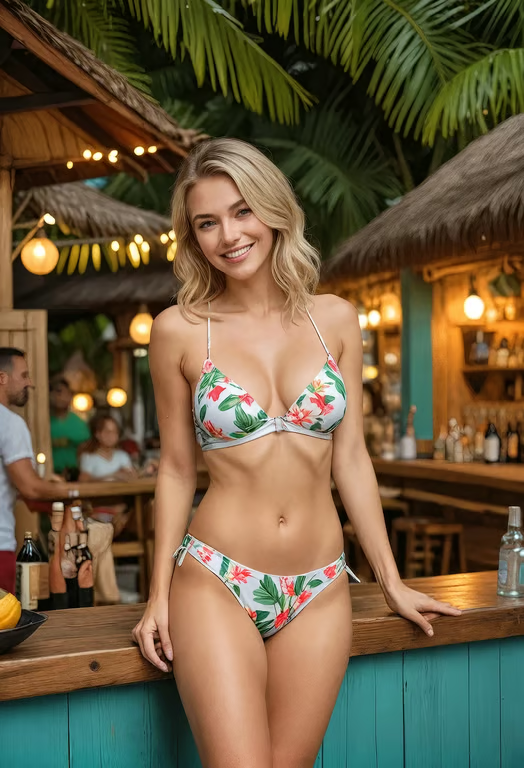
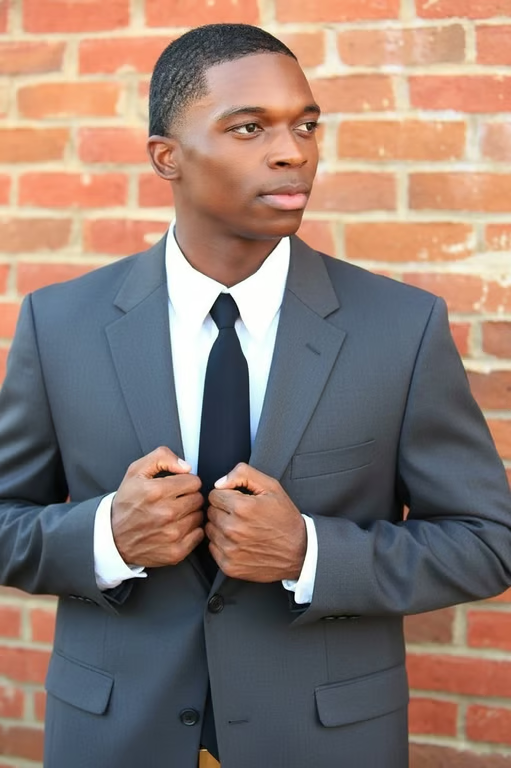
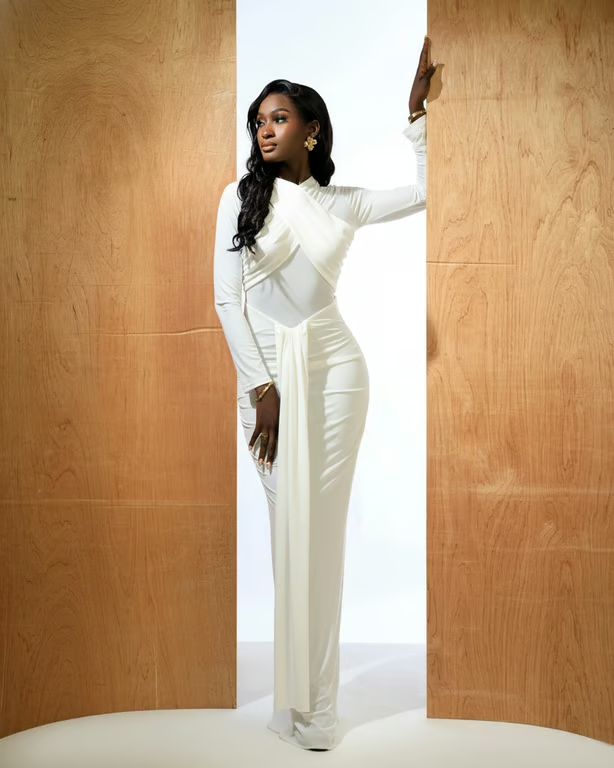

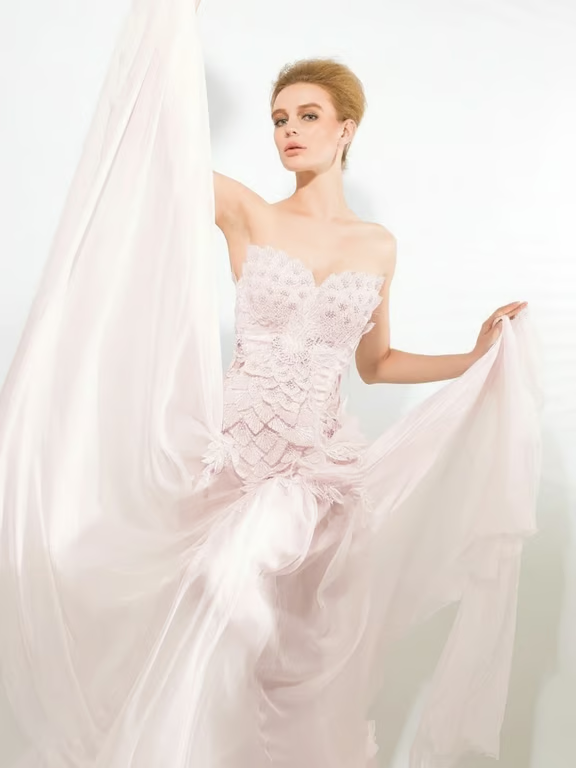

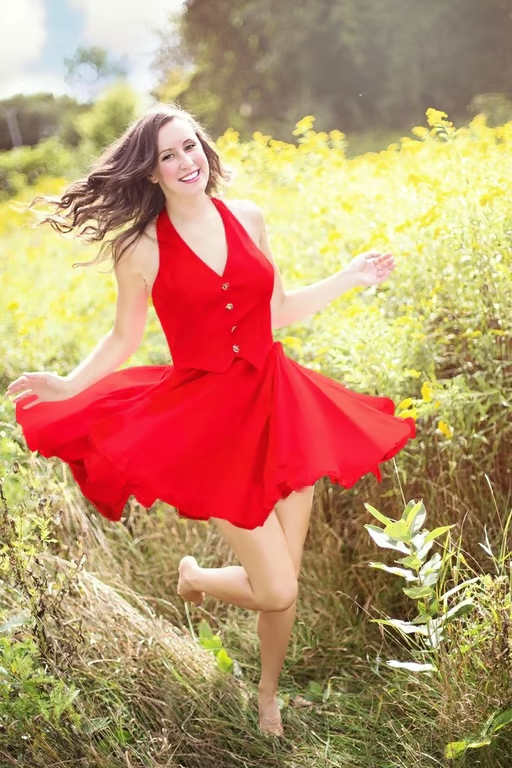
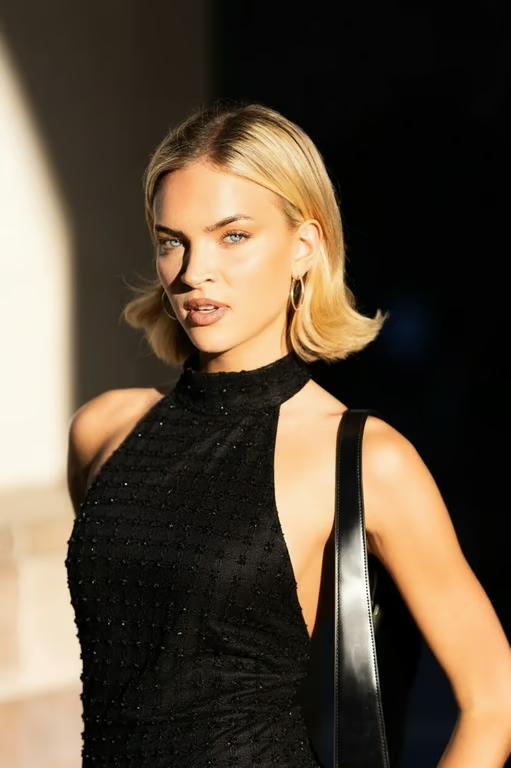
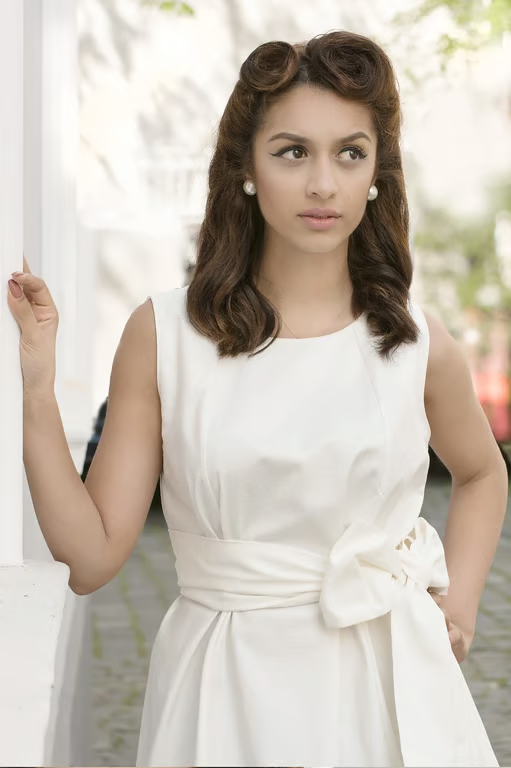
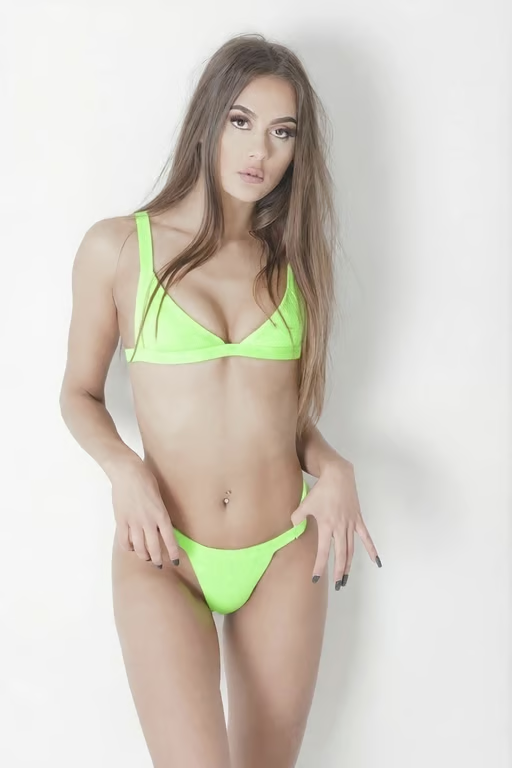
Describe the color replacement in plain language and pair it with your own photo.
Choose whether to focus the change on a subject, background, clothing, product, or the whole image.
Ask for brand, seasonal, vintage, or black-and-white directions to compare creative variations.
Generate another color variation in the same conversation when the first attempt needs a different tone.
Explore alternate product, clothing, and seasonal colors from an existing photo instead of planning another shoot.
See how a brand, social post, portrait, or interior concept feels in several color directions.
Use a written color instruction and a photo to develop a new visual direction without complex retouching.
Explore alternate product, clothing, and seasonal colors from an existing photo instead of planning another shoot.
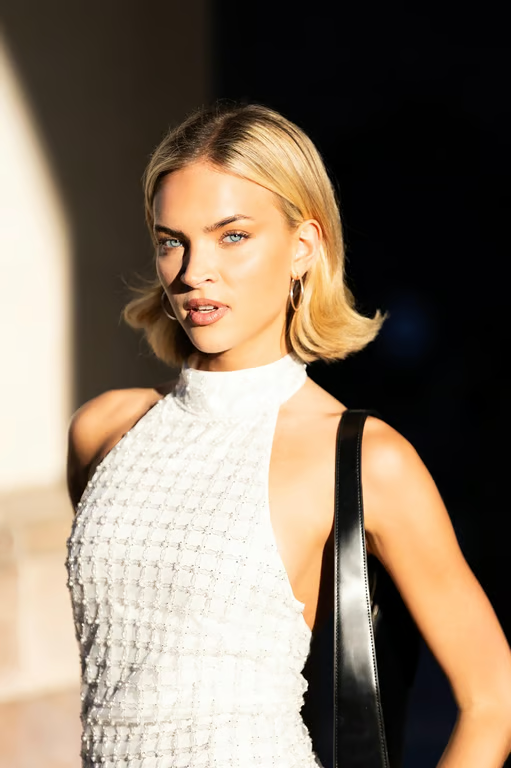
Upload your photo and describe the color you want to replace and the new direction you want. Cavro uses that prompt and photo to create an image variation you can refine.
Yes, describe the specific area in your prompt, such as the background, clothing, product, or another subject. A focused instruction helps direct the color change to the part you want to explore.
You can describe several color changes in one prompt, including the areas and new hues you want to try. If the first variation needs adjustment, refine the instruction and generate again in the same conversation.
You can describe the color direction for a visible graphic element in your uploaded image. Results depend on the source photo and the specificity of your instruction, so refine the prompt when you need another variation.
Results are billed per credit, and there is no mandatory subscription. Images and video use the same credit balance in Cavro.
You can generate a color variation from your photo and prompt, then refine it in the same conversation. This lets you explore another direction before choosing the result you want.
Creators worldwide are turning “just an idea” into expensive-looking images.