★★★★★5.0
I describe the shot, attach two references, and the first or second result is already usable. I stopped booking a photographer for small product drops.
Describe the shot you want. Cavro handles references, composition, and rendering — product photos, brand visuals, and social assets in seconds.
Models
Cavro picks a sensible default — or you pick the model yourself.
Showcase
Four runs, four things Create actually does — a reference, a sentence, a ratio, a still. Each one carries the settings it was made with.
Prompt sent to Create
Move the same candle jar onto a linen tablecloth in warm morning light. Keep the jar, the label and the proportions exactly as in the reference. Soft natural shadows, editorial product photography.
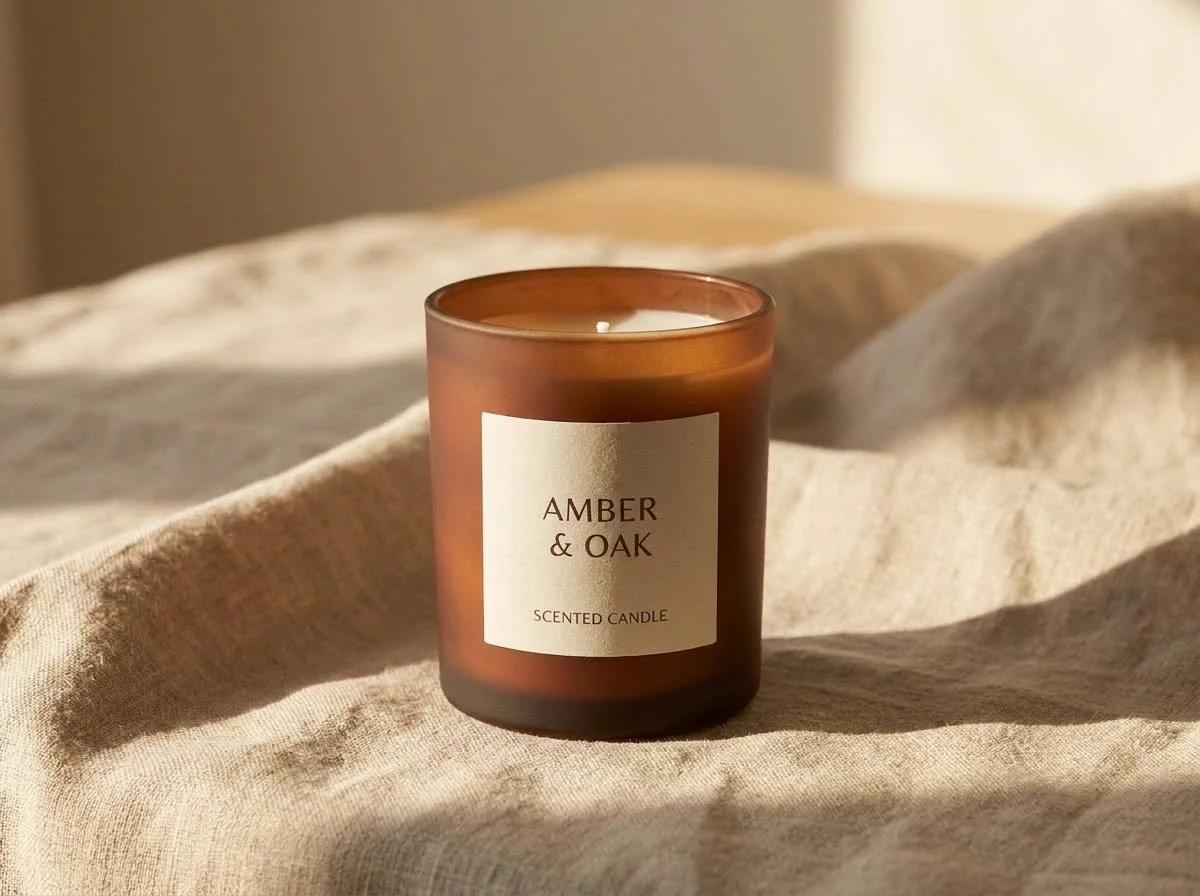
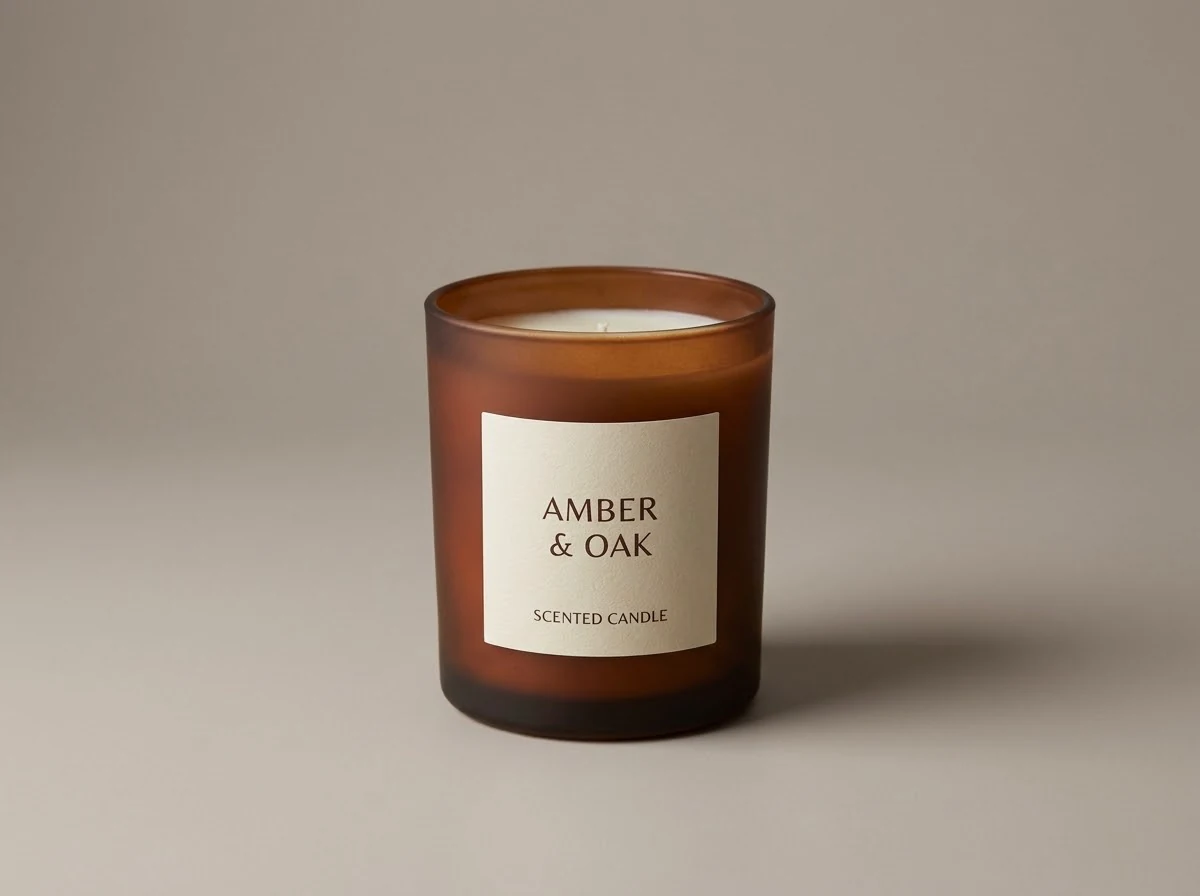
Every pair below is a real run: the reference on the left was attached as a reference image, and the result on the right is what Create returned for the prompt above. Switch the pair to see a different model and ratio.
A real reference and a real result, side by side. Attach up to 8 references and describe the change you want — switch between three of these runs.
Prompt sent to Create
A bold vertical social ad for a scented candle brand: the amber jar on a warm gradient background, generous copy space at the top, soft shadow, premium feel




One run, four takes, side by side — the same row the workspace shows. Same prompt, same model, four different results.
Prompt sent to Create
A matte amber glass scented candle jar on a terracotta pedestal against a warm sand-coloured wall, soft directional daylight and one long soft shadow, editorial product photography
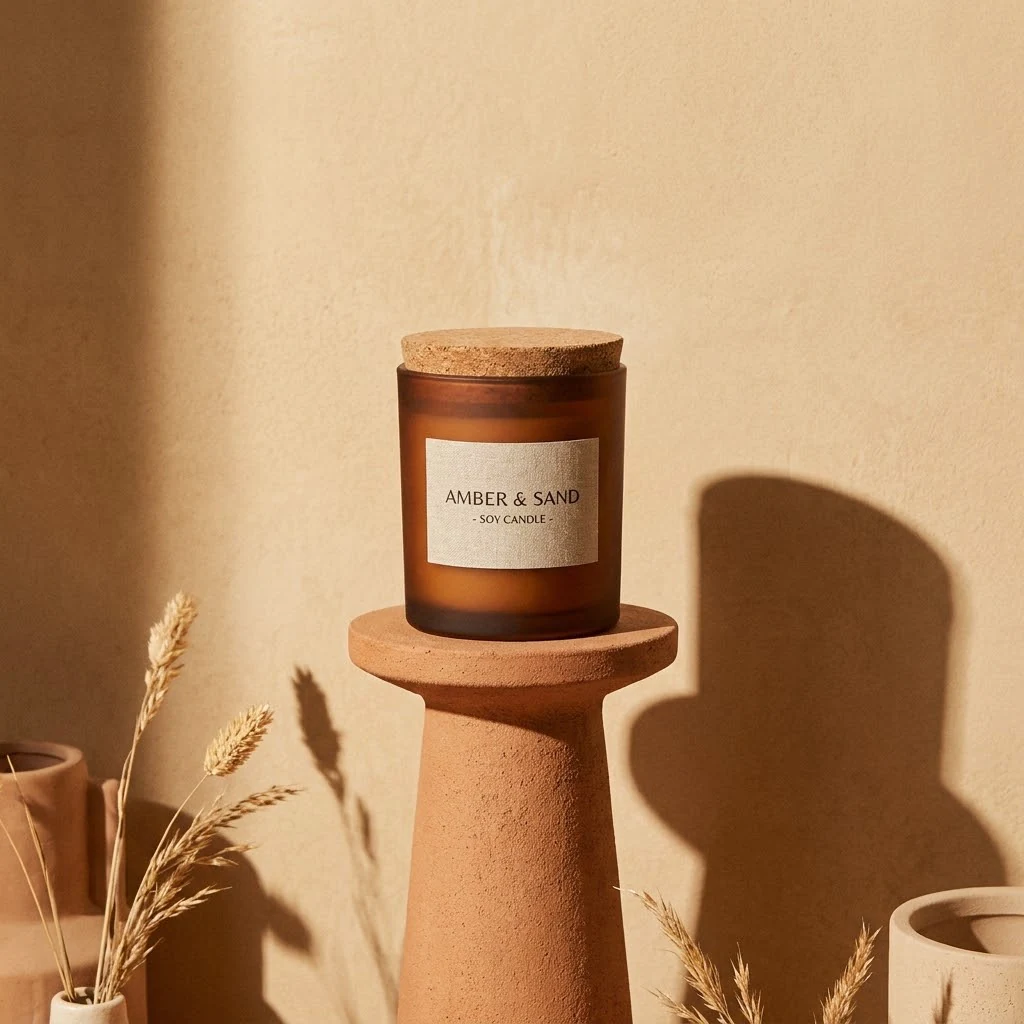
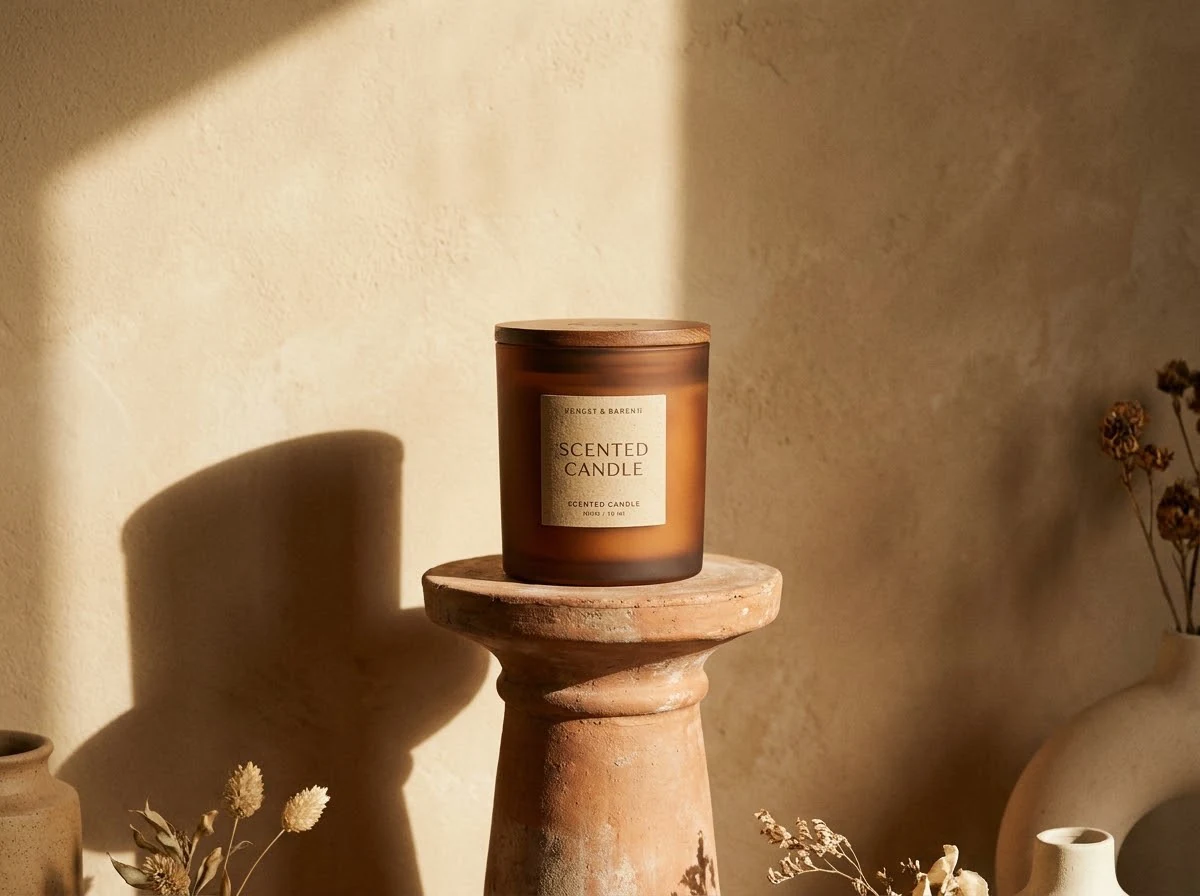

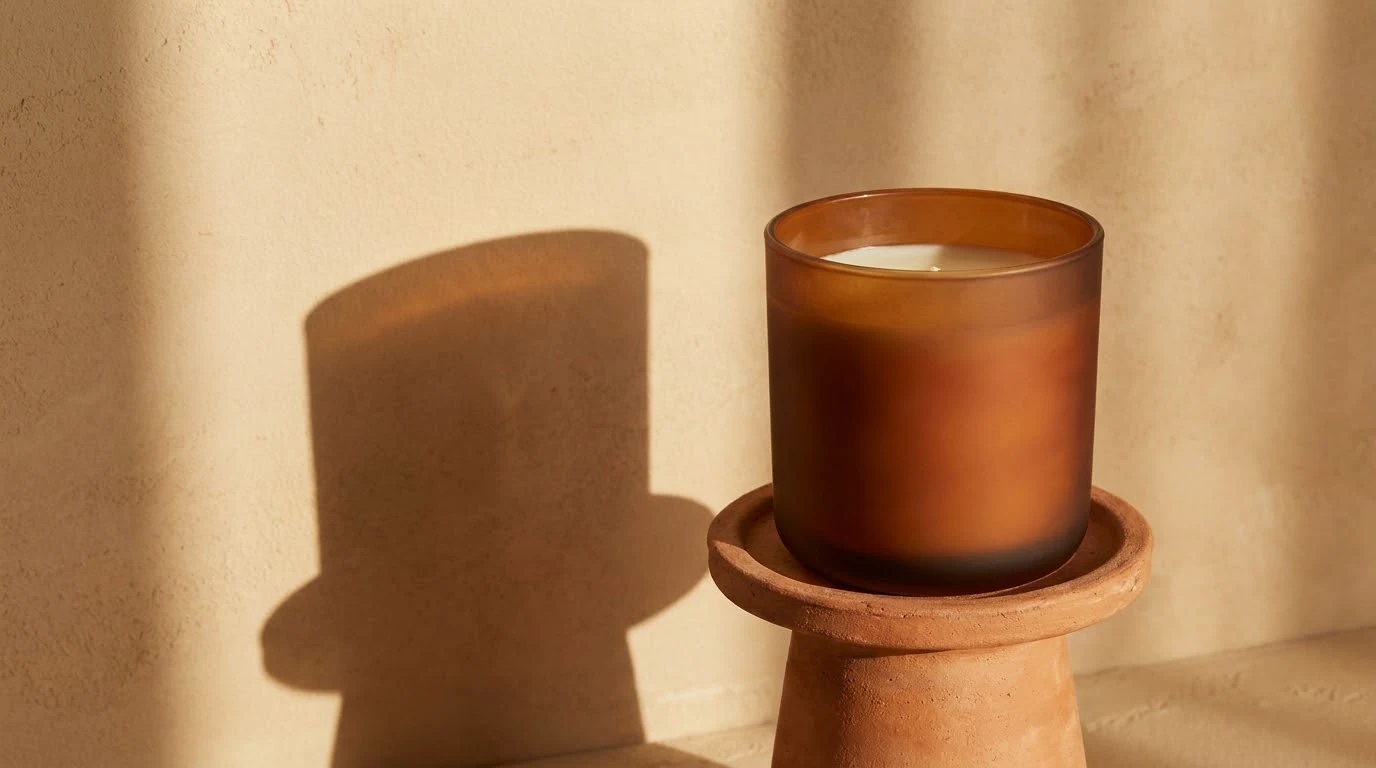

The same shot, one real run per ratio — never one image cropped into five shapes. Video drops 1:1, exactly as the workspace does.
Prompt sent to Create
Slow dolly in on the candle. The flame flickers gently and warm light shifts across the glass, a little dust drifting in the air, cinematic, no text
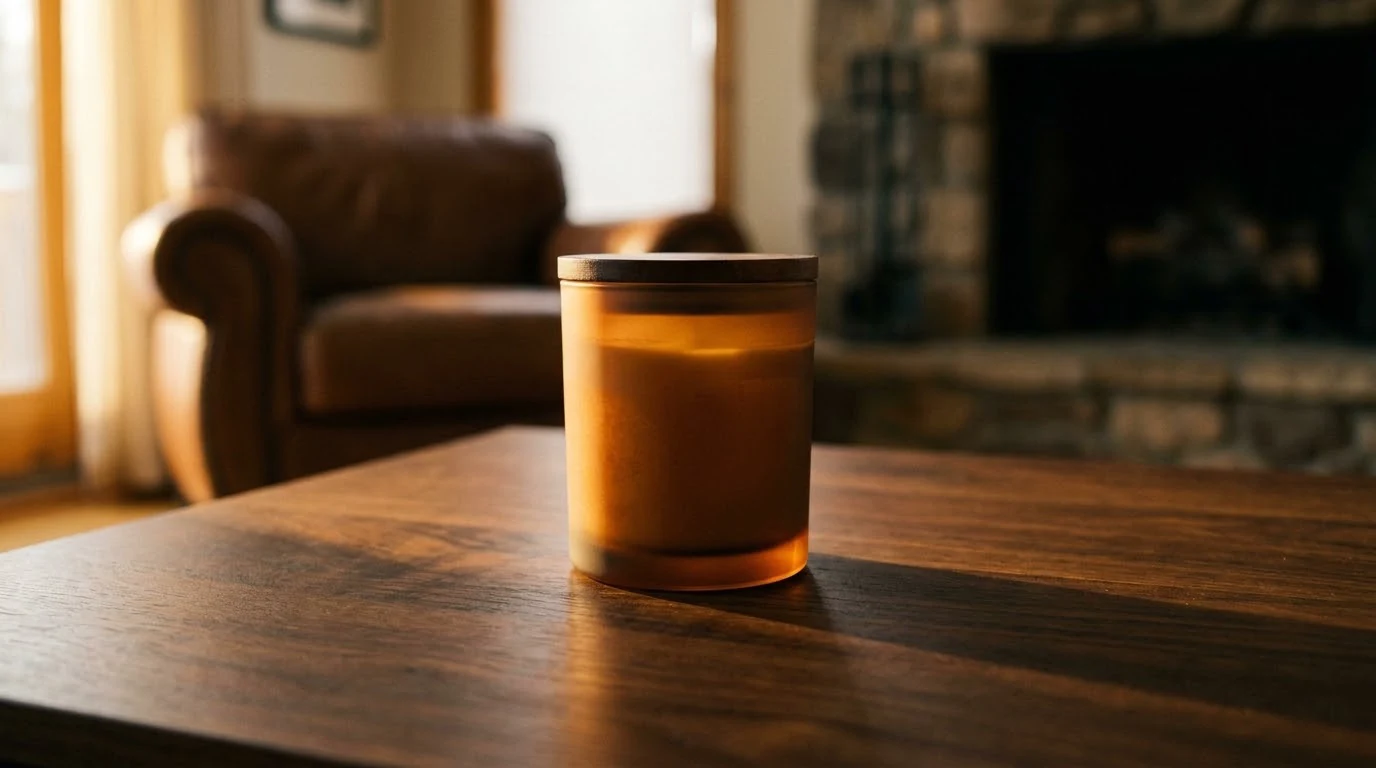
The still on the left is what you bring; on the right, a light band sweeps down and the frame comes alive — the same subject in motion. Muted, short, and it only plays while it is on screen.
User feedback
How people ship product shots, campaign visuals, and short videos — without leaving one workspace.
I describe the shot, attach two references, and the first or second result is already usable. I stopped booking a photographer for small product drops.
Reference-guided runs are the part that sold me. The same bottle keeps its exact shape and label across every scene — that’s what every other tool got wrong for us.
I shoot a still and a short rotation video from the same conversation. No export, no second tool, no re-describing everything from scratch.
Cost used to be the scary part of AI tools. Here I see the estimate before I hit Generate, and a failed run costs me nothing — so I actually experiment.
Batch variants changed how I work: four options in one pass, side by side, keep the one that fits. It feels like having a small studio on call.
I’m not a designer. I typed one sentence and had something I could put on a landing page the same afternoon. Ten minutes to learn the whole thing.
Pricing
Credits refresh every period and you can cancel anytime — or pay per use with one-off credits that never expire.
For creators who work regularly
For occasional, on-demand use
All prices and plan details are on the pricing page
FAQ
Cavro is an AI generation workspace for images and video. You describe what you need, attach references if you have them, and get assets you can download or keep iterating on.
Open the workspace, type a description, and press Generate. You can attach up to 8 reference images and set the aspect ratio and count before running.
You can explore the workspace for free. Generations are paid for by subscription or per credit, and the estimated cost is always shown before you run one.
Different models, counts, and video durations cost different amounts. Credits are deducted only for successful generations. Top-up credits never expire; subscription credits refresh each period.
Yes. Switch the type to Video and pick a model: MiniMax H3 offers 5, 10, or 15 second durations, while the Seedance models offer 5 or 10 seconds.
Assets you generate are yours to use, including commercially. You are responsible for making sure your inputs and prompts do not infringe on anyone else’s rights.
Failed runs are not charged. You see the reason in the conversation and can retry from there.
The Model control lists the image models currently integrated, plus MiniMax H3 and the Seedance models for video. That list is always the live one — this page does not hard-code a model catalogue.
Bring a reference, pick a model, and iterate in one conversation.