Unpixelate Image Online

Restore clearer detail from a pixelated photo.
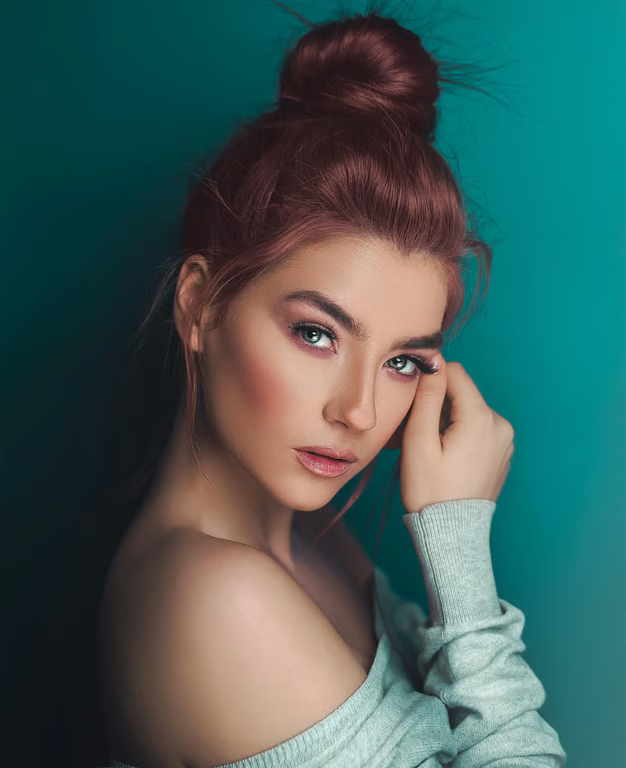
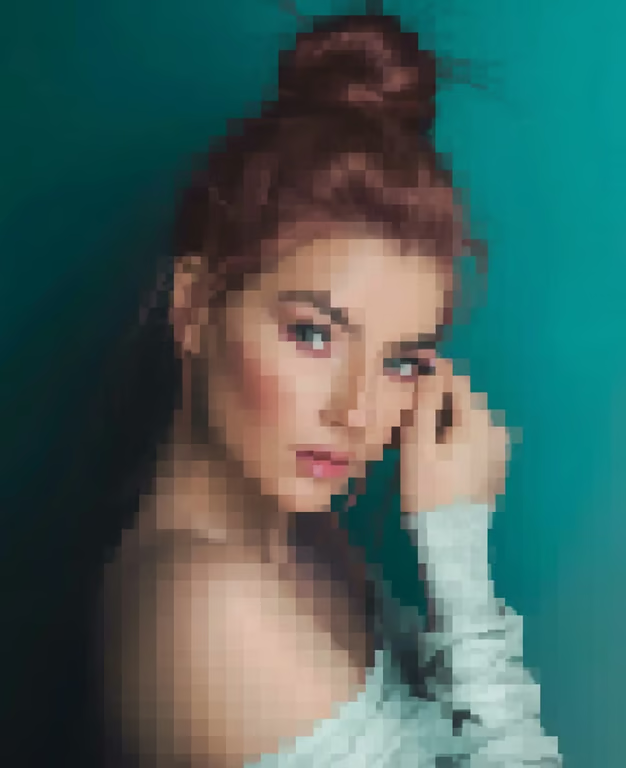
Clear portrait of a woman with defined facial features, hair strands, clothing texture, and a teal background.
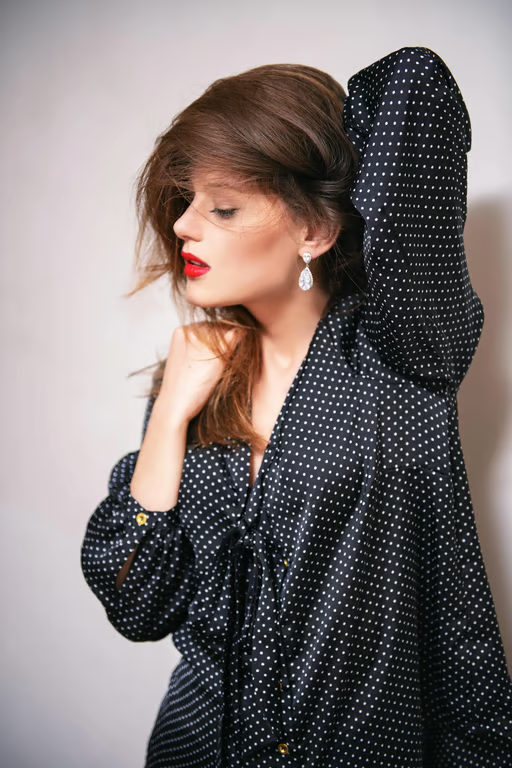
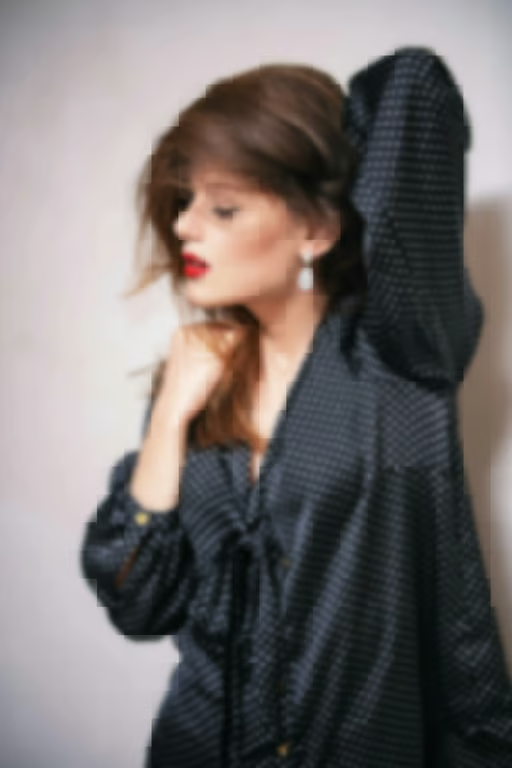
Sharp portrait of a woman wearing black clothing with small white polka dots.
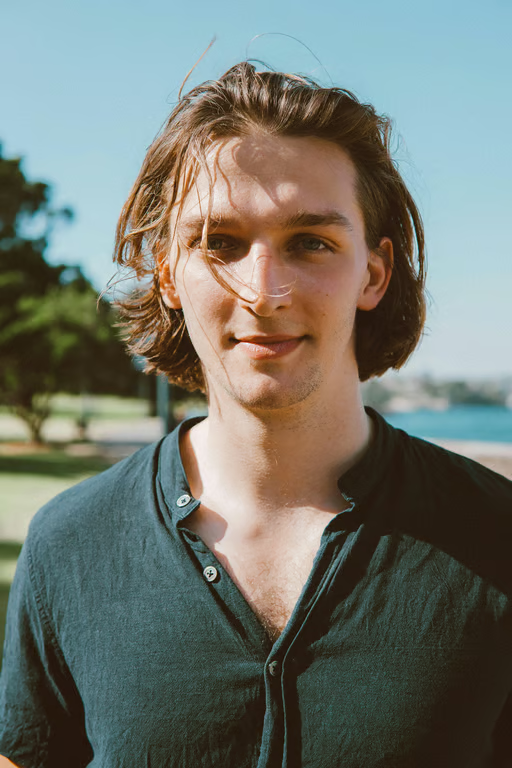
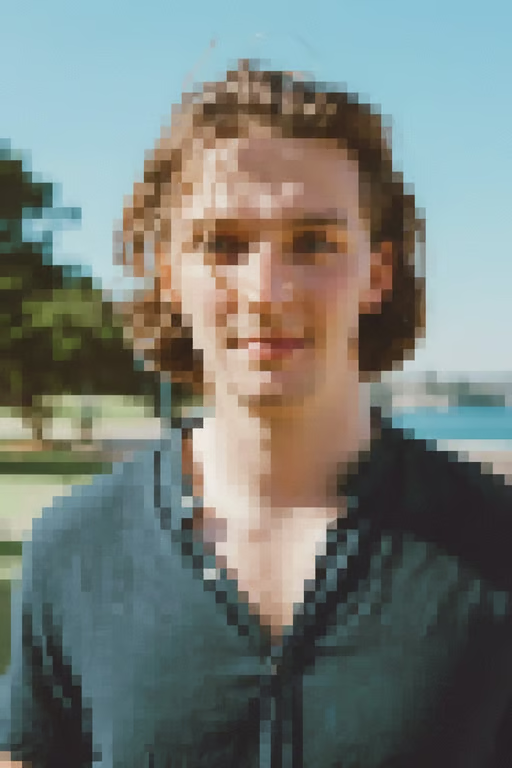
A clearer, sharper outdoor portrait of a man with restored facial, hair, clothing, and background detail.
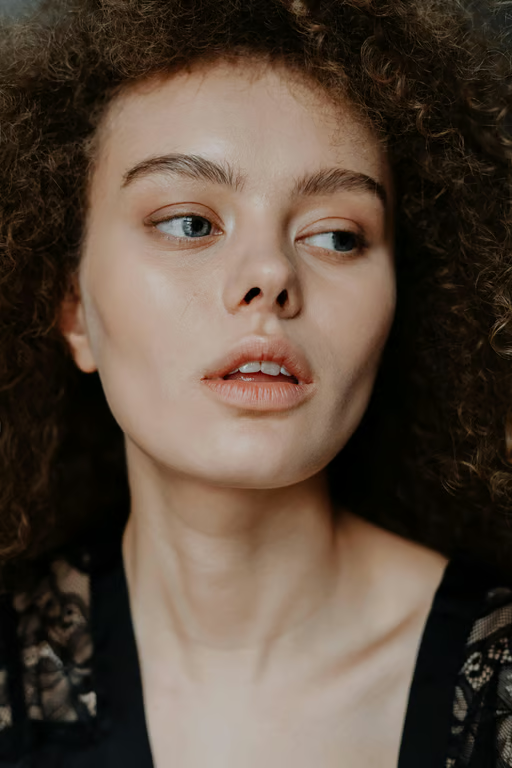
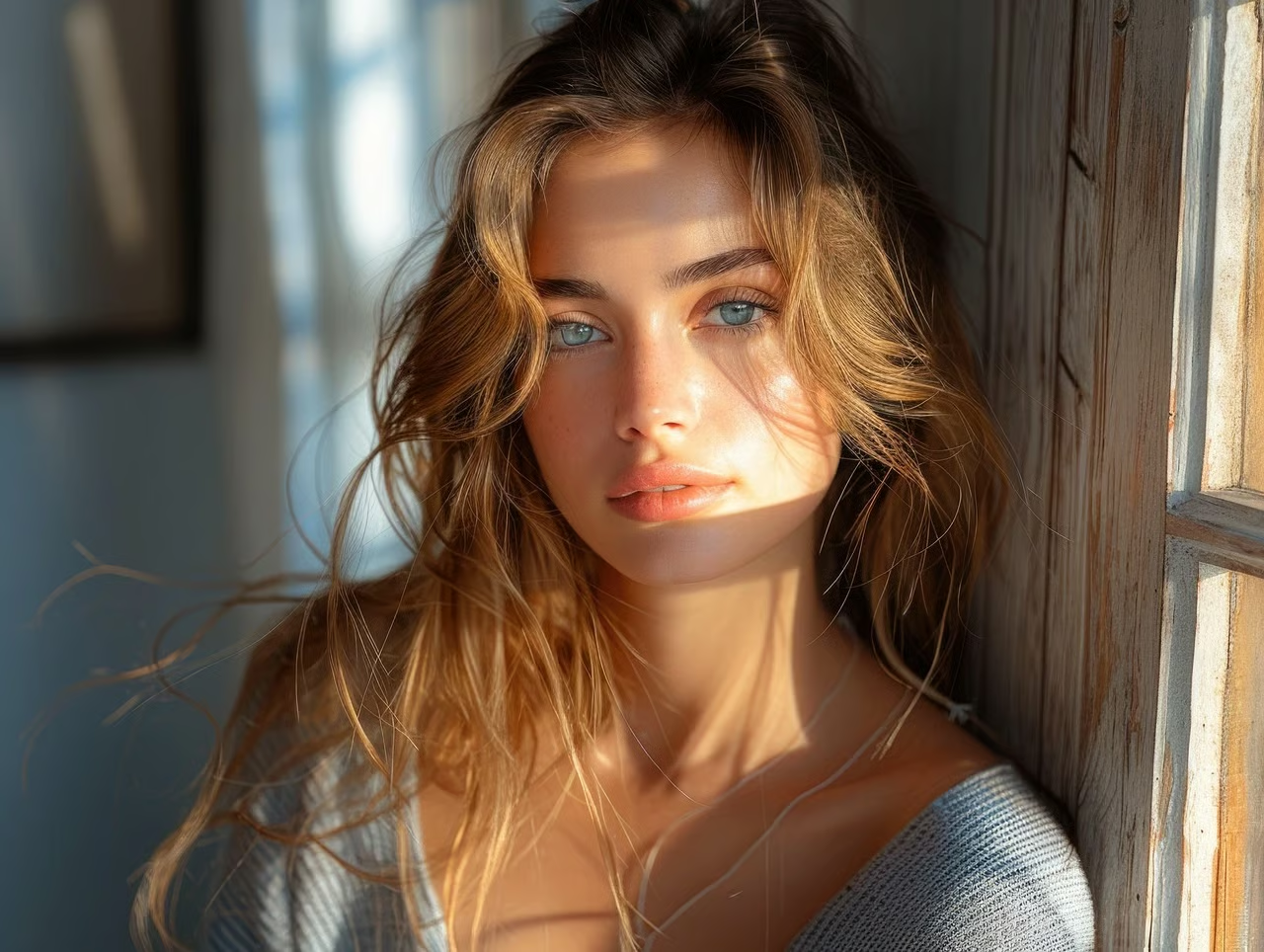
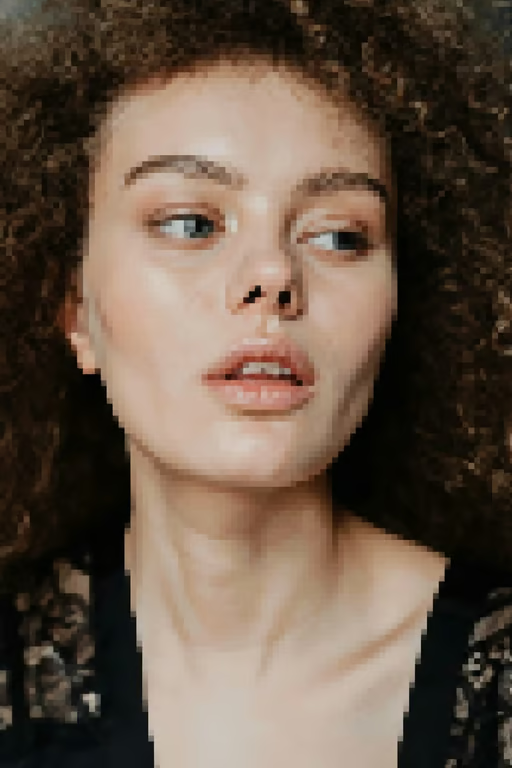
Close-up portrait with restored detail in the face, curly hair, and lace clothing.
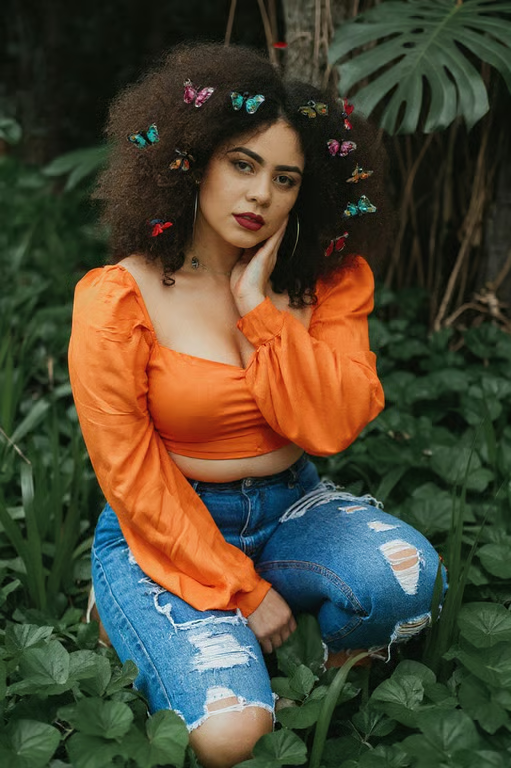
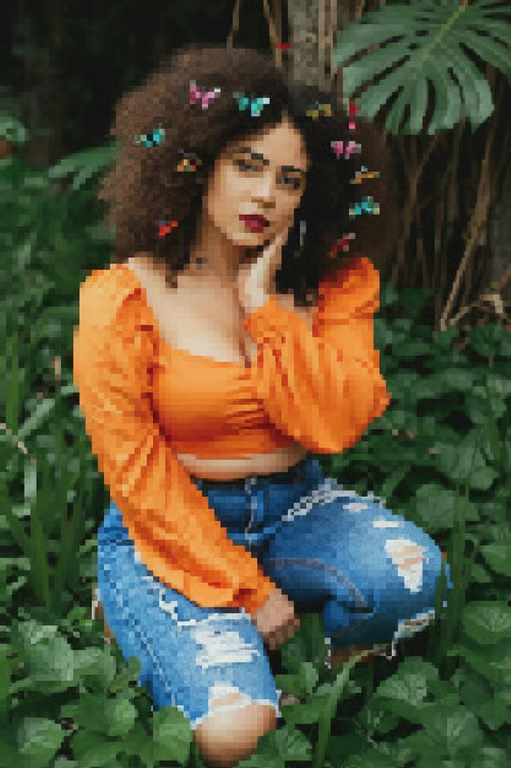
Clear portrait of a woman in an orange top and jeans seated among lush foliage.
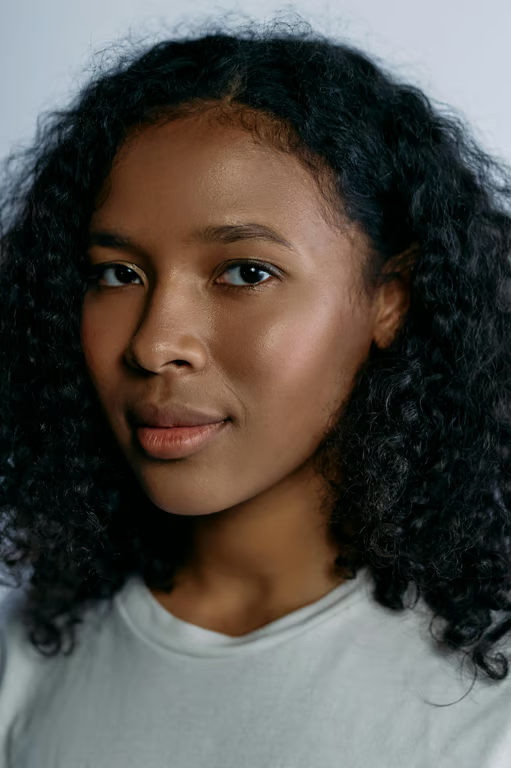
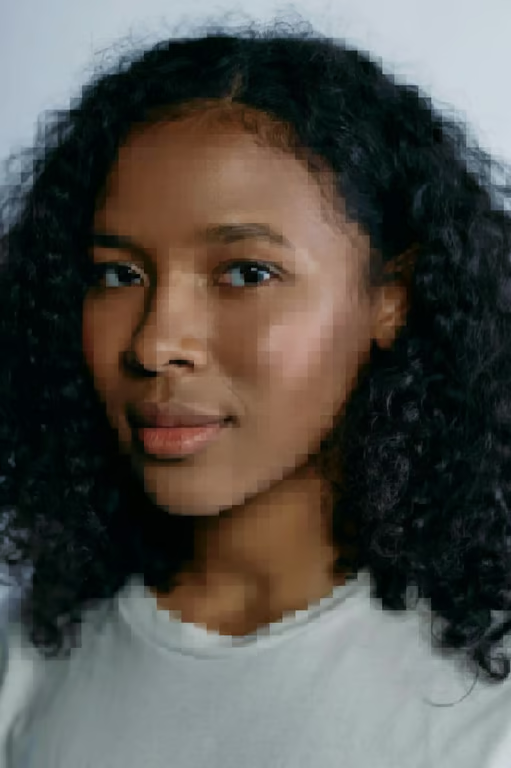
Clear, detailed portrait of a woman with defined facial features and curly hair.
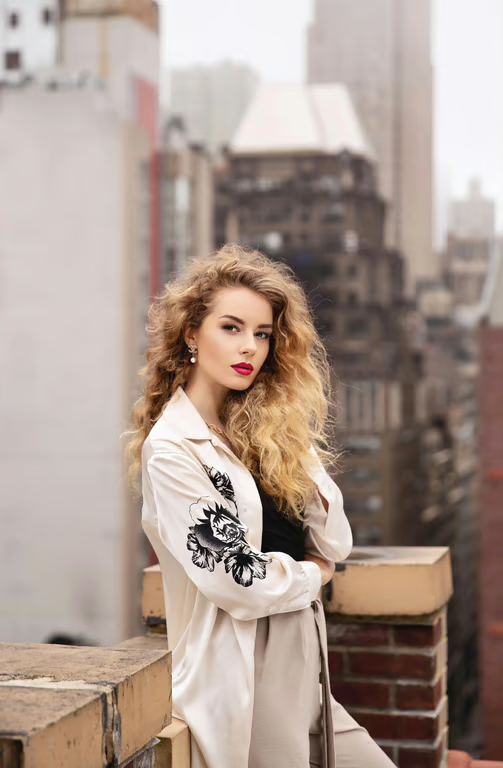
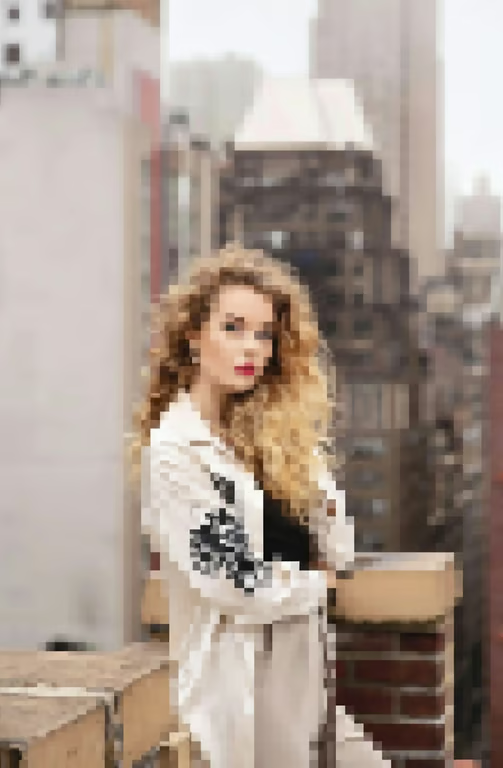
Sharper restored portrait of a woman standing on a rooftop with a city background.
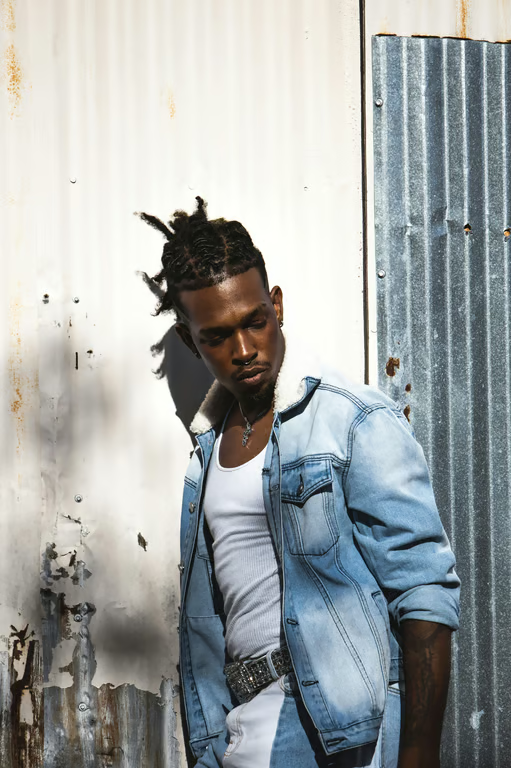
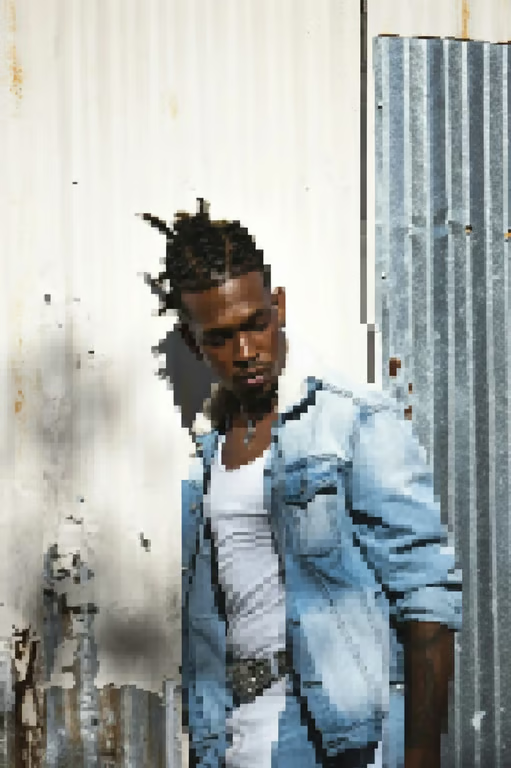
Clearer portrait of a man in a denim jacket against an industrial metal background.
What you get

All the power, none of the hassle

Photo-Guided Restoration

Use your uploaded photo as the visual source for an AI-assisted unpixelation attempt.

Prompted Detail Control

Describe whether you want sharper faces, cleaner outlines, or clearer product detail.

Refine Again

Adjust the restoration direction and generate another attempt without starting over.

Clearer Image Output

Receive an image aimed at making pixelated or blurry visuals more defined.

User value

We are the best AI tool for...

  1. Make old memories easier to share

    Recover a clearer-looking version of scanned family photos and travel snapshots without recreating the moment.
  2. Skip a replacement shoot

    Give a grainy product or brand image a more usable level of visual definition before seeking new photography.

  3. Restore without specialist skills

    Use plain-language direction instead of learning complex photo restoration tools.

Make old memories easier to share
Perfect proof

What our users say

  • I had a small, pixelated family portrait and wanted something easier to share. The clearer version brought back useful detail without making me learn a complicated editor.

    Mara K.
  • A product photo from an old listing looked too blurry to reuse. I described the edges I wanted clearer and got a more defined image to work from.

    Jonah R.
  • My travel selfie was grainy and low resolution. The restored version looked much clearer while keeping the photo recognizable.

    Elena T.
  • I needed to make a pixelated logo more usable. The sharper outlines gave me a cleaner visual starting point.

    Theo R.
  • An old scanned photo had very little definition. I used a simple prompt and got an image with clearer-looking details.

    Nina P.
  • The first result was close, so I refined the request instead of starting from scratch. That made it easier to get the clarity I wanted.

    Caleb W.
Answers

Common questions

What does it mean to unpixelate an image?

To unpixelate an image means enhancing a low-resolution or blurry image so it looks clearer and more detailed. An AI unpixelate image workflow uses your photo and written direction to produce a new image.

Can I unpixelate a very blurry photo?

You can provide a very blurry or pixelated photo and describe the details you want to improve. The result depends on the information available in the source image, so refining the request may help you explore another attempt.

What makes an AI unpixelation tool effective?

Useful AI depixelation combines the reference photo with clear direction about the details that matter, such as facial features, outlines, or product edges. Cavro lets you refine and generate again in the same conversation.

Is it safe to upload a photo for unpixelation?

Only upload images you are comfortable using with Cavro. Avoid uploading sensitive or private photos unless you have permission and are comfortable with the service you are using.

Play with an idea. Leave with an image.

Creators worldwide are turning “just an idea” into expensive-looking images.
Try Cavro free