Image to Video AI for Photos That Need Motion
Turn a favorite photo into an atmospheric video clip with camera movement and natural subject motion. Cavro helps photographers, families, creators, illustrators, and concept artists animate still images without animation software.
Speed up creation with examples
Ways to Turn Photos Into Videos
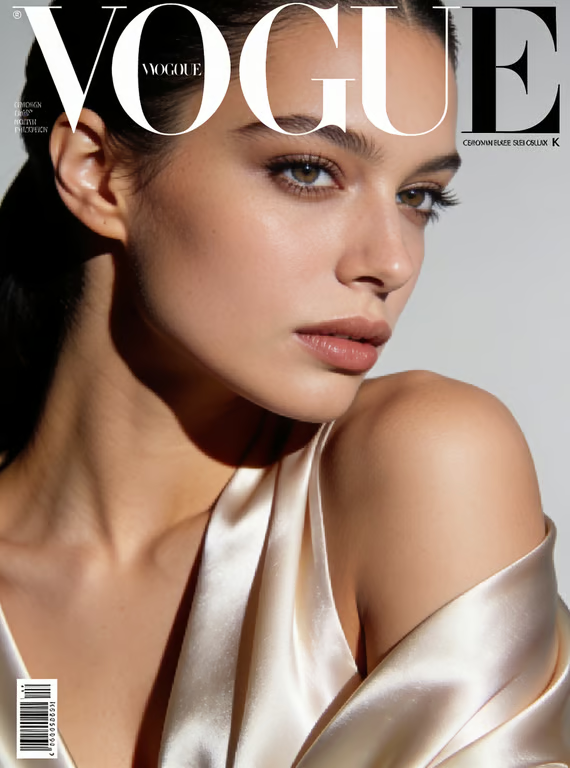
Bring Portraits to Life
Turn a studio portrait or a favorite headshot into a short clip with a gentle turn, a lift of hair, and a slow pull-back.
Animate a Photo
Animate Wildlife and Action
Give an animal close-up or any fast-moving subject believable motion, with the camera holding the detail that makes the shot.
Animate a Photo
Make Food Look Alive
Lift steam, glisten a sauce, and finish a plated dish in motion for menus, reviews, and social posts.
Animate a PhotoWhy Use Cavro for Image to Video
Detail That Survives Motion
Wet petals, fabric weave, and fine texture stay sharp while the camera pushes in, so the clip still looks like the photograph you composed.
Animate a Photo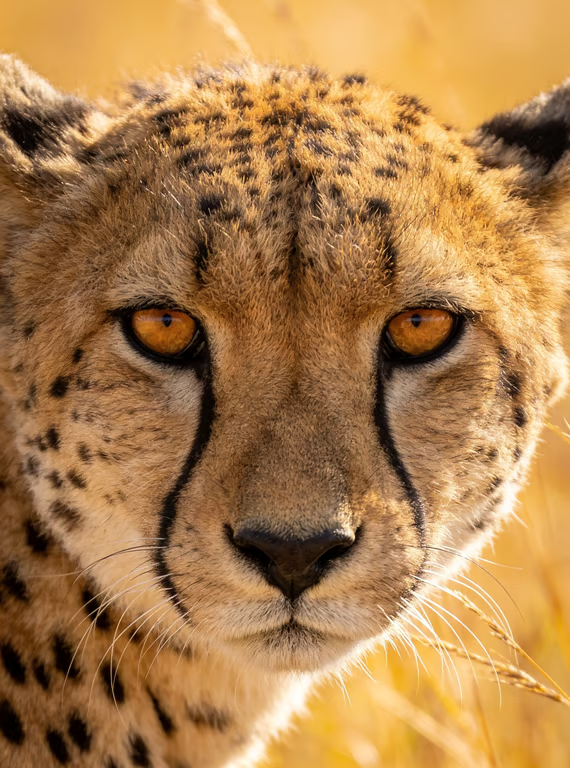
Action Without a Second Shoot
Turn one galloping or breaching frame into controlled slow-motion energy, with no reshoot and no camera crew.
Animate a Photo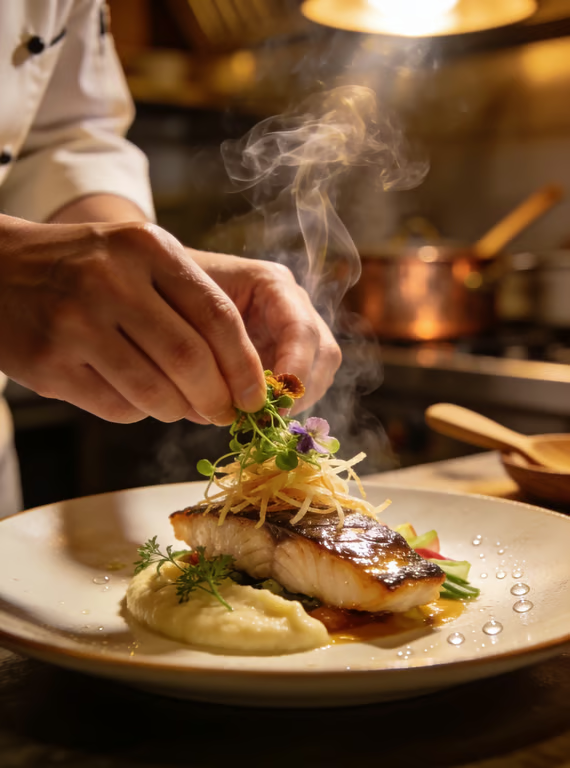
Move the Camera You Never Had
Ask for a push, pan, or orbit and let Cavro carry it through the scene, from a wave barrel to a stadium roar.
Animate a PhotoFrom Still Photo to Moving Scene
- 1
Upload a Photo
Choose a clear image with a subject, setting, or composition you want to bring into motion.
- 2
Describe the Motion
Add the camera movement, subject action, and atmosphere that should shape the short video.
- 3
Generate and Refine
Continue in Cavro to create the video, review the direction, and refine it in the same conversation if needed.
What our users say
Common questions
What is an image to video AI generator?
An image to video AI generator turns a still photo into a short video by adding camera movement, subject motion, and atmosphere. Cavro uses your written direction and reference photo to shape the result.
What kind of photo works for photo to video?
Clear photos with a visible subject, readable composition, and some surrounding space give motion more room to develop. Portraits, pets, products, landscapes, illustrations, and concept art can all provide a useful starting point.
Can I control the movement in an AI video from an image?
Yes. Describe the camera movement, what the subject should do, and the atmosphere you want to introduce. You can refine and generate again in the same conversation when the direction needs adjustment.
Do I need animation software to make a video from a photo?
No animation software is required to begin. Upload a photo and provide a motion direction, then continue in Cavro to create and refine the video.
How does Cavro charge for image to video generation?
Results are billed per credit, and images and video use the same credit balance. There is no mandatory subscription.
Explore related pages
Find more scenes, outfits and photo ideas to try.
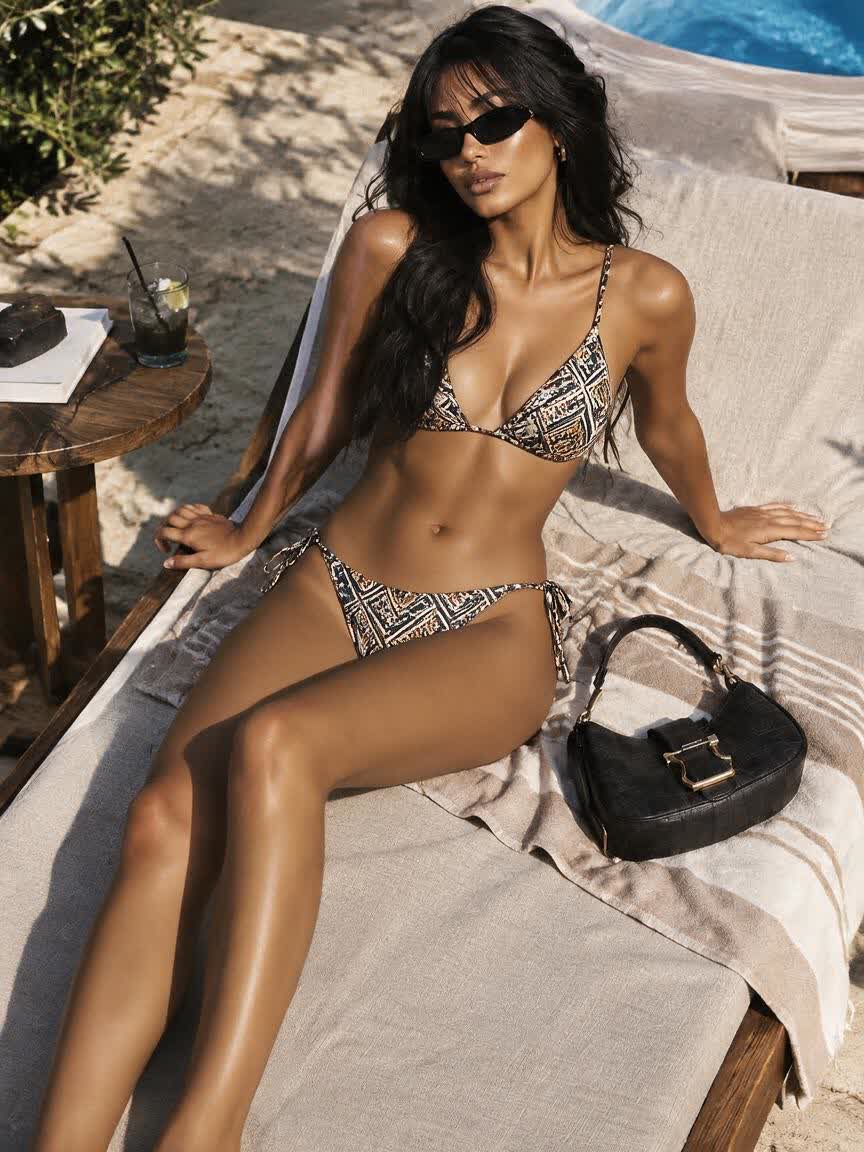
AI Bikini Generator for Campaign-Ready Swimwear
Create photorealistic AI bikini try-on images from a prompt or reference photo. Explore swimwear styles for campaigns, catalogs, and social content with Cavro.
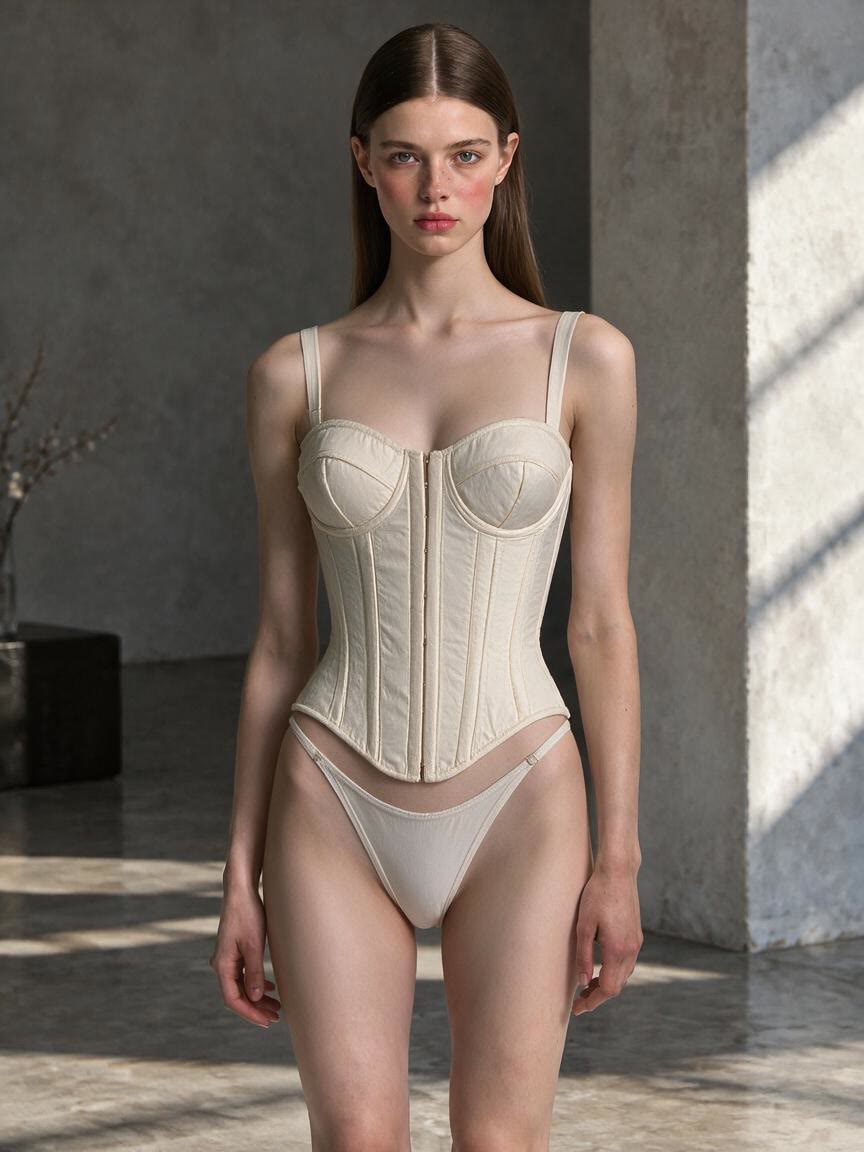
AI lingerie try-on images from your photo
Create AI lingerie try-on images from a reference photo. Explore styles, compare cuts, and produce polished fashion visuals with Cavro, with no mandatory subscription.
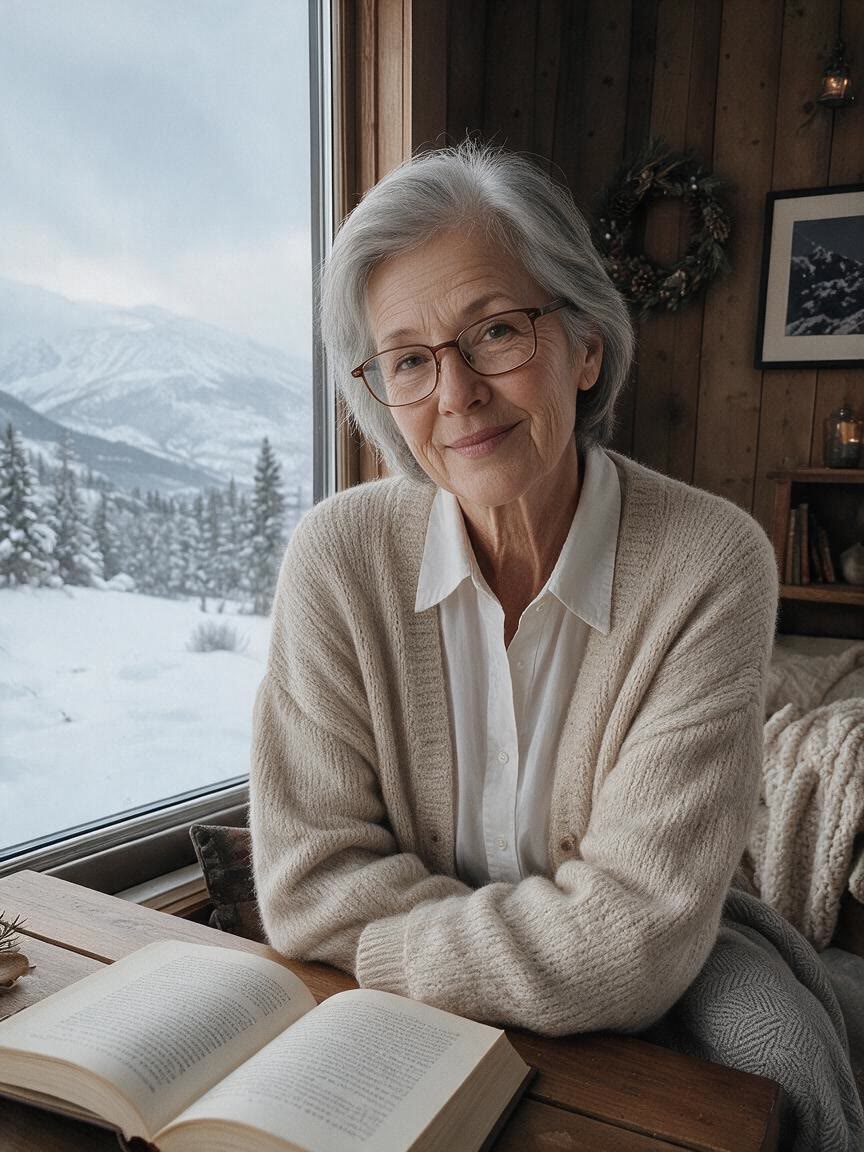
AI Age Progression From Any Photo
Create an age progression photo from a reference image with Cavro. Explore older or younger looks for family memories, creative work, and personal curiosity.
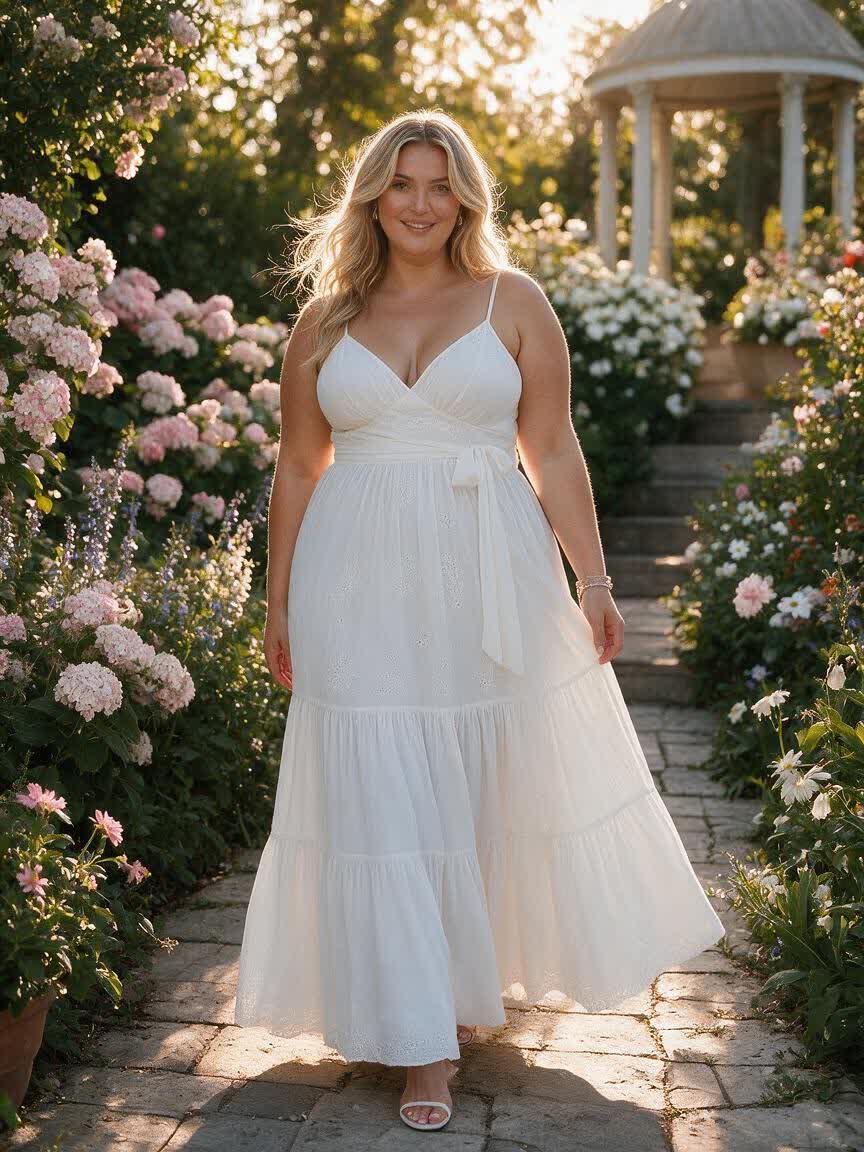
Create a realistic AI fat filter from your photo
Turn a personal photo into a realistic AI fat filter edit with natural body proportions, matched lighting, and identity-preserving detail. Try it in Cavro.
Give Your Still Images a Sense of Time
Turn a meaningful photo, polished product image, or imaginative artwork into a short video with movement that belongs to the original scene.