

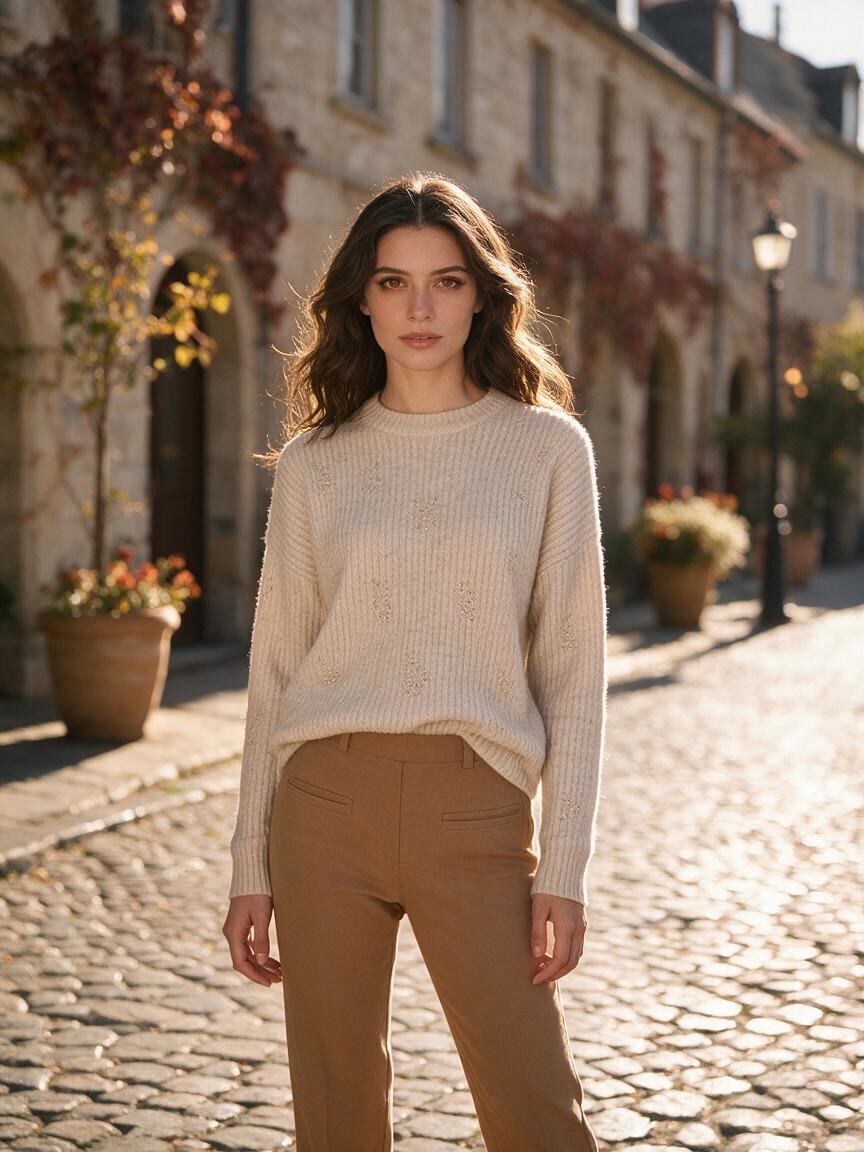
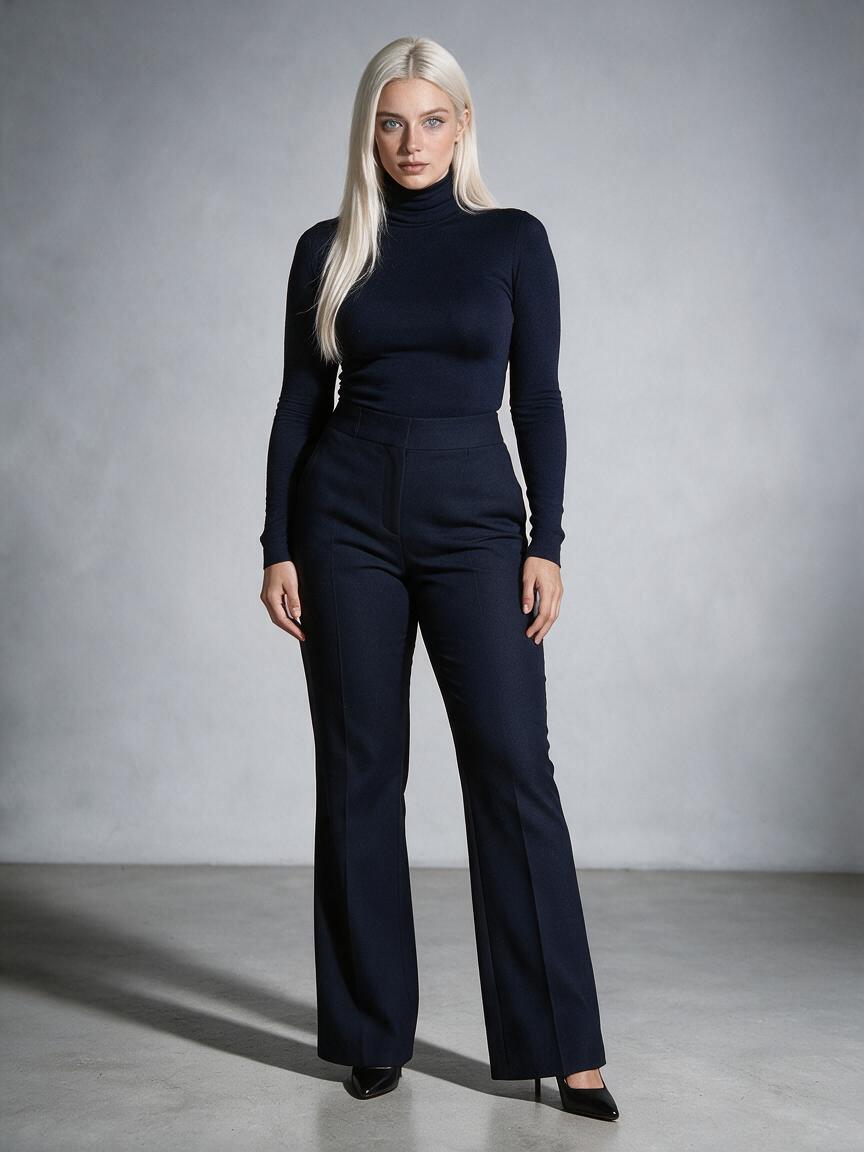
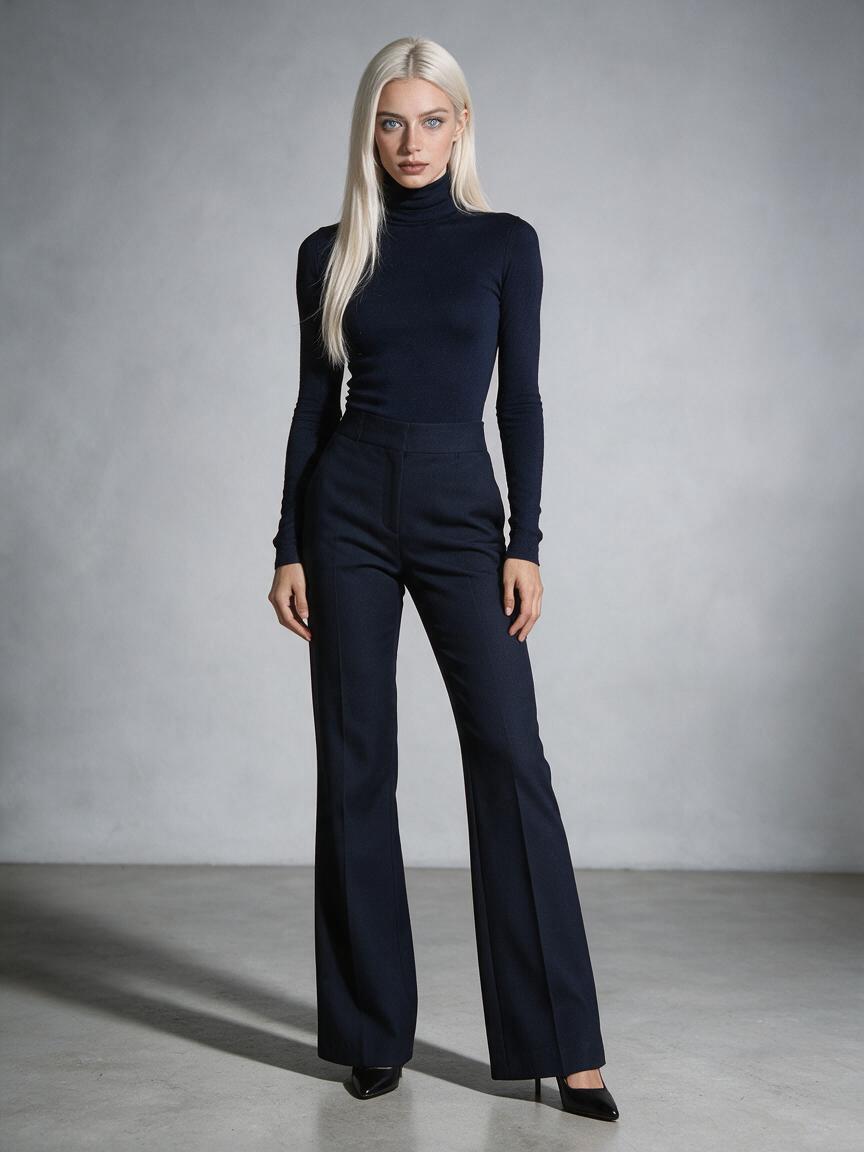
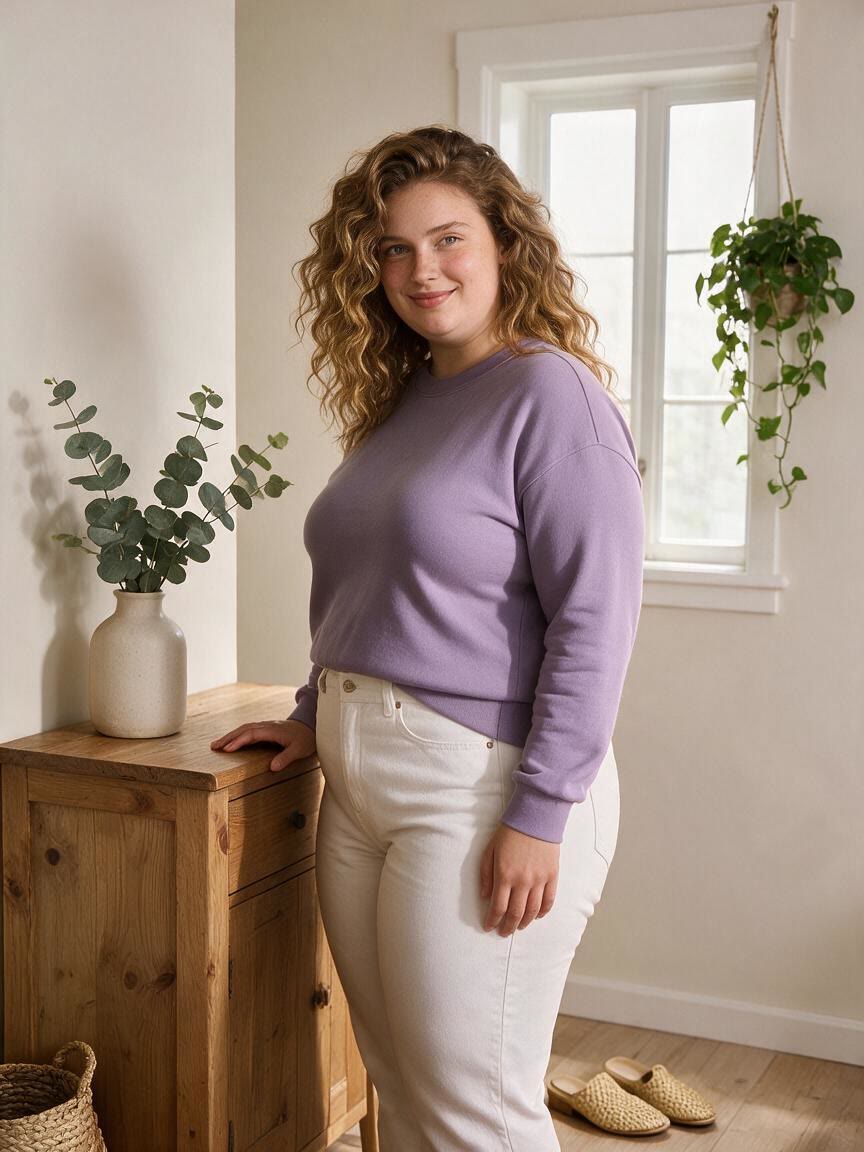
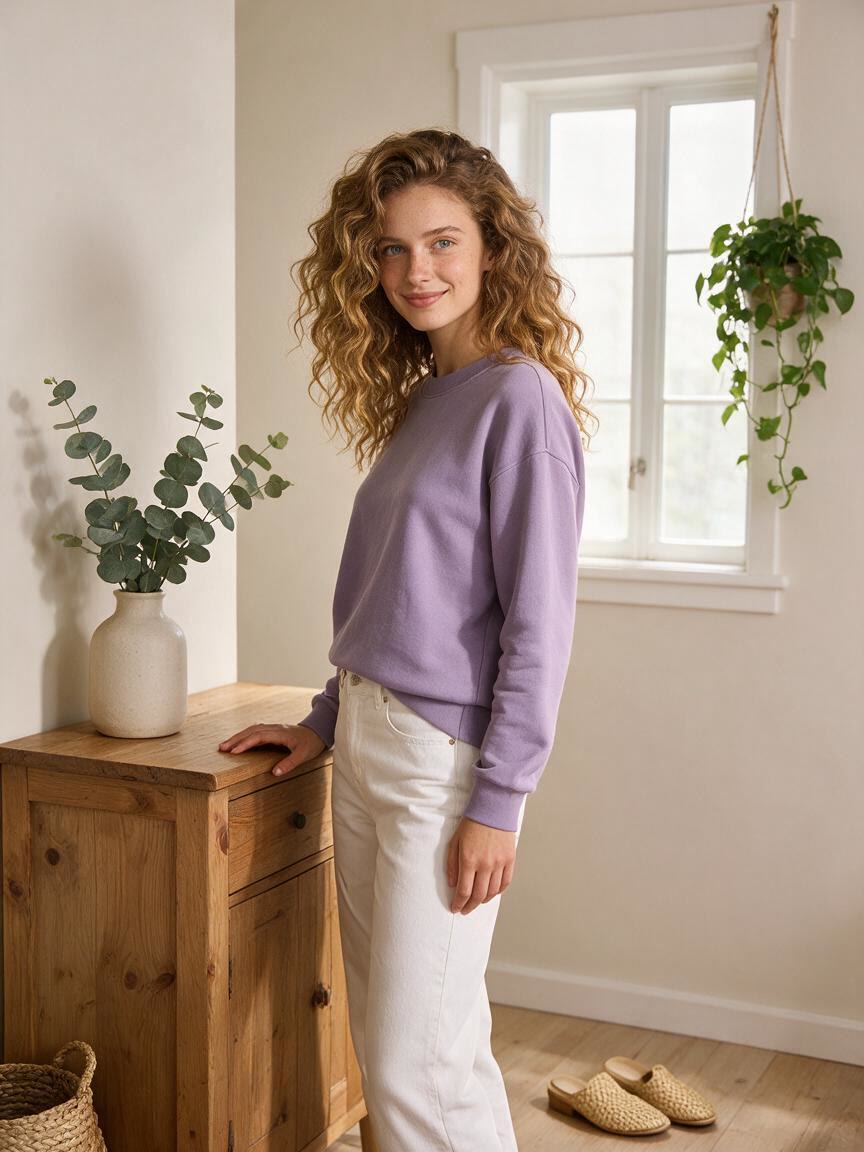
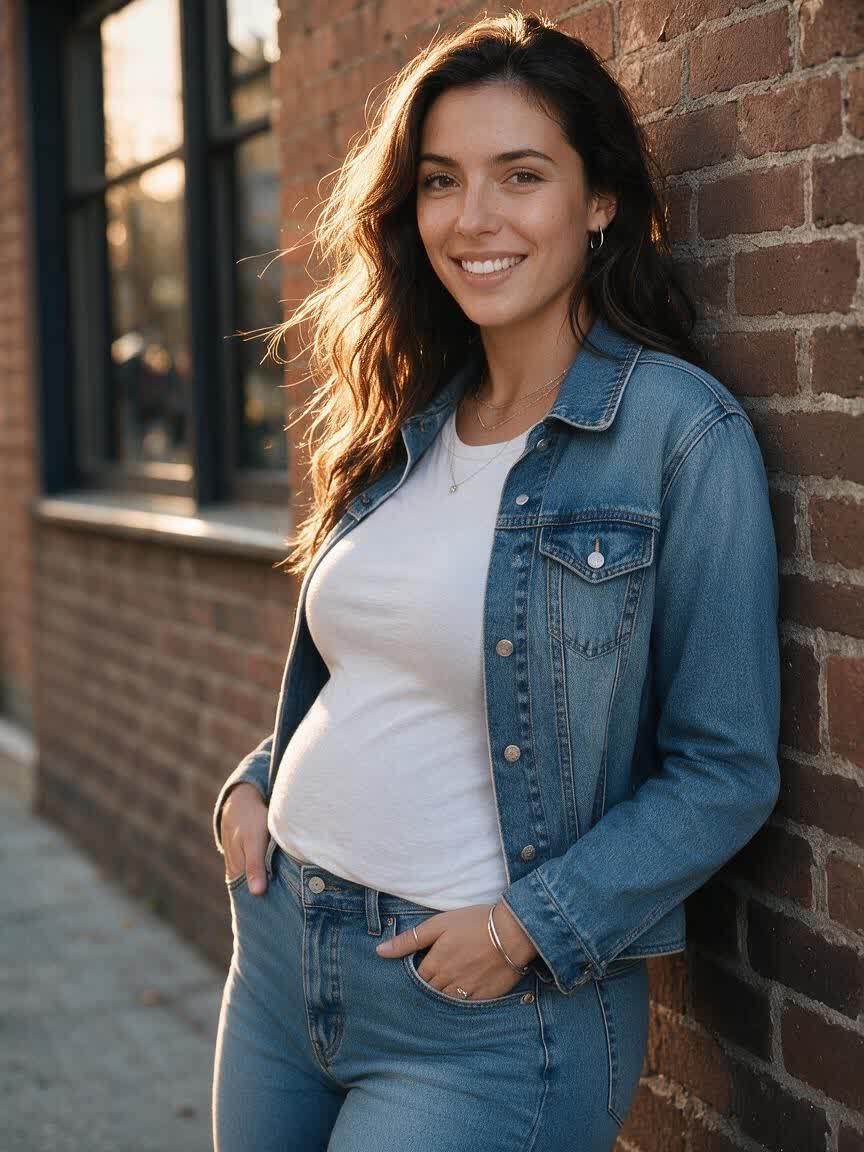
Create a realistic AI fat filter from your photo

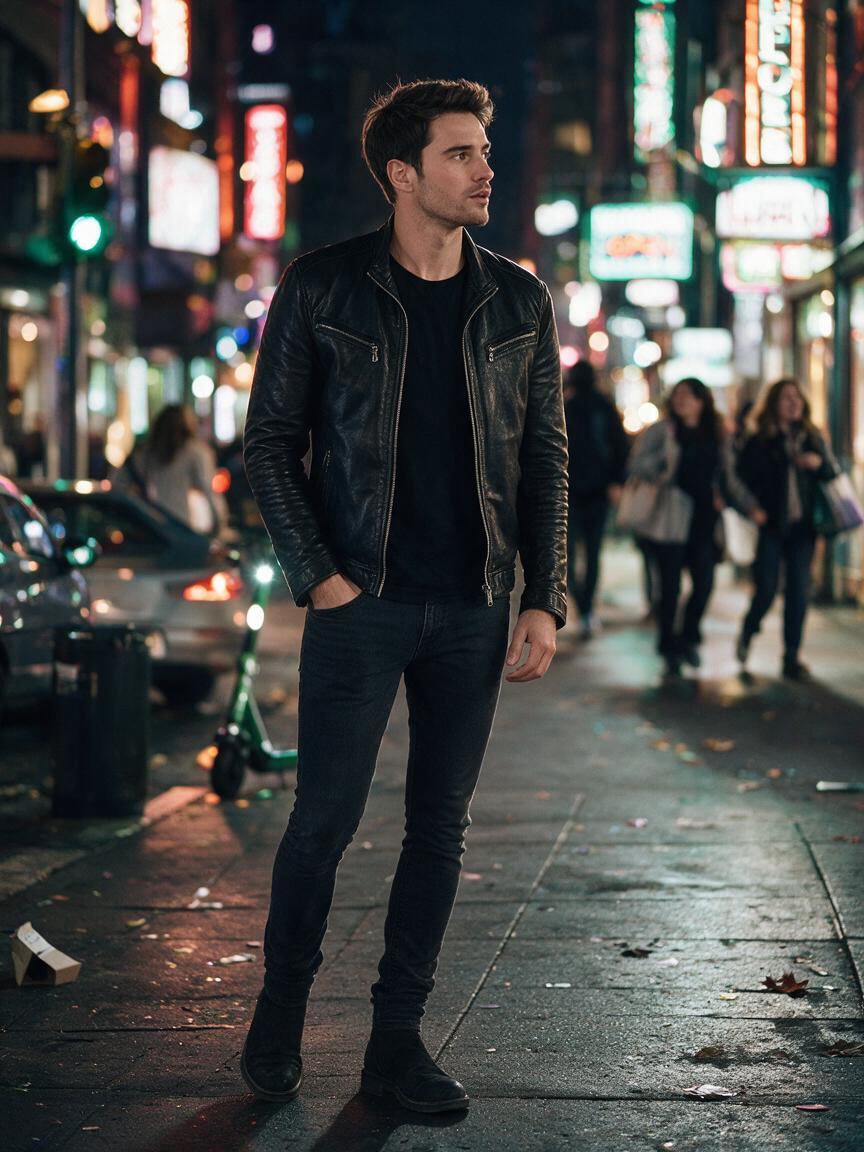
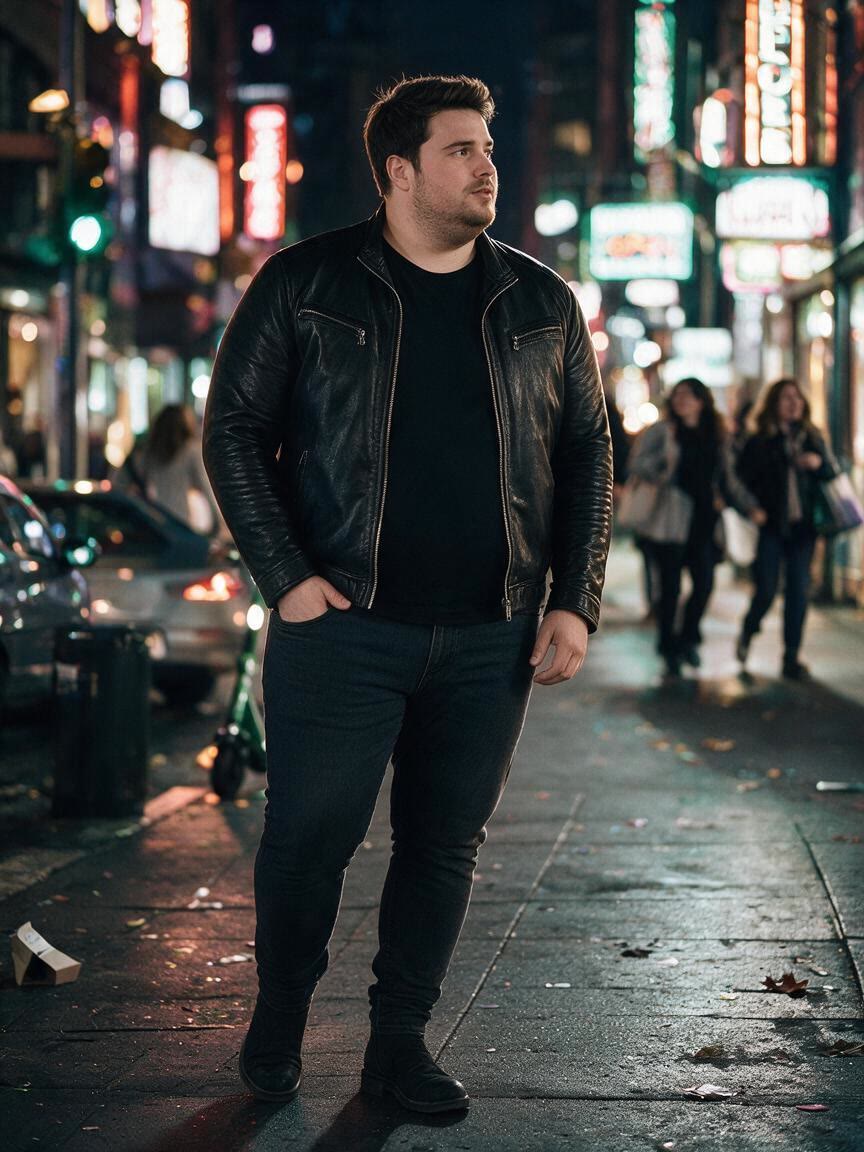
Make a playful, shareable before-and-after image with natural-looking changes to the face, neck, jaw, and body. Cavro is made for social posts, family pranks, holiday content, and creative comparison stories.

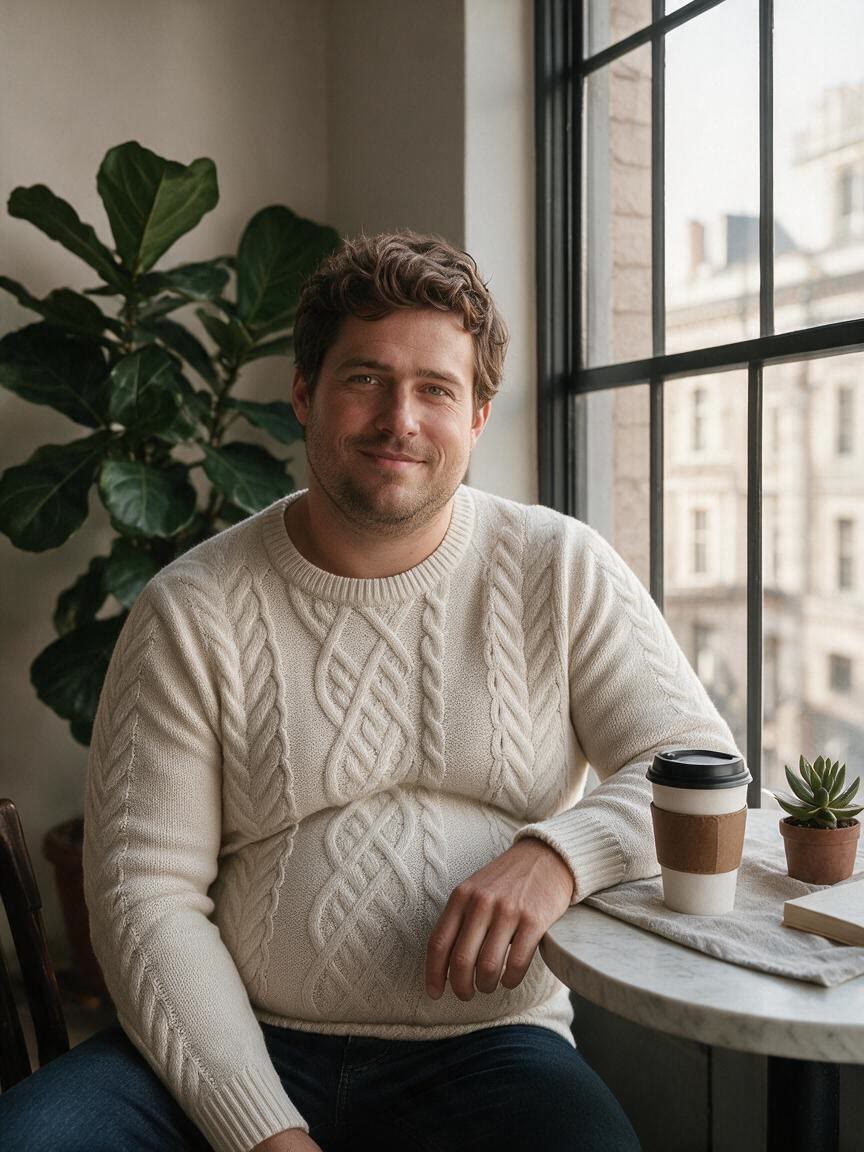
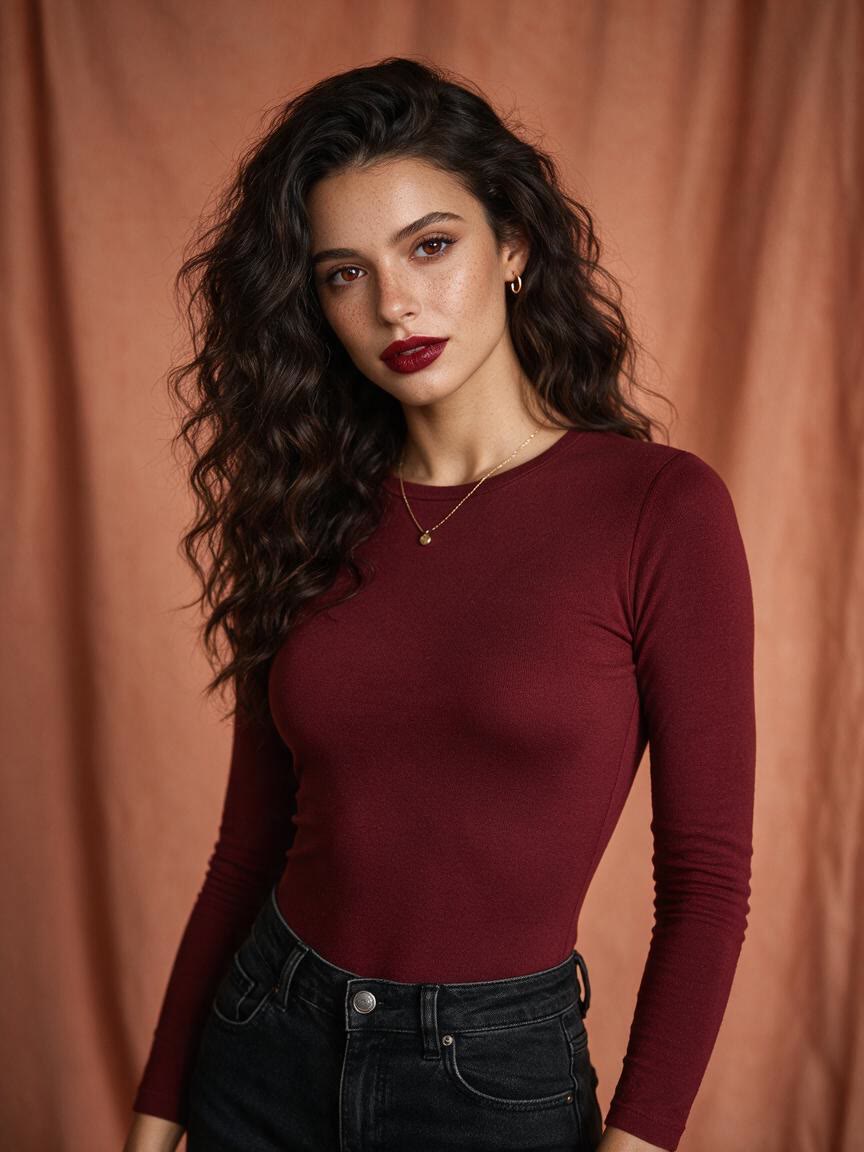
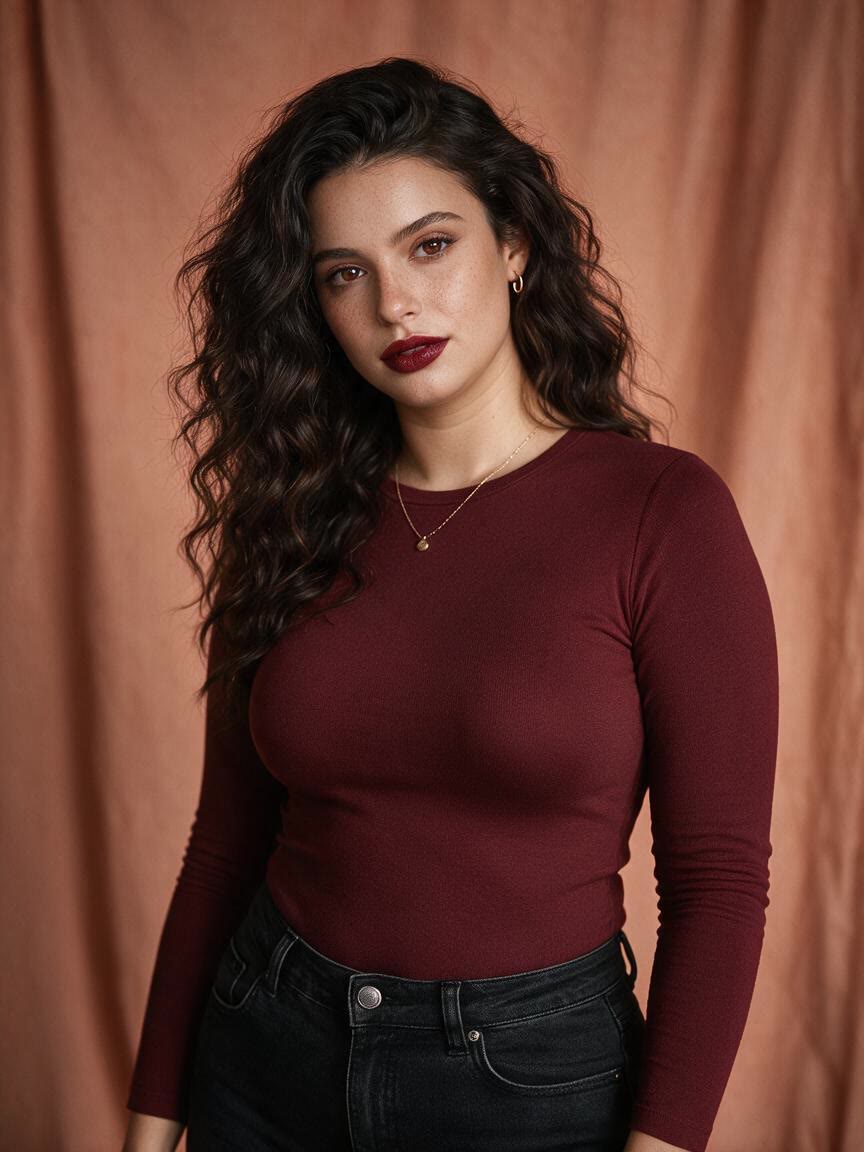
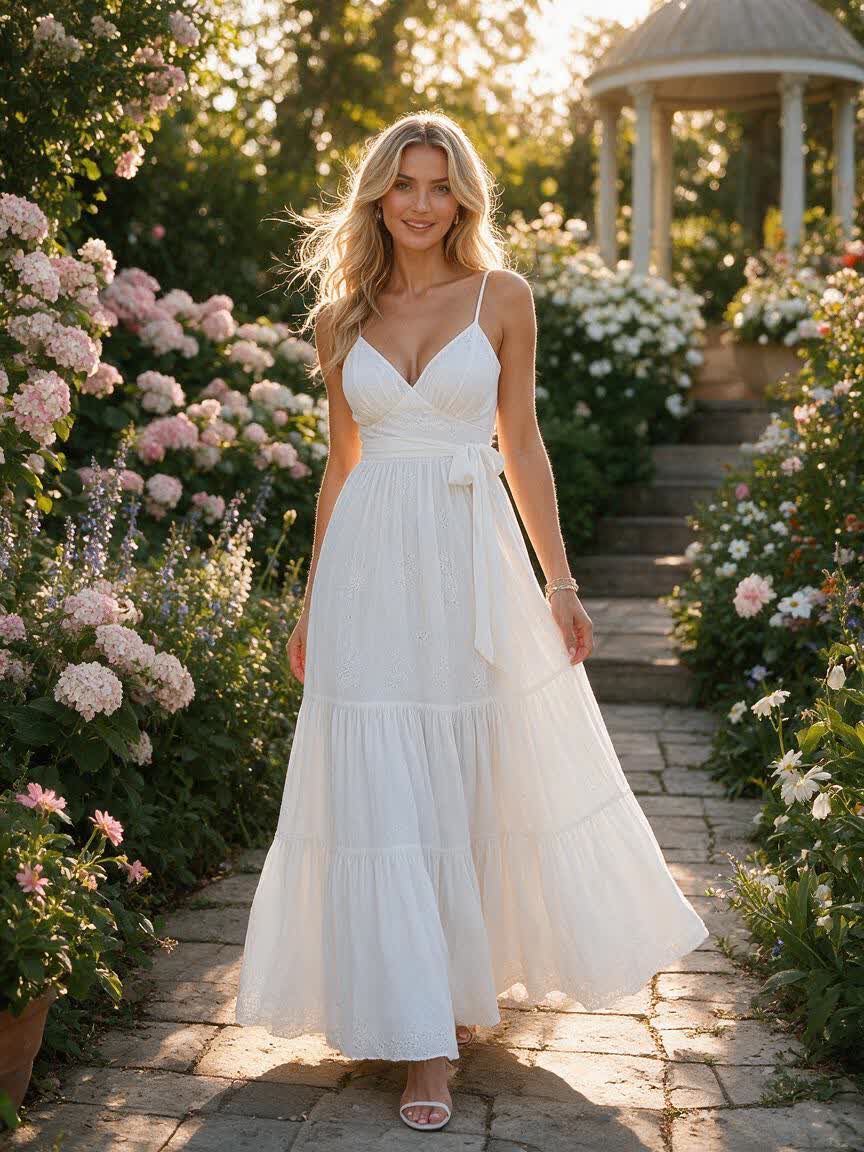
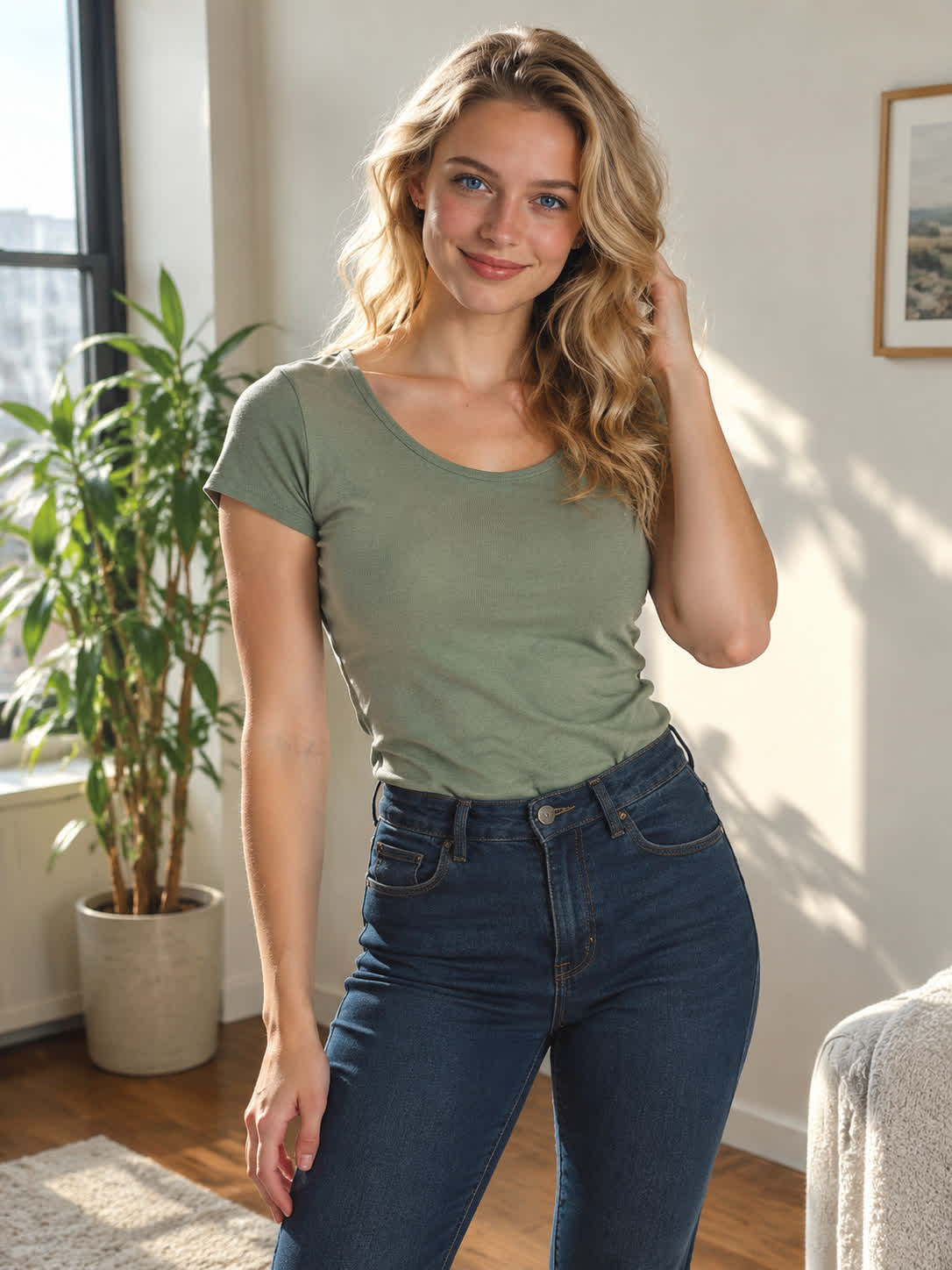
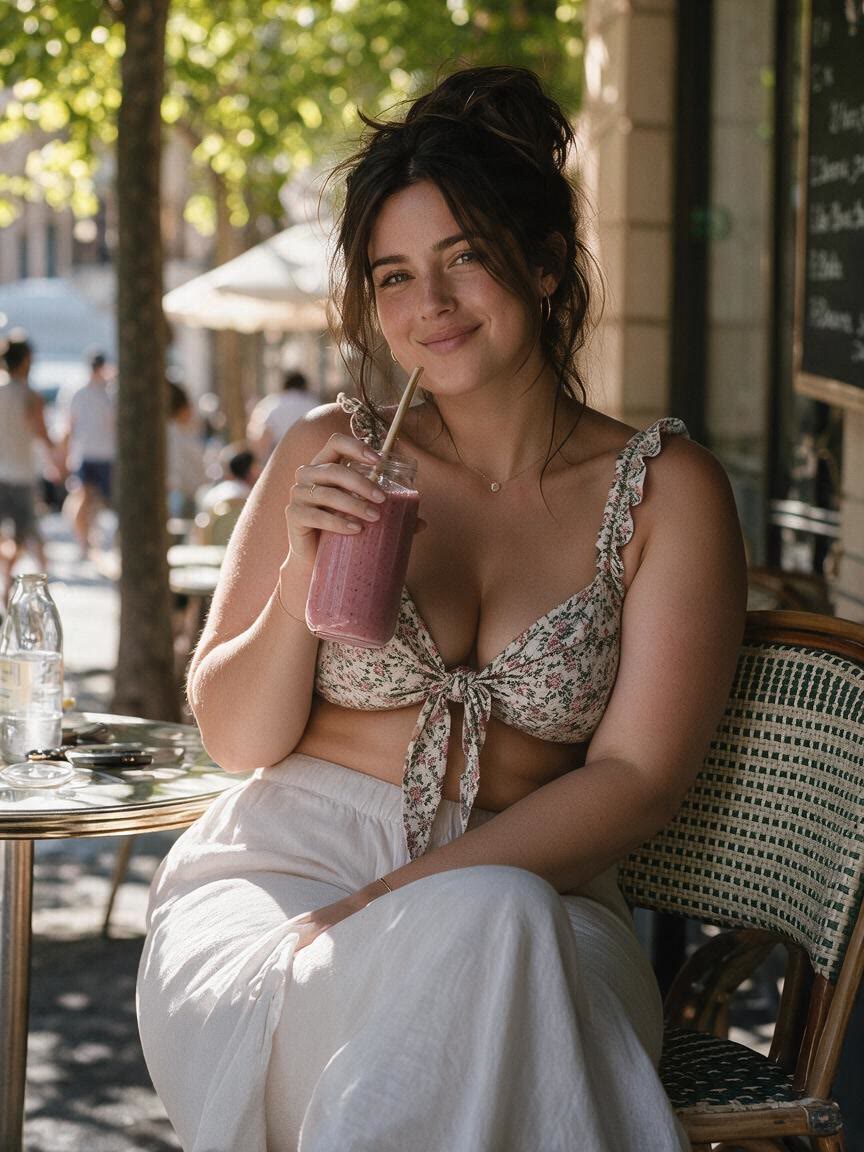
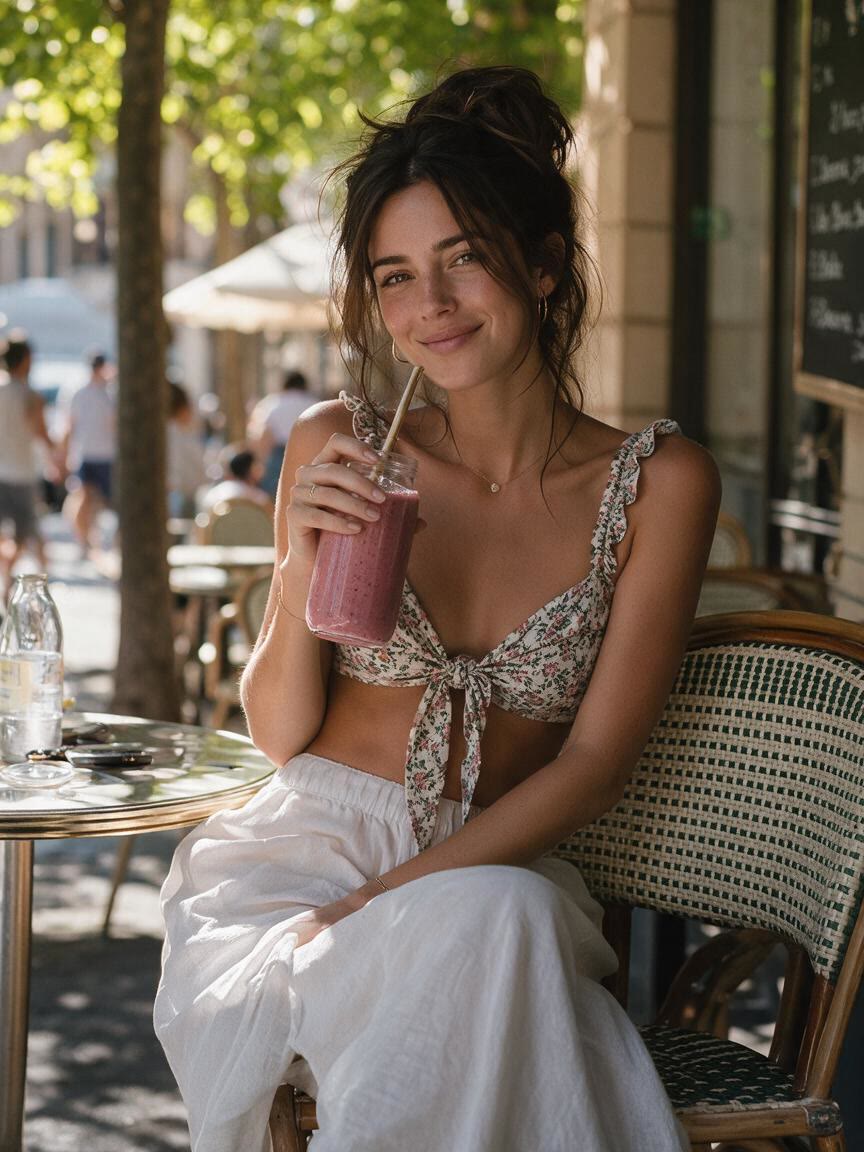
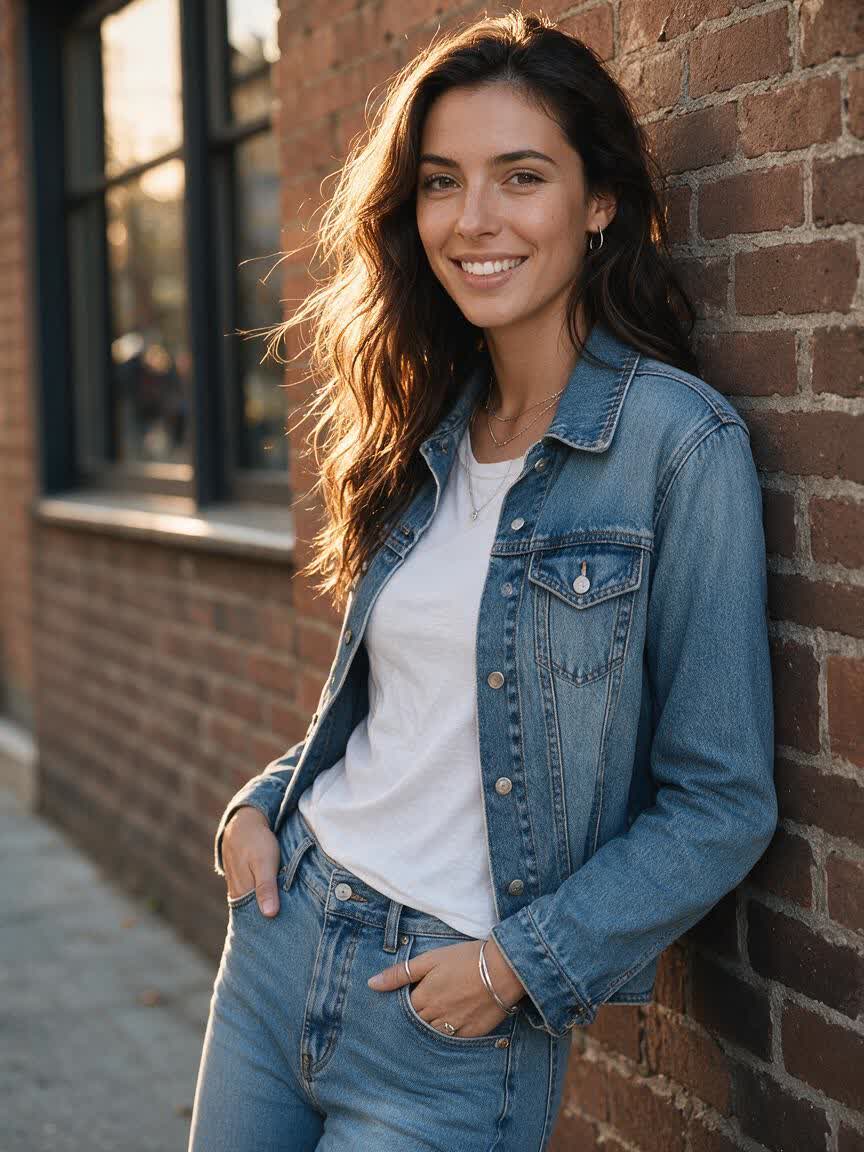
Realistic AI fat filter transformation of a smiling selfie
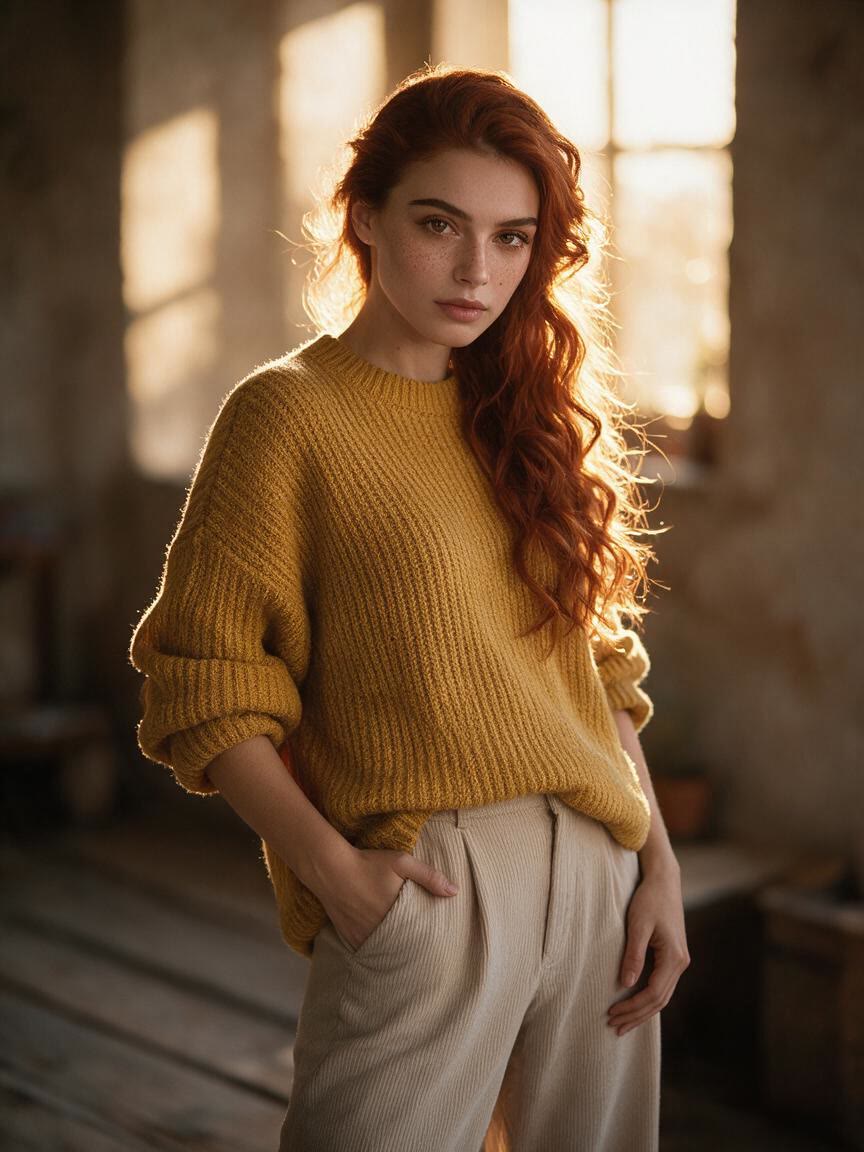
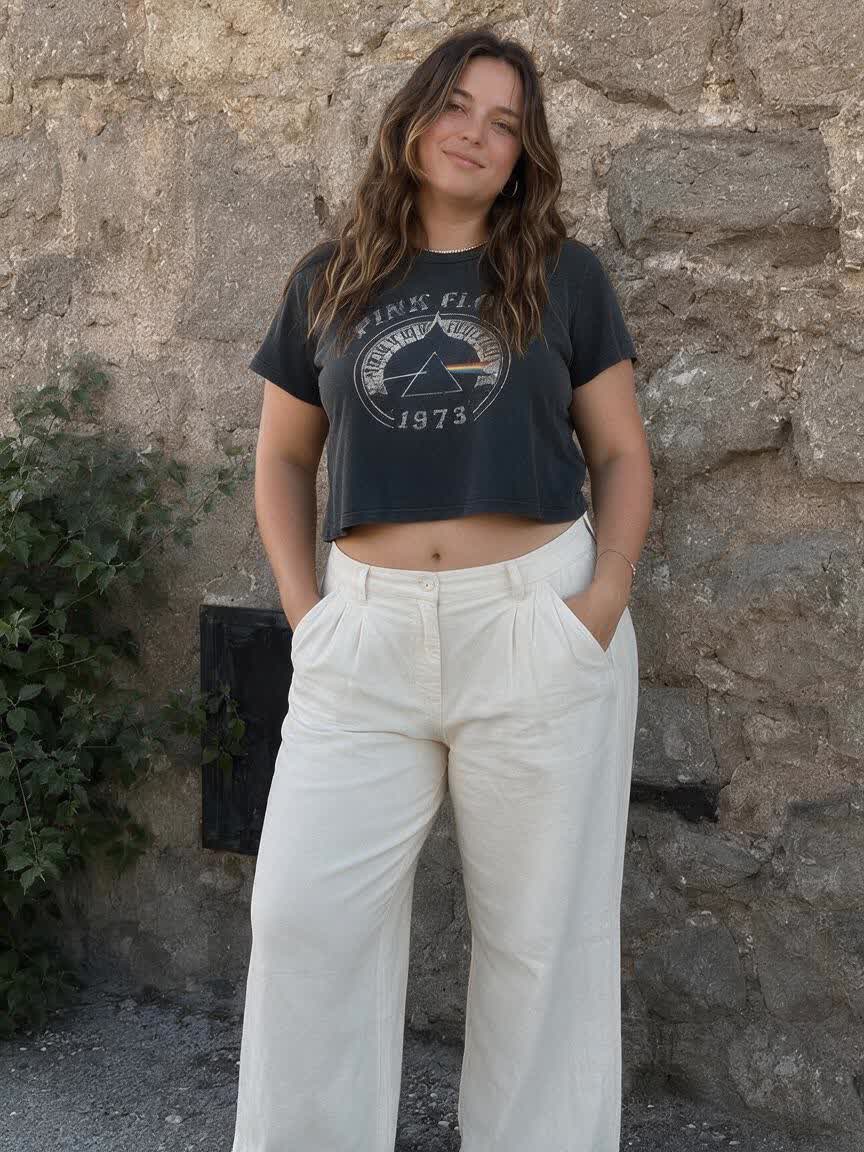
Before
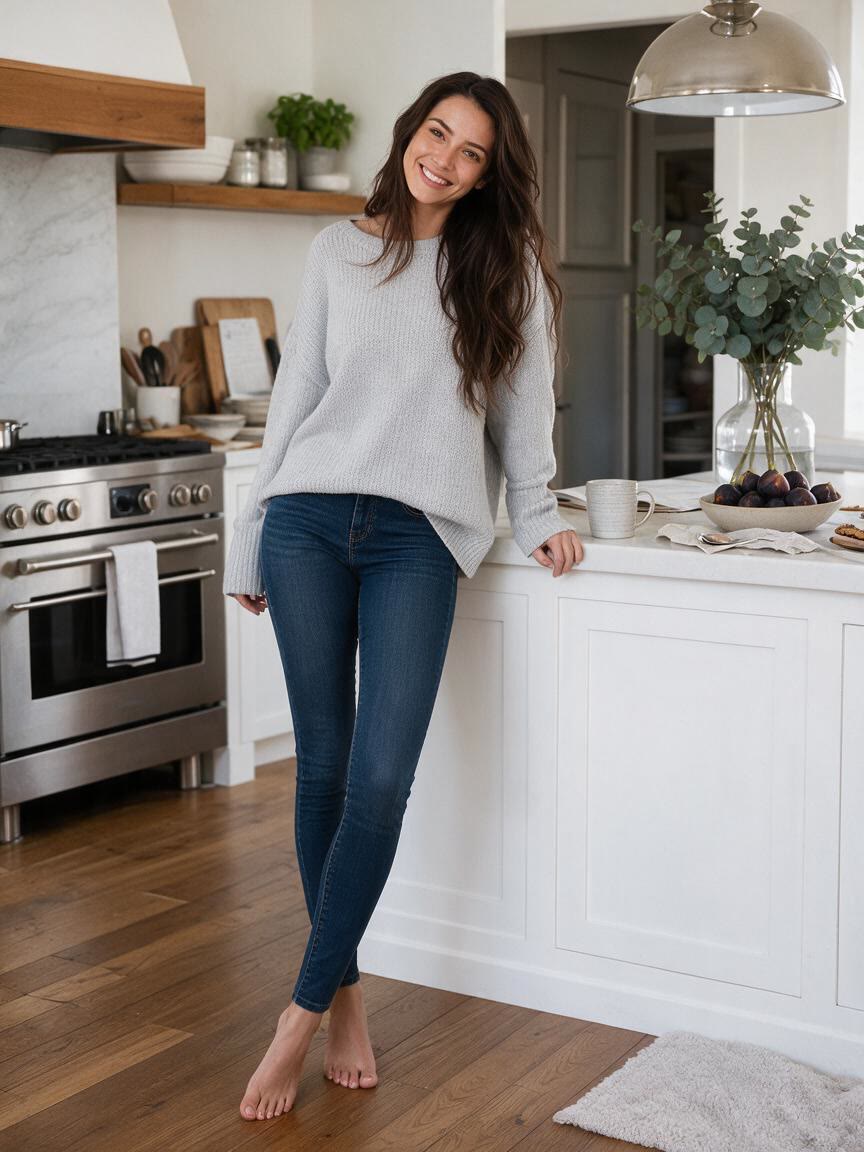
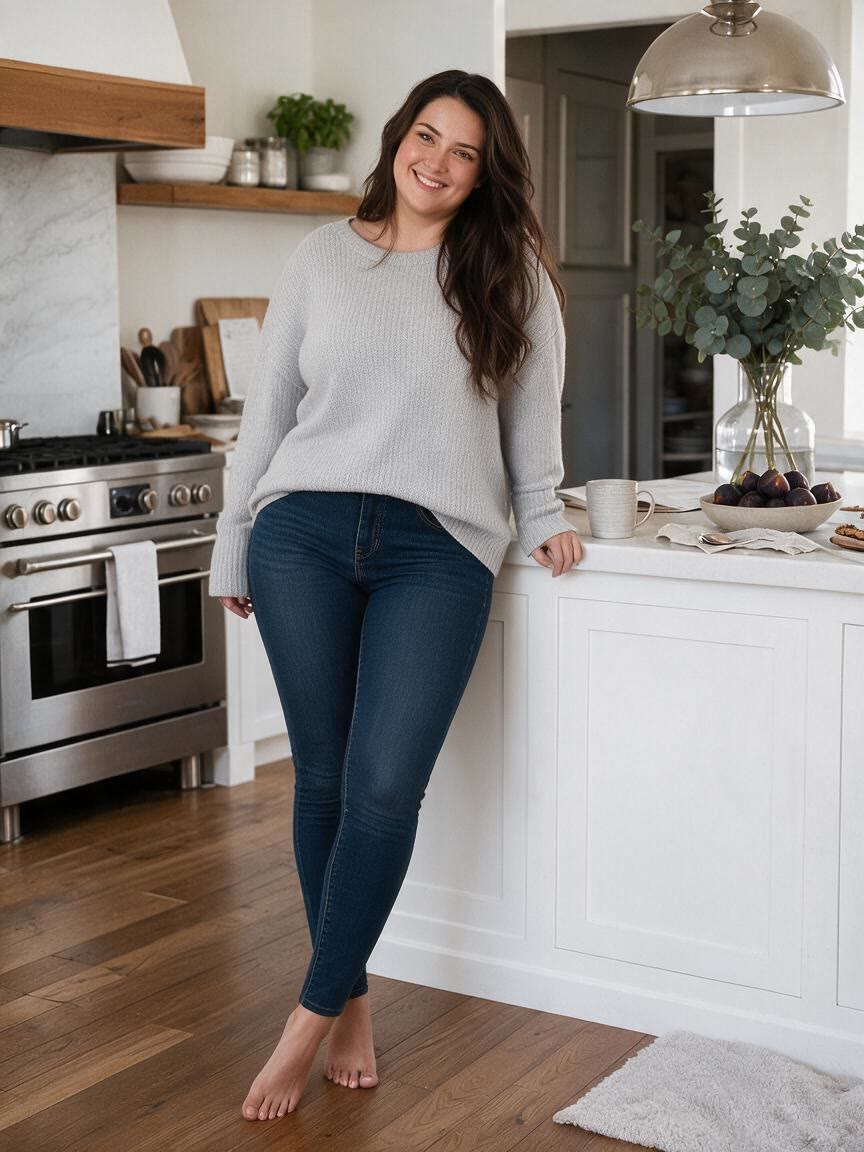
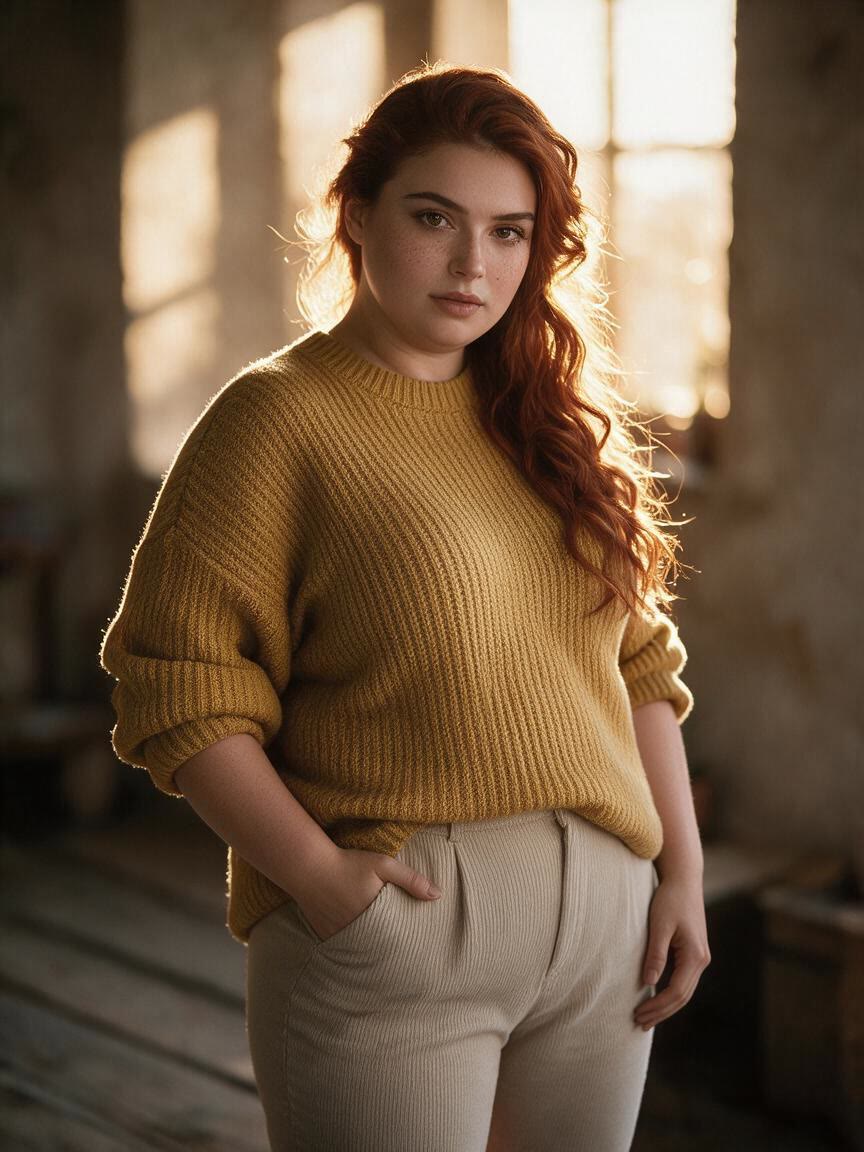
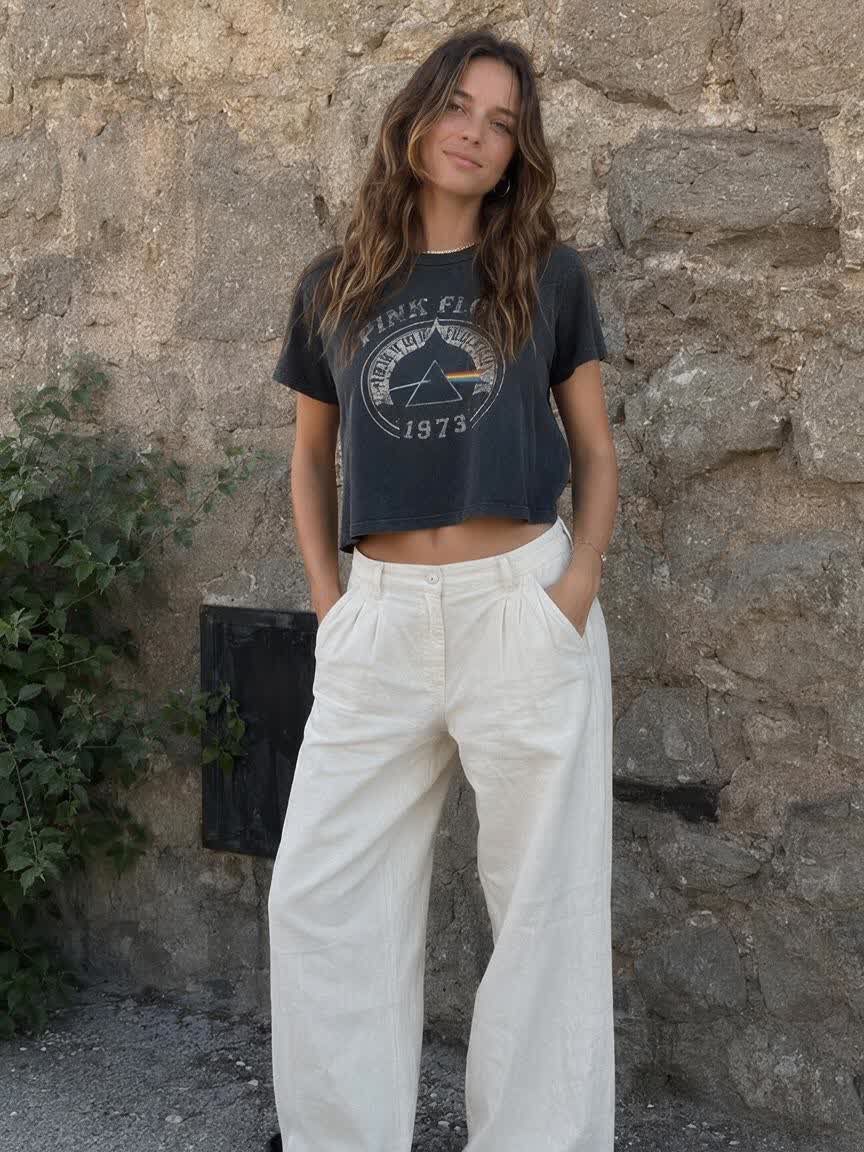
Family portrait edited with a realistic fat filter effect
After

Speed up creation with examples

Realistic AI fat filter transformation of a smiling selfie
Family portrait edited with a realistic fat filter effect
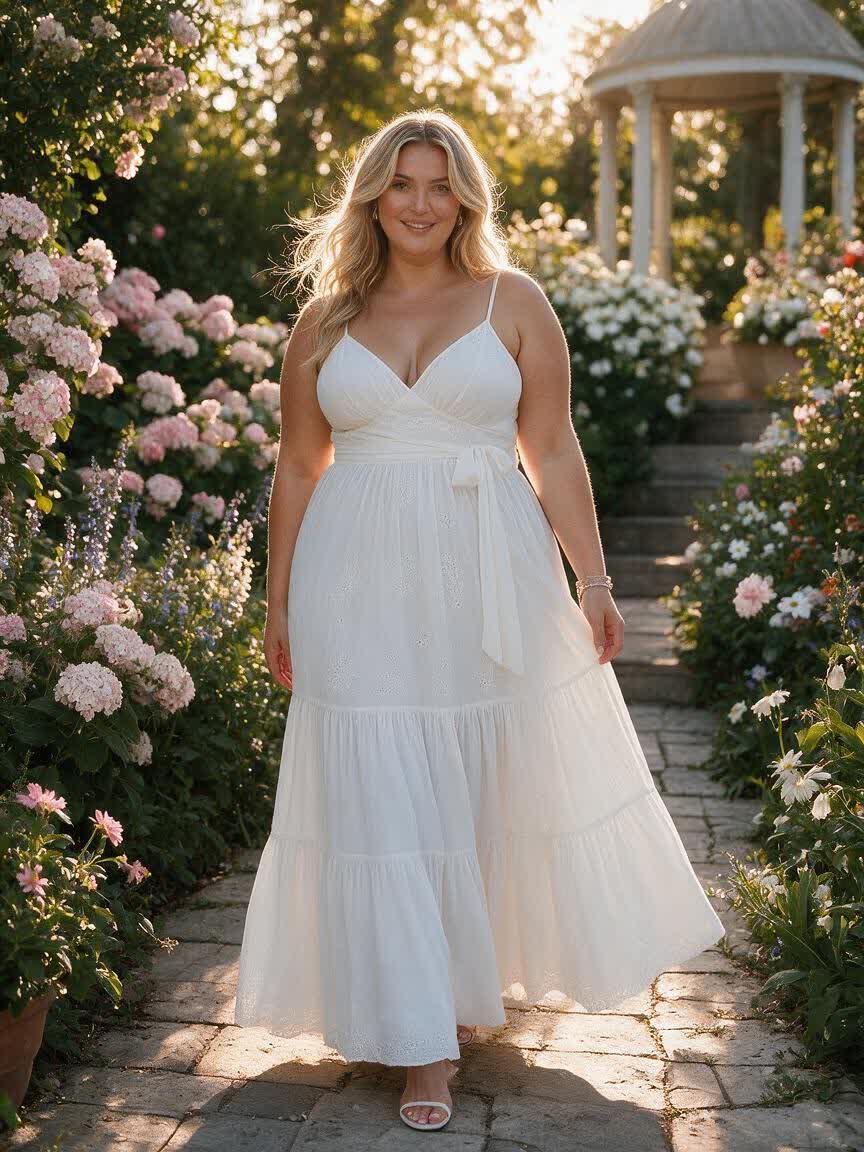
Holiday photo with a realistic heavier-body transformation
Fitness-themed before-and-after image using an AI fat filter
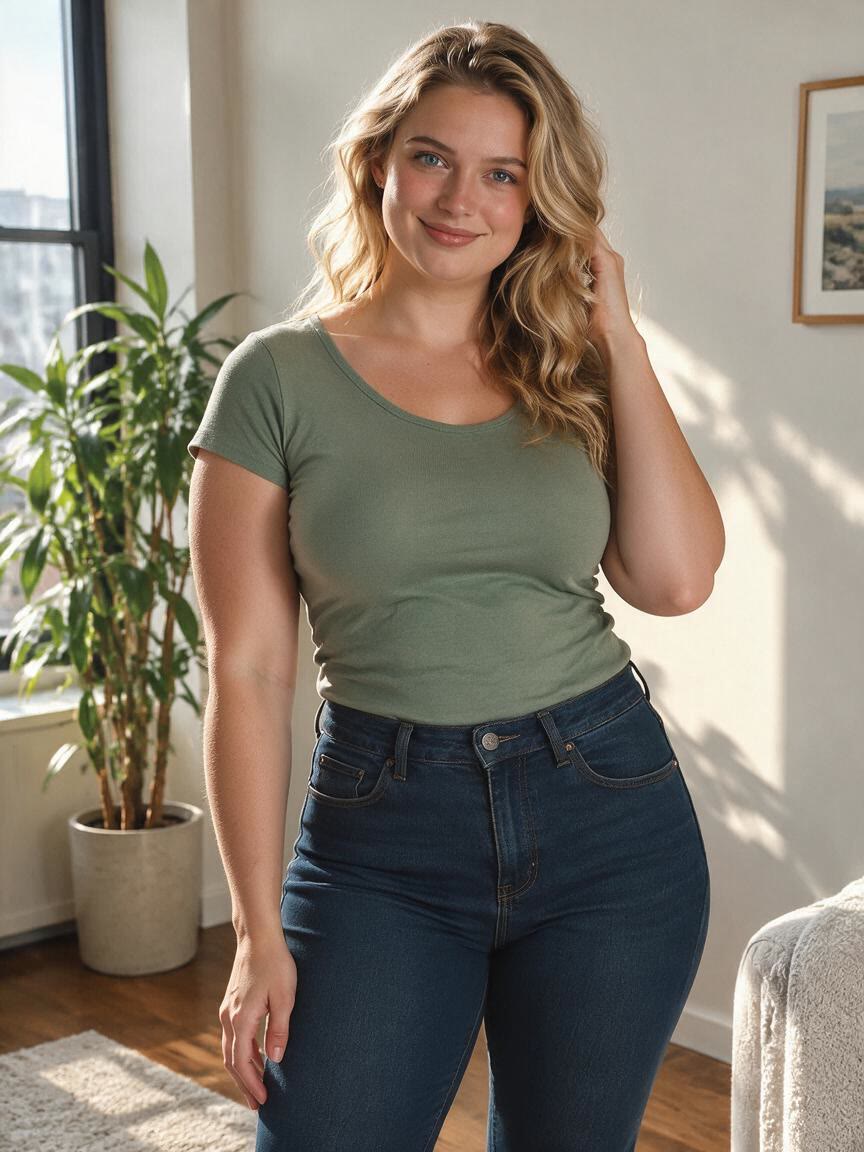
Portrait showing subtle realistic face and body proportion changes
Social media transformation image made with a realistic fat filter
Casual group photo with one person given a realistic fat filter effect
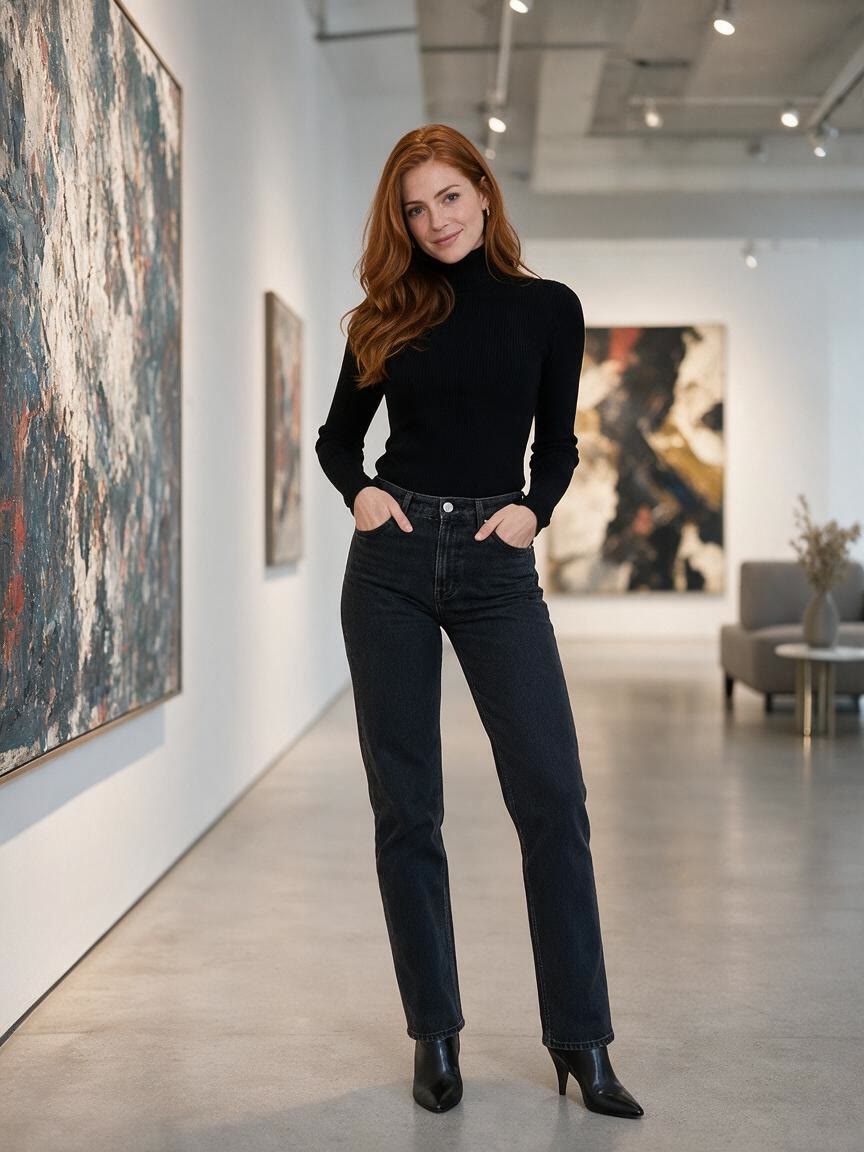
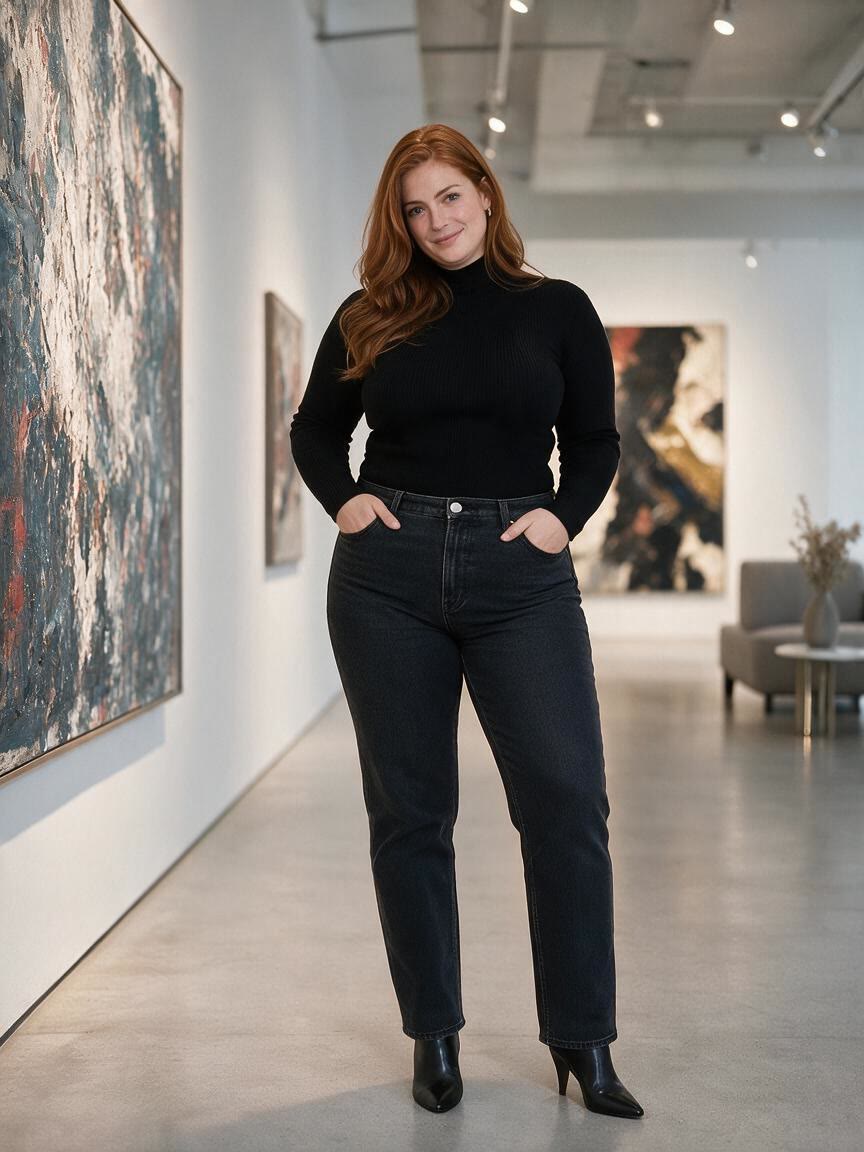
Styled outfit portrait transformed with a realistic AI fat filter
Before-and-after comparison created with an AI fat photo editor
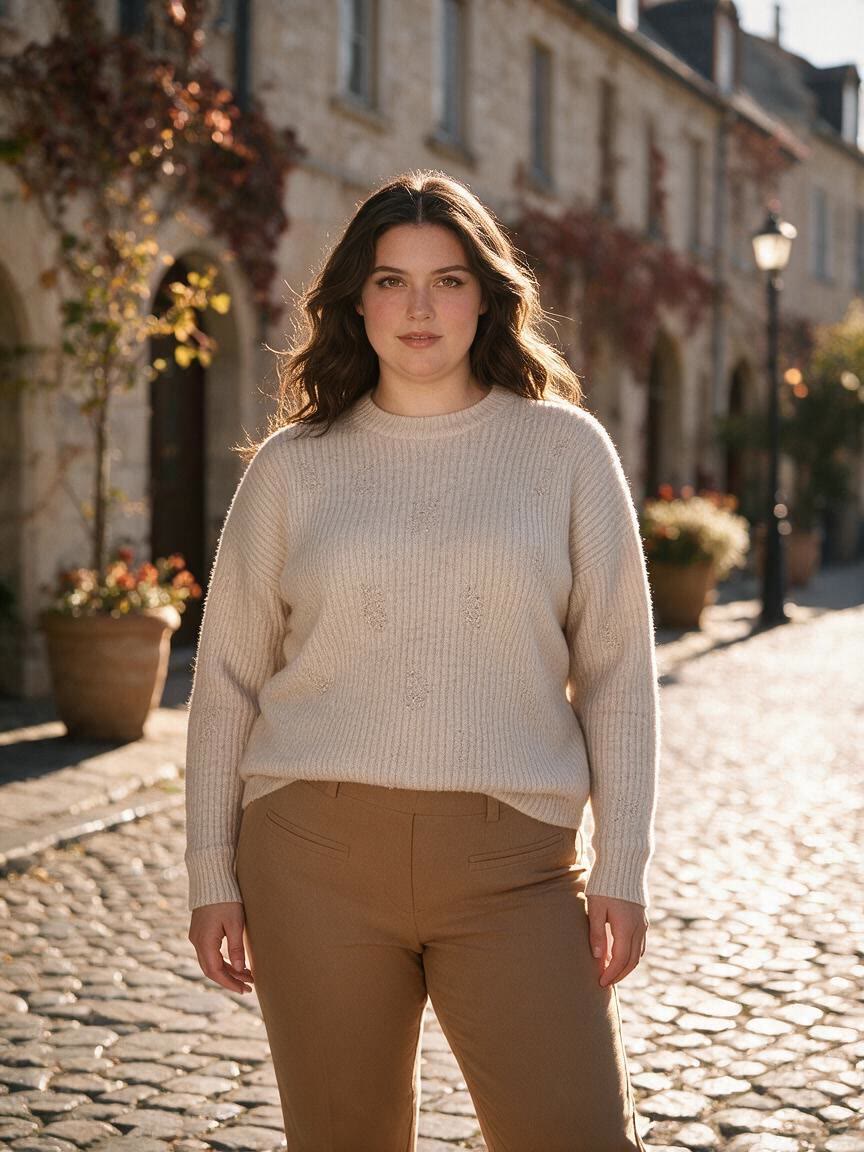
Cinematic portrait with a realistic heavier-body transformation
How people use Cavro

How people use a realistic fat filter

Shareable Selfies

Shareable Selfies

Someone with a familiar selfie may want a funny transformation that looks more believable than a sticker or cartoon effect. Cavro turns that starting image into a realistic heavier version suited to a post, message, or private joke.

Try Cavro free
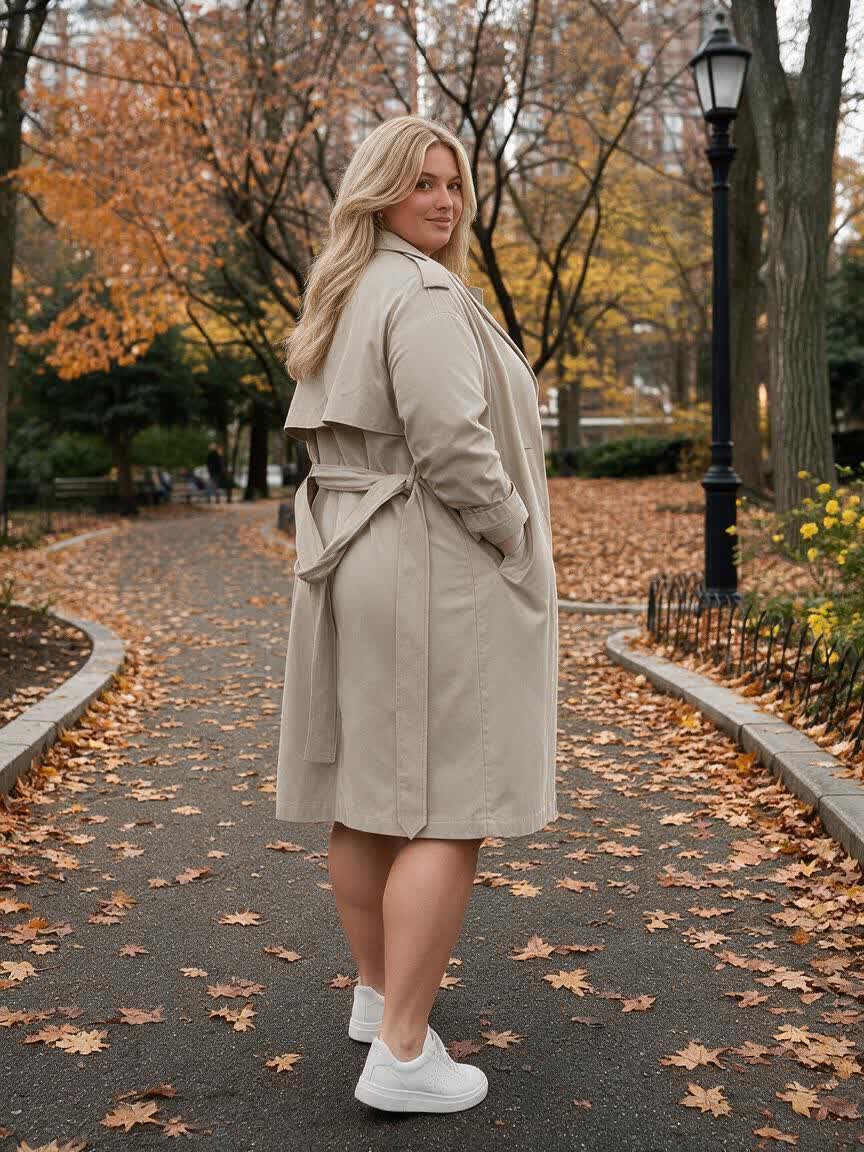
Comparison Stories

Comparison Stories

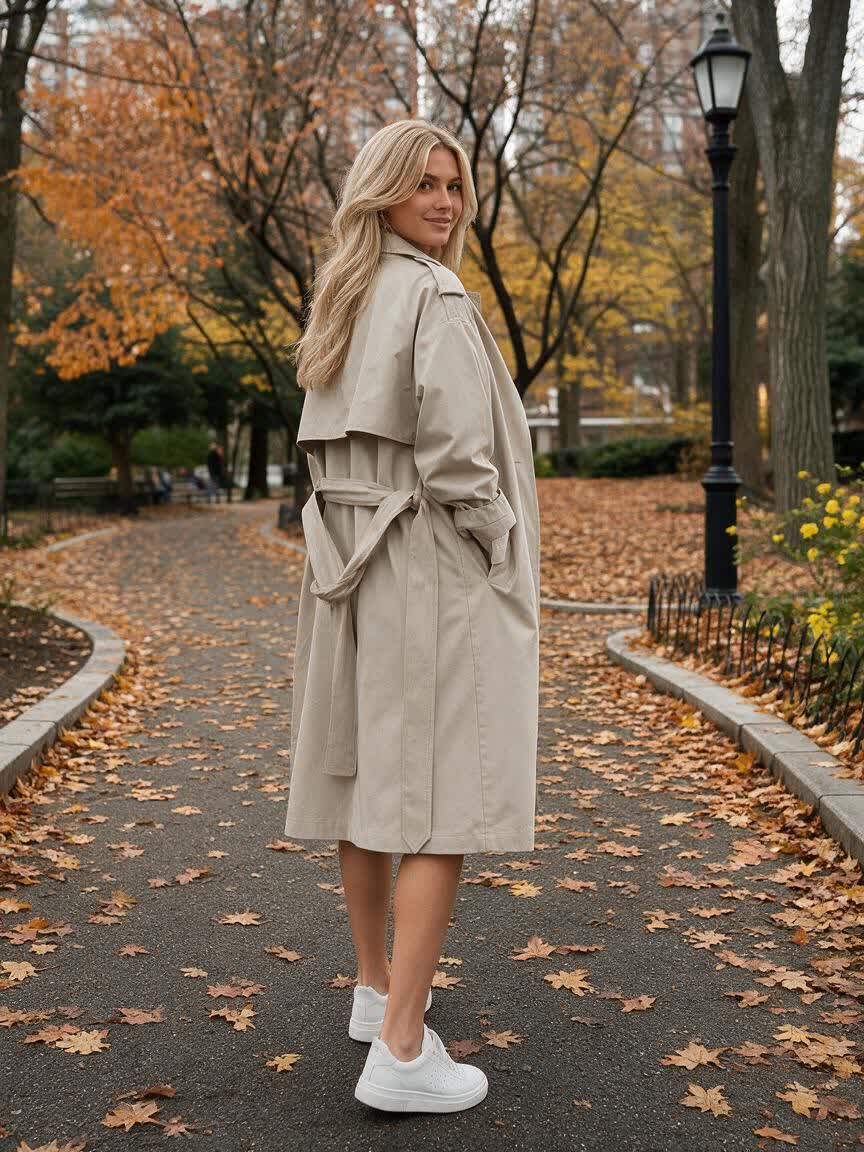
A creator building fitness or weight-loss content can use a personal photo as the visual starting point for a before-and-after concept. Cavro helps shape a photographic heavier version that makes the comparison immediately readable.

Try Cavro free
Creative Portraits

Creative Portraits

A photographer, storyteller, or social creator may want to test how body proportions change a portrait’s character. Cavro applies the requested heavier look to the reference image, giving the project a new visual direction.

Try Cavro free
Why Use Cavro

Why use Cavro for fat photo edits

Reference-Based Realism

Reference-Based Realism

When a generic filter loses the person’s character, a reference photo gives Cavro the visual starting point for the edit. You come away with a transformation shaped around the original face, pose, clothing, and scene.

Try Cavro free
Natural Proportion Changes

Natural Proportion Changes

When a cartoon effect feels too obvious, describe the heavier look you want across the face, neck, jaw, and body. Cavro helps turn that direction into a more photographic result for sharing or comparison content.

Try Cavro free
Refine Your Concept

Refine Your Concept

When the first version is close but not quite right, continue refining the request in the same conversation. You can develop the transformation toward a subtler portrait, a playful prank, or a stronger before-and-after image.

Try Cavro free
Perfect proof

What our users say

  • I had no idea which style I wanted until I tried Cavro. It built a wall of striking ideas around my own taste, and the artist I took one to was surprised.

    Leo V.
  • I posted a reveal video made with Cavro on TikTok and it passed 20,000 views. The result looked so real that people thought I had actually gone and got it.

    Darius C.
  • Cavro let me preview the idea on my own body before deciding. It kept me away from a couple of bad ones and led me to a design I genuinely like.

    James P.
  • Cavro changed the way I brainstorm with clients. We generate options in seconds and start refining straight away. It is part of my daily work now.

    Mia R.
  • I used Cavro to build a sleeve concept that blends Japanese motifs with geometric lines. It generated so fast, and the result went well past what I expected.

    Hana S.
  • I wanted something meaningful and delicate for my wedding. Cavro gave me elegant, personal options, my artist customised one, and I am really happy with it.

    Zoey T.
Answers

Common questions

What is an AI fat filter?

An AI fat filter creates a transformed version of a person’s photo with a visibly heavier face or body. With Cavro, you can use a written request and a reference photo to guide a realistic image edit.

Can I use Cavro as a fat filter online?

Yes. Upload a photo and describe the realistic heavier look you want to create. Cavro uses the image and your request to produce the transformation.

Will the edit keep the person recognizable?

A clear reference photo gives Cavro the visual information needed to work from the original person, pose, clothing, and lighting. For a closer result, describe the kind of natural body-proportion change you want rather than asking for a generic effect.

Can I make a fat selfie filter or fat face filter?

Yes. You can ask for a heavier selfie or focus the request on the face, cheeks, jaw, and neck. You can also describe a broader body transformation when the photo shows enough of the person.

Can I refine a before-and-after fat filter result?

Yes. Cavro lets you refine and generate again in the same conversation without starting over. This is useful when you want a subtler, more dramatic, or more natural-looking comparison.

How does Cavro charge for these edits?

Results are billed per credit from your Cavro credit balance. There is no mandatory subscription.

Play with an idea. Leave with an image.

Creators worldwide are turning “just an idea” into expensive-looking images.

Try Cavro free