


















AI Face Cut Out for Clean Transparent Portraits

Turn a portrait into a polished transparent face cutout for stickers, avatars, profile pictures, overlays, and layered composites. Cavro helps creators, designers, marketers, and everyday users isolate faces without manual masking.

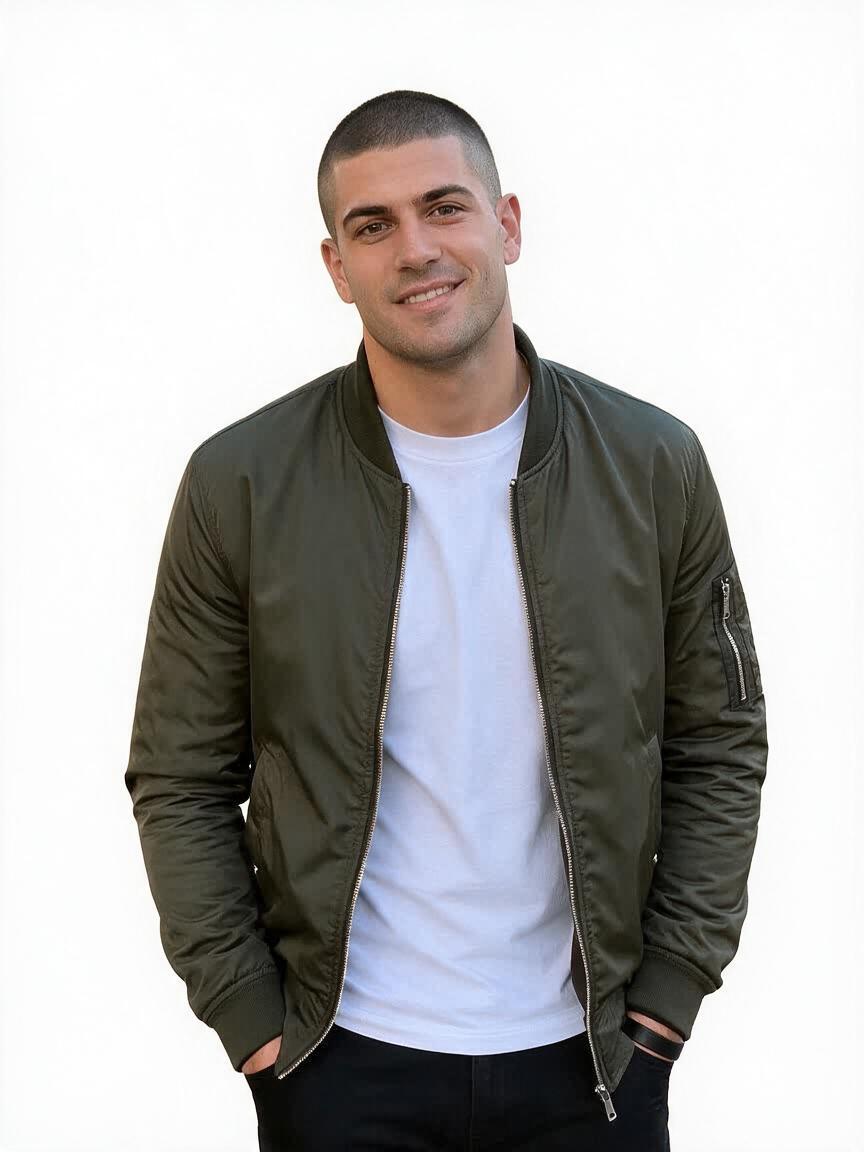
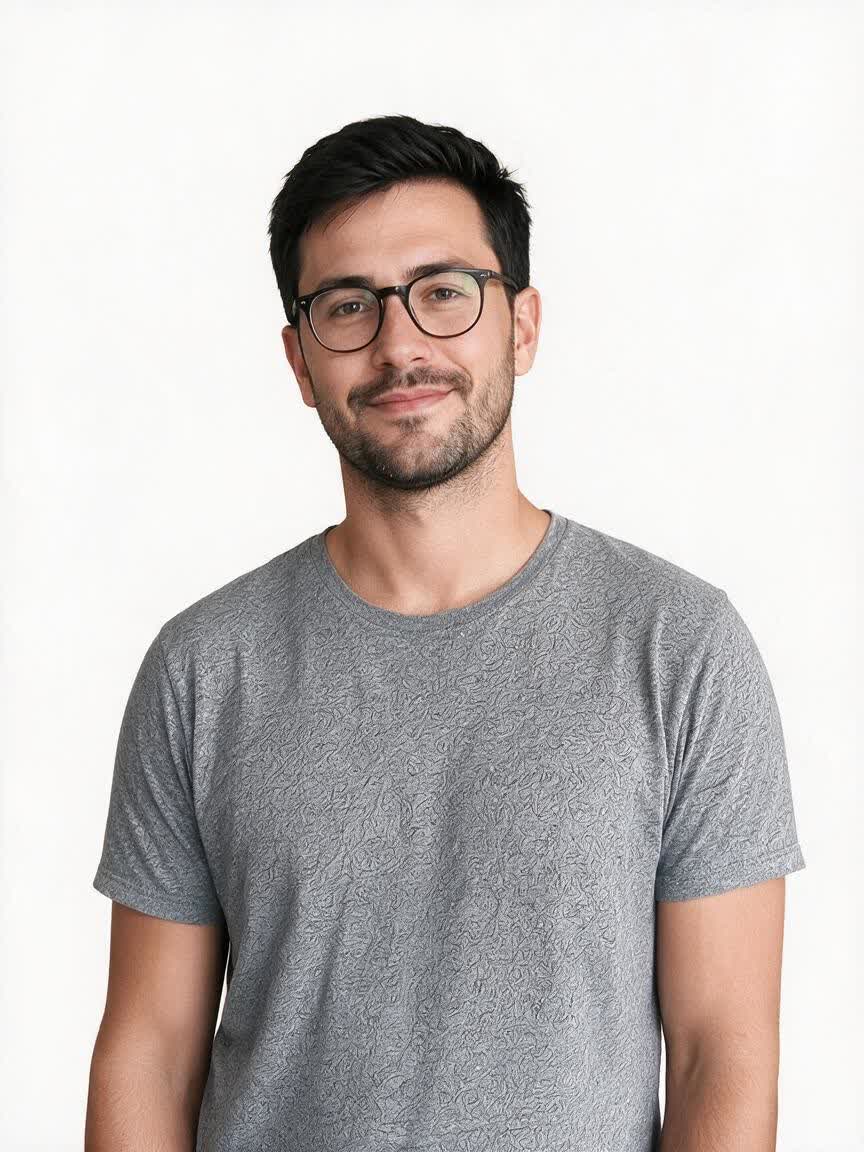
Transparent face cutout prepared for a sticker design
Before
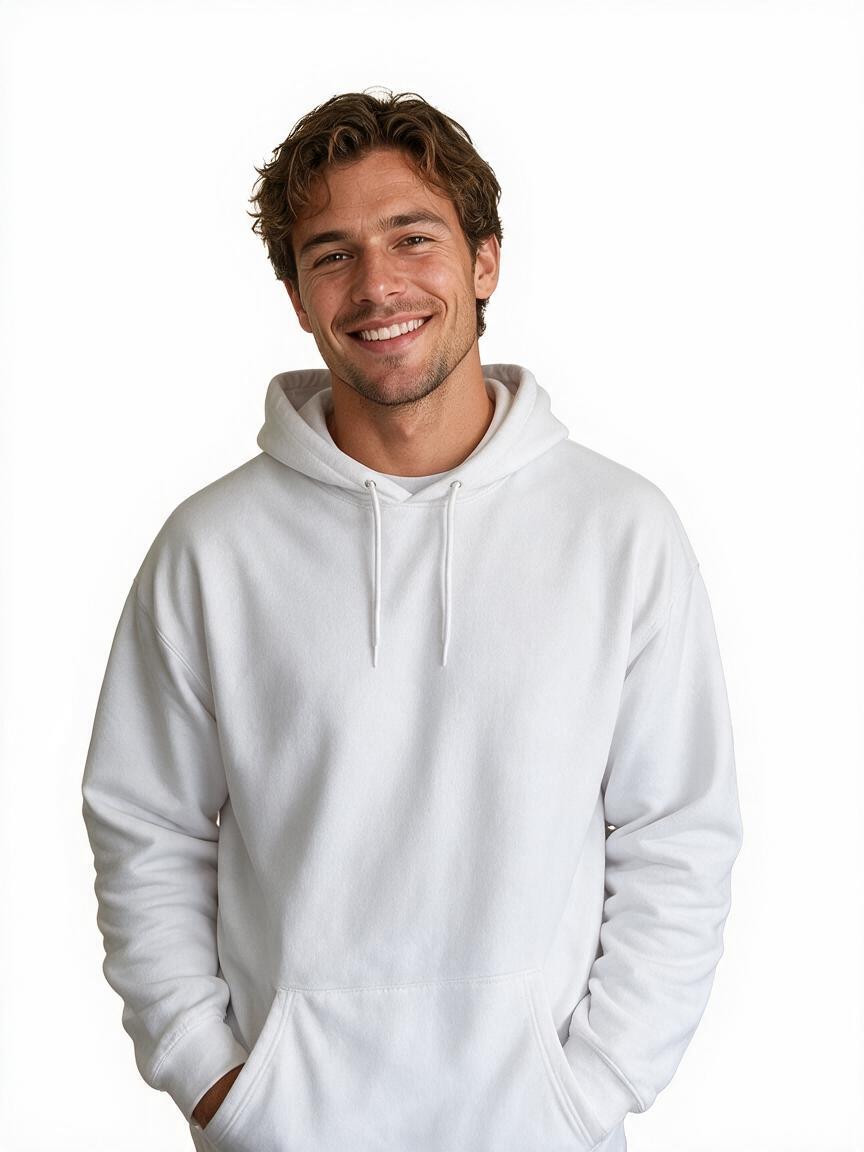
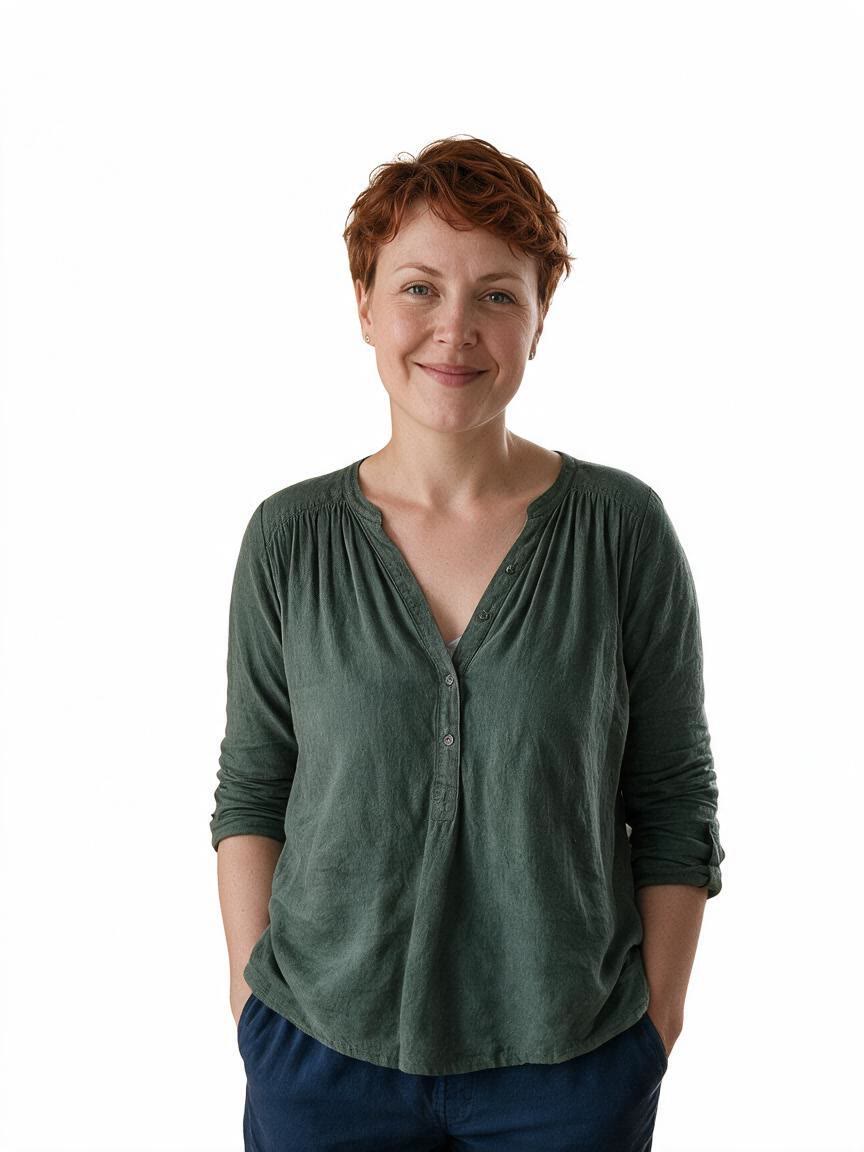
Isolated portrait prepared for a profile picture
After

Speed up creation with examples

Transparent face cutout prepared for a sticker design
Isolated portrait prepared for a profile picture
Single face extracted from a group photo
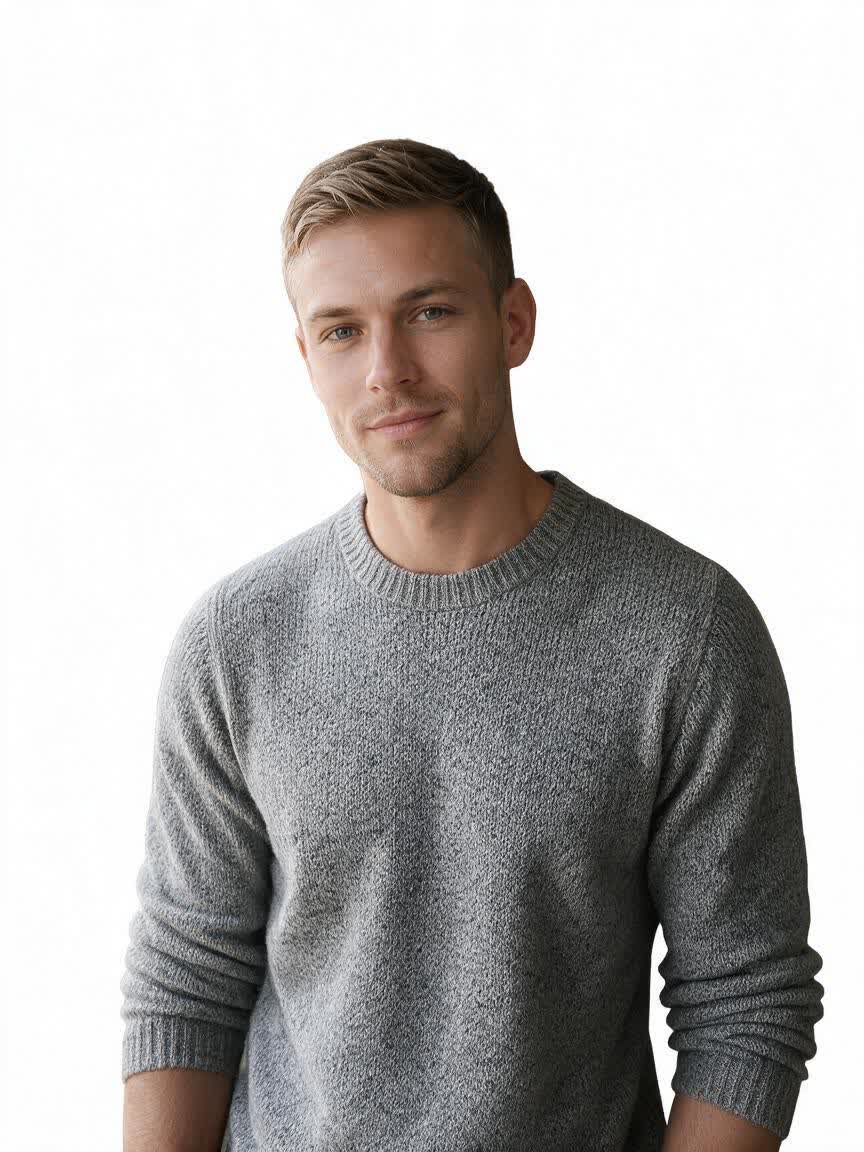
Headshot isolated from its original background
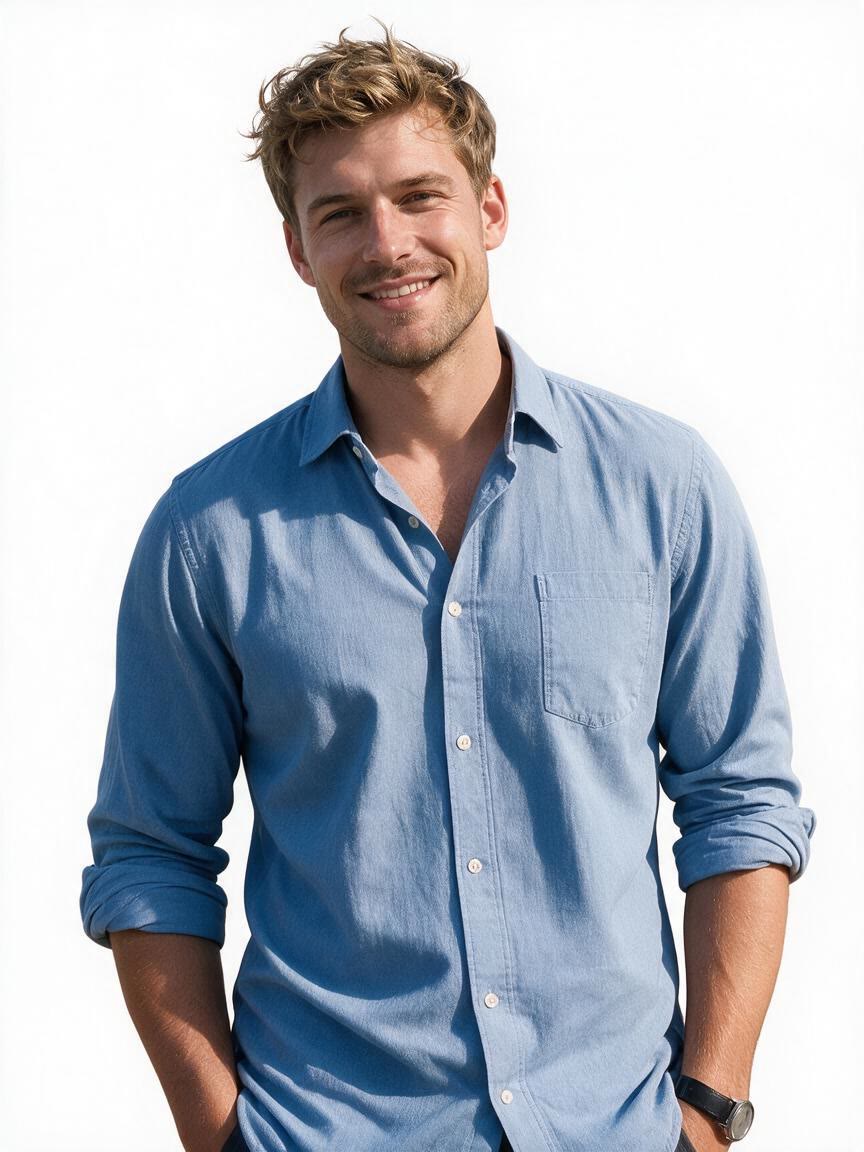
Transparent portrait face prepared as an avatar
Face cutout prepared as a video thumbnail overlay
Transparent face prepared for a layered composition
Isolated portrait prepared for marketing artwork
High-resolution transparent face cutout for print design
Transparent face used as a creative graphic overlay
How people use Cavro

How people use face cutouts

Build Sticker Assets

Build Sticker Assets

A creator brings a favorite portrait and needs a face that can sit cleanly inside a sticker design. Cavro removes the surrounding background and provides an isolated subject for outlines, labels, and playful graphics.

Try Cavro free


Extract From Groups

Extract From Groups

A user brings a group photo but needs one person for a profile image or personalized graphic. Cavro helps separate the chosen face from the surrounding people and scene for a focused portrait asset.

Try Cavro free
Layer Portraits

Layer Portraits

A designer brings a headshot for a thumbnail, poster, or composite and needs the subject separated from the original setting. Cavro produces a transparent face cutout that can be placed into a new visual layout.

Try Cavro free
Why Use Cavro

Why use Cavro for face extraction

Hair-Safe Contours

Hair-Safe Contours

Loose hair and fine facial edges can make manual masking frustrating for designers and marketers. Cavro isolates the portrait with attention to those contours, leaving a cleaner subject for stickers, overlays, and layered compositions.

Try Cavro free
Clean Transparent Output

Clean Transparent Output

A background remover is only useful when leftover fragments and halos do not distract from the subject. Cavro creates a transparent face cutout that can move directly into profile graphics, thumbnails, and digital artwork.

Try Cavro free
Refine Without Restarting

Refine Without Restarting

A first cutout may need a different look, lighting treatment, or edge result. Cavro lets you refine and generate again in the same conversation, so you can continue shaping the portrait without starting over.

Try Cavro free
Perfect proof

What our users say

  • I had no idea which style I wanted until I tried Cavro. It built a wall of striking ideas around my own taste, and the artist I took one to was surprised.

    Leo V.
  • I posted a reveal video made with Cavro on TikTok and it passed 20,000 views. The result looked so real that people thought I had actually gone and got it.

    Darius C.
  • Cavro let me preview the idea on my own body before deciding. It kept me away from a couple of bad ones and led me to a design I genuinely like.

    James P.
  • Cavro changed the way I brainstorm with clients. We generate options in seconds and start refining straight away. It is part of my daily work now.

    Mia R.
  • I used Cavro to build a sleeve concept that blends Japanese motifs with geometric lines. It generated so fast, and the result went well past what I expected.

    Hana S.
  • I wanted something meaningful and delicate for my wedding. Cavro gave me elegant, personal options, my artist customised one, and I am really happy with it.

    Zoey T.
Answers

Common questions

What does an AI face cut out do?

An AI face cut out isolates a face or portrait from its surrounding background. The result is a transparent face cutout that can be used in stickers, avatars, profile pictures, overlays, and composites.

How does face background removal work?

Cavro analyzes the portrait and separates the face and visible contours from the background. It is designed to reduce jagged edges, halos, and leftover background fragments without requiring manual masking.

Can I extract one face from a group photo?

Yes, a group photo can be used when you need a single-face extraction. Upload the photo and describe which face or portrait you want to isolate.

What does a transparent background mean?

A transparent background means the removed area contains no solid color or scene behind the portrait. This lets the face cutout sit over another image, color, layout, or layered composition.

Play with an idea. Leave with an image.

Creators worldwide are turning “just an idea” into expensive-looking images.

Try Cavro free