Photo-Led Editing
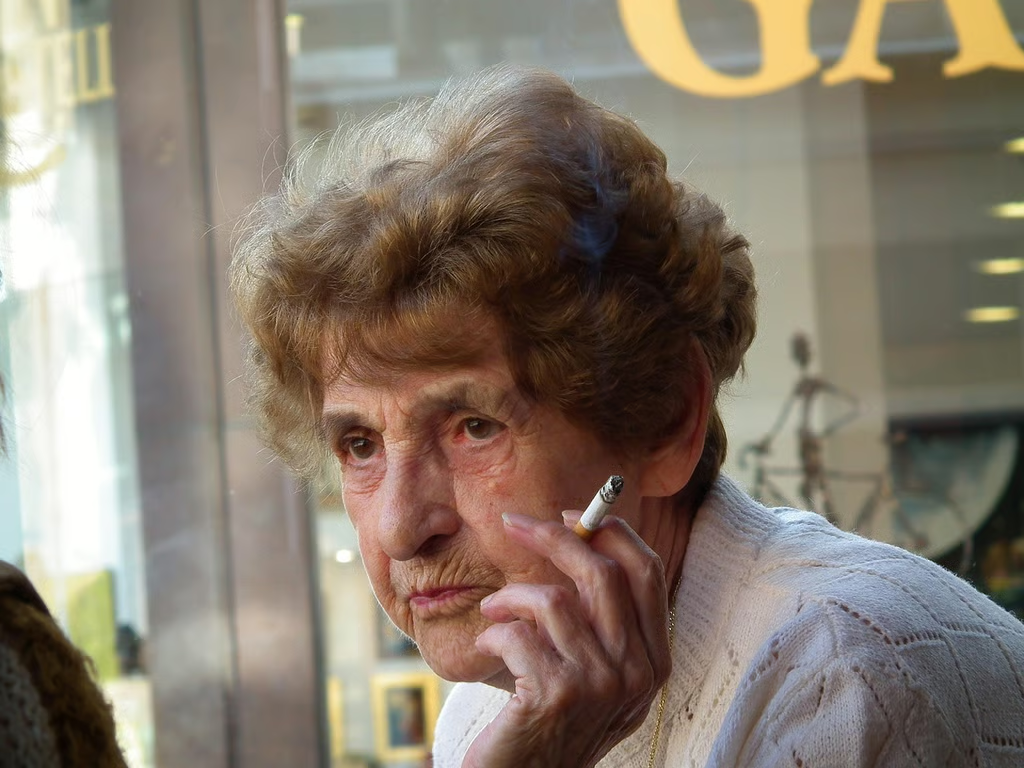
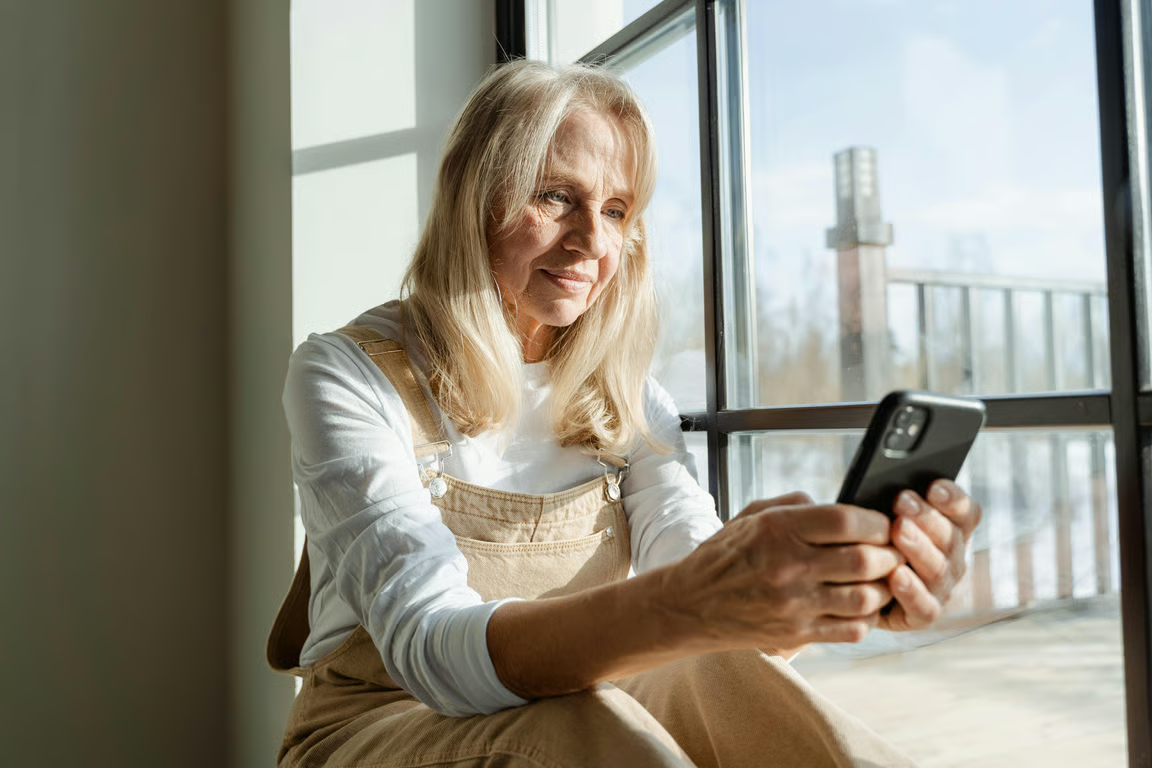
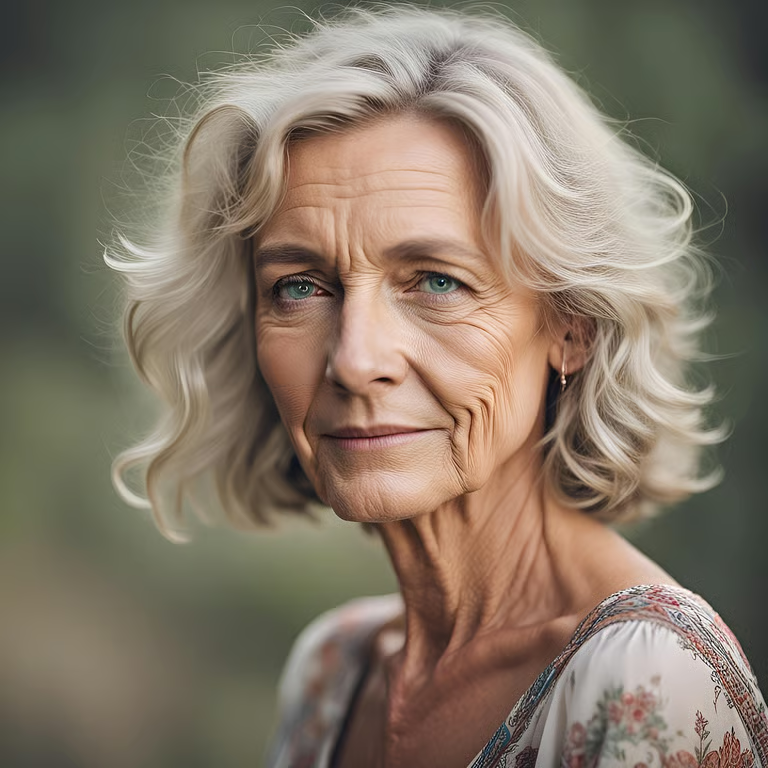
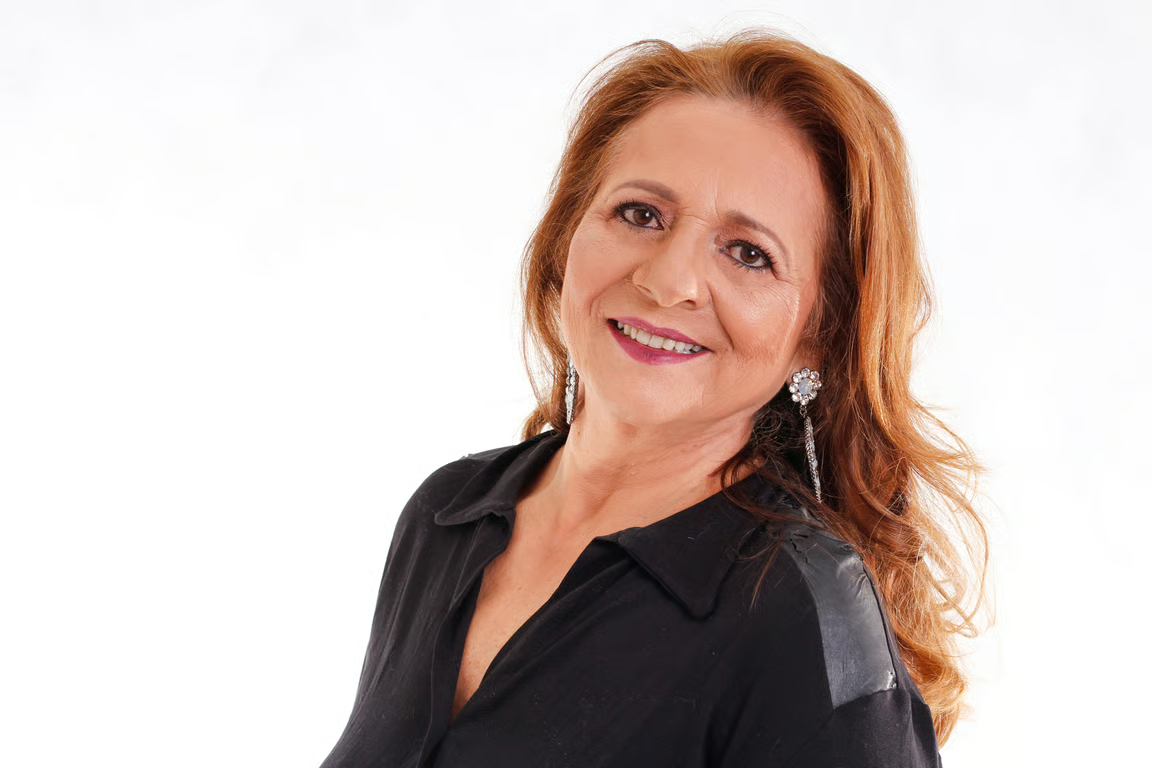
Add a portrait, selfie, or close-up photo to guide a wrinkle-removal image edit.
Refresh portraits with subtle, prompt-led edits.
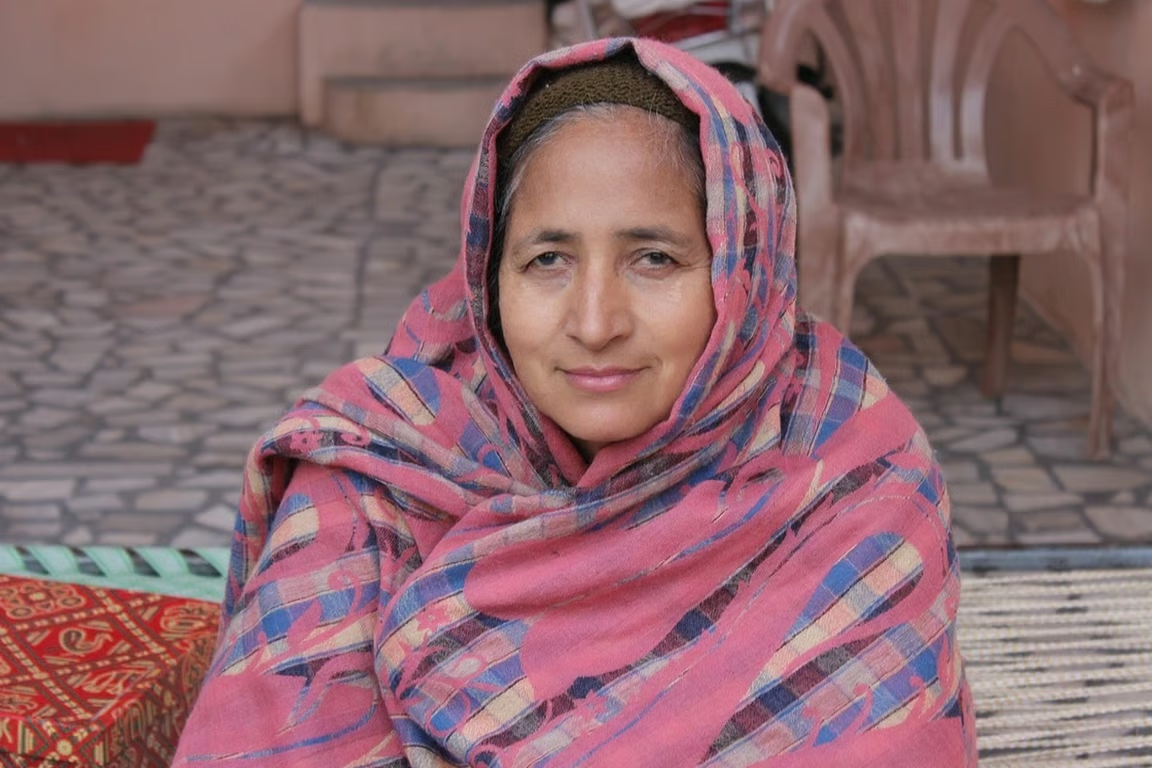
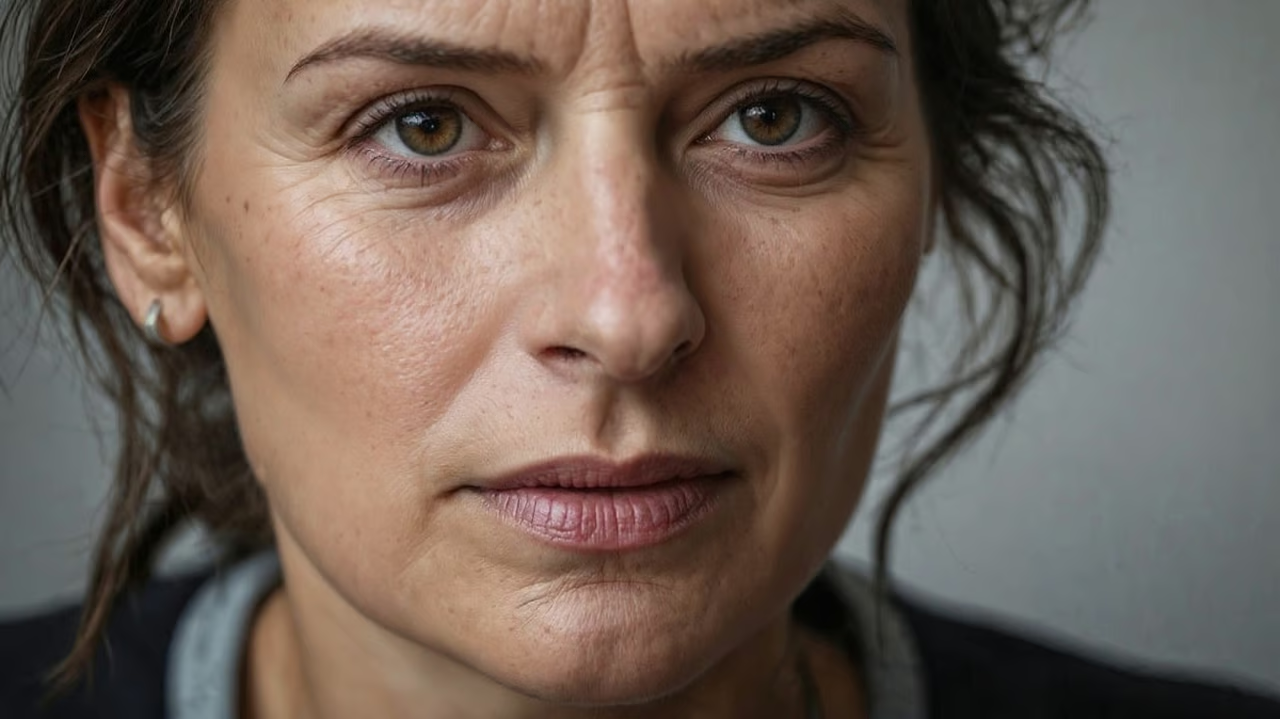
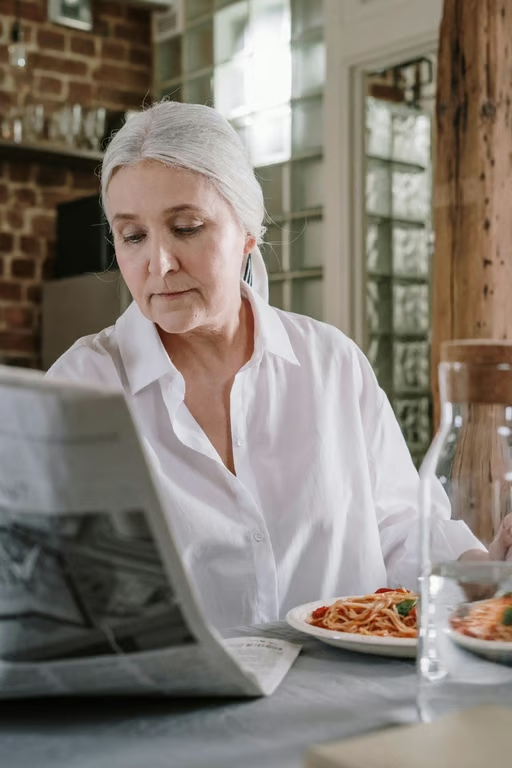
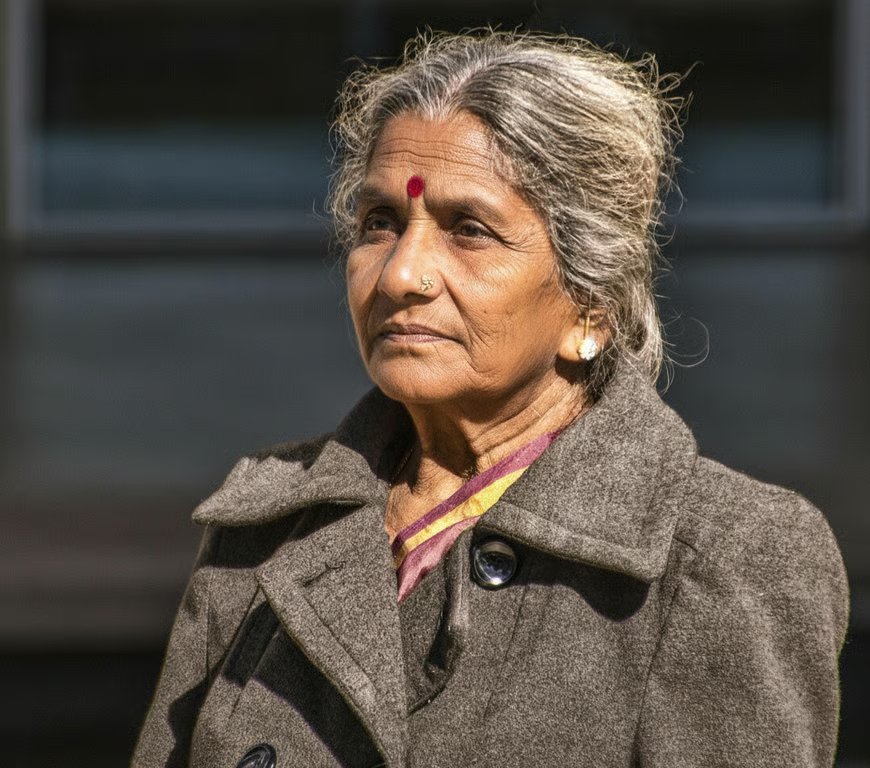
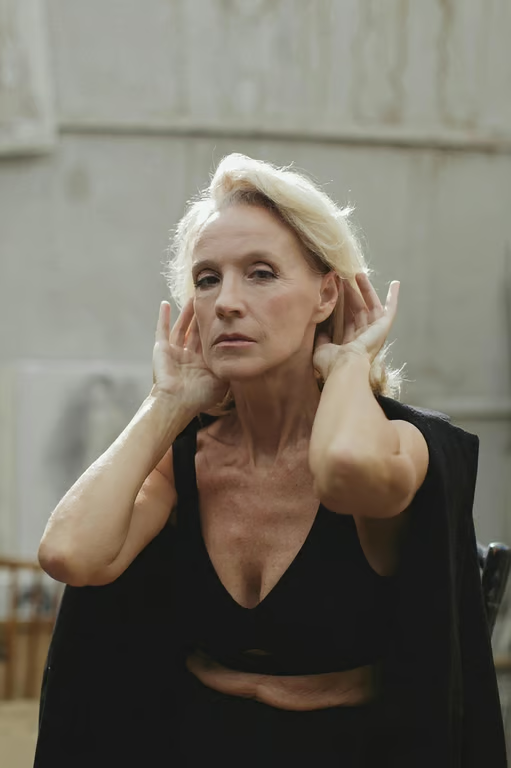
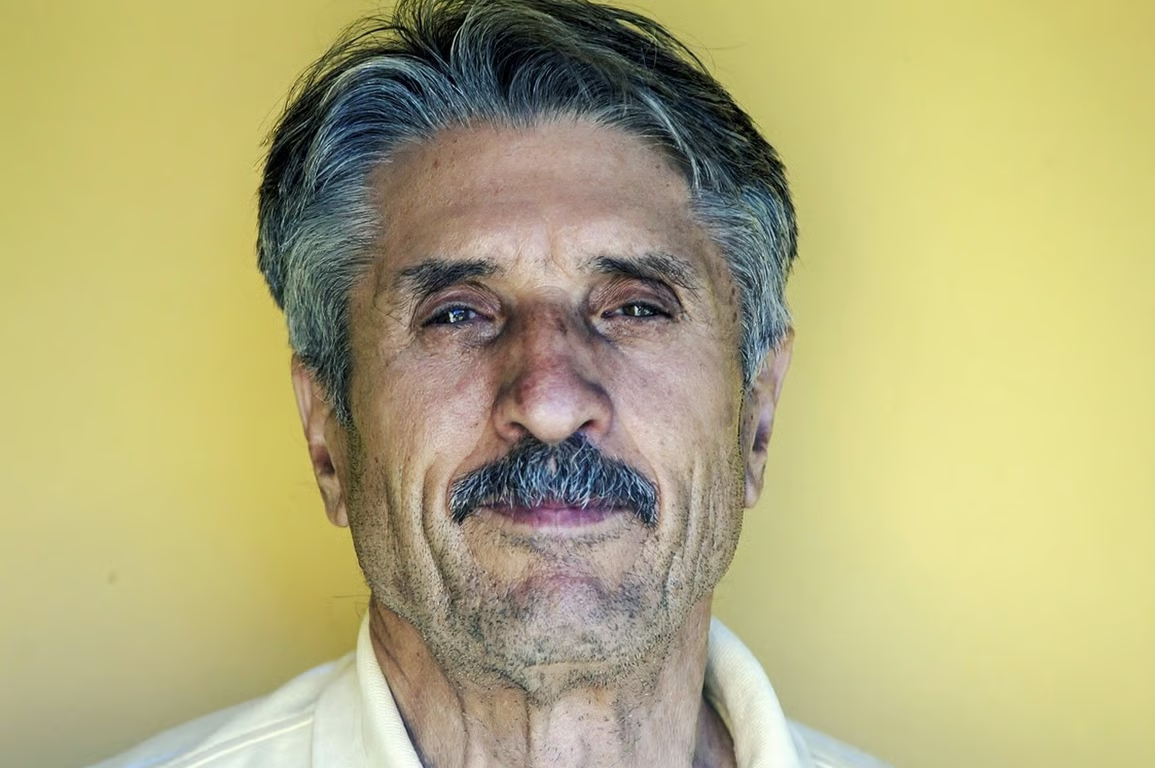
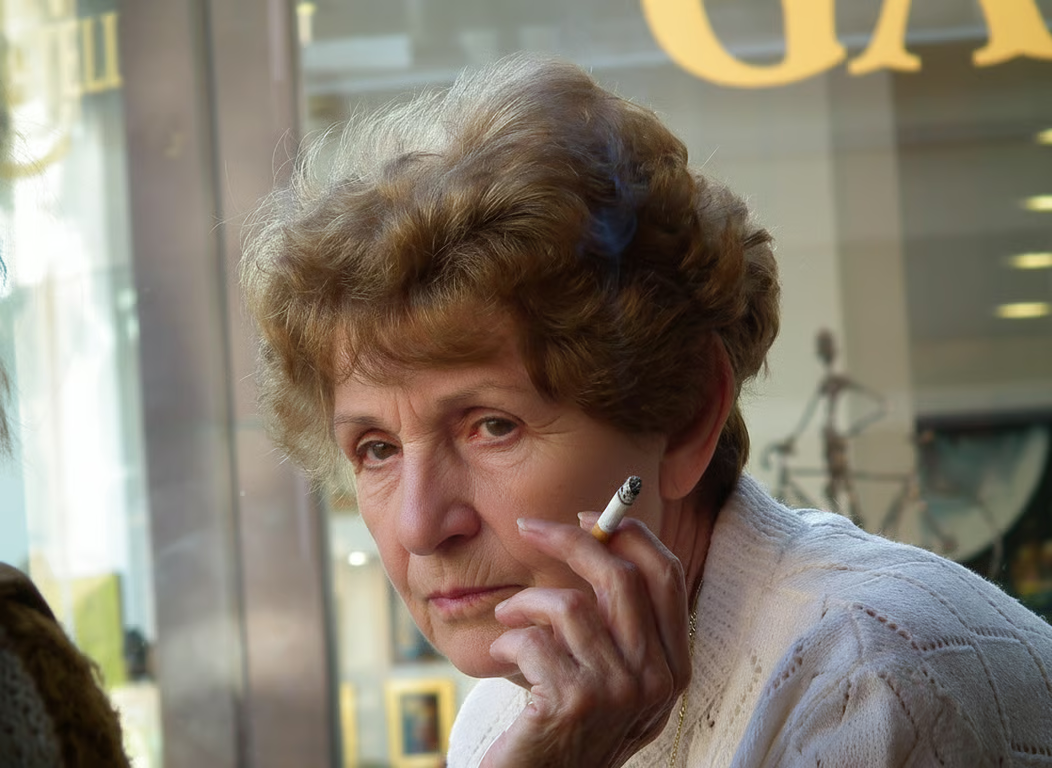
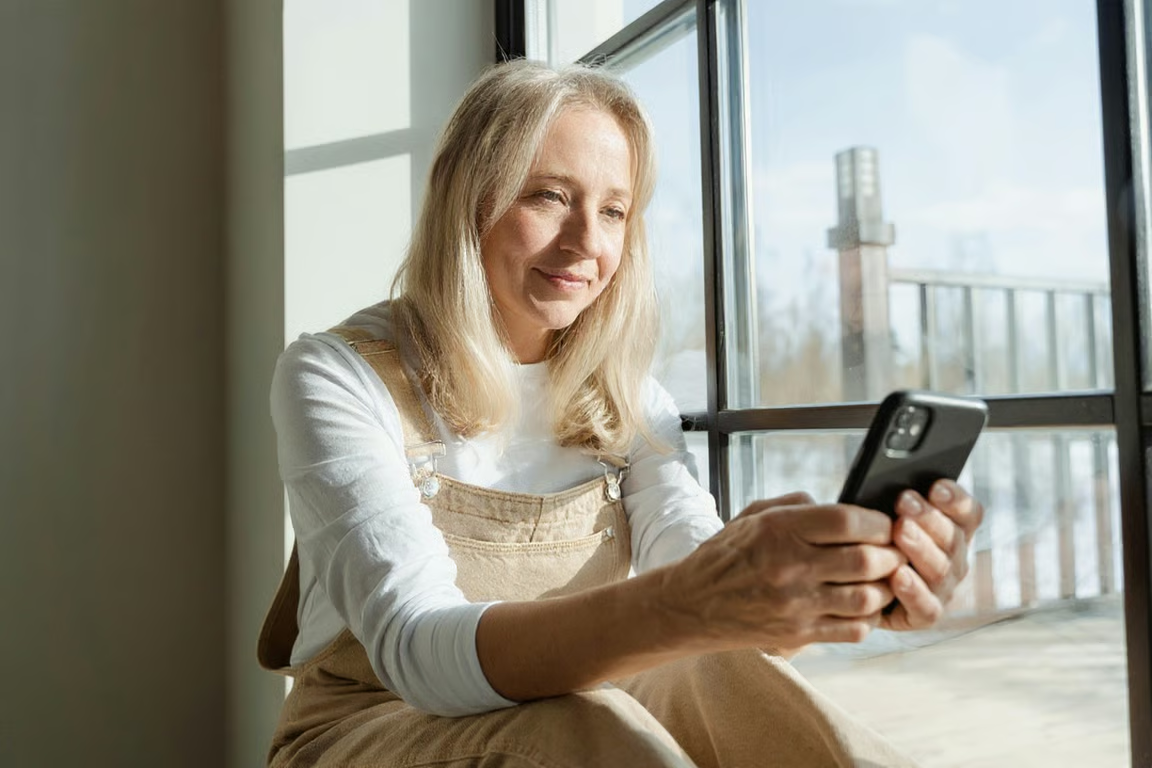
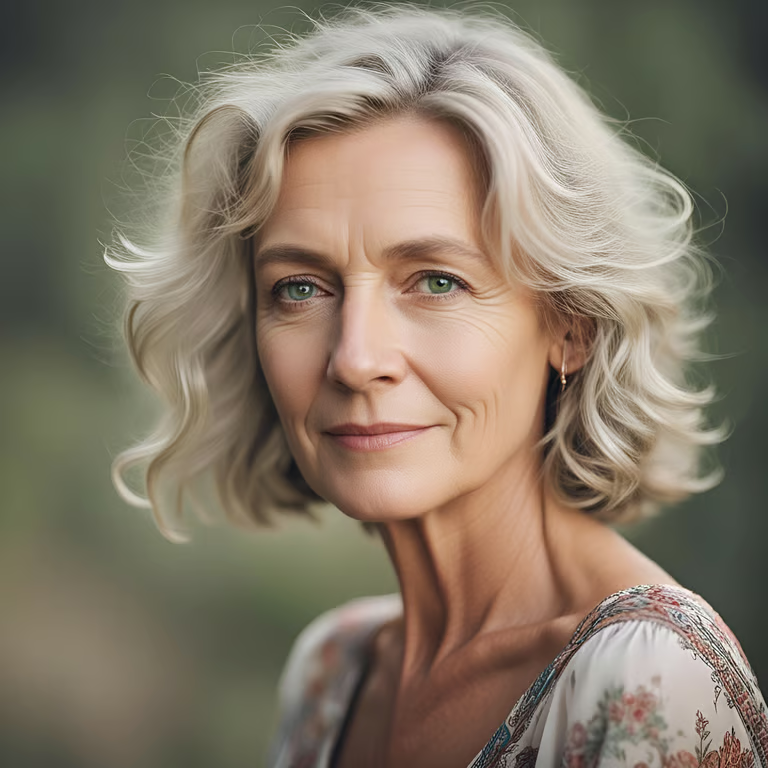
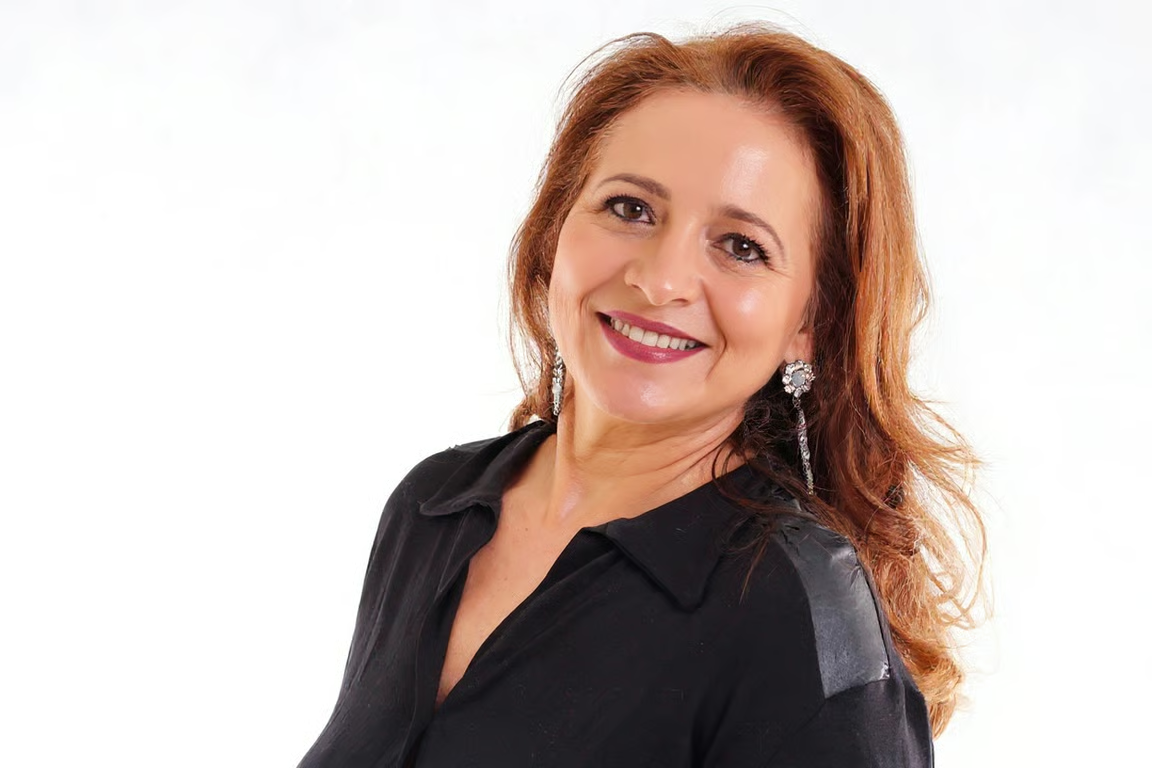
Add a portrait, selfie, or close-up photo to guide a wrinkle-removal image edit.
Describe the lines and level of refresh you want instead of relying on a fixed retouching style.
Choose a smoothing focus such as forehead wrinkles, eye-area lines, or an overall face refresh.
Adjust the instruction and generate another version when the first portrait edit needs a different touch.
Give an existing selfie or portrait a considered update instead of arranging another photo shoot.
Turn profile pictures and social media portraits into cleaner, more polished images with a directed edit.
Give family portraits a gentle update for printing or keeping without needing advanced retouching skills.
Give an existing selfie or portrait a considered update instead of arranging another photo shoot.
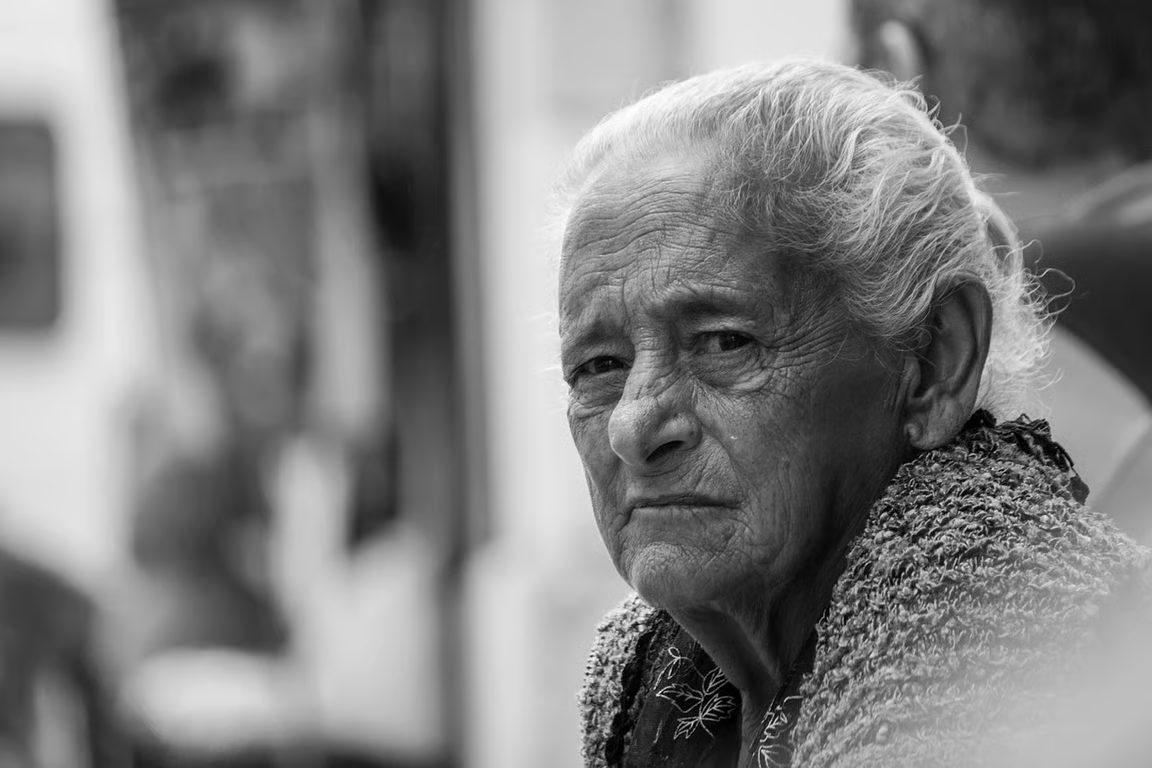
An AI wrinkle remover uses a written prompt and/or reference photo to create a portrait edit focused on reducing visible wrinkles and fine lines. In Cavro, you describe the edit and receive an image or video result.
Yes. Add a selfie or close-up portrait and describe the smoothing style you want, such as a subtle refresh or focused eye-area edit. The reference photo guides the result.
Yes. You can adjust your wording and generate again in the same conversation without starting over. This lets you ask for a lighter, more focused, or differently styled portrait edit.
No mandatory subscription is required. Results are billed per credit, and images and video use the same credit balance in Cavro.
Yes. Cavro turns a written prompt and/or reference photo into images or video. Choose the output that fits your portrait retouching idea.
Creators worldwide are turning “just an idea” into expensive-looking images.