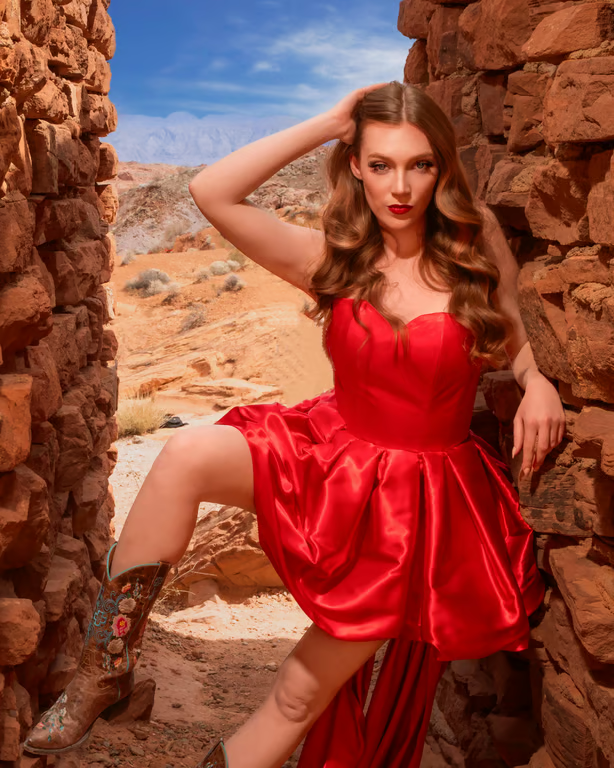
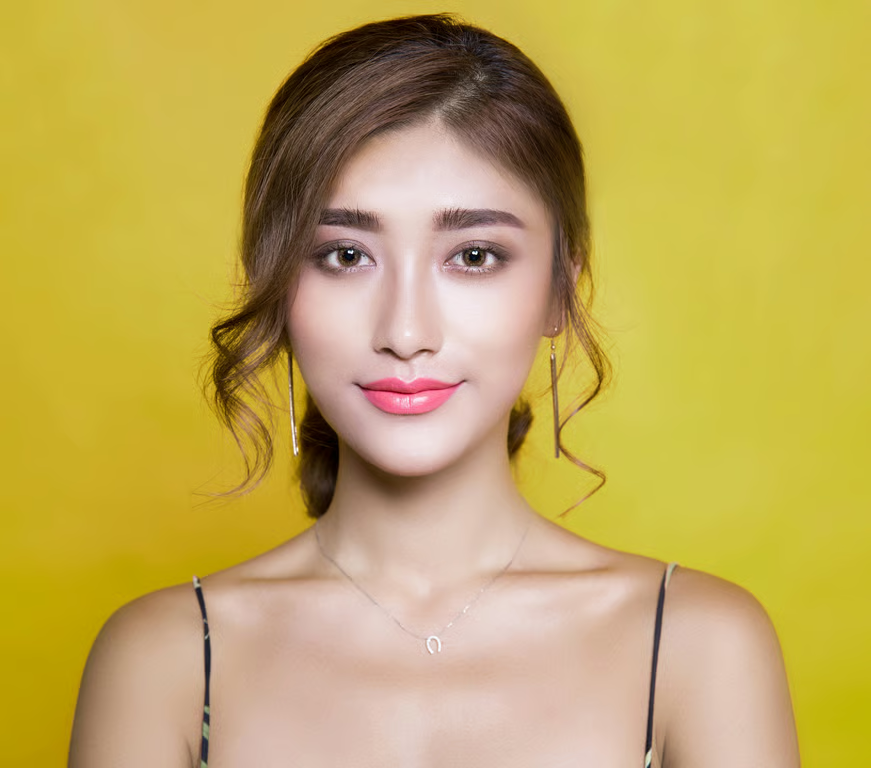
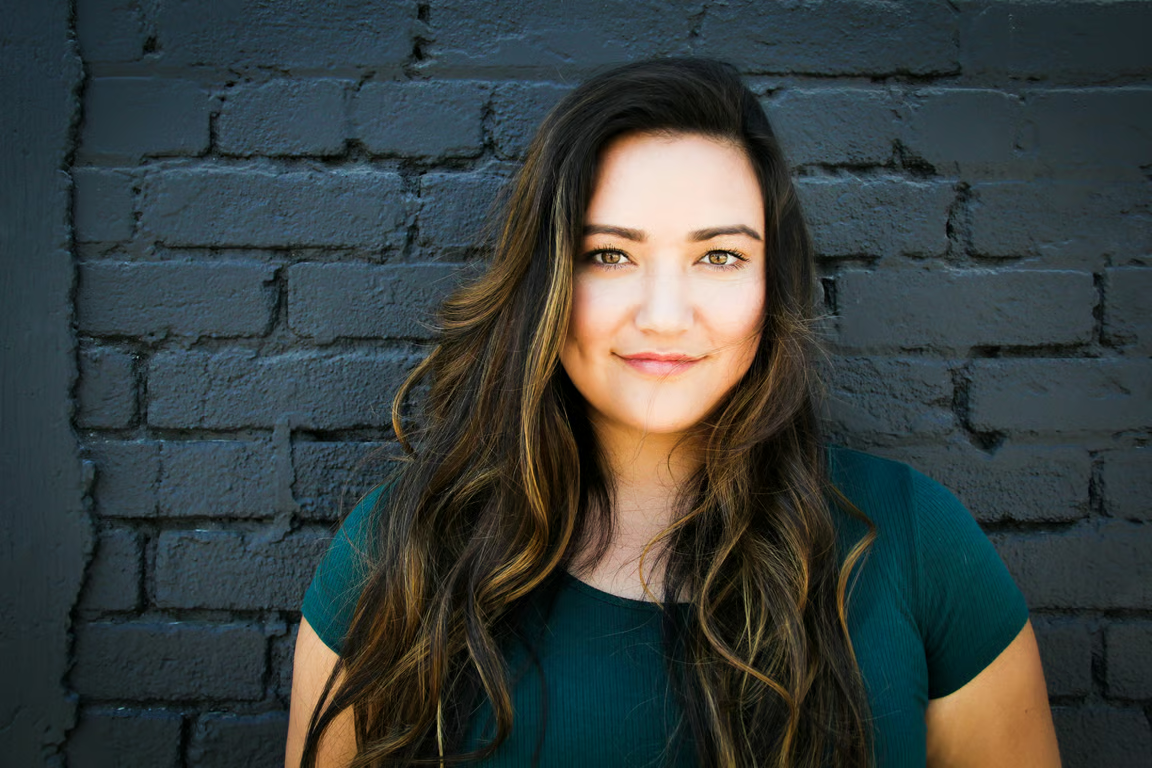
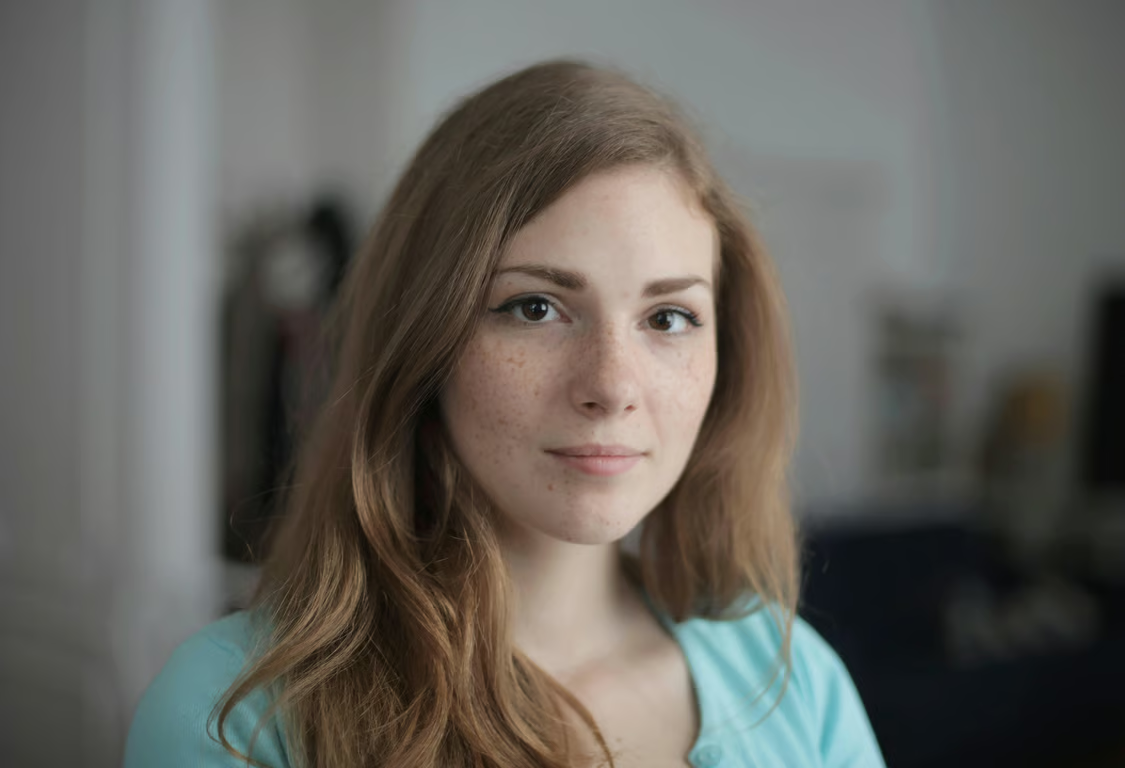

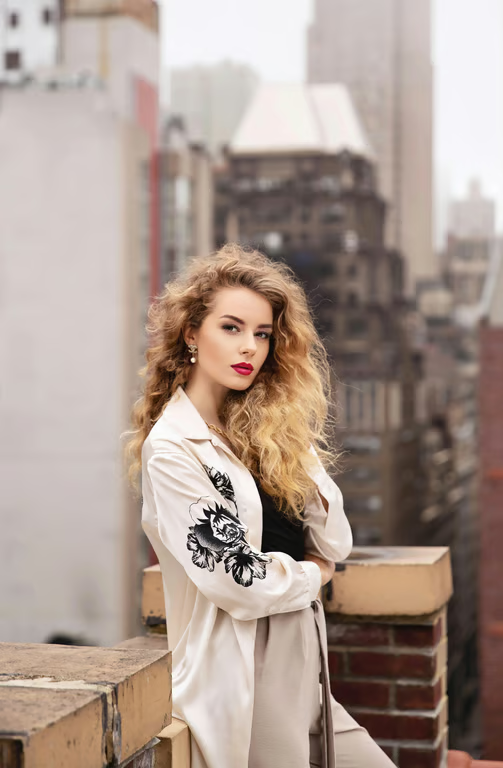

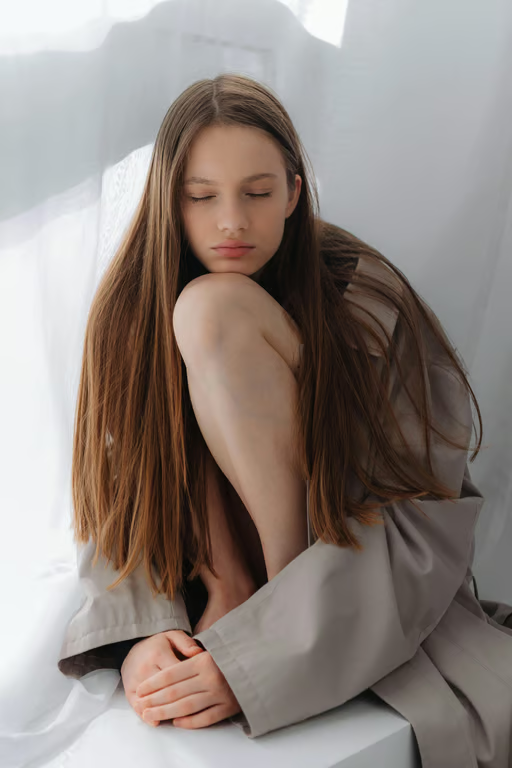
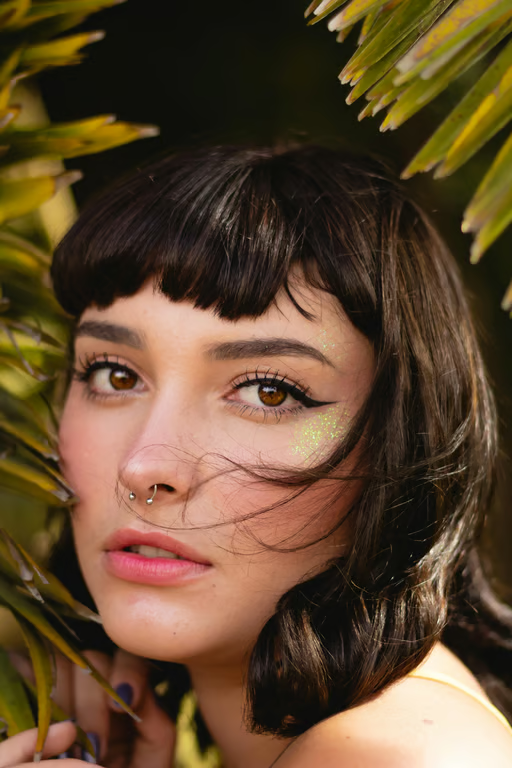
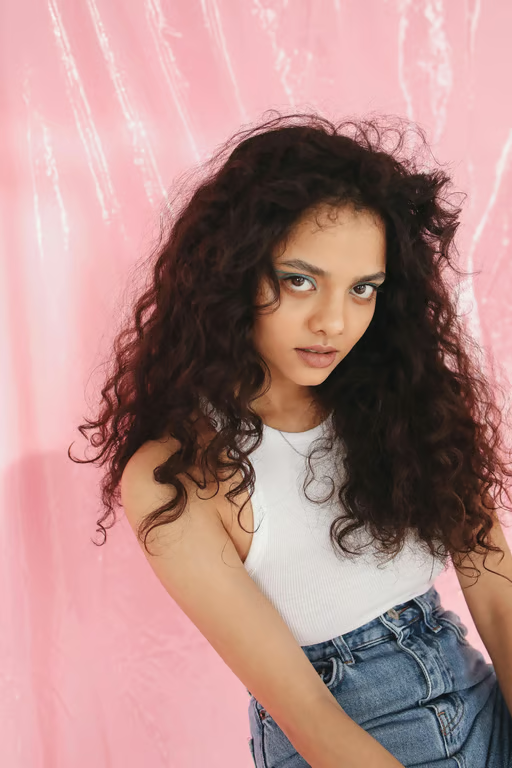
Use a Reference Photo
Upload a photo and pair it with a written wolf cut direction for a tailored image prompt.
Preview layered hair looks from your prompt or photo.
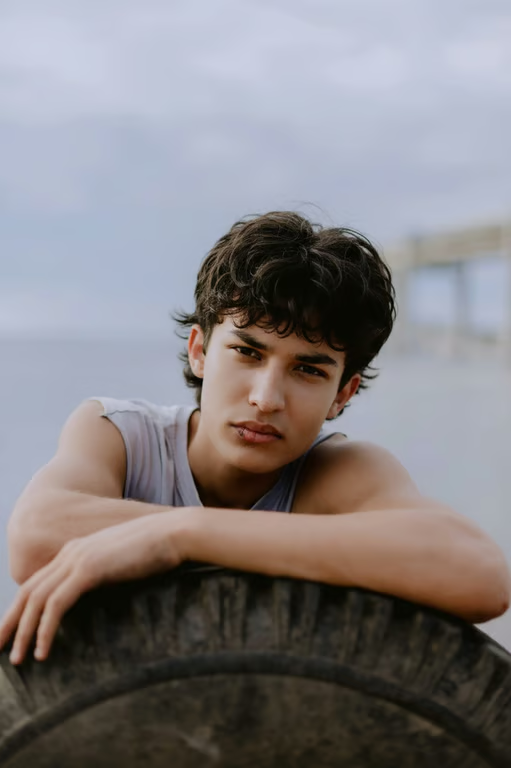
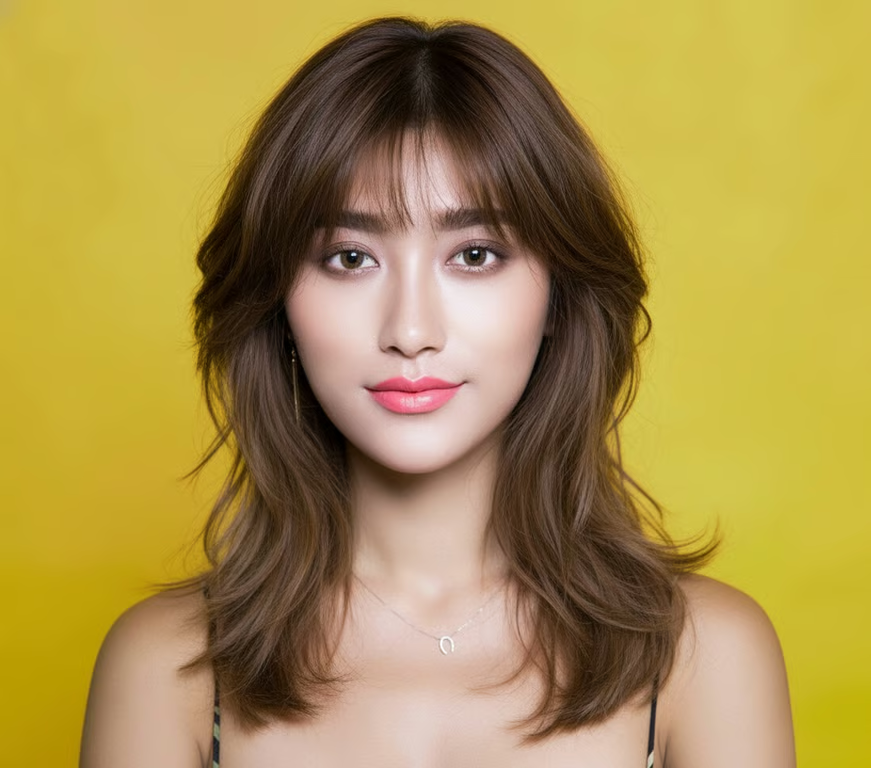
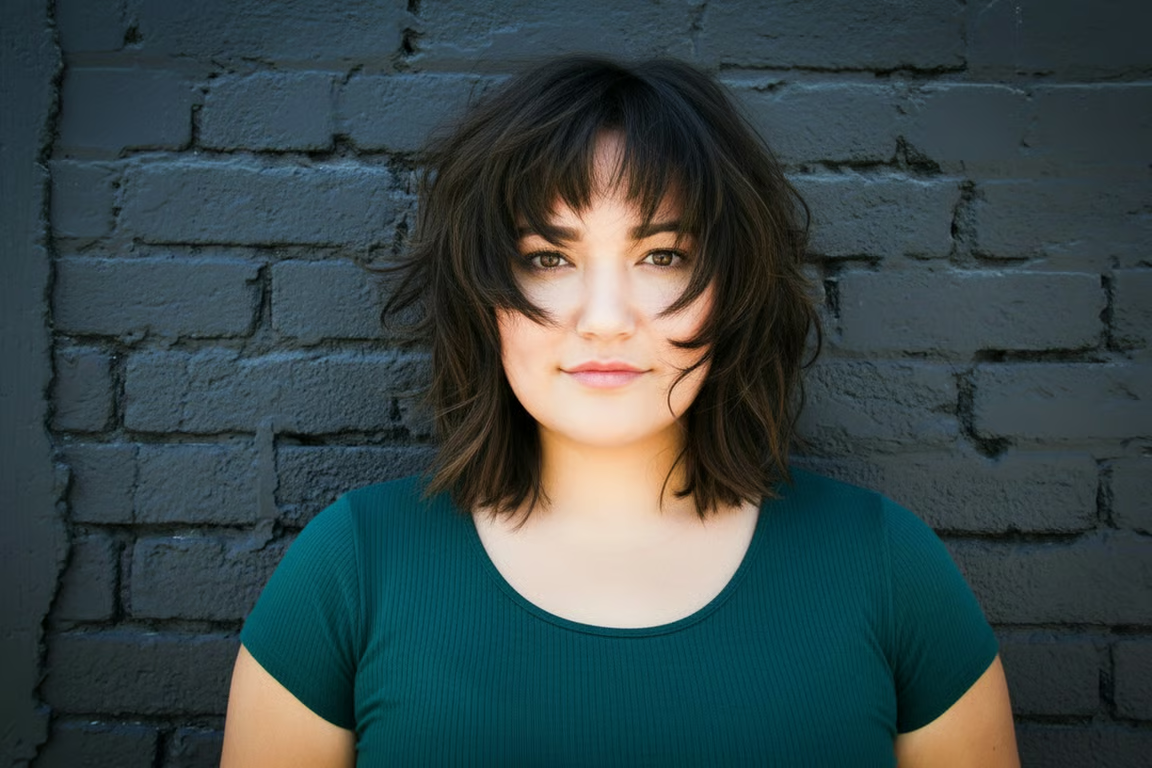
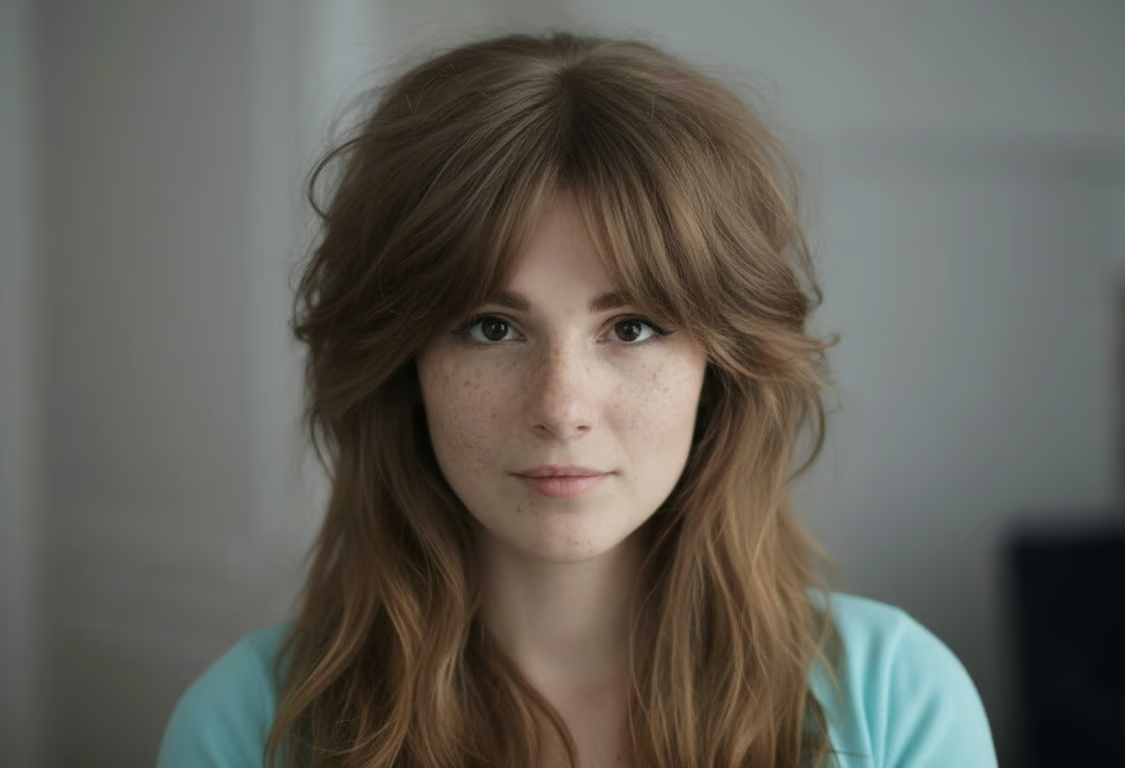

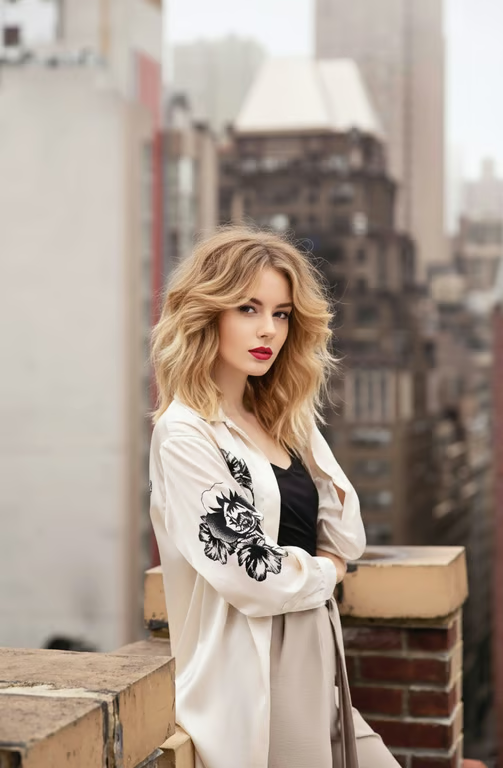


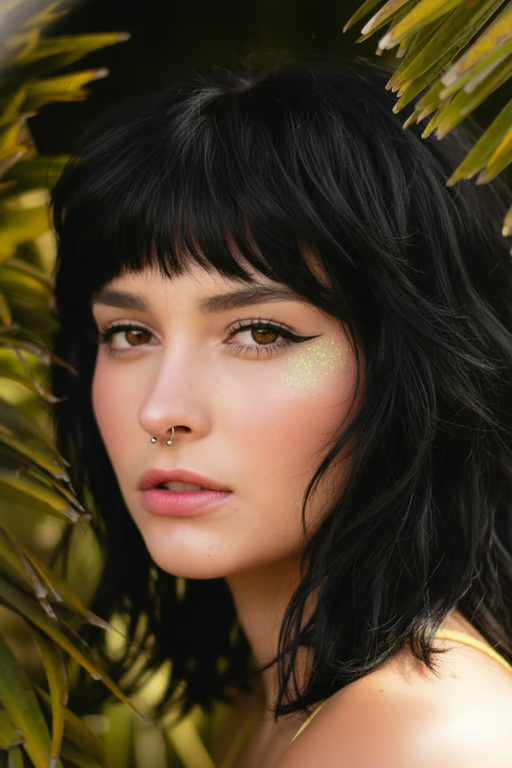
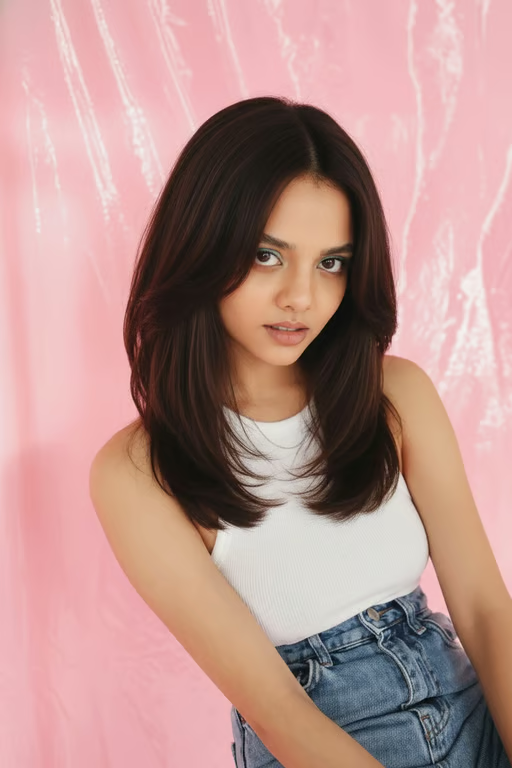
Upload a photo and pair it with a written wolf cut direction for a tailored image prompt.
Choose short, medium, or long hair length to guide the wolf cut you want to explore.
Set texture, volume, and fringe preferences to make each hairstyle idea more specific.
Generate another version in the same conversation when your first wolf cut direction needs a change.
Explore short, medium, and long wolf cut ideas before choosing the direction that feels right.
Try airy, bold, curtain, or short fringe directions without needing haircutting skills.
Use a generated hairstyle image to communicate the layered look you want to discuss.
Explore short, medium, and long wolf cut ideas before choosing the direction that feels right.
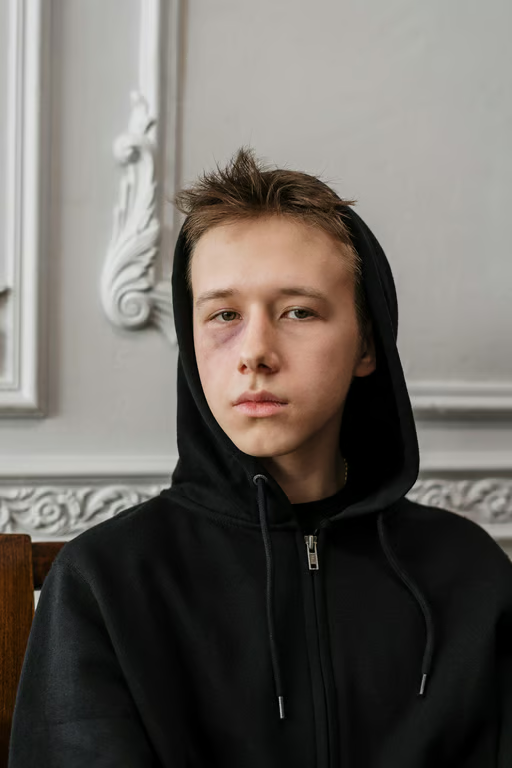
A wolf cut filter is a way to explore a layered wolf cut hairstyle from a written prompt and/or reference photo. Cavro turns that input into an image or video for you to review.
Yes. Cavro can use a reference photo together with your written hairstyle direction. Add the details you want to explore, such as length, texture, volume, or fringe.
Yes. You can describe different wolf cut directions and choose options for length and style details. You can also refine and generate again in the same conversation.
Yes. Cavro produces images or video from a written prompt and/or reference photo. Both come from the same conversation and use one credit balance.
No mandatory subscription is required. Results are billed per credit, so you can use the credit balance for the images or video you generate.
Creators worldwide are turning “just an idea” into expensive-looking images.