Preview elegant bridal looks, couple portraits, and romantic wedding settings from a personal photo. Cavro helps engaged couples, planners, and photographers explore wedding aesthetics before the big day.
Drop, upload, or paste an image
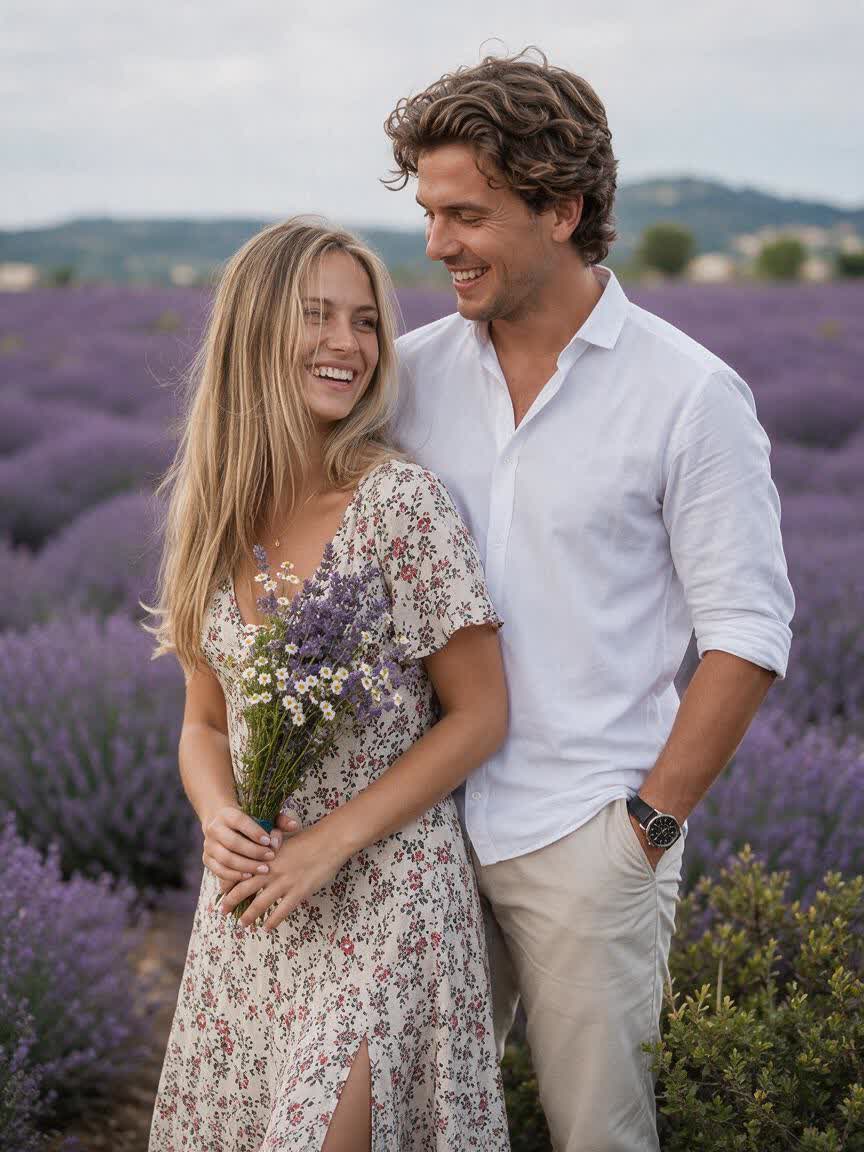
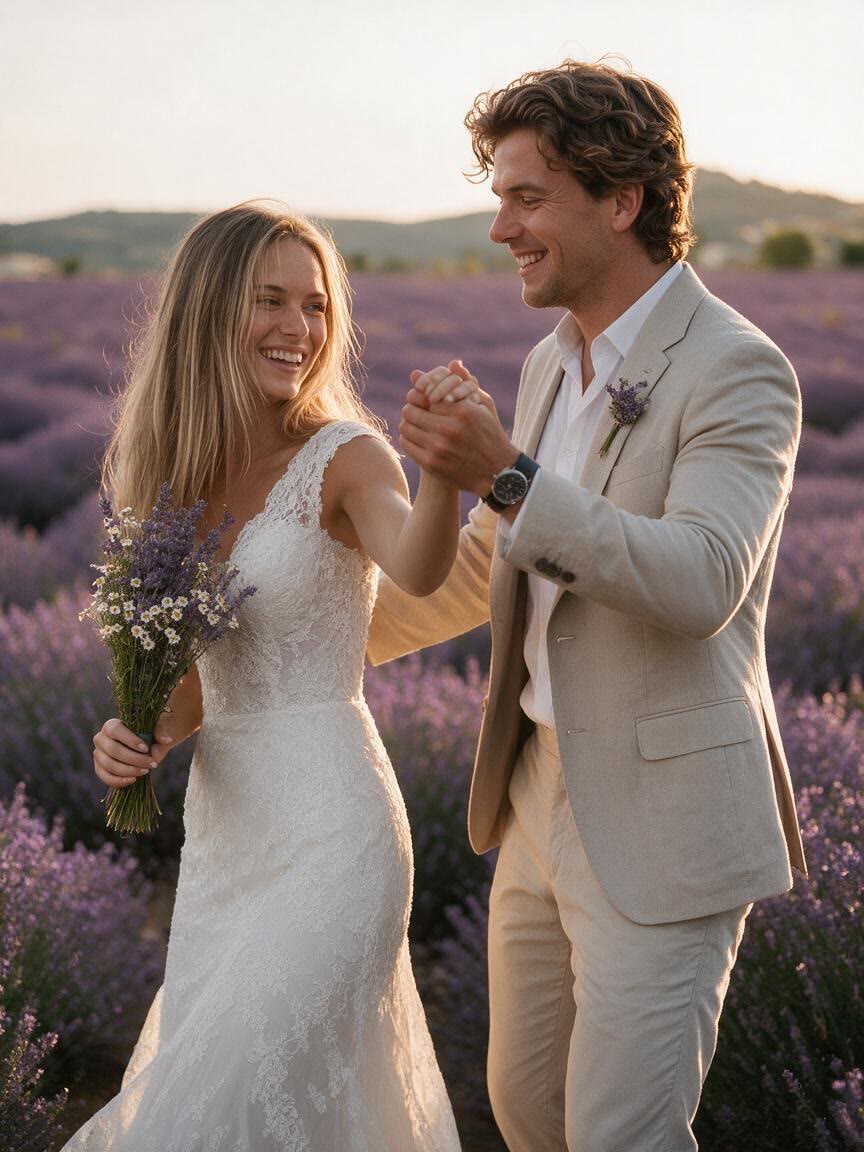
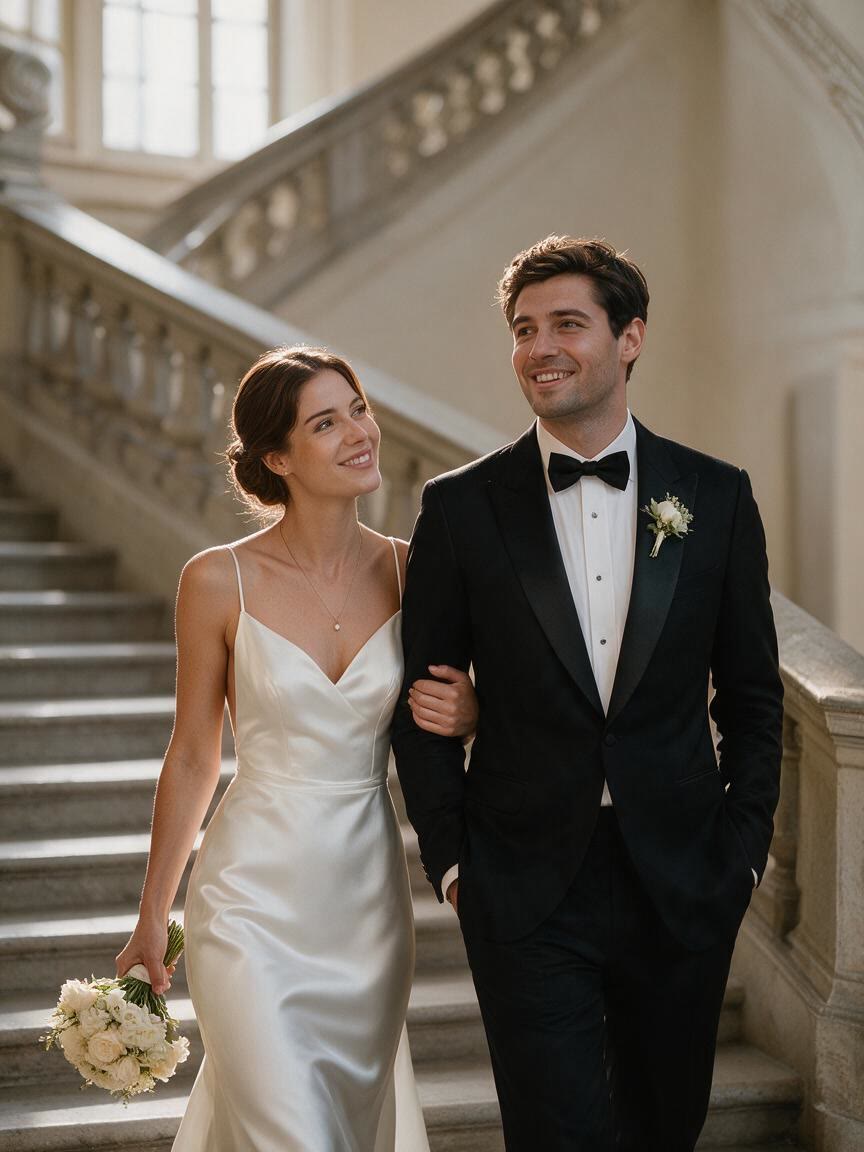
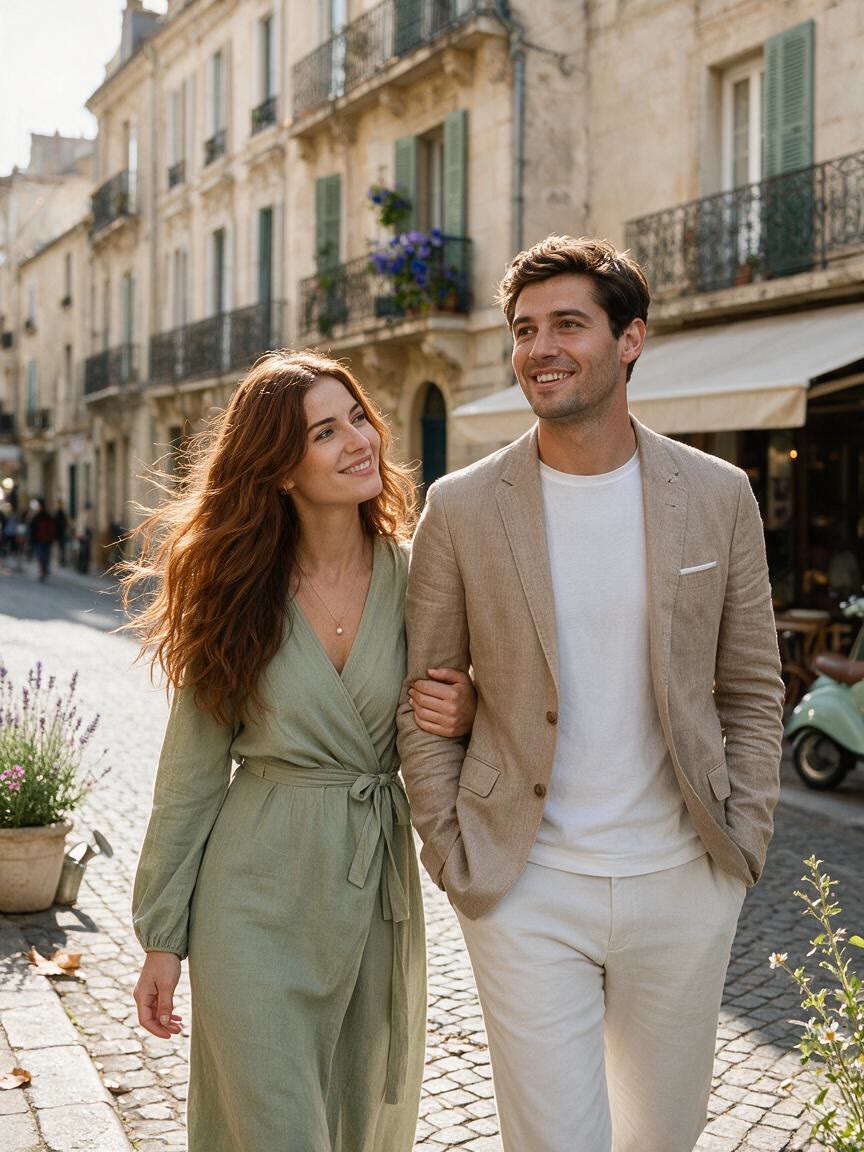
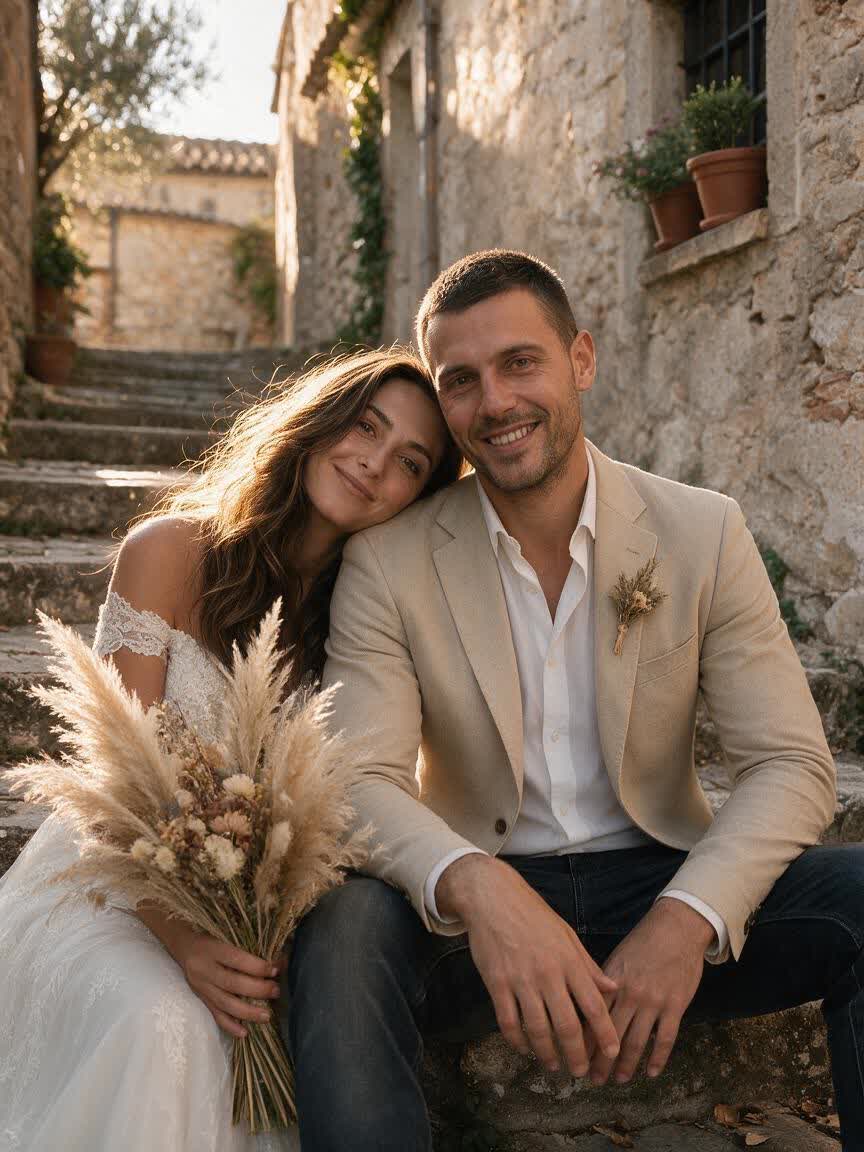
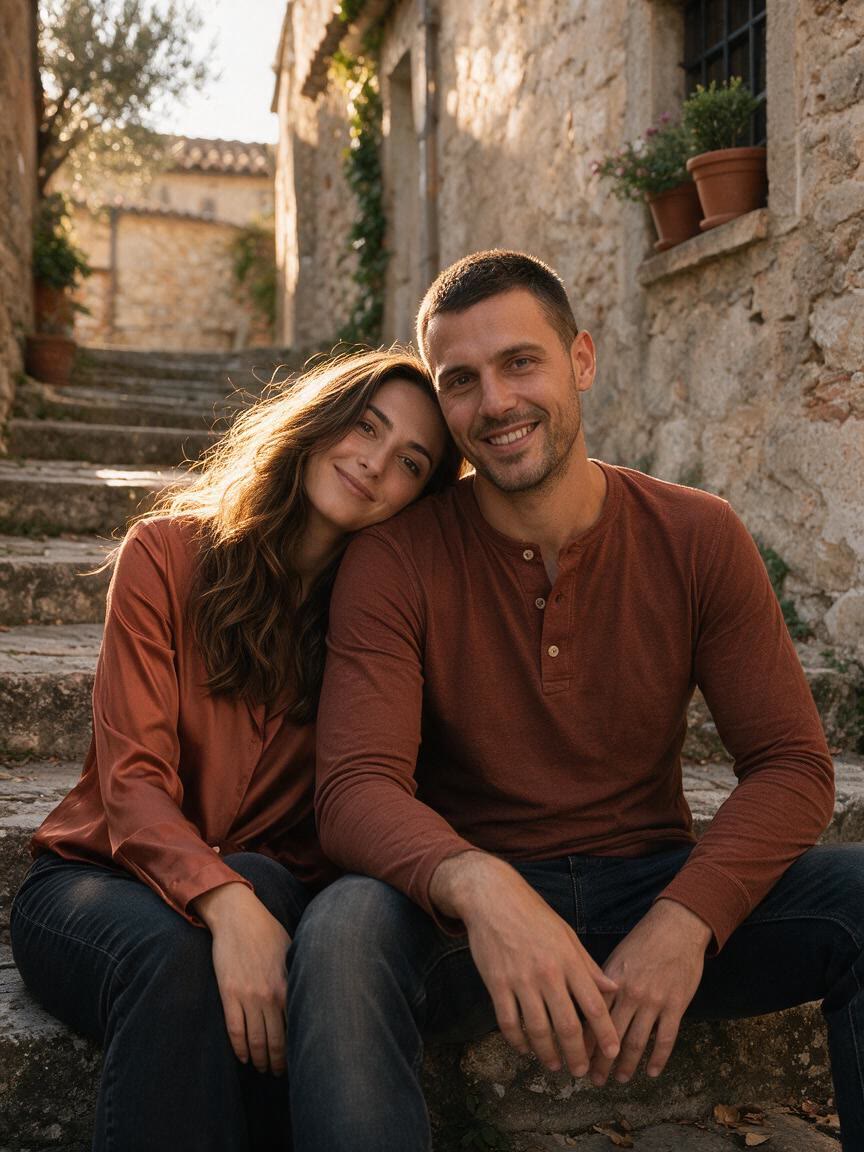
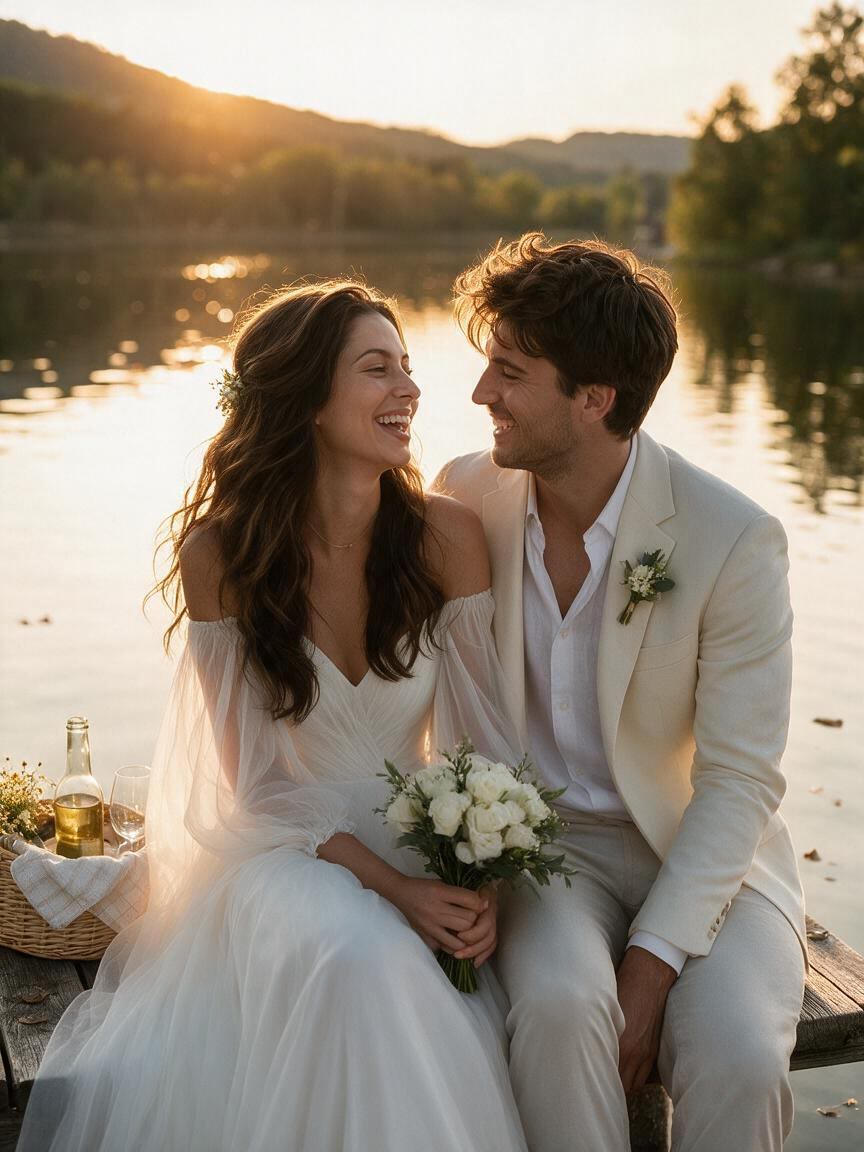
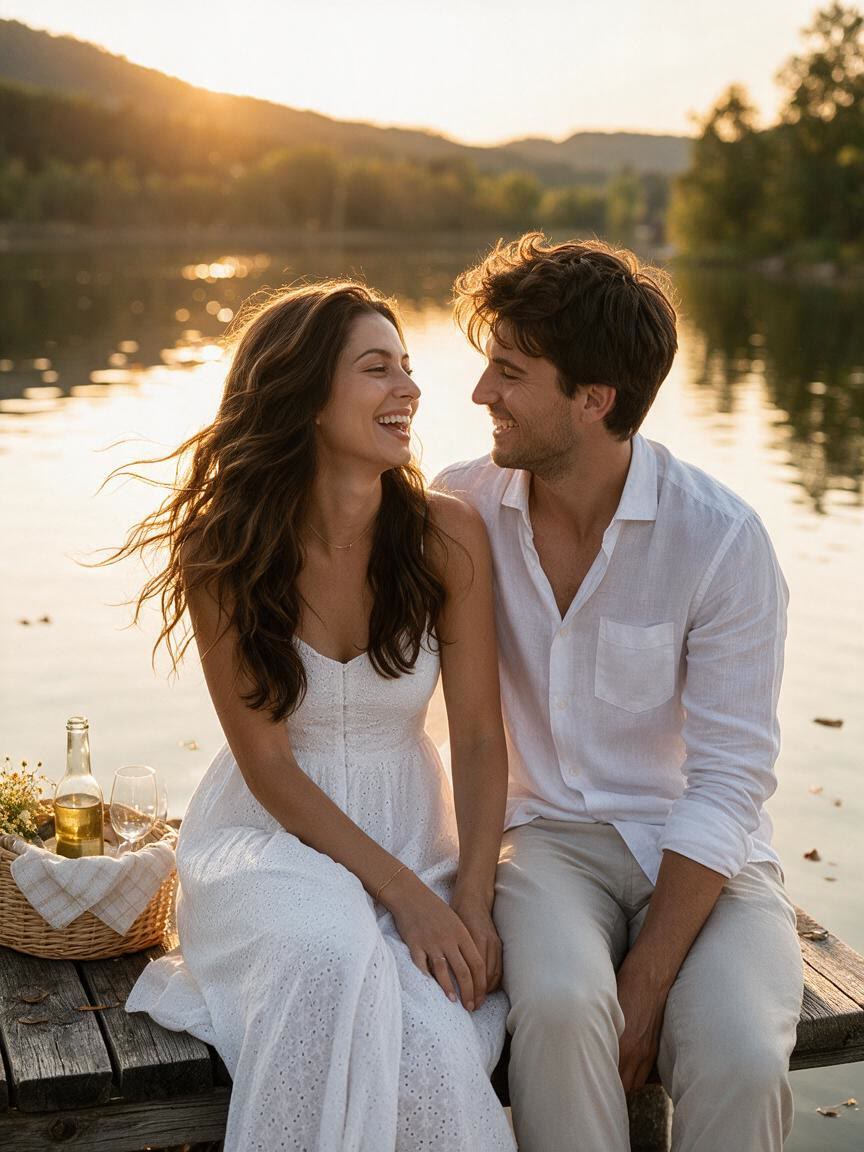
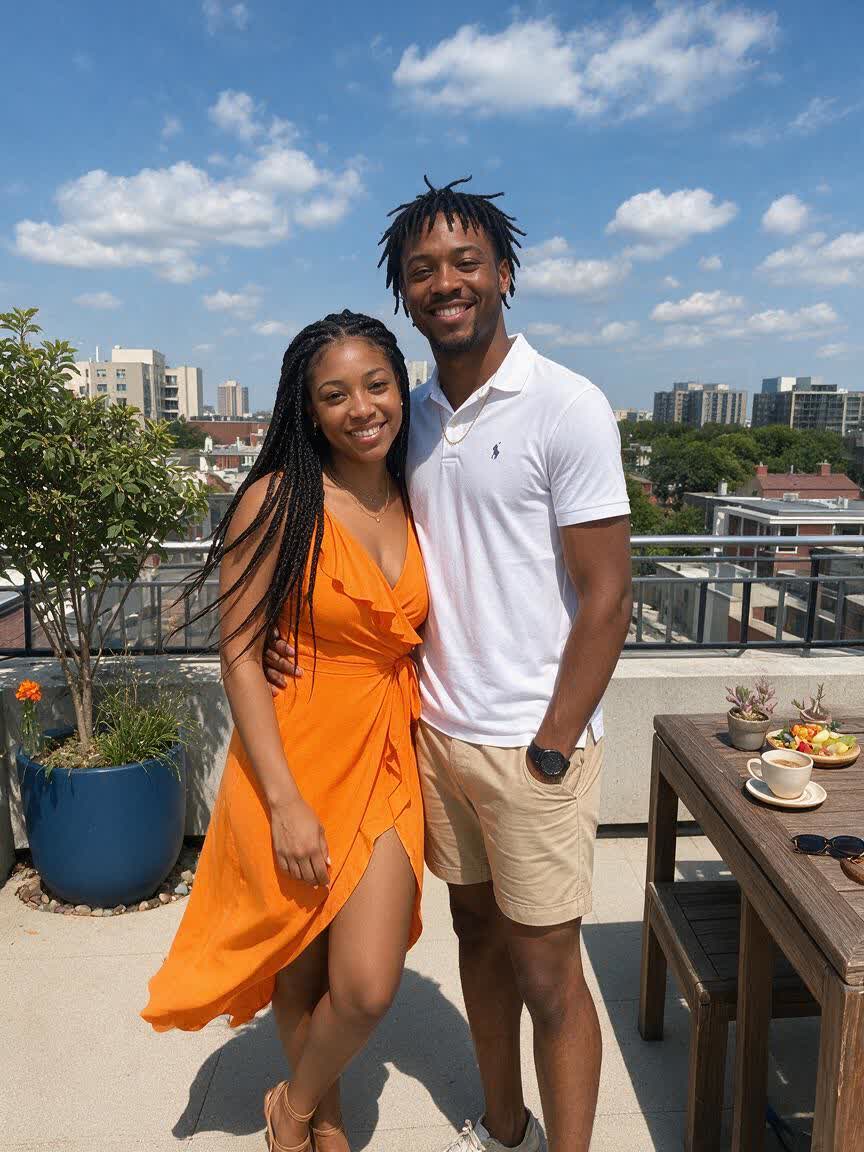
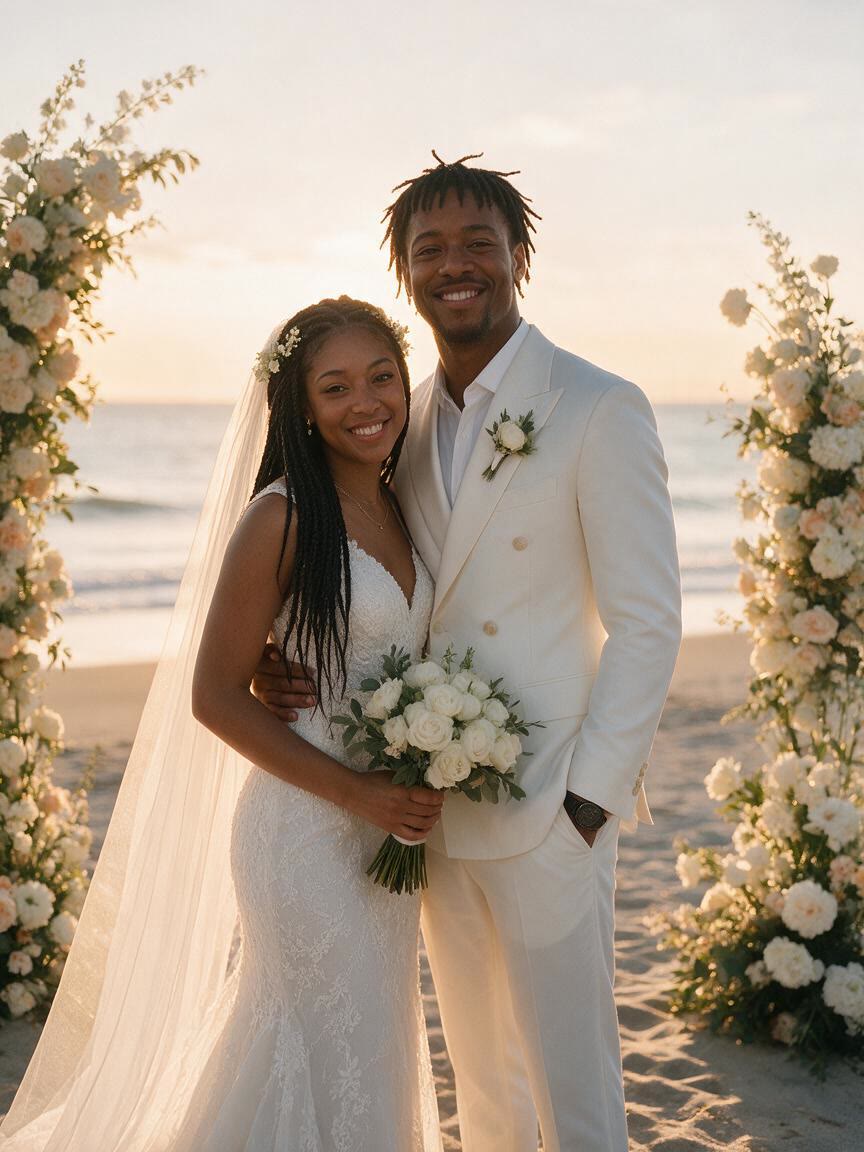
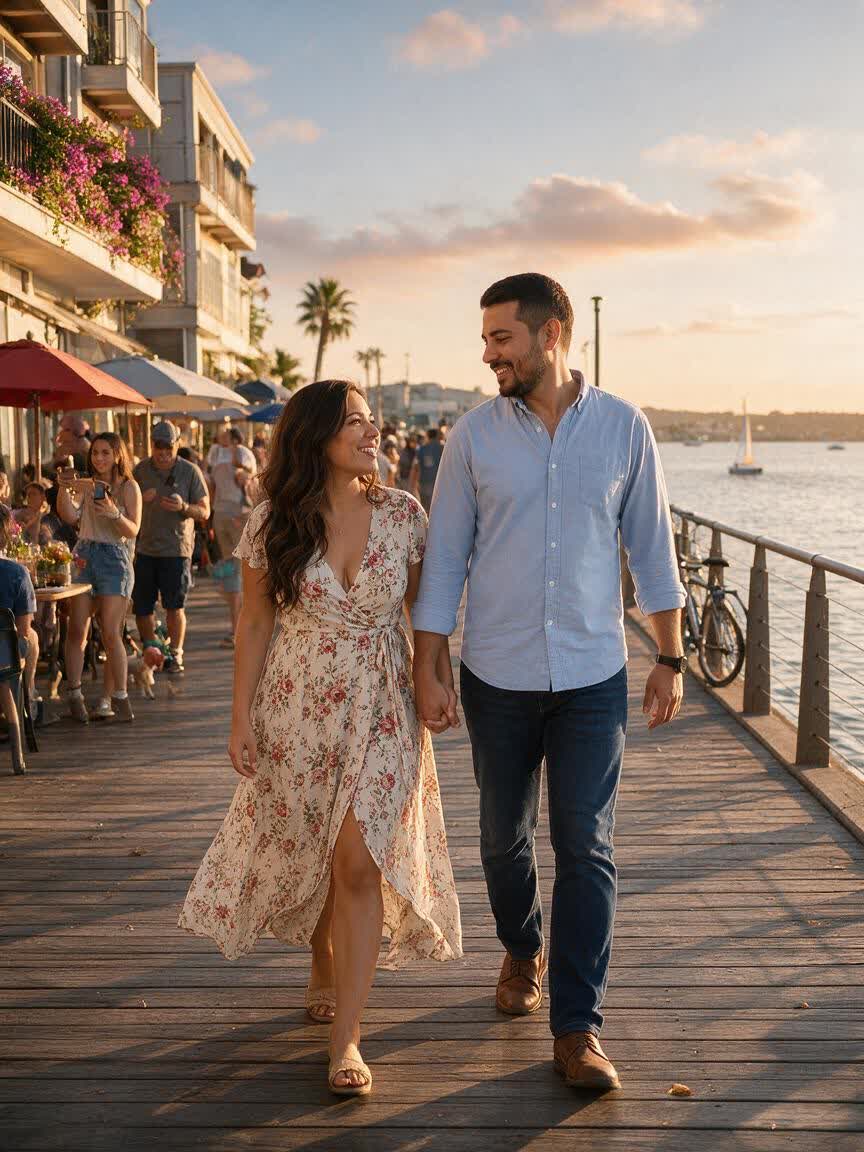
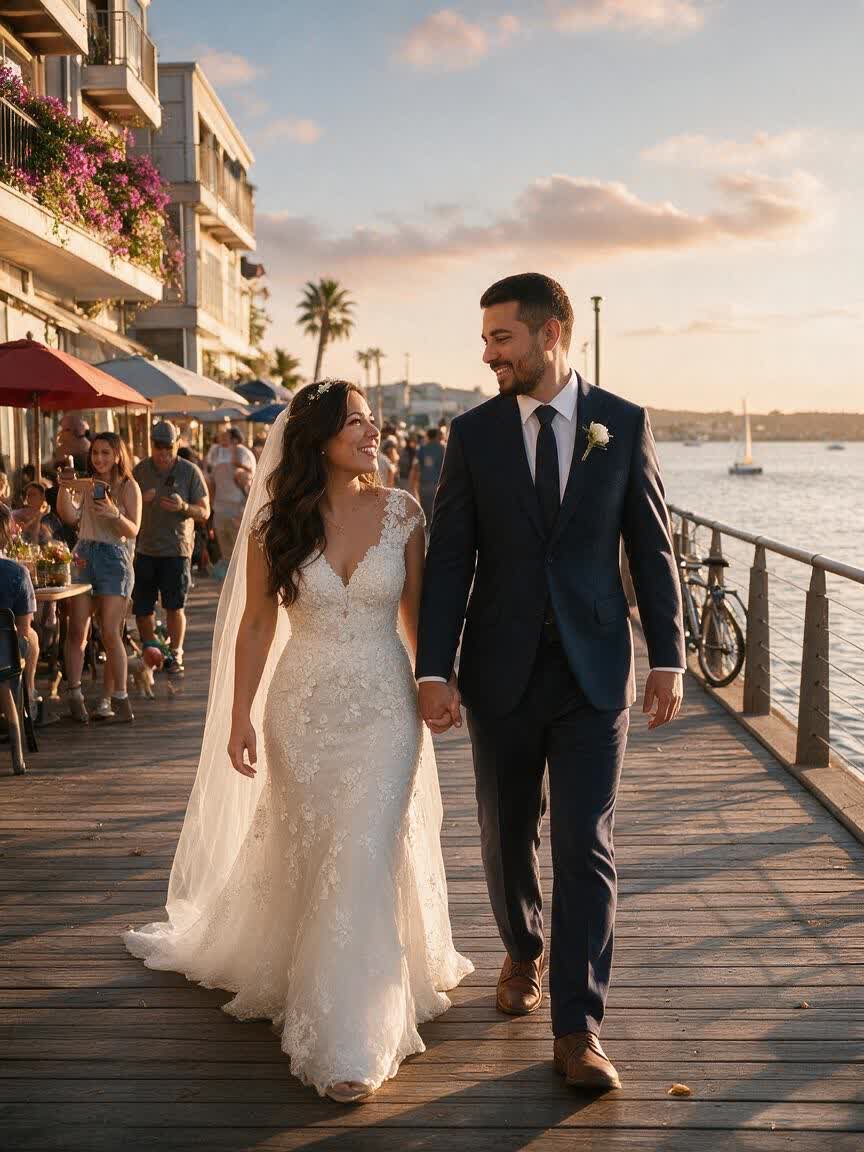
Replace the woman's floral dress with a white lace wedding dress, add a beige suit jacket and small purple floral boutonniere to the man, pose the couple dancing with raised hands, and relight the scene with warm golden sunset light.
BeforeAfter
Speed up creation with examples
How people use Cavro
How People Use AI Wedding Photos
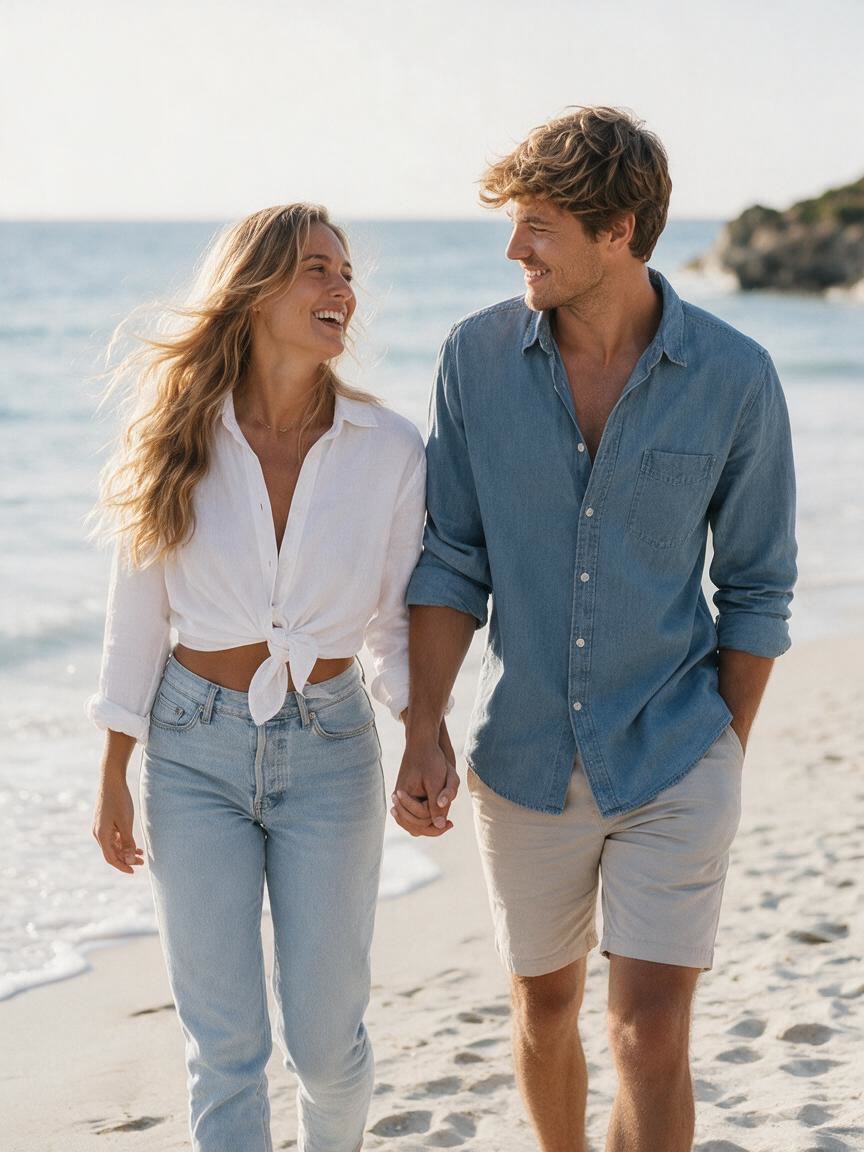
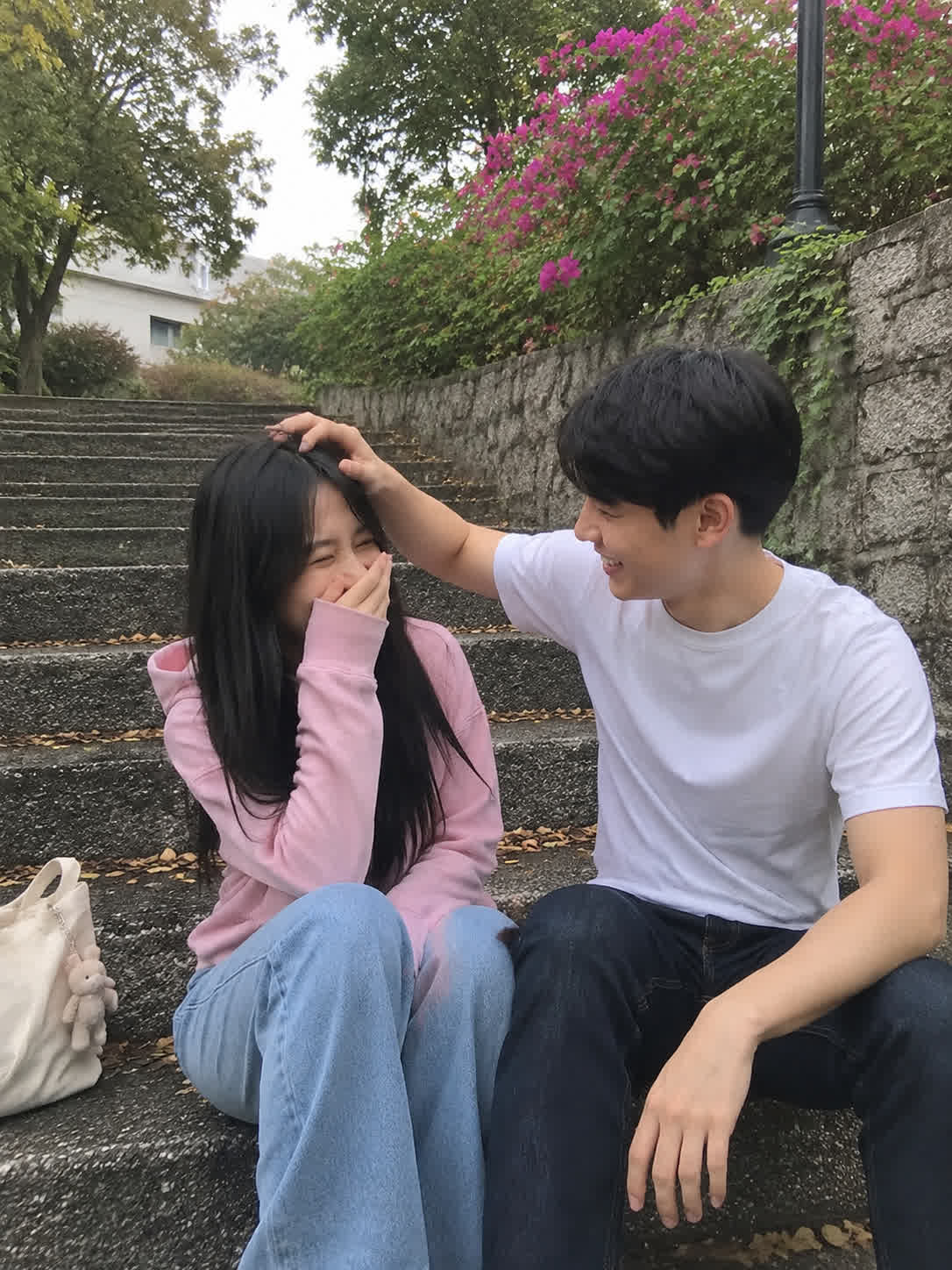
Before
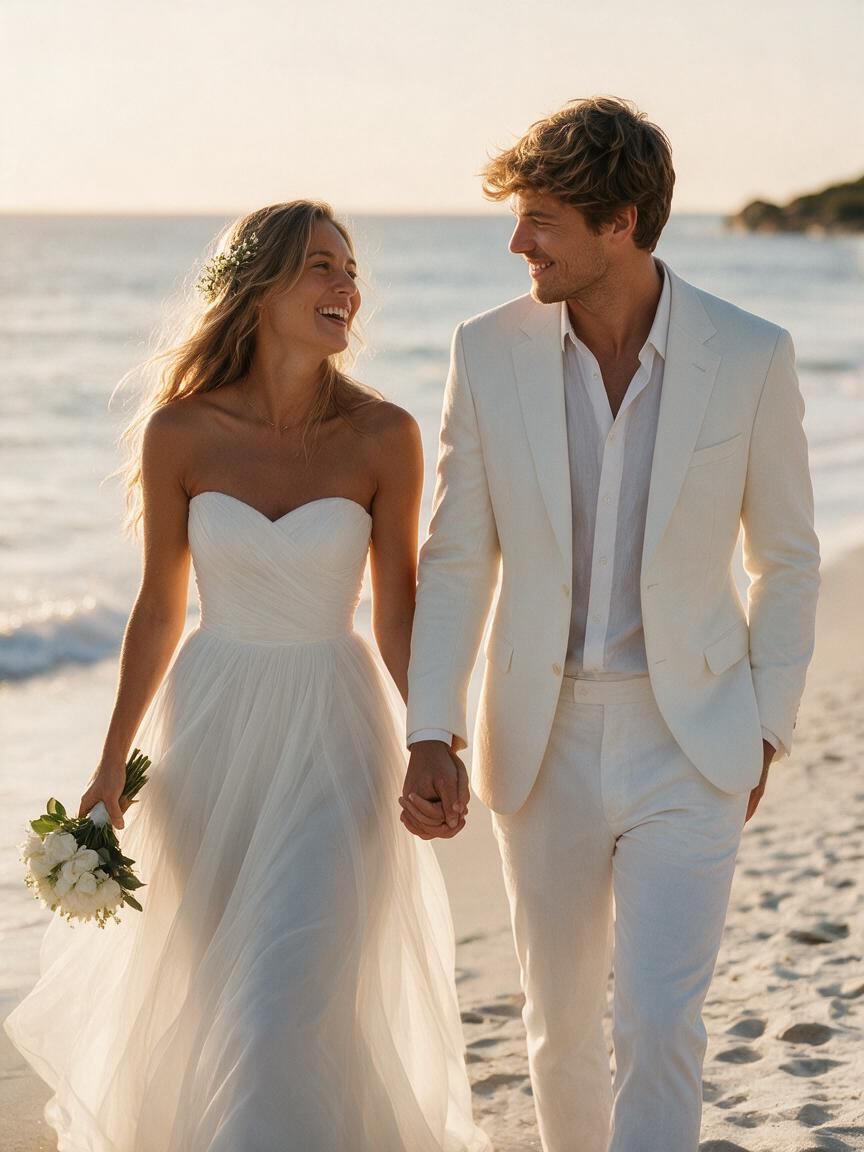
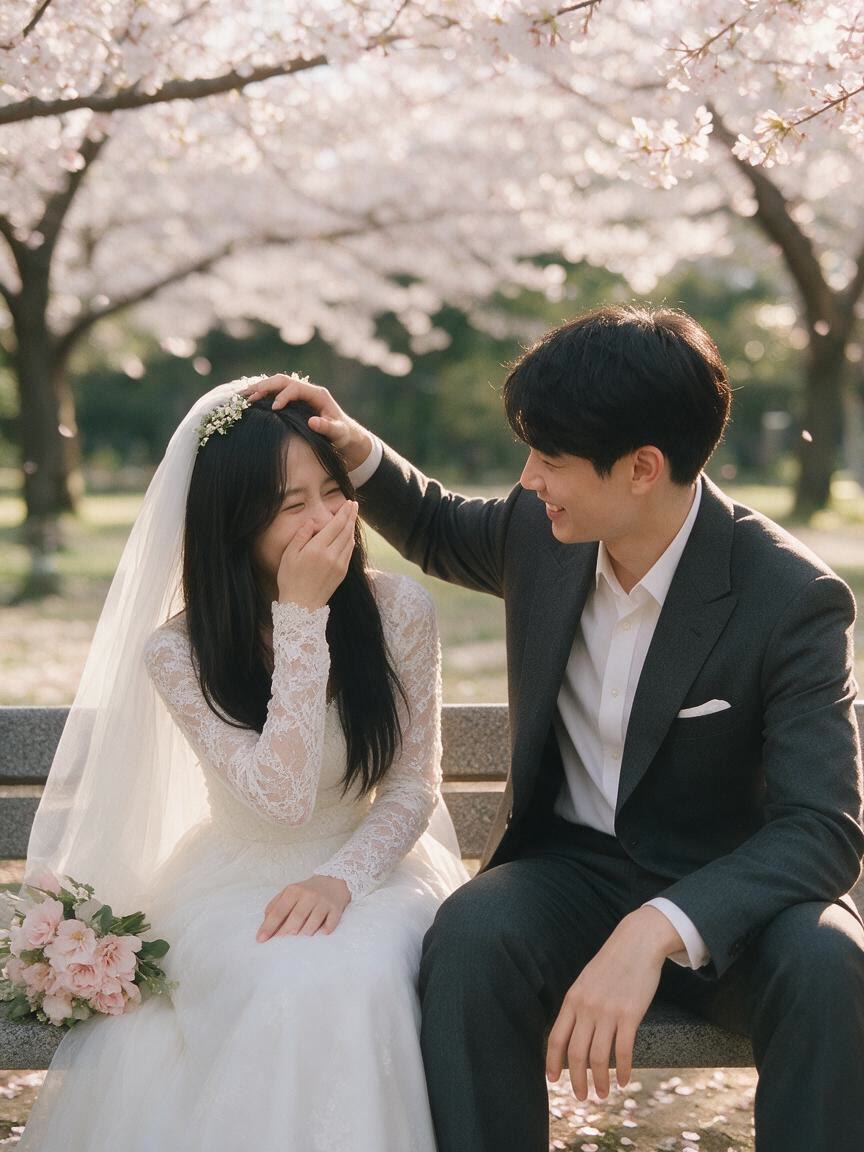
After
Preview Bridal Looks
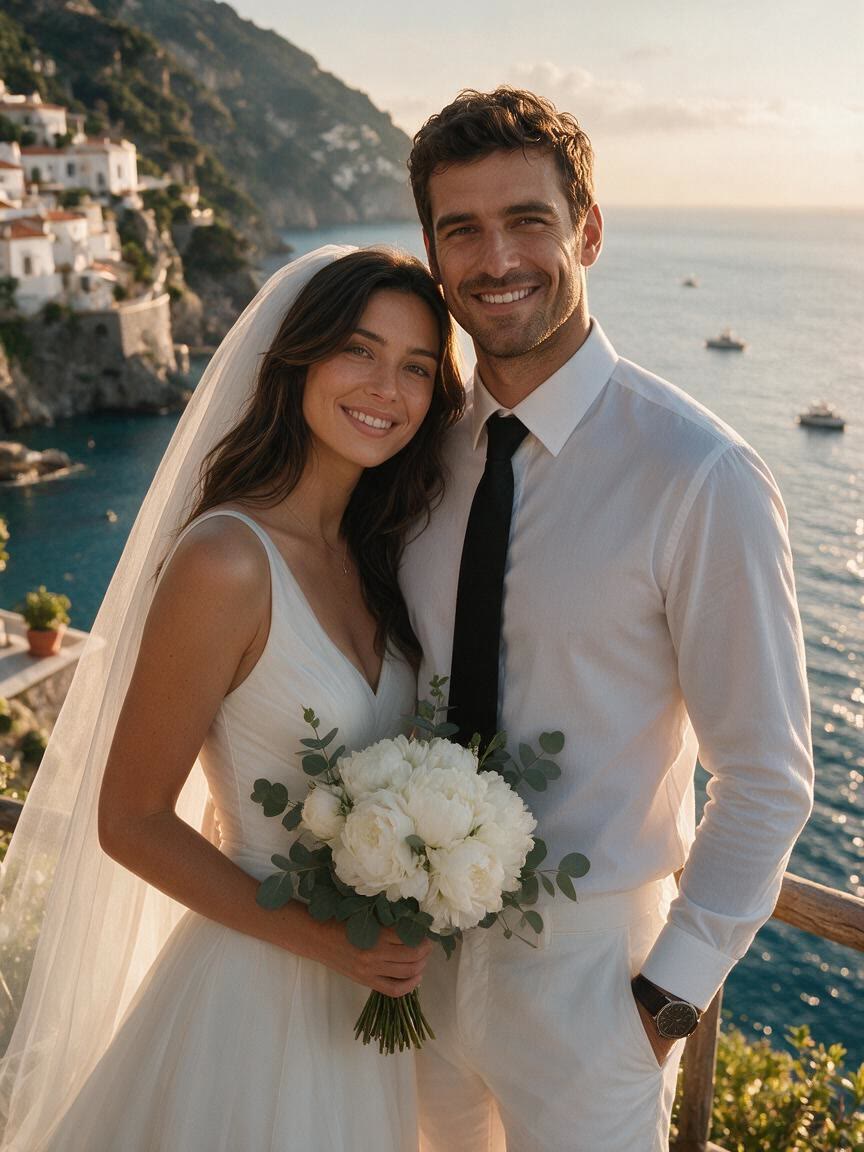
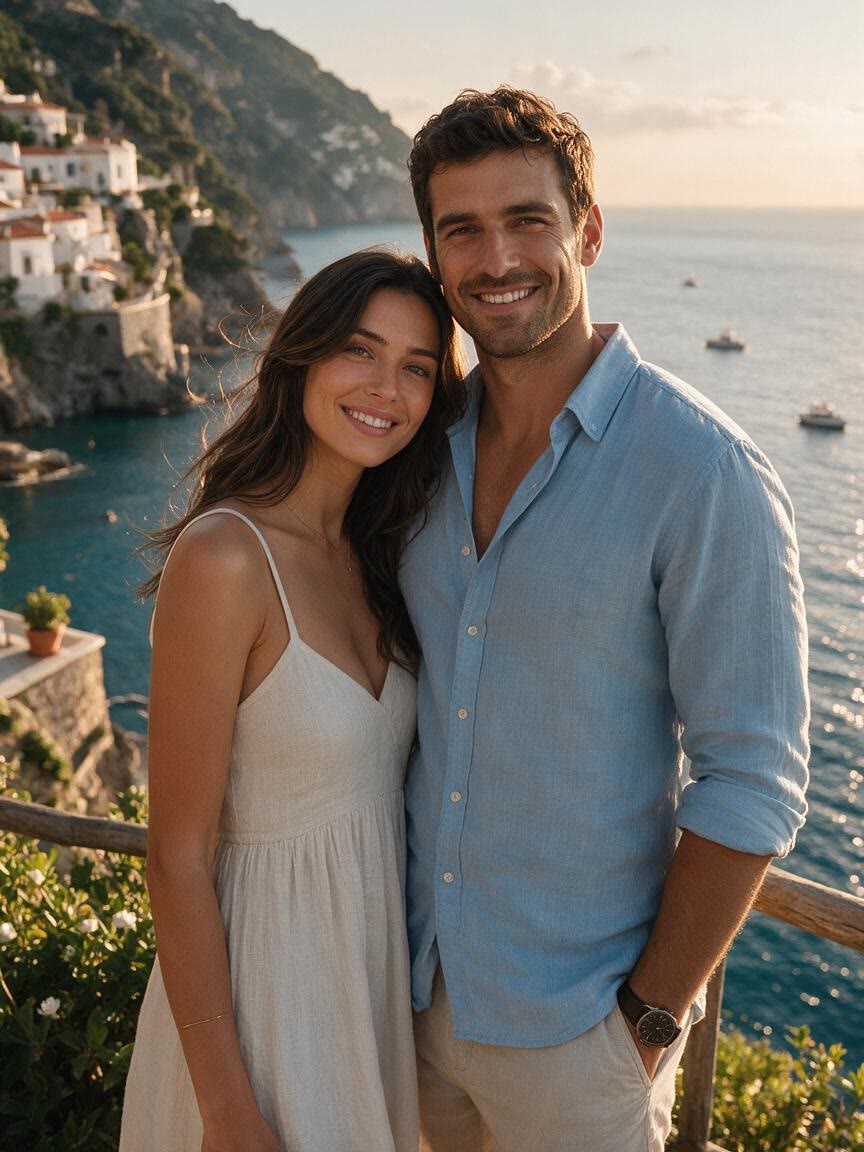
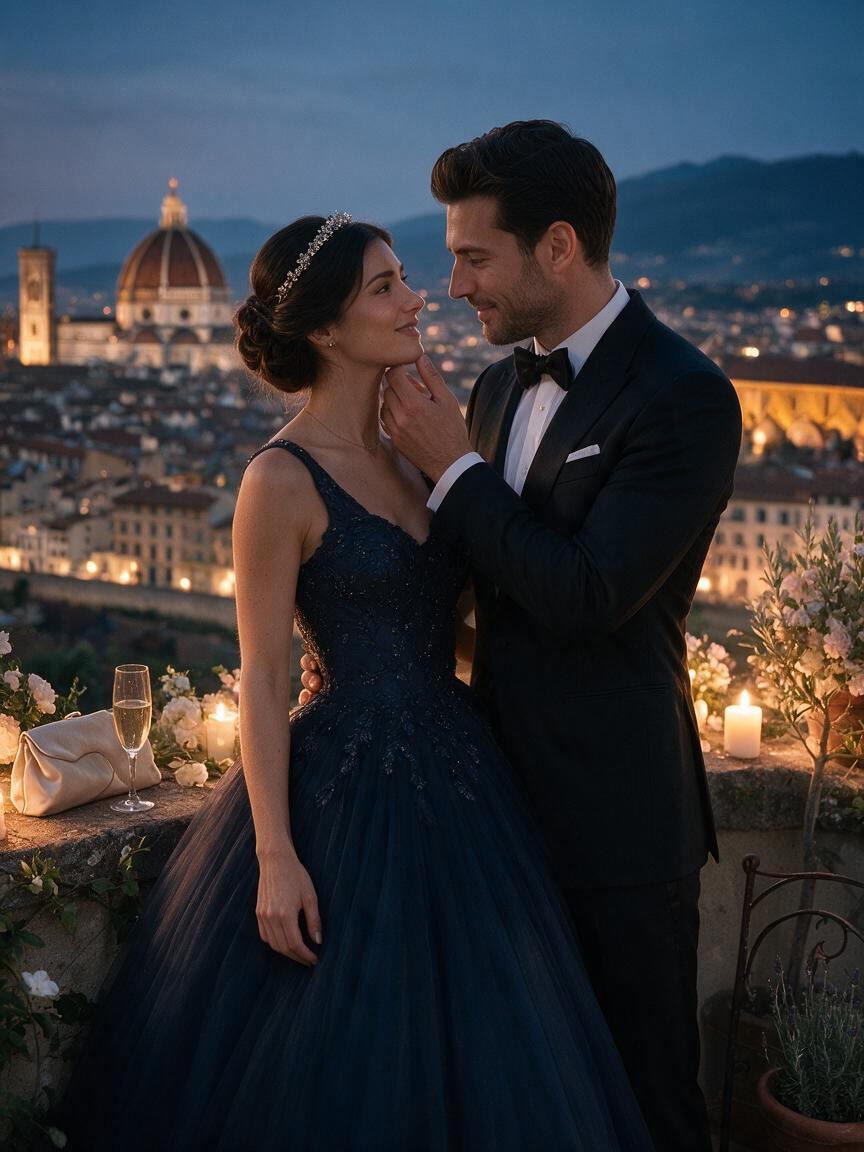
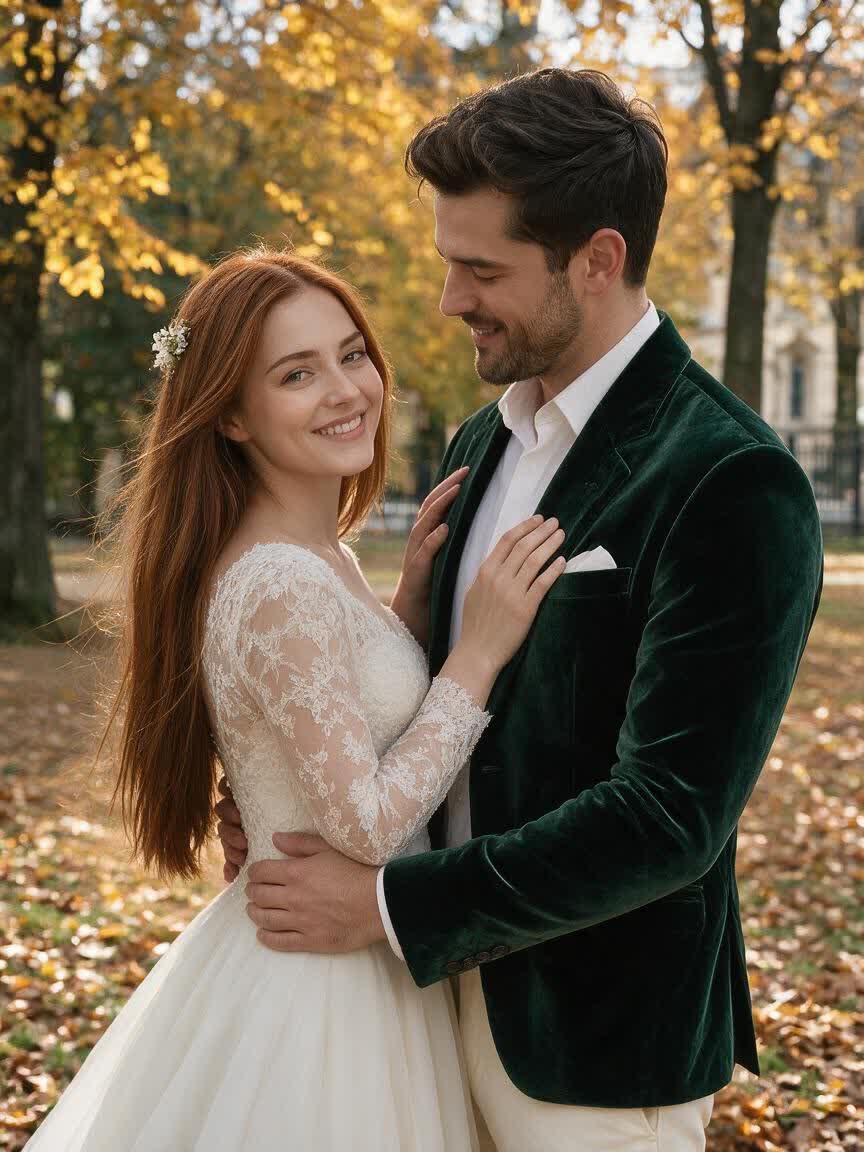
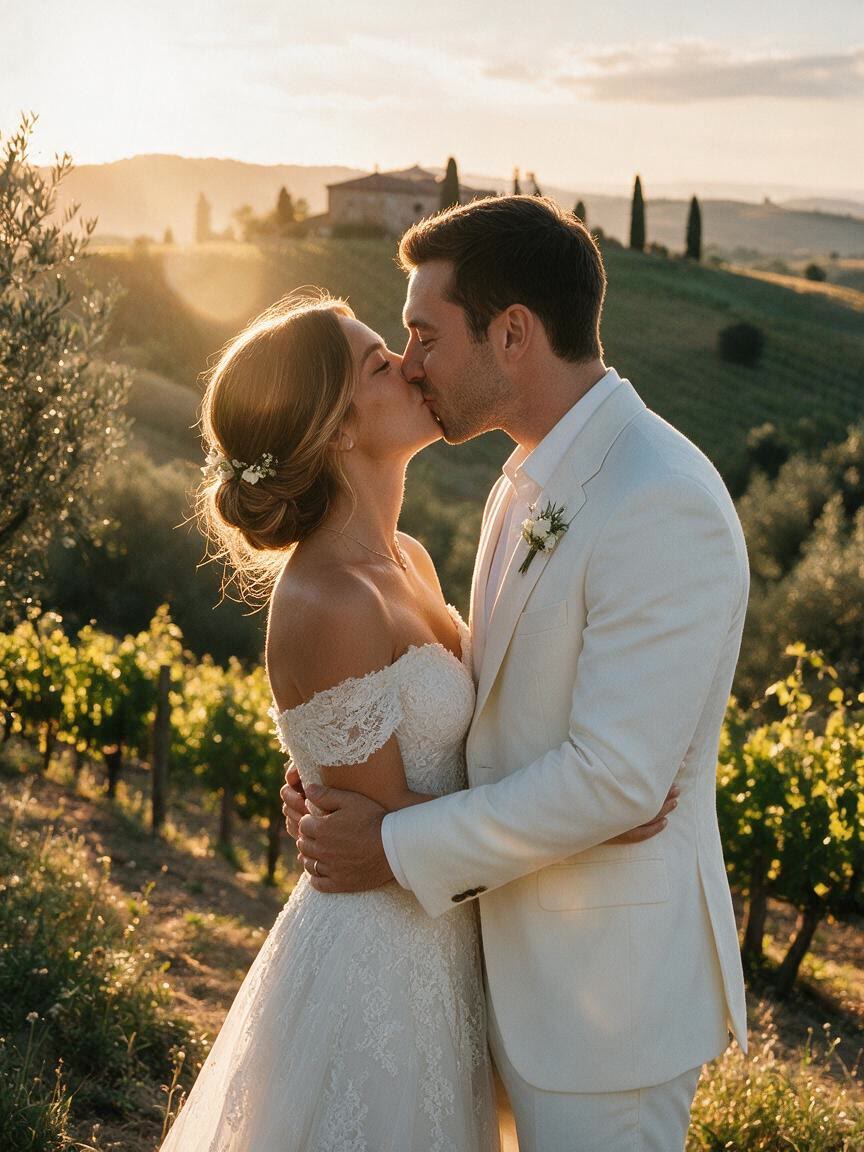
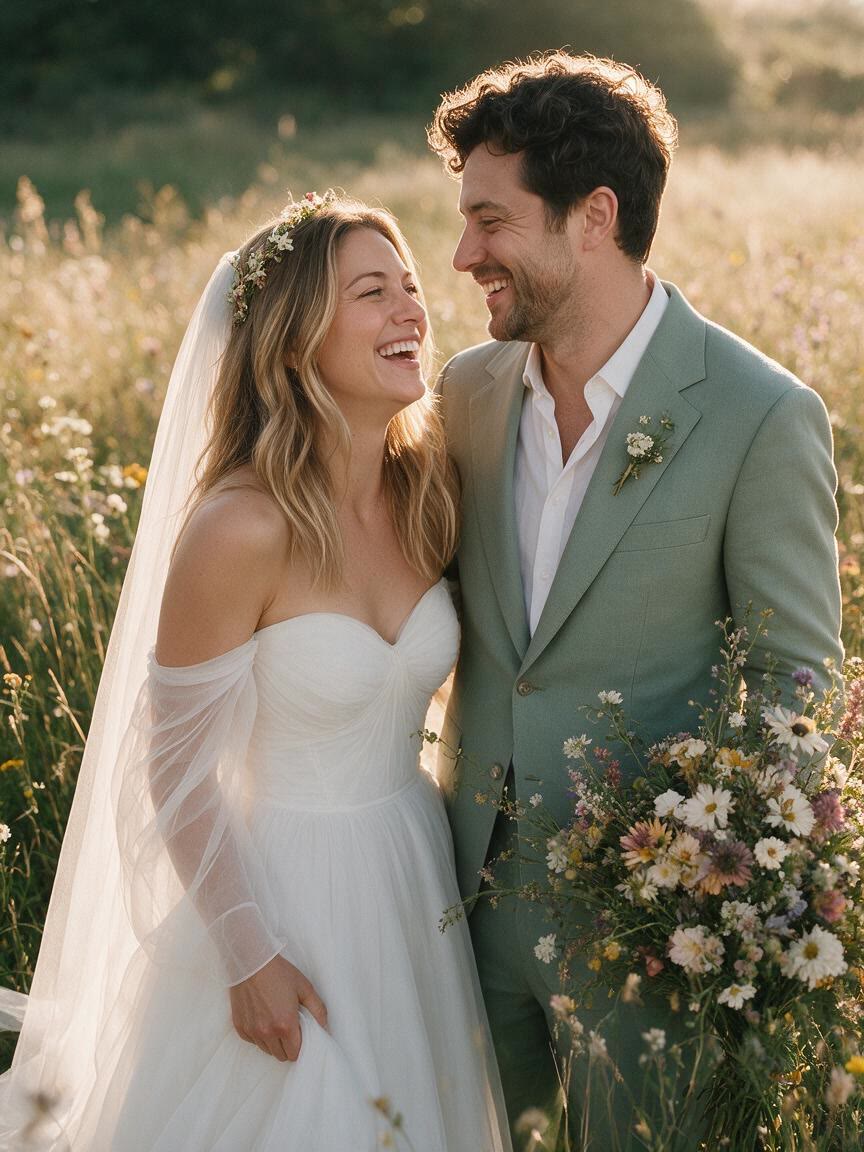
Brides-to-be can bring a casual portrait and explore dress silhouettes, veils, lace, and bouquets before choosing a wedding style. The result gives them a visual reference for the look they want to discuss and refine.
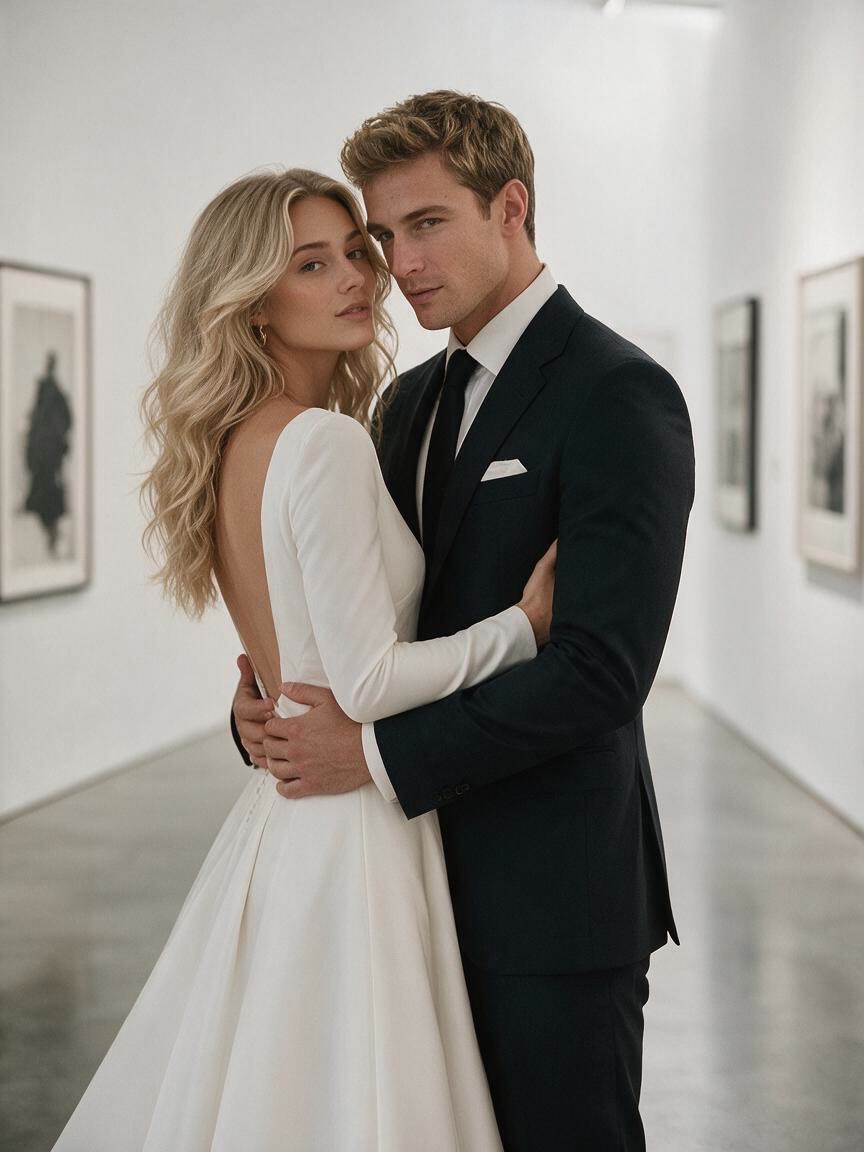
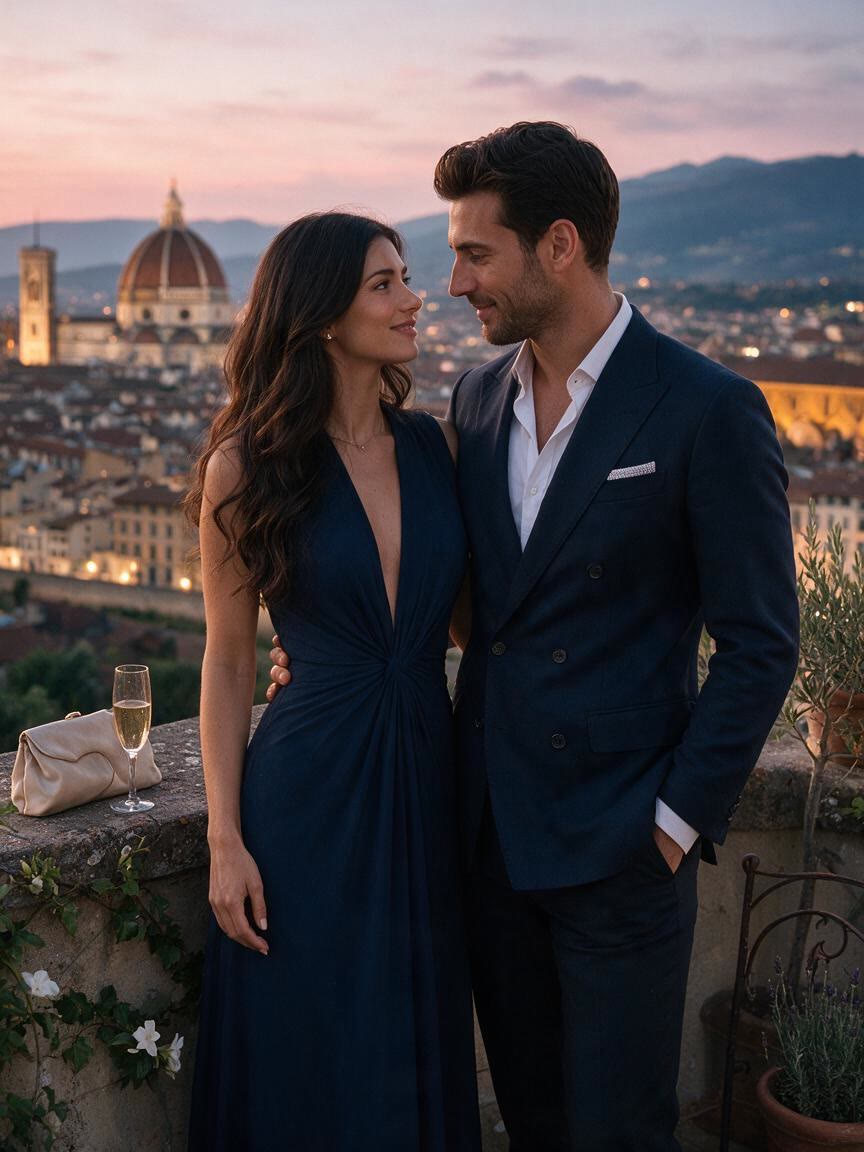
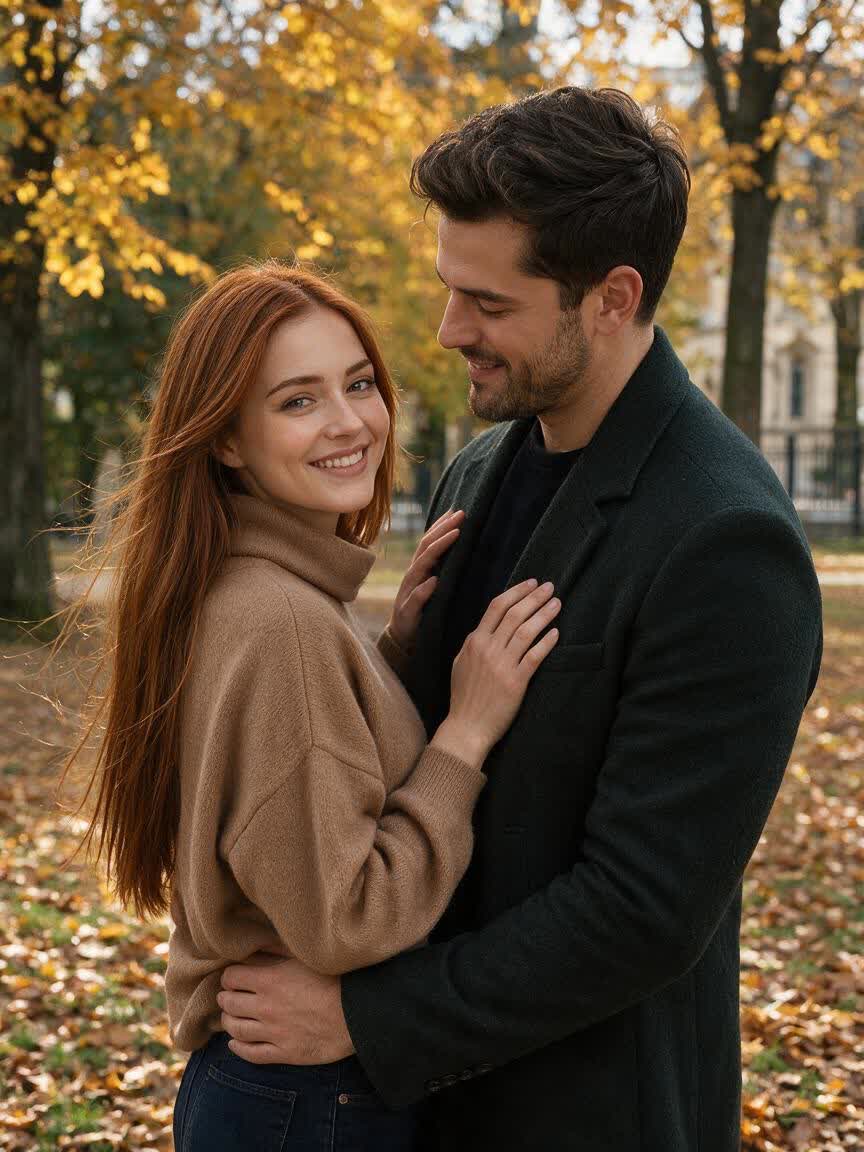
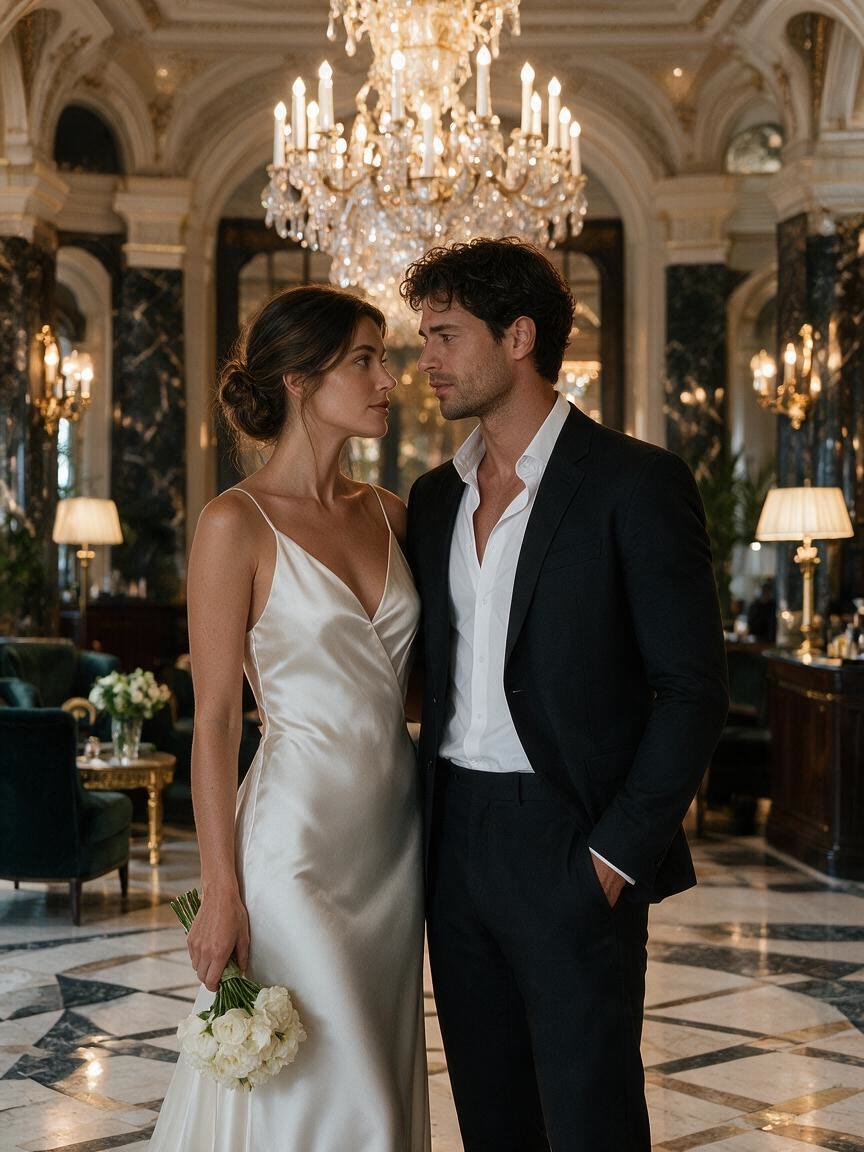
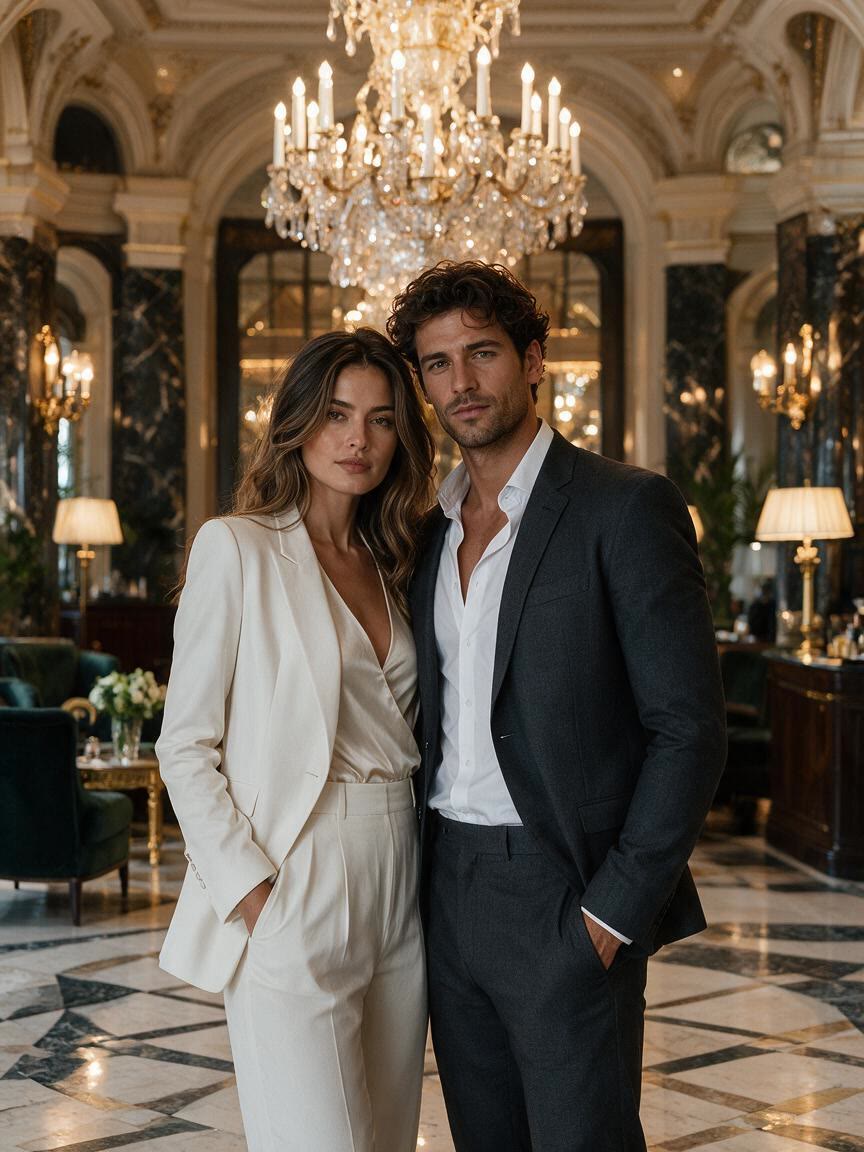
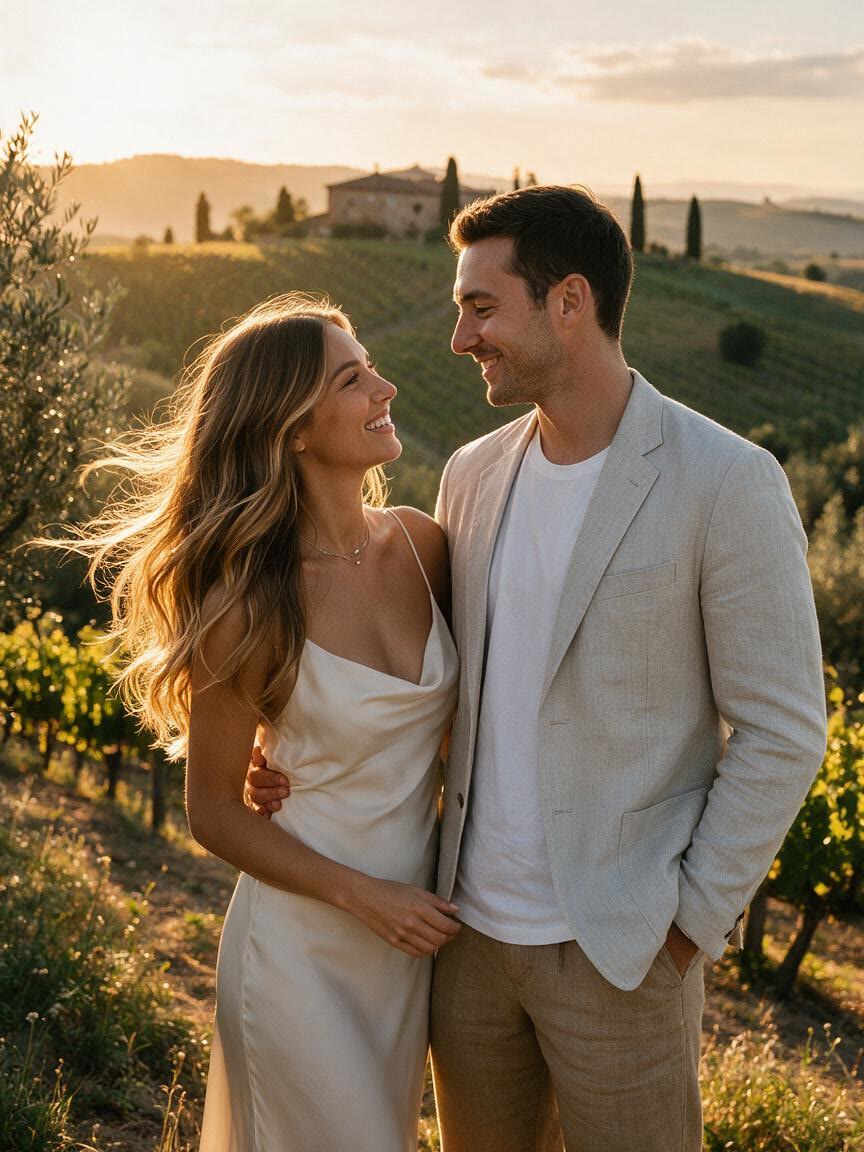
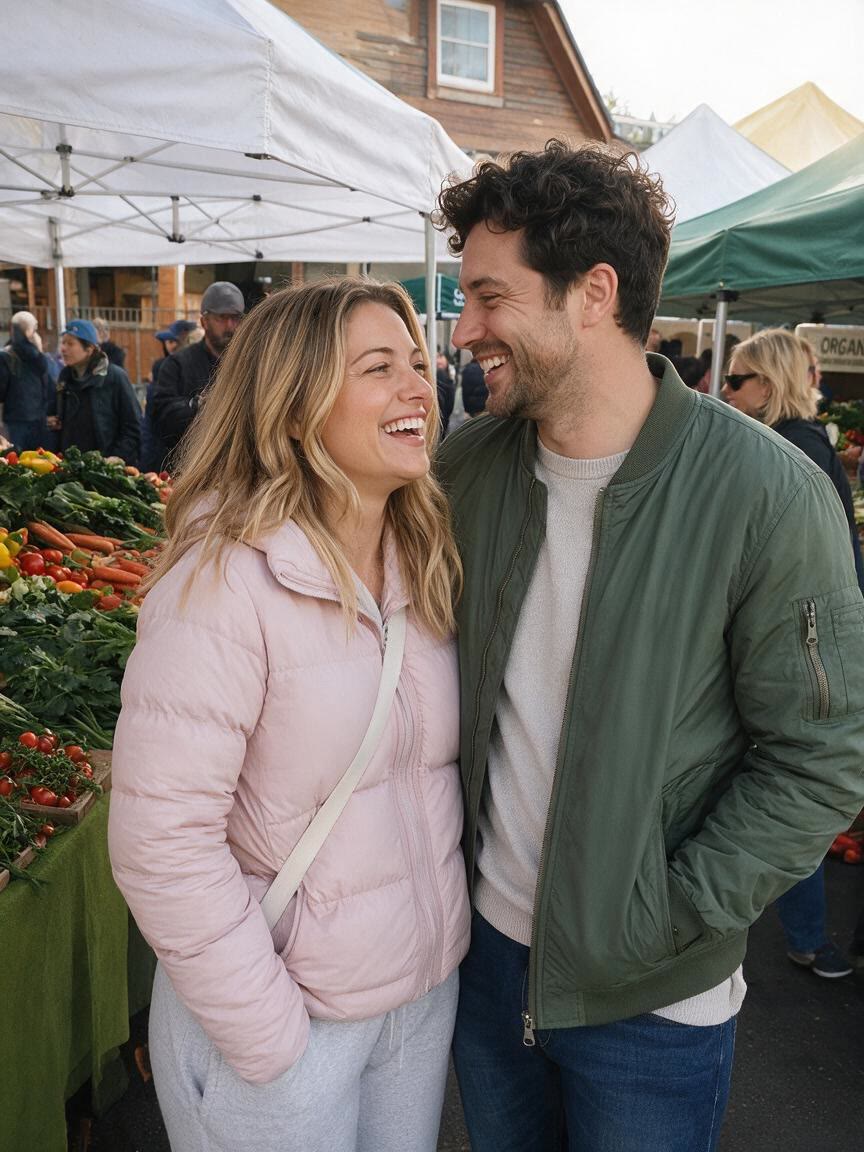
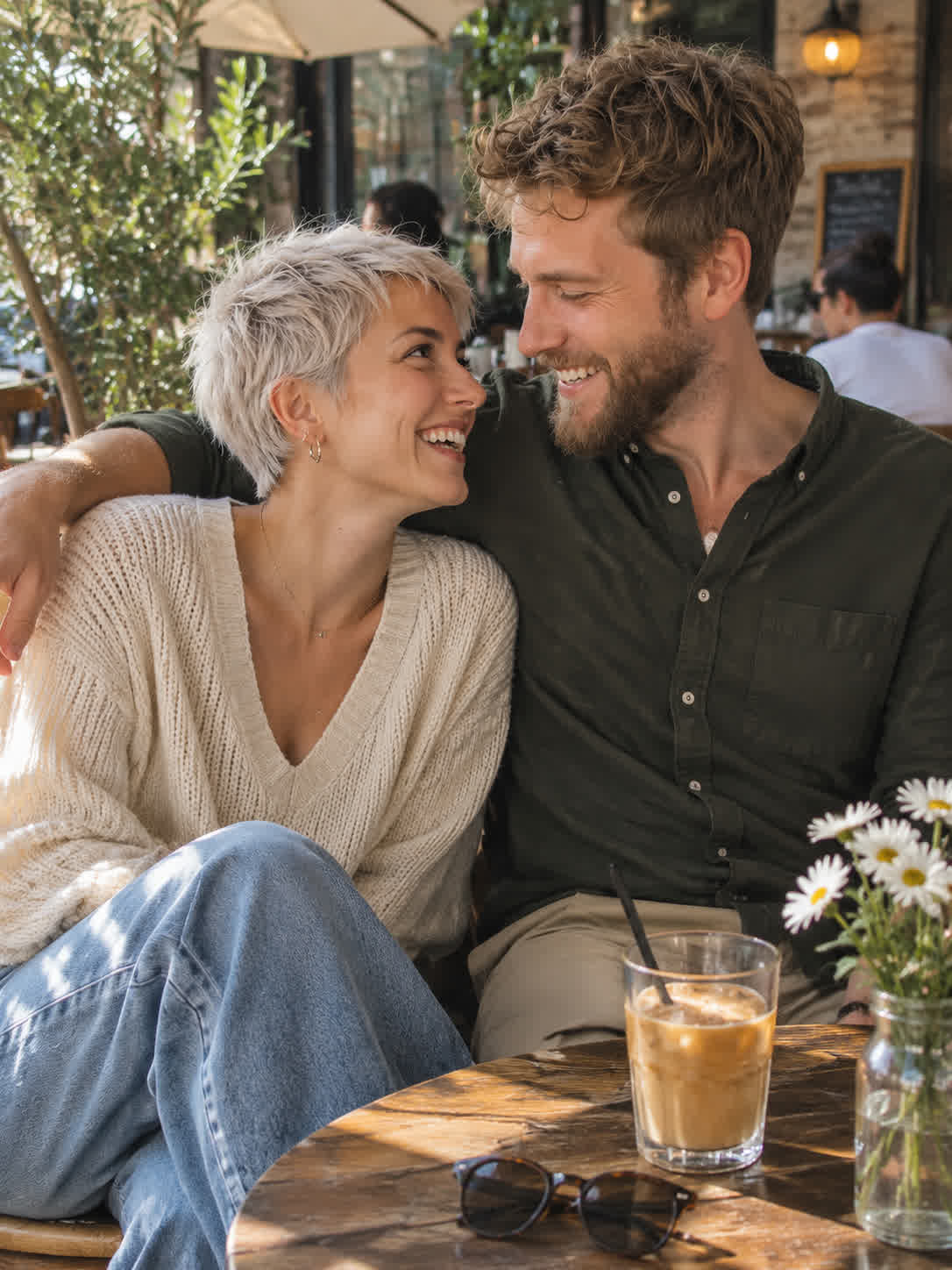
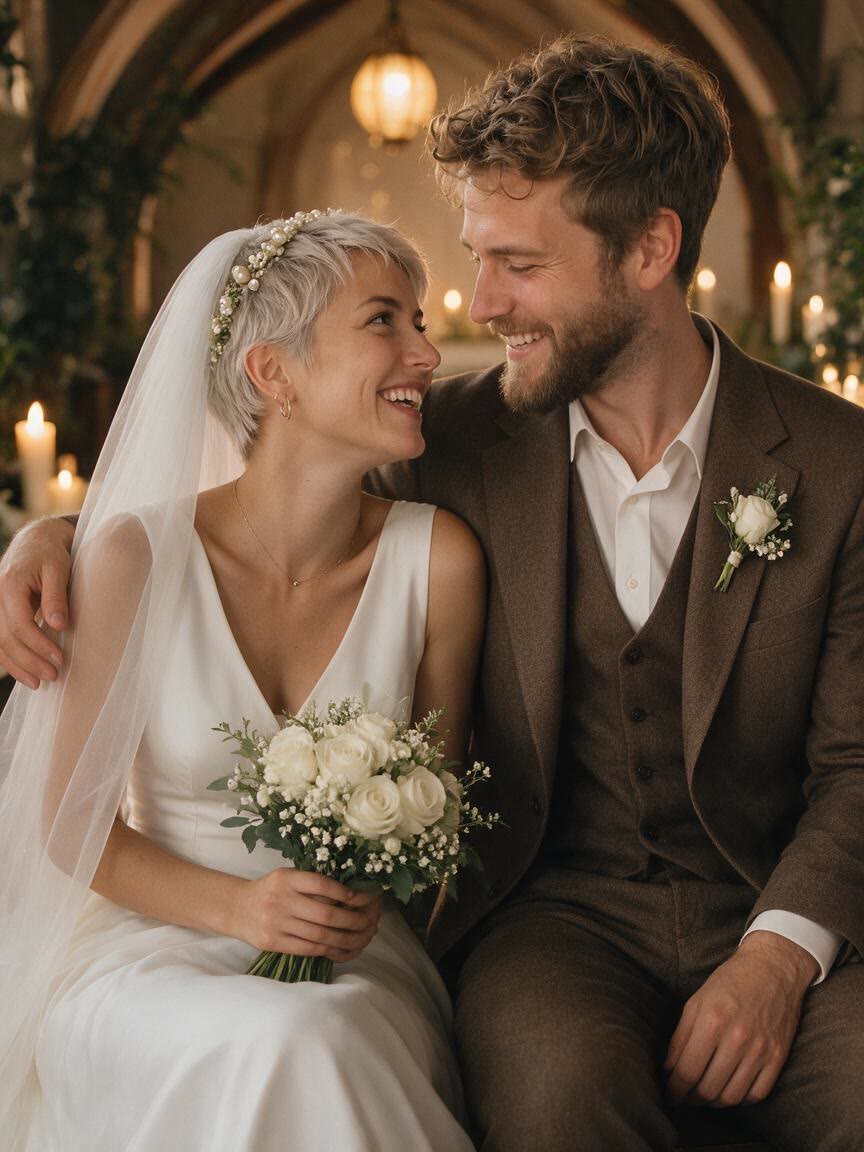
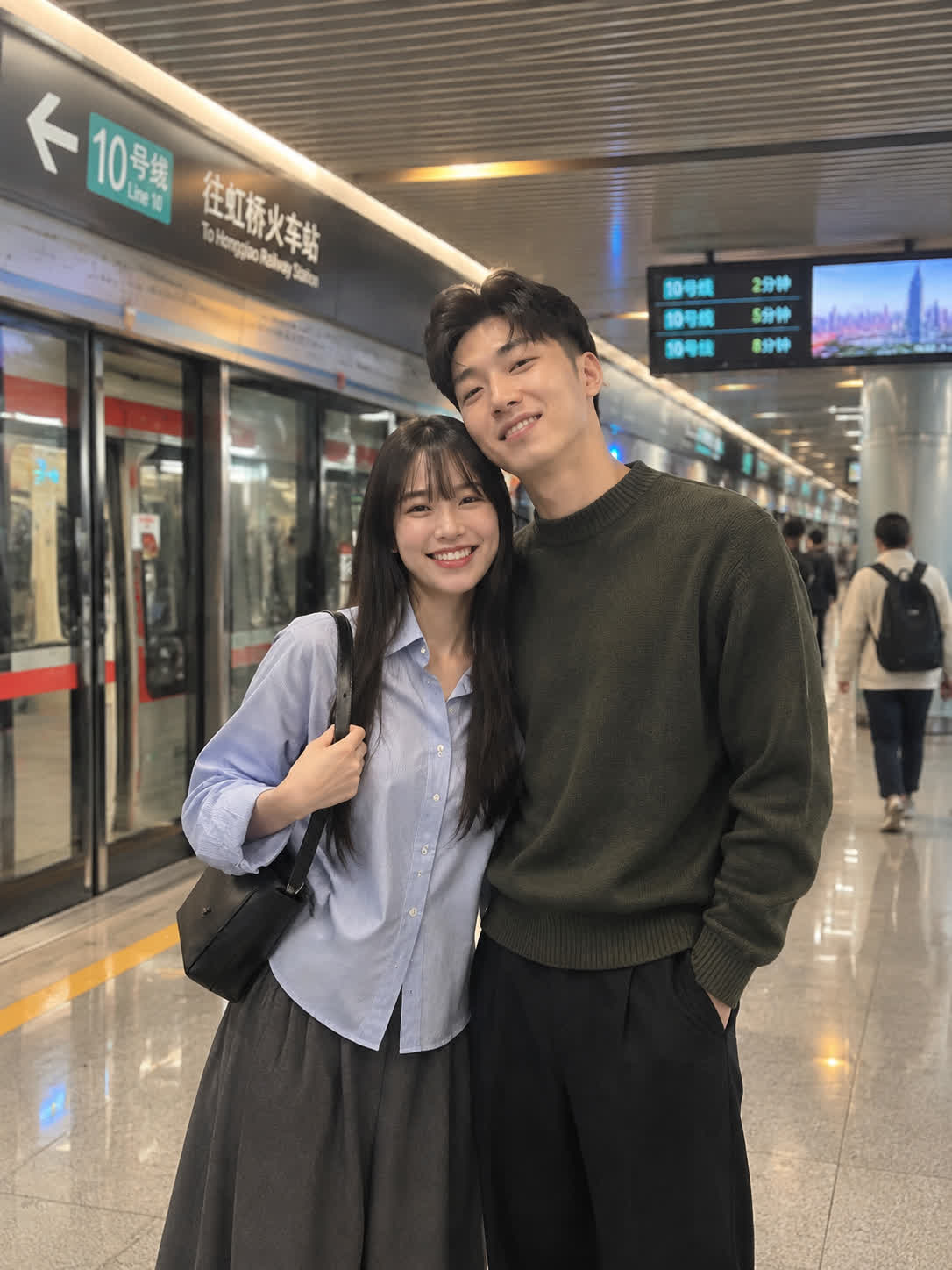
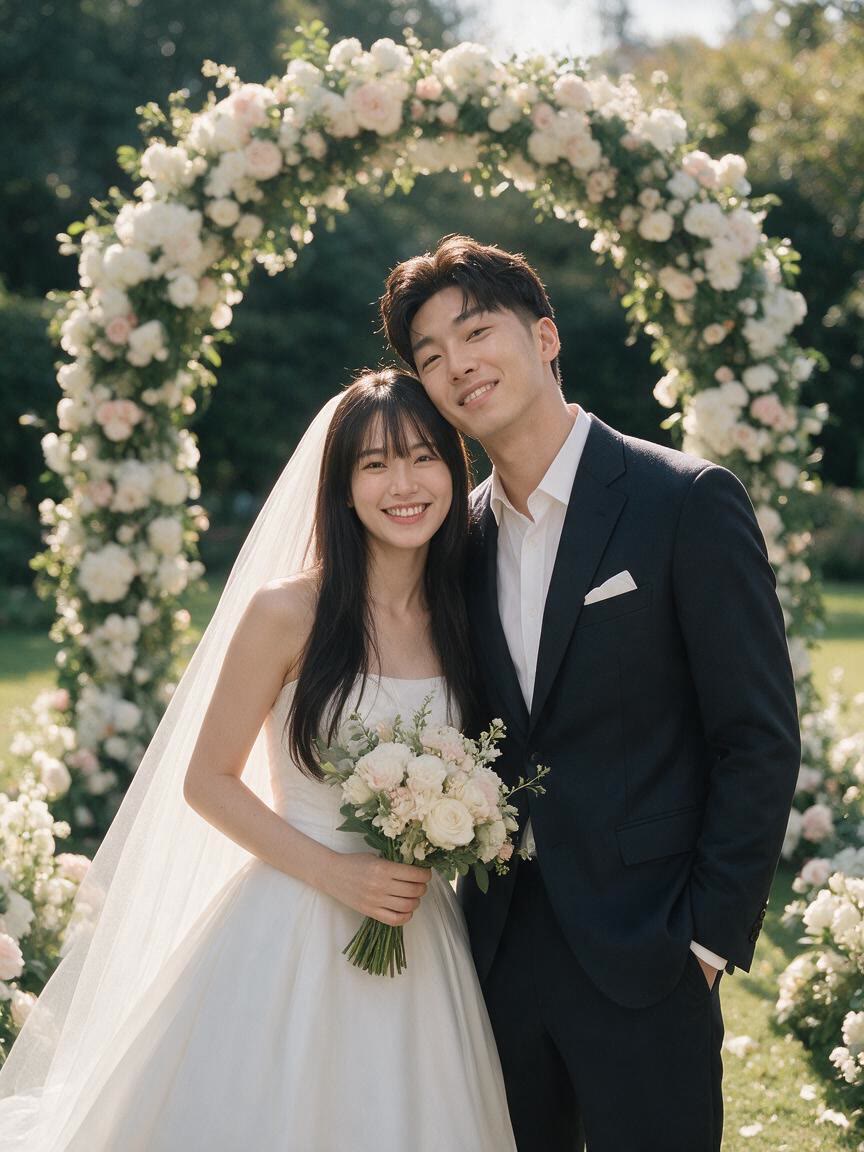
Couples can turn one everyday photo into a polished portrait for a save-the-date or wedding website concept. Different settings and moods help them shape a consistent visual direction before preparing their wedding materials.
Wedding planners and photographers can use a couple photo to test ceremony backdrops, destination scenes, and editorial treatments. Each variation provides a visual starting point for discussing the couple’s preferred wedding aesthetic.
When you are unsure which bridal style fits, Cavro lets you explore dresses, veils, bouquets, and lighting from a personal portrait. You come away with several visual directions to compare before settling on a wedding look.
Wedding concepts often change as details come together. Cavro lets you refine and generate again in the same conversation, so a garden setting, dress detail, or romantic mood can evolve without starting over.
A wedding concept may need both a finished portrait and a moving visual. Cavro creates images and video from the same conversation and uses one credit balance, keeping both formats connected.
I had no idea which style I wanted until I tried Cavro. It built a wall of striking ideas around my own taste, and the artist I took one to was surprised.
LLeo V.
★★★★★5.0
I posted a reveal video made with Cavro on TikTok and it passed 20,000 views. The result looked so real that people thought I had actually gone and got it.
DDarius C.
★★★★★5.0
Cavro let me preview the idea on my own body before deciding. It kept me away from a couple of bad ones and led me to a design I genuinely like.
JJames P.
★★★★★5.0
Cavro changed the way I brainstorm with clients. We generate options in seconds and start refining straight away. It is part of my daily work now.
MMia R.
★★★★★5.0
I used Cavro to build a sleeve concept that blends Japanese motifs with geometric lines. It generated so fast, and the result went well past what I expected.
HHana S.
★★★★★5.0
I wanted something meaningful and delicate for my wedding. Cavro gave me elegant, personal options, my artist customised one, and I am really happy with it.
ZZoey T.
Answers
Common questions
What can I create with an AI wedding photo generator?
You can turn a personal portrait into wedding-style images with bridal looks, couple styling, bouquets, veils, and romantic settings. AI wedding photos can help you preview visual directions before the wedding day.
Can I use a casual couple photo?
Yes. A personal portrait or casual couple photo can provide the reference for a wedding portrait, destination scene, or ceremony concept. A clear photo with visible faces gives the image direction to work from.
Can I change the wedding dress or setting?
Yes. Describe the dress style, floral details, lighting, or setting you want to explore. You can refine and generate again in the same conversation as your wedding concept develops.
How does Cavro charge for wedding photo generations?
Results are billed per credit, and there is no mandatory subscription. Images and video use the same credit balance in Cavro.
Play with an idea. Leave with an image.
Creators worldwide are turning “just an idea” into expensive-looking images.