

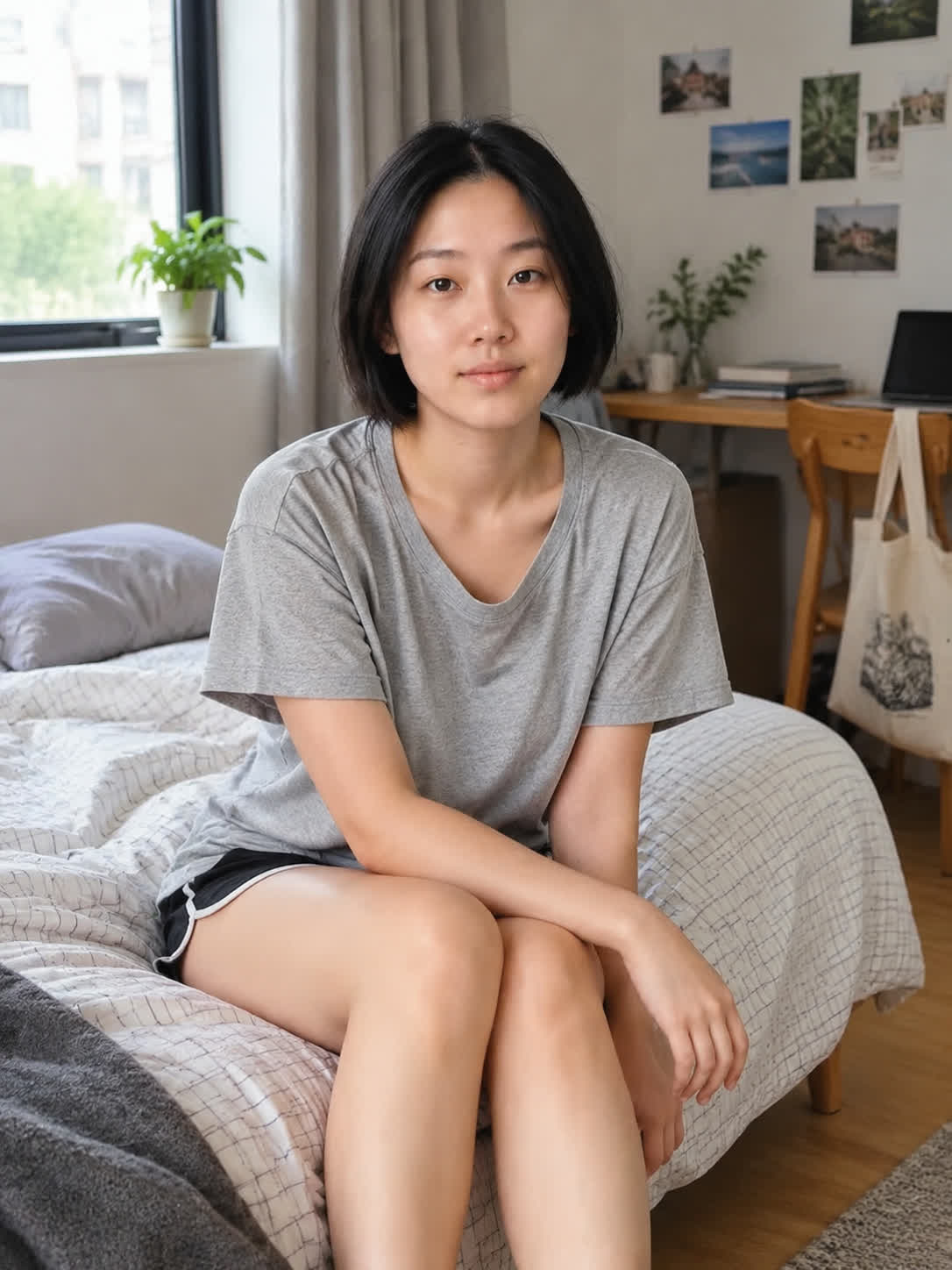
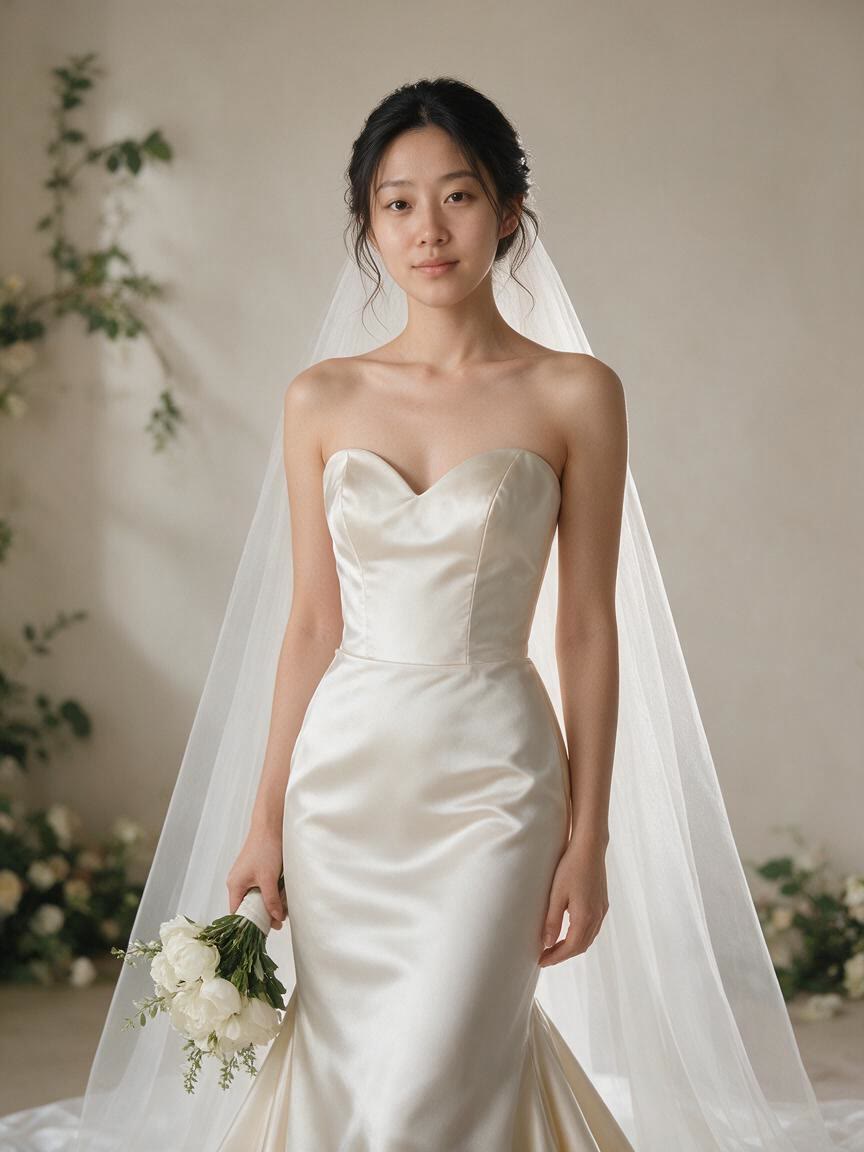
Preview Dress Ideas
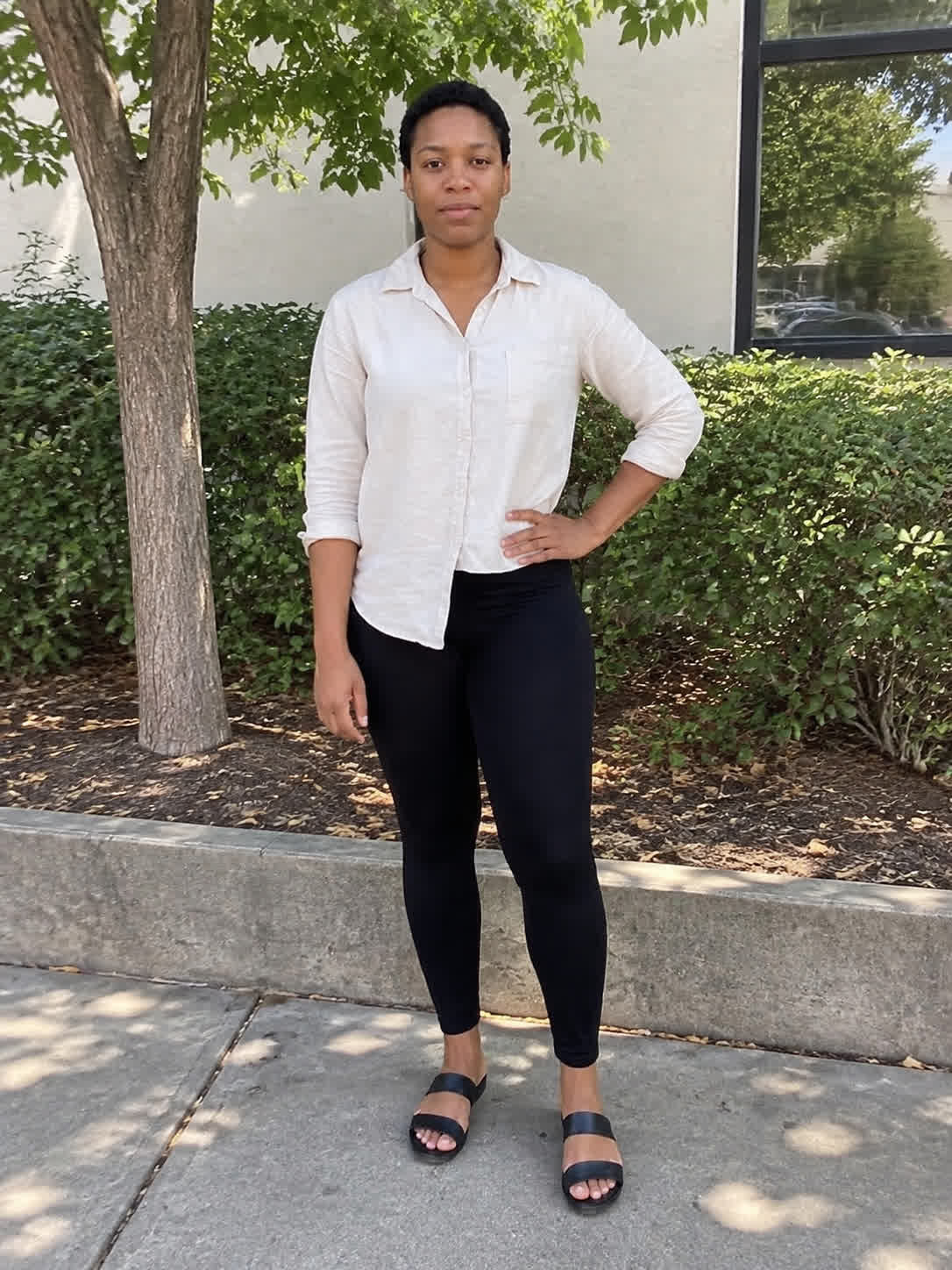
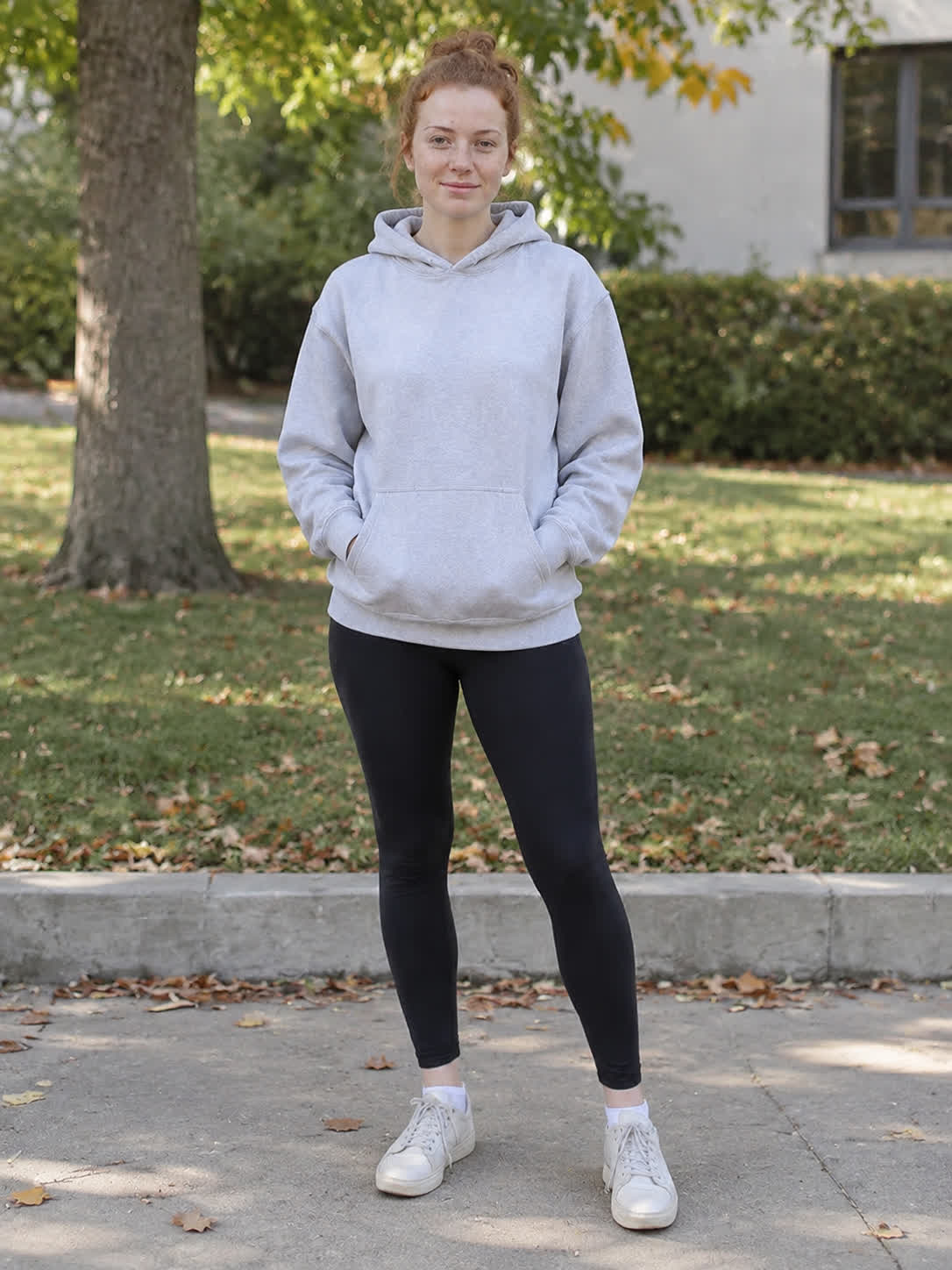
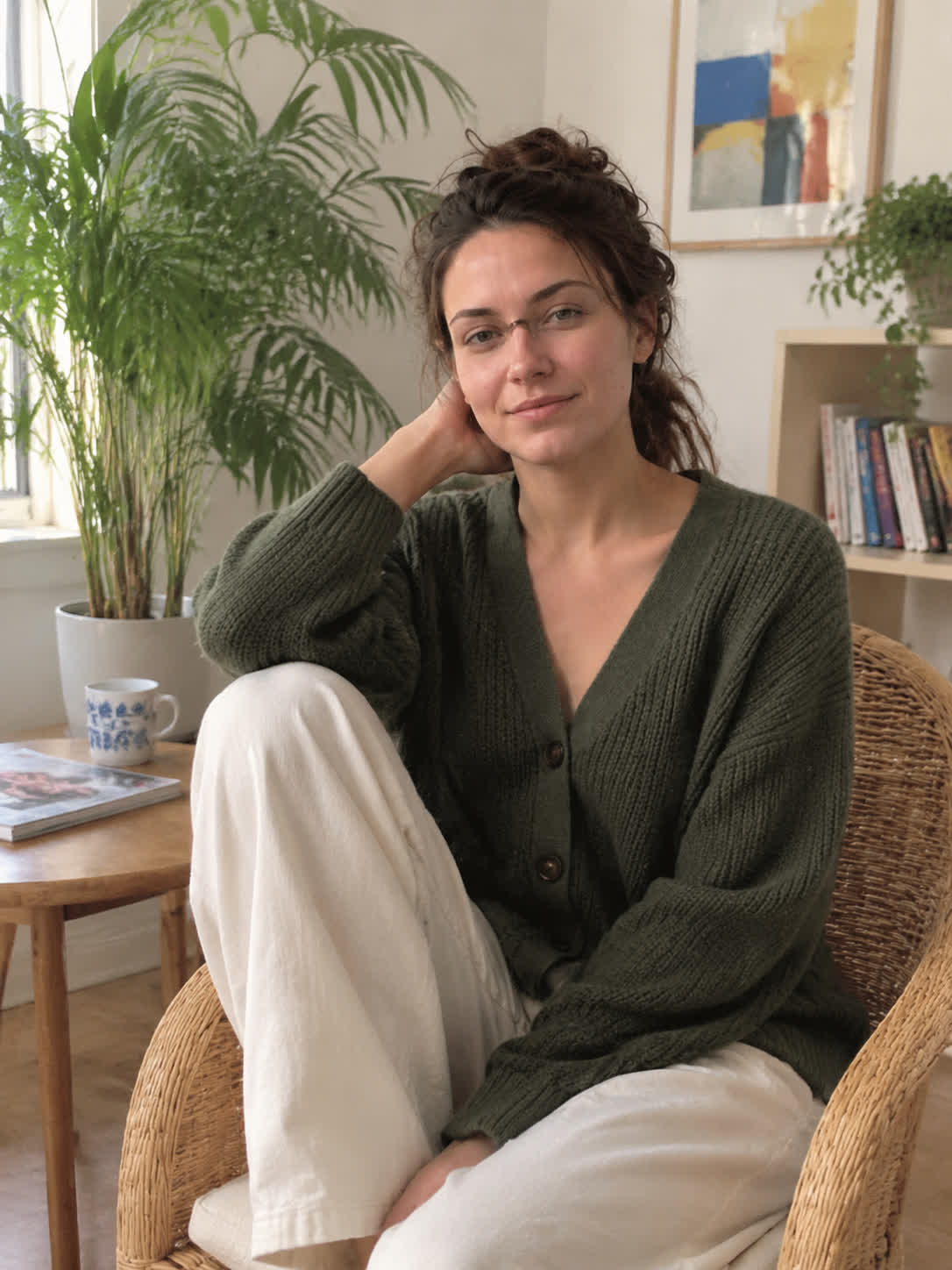
Bring a selfie or portrait when you are comparing wedding dress directions. Cavro turns your written style idea into bridal imagery you can use to explore silhouettes, fabrics, and overall mood.
Try Cavro freeTurn a portrait, selfie, or full-body reference photo into a bridal fashion image shaped by your words. Brides-to-be, wedding planners, photographers, and creators can explore wedding dress ideas with Cavro.
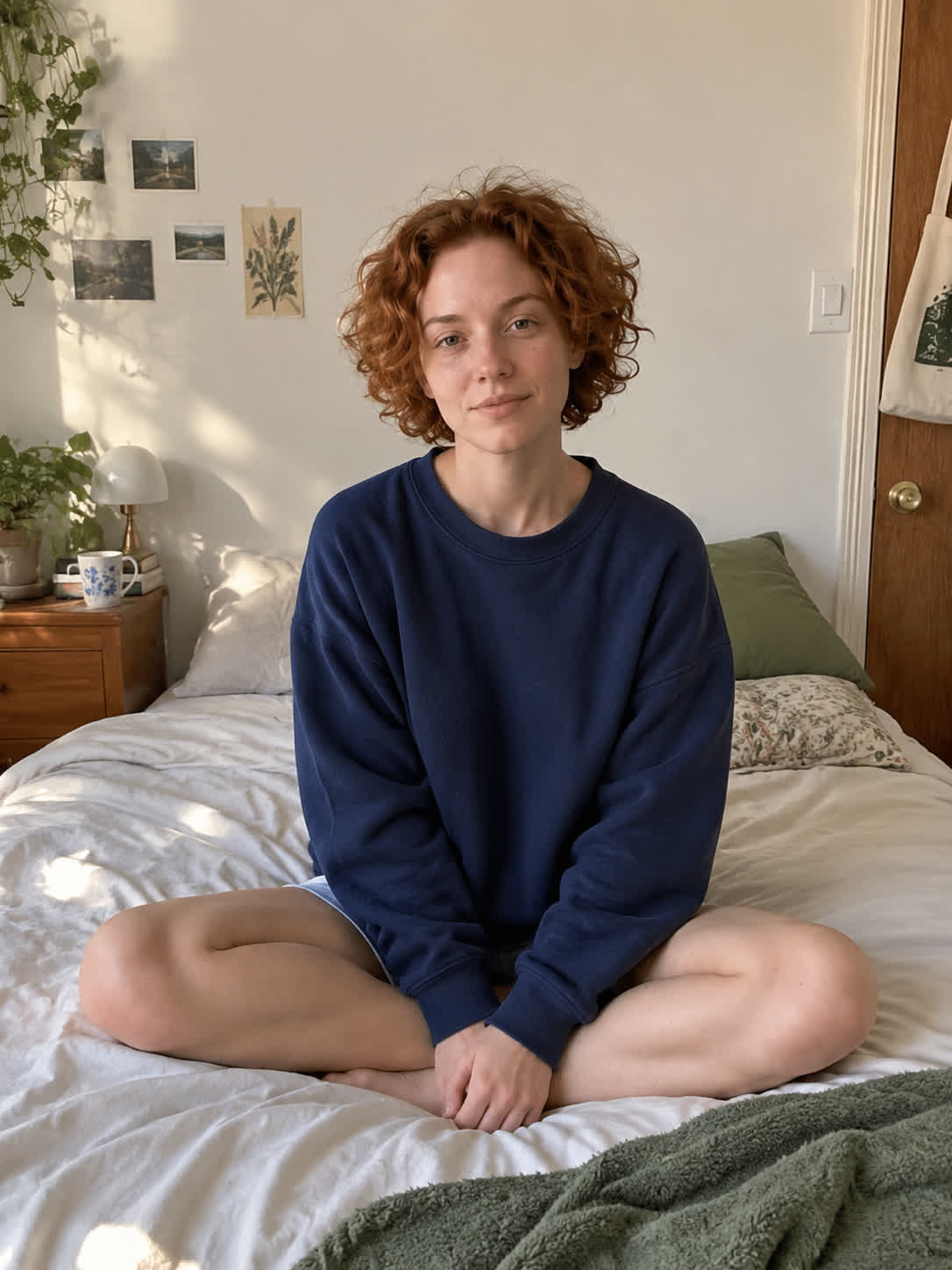
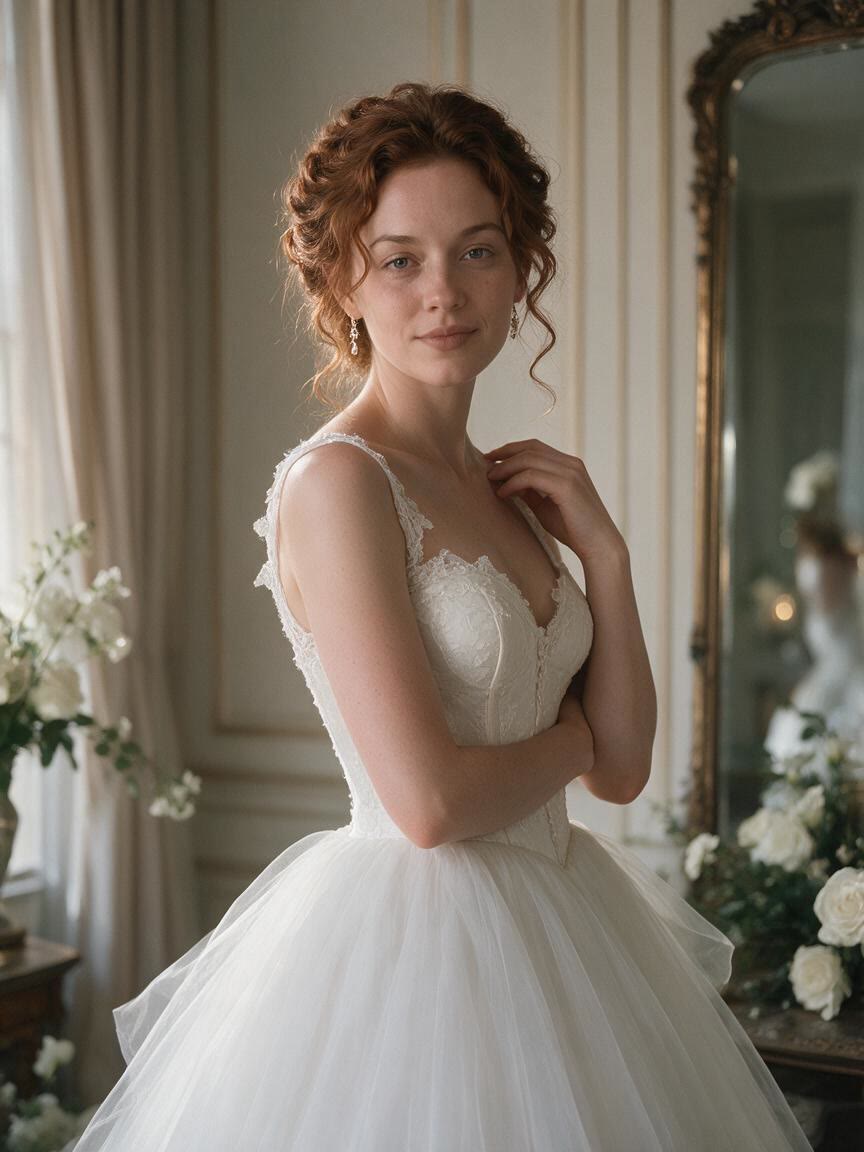
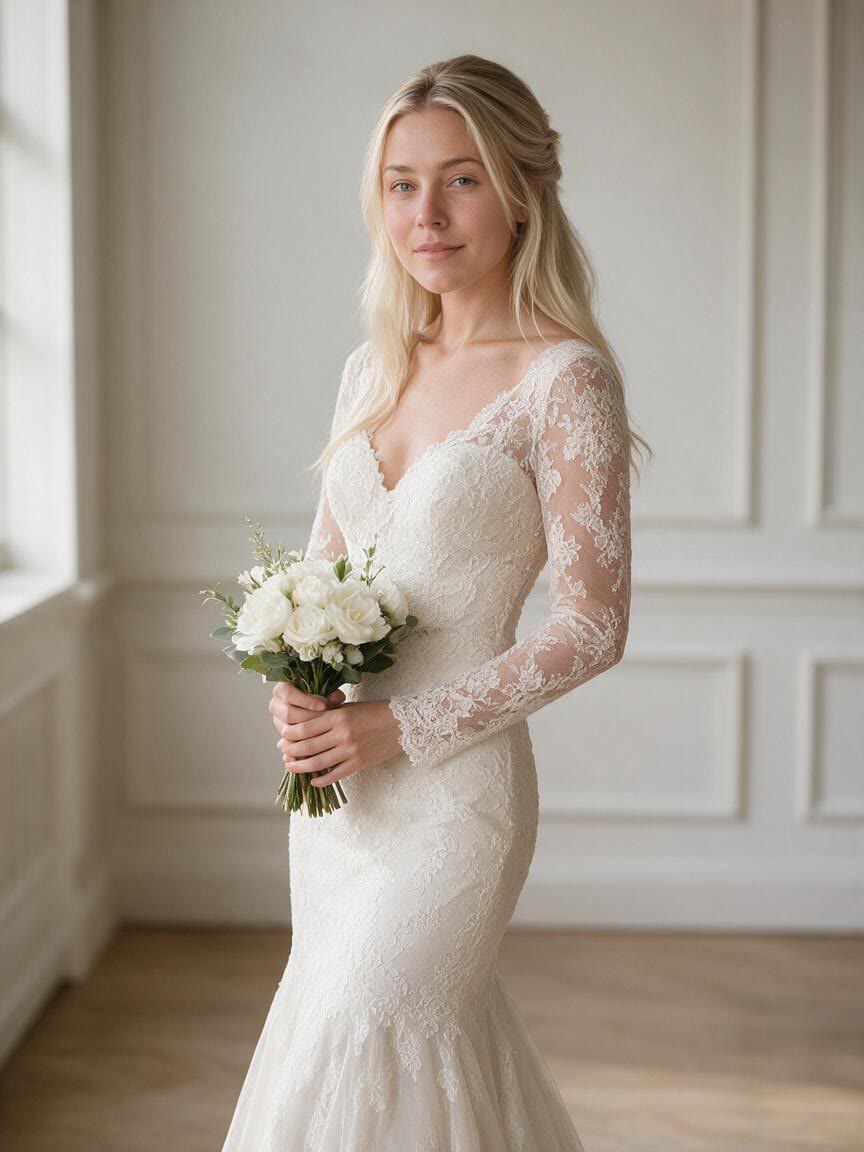
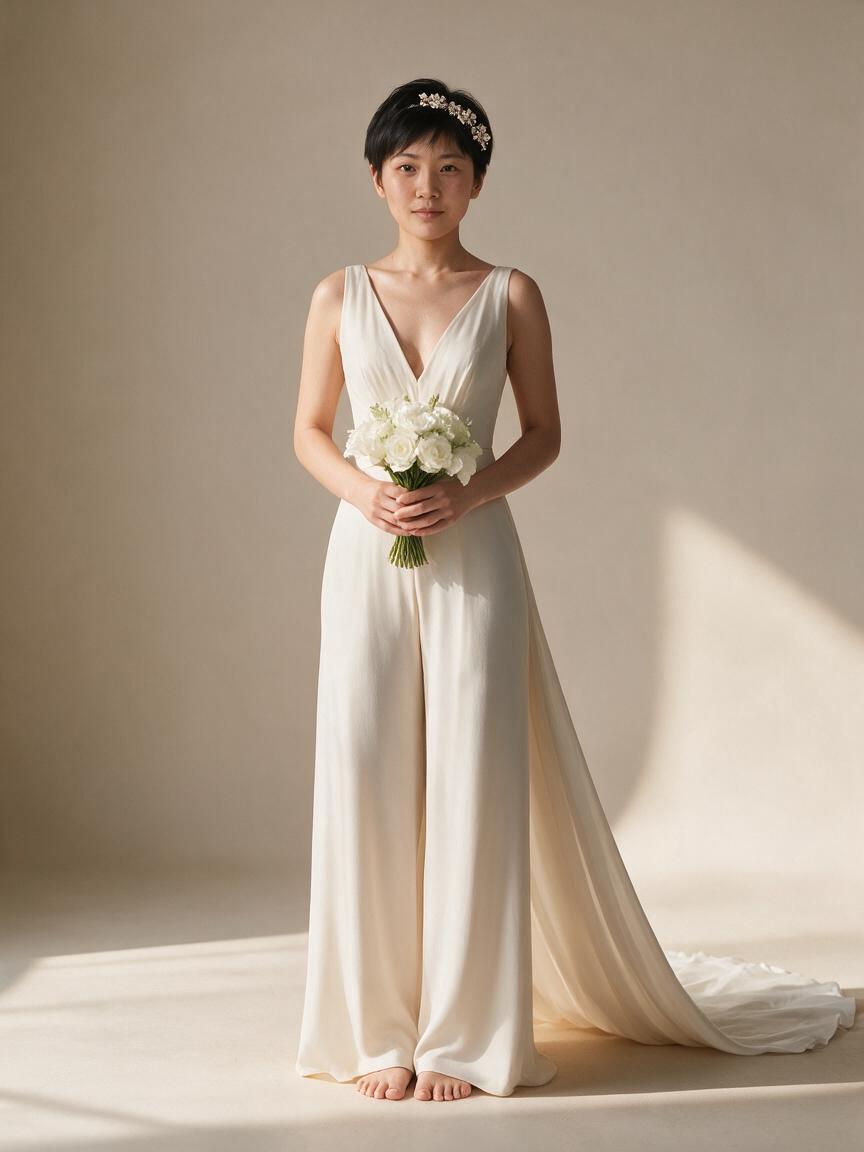
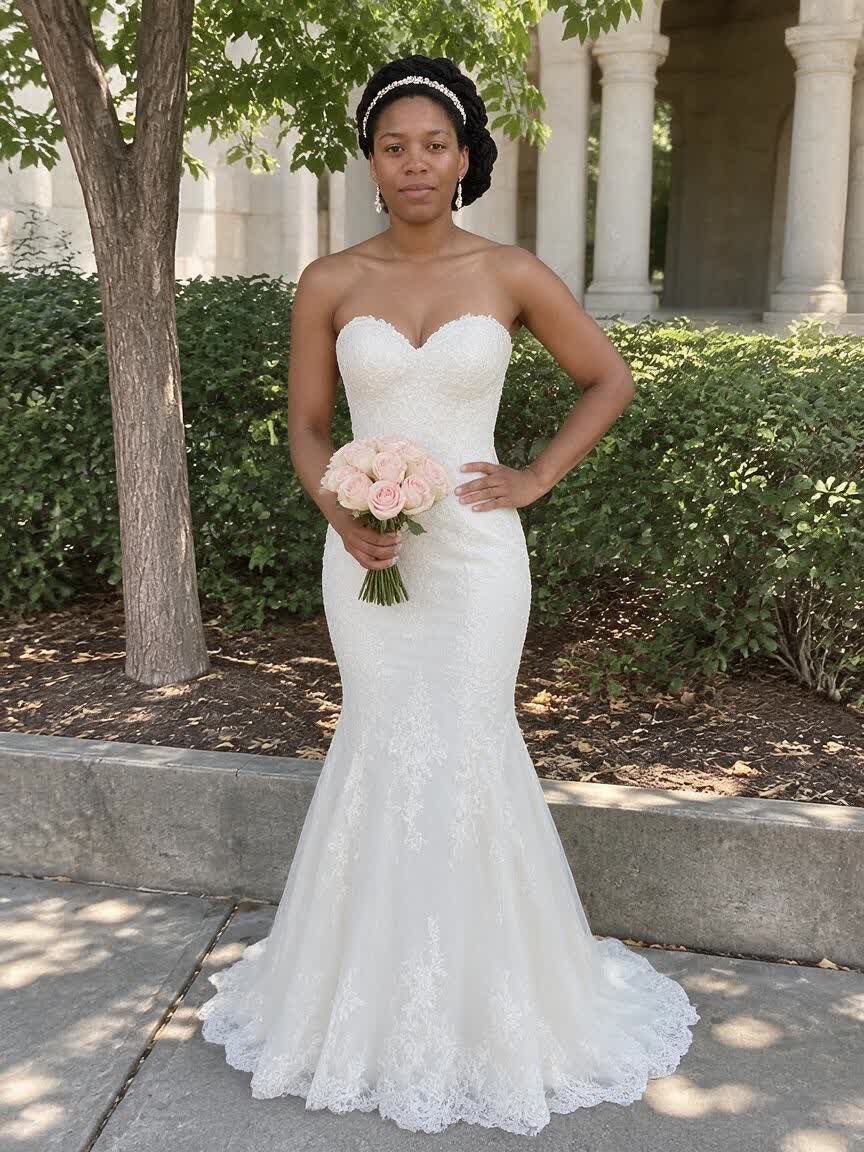
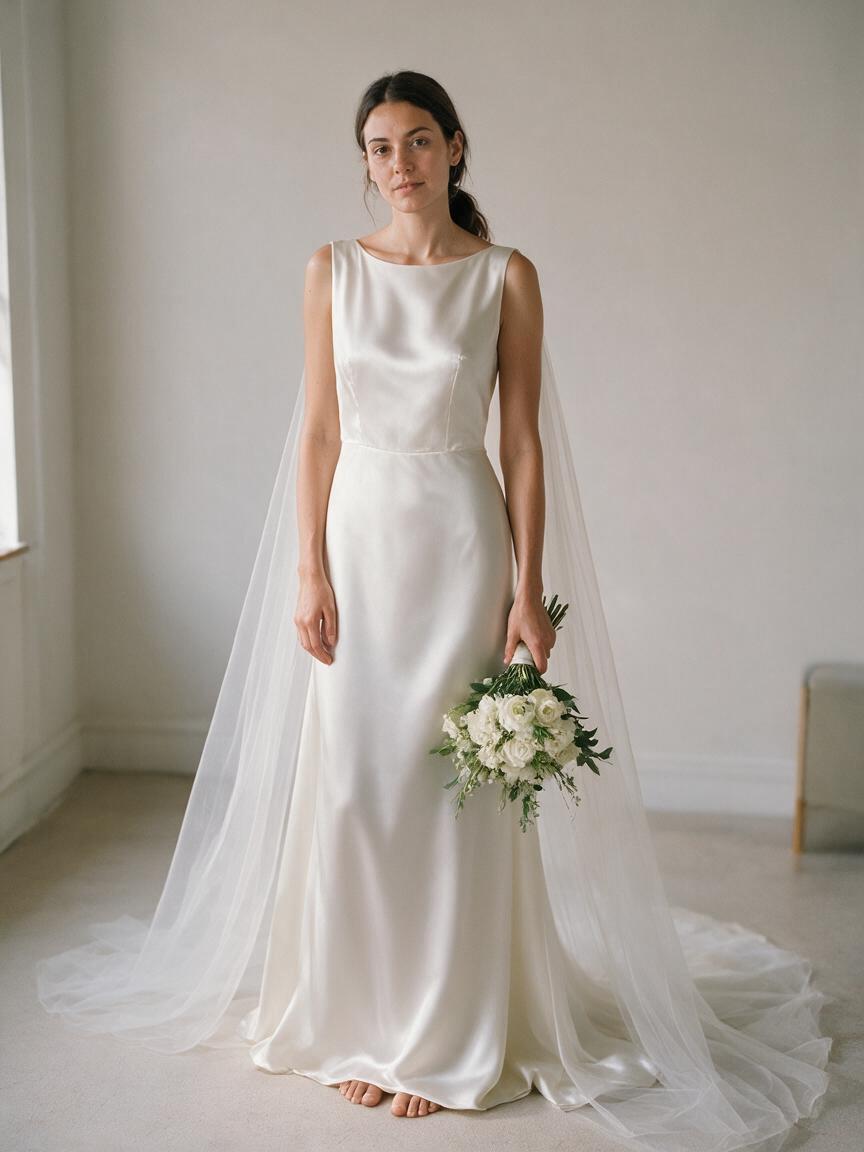
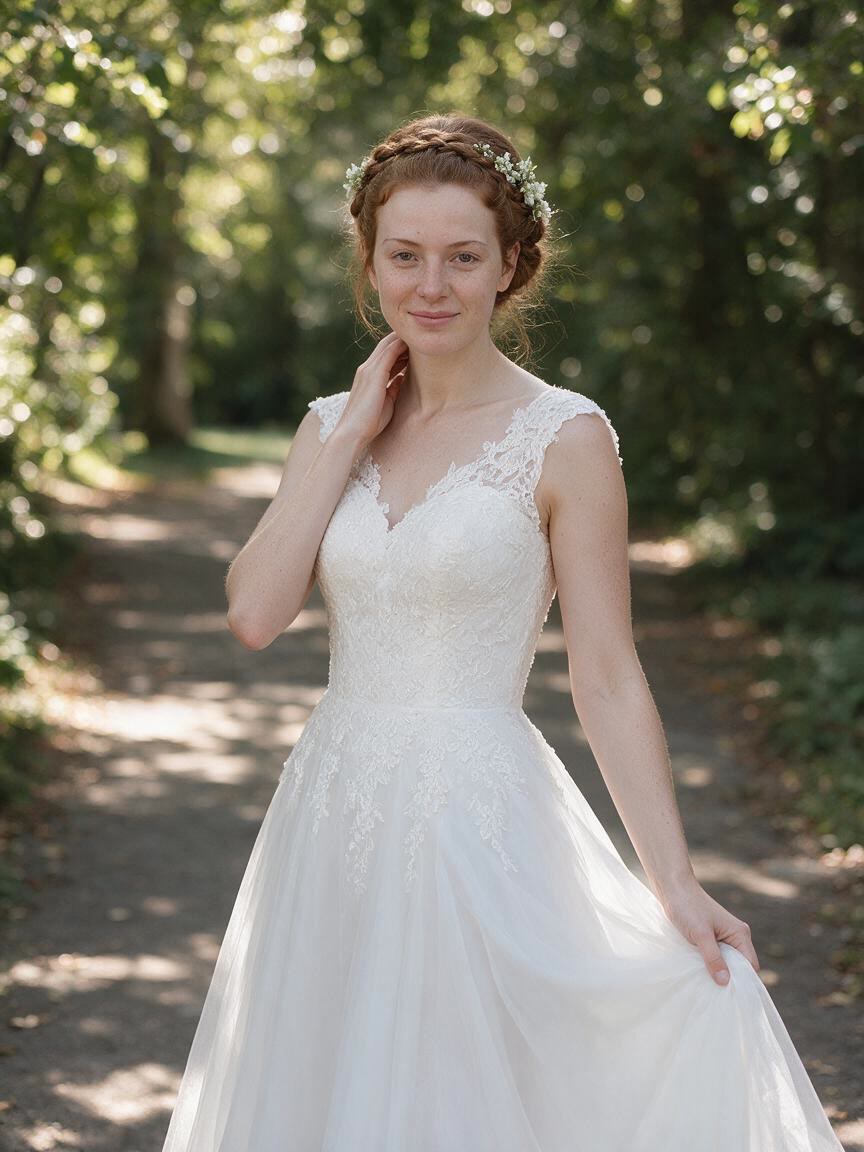
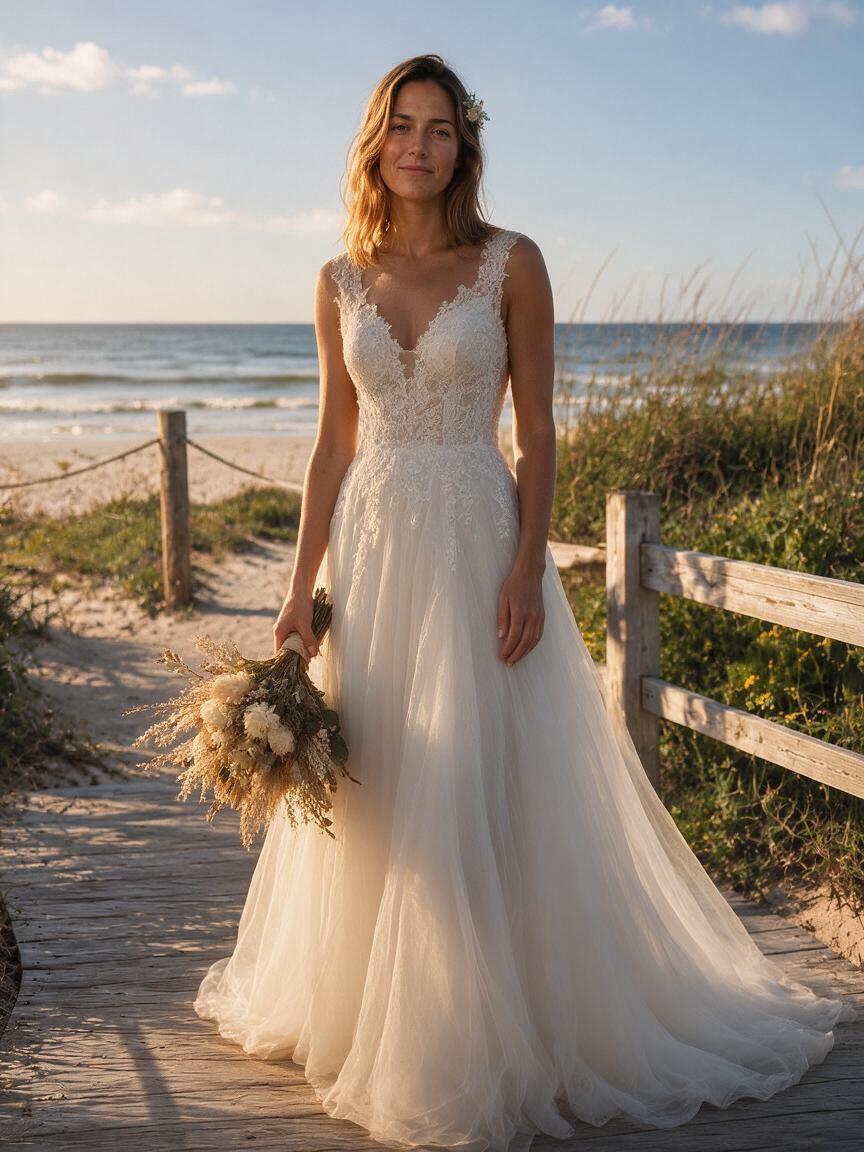
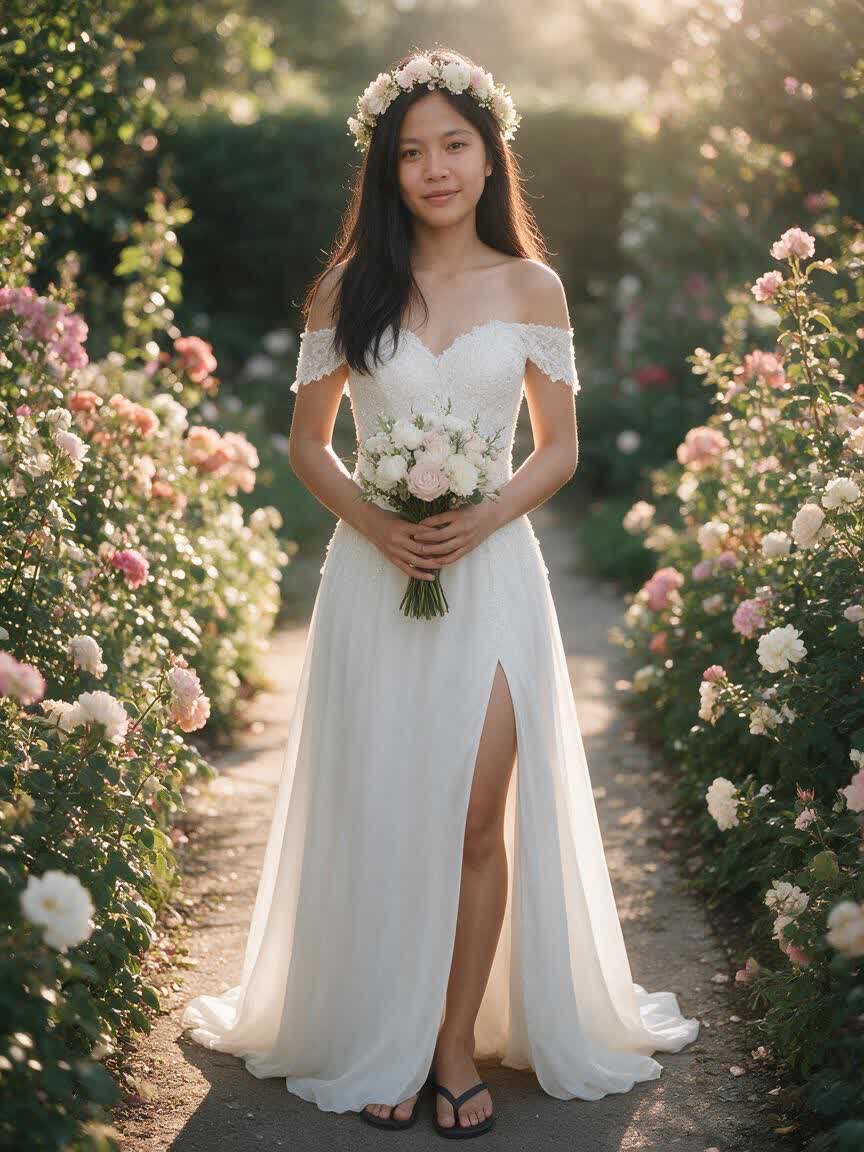
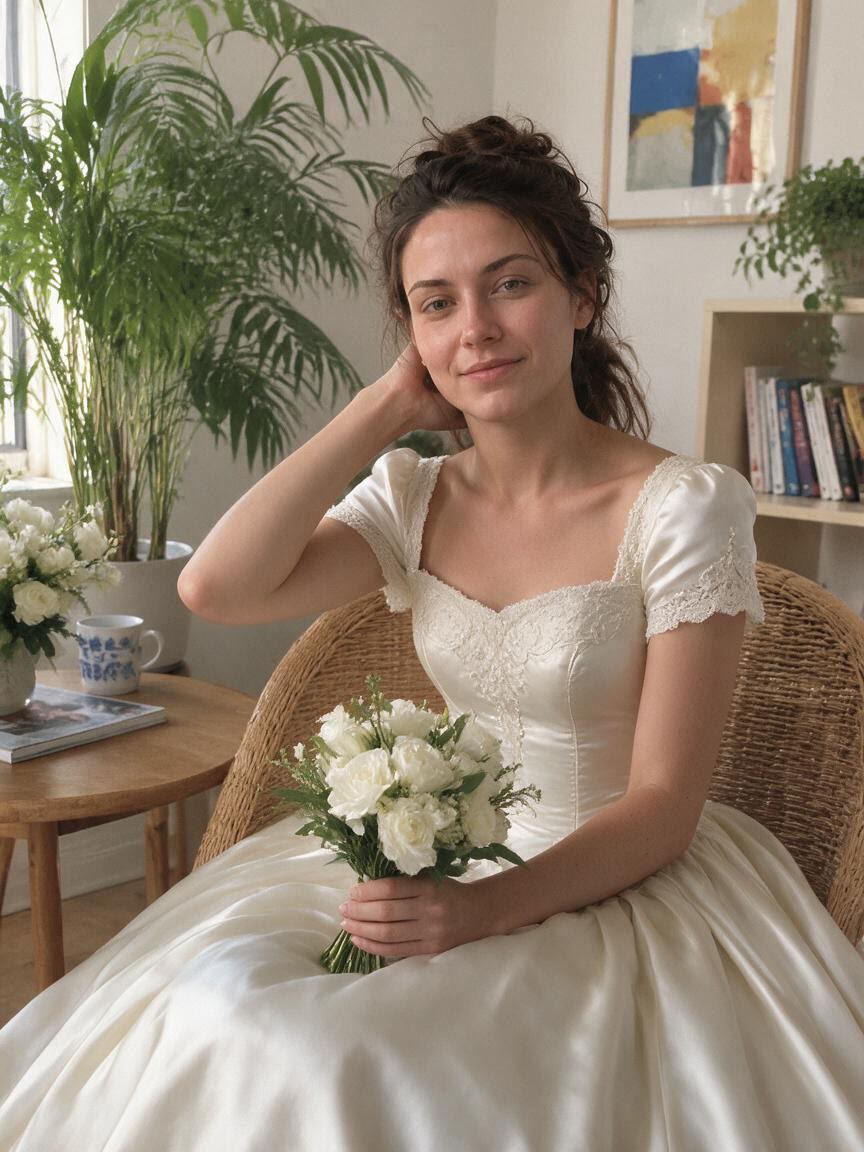
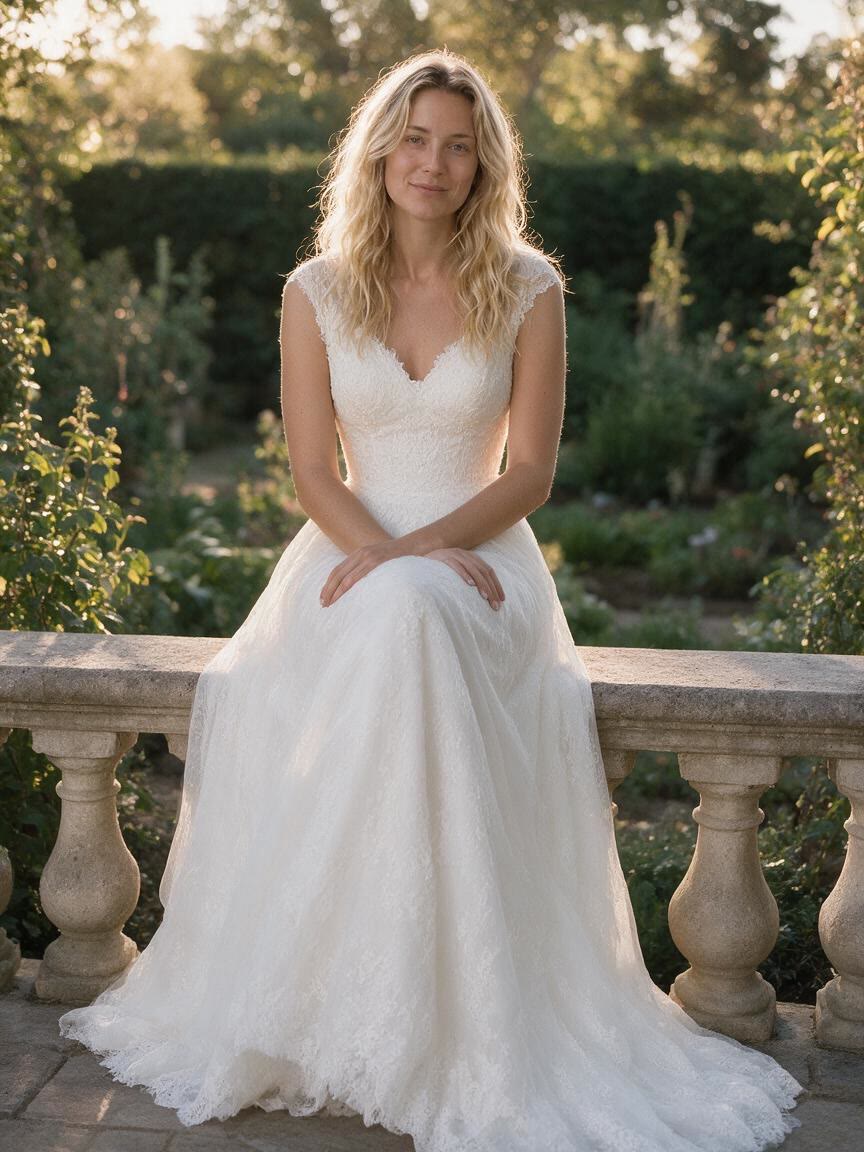
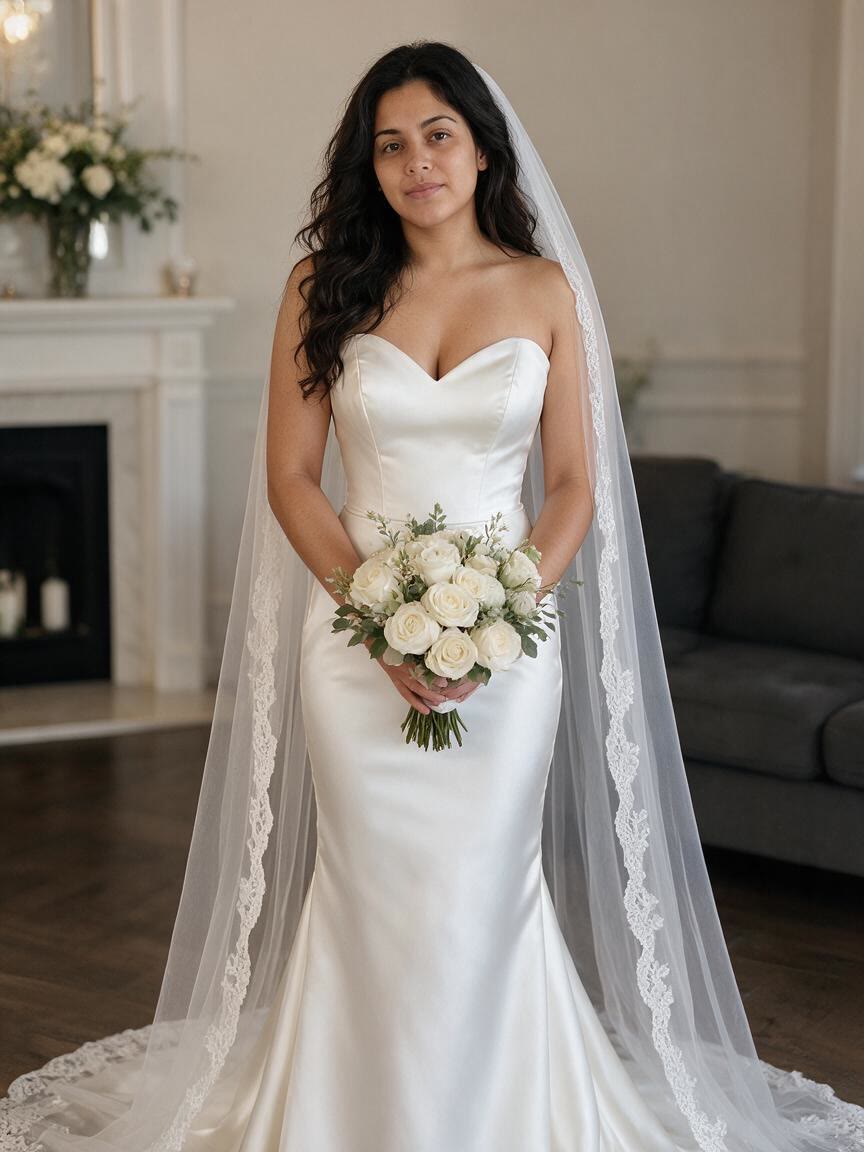
Bring a selfie or portrait when you are comparing wedding dress directions. Cavro turns your written style idea into bridal imagery you can use to explore silhouettes, fabrics, and overall mood.
Try Cavro free
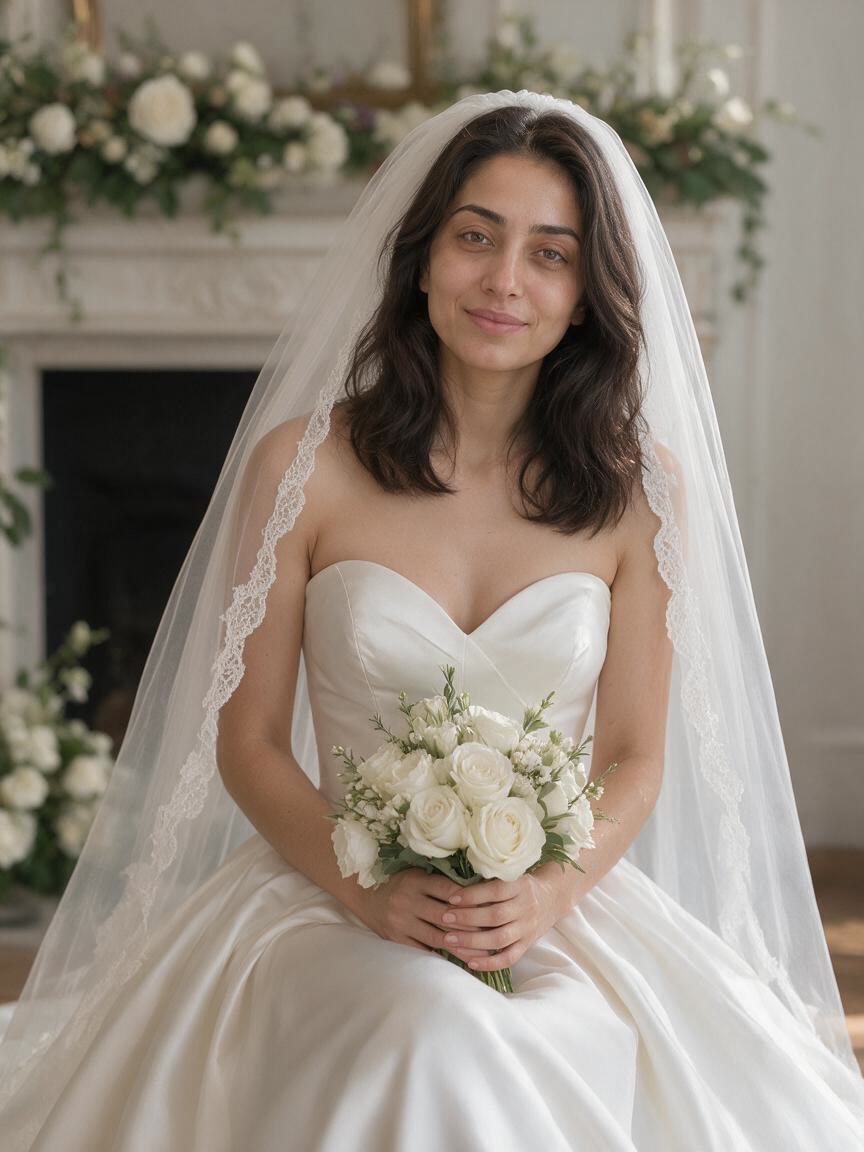
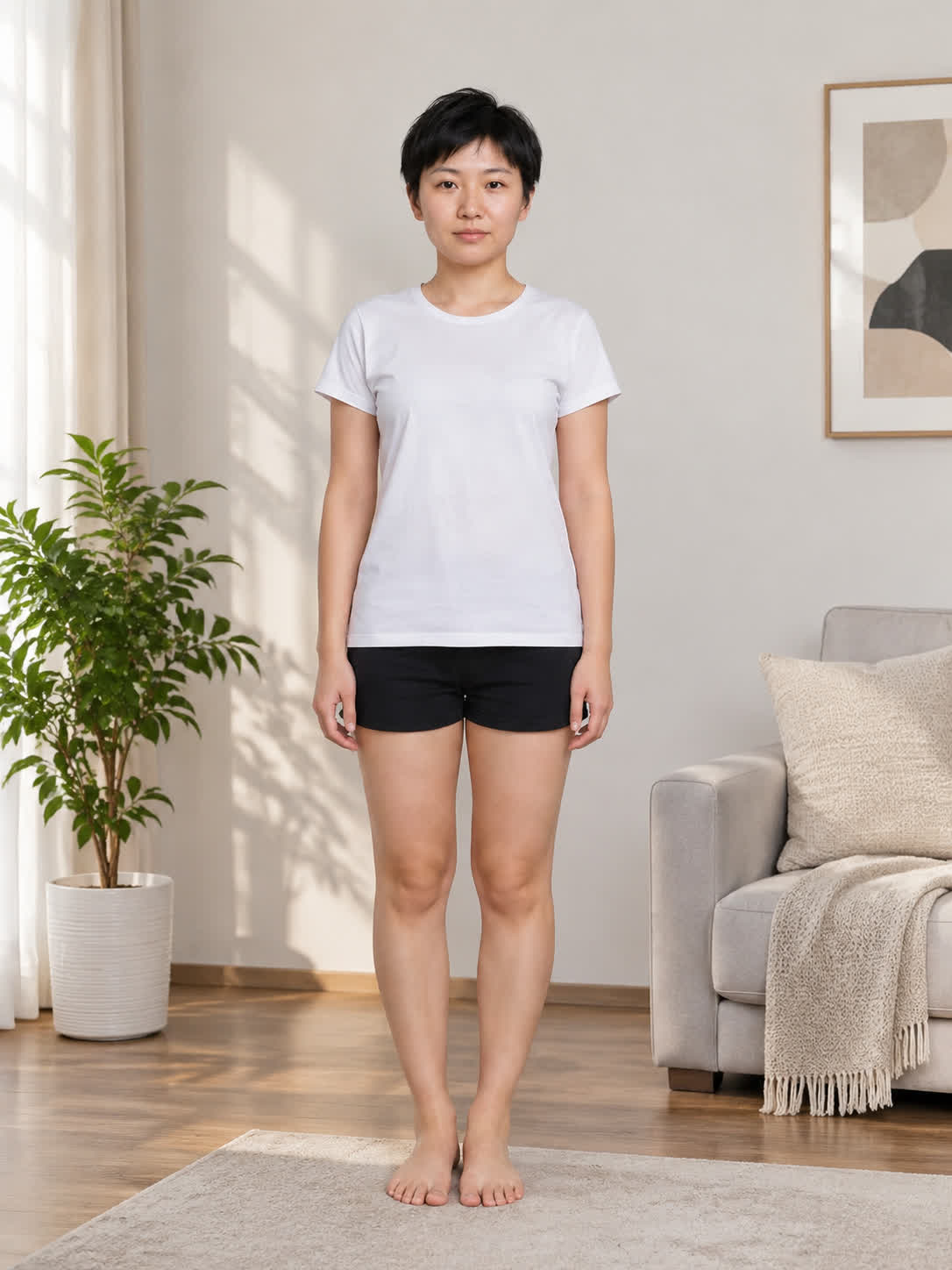
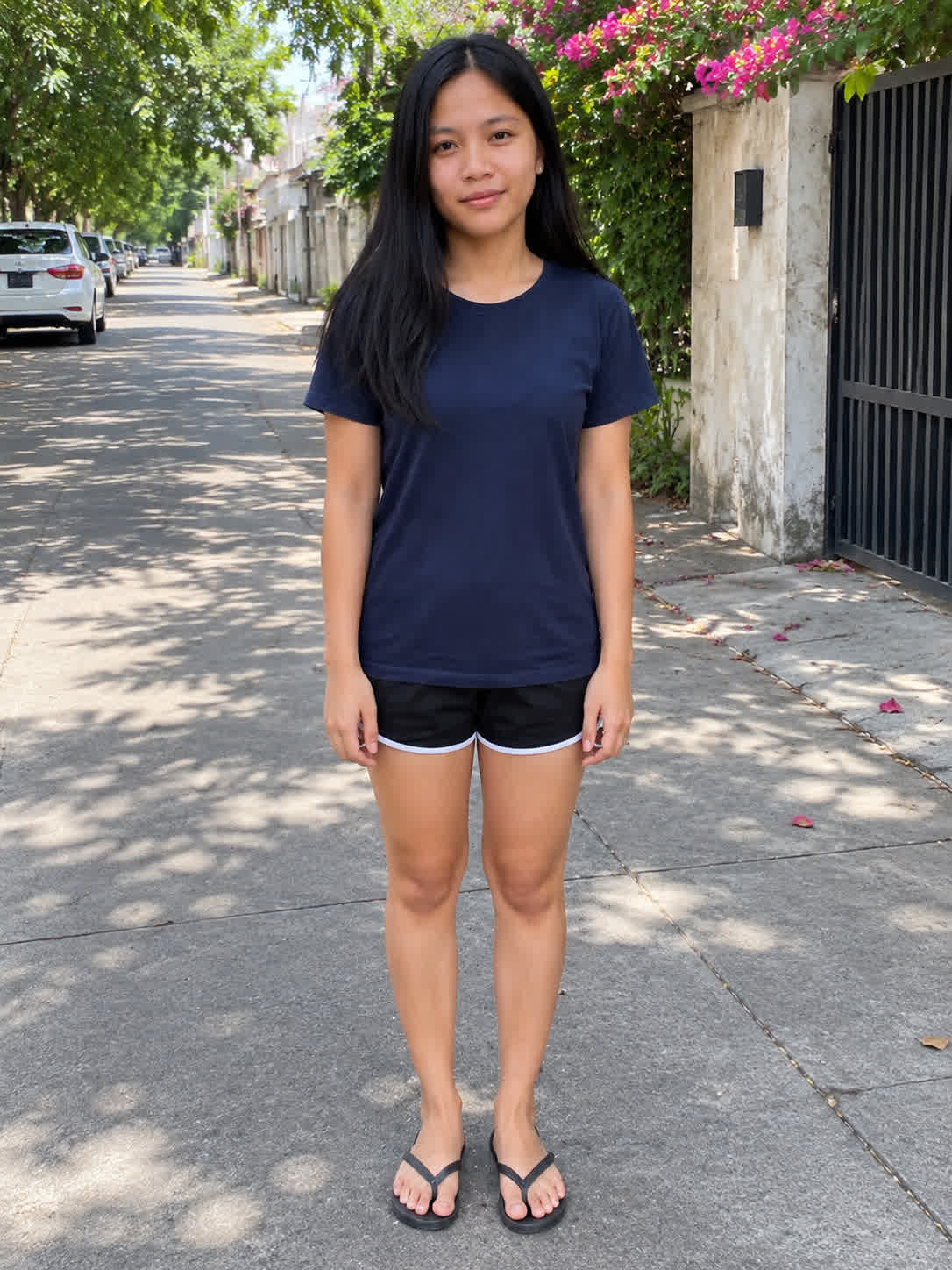
Start with a full-body photo when you need a bridal fashion concept for planning or creative work. Add the desired setting and gown direction to develop a wedding image around your reference.
Try Cavro free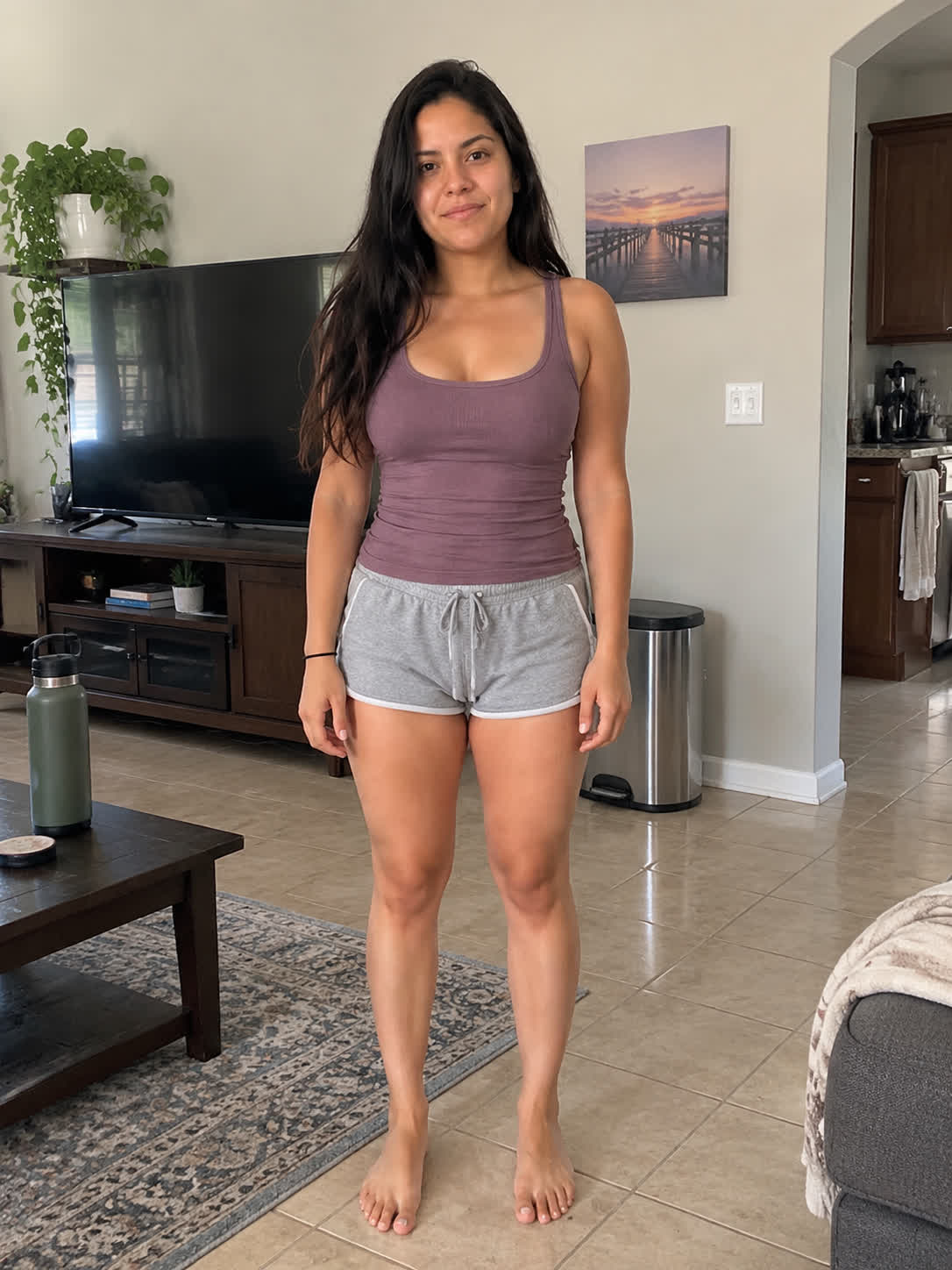
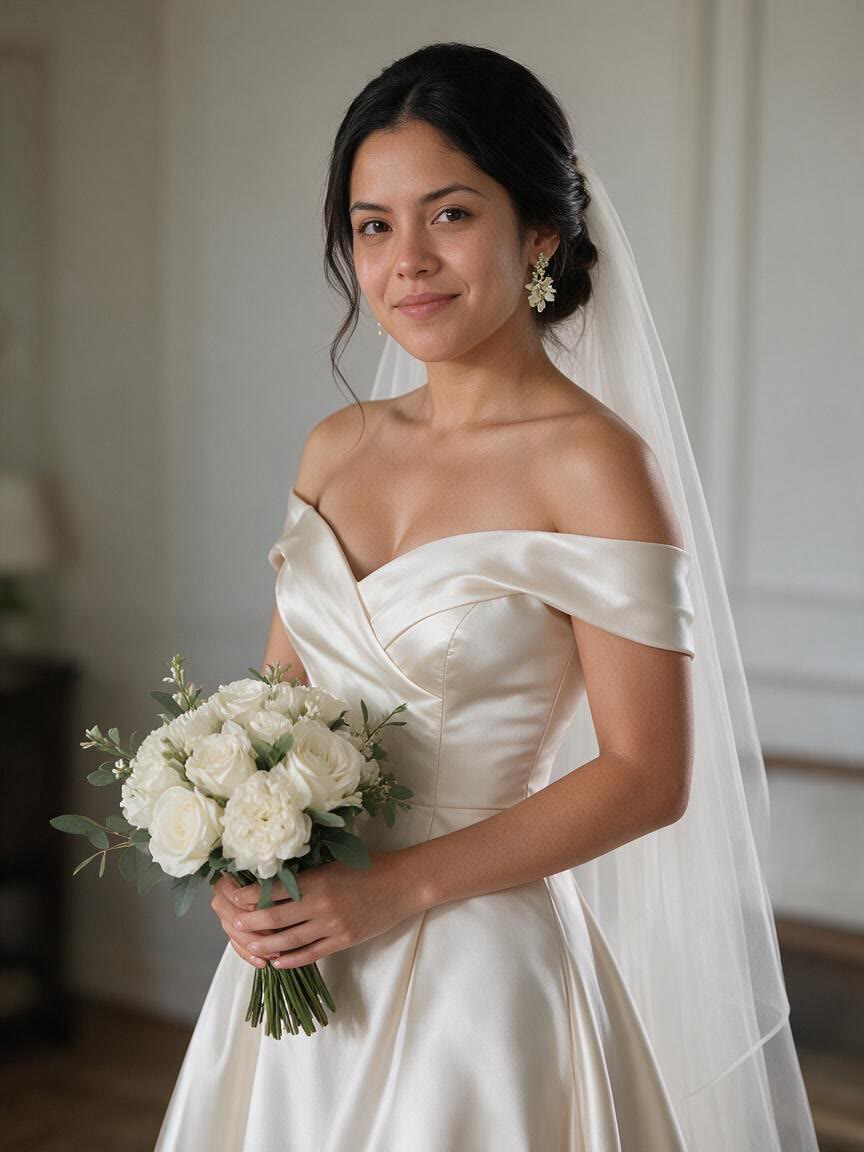
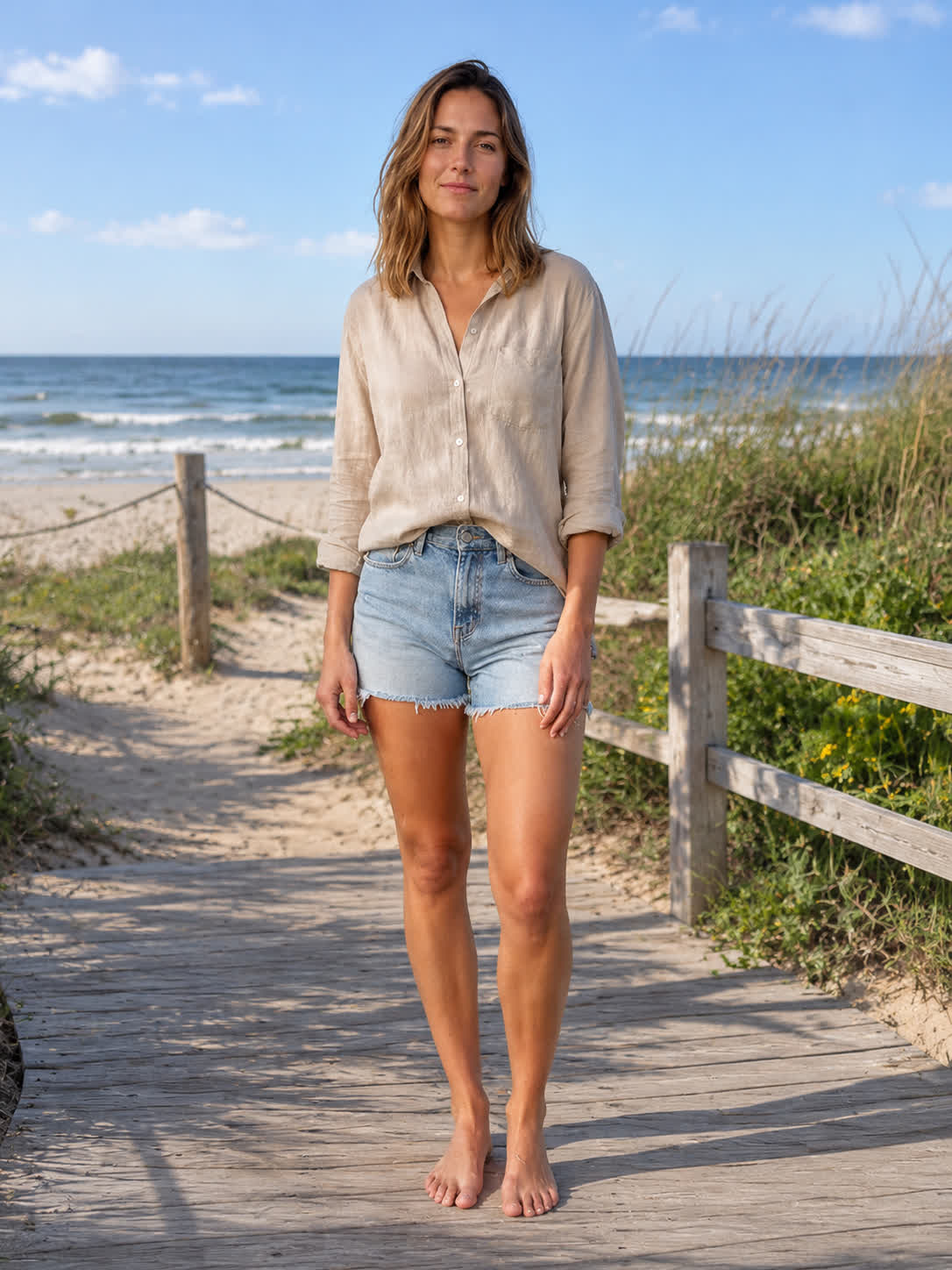
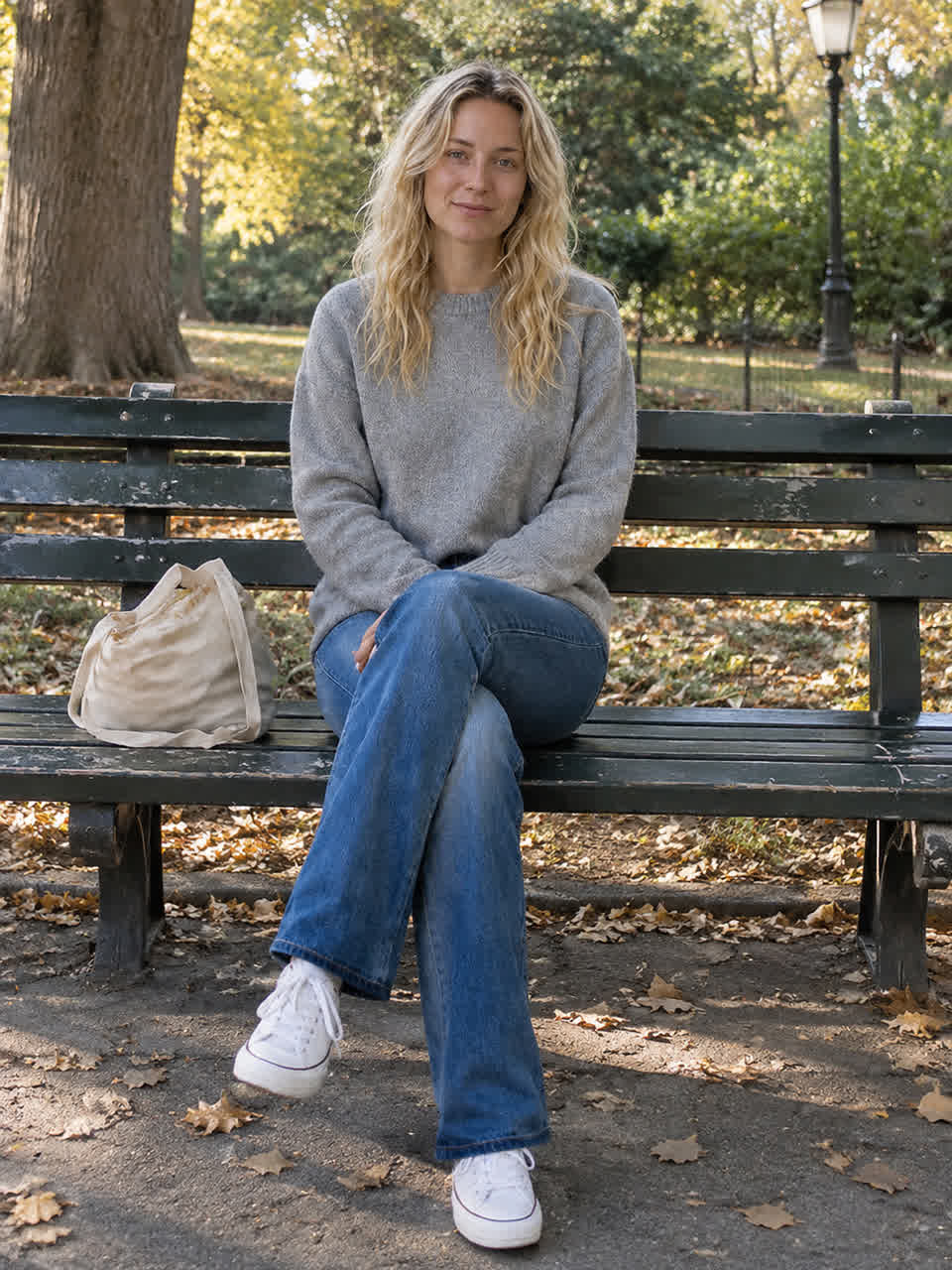
Use an existing photo to explore a softer wedding photography look without beginning with a blank canvas. Describe the atmosphere, dress styling, and visual mood to create a more specific bridal portrait.
Try Cavro free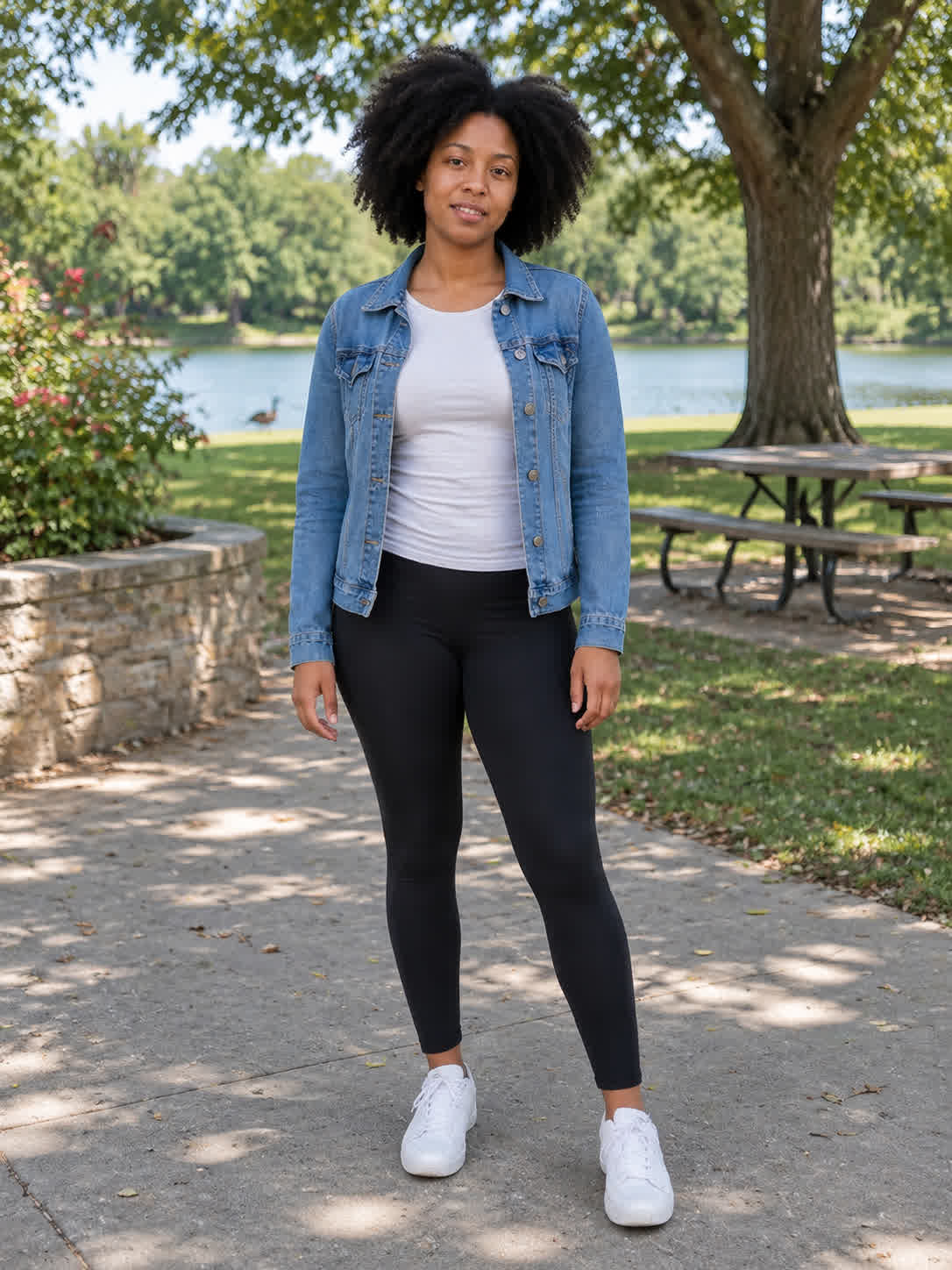
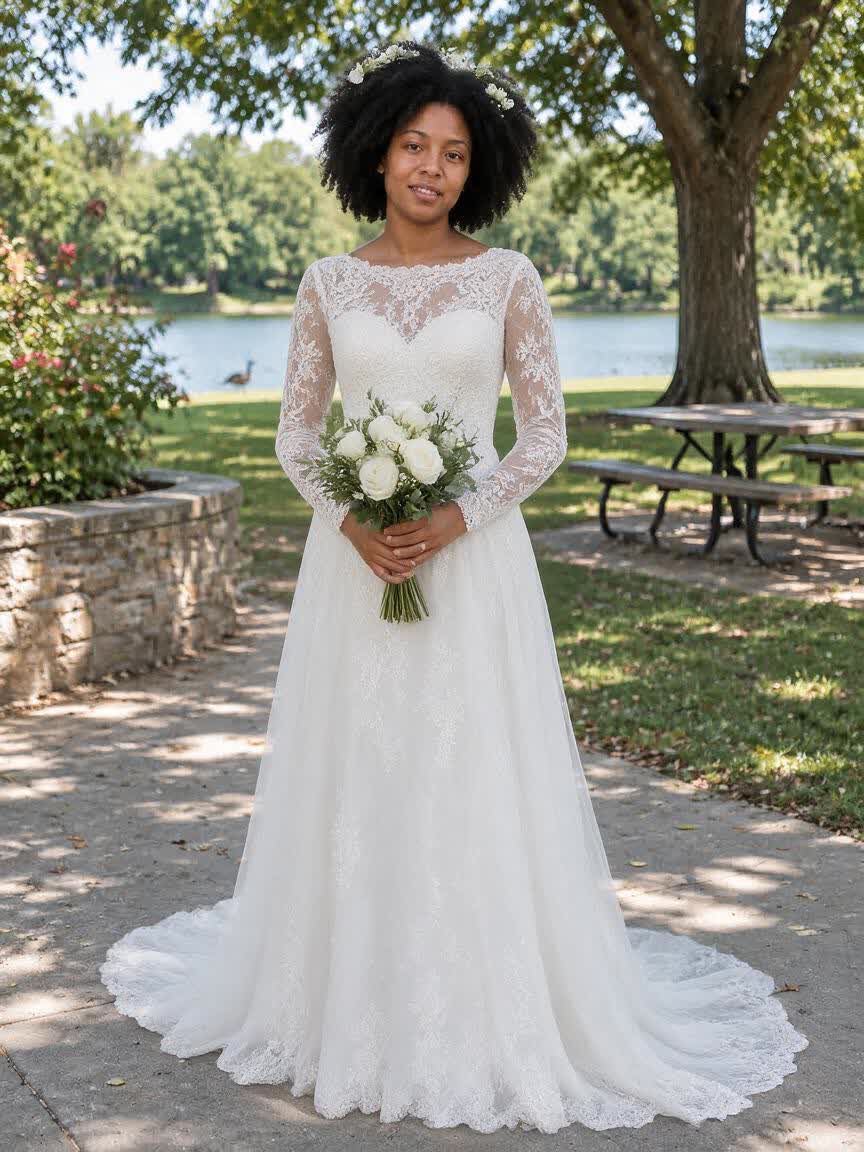
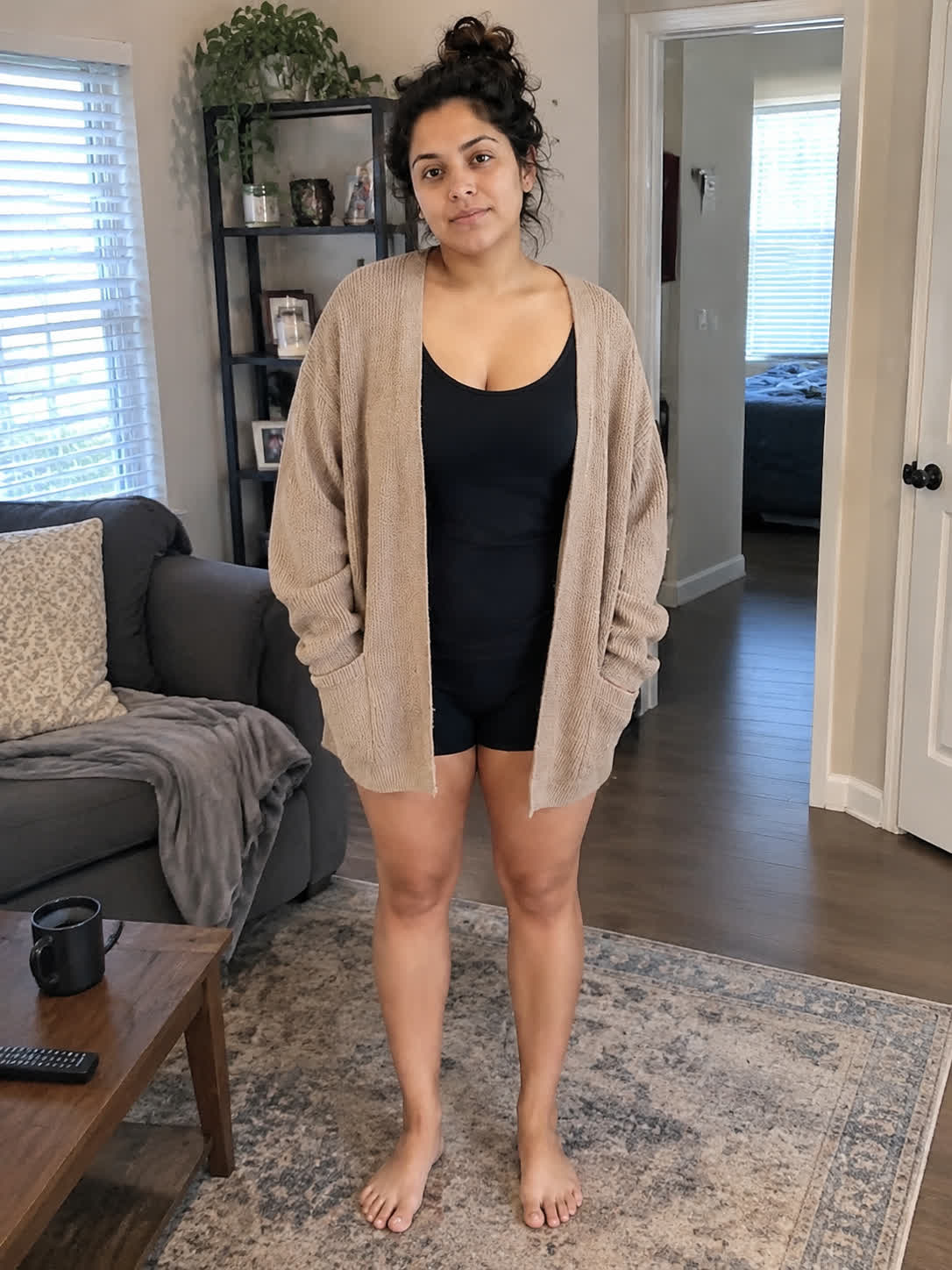
When you are weighing different gown silhouettes, Cavro lets you turn each idea into an image from a reference photo. You come away with visual bridal directions to compare while planning your wedding look.
Try Cavro free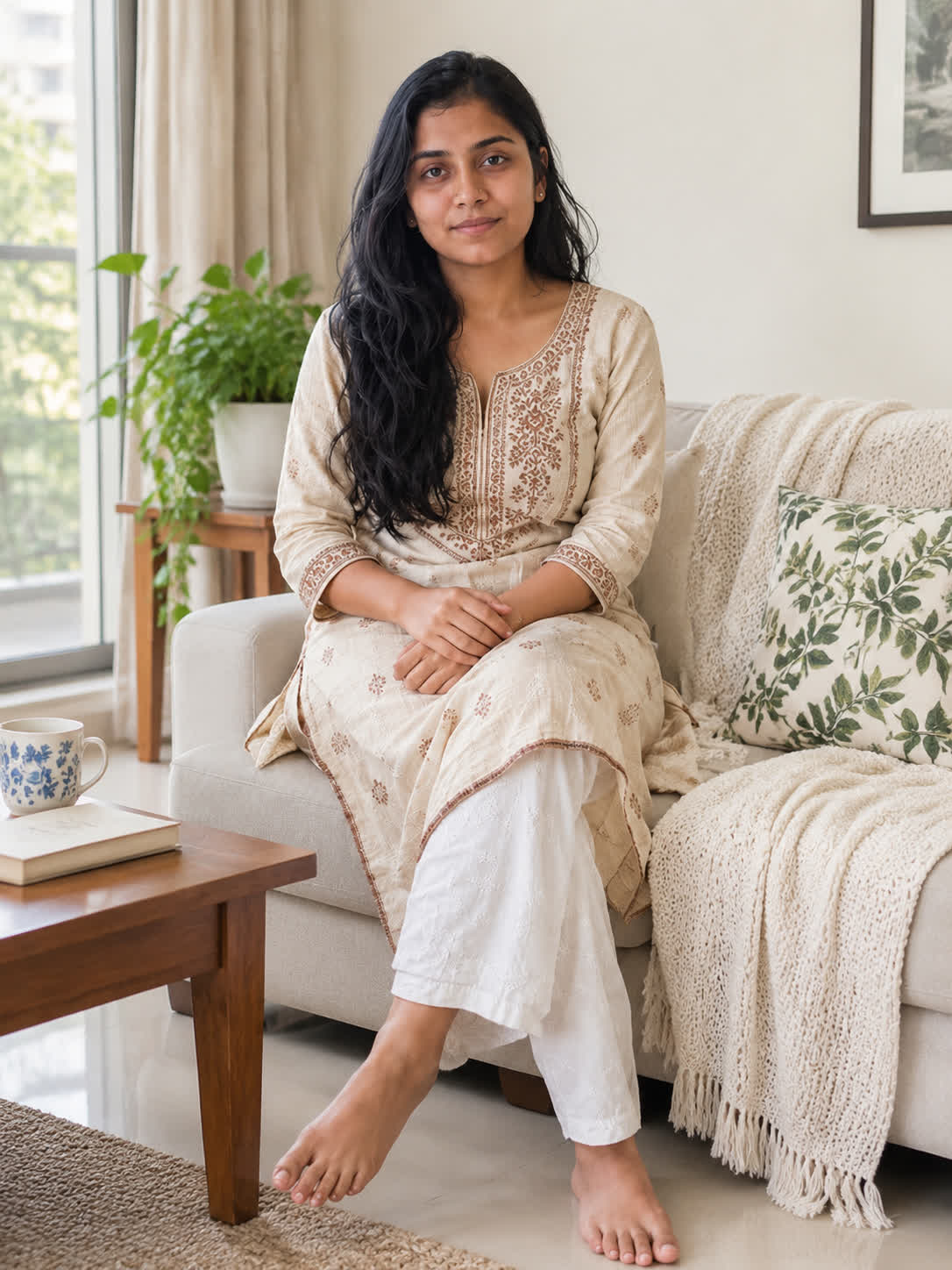
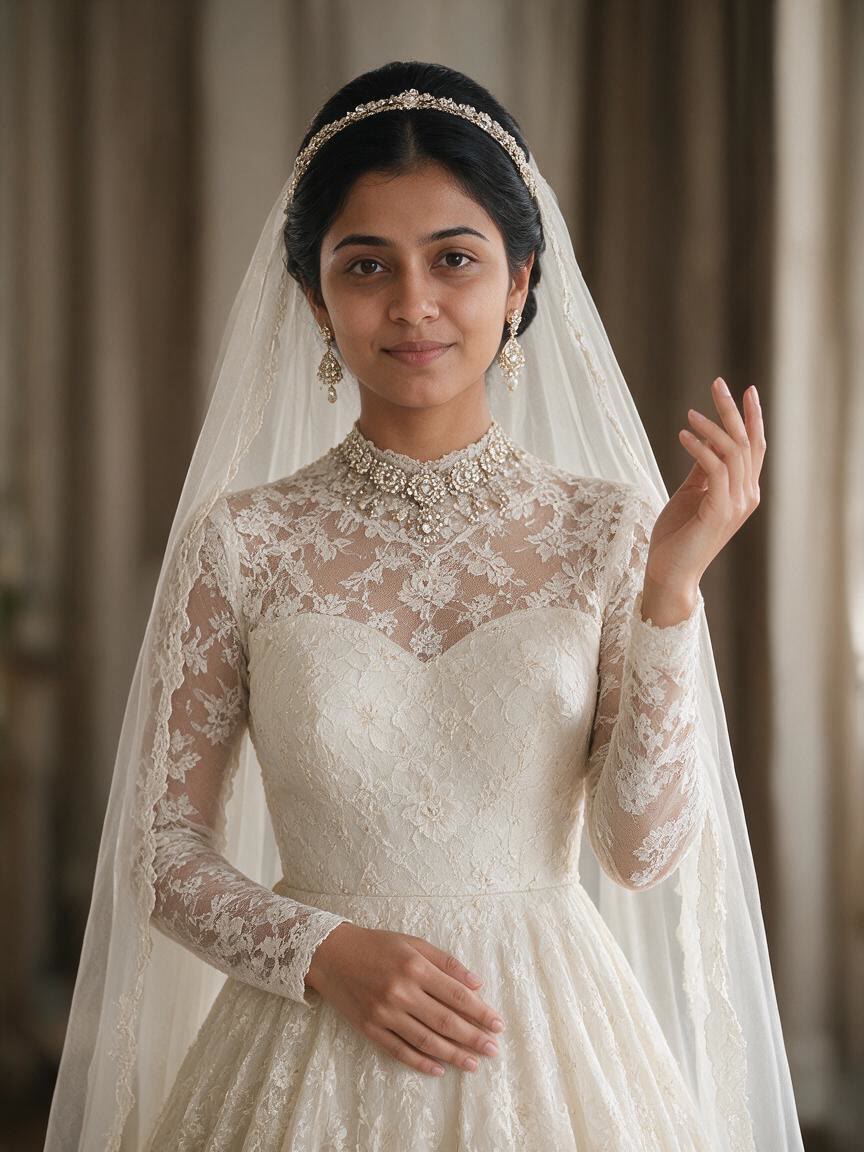
A wedding dress is only part of the image when you are building a portrait or moodboard. Describe the setting, lighting, fabric, and styling so the result reflects a more complete bridal concept.
Try Cavro free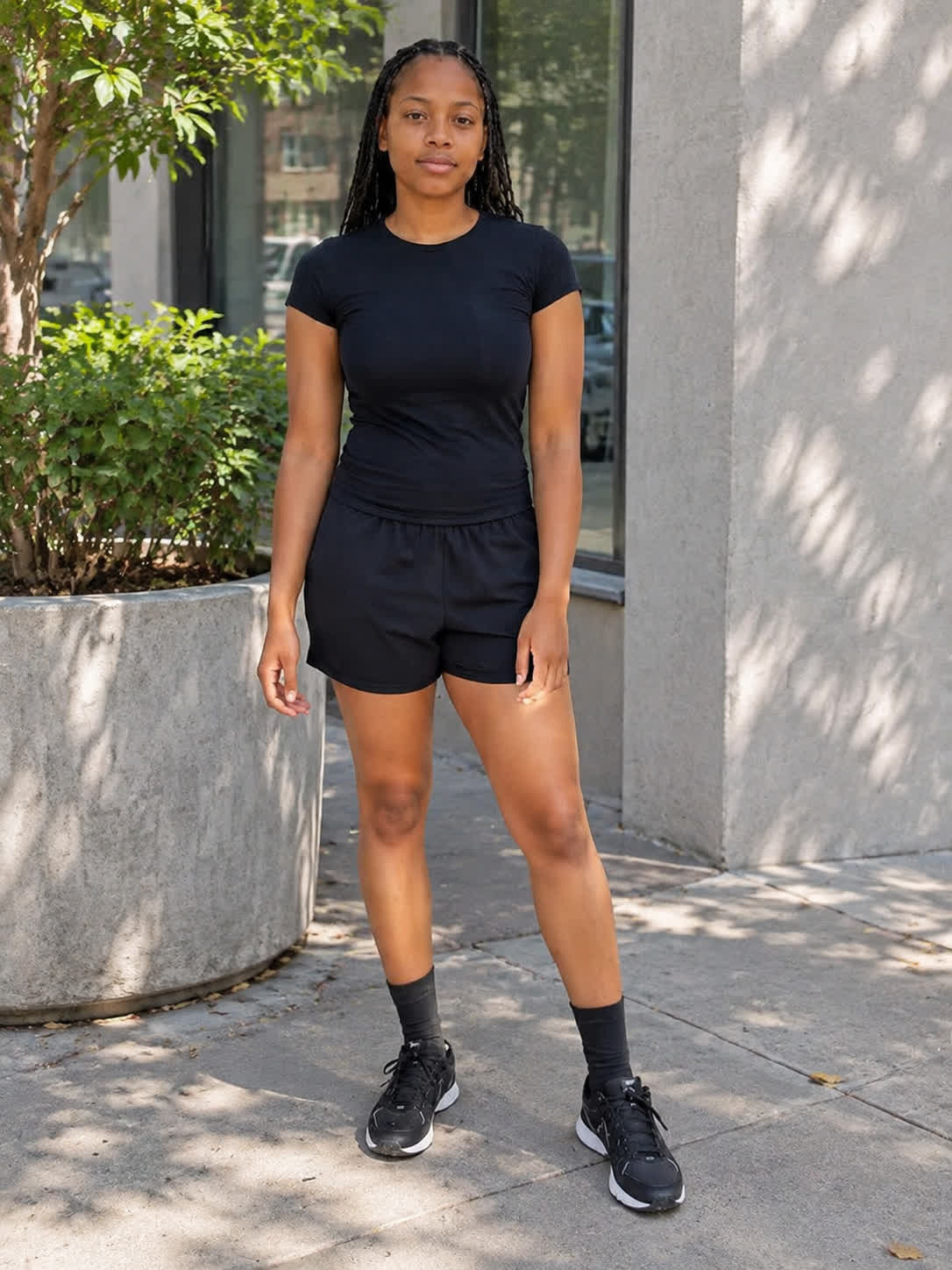
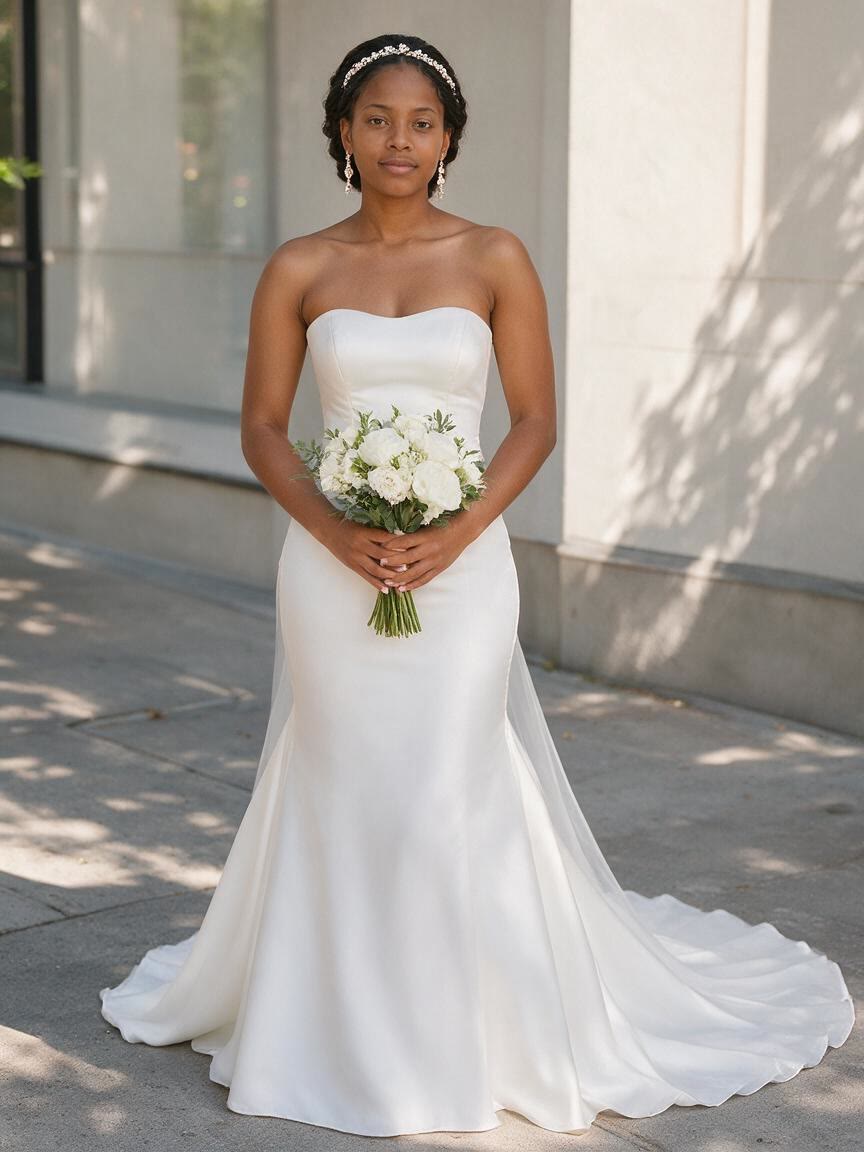
Your first bridal concept may not be the one you want to keep exploring. Continue the same conversation with new directions and generate again as your dress, setting, or mood becomes clearer.
Try Cavro freeAn AI wedding dress editor uses a written prompt and/or reference photo to create a bridal fashion image. With Cavro, you can describe the gown or wedding mood you want to explore and generate from your photo.
A clear portrait, selfie, or full-body photo can serve as a reference. Choose an image where the subject is visible so your written wedding dress direction has a useful starting point.
Yes. You can refine and generate again in the same conversation with new gown, fabric, setting, or mood directions. This lets you explore several bridal concepts without starting over.
Results are billed per credit, and images and video use the same credit balance. Cavro has no mandatory subscription, so you pay for the credits you use.
Creators worldwide are turning “just an idea” into expensive-looking images.