

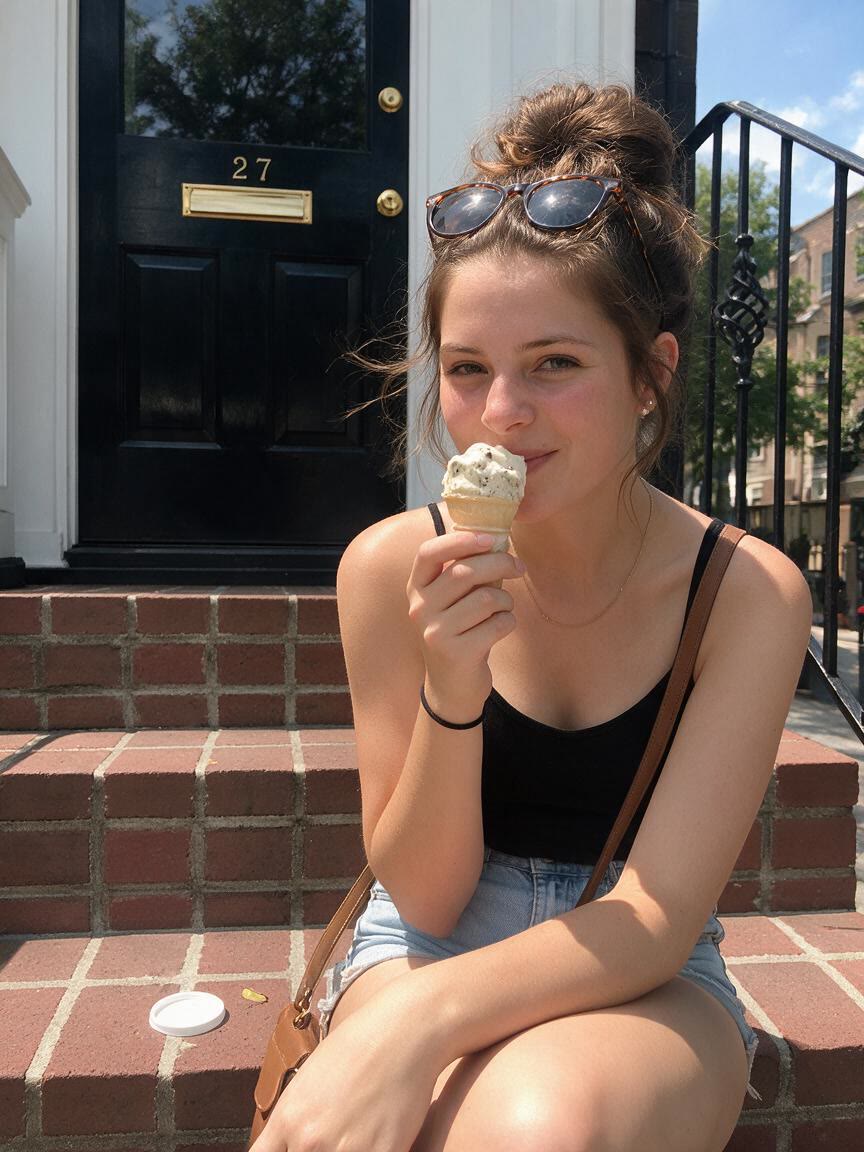
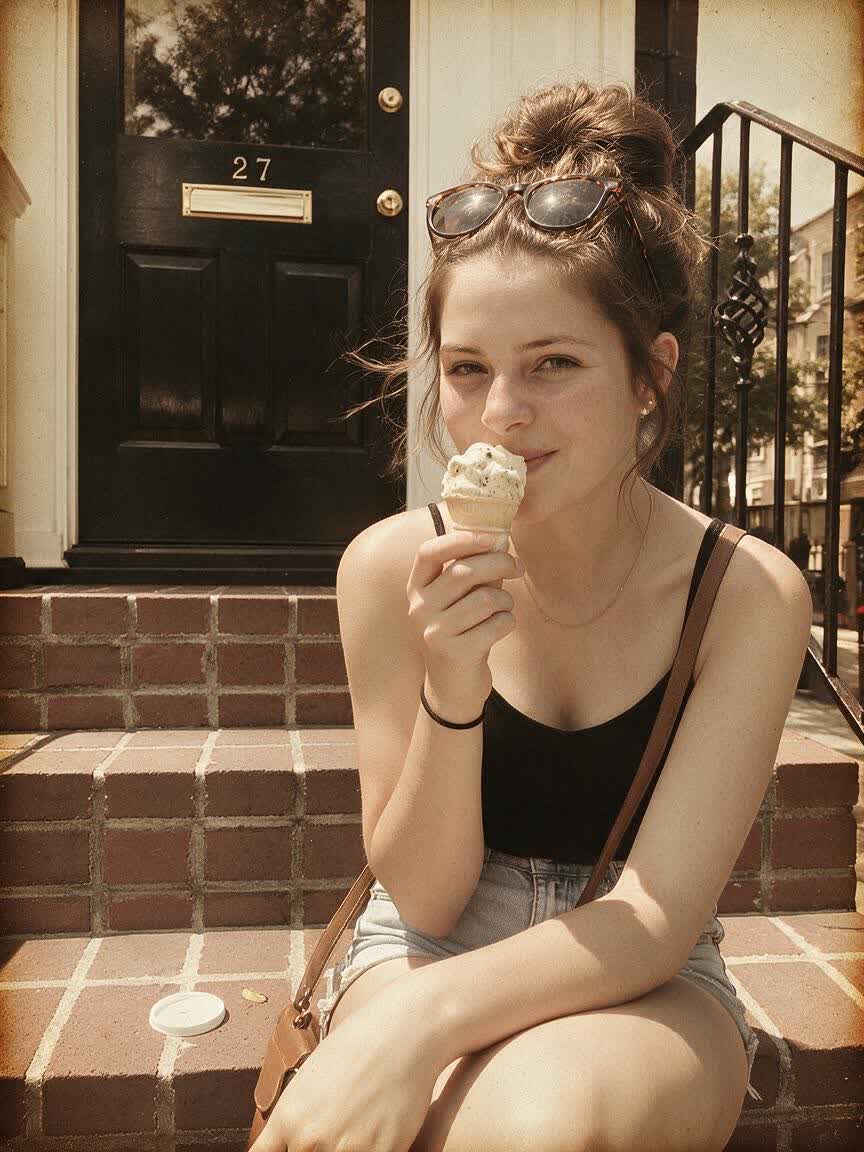
Refresh Social Posts
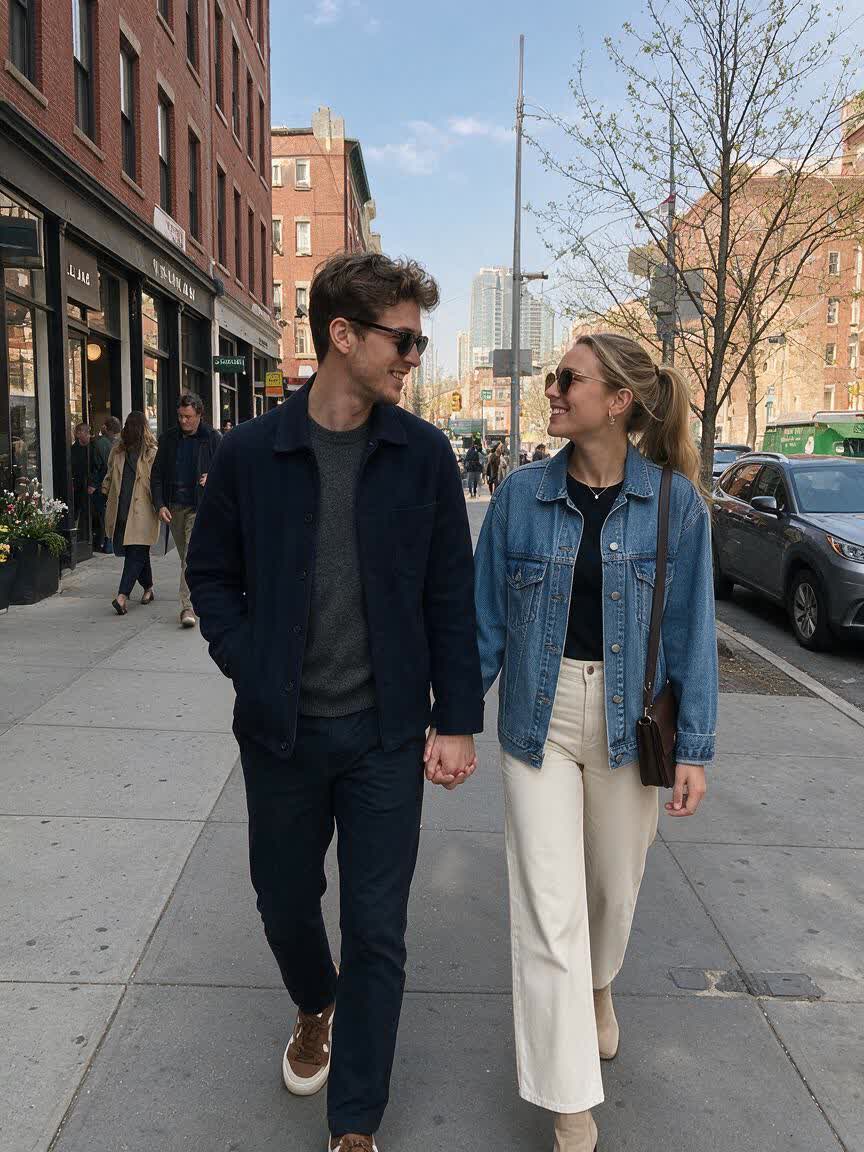
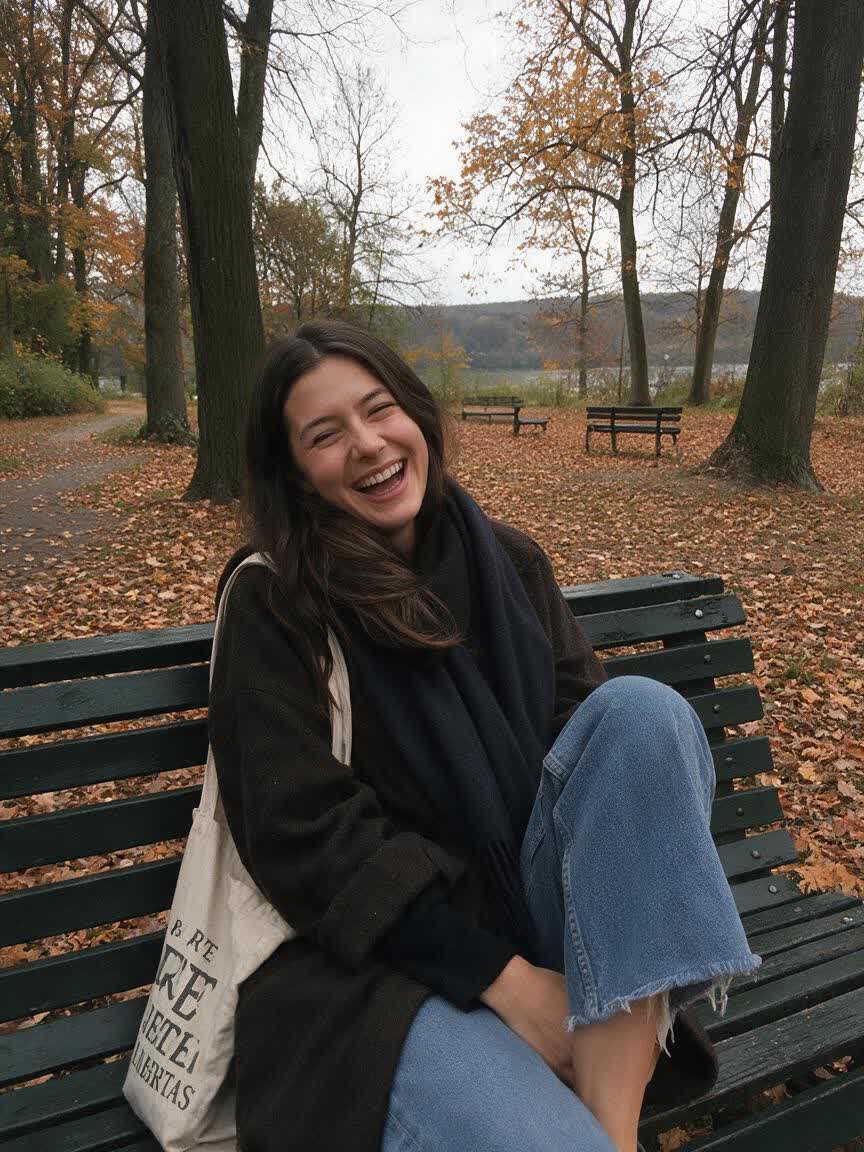
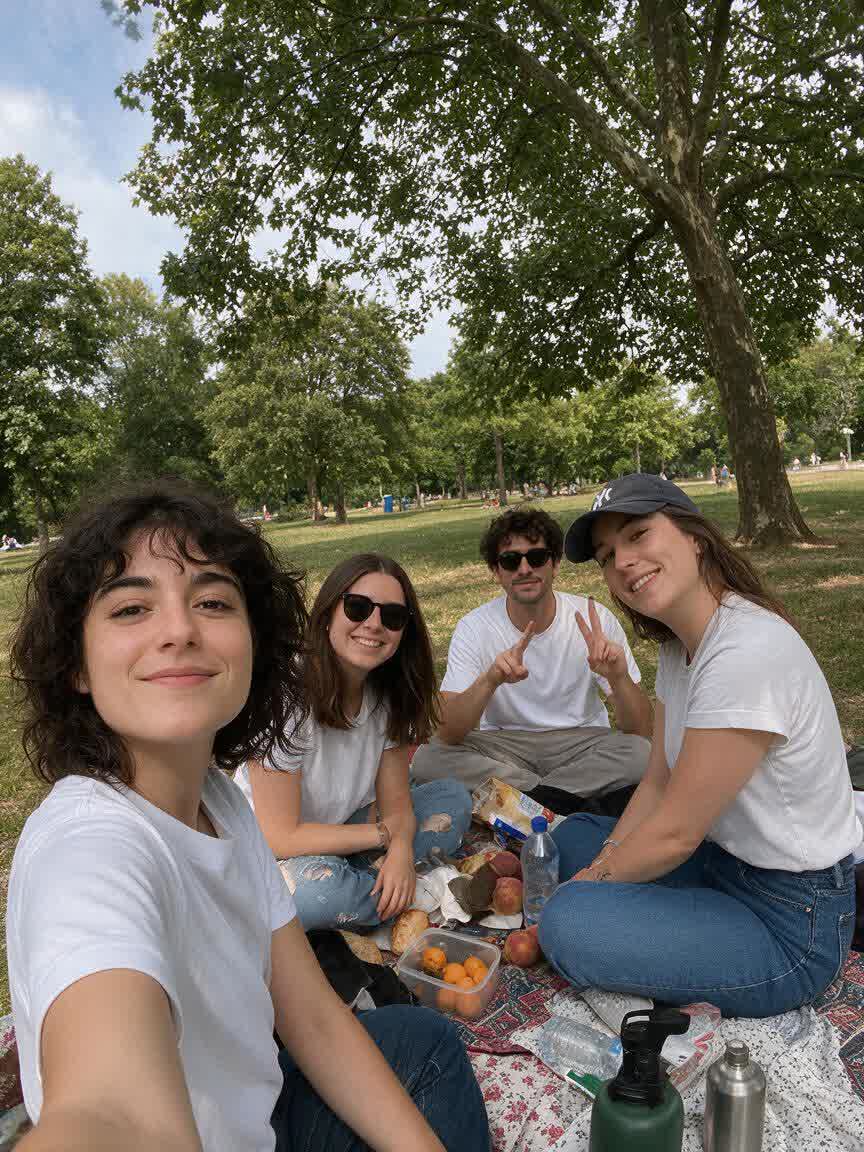
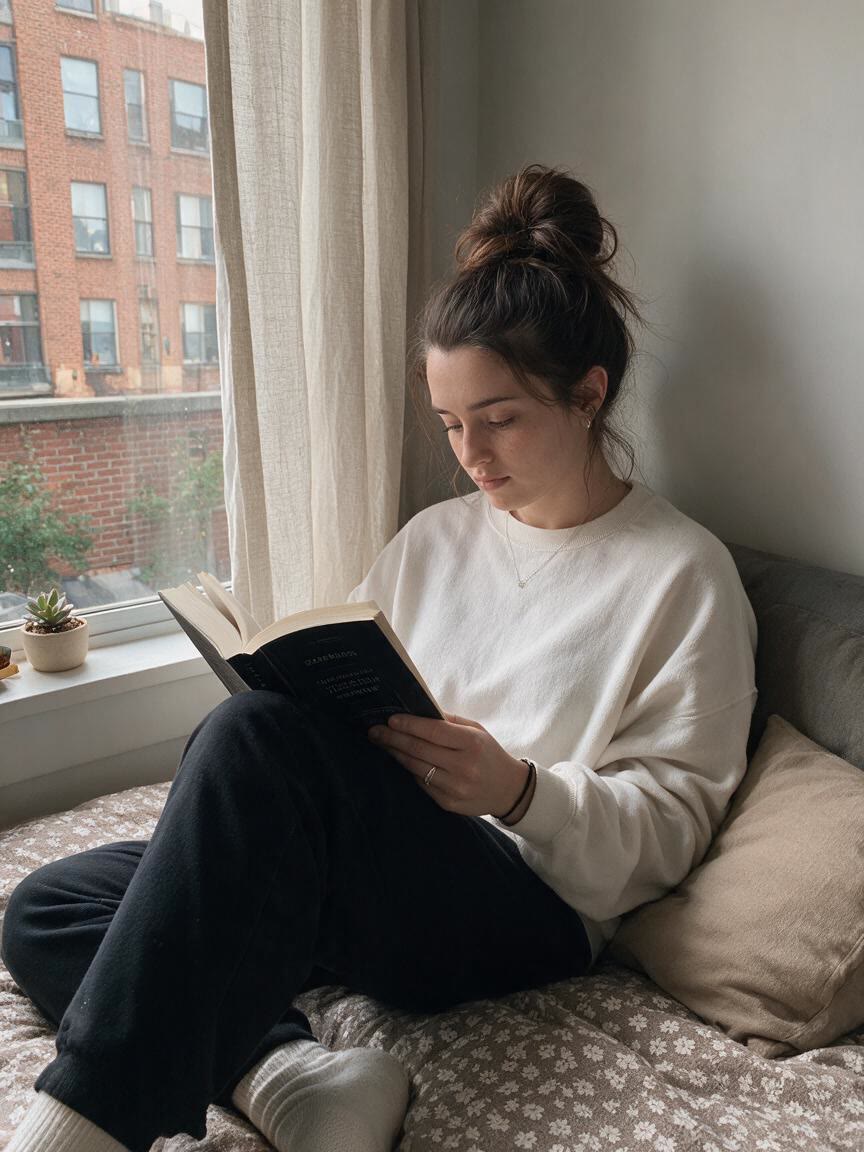
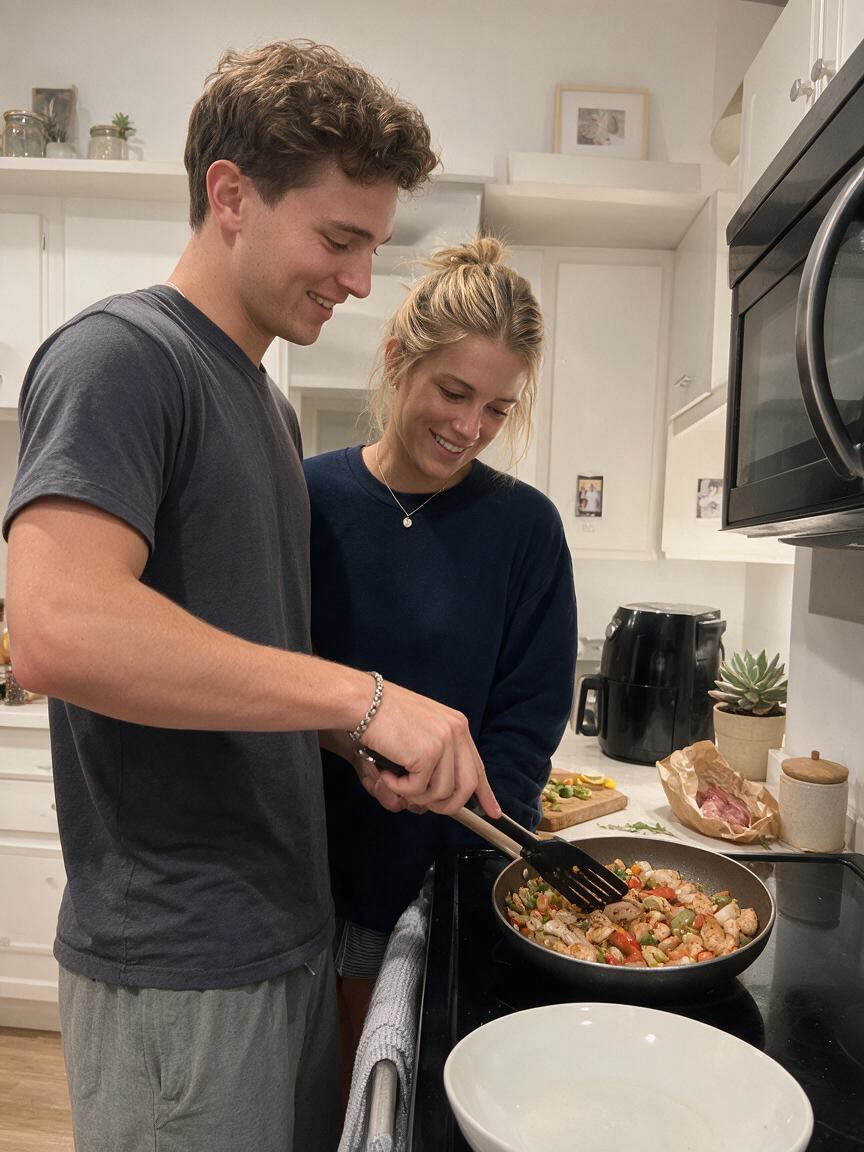
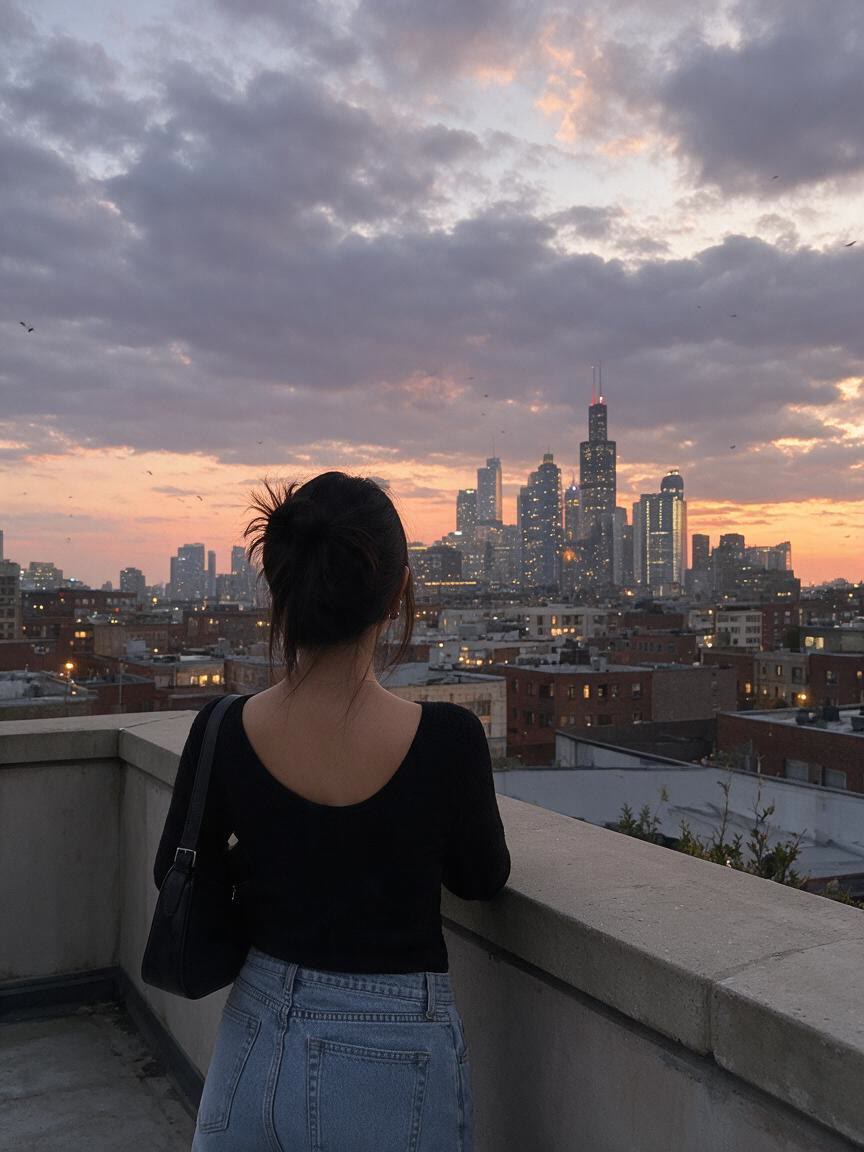
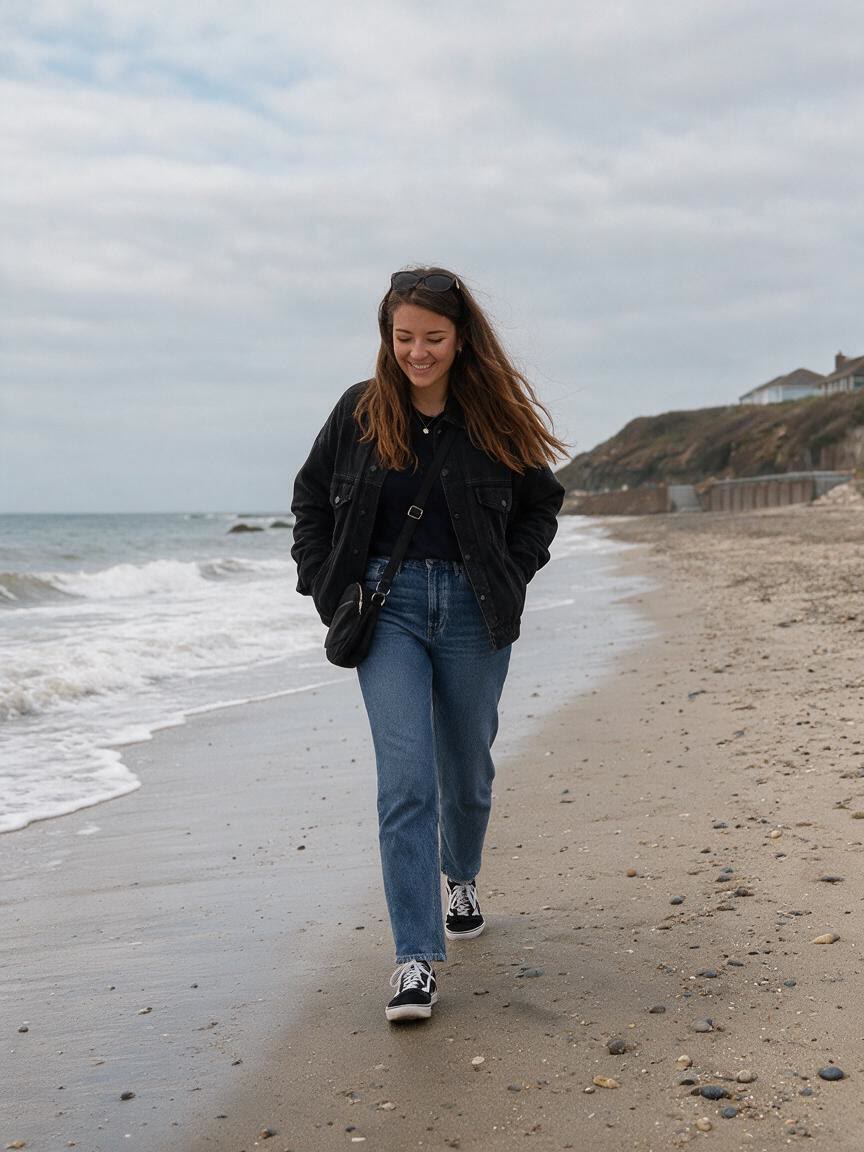
When a social image feels too clean or ordinary, add a vintage direction that suits its mood. Cavro uses the photo and your words to create a textured visual with more personality for your feed.
Try Cavro freeTurn portraits, travel shots, family memories, and social content into nostalgic images with convincing film character. Describe the old-school mood you want, add a reference photo, and let Cavro shape the look.
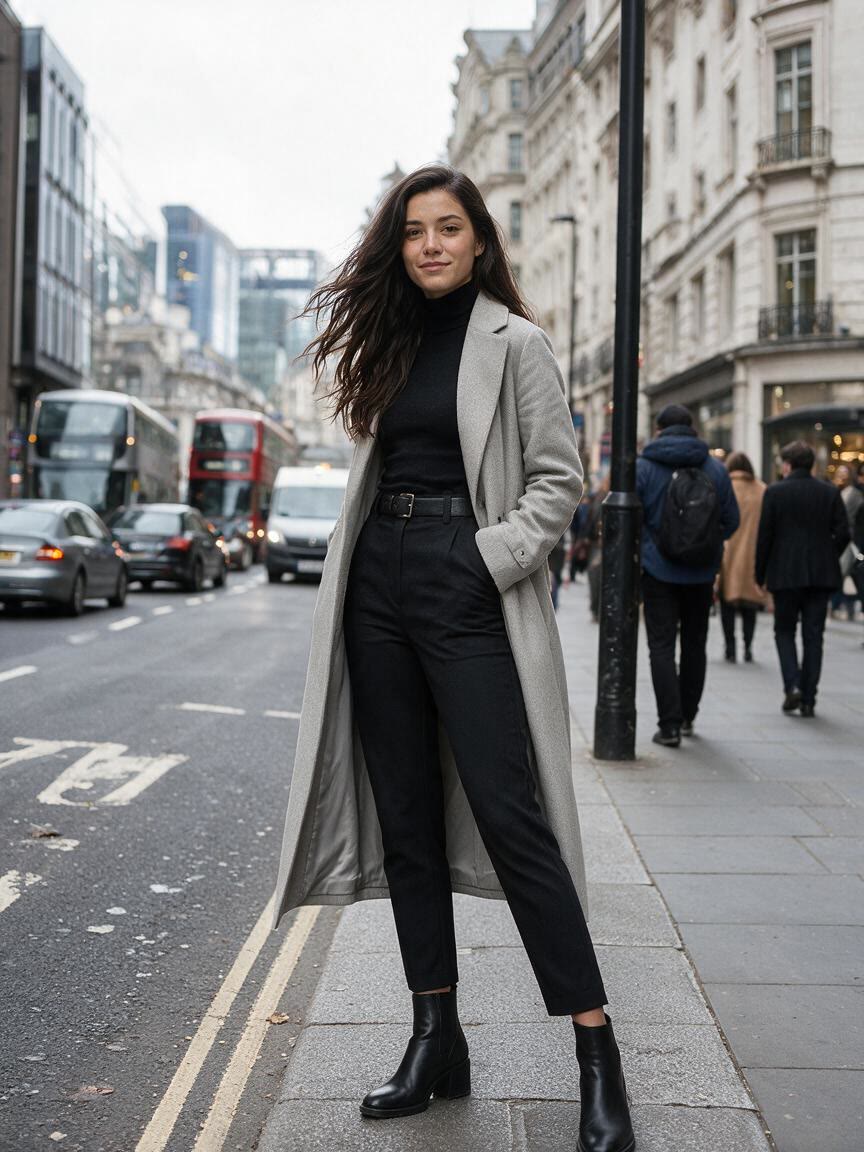
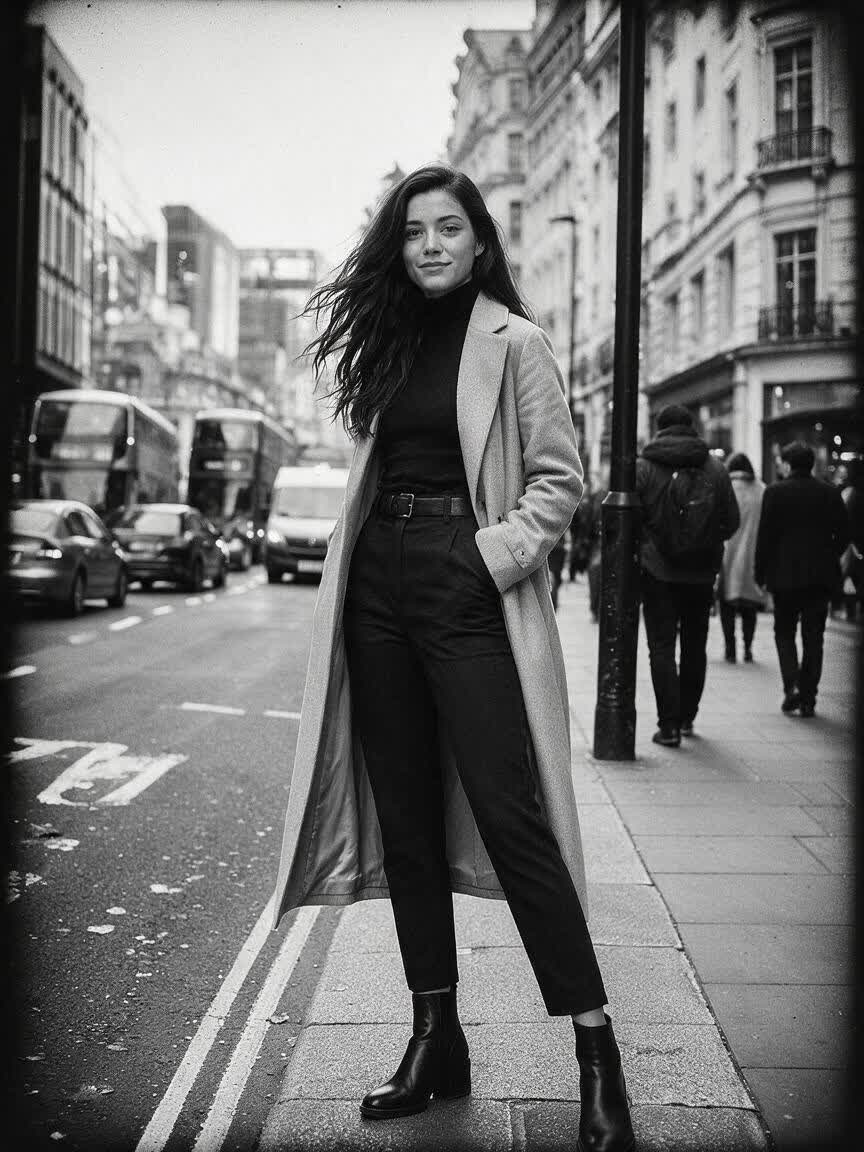

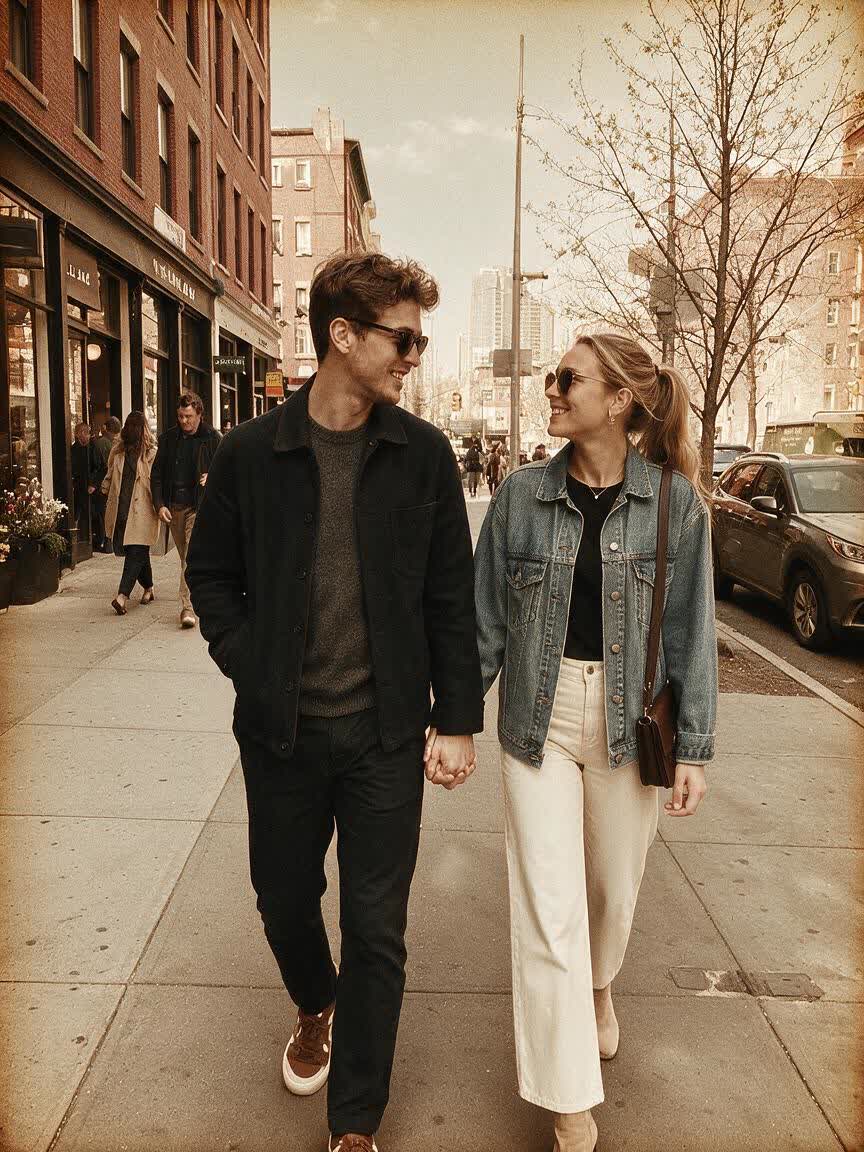

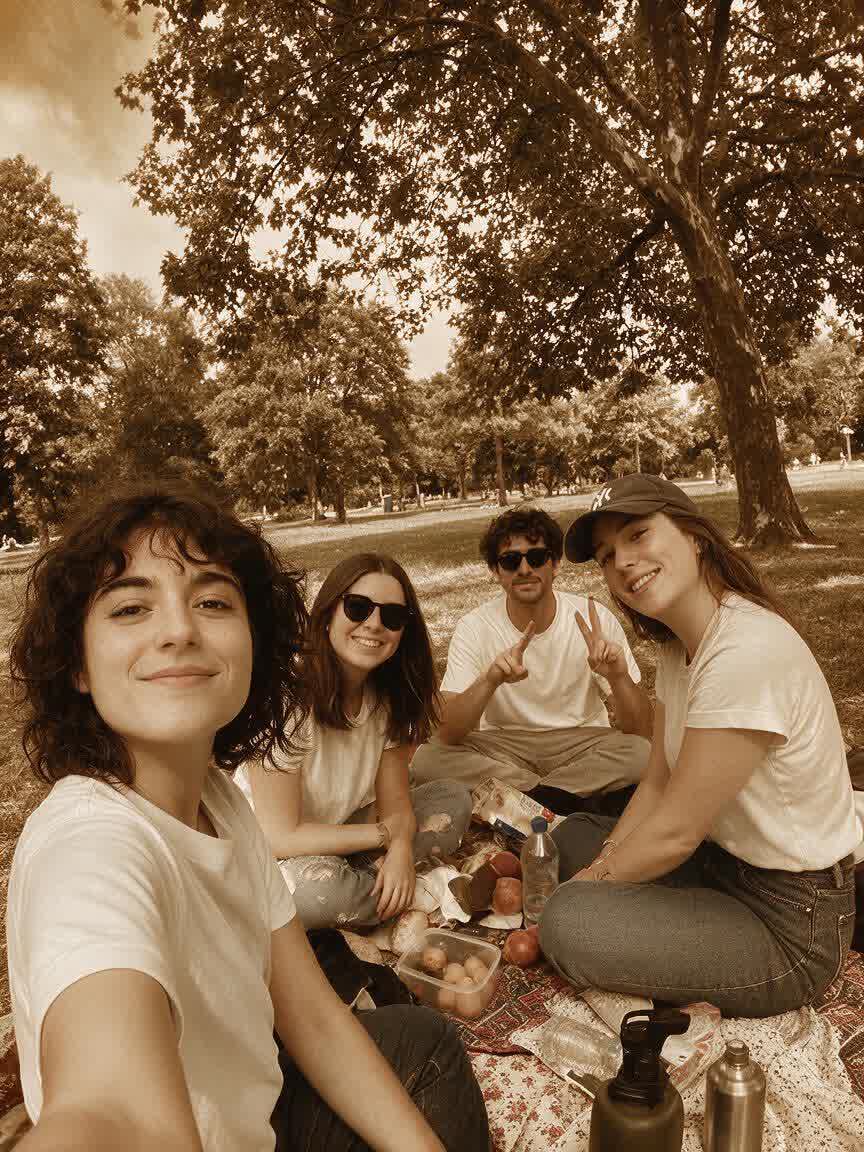
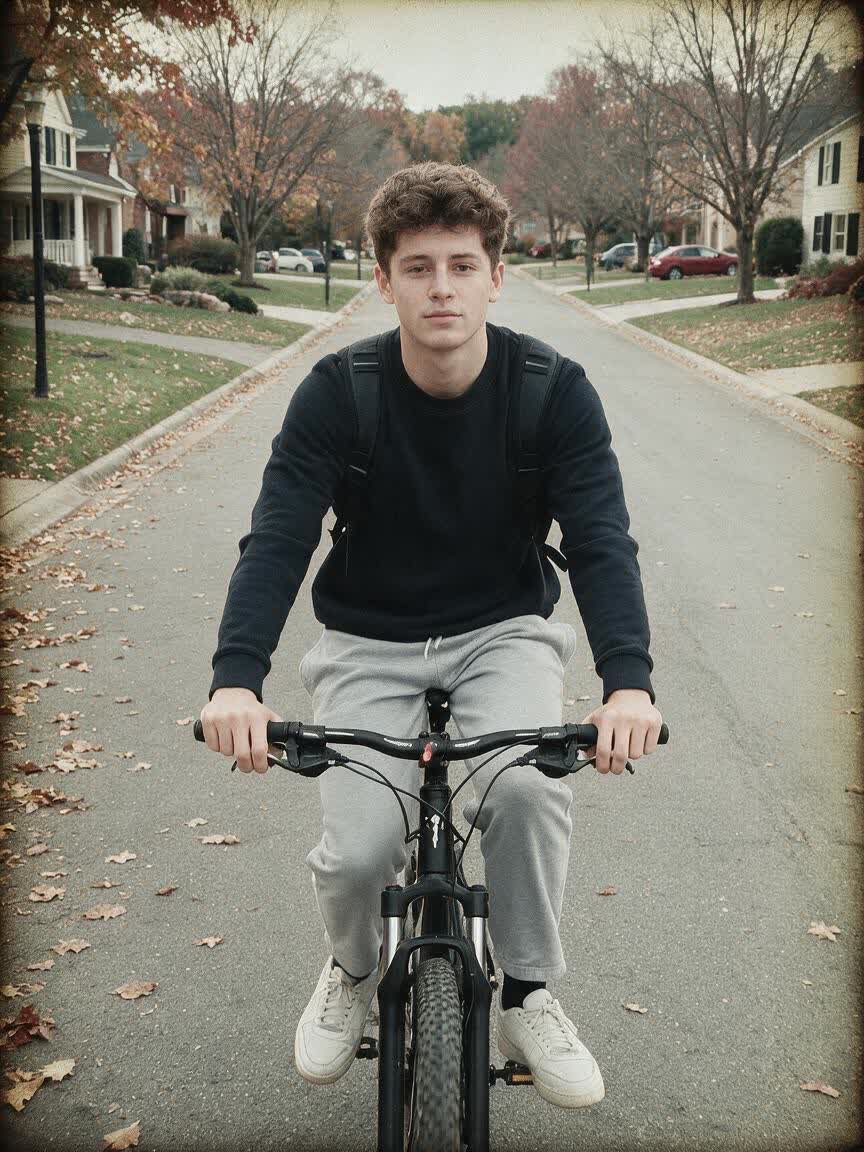
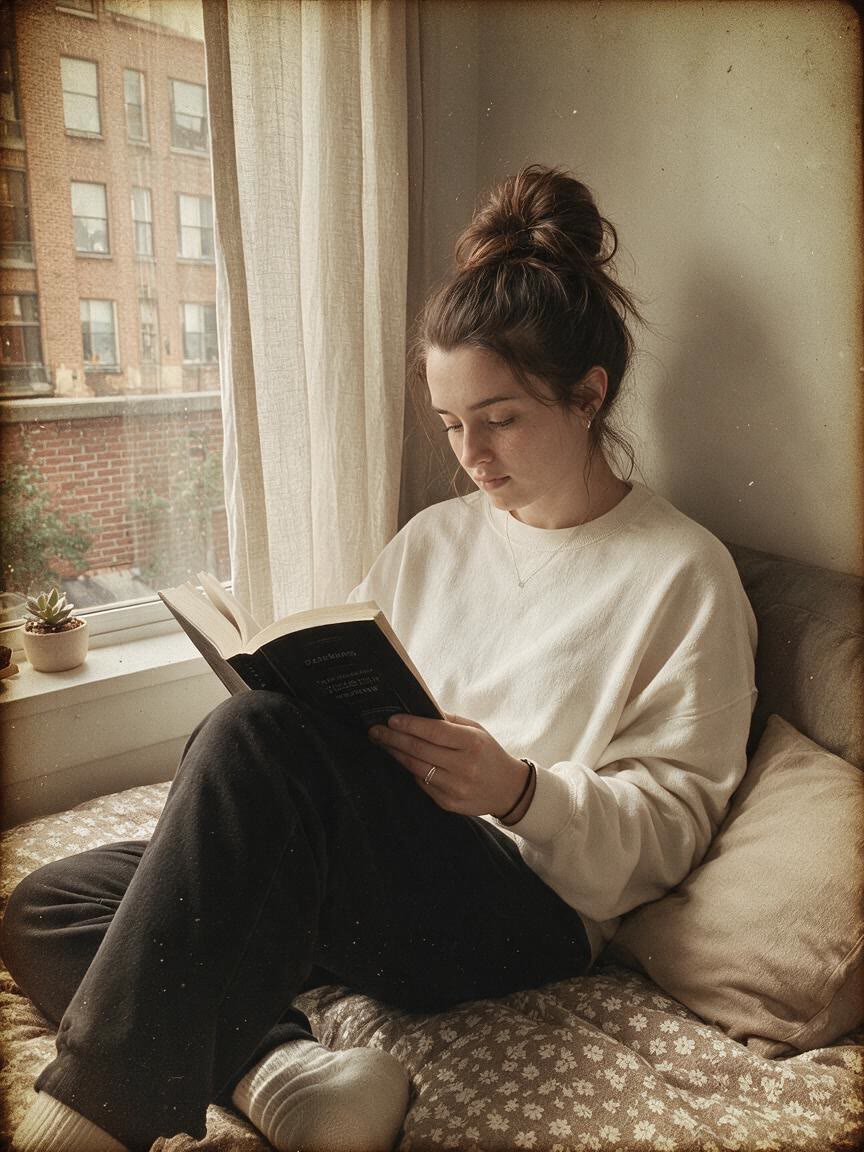
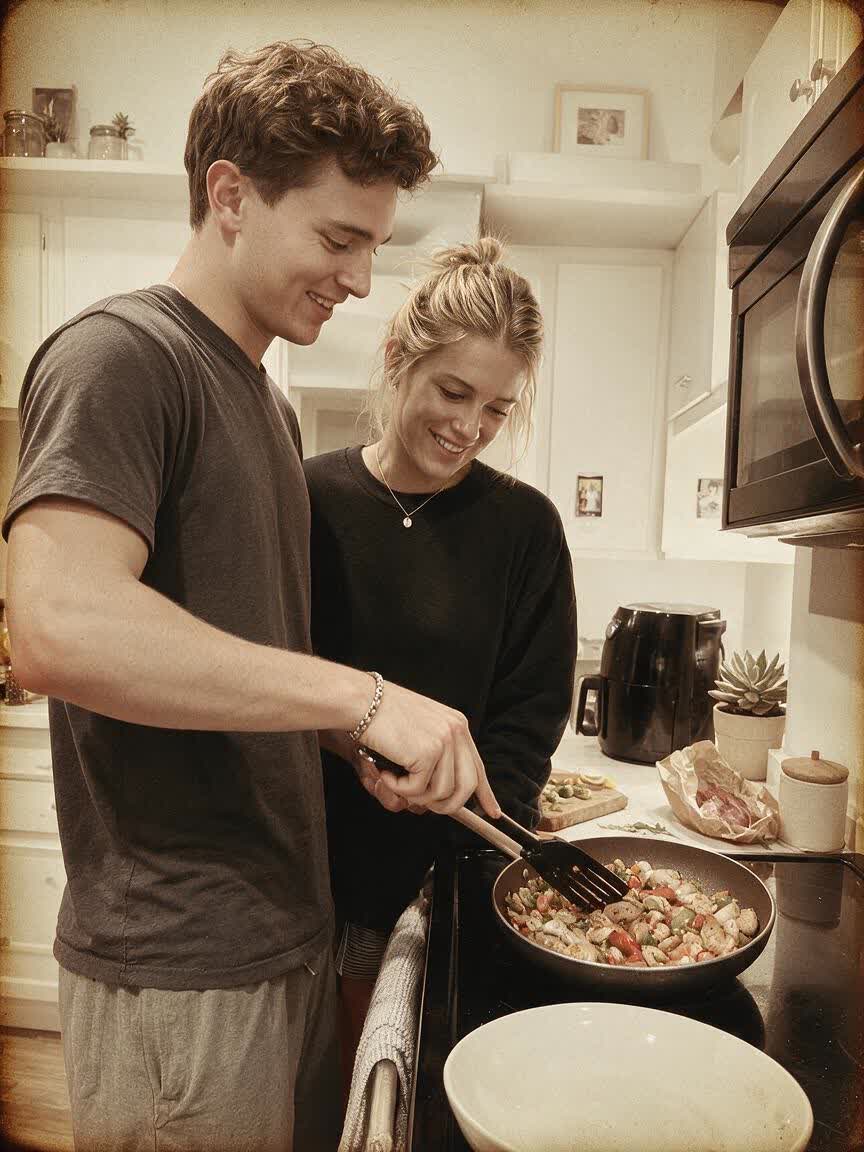
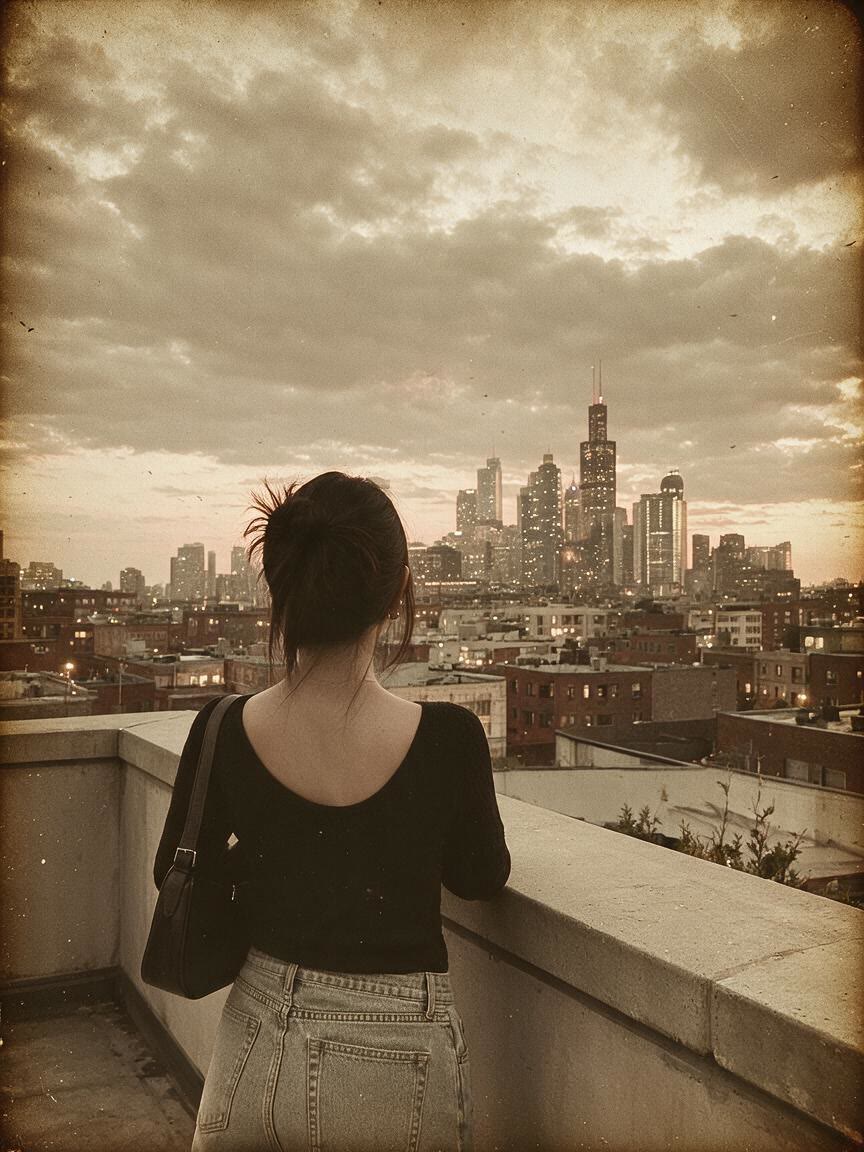
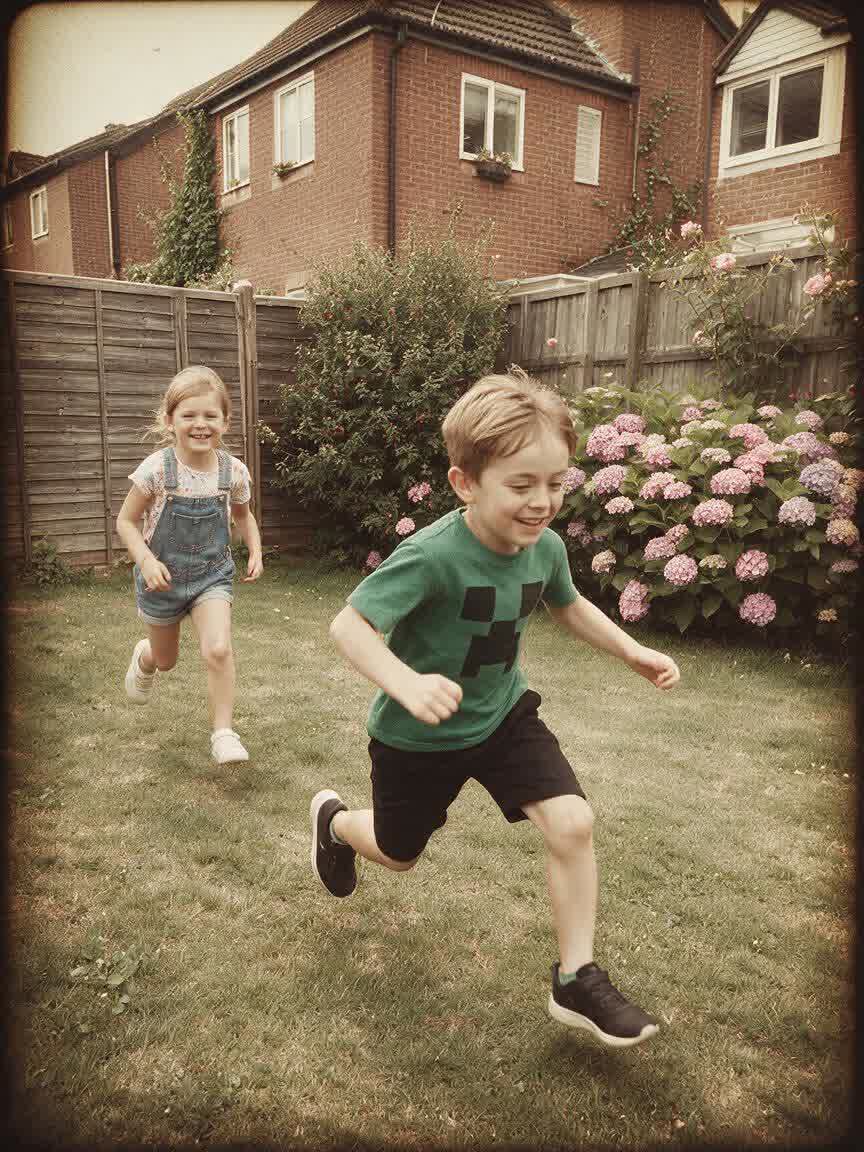
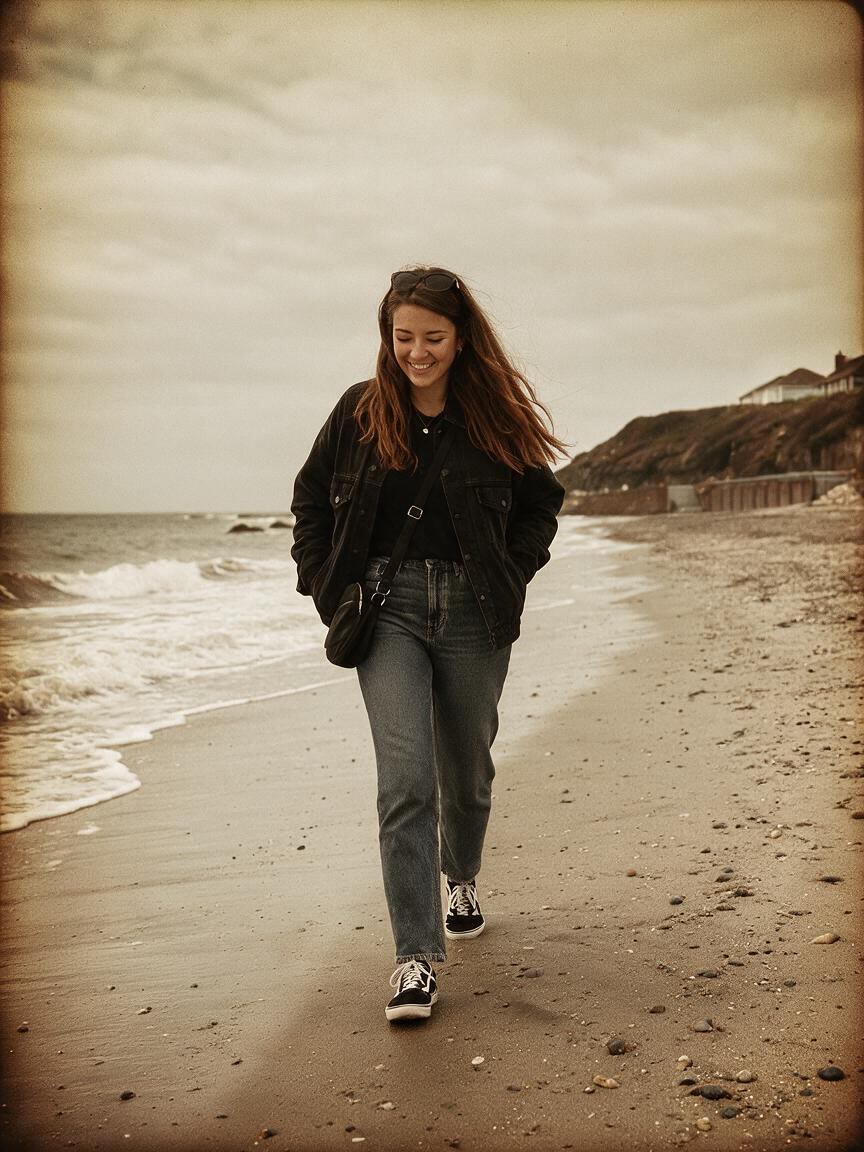
When a social image feels too clean or ordinary, add a vintage direction that suits its mood. Cavro uses the photo and your words to create a textured visual with more personality for your feed.
Try Cavro free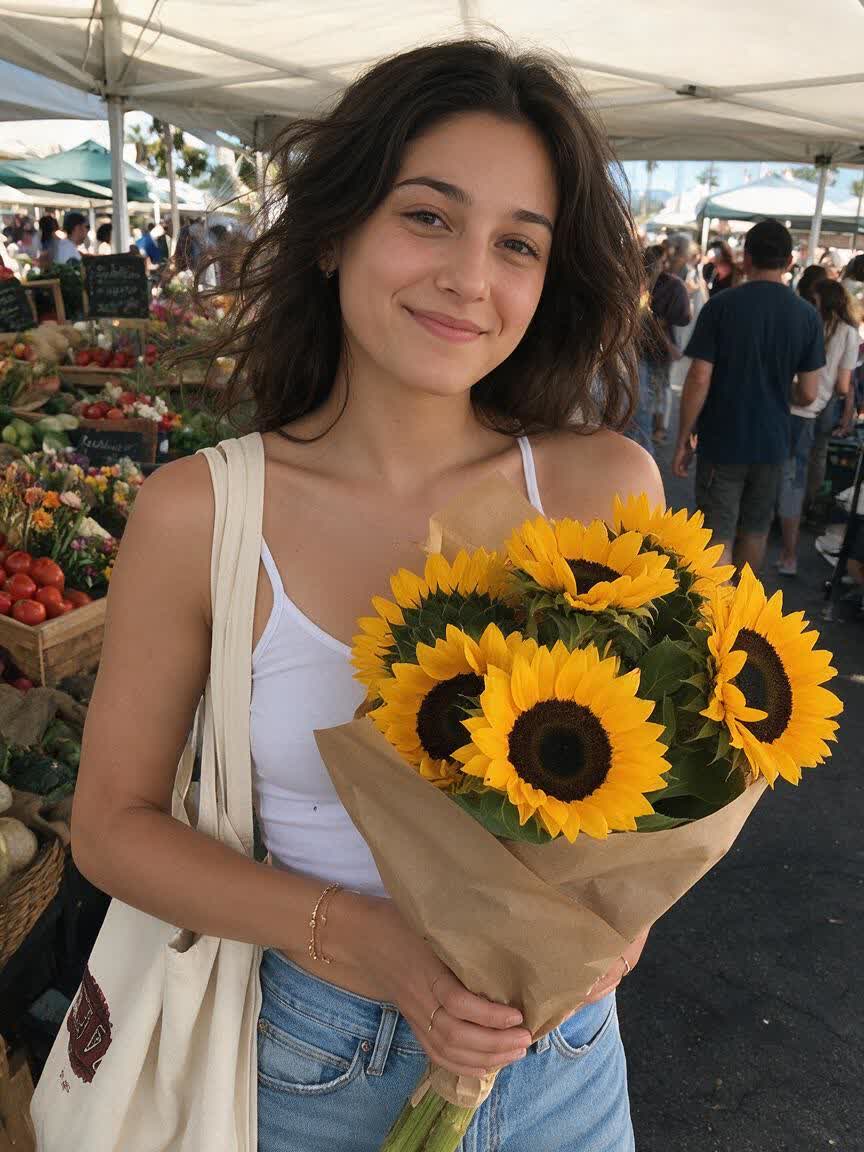
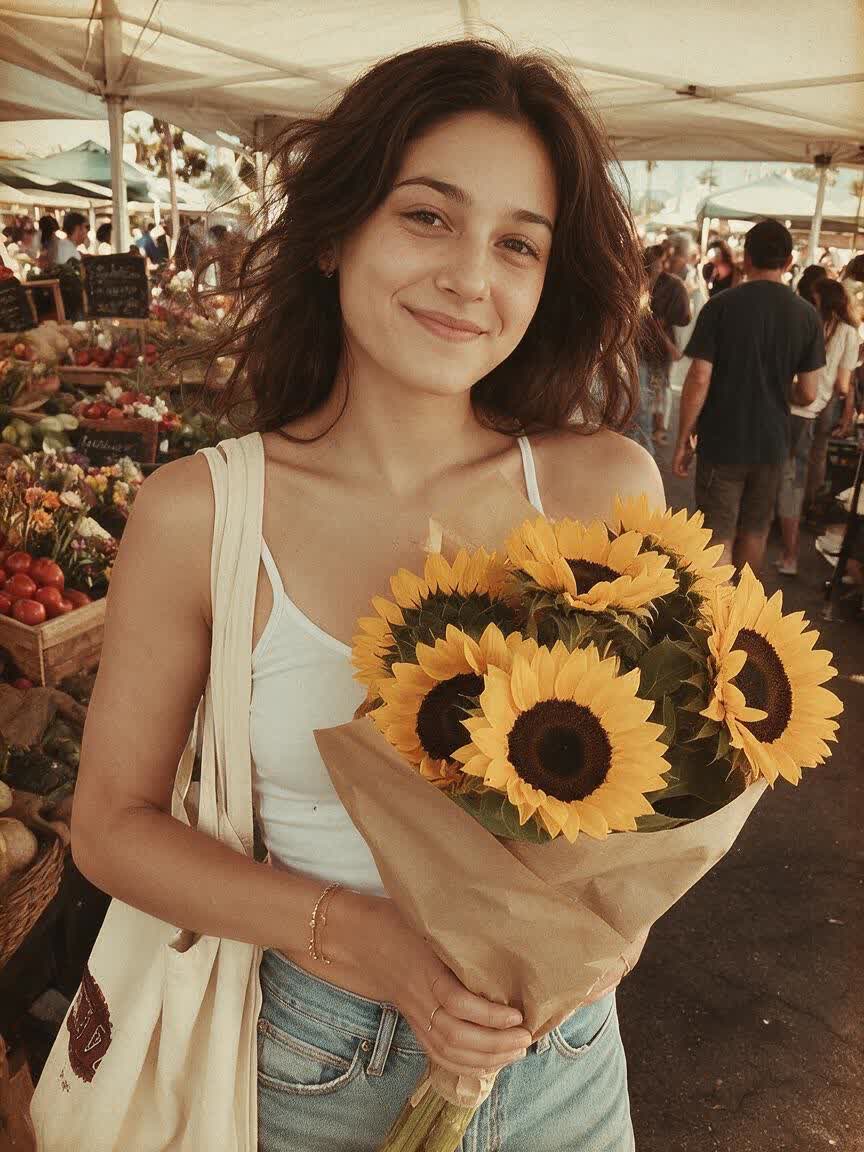
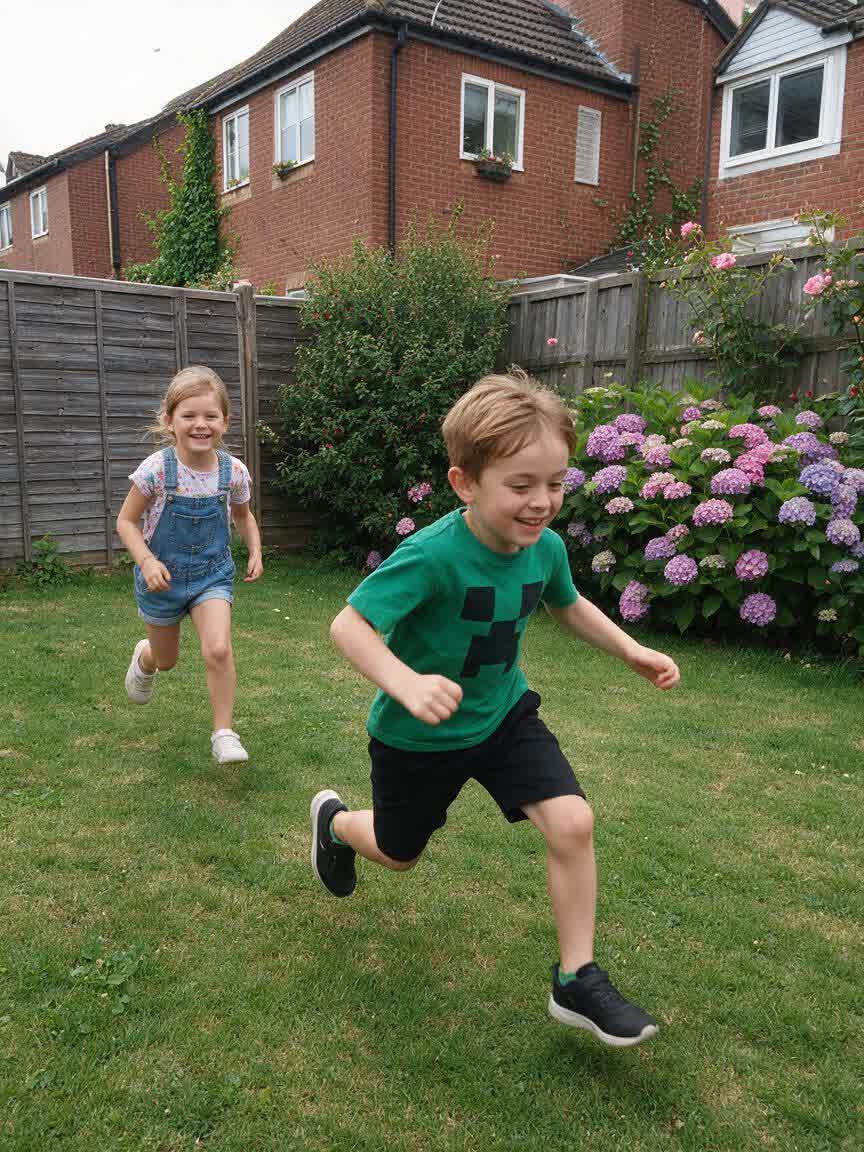
Bring a family snapshot or travel photo closer to the feeling you remember. Describe a faded, sepia, or film-inspired treatment and take away an image that feels like a cherished old print.
Try Cavro free
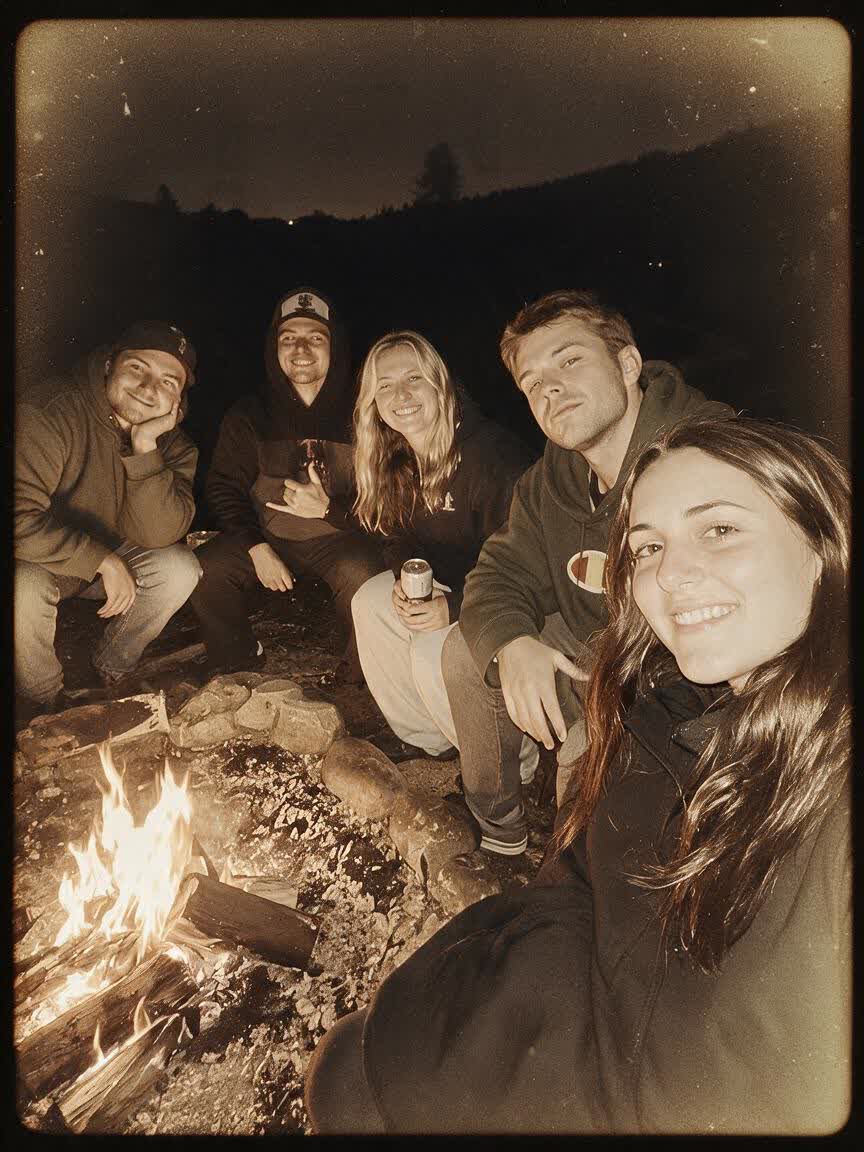
Give a portrait an old-school identity without settling for a generic overlay. Use a reference photo and a specific mood to guide Cavro toward a considered retro image for personal or creative work.
Try Cavro free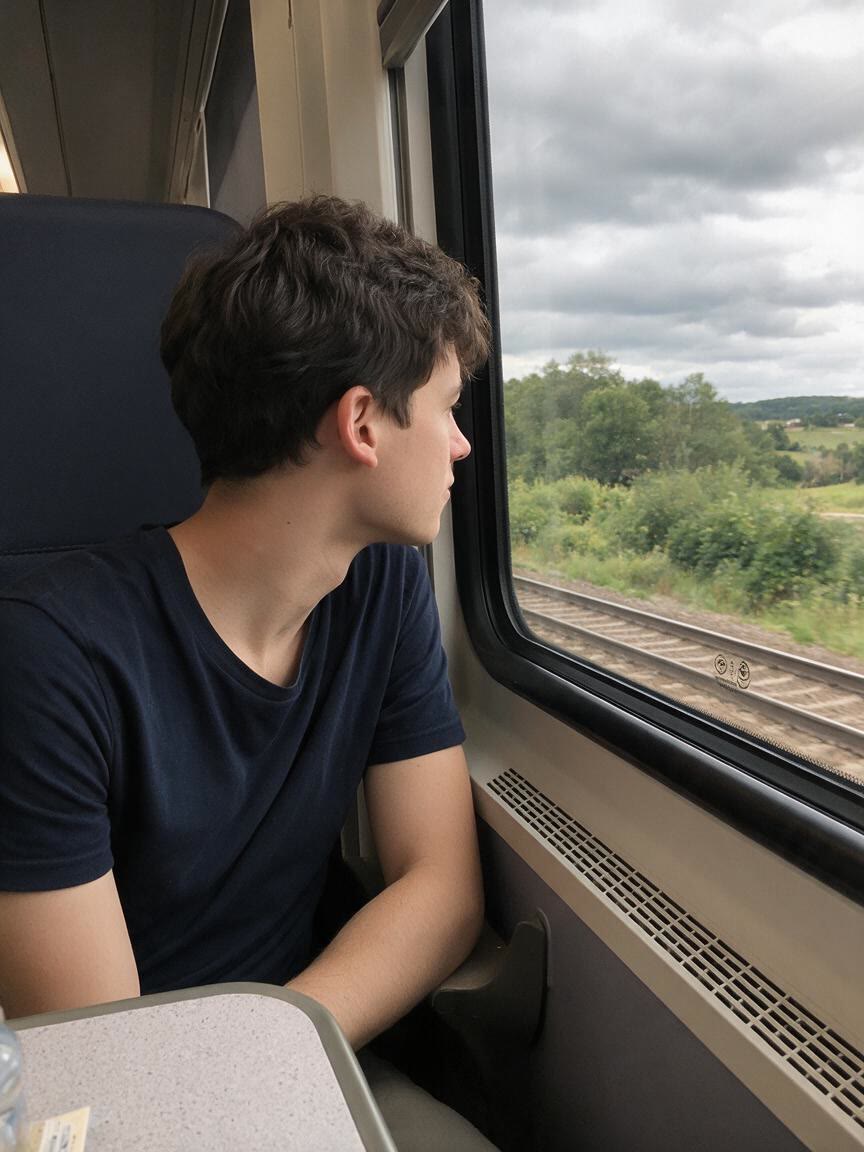
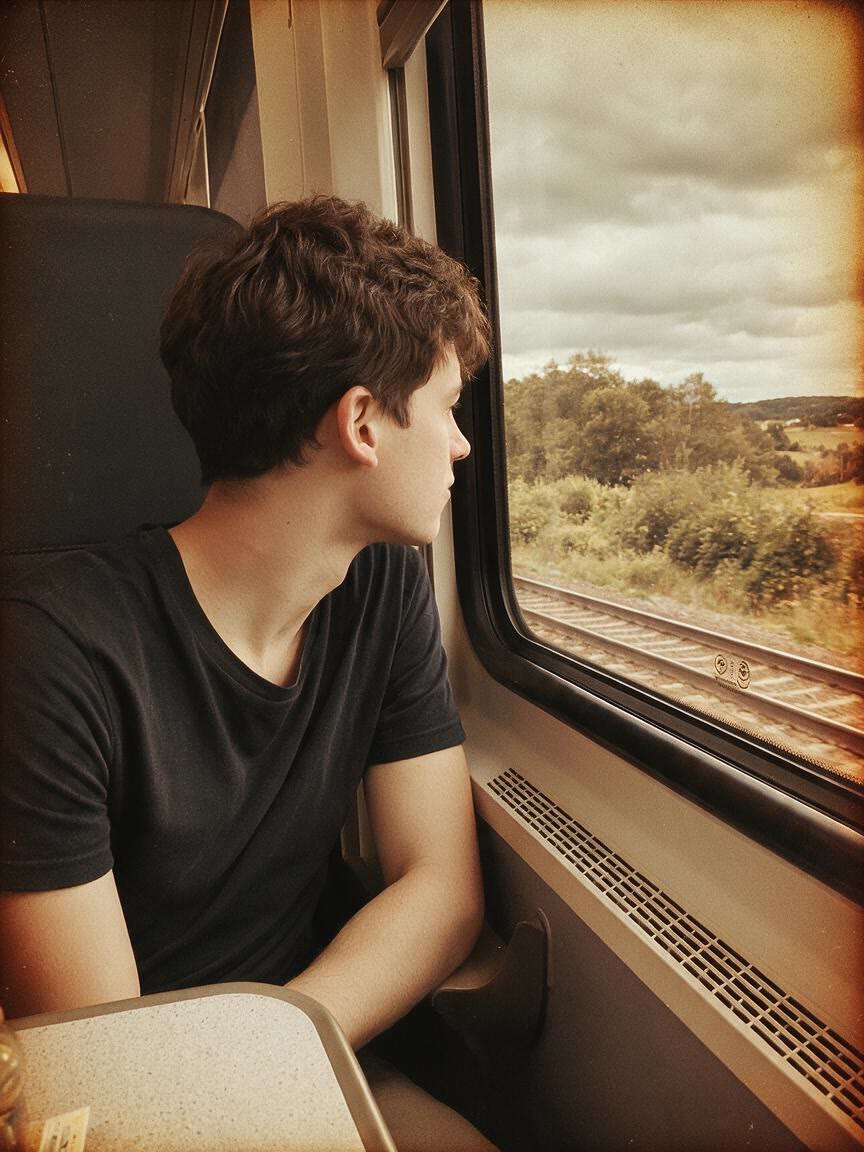
When a flat photo needs the character of analog film, describe the texture you want. Cavro can shape grain, faded tones, color shifts, and light leaks into a more convincing old photo aesthetic.
Try Cavro free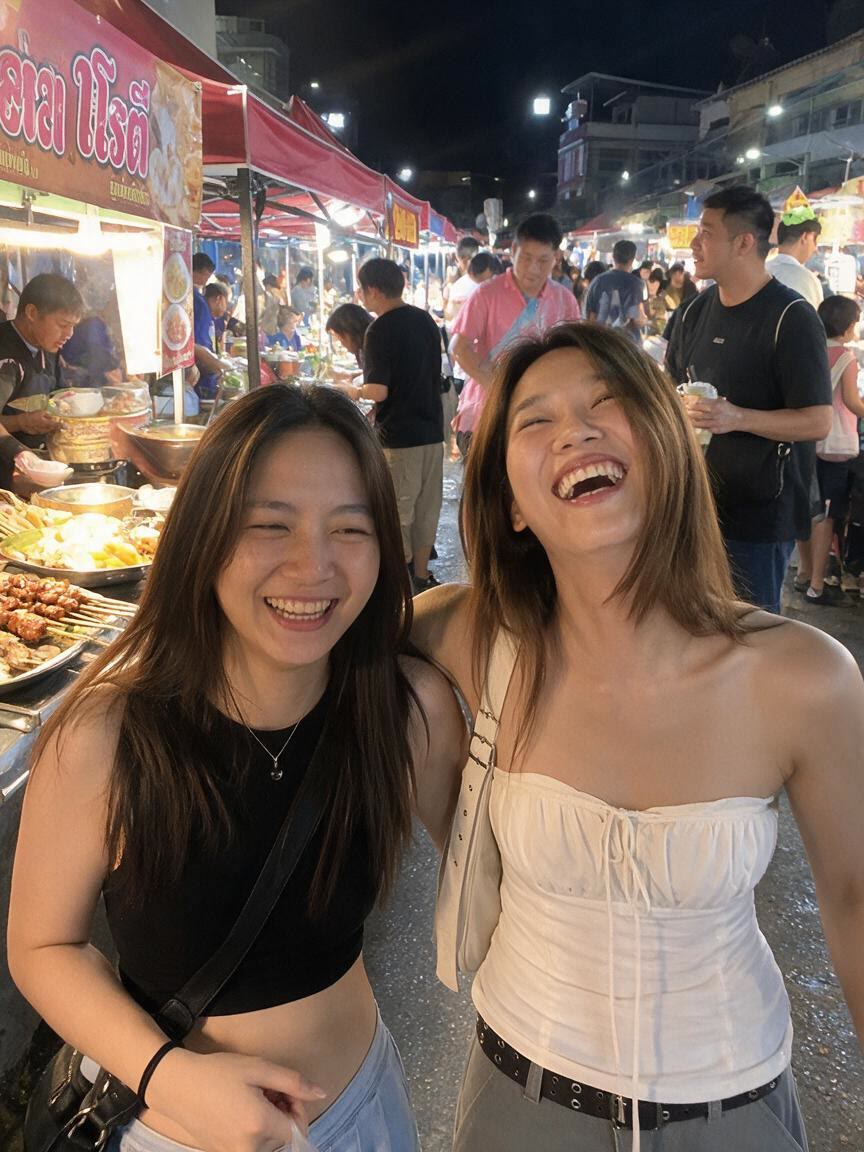
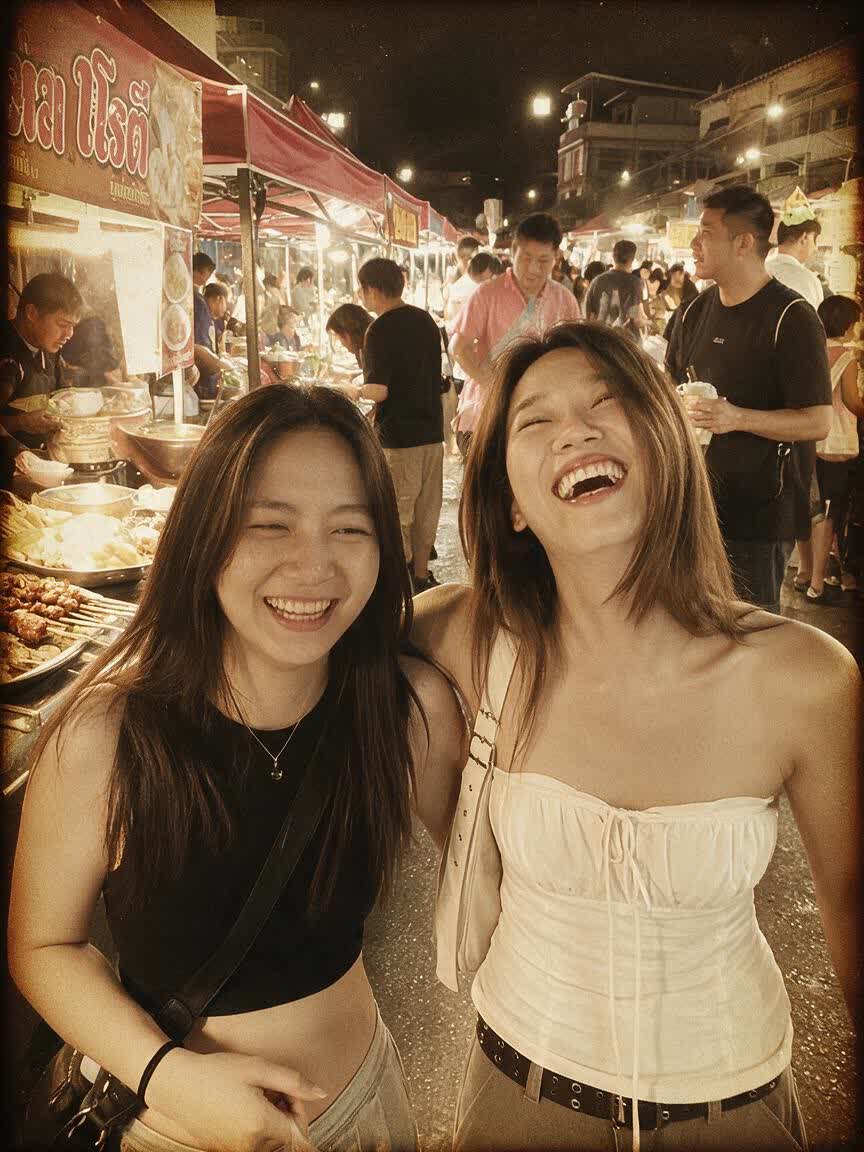
A sepia family memory, warm mid-century snapshot, and moody darkroom portrait need different treatments. Describe the era or feeling, then refine the image until the vintage direction fits.
Try Cavro free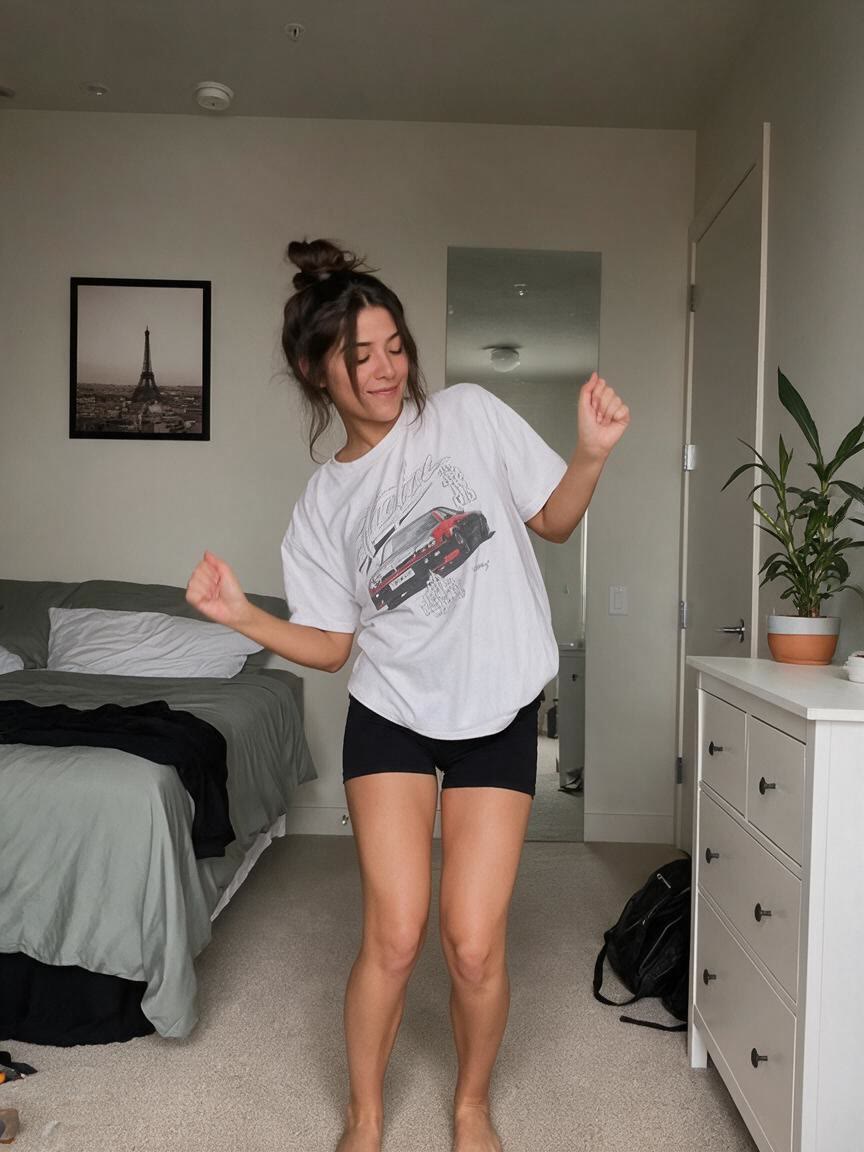

If the first retro effect is close but not right, continue refining the same photo in the conversation. Your next instruction can adjust the mood without starting the image from scratch.
Try Cavro freeAn AI vintage filter transforms a photo according to a written visual direction, such as sepia tones, film grain, faded colors, or light leaks. Cavro uses your photo and prompt to create a retro image rather than applying only a fixed overlay.
Yes. Add a reference photo and describe the old photo aesthetic you want, from a family-memory treatment to a cinematic retro portrait. Cavro carries the photo and your words into the same conversation.
Yes. You can continue the same conversation and ask for adjustments to the mood, texture, color, or other visual direction. You do not have to start over for each refinement.
No mandatory subscription is required. Results are billed per credit, so you can use the vintage filter without committing to a subscription.
Cavro can create images or video from a written prompt and/or reference photo. Both come from the same conversation and use one credit balance.
Creators worldwide are turning “just an idea” into expensive-looking images.