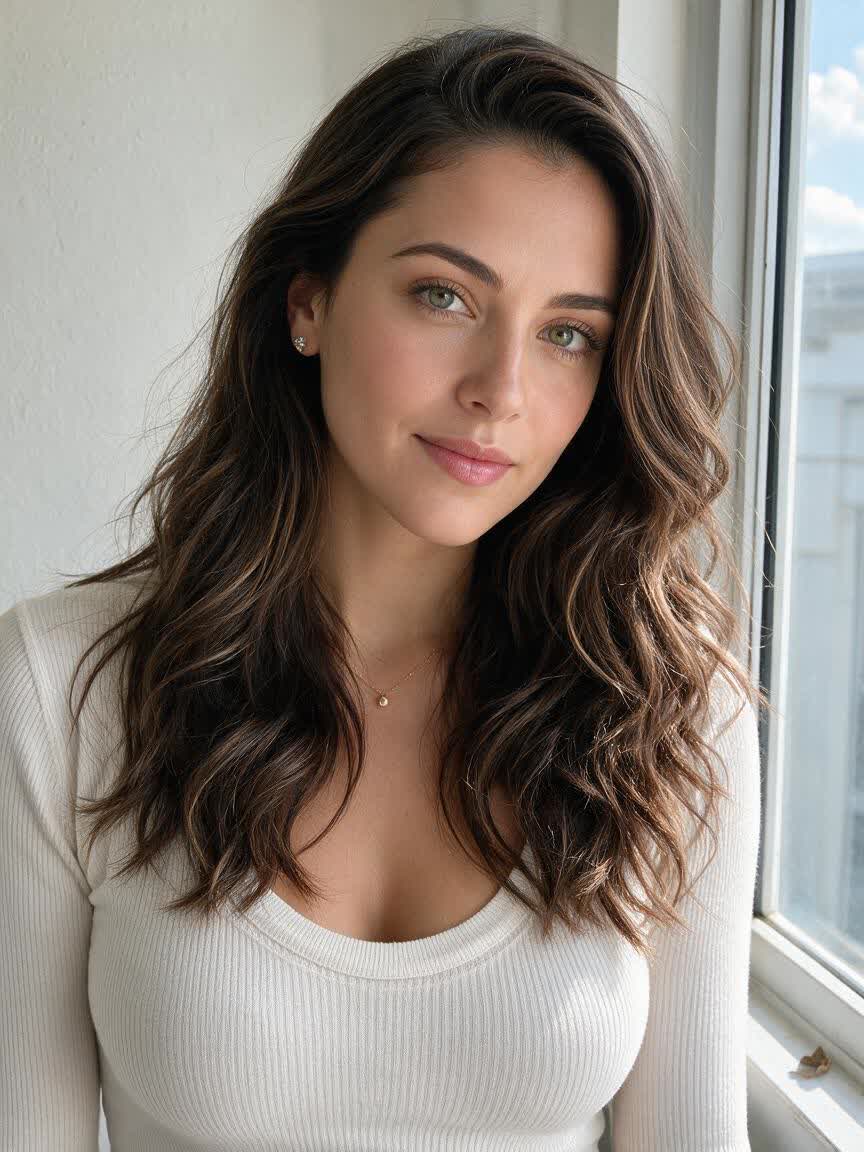
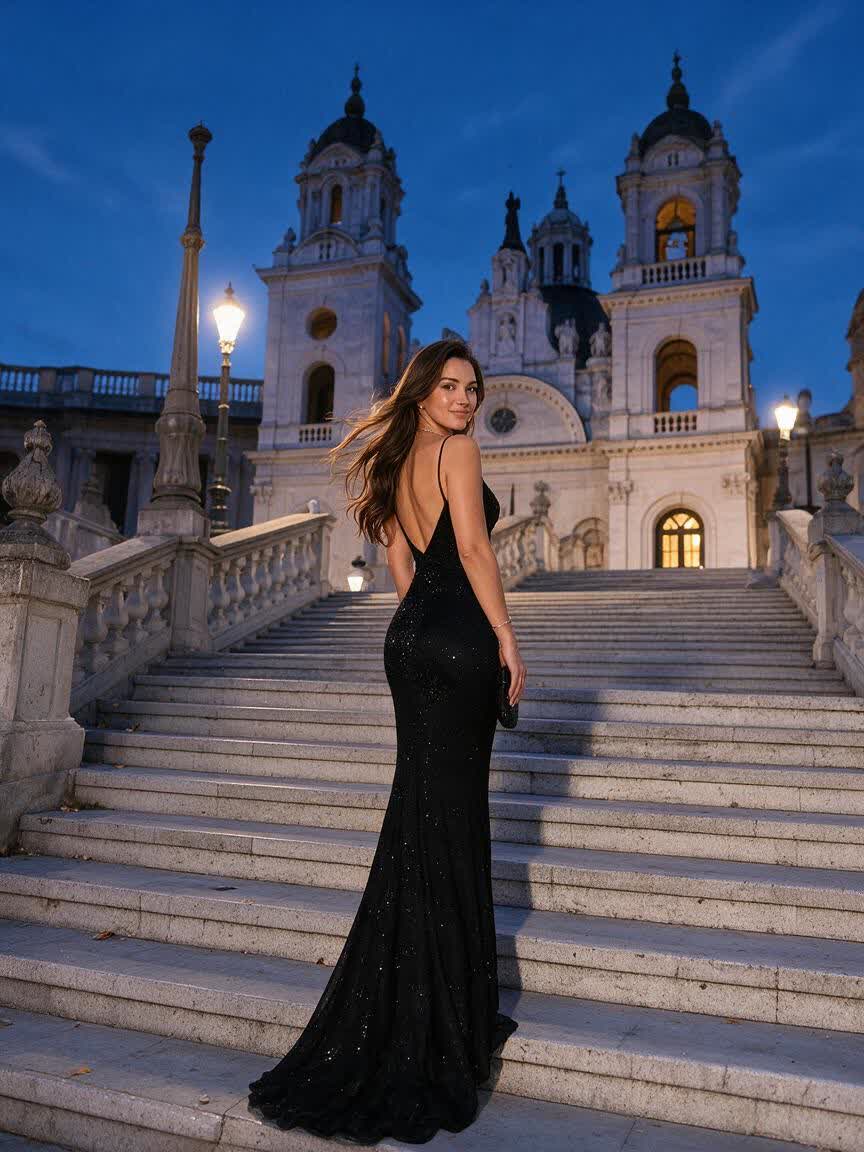
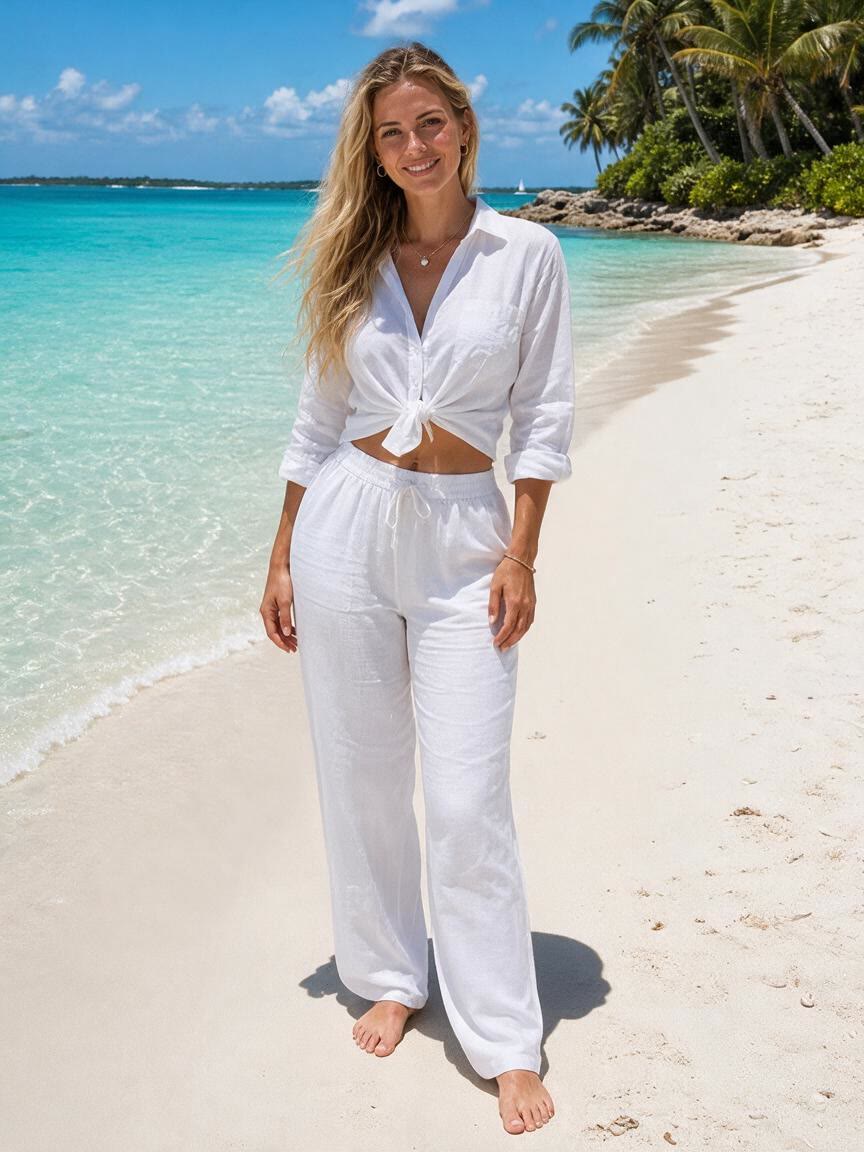
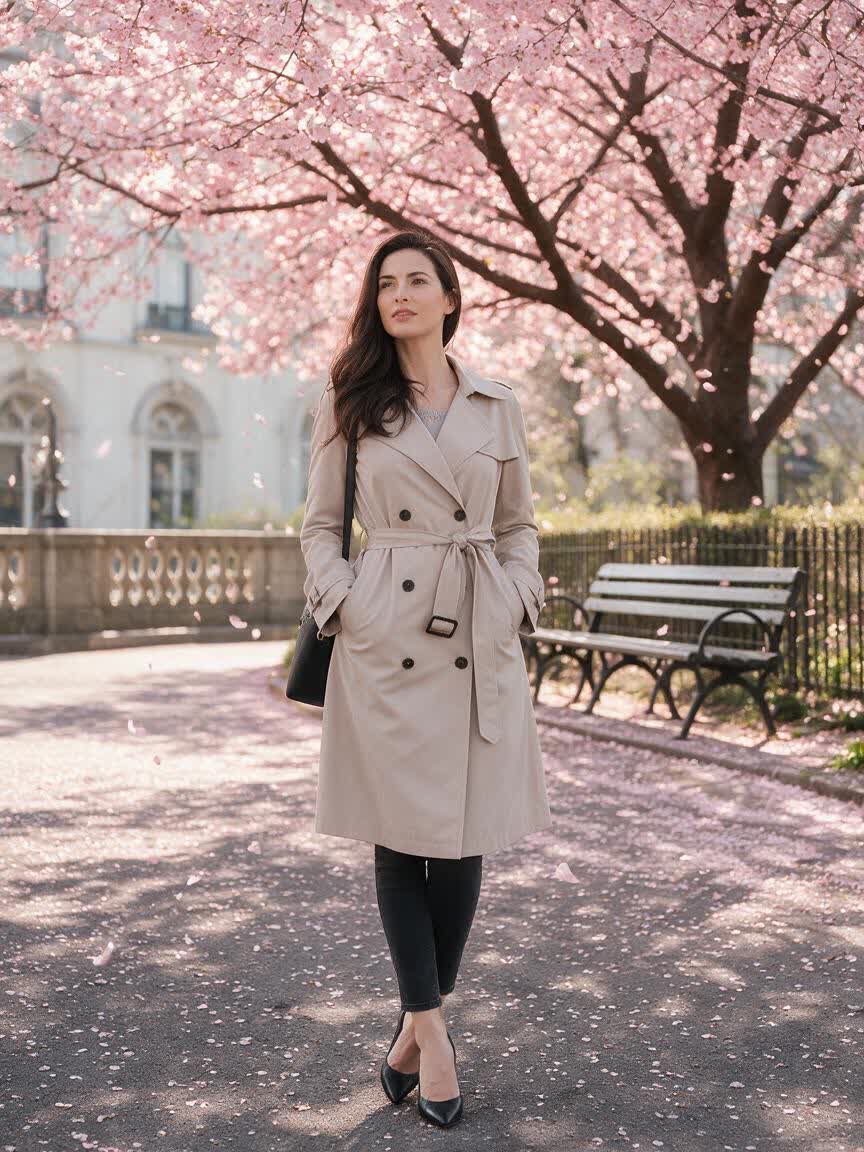

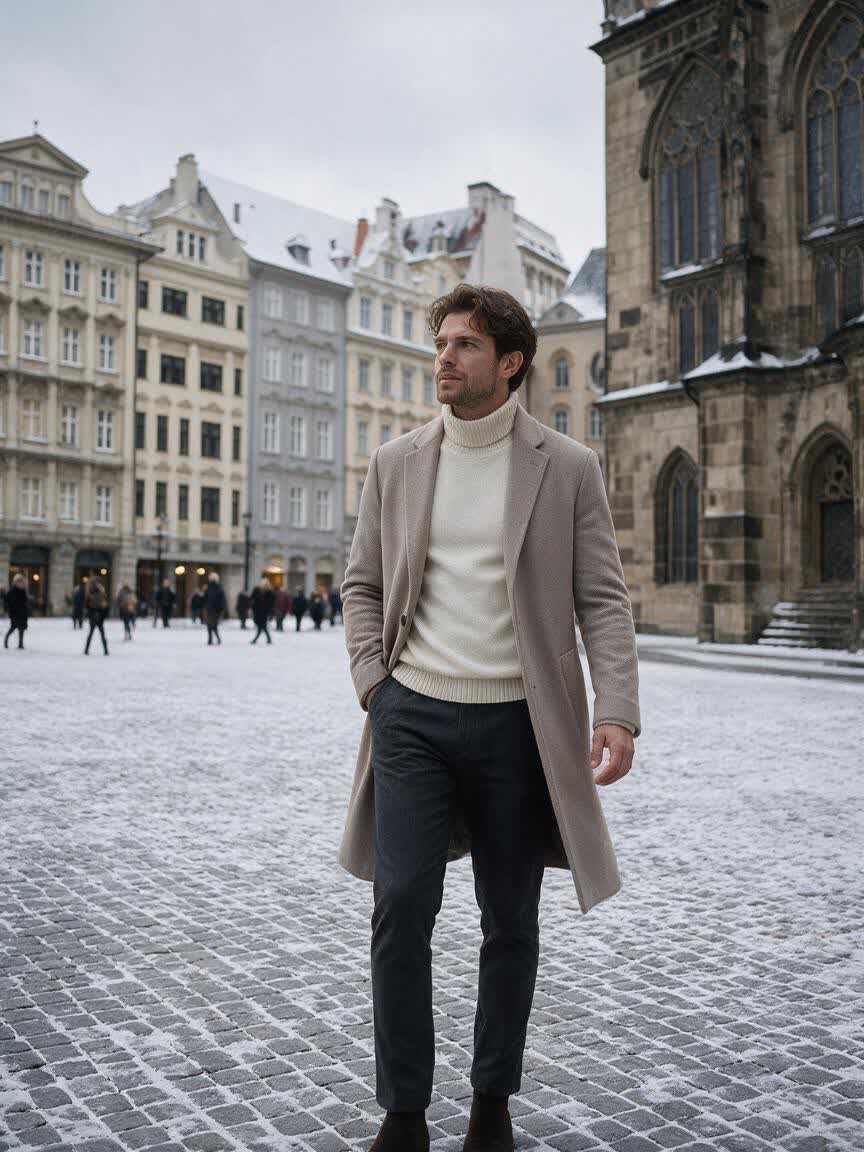
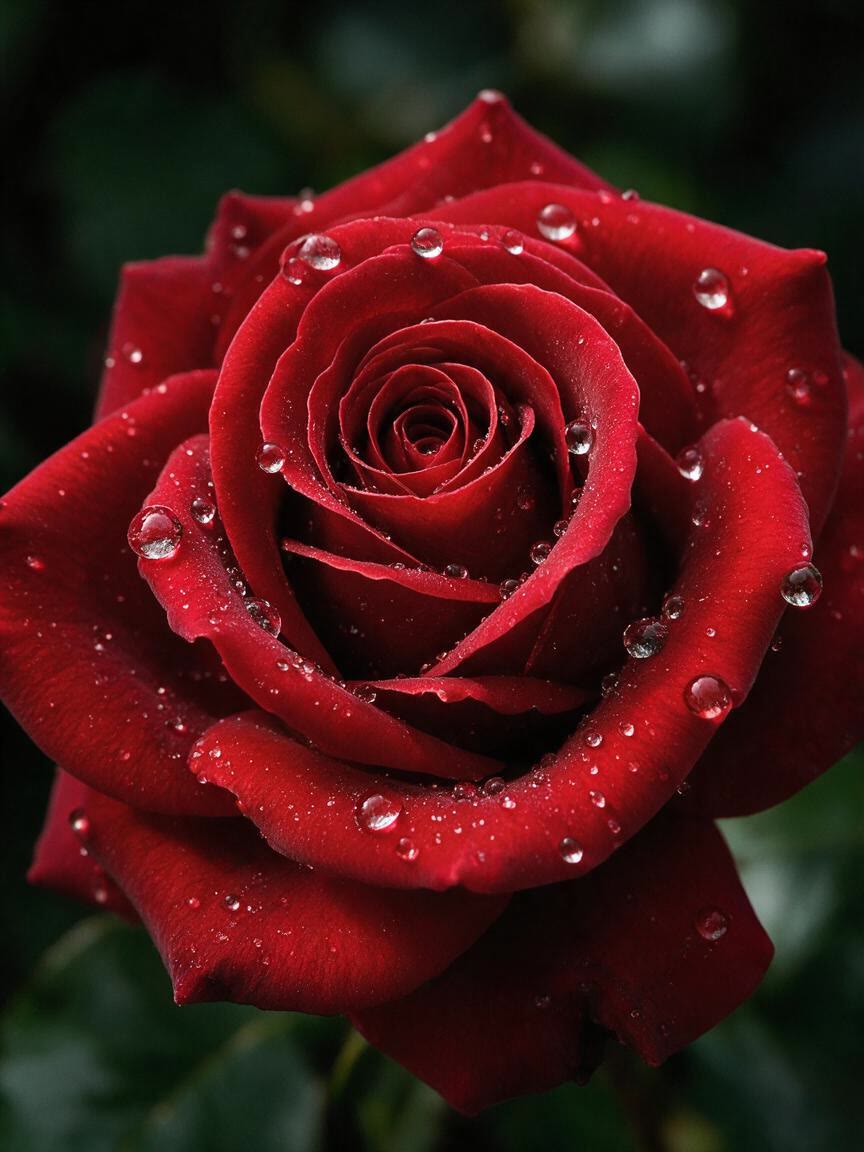
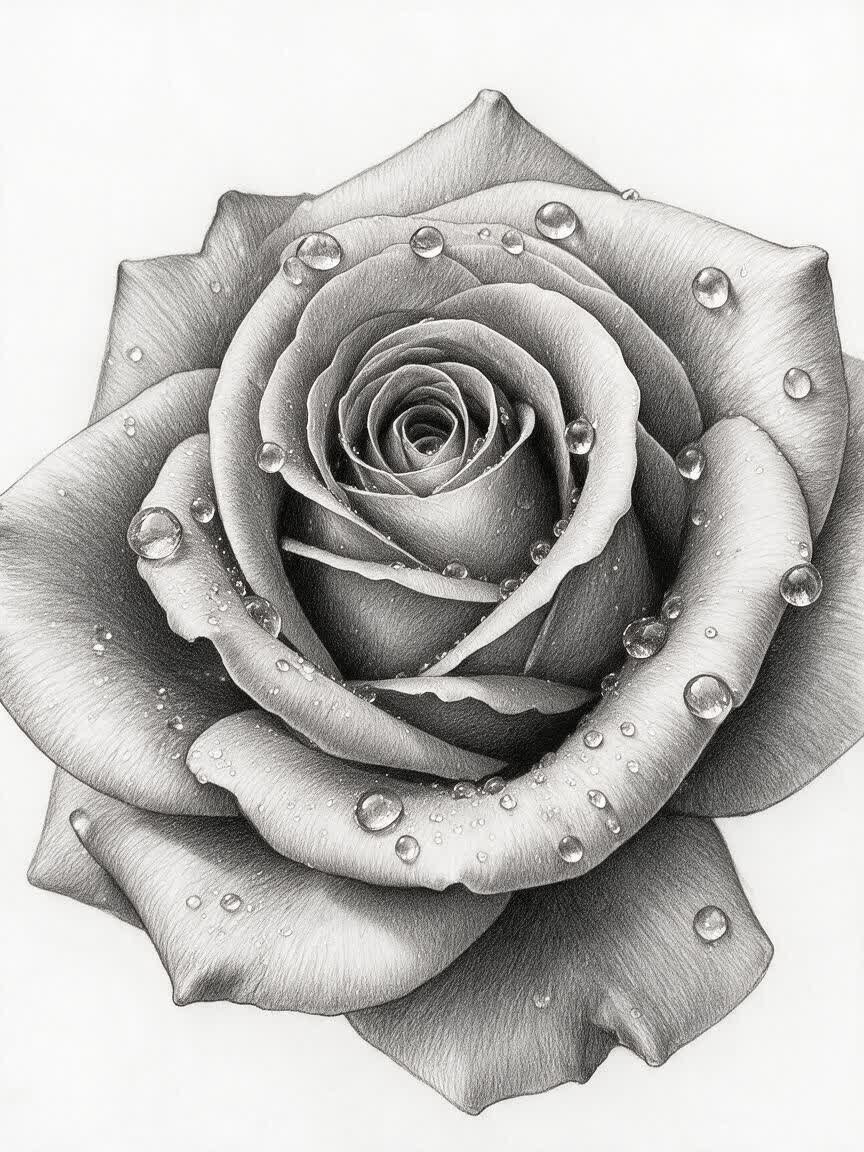
Artist Warm-Ups
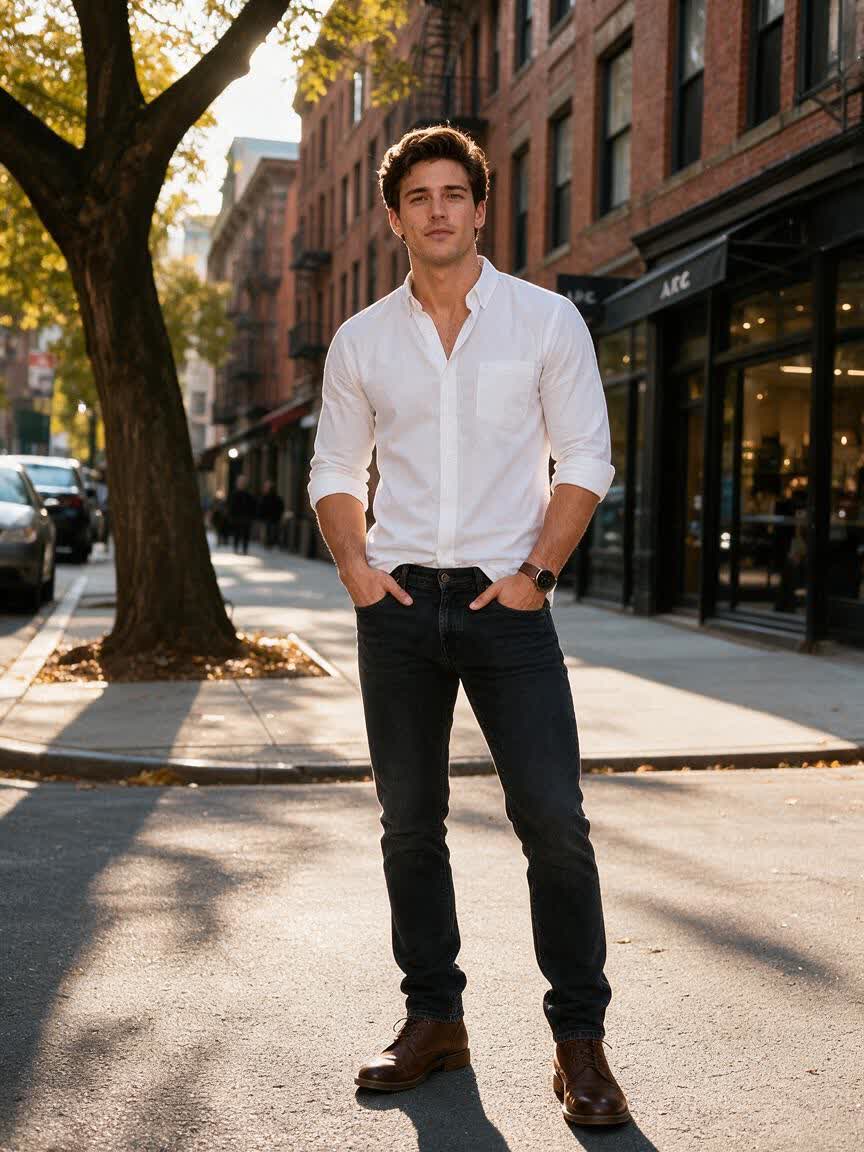
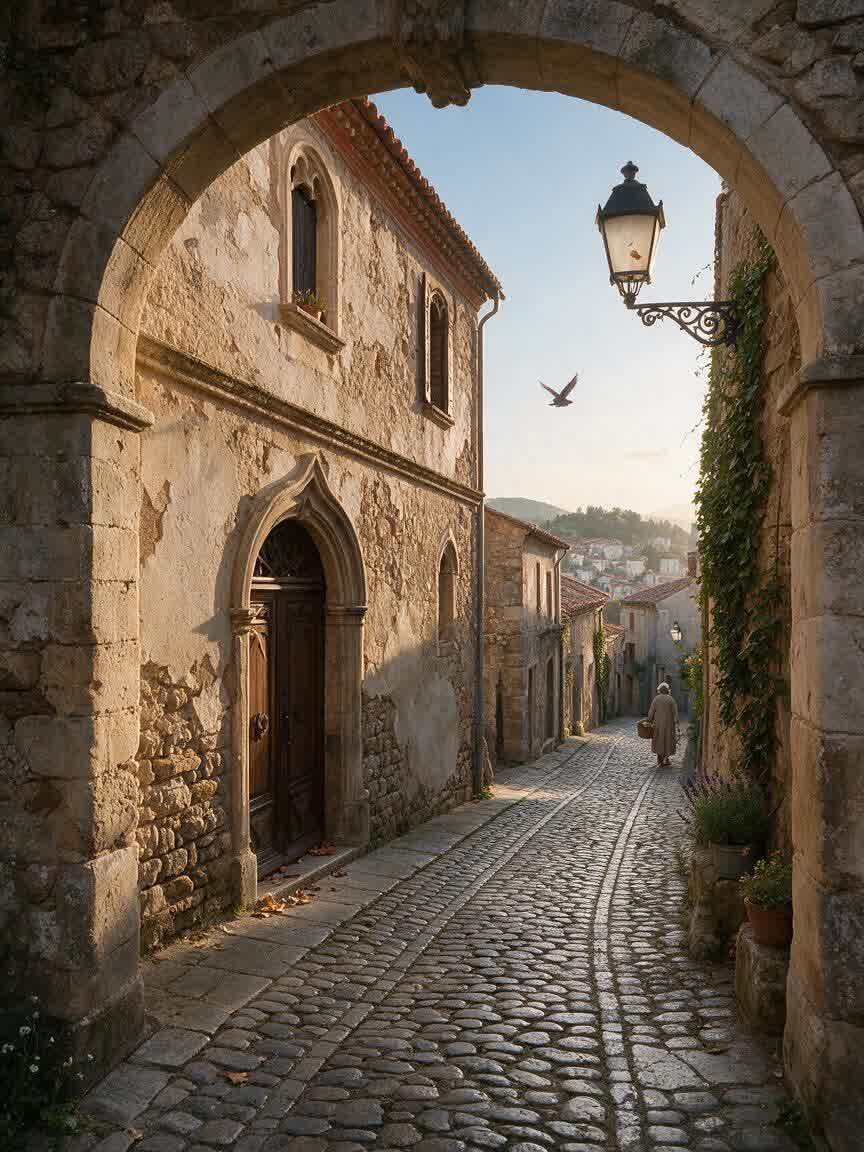
Artists can bring a portrait, object, or scene as a starting reference for study. Cavro turns the direction into a pencil drawing concept to help explore form, light, and line.
Try Cavro freeCreate a hand-drawn pencil interpretation of a portrait, keepsake, or creative reference. Cavro gives artists, designers, gift makers, and social creators a direct way to explore sketch ideas from their own photos.
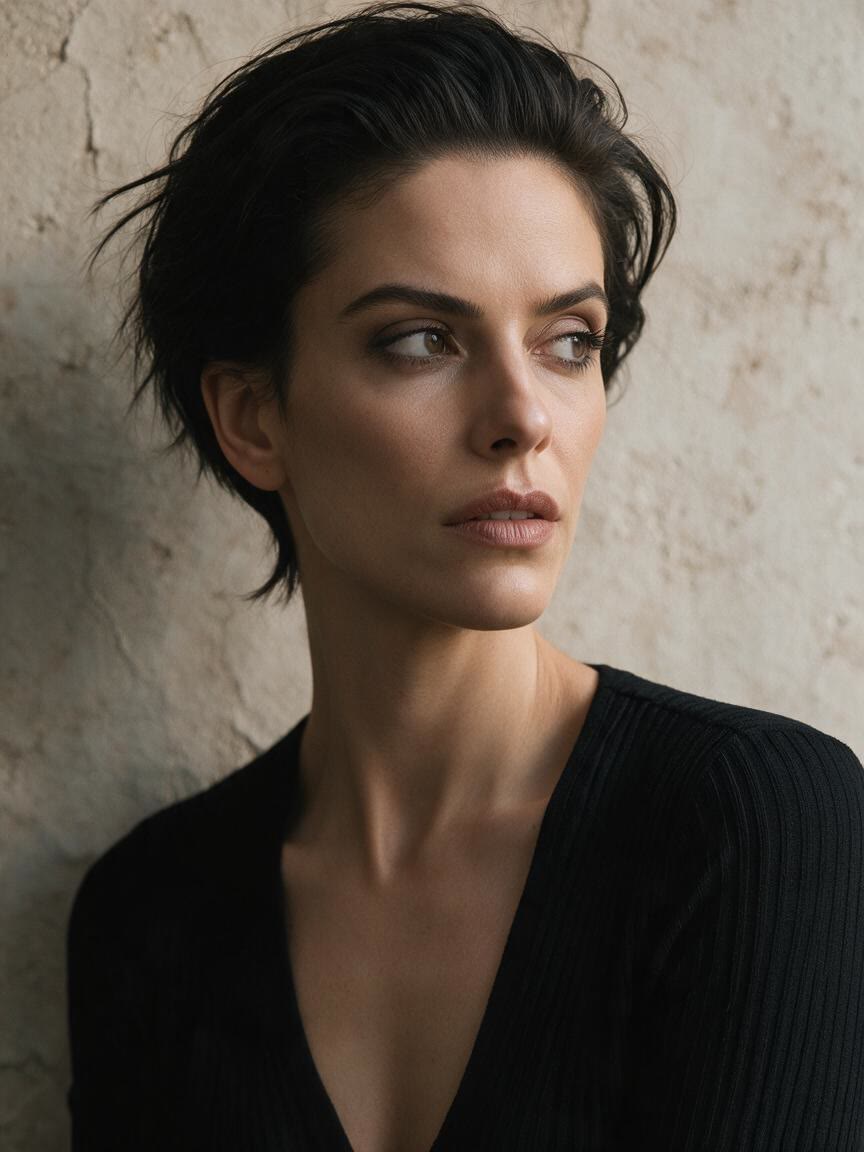
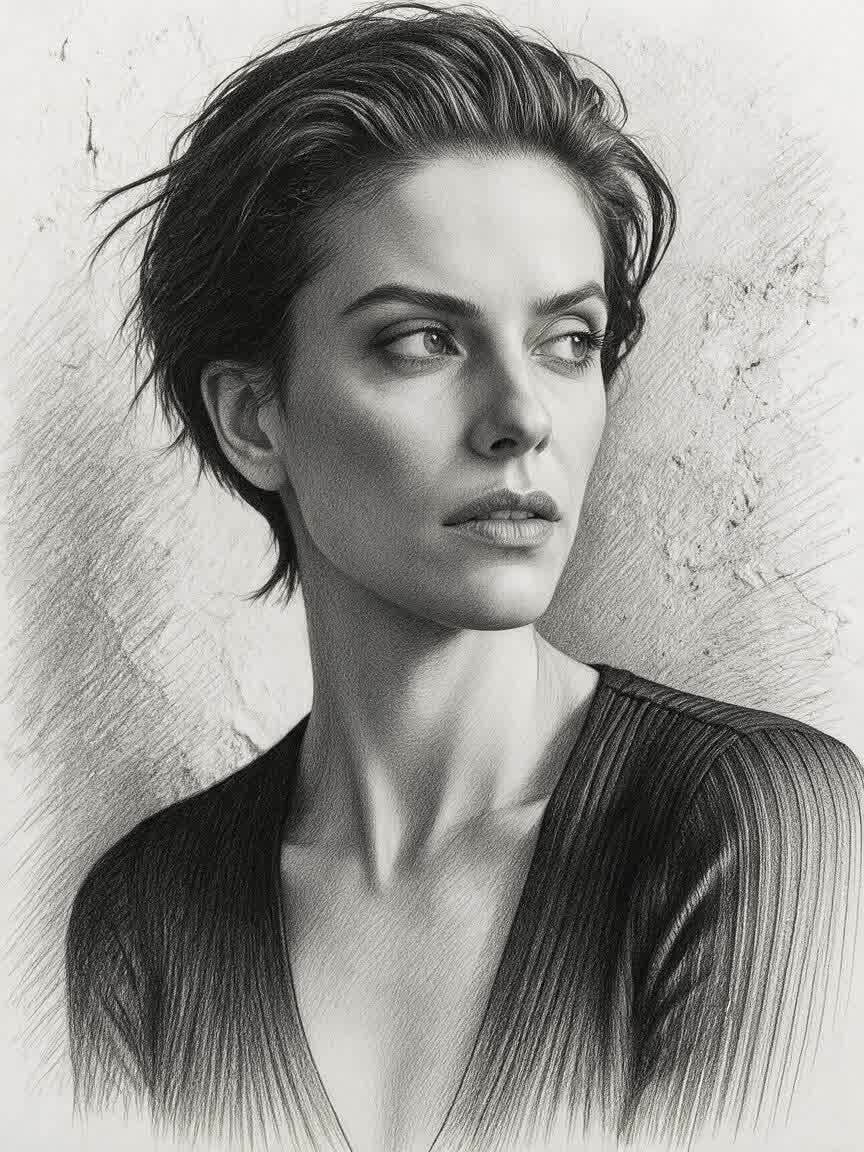
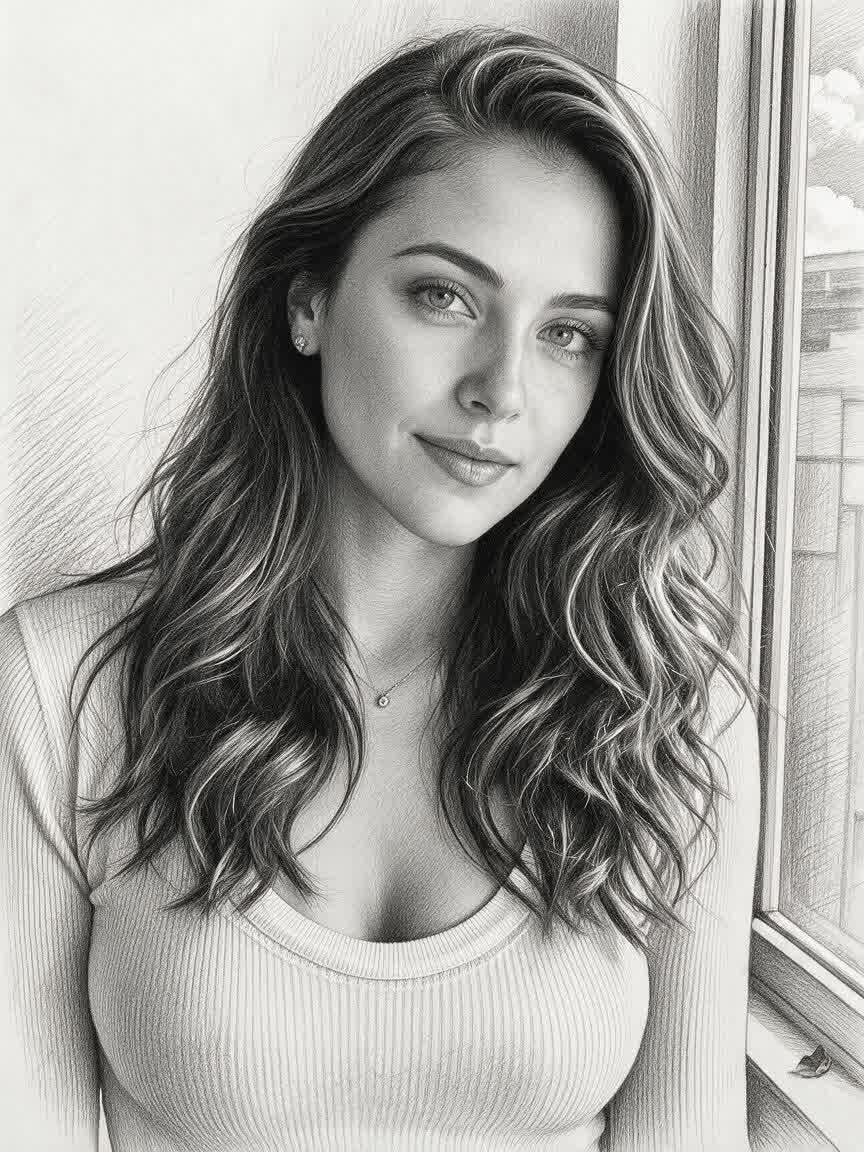
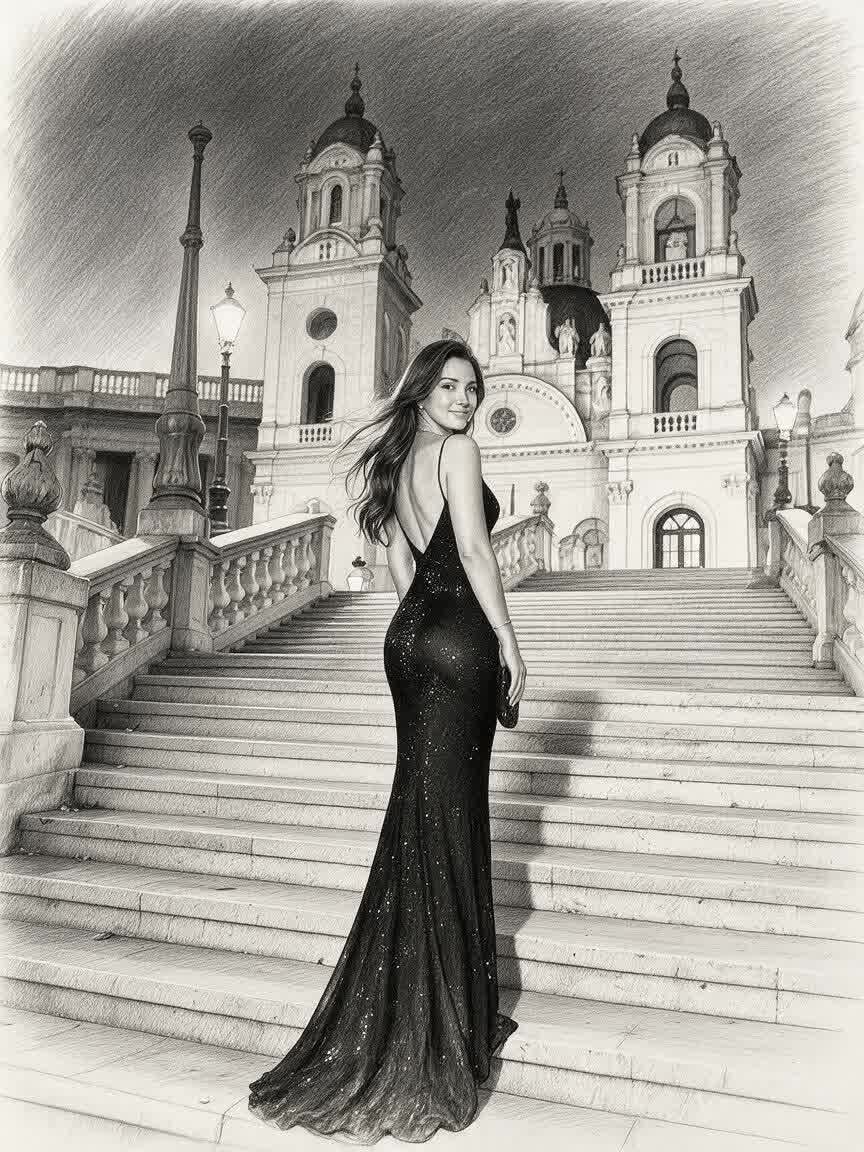
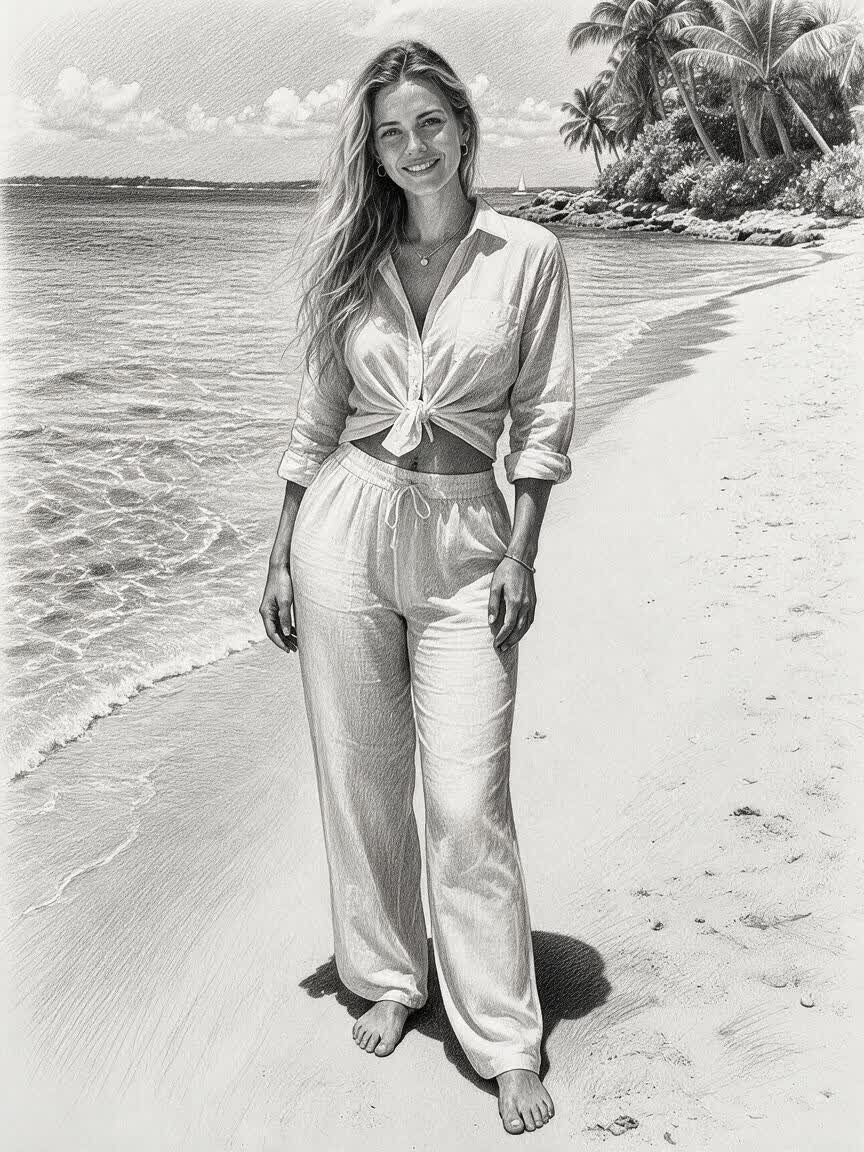
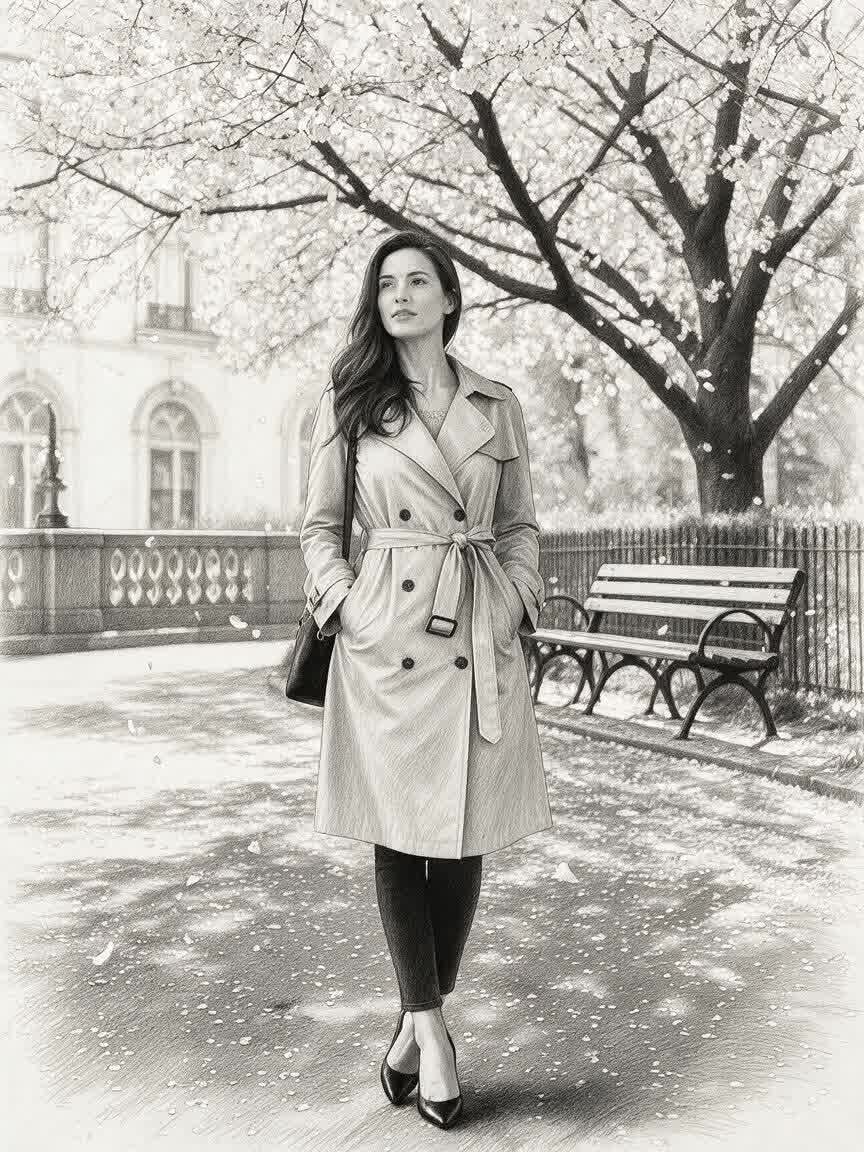
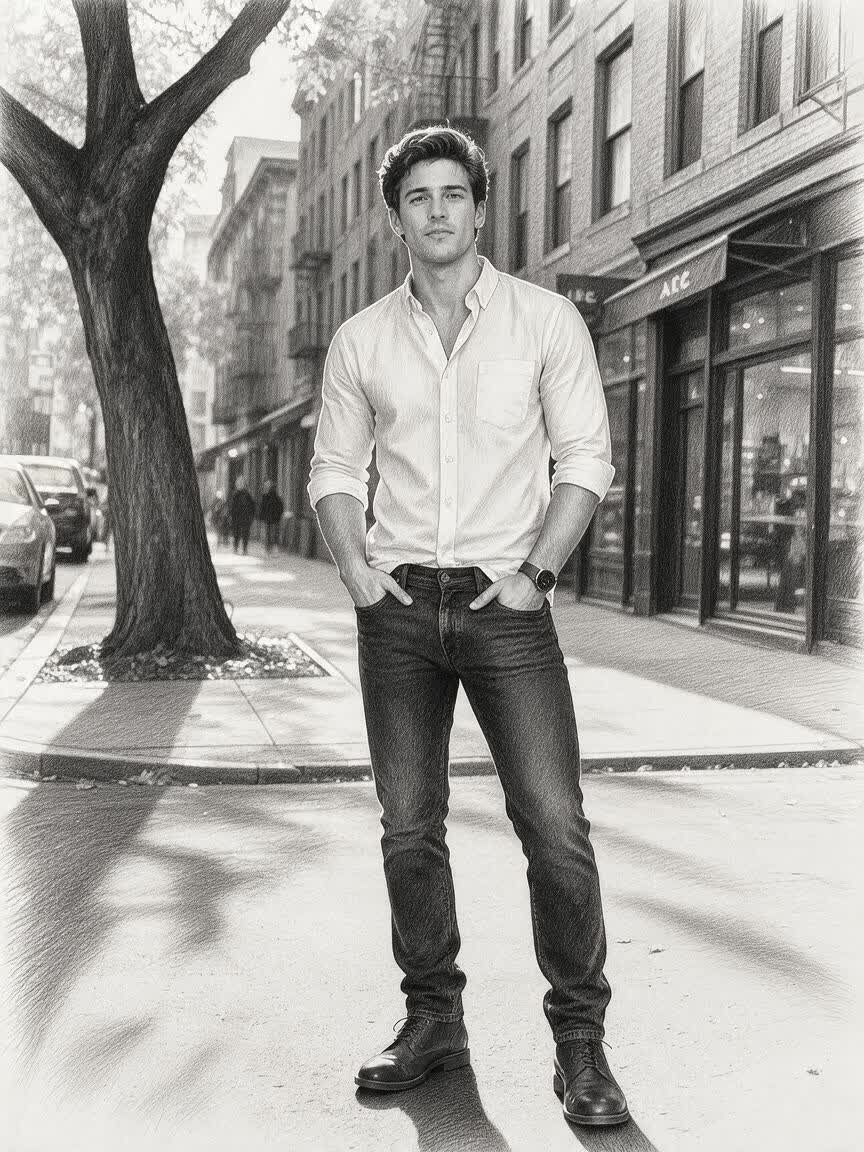
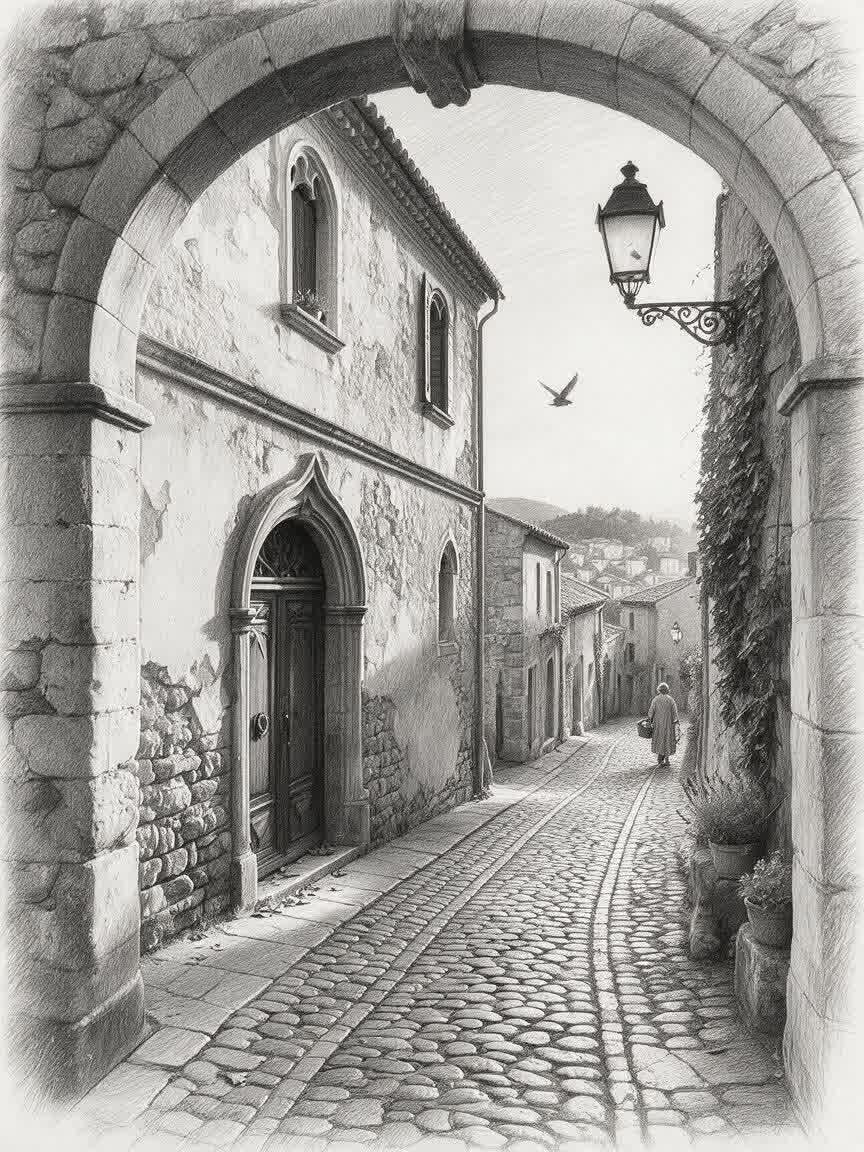
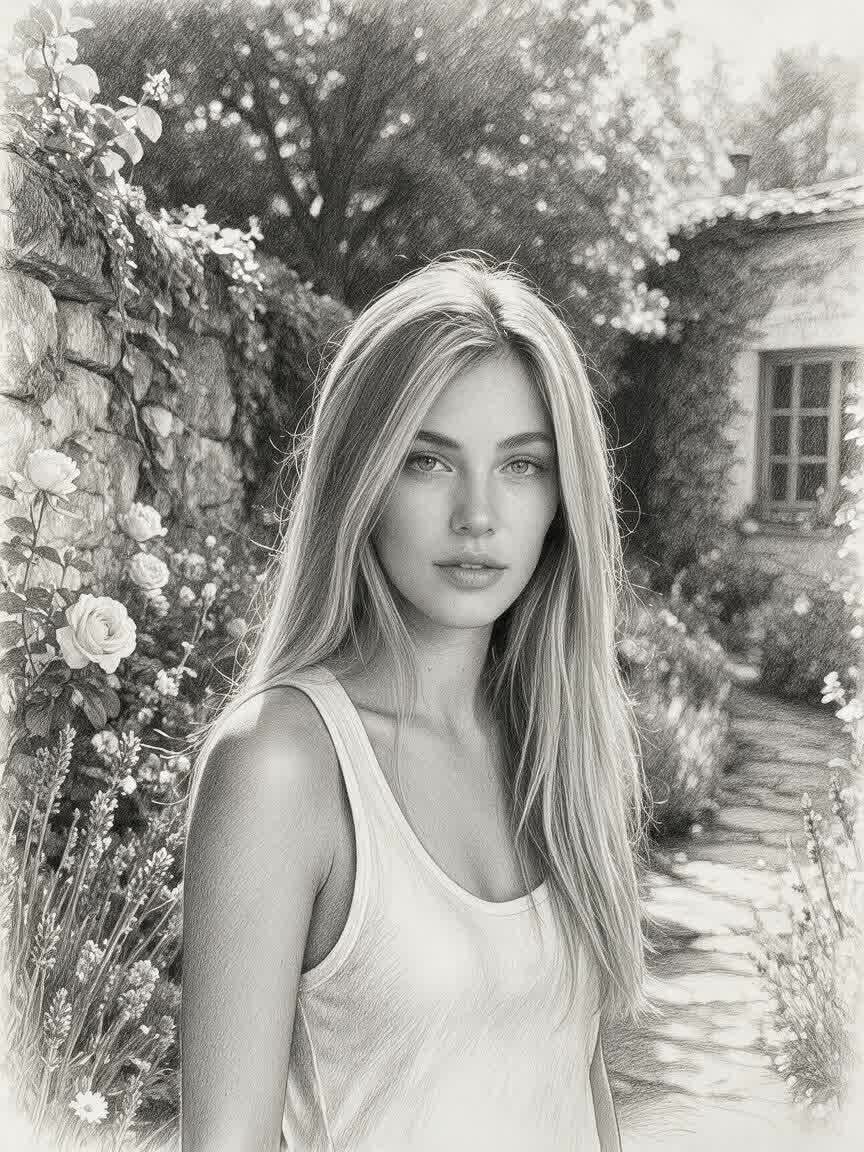
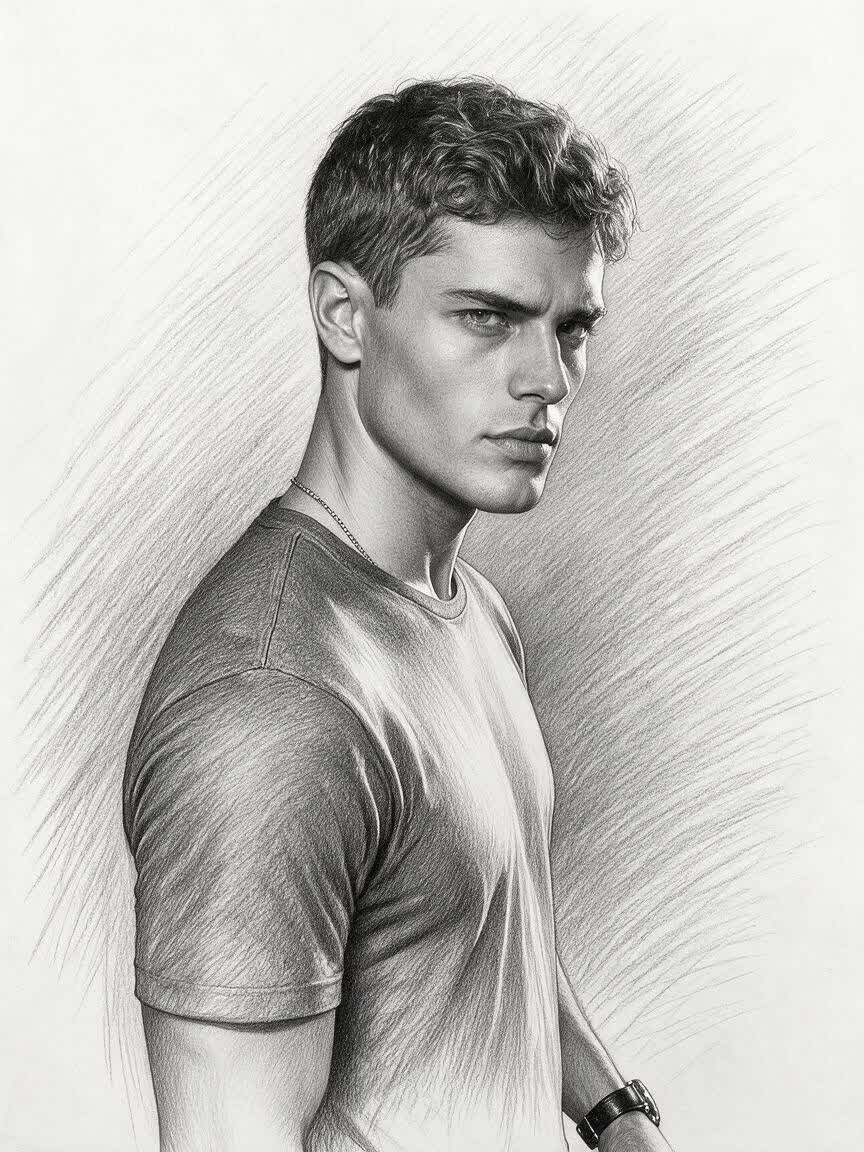
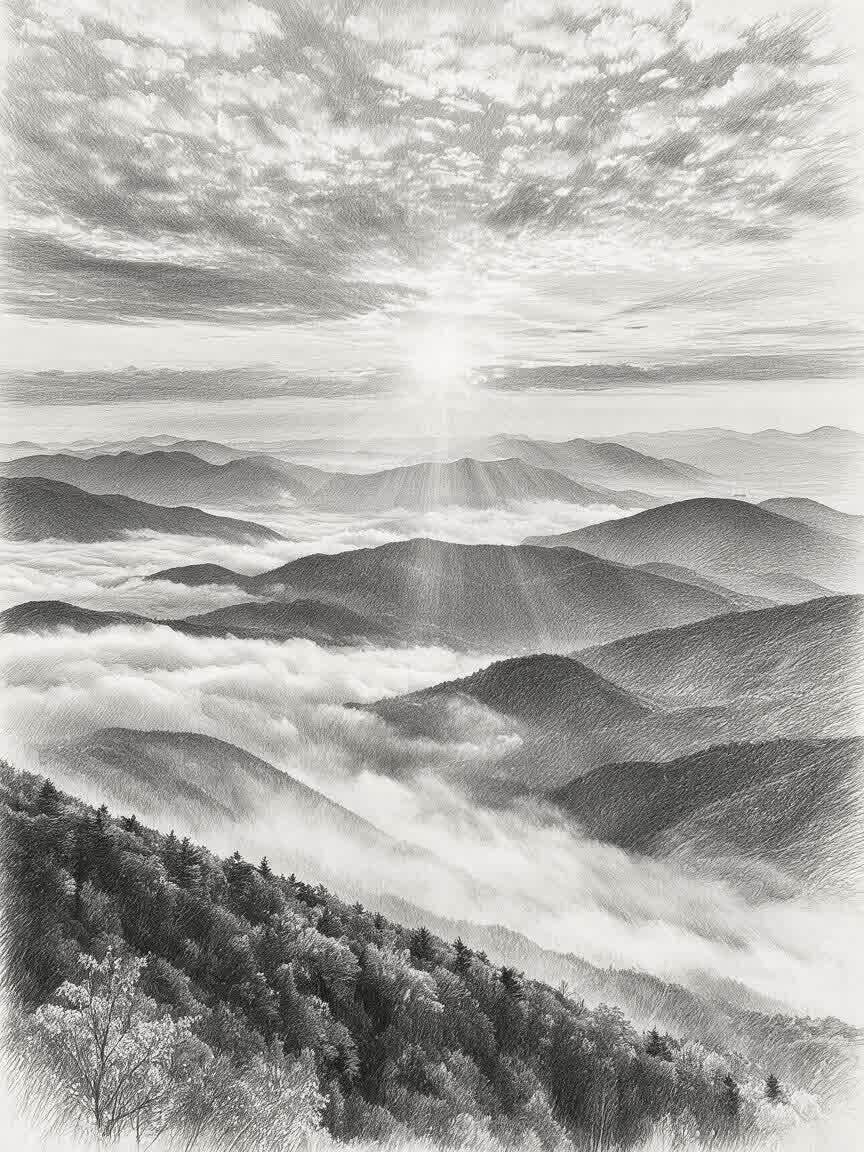
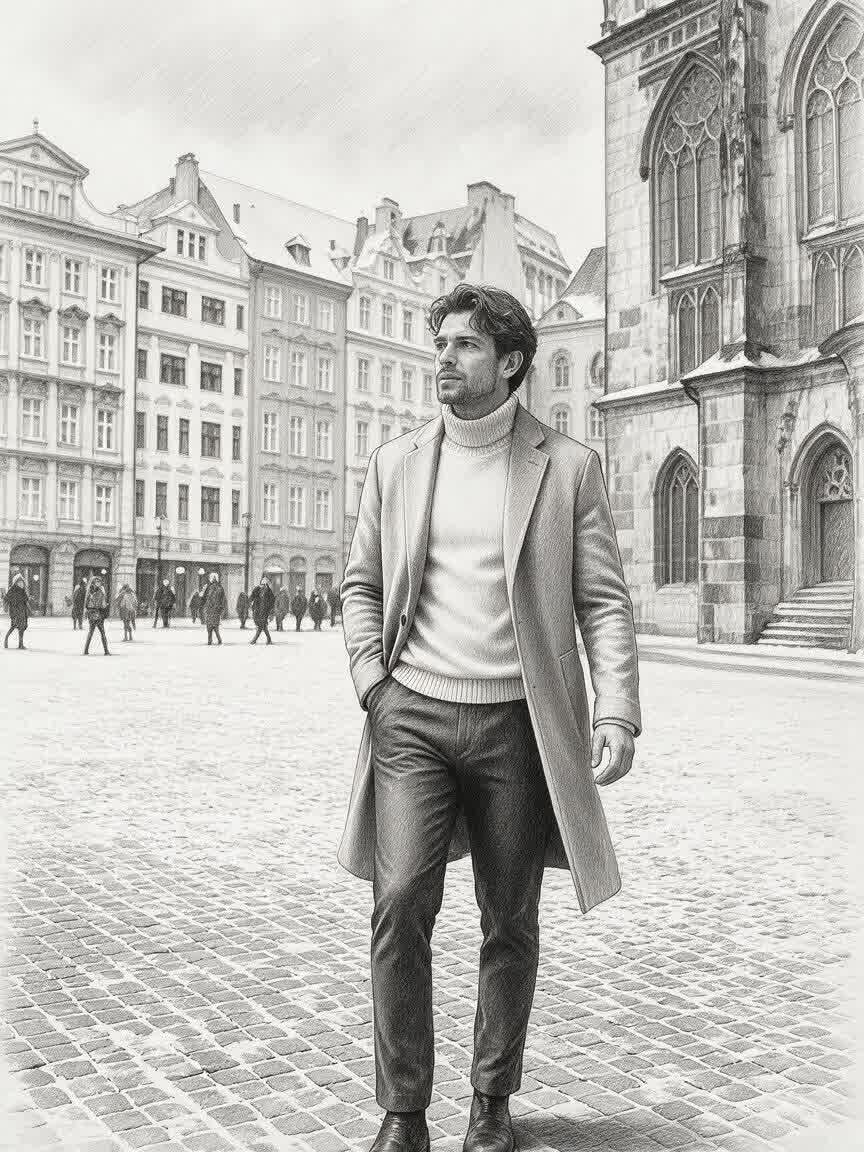
Artists can bring a portrait, object, or scene as a starting reference for study. Cavro turns the direction into a pencil drawing concept to help explore form, light, and line.
Try Cavro free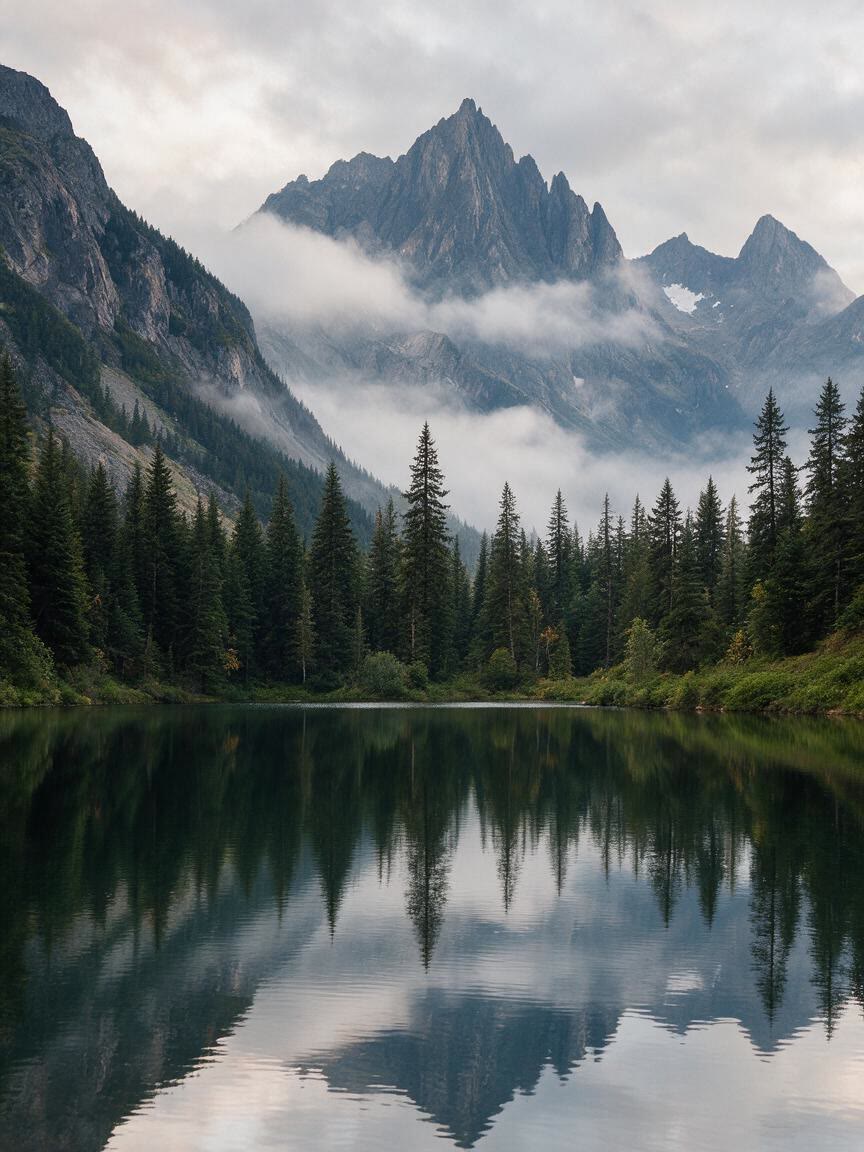
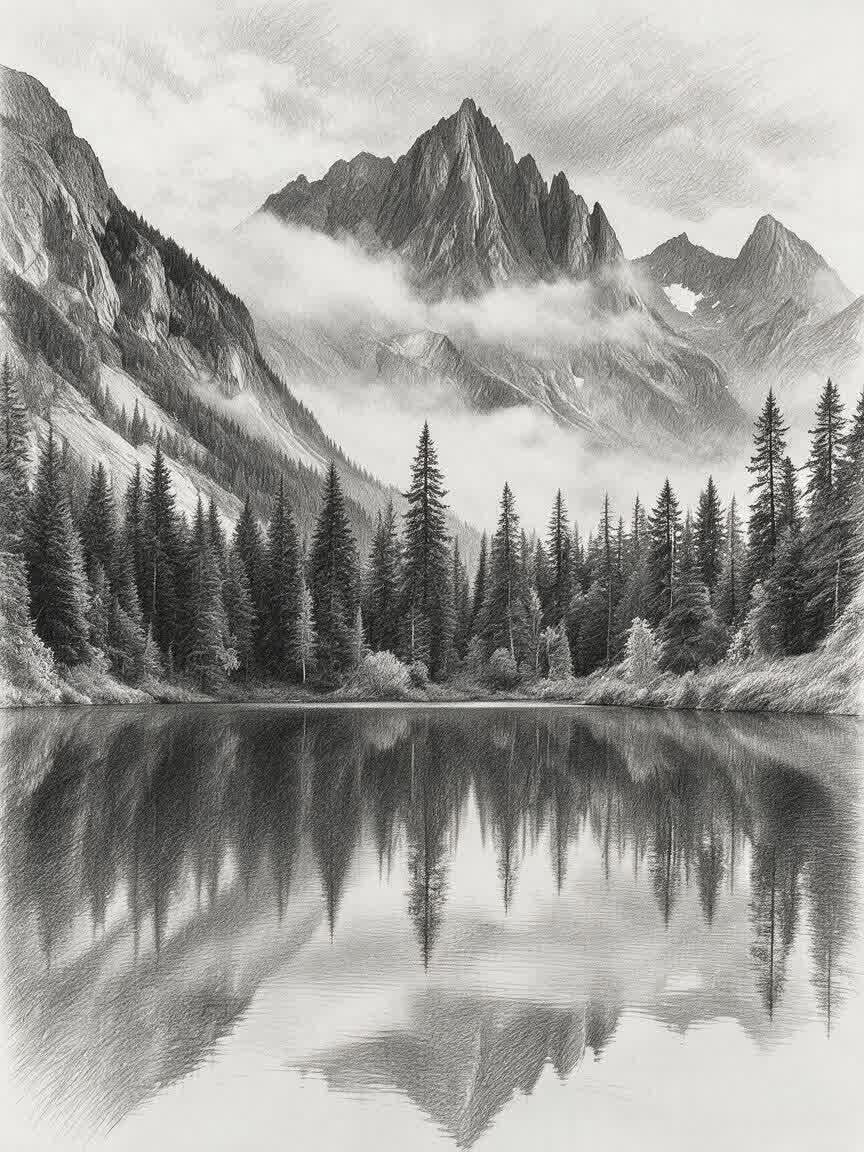
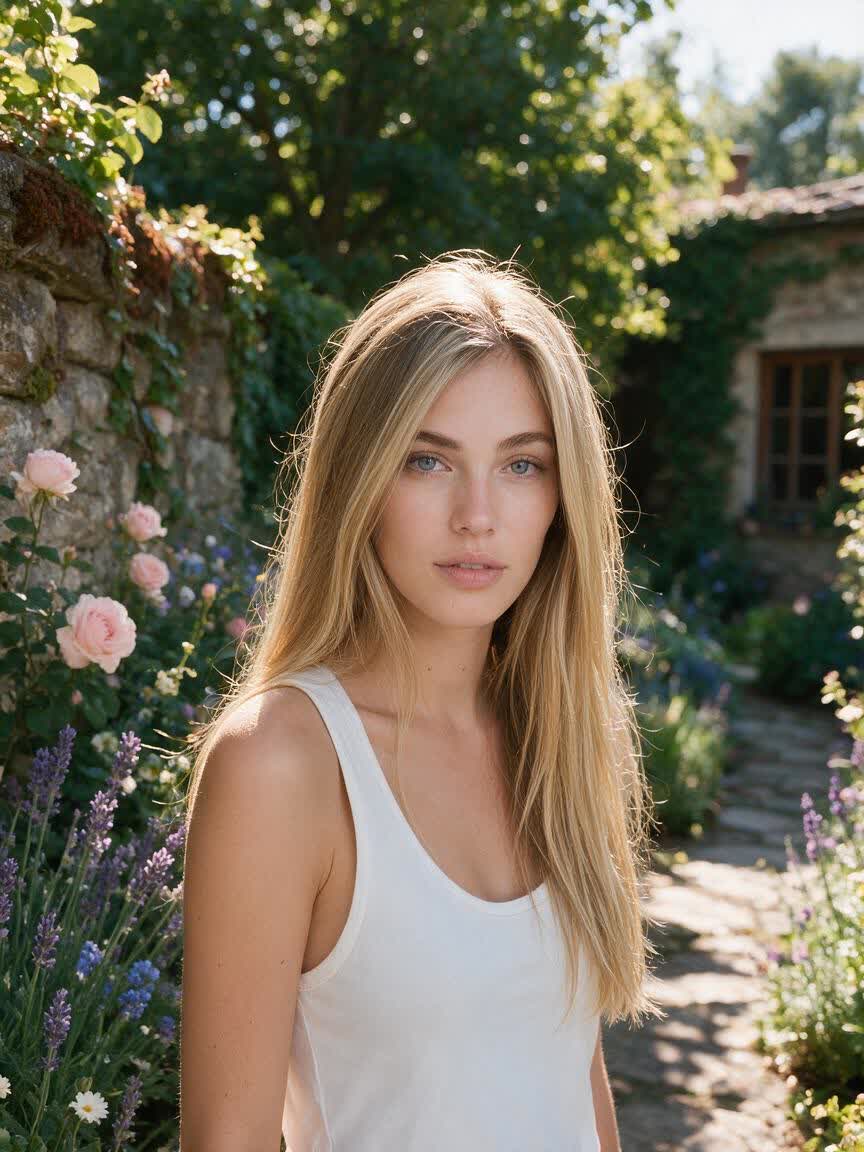
Choose a photo tied to a person, pet, or memory and guide it toward a hand-drawn gift idea. Cavro helps turn that reference into artwork with a more personal feel.
Try Cavro free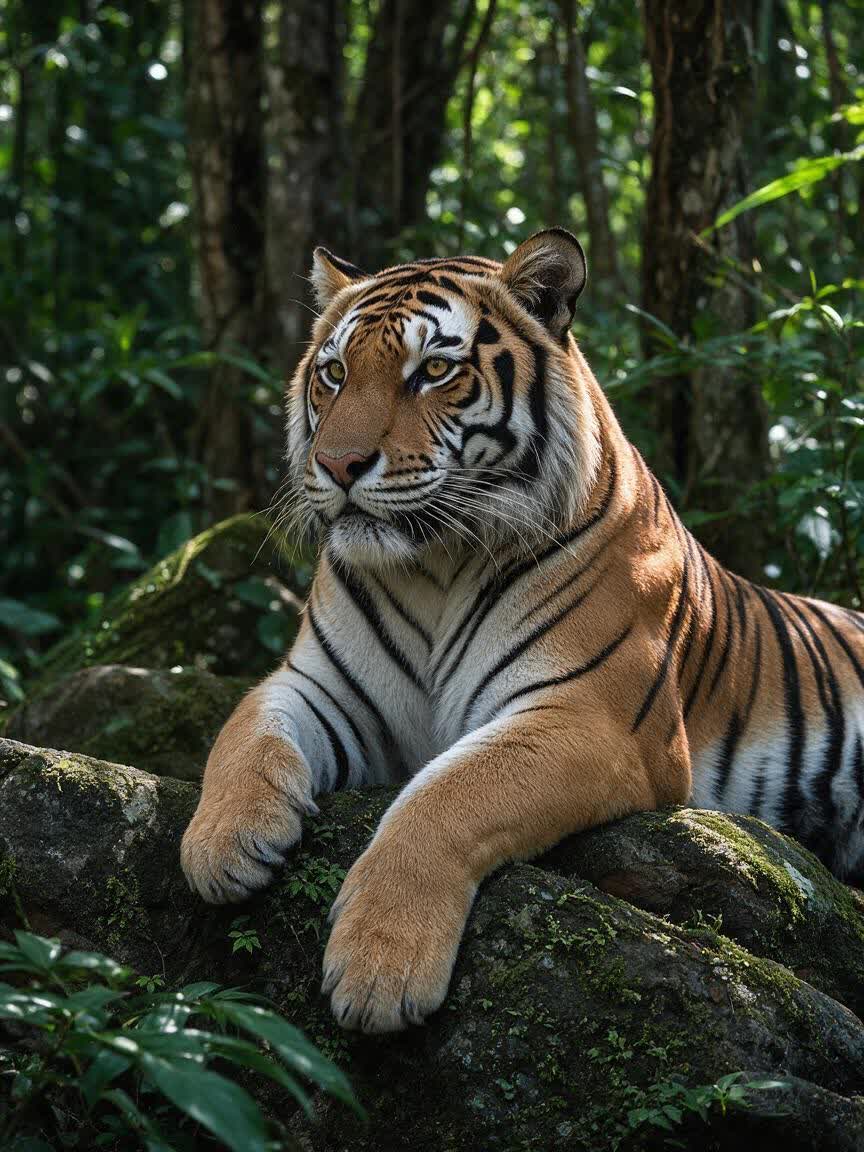
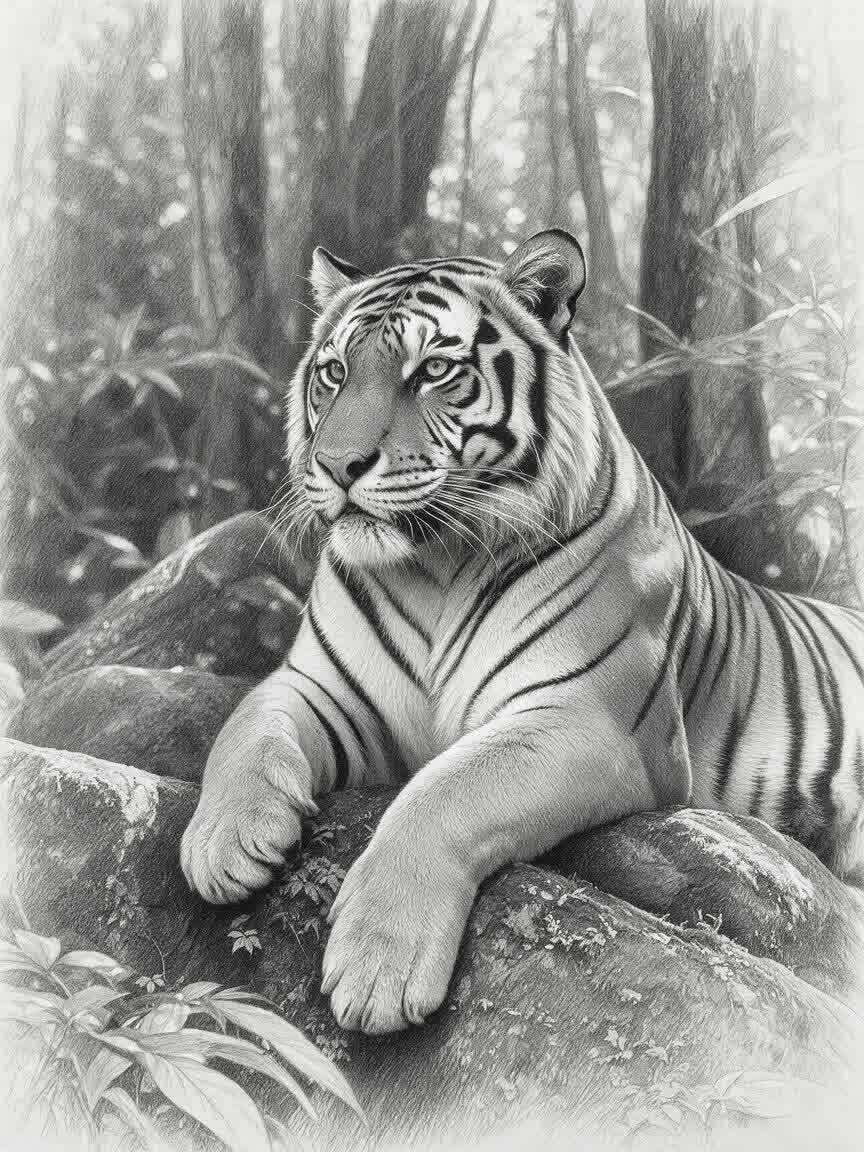
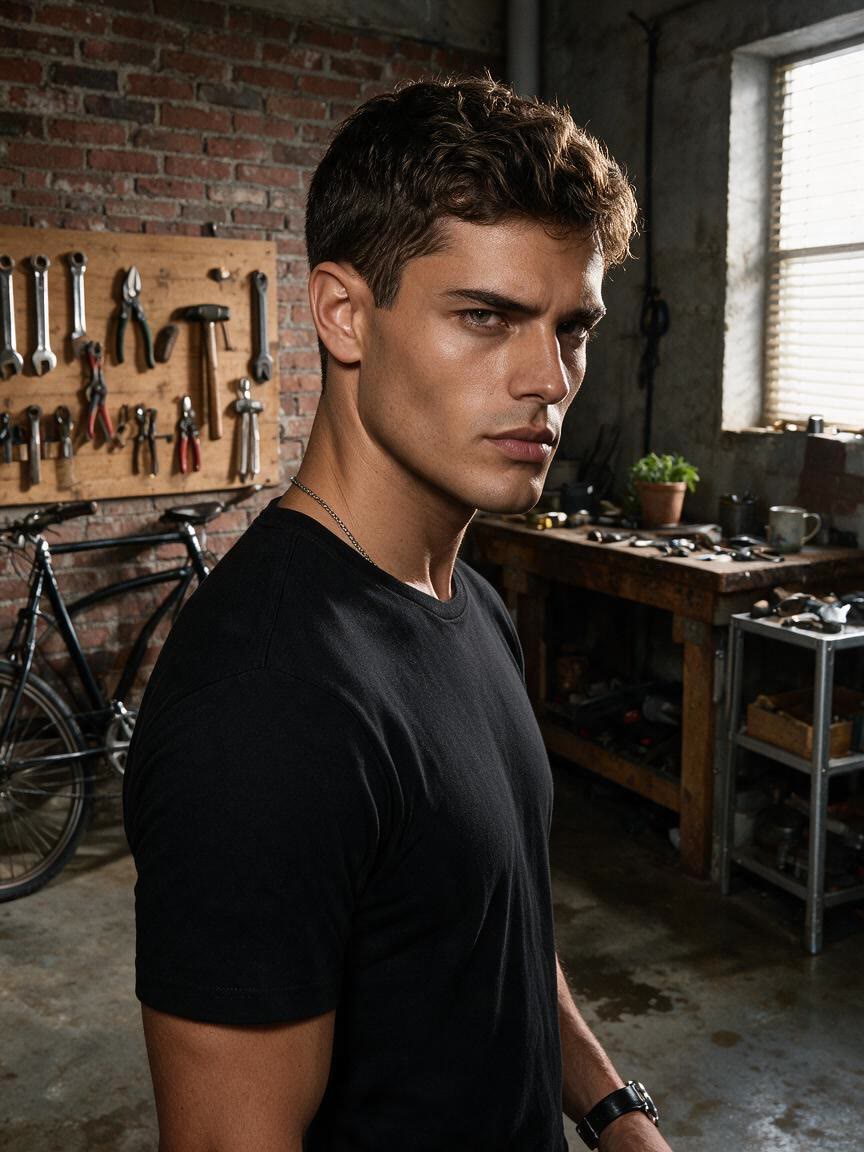
Creators and designers can bring a familiar image and ask for a specific sketch effect. Cavro produces a new visual direction for posts, concepts, and design exploration.
Try Cavro free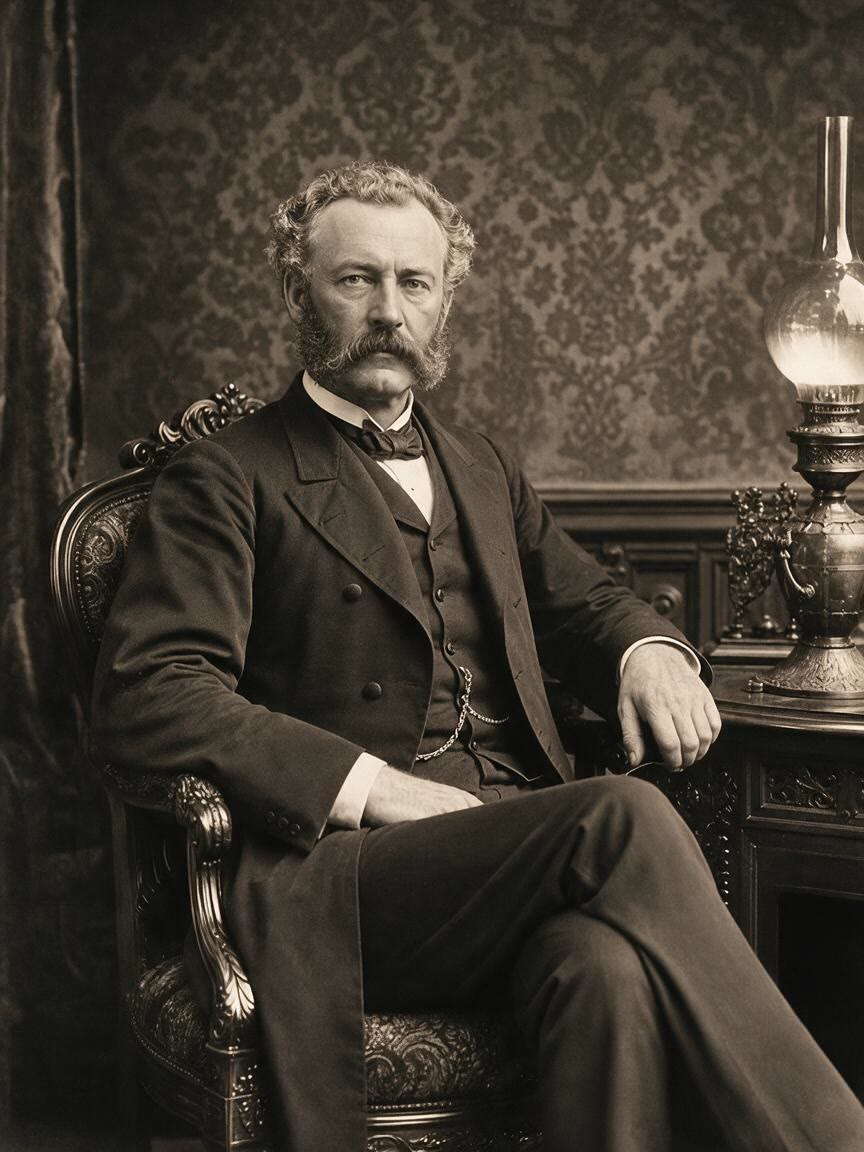
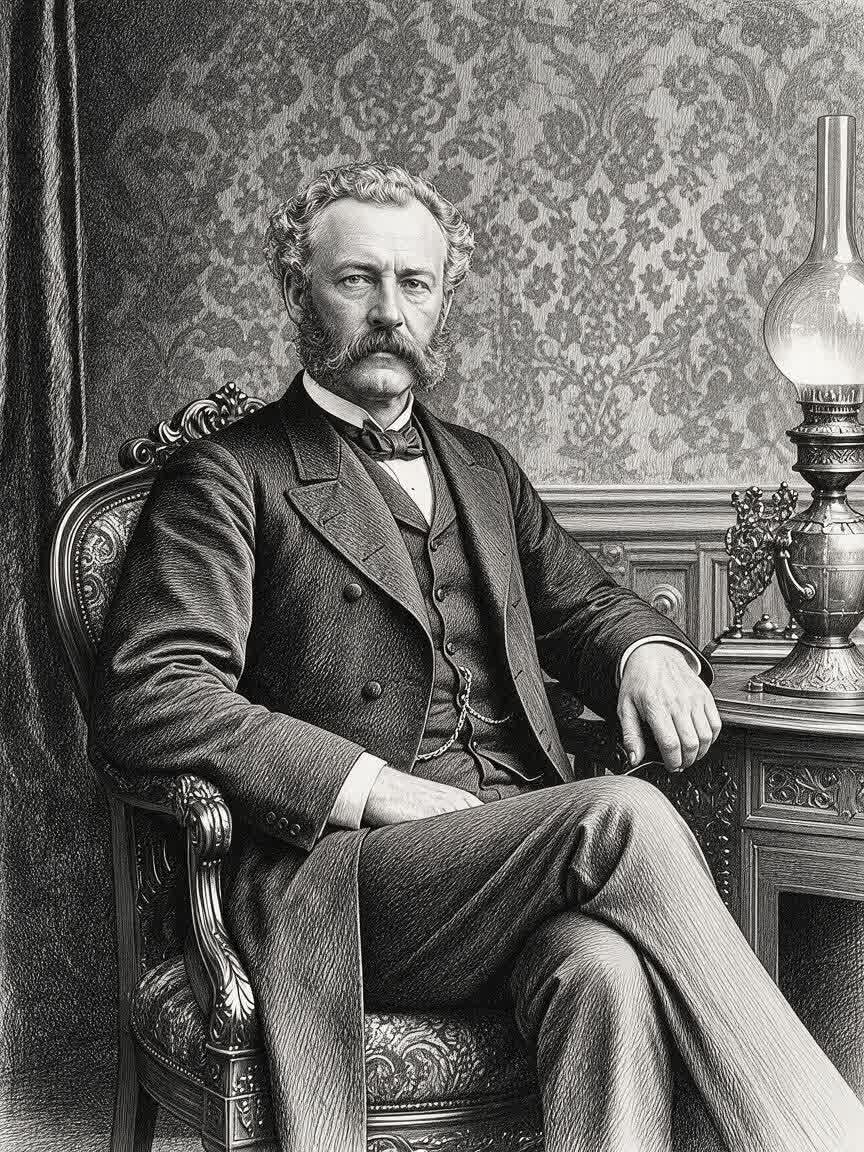
When a photo contains meaningful expression, texture, or structure, a generic filter can feel limiting. Cavro uses the reference with your written direction to develop a more intentional pencil drawing concept.
Try Cavro free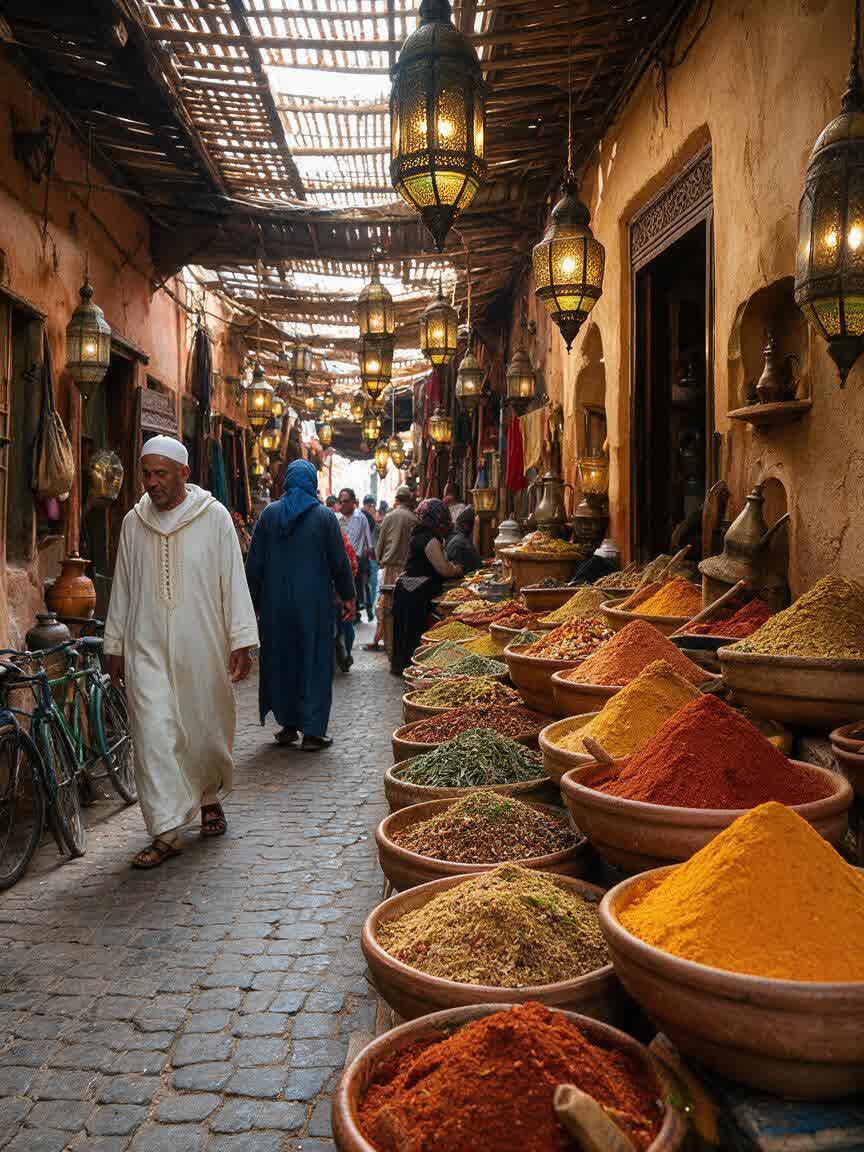
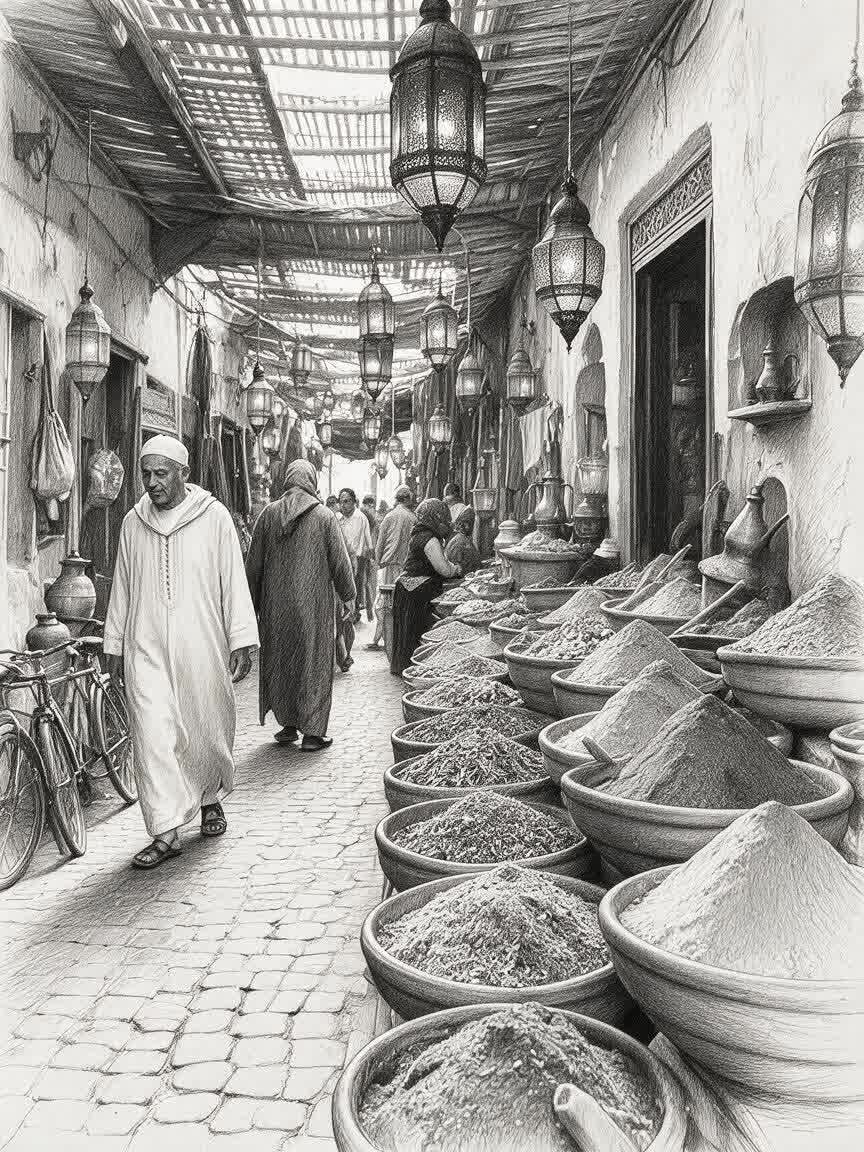
When you are testing several sketch treatments, you do not need to abandon the original image between attempts. Refine the direction in the same conversation and build toward a version that fits your purpose.
Try Cavro free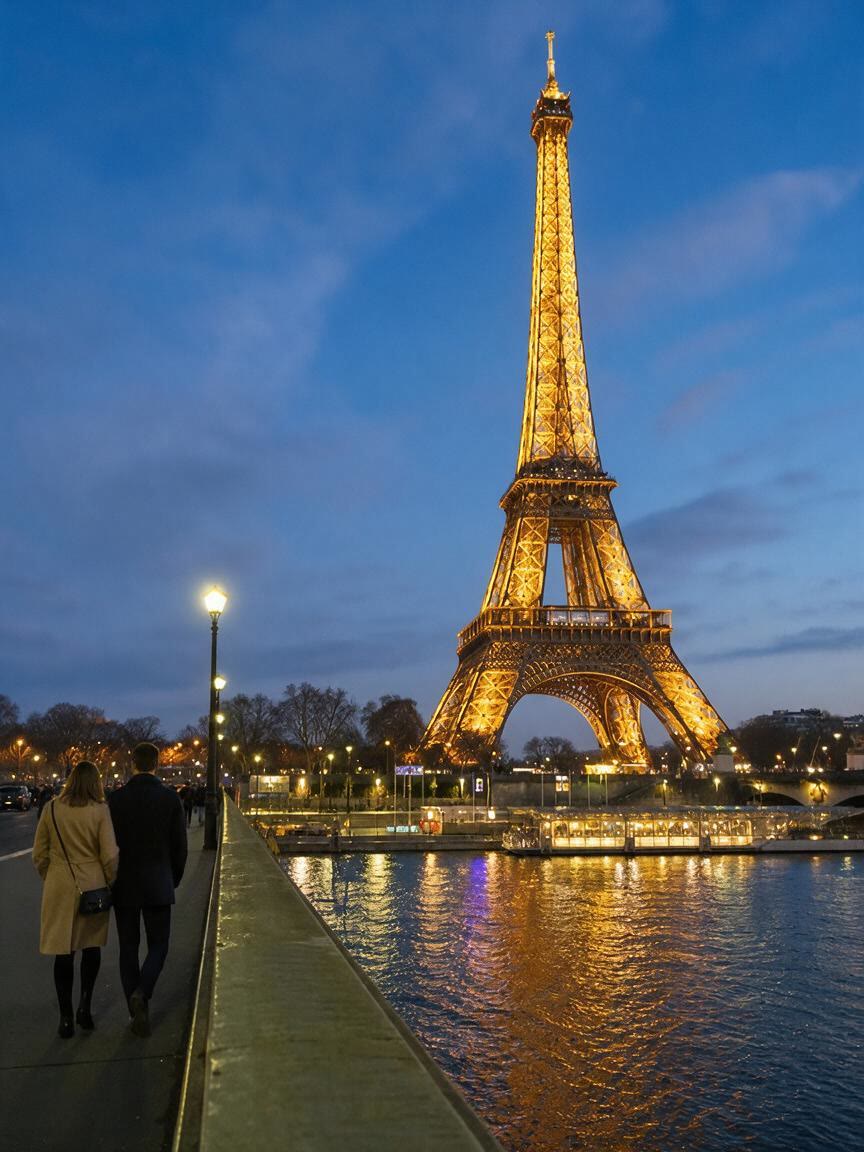
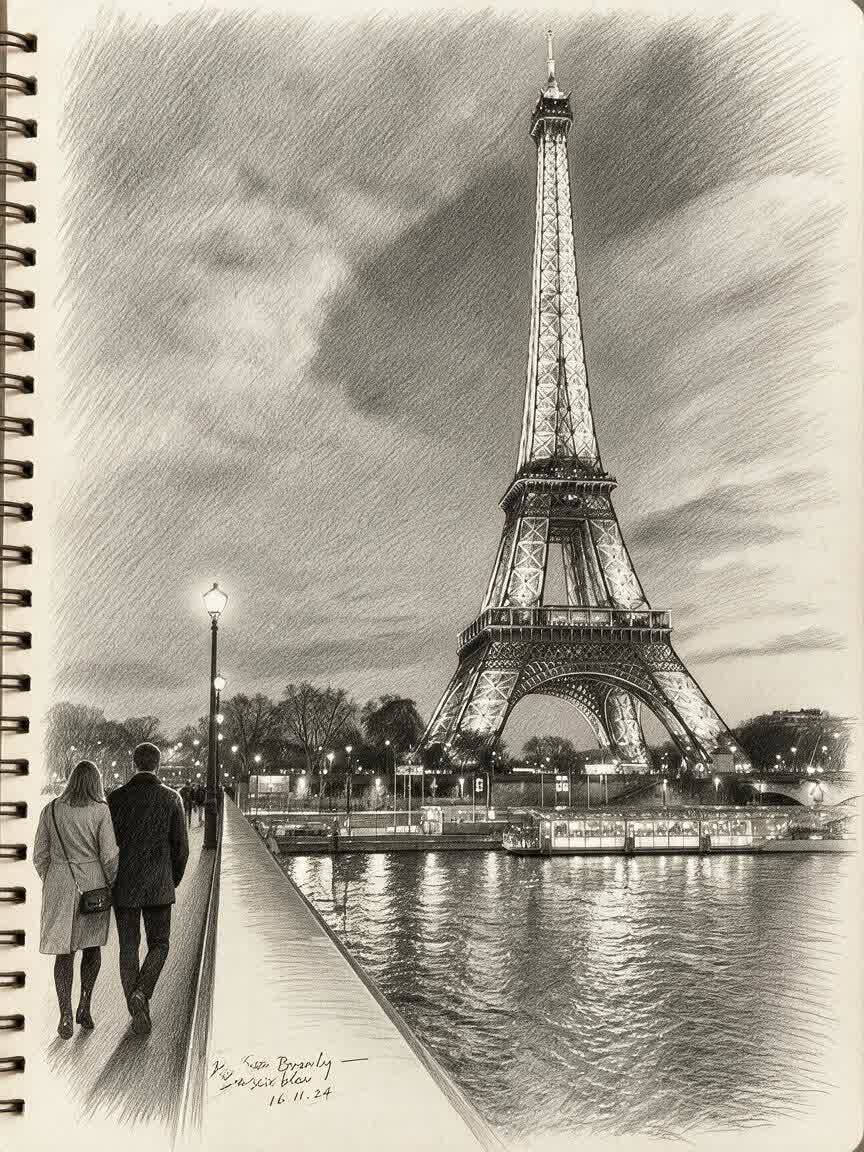
When you only need a sketch for a gift idea, study, or content concept, a mandatory subscription can add friction. Cavro bills results per credit, so you can use the image workflow without a required recurring plan.
Try Cavro freeUpload your reference photo and describe the pencil drawing or sketch effect you want. Cavro uses the photo and your written direction to produce an image you can refine in the same conversation.
Portraits, pets, objects, places, and other meaningful photos can all provide a starting reference. Choose an image with the subject or details you want your pencil drawing to emphasize.
Yes. You can refine the direction and generate again in the same conversation without starting over. This lets you explore different line qualities, moods, and levels of detail from the same reference.
No mandatory subscription is required. Results are billed per credit, so the image-to-sketch workflow uses the available credit balance.
Cavro can create images or video from a written prompt and/or reference photo. For this page, describe the pencil drawing or sketch effect you want to explore.
Creators worldwide are turning “just an idea” into expensive-looking images.