Personal Portraits
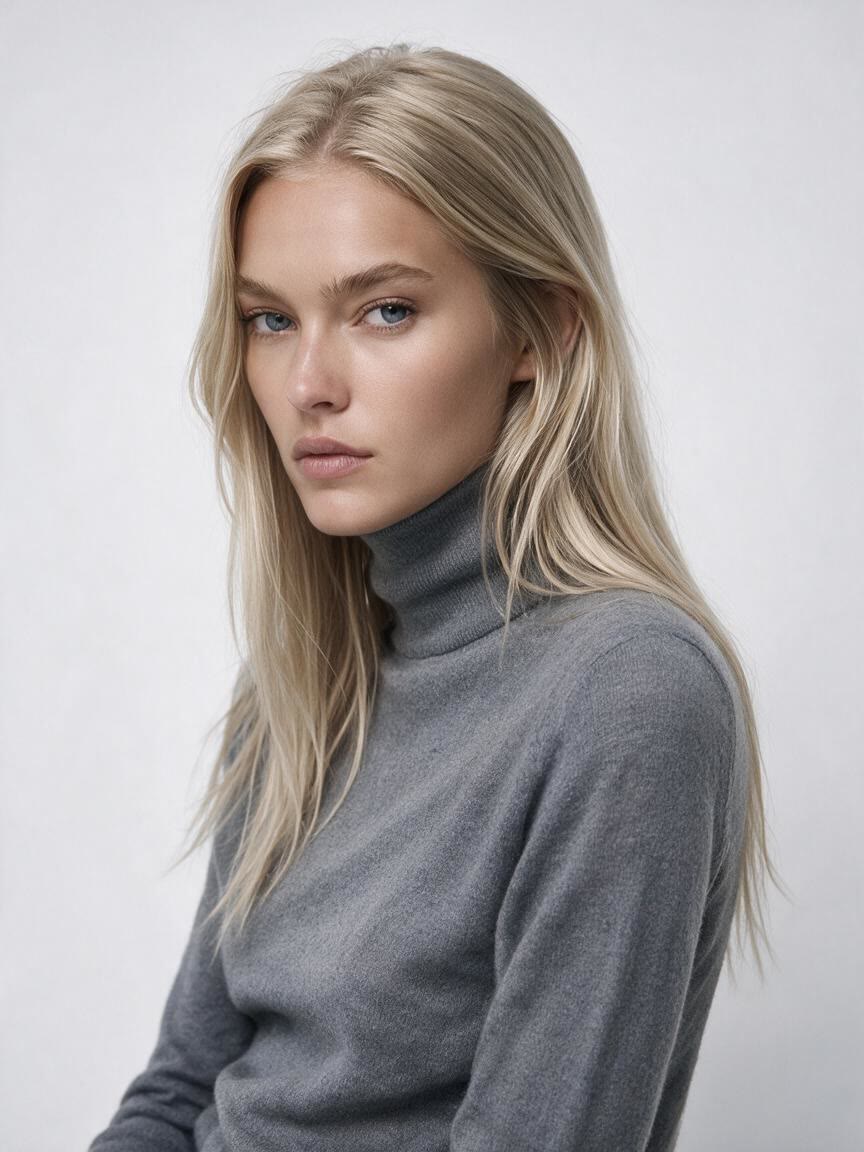
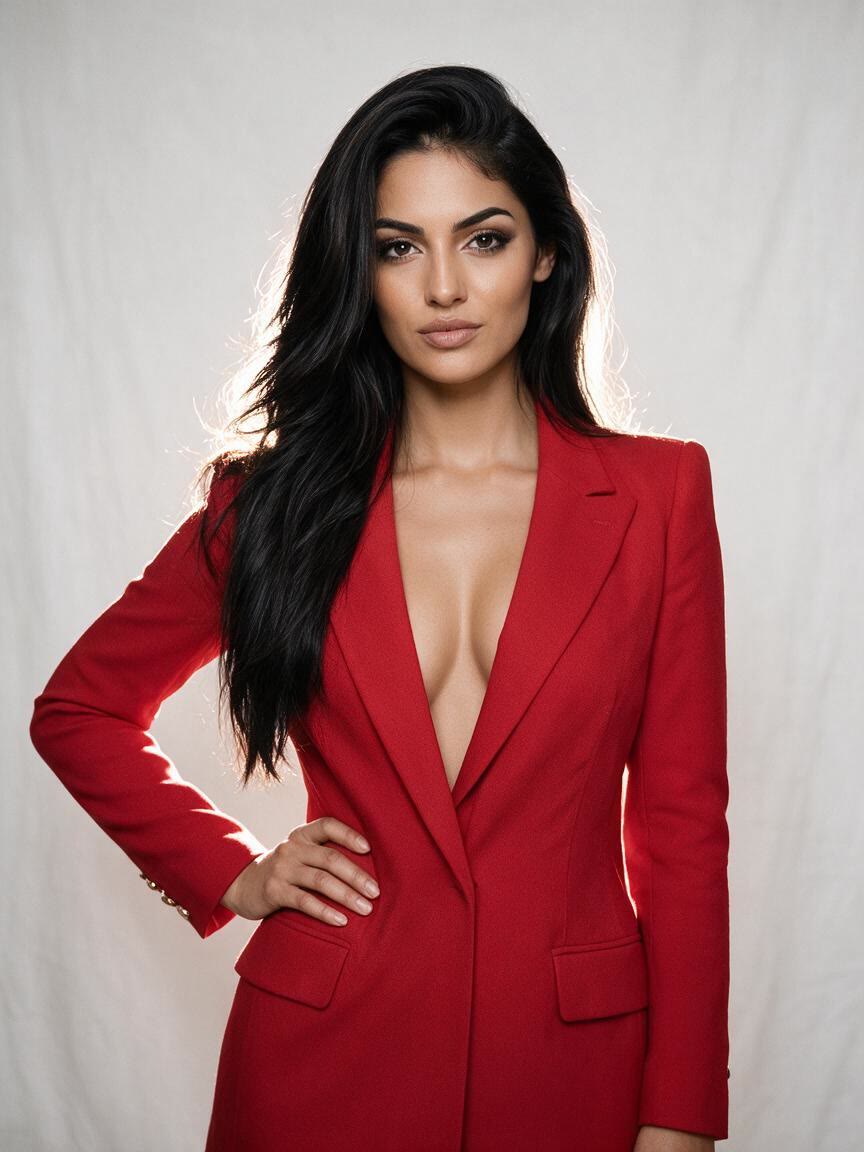
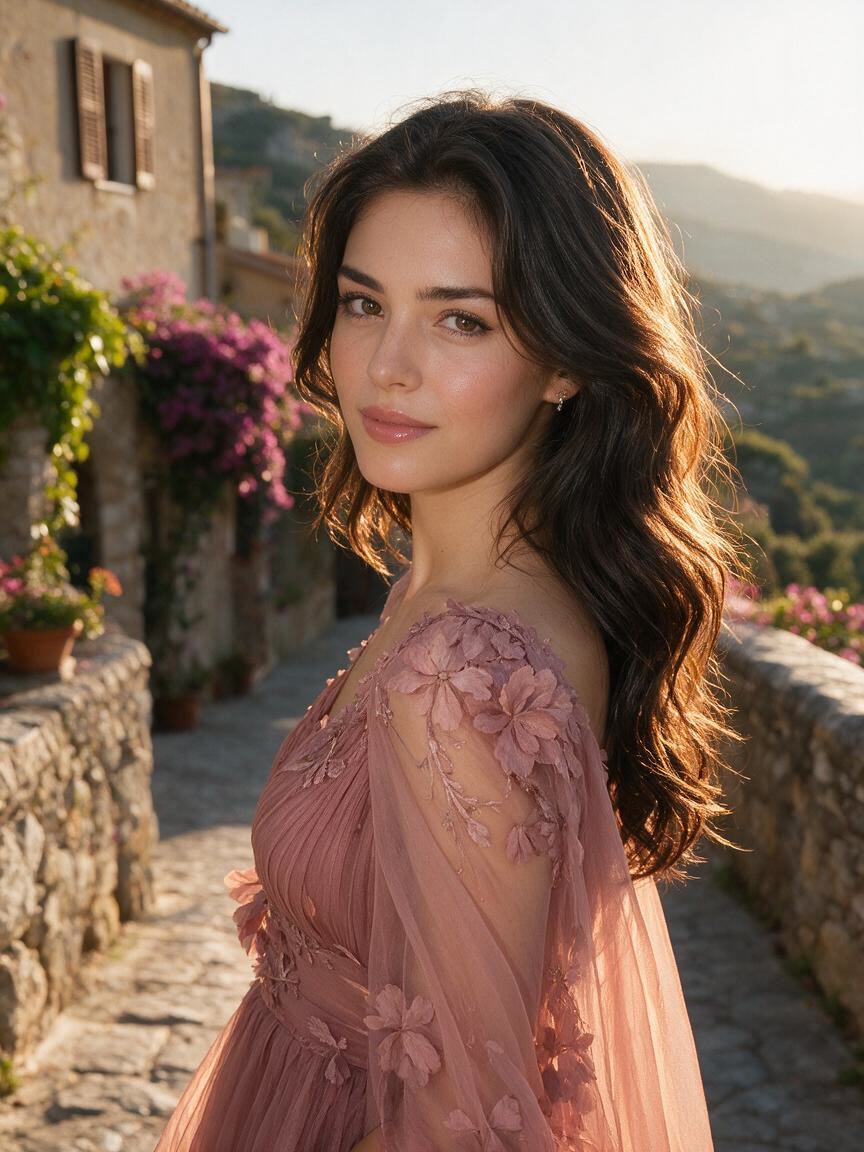
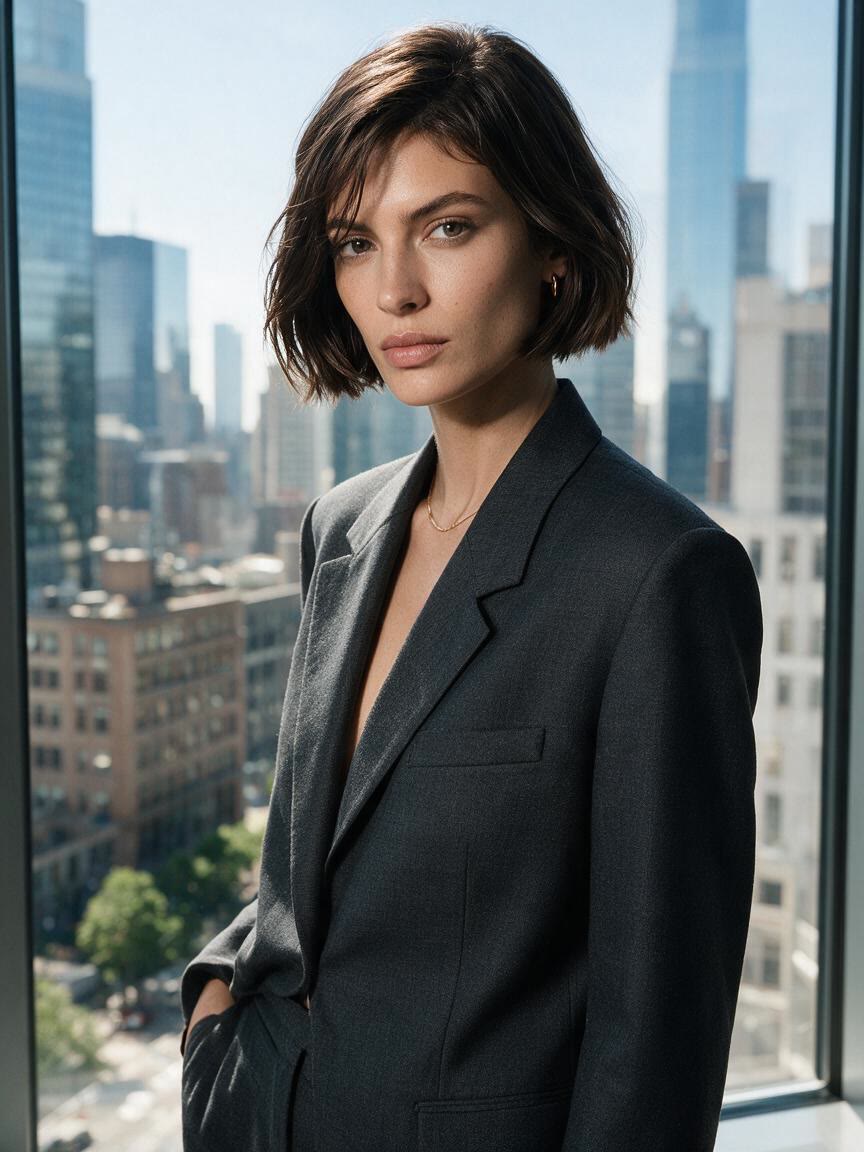
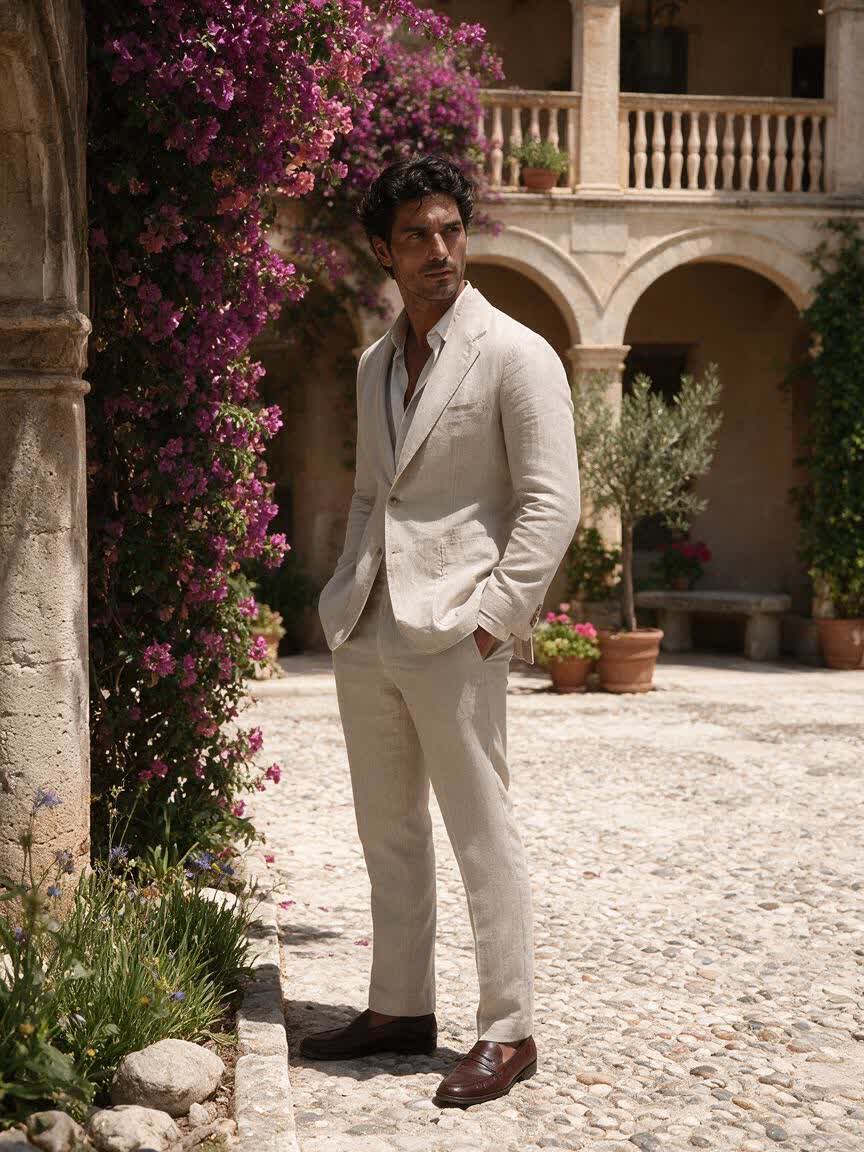
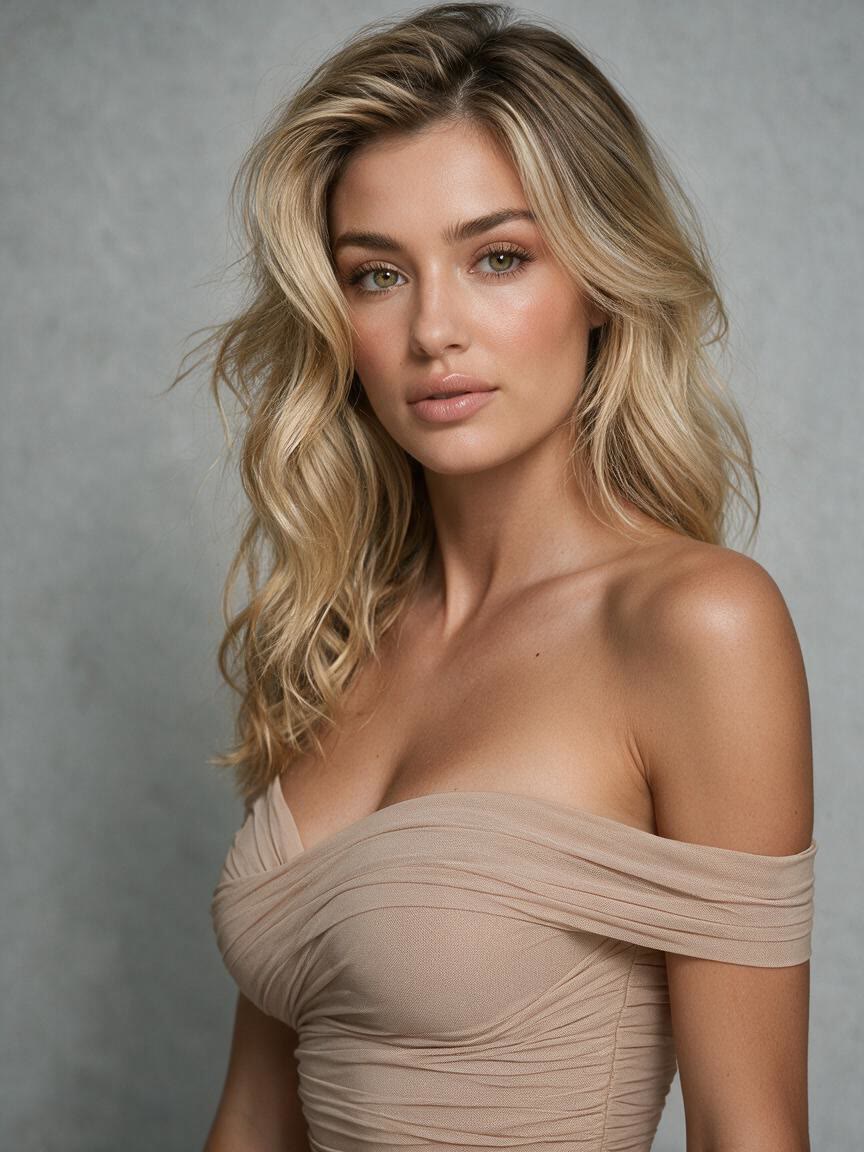
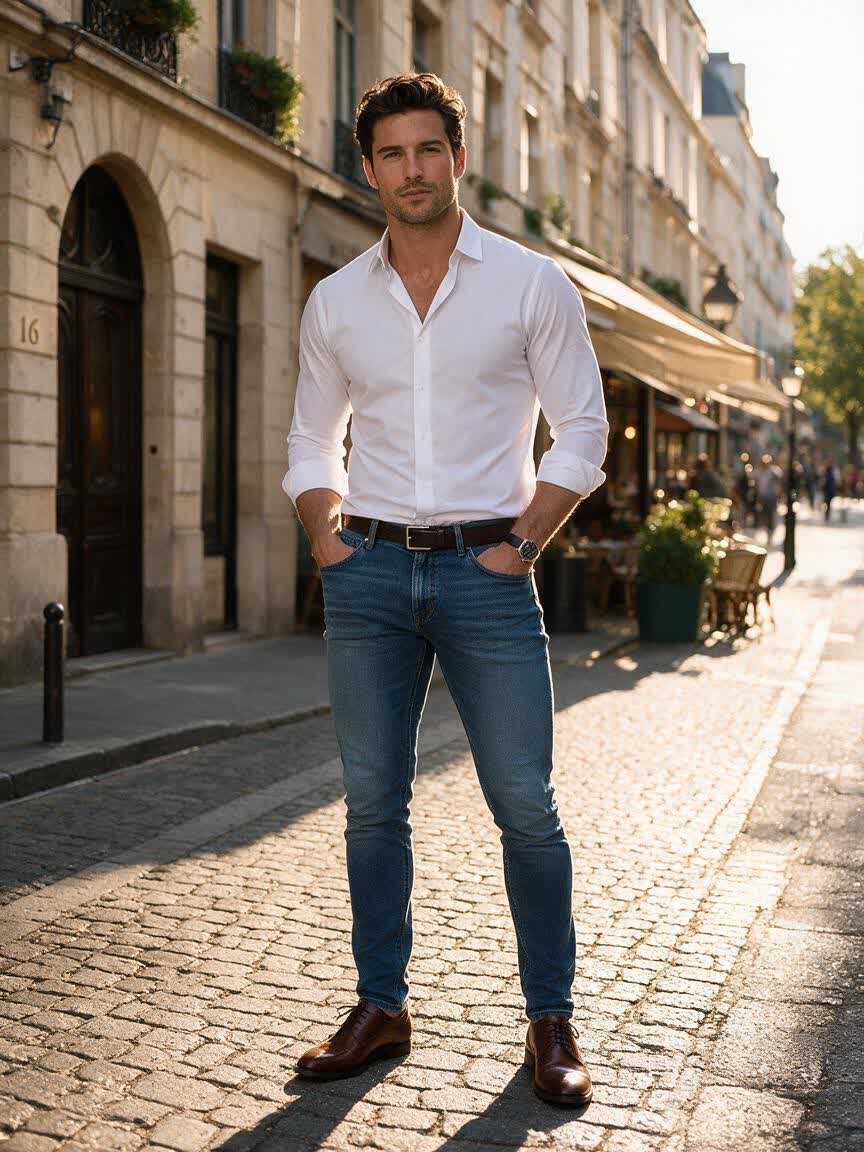
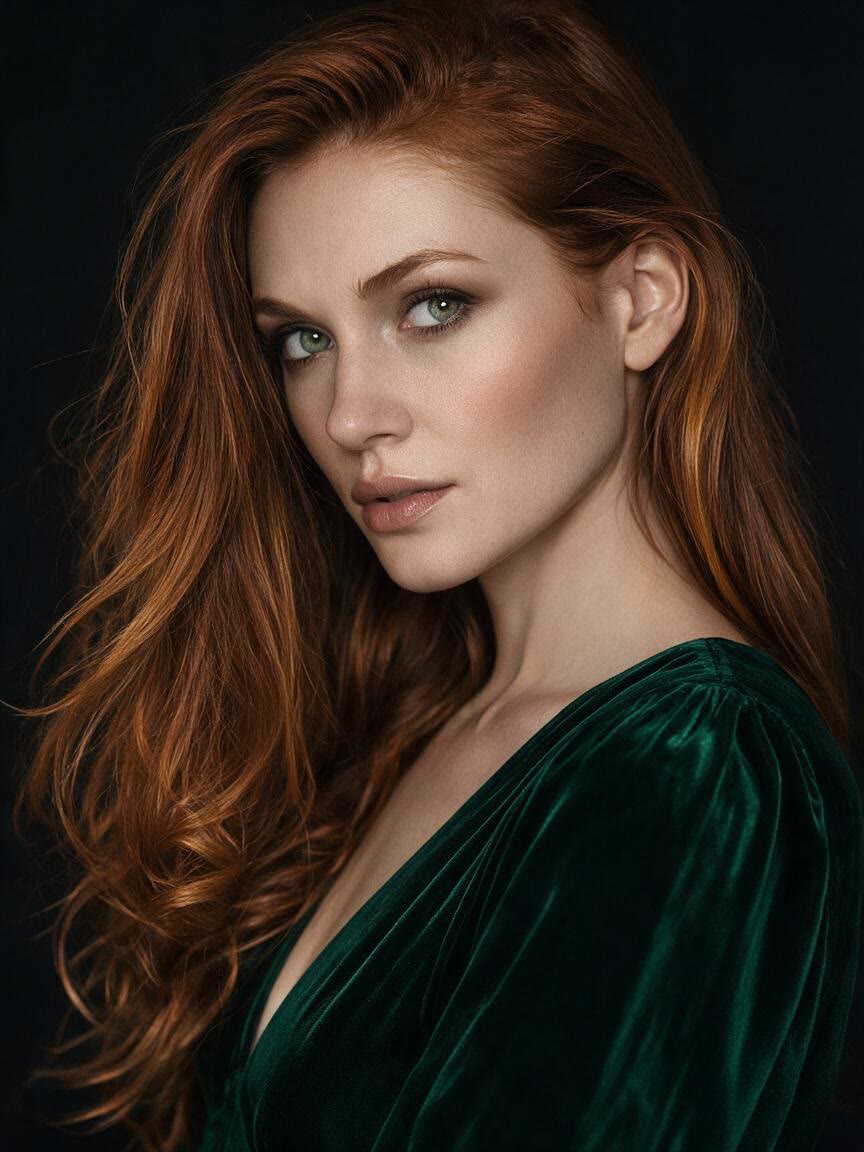
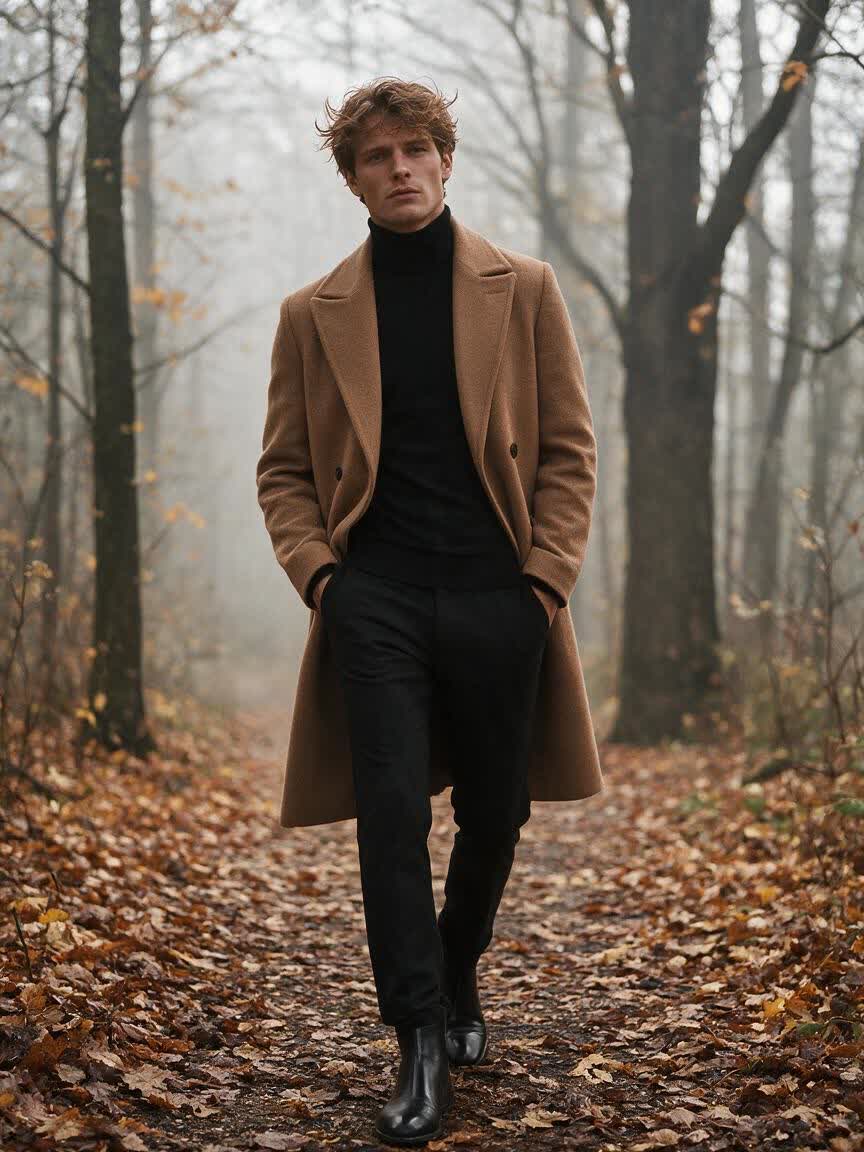
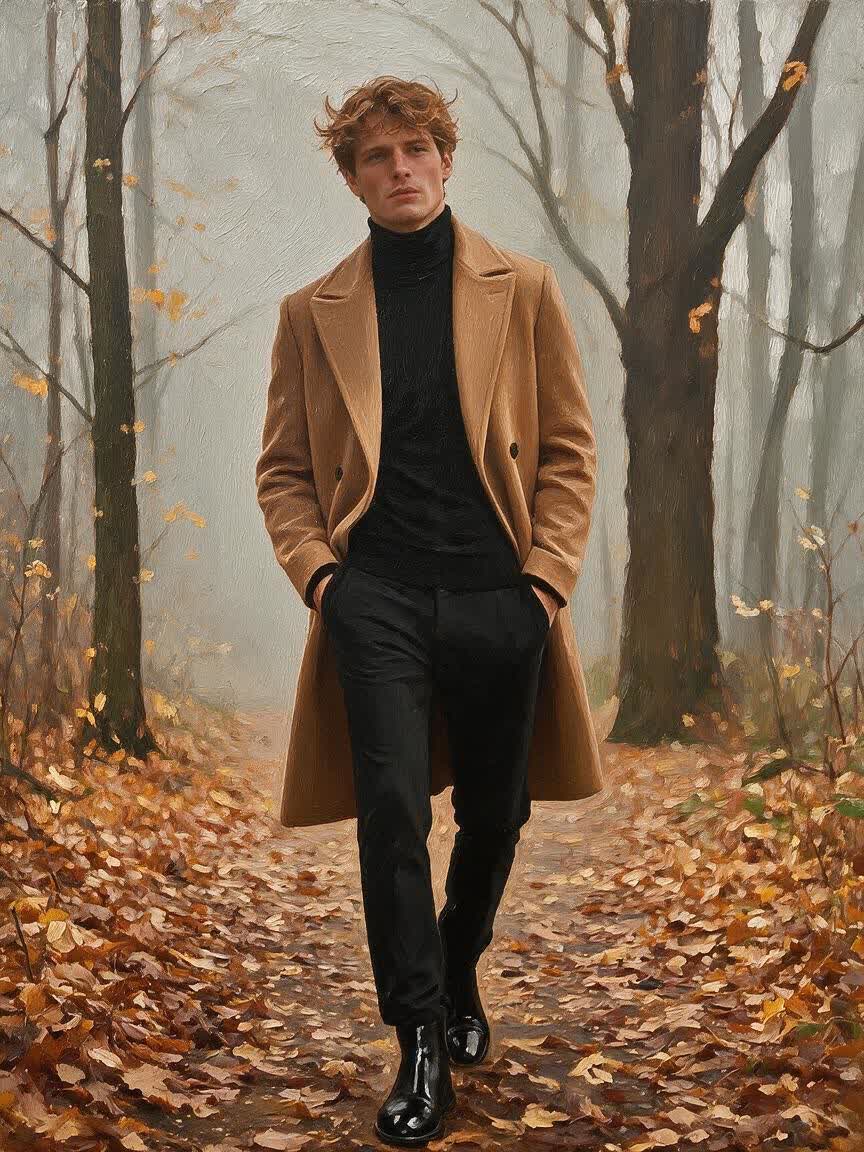
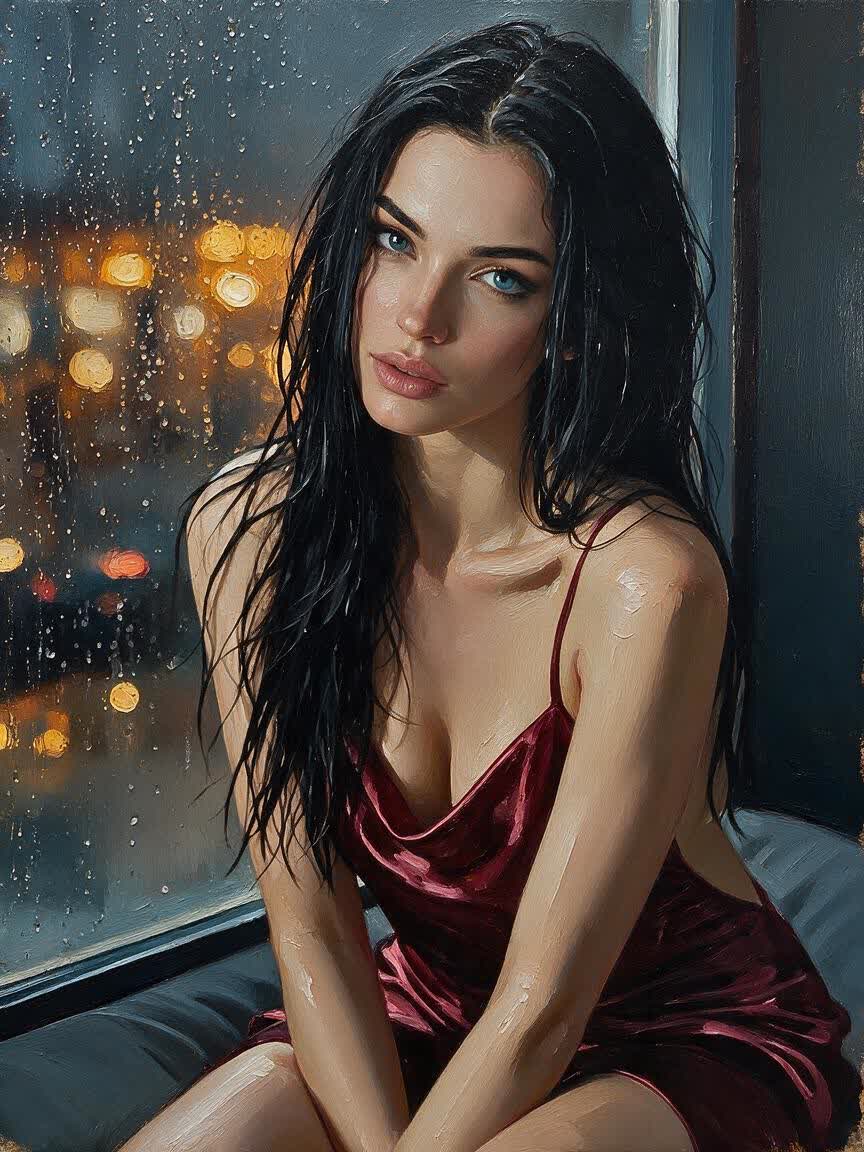
Bring a headshot or personal portrait when you want something more expressive than a standard photo. Cavro translates it into a painted interpretation suited to your chosen mood and style.
Try Cavro freeTransform portraits, pet photos, landscapes, and everyday moments into expressive painted artwork. Cavro combines your reference photo with the style you describe.
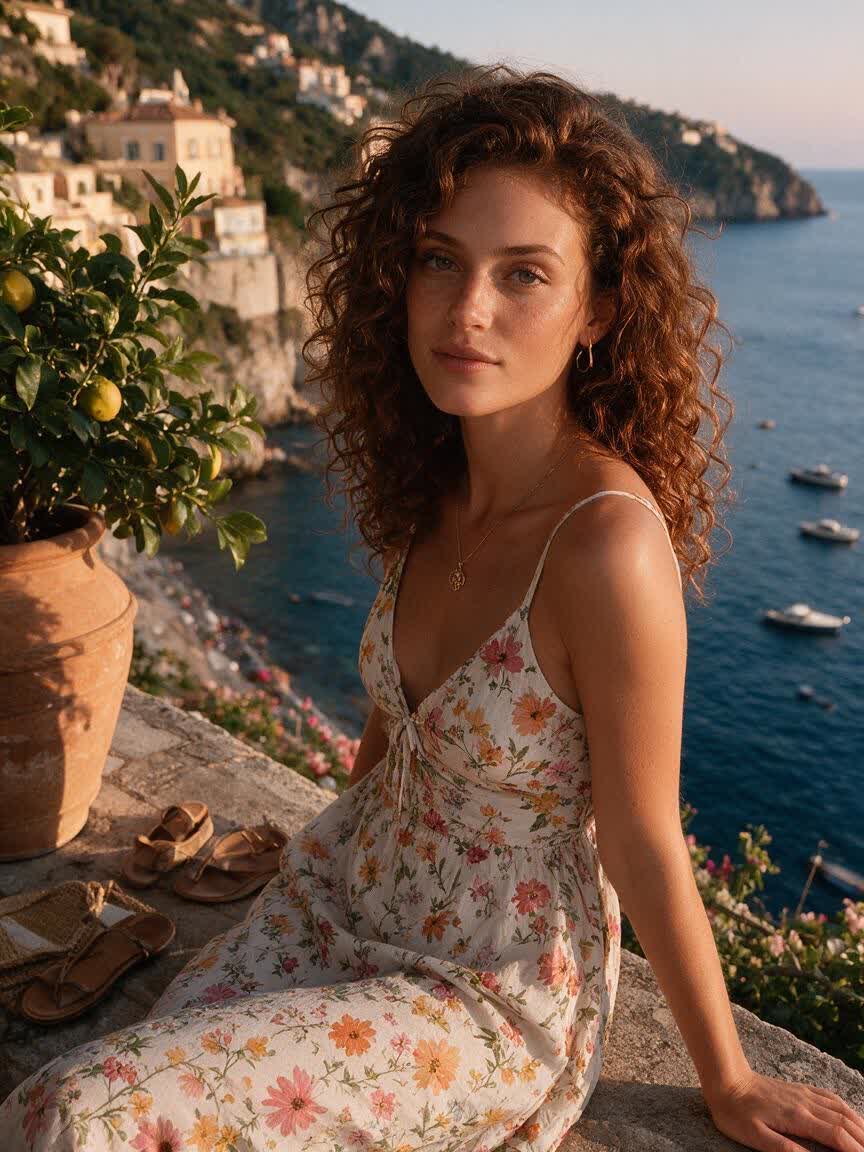
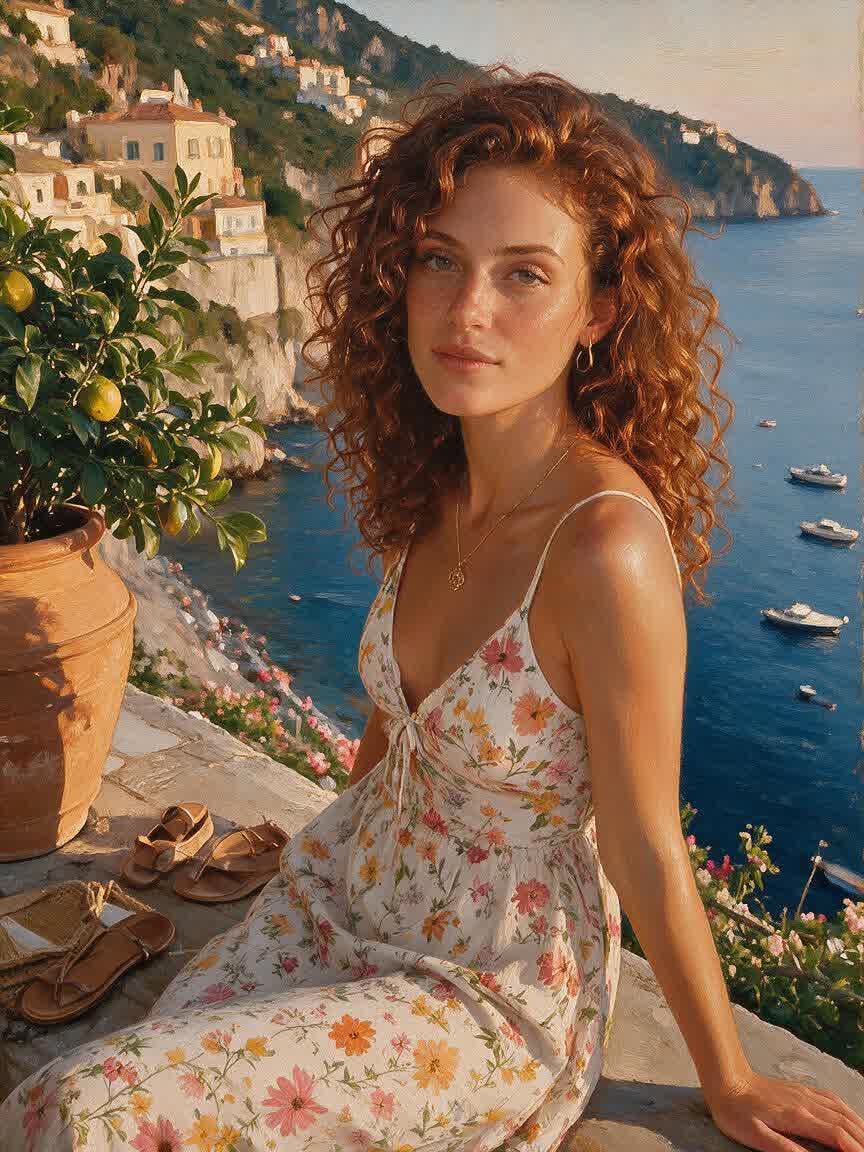
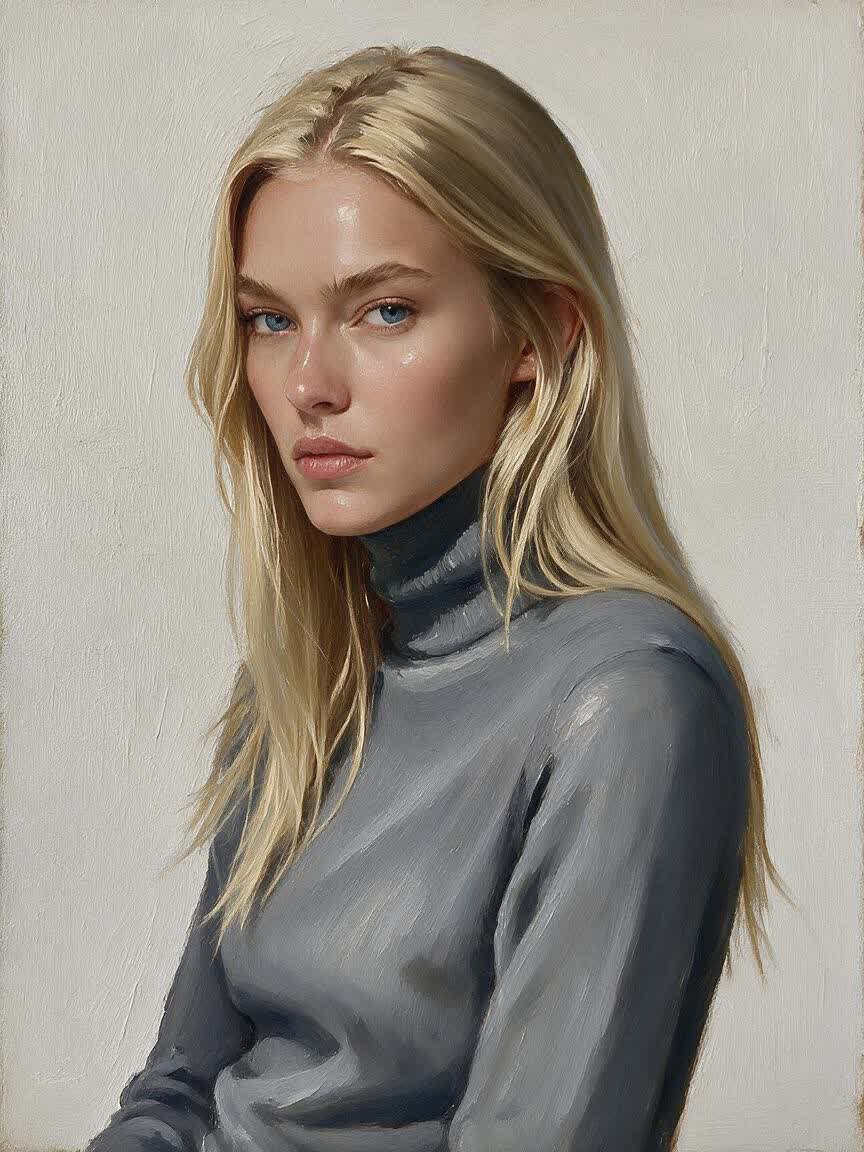
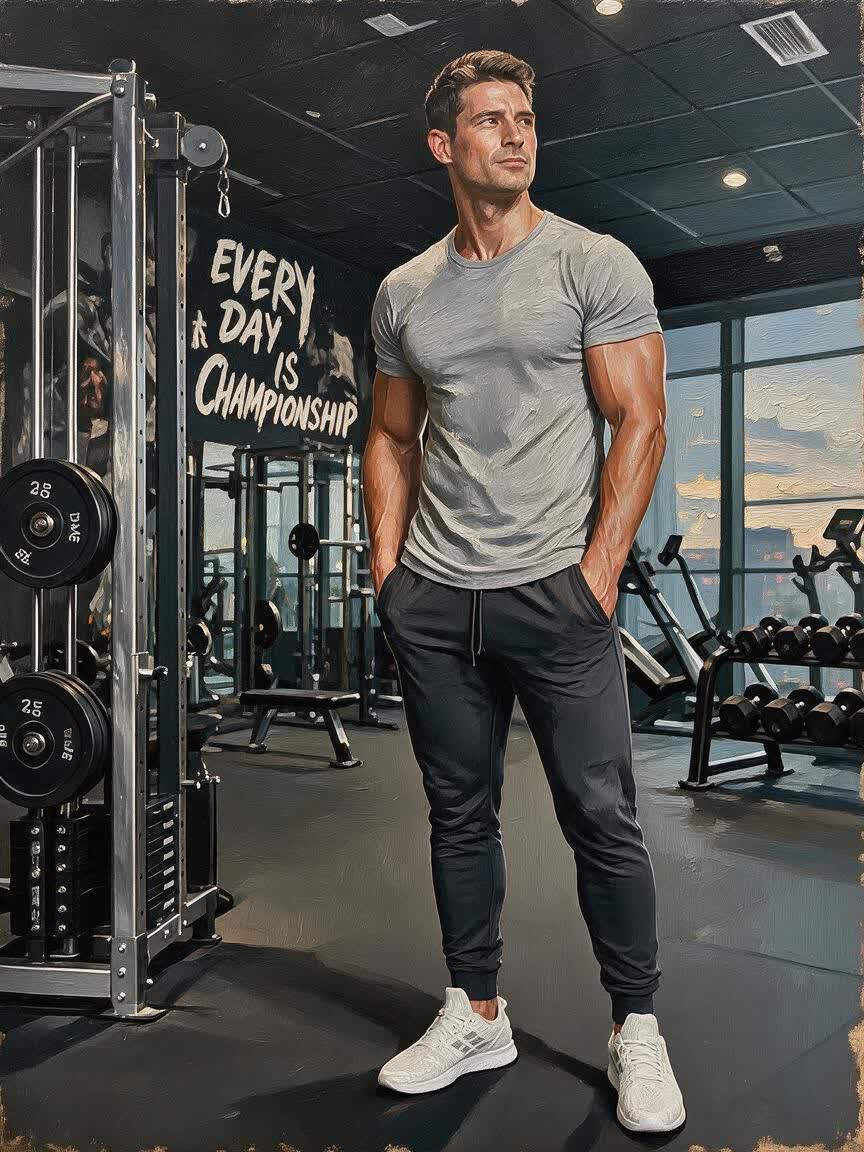
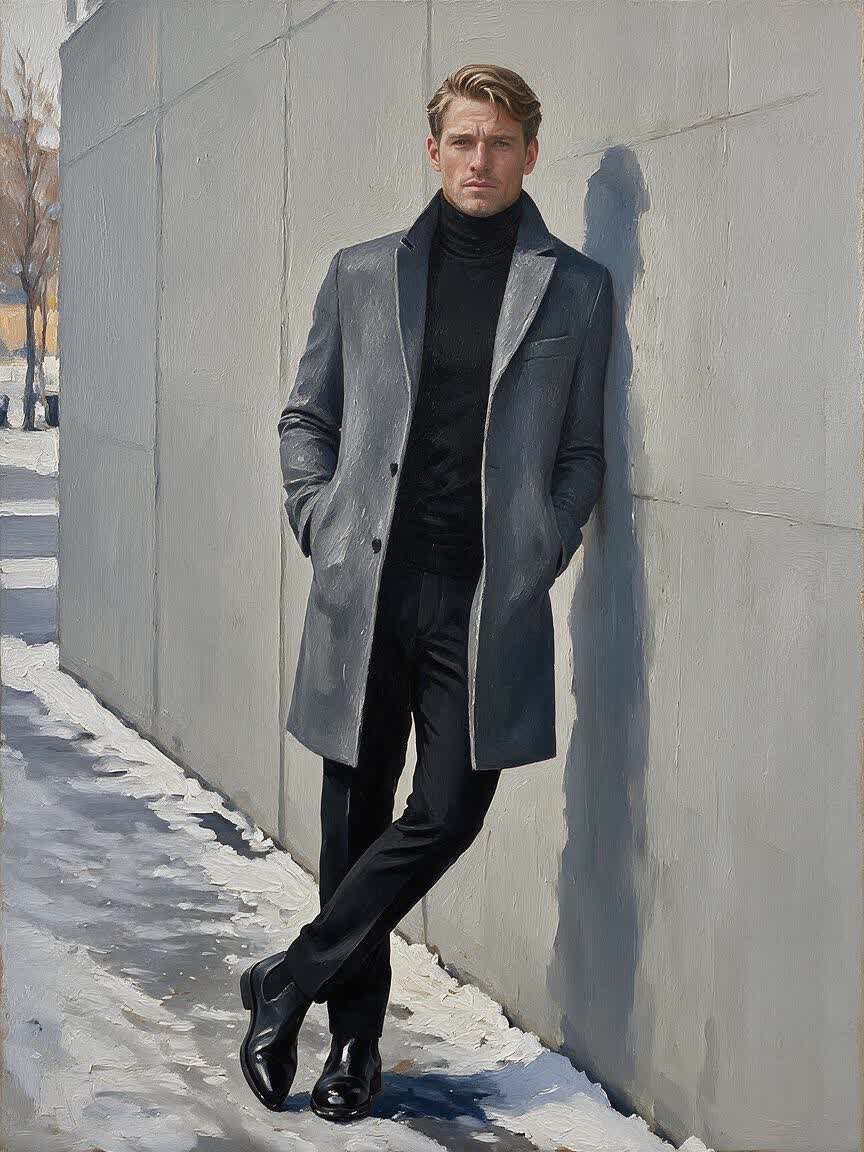
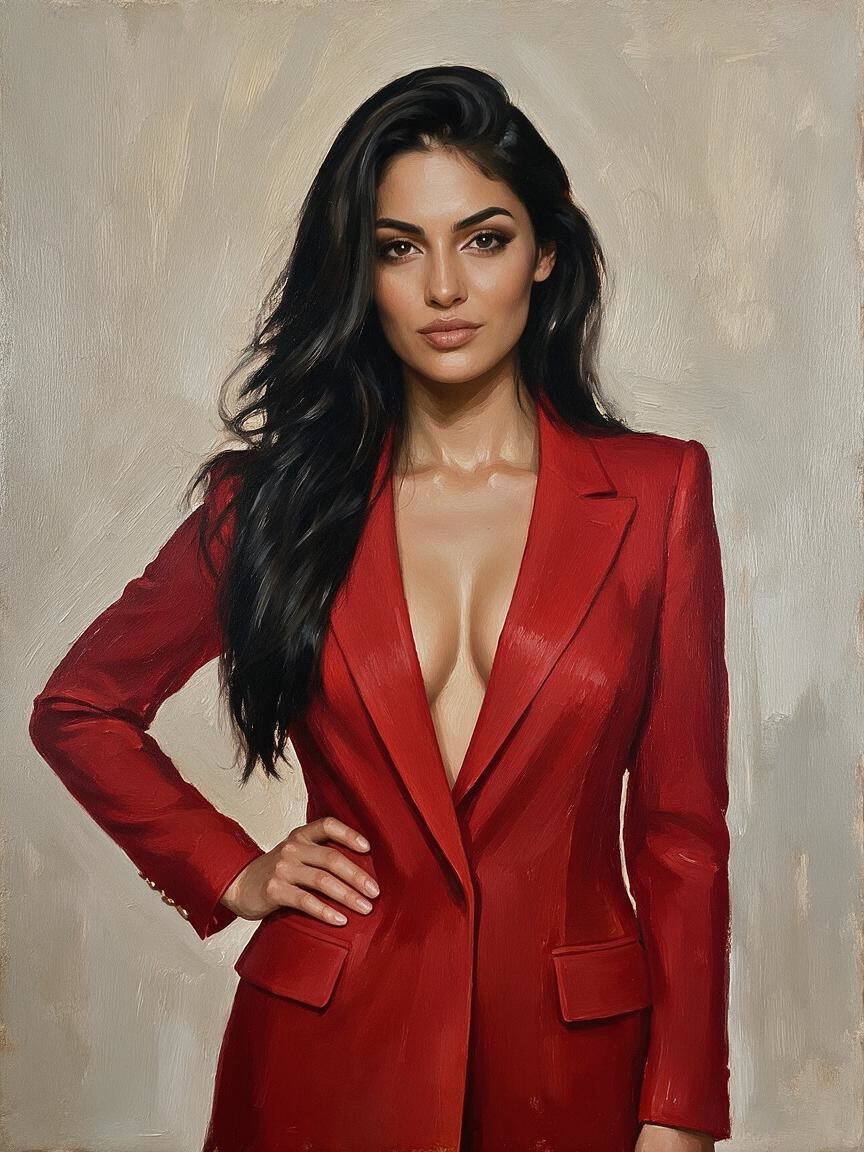
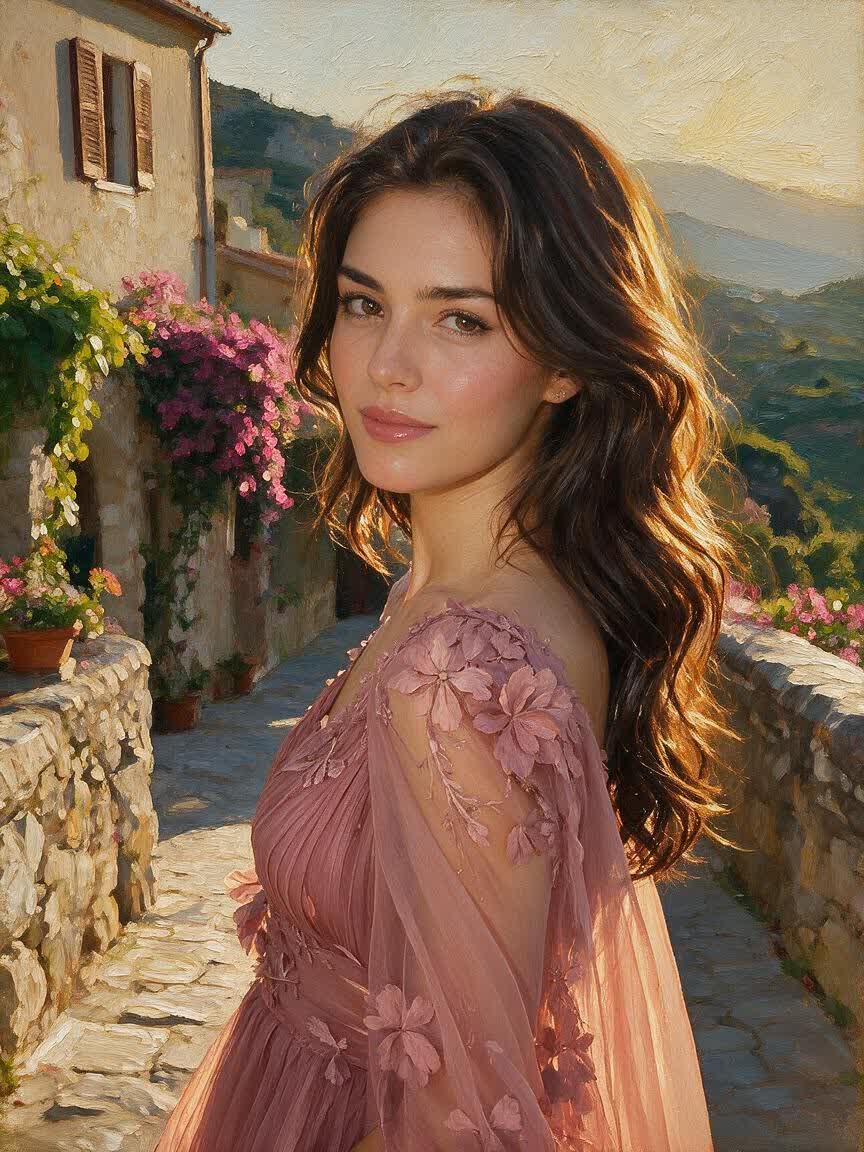
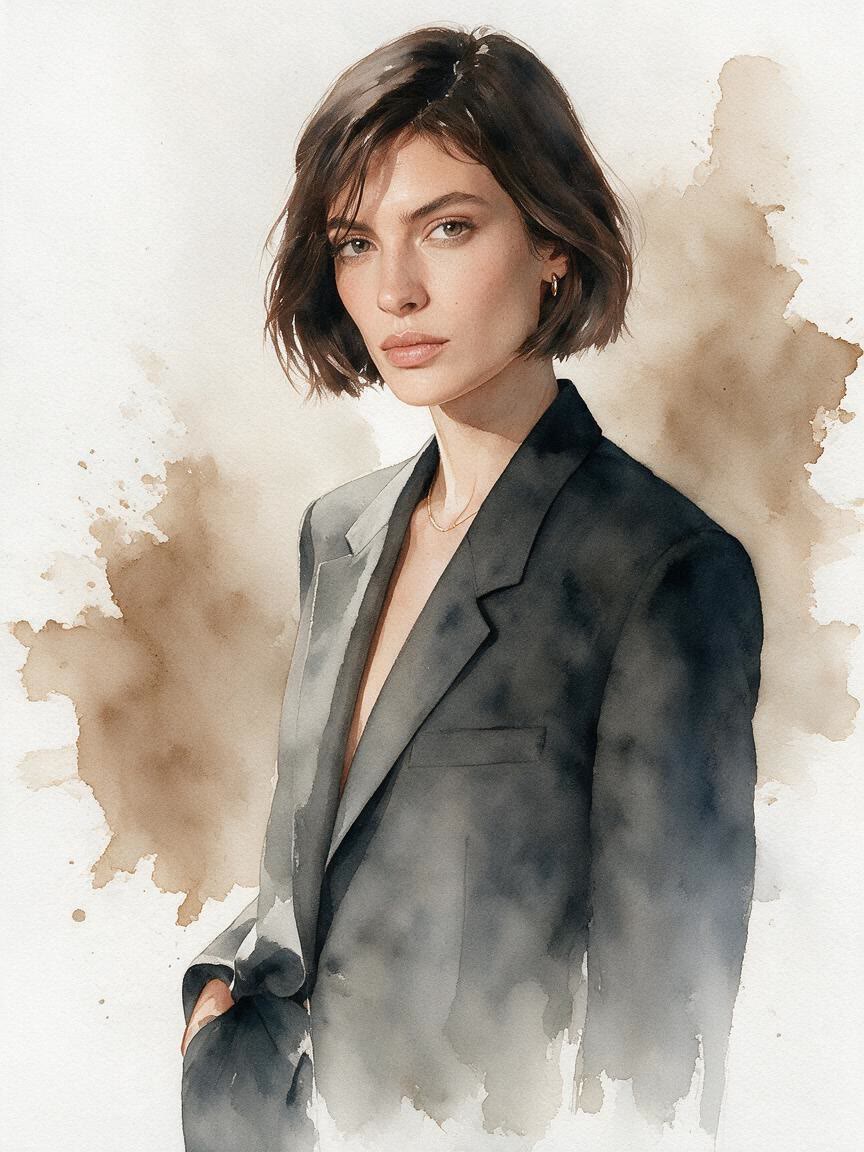
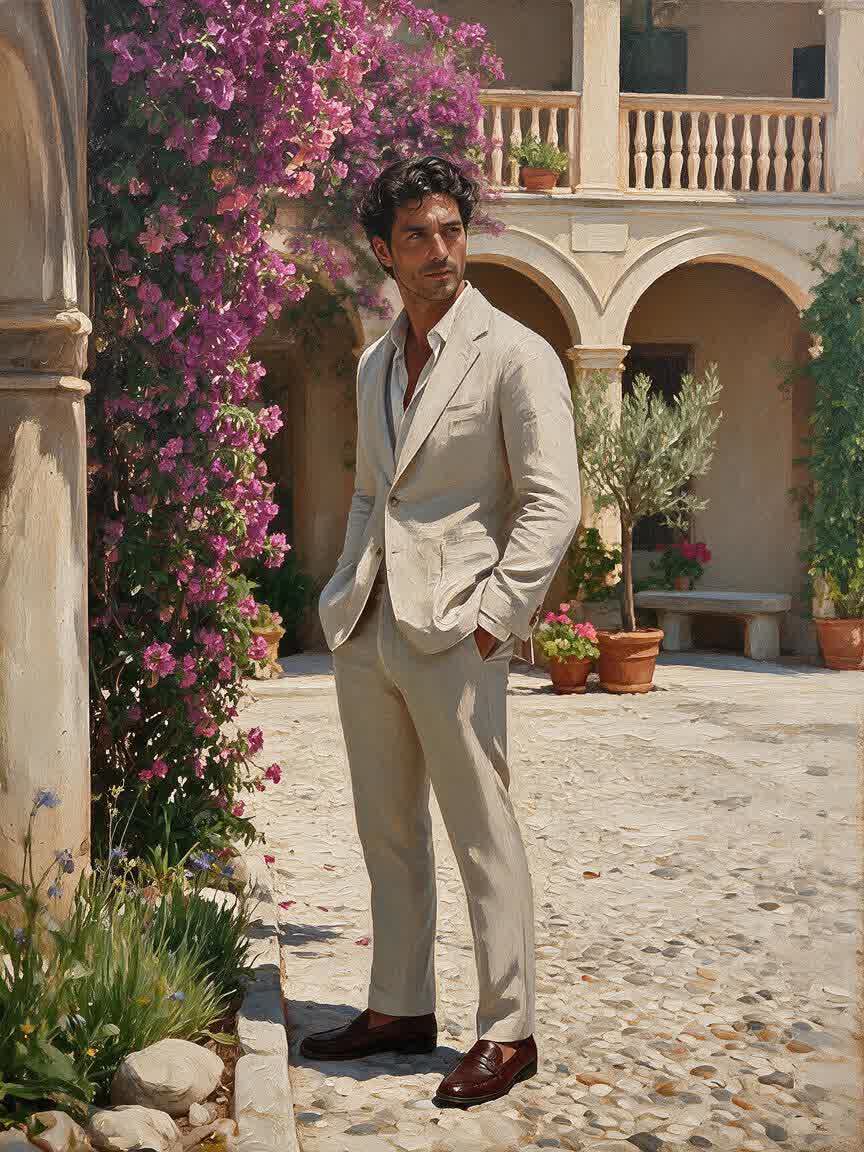
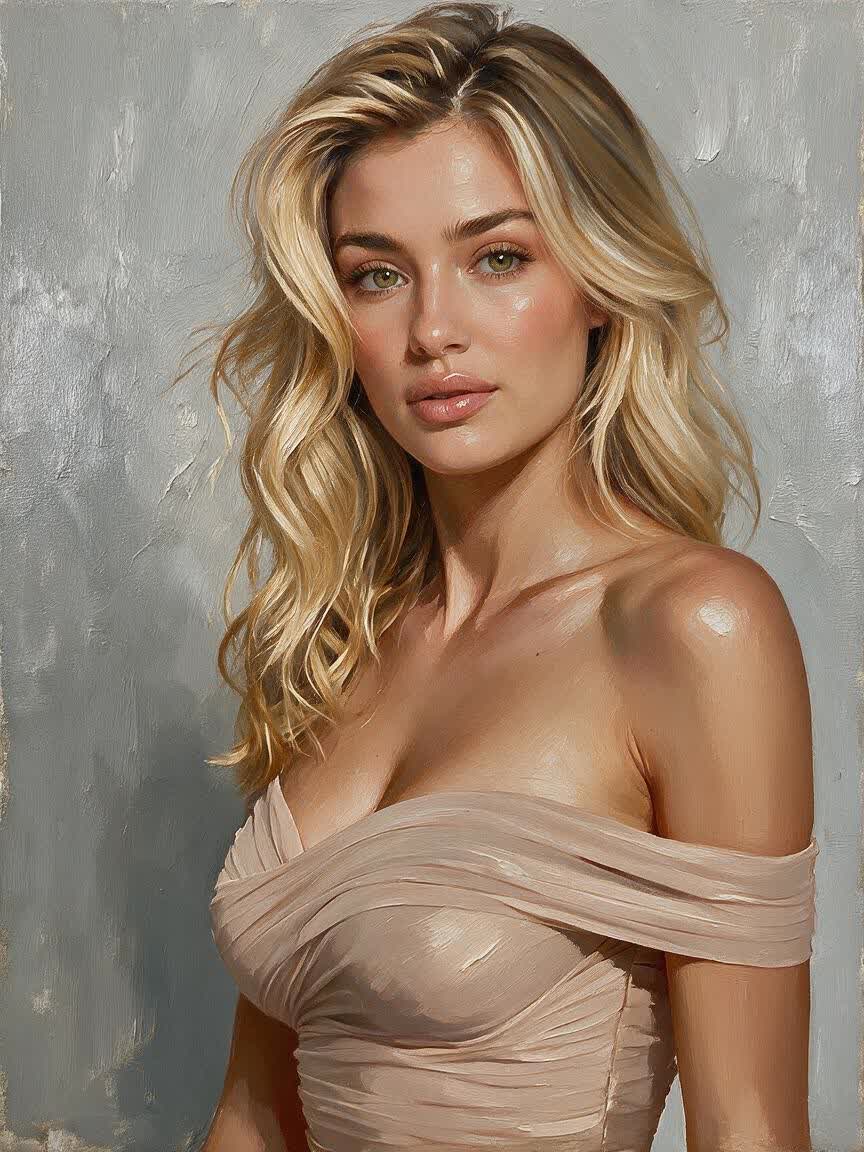
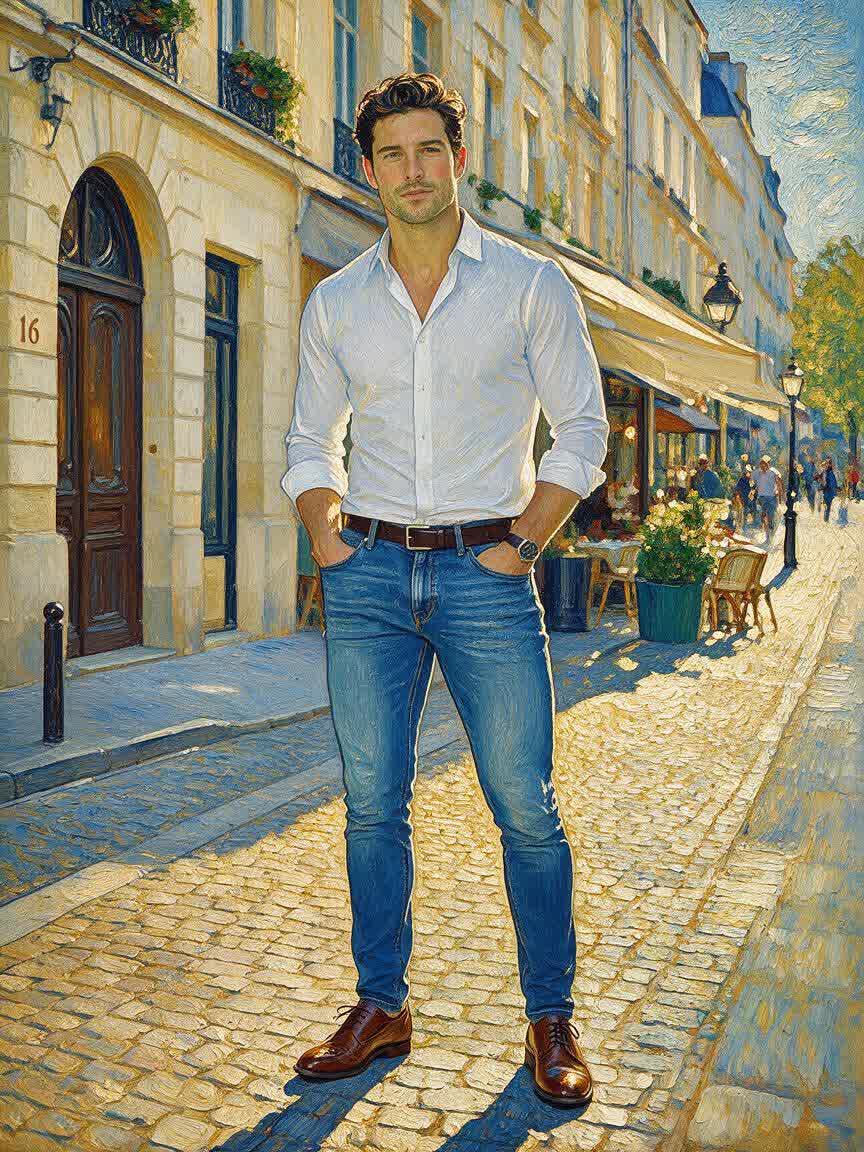
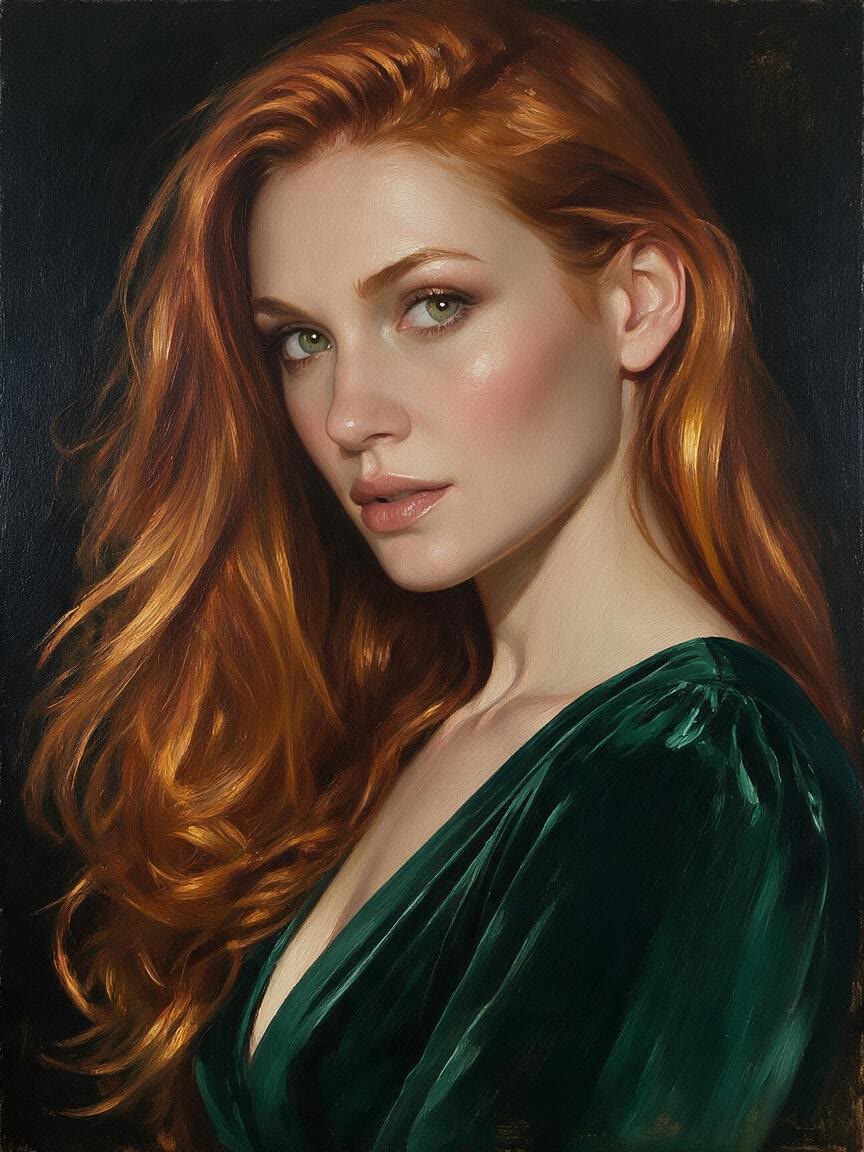
Bring a headshot or personal portrait when you want something more expressive than a standard photo. Cavro translates it into a painted interpretation suited to your chosen mood and style.
Try Cavro free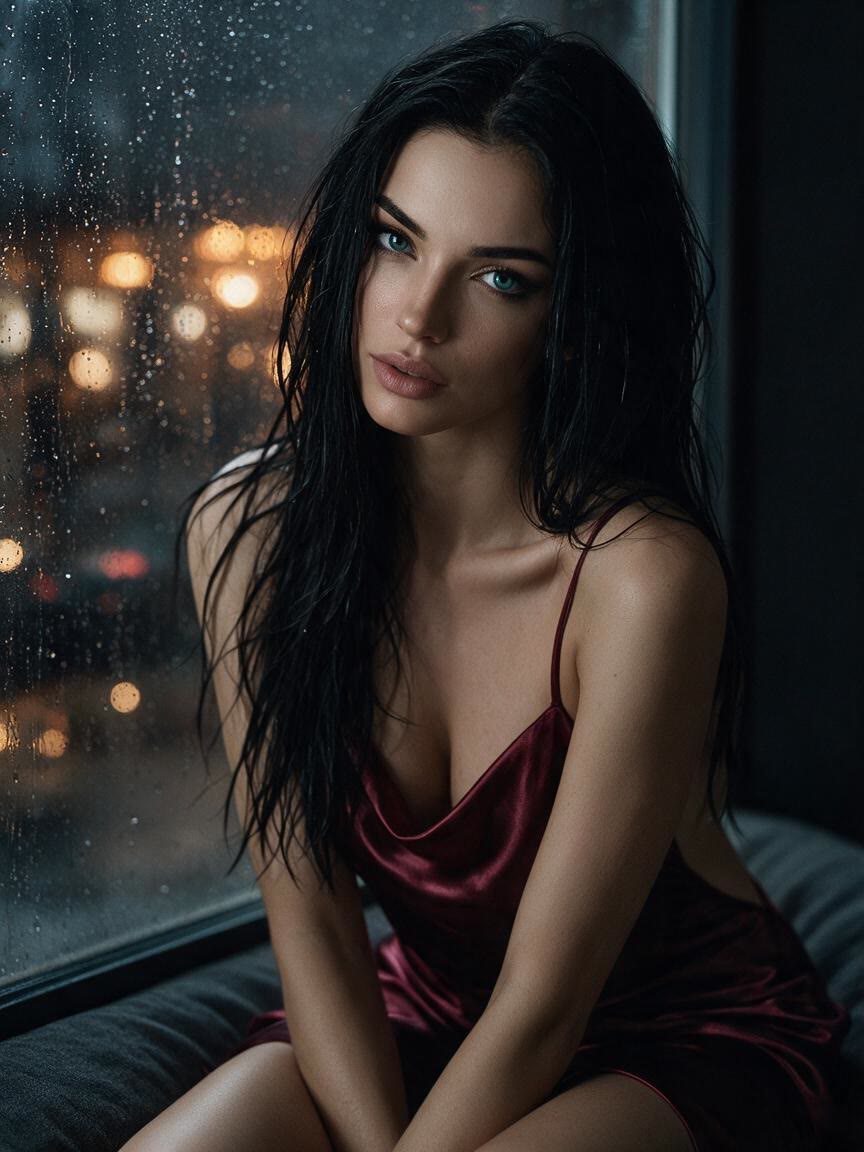
Start with a beloved pet photo and describe a watercolor, oil, or other artistic treatment. The result turns an ordinary snapshot into a distinctive piece of pet art.
Try Cavro free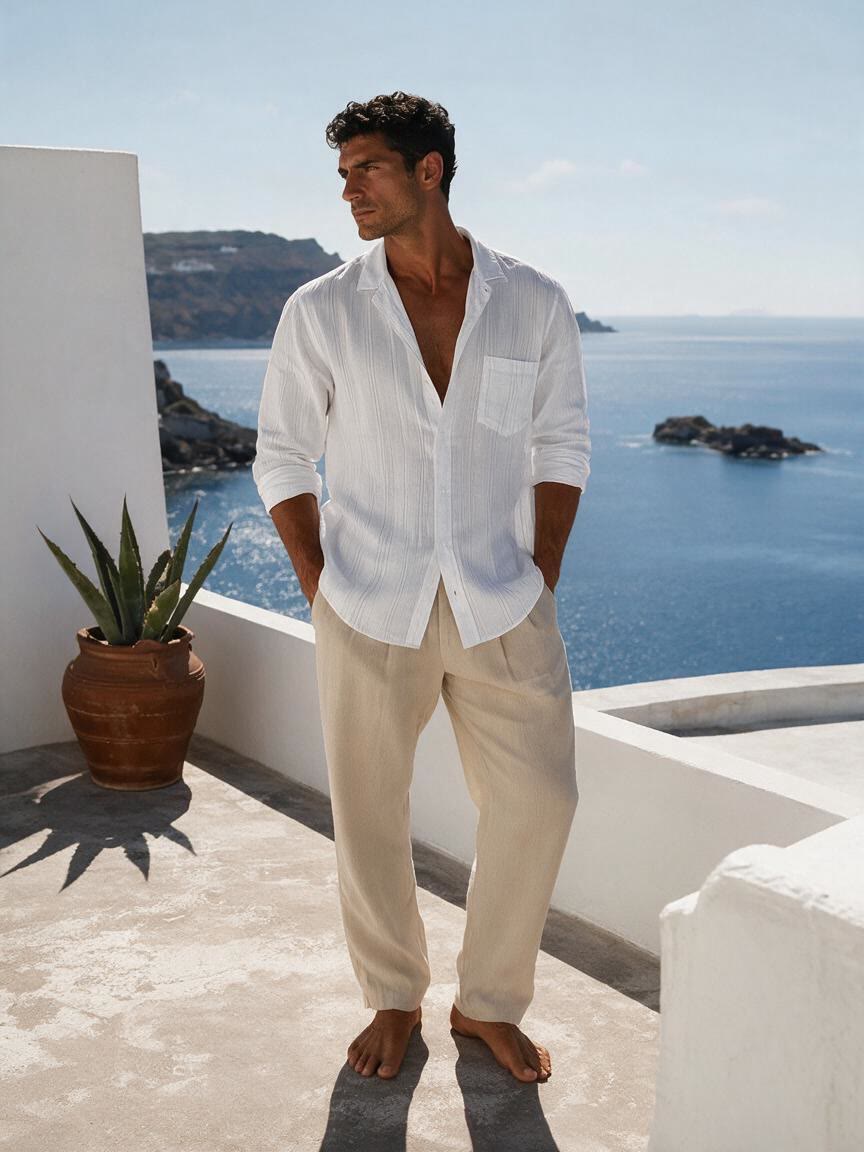
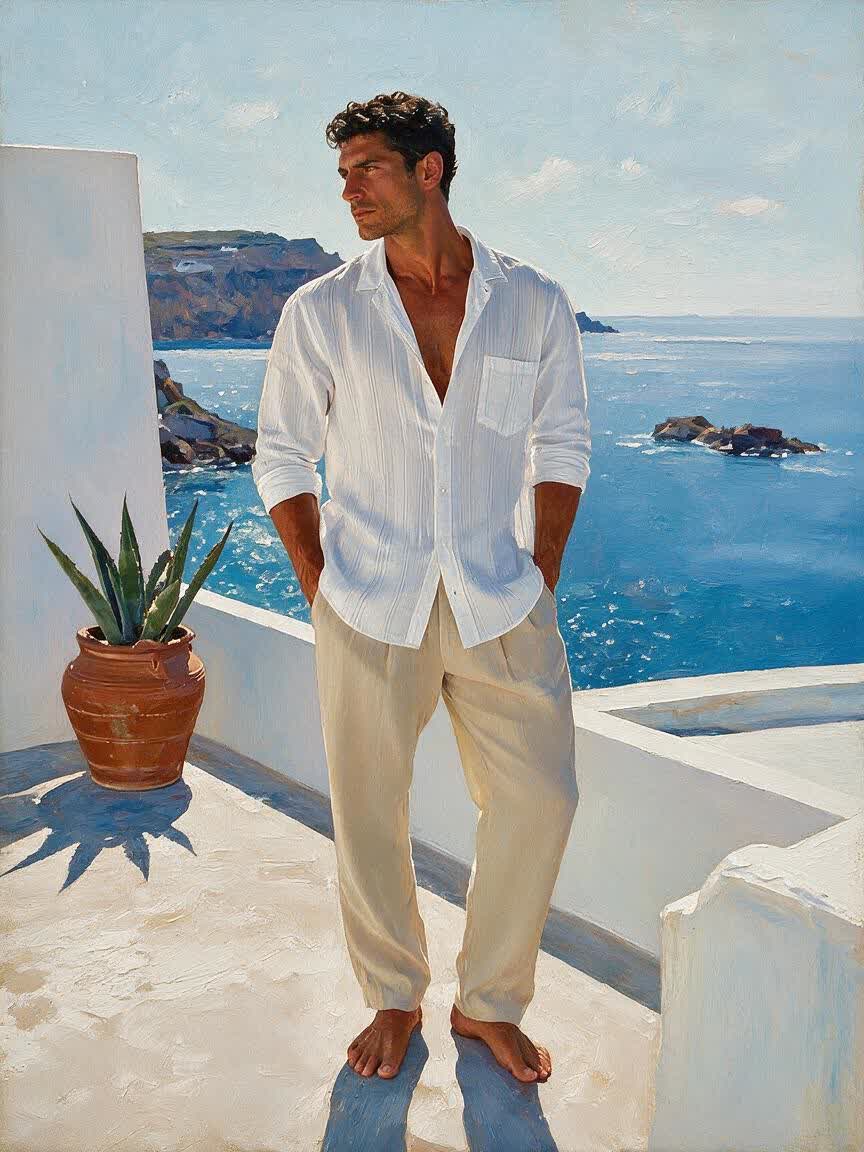
Use a landscape, street shot, or travel moment as the source for an artful reinterpretation. Cavro helps you explore a new visual language without editing software or art skills.
Try Cavro free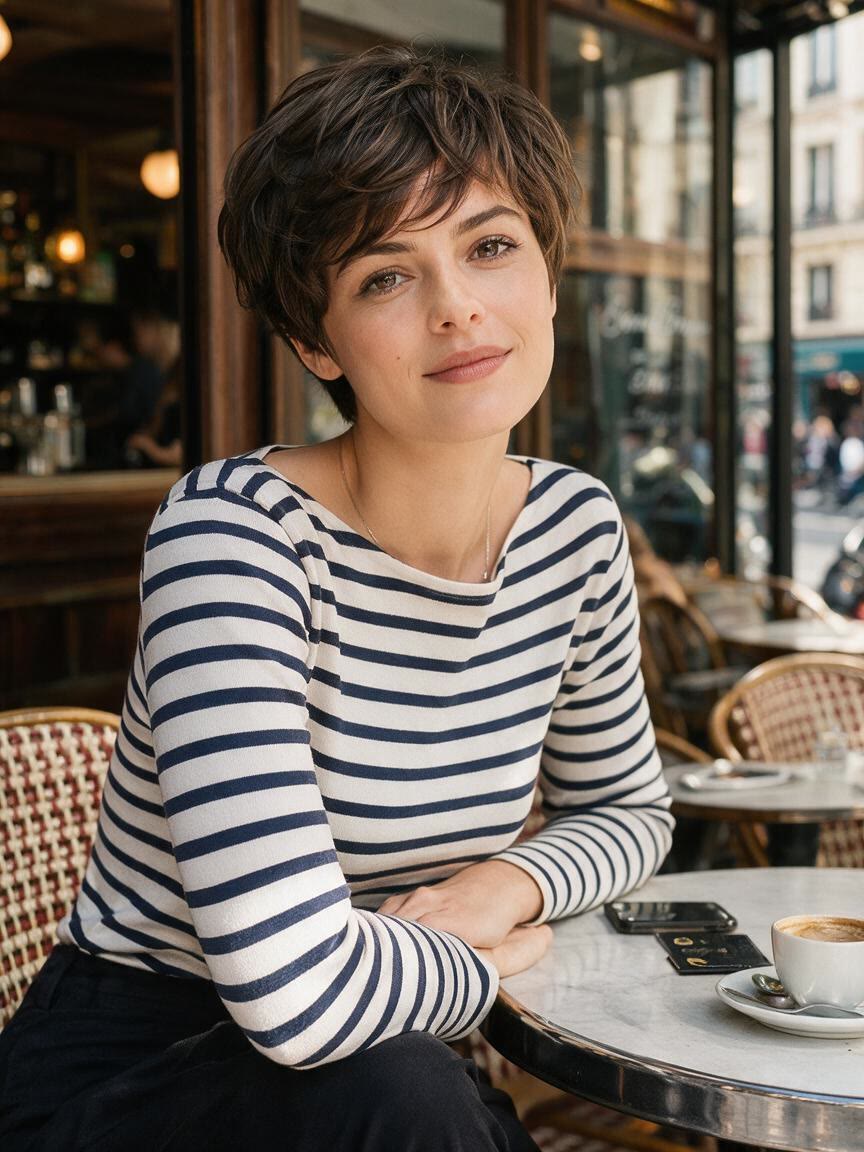
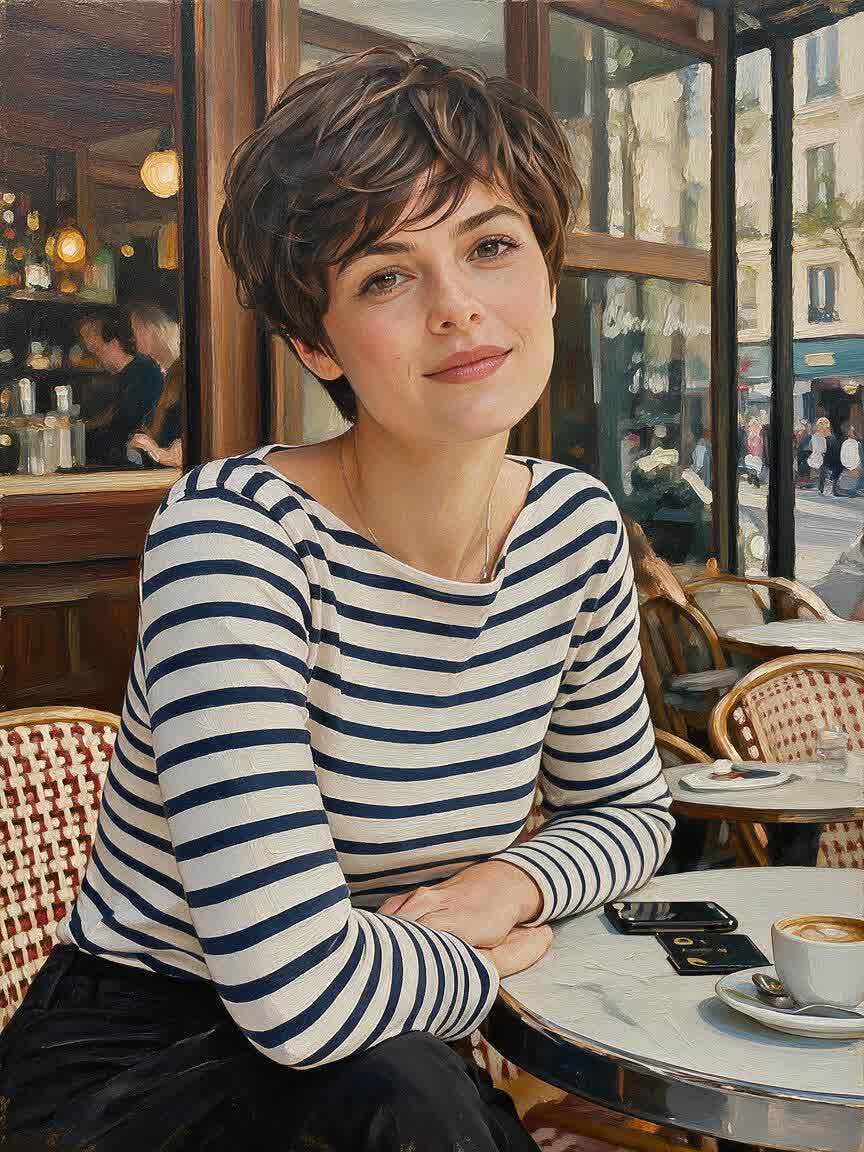
When a generic effect is not enough, your own photo gives the painting its subject and visual identity. Cavro uses that reference alongside your style direction, so the result feels connected to the moment you captured.
Try Cavro free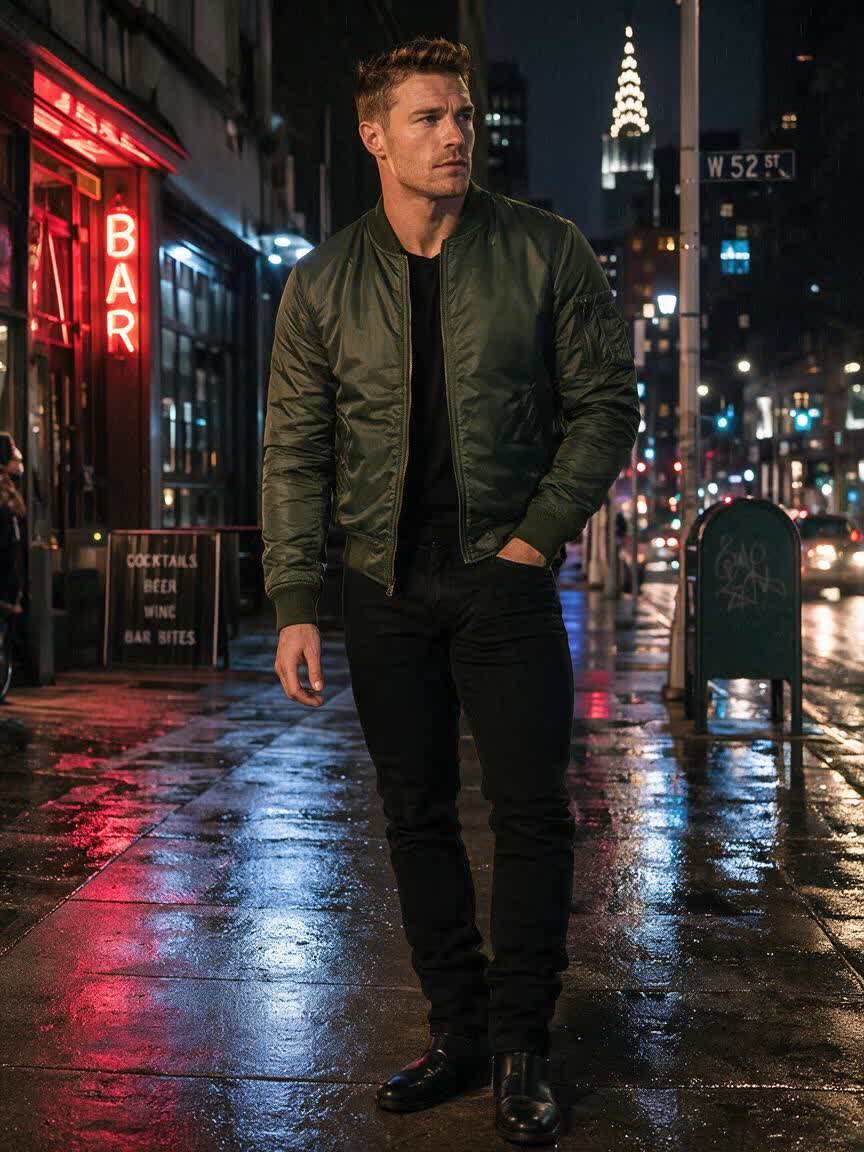
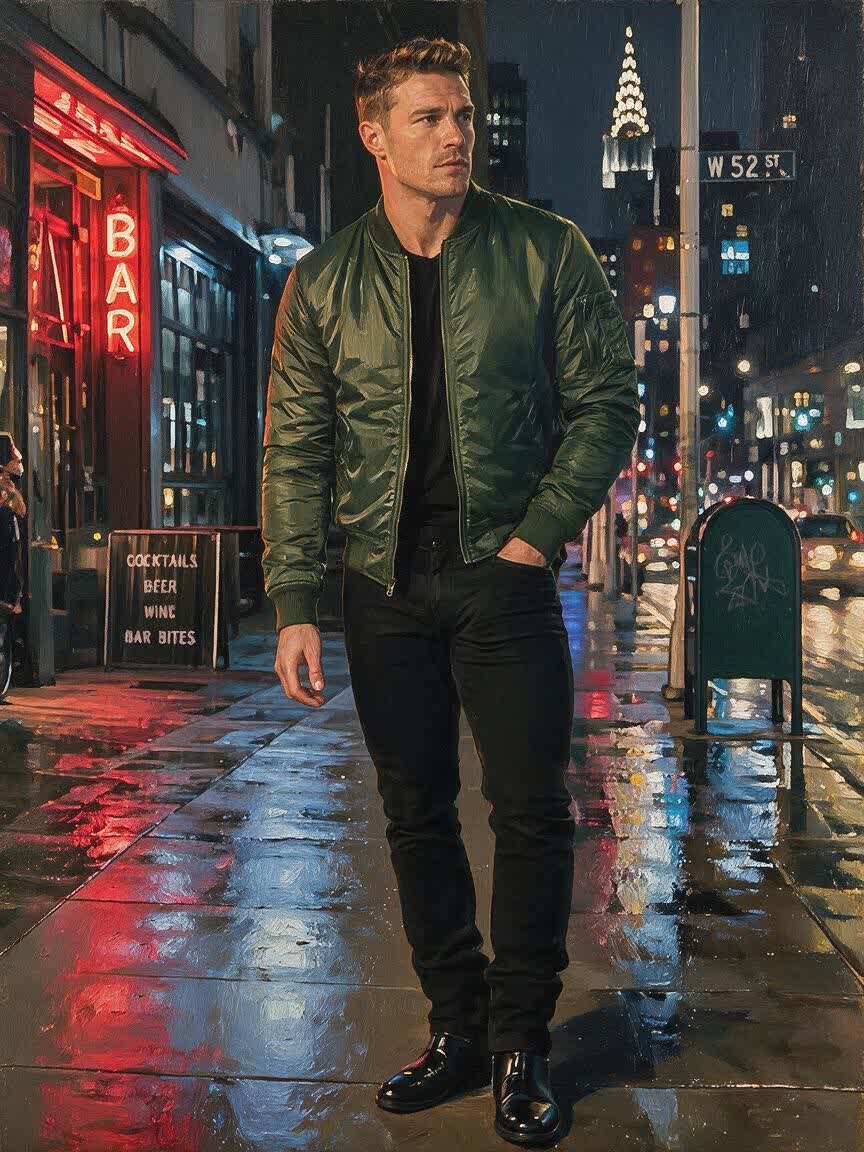
If you have a clear artistic idea, describe oil paint, watercolor, impressionist marks, Van Gogh-inspired energy, or Chinese ink. Cavro turns that direction into a visual treatment without requiring art software.
Try Cavro free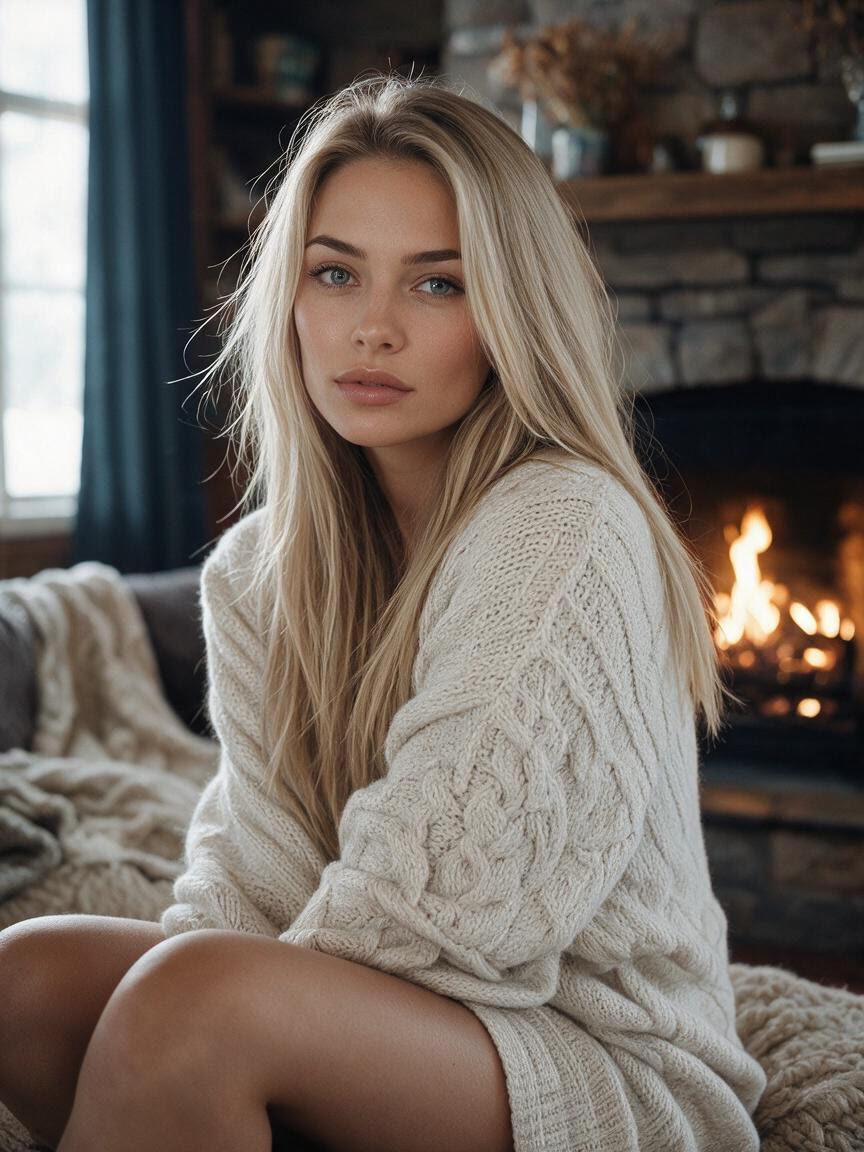
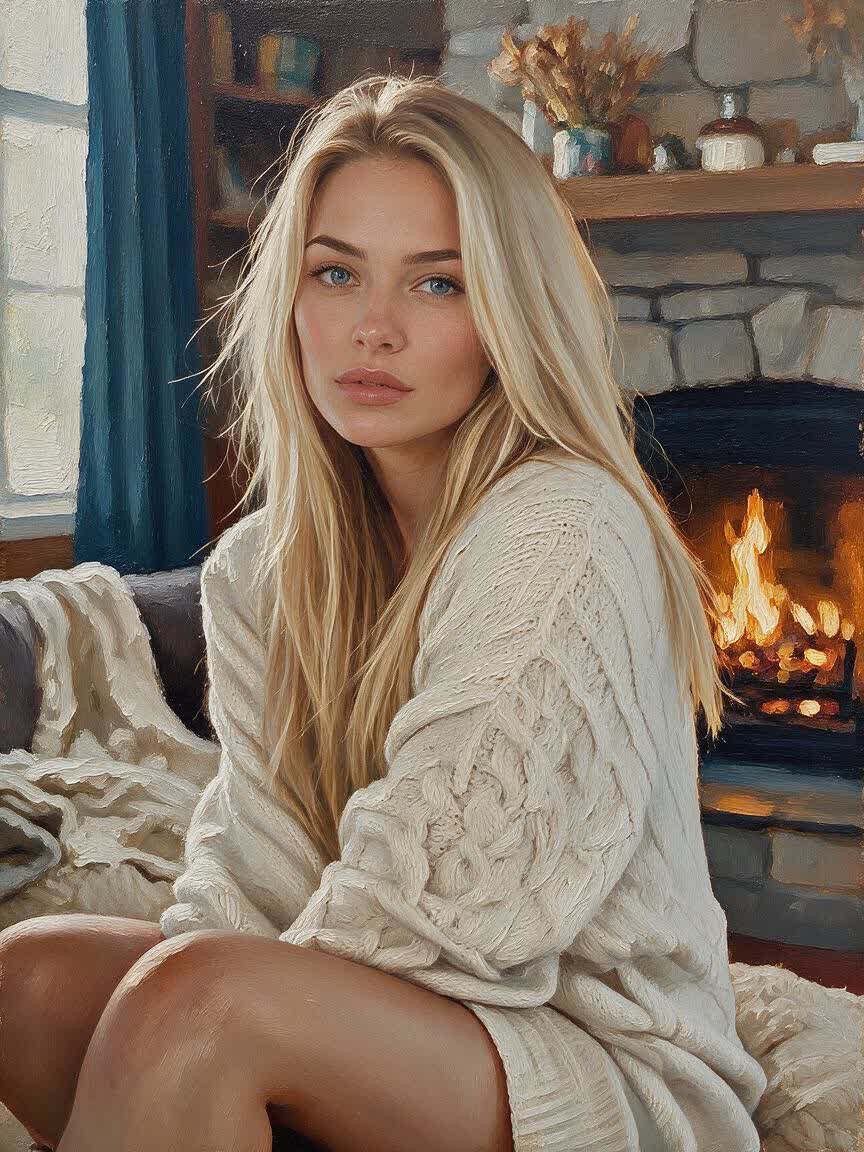
A first interpretation may suggest a better color, mood, or medium. Continue refining in the same conversation until the painting direction feels right, rather than starting from the beginning each time.
Try Cavro freeCavro uses your reference photo together with a written description of the desired artistic direction. It produces an image that interprets the subject through that painting style.
You can use portraits, pet photos, landscapes, street shots, and everyday moments. A clear reference gives Cavro a useful visual starting point for the painted interpretation.
You can describe oil painting, watercolor, impressionist art, Van Gogh-inspired effects, Chinese ink, or another visual direction in your prompt. The wording you provide guides the style of the image.
Yes. Cavro lets you refine and generate again in the same conversation without starting over, so you can adjust the artistic direction as you explore.
No. Images and video come out of the same conversation and use one shared credit balance. Results are billed per credit, and there is no mandatory subscription.
Creators worldwide are turning “just an idea” into expensive-looking images.