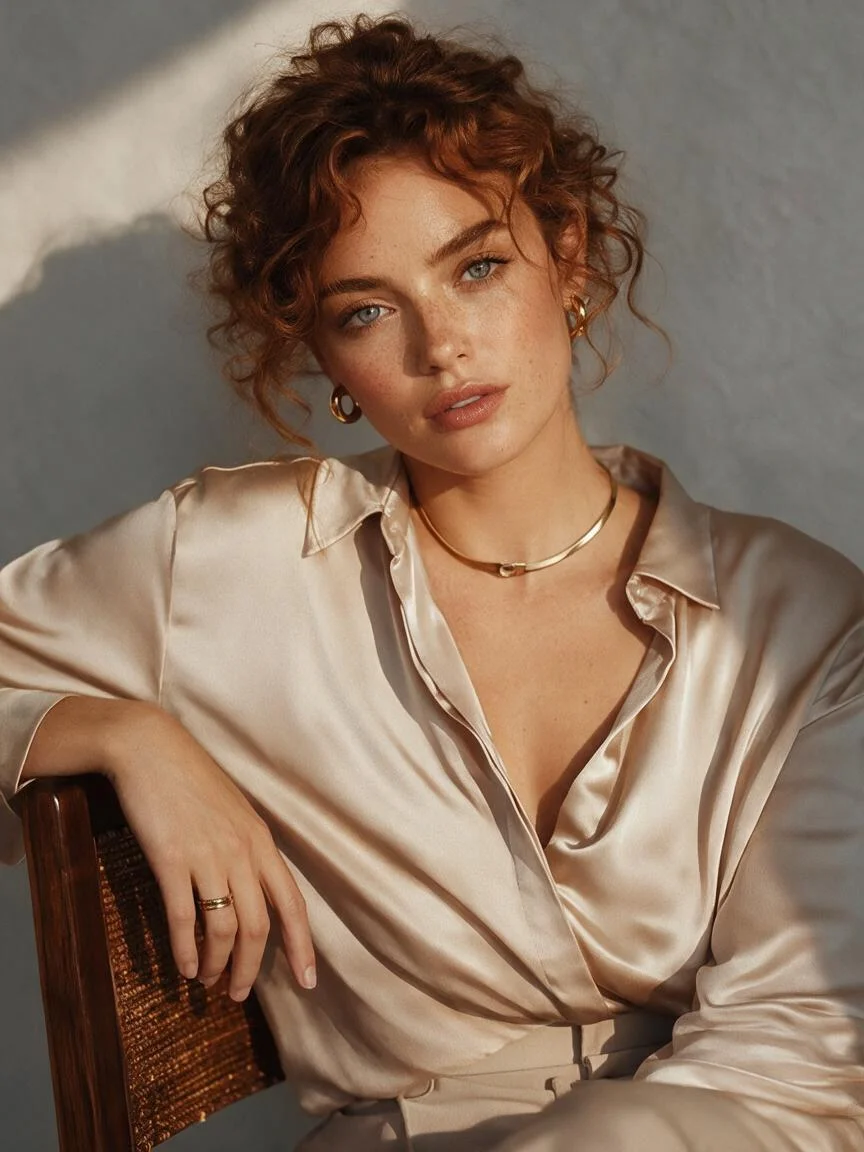
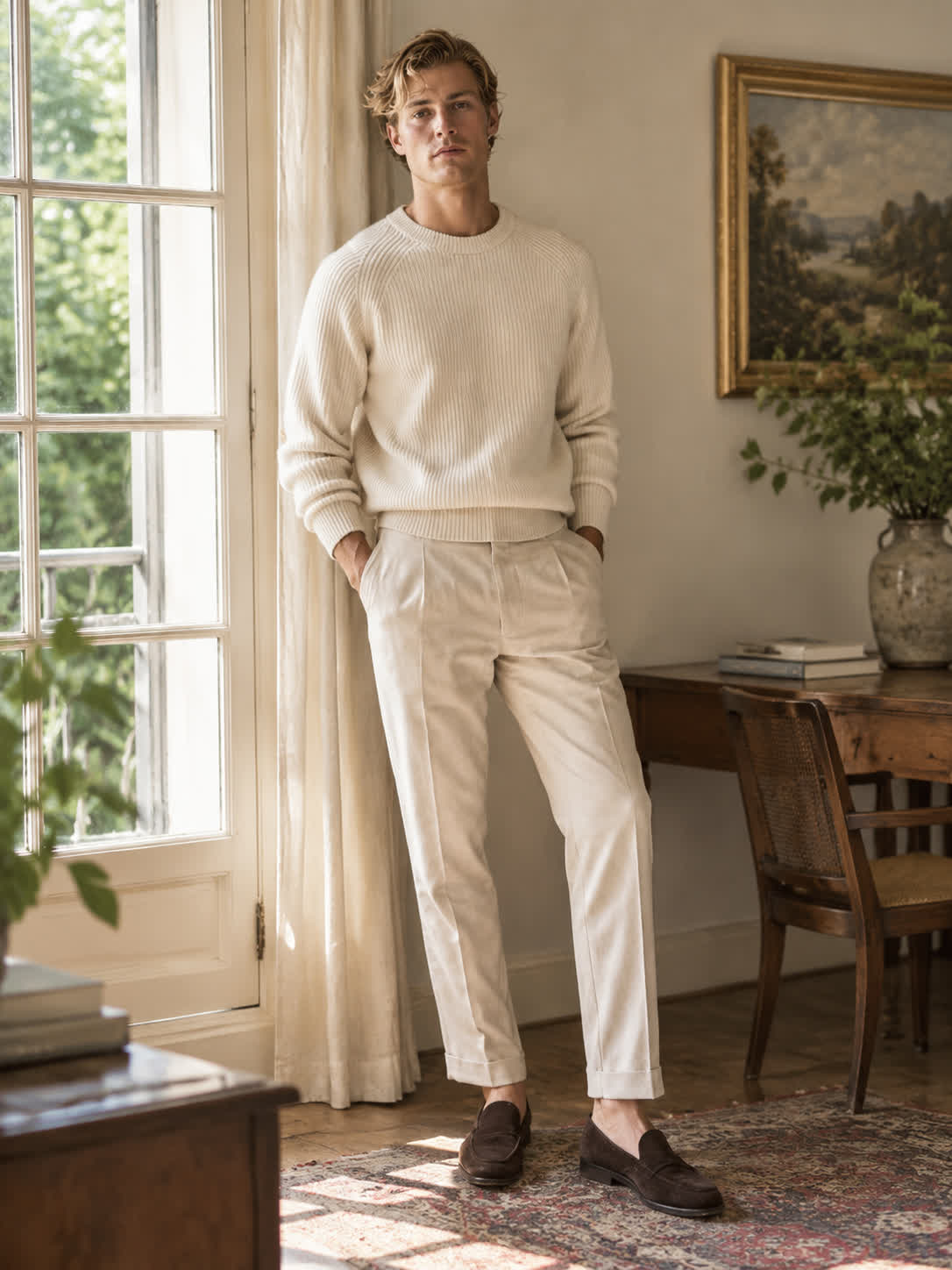
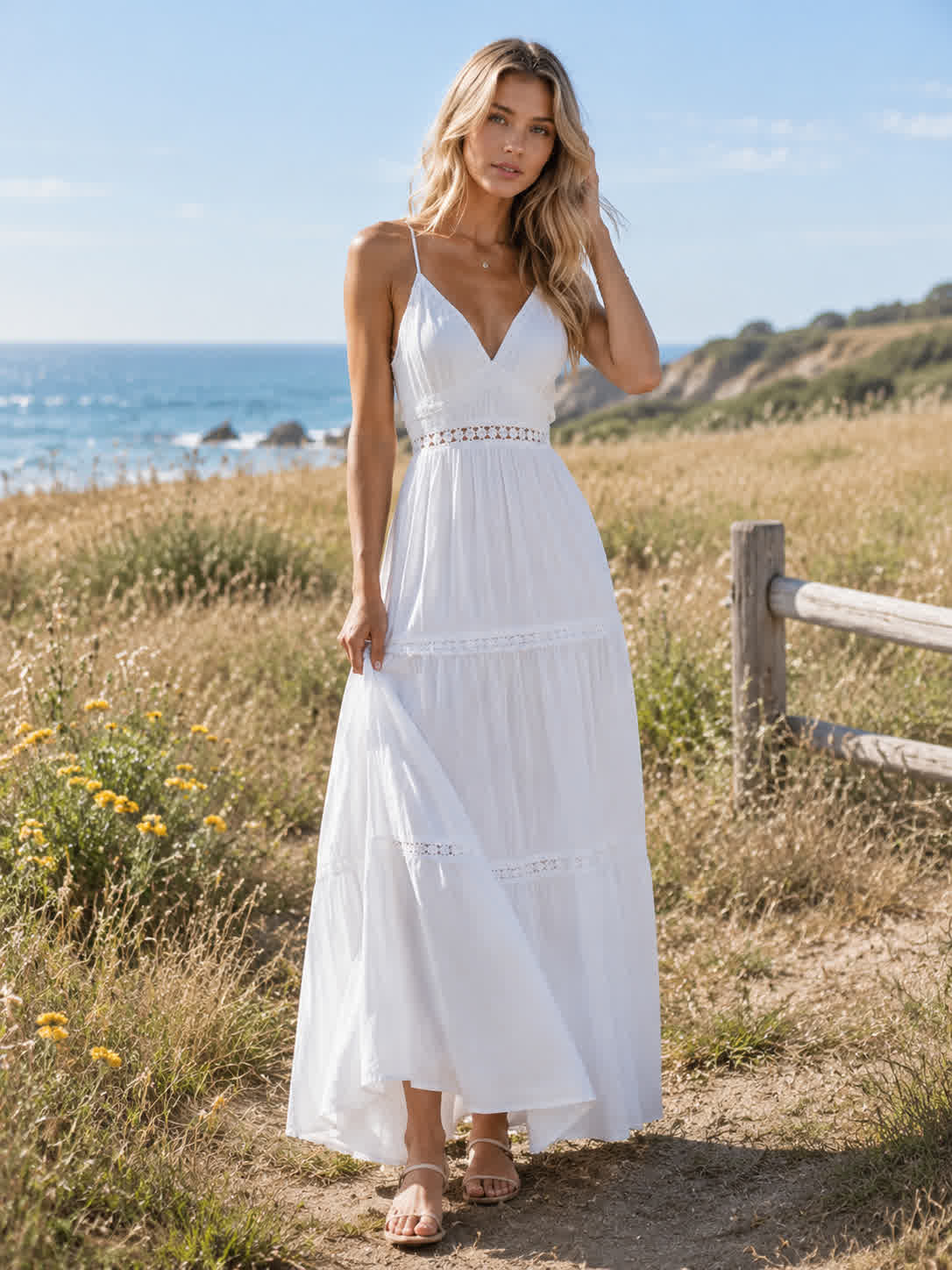
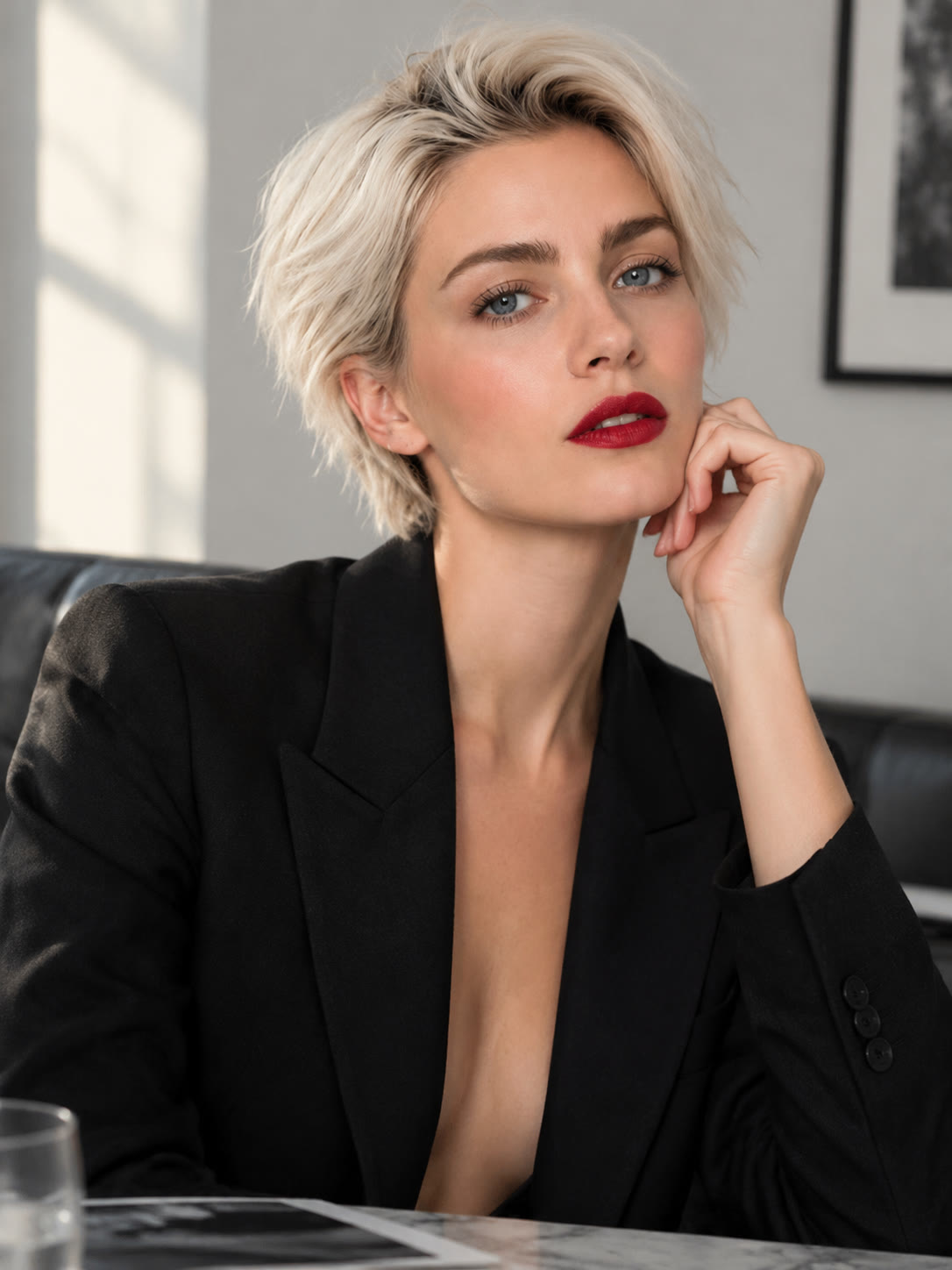
Personal Pet Gifts
Bring a clear pet portrait and turn it into a pencil sketch with recognizable features and texture. The finished artwork gives a personal photo a handmade visual character for gifts or keepsakes.
Try Cavro freeCreate clean sketches from portraits, landscapes, products, and objects without drawing skills. Choose a pencil, ink, coloring-page, manga-inspired, or contour look for personal art and creative projects.
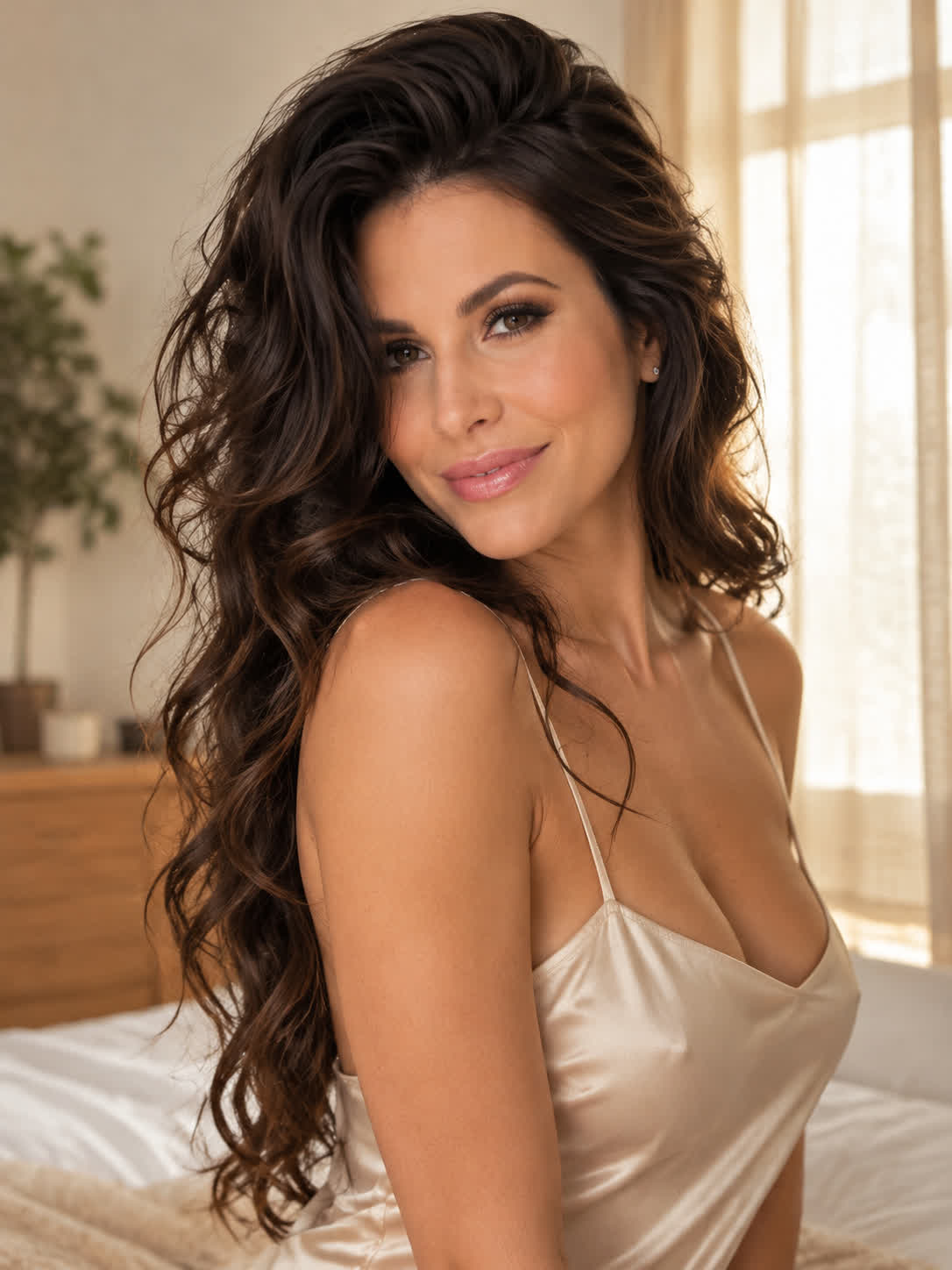
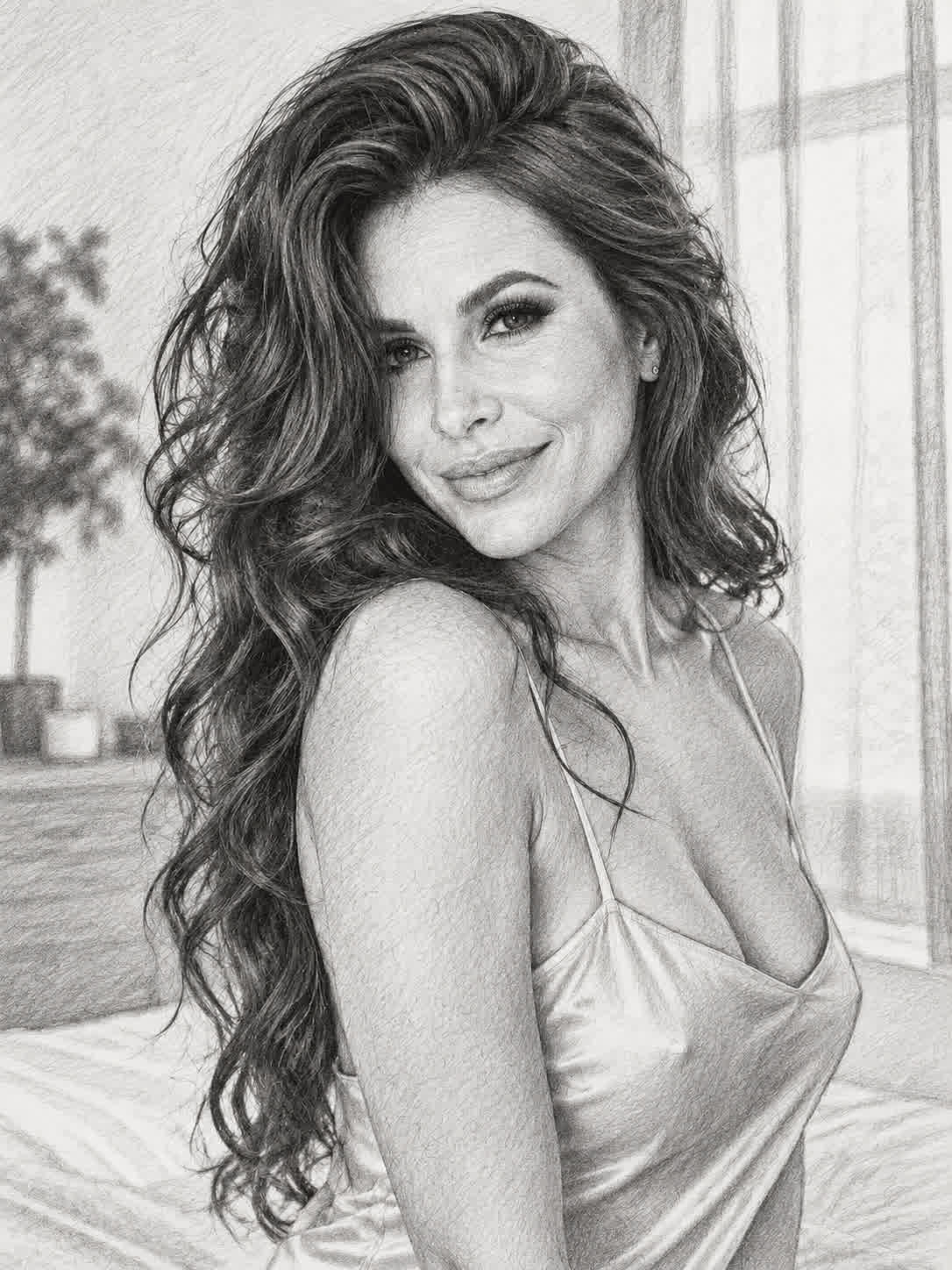
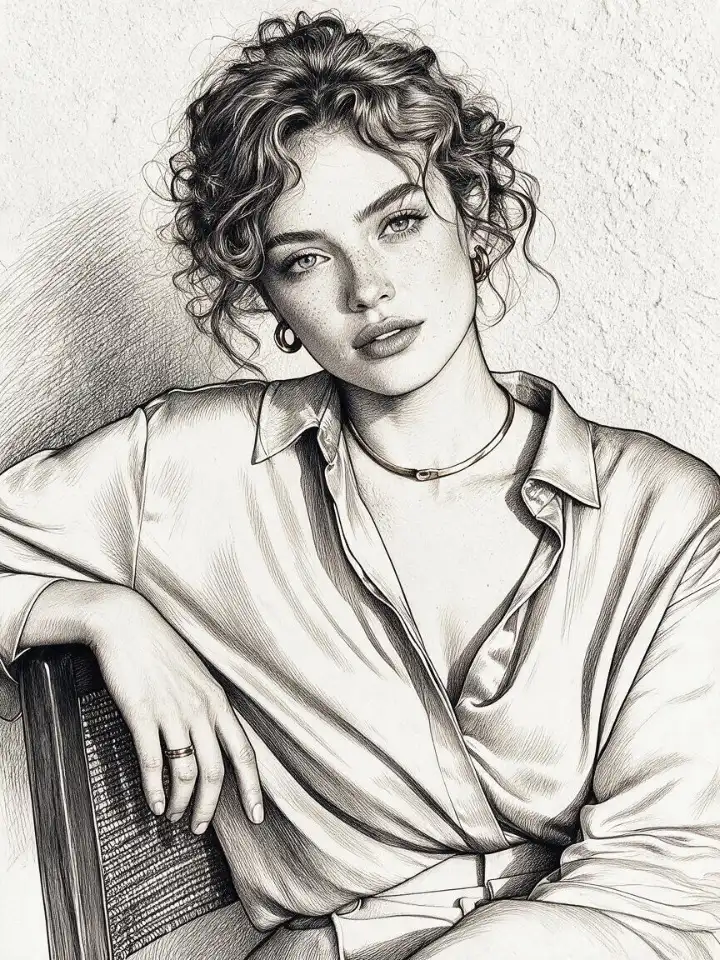
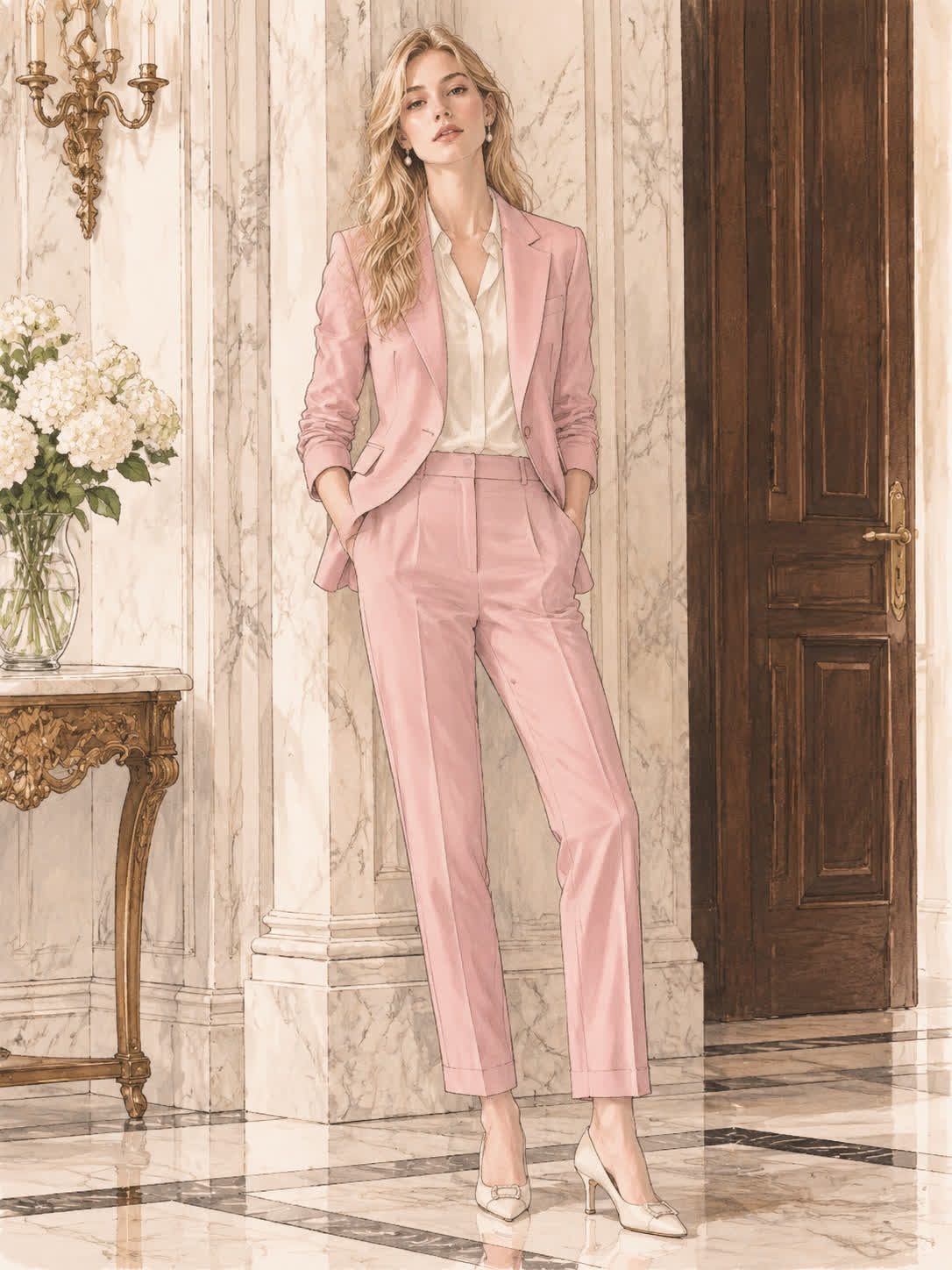
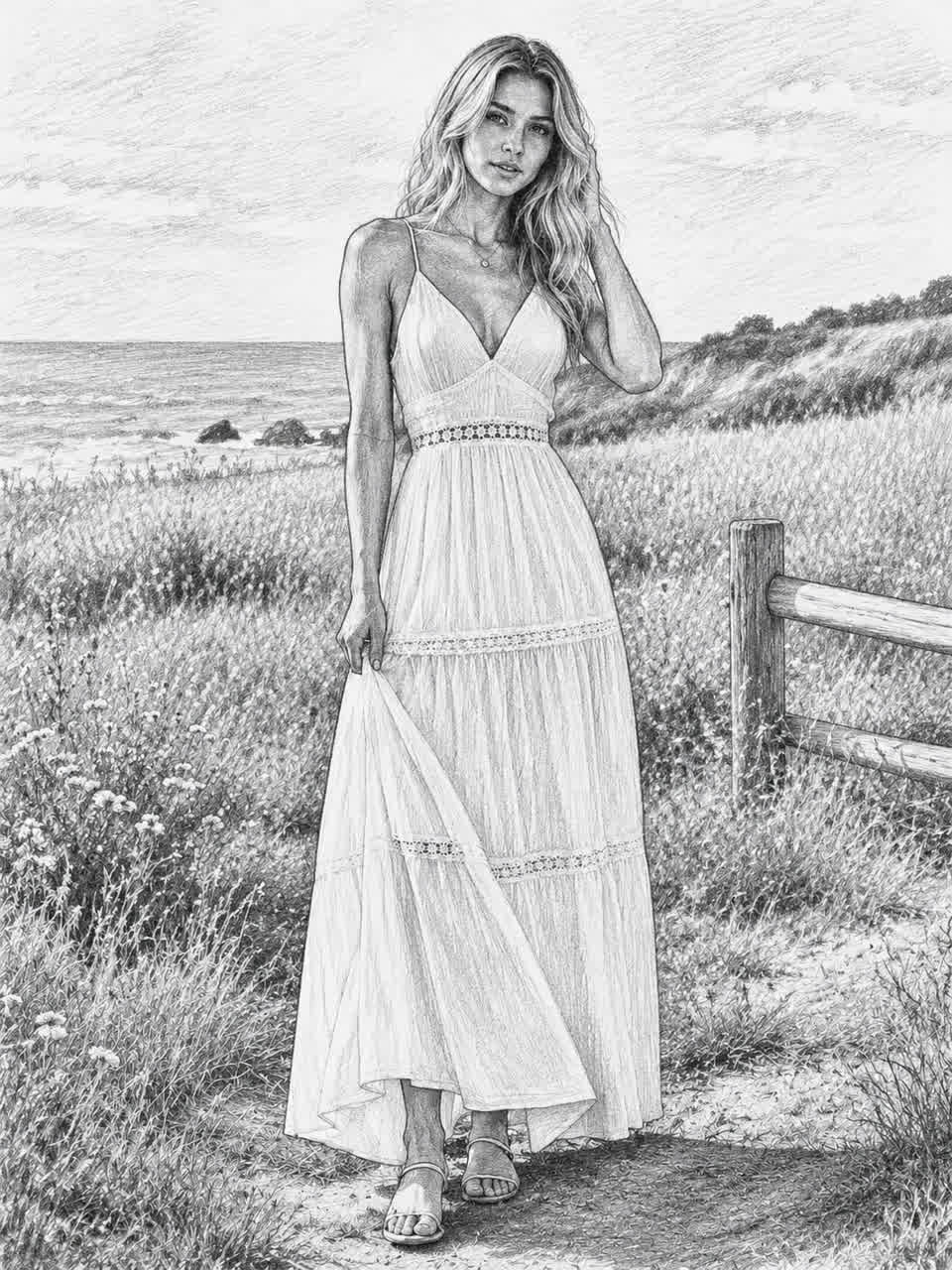
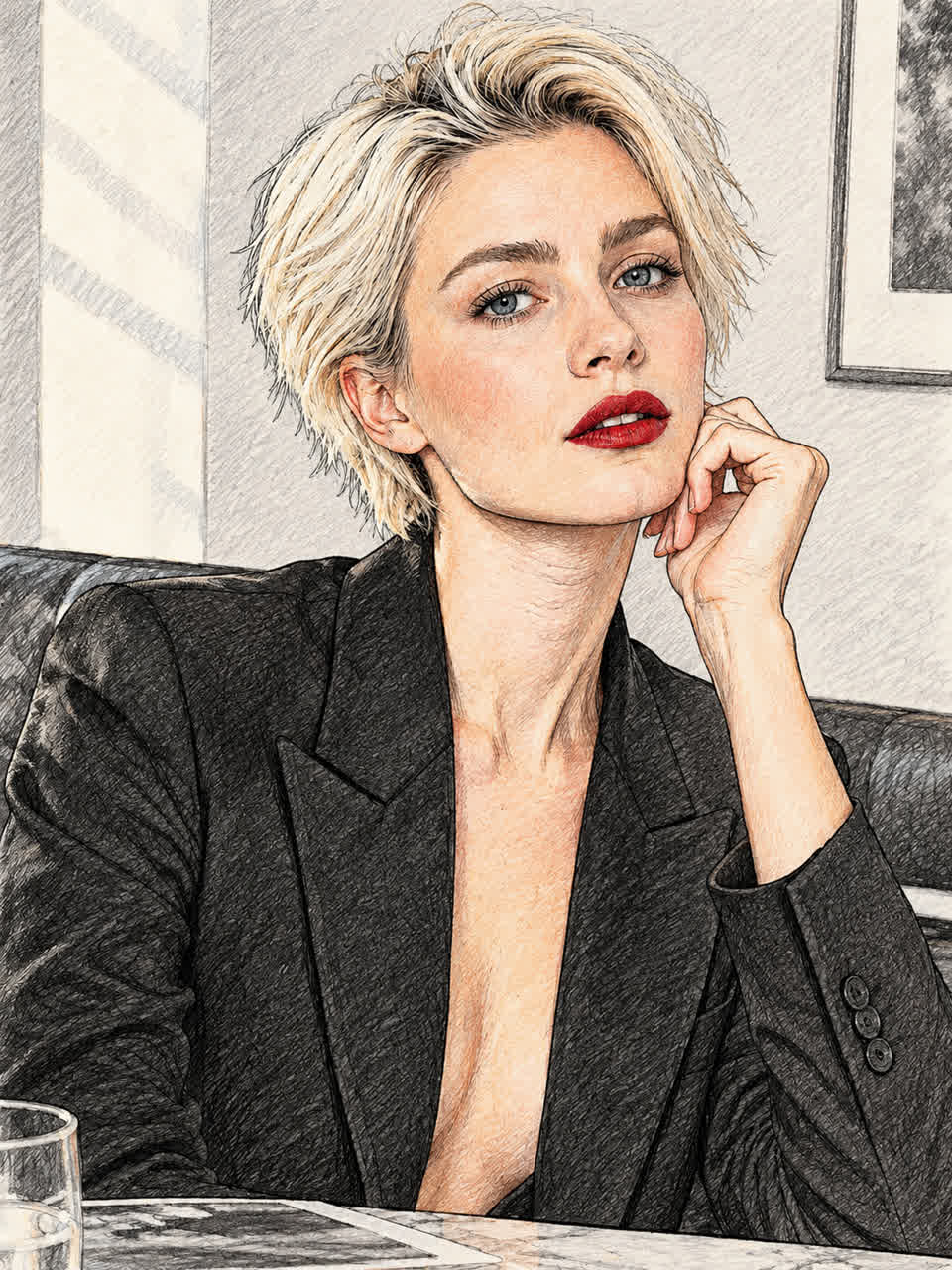
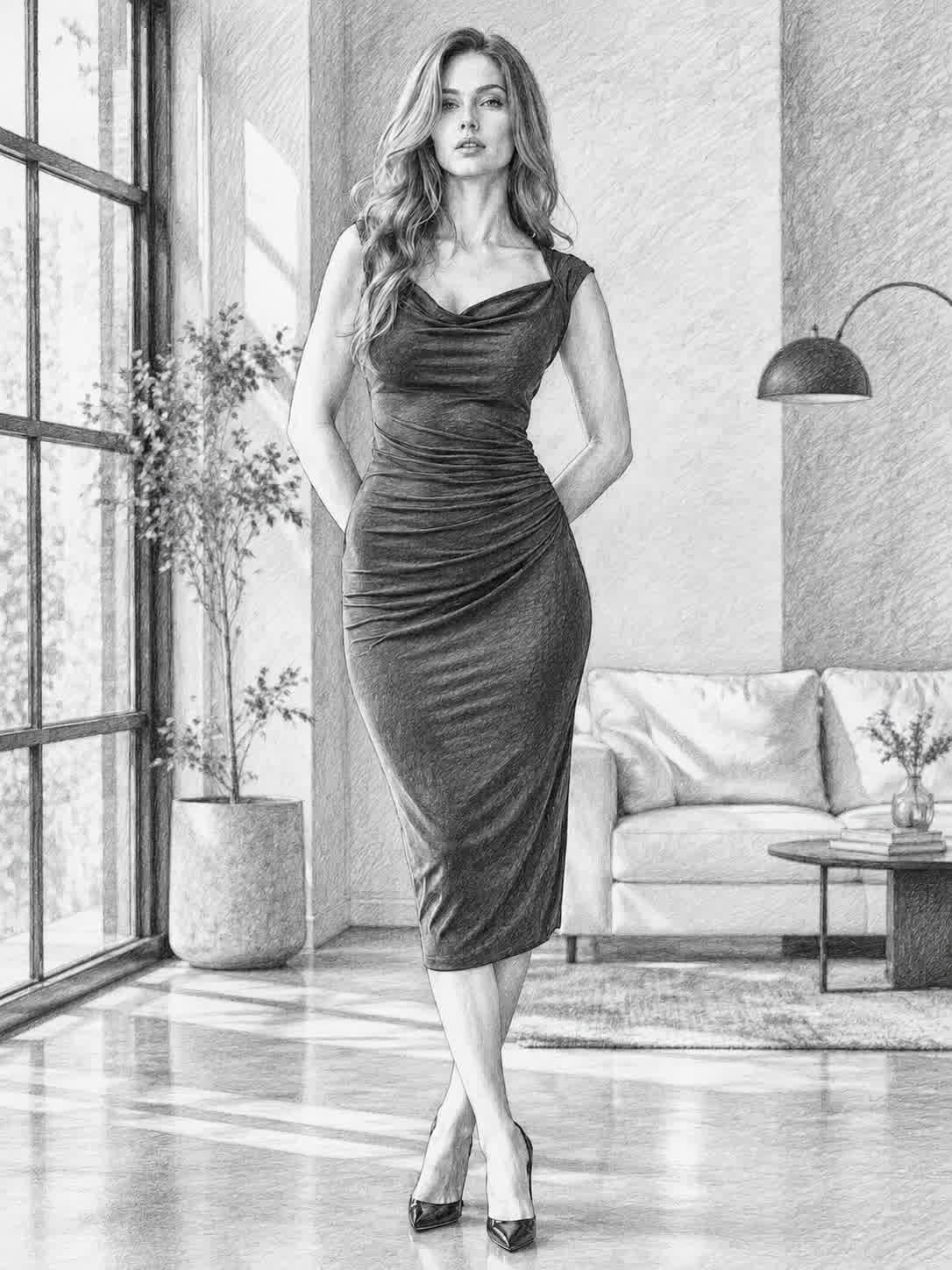
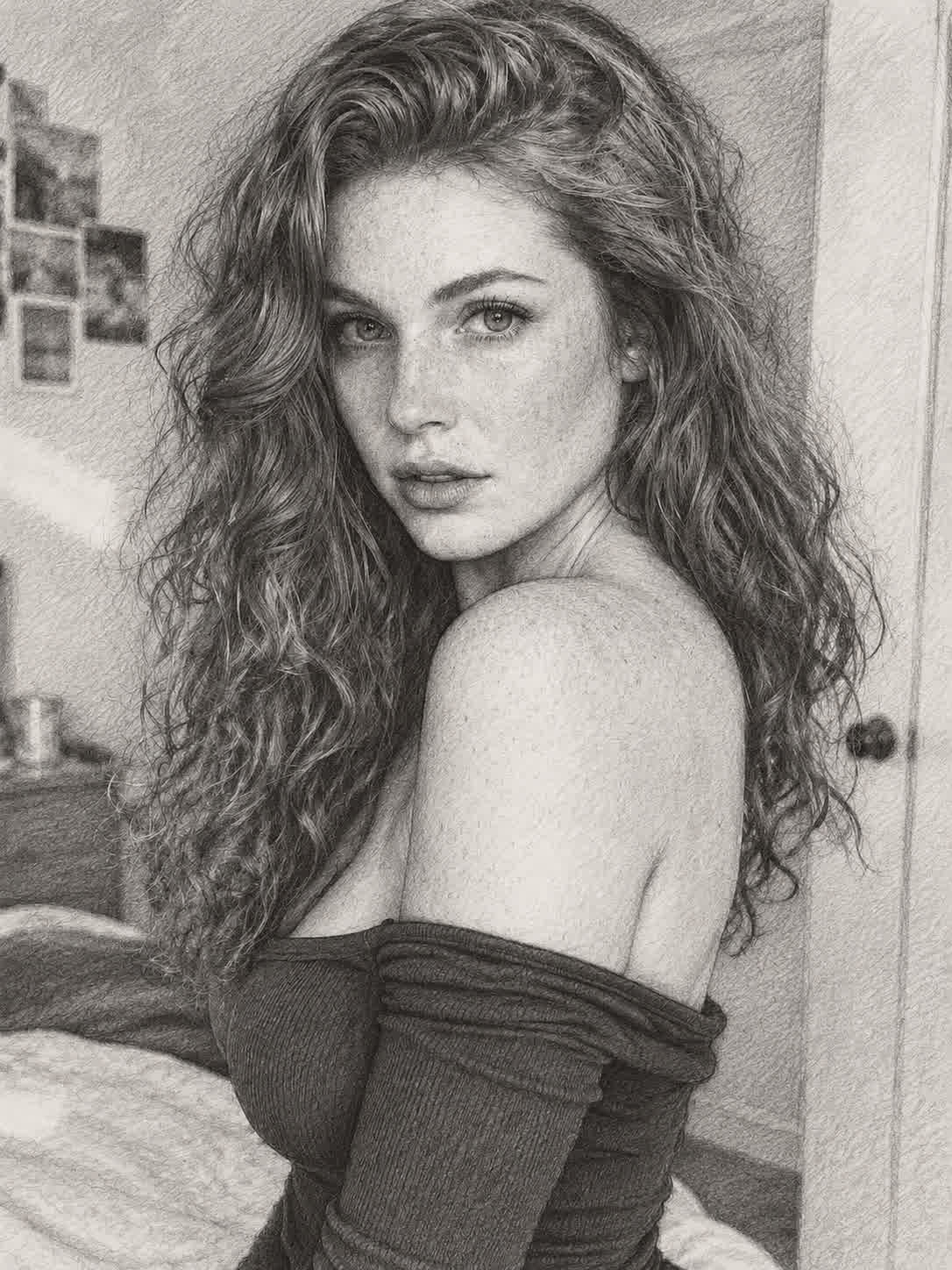
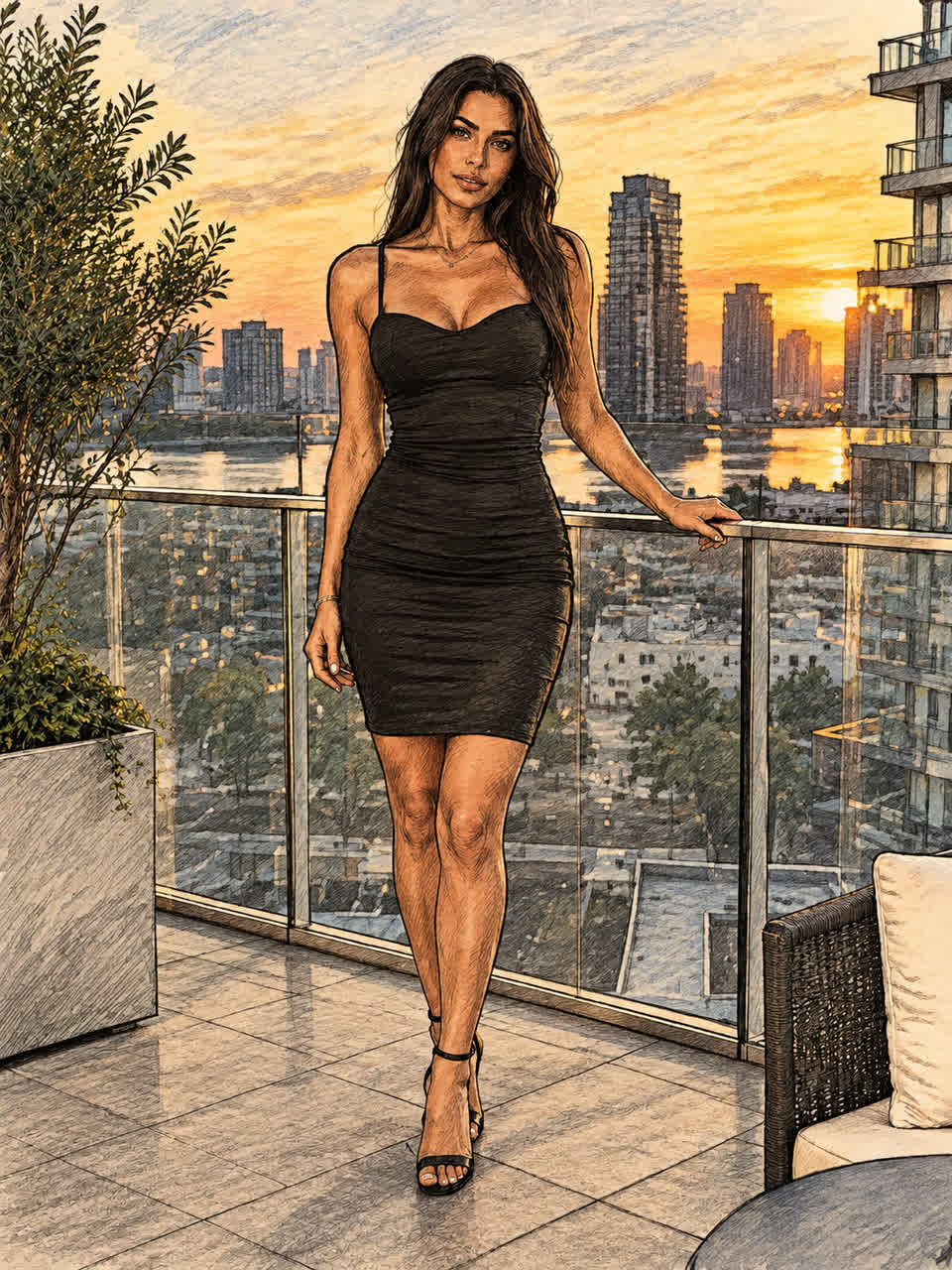
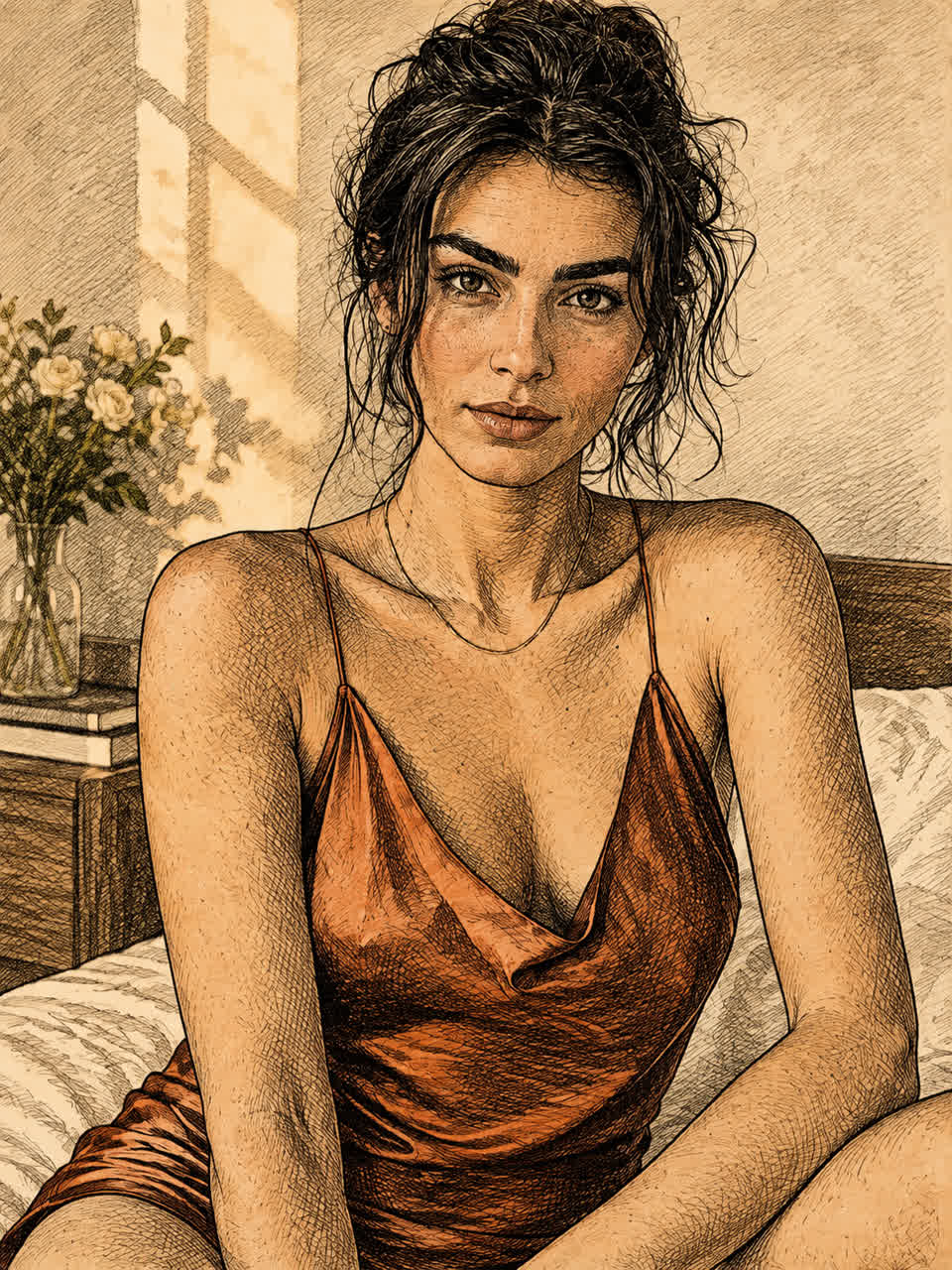
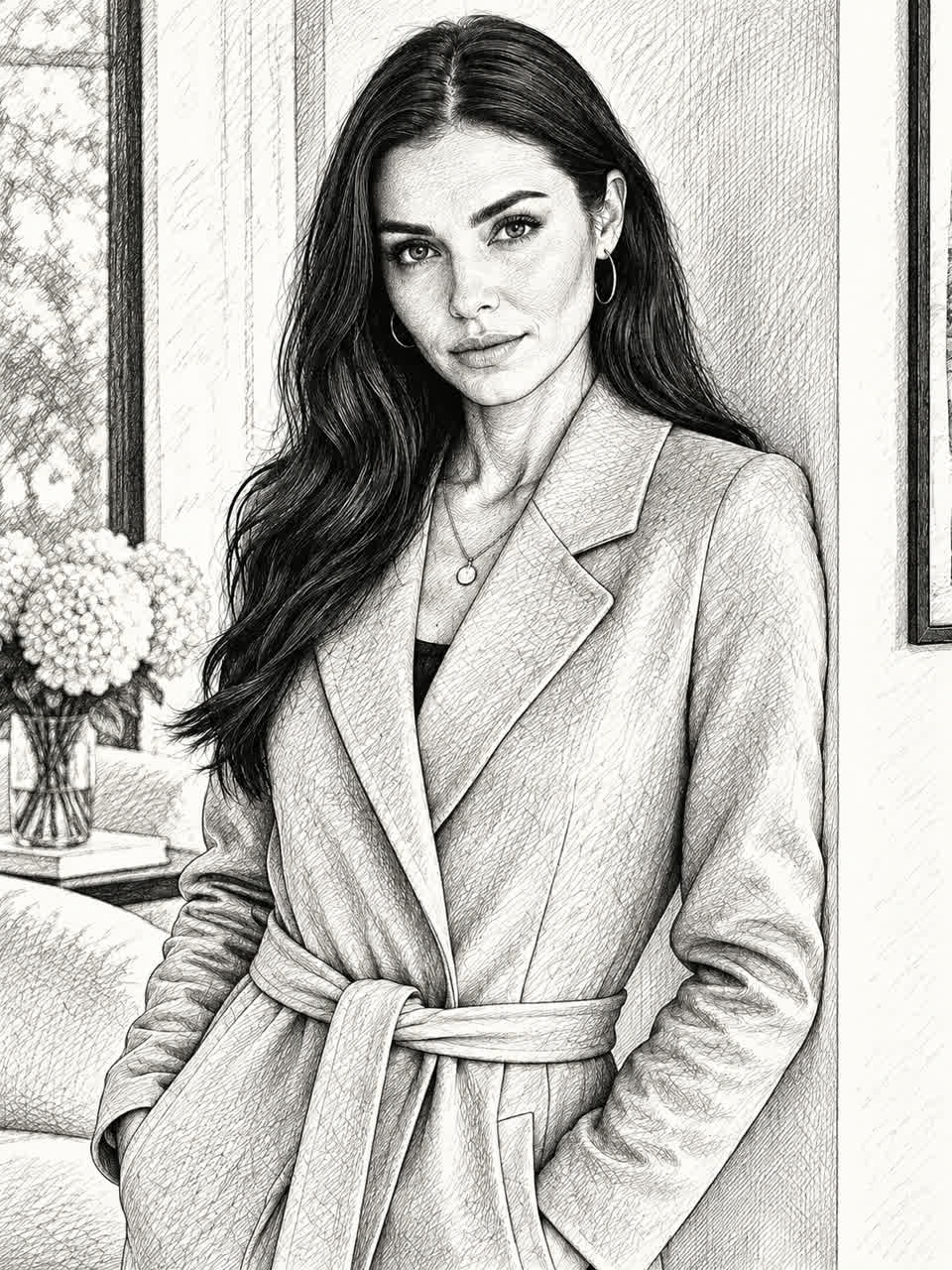
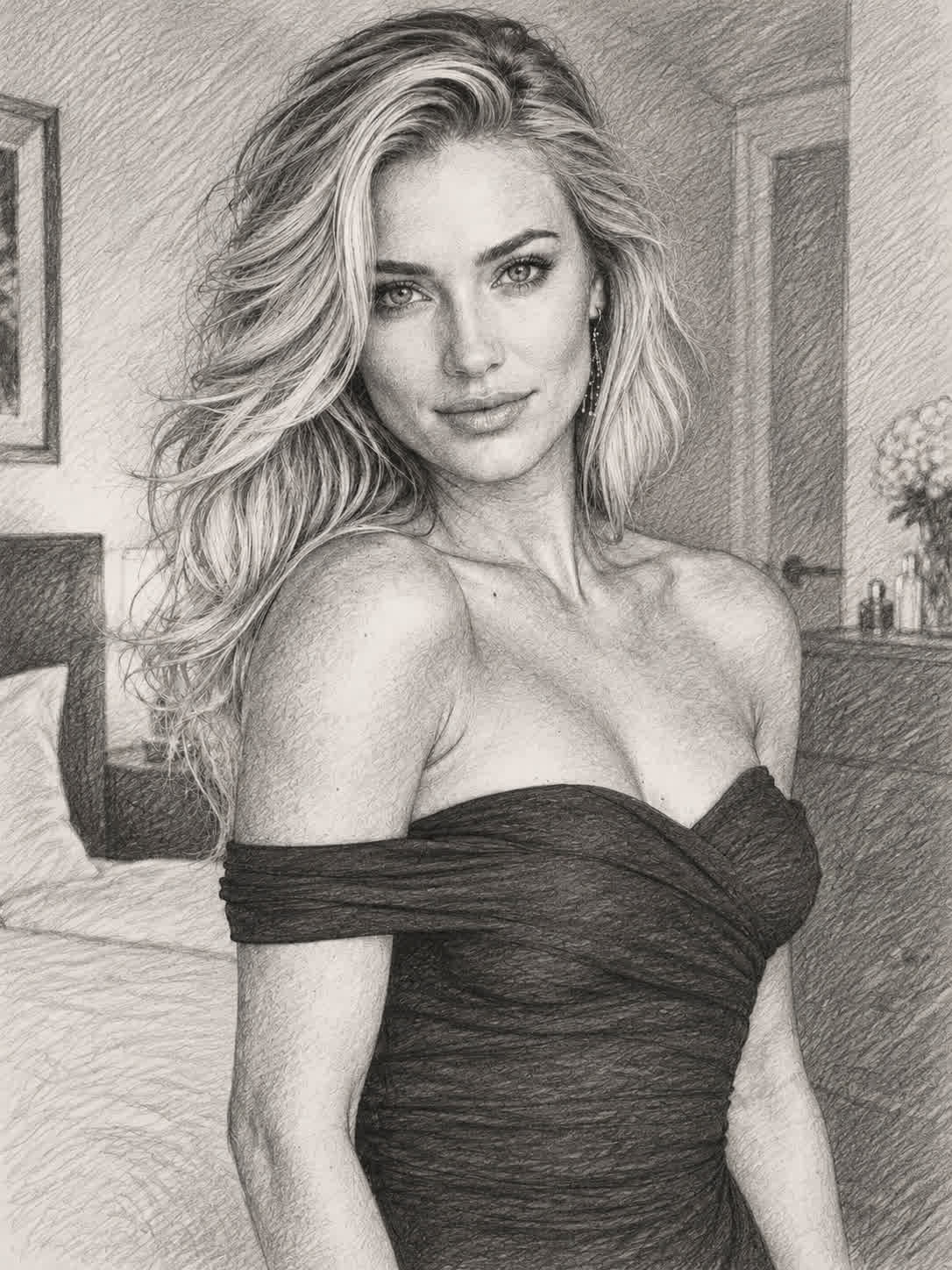
Bring a clear pet portrait and turn it into a pencil sketch with recognizable features and texture. The finished artwork gives a personal photo a handmade visual character for gifts or keepsakes.
Try Cavro free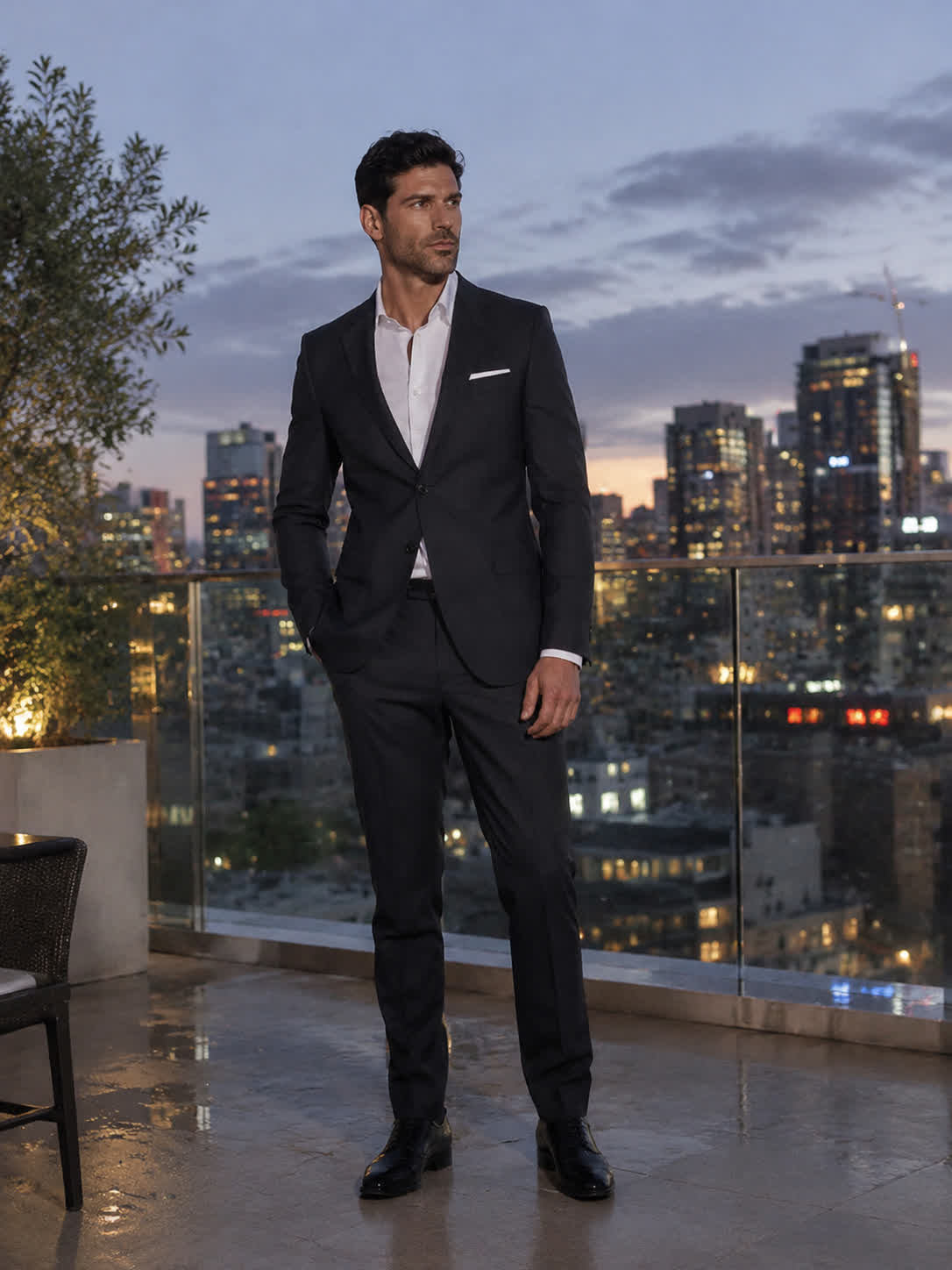
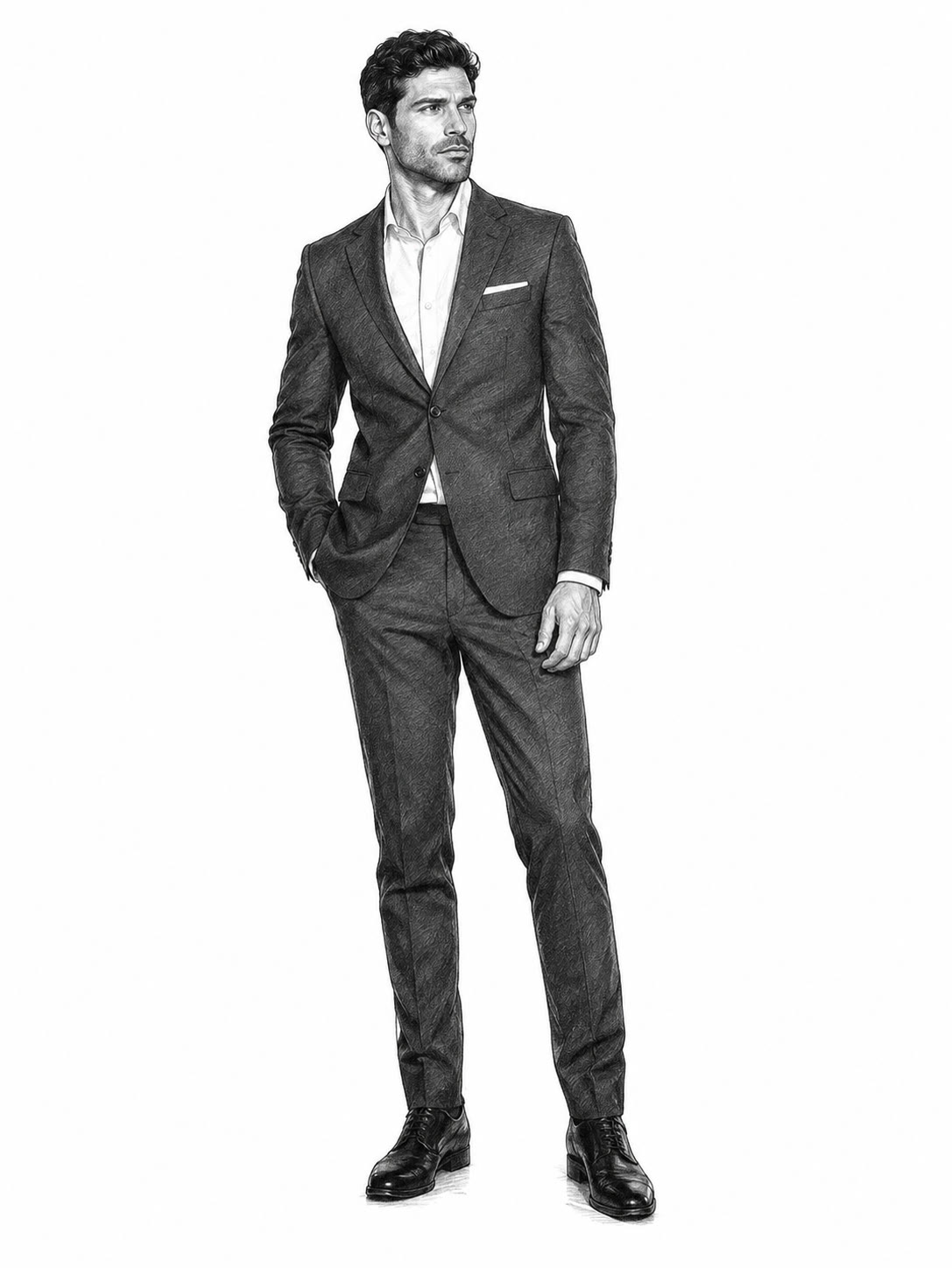
Start with a portrait, object, or scene and convert it into open black-and-white outlines. The result creates a simple foundation for coloring, decorating, and making a personal print project.
Try Cavro free
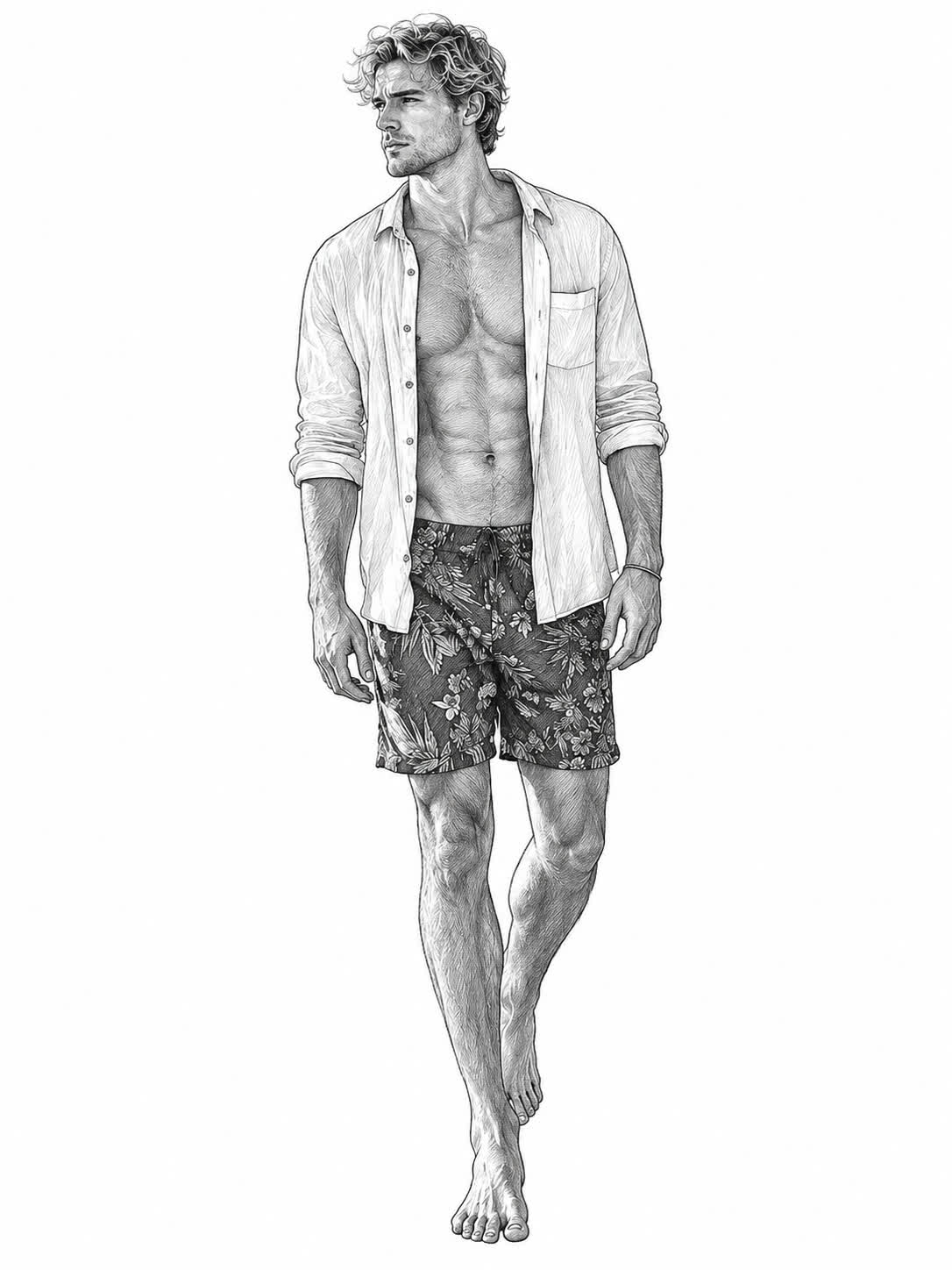
Use a landscape, product, or meaningful object as the source for a tailored line drawing. A chosen style and written guidance can shape the reference into ink, contour, manga-inspired, or pencil art.
Try Cavro free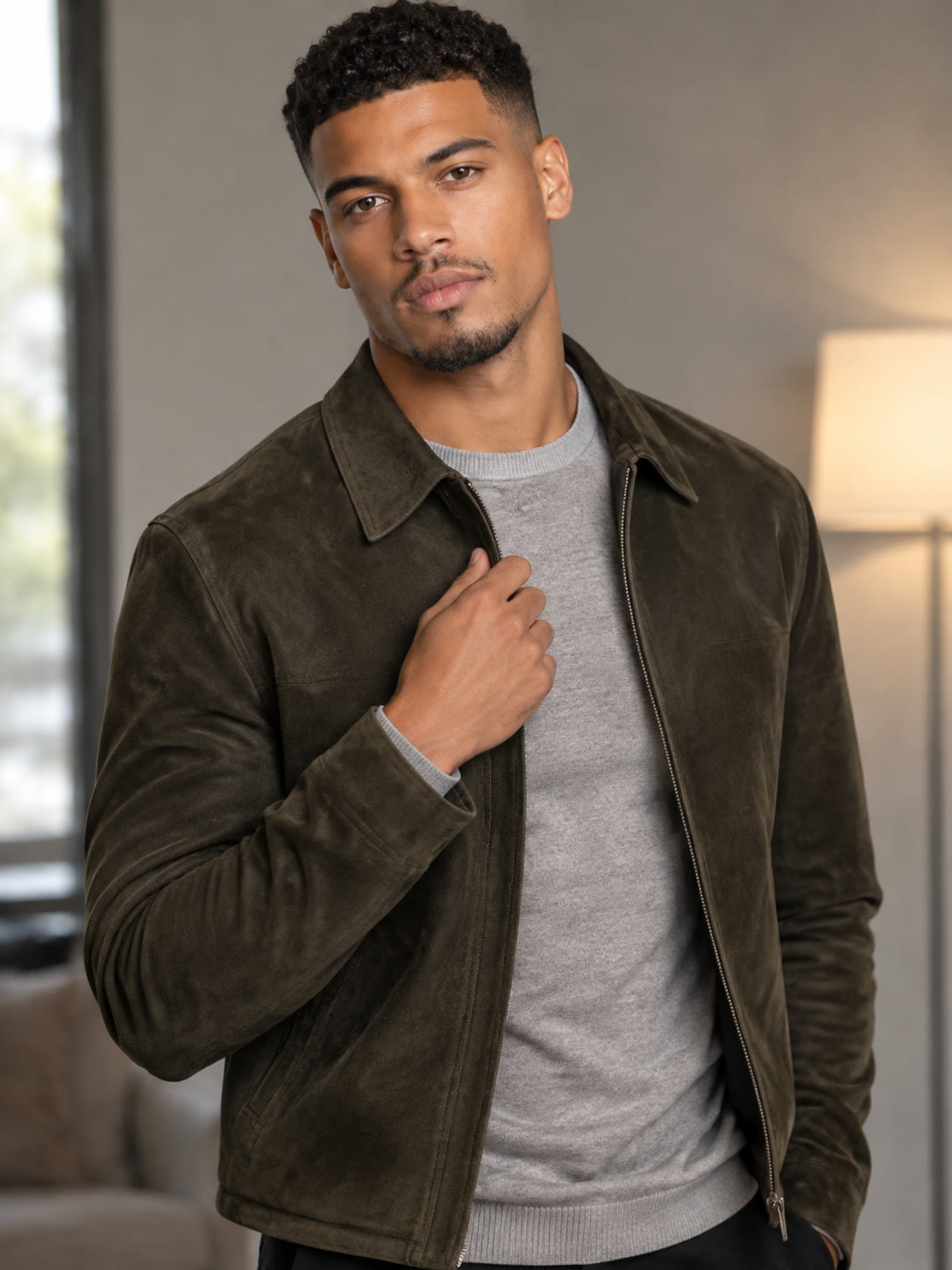
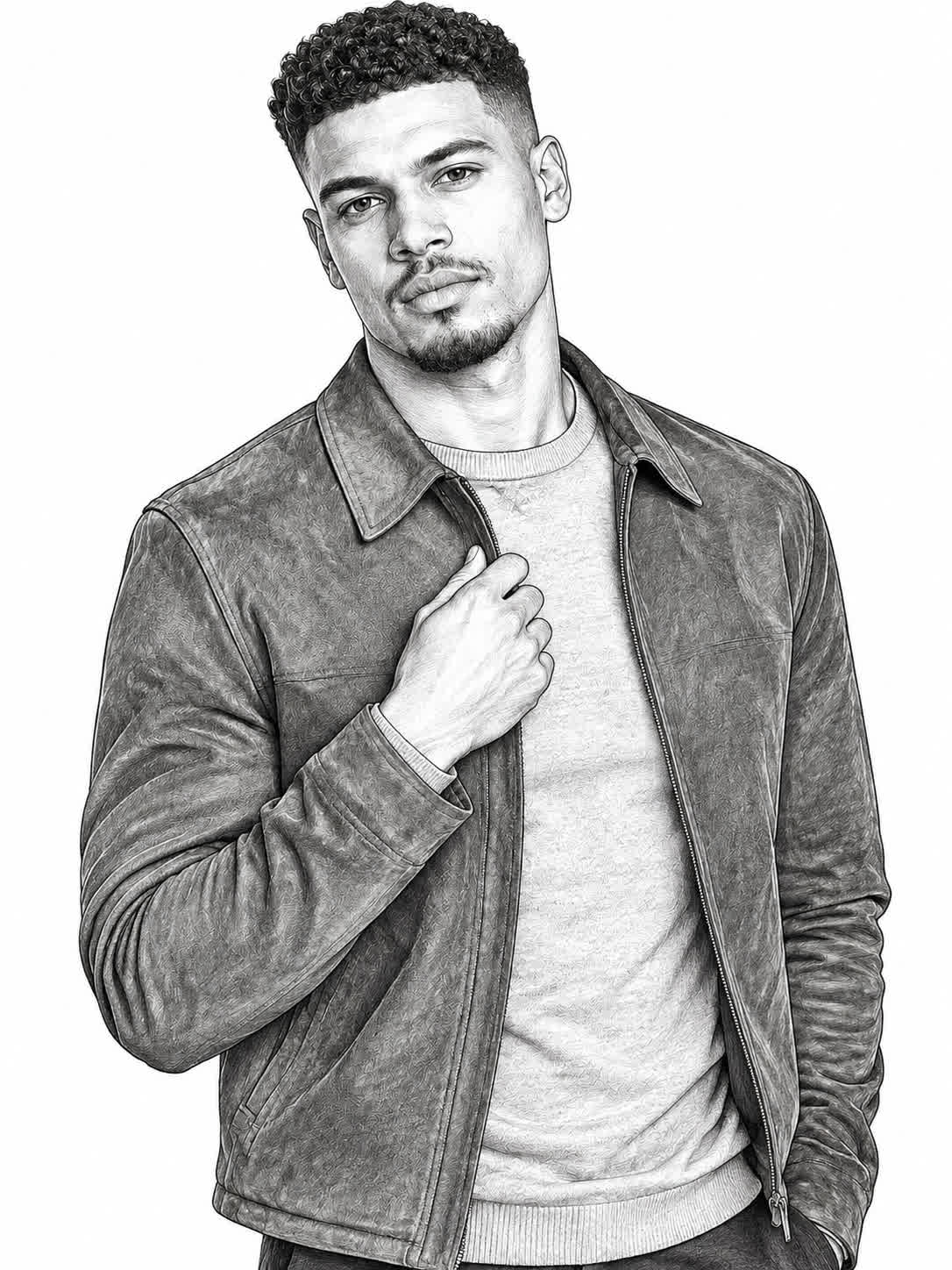
When a reference has important edges, textures, or recognizable features, Cavro translates those visual cues into line-based artwork. You get a sketch that remains connected to the source instead of starting from a blank page.
Try Cavro free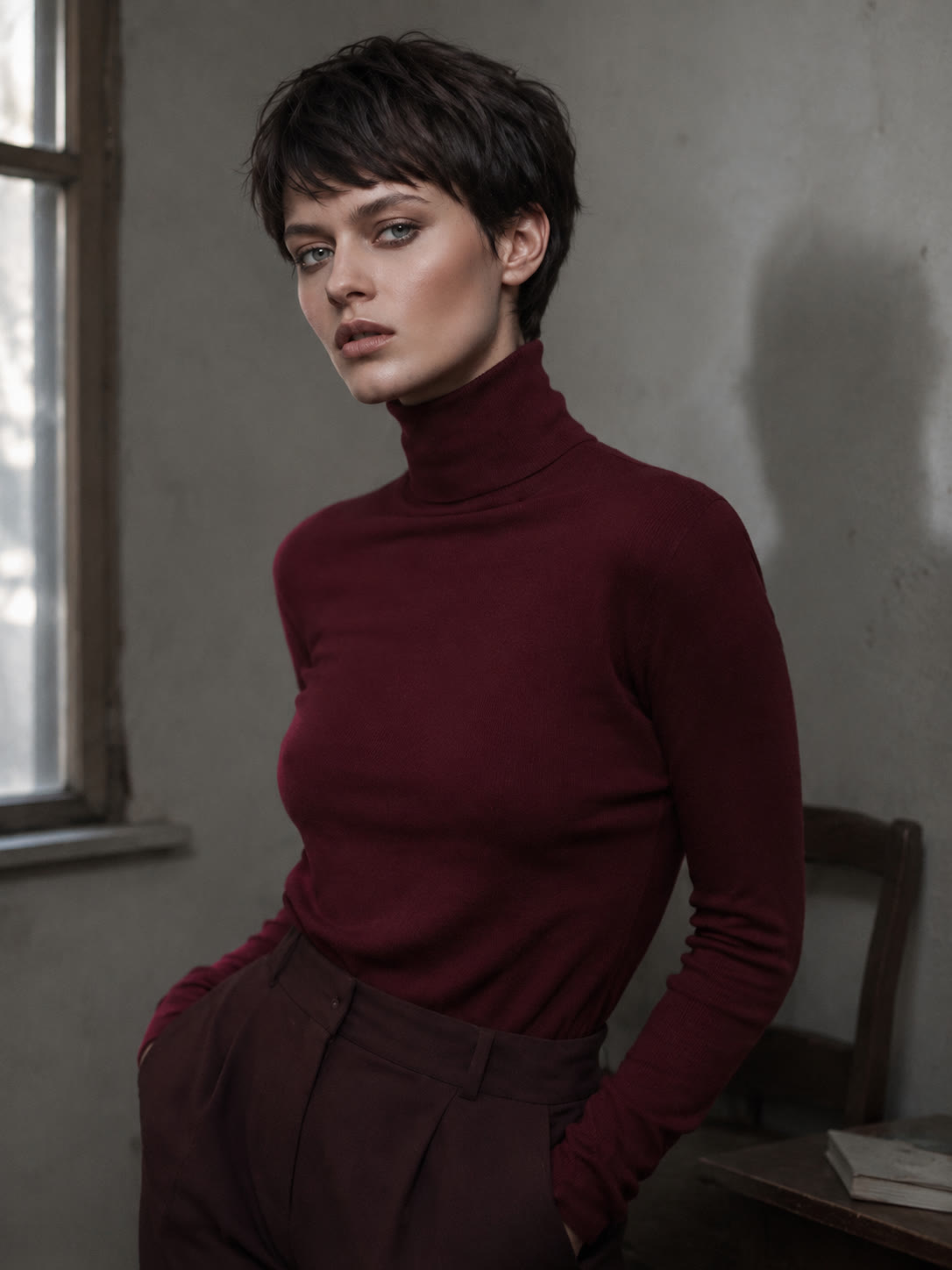
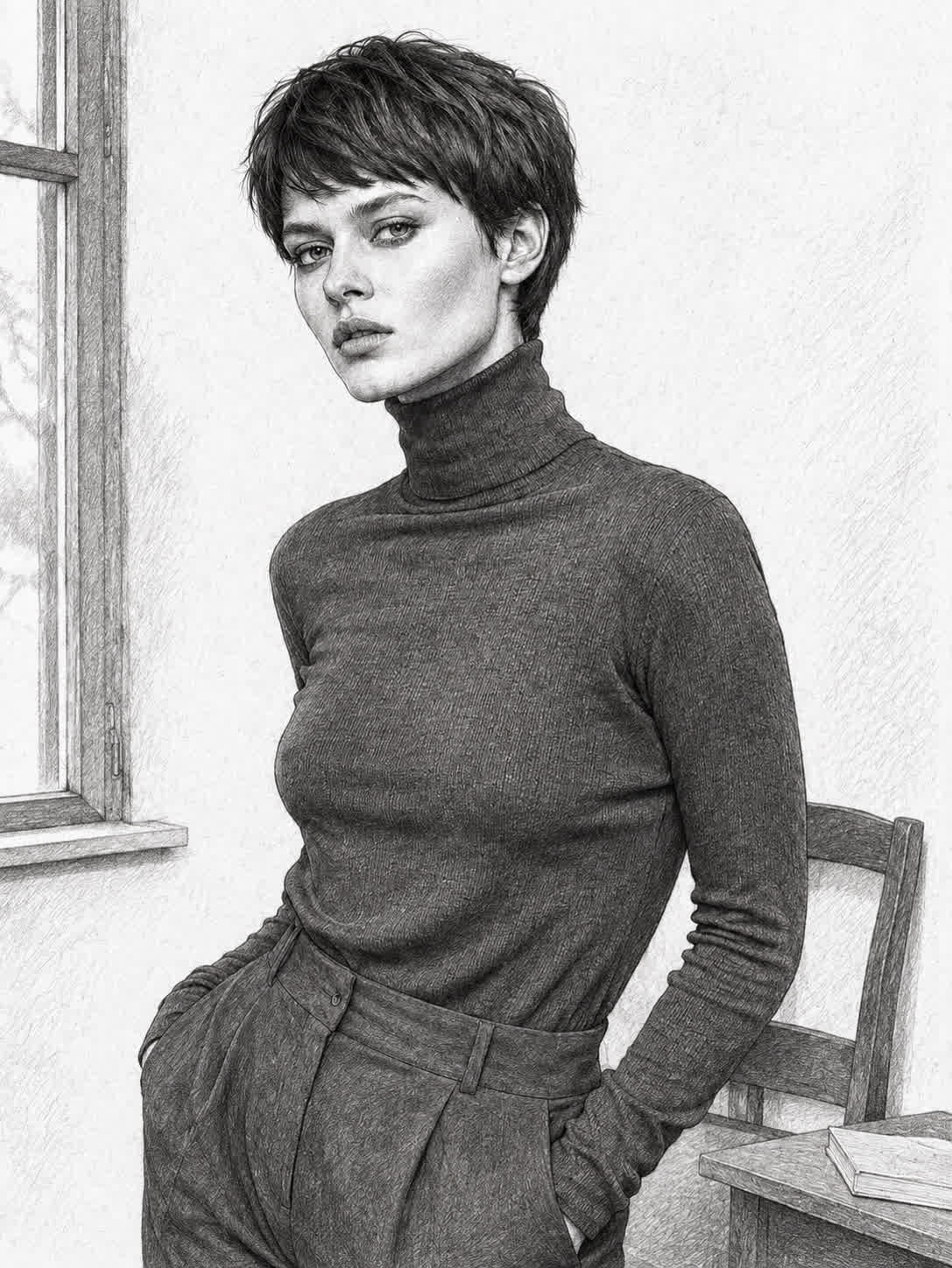
A portrait, product, landscape, and object each call for a different drawing treatment. Cavro supports pencil shading, ink outlines, coloring-page structure, manga-inspired lines, and fine contour direction for a more fitting result.
Try Cavro free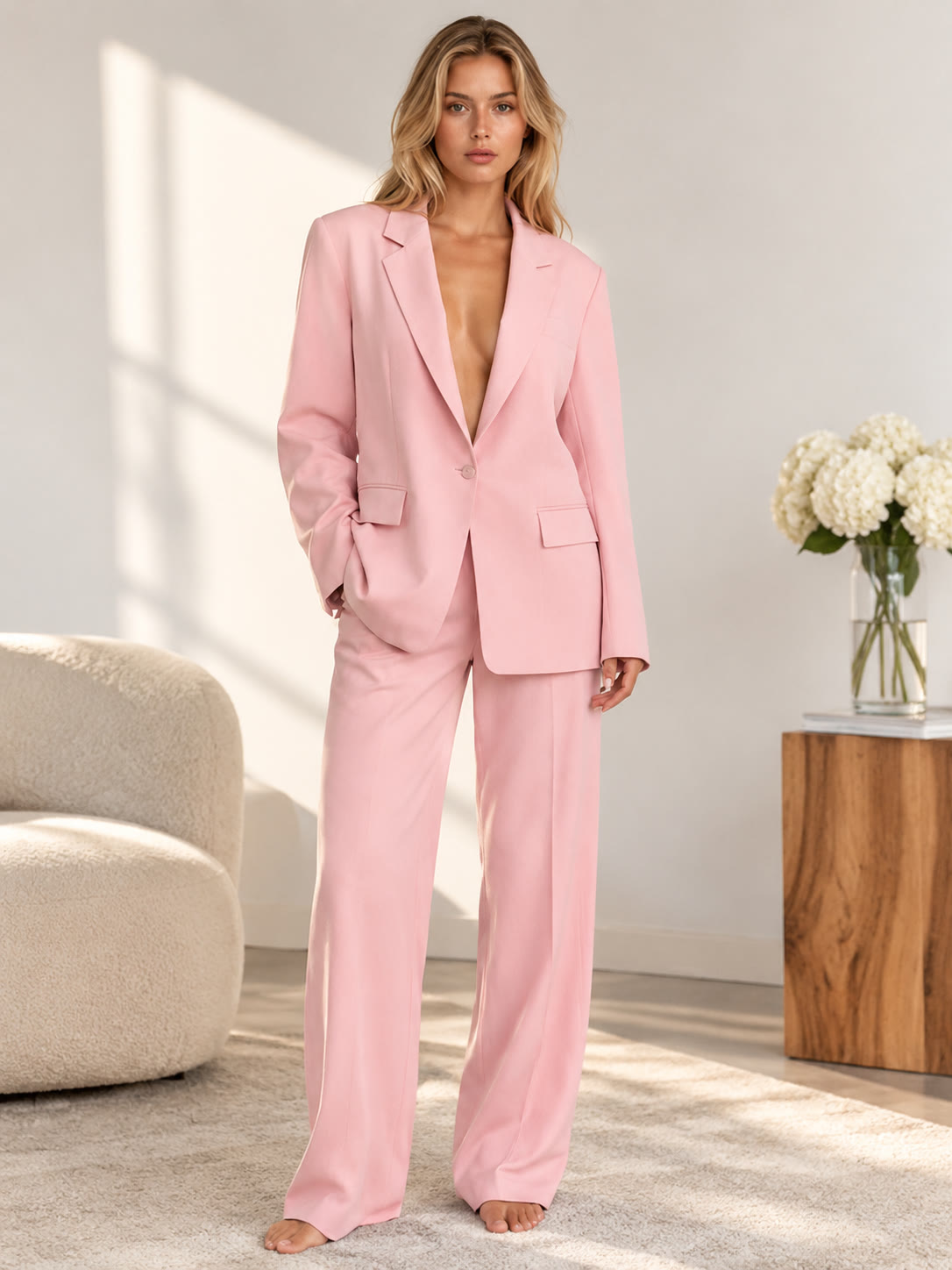
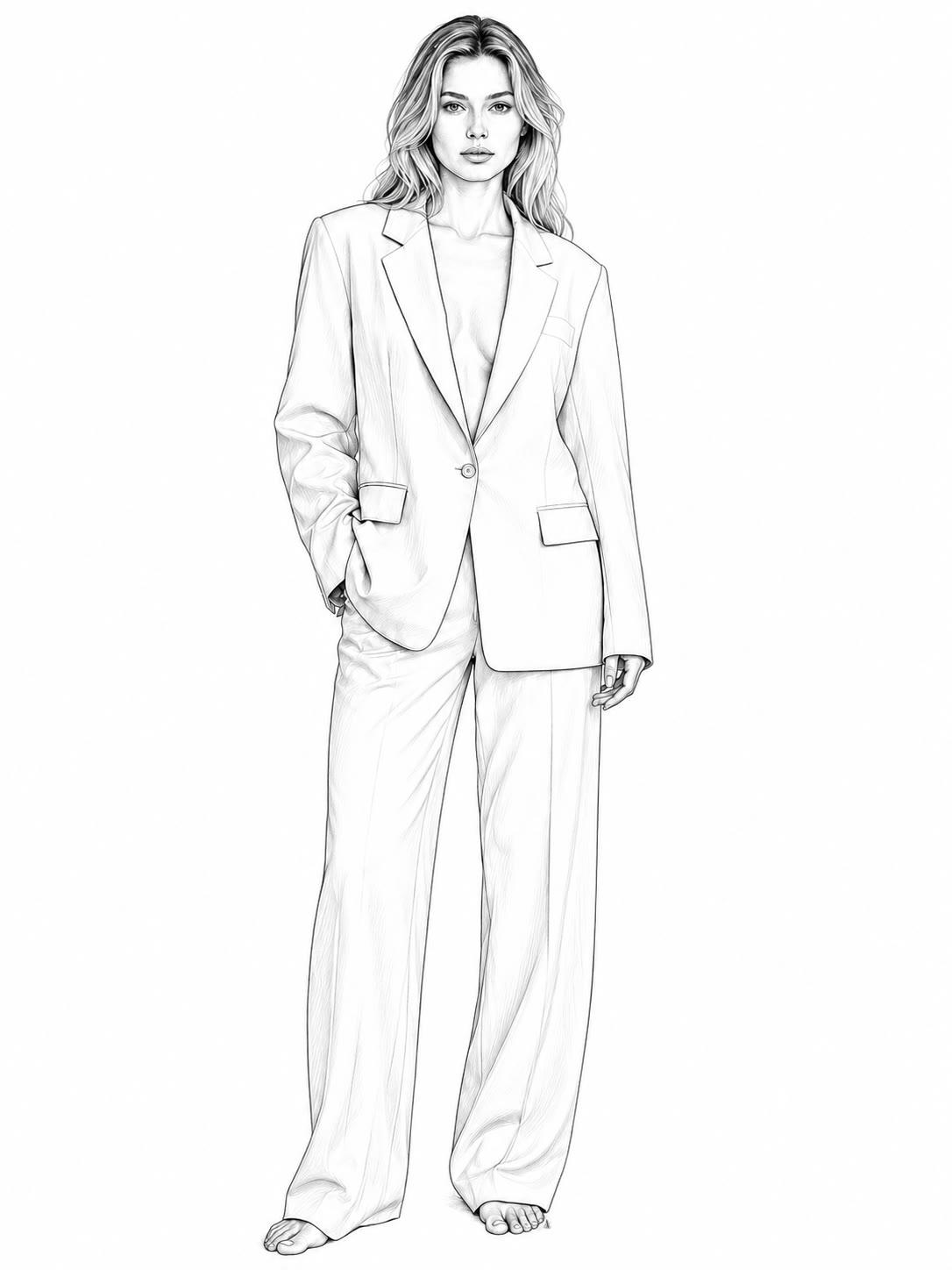
If the first sketch needs a lighter treatment, stronger outlines, or a different artistic direction, continue refining the same conversation. You can generate again while developing the image instead of beginning from scratch.
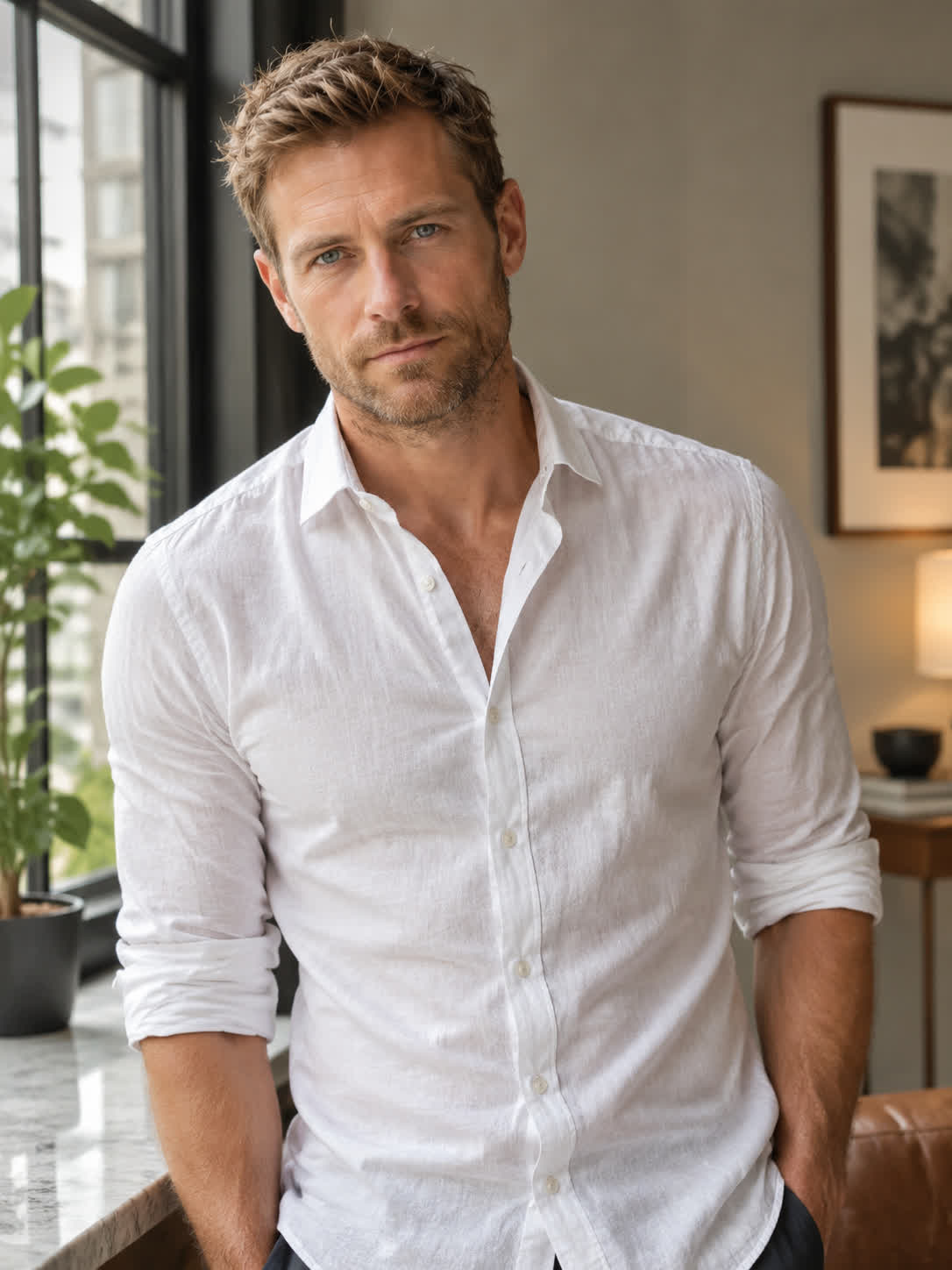
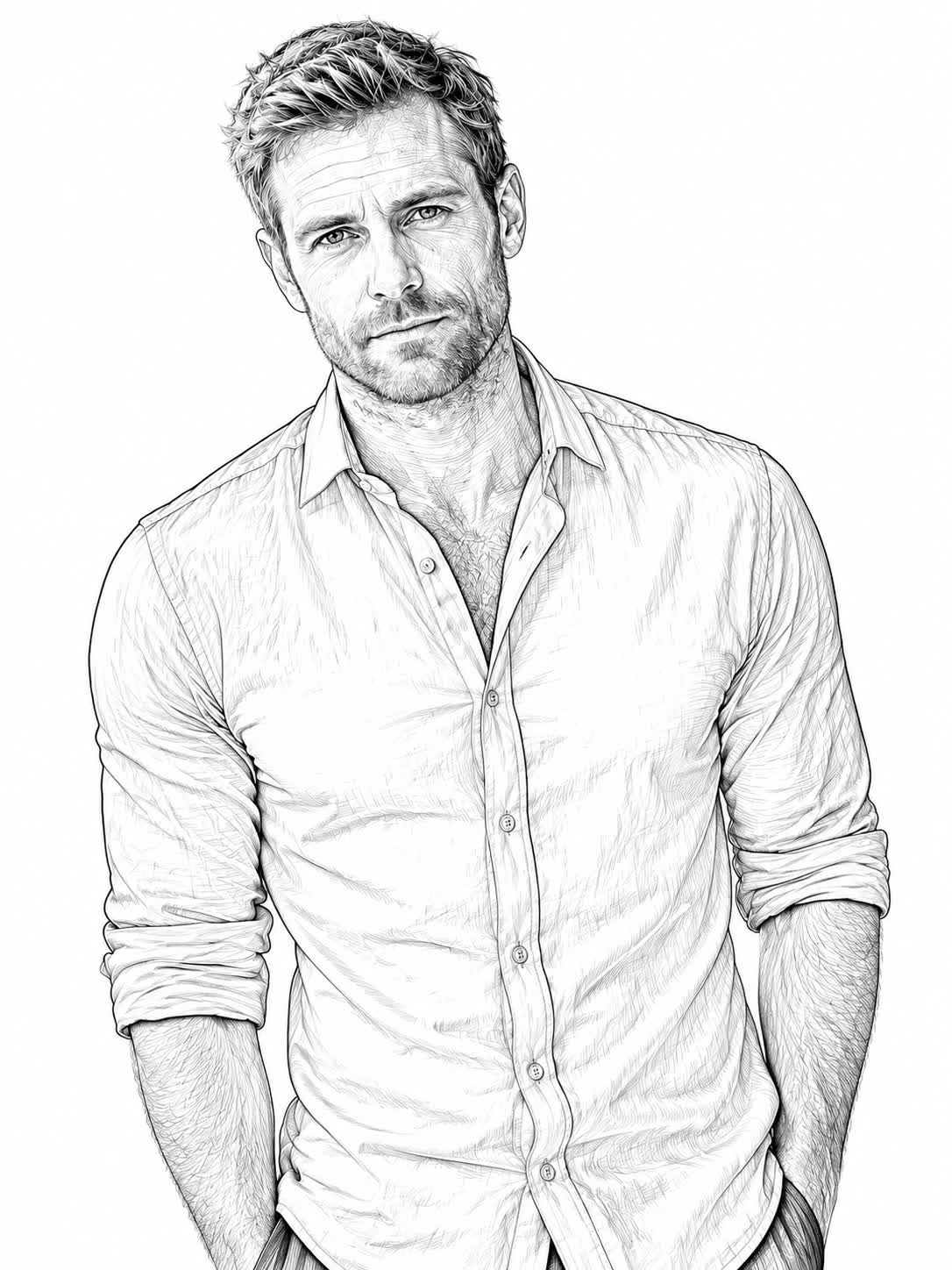
Try Cavro freePhoto to line drawing converts a portrait, landscape, product, pet, or object photo into artwork built from lines. Depending on the direction, the result can resemble pencil shading, an ink outline, a coloring page, manga-inspired art, or fine contour work.
Cavro uses your reference photo and written guidance to create an image in the line-art style you describe. You can refine the direction and generate again in the same conversation when the first result needs adjustment.
Photos with a clear subject and visible edges are useful starting points, including portraits, pets, products, landscapes, and everyday objects. Your chosen style can then emphasize contours, textures, shading, or open areas for coloring.
Yes. Describe a coloring-page treatment for a portrait, object, pet, or scene, and Cavro can turn the reference into open black-and-white line work. You can refine the guidance if you want simpler or more detailed outlines.
Yes. Ask for a pencil sketch and guide the level of shading or detail you want. This works for portraits, pets, products, landscapes, and other reference photos.
Creators worldwide are turning “just an idea” into expensive-looking images.