Prompt-Led Drafting
Use a written description to define the subject, viewpoint, linework, and visual intent of a technical drawing.
Turn prompts and references into technical-style images.
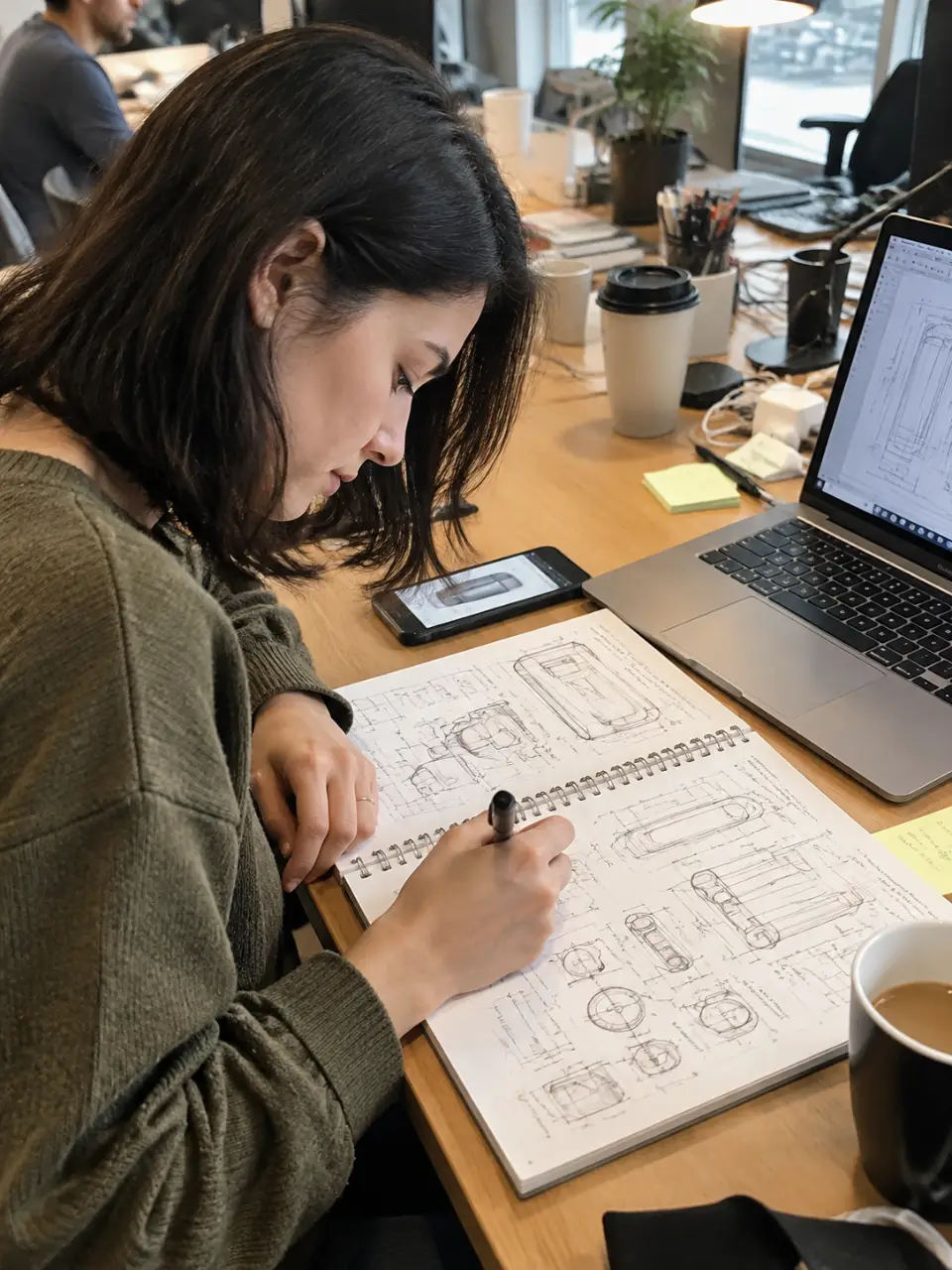
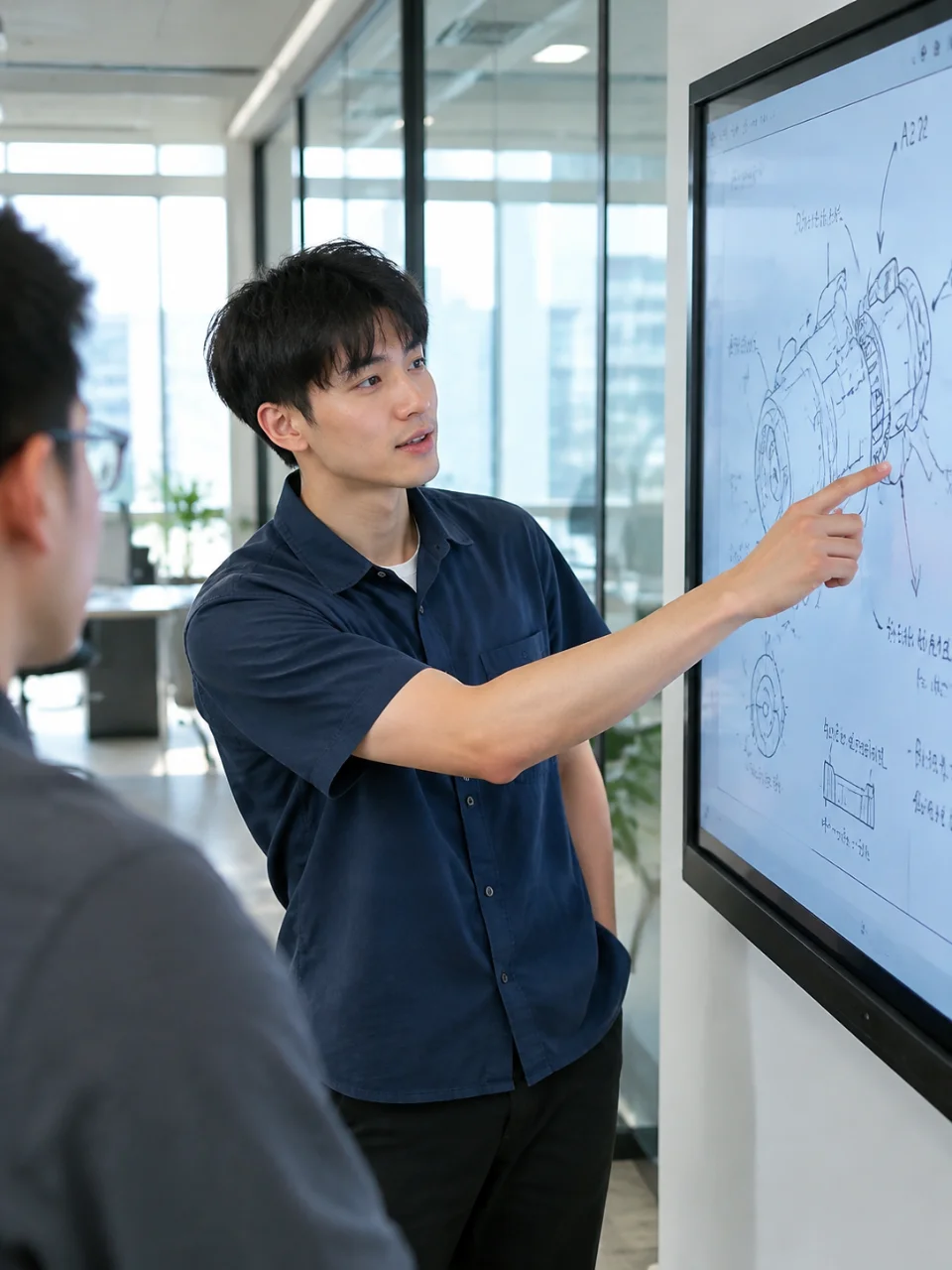
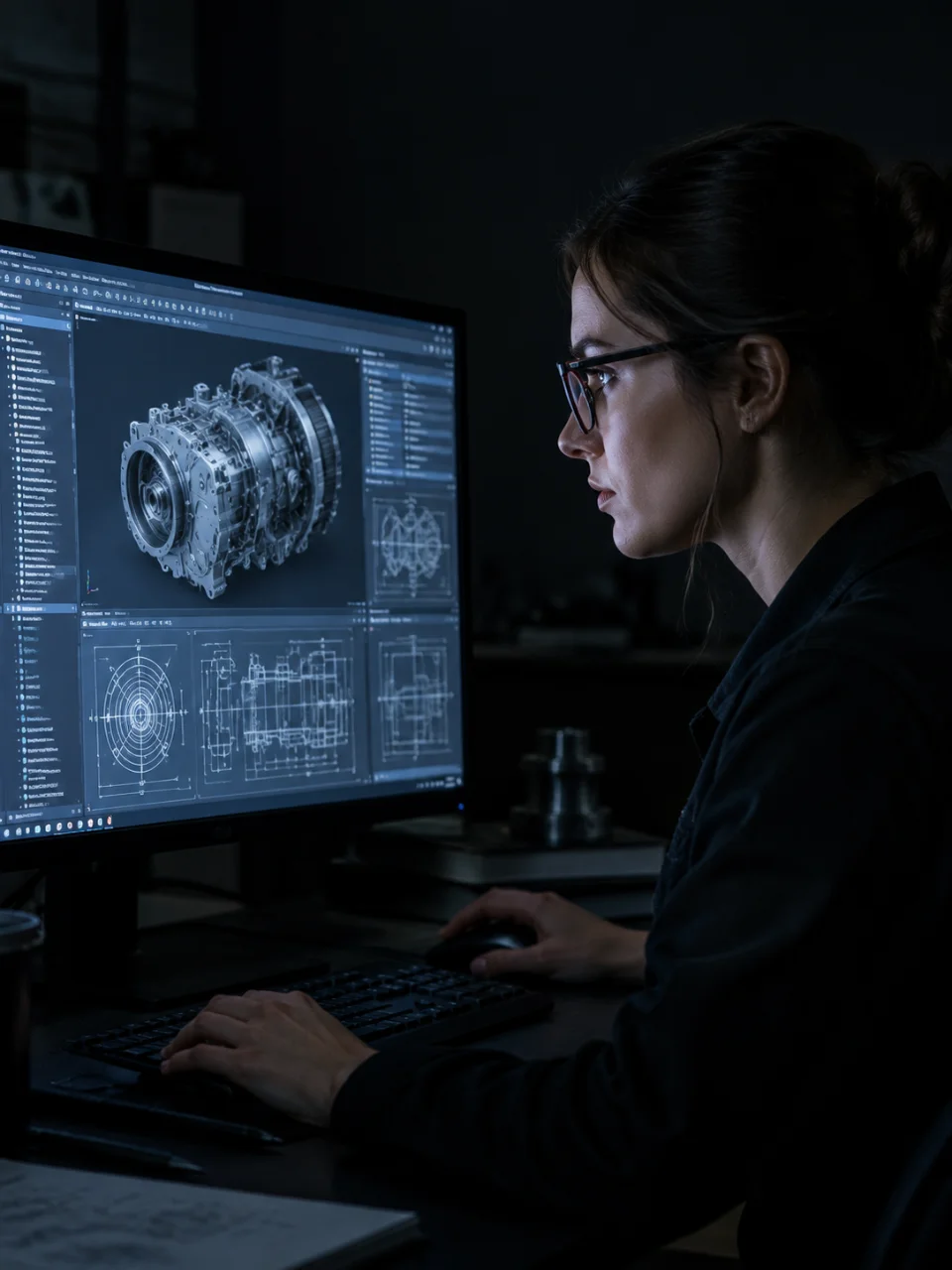
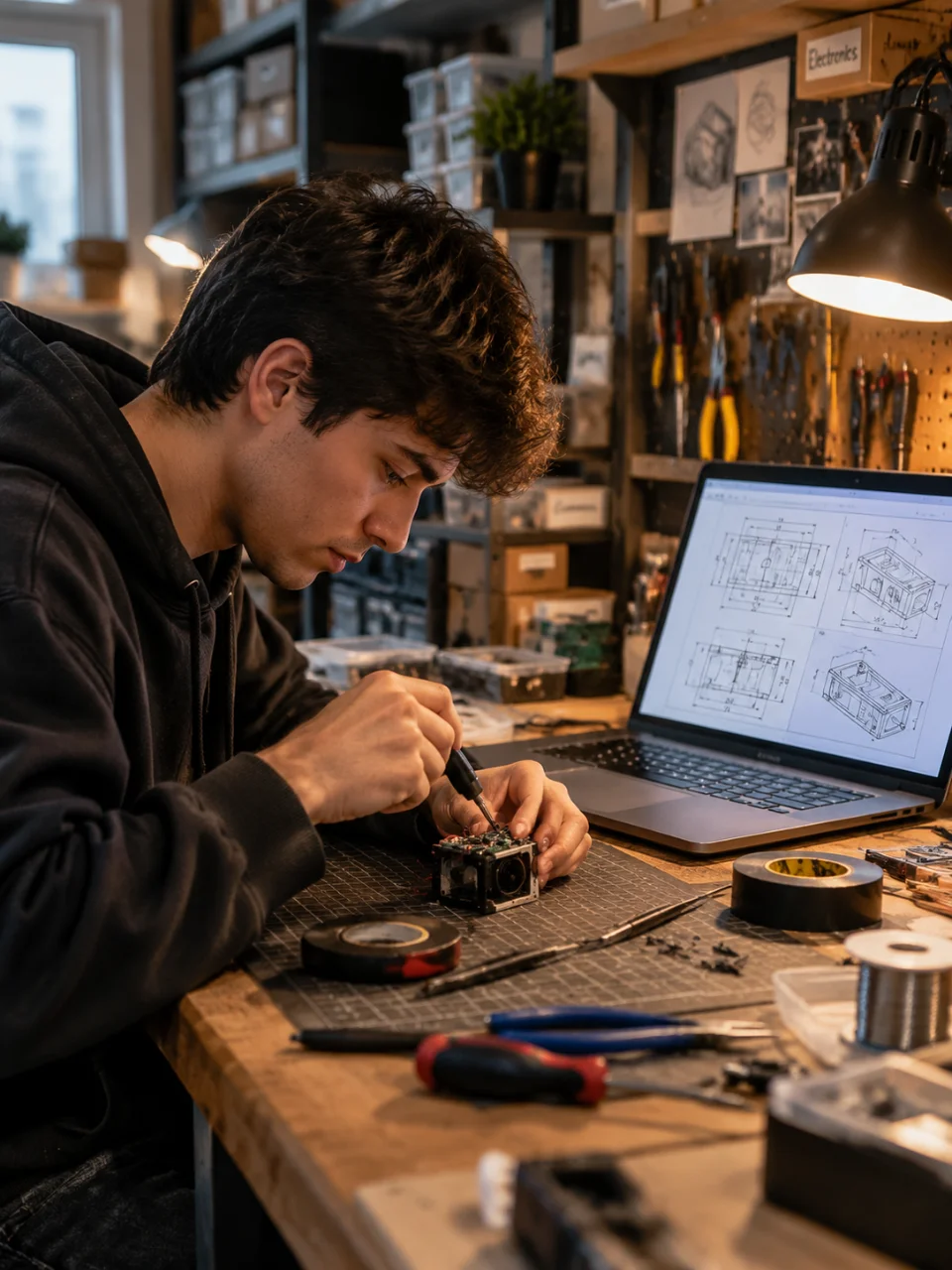
Use a written description to define the subject, viewpoint, linework, and visual intent of a technical drawing.
Add a reference photo to help shape a technical-style image around an existing object or visual idea.
Choose drawing directions such as line drawing, blueprint style, isometric sketch, or exploded view.
Request another attempt in the same conversation when a component, angle, or drafting detail needs adjustment.
Write what you want to show, including the object, view, line style, and important details.
Upload a reference photo and select a drawing style or subject direction when it helps clarify the result.
Review the generated visual and describe the changes you want for another attempt in the same conversation.
An AI technical drawing generator turns a written prompt or reference photo into an image with a technical-style visual direction. In Cavro, you can describe subjects such as assemblies, plans, and product concepts.
Yes. Add a reference photo and describe the technical-style result you want. Your photo and written direction are used together to shape the output in Cavro.
Yes. You can describe changes and generate again in the same conversation without starting over. This is useful when you want to adjust a view, component, or drawing style.
Cavro can produce images or video from a written prompt and/or reference photo. Choose the output direction that fits the visual you want to develop.
No mandatory subscription is required. Results are billed per credit, and images and video use the same credit balance.
Creators worldwide are turning “just an idea” into expensive-looking images.