Prompt-Led Tavern Design
Describe the setting, atmosphere, and story context to create a tavern scene shaped around your idea.
Build story-rich tavern scenes from a prompt or photo.
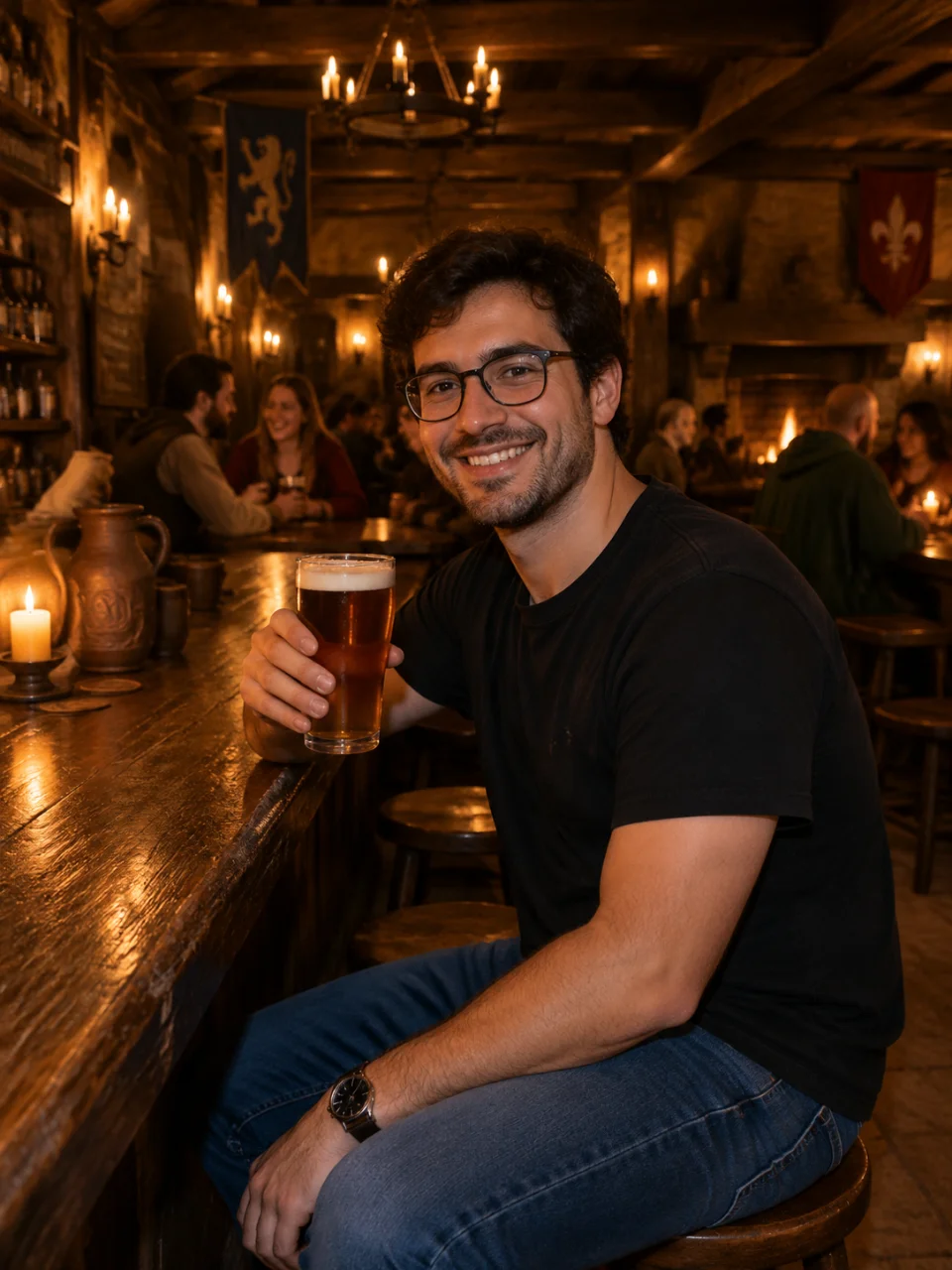
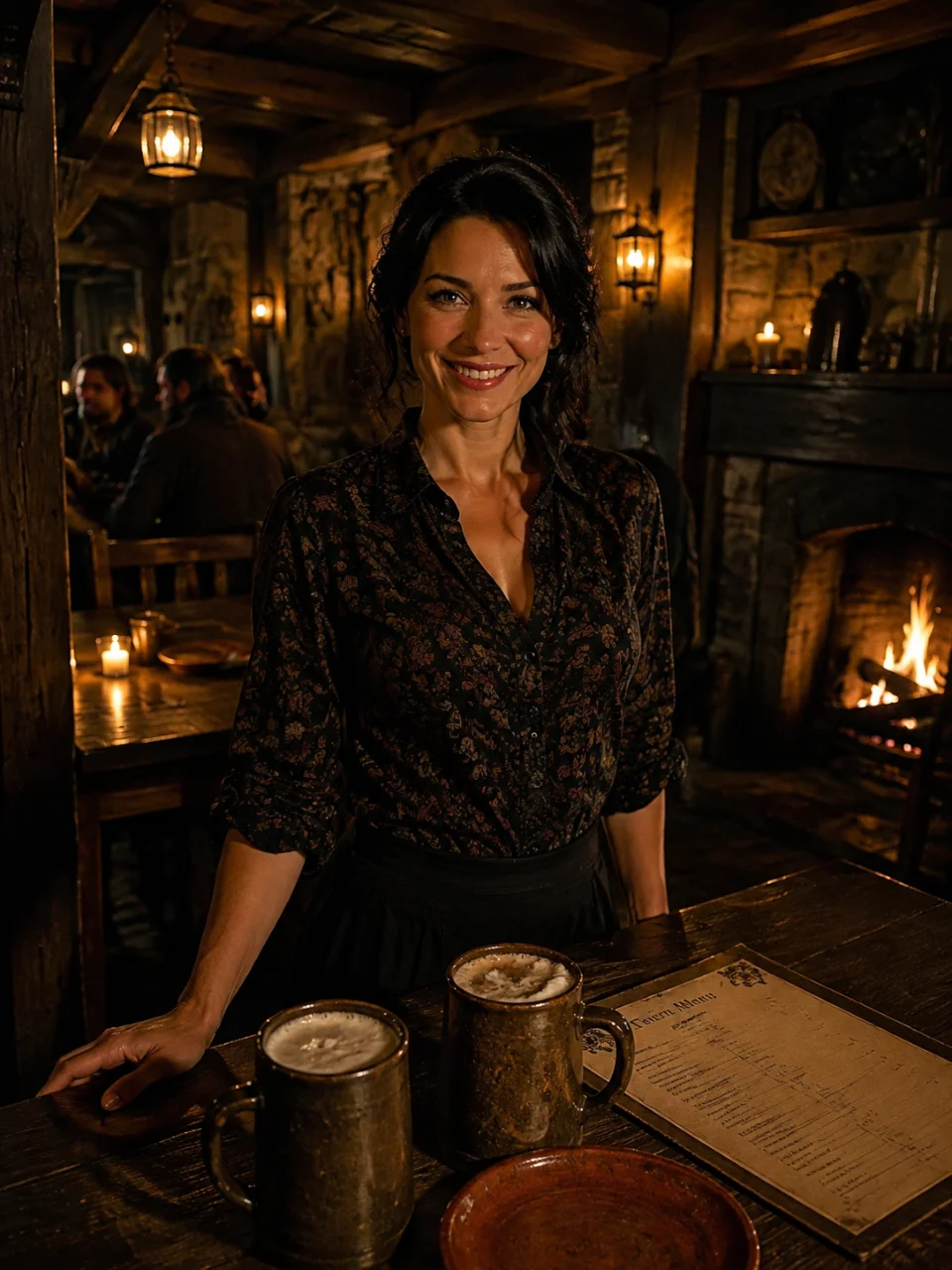
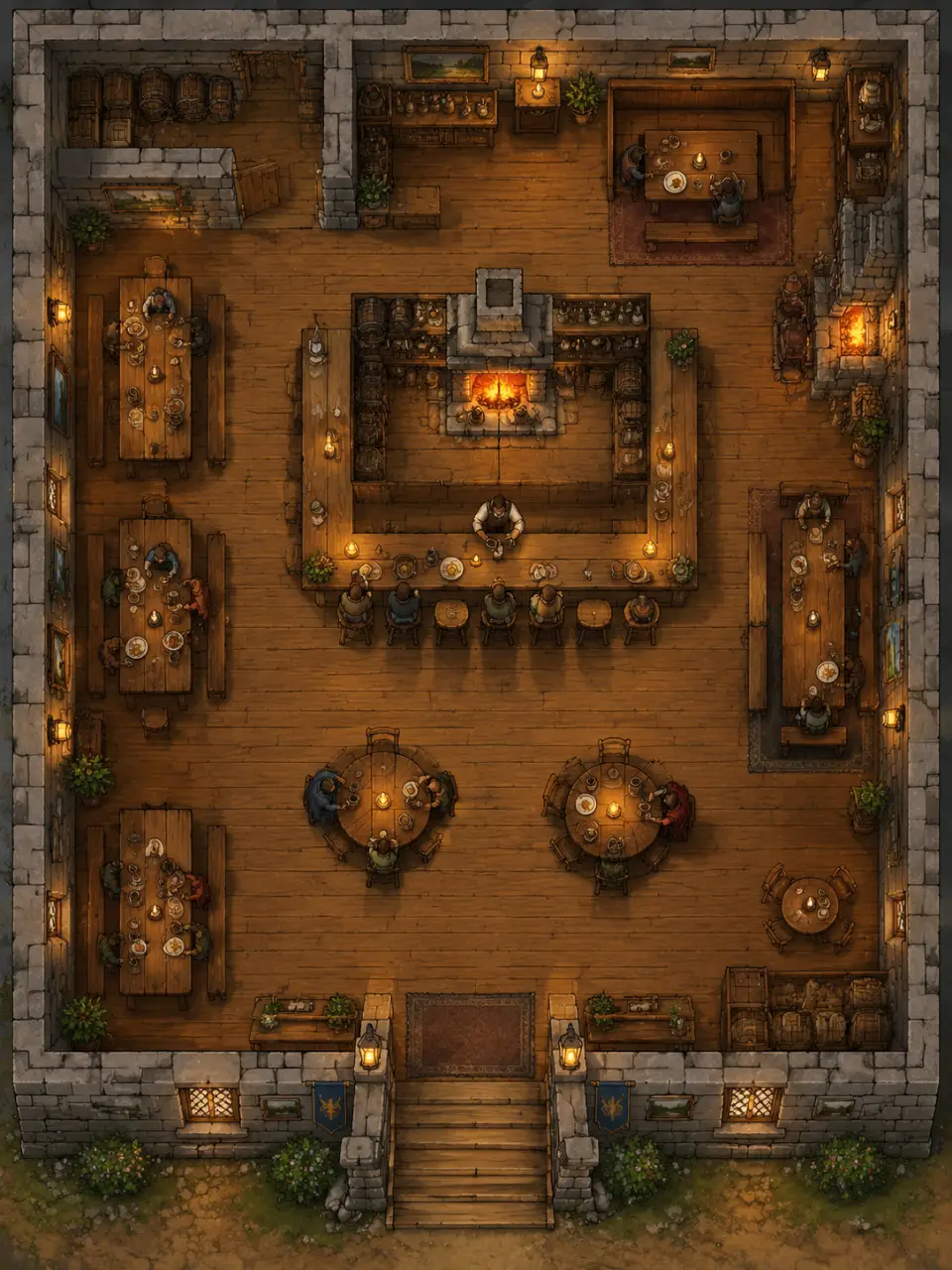
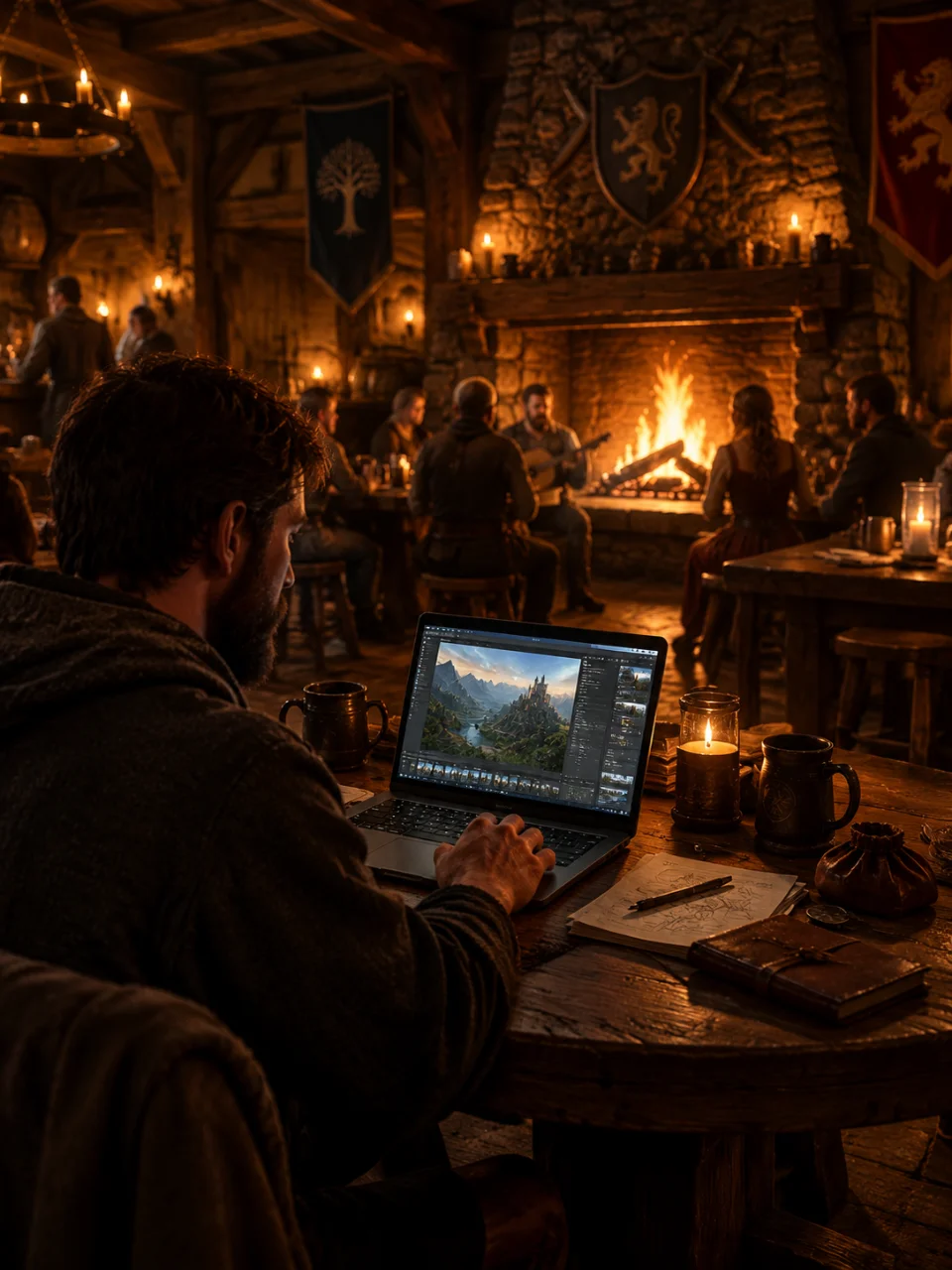
Describe the setting, atmosphere, and story context to create a tavern scene shaped around your idea.
Upload a photo to guide the visual direction, composition, textures, or lighting of your tavern.
Choose an output type, mood, and visual style to steer the scene toward your campaign or story.
Adjust the concept in the same conversation and generate another tavern scene without starting over.
Write the tavern’s setting, mood, details, and narrative purpose in your own words.
Add a reference photo and choose the scene options that fit your world or story.
Generate the image or video, then refine the tavern until the atmosphere feels right.
An AI tavern generator turns a written description or reference photo into a tavern image or video. Cavro can help you shape the setting for an RPG, story, event, or social post.
Yes. Describe details such as architecture, lighting, mood, furnishings, and narrative setting, then choose scene options that fit your idea. You can also refine the result and generate again in the same conversation.
Yes. Upload a photo to guide the tavern’s visual direction, atmosphere, or composition, and combine it with your written description. Your words and photo continue in Cavro as the basis for the result.
Yes. Cavro creates images and video from the same conversation, so you can explore a tavern as a still setting or a moving visual. Both use the same credit balance.
Results are billed per credit, and there is no mandatory subscription. You can refine and generate again as your tavern concept develops.
Creators worldwide are turning “just an idea” into expensive-looking images.