


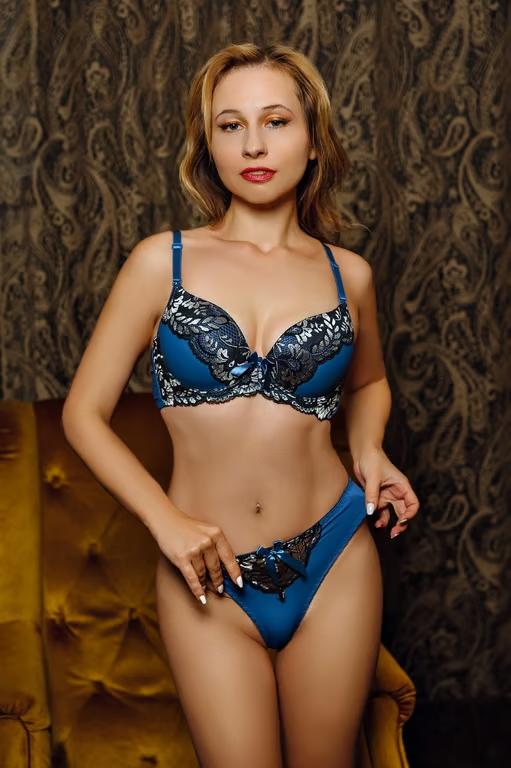


Use a Reference Photo
Upload a photo to give your tattoo concept a visual starting point.
Explore tattoo concepts from words or a photo.
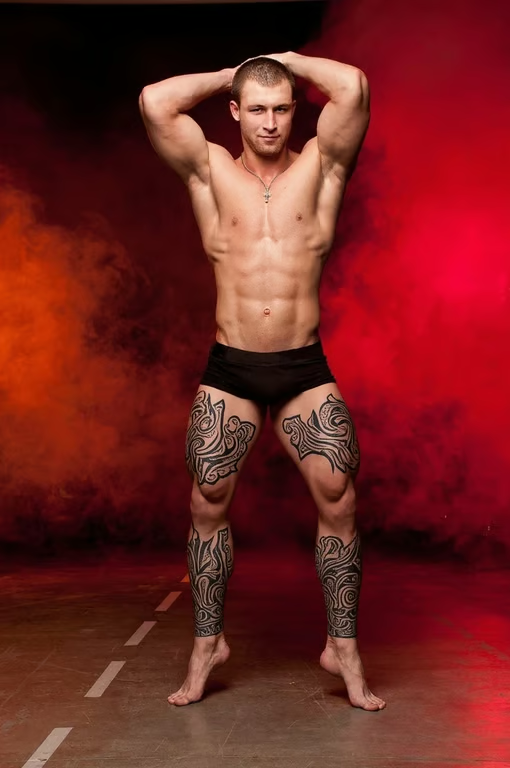
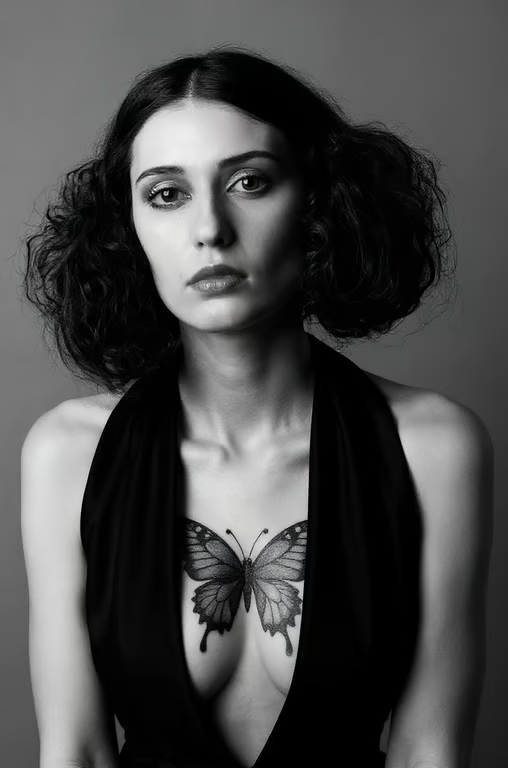



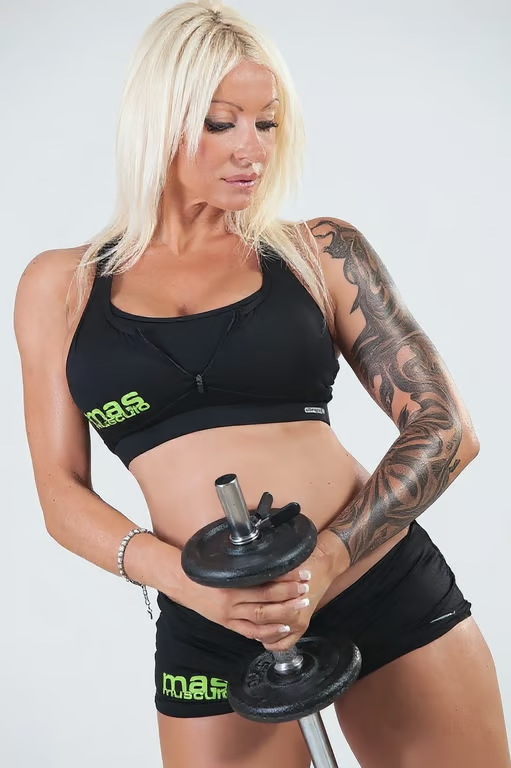
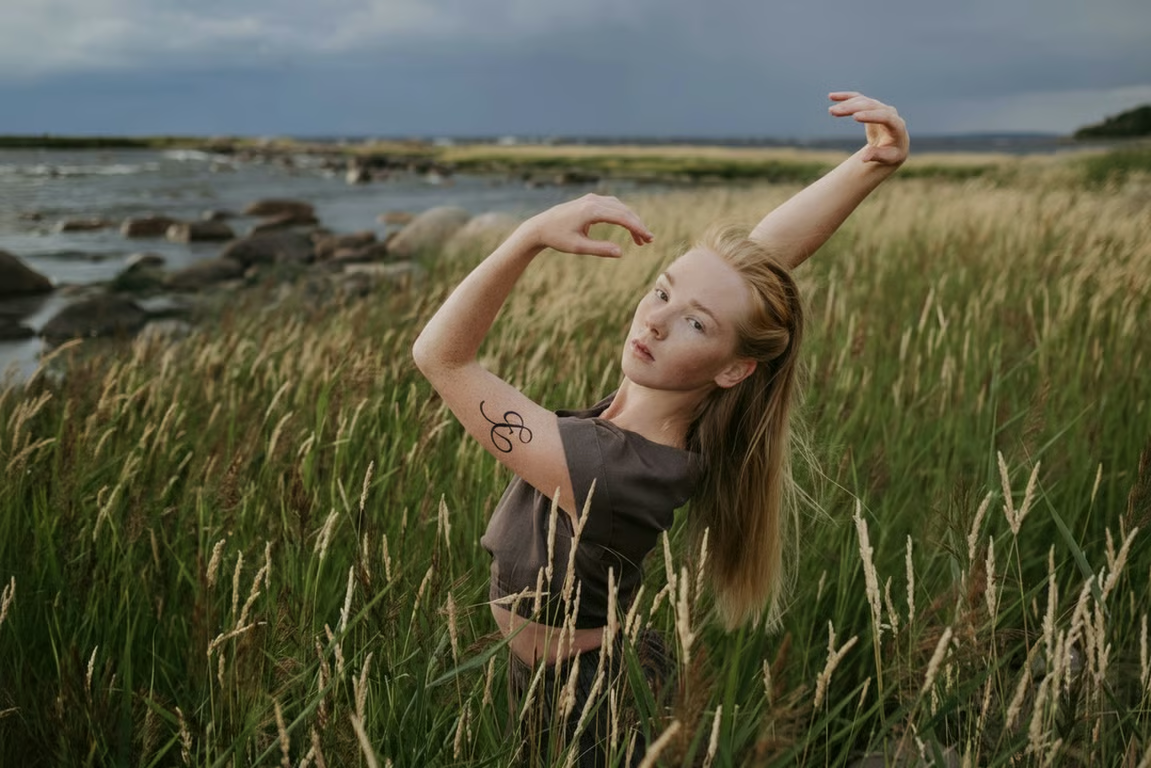
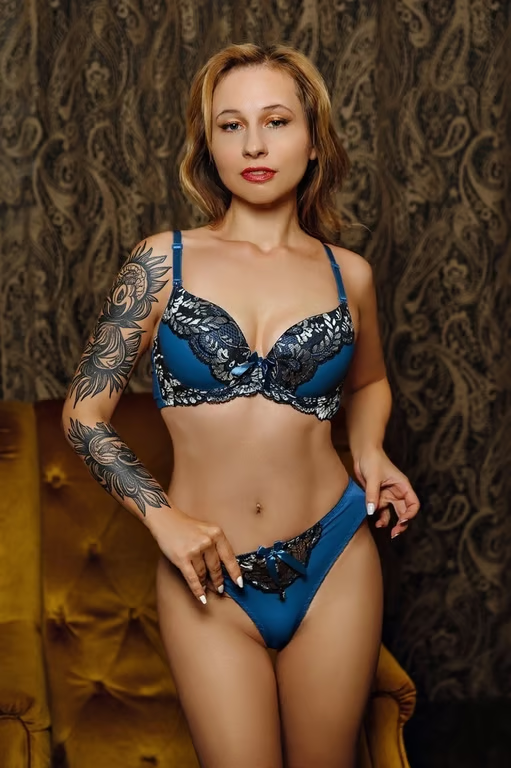
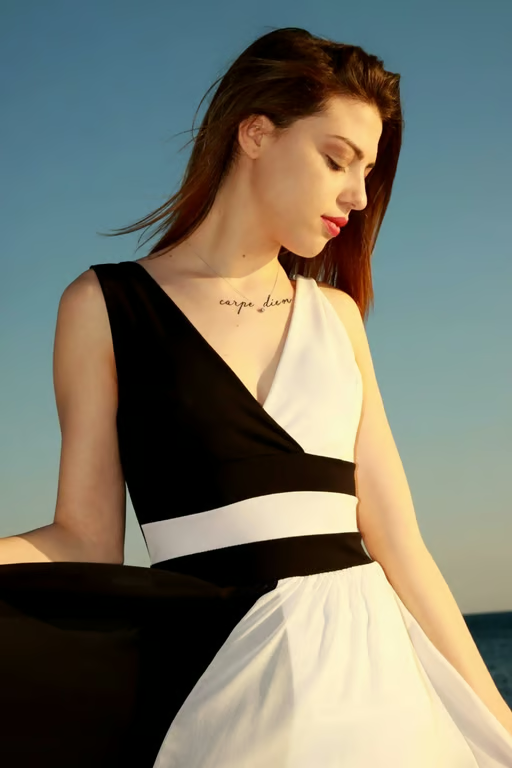

Upload a photo to give your tattoo concept a visual starting point.
Guide the design with directions such as fine line, blackwork, watercolor, or minimalist.
Describe the body area and composition you want to explore for your tattoo idea.
Generate another version when you want to adjust the motif, mood, or level of detail.
Start with a visual direction instead of trying to explain an unfinished idea from scratch.
See how one personal concept can become delicate, bold, minimalist, or illustrative artwork.
Shape a tattoo concept you can share with your artist as a starting point for the final design.
Start with a visual direction instead of trying to explain an unfinished idea from scratch.

Use it to explore custom tattoo concepts from a written idea, a reference photo, or both. You can describe a motif, style, mood, and placement direction.
Yes. Cavro turns a reference photo and your written direction into an image or video, giving you a visual starting point for a tattoo concept.
Yes. You can guide the concept toward directions such as fine line, blackwork, watercolor, traditional, minimalist, geometric, or illustrative.
Yes. You can refine the concept and generate again in the same conversation without starting over. Each result is billed per credit, with no mandatory subscription.
Creators worldwide are turning “just an idea” into expensive-looking images.