AI Tan Skin Editor for a Natural Sun-Kissed Look

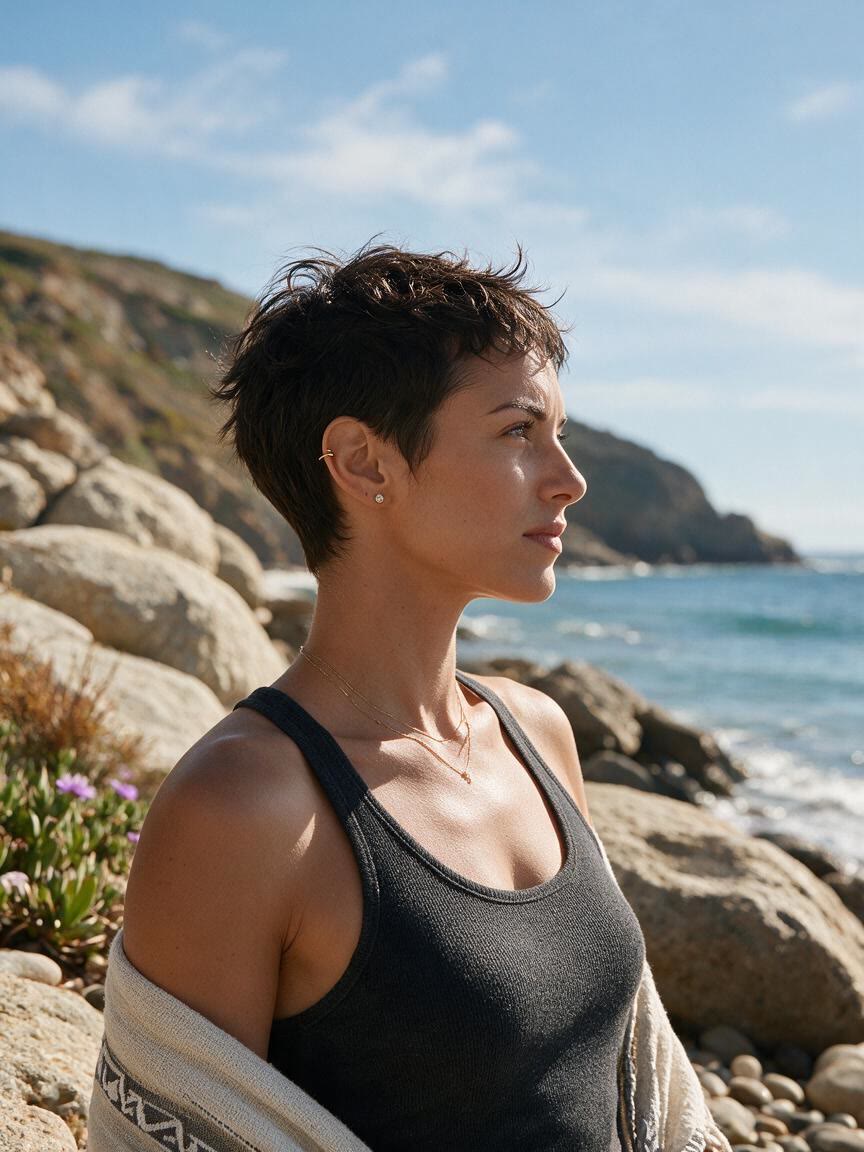
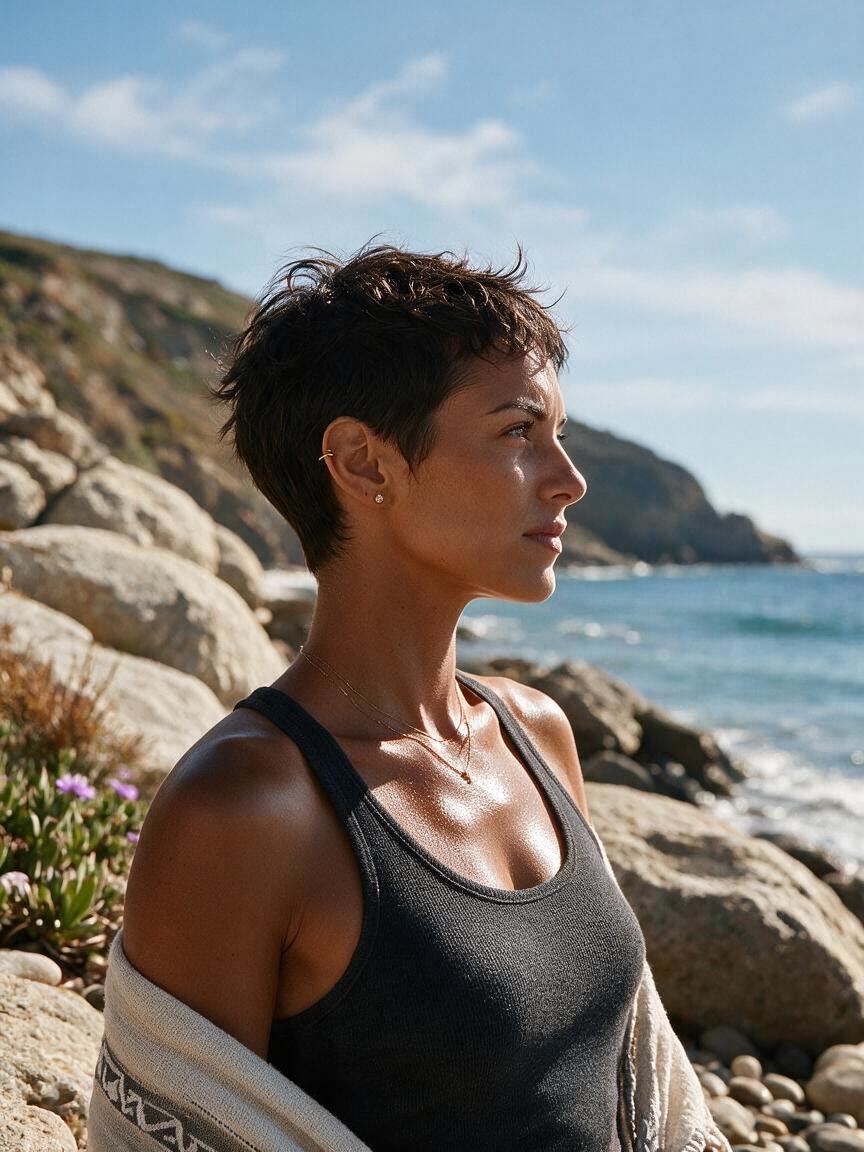
Preview subtle warmth or deeper bronze on your own photo before choosing a tan direction. Cavro helps creators, shoppers, and marketers shape a natural-looking photo tan effect.

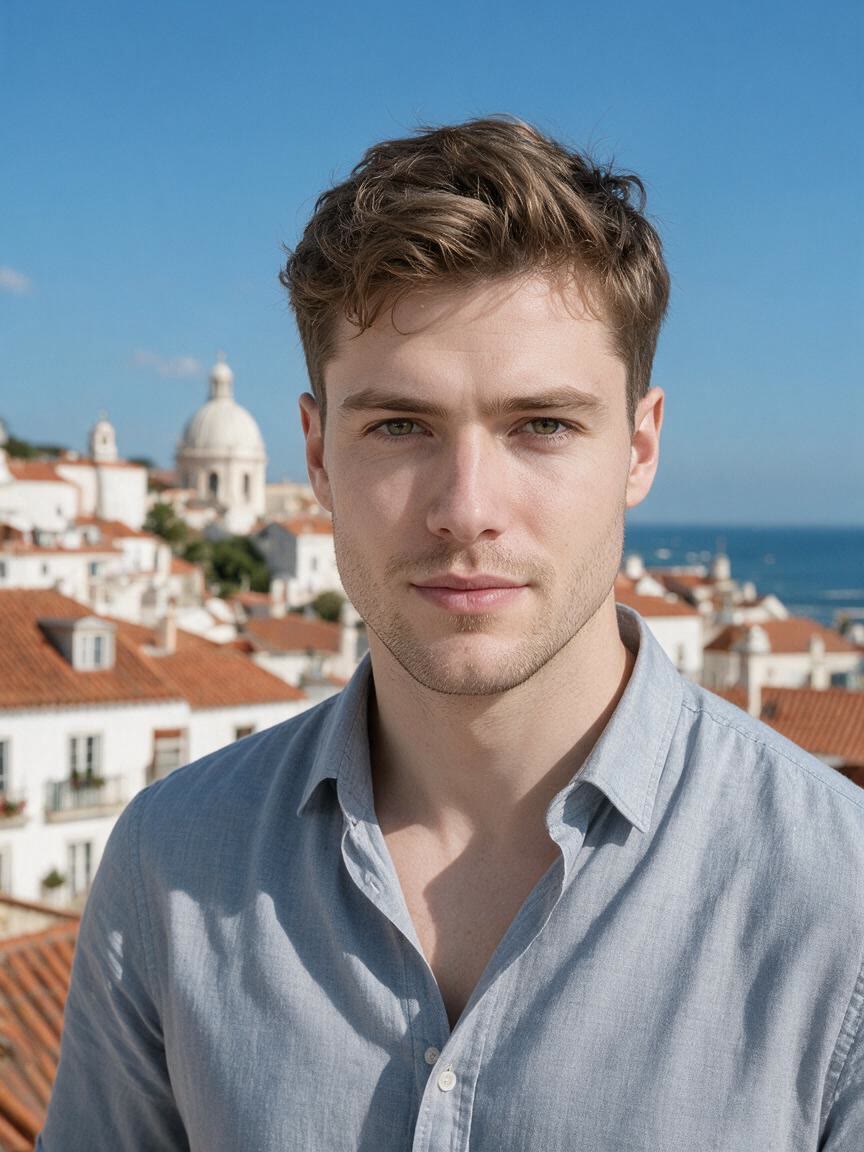
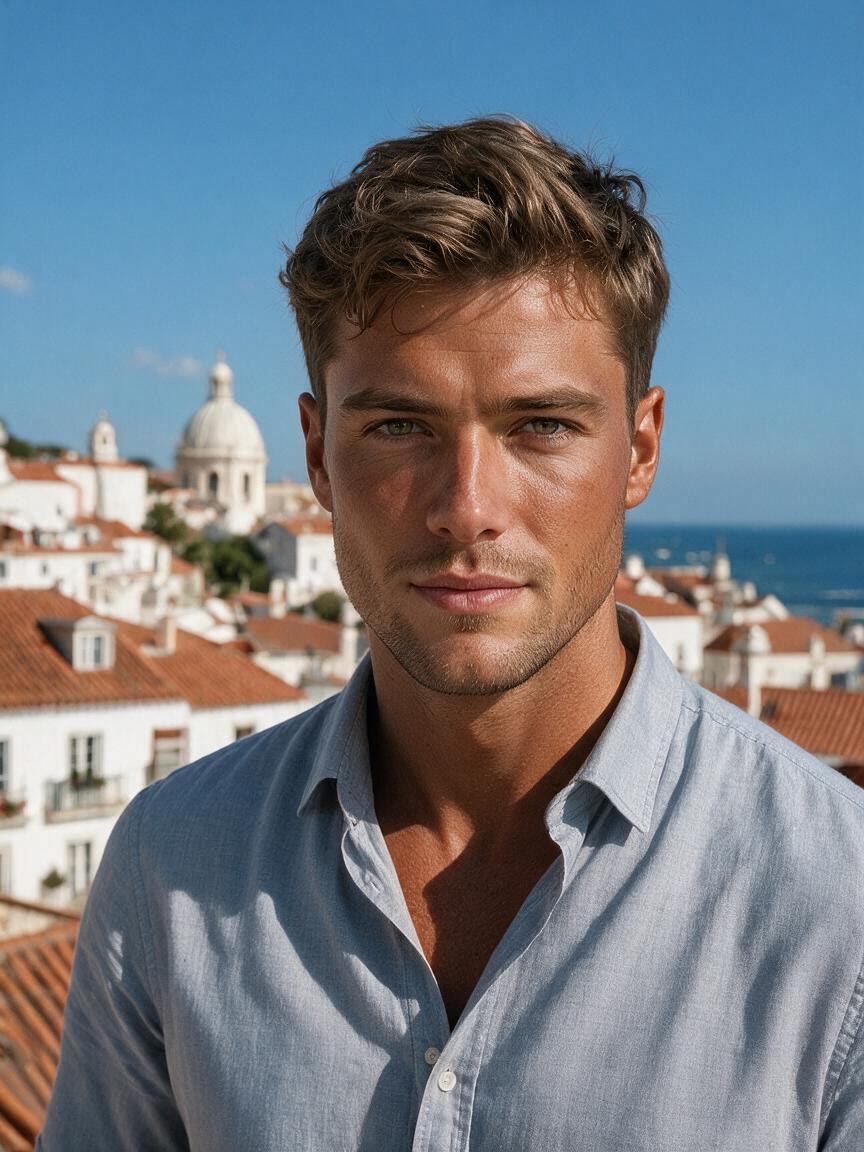
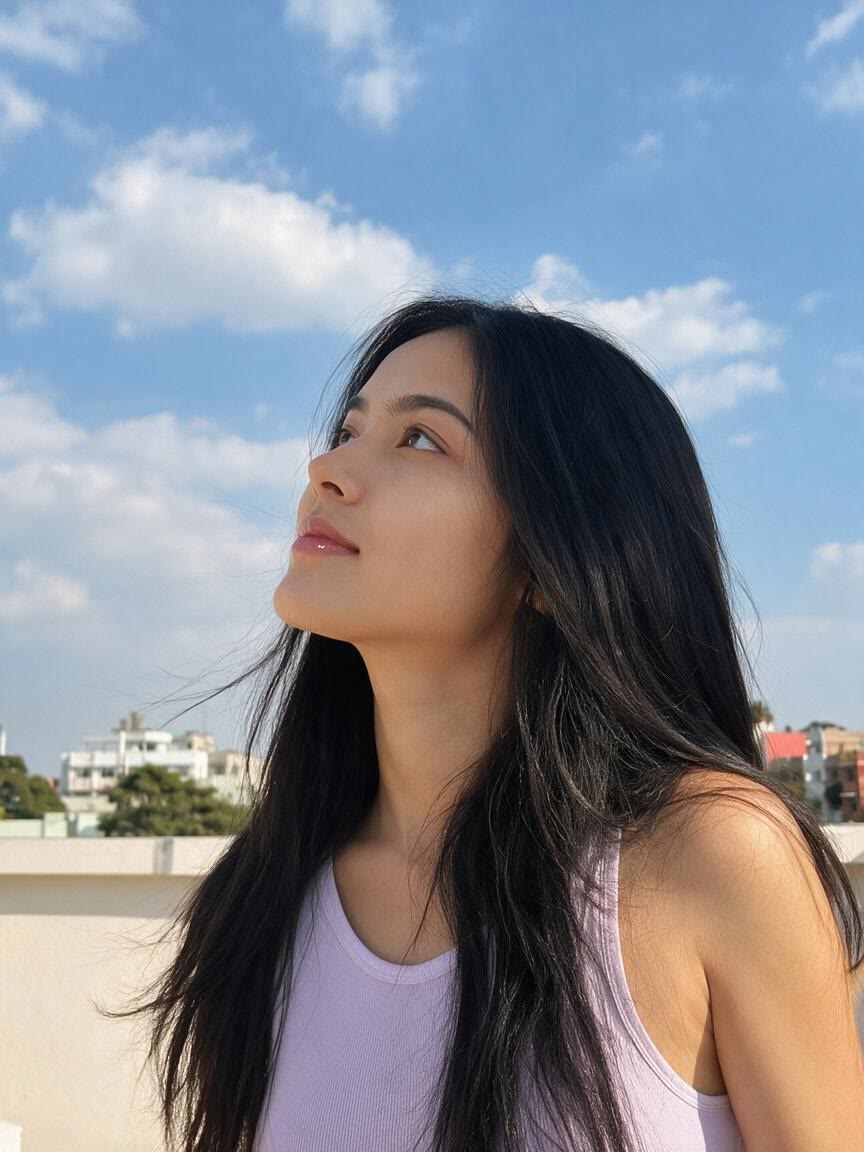
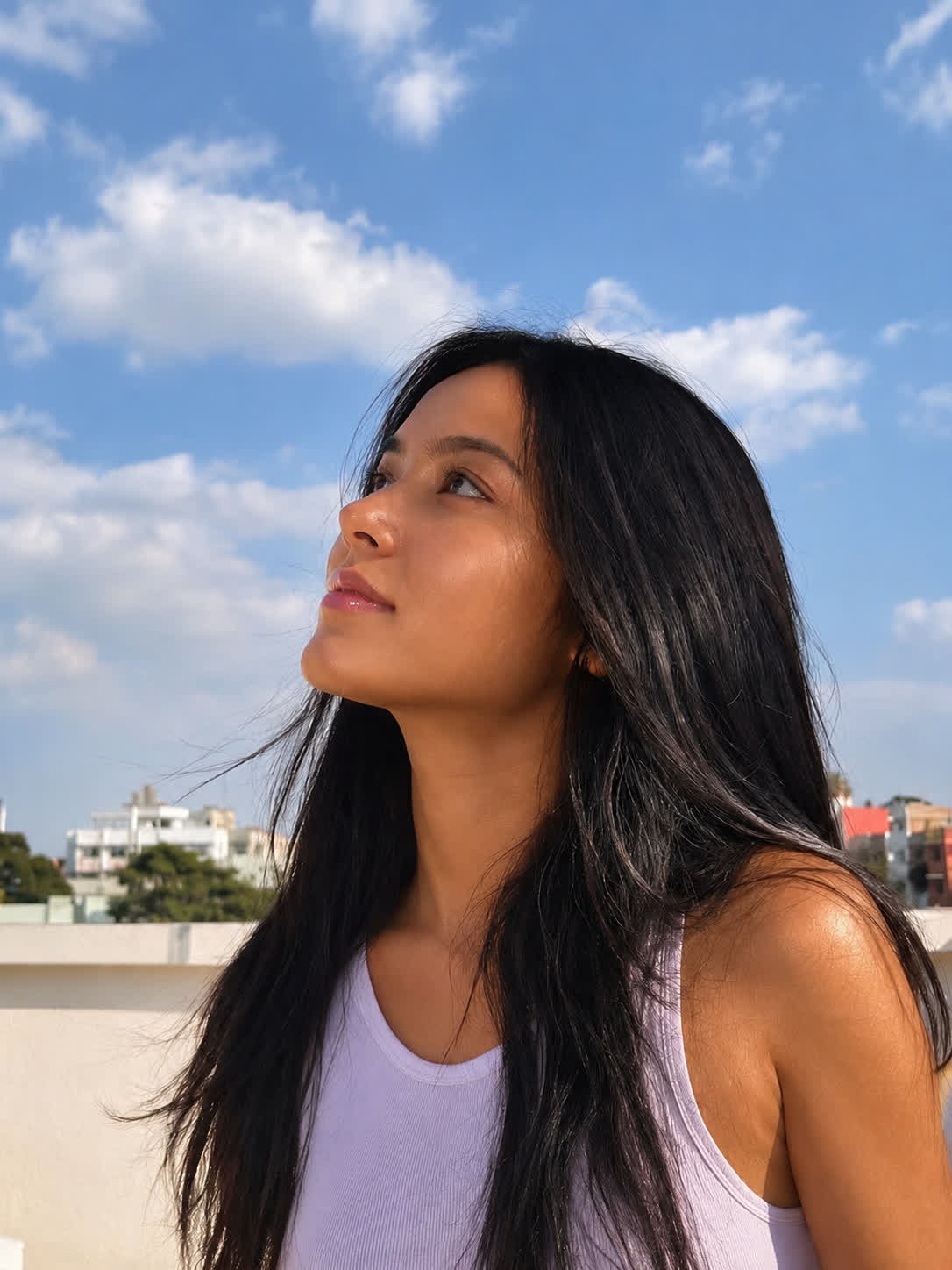
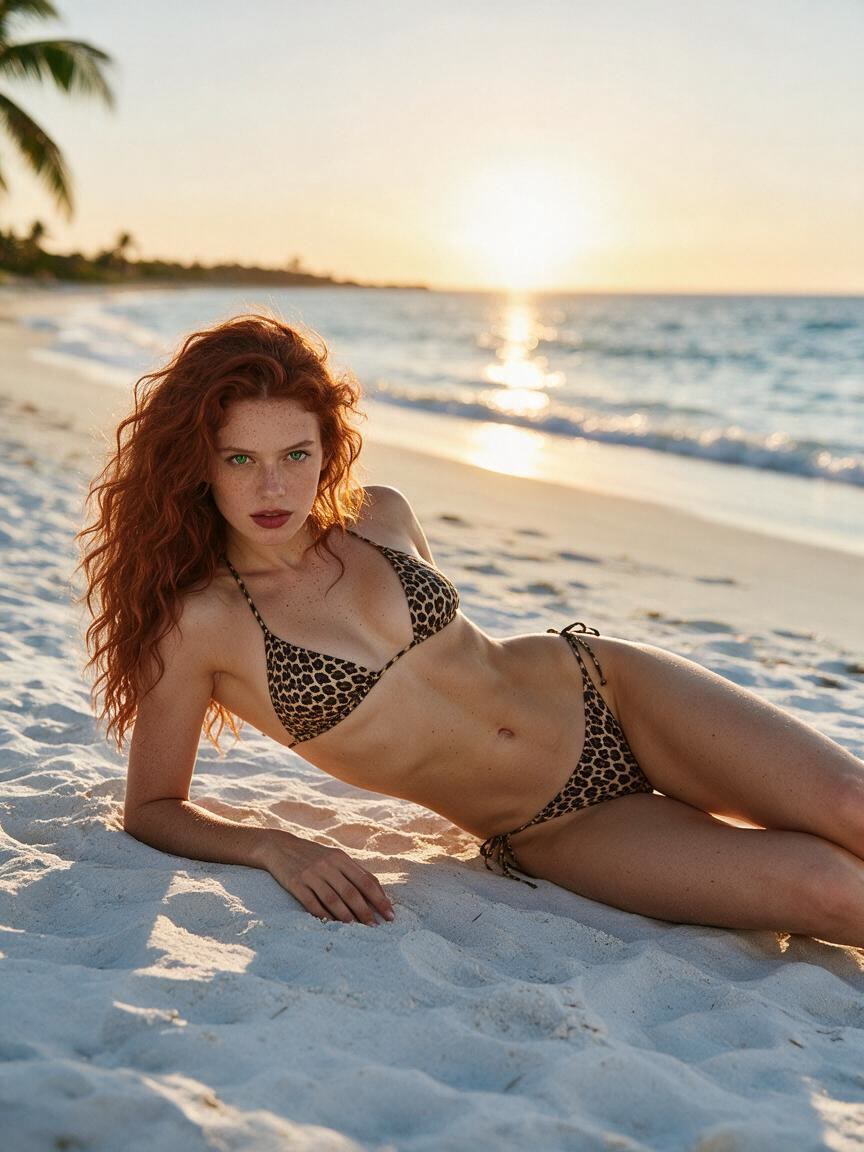
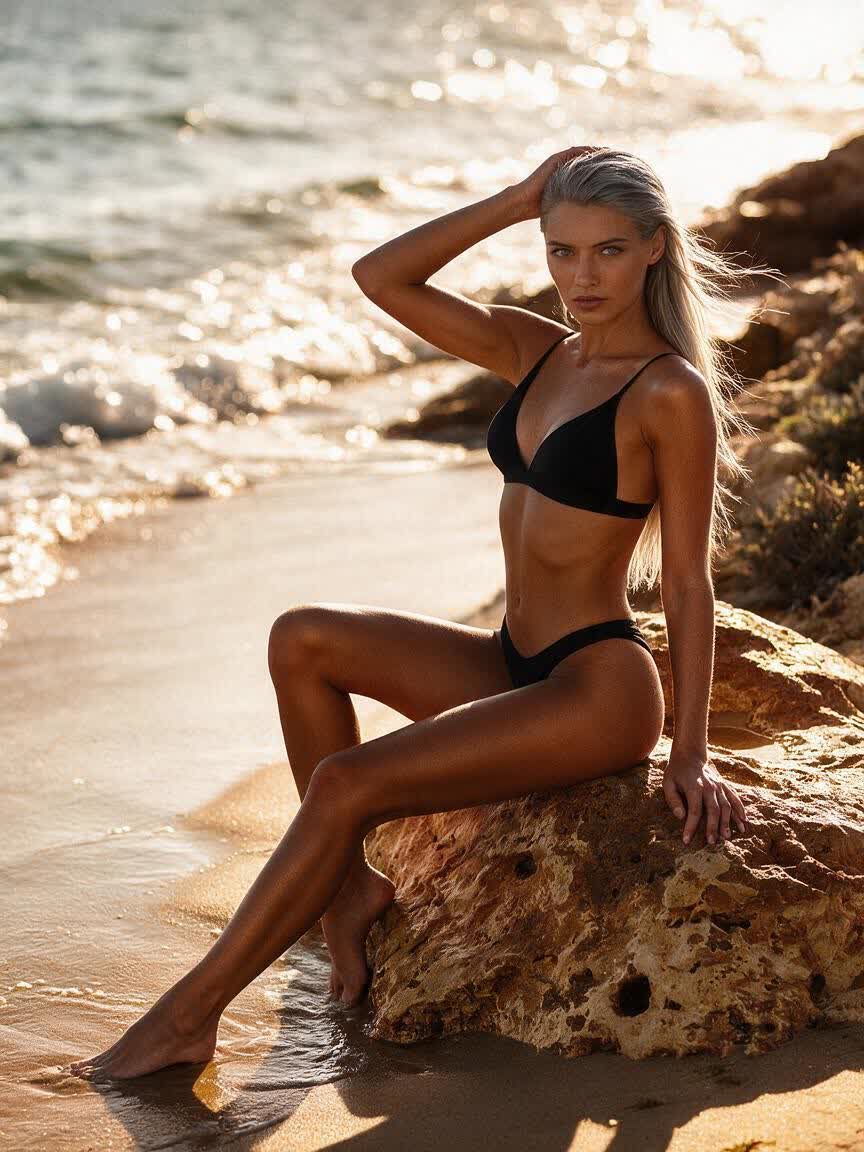
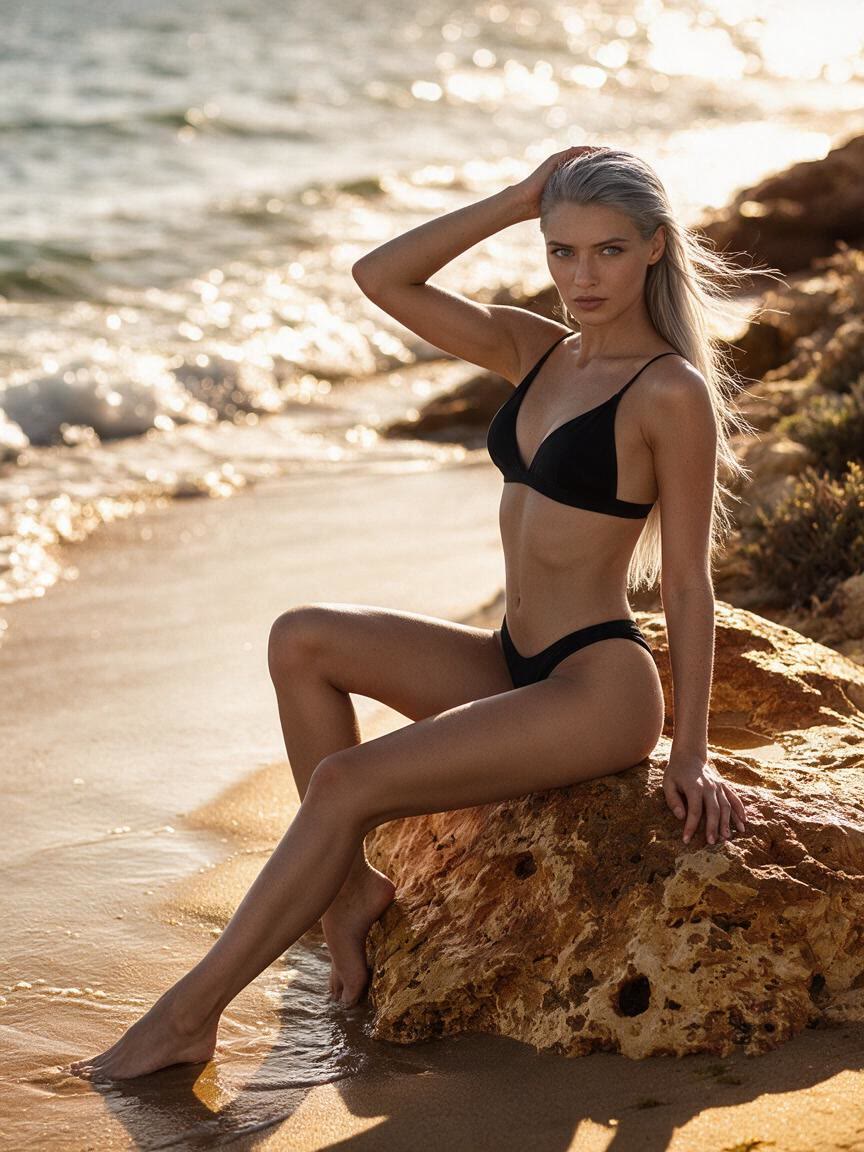
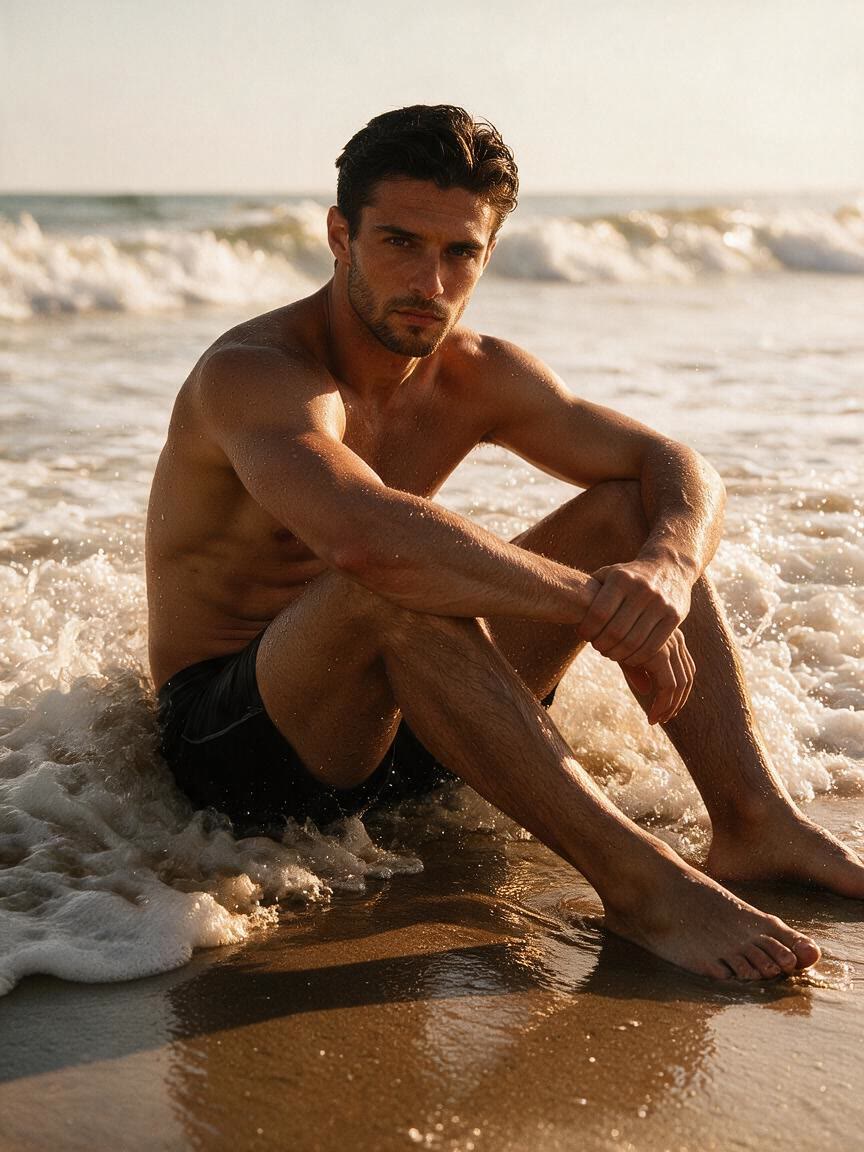
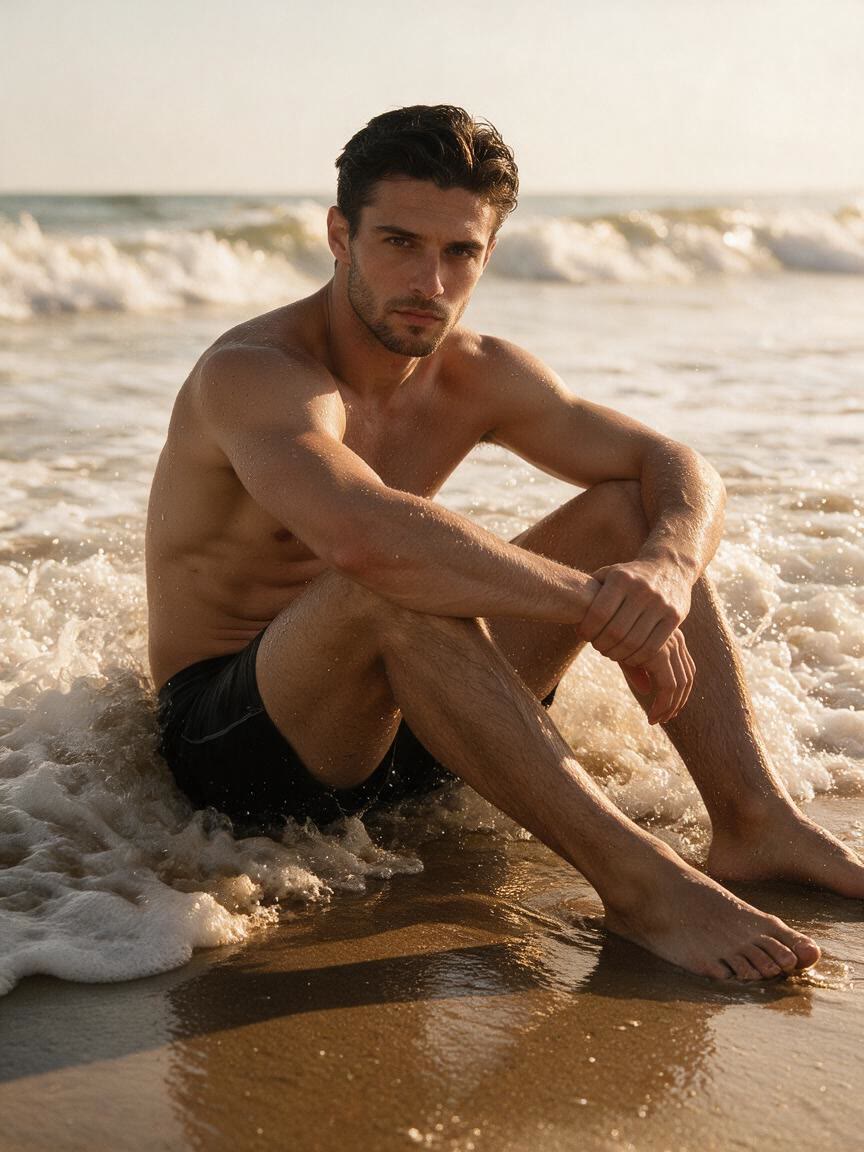
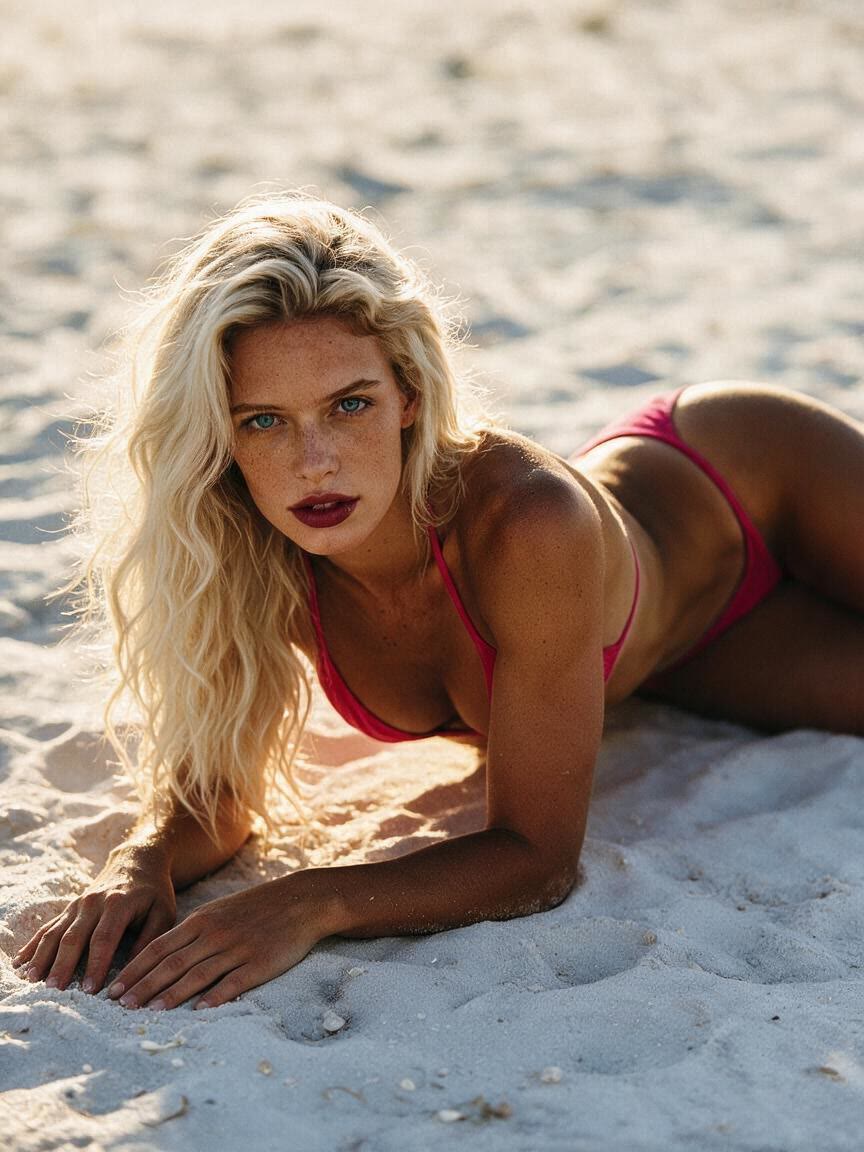
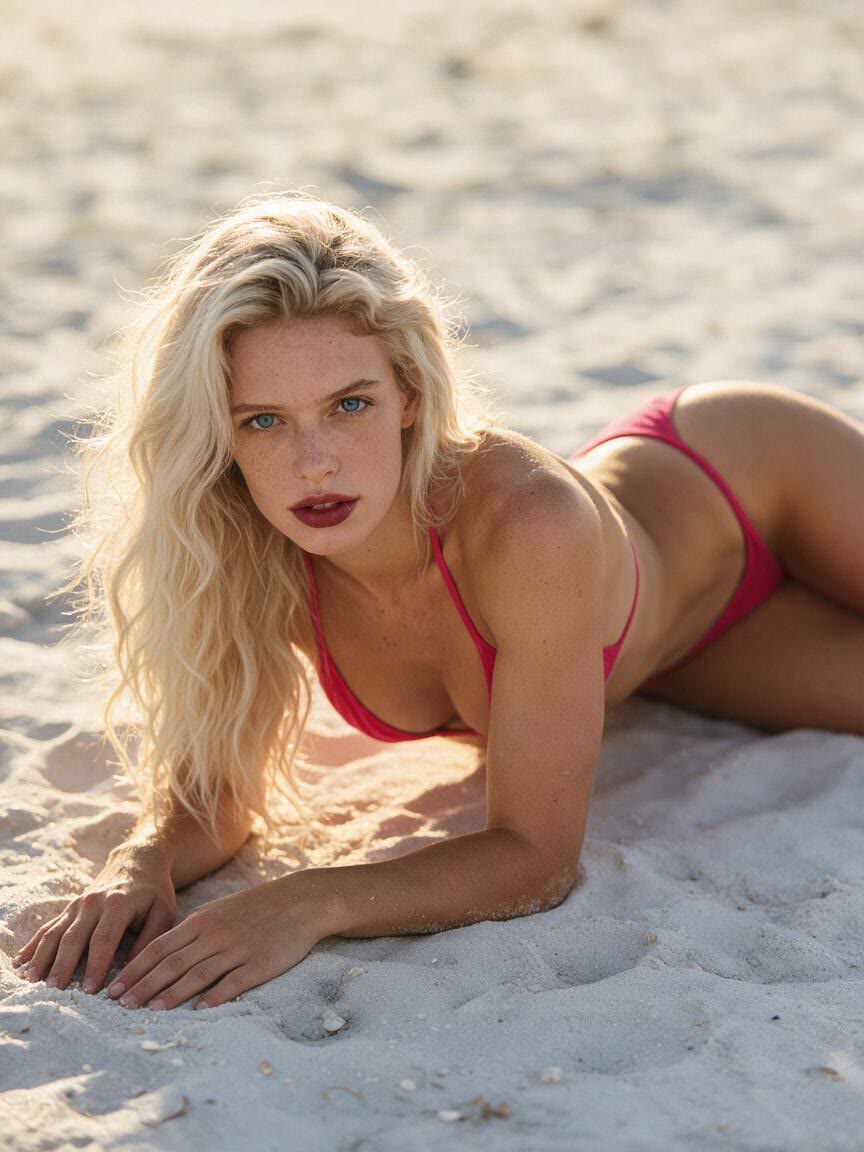
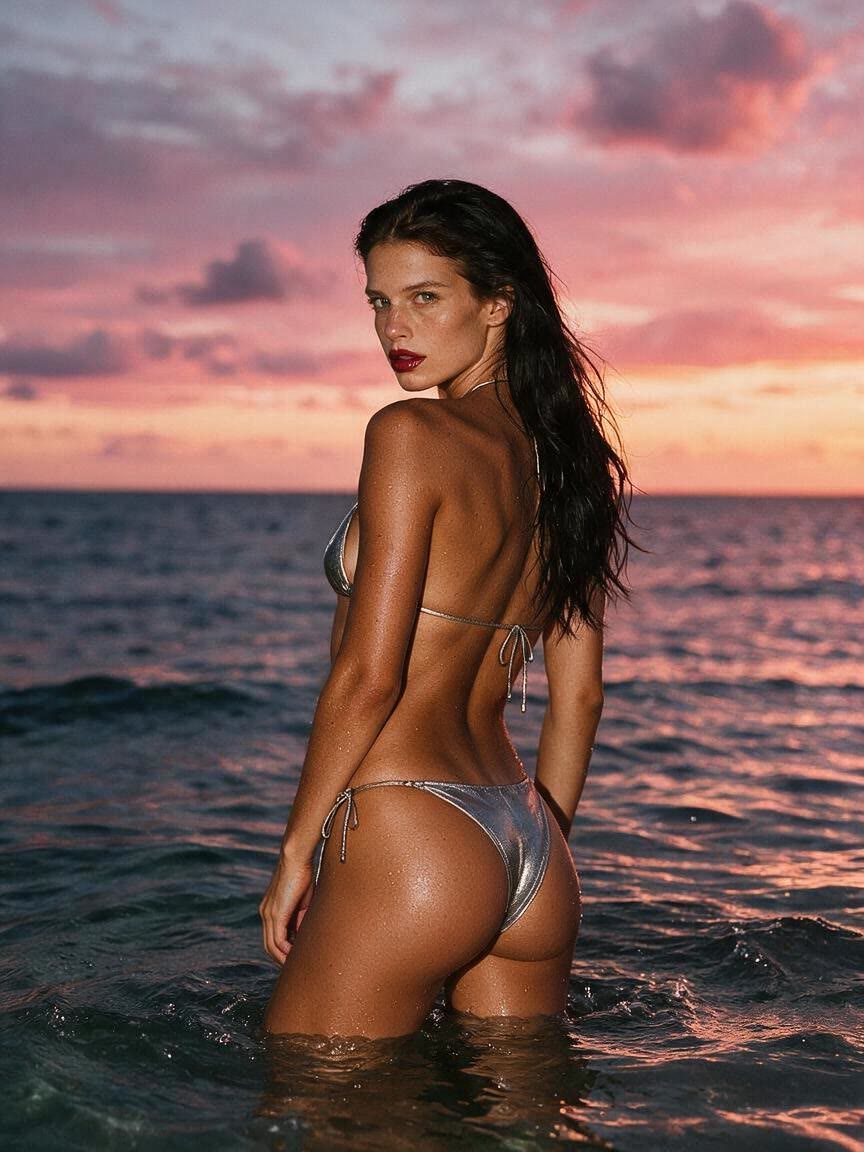
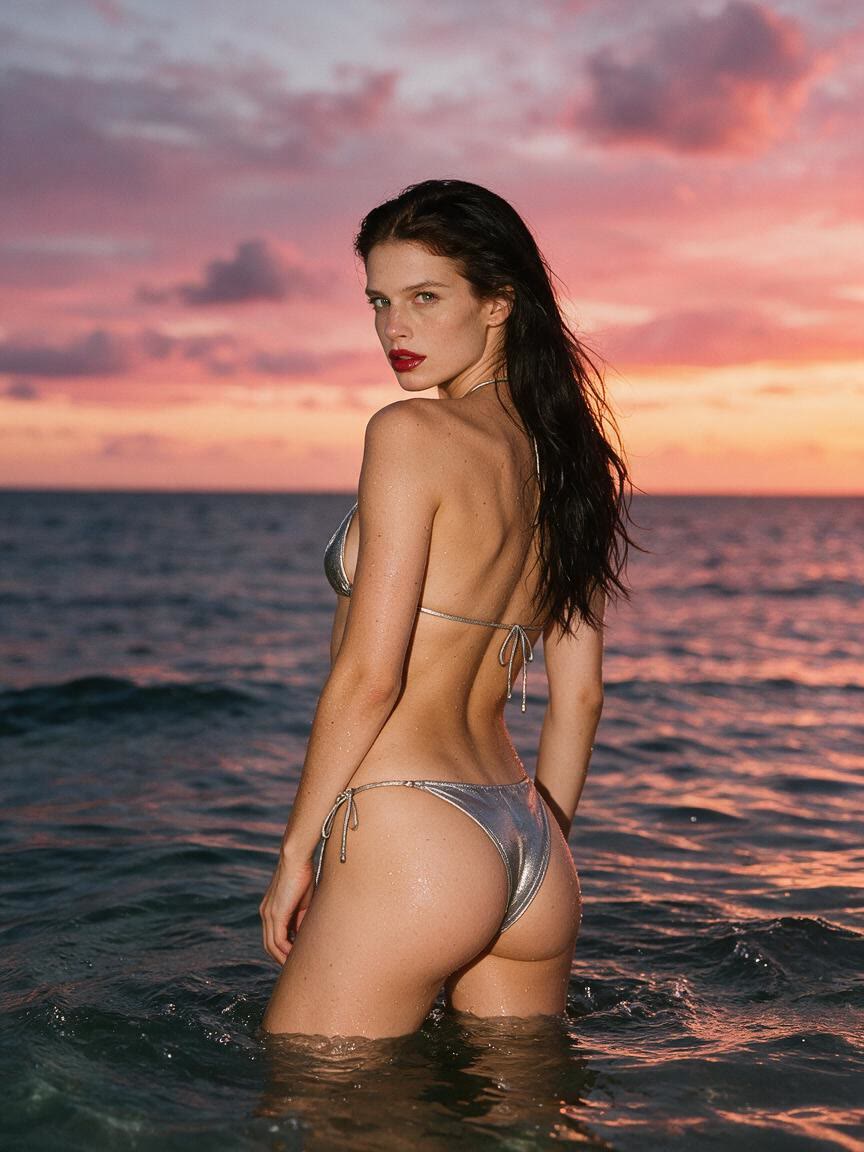
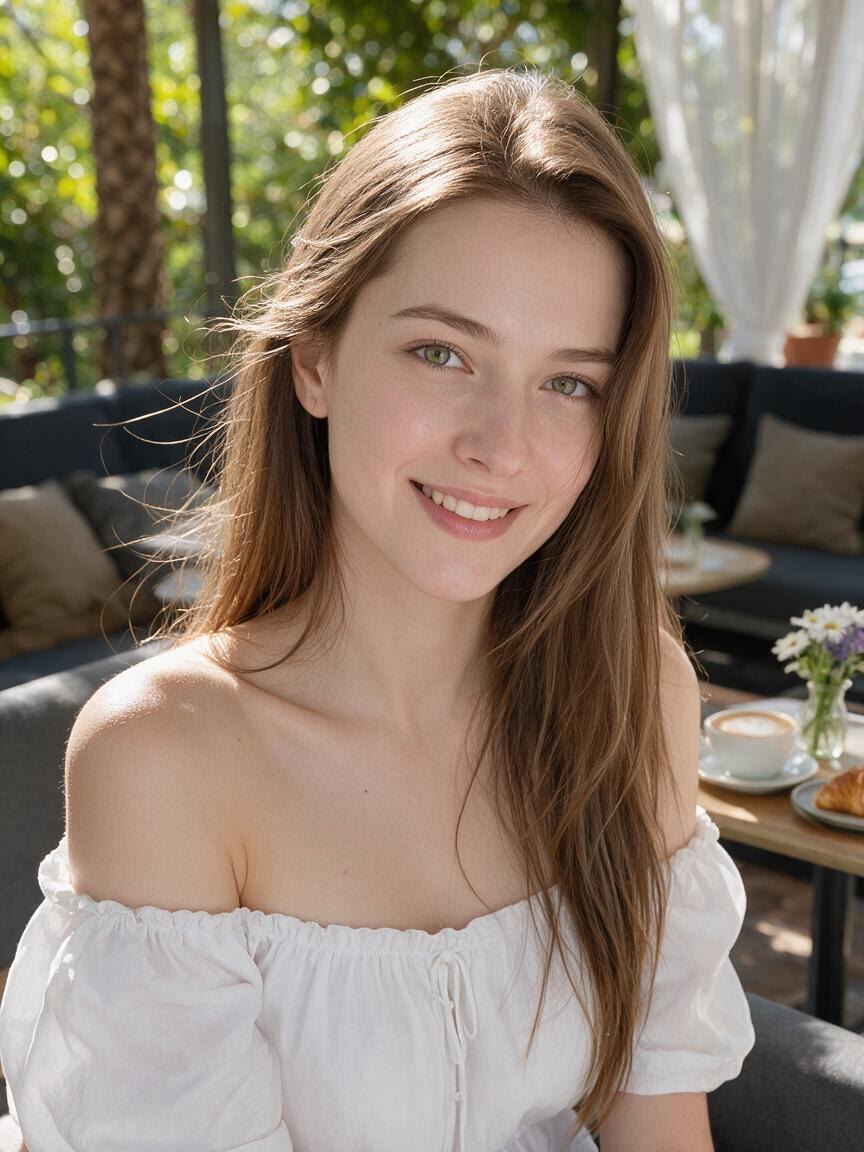
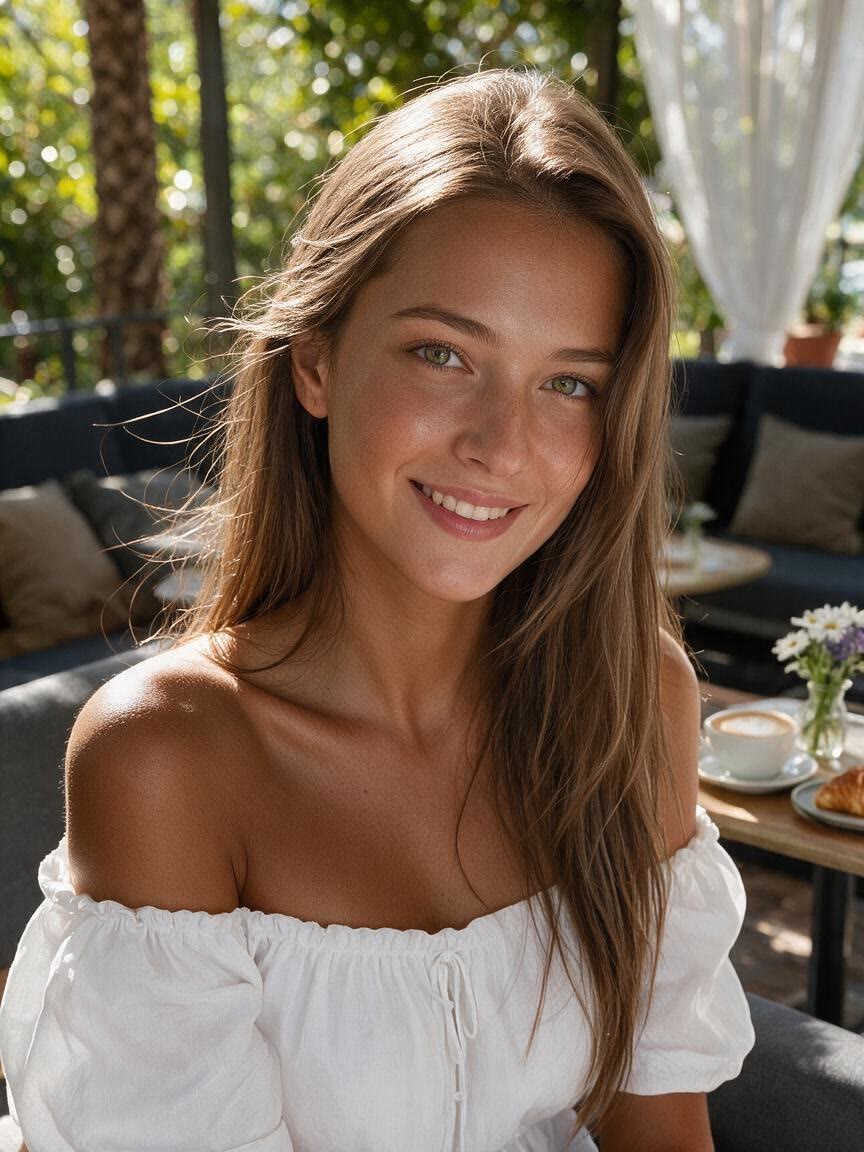
Portrait with a soft golden tan effect
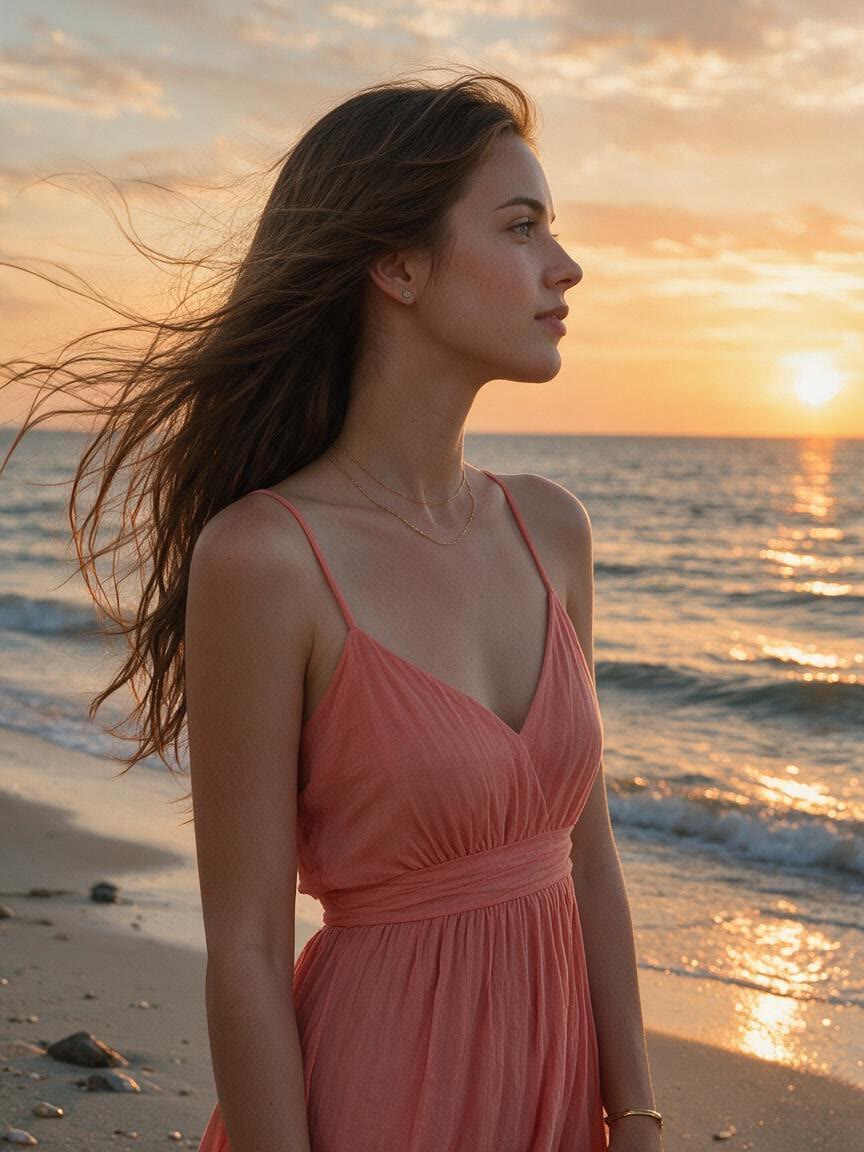
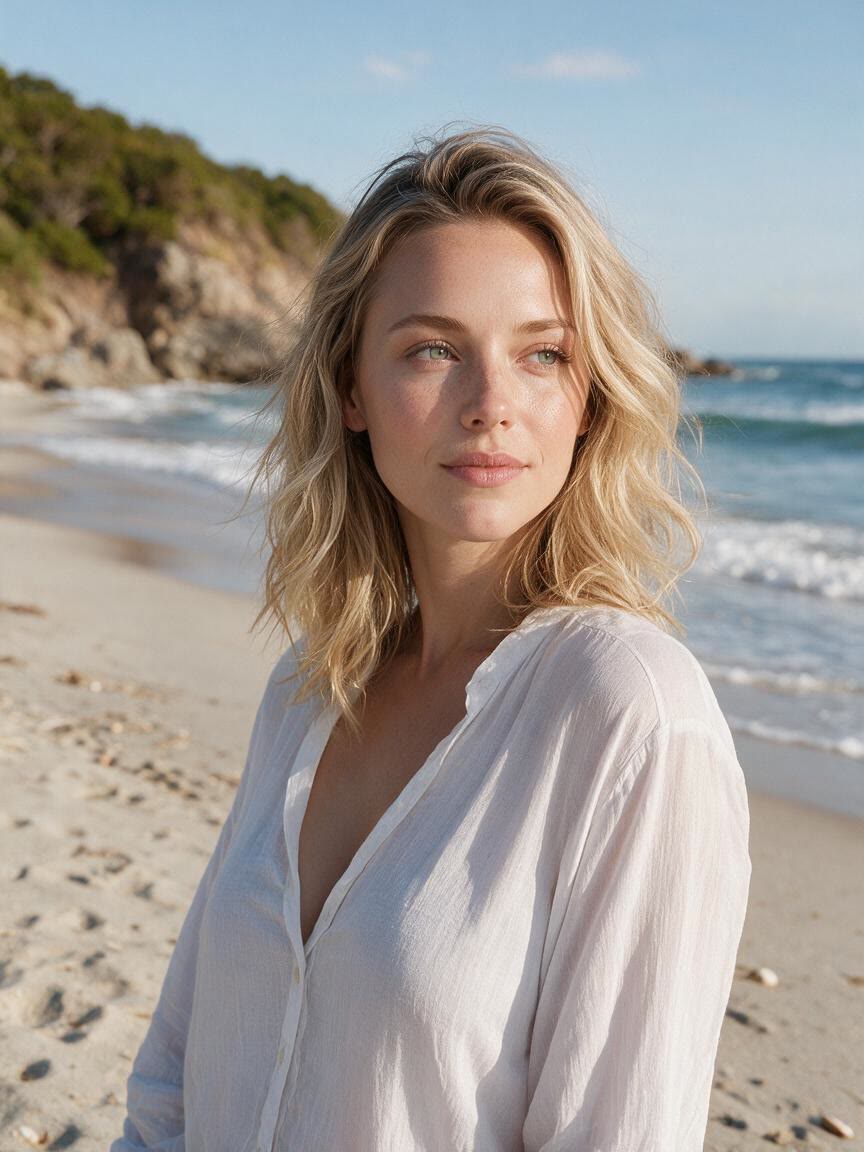
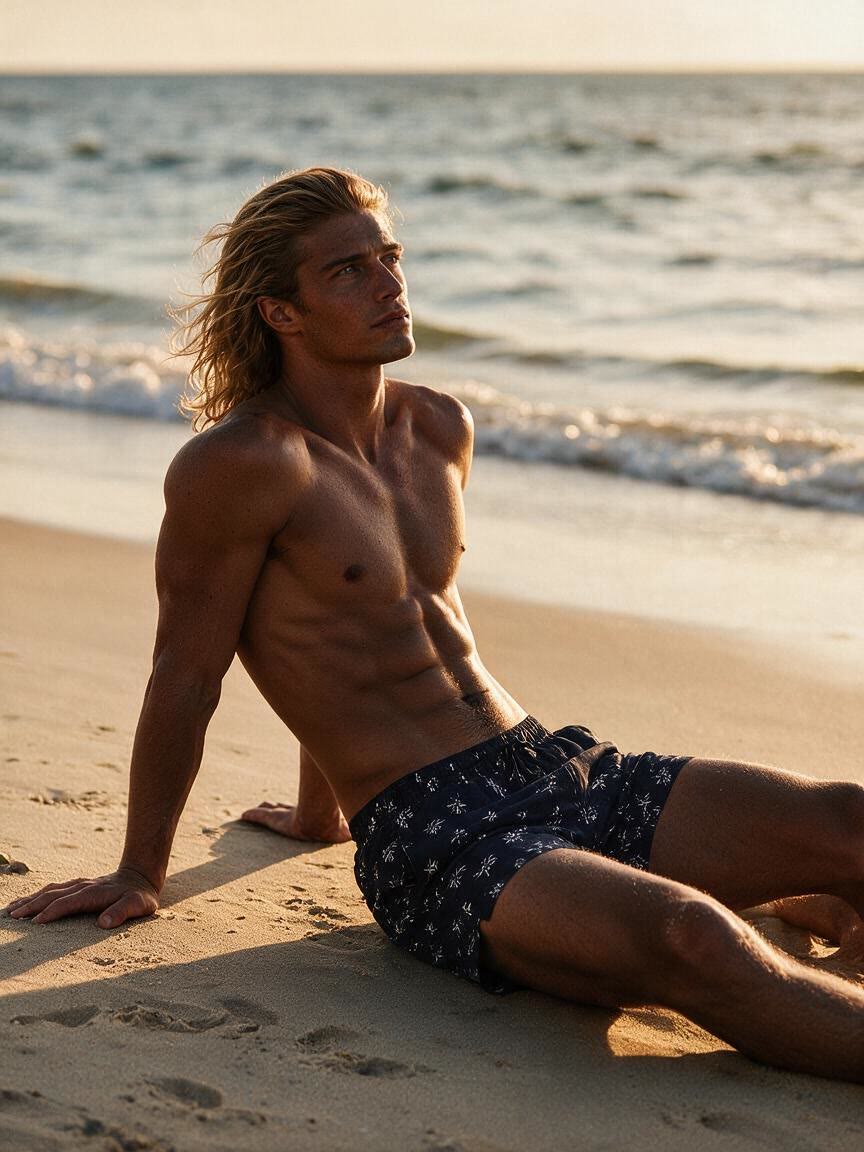
Before
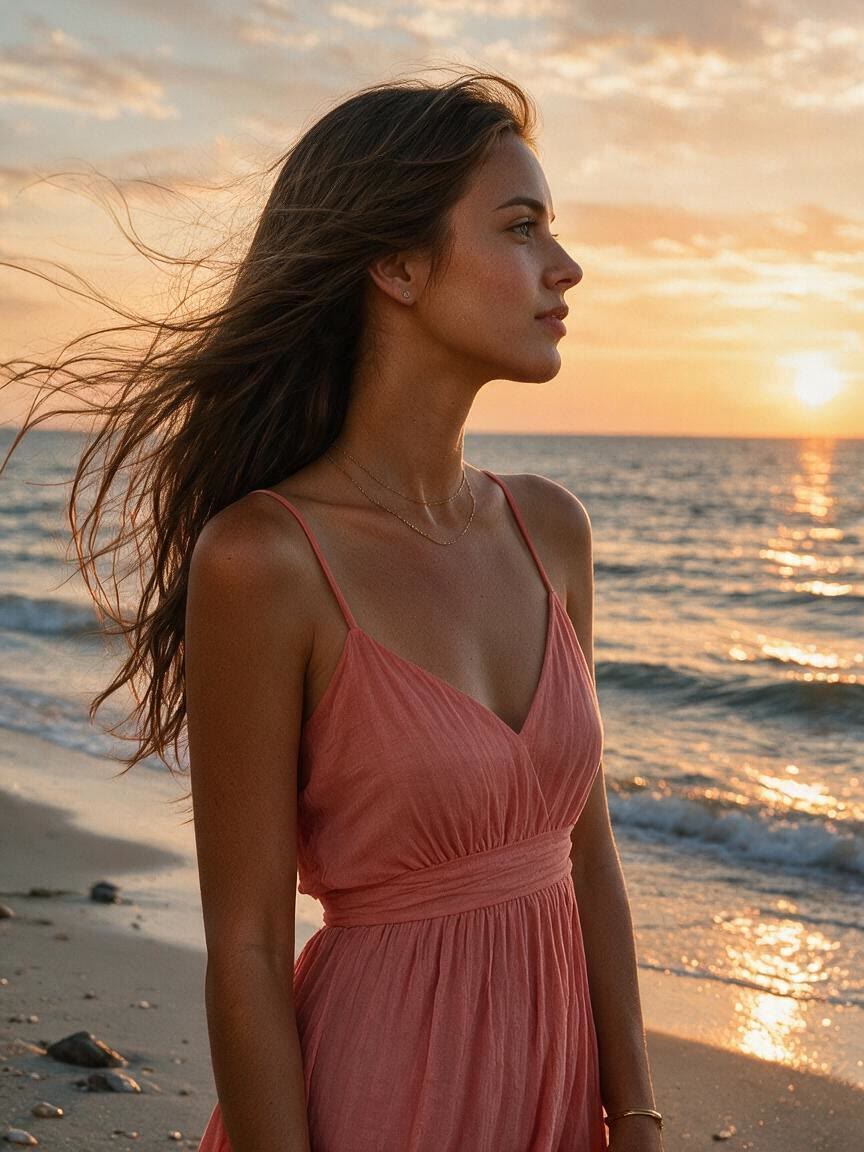
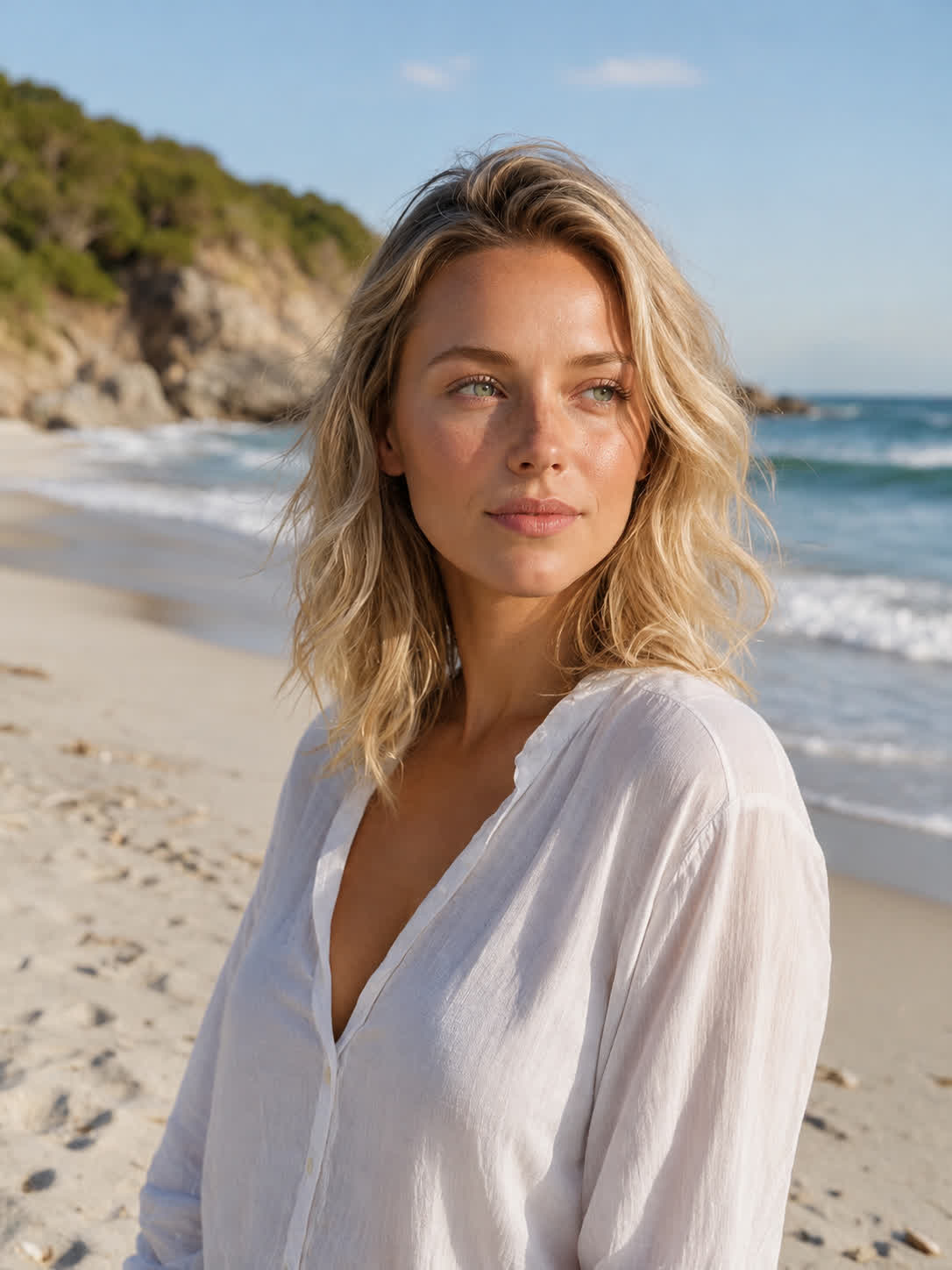
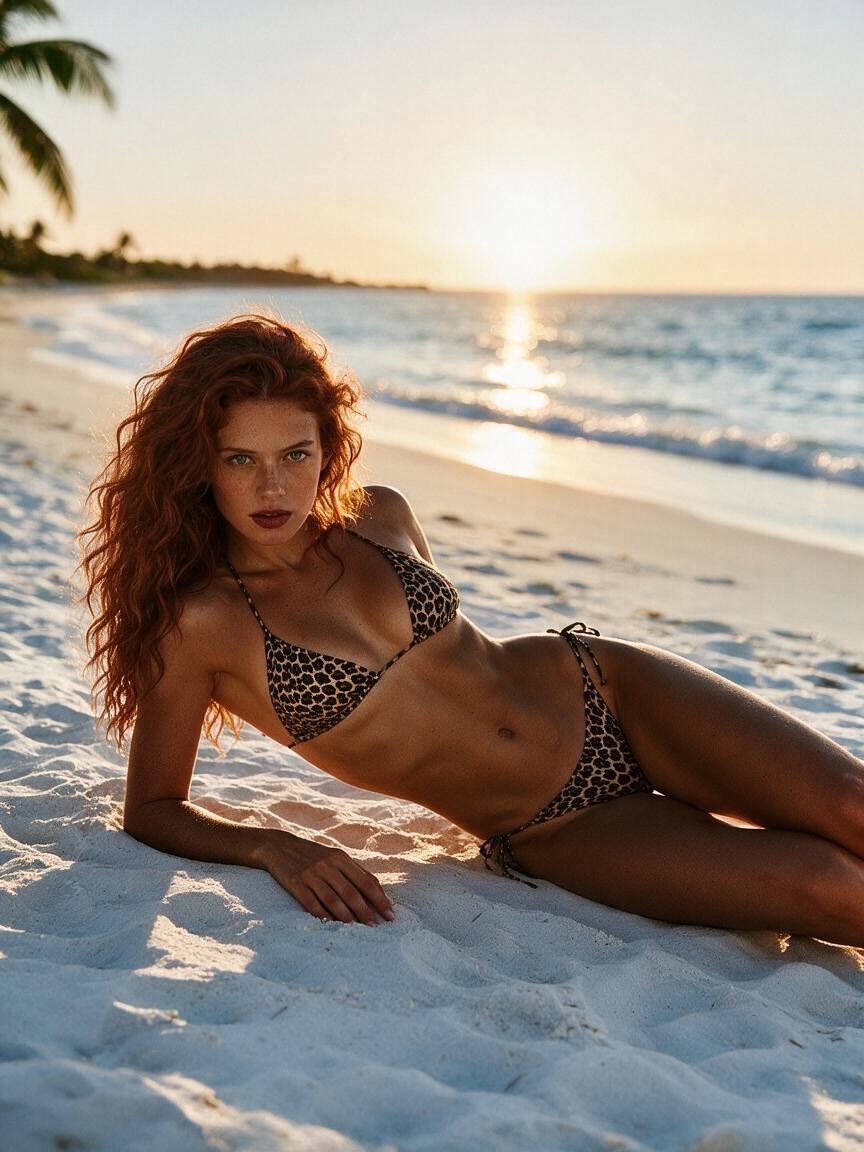
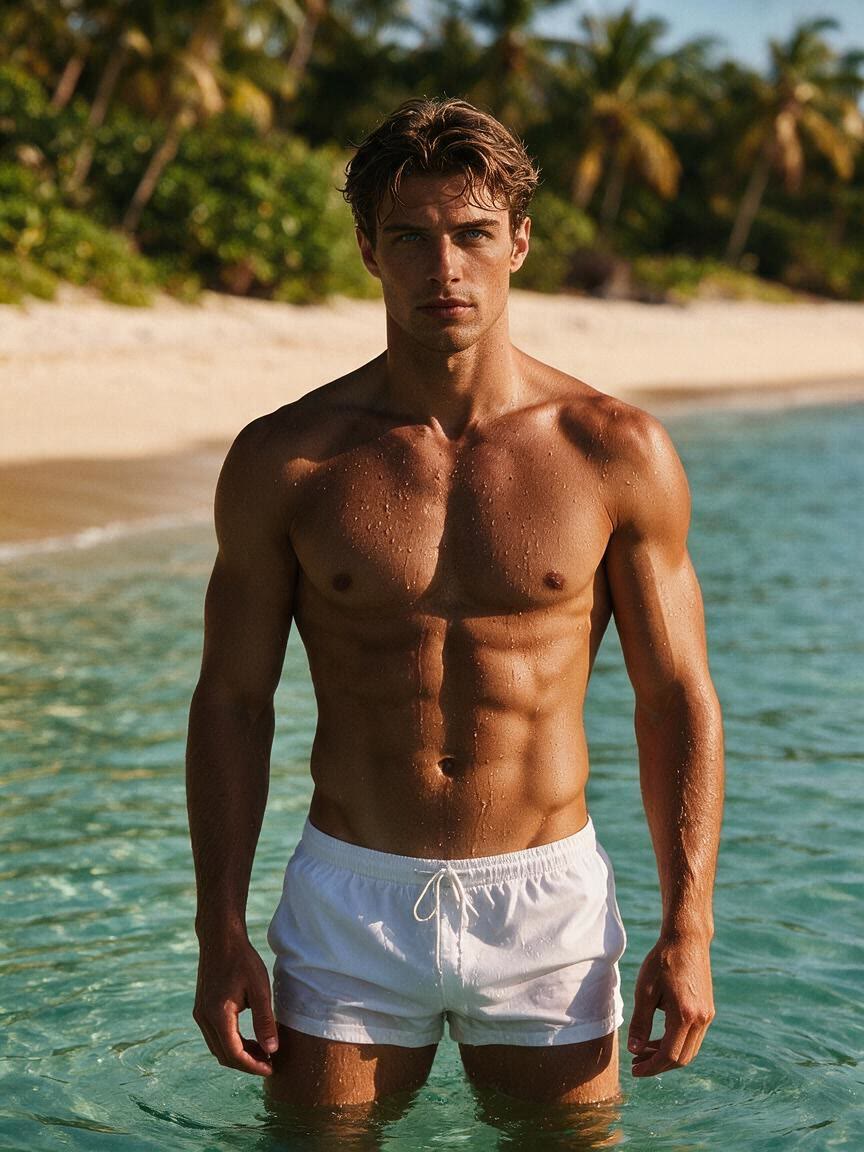
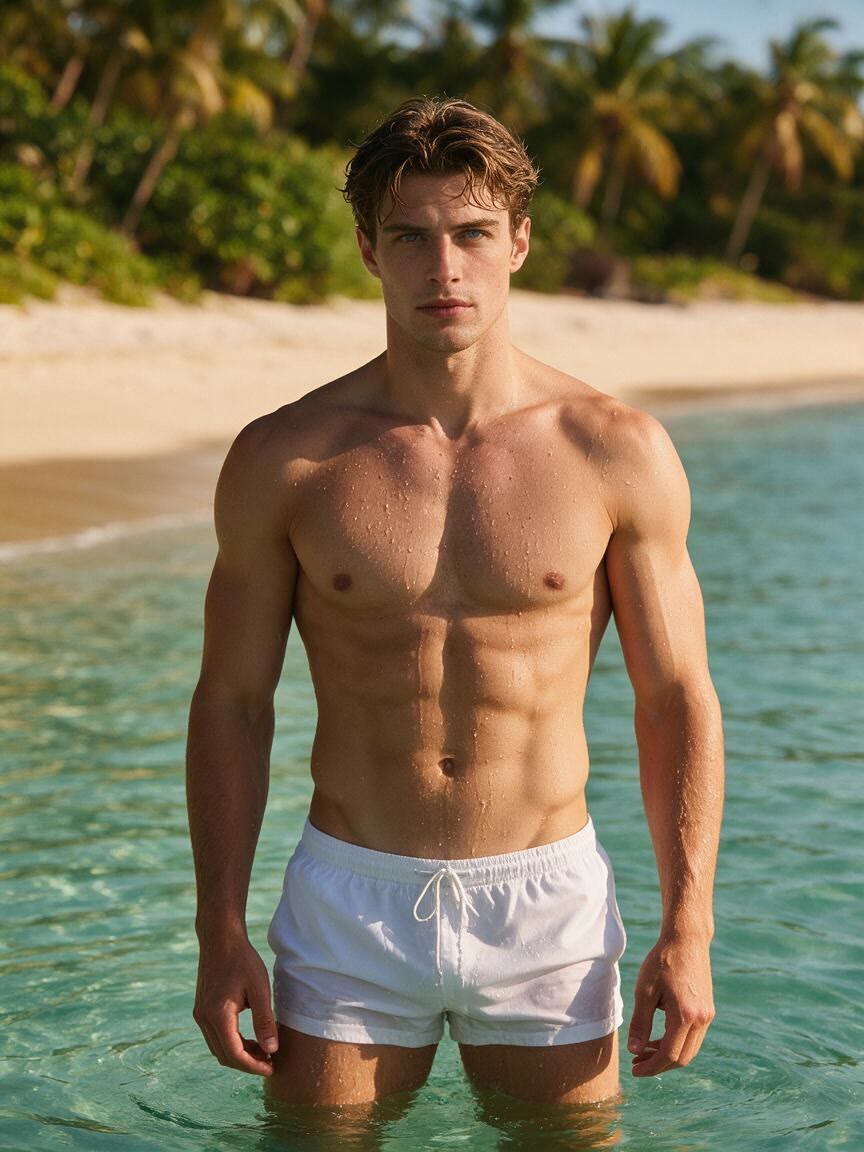
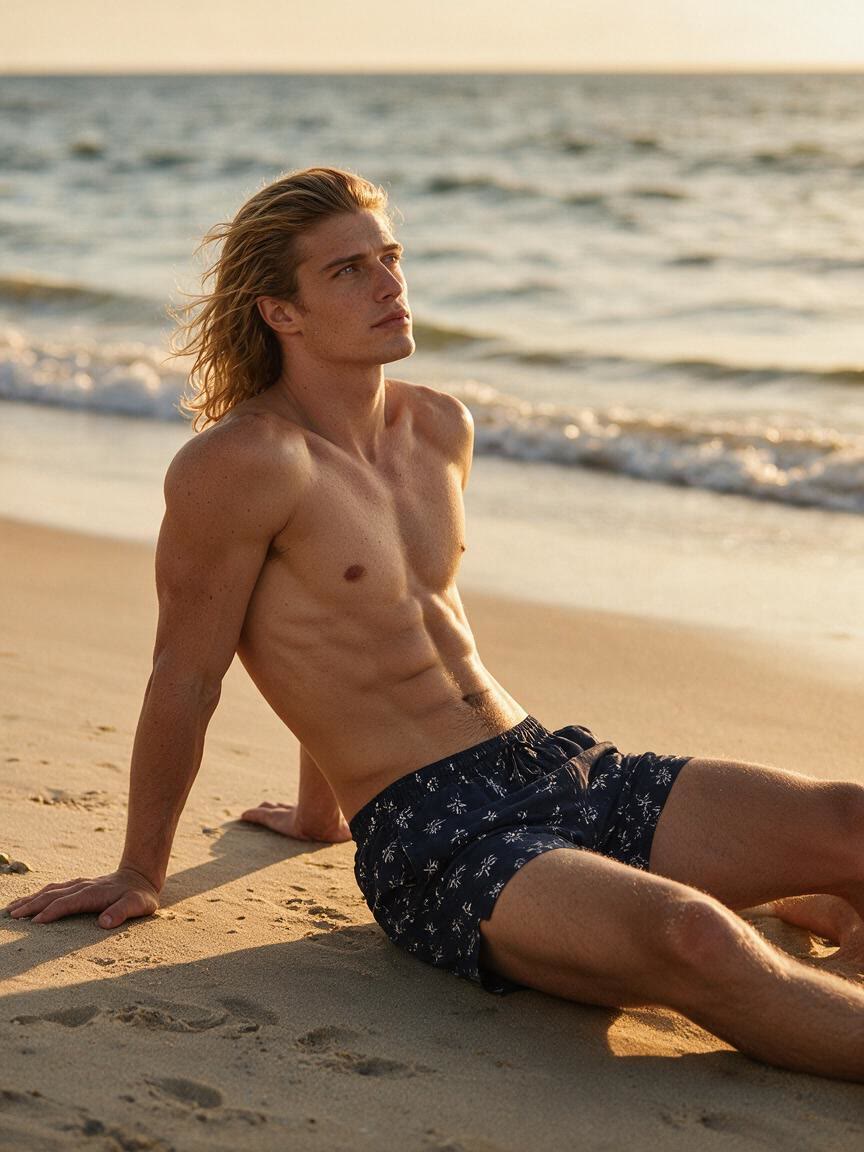
Beach portrait with a warm bronze tan effect
After

Speed up creation with examples

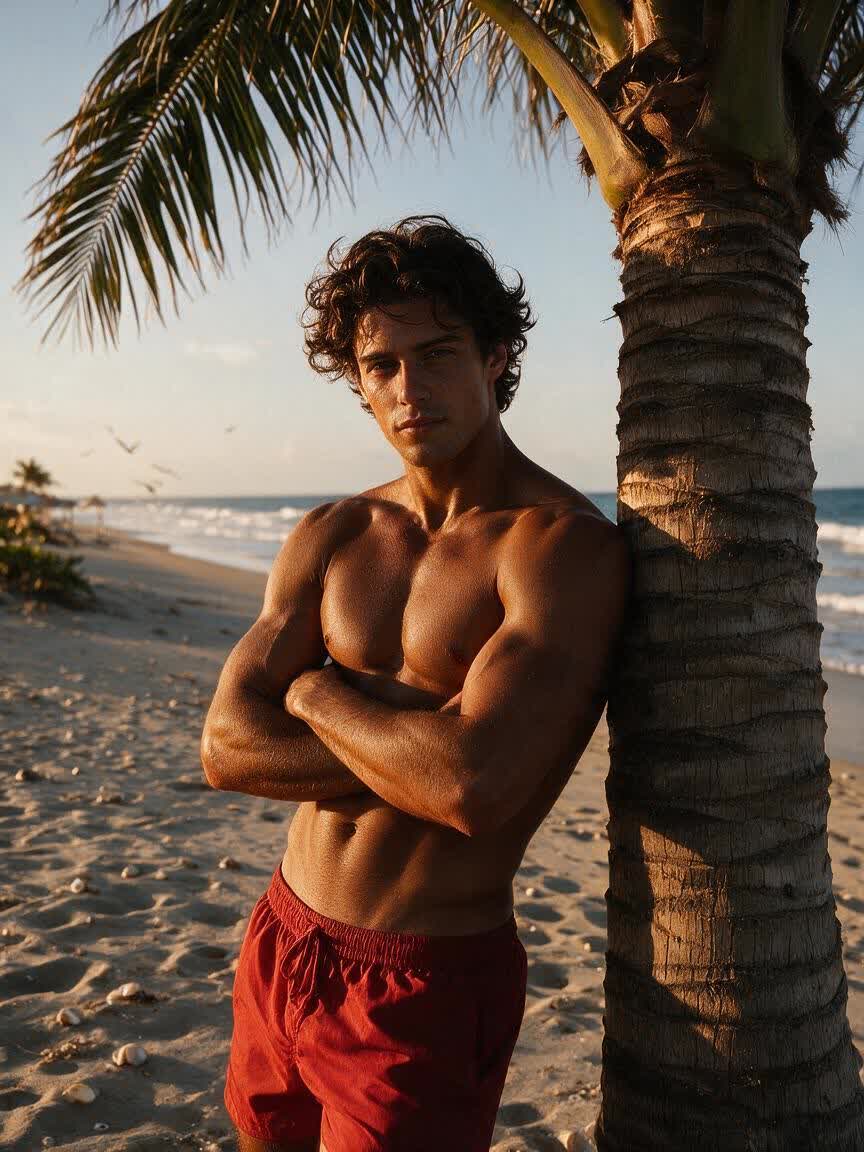
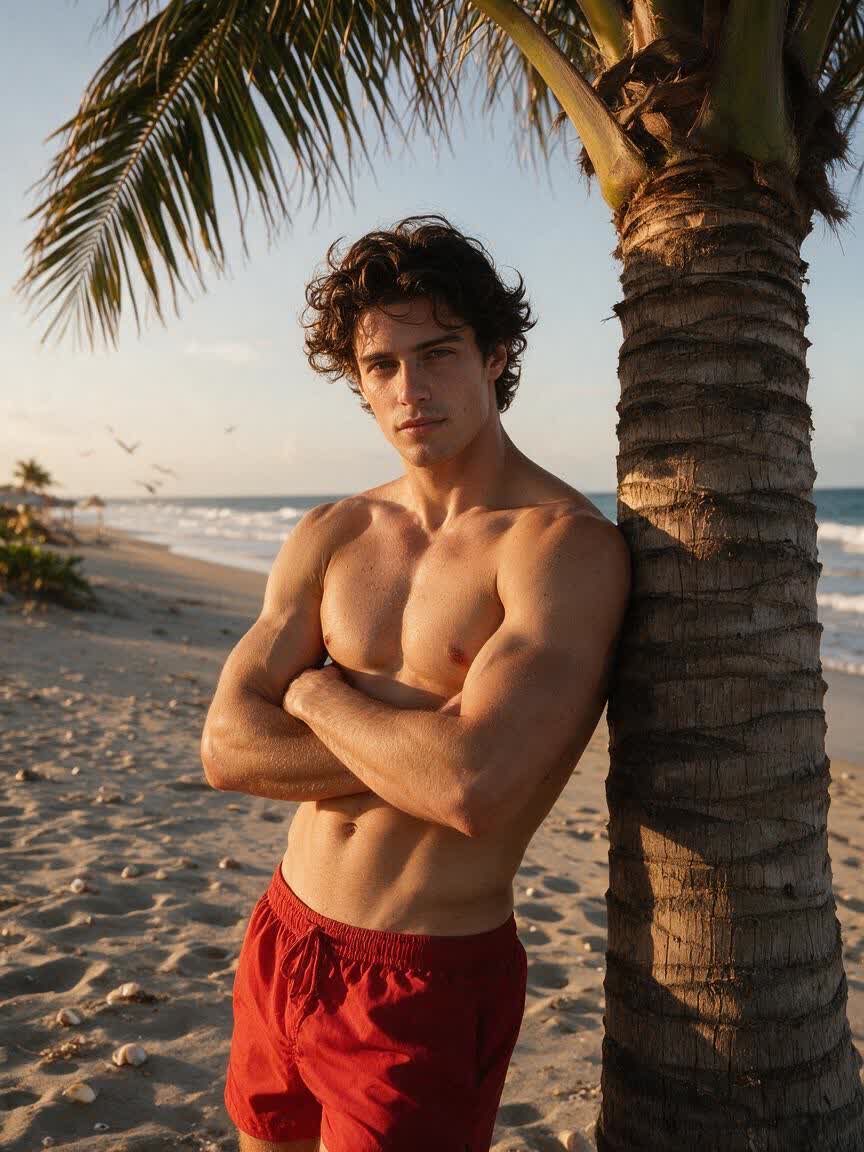
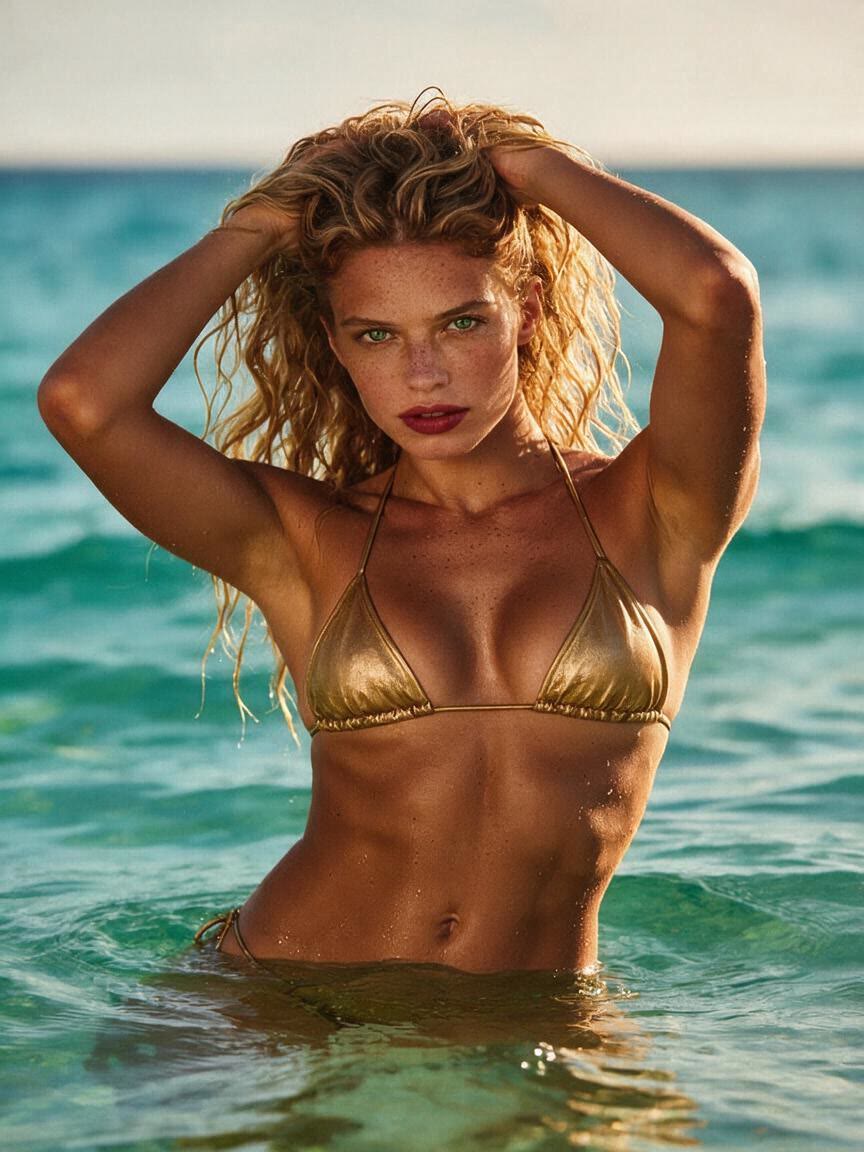
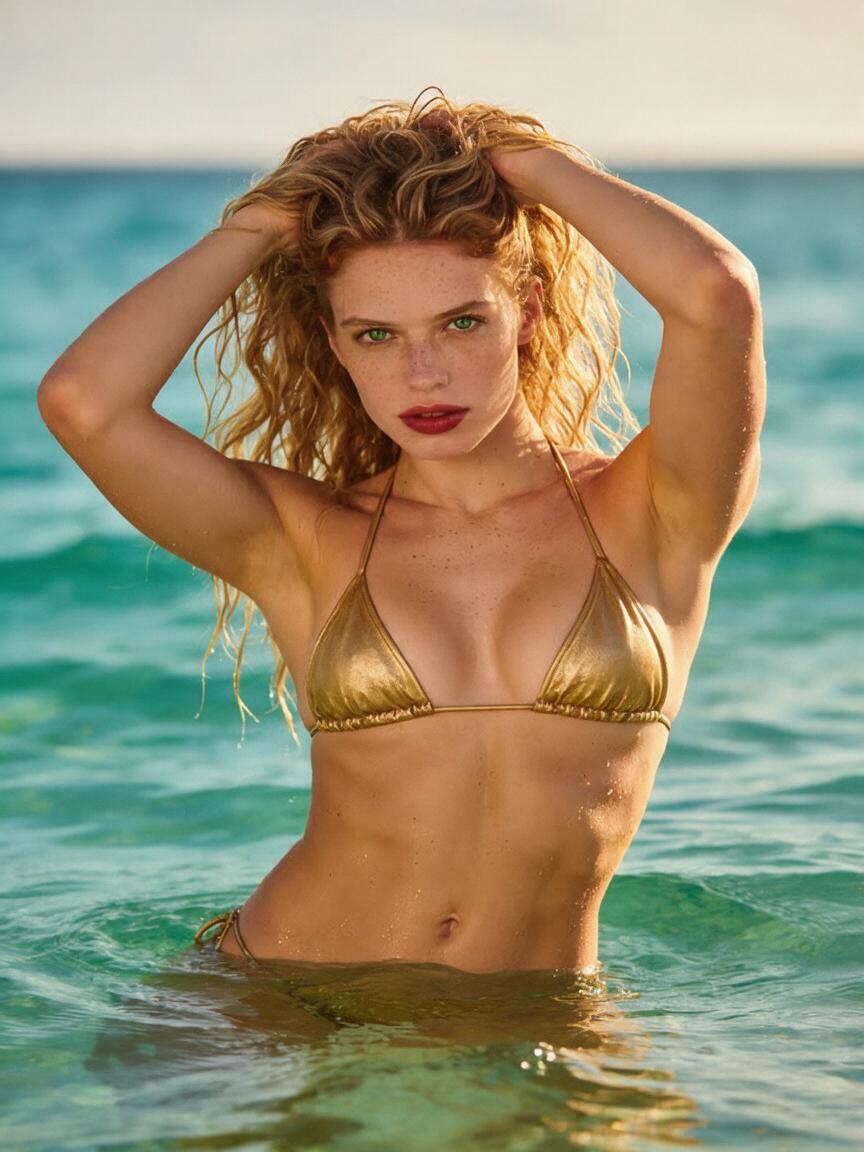
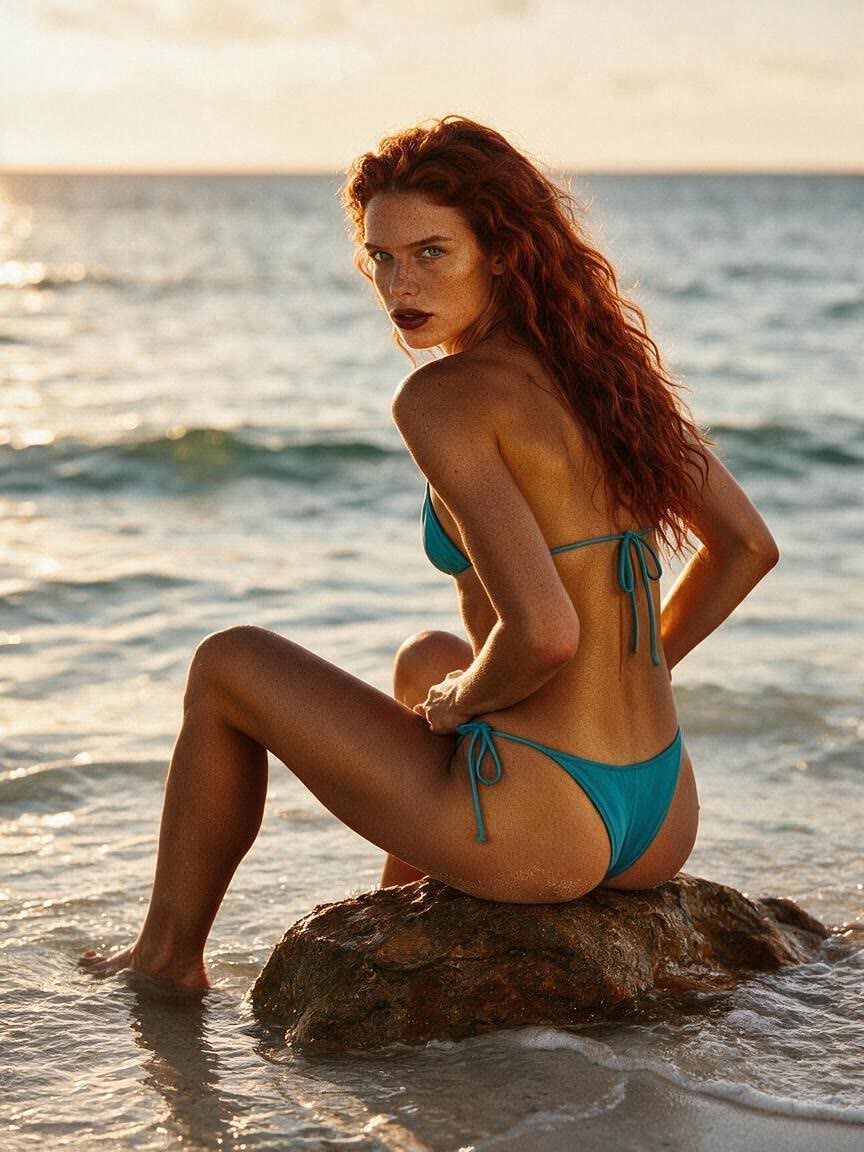
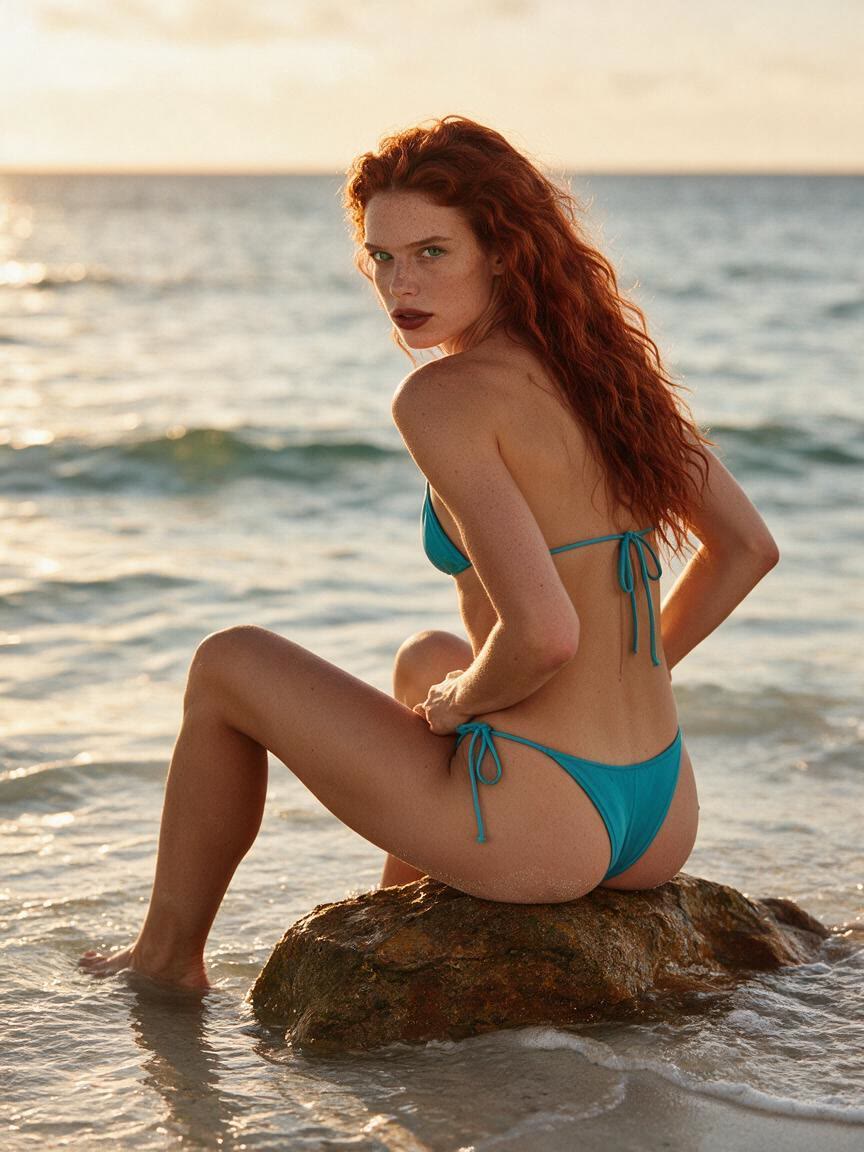
Portrait with a soft golden tan effect
Beach portrait with a warm bronze tan effect
Close-up portrait with subtle facial warmth
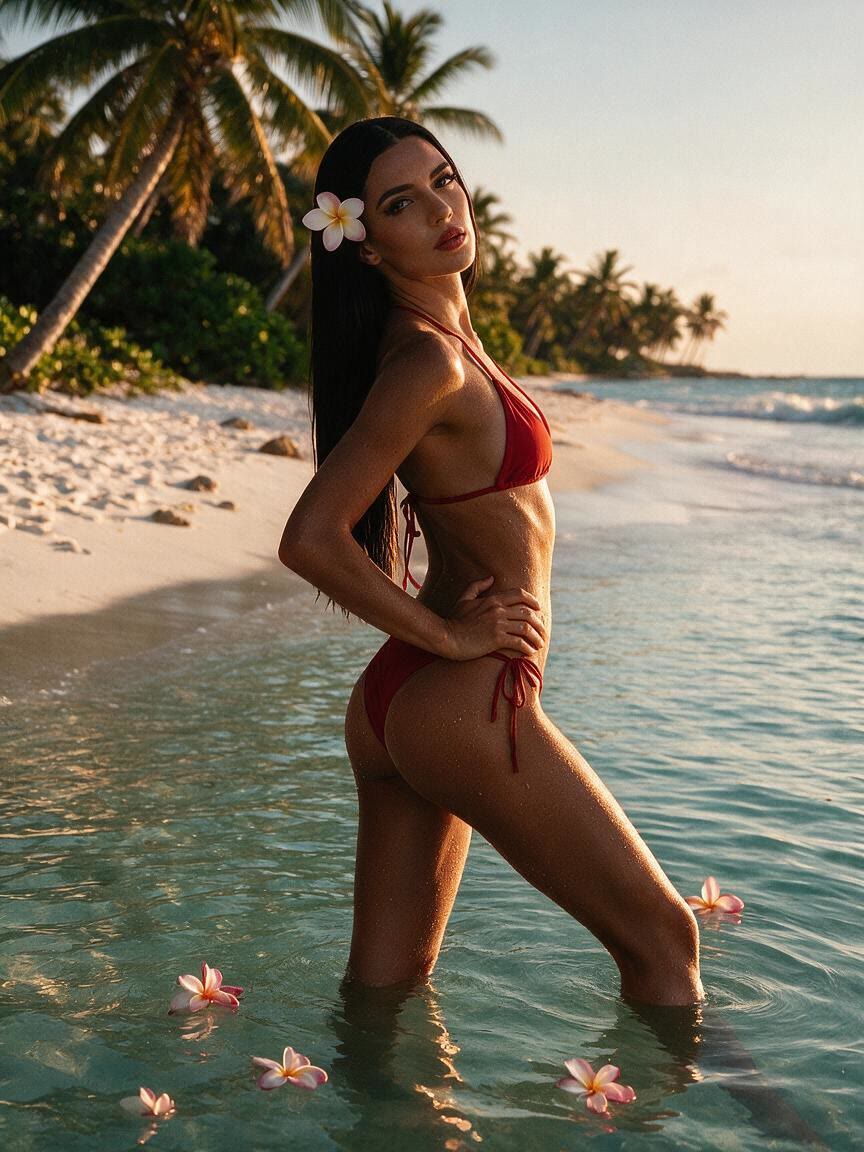
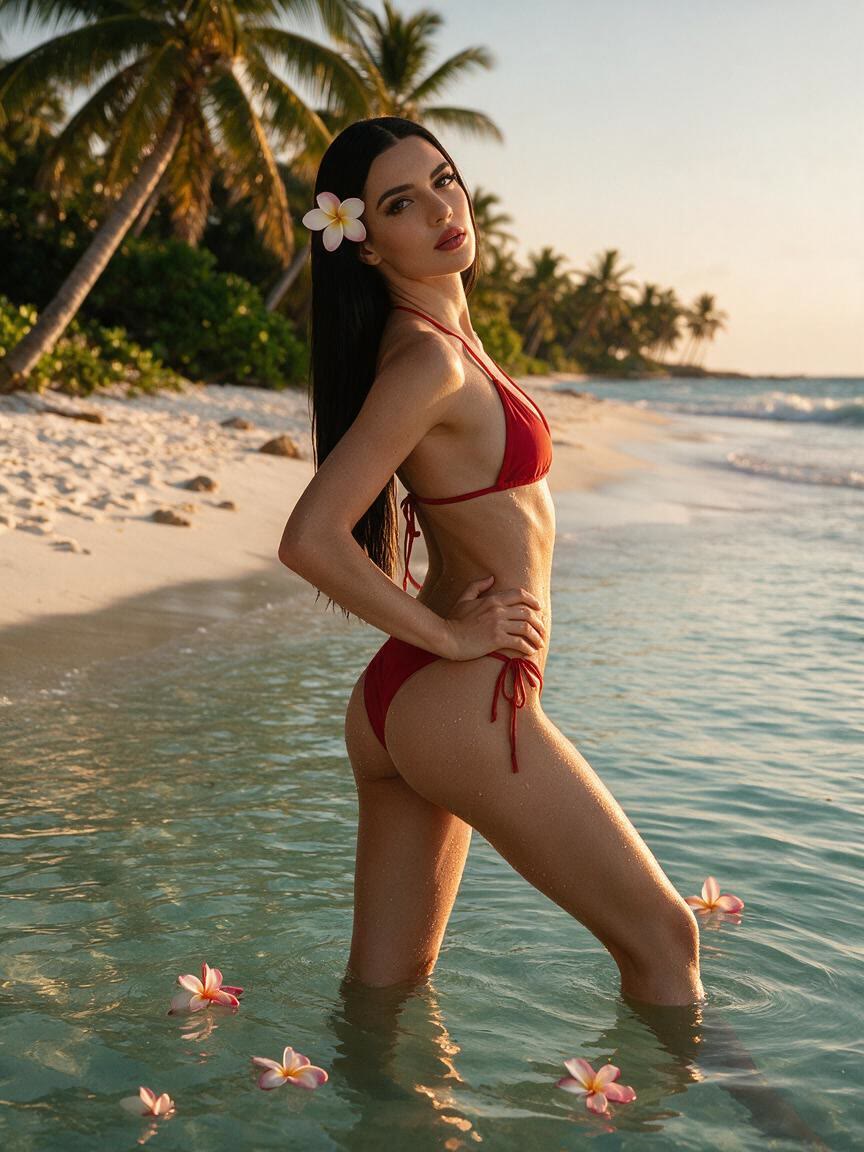
Portrait with a deeper bronze tan effect
Styled portrait with an editorial warm tan effect
Portrait showing a natural spray tan preview
Campaign portrait with a consistent warm skin tone
Outdoor portrait with a sunlit tan effect
Portrait with a balanced olive-warm tan effect
Social portrait with a bronzed tan effect
How people use Cavro

Ways to Use an AI Tan Skin Editor

Preview Before Tanning

Preview Before Tanning

Bring a portrait when you want to compare a subtle glow with a deeper bronze before using self-tanner, booking a spray tan, or changing your routine. Cavro turns that direction into an image you can assess first.

Try Cavro free
Warm Creator Photos

Warm Creator Photos

Use a personal photo when a social post feels too cool or flat. Describe the sun-kissed mood you want, then explore a warmer version that fits your content without relying on an orange filter.

Try Cavro free
Unify Campaign Visuals

Unify Campaign Visuals

Start with campaign photos that need a consistent seasonal tone across different skin tones. Cavro applies the tan direction you describe to each reference image, giving your team a clearer visual route to review.

Try Cavro free
Why Use Cavro

Built for More Natural Tan Edits

Choose Tan Intensity

Choose Tan Intensity

When you are unsure whether a light glow or deeper bronze suits the photo, describe the intensity you want. Cavro gives you a way to compare tan directions before settling on the visual mood.

Try Cavro free
Keep Texture Visible

Keep Texture Visible

A tan edit should not turn skin into a flat color block. Cavro helps you request a warmer tone while aiming for a natural-looking image with the character of the reference photo still present.

Try Cavro free
Refine the Undertone

Refine the Undertone

If the first tan feels too orange, too pale, or not warm enough, adjust the direction in the same conversation. You can keep refining toward a more balanced, realistic-looking tone.

Try Cavro free
Perfect proof

What our users say

  • I had no idea which style I wanted until I tried Cavro. It built a wall of striking ideas around my own taste, and the artist I took one to was surprised.

    Leo V.
  • I posted a reveal video made with Cavro on TikTok and it passed 20,000 views. The result looked so real that people thought I had actually gone and got it.

    Darius C.
  • Cavro let me preview the idea on my own body before deciding. It kept me away from a couple of bad ones and led me to a design I genuinely like.

    James P.
  • Cavro changed the way I brainstorm with clients. We generate options in seconds and start refining straight away. It is part of my daily work now.

    Mia R.
  • I used Cavro to build a sleeve concept that blends Japanese motifs with geometric lines. It generated so fast, and the result went well past what I expected.

    Hana S.
  • I wanted something meaningful and delicate for my wedding. Cavro gave me elegant, personal options, my artist customised one, and I am really happy with it.

    Zoey T.
Answers

Common questions

What is an AI tan skin editor?

An AI tan skin editor uses a written request and a reference photo to create an edited image with a different skin-tone direction. With Cavro, you can describe a subtle glow, warm bronze, or another natural tan look.

Can I preview a tan before using self-tanner or a spray tan?

Yes, you can use your own photo to explore how a requested tan direction may look before making a real-world choice. The generated image is a visual preview, not a guarantee of how tanning will appear in person.

Can I make the tan subtle or deep?

Yes. Describe the intensity you want, from a light sun-kissed glow to a deeper bronze direction, and refine the request if the first result is not right.

How do I avoid an orange filter effect?

Ask for a natural-looking tan with balanced warmth and realistic undertones rather than a flat orange shift. If the result feels too warm, you can refine the direction in the same conversation.

Can I use an AI tan skin edit for campaign or social photos?

Yes. Creators and marketers can use reference photos to explore warmer social images or a more consistent campaign direction. Each image can be guided by the tan description you want to test.

Play with an idea. Leave with an image.

Creators worldwide are turning “just an idea” into expensive-looking images.

Try Cavro free