
Try the AI Straight Hair Filter

Preview sleek, natural-looking hair in your own photo.
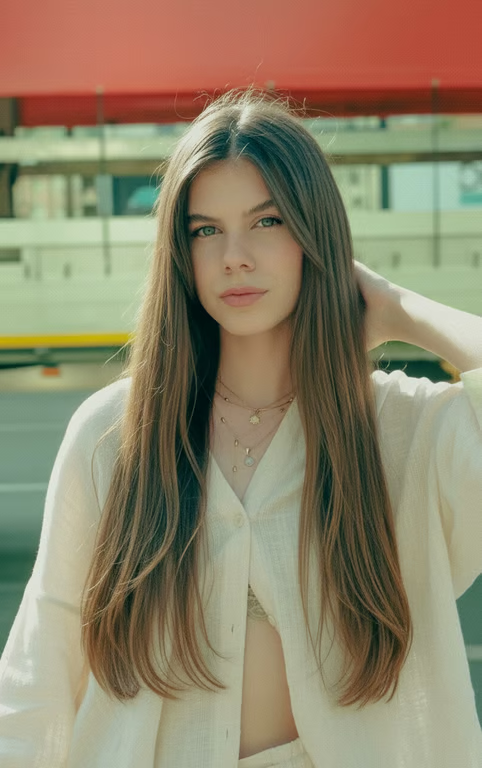
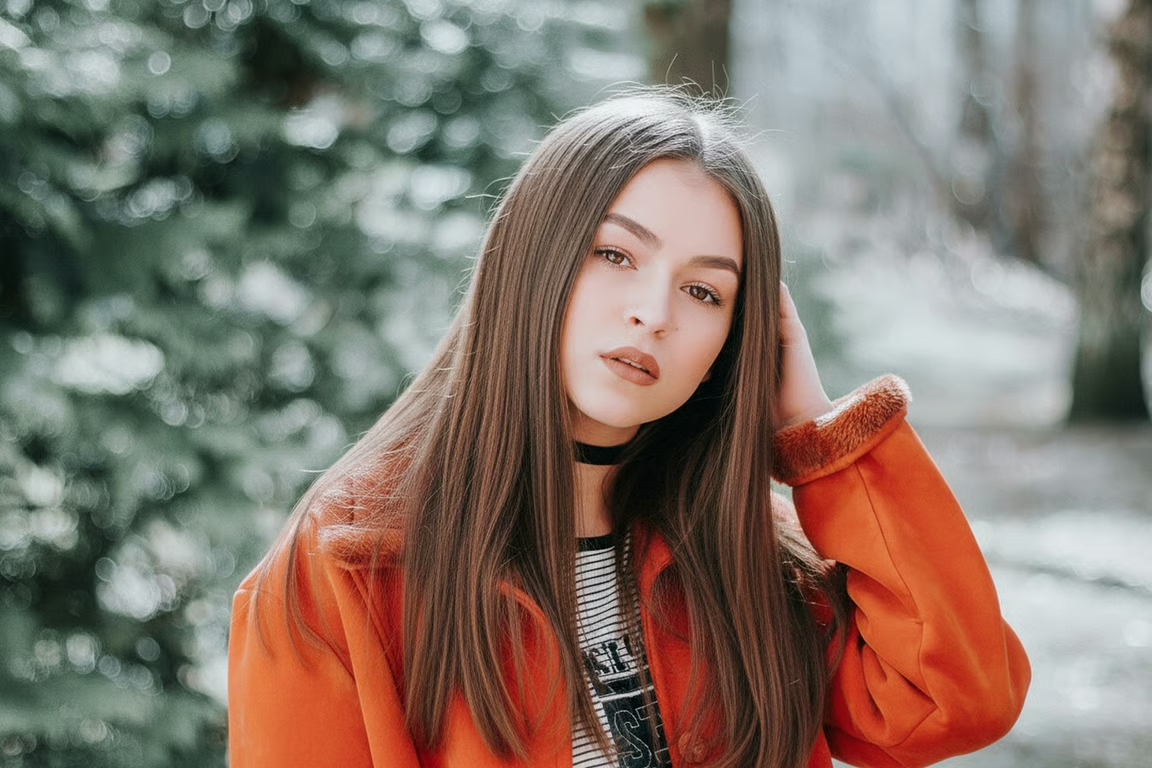
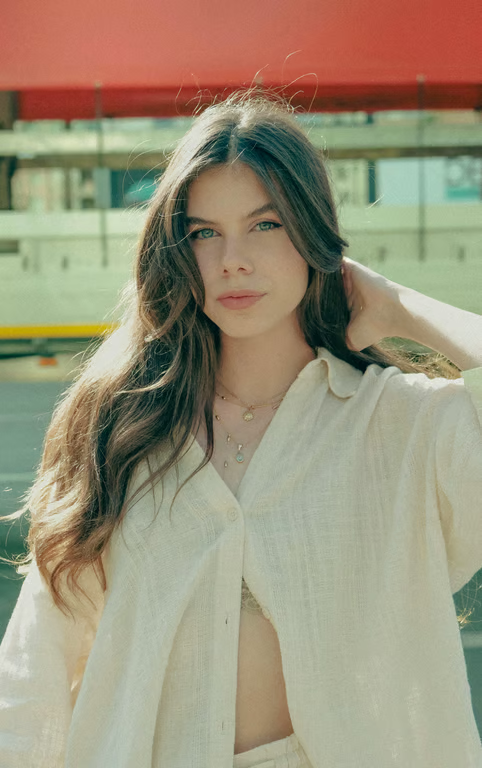
Woman with long, sleek, straight brown hair in an outdoor portrait.
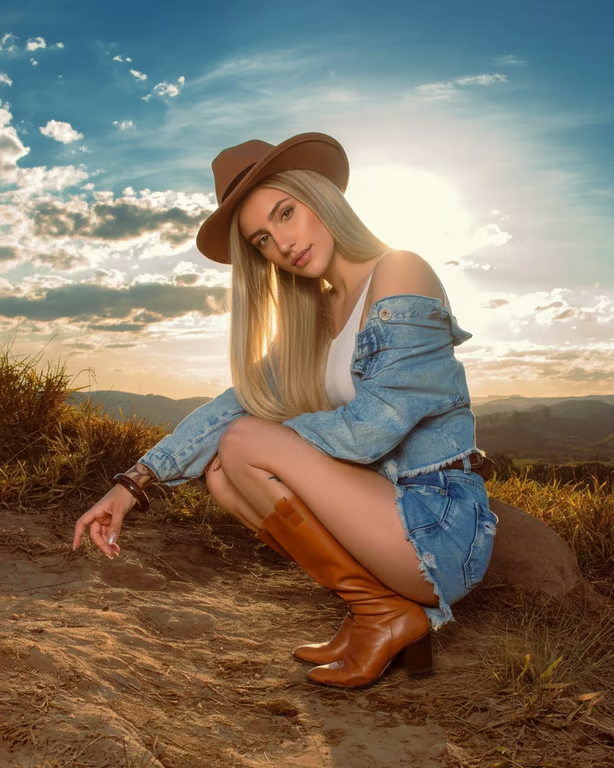
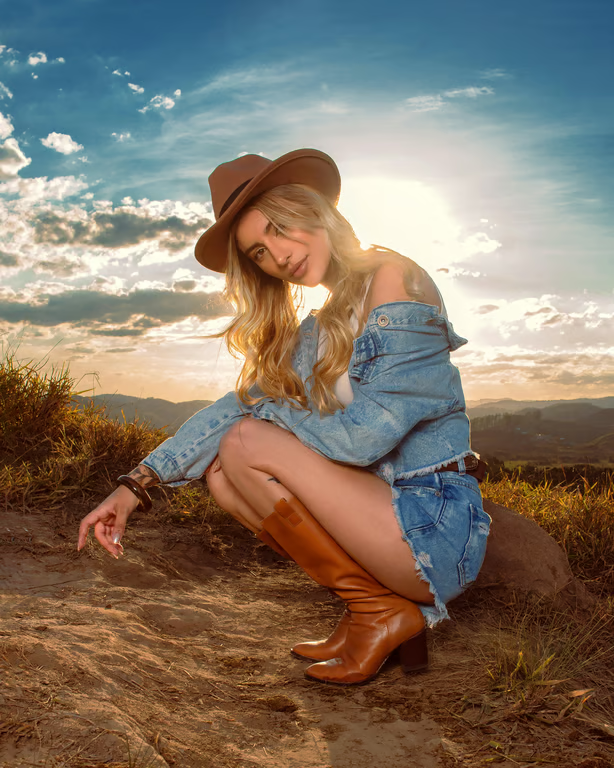
Woman outdoors with long, sleek, straight blonde hair and a brown hat.
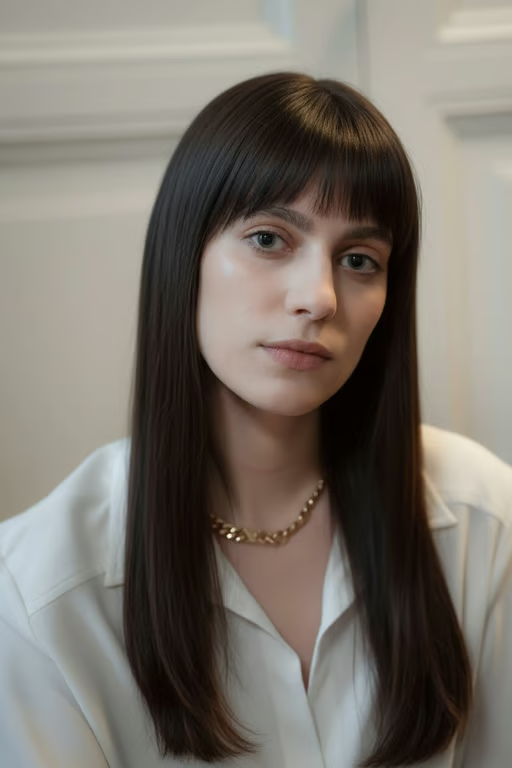
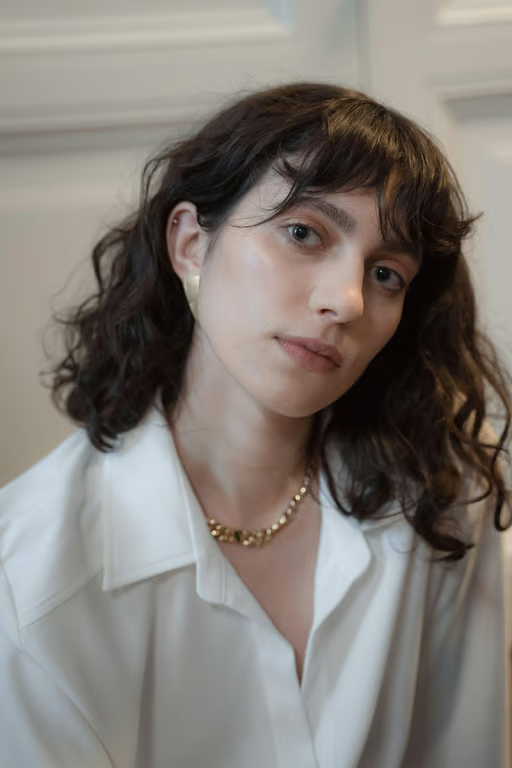
Portrait showing long, sleek, straight dark brown hair with blunt ends and bangs.
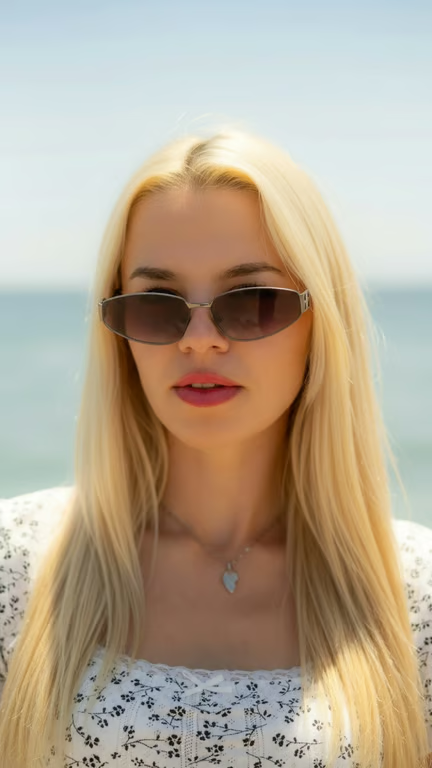
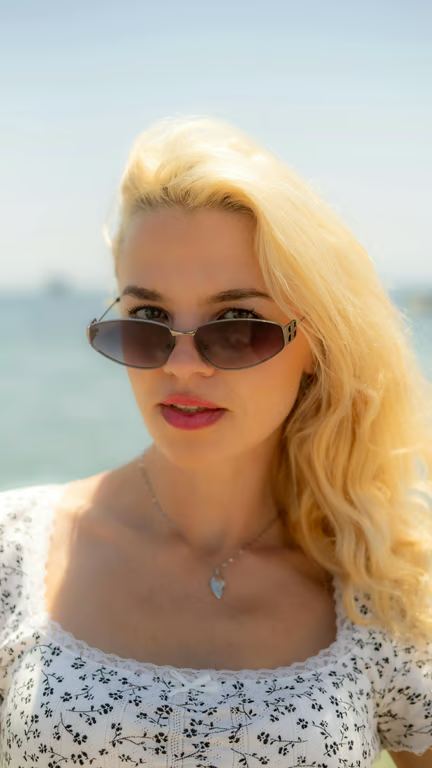
Woman wearing sunglasses with long, sleek, straight hair parted at the center.
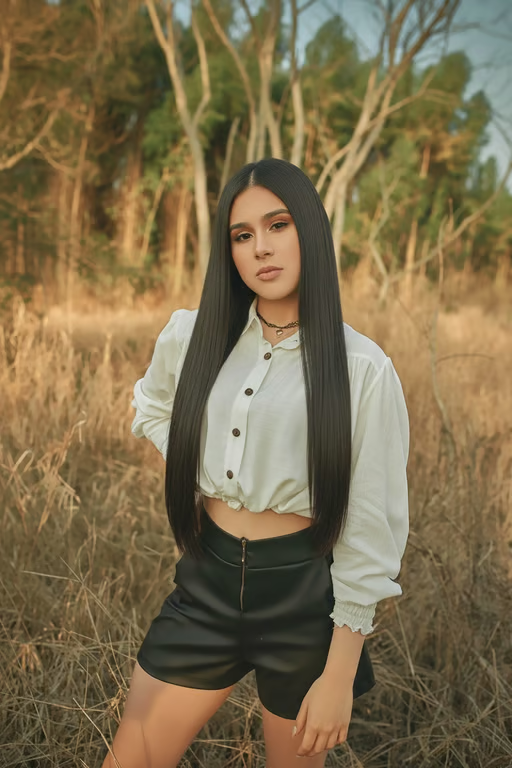
Woman outdoors with long, sleek, straight dark hair falling past her waist.
Woman with long, sleek, straight brown hair and a center part
Portrait of a man wearing round sunglasses with a short, close-cropped buzz cut.
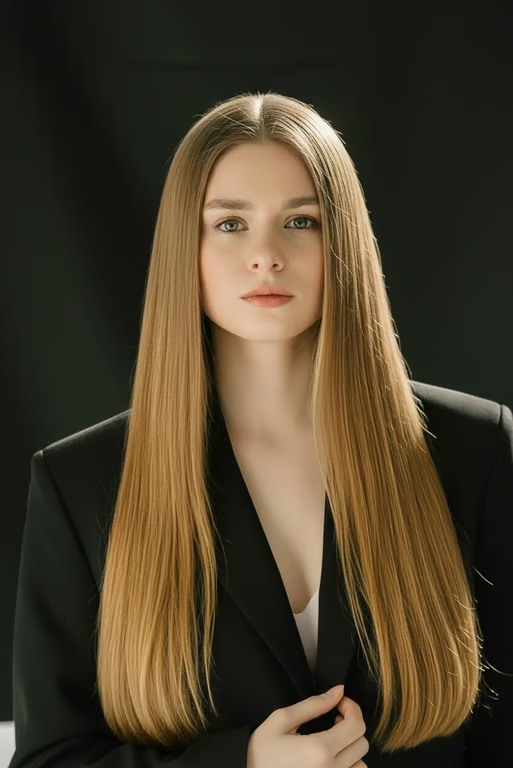
Woman with long, center-parted straight blonde hair wearing a structured black blazer.
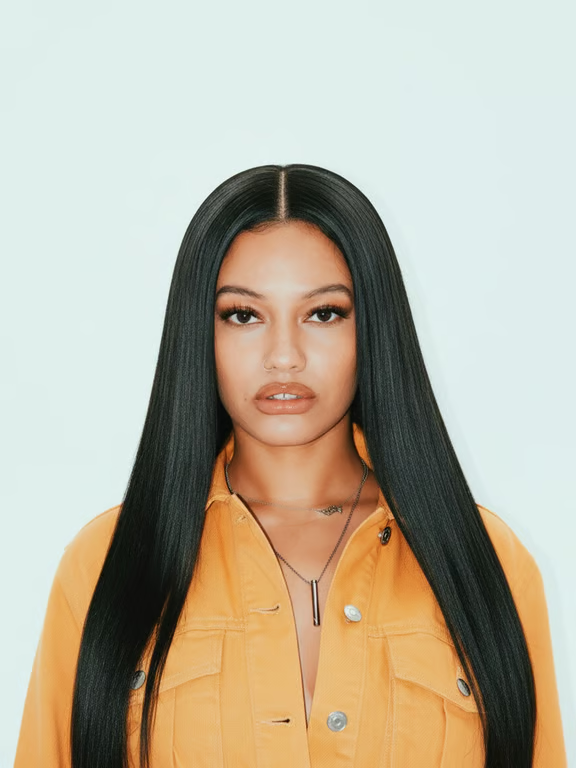
Person with long, sleek, straight black hair parted down the center.
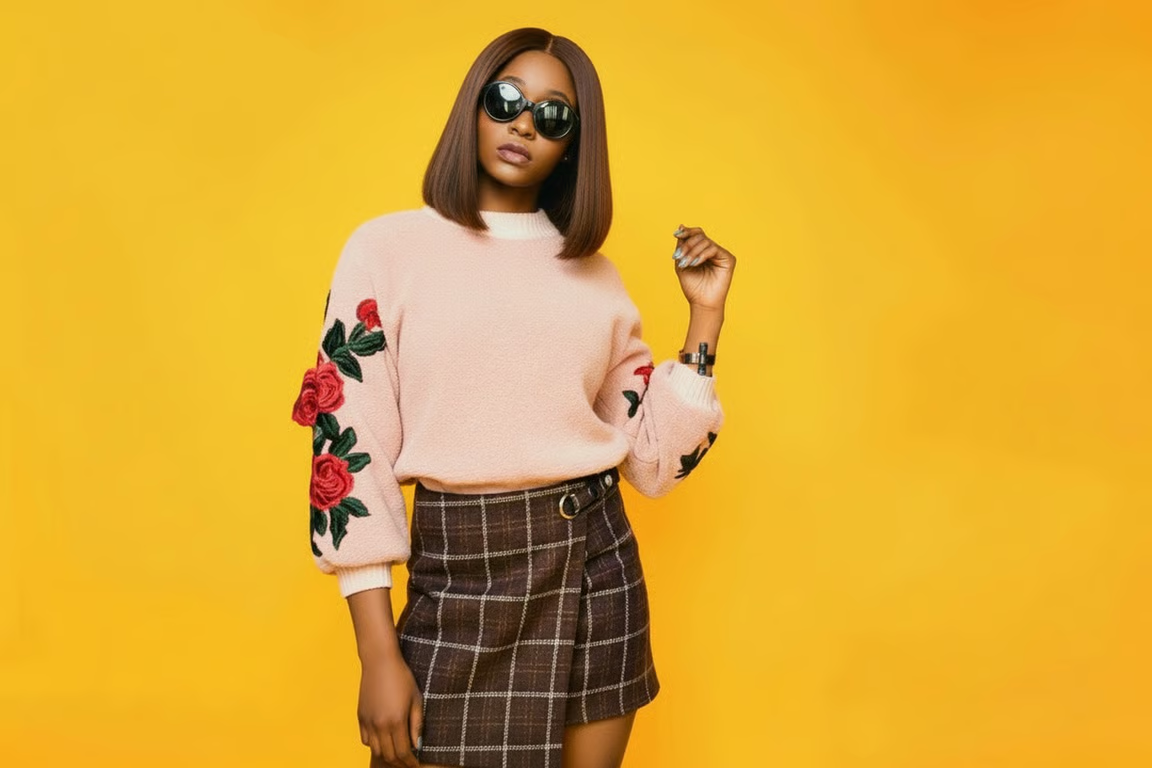
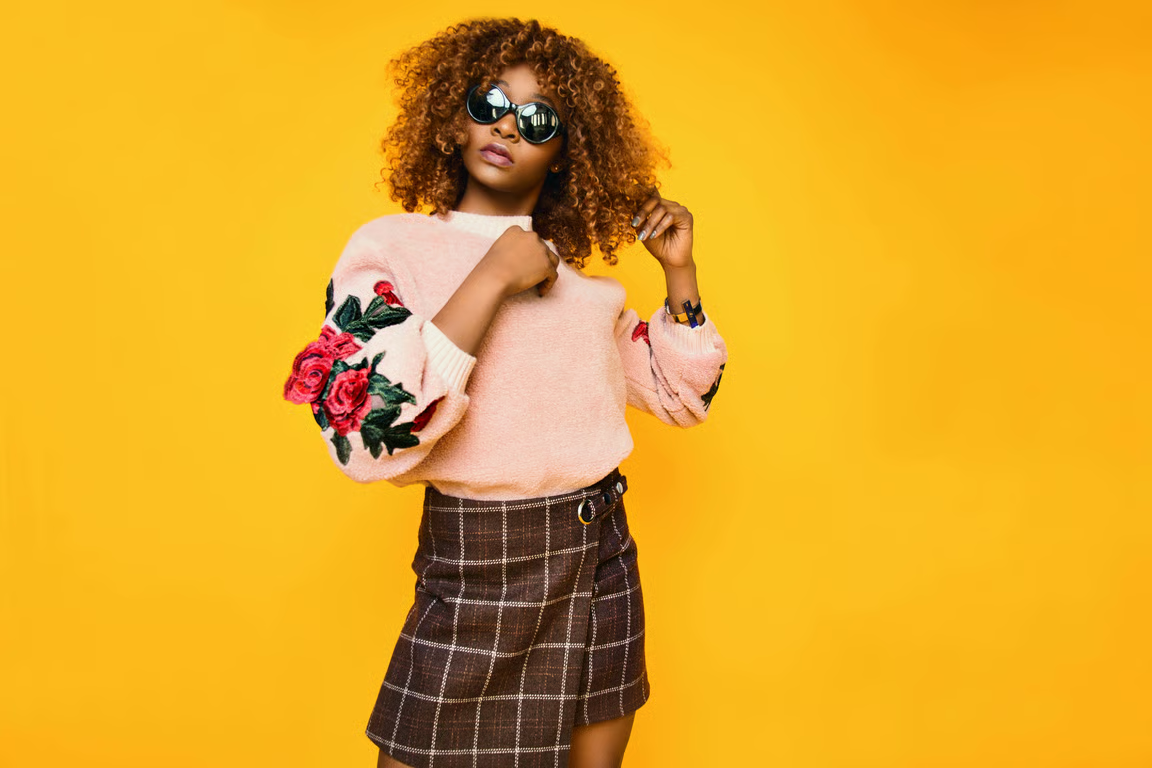
Person wearing sunglasses and a pink sweater with a sleek, straight shoulder-length bob.
What you get

All the power, none of the hassle

Photo-Guided Results

Use a reference photo to preview straight hair in a style direction tailored to your portrait.

Style Direction

Describe length, part, layers, or finish so the straight hair preview follows your idea.

Image or Video

Choose an image or video output when exploring a straight-hair concept.

Refine the Look

Generate again in the same conversation to adjust the straight style without starting over.

User value

We are the best AI tool for...

  1. Preview before styling

    Compare a straight-hair direction before committing time to a cut, treatment, or new routine.

  2. Refresh your profile image

    Create a more polished portrait concept for a profile, headshot, or social post.

  3. Explore without hair skills

    Test length, part, layers, and finish through a written idea instead of styling the hair yourself.

Perfect proof

What our users say

  • I wanted to see whether a sleek center part would suit my face before changing my hairstyle. The preview gave me a clear direction to consider.

    Mara K.
  • I used a portrait and asked for a shoulder-length straight style. It helped me picture a more polished profile photo without arranging a new shoot.

    Jonah R.
  • The layered straight look was exactly the kind of idea I had trouble explaining. Seeing it in a photo made the choice feel much easier.

    Elena P.
  • I tried a glossy finish for an evening portrait, then refined it to look softer. Comparing the two directions saved me a lot of guesswork.

    Tessa L.
  • I was curious about moving from waves to a straight bob. The preview let me explore the change while keeping the focus on my own photo.

    Nadia F.
  • I needed a clean headshot concept and tested a side-parted straight style. It gave me a confident visual starting point.

    Caleb M.
Answers

Common questions

What is an AI straight hair filter?

An AI straight hair filter creates a new image or video from a written prompt and/or reference photo, showing a straight-hair style direction. It can help you explore length, part, layers, and finish.

Will the straight hair result look natural?

Describe the finish and style details you want, then use your photo as the reference. You can refine and generate again in the same conversation when you want to adjust the result.

What kind of photo should I use?

Use a photo that clearly shows the person and hair area you want to transform. The page accepts an uploaded, dropped-in, or pasted photo, and your written direction can add details about the straight style.

Can anyone use a straight hair style filter?

Yes. A straight-hair preview can be used for any gender and for many personal, profile, styling, or creative ideas. Describe the length, part, shape, and finish that fit the image you want.

Is my photo safe to upload?

The available product facts do not specify photo storage or retention policies. Review Cavro's current privacy information before uploading a sensitive image.

Play with an idea. Leave with an image.

Creators worldwide are turning “just an idea” into expensive-looking images.

Try Cavro free