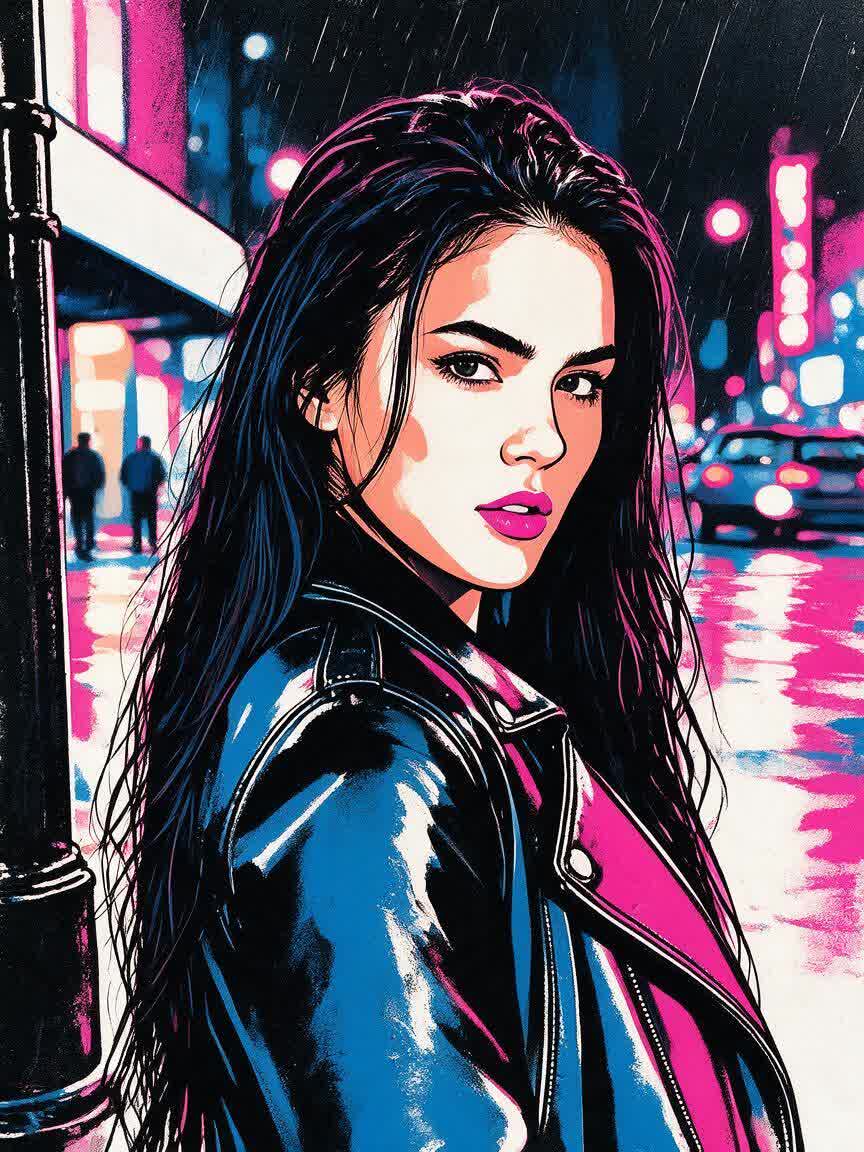
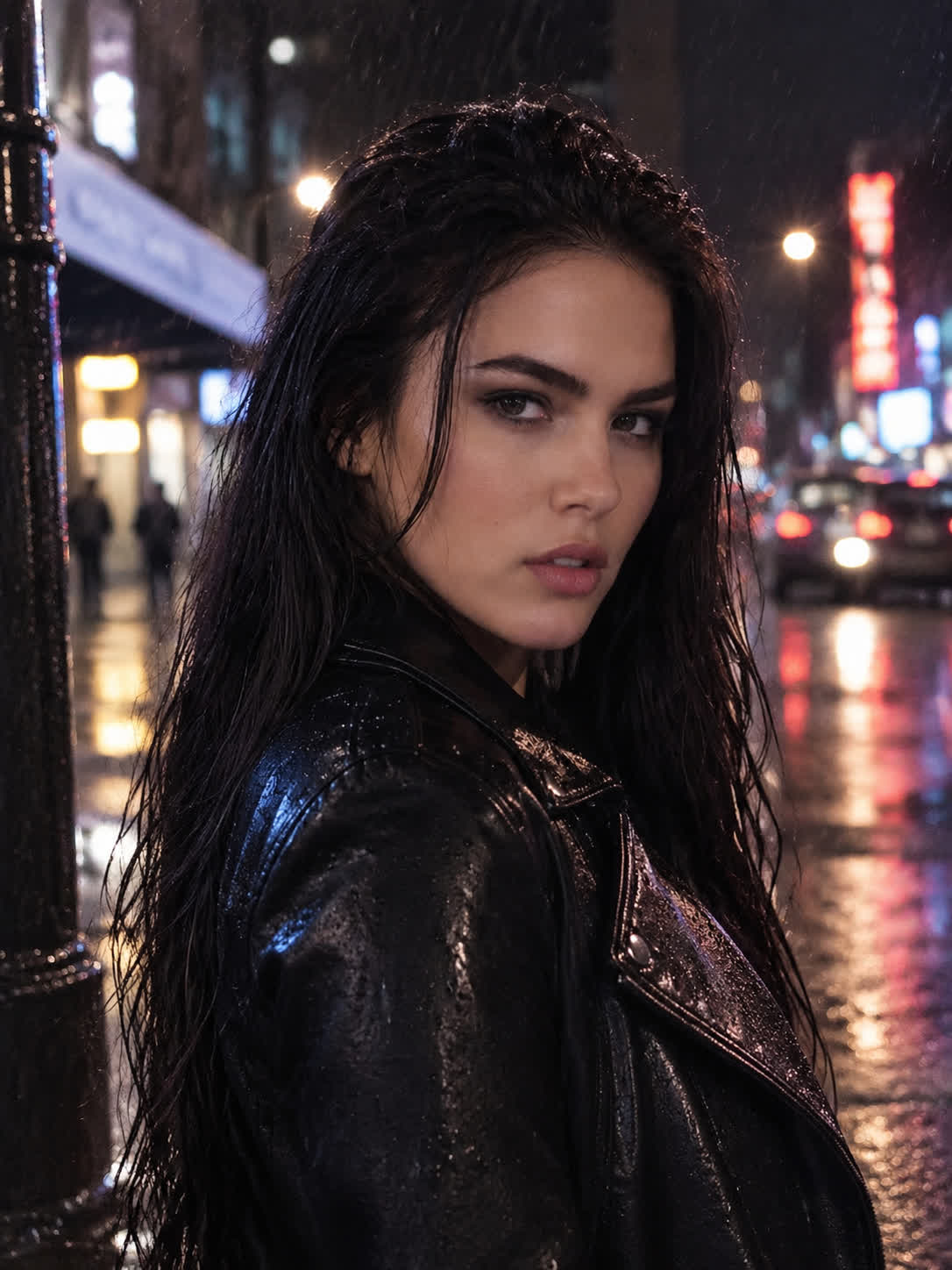
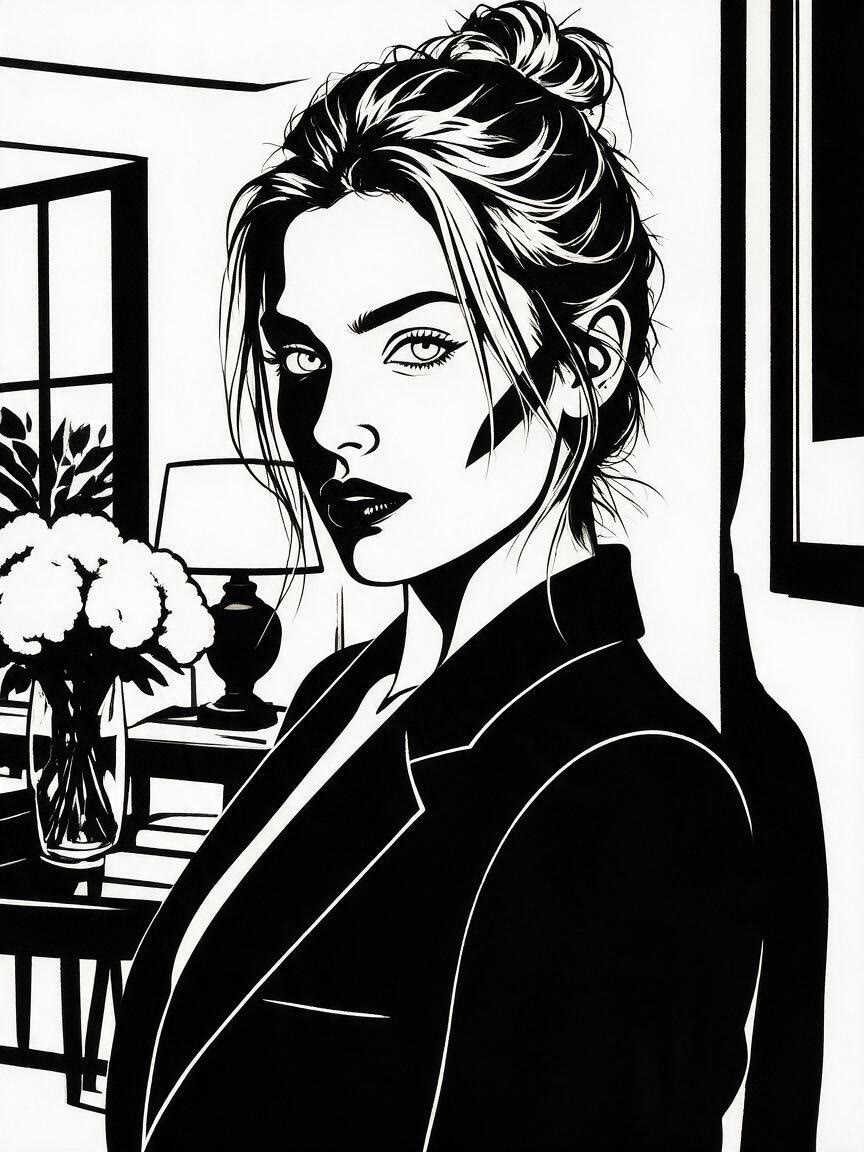
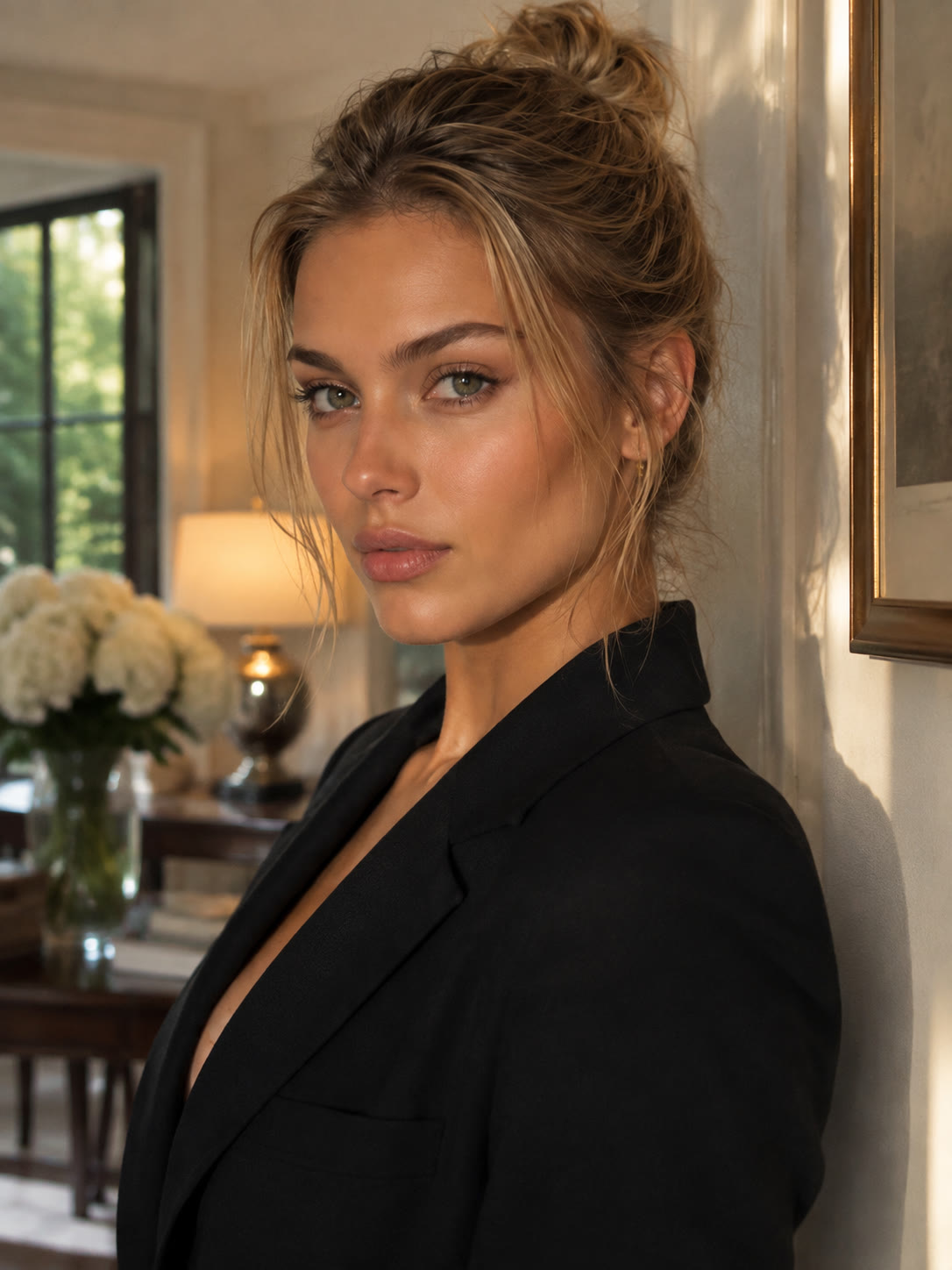
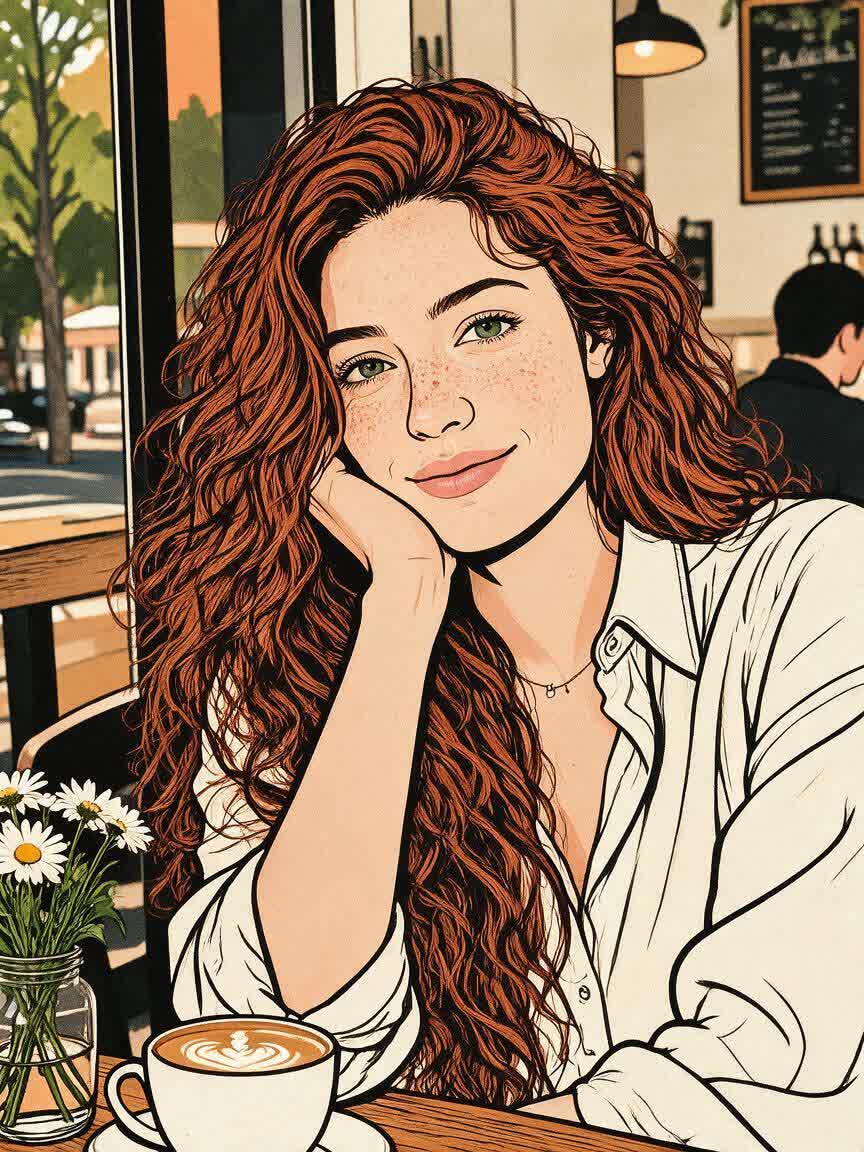
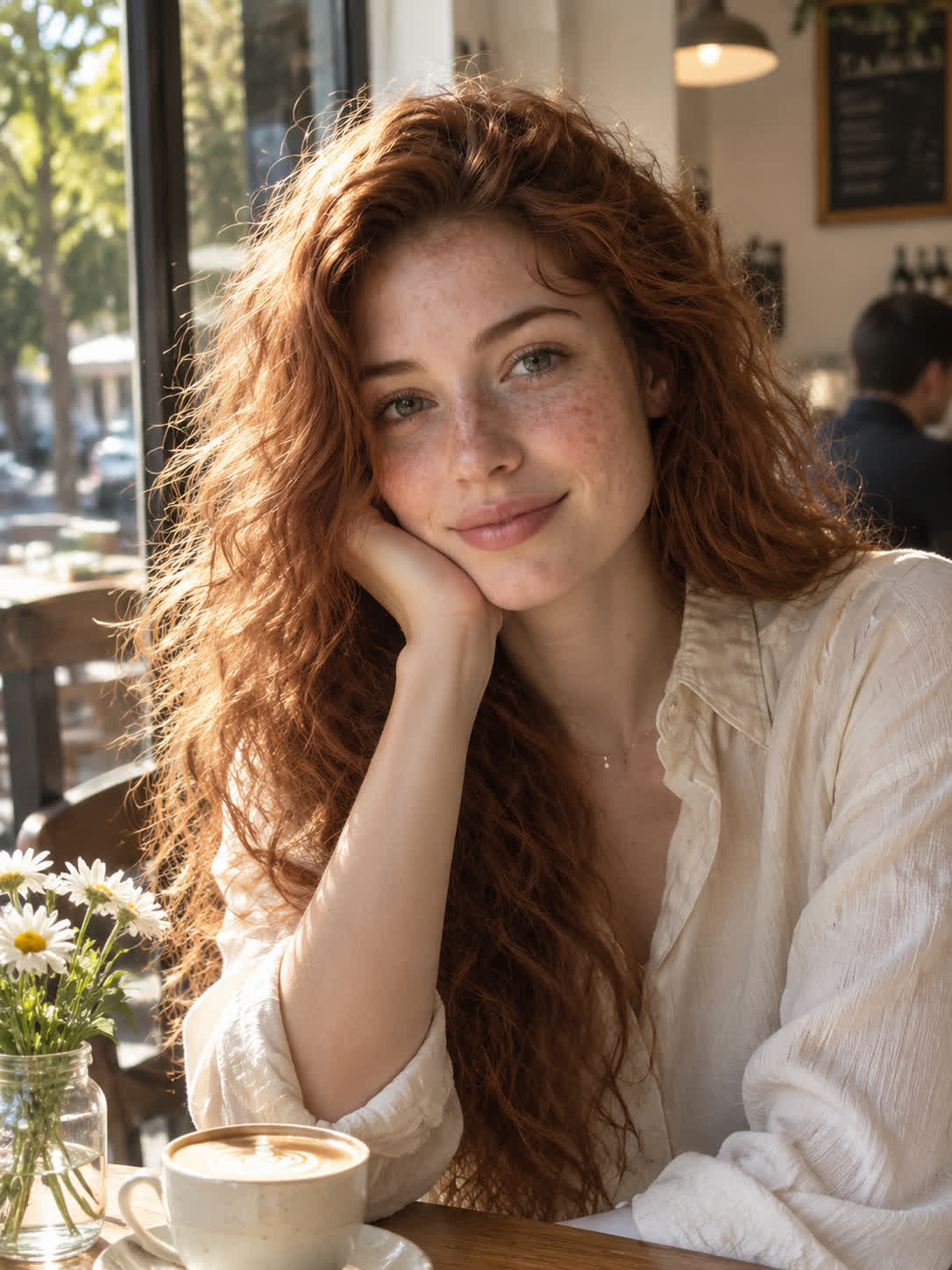
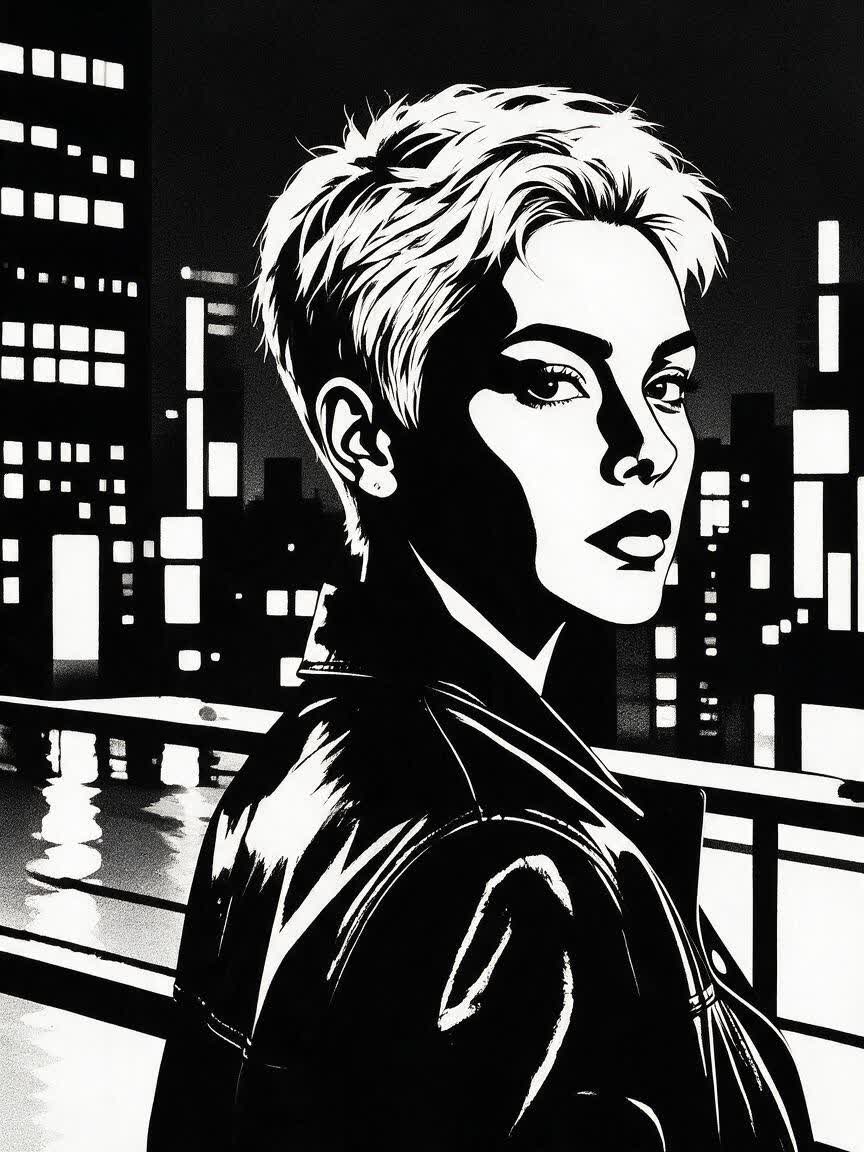
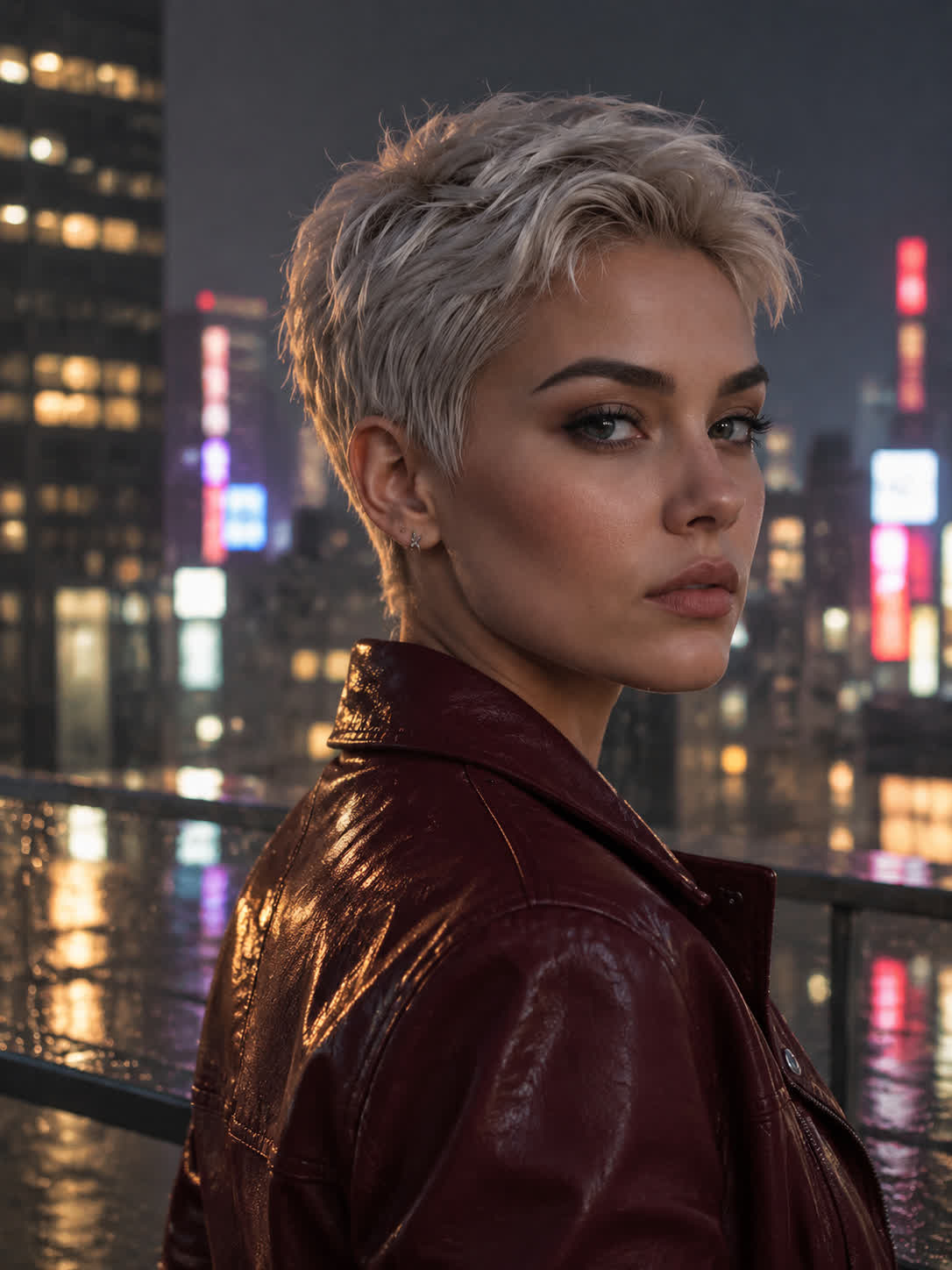
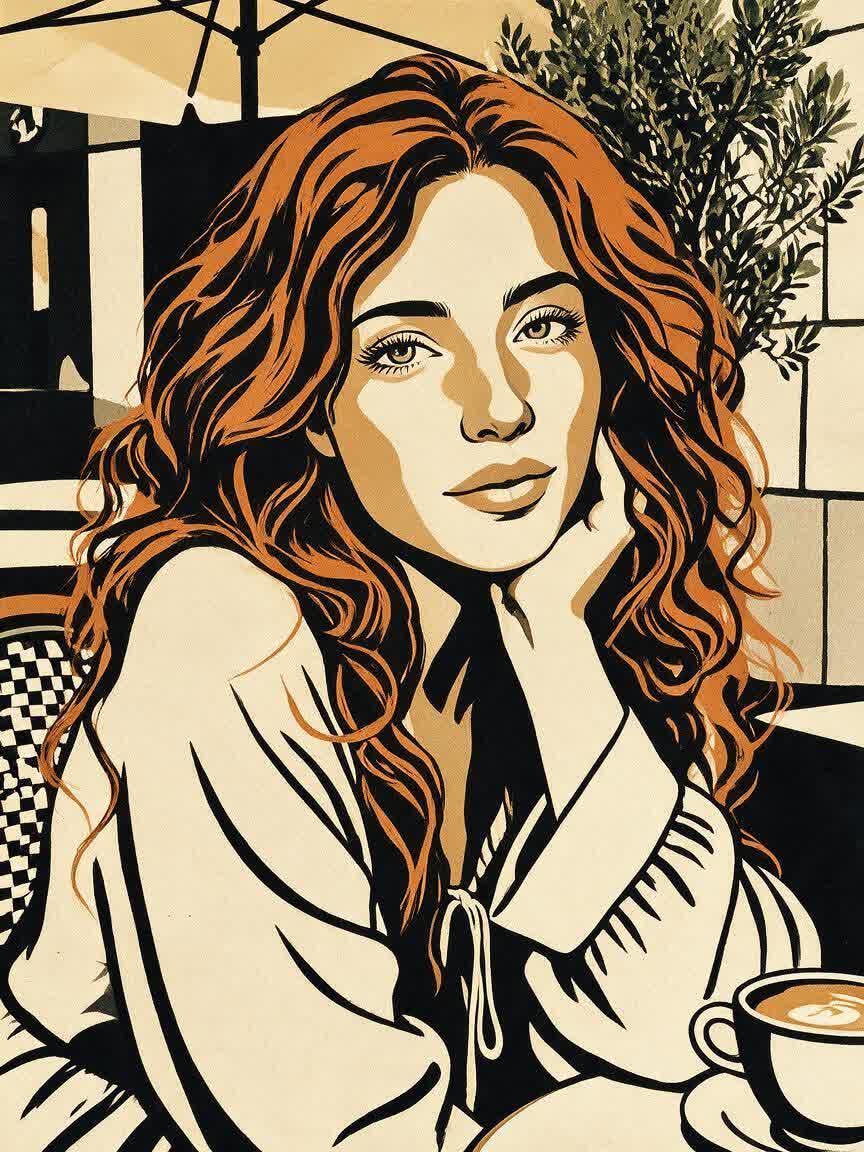
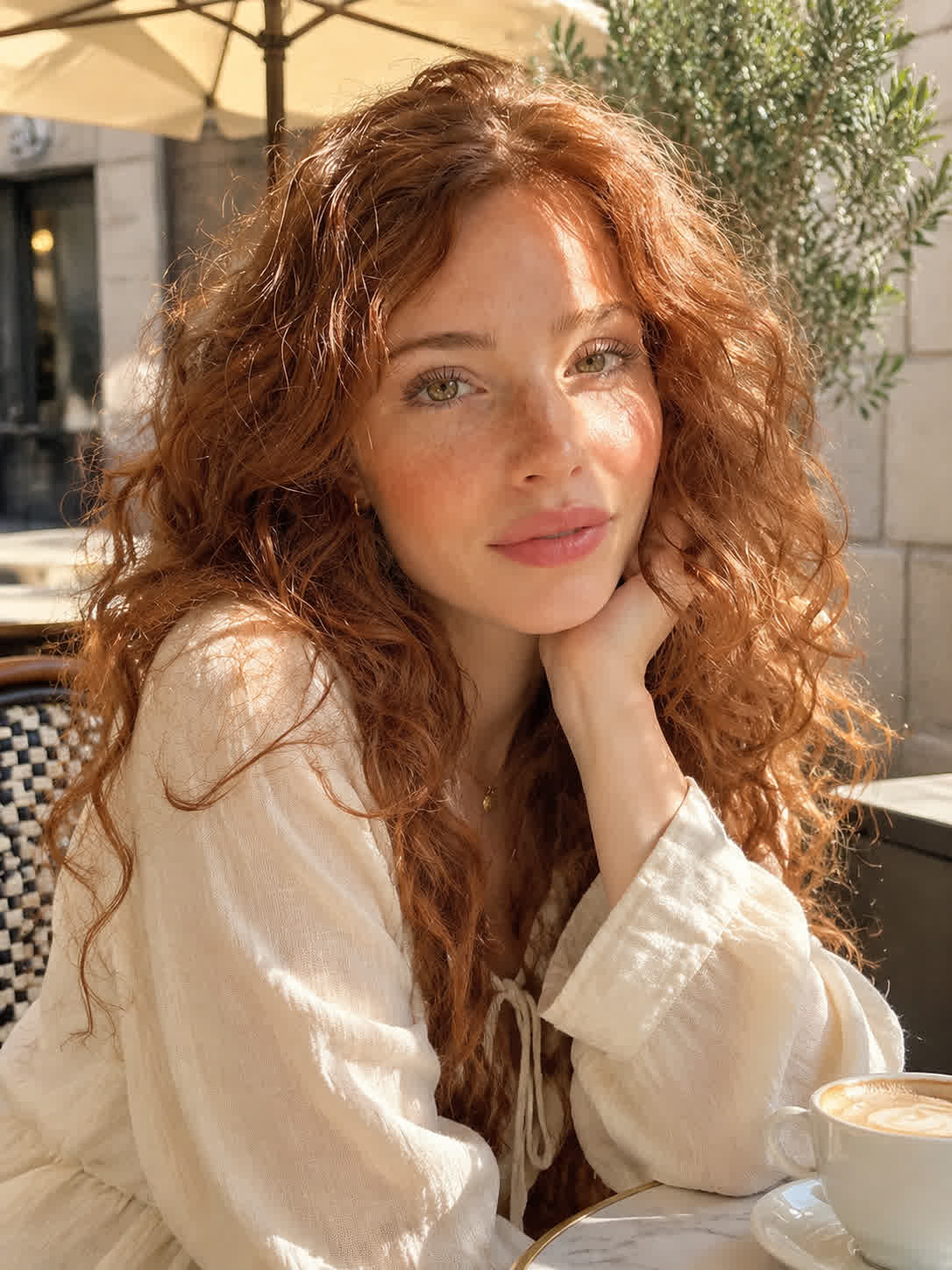
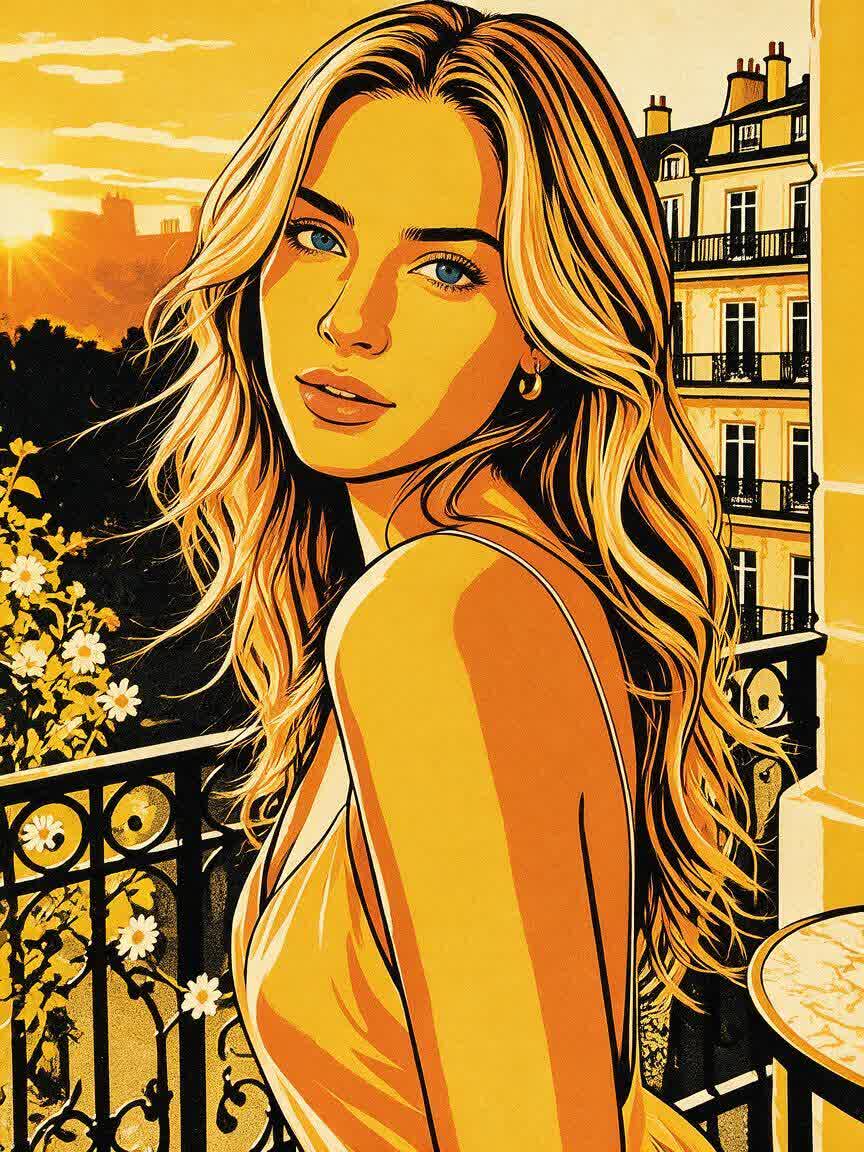
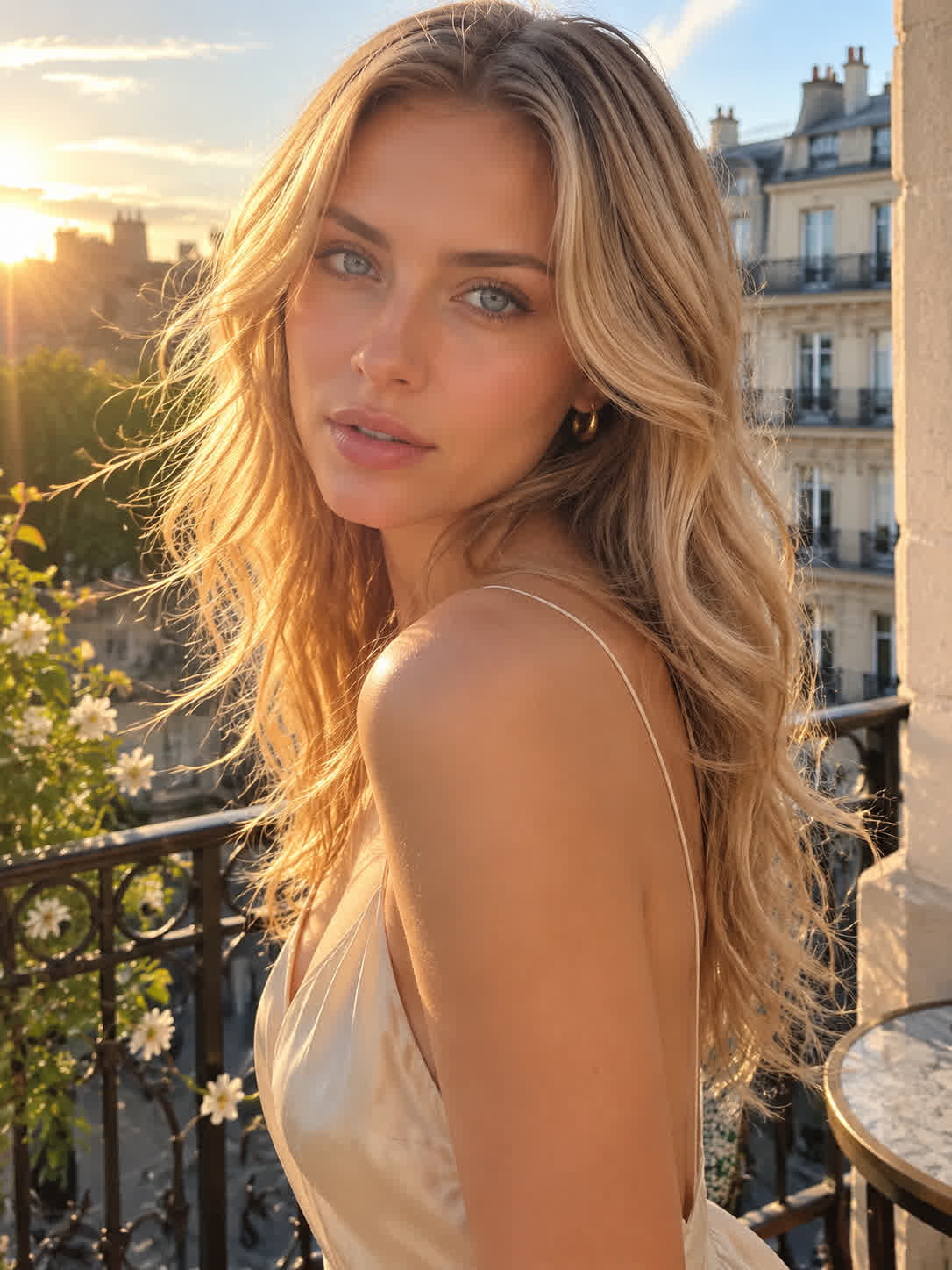
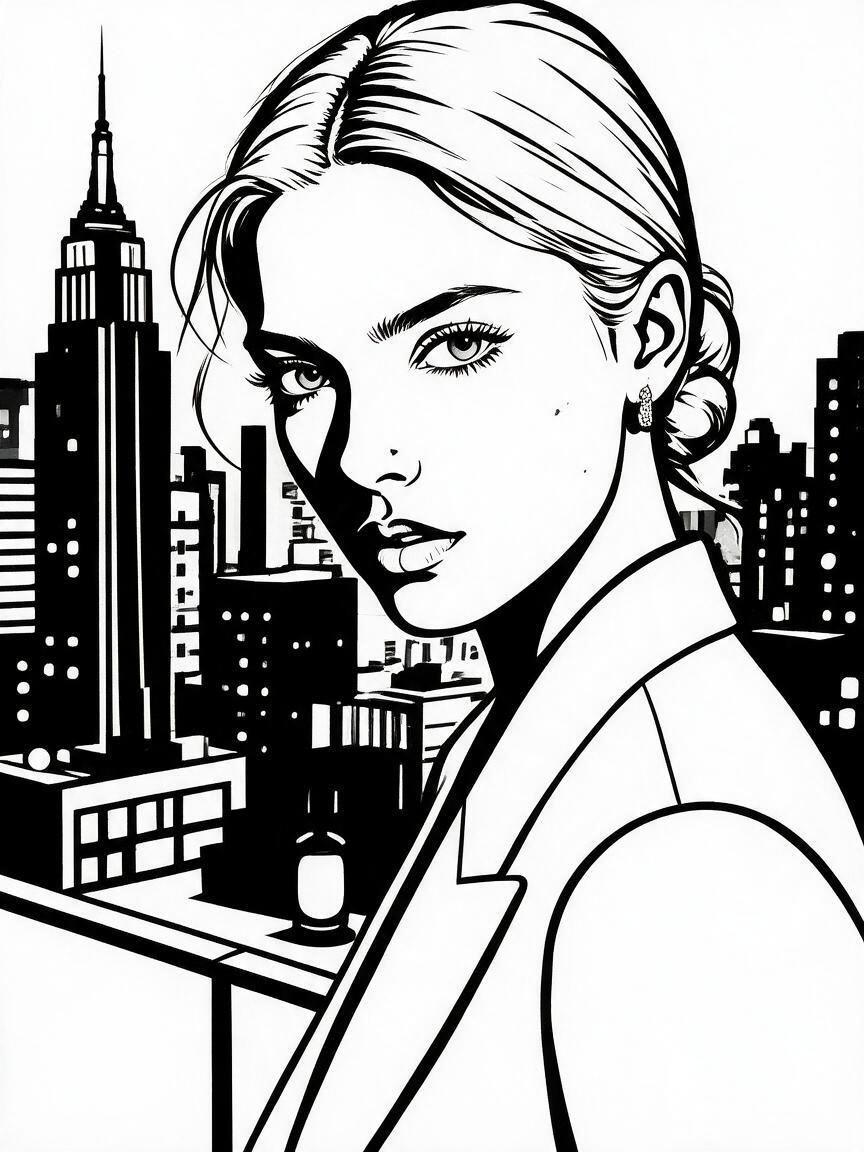
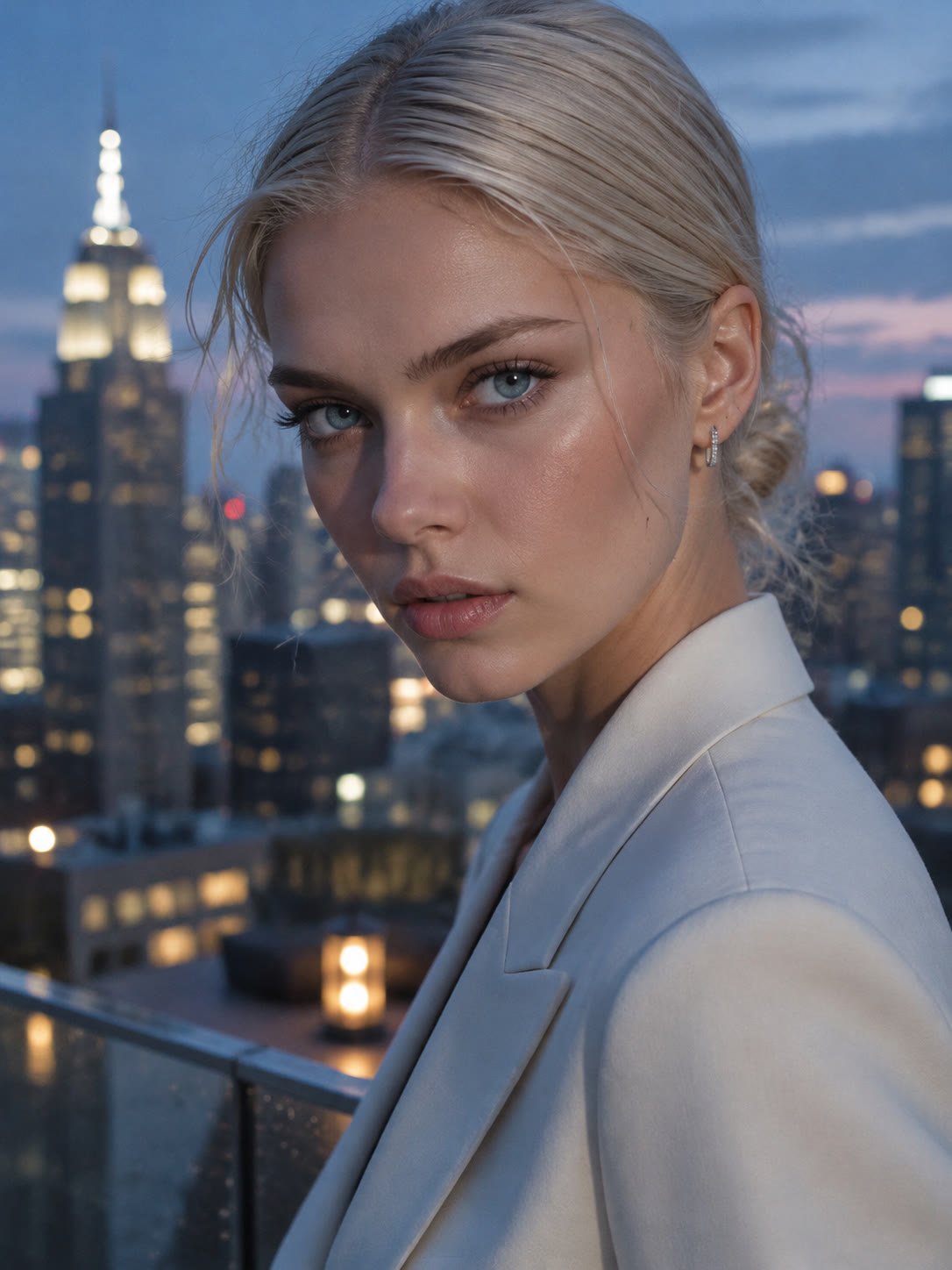
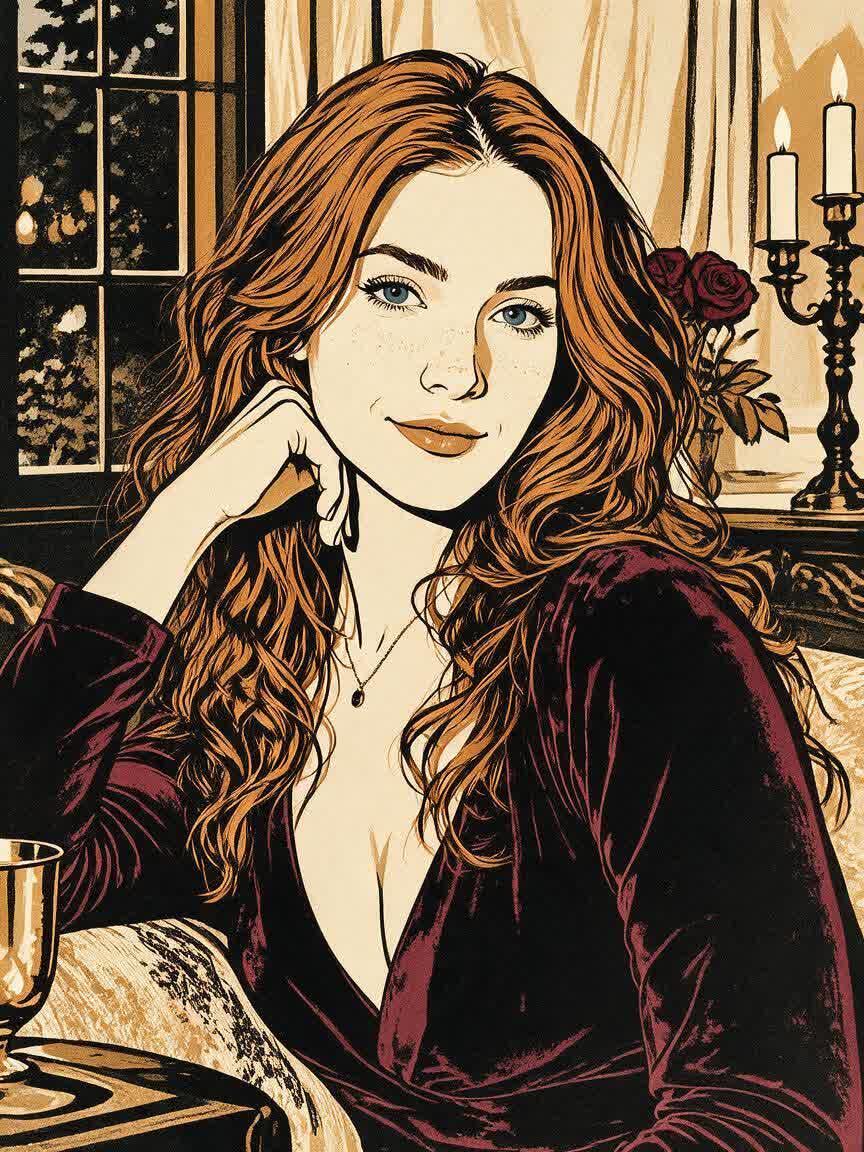
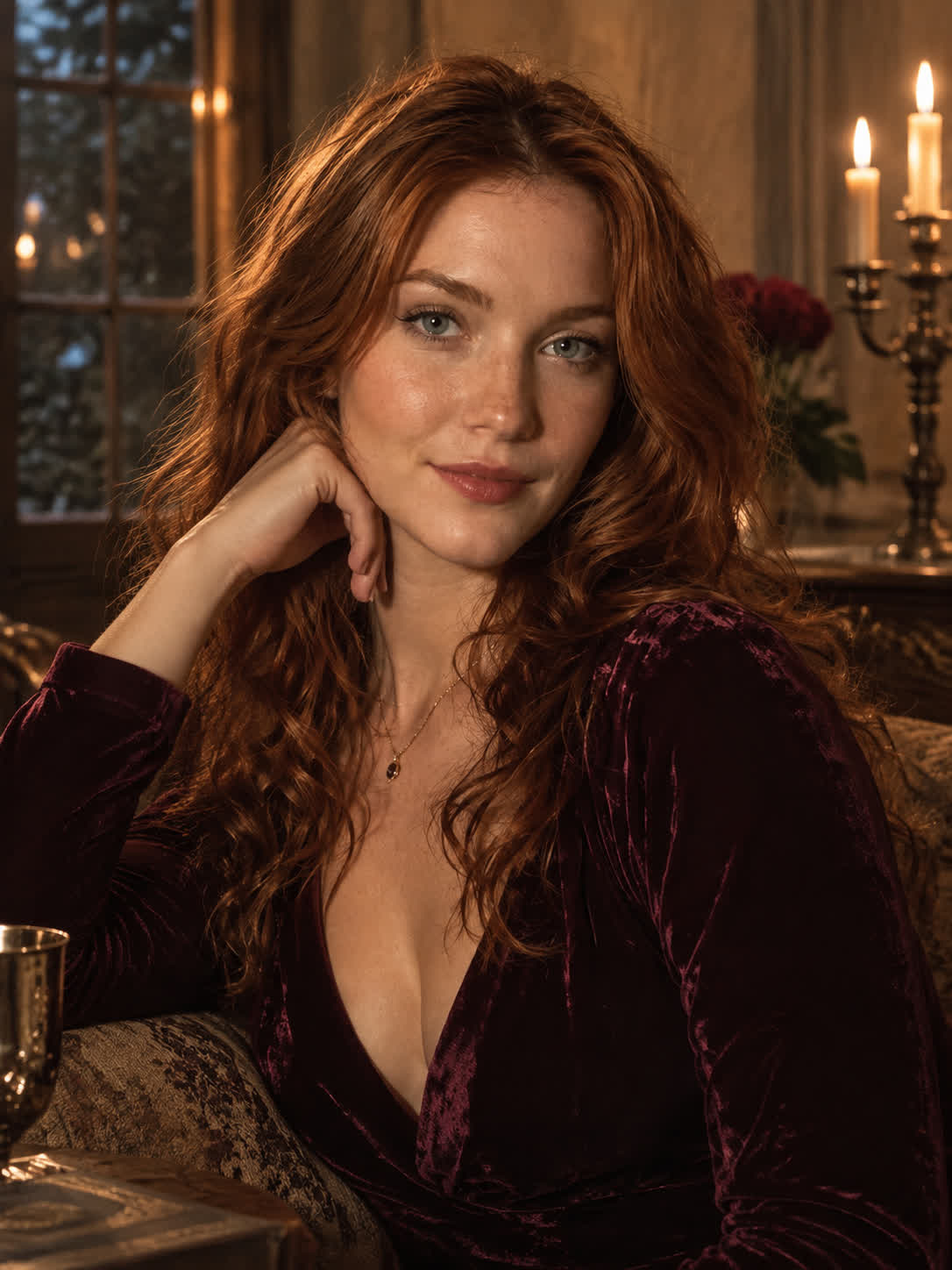
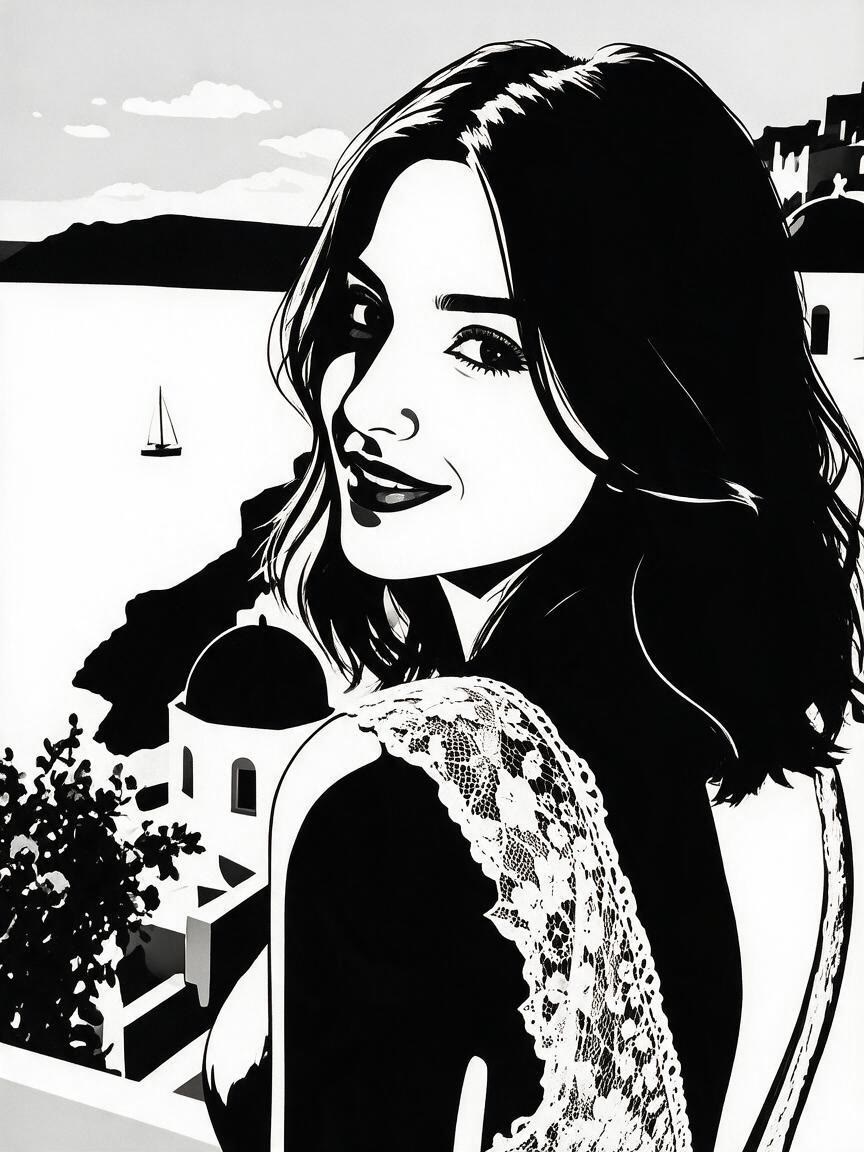
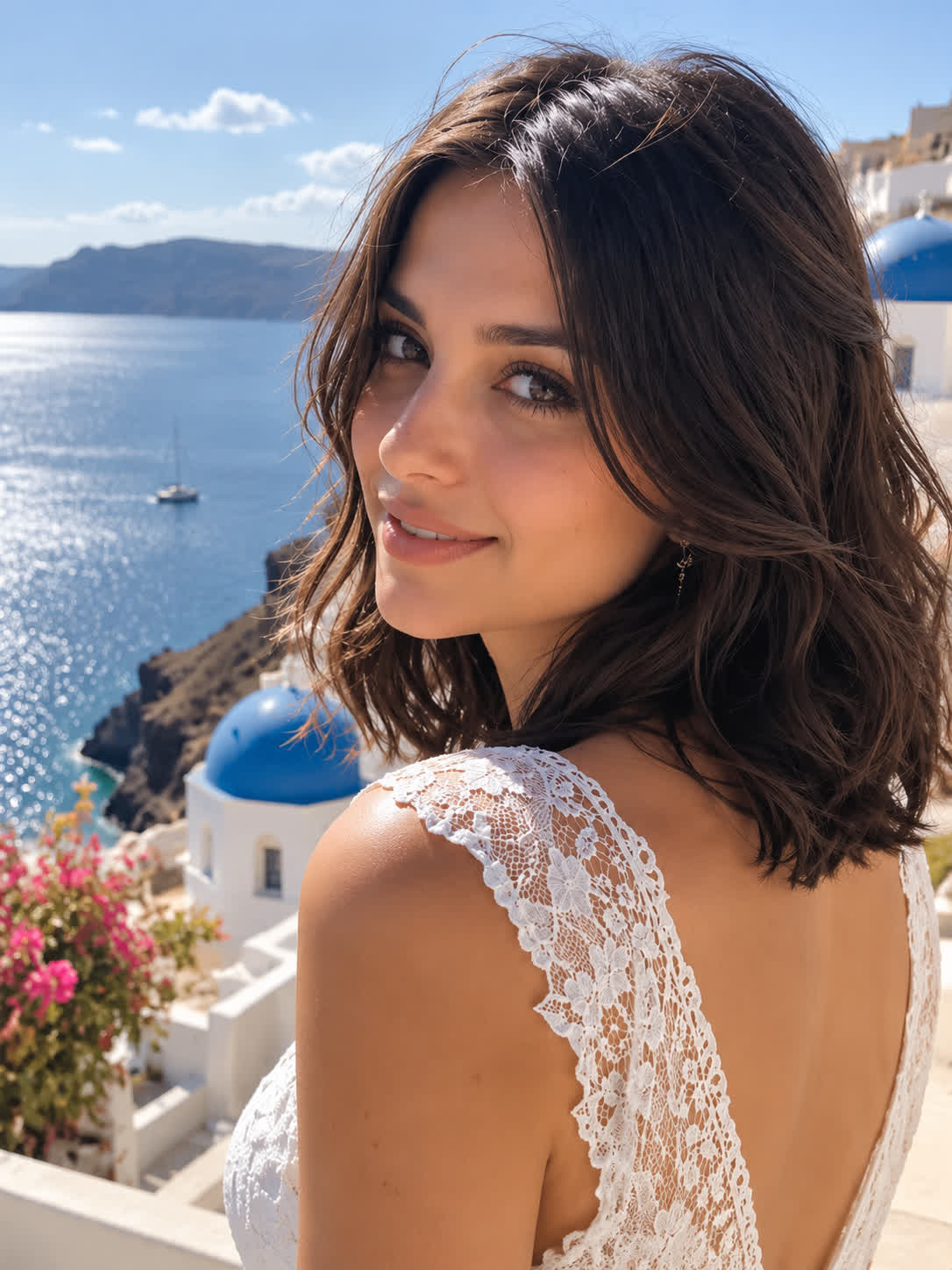
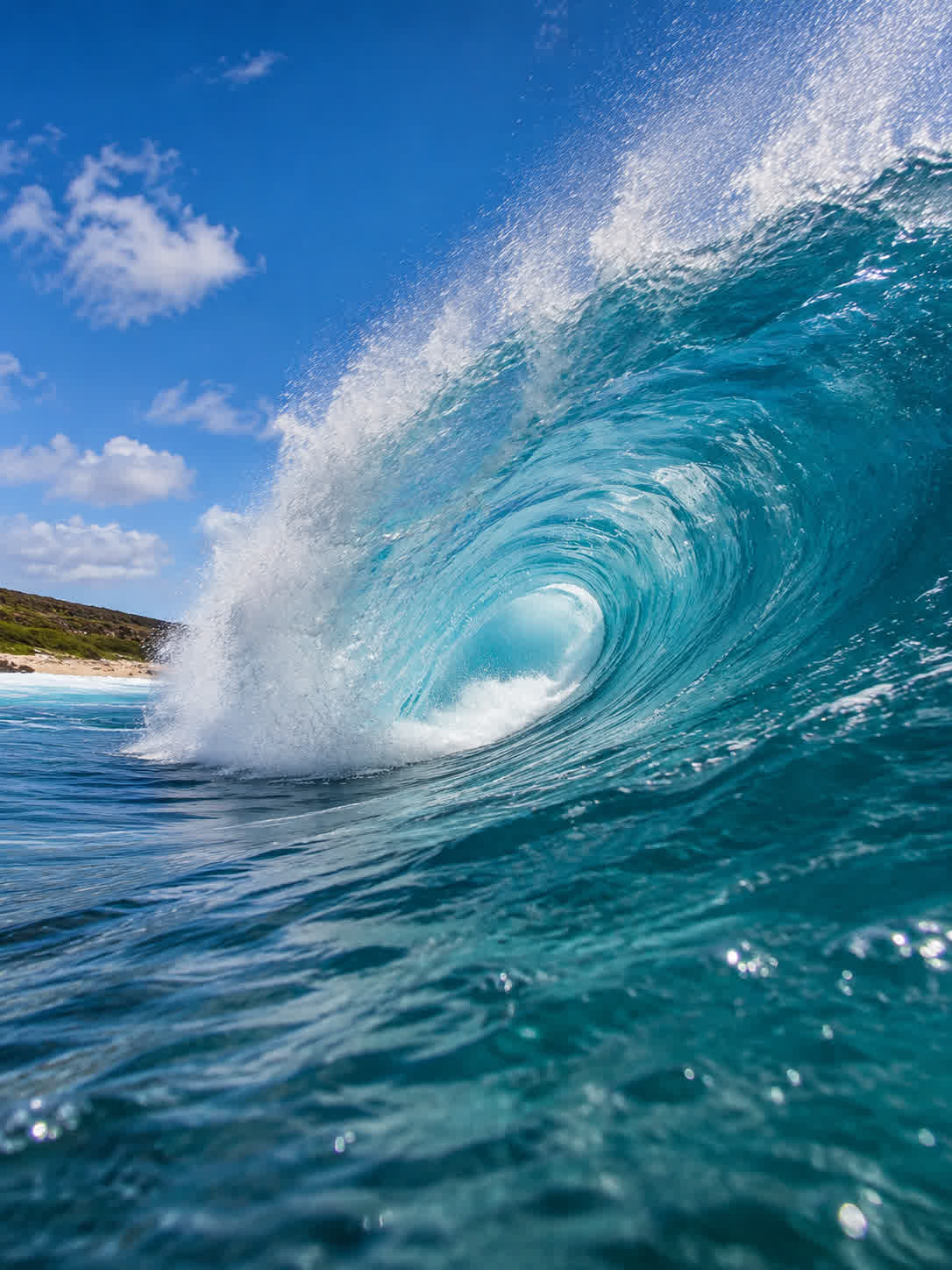
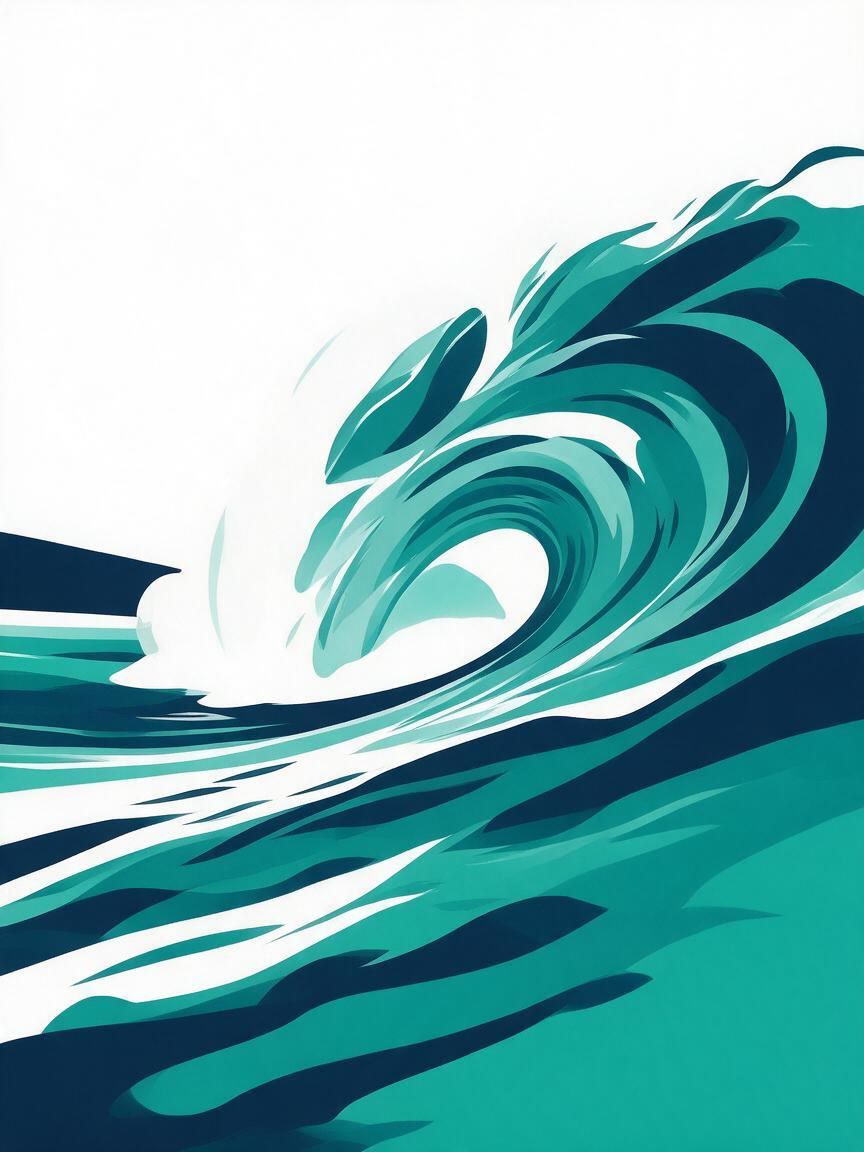
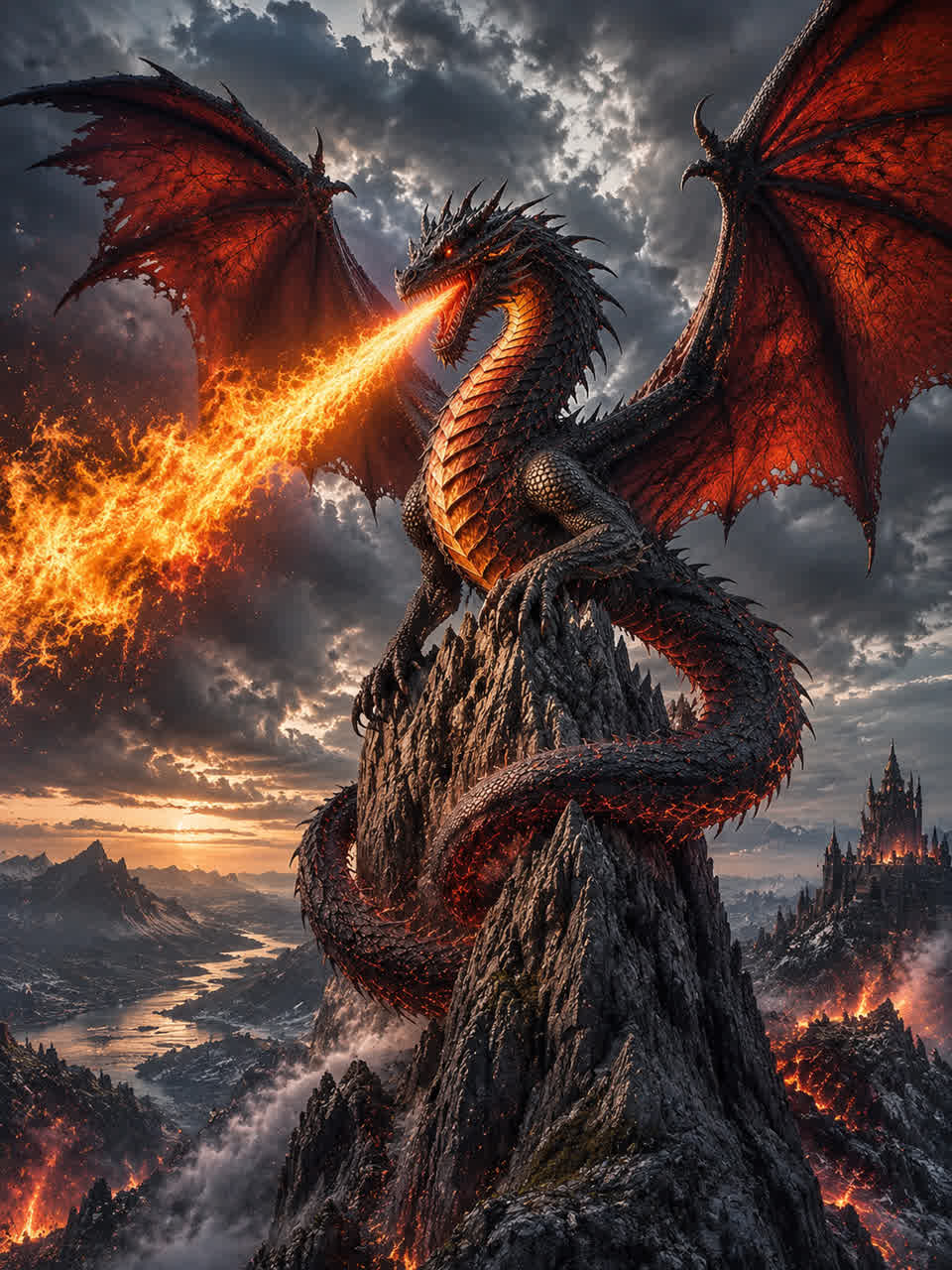
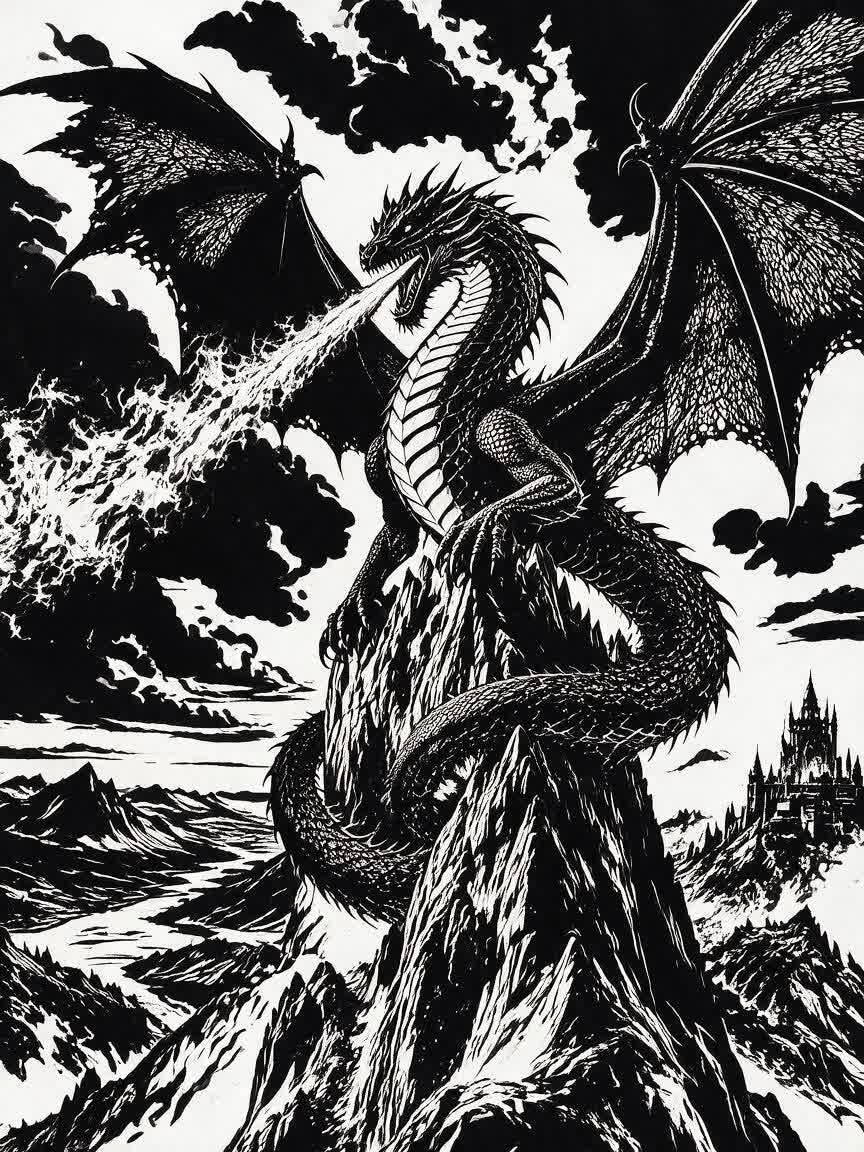
Turn a reference photo into simplified stencil artwork with strong contrast and clear shapes. Create custom graphics for street artists, graffiti creators, crafters, DIY makers, and merch designers.
Drop, upload, or paste an image
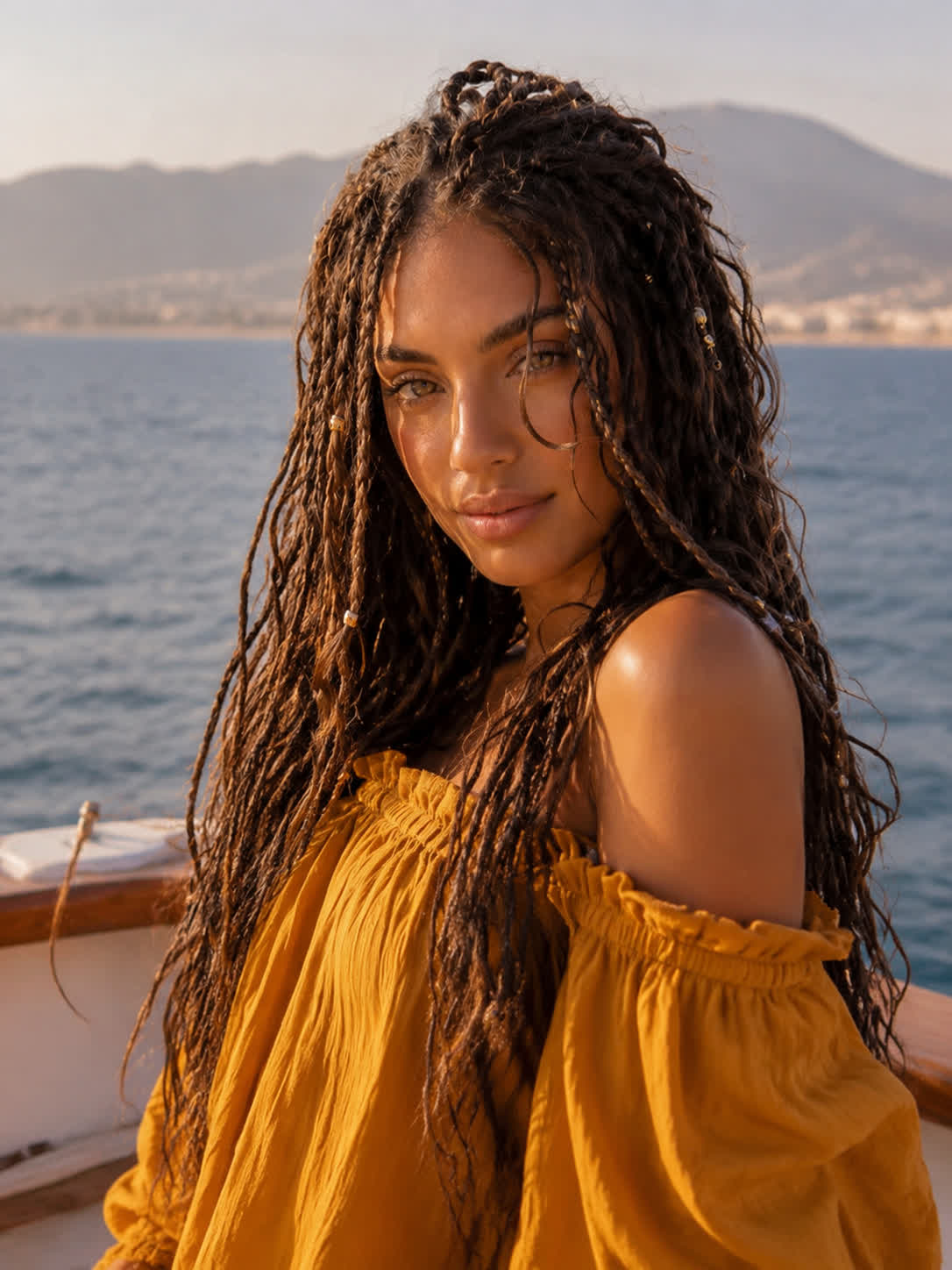
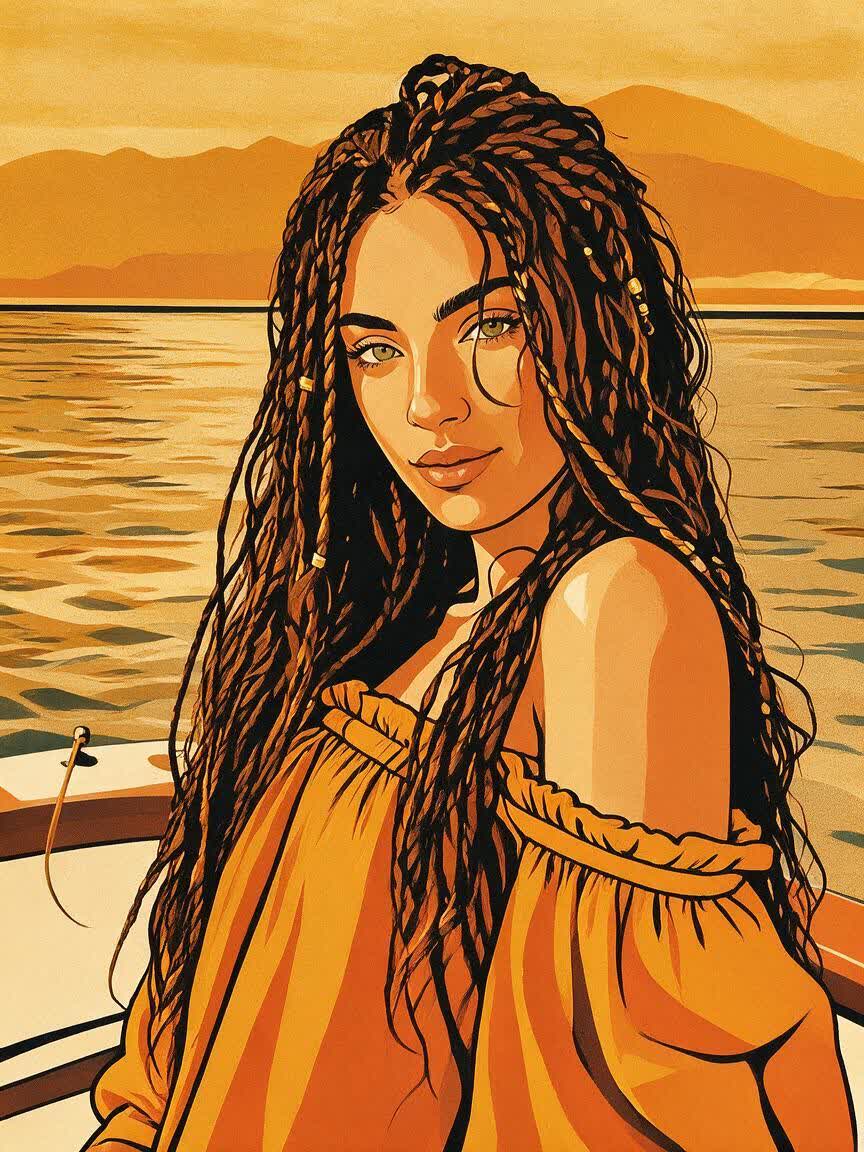
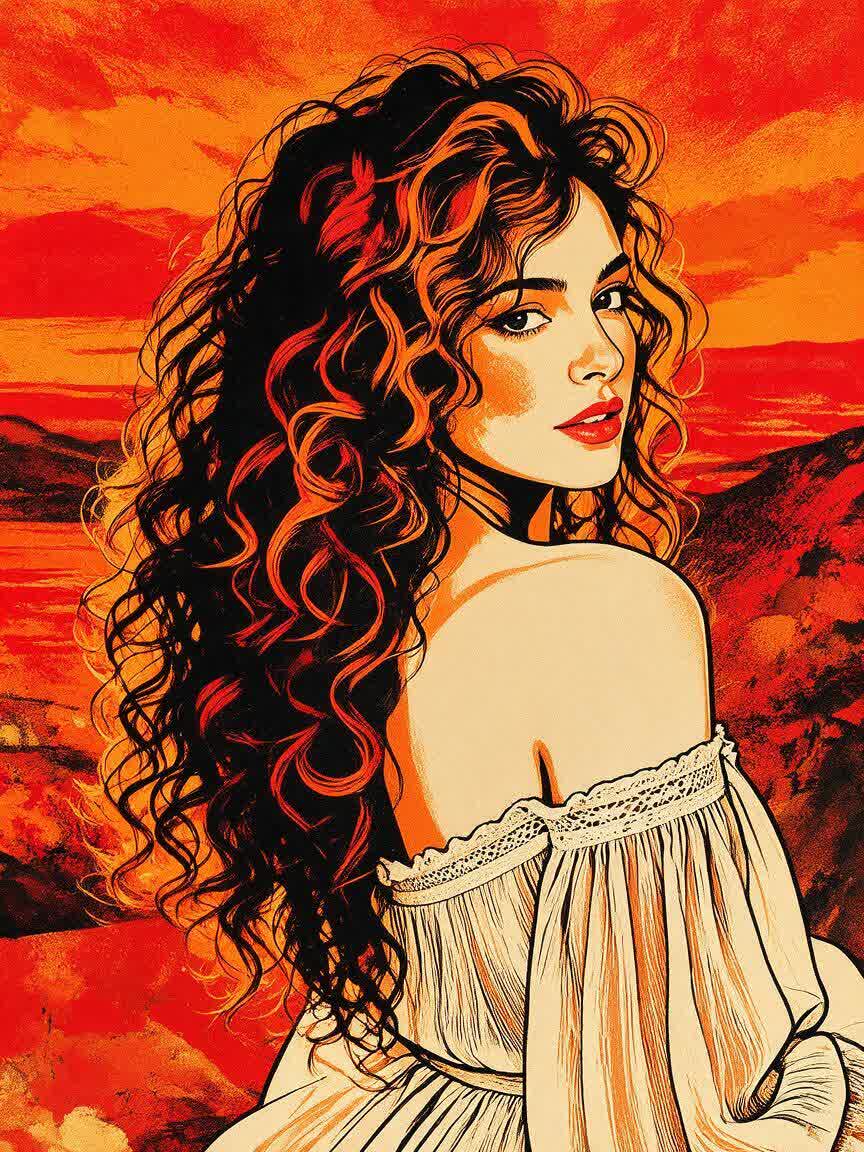
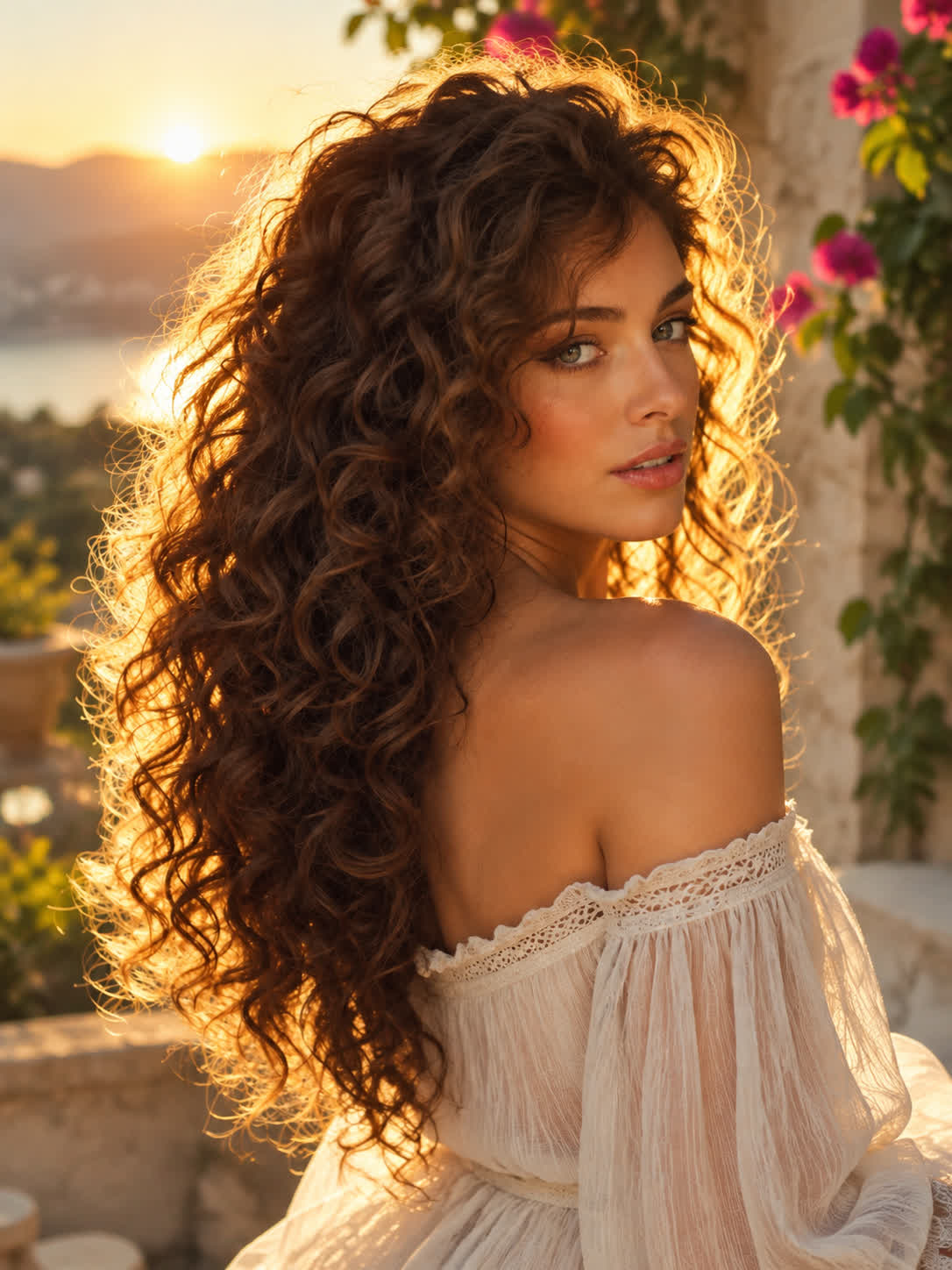
Restyle the woman and her clothing as a bold graphic illustration with flat ochre, orange, and black color blocks and strong black outlines, and simplify the desert background into flat ochre and orange shapes with strong black outlines.
BeforeAfter
Speed up creation with examples
How people use Cavro
Make every stencil project more direct
Before
After
Shape Street Portraits
Street artists can bring a portrait reference and turn it into a graphic treatment suited to walls, panels, or spray application. The result gives a detailed photo a stronger stencil language without starting from a blank canvas.
DIY makers can use plant, object, or pattern photos as a starting point for custom home decor stencils. Cavro turns the reference into clearer forms that are easier to explore for walls, furniture, and handmade pieces.
T-shirt designers and crafters can transform a reference into a limited-palette graphic for screen printing or simple merch. The resulting artwork is structured around bold shapes instead of photographic complexity.
When tracing a reference by hand would slow down a project, Cavro uses your photo and written direction to develop a stencil-style image. You get a focused starting point for street art, crafts, or merchandise.
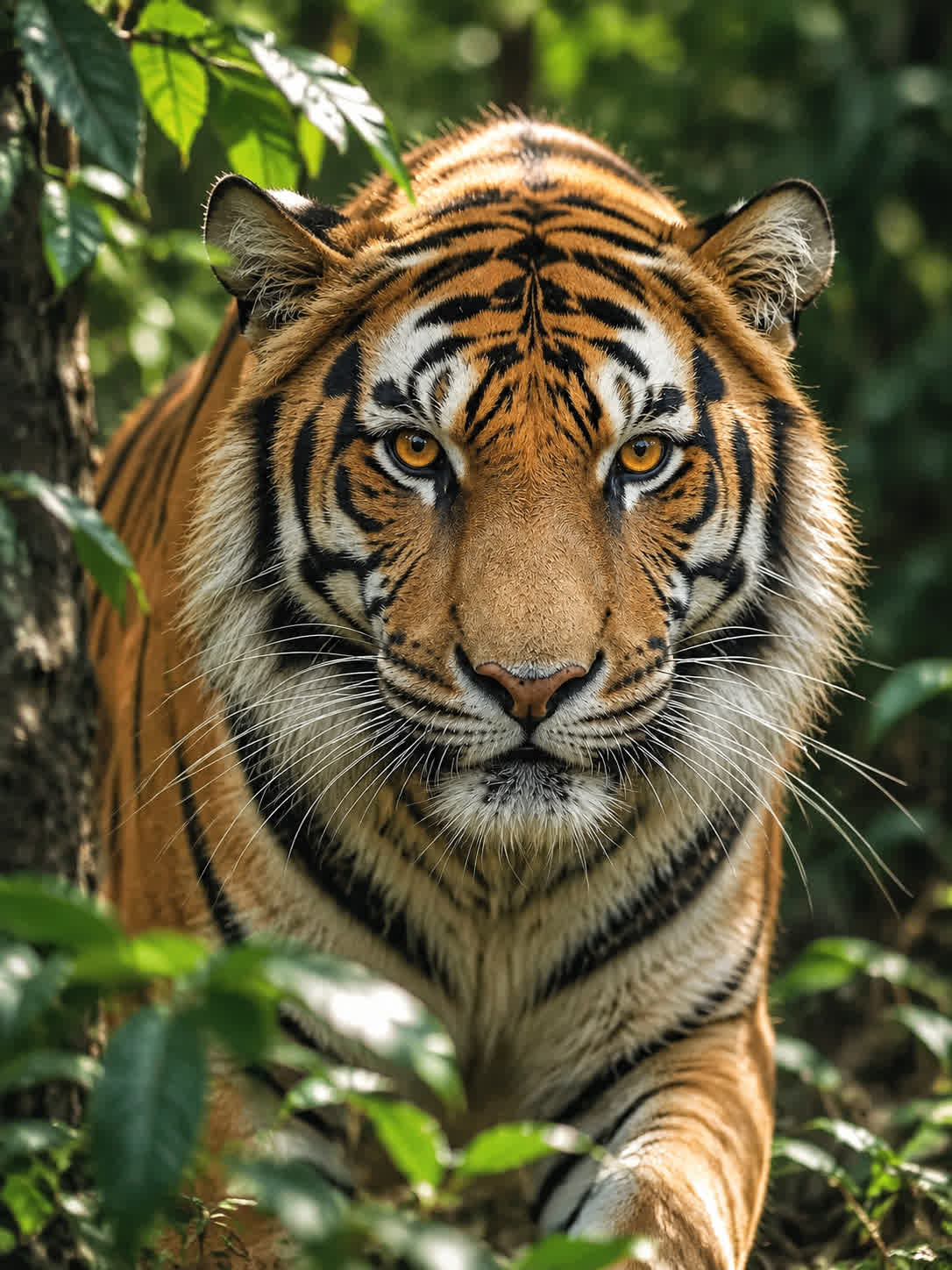
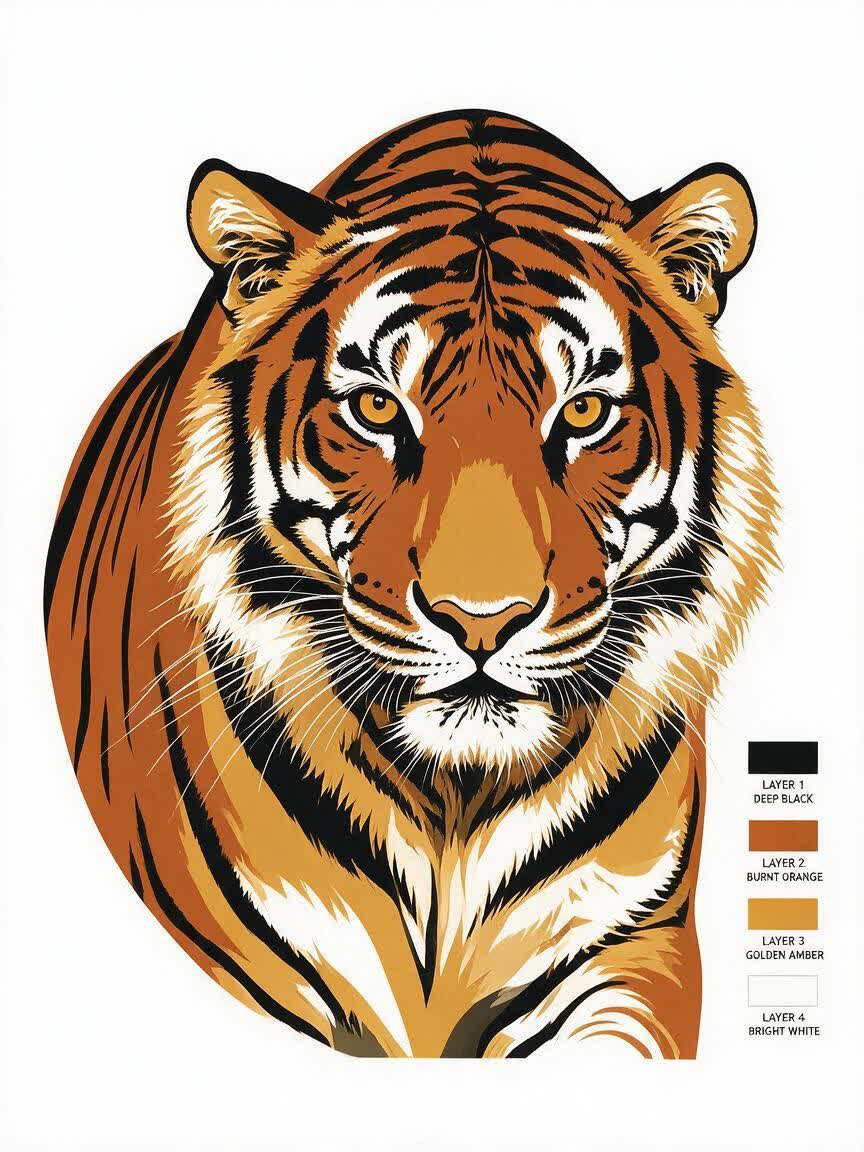
Detailed photos can be difficult to cut, spray, or print. Cavro helps reinterpret the reference with simplified detail, flat color blocks, and strong outlines so the artwork reads more clearly as a stencil.
Stencil design often takes several visual adjustments before the shapes feel right. Refine the image in the same conversation and generate again as your direction changes.
I had no idea which style I wanted until I tried Cavro. It built a wall of striking ideas around my own taste, and the artist I took one to was surprised.
LLeo V.
★★★★★5.0
I posted a reveal video made with Cavro on TikTok and it passed 20,000 views. The result looked so real that people thought I had actually gone and got it.
DDarius C.
★★★★★5.0
Cavro let me preview the idea on my own body before deciding. It kept me away from a couple of bad ones and led me to a design I genuinely like.
JJames P.
★★★★★5.0
Cavro changed the way I brainstorm with clients. We generate options in seconds and start refining straight away. It is part of my daily work now.
MMia R.
★★★★★5.0
I used Cavro to build a sleeve concept that blends Japanese motifs with geometric lines. It generated so fast, and the result went well past what I expected.
HHana S.
★★★★★5.0
I wanted something meaningful and delicate for my wedding. Cavro gave me elegant, personal options, my artist customised one, and I am really happy with it.
ZZoey T.
Answers
Common questions
What is an AI stencil maker?
An AI stencil maker turns a written prompt and/or reference photo into a stencil-style image. Cavro can help develop bold, simplified artwork for street art, crafts, screen print graphics, and custom merch.
Can I use my own photo for an image to stencil conversion?
Yes. Upload a reference photo and describe the stencil treatment you want, such as simplified details, strong outlines, or flat color blocks. A clear image with a distinct subject can provide a useful starting point.
Can I refine a stencil after the first result?
Yes. You can refine the direction and generate again in the same conversation without starting over. This lets you explore different levels of detail, contrast, and graphic styling.
Do I need a subscription to use the stencil generator?
No mandatory subscription is required. Results are billed per credit, so you can use the credit balance for image and video generation as needed.
Can I create stencil graphics for screen printing?
You can use Cavro to develop simplified, high-contrast graphics with flat shapes and strong outlines for screen-printing concepts. Review the result and adapt it to the material and production method you plan to use.
Play with an idea. Leave with an image.
Creators worldwide are turning “just an idea” into expensive-looking images.