AI Spider-Man Filter

Turn a portrait into a bold comic hero image.
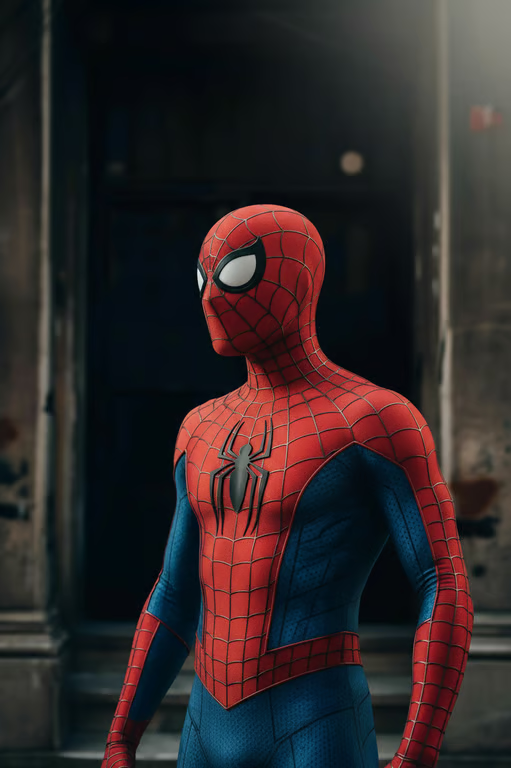
Side-by-side transformation into a red-and-blue web-patterned superhero suit and mask.
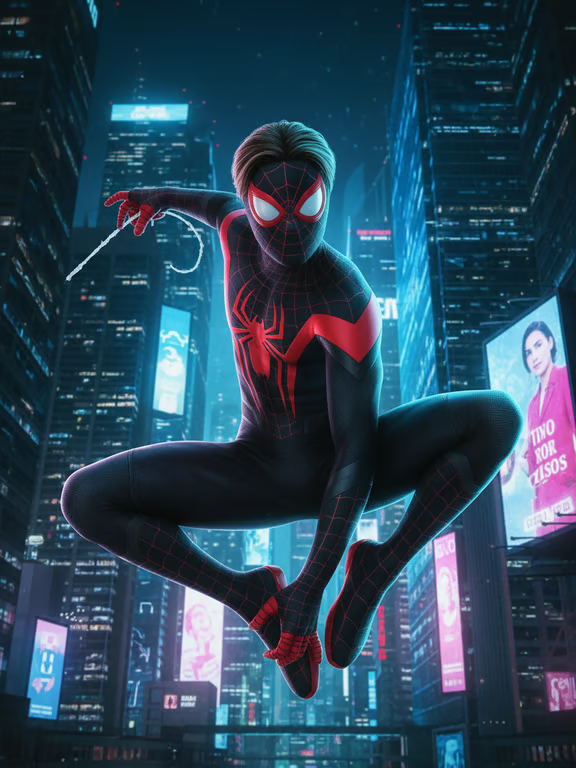
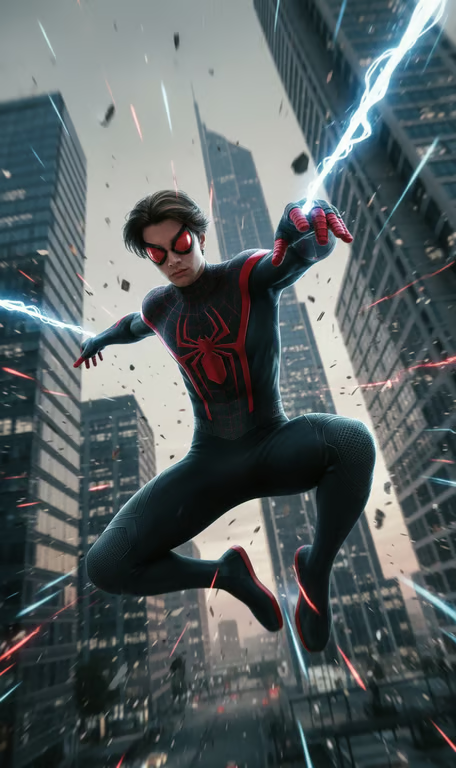
Masked superhero in a black-and-red web suit crouching airborne above a neon-lit city street.
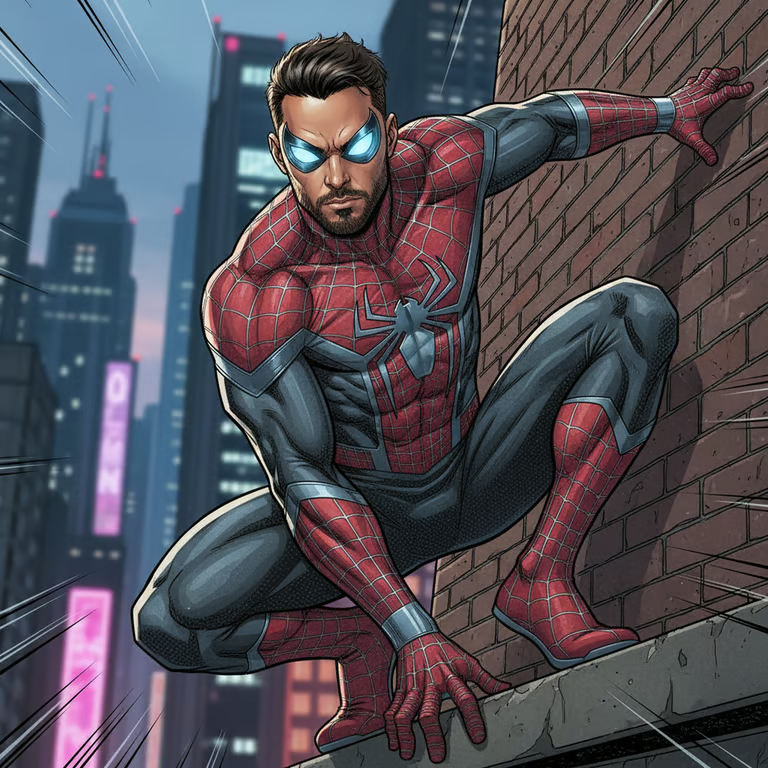
Comic-style superhero in a red-and-black web suit crouching against a brick wall above a cityscape.
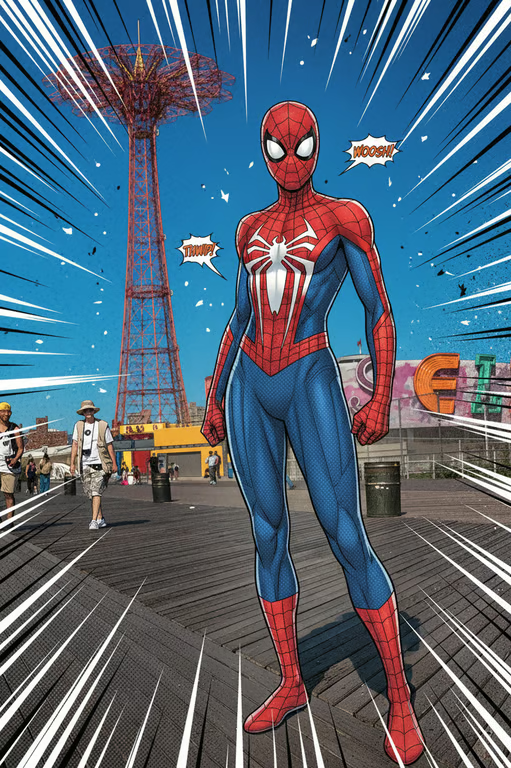
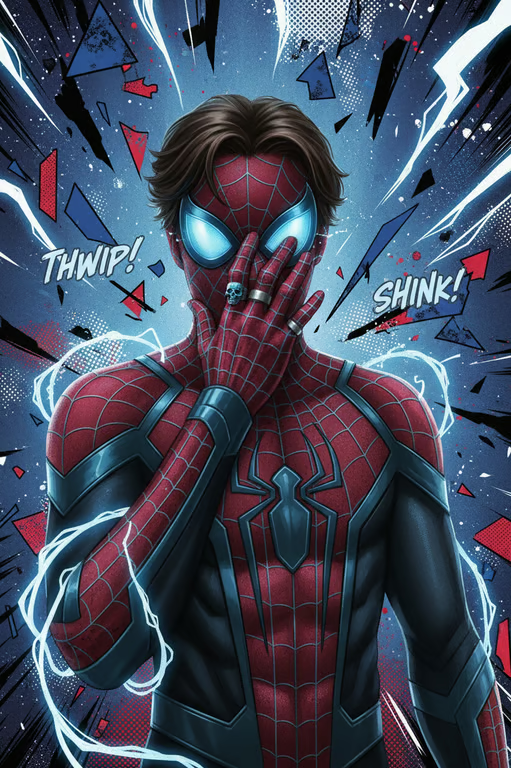
Illustrated web-slinger in a red-and-blue suit with comic speed lines and action bursts.
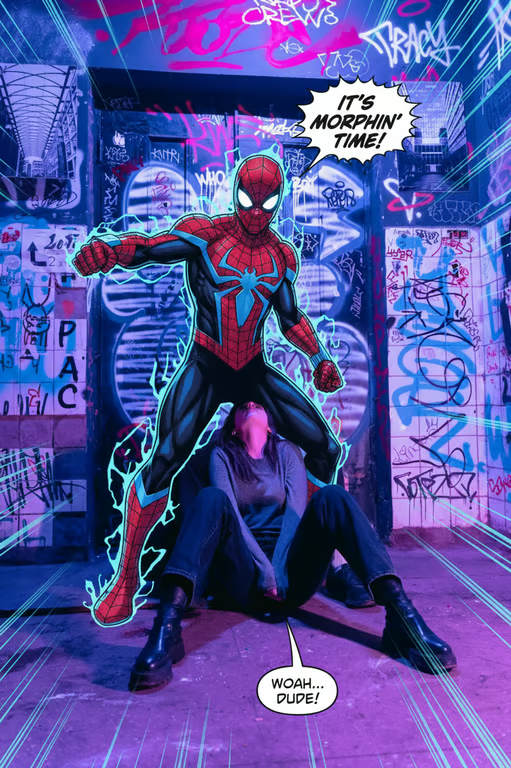
Comic-style scene with a masked red-and-blue superhero, speech bubbles, and cyan speed lines.
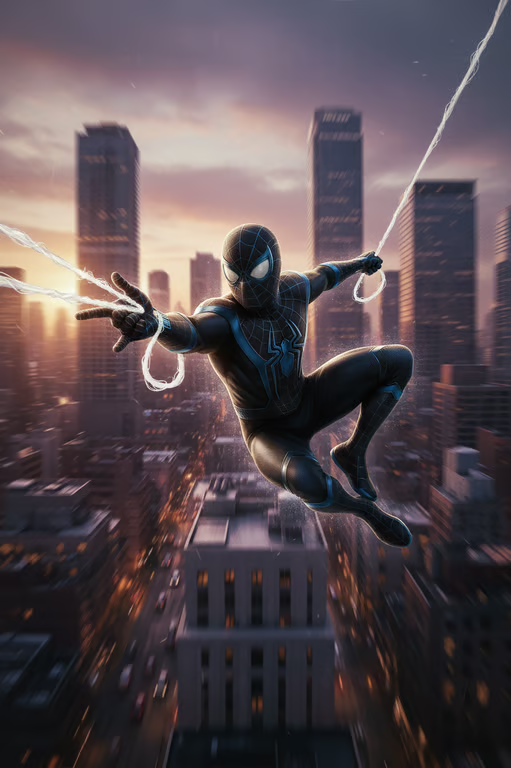
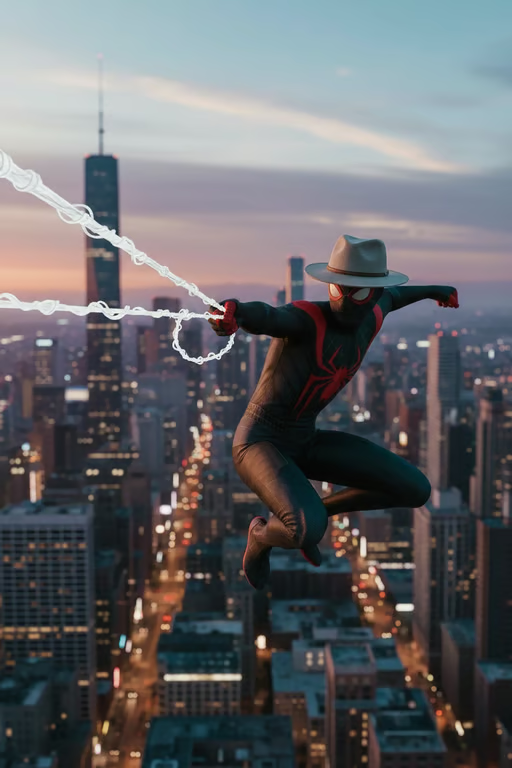
Masked superhero in a black web-patterned suit soaring above a city at sunset.
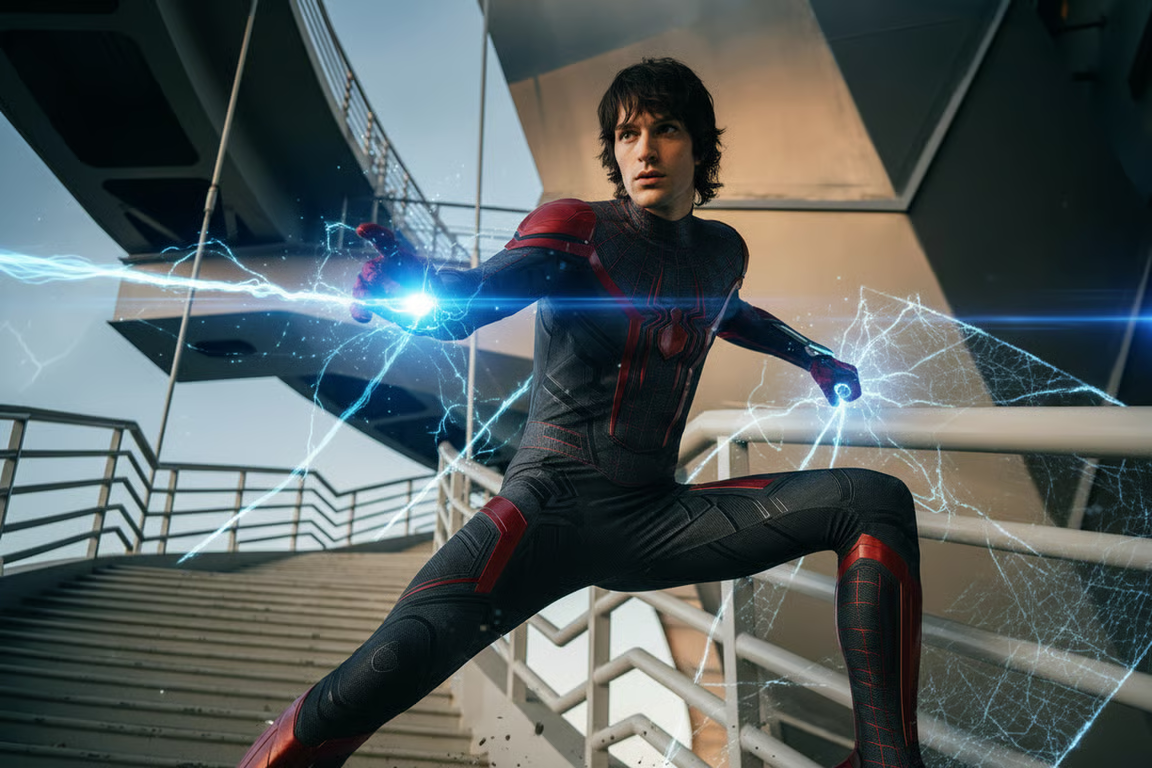
Person in a black and red superhero bodysuit projecting bright blue web-like energy from both hands.
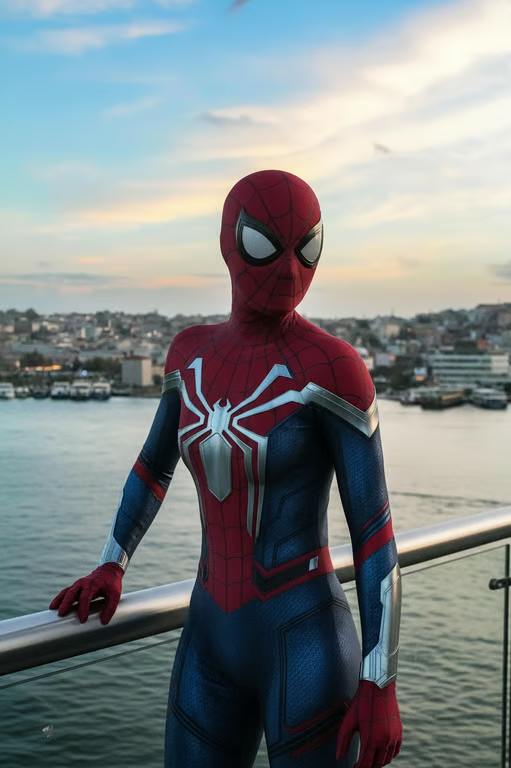
Masked red-and-blue web hero standing by a waterfront railing.
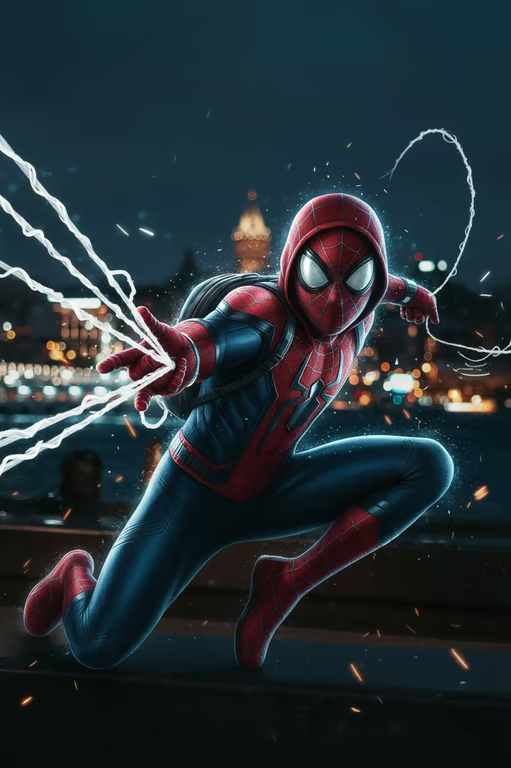
Masked red-and-blue superhero crouching at night with white webs, sparks, and blue rim light.
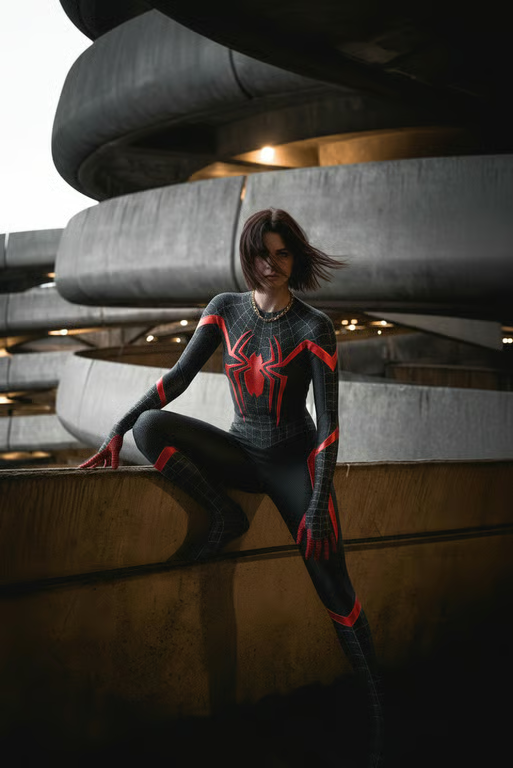
Person seated on a ledge in a black superhero suit with red web details and emblem.
What you get

All the power, none of the hassle

Photo-Based Input

Upload a portrait and use it as the starting point for a Spider-Man-inspired image transformation.

Written Direction

Use your prompt to request masks, webs, comic lines, lighting, and other hero details.

Refine the Attempt

Ask for a different intensity or visual direction and generate again from the same conversation.

Comic Image Output

Receive an image shaped around your photo and the web-slinger effect you described.

User value

We are the best AI tool for...

  1. Skip the staged setup

    Turn an existing portrait into a themed superhero visual without arranging a full costume scene.
  2. Create standout event art

    Give invitations, event photos, and profile updates a recognizable comic-book direction.

  3. Explore ideas before making them

    Try costume, mask, lighting, and character concepts through a photo you already have.

Skip the staged setup
Perfect proof

What our users say

  • I wanted a comic version of a regular portrait for a themed invite. The Spider-Man-inspired direction gave me a much more memorable visual.

    Mara K.
  • I described a mask, web lines, and city lighting with my photo, then refined the result until the mood felt right.

    Jonah R.
  • The effect turned an ordinary event picture into something that looked made for a superhero story.

    Lena P.
  • I used the prompt to explore a costume idea before buying anything. Seeing it on my own photo made the concept much easier to picture.

    Theo M.
  • I was surprised by how much the comic direction changed the feeling of my profile photo while still starting from my picture.

    Nia S.
  • I wanted a fun web-slinger look, not a complicated design project. Writing the details and trying another version worked well for me.

    Caleb J.
Answers

Common questions

What does the AI Spider-Man filter do?

It uses your written direction and/or reference photo to create a Spider-Man-inspired comic hero image. You can describe elements such as a mask, webs, ink lines, lighting, or a city mood.

How do I apply the Spider-Man filter?

Add a photo, write what you want changed, or combine both. Your words and photo continue in Cavro so the image can be produced and refined there.

Is the Spider-Man filter free?

Results are billed per credit, and there is no mandatory subscription. Check pricing for the current credit details before generating.

Can I change the intensity of the superhero effect?

Yes, describe a lighter, bolder, darker, or more playful treatment in your prompt. If the first image is not right, you can refine the direction and generate again in the same conversation.

Play with an idea. Leave with an image.

Creators worldwide are turning “just an idea” into expensive-looking images.
Try Cavro free