


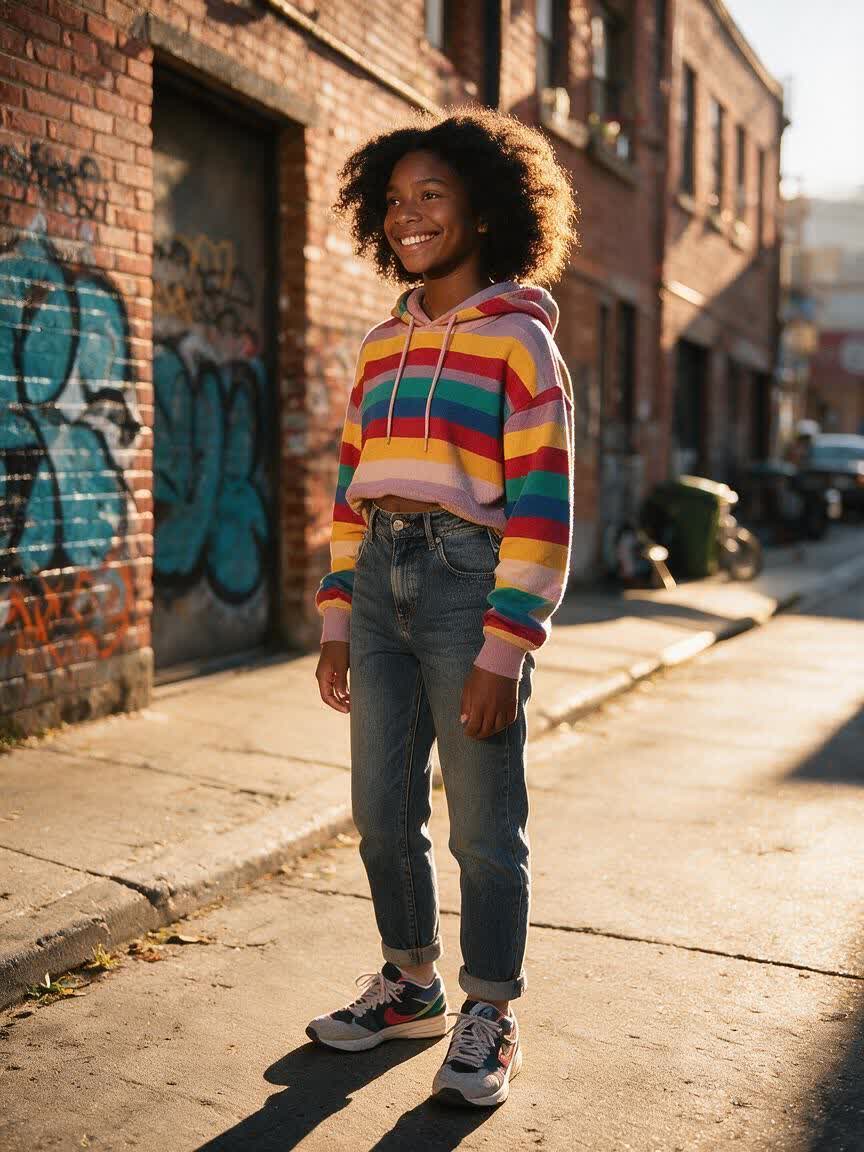
Refresh a Selfie
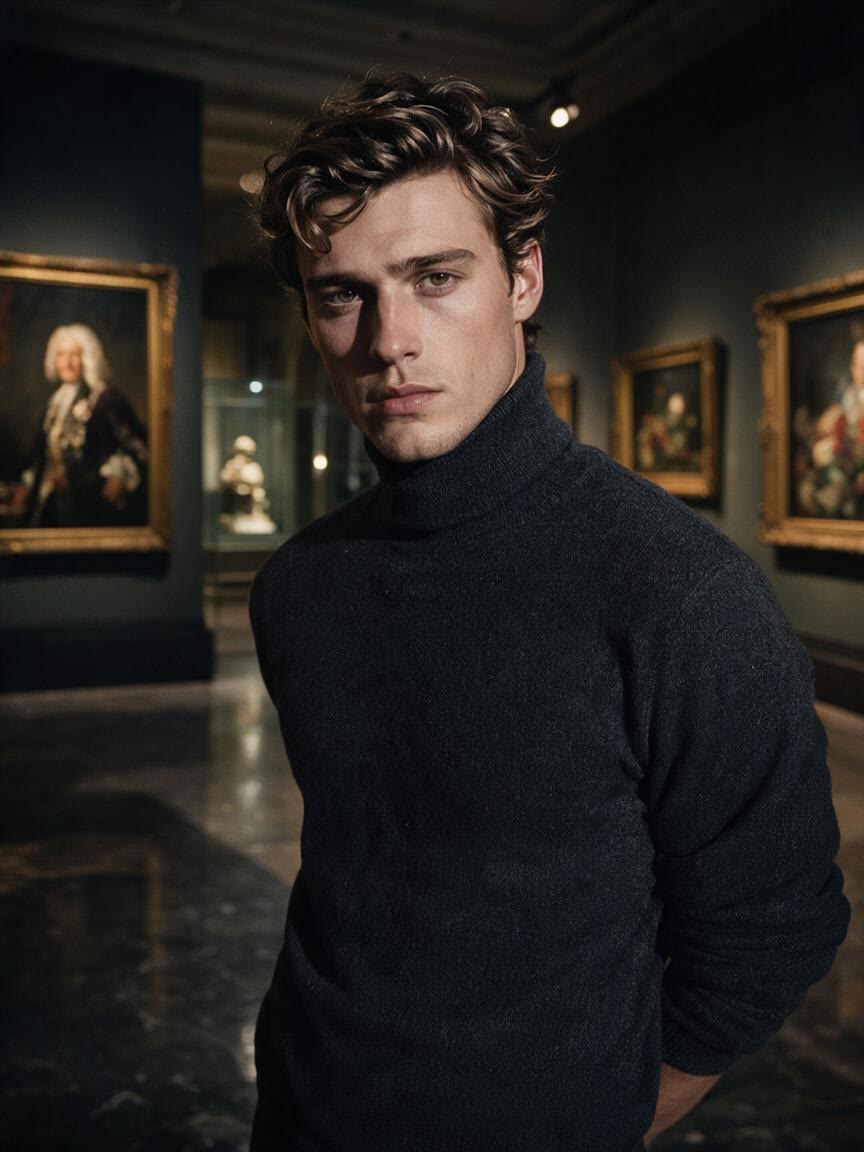
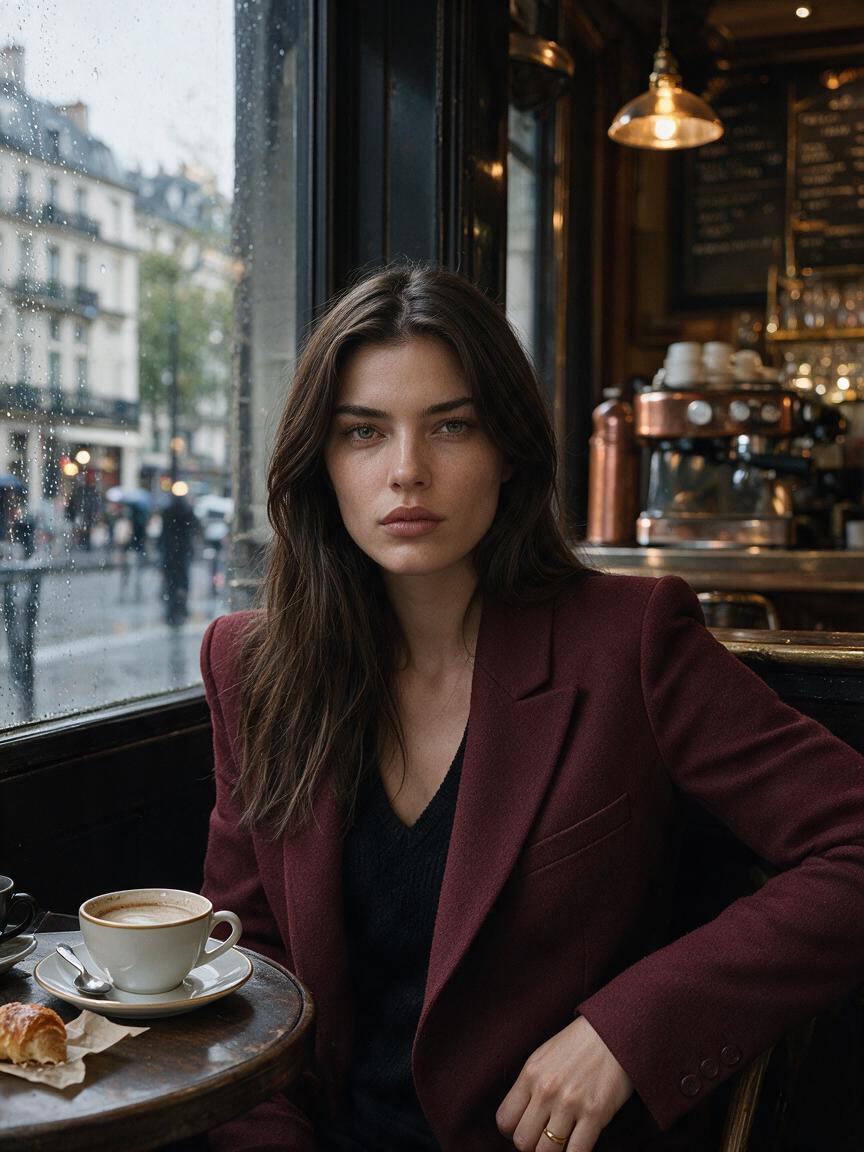
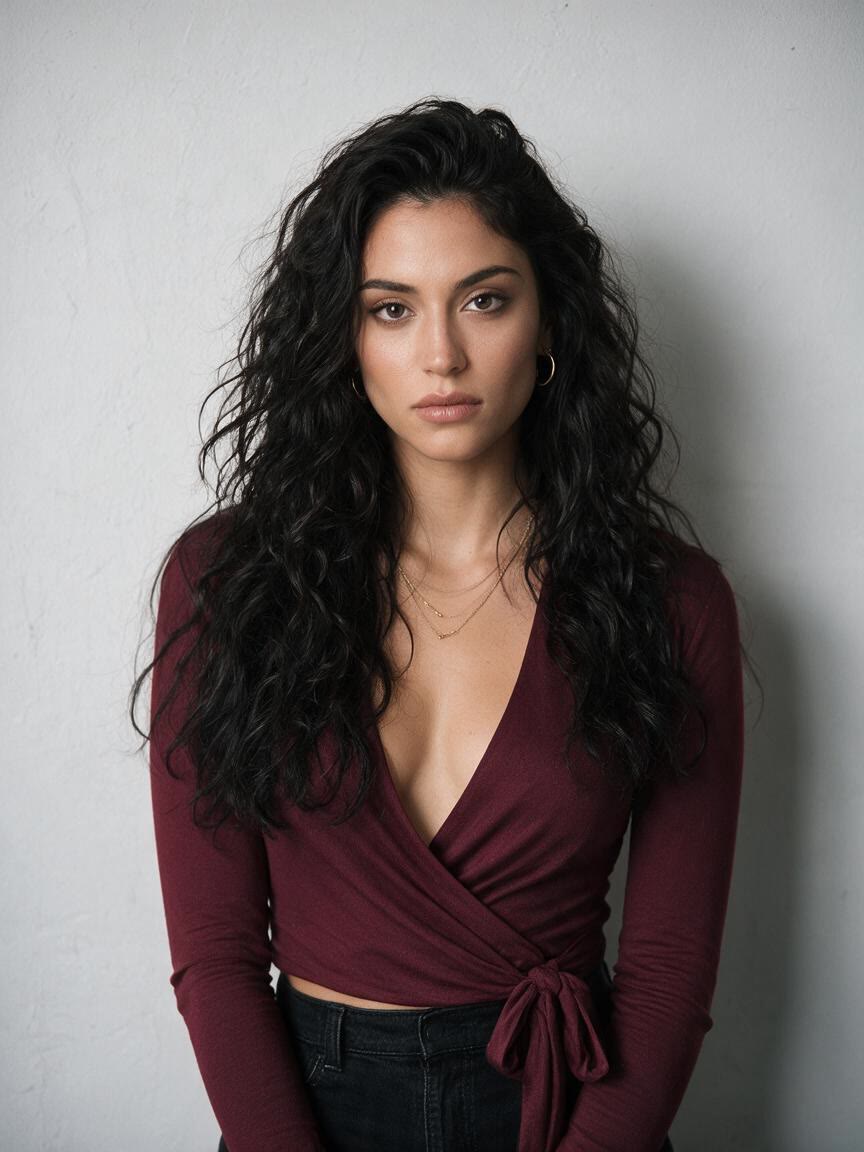
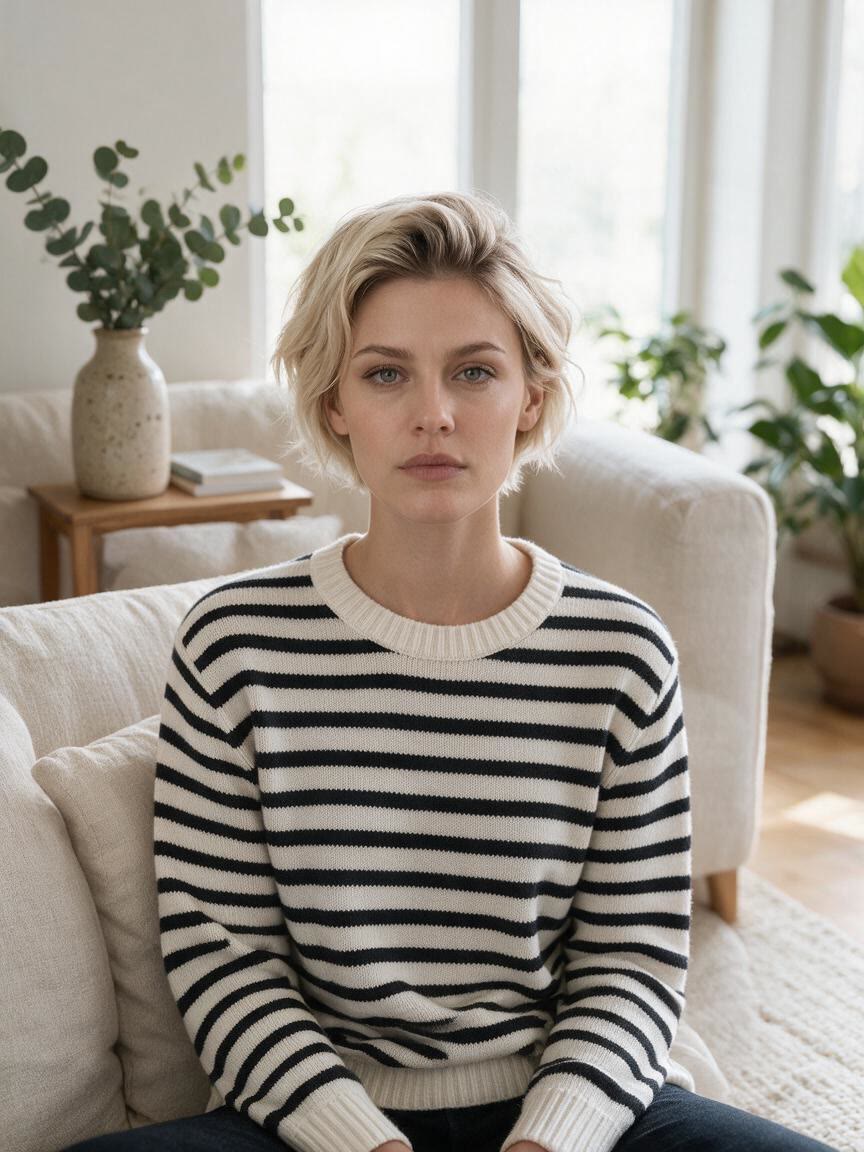
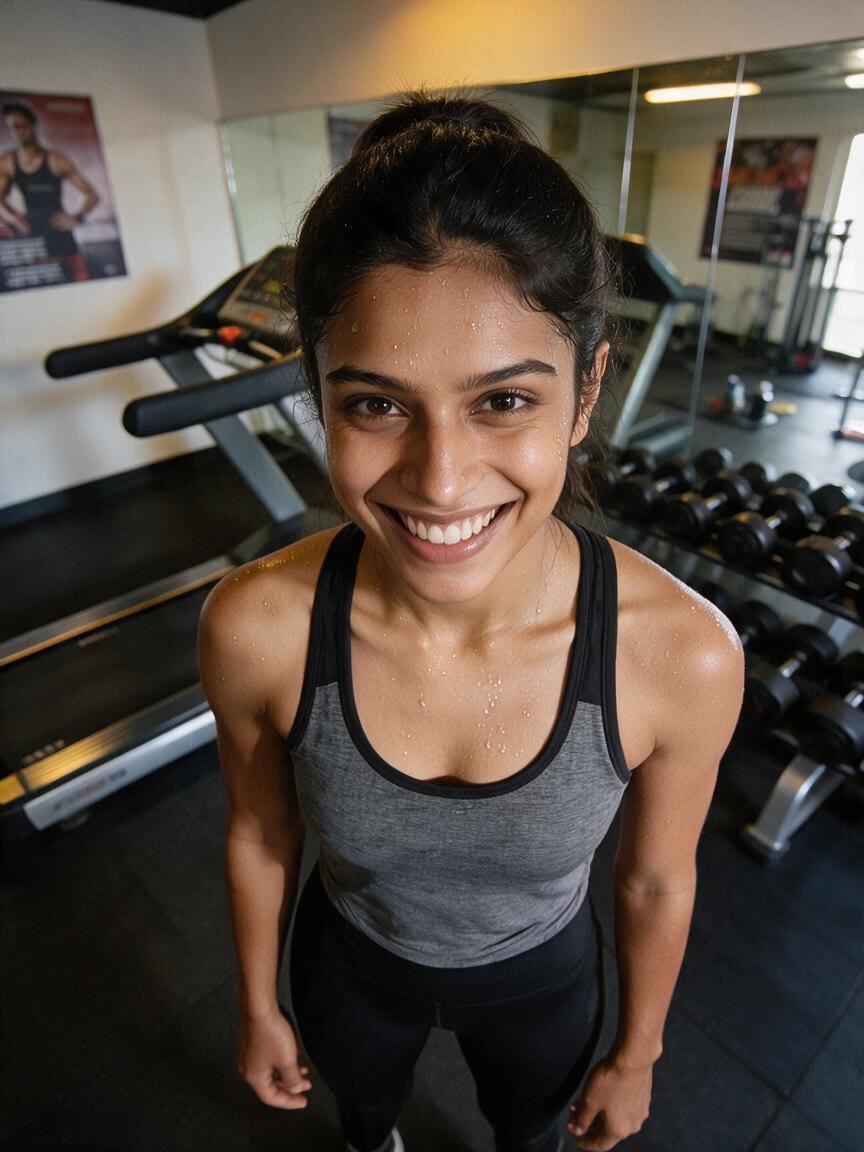
You arrive with a serious or tired selfie and want a more open expression for a profile or post. Cavro uses the photo with your smile instruction to create a refreshed version you can refine further.
Try Cavro freeTurn a serious portrait, selfie, or group photo into a smile-focused image with Cavro. Describe the expression you want and use your photo as the visual starting point.







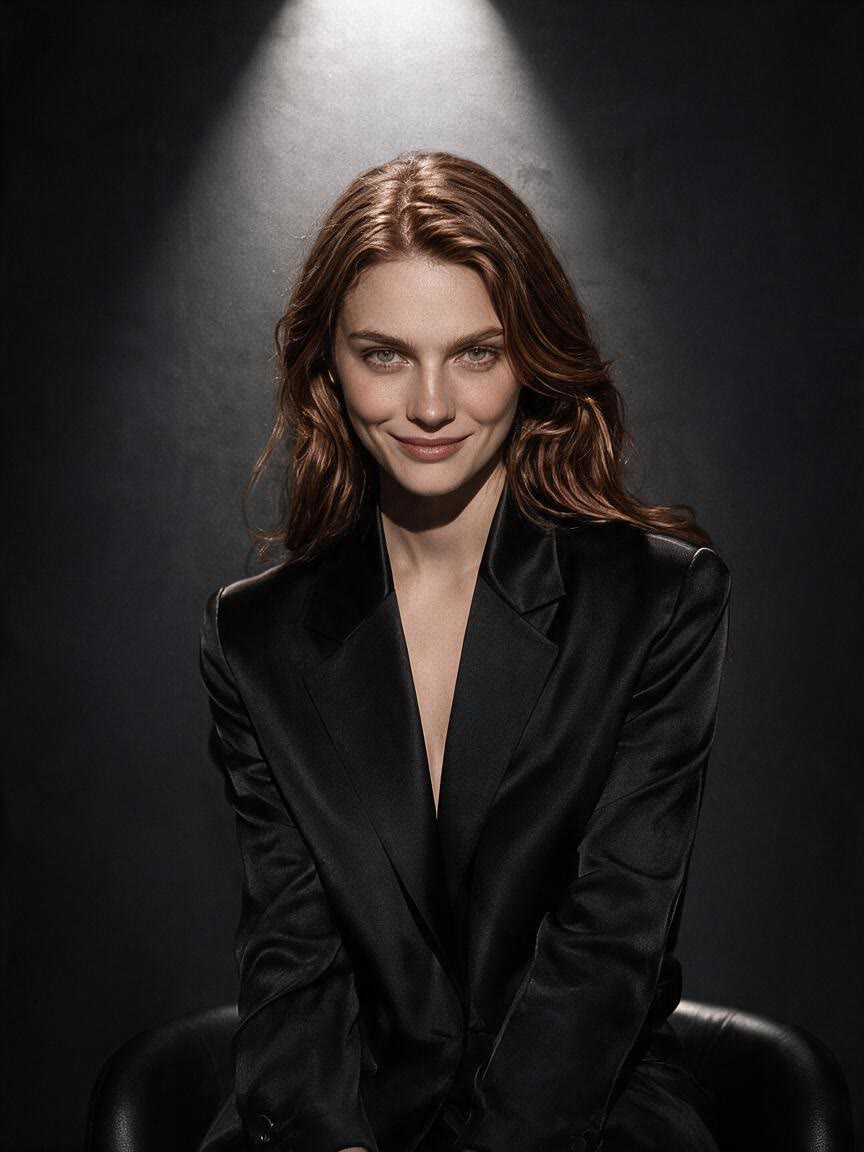


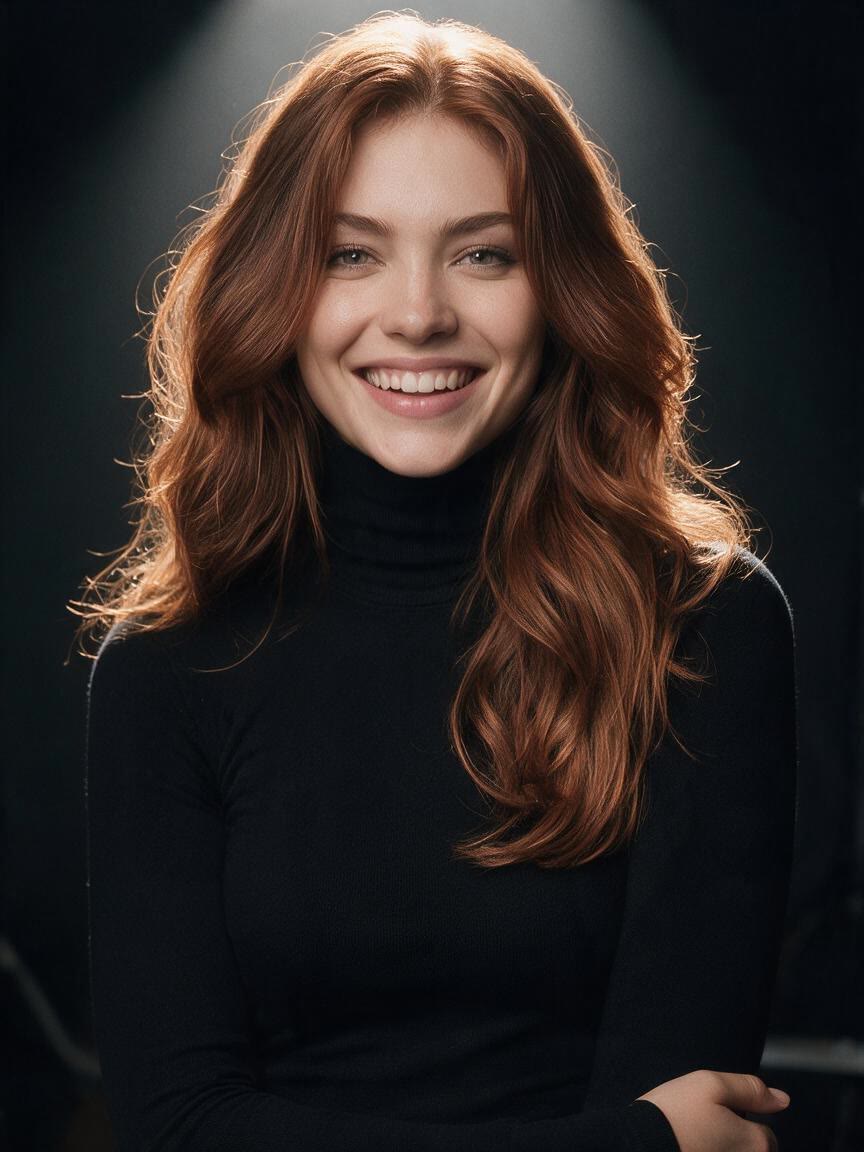

You arrive with a serious or tired selfie and want a more open expression for a profile or post. Cavro uses the photo with your smile instruction to create a refreshed version you can refine further.
Try Cavro free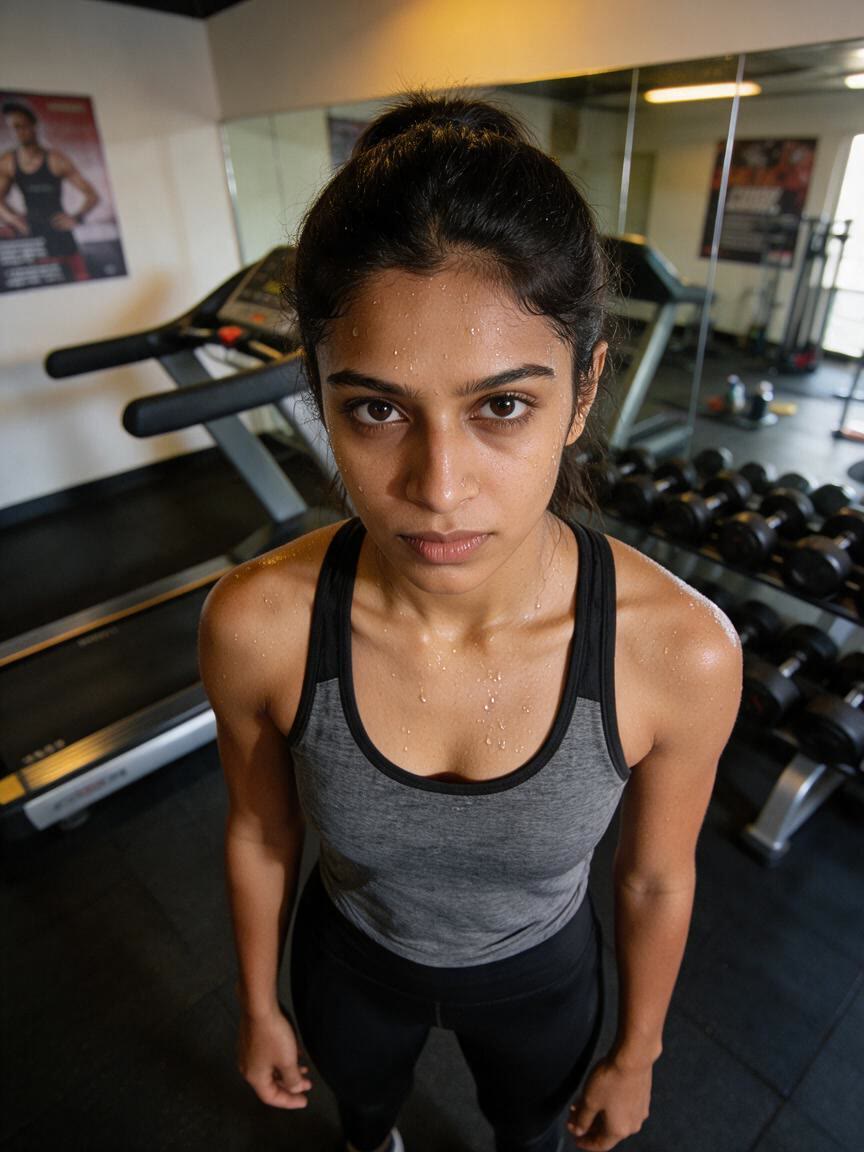
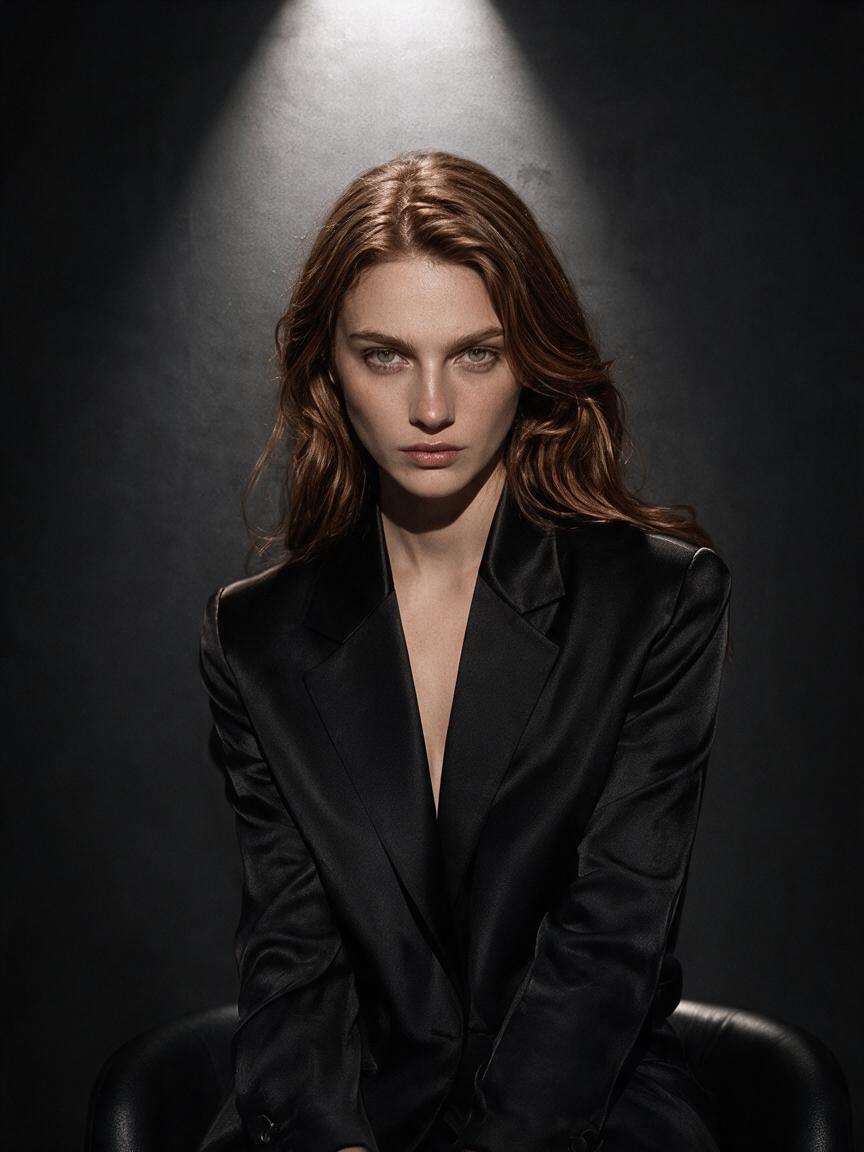
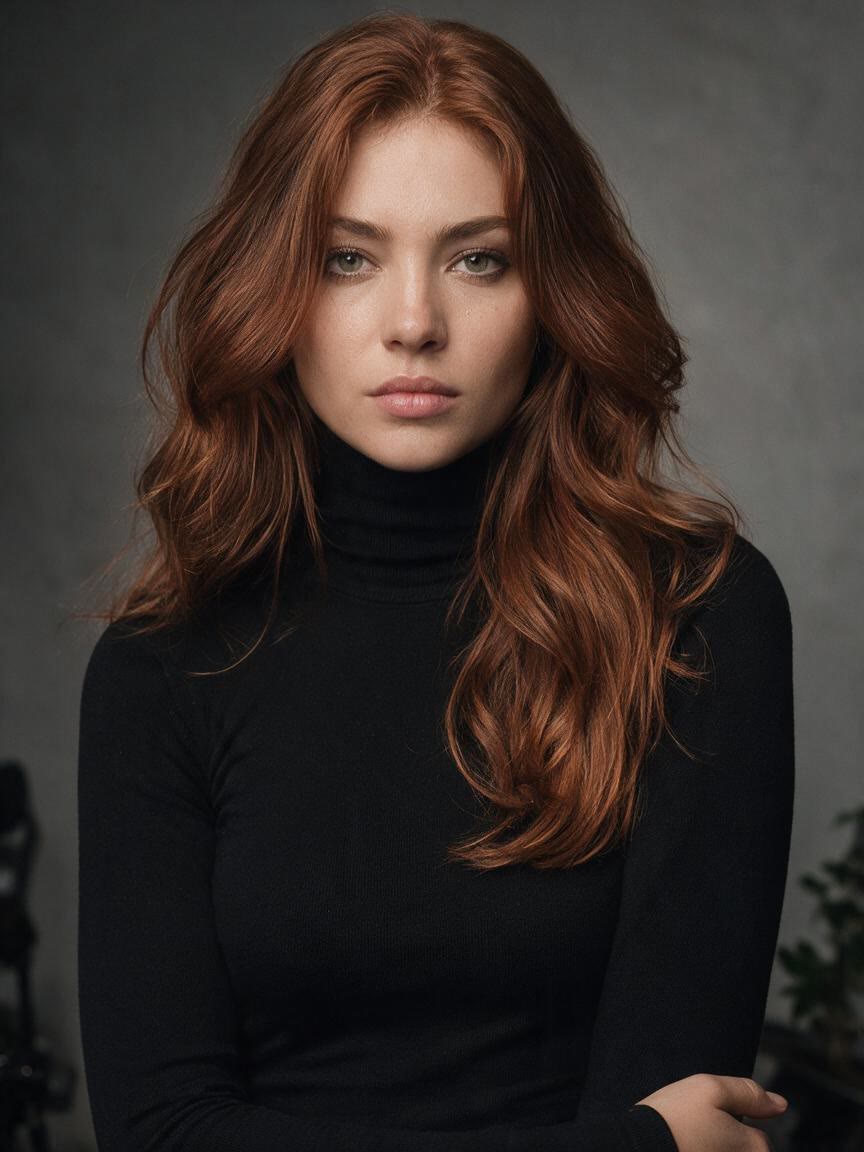
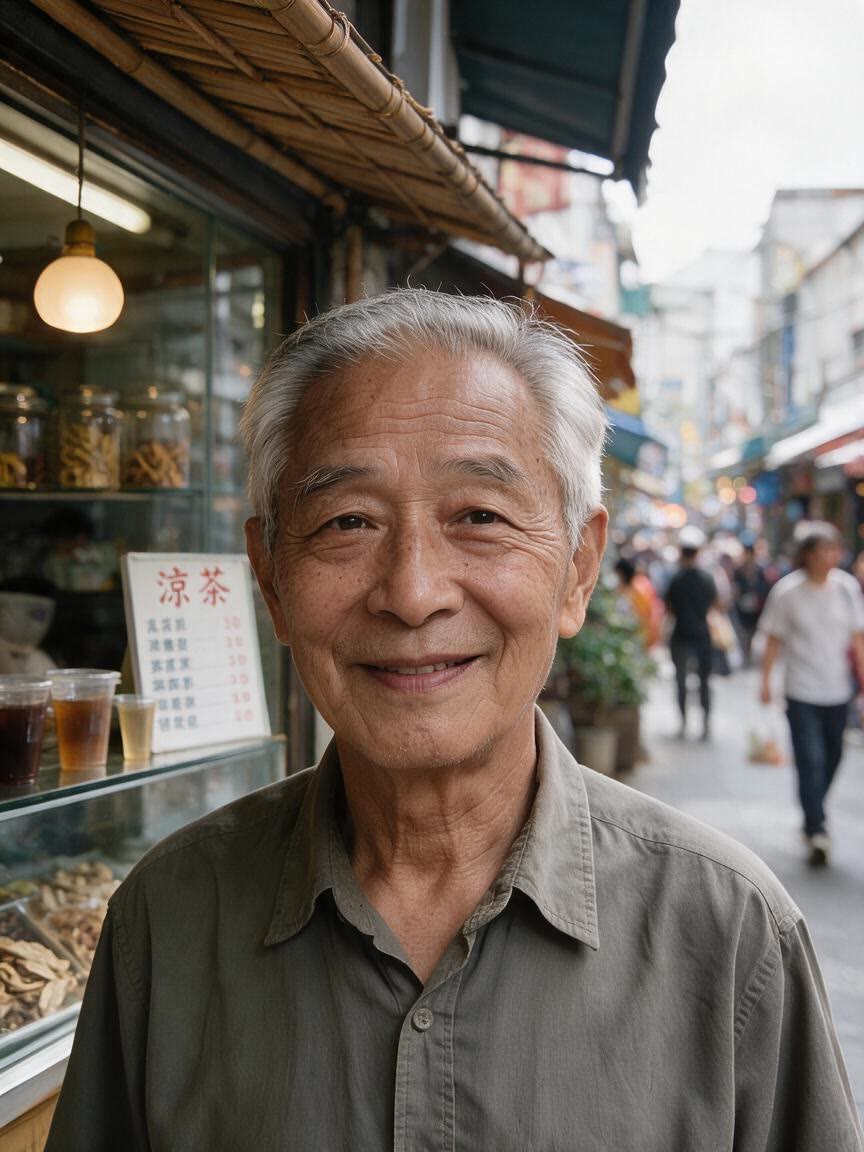
A formal portrait can feel distant when the expression is too stern. Add a measured smile to make the image more approachable while keeping the photo suited to its original use.
Try Cavro free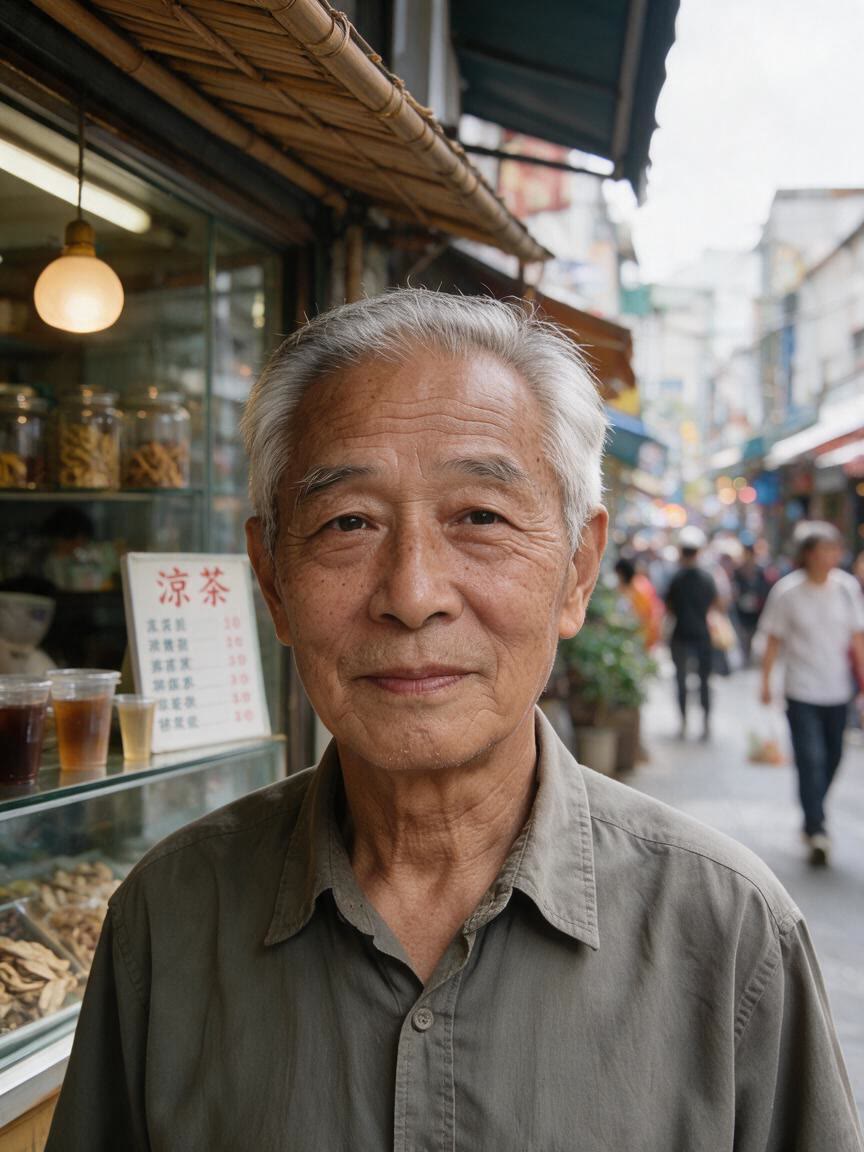
Group pictures often capture mixed expressions or a quiet moment. Ask for a more cheerful look and turn the shared photo into a livelier memory without starting the image from scratch.
Try Cavro free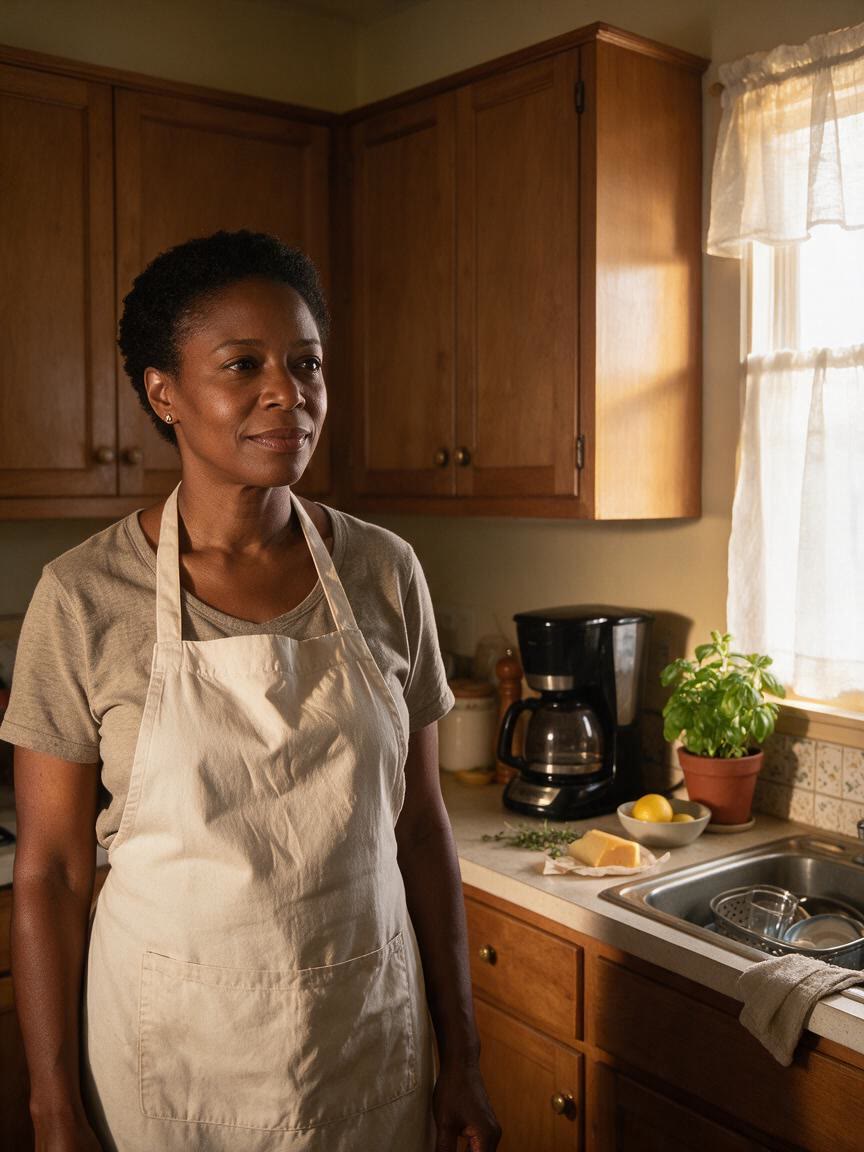
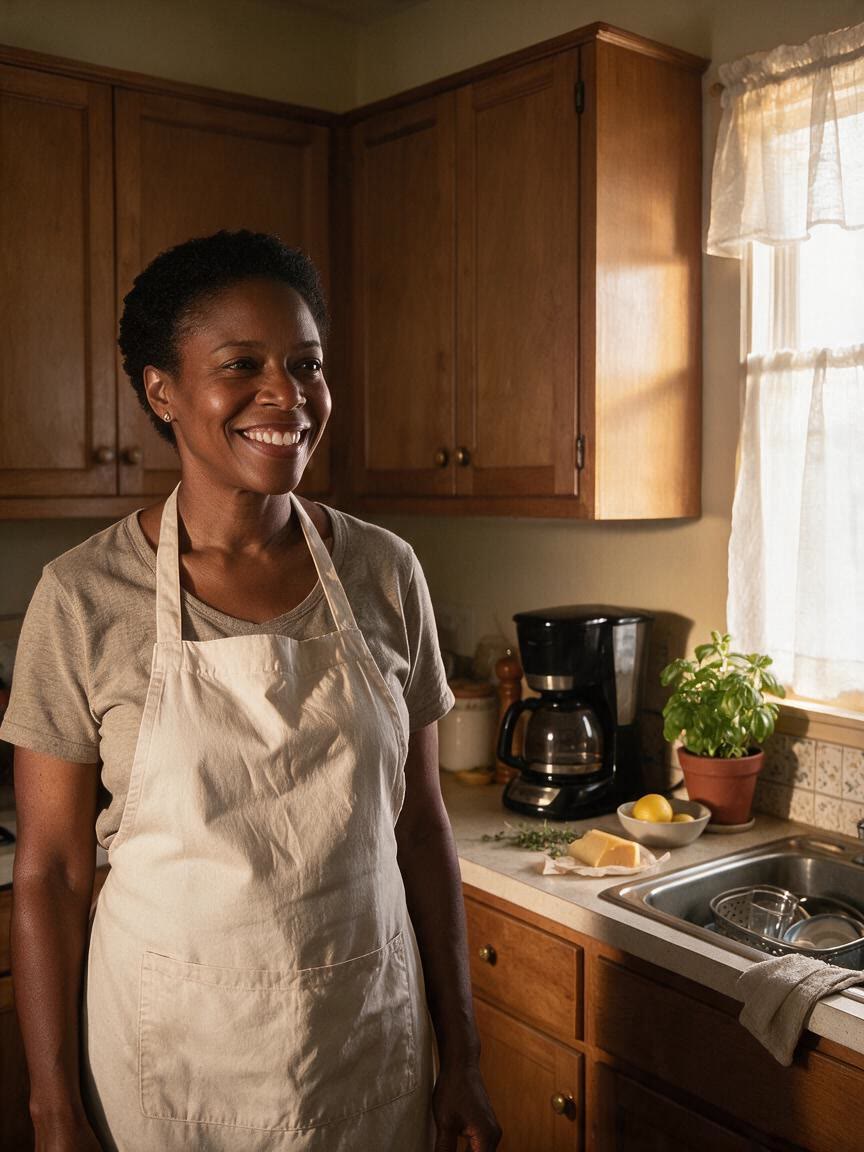
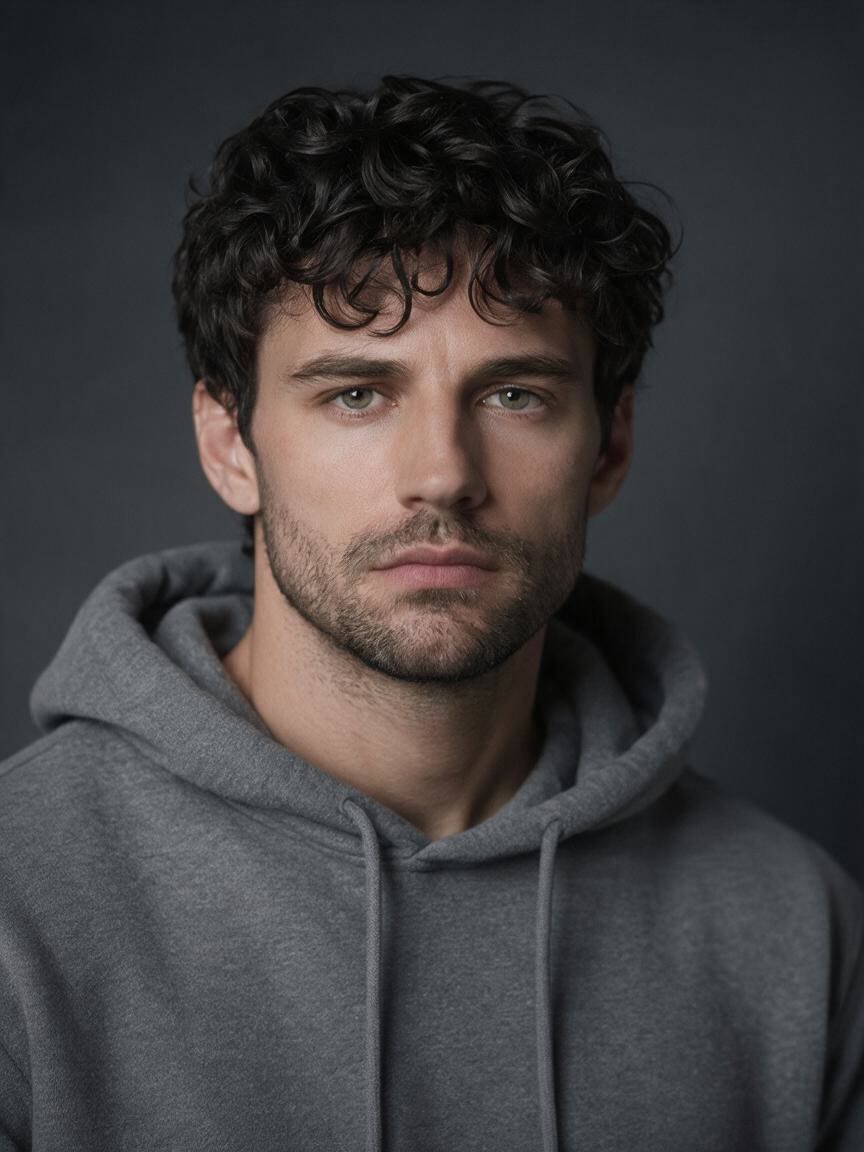
When you know the mood you want but cannot find the right filter, describe it in plain language. Cavro turns that direction and your reference photo into a smile-focused image you can assess and refine.
Try Cavro free

A generic smile effect cannot reflect the person or moment in front of you. Bring the portrait, selfie, or group image that matters, then guide the change toward the expression you want to see.
Try Cavro free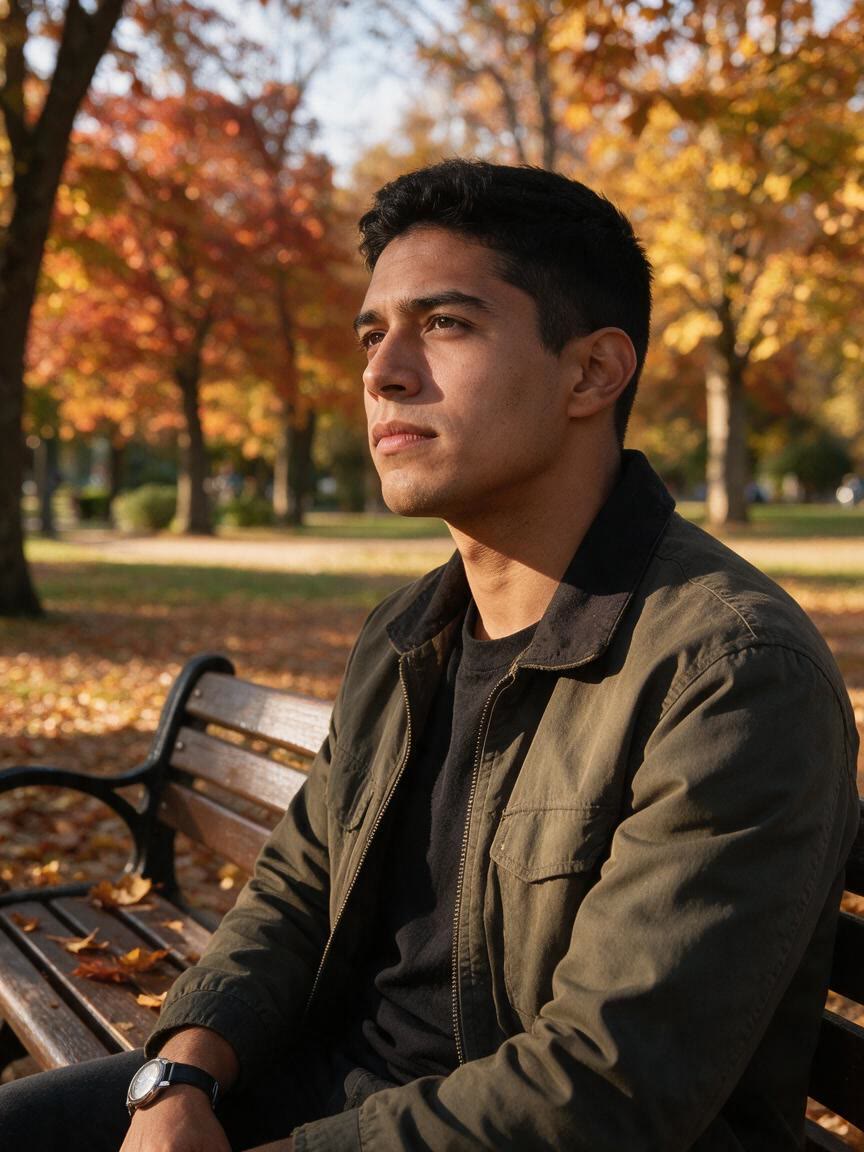
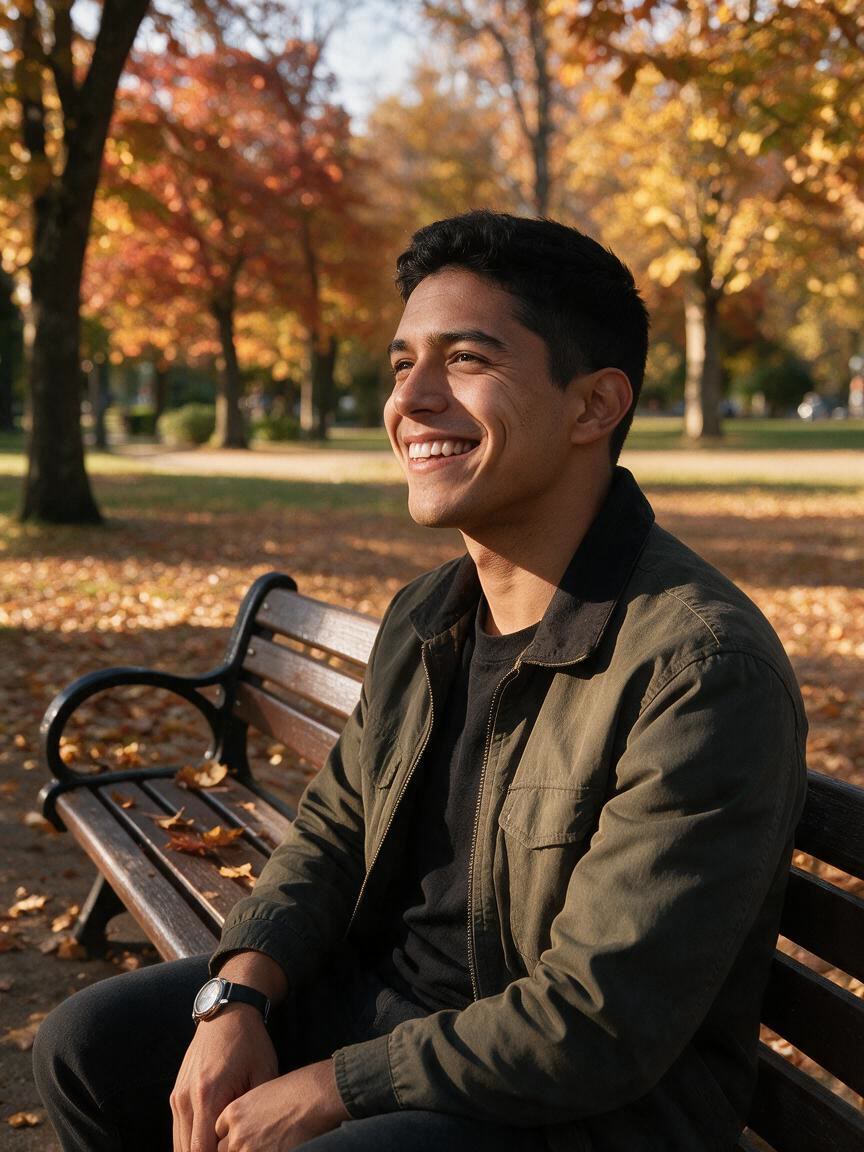
The first smile edit may not match your intended mood, especially for subtle or creative expressions. Continue refining in the same conversation so the image develops from your original request instead of being rebuilt elsewhere.
Try Cavro freeAn AI smile filter uses a written instruction and a photo to create an image with a changed smile or facial expression. In Cavro, you can describe the smile you want and use your own reference photo.
Yes, a selfie can be used as the reference photo for a smile edit. A clearly visible face gives your instruction a direct visual starting point.
Yes. Describe the expression precisely, such as a subtle closed-mouth smile, a relaxed smile, or a playful expression. You can refine the result in the same conversation if the first version feels too strong or too faint.
Yes, you can provide a group photo and request a smile-focused change for the visible faces. Your written instruction guides the intended mood of the edited image.
Results are billed per credit, and there is no mandatory subscription. Images and video use the same credit balance in Cavro.
Creators worldwide are turning “just an idea” into expensive-looking images.