



Social Media Posts
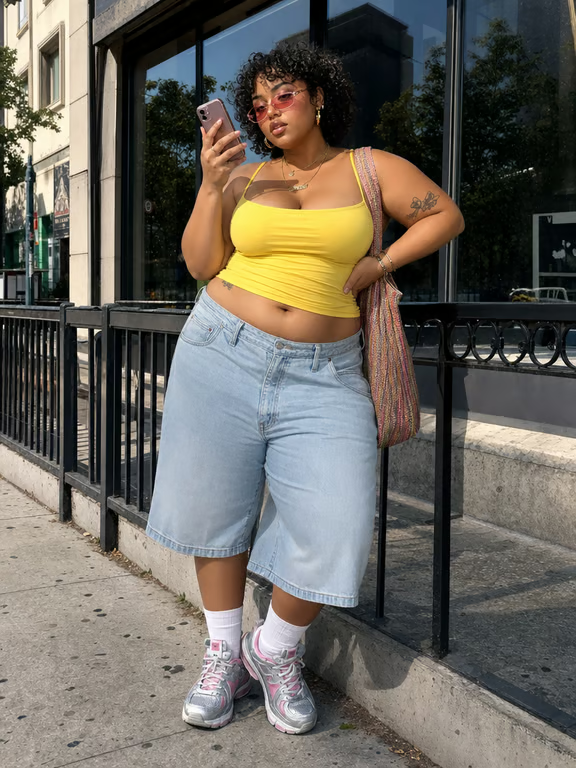
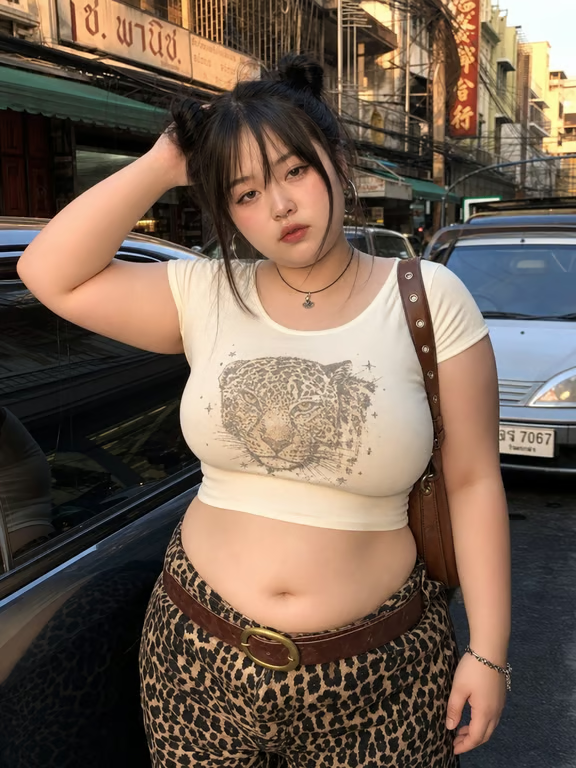
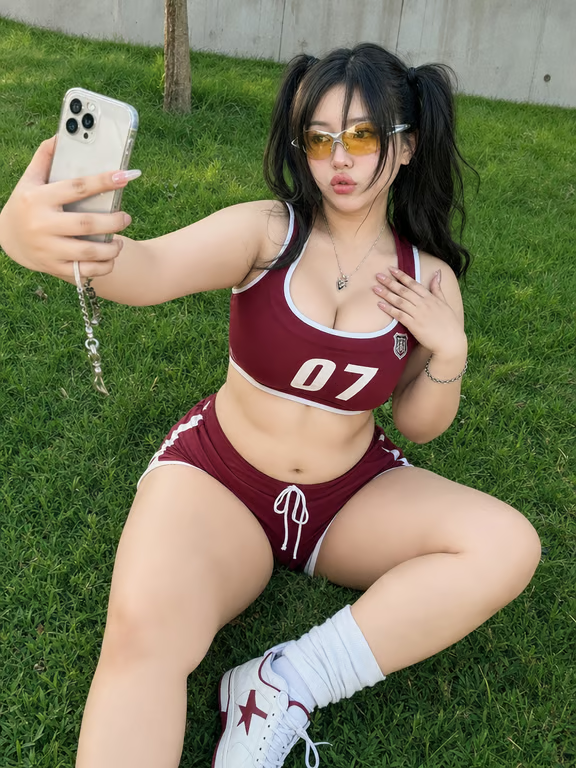
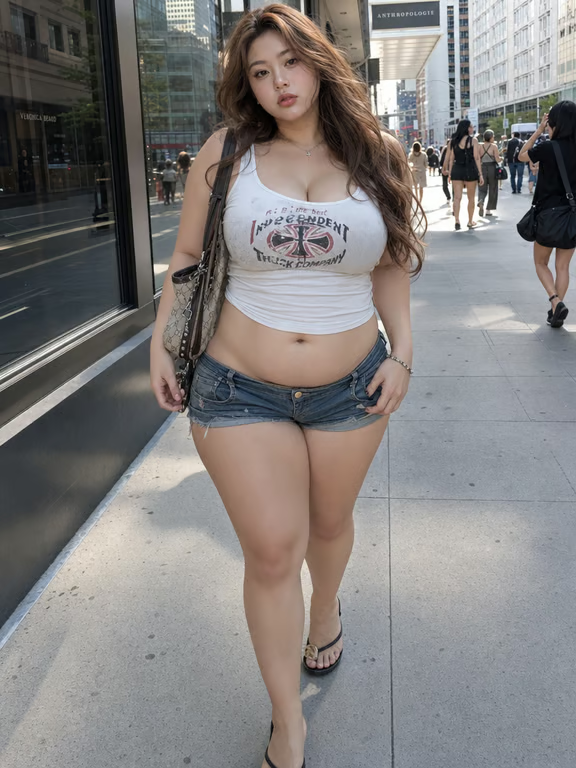
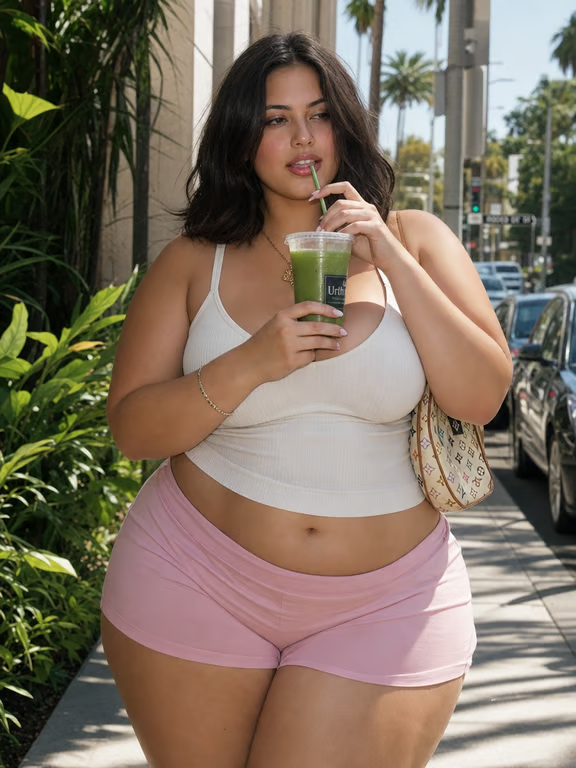
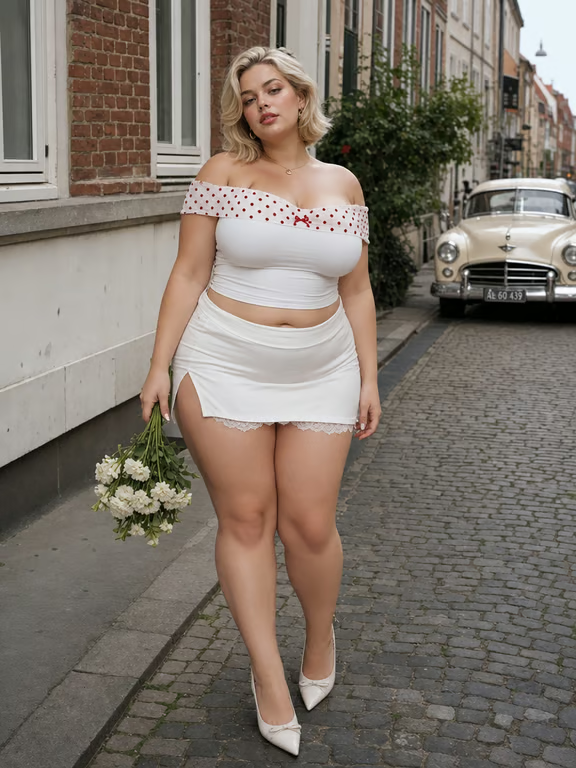
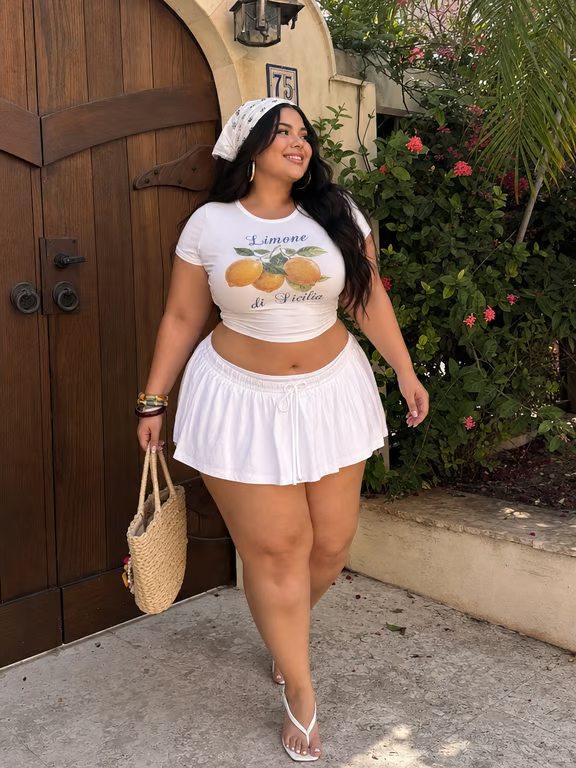
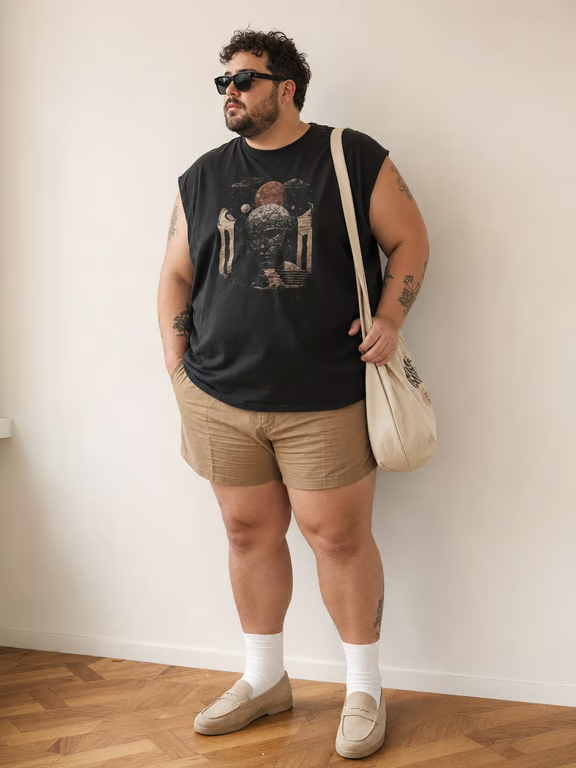
When a social photo feels close but not quite right, people use a reference image and request a slimmer body or face look. The result is a new visual option for a post, profile, or story.
Try Cavro freeTurn a reference photo into a body or face edit that matches your intended look. Cavro lets you describe the change and refine the image in the same conversation.
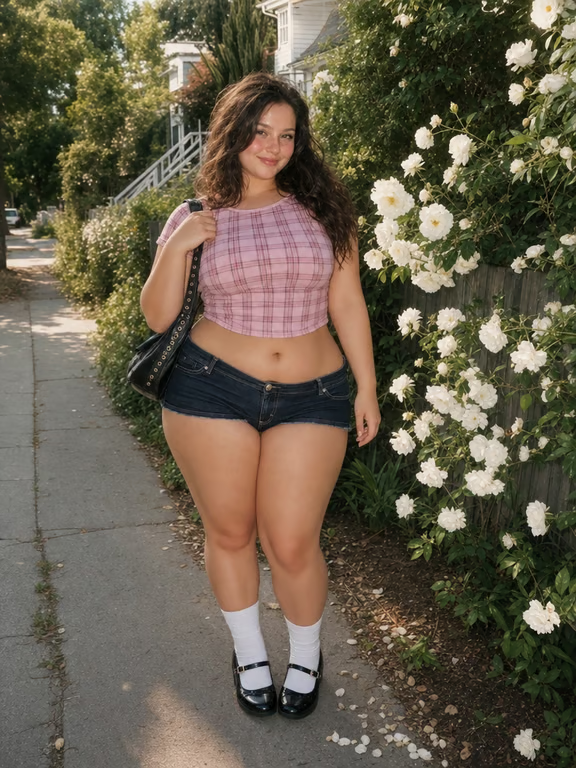
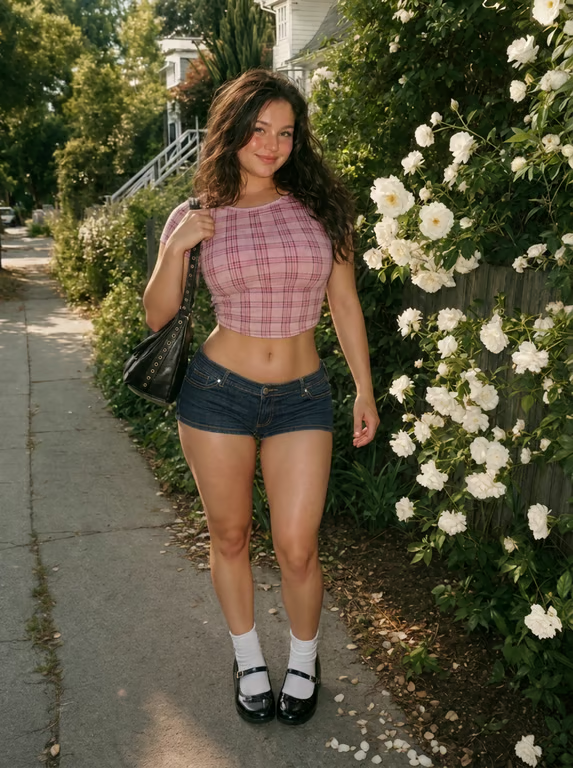
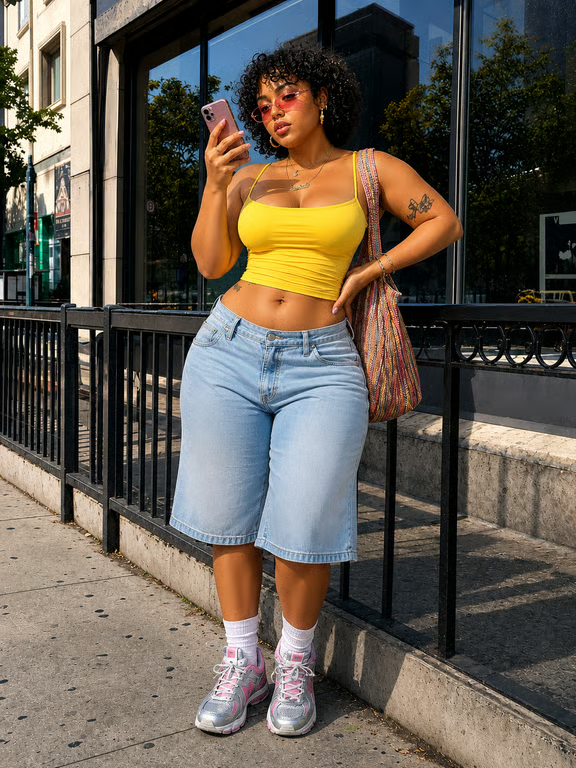
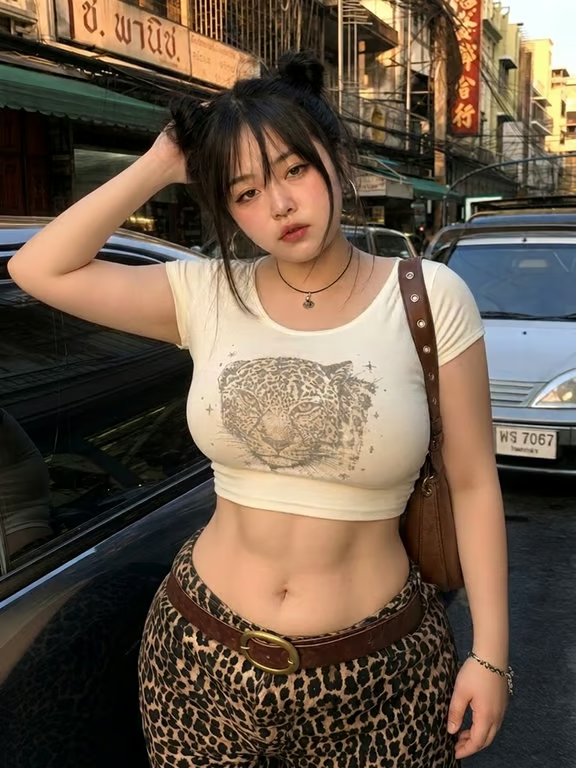

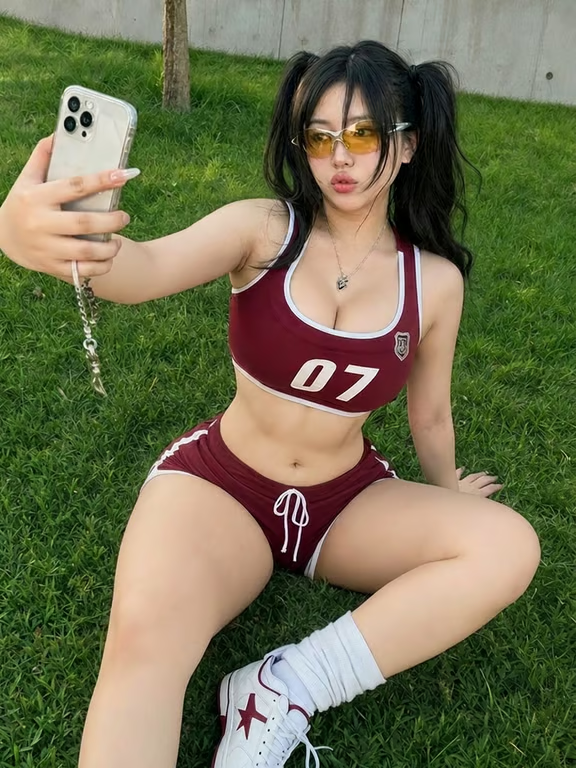

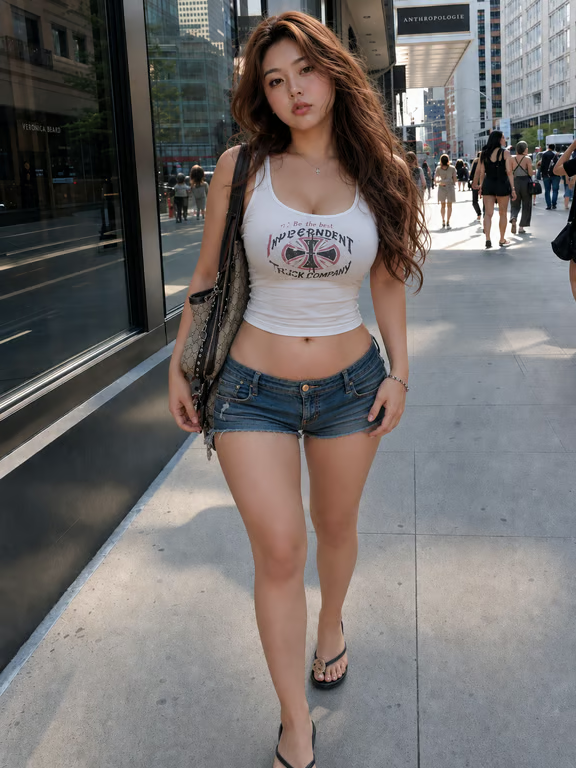
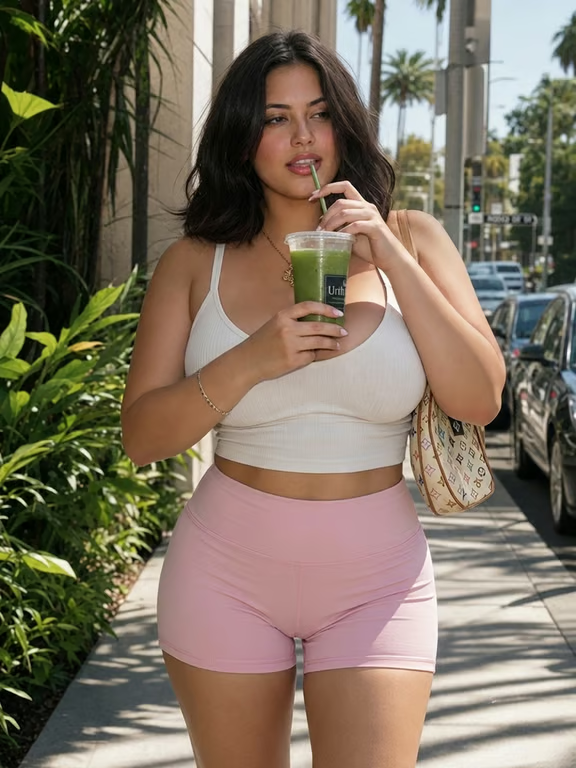
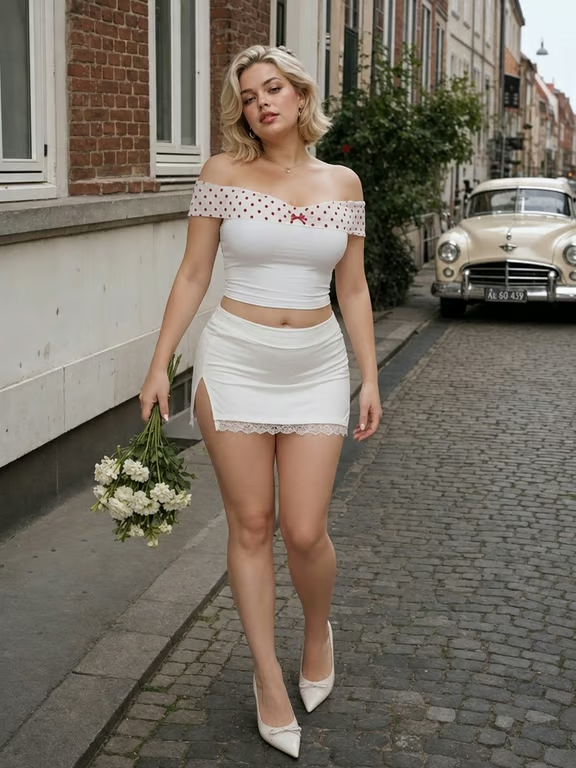


When a social photo feels close but not quite right, people use a reference image and request a slimmer body or face look. The result is a new visual option for a post, profile, or story.
Try Cavro free

A fitness enthusiast can bring a workout or progress photo and explore a different body presentation. The generated image offers a visual edit to review alongside the original photo.
Try Cavro free

Some people want to experiment with how they appear in a portrait before sharing it. A focused skinny transformation creates another version to consider, with room for further refinement.
Try Cavro free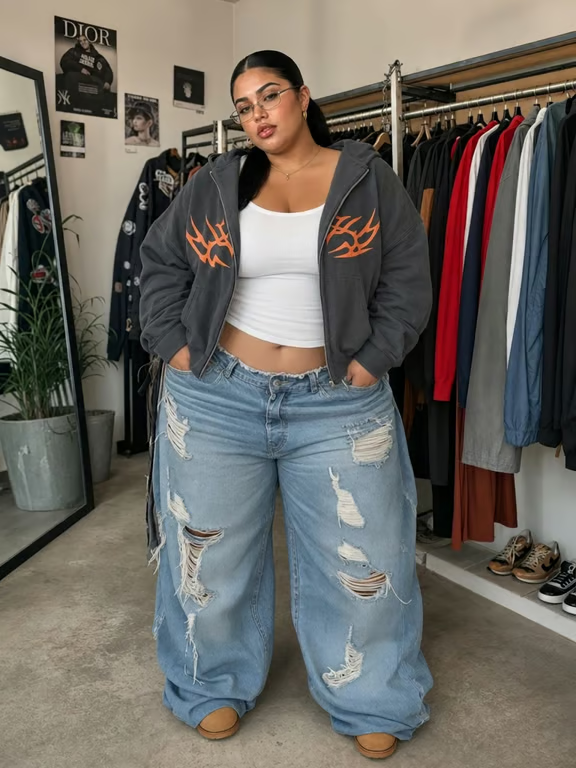
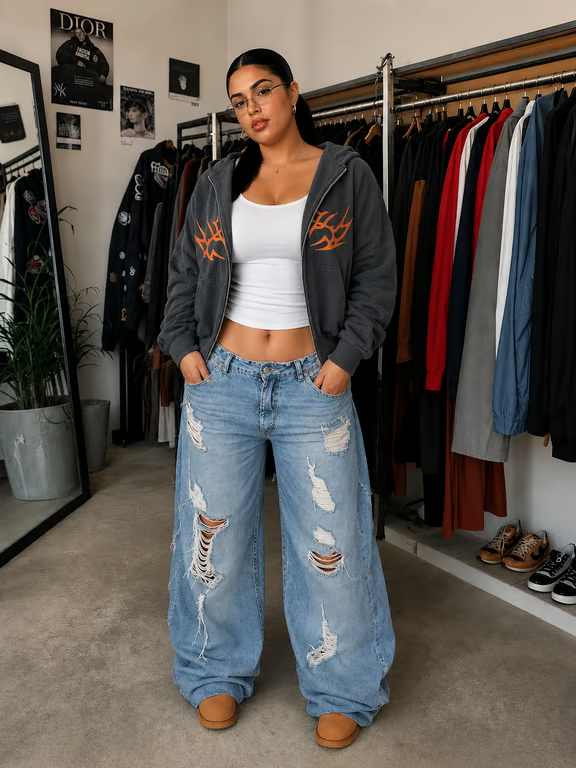
When the pose, outfit, and setting already work, you do not need to rebuild the scene. Cavro uses your reference photo with your written direction to create a body or face edit that stays connected to the original visual.
Try Cavro free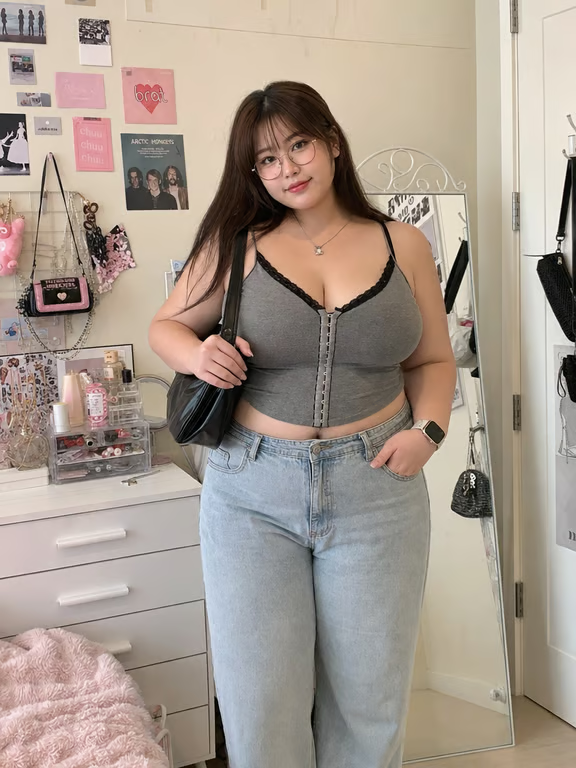
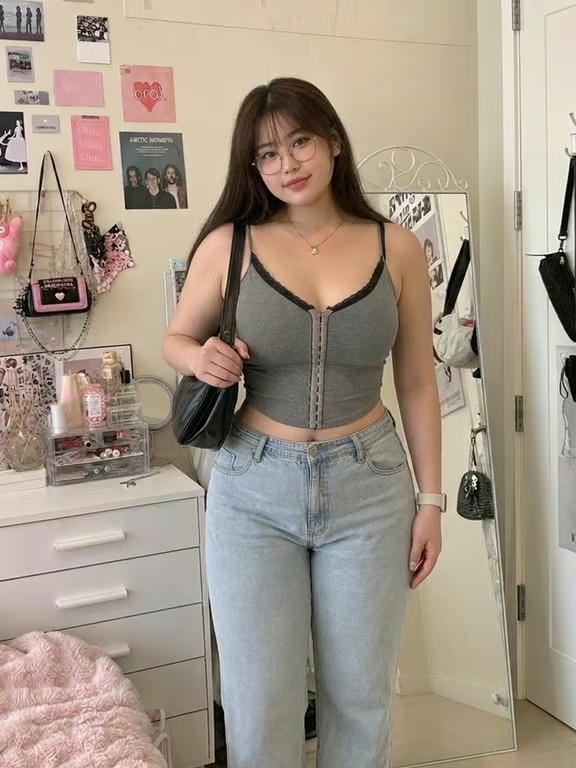
A first version may not match the look you had in mind. Continue the conversation with a more specific request and generate again, so the photo can move closer to your preferred body or face transformation.
Try Cavro free

If your project grows from a still photo into a visual variation, images and video come from the same conversation and credit balance. That keeps related experiments together instead of splitting them across separate tools.
Try Cavro freeAn AI skinny filter is a generated photo edit that changes the perceived shape of a body or face from a written instruction and reference image. Cavro turns that direction into an image you can review and refine.
Yes. Cavro can use a reference photo together with your written request for the body or face change you want to explore. The photo provides the visual starting point for the edit.
Yes. You can request another generation in the same conversation when the first result needs adjustment. There is no need to start over with a new conversation.
There is no mandatory subscription. Results are billed per credit, and images and video use the same credit balance in Cavro.
Creators worldwide are turning “just an idea” into expensive-looking images.