Photo-Based Editing
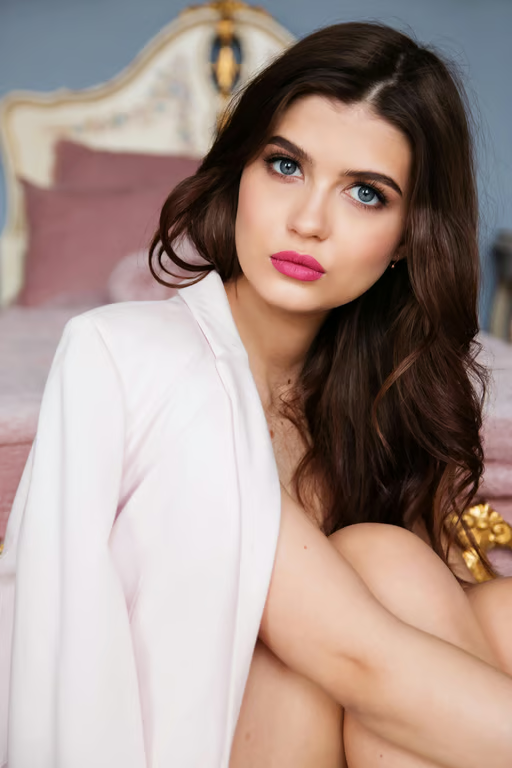
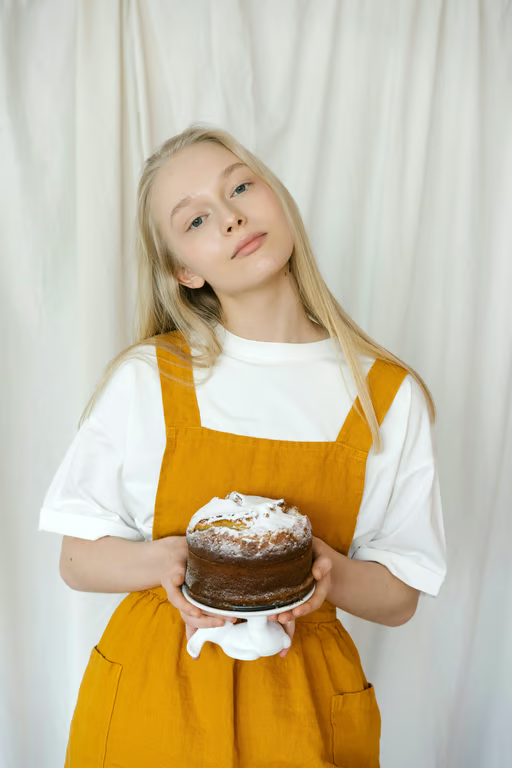
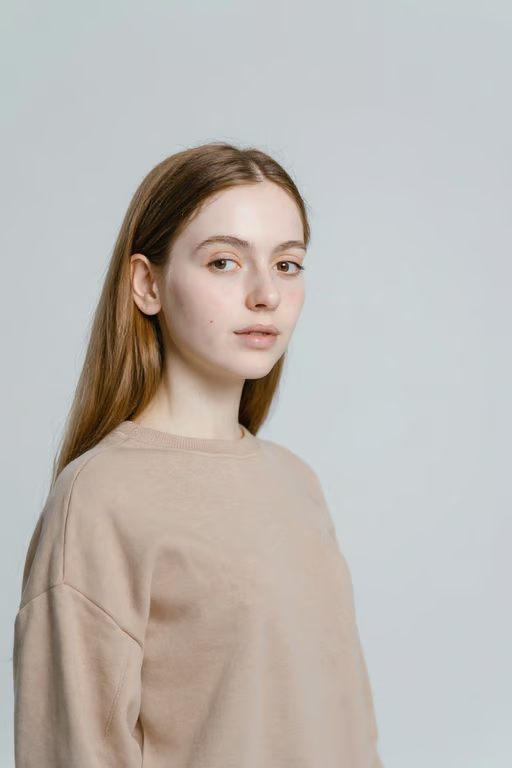
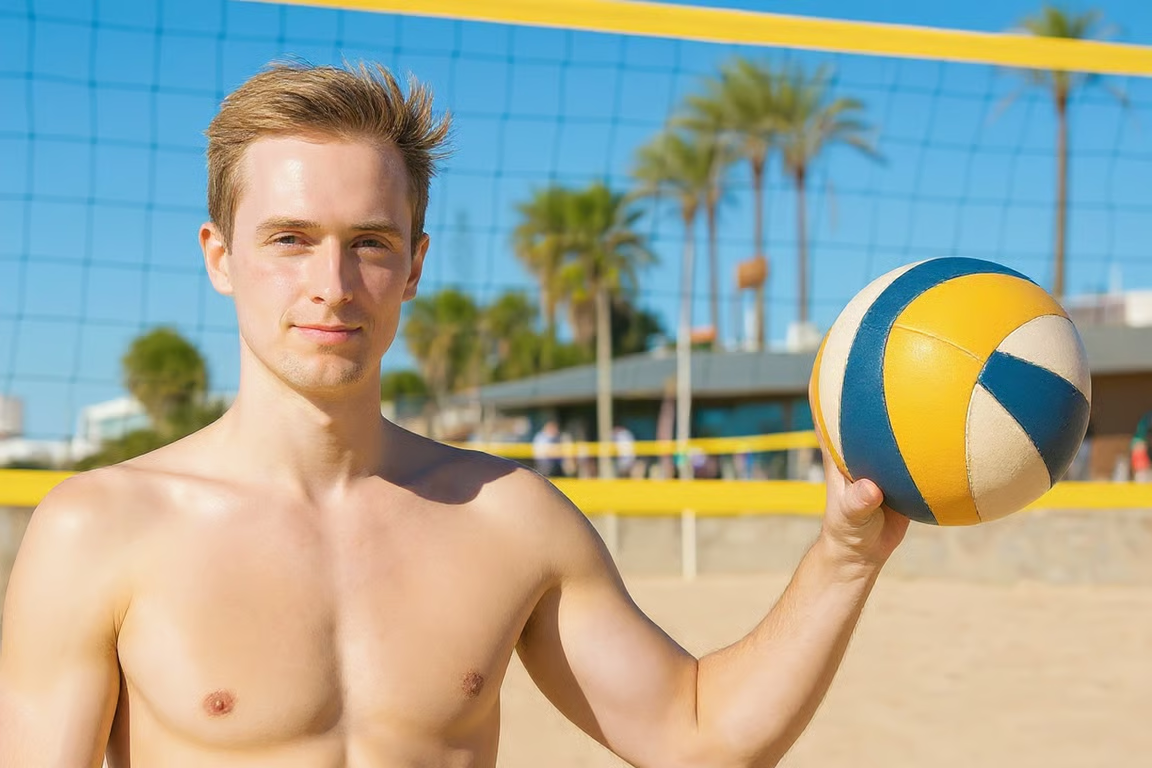
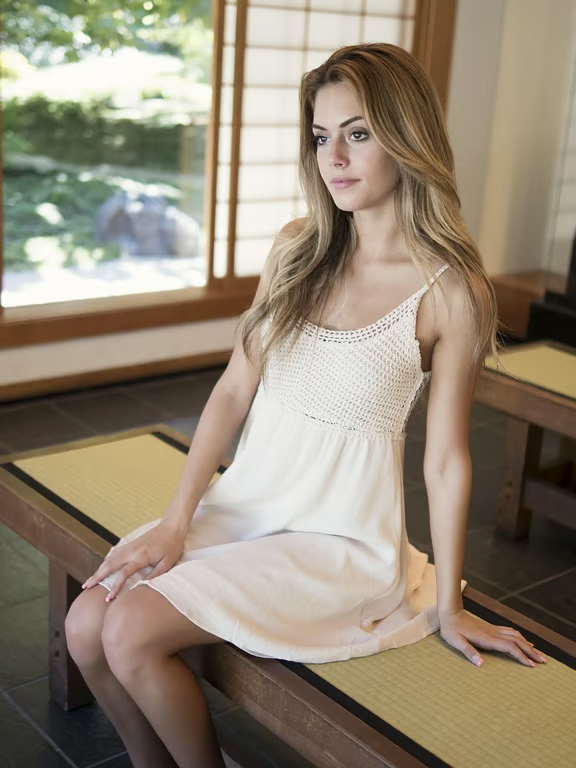
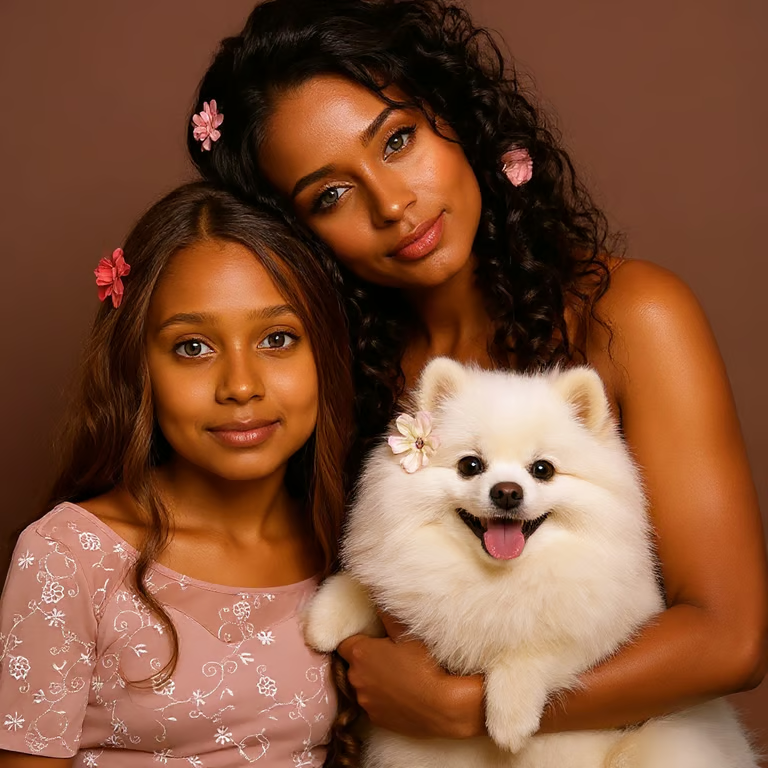
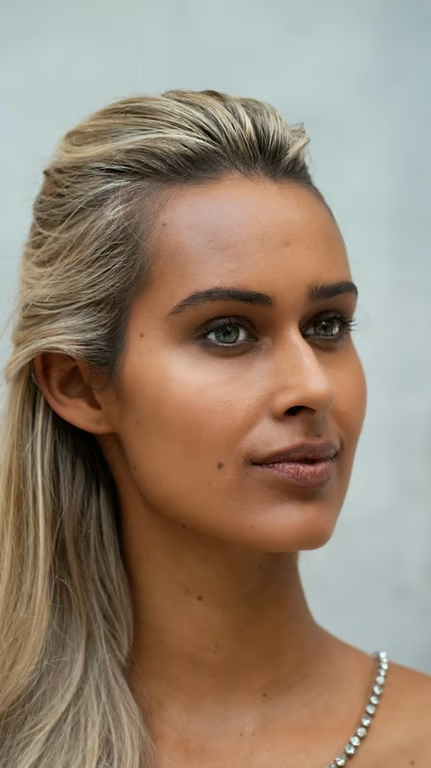
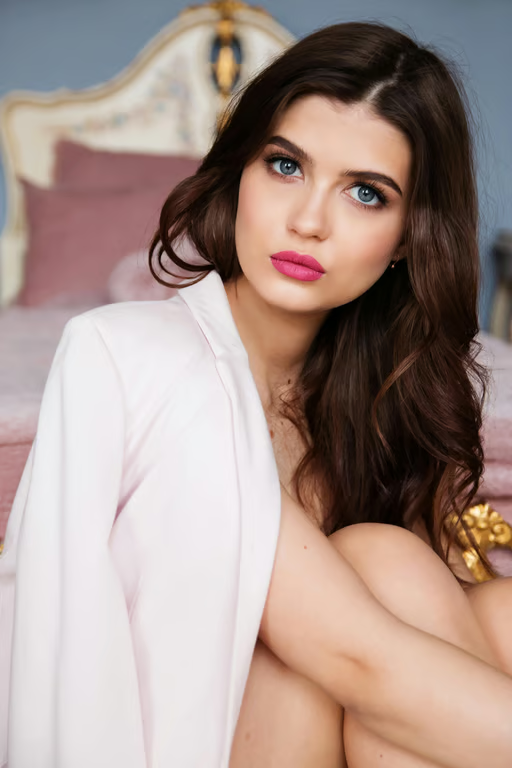
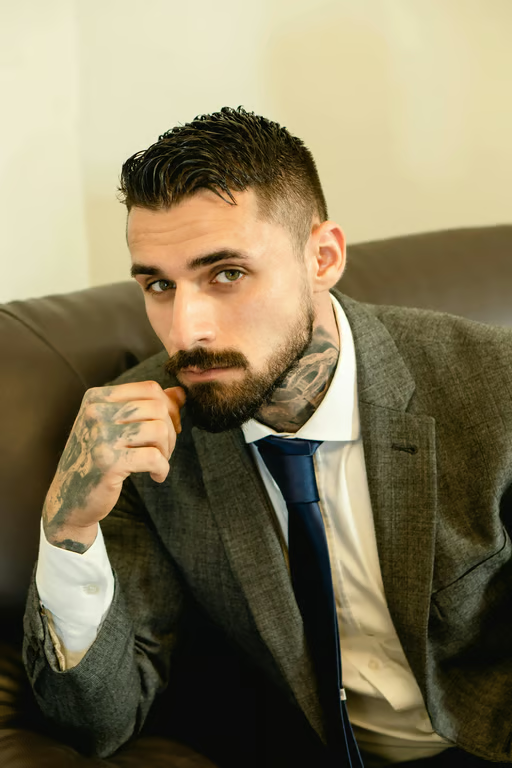
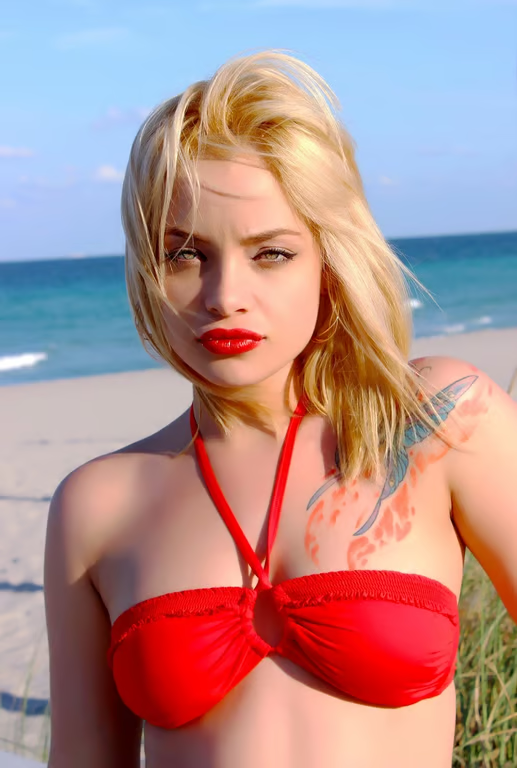
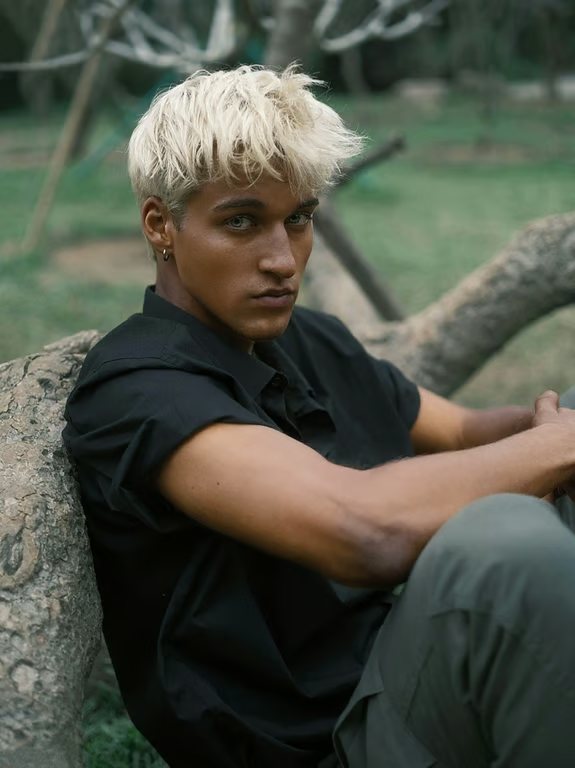
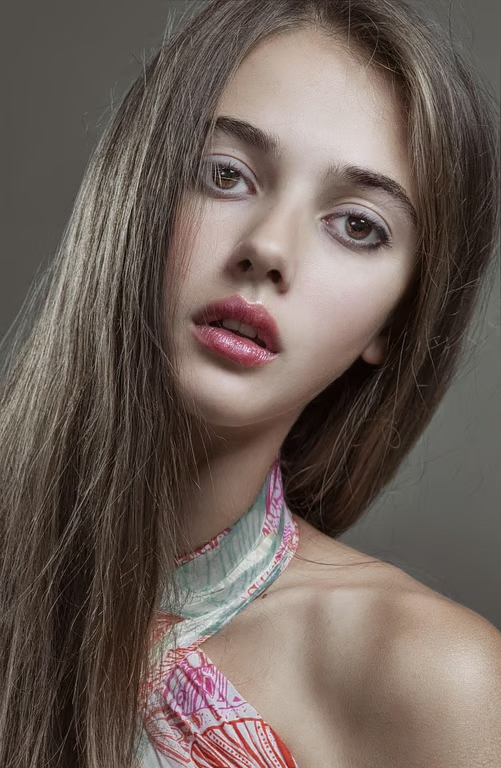
Start with a selfie, portrait, full-body photo, or character reference for a skin tone edit.
Preview natural skin tones across portraits, selfies, and avatars.
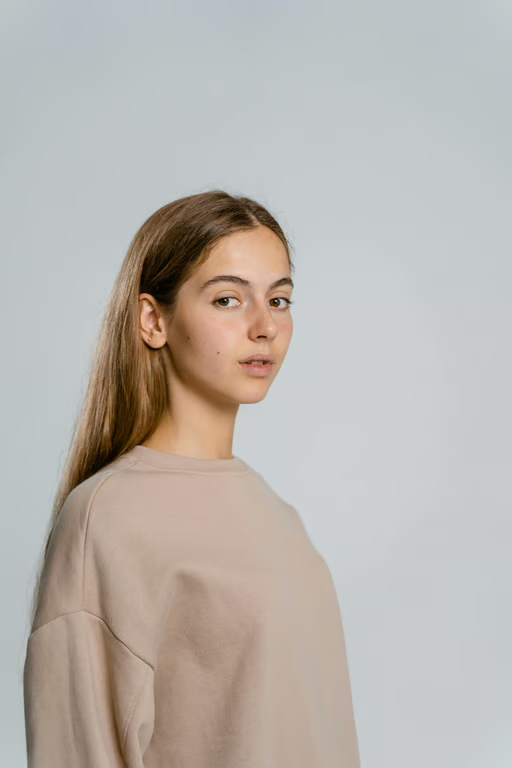

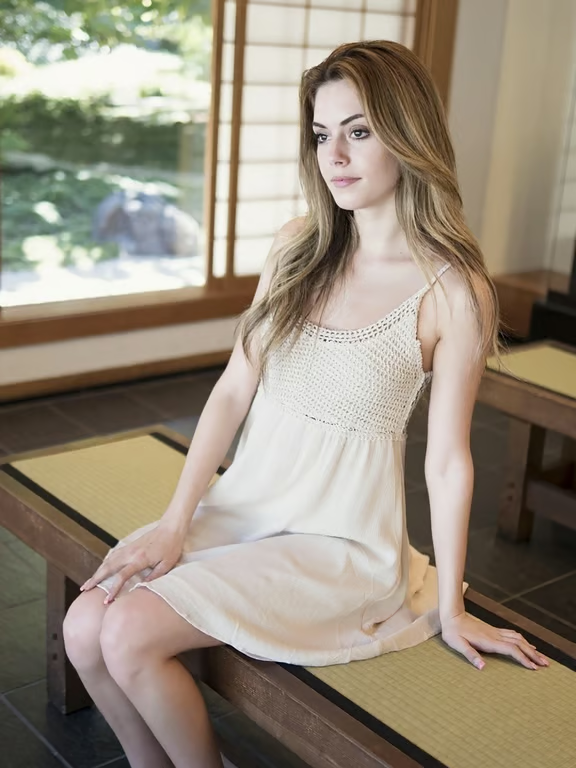
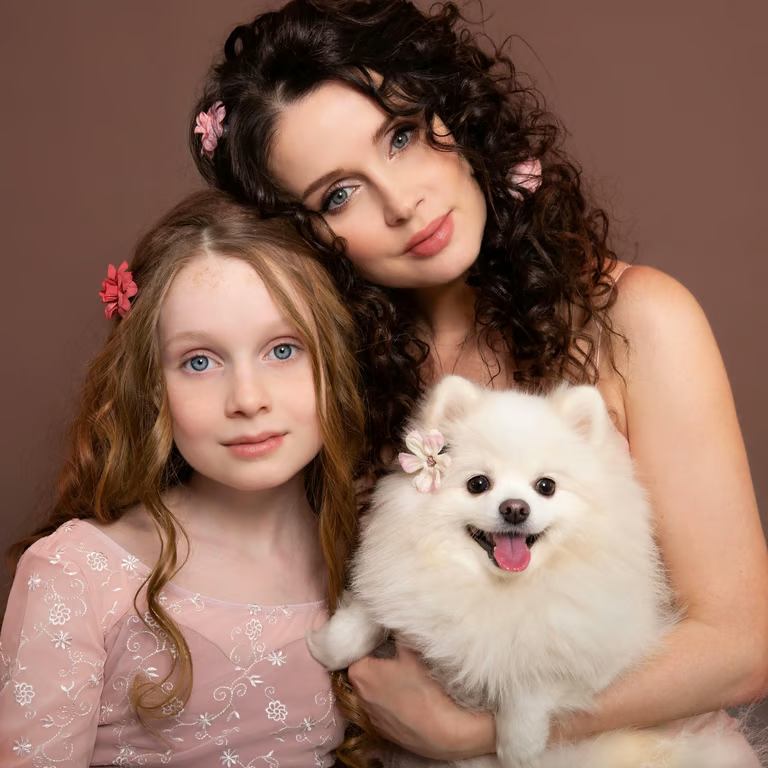
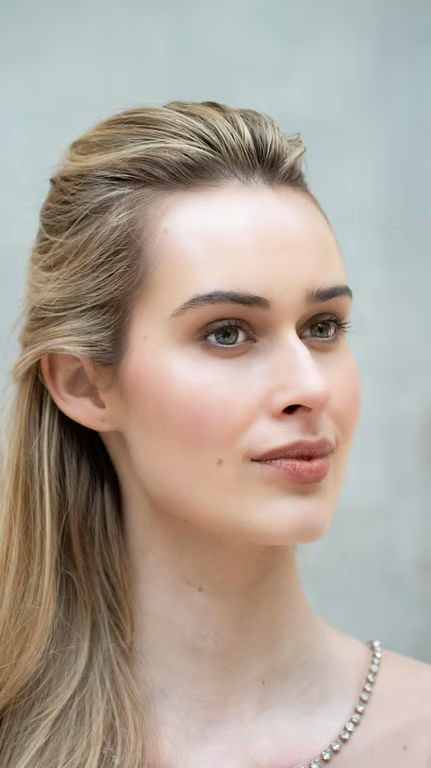
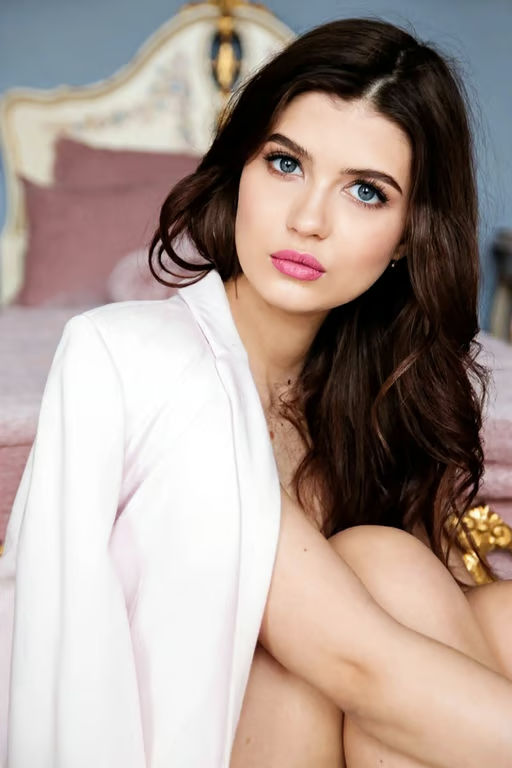
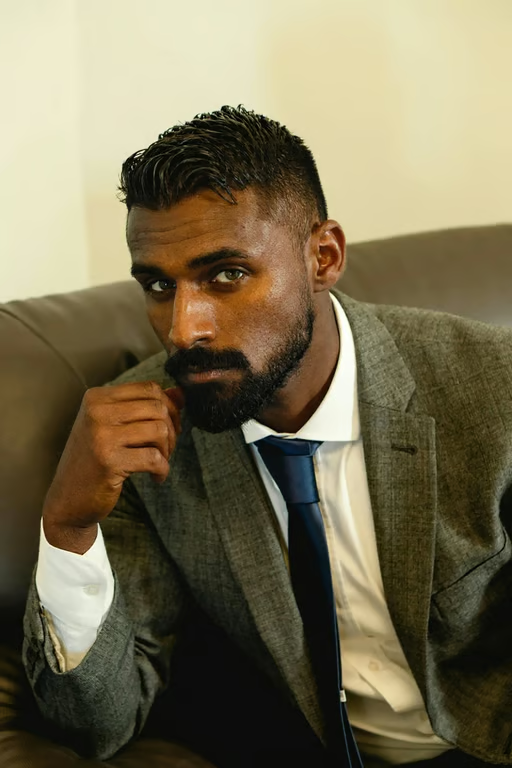
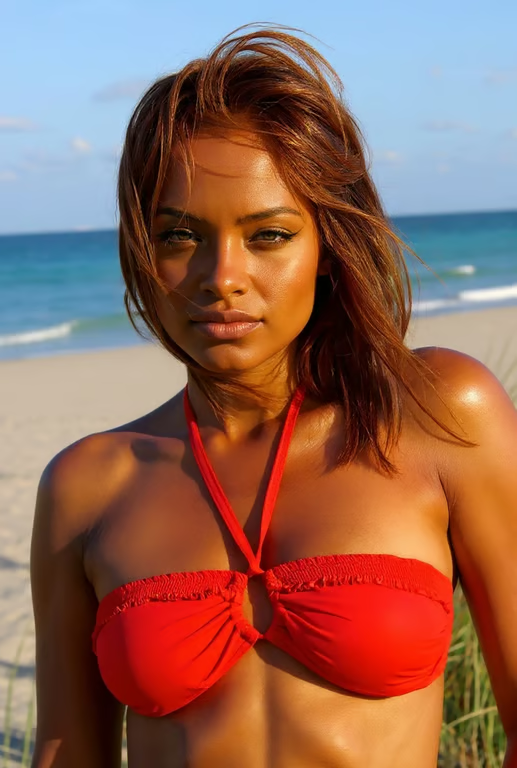
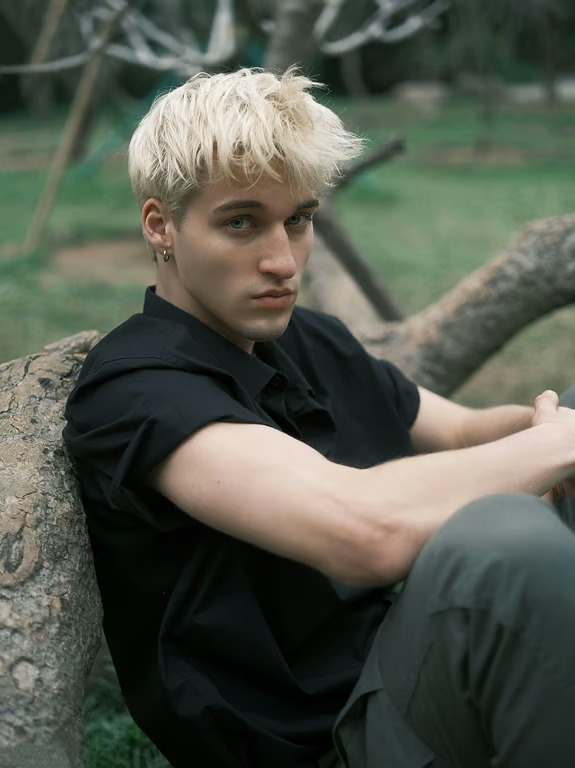
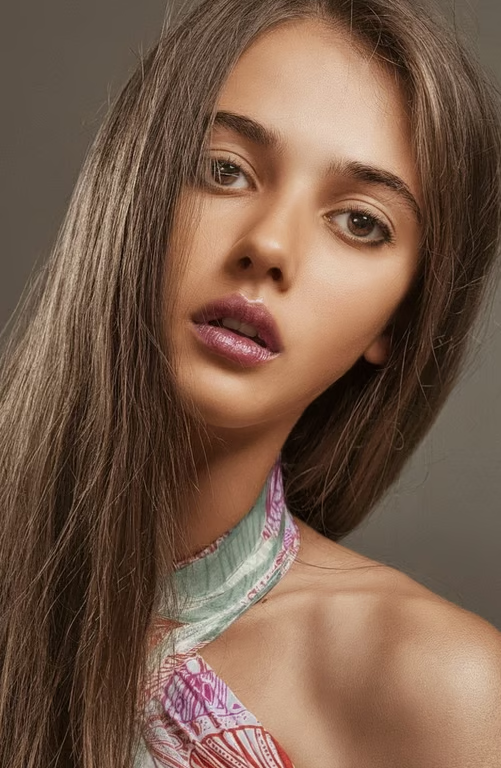
Start with a selfie, portrait, full-body photo, or character reference for a skin tone edit.
Use facial understanding to blend skin tone changes with the visible details of the face.
Describe the tone and lighting direction you want to preview instead of relying on a fixed skin color filter.
Generate another version in the same conversation when you want to adjust the tone or creative direction.
Explore skin tone and styling directions for portraits, fashion concepts, and campaigns before arranging new photography.
Turn a clear creative description into a skin tone preview without needing detailed editing technique.
Visualize avatar and character ideas across a broader range of skin tones from a single reference.
Explore skin tone and styling directions for portraits, fashion concepts, and campaigns before arranging new photography.
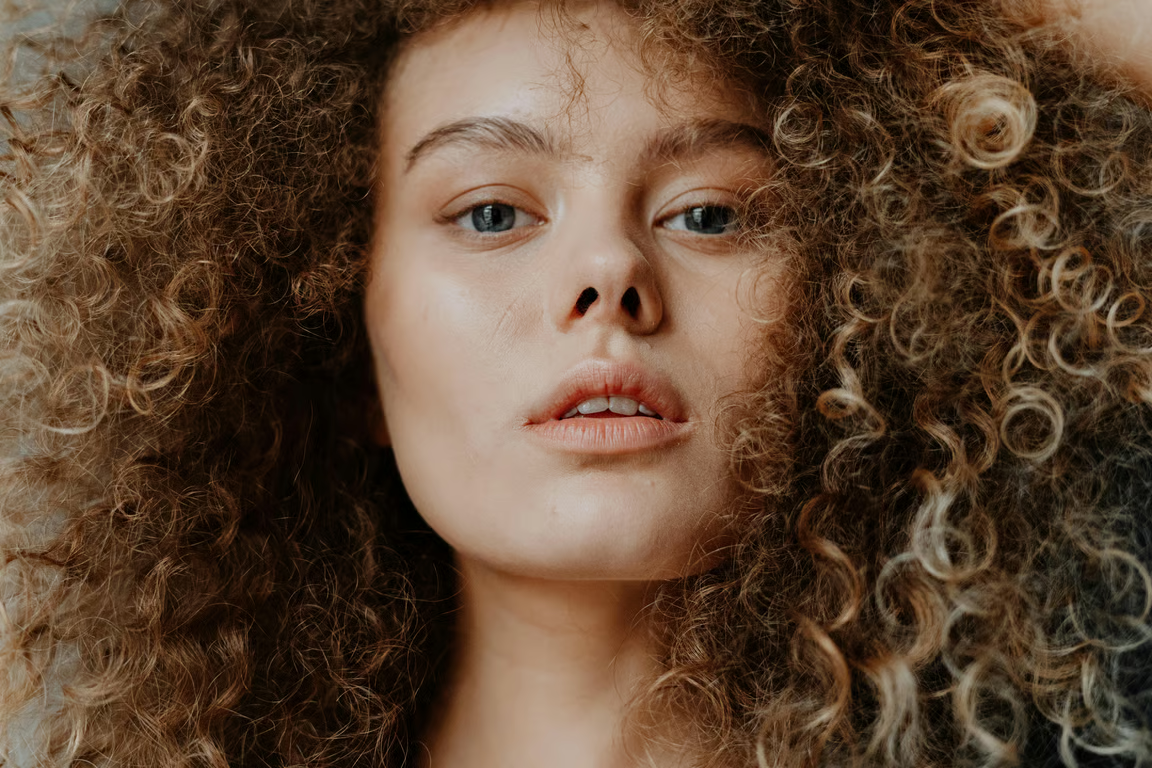
An AI skin color changer uses your written direction and optional reference photo to create an image with an adjusted skin tone. Cavro is designed for previews across selfies, portraits, fashion images, full-body photos, and characters.
Yes, you can provide a selfie, portrait, fashion shot, full-body image, or character reference. Describe the skin tone and visual direction you want to explore so the generated image matches the intended use.
You can describe a different skin tone direction and generate again in the same conversation. This lets you compare creative variations without starting the idea over.
The written prompt guides the requested skin tone edit, while the reference photo supplies the visual context. Describe any broader styling, lighting, or character changes separately when you want them included.
Creators worldwide are turning “just an idea” into expensive-looking images.