Build Brand Assets
Designers bring a portrait, pose, or object reference when they need a silhouette logo direction. Cavro turns that starting point into a clear graphic concept they can continue refining for identity work.
Try Cavro freeTurn a portrait or action photo into a bold silhouette image for social content, brand assets, keepsakes, and visual design. Cavro helps designers, photographers, and creators shape the look with a reference photo and a written prompt.
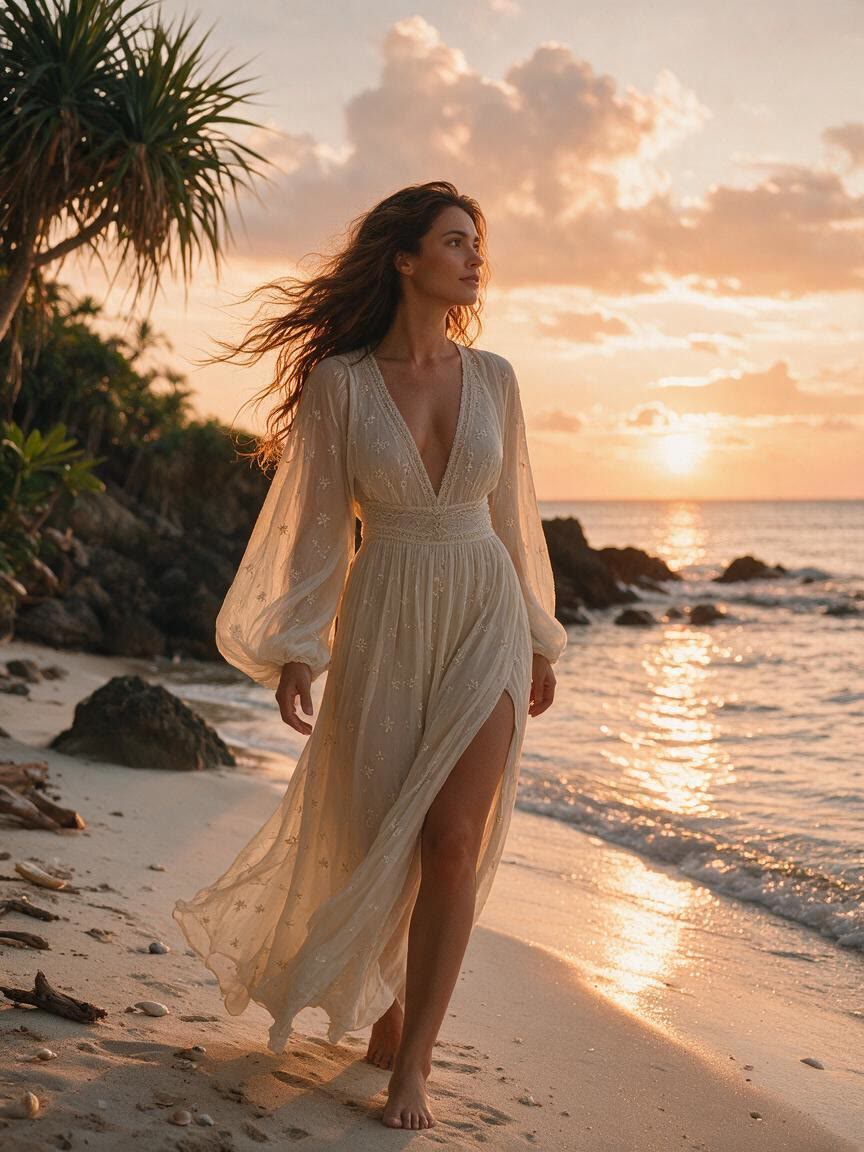
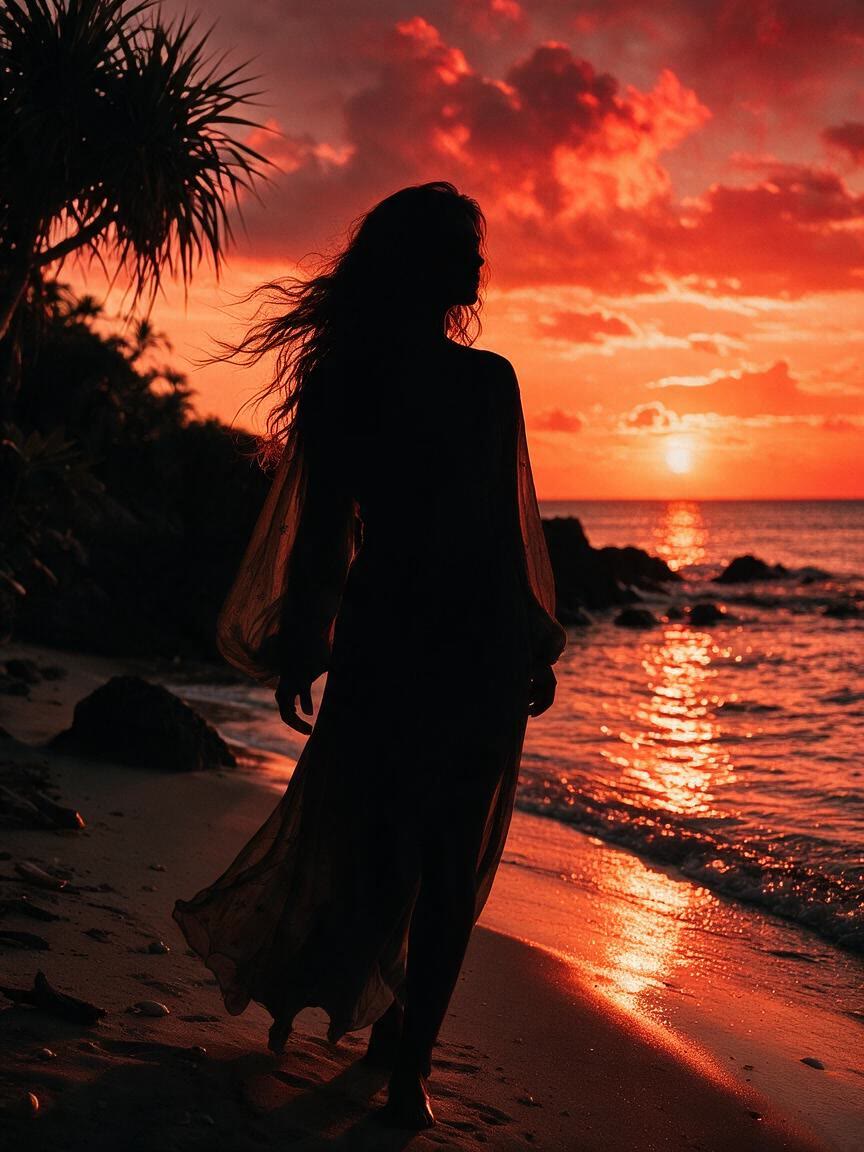
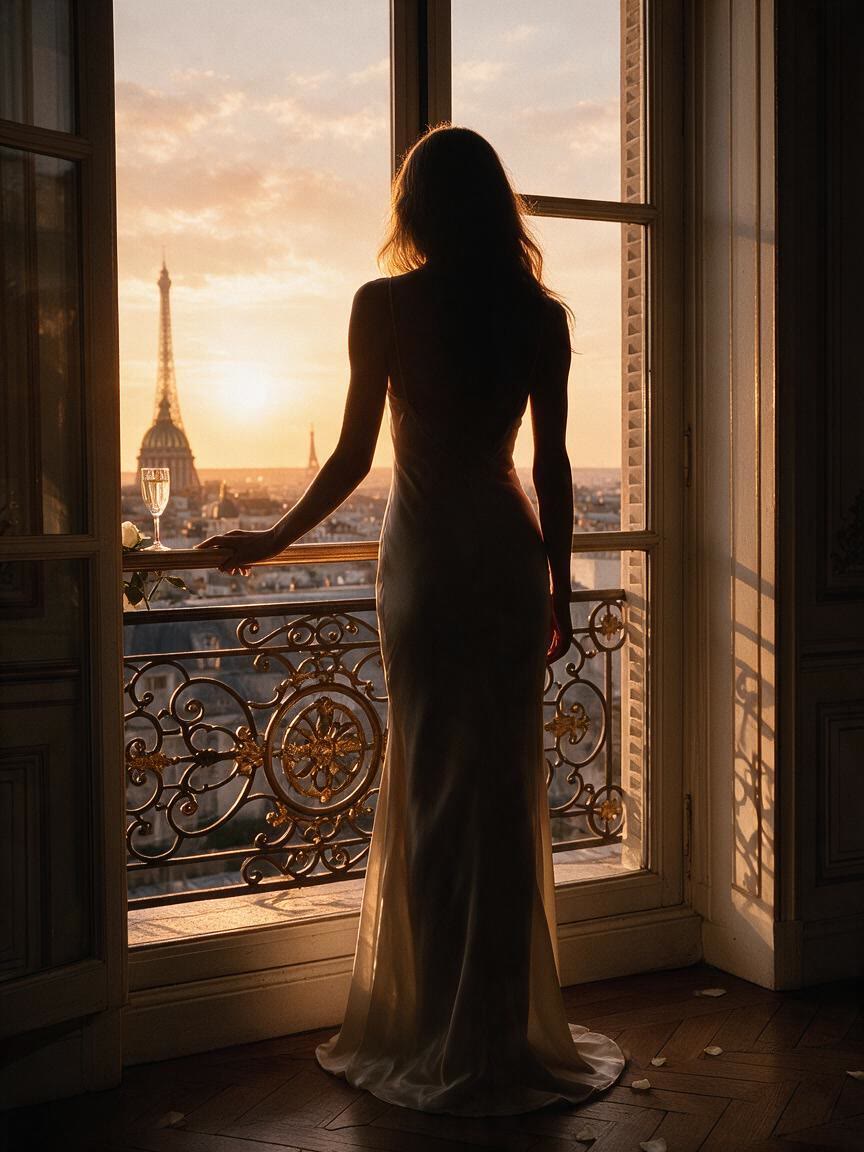
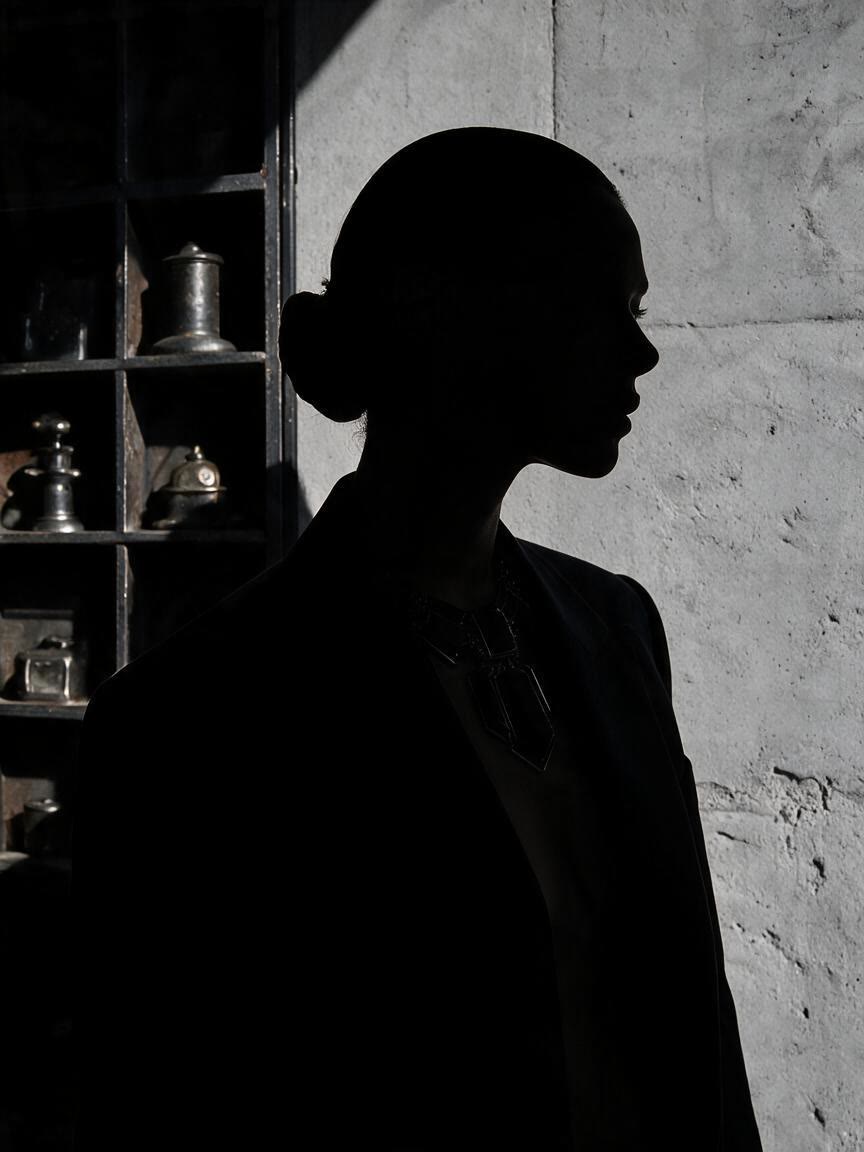
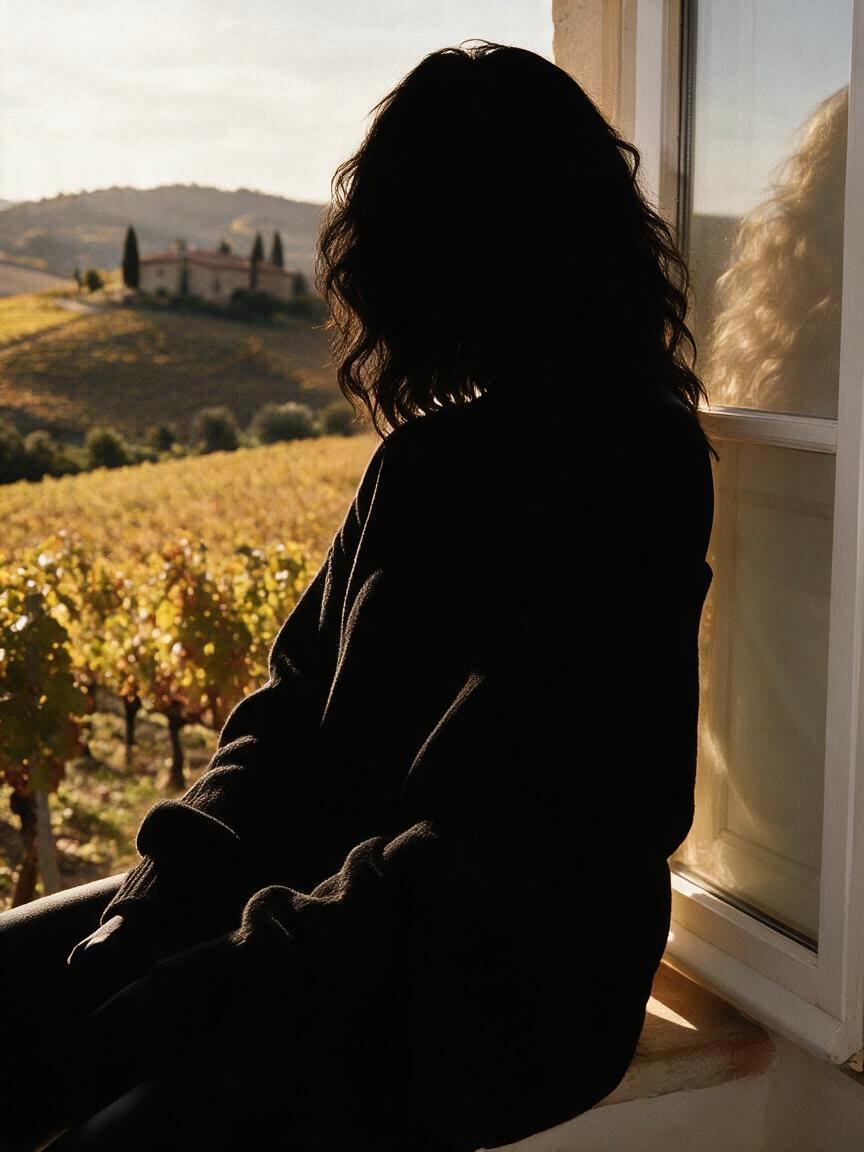
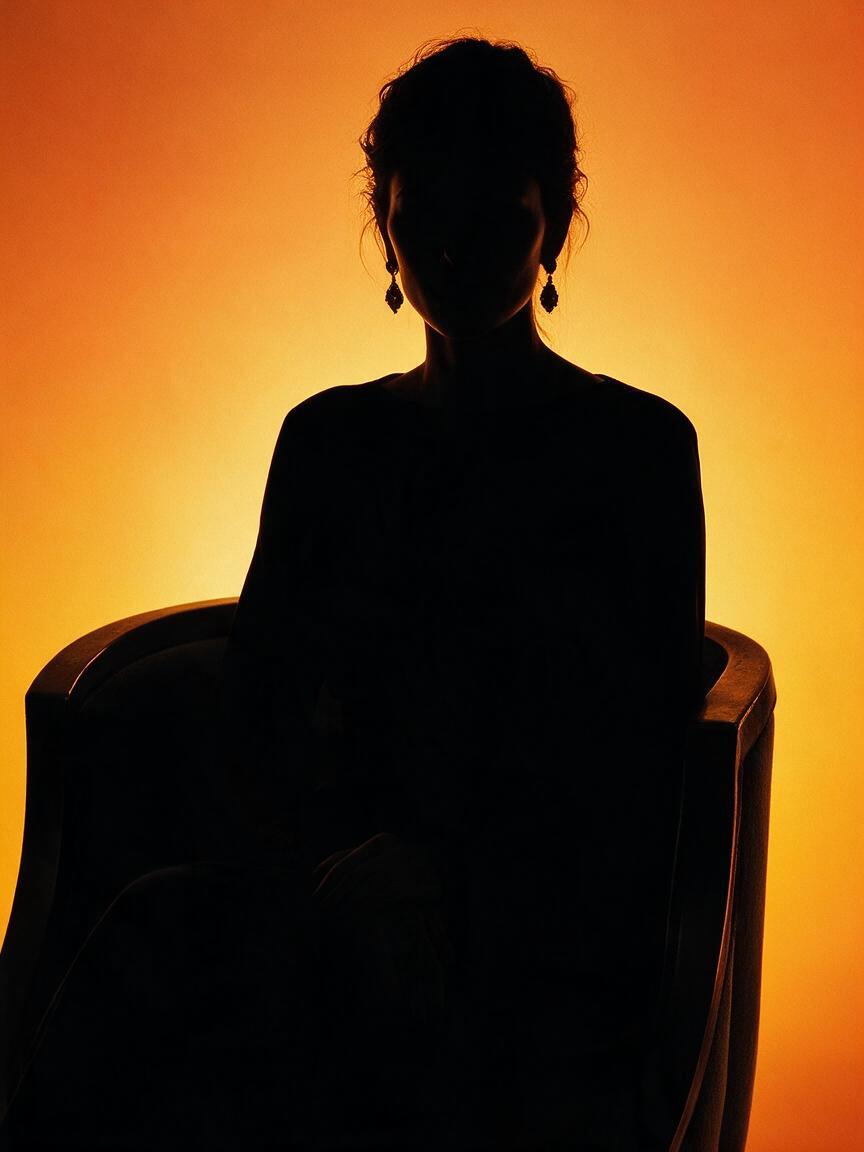
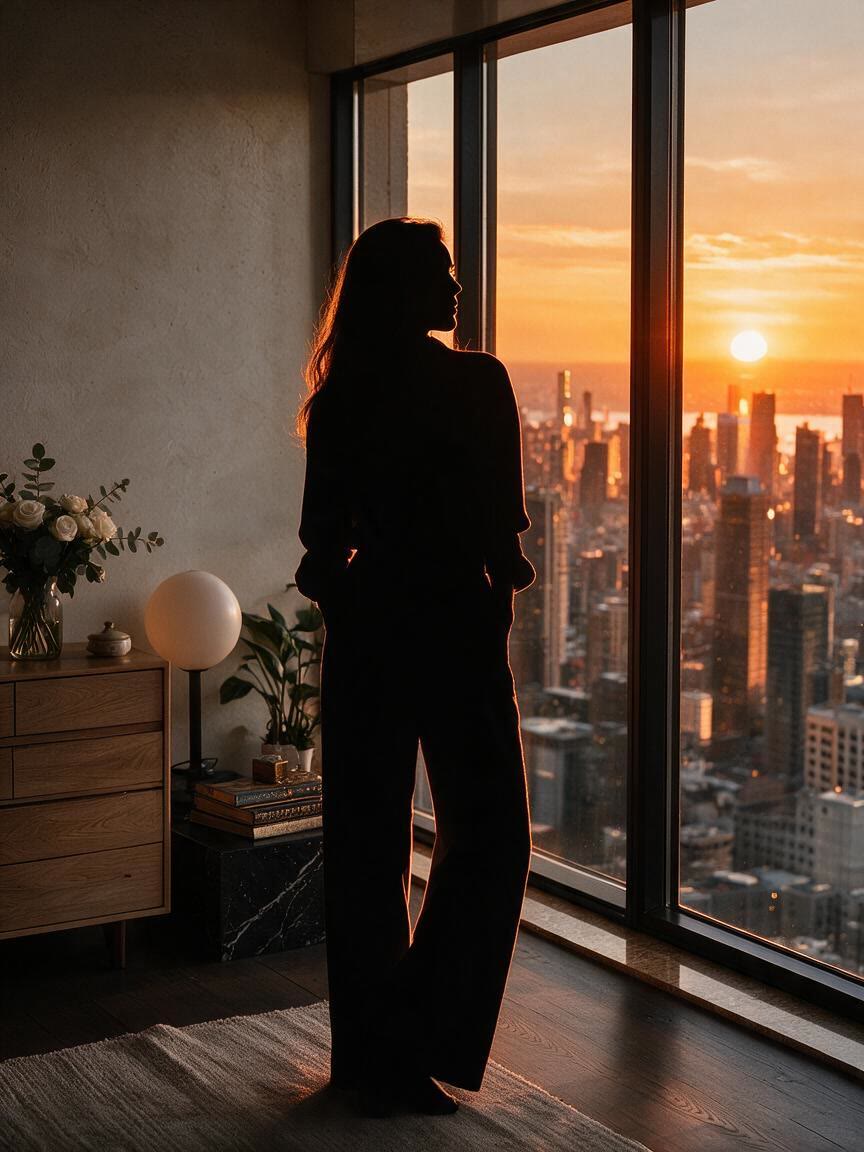
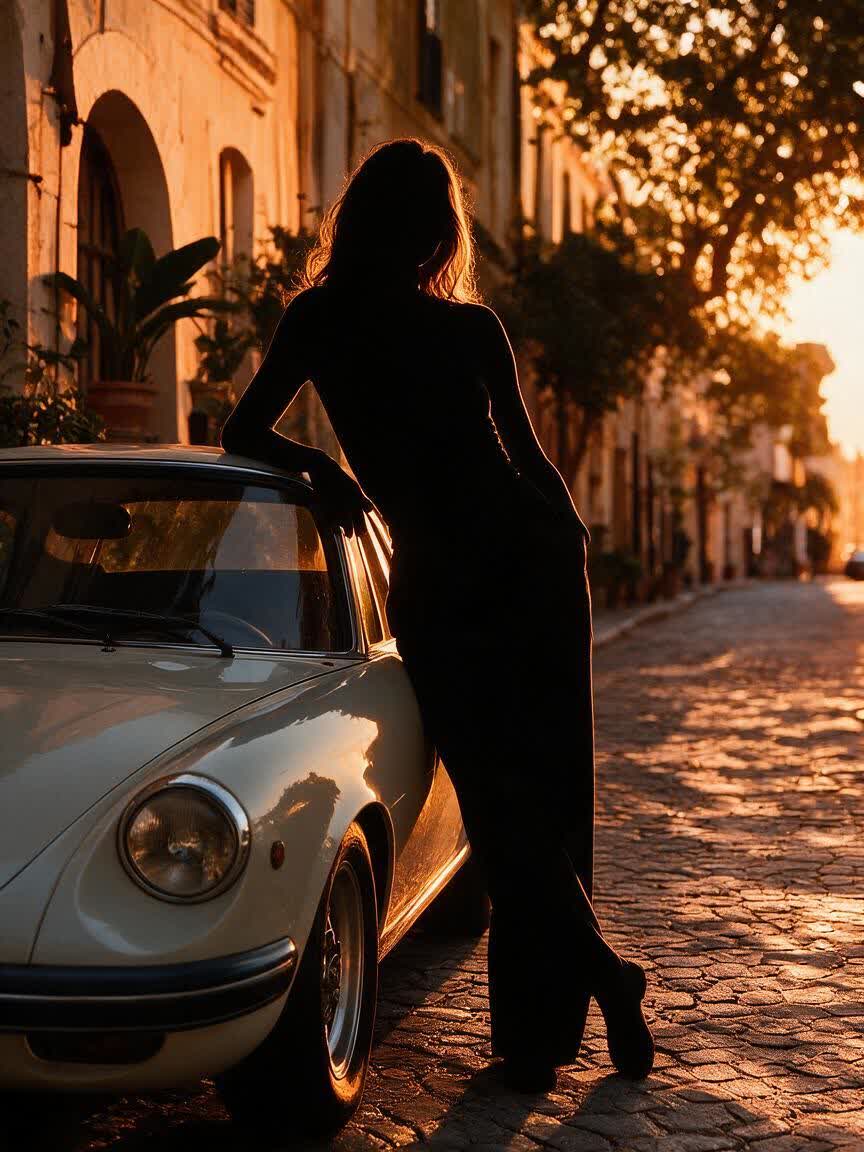
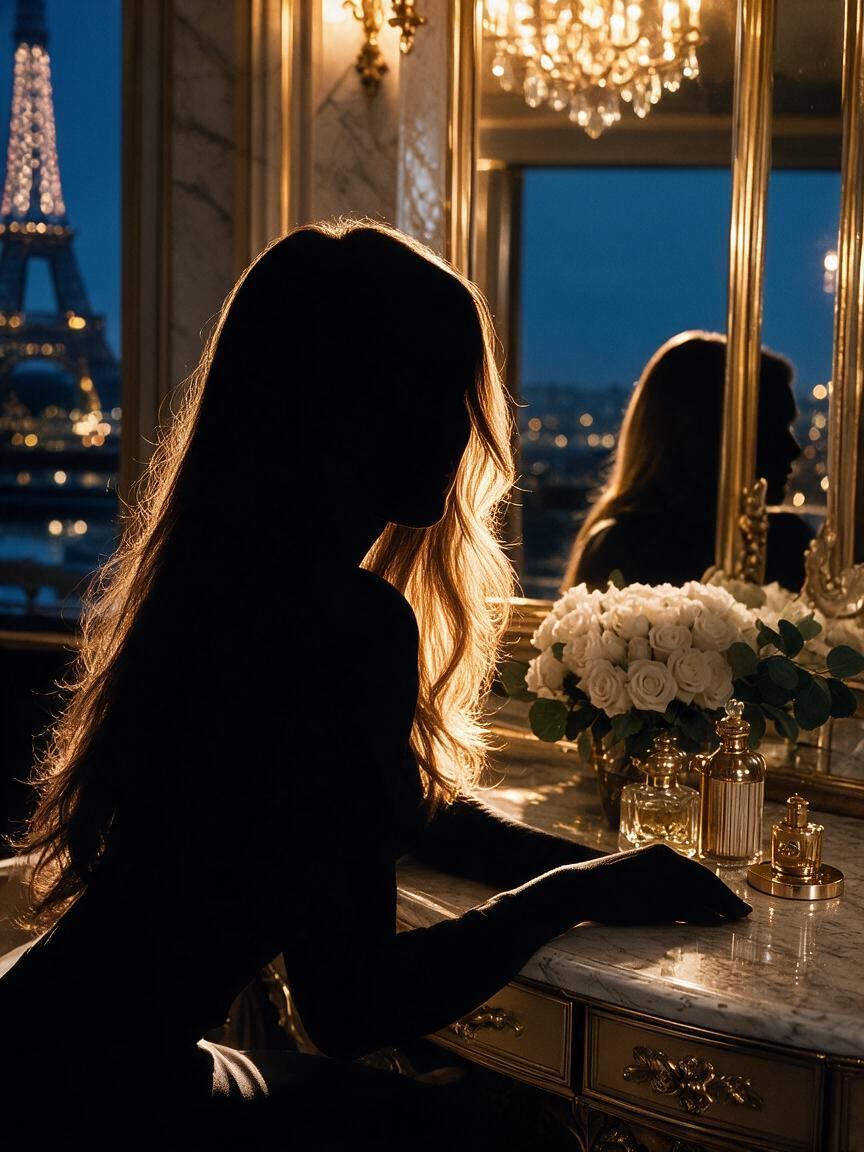
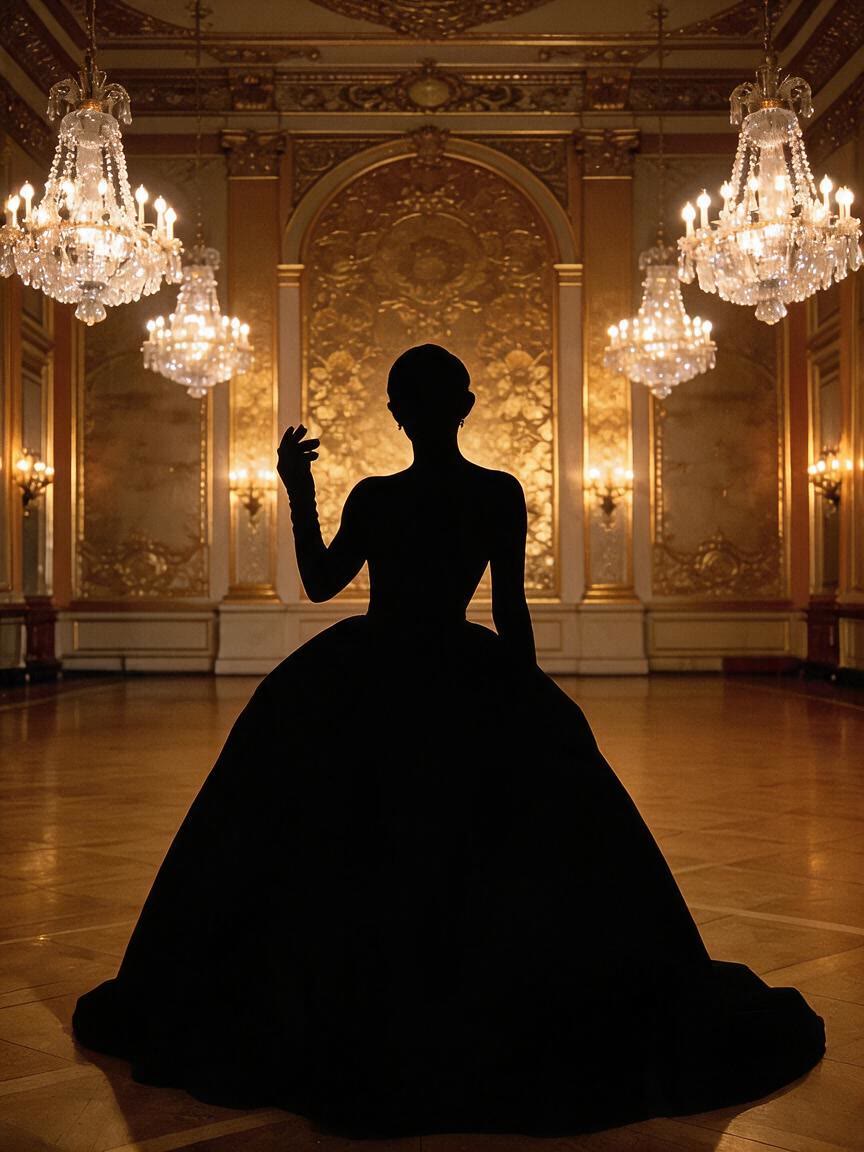
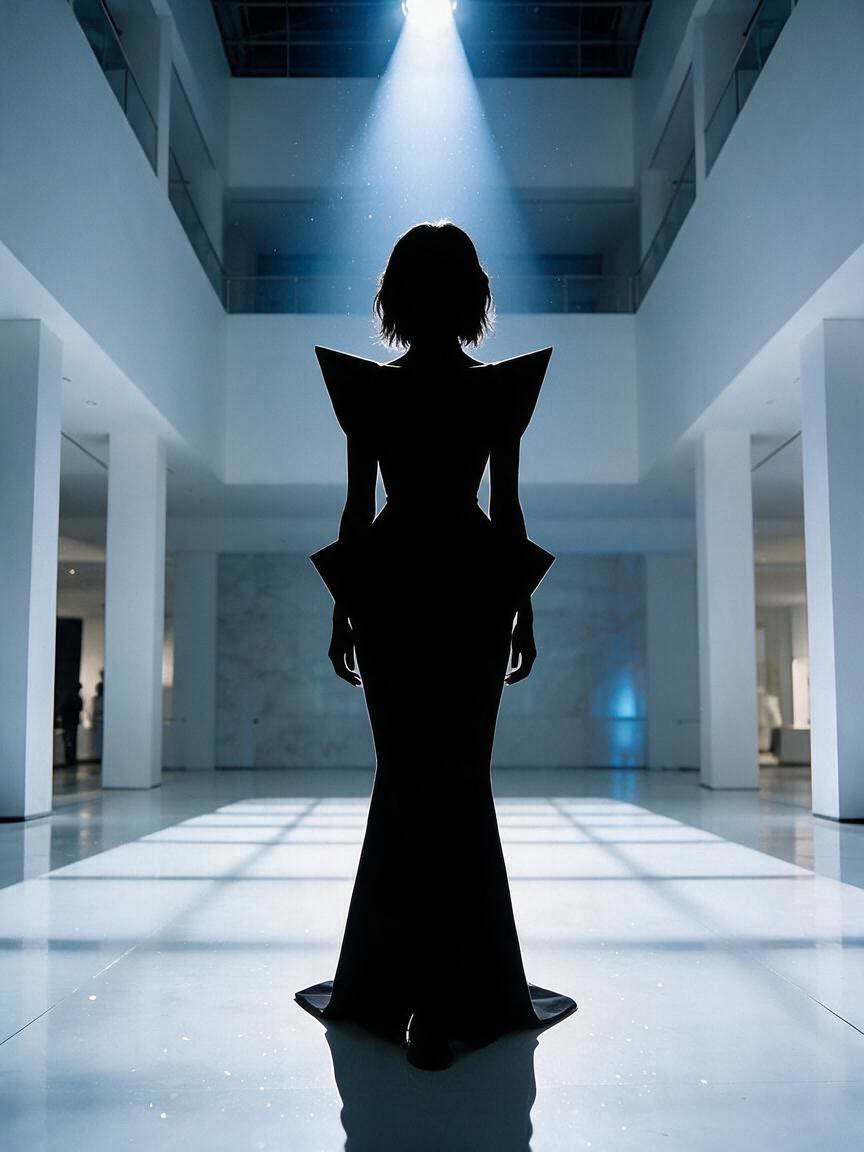
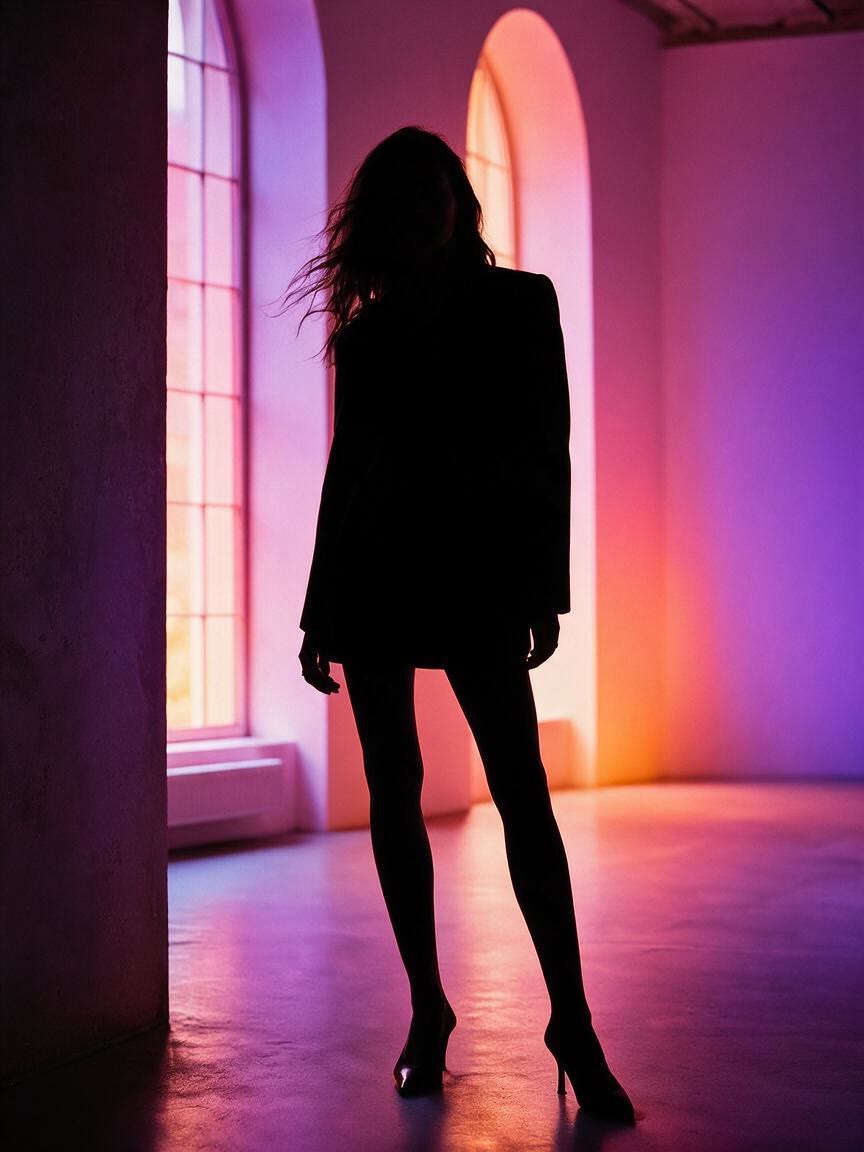
Designers bring a portrait, pose, or object reference when they need a silhouette logo direction. Cavro turns that starting point into a clear graphic concept they can continue refining for identity work.
Try Cavro free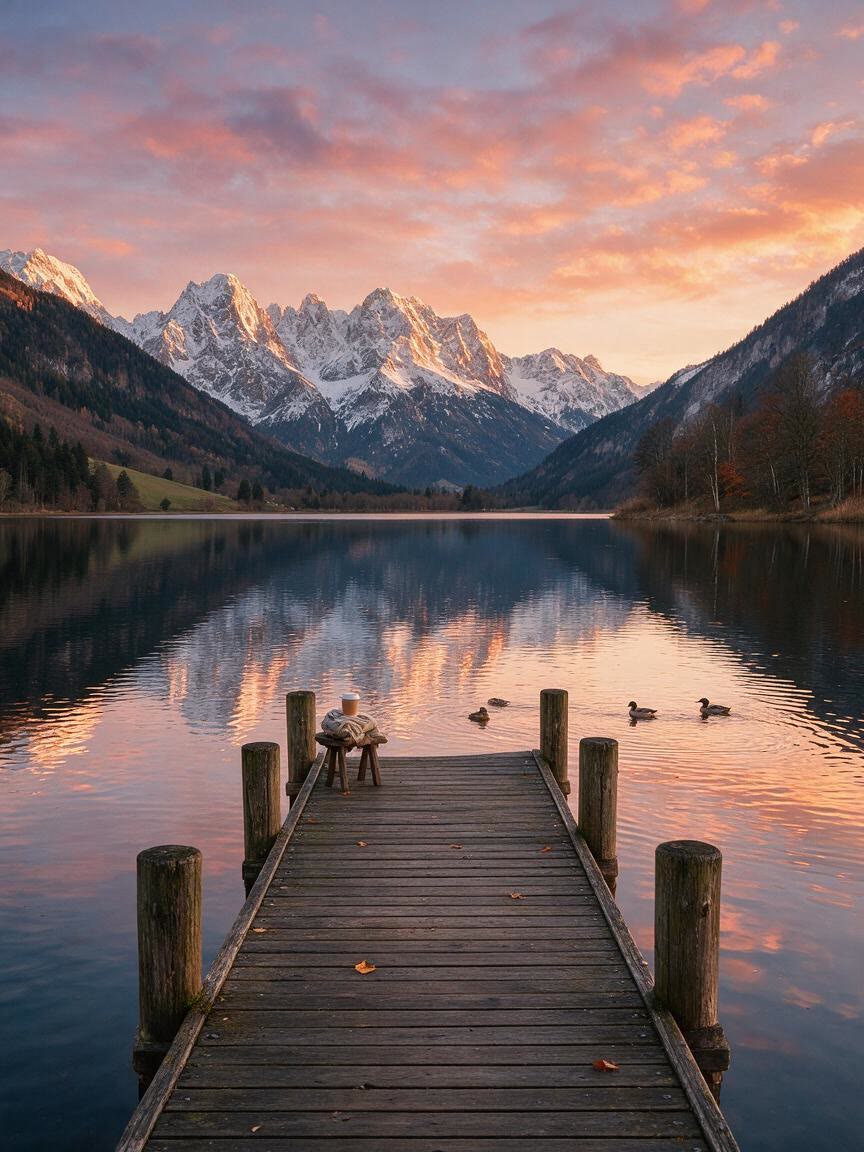
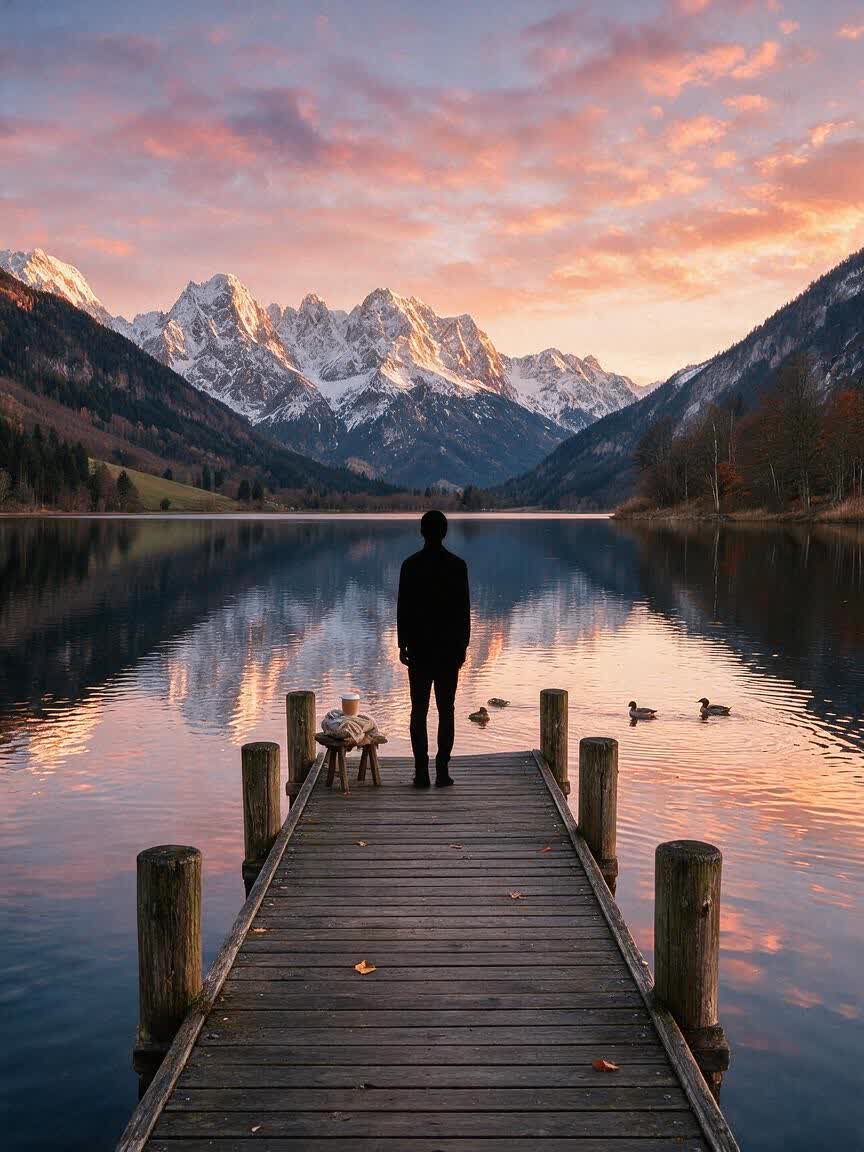
Creators use an action photo when a post needs a bold subject and a distinctive setting. Cavro lets them shape the silhouette and background together, leaving them with a focused visual concept for social content.
Try Cavro free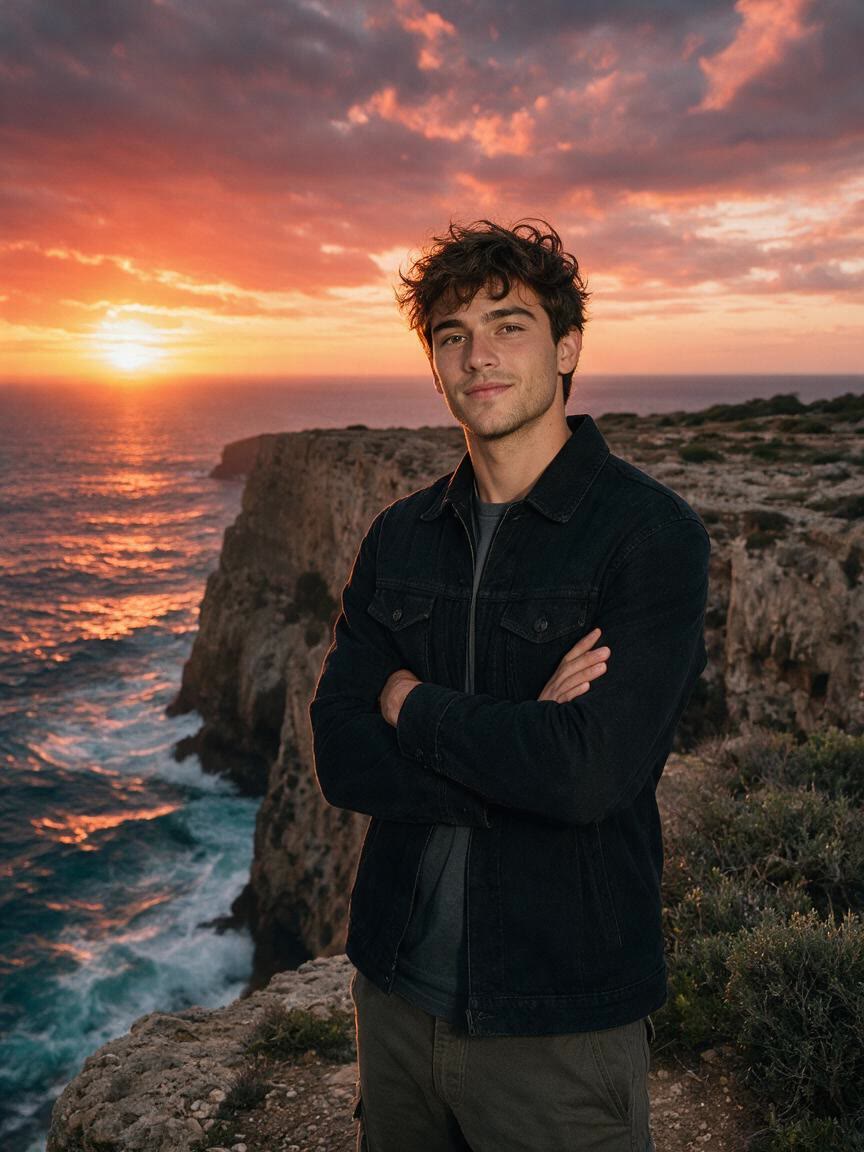
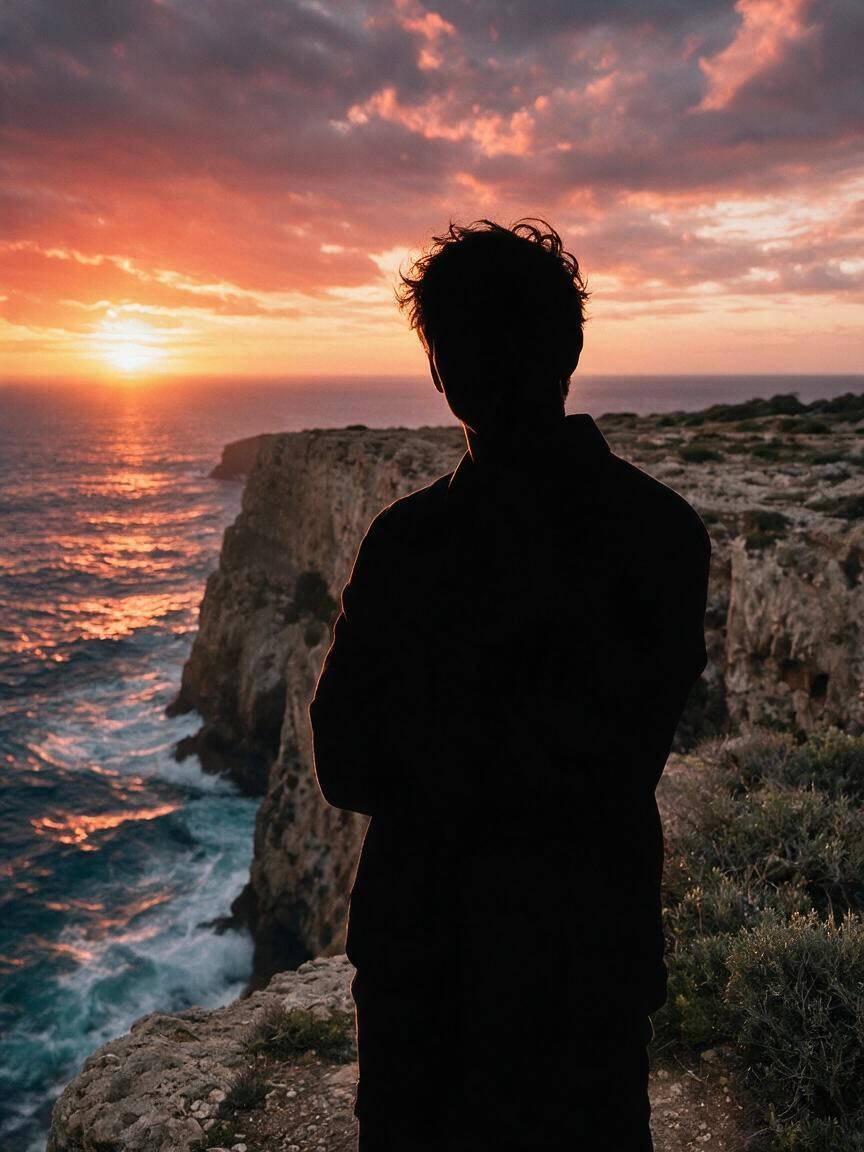
Families and couples bring meaningful photos when they want a more timeless portrait treatment. Cavro turns the reference into a silhouette direction suited to keepsakes, commemorative artwork, and personal design projects.
Try Cavro free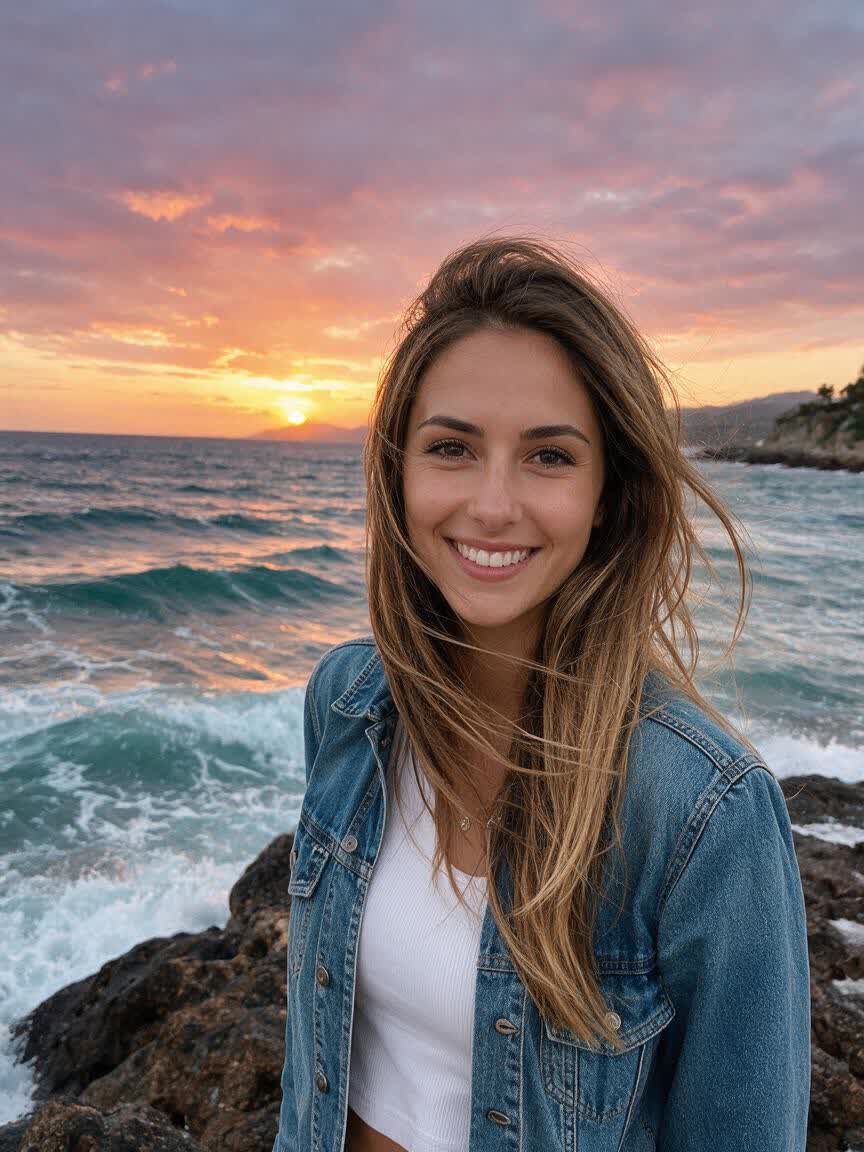
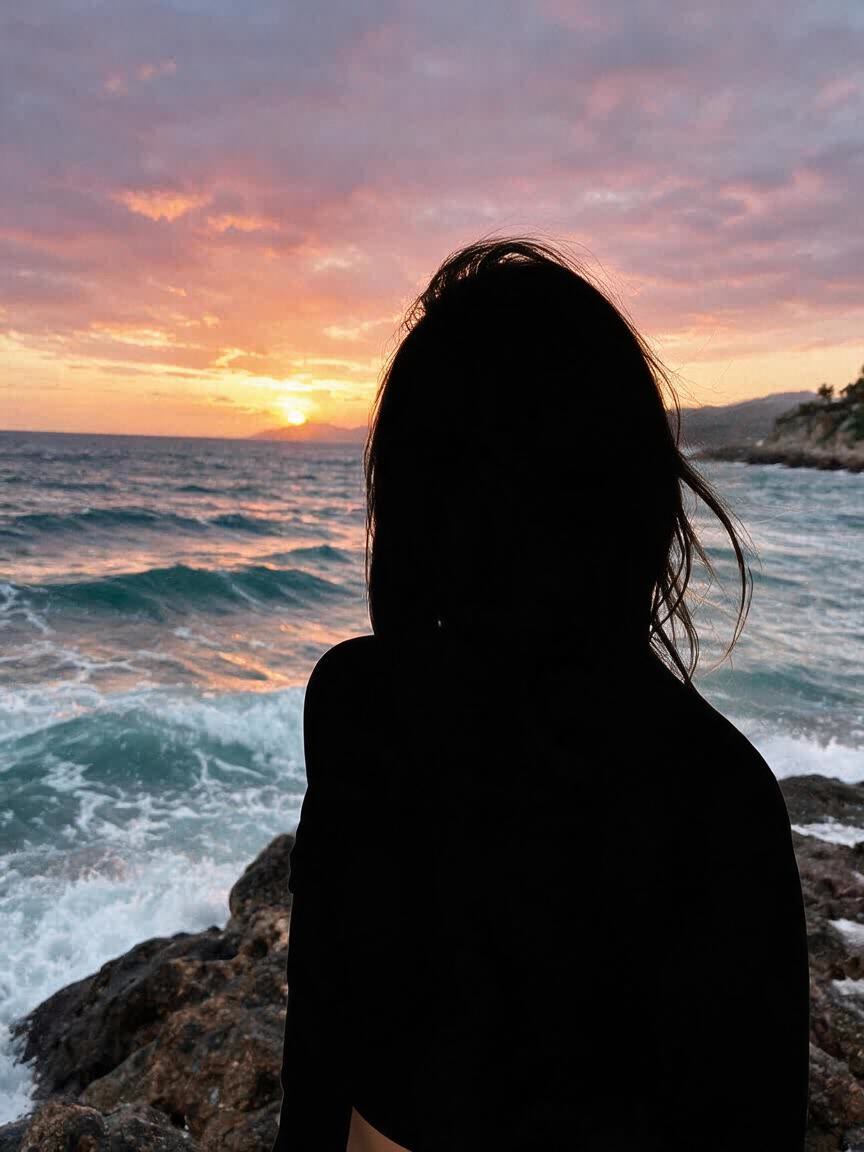
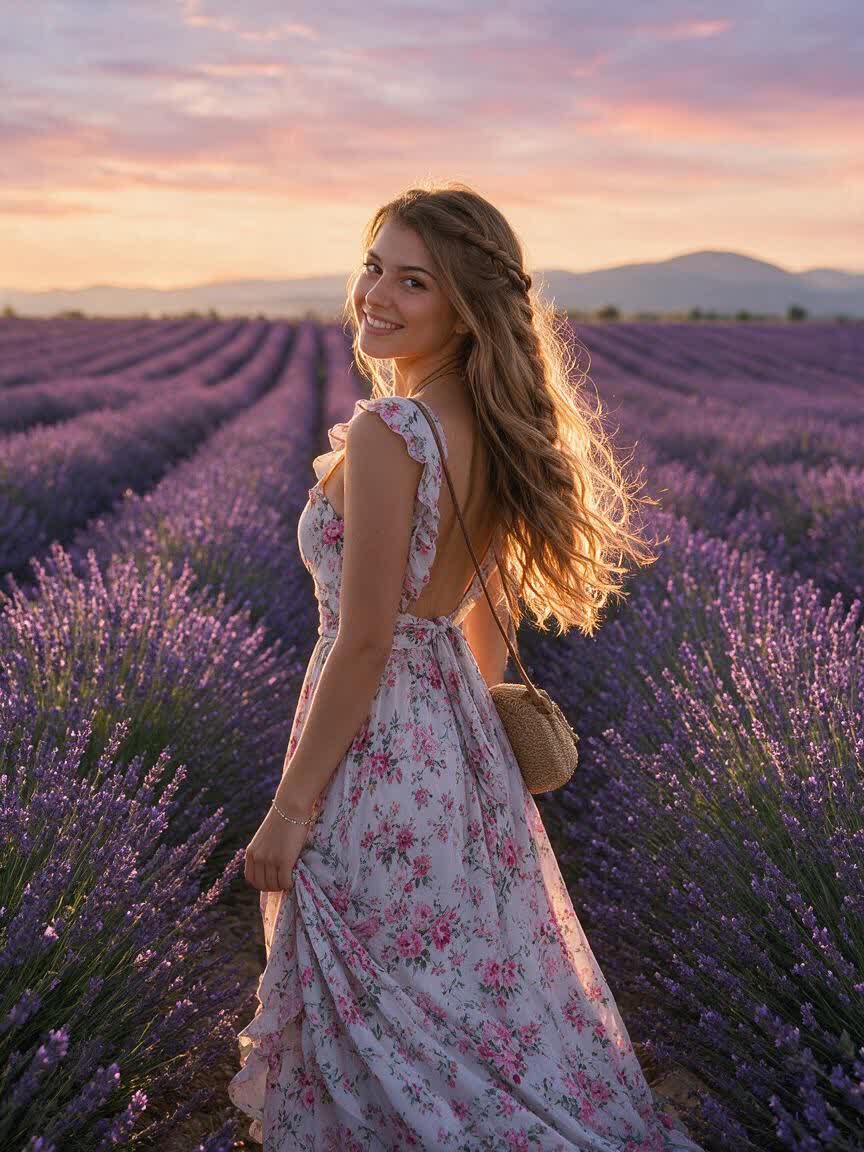
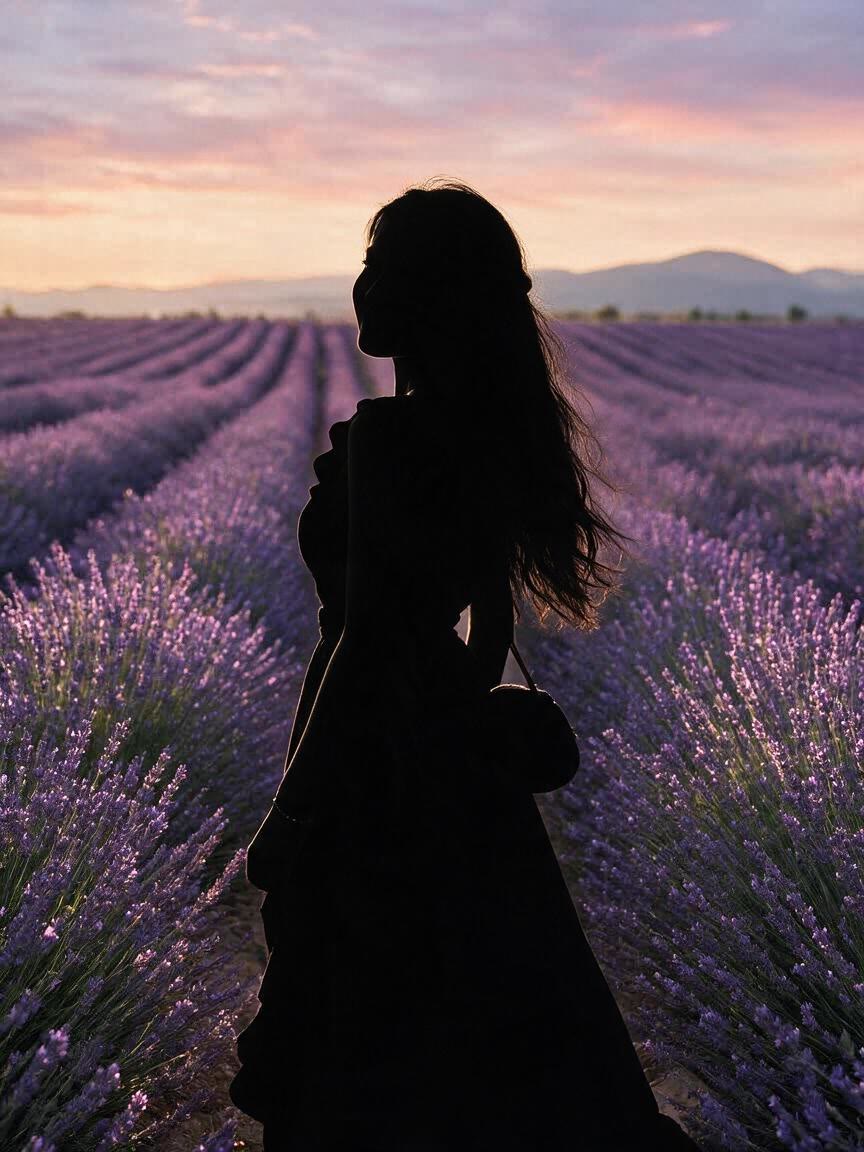
When tracing a complex pose by hand would slow down a project, Cavro uses the reference photo as the starting point for a silhouette image. You get a clear visual direction without rebuilding the subject from scratch.
Try Cavro free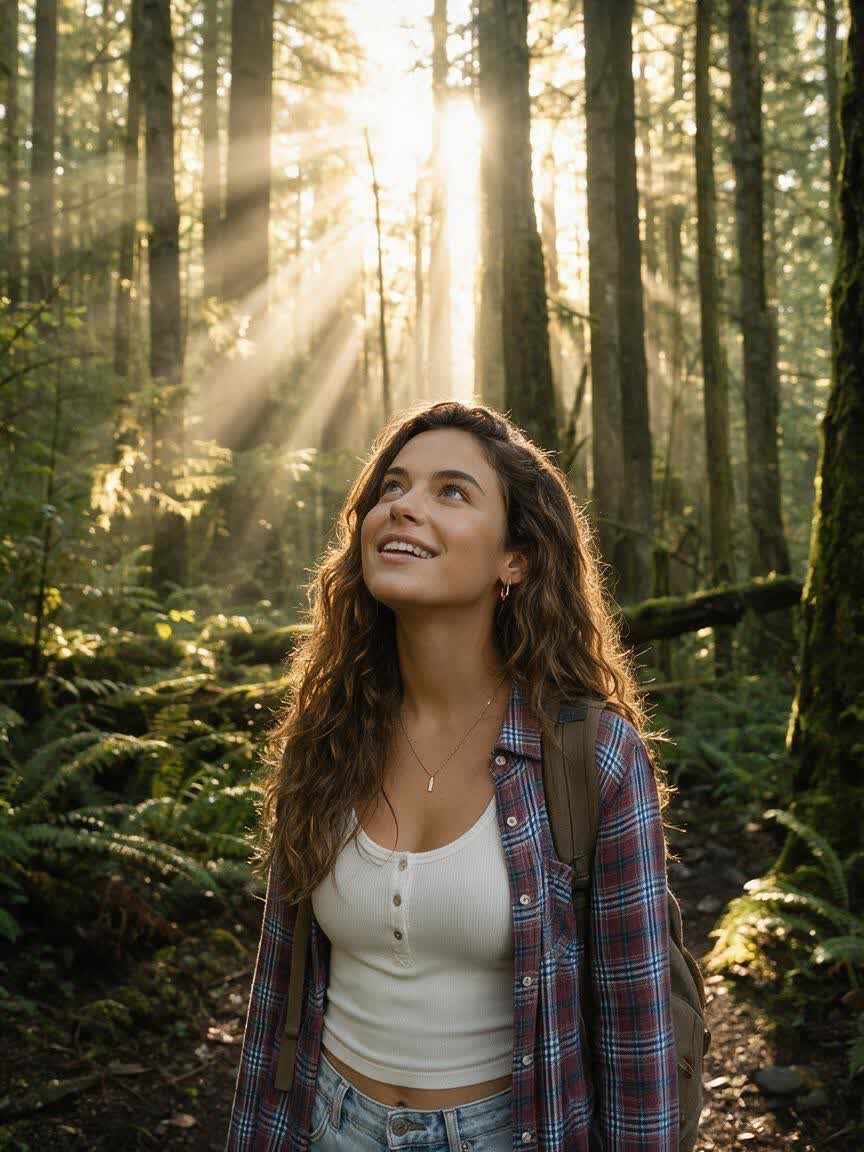
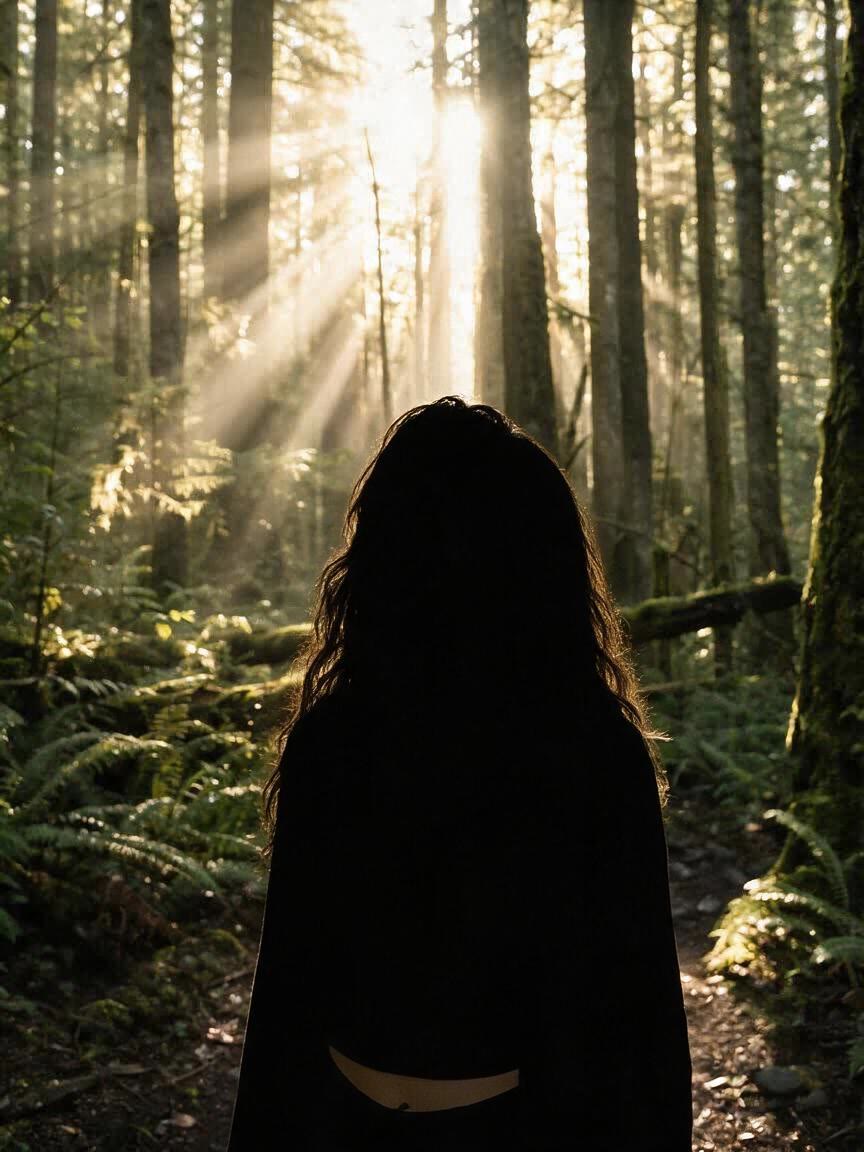
A silhouette can feel unfinished without the right setting. Describe a color, gradient, or scene alongside the reference, and Cavro shapes the surrounding visual to support the mood you want.
Try Cavro free
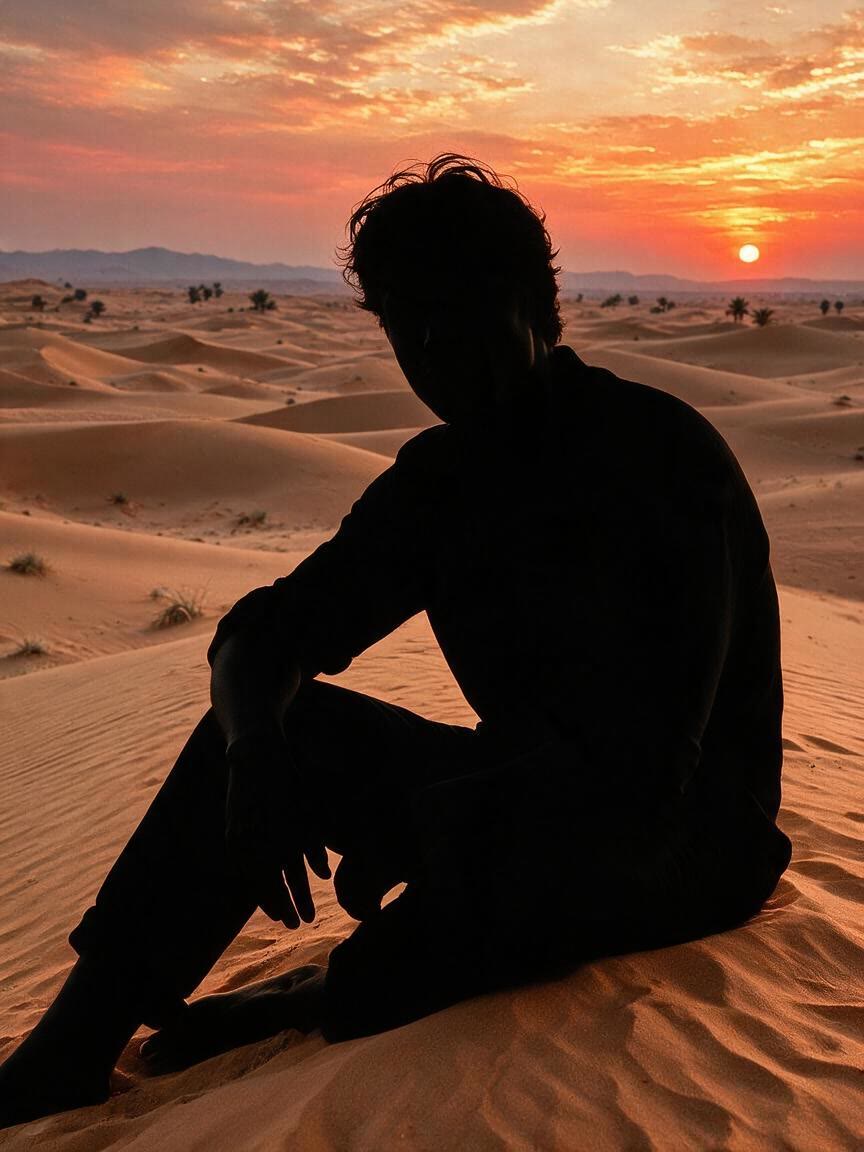
First ideas often need changes to style, contrast, or atmosphere. Cavro lets you generate again in the same conversation, so the silhouette can evolve while your visual direction stays together.
Try Cavro freeAn AI silhouette maker turns a written prompt and/or reference photo into a silhouette image. Cavro lets you guide the style, subject treatment, and surrounding scene through your visual direction.
Yes. Add a portrait, action photo, family image, pet photo, or another reference and describe the silhouette you want. The photo provides the visual starting point for the generated image.
Yes. Describe the background you want, such as a solid color, gradient, or scene, along with the silhouette style. You can refine the direction and generate again in the same conversation.
You can explore silhouette logo and brand-asset directions from a reference photo and a written prompt. Describe the level of simplicity, graphic treatment, and surrounding composition you want to investigate.
Creators worldwide are turning “just an idea” into expensive-looking images.