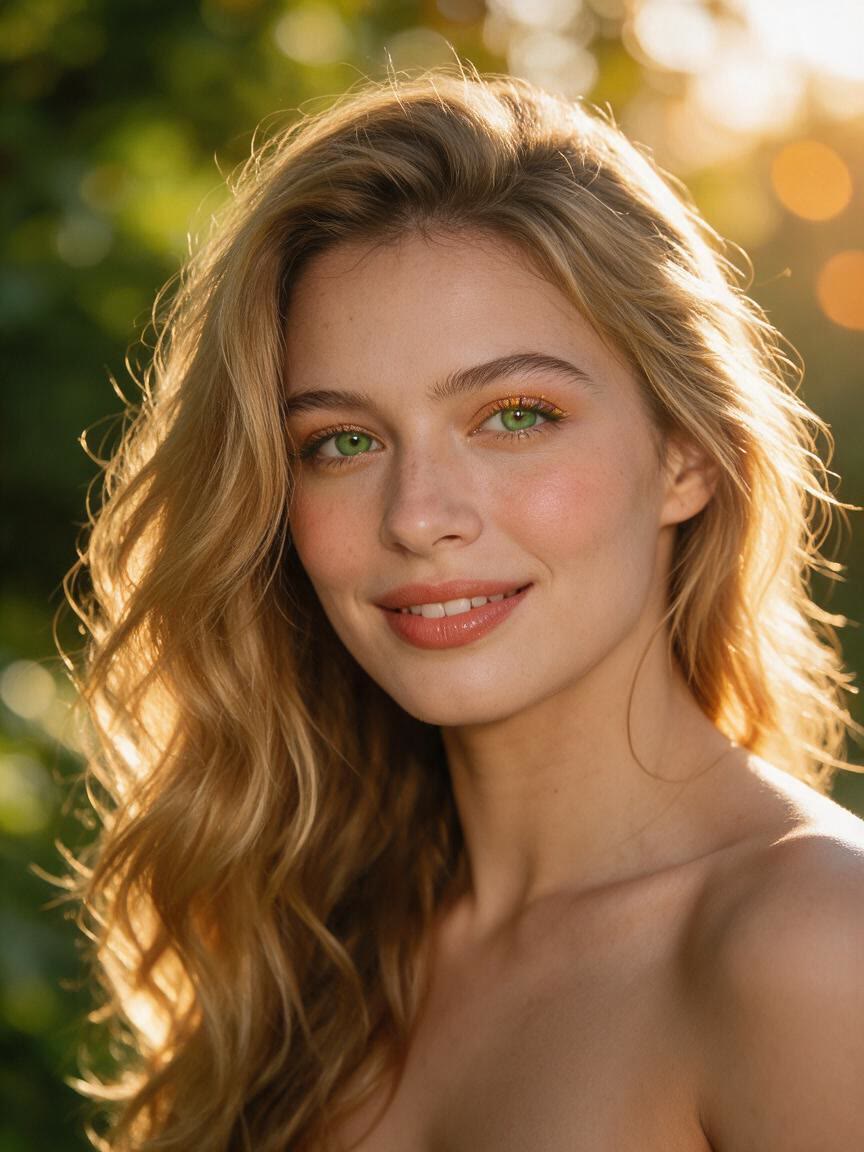
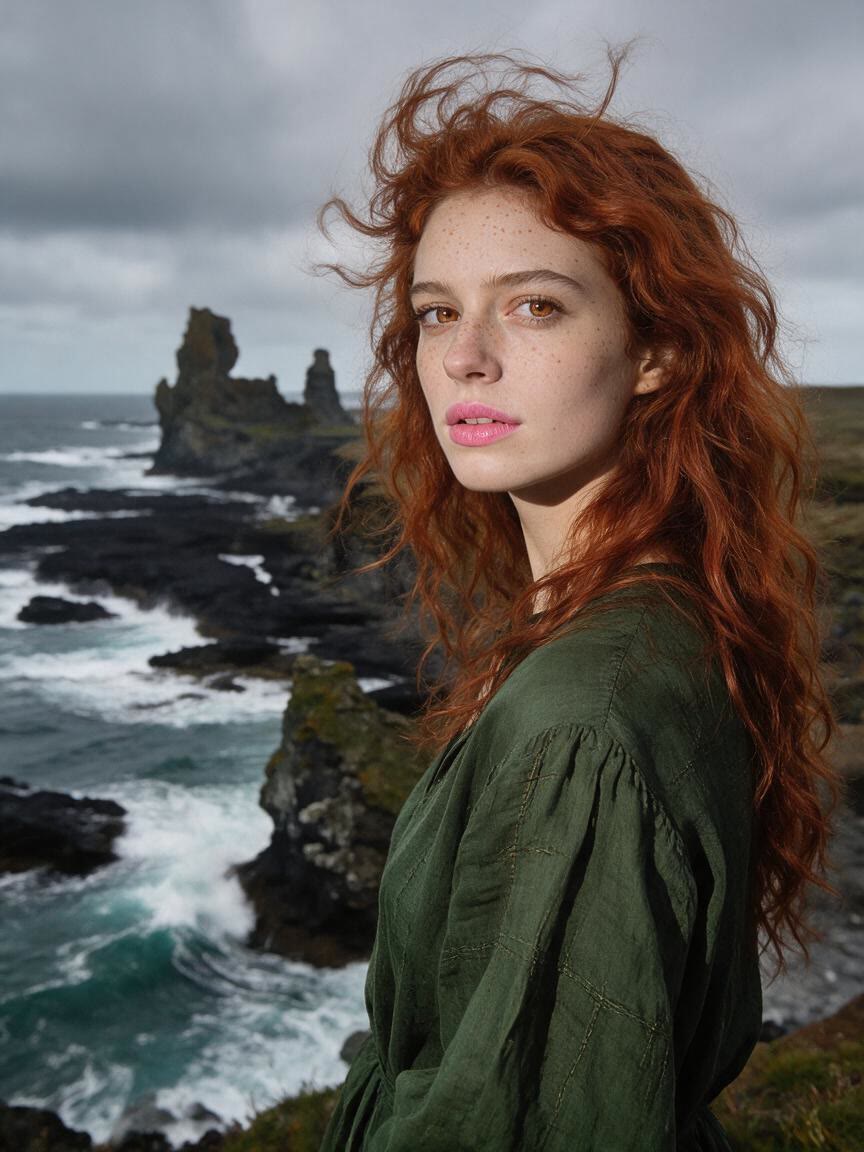

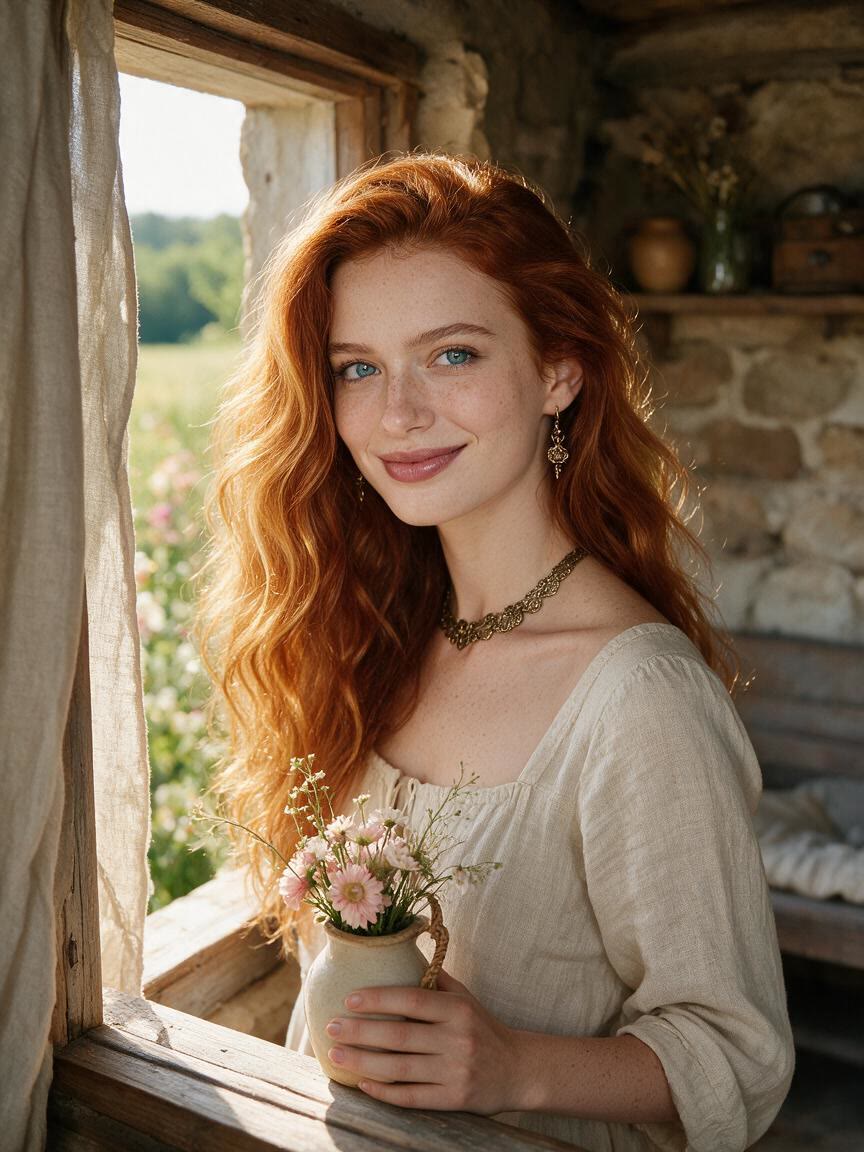

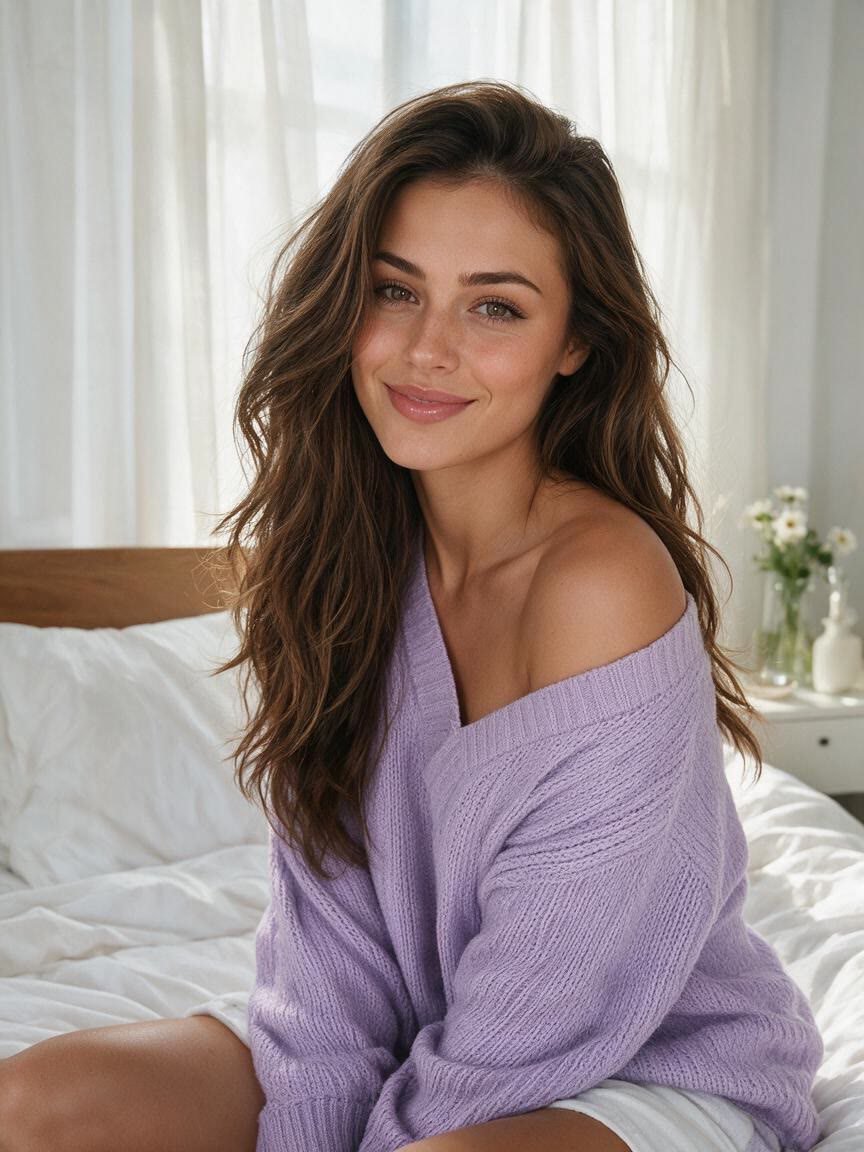


Test a Big Cut
When you are considering a major change, bring a personal photo and describe the short style on your mind. Cavro gives you a preview to consider before making the real appointment.
Try Cavro freeSee how a bob, pixie, buzz cut, or textured lob could look before you decide. Cavro helps people exploring a shorter style turn a reference photo and written idea into a preview.
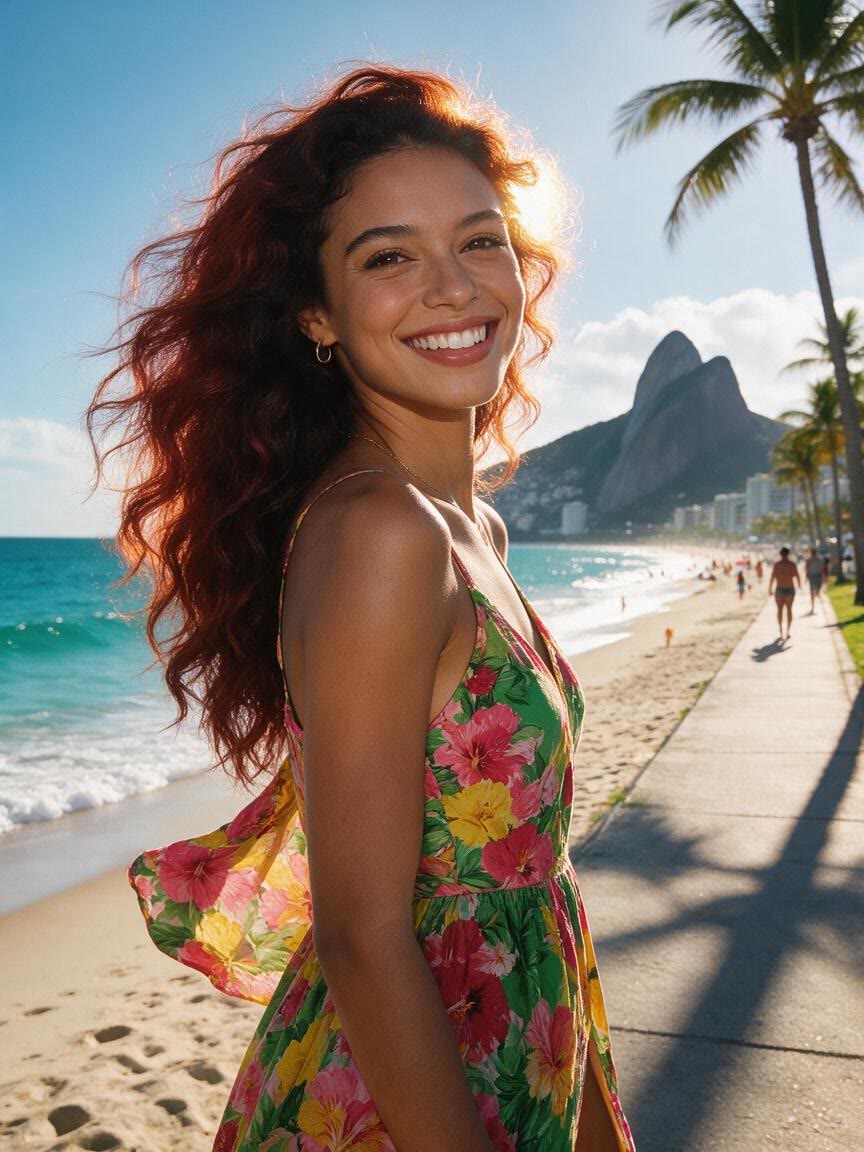

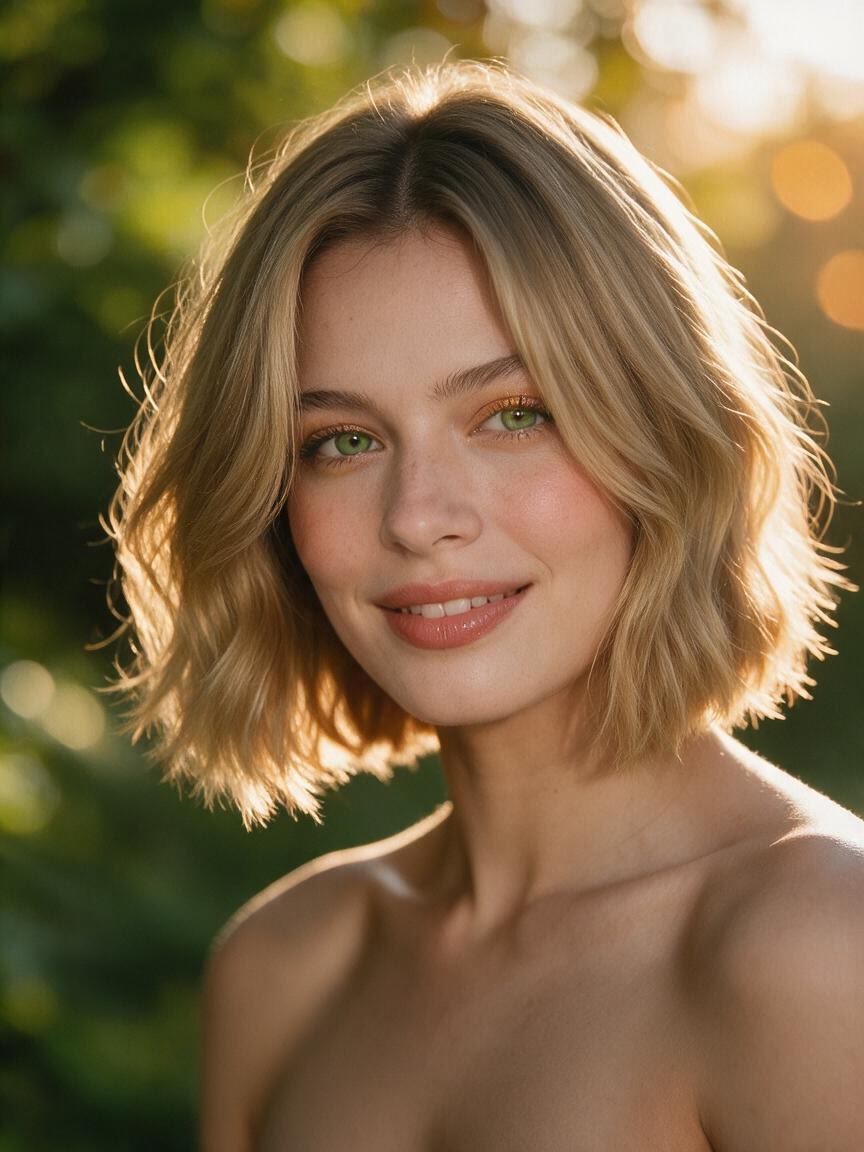


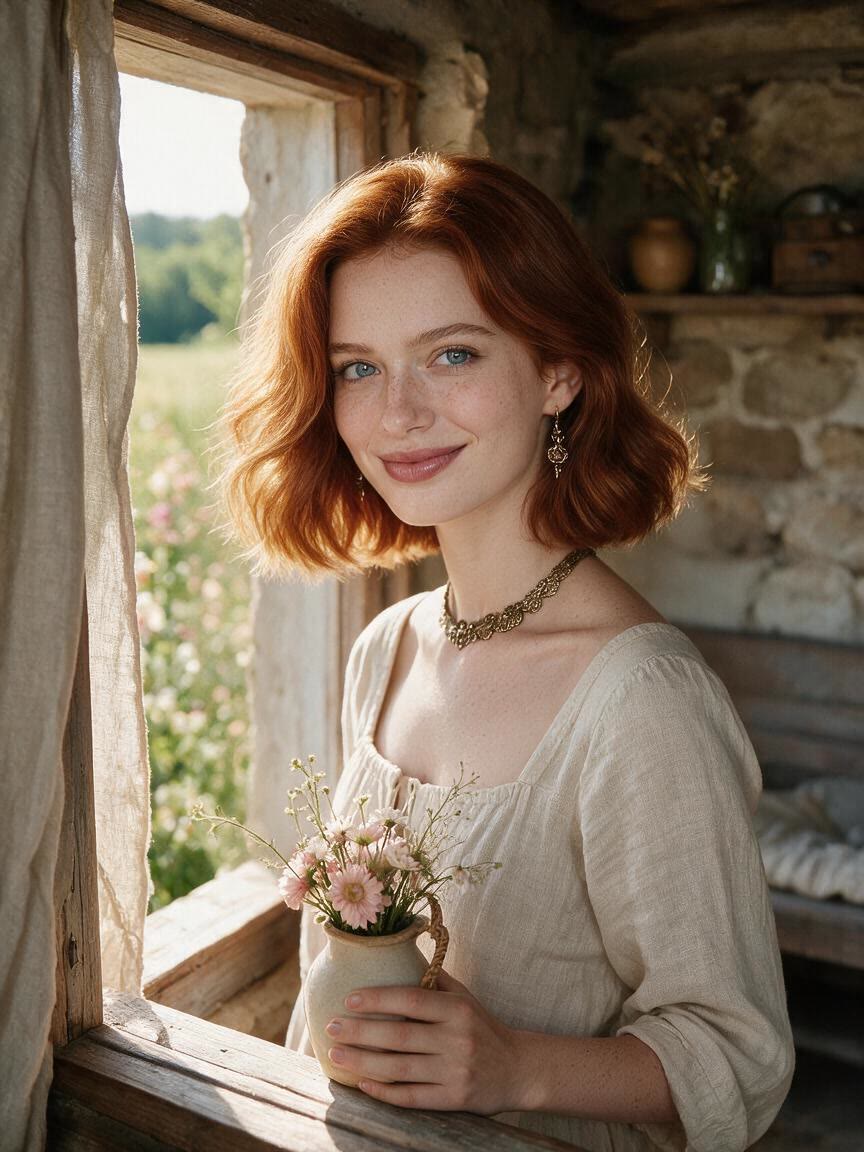




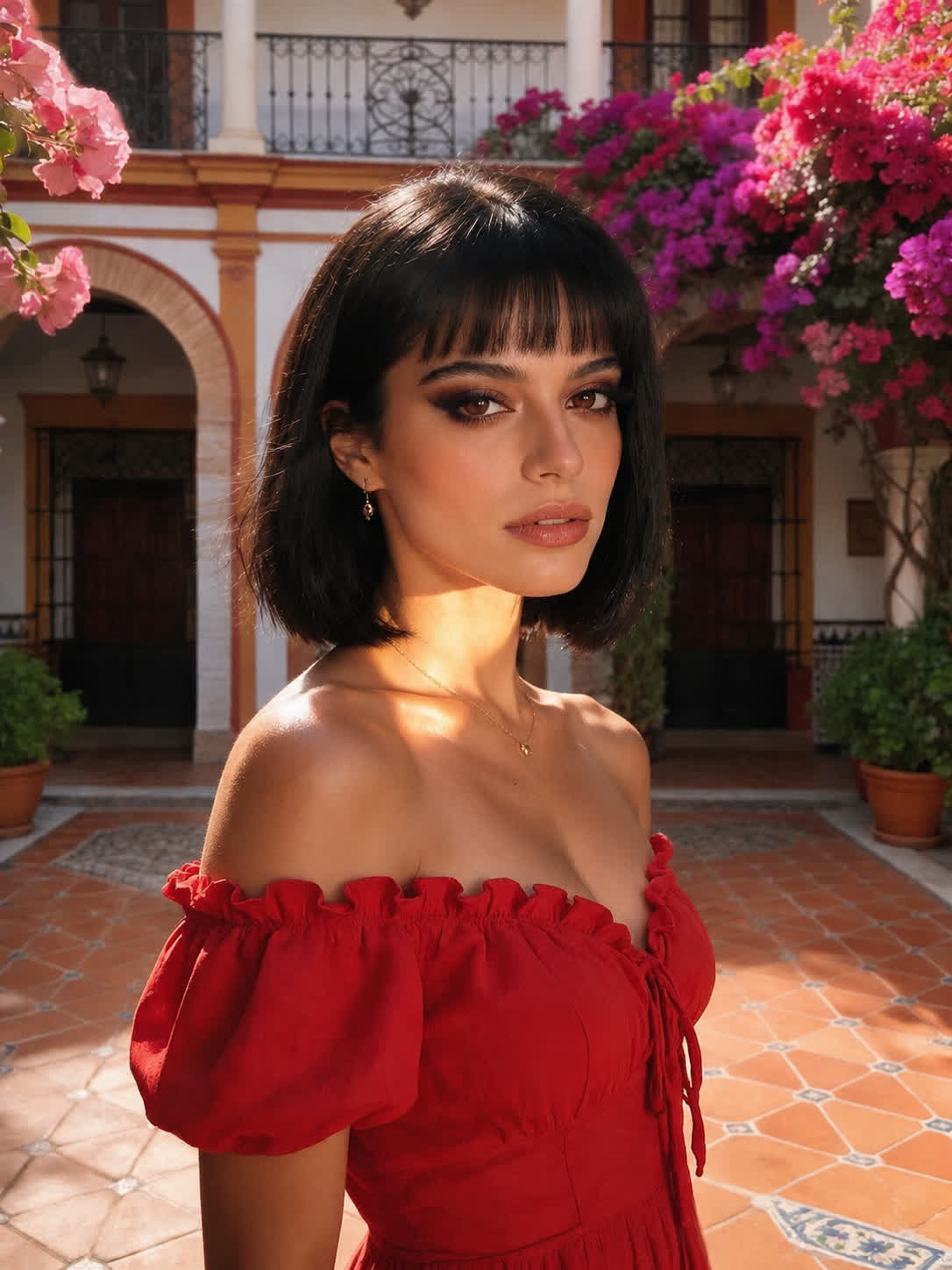
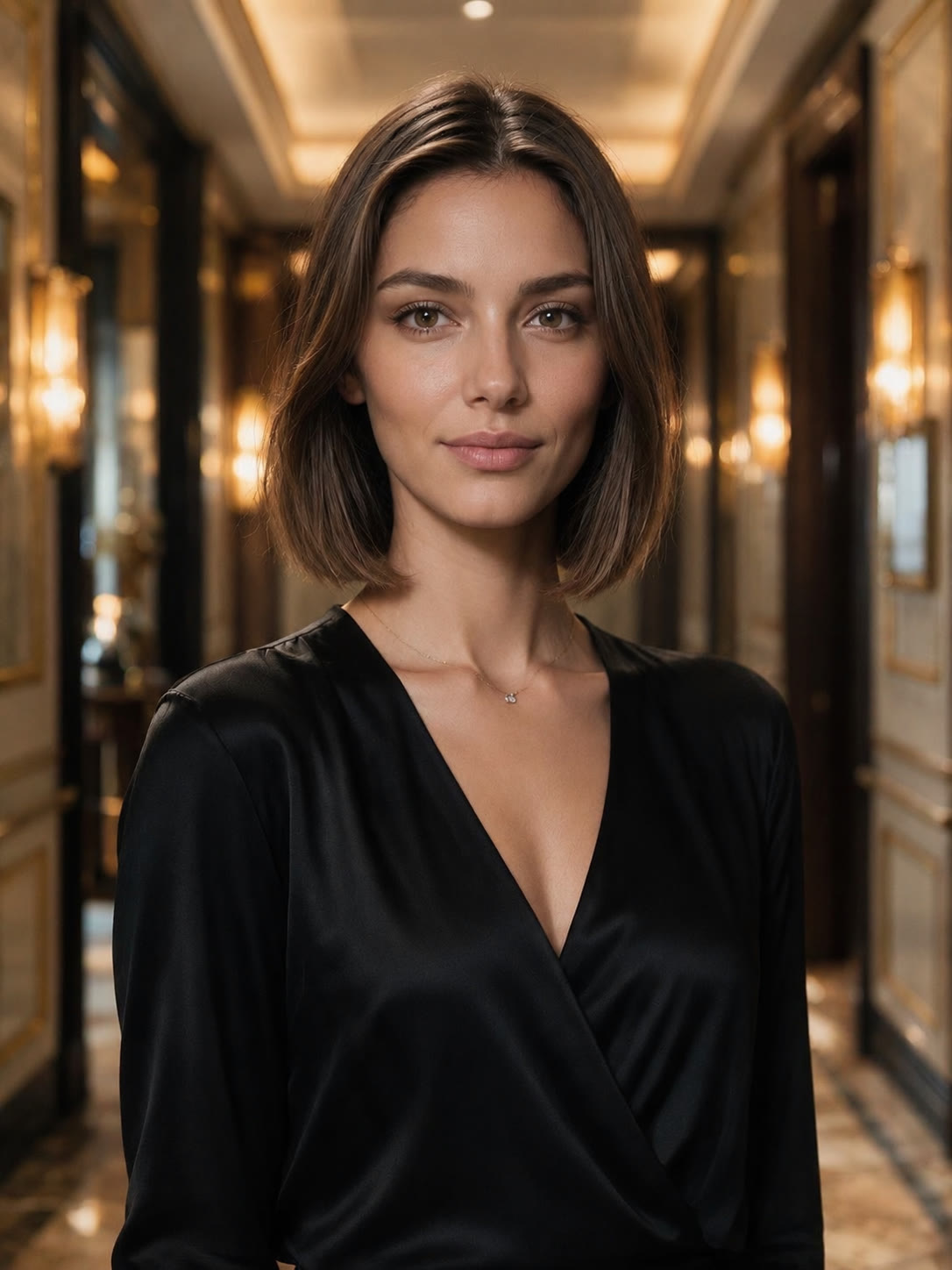
When you are considering a major change, bring a personal photo and describe the short style on your mind. Cavro gives you a preview to consider before making the real appointment.
Try Cavro free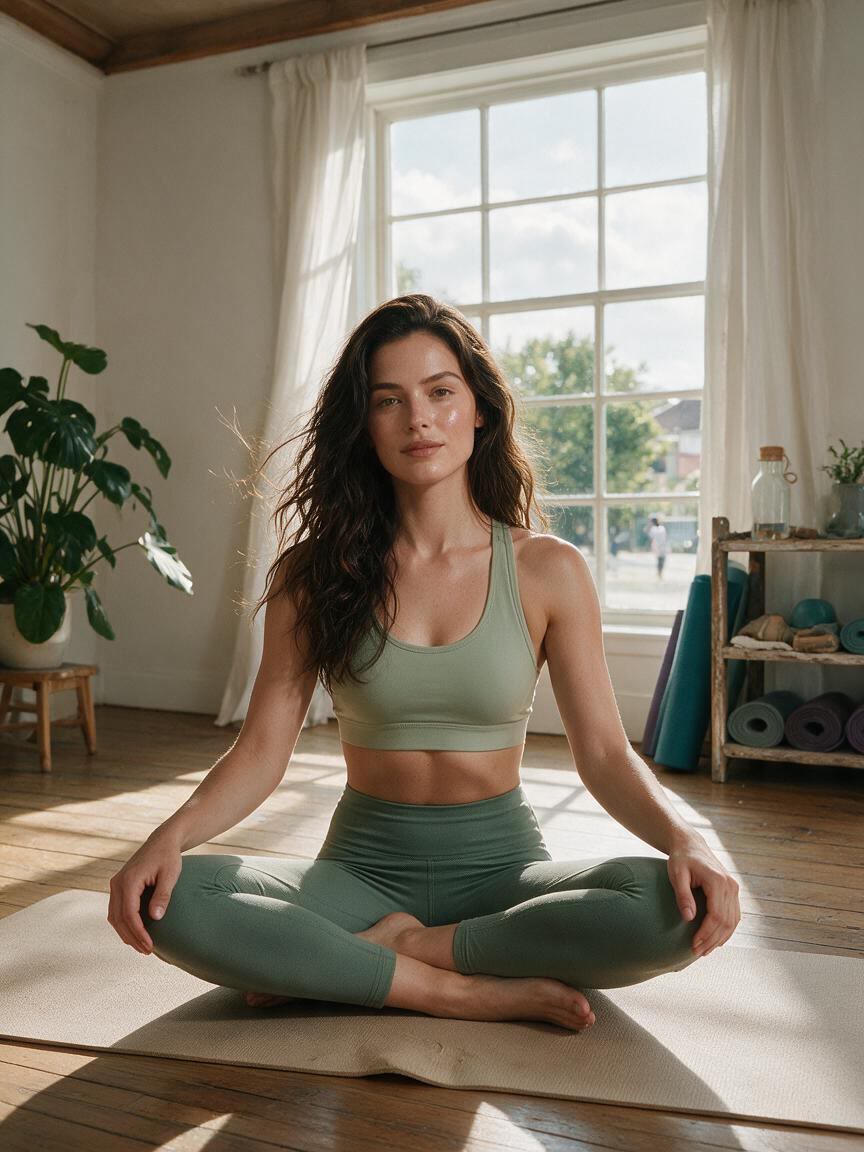
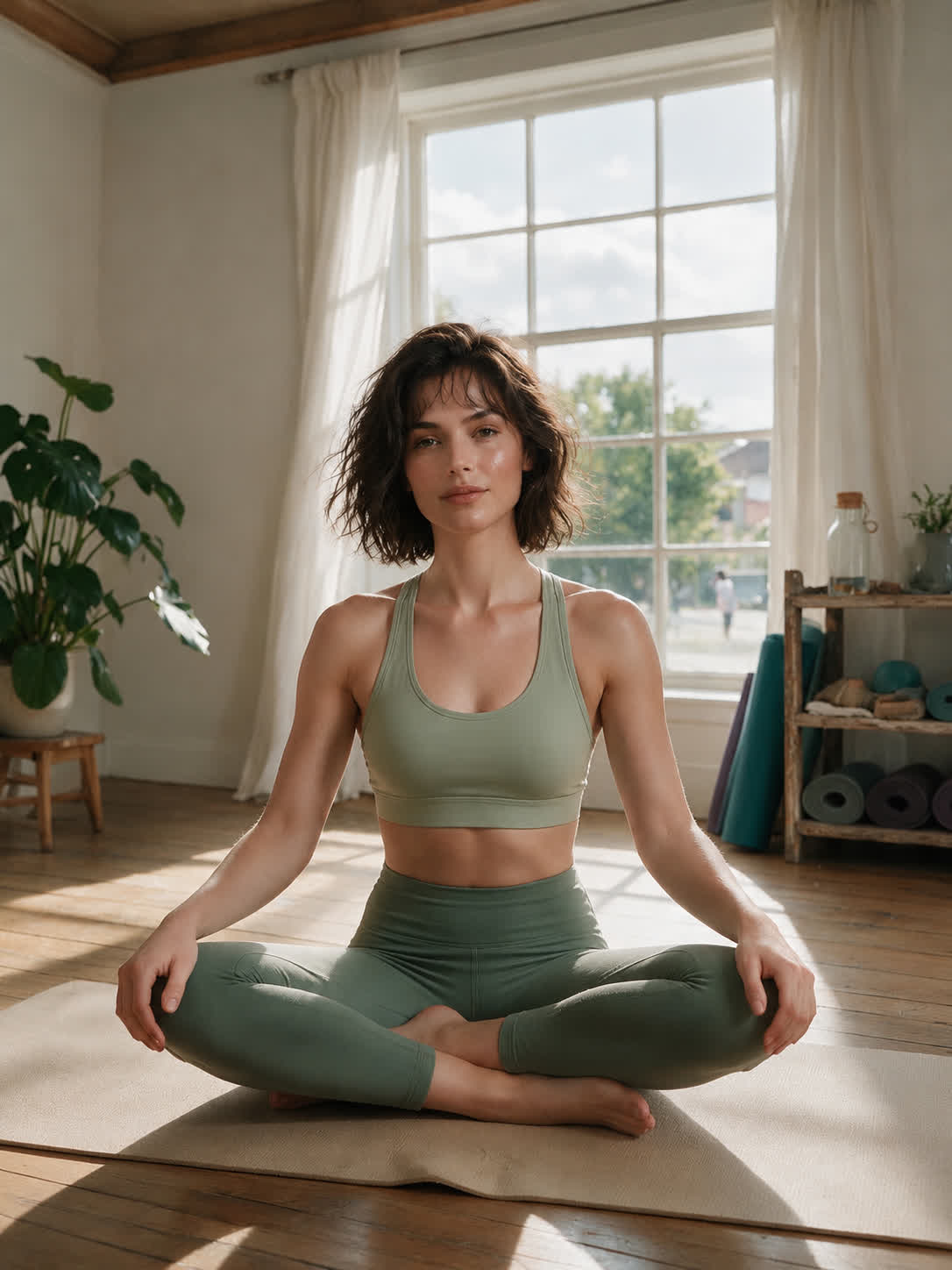
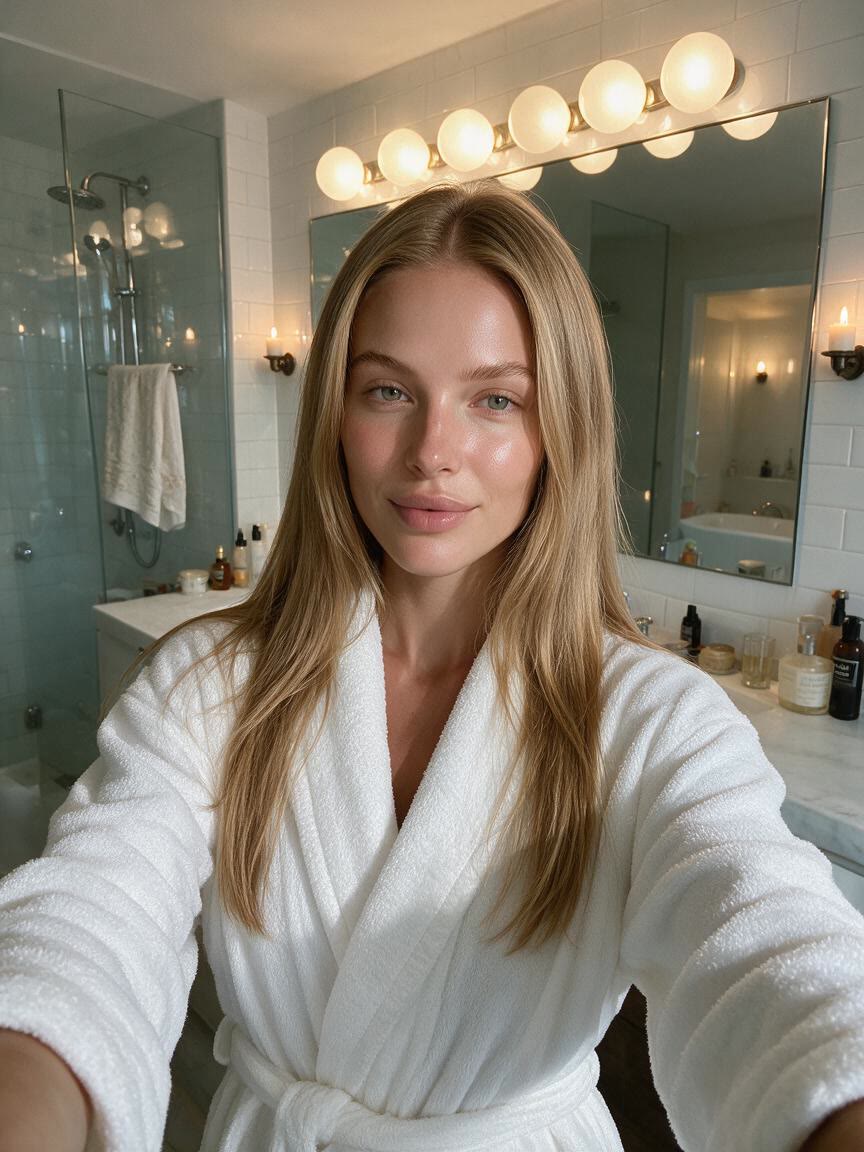
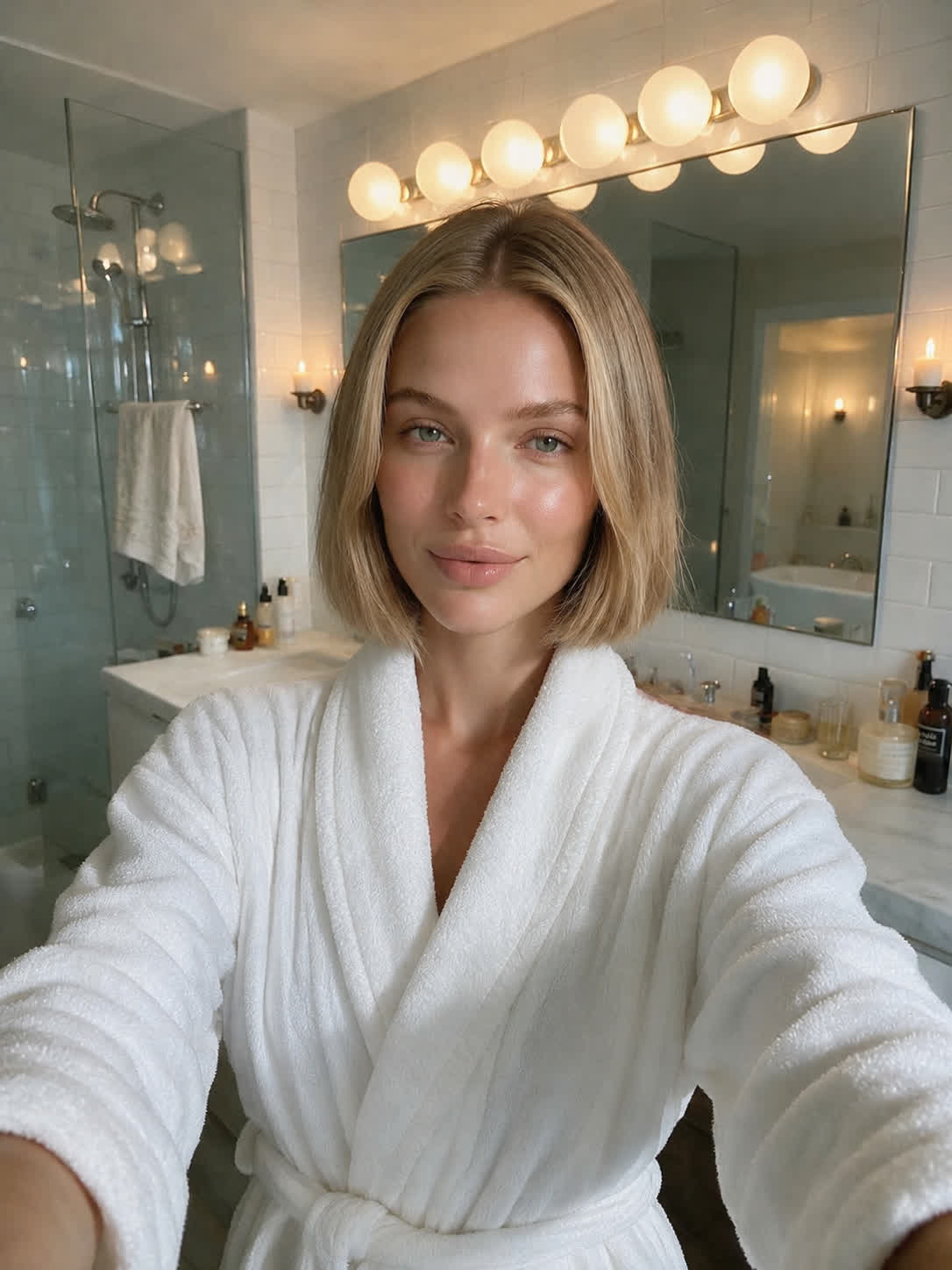
If you are choosing between a chin-length bob, micro bob, or textured lob, try each idea from the same reference photo. The resulting previews make the differences easier to weigh side by side.
Try Cavro free

For anyone curious about a pixie or buzz cut, a written description can turn a personal photo into a new short-hair possibility. Use the preview to explore how far you want to go.
Try Cavro free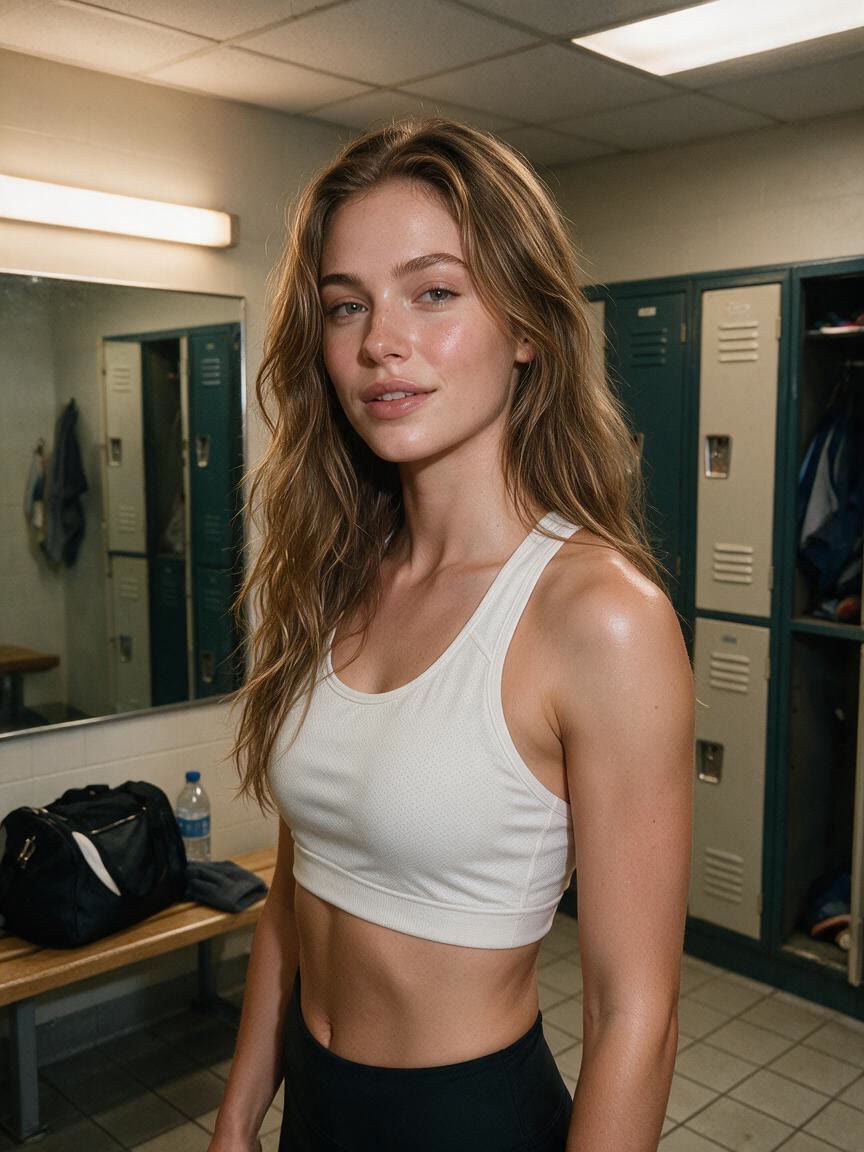
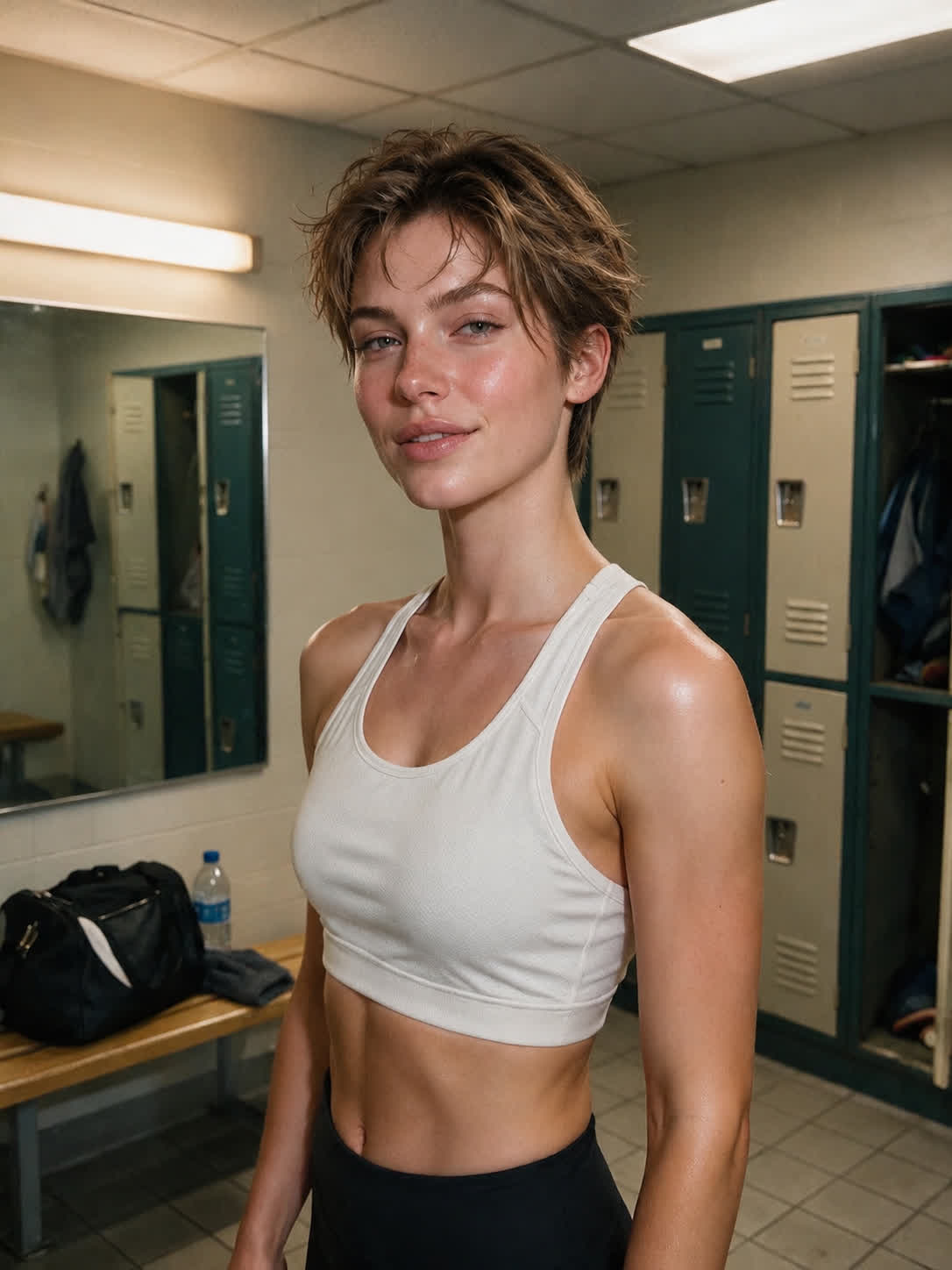
A haircut decision feels more personal when you can see the idea on yourself rather than on a generic example. Cavro uses your reference photo to create a short hairstyle preview you can react to.
Try Cavro free

You do not have to choose from a fixed list of cuts. Write the bob, pixie, buzz cut, or lob you want to explore, and Cavro turns that idea into an image from your photo.
Try Cavro free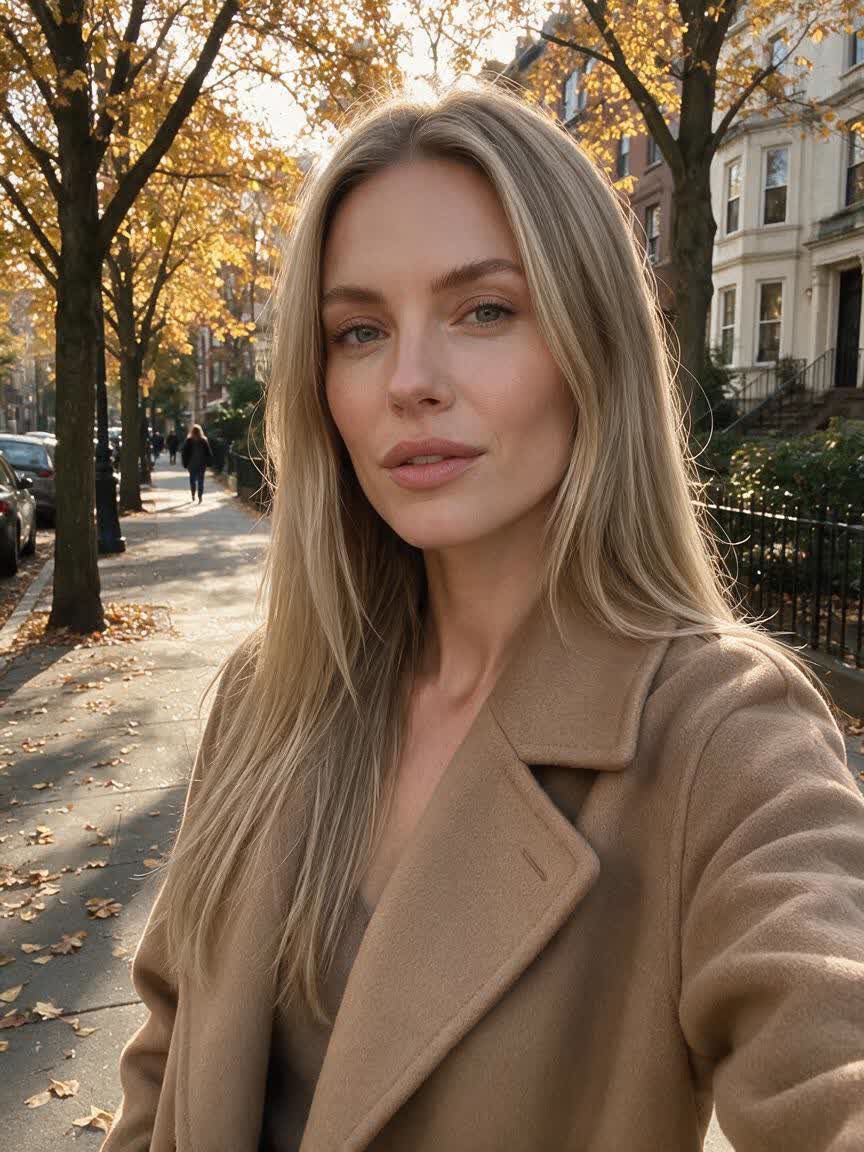
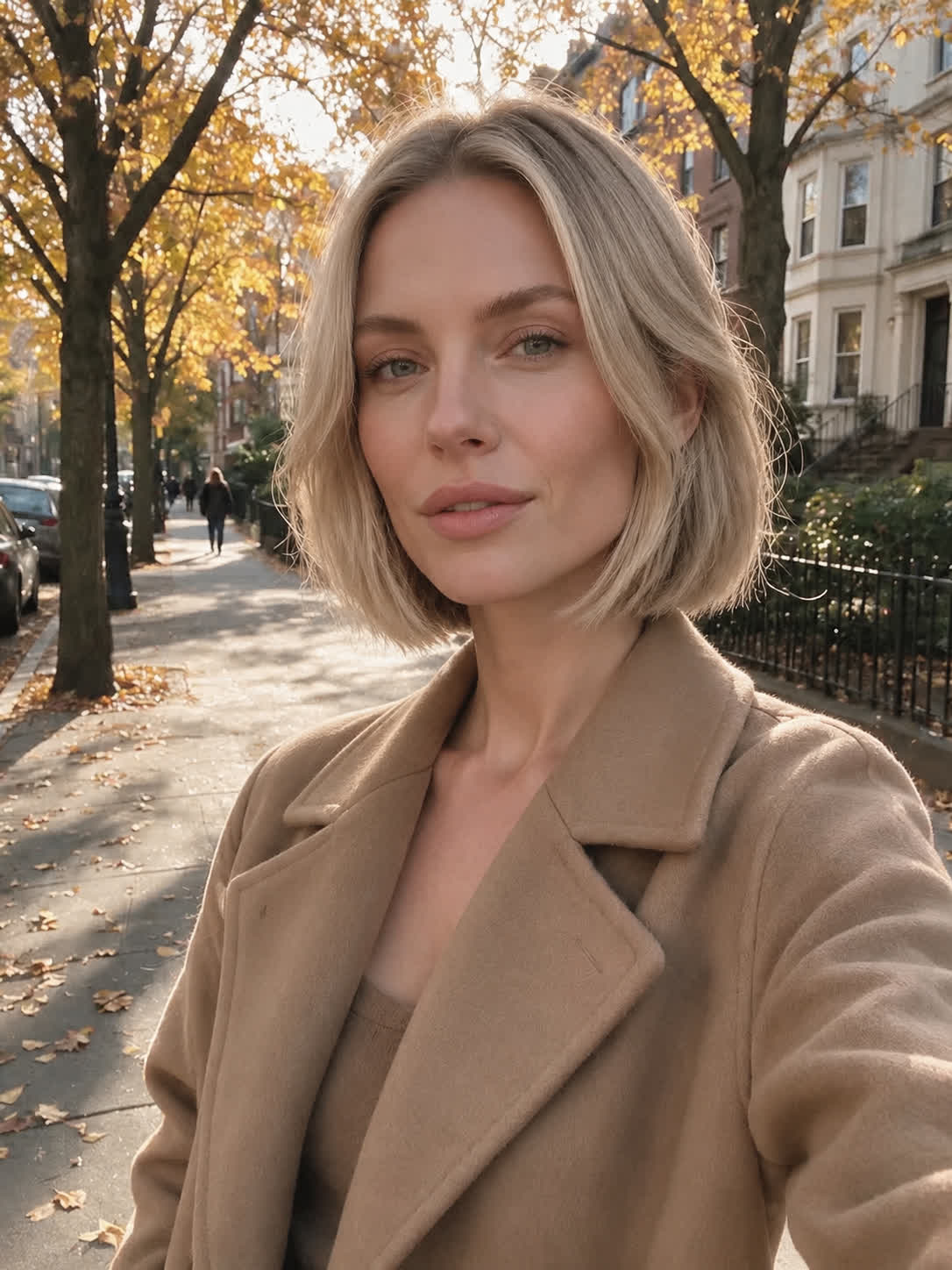
One first preview may not settle the question. Continue the conversation to adjust the short hairstyle direction and generate another option without starting over.
Try Cavro freeAn AI short hair filter creates a hairstyle preview from a written style prompt and/or your reference photo. It lets you explore ideas such as a bob, pixie, buzz cut, or lob before deciding what you want to do in real life.
Cavro results are billed per credit, and there is no mandatory subscription. See the pricing page for the current credit details.
Yes. You can explore multiple short hairstyle ideas in the same conversation, then refine and generate again without starting over.
No editing experience is required to describe the short hairstyle you want. Upload a reference photo, write your idea, and use the generated preview to guide your next variation.
Creators worldwide are turning “just an idea” into expensive-looking images.