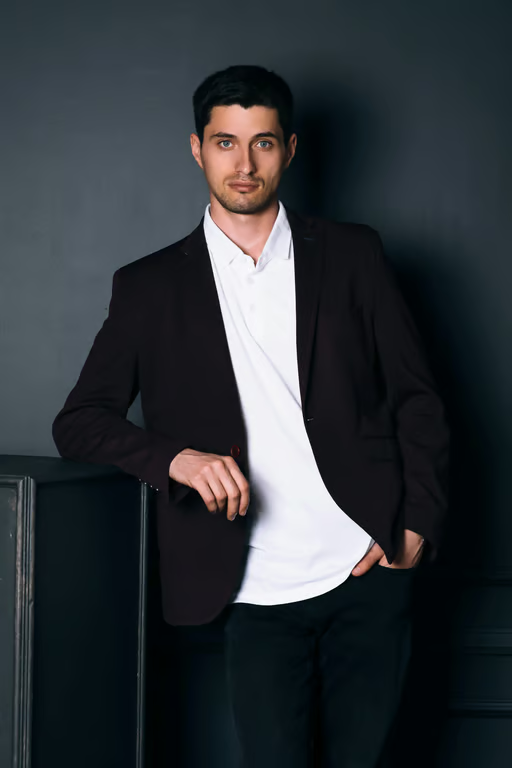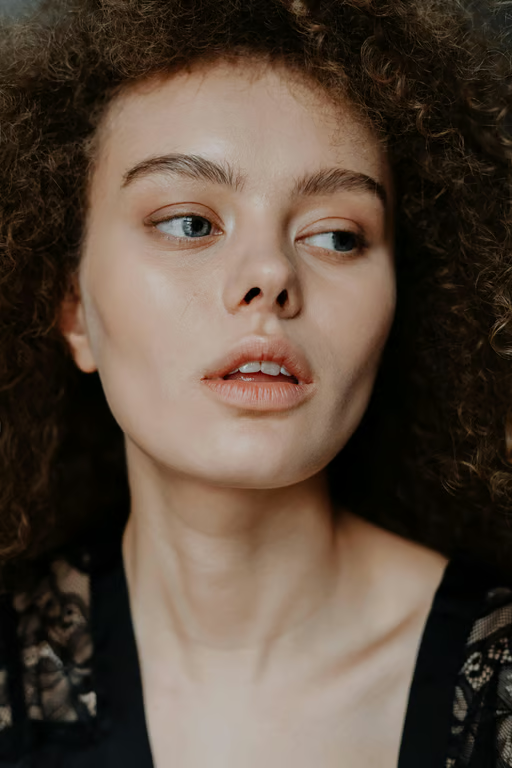
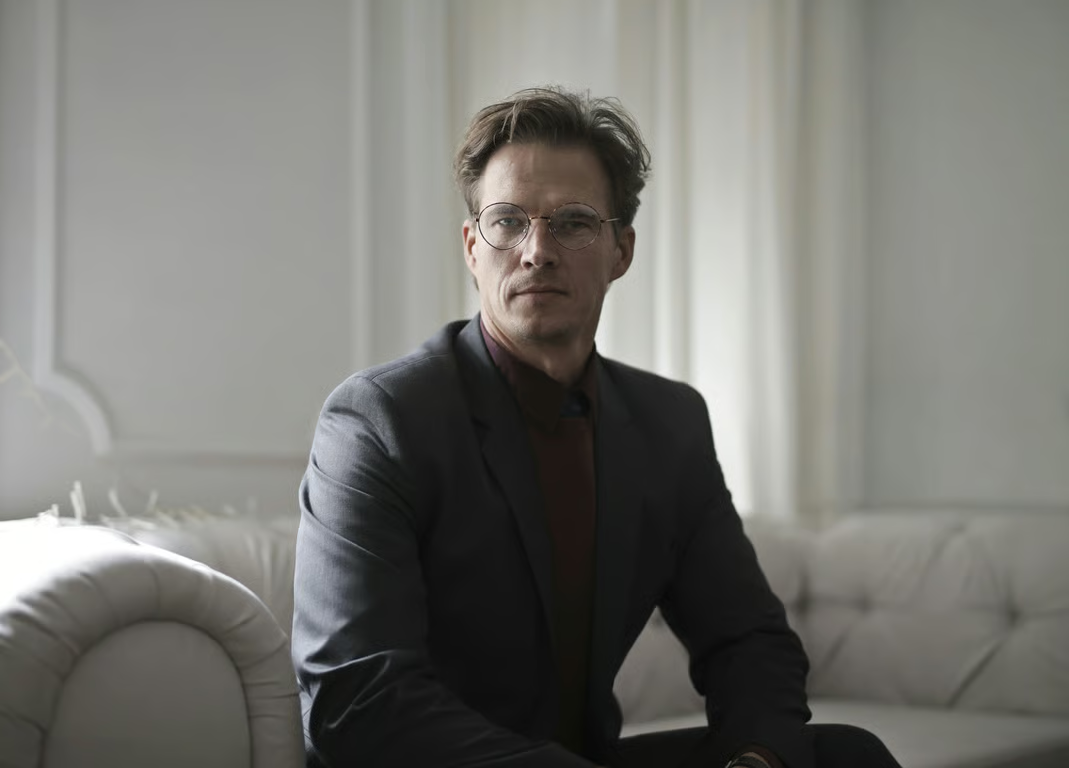
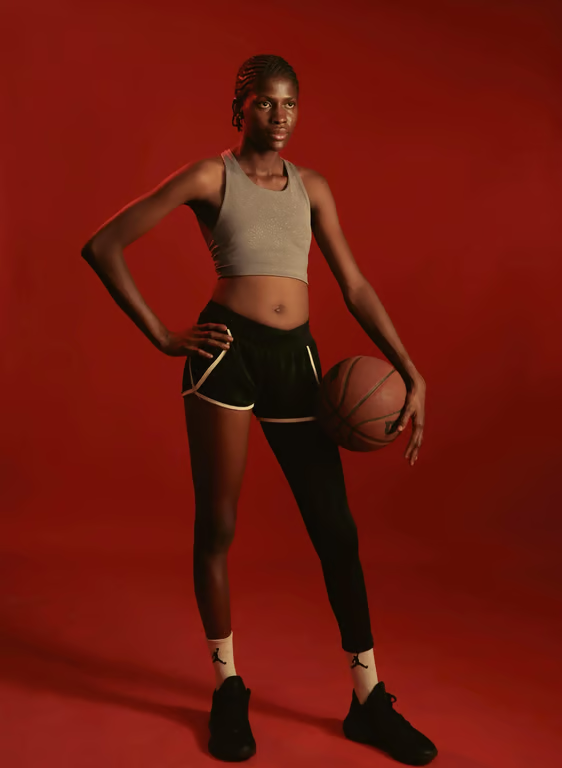

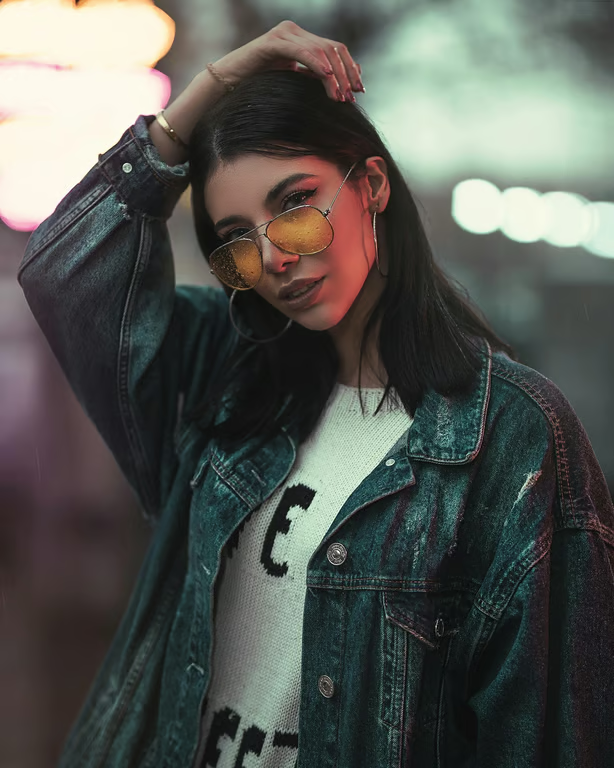
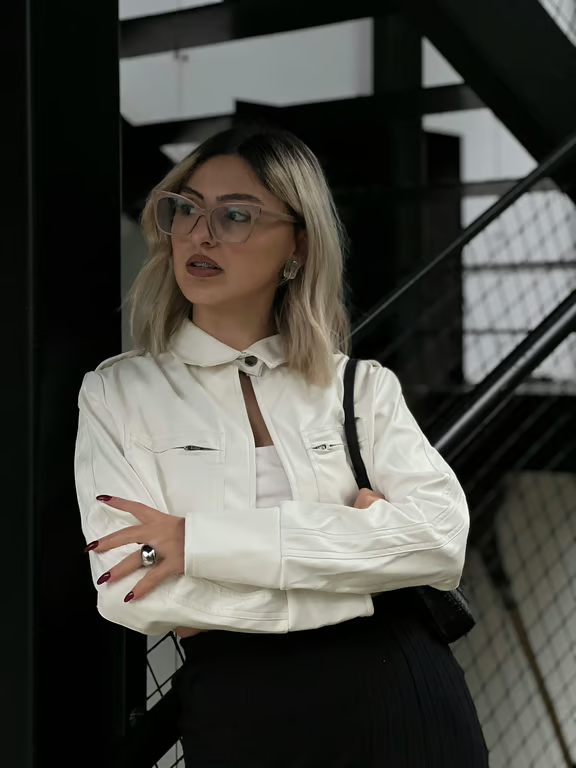
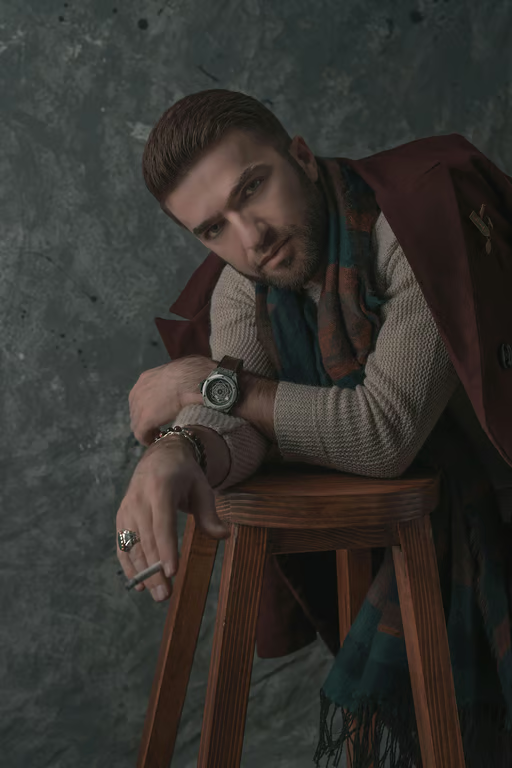
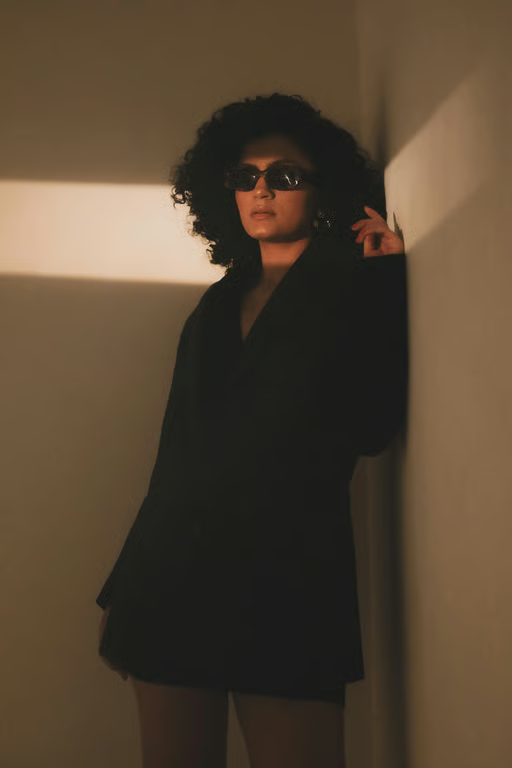
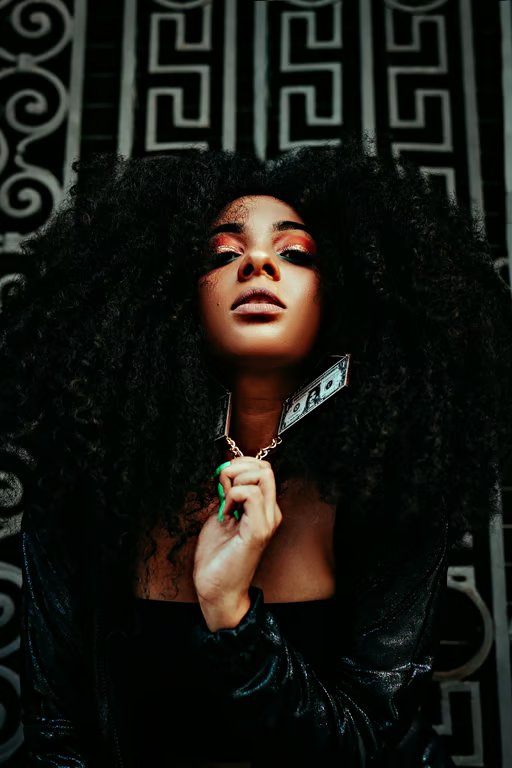
Photo-Guided Editing
Use a reference photo with your instruction to direct the shadow removal for the image you want to clean.
Clean distracting shadows from portraits, products, and memories.
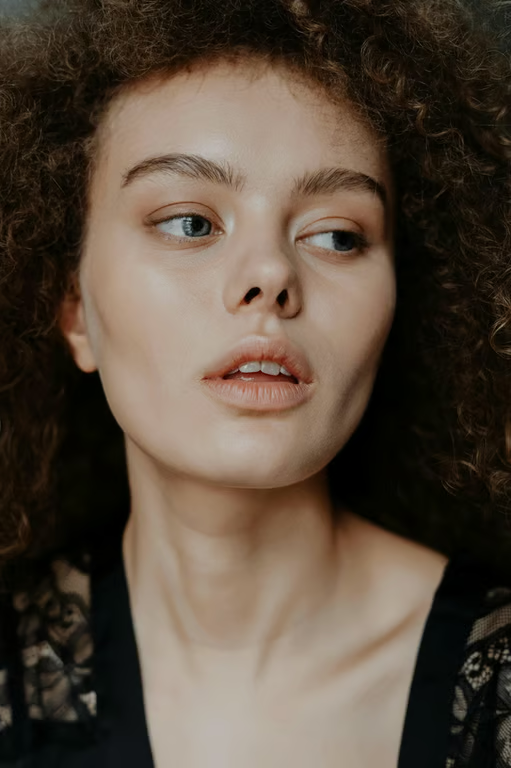
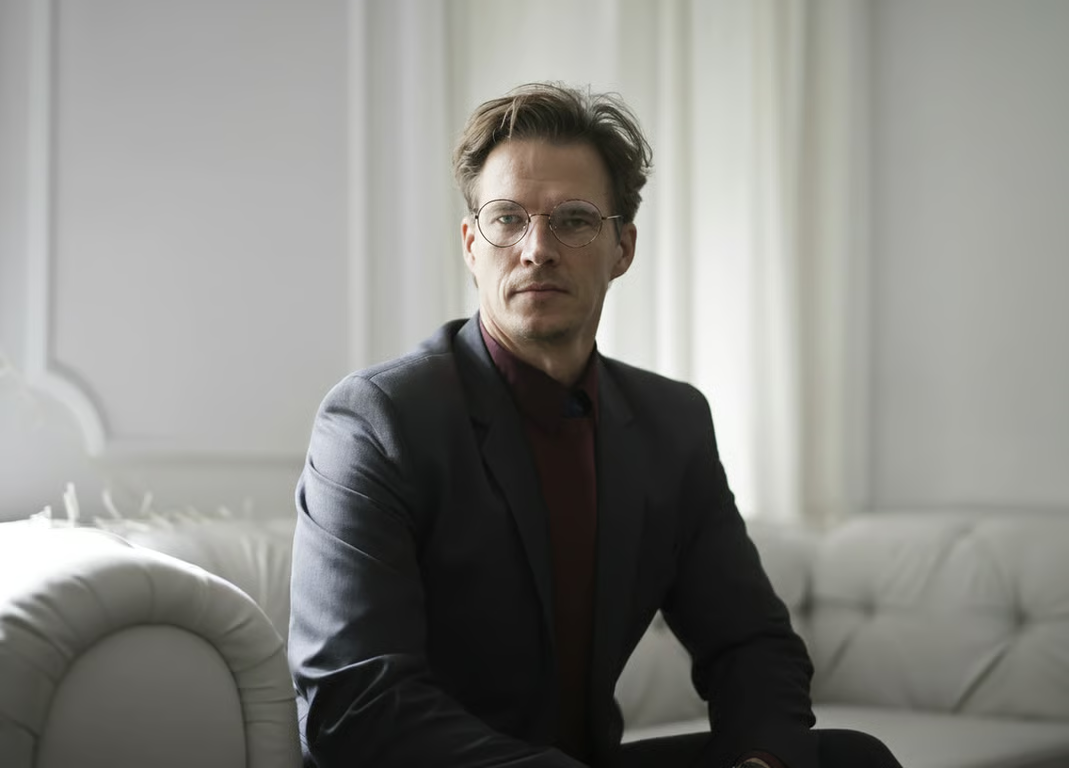
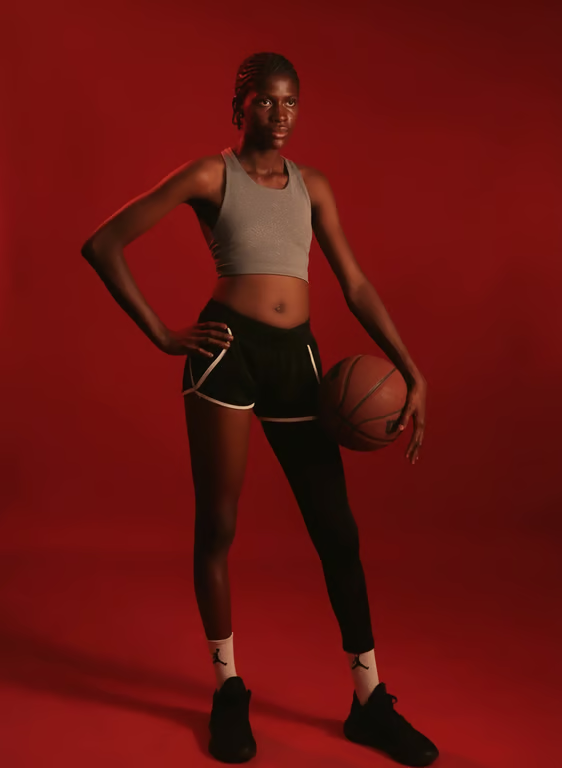

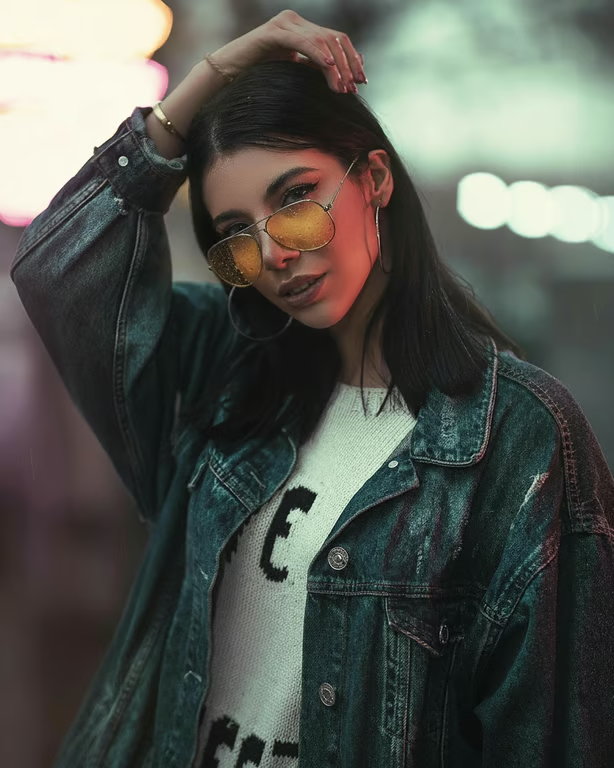
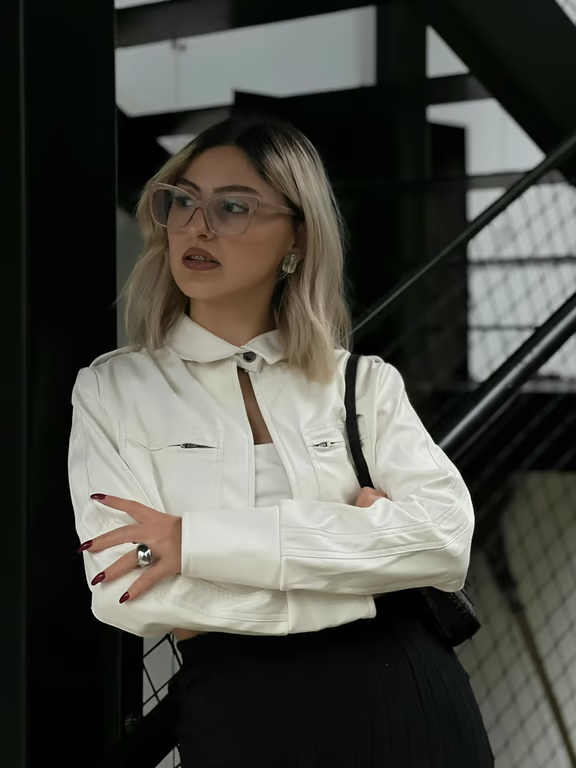
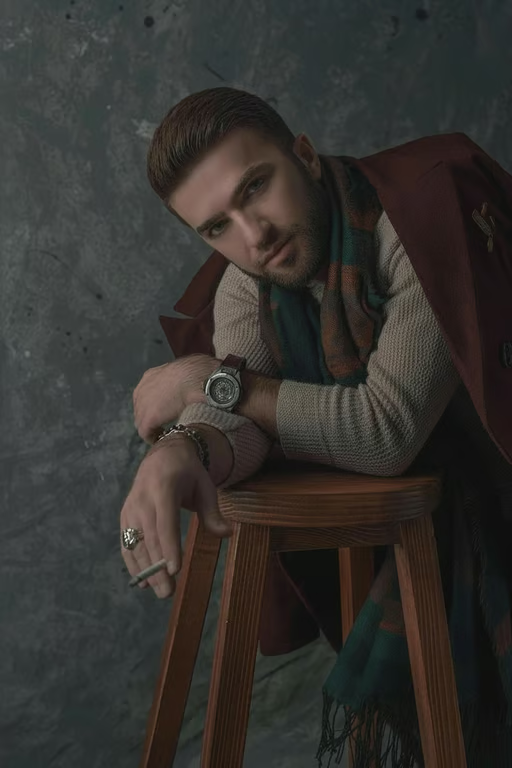
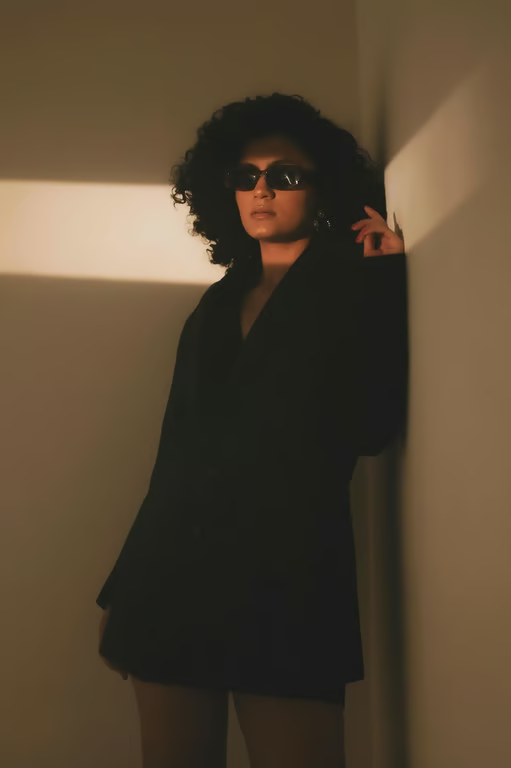
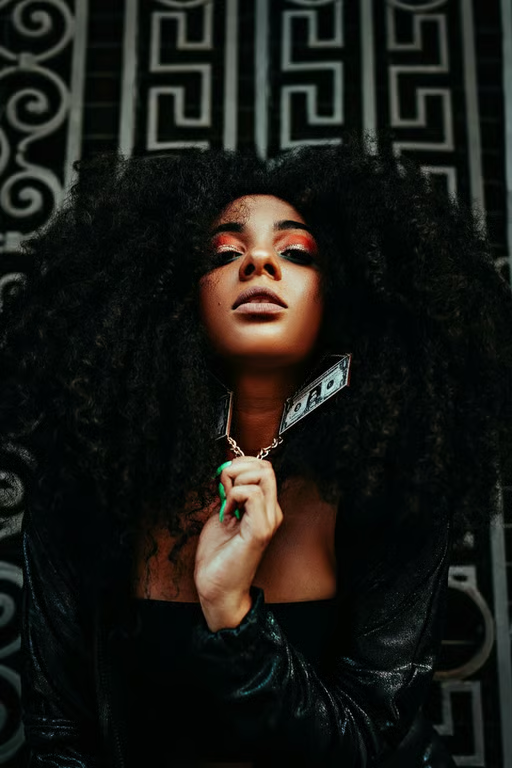
Use a reference photo with your instruction to direct the shadow removal for the image you want to clean.
Specify whether the edit should address a face shadow, cast shadow, product shadow, or another lighting distraction.
Generate another version in the same conversation when the shadow needs a different level of correction.
Create an image or video from the same conversation when your shadow-cleanup project calls for either format.
Clean an unwanted shadow from a usable photo instead of repeating the shoot for a different light setup.
Give shoppers a less distracting view when shadows compete with the item in a listing image.
Turn a simple direction into a cleaner-looking portrait, memory, or portfolio image without advanced retouching skills.
Clean an unwanted shadow from a usable photo instead of repeating the shoot for a different light setup.
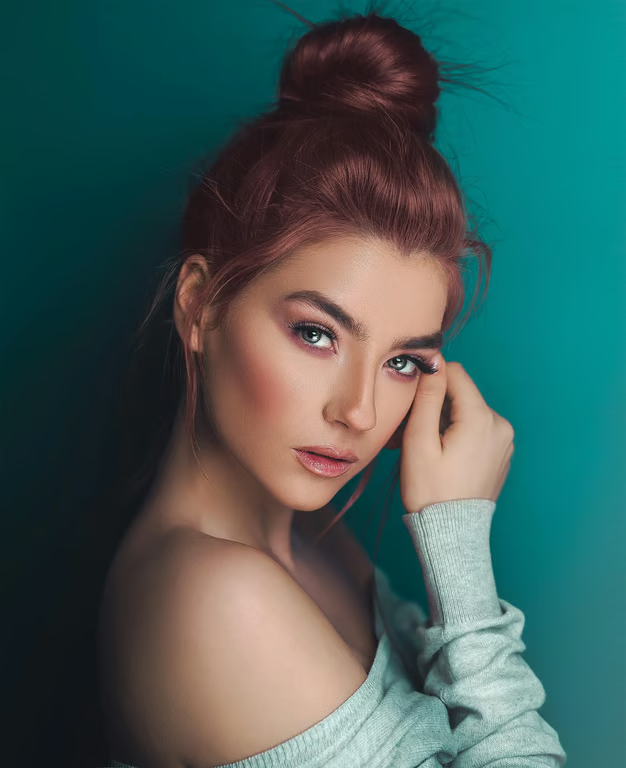
Add your photo and describe the shadow you want removed, such as a face shadow, cast shadow, or harsh sunlight. Cavro uses that direction to produce a cleaner image.
Yes, Cavro can turn a written instruction and/or reference photo into an image with unwanted harsh shadows removed or reduced. Describe where the shadow appears and what you want changed.
Yes. Describe the distracting product shadow in your prompt and use the resulting image for a cleaner product presentation. You can refine the direction and generate again if needed.
Yes. You can adjust your direction and generate again in the same conversation without starting over. This lets you ask for a different level or area of shadow correction.
No mandatory subscription is required. Results are billed per credit, so you can use the credit balance for the images or video you create.
Creators worldwide are turning “just an idea” into expensive-looking images.