Remove People From Photos

Clean up photobombers without a reshoot.
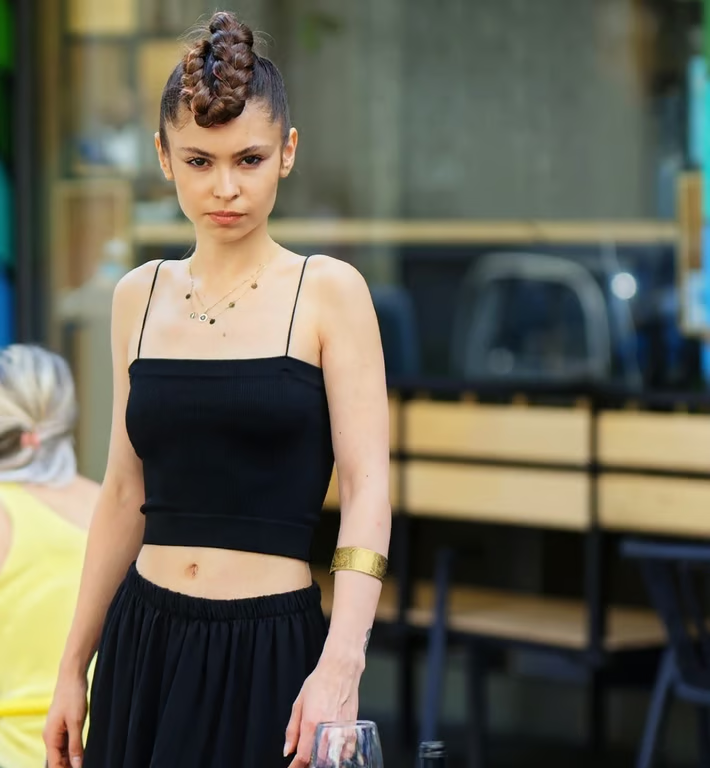
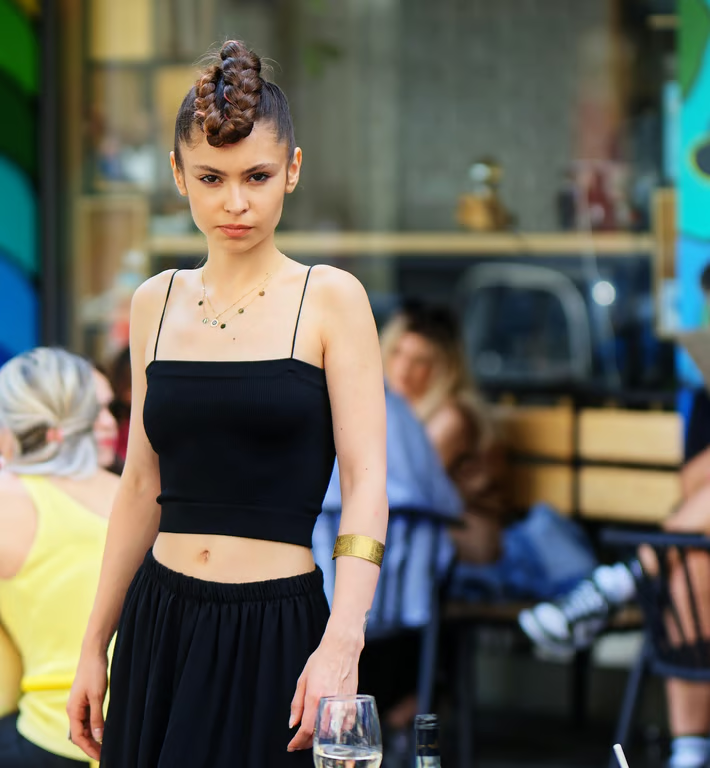
Woman in black clothing standing in a café with background people removed
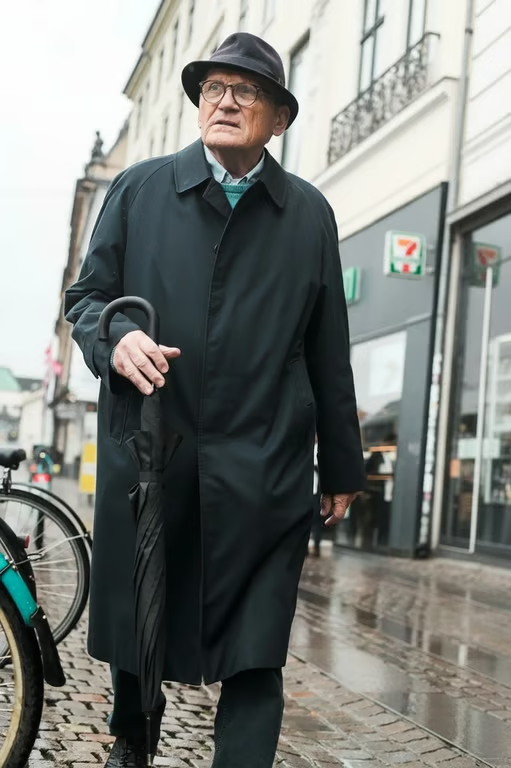
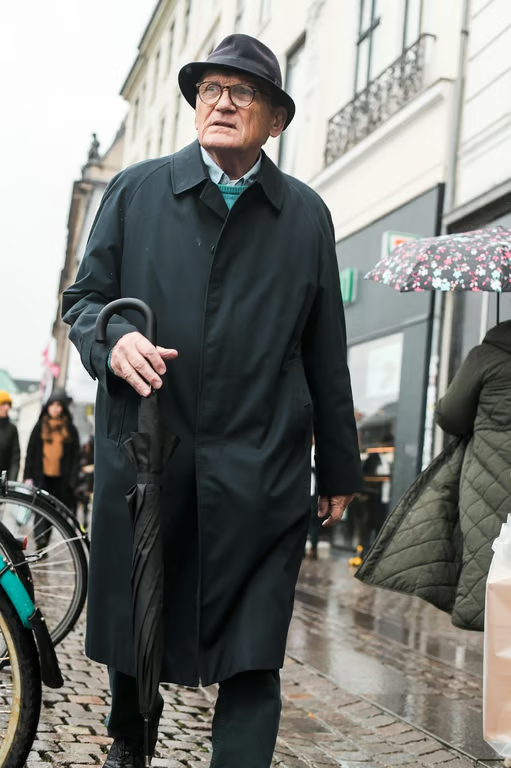
Street portrait with the bystander and floral umbrella removed from the right side
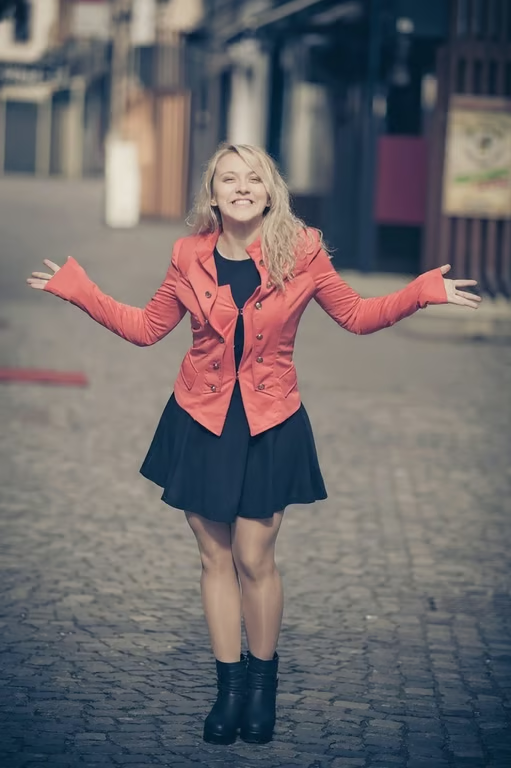
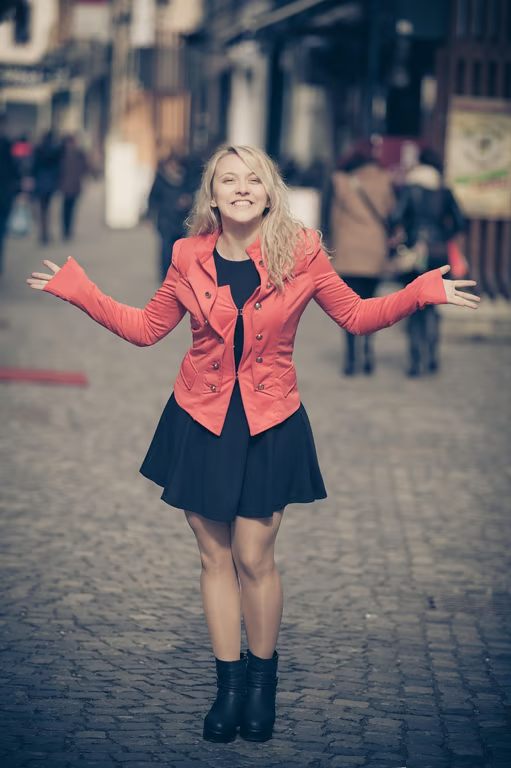
Smiling woman standing on a cobblestone street with pedestrians removed from the background.
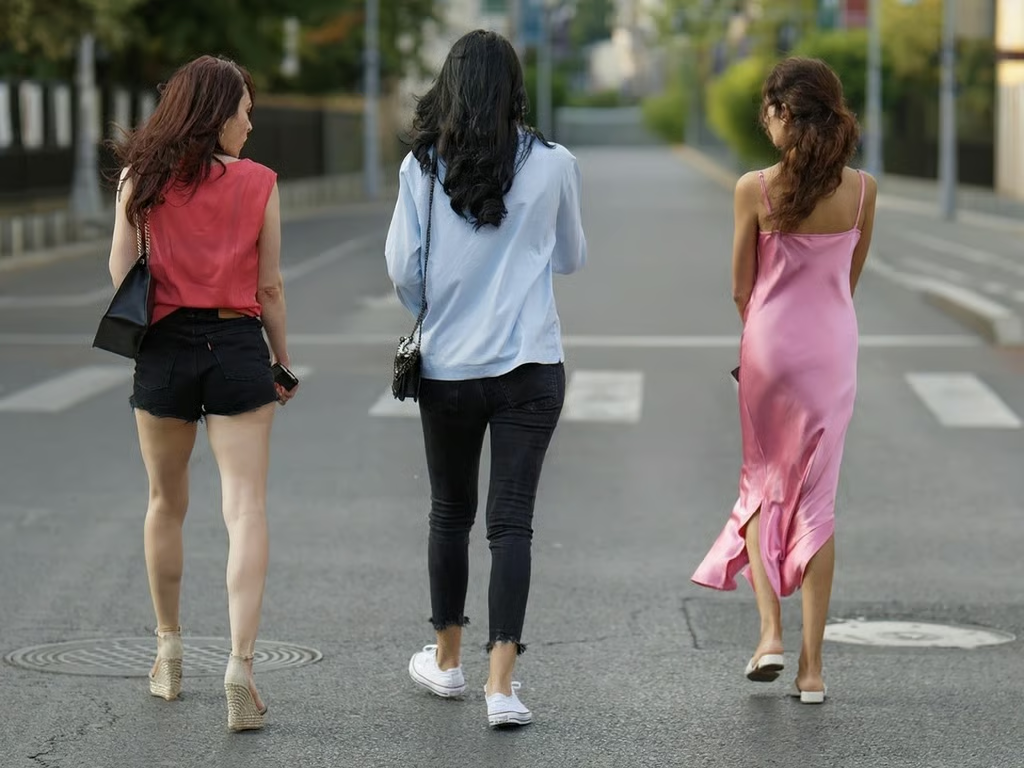
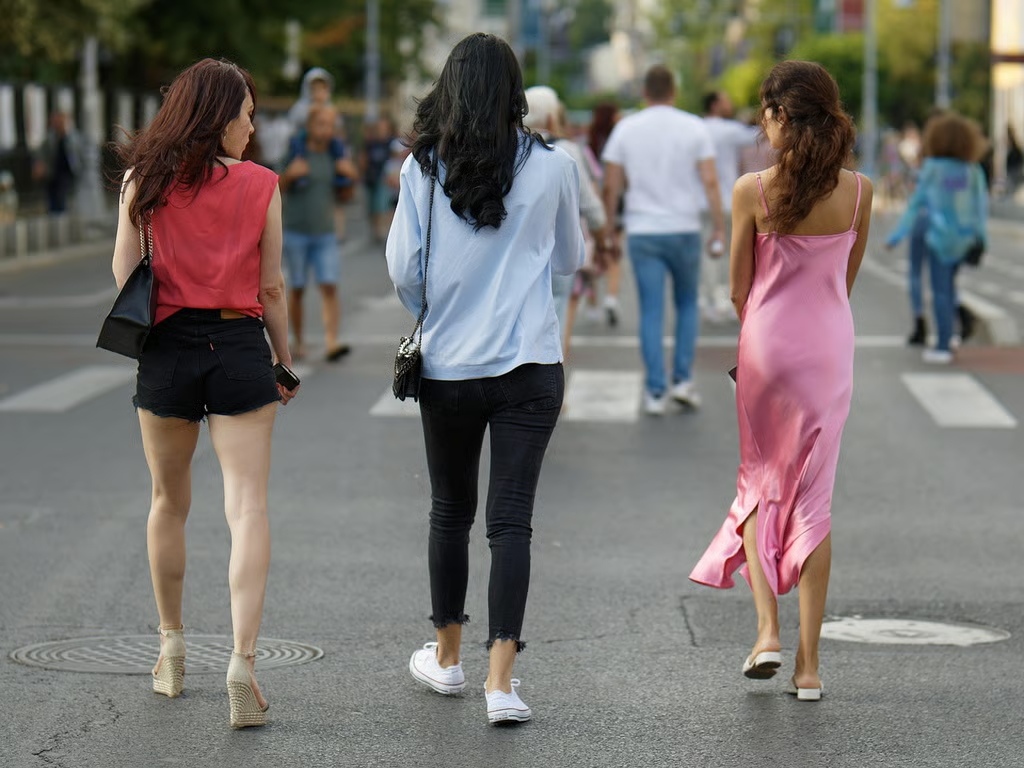
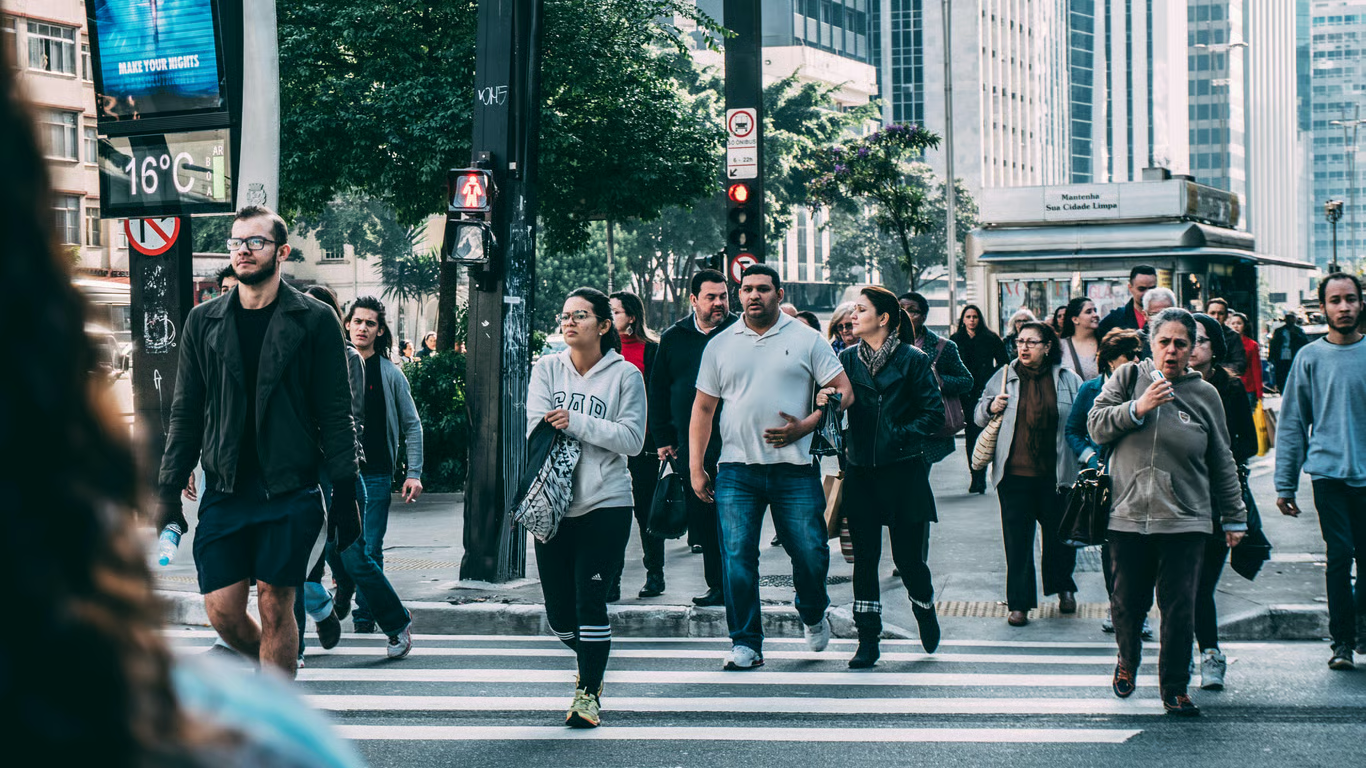
Three women crossing a city street with the background pedestrians removed.
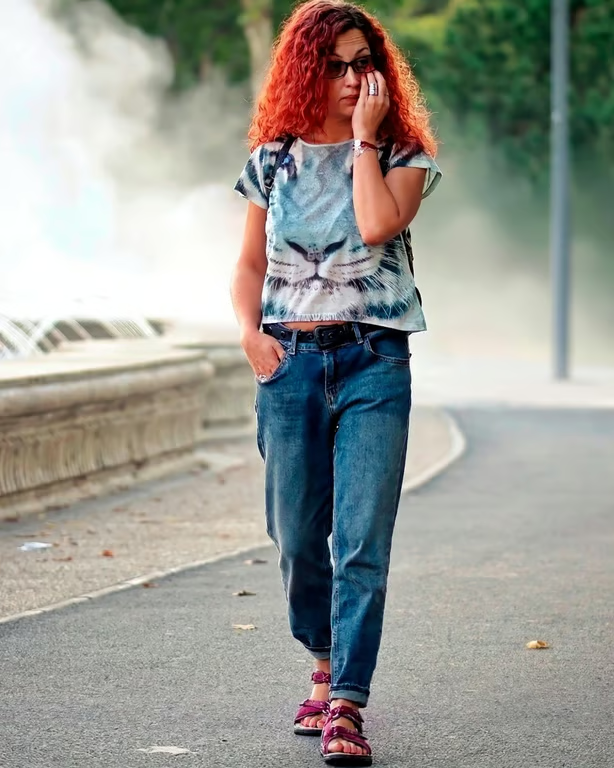
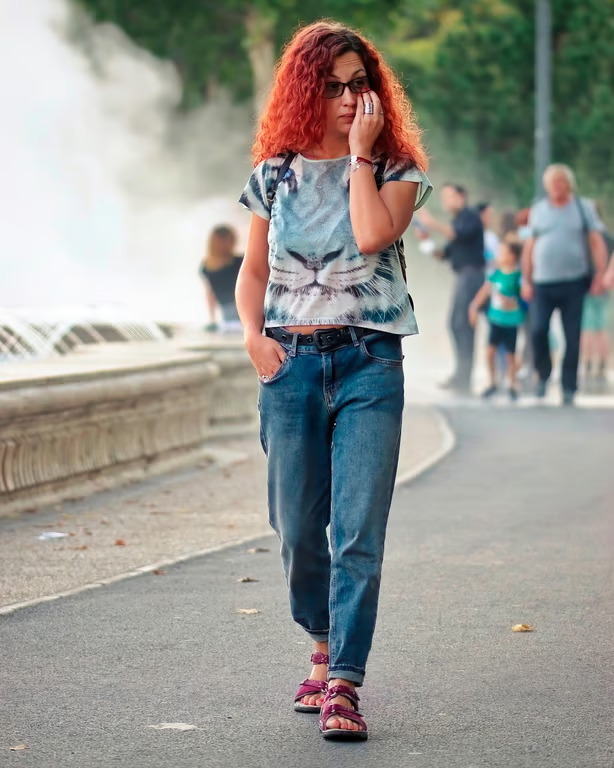
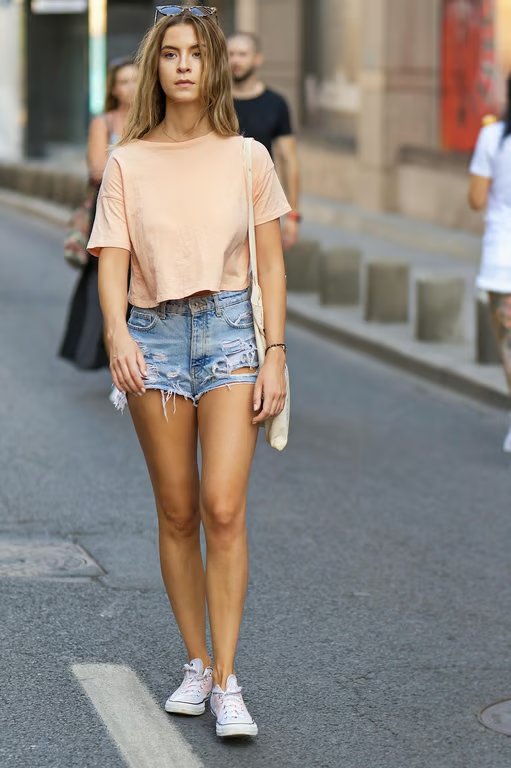
Woman walking on a park walkway with the background pedestrians removed.
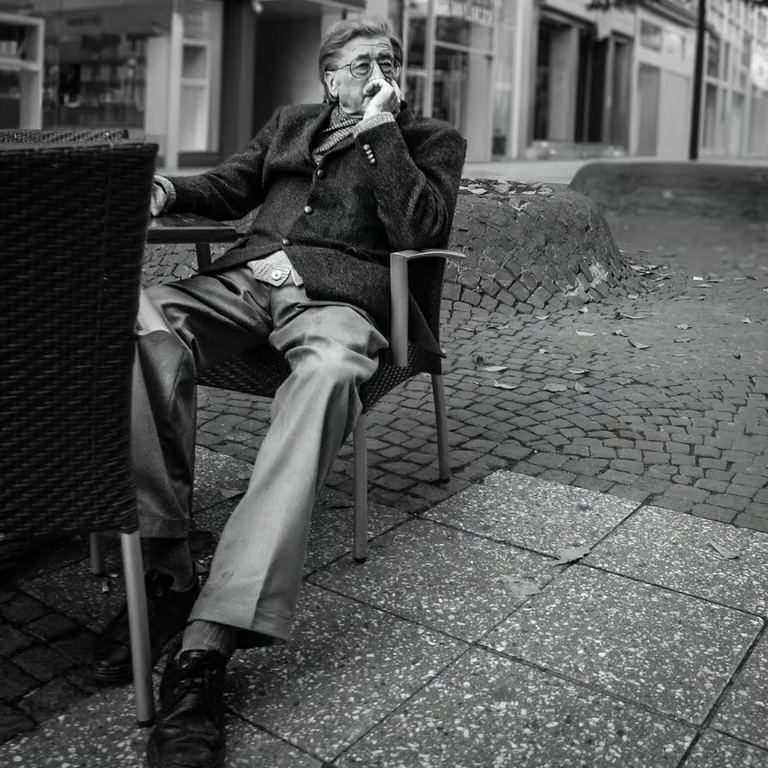
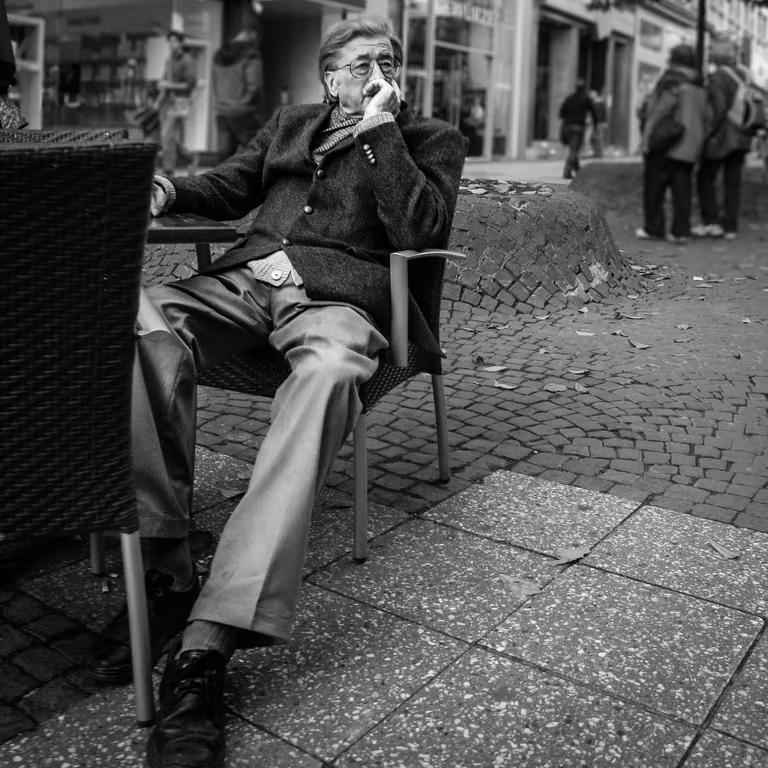
Black-and-white photo of a seated man with background pedestrians removed.
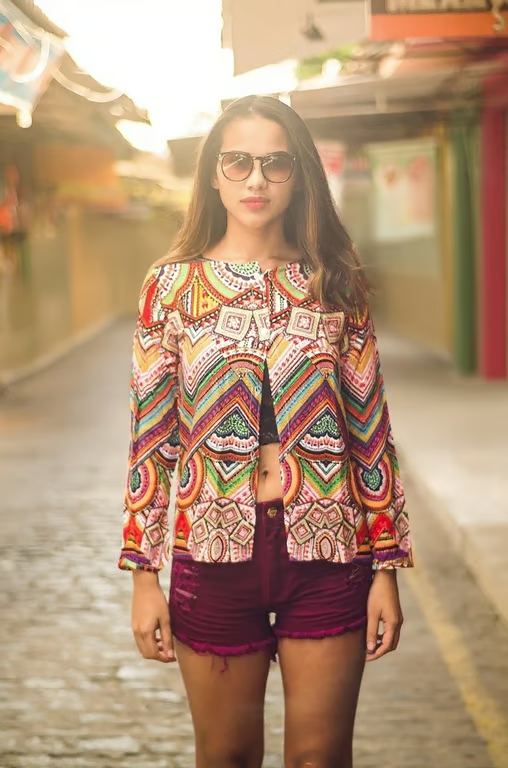
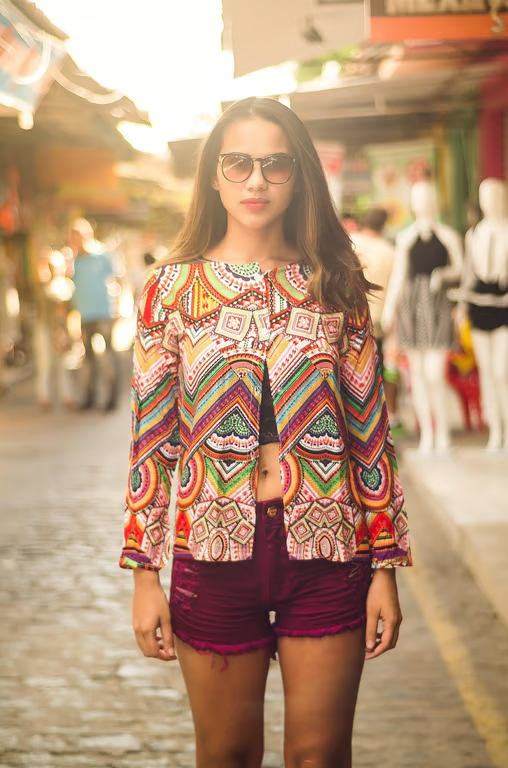
Woman posing in a patterned jacket on a cleared market street.
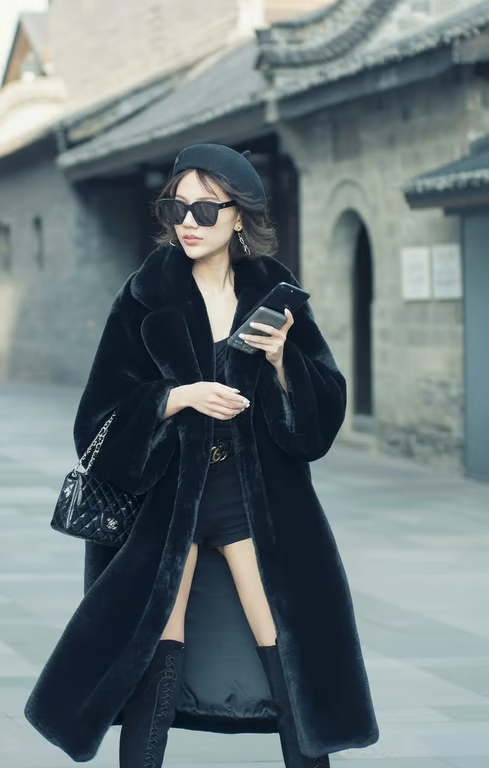
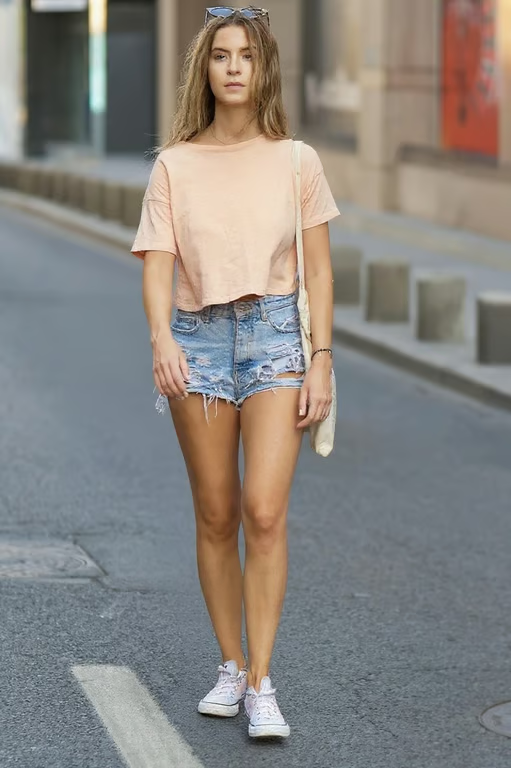
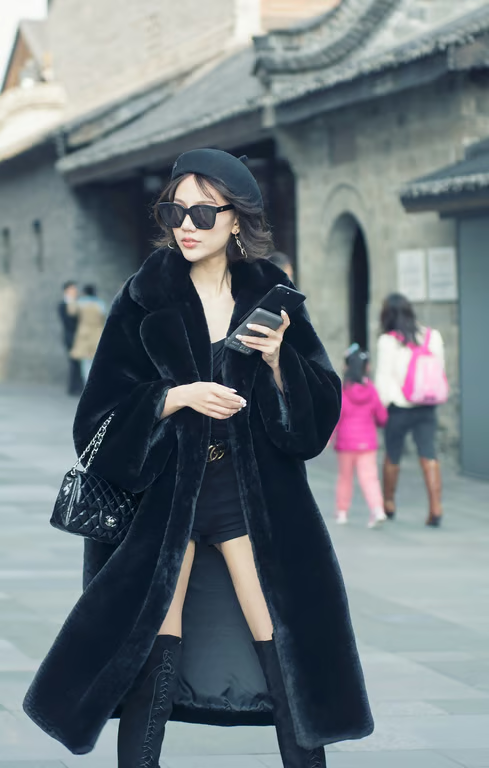
Woman in black outfit standing alone on a cleared walkway.
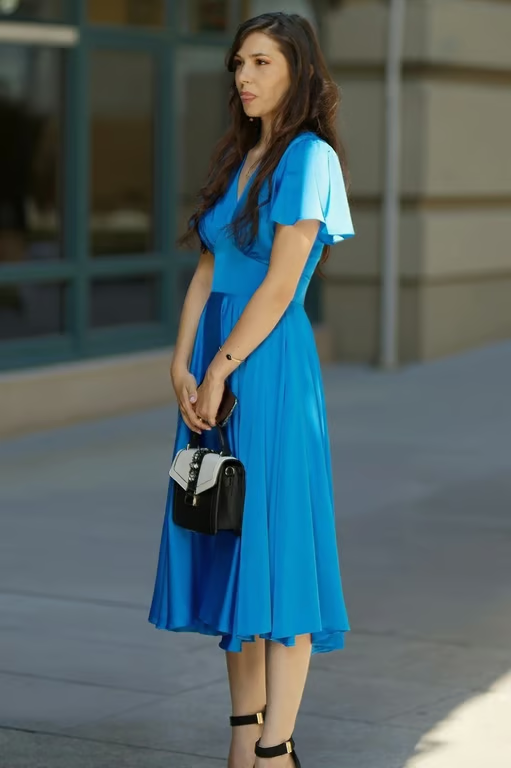
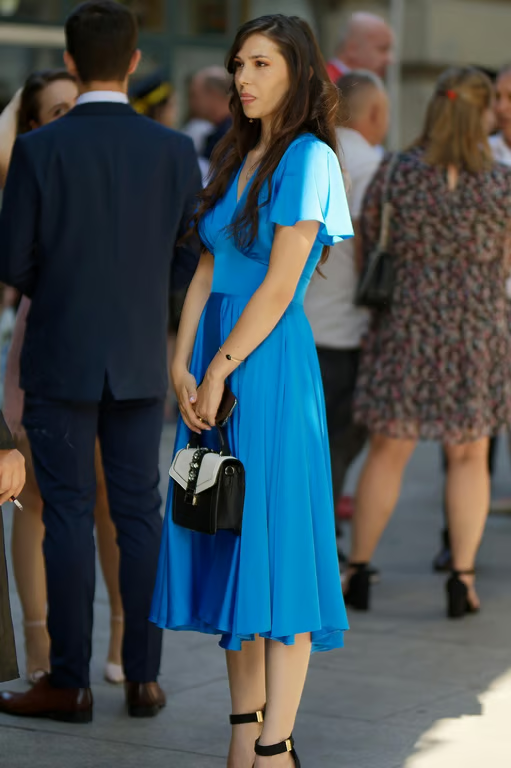
Woman in a blue dress standing alone outside after nearby people are removed.
Street portrait with the background people removed.
What you get

All the power, none of the hassle

Use Your Photo

Add a reference photo and describe the unwanted person you want removed.

Name the Distraction

Specify a stranger, photobomber, extra face, or background figure in your request.

Refine the Request

Generate again in the same conversation when the removal needs another attempt.

Receive a New Image

Turn your removal instruction and photo into an image with a clearer focus.

User value

We are the best AI tool for...

  1. Save a One-Time Moment

    Recover travel, wedding, graduation, and family memories without arranging the moment again.

  2. Skip the Reshoot

    Work from the photo you already have when a stranger or photobomber interrupts the frame.

  3. Edit Without Design Skills

    Describe the unwanted person in plain language instead of learning a complex photo editor.

Save a One-Time Moment
Perfect proof

What our users say

  • A stranger walked into our travel photo, and I could finally remove that distraction without planning the shot again.

    Mara K.
  • Our group picture had an extra person at the edge. I described the removal and got a version that felt right for sharing.

    Jonah R.
  • I wanted the focus on the couple in an engagement photo, not the passerby behind them. The edit gave the moment a cleaner feel.

    Elena P.
  • My graduation portrait had someone crossing in the background. Asking for that person to be removed was much simpler than starting over.

    Theo M.
  • I had a public photo I liked except for one random face. The removal request helped me turn it into a more focused post.

    Nia S.
  • A beach photobomber had taken over the edge of the frame. I refined my request and got an image I was happy to keep.

    Callum R.
Answers

Common questions

Can I remove a person from a photo?

Yes. Add a reference photo and describe the person or distraction you want removed. Cavro uses the written prompt and photo to produce an image.

How does AI person removal work?

Write an instruction focused on the unwanted person, such as a stranger or photobomber, and provide the photo. You can refine the request and generate again in the same conversation.

Will my photo quality be affected?

The result is a newly generated image based on your prompt and reference photo. If the first result is not right for your intended use, you can refine the request and generate again.

Do I need to download software?

Cavro accepts a written prompt and/or reference photo for image generation. The result is produced in Cavro once you continue.

Is there a free option?

Results are billed per credit, and there is no mandatory subscription. See pricing for the available credit details.

Play with an idea. Leave with an image.

Creators worldwide are turning “just an idea” into expensive-looking images.
Try Cavro free