


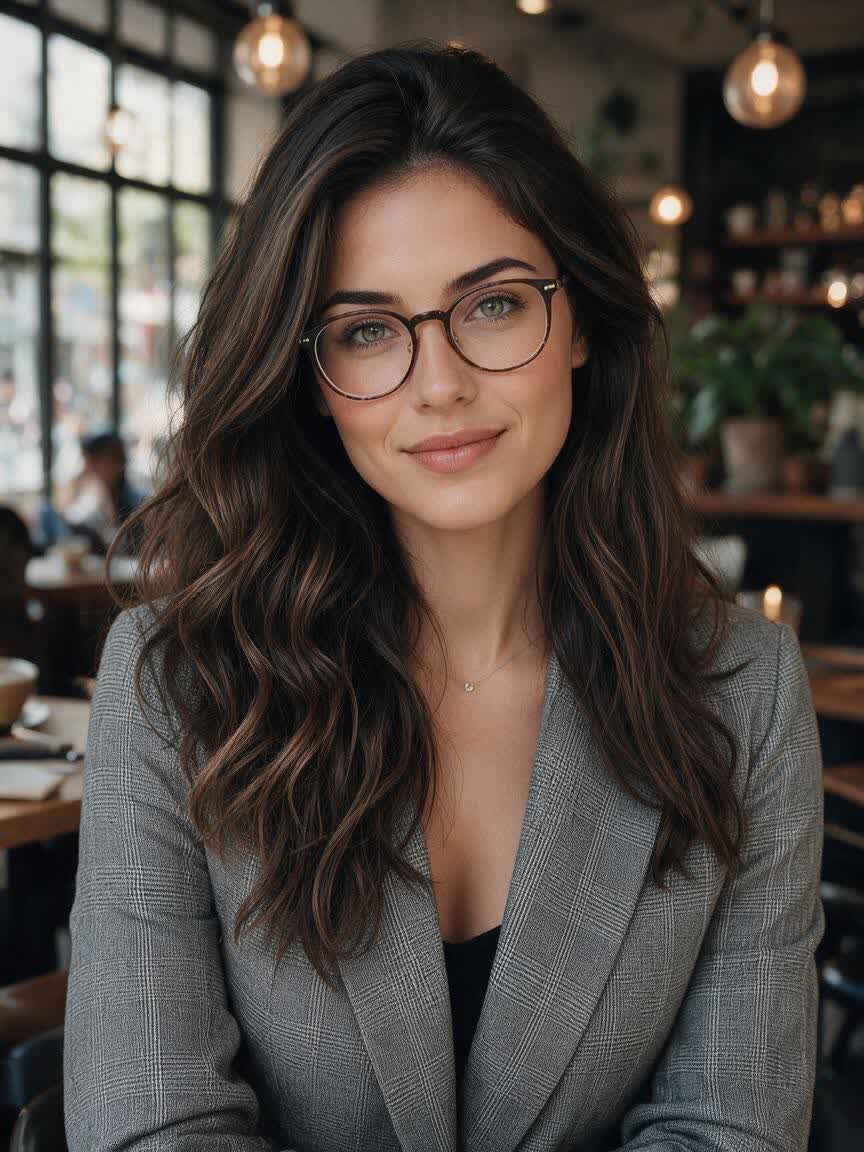






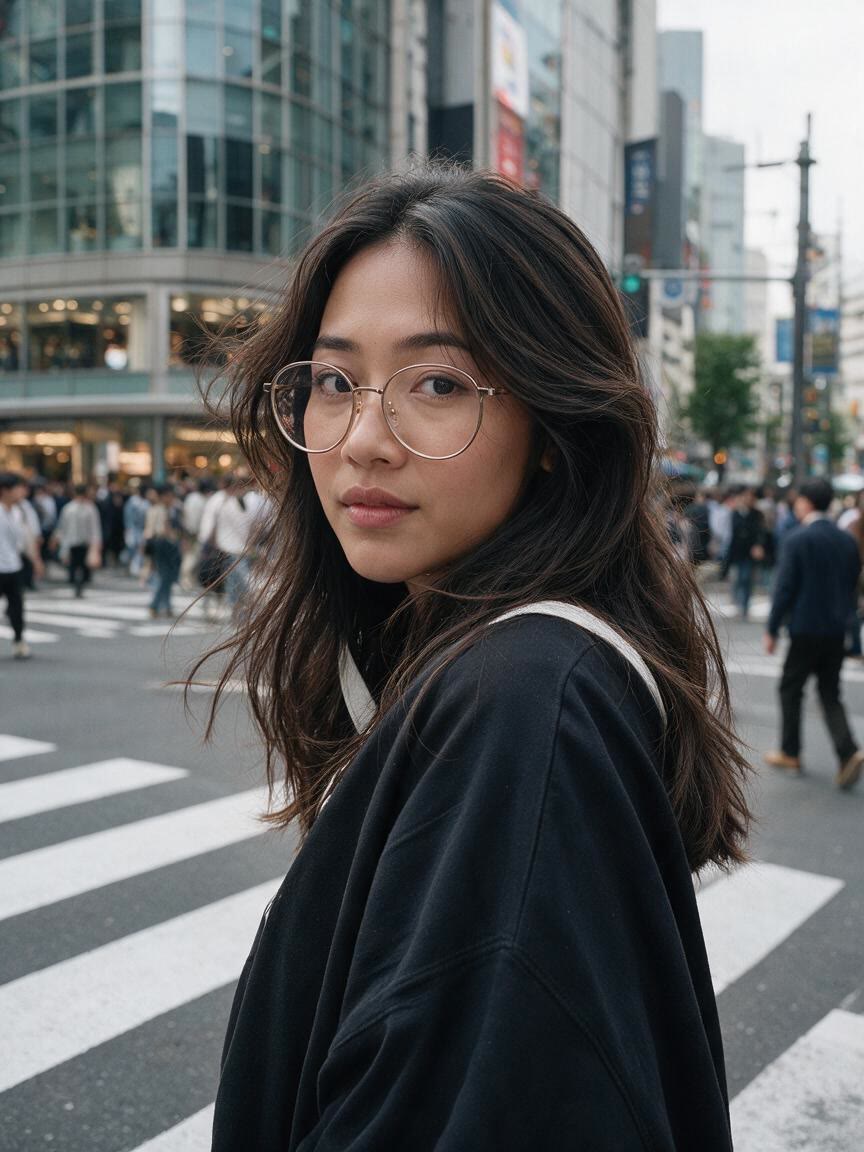
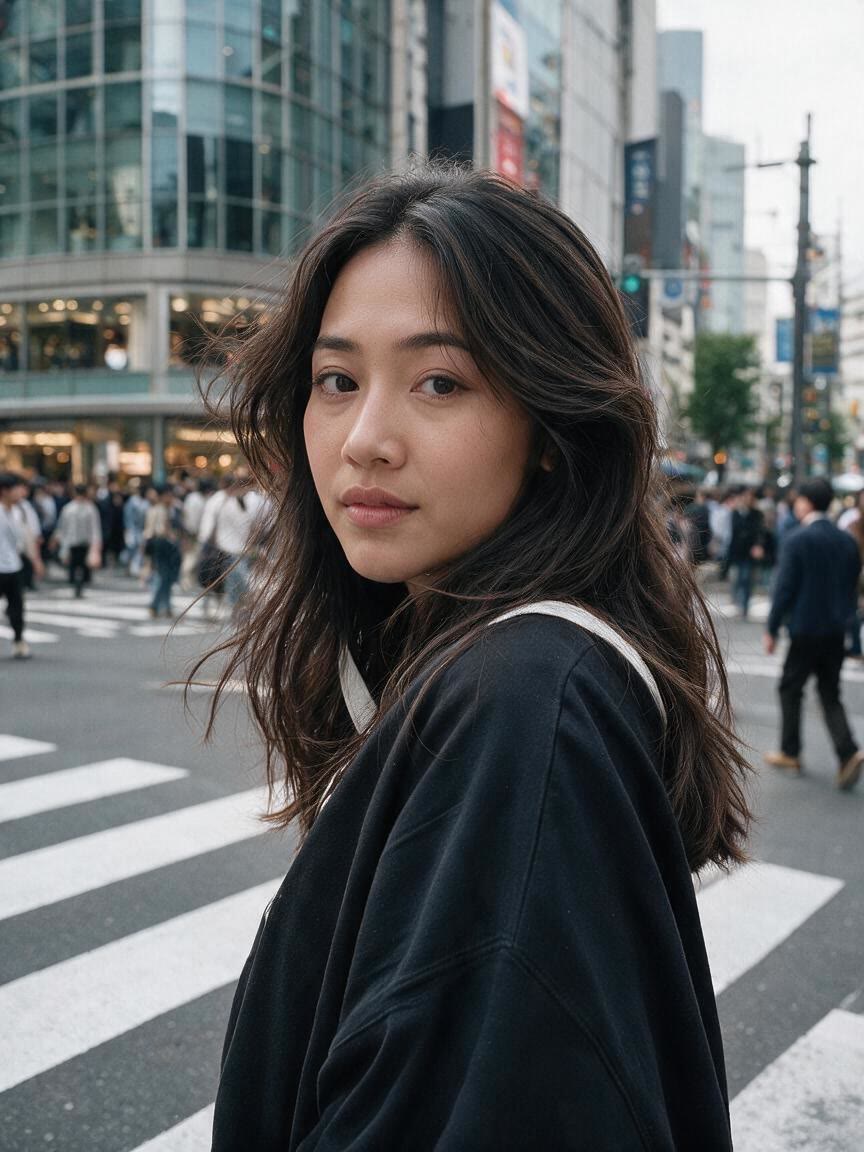
Refresh Profile Photos
When a profile image includes eyeglasses, upload the portrait and ask for a glasses-free version. Cavro uses the photo with your instruction to create an alternative suited to online profiles.
Try Cavro freeTurn a portrait with eyeglasses or sunglasses into a glasses-free image using your own photo and a written edit request. Ideal for profile photos, headshots, and creative portraits.
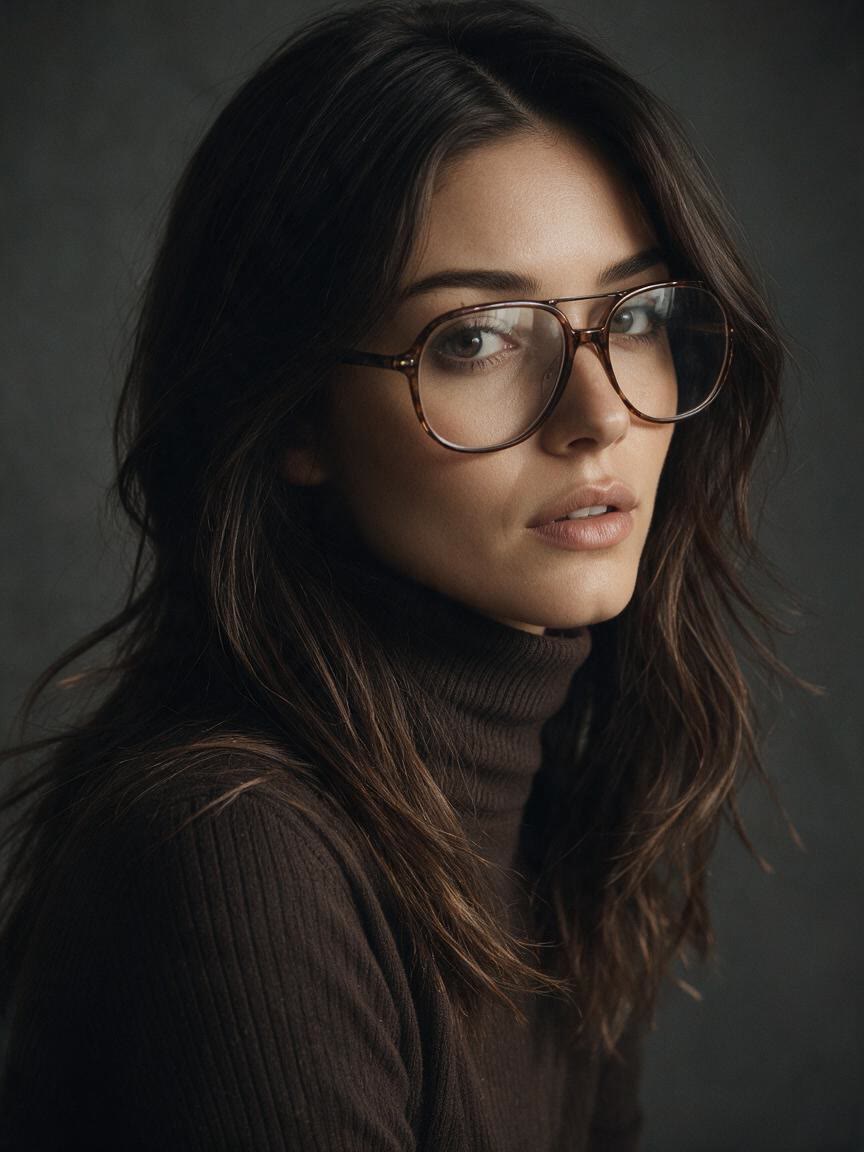
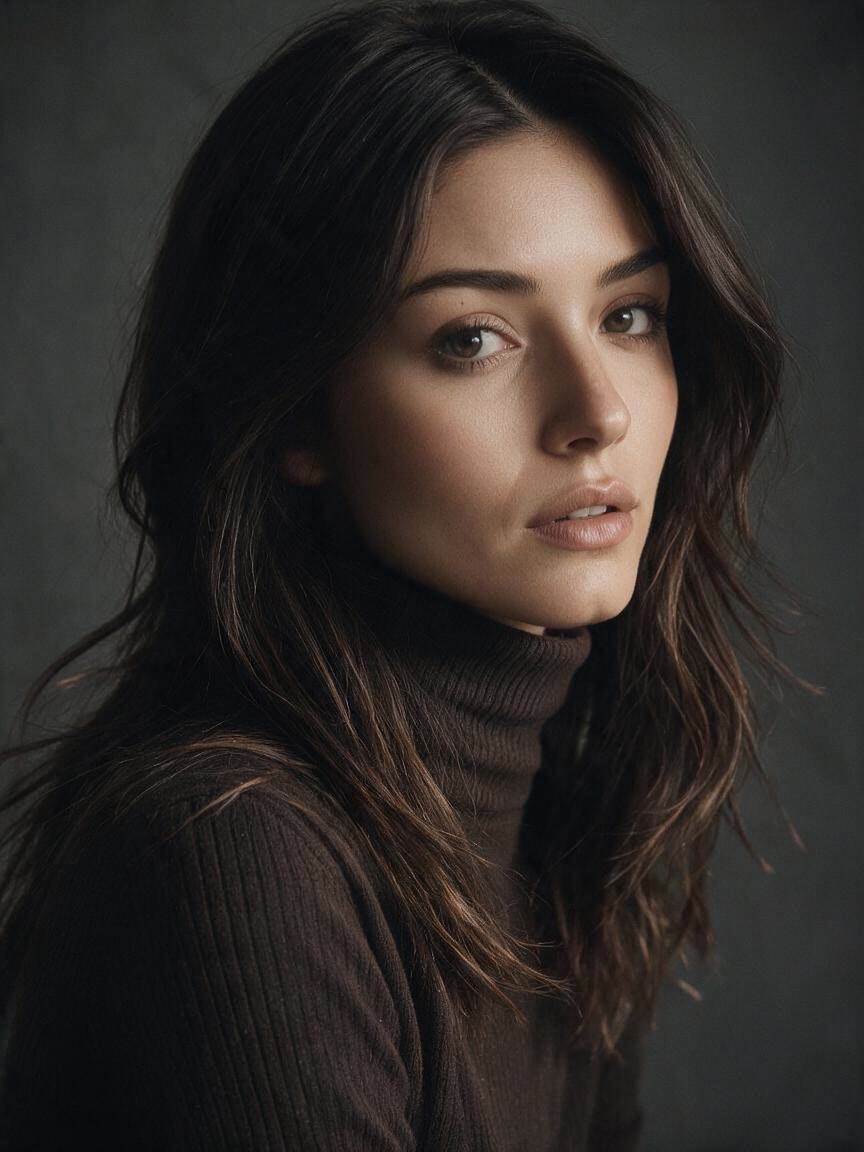

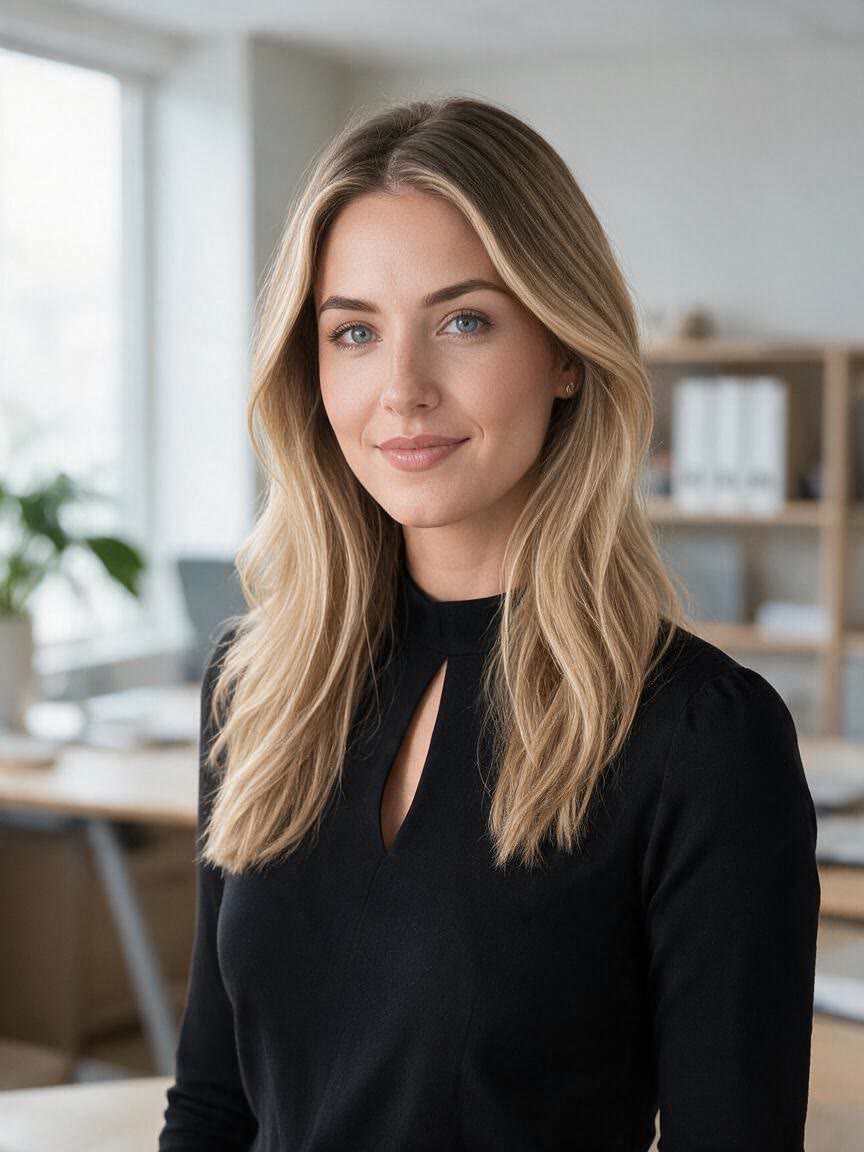

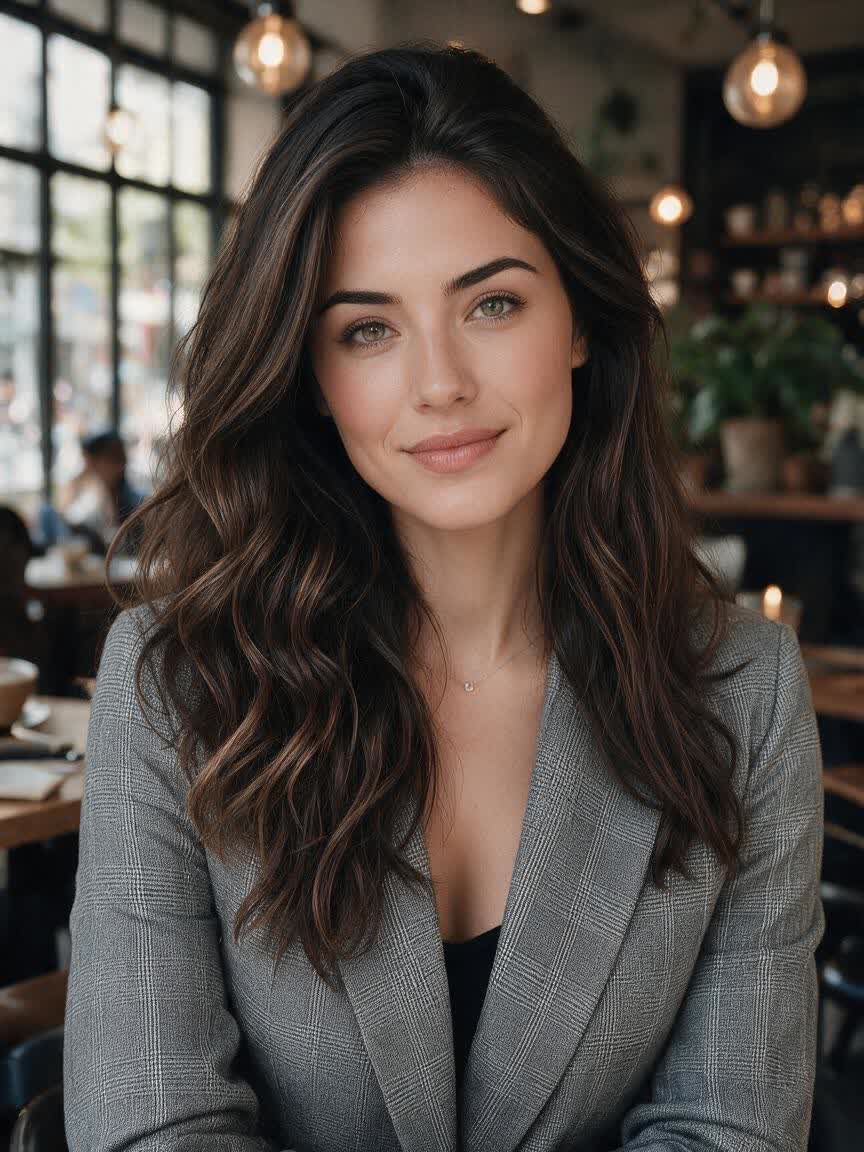






When a profile image includes eyeglasses, upload the portrait and ask for a glasses-free version. Cavro uses the photo with your instruction to create an alternative suited to online profiles.
Try Cavro free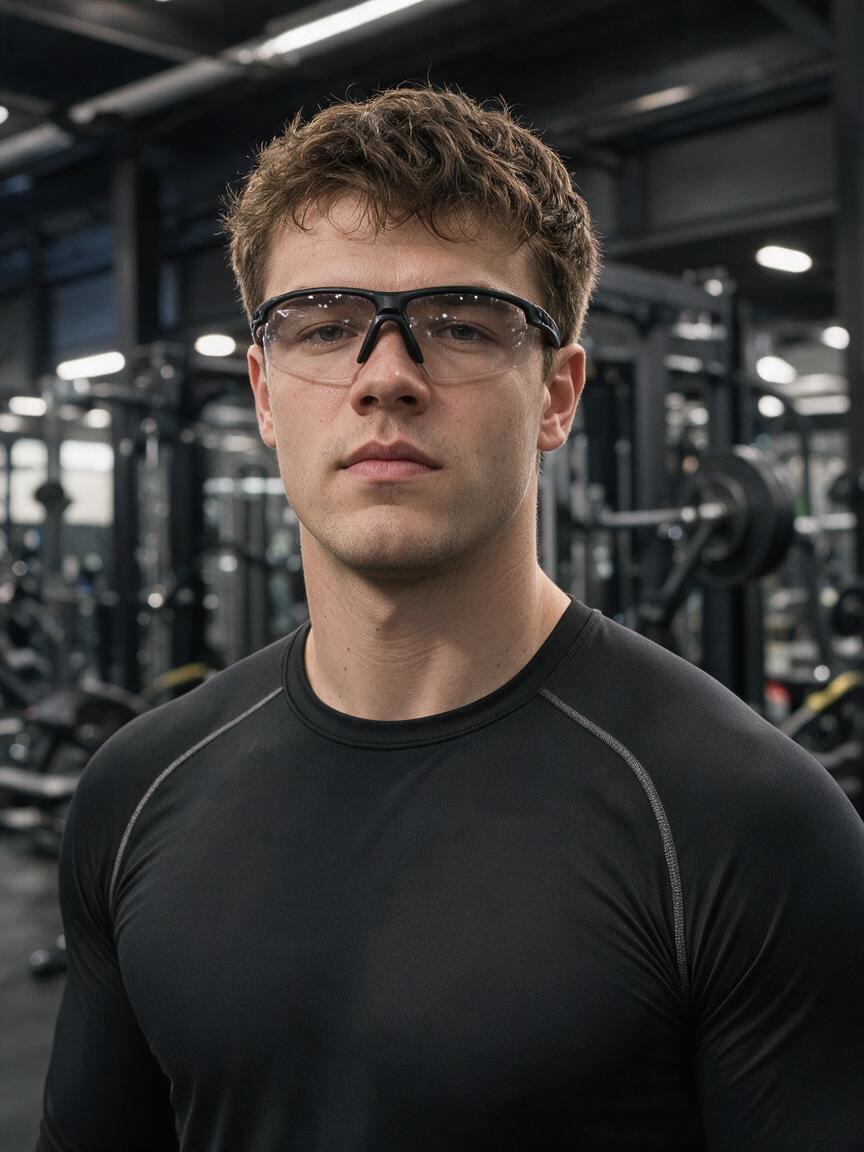
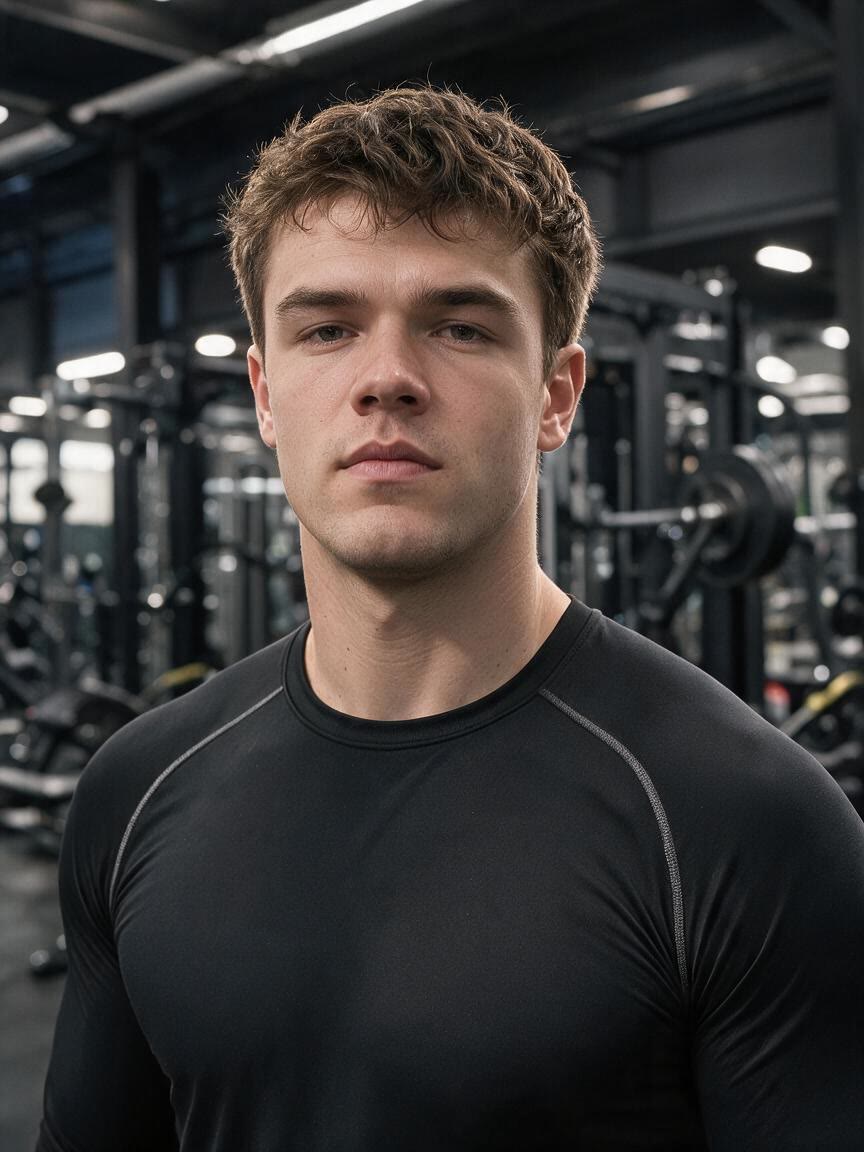
Bring a headshot with frames or sunglasses and describe the change you want. The resulting portrait gives you another direction to consider for professional or personal presentation.
Try Cavro free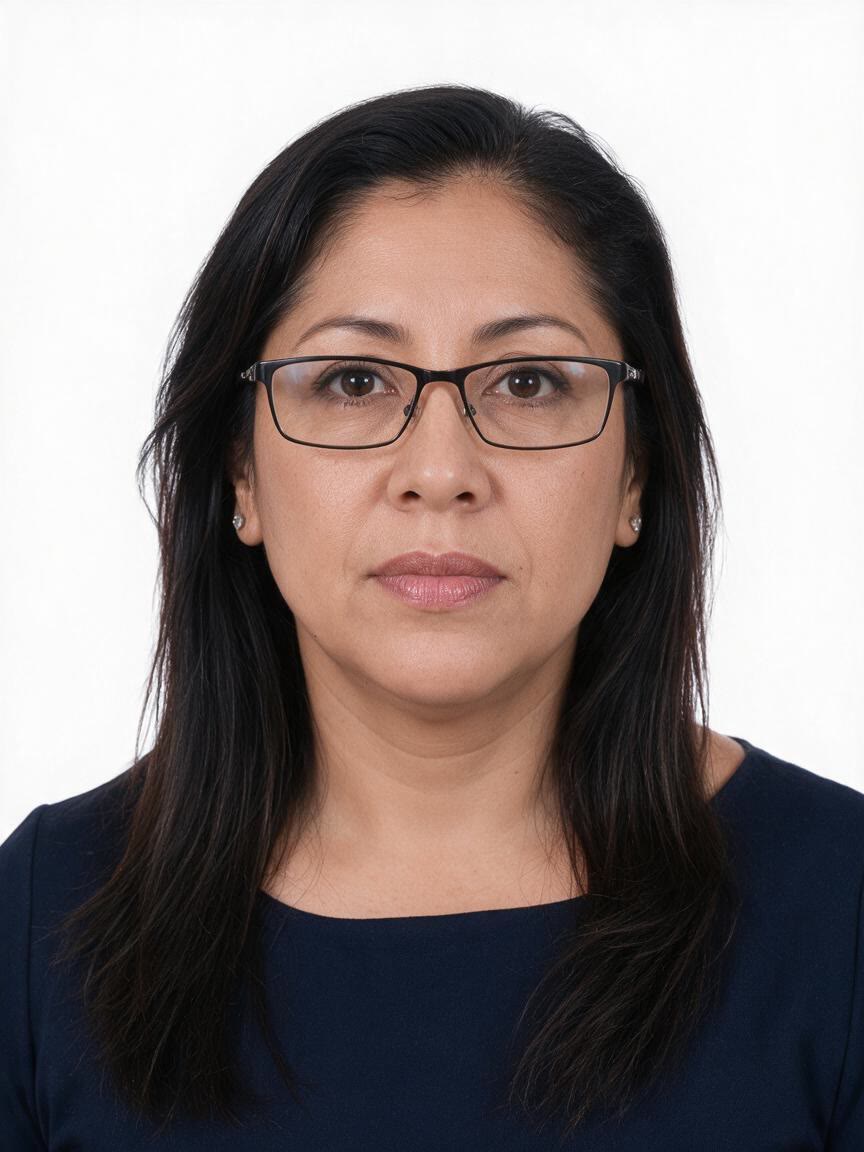
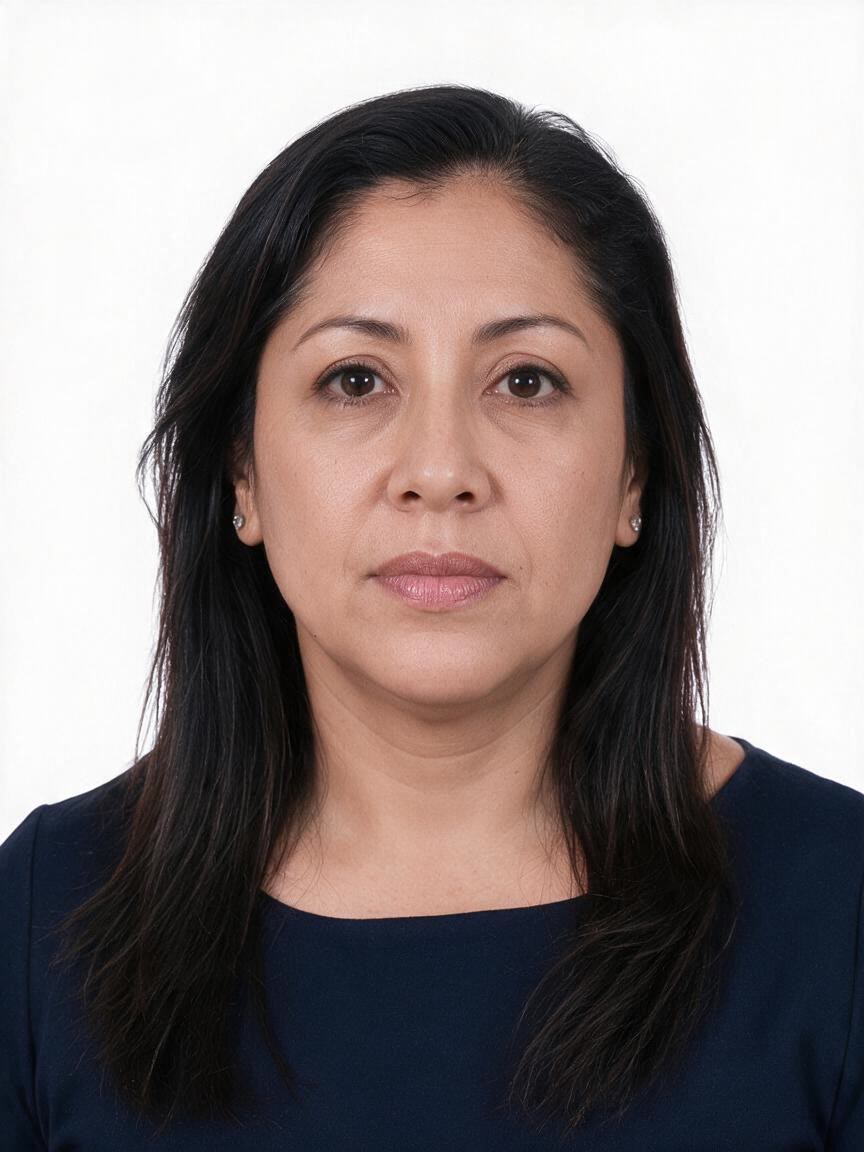
Use a familiar portrait as the starting point for a creative glasses-removal edit. Refine the instruction and generate again when you want to explore a different visual direction.
Try Cavro free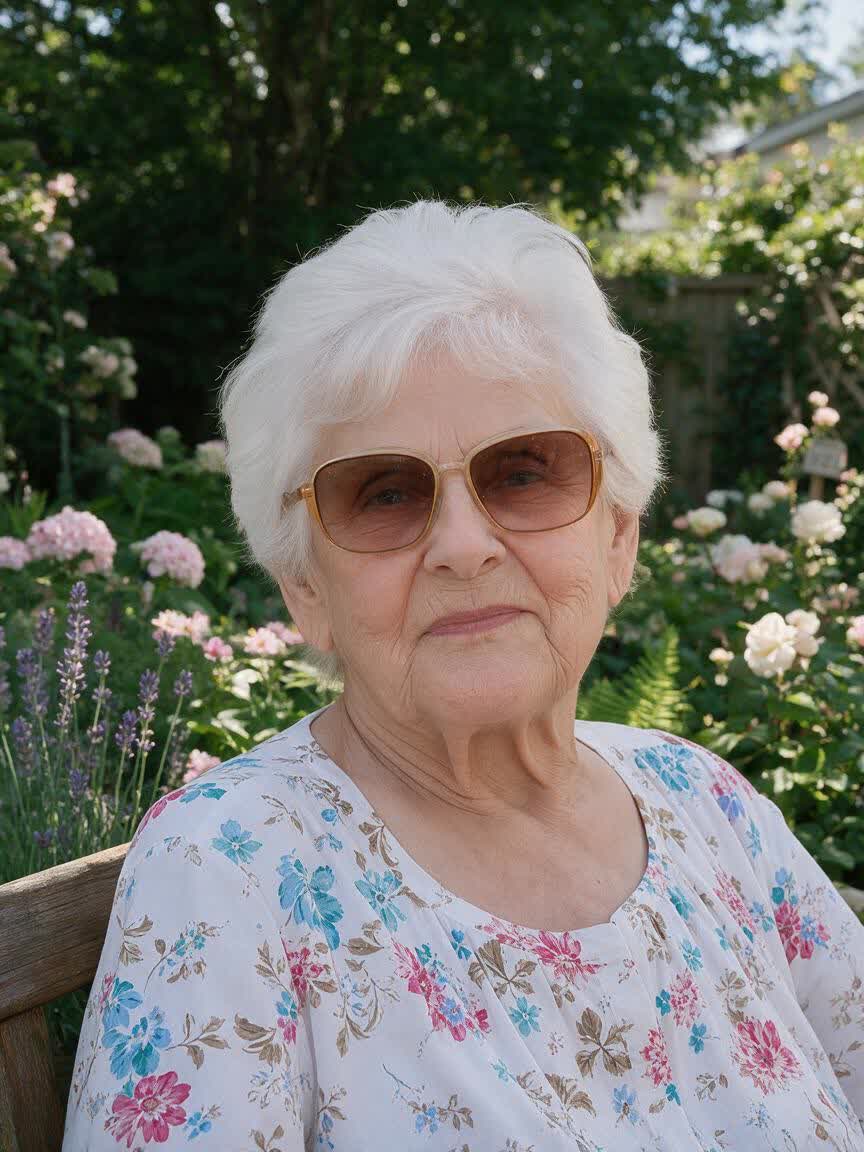
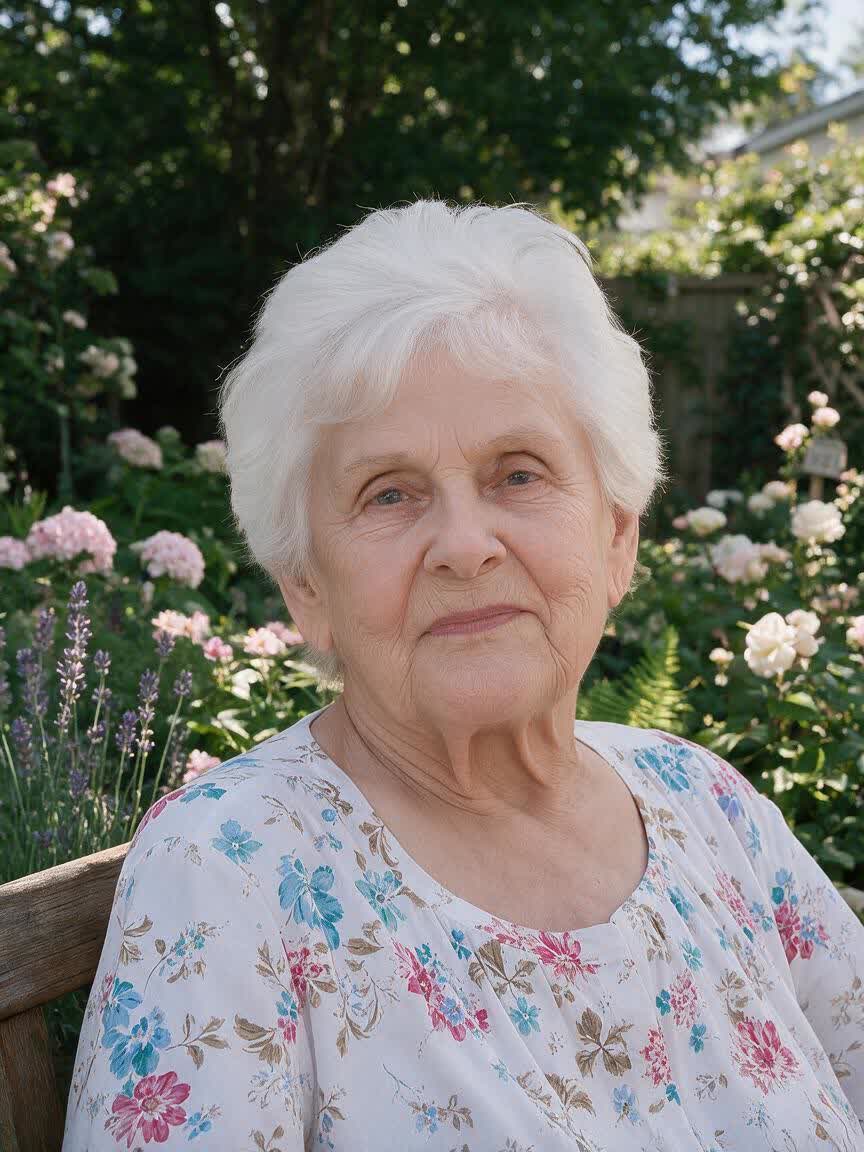
You do not have to rebuild the portrait from words alone. Cavro uses your uploaded photo as the reference, so the glasses-removal request starts from the image you already have.
Try Cavro free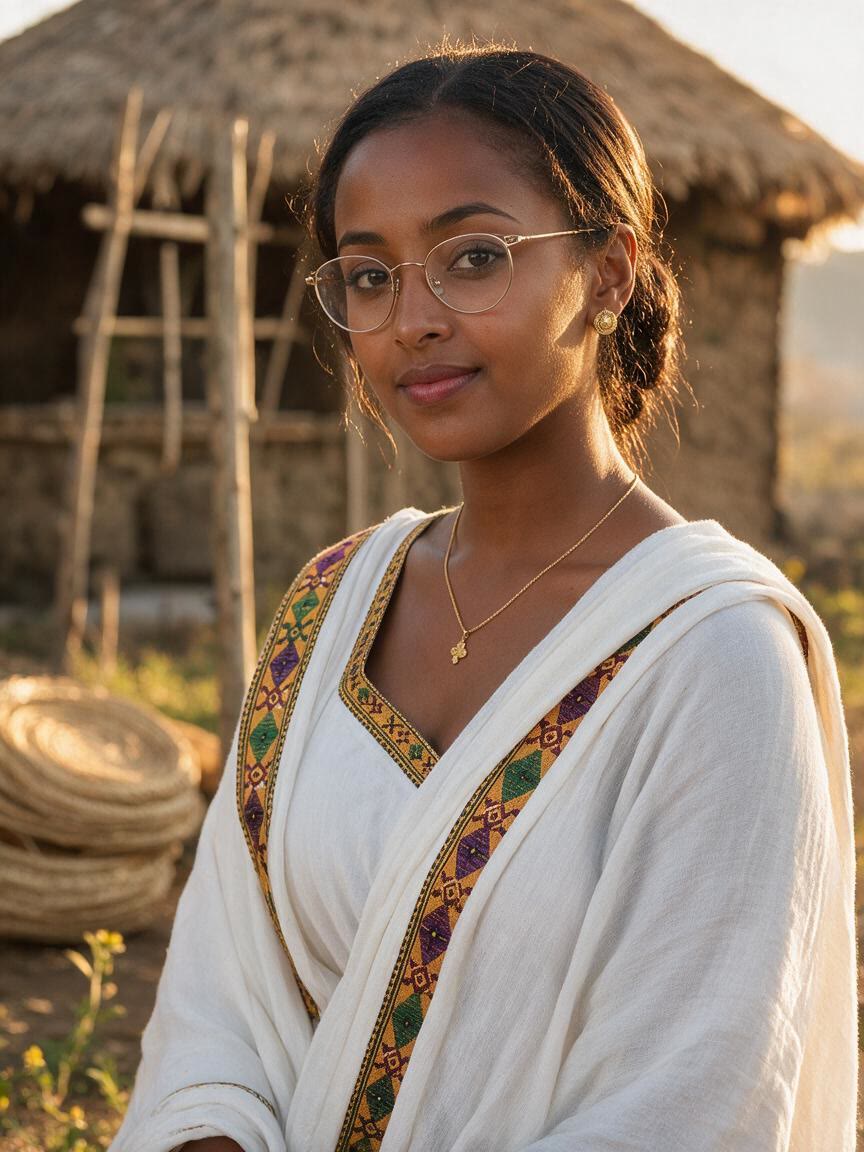
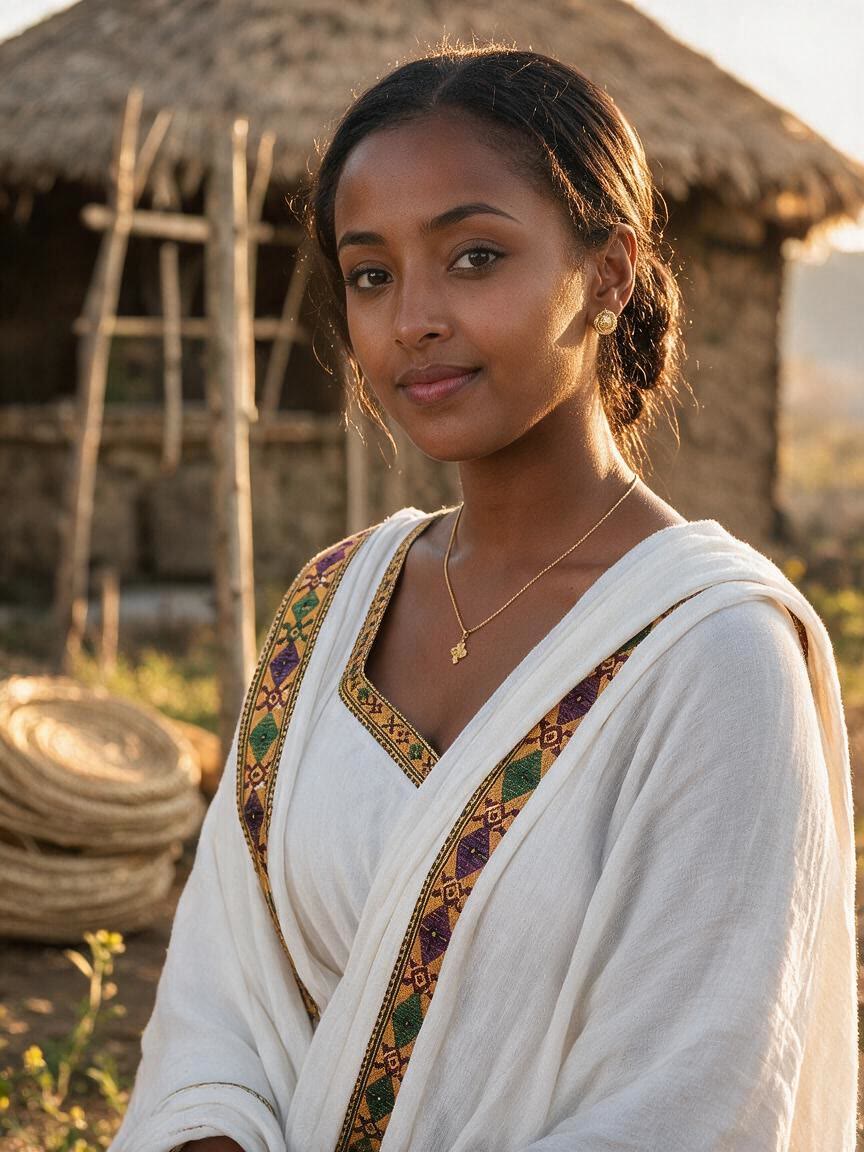
A first glasses-removal result is not the end of the process. Refine your request and generate again in the same conversation as you shape the portrait you want.
Try Cavro free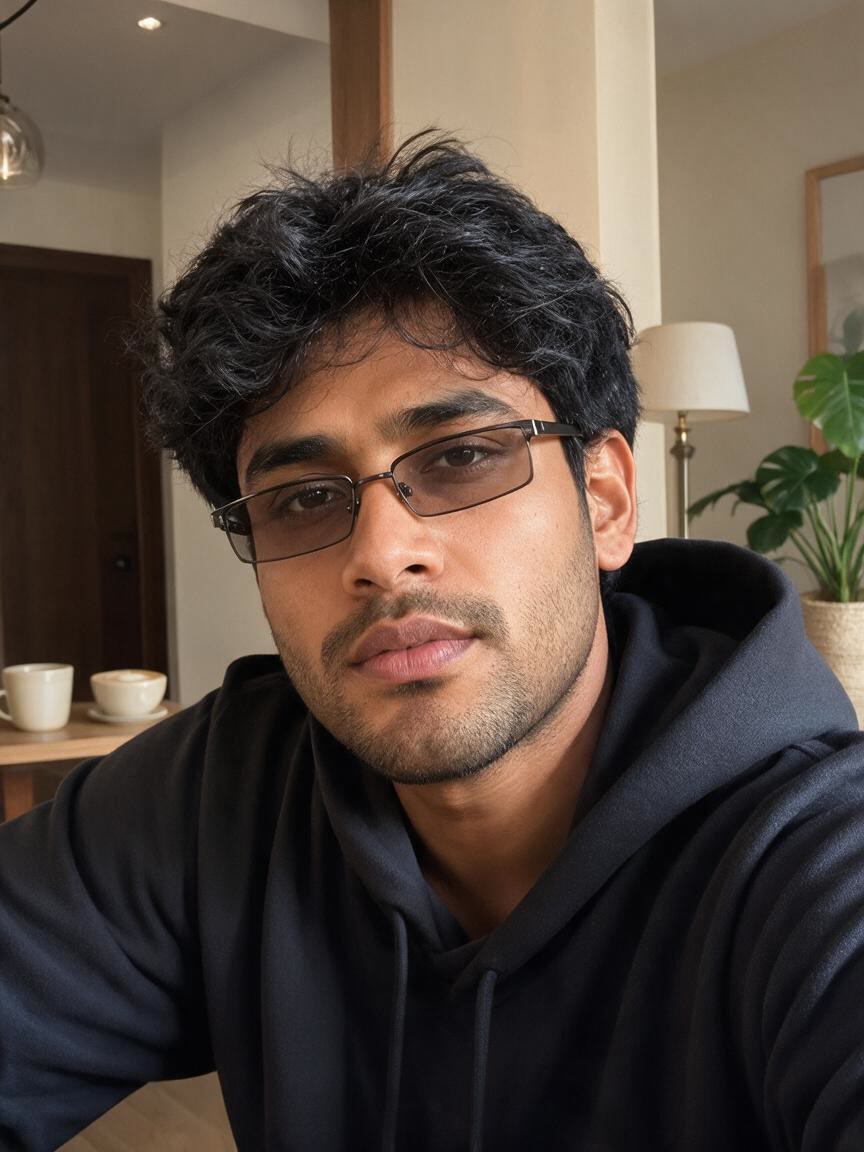
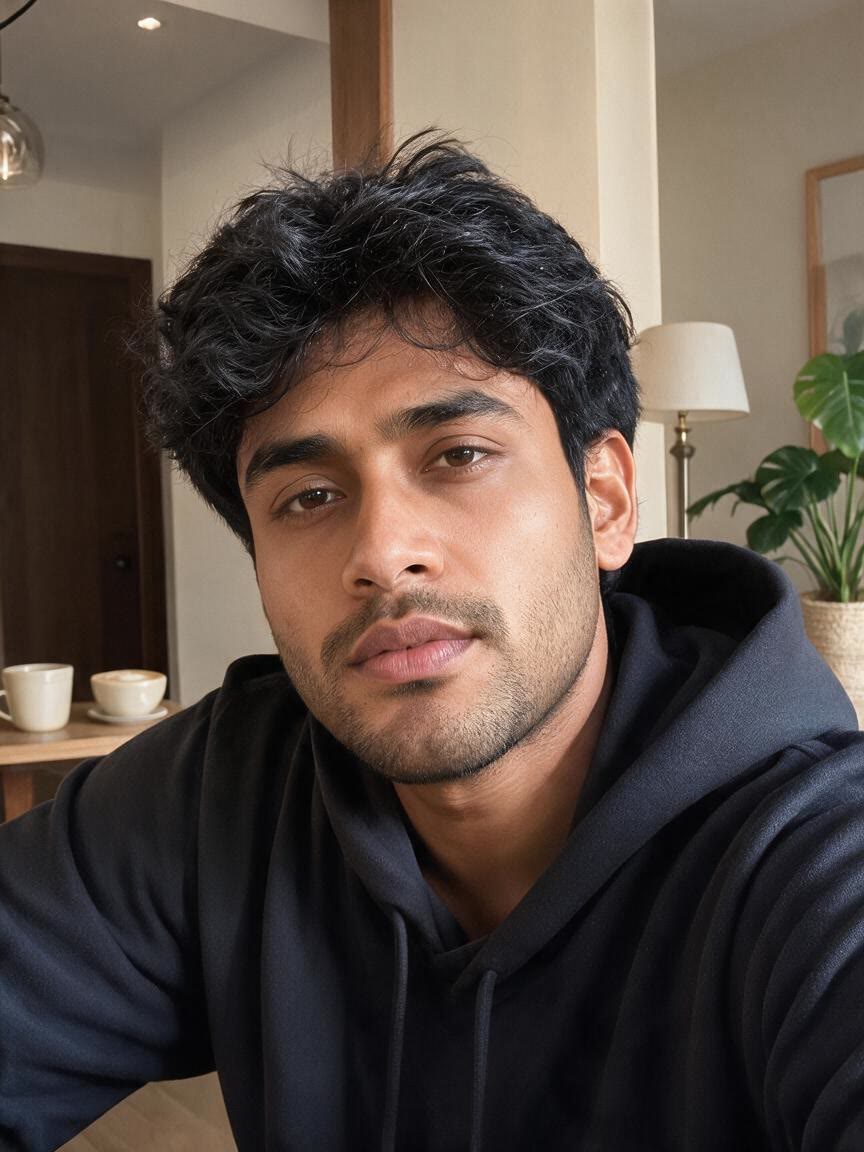
The same conversation can produce images or video when your idea moves beyond a still portrait. Both use one credit balance, so your glasses-removal concept can develop in either format.
Try Cavro freeYes. Upload a reference photo and write an instruction asking Cavro to remove the eyeglasses or sunglasses. The photo and your words guide the requested image edit.
Yes, you can use a portrait that shows sunglasses and describe that change in your prompt. Cavro carries the reference photo and written request into the image generation process.
Yes. You can refine the request and generate again in the same conversation without starting over. This lets you explore another version of the portrait from the same ongoing edit.
Cavro results are billed per credit, and there is no mandatory subscription. Check pricing for the current credit options before continuing.
Cavro can create images or video from a written prompt and/or reference photo. Images and video come from the same conversation and use one credit balance.
Creators worldwide are turning “just an idea” into expensive-looking images.