
Remove Emoji From Photo

Create cleaner photos from images covered by unwanted emojis.
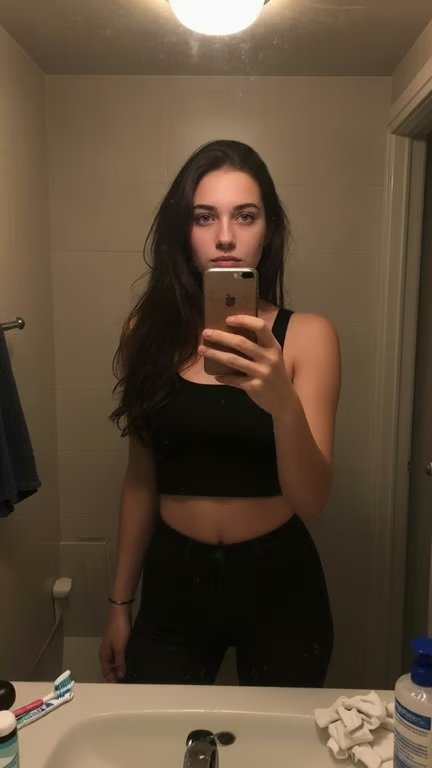
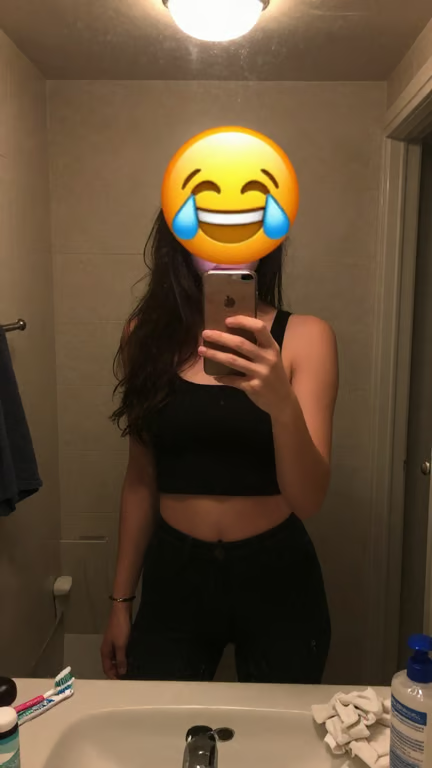
Bathroom mirror selfie with the laughing-with-tears emoji removed from the woman's face.
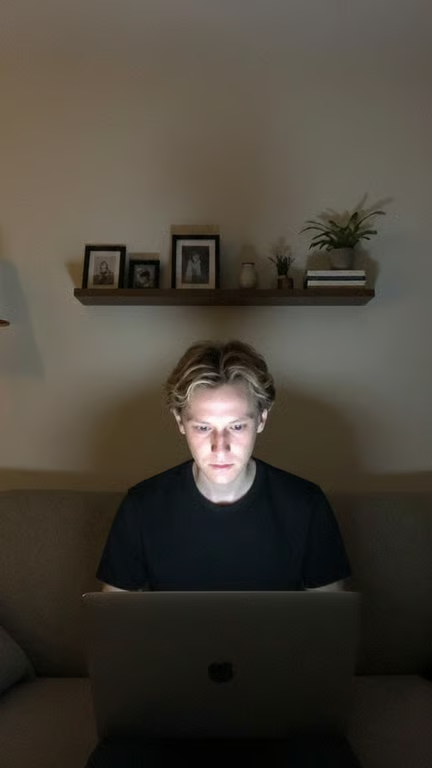
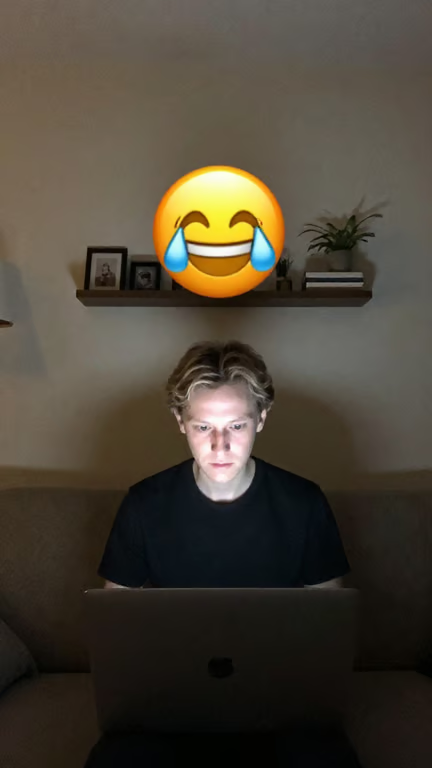
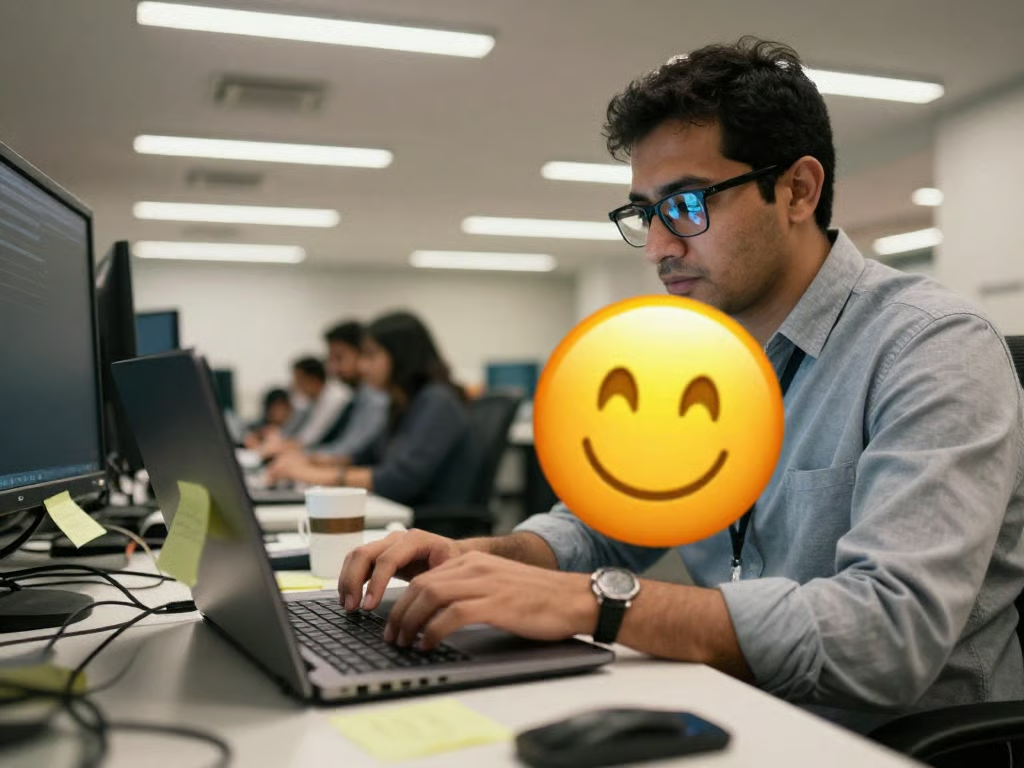
Photo of a person using a laptop with the large emoji removed from above the shelf.
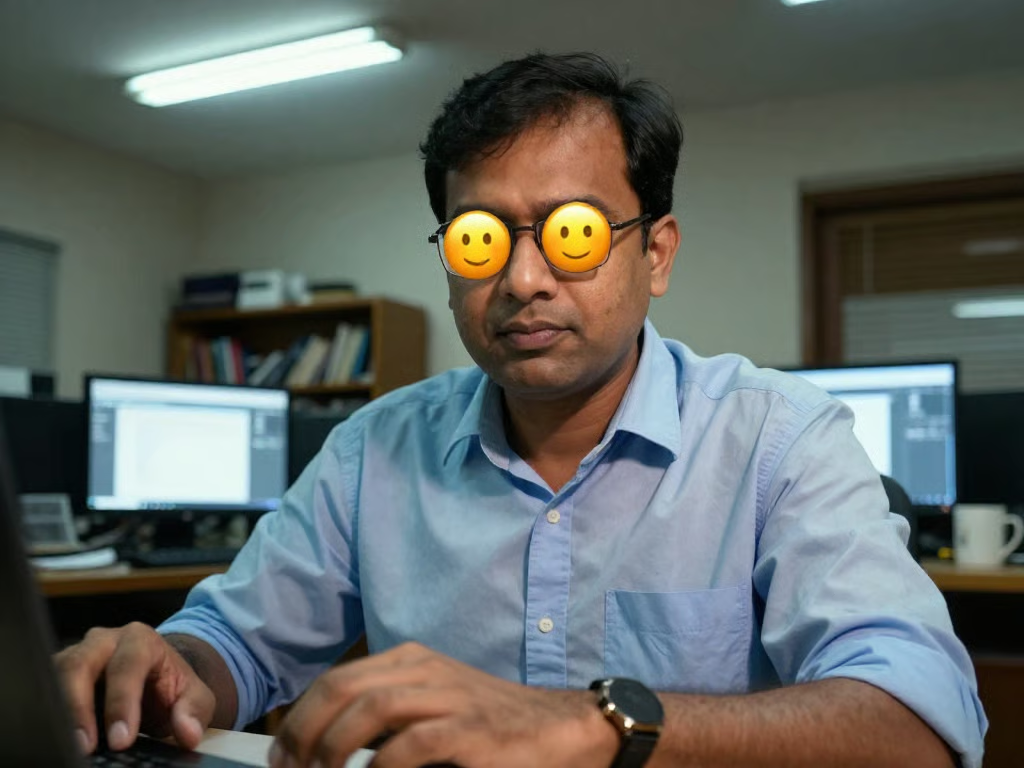
Man wearing glasses after two yellow smiling-face emojis are removed from his eyes.
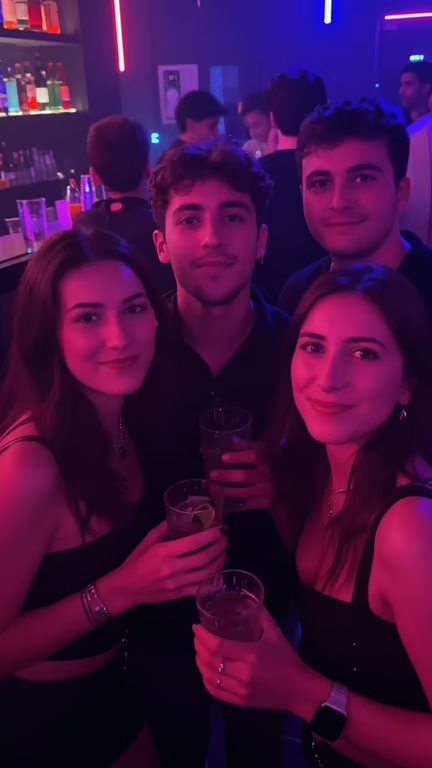
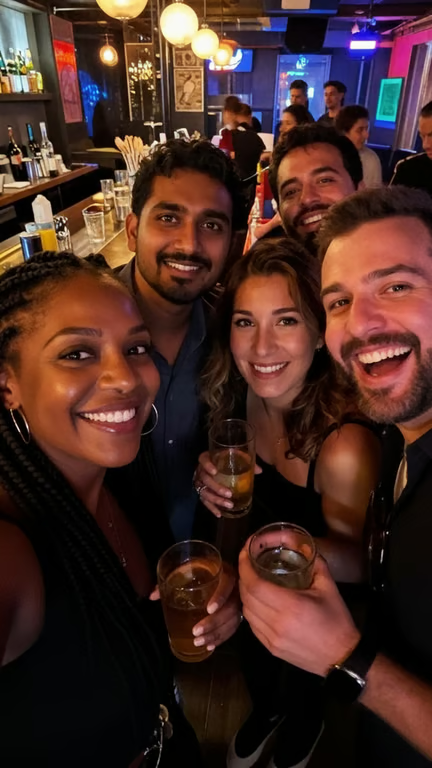
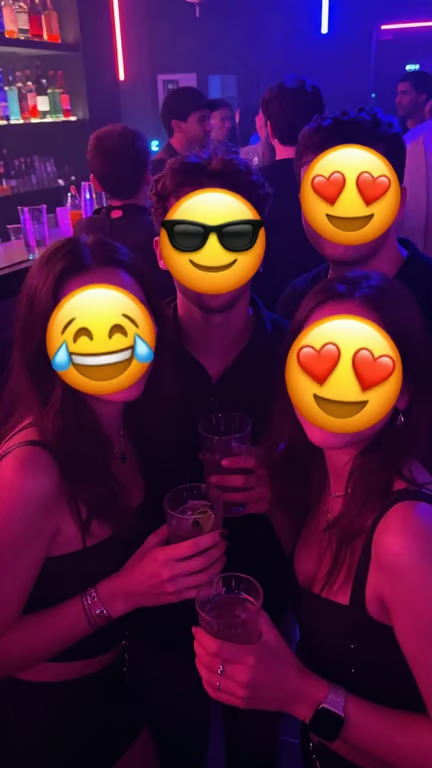
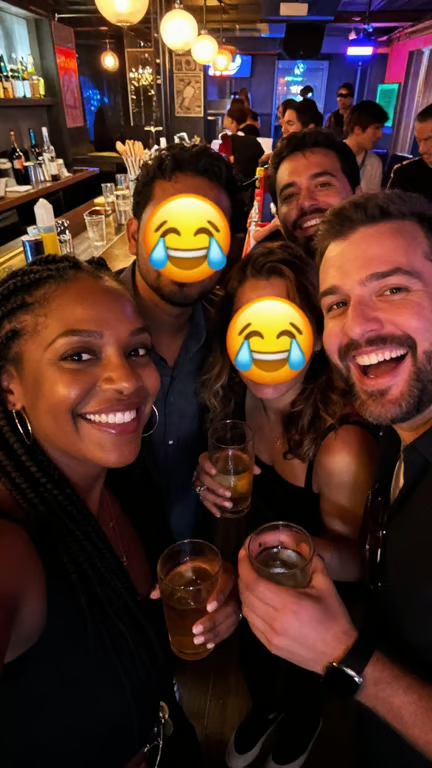
Group photo at a neon-lit bar with four face emojis removed from the foreground people.
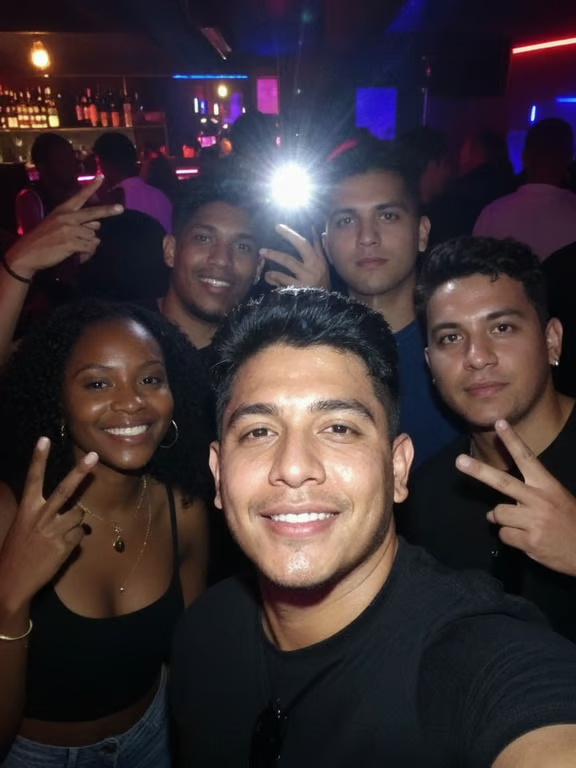
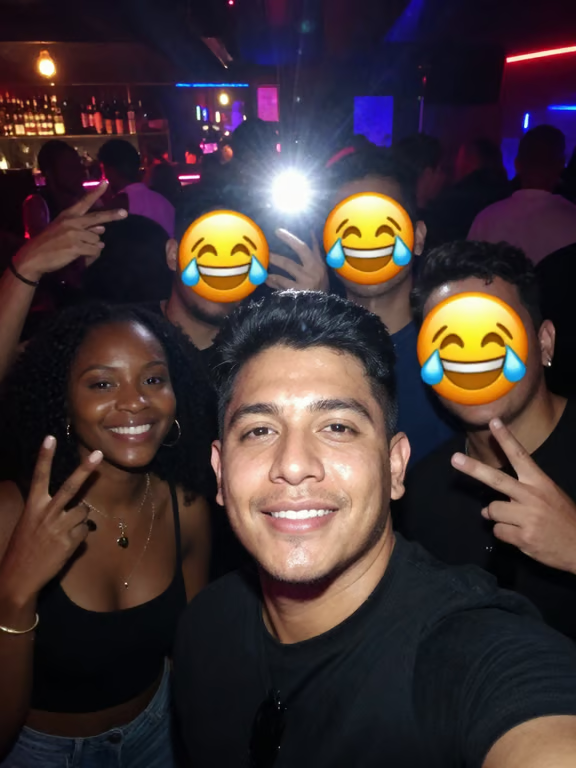
Group selfie in a nightclub with three background faces visible after emoji removal.
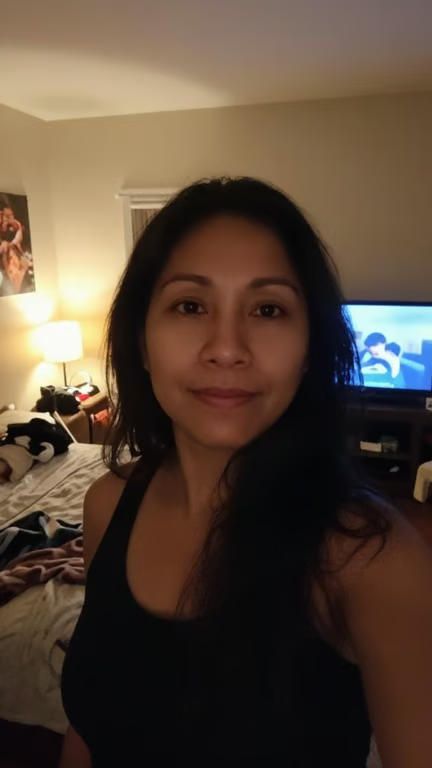
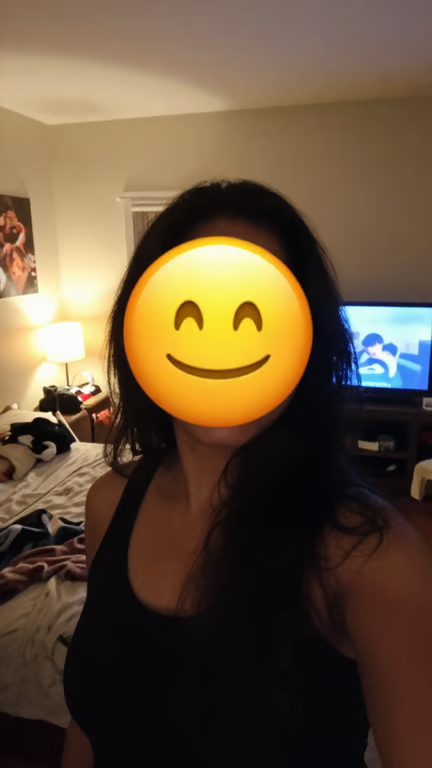
Portrait of a woman indoors with her unobscured face visible.
Group selfie at a bar with the two central faces visible after emoji removal.
Man working at a laptop in an office after a smiling emoji is removed.
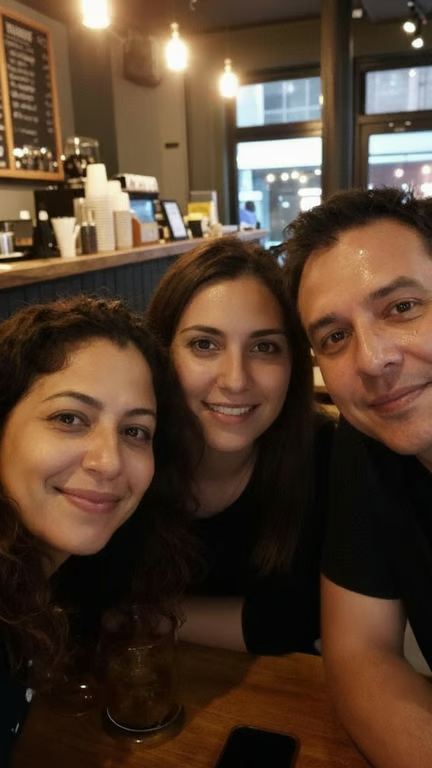
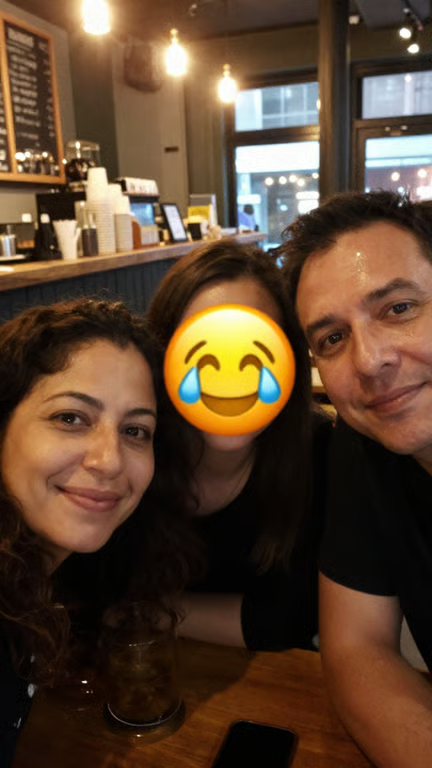
Three people pose together in a café, with the center woman's face visible and free of the emoji.
Restaurant photo of a man and woman after the emoji covering her face is removed.
What you get

All the power, none of the hassle

Photo-Guided Editing

Use your uploaded photo as the visual starting point for an emoji removal request.

Plain-Language Control

Describe which emoji or sticker to remove and how the cleaned image should look.

Refine Without Restarting

Make another removal or cleanup request in the same conversation when the first attempt needs adjustment.

Image Result

Turn an edit prompt and reference photo into a refreshed image for your personal or social use.

User value

We are the best AI tool for...

  1. Share without distracting overlays

    Post family, travel, pet, and event photos without emojis pulling attention away from the image.

  2. Skip complicated retouching

    Use a written request instead of needing advanced photo-editing skills to describe the cleanup you want.

  3. Recover more usable memories

    Give marked-up personal photos a cleaner role in albums, messages, and social posts.

Perfect proof

What our users say

  • I had a vacation photo with a large emoji across it. I described the cleanup and got a much more usable image to share.

    Mara K.
  • The prompt made it simple to explain which sticker I wanted gone from a product photo. I could refine the request when I wanted a different result.

    Jonah R.
  • I wanted an old family picture without the emoji covering part of it. The photo reference and plain-language request were exactly what I needed.

    Lena P.
  • My social post looked cluttered because of a decorative overlay. I used a focused removal prompt and ended up with a cleaner-looking image.

    Drew S.
  • I do not use advanced editing software, so describing the unwanted sticker felt much more approachable than retouching it myself.

    Nia T.
  • I was able to keep refining the photo in the same conversation instead of starting from scratch after every adjustment.

    Caleb M.
Answers

Common questions

How do I remove emoji from a photo with AI?

Add your photo and describe the emoji removal you want in a written prompt. Cavro uses the prompt and reference photo to create an image you can refine.

Can I remove a sticker from an image too?

Yes, you can describe a sticker or other unwanted overlay in your image-editing prompt. Include the photo so the requested change is guided by the original image.

Do I need photo-editing skills?

No advanced editing skills are required to describe the change. Write what you want removed and use your photo as the reference for the image.

Can I refine the result if the first attempt is not right?

Yes. You can make another request in the same conversation without starting over, including a more specific instruction about the emoji removal.

How does payment work for an emoji removal image?

Results are billed per credit. There is no mandatory subscription, and images and video use the same credit balance.

Play with an idea. Leave with an image.

Creators worldwide are turning “just an idea” into expensive-looking images.

Try Cavro free