




Reference Photo Input
Upload a photo alongside your prompt so the requested color change is grounded in your source image.
Turn unwanted hues into cleaner visuals.

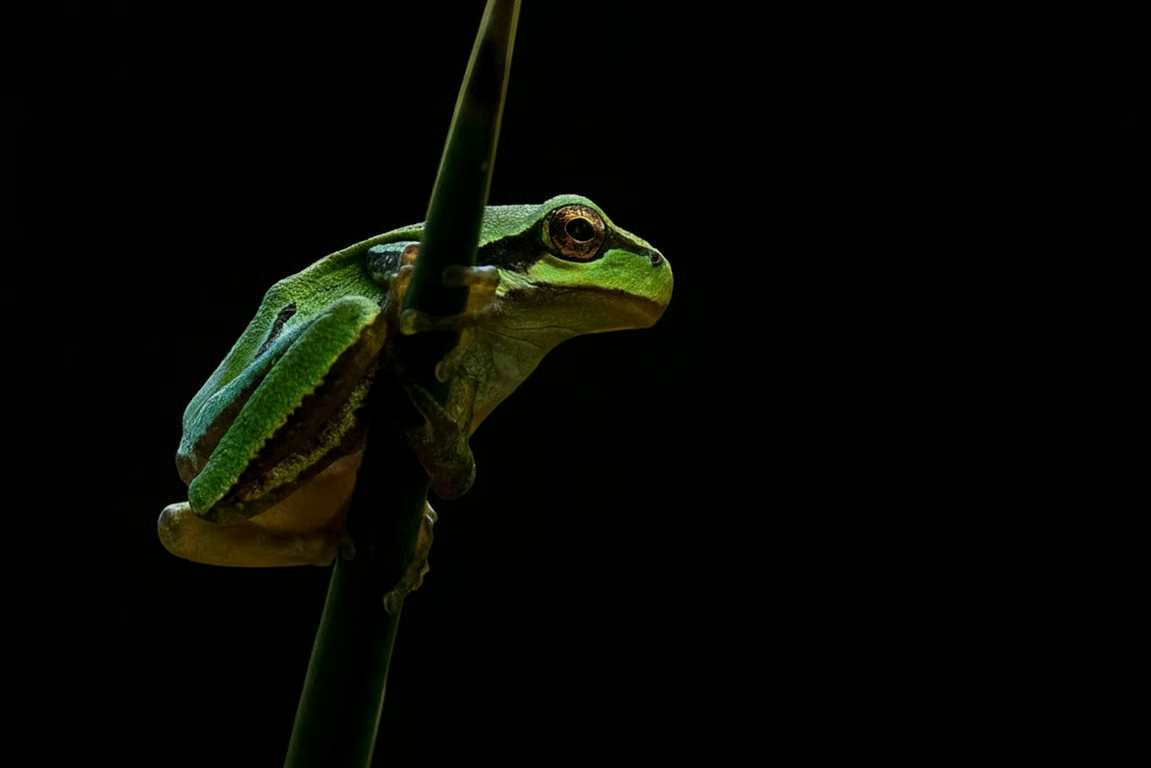




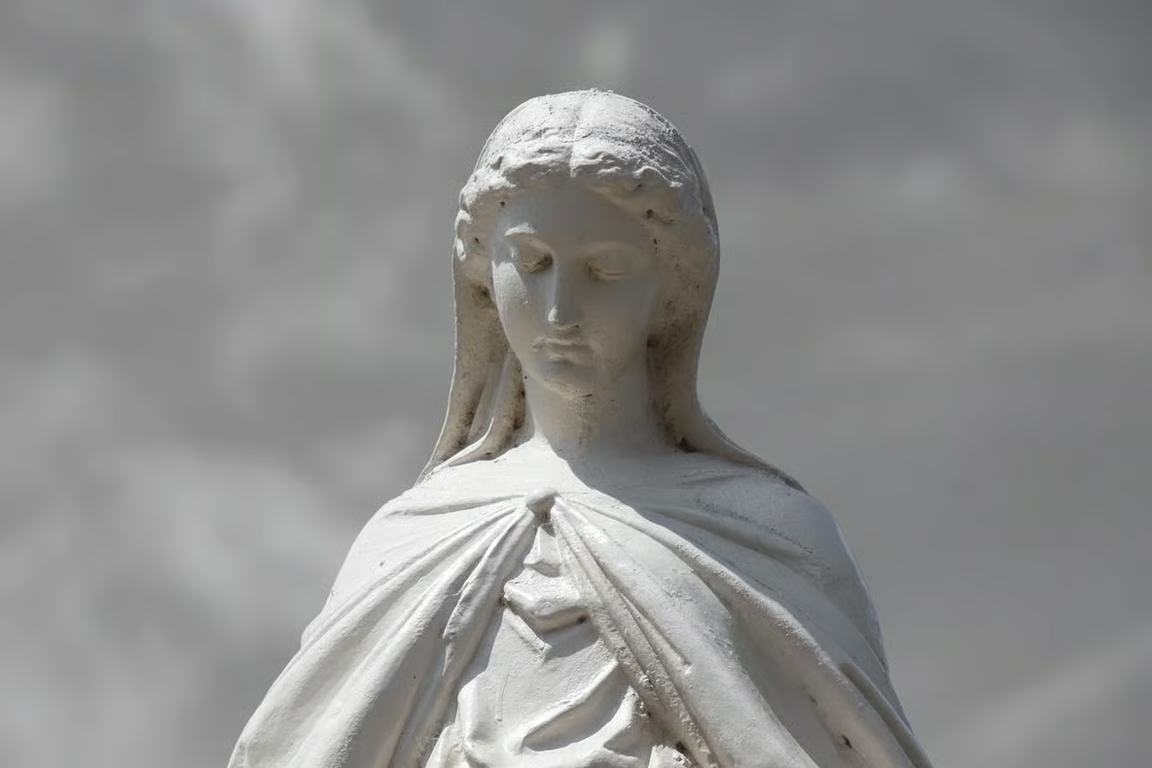
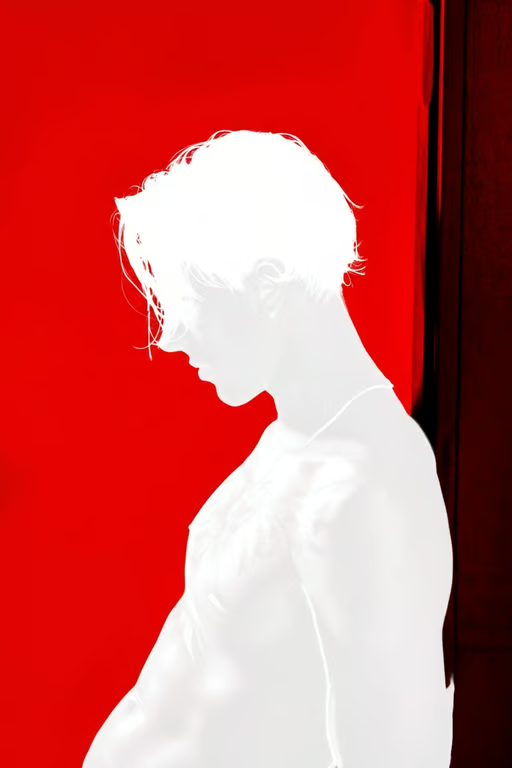
Upload a photo alongside your prompt so the requested color change is grounded in your source image.
Name the background color, object color, tint, or overlay you want to remove.
Describe a new color or background for the area affected by the requested removal.
Adjust the color direction and generate again in the same conversation when the first result needs refinement.
Redirect a background hue or color cast in an existing photo instead of rebuilding the entire visual.
Shape product shots, logos, stickers, and campaign images toward the color direction each use requires.
Explain the unwanted color in everyday language and refine the visual through conversation.
Redirect a background hue or color cast in an existing photo instead of rebuilding the entire visual.
Yes. Use a written prompt to name the unwanted hue, such as a background color, object color, tint, or overlay, and add a reference photo when useful.
Yes. Include the replacement color or background direction in your prompt. Cavro can use that instruction when creating the requested image.
Yes. You can refine the instruction and generate again in the same conversation. There is no need to start over.
No mandatory subscription is required. Results are billed per credit, and images and video use the same credit balance.
Yes. Cavro accepts a written prompt and/or a reference photo. Combining both gives your color direction a visual source to follow.
Creators worldwide are turning “just an idea” into expensive-looking images.