

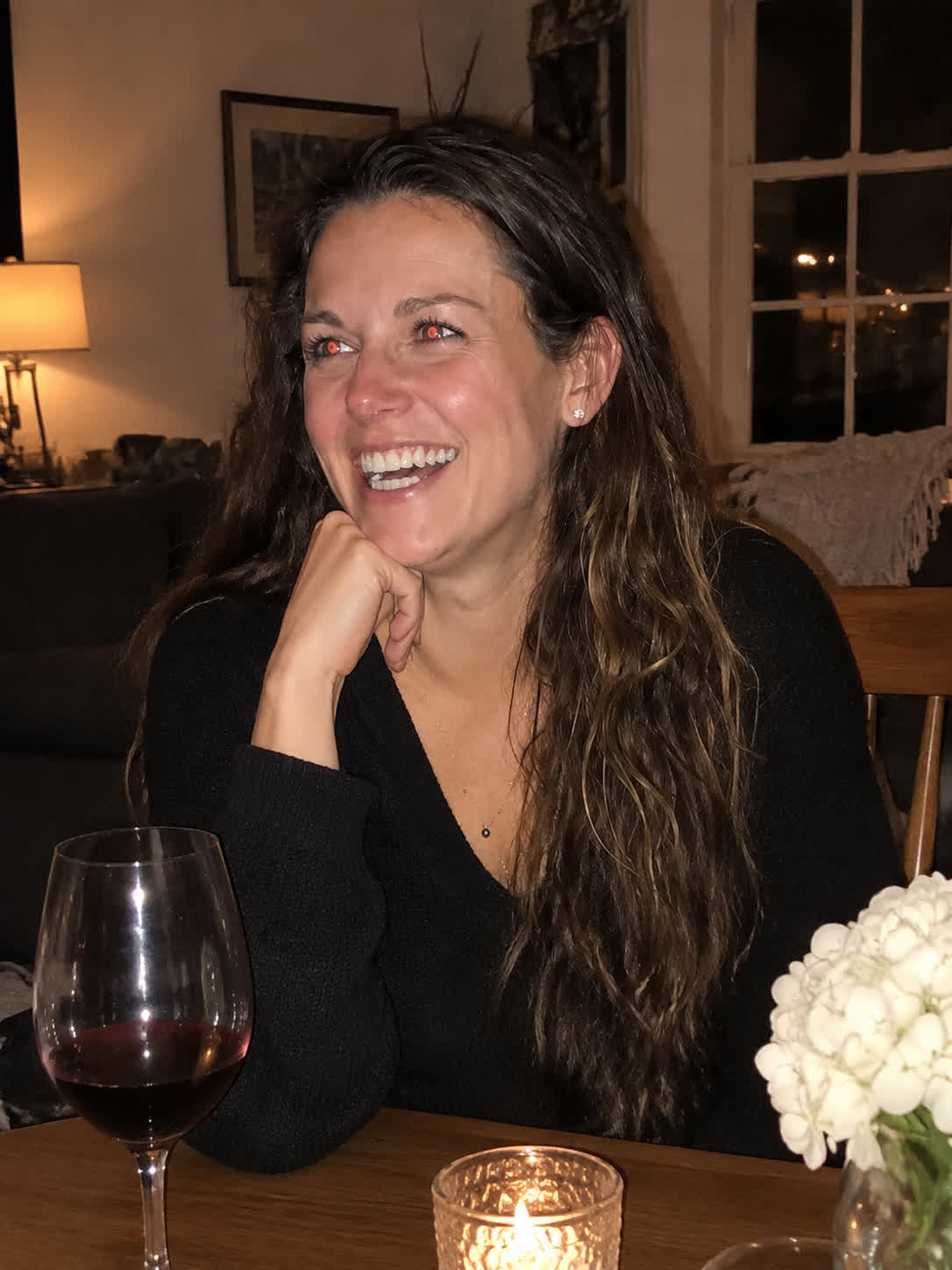
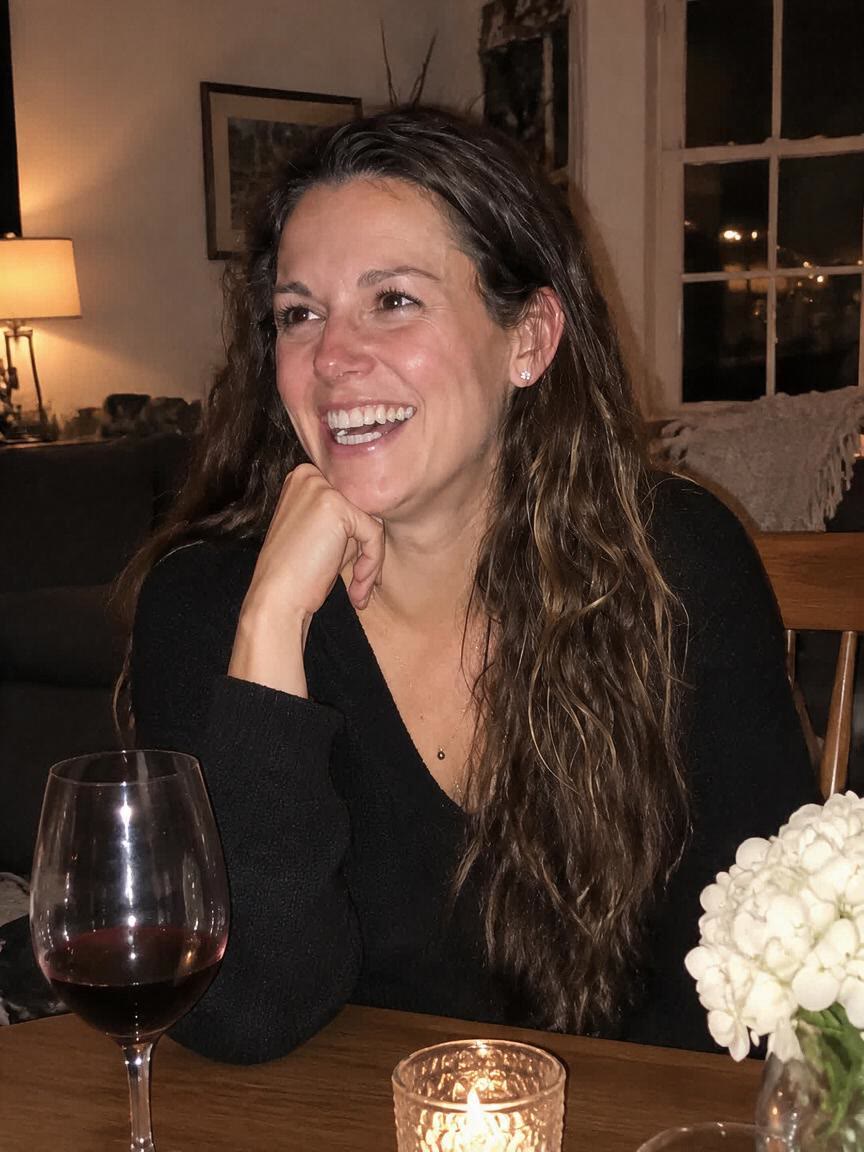
Save Group Memories
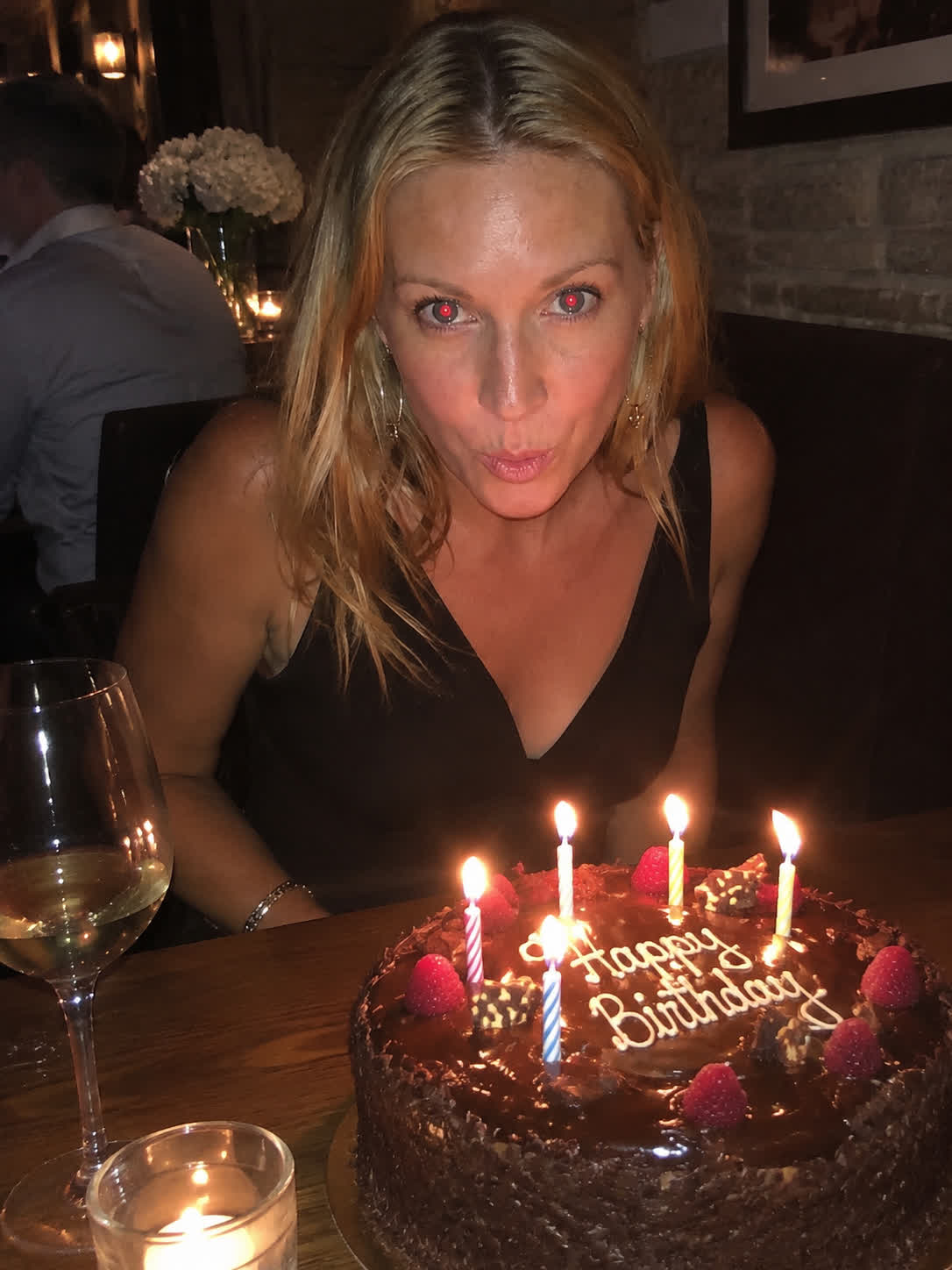
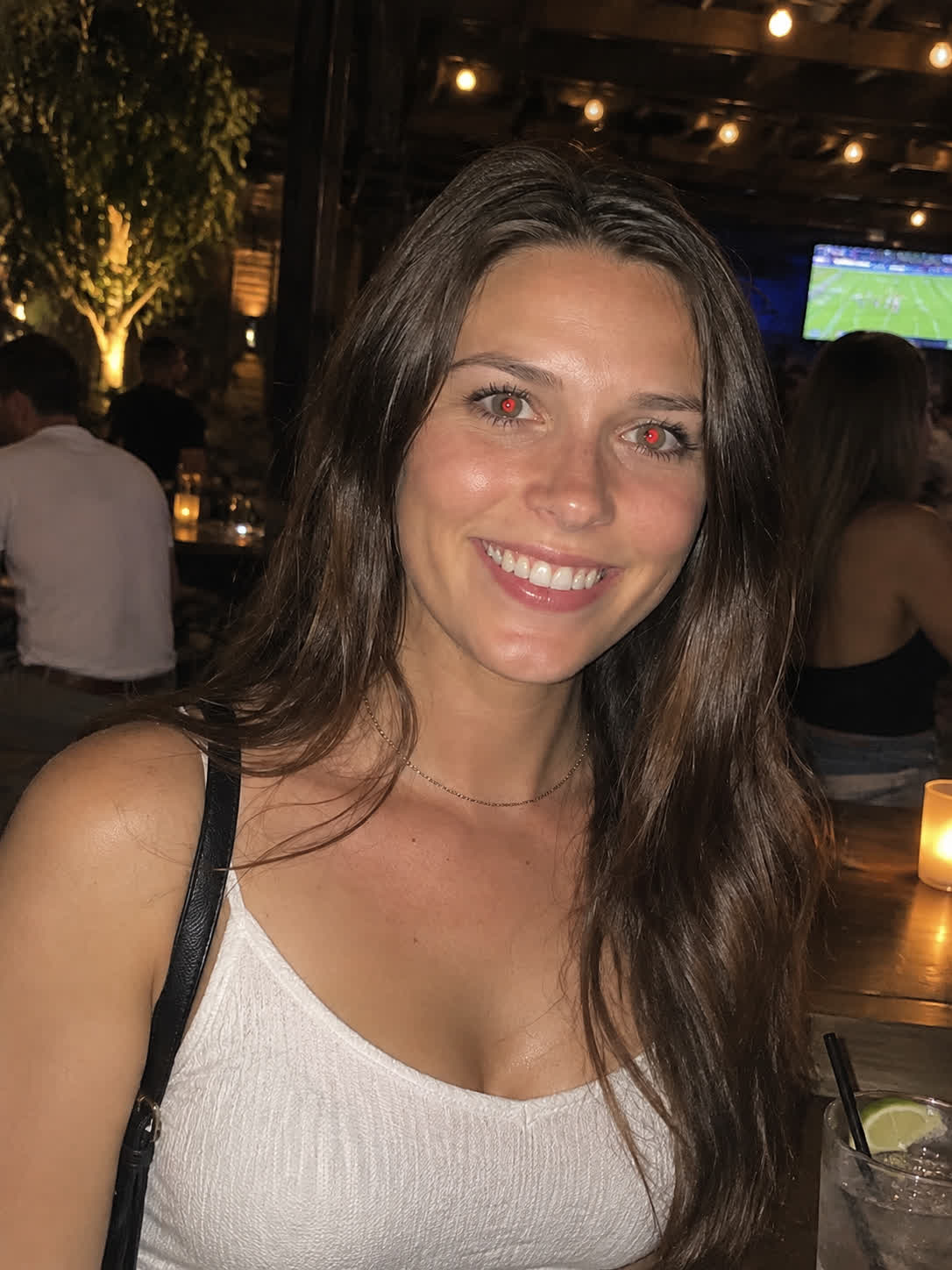
A family or group photo can lose its natural feel when flash affects several pairs of eyes. Bring the picture and request a red-eye correction to make the shared memory more comfortable to look at and share.
Try Cavro freeRestore natural-looking eyes in portraits, selfies, family photos, and event shots. Photographers, creators, and anyone editing flash photography can bring a reference photo and describe the correction they want.

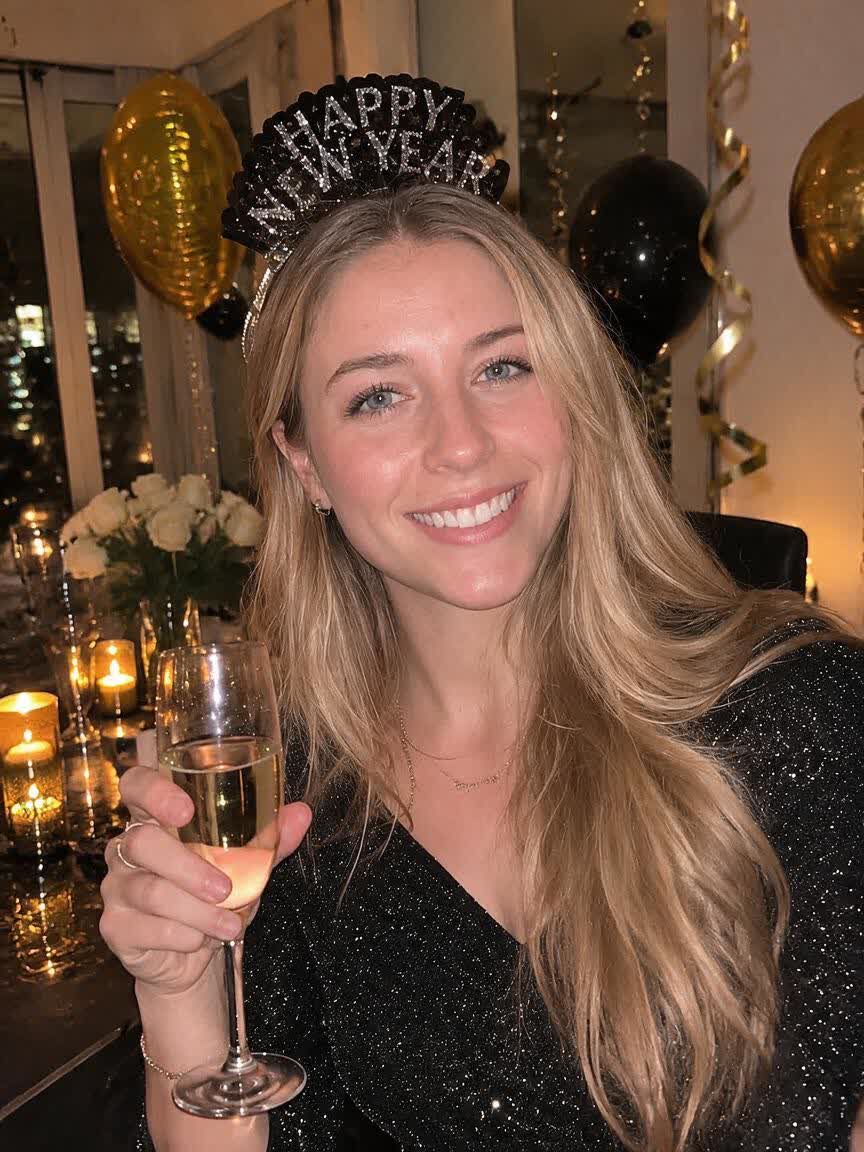
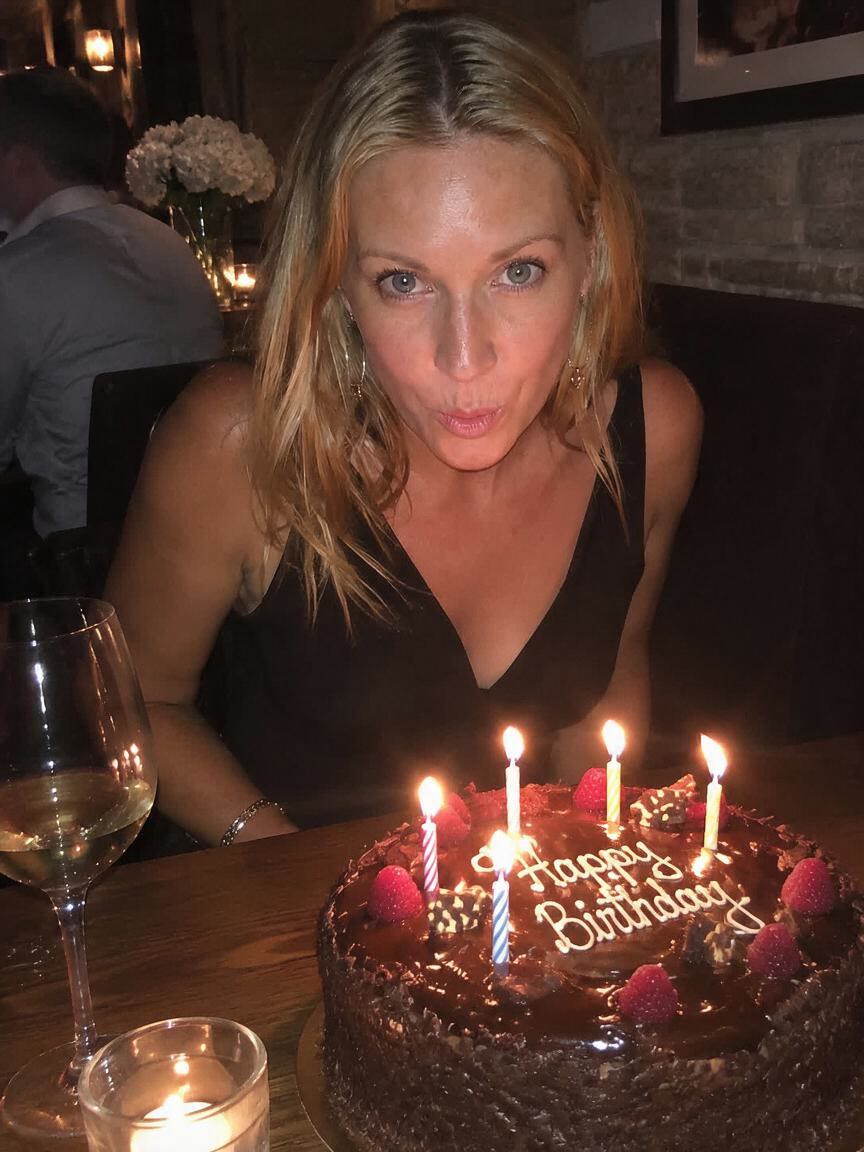

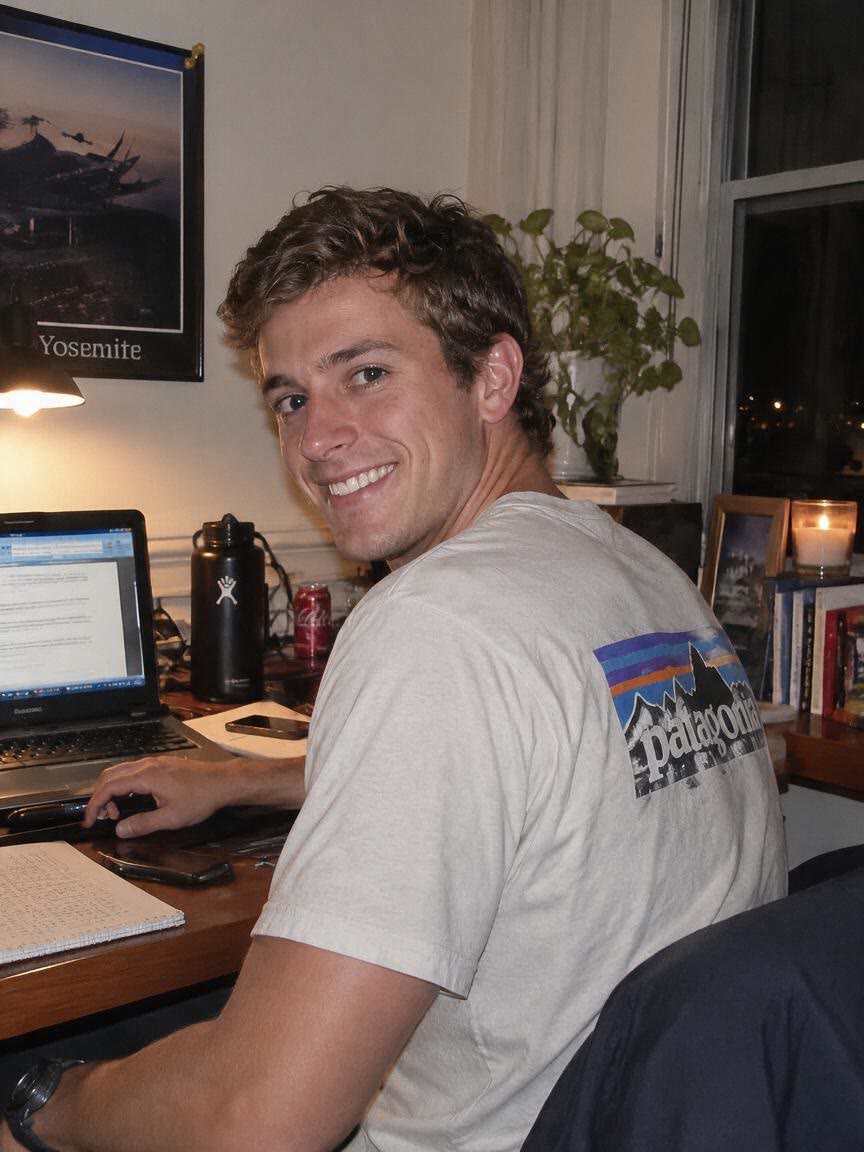

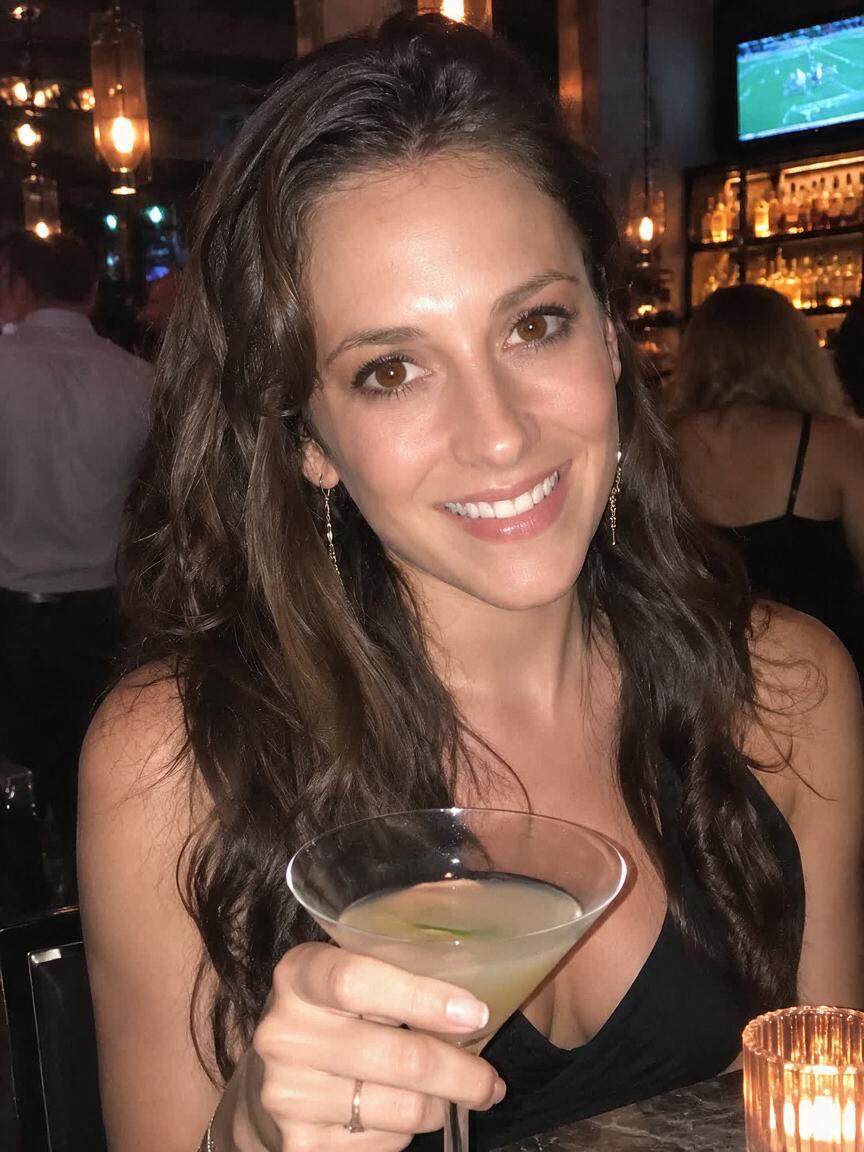
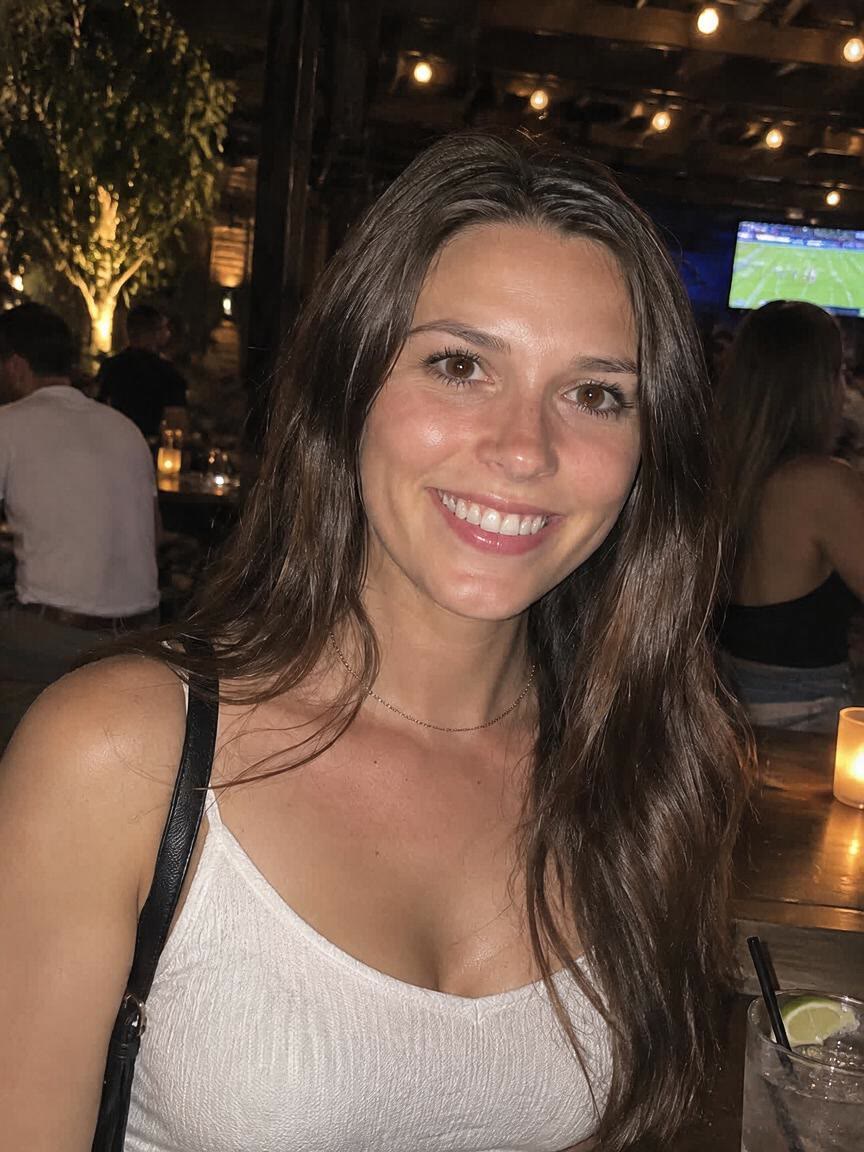


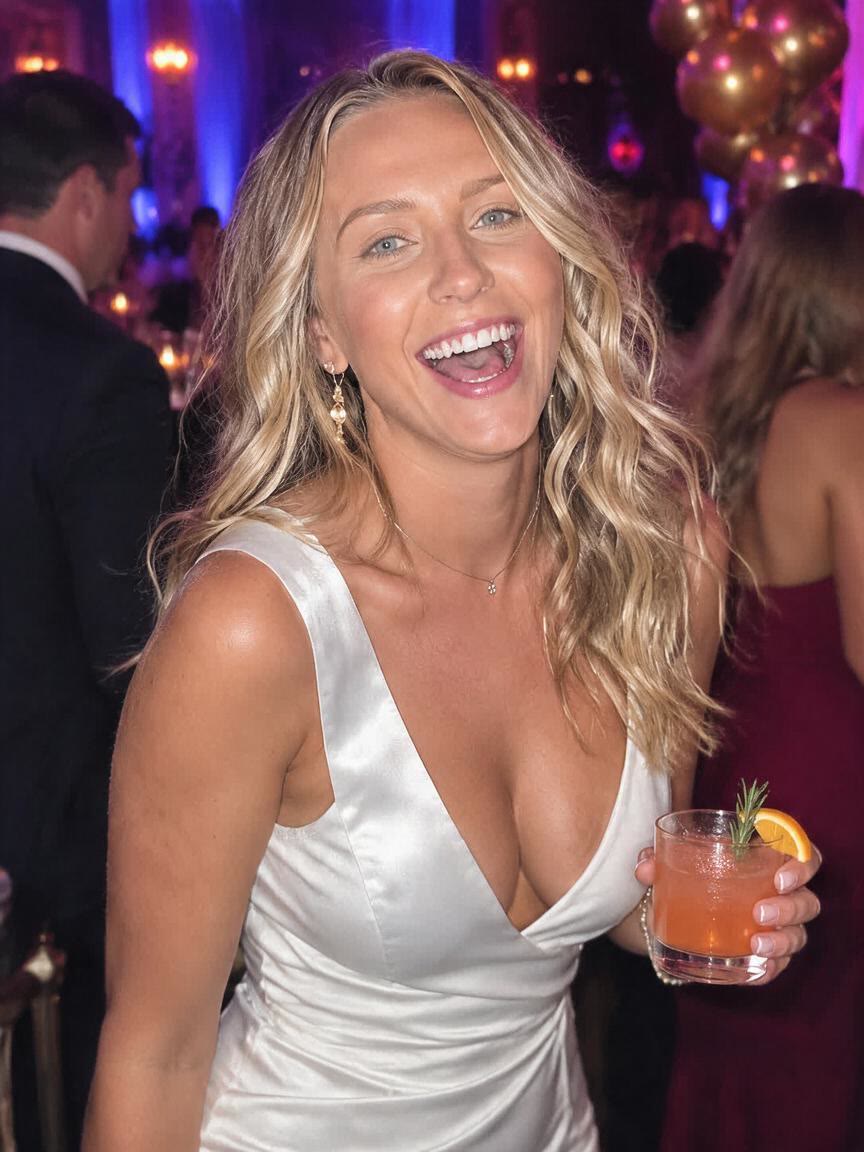

A family or group photo can lose its natural feel when flash affects several pairs of eyes. Bring the picture and request a red-eye correction to make the shared memory more comfortable to look at and share.
Try Cavro free

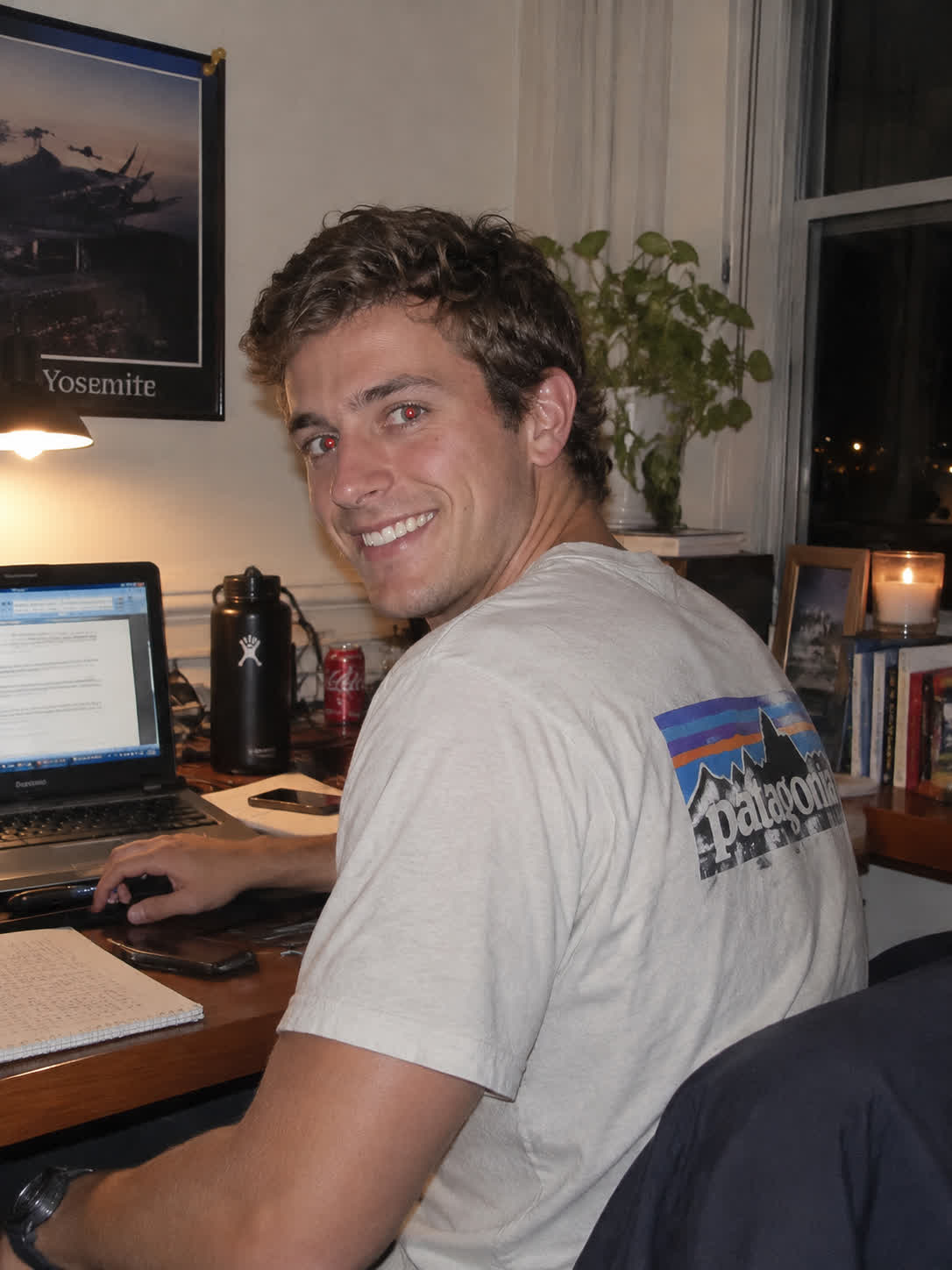
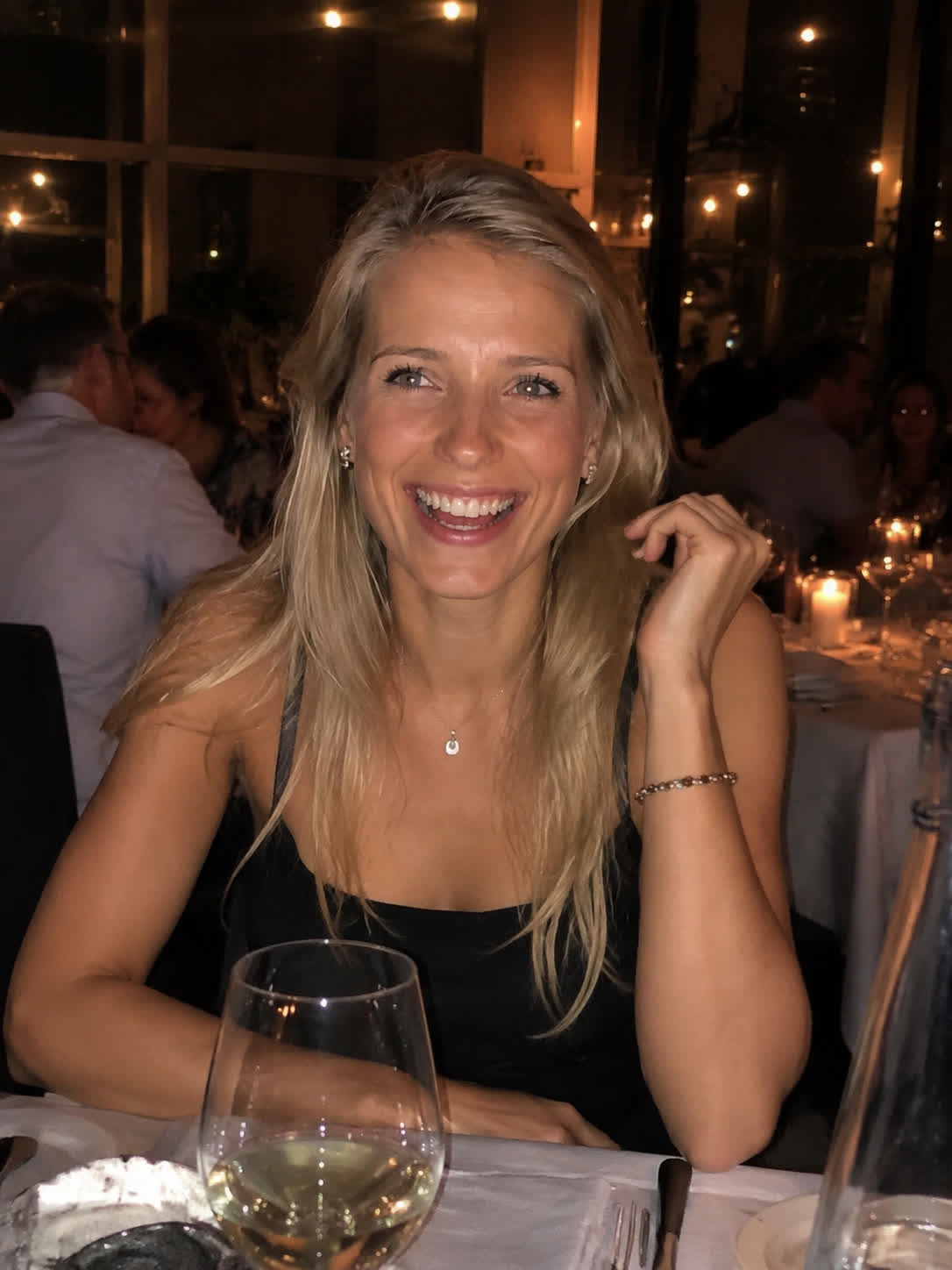
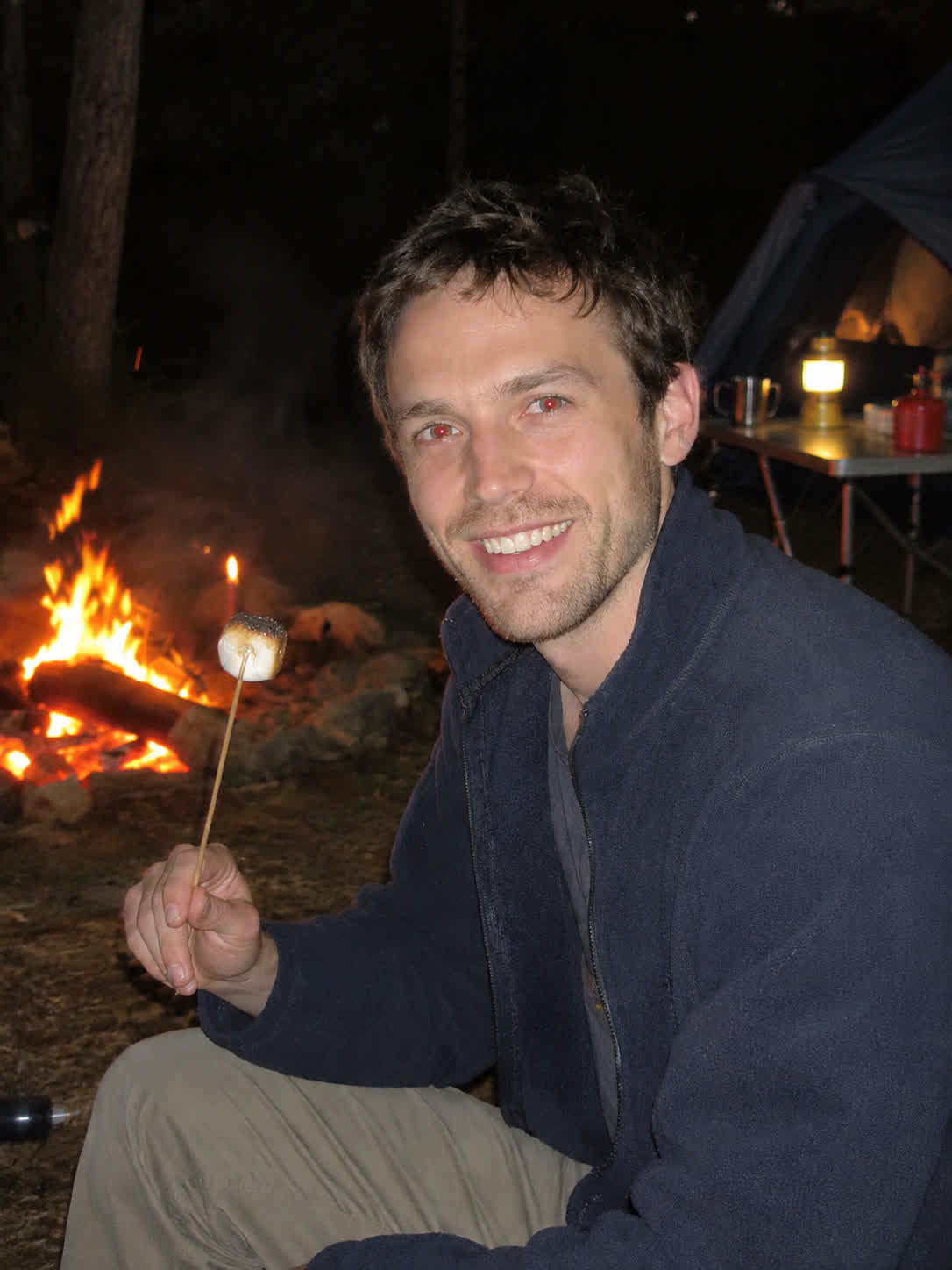
A selfie or social portrait may be ready to post except for distracting red pupils. Describe the eye-color change you want with the photo and take away a portrait that feels more natural.
Try Cavro free

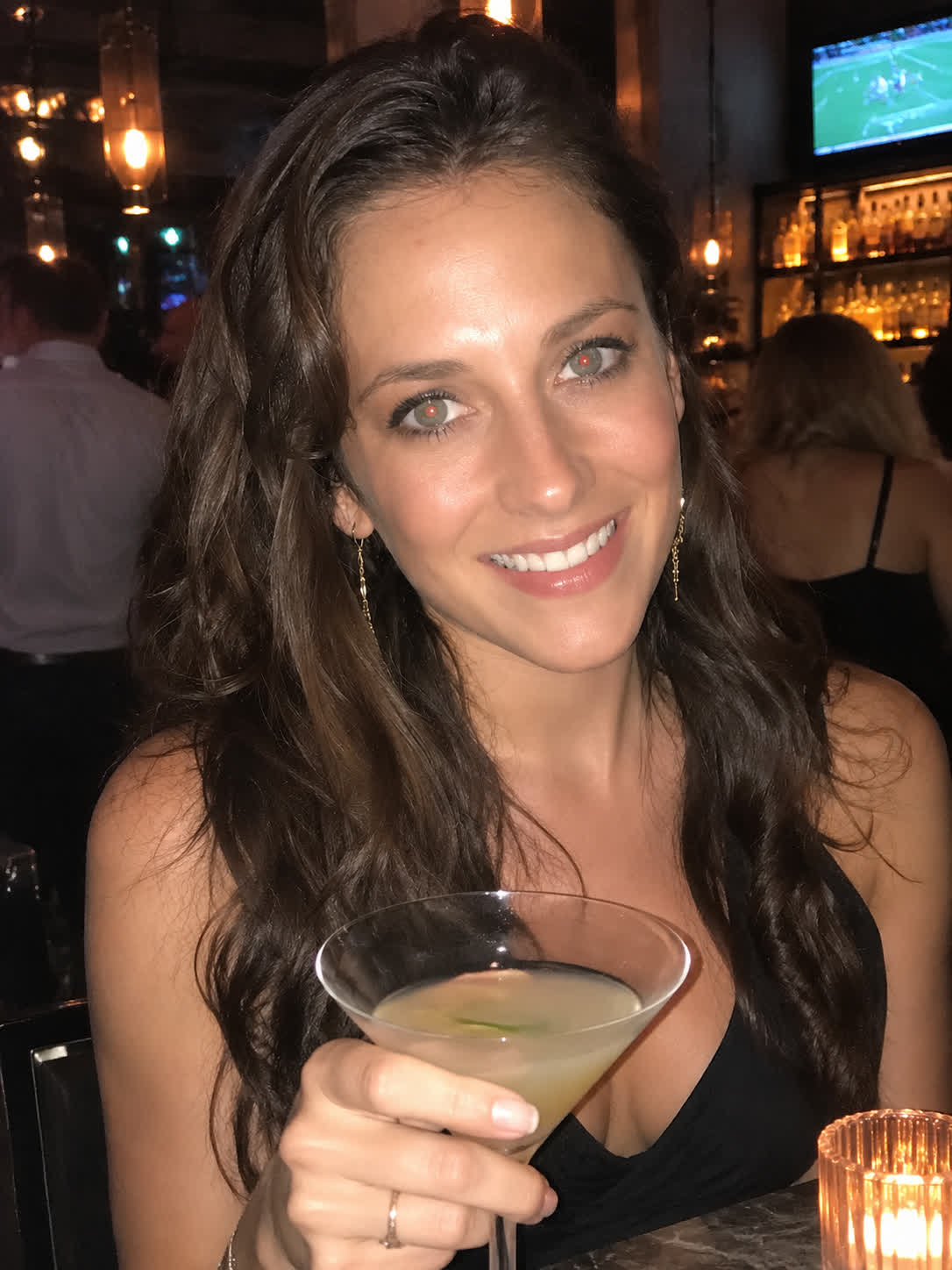
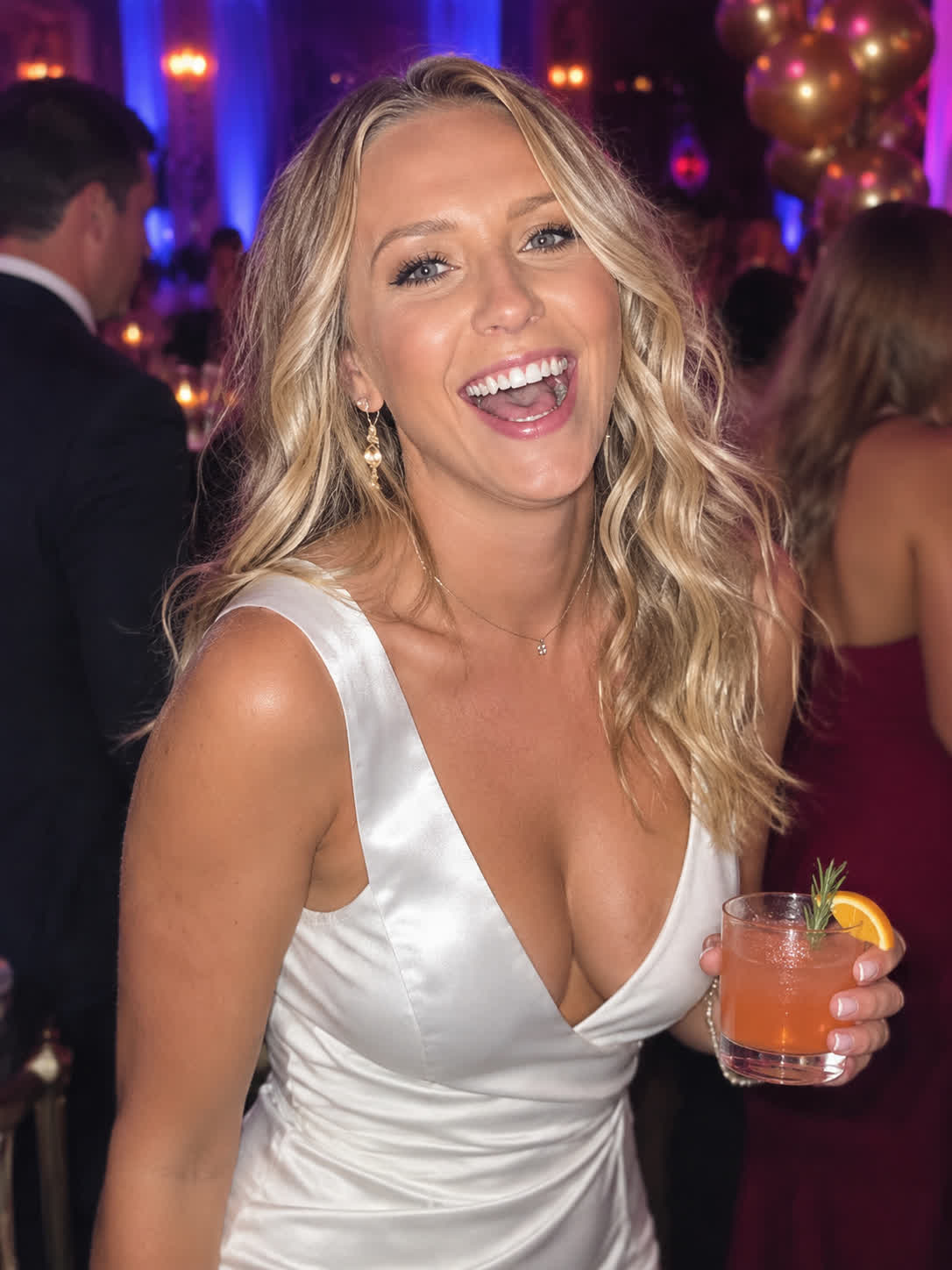
Indoor weddings, parties, and gatherings often produce memorable photos with unwanted flash effects. Use the event image as a reference and request a targeted red-eye fix for a cleaner portrait.
Try Cavro free
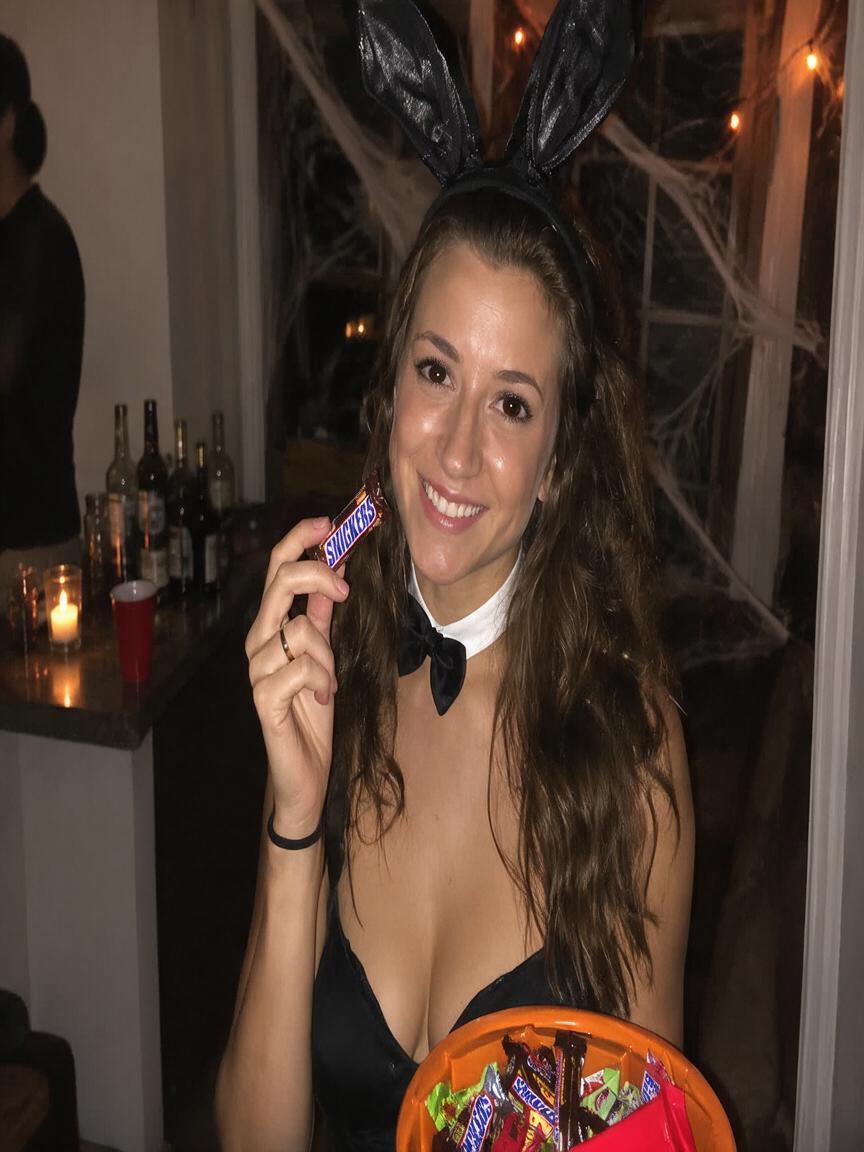
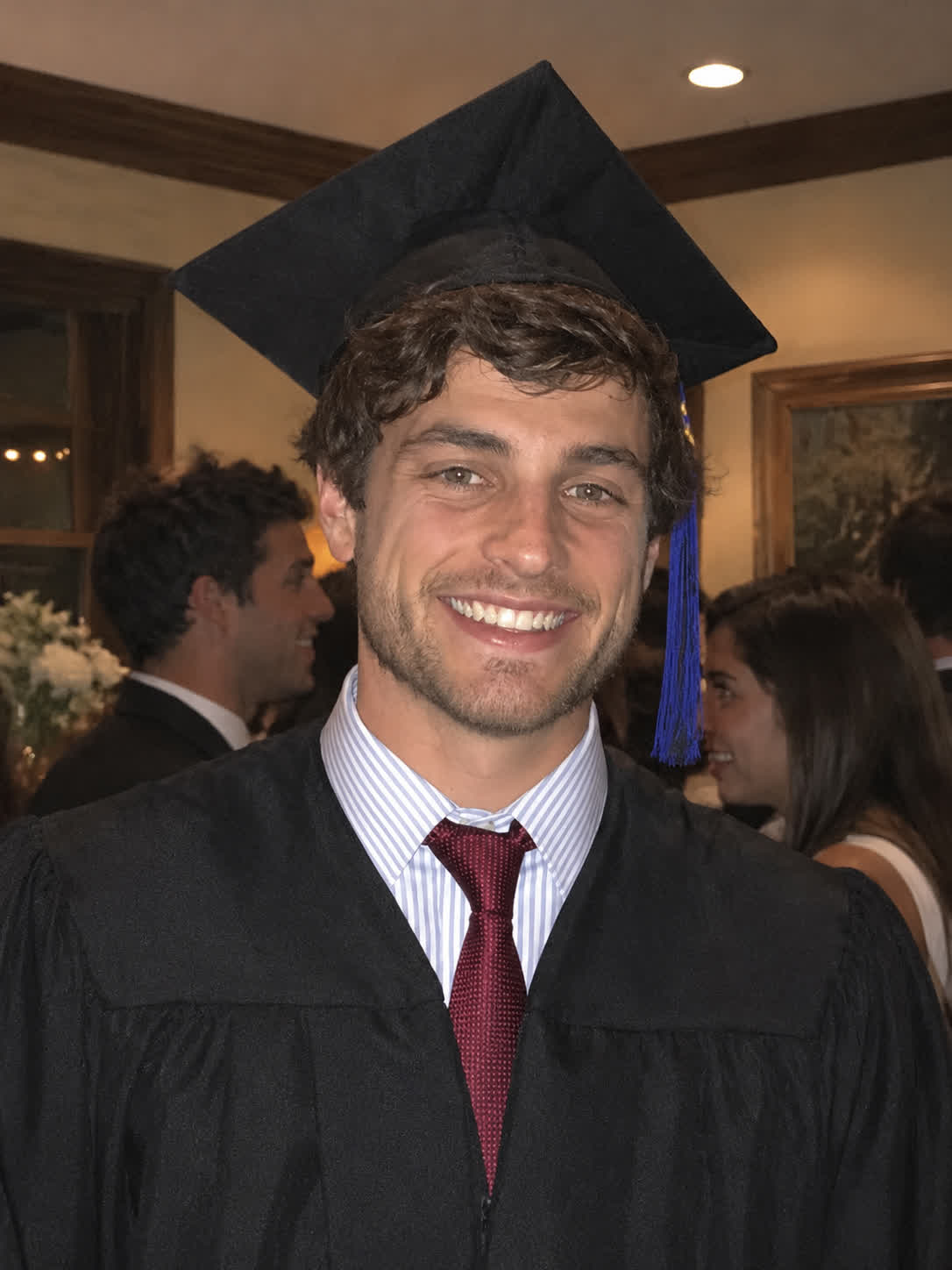
Darkening a red pupil can leave a portrait looking edited. Cavro lets you ask for natural eye-color restoration, helping the eyes fit the surrounding face and the photo’s original character.
Try Cavro free

Group photos create a larger correction task when flash affects more than one person. Describe the red-eye issue in the image, and Cavro can turn that request into a shared portrait edit.
Try Cavro free

Sometimes the first correction needs a more subtle look or another pass. Continue the same conversation with a refined request instead of beginning again with a new image edit.
Try Cavro freeAn AI red eye remover helps correct the red or unnatural pupil color caused by flash photography. With Cavro, you can provide a reference photo and describe the natural eye-color correction you want.
You can use JPEG or PNG photos, including portraits, selfies, family images, group shots, and indoor event photography. Photos with visible flash red eye are a natural fit for this edit.
Yes, you can request a red-eye correction for a group image with multiple affected subjects. Describe the change with the reference photo so the edit is focused on the shared issue.
Yes. Cavro lets you refine and generate again in the same conversation without starting over. You can ask for a subtler or more natural eye-color result after reviewing the image.
Results are billed per credit, and images and video use the same credit balance. There is no mandatory subscription.
Creators worldwide are turning “just an idea” into expensive-looking images.