Realistic Photo Generator

Turn prompts and photos into lifelike images.

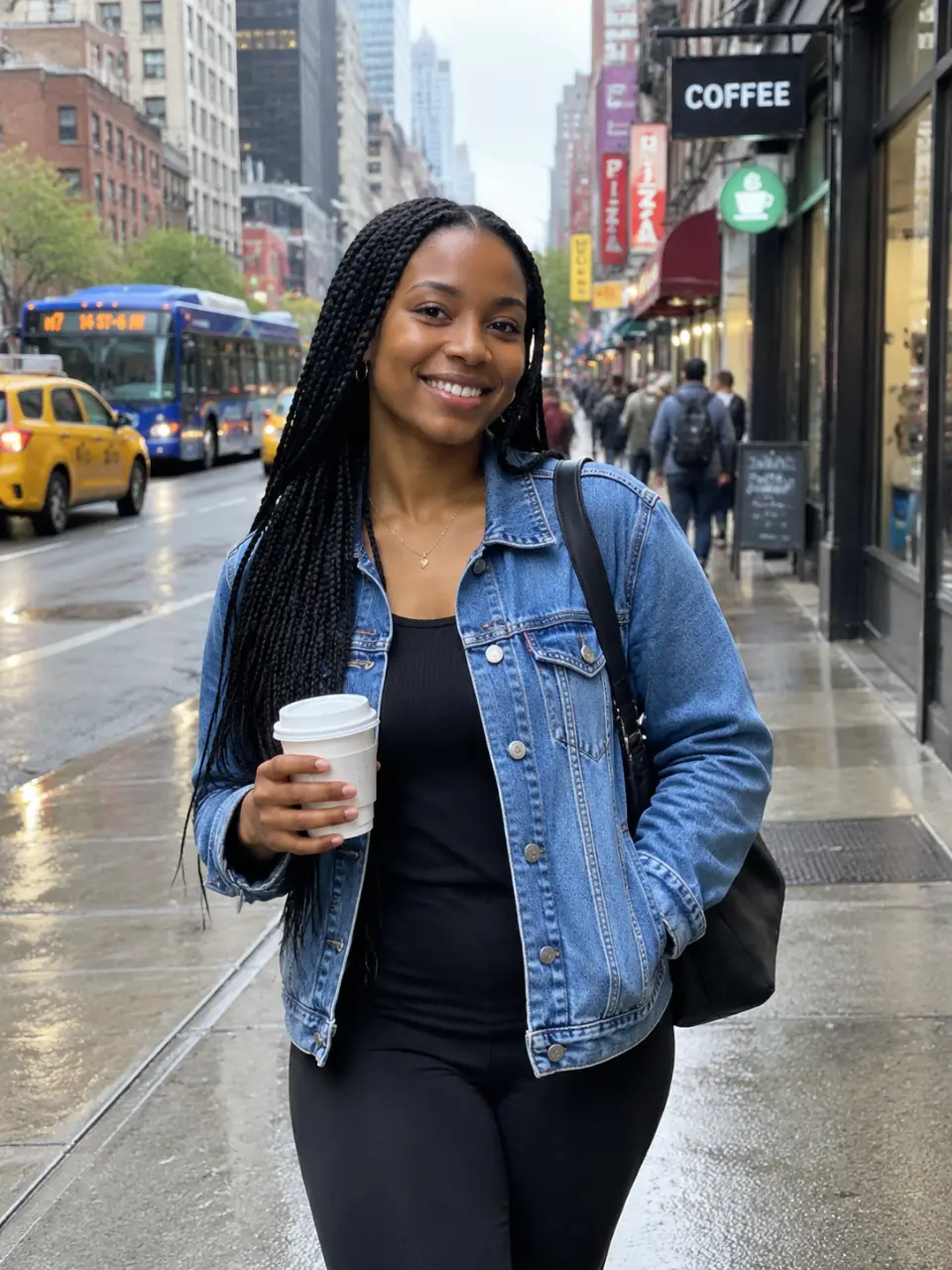
Realistic portrait created from a written prompt
Realistic product photo created with AI
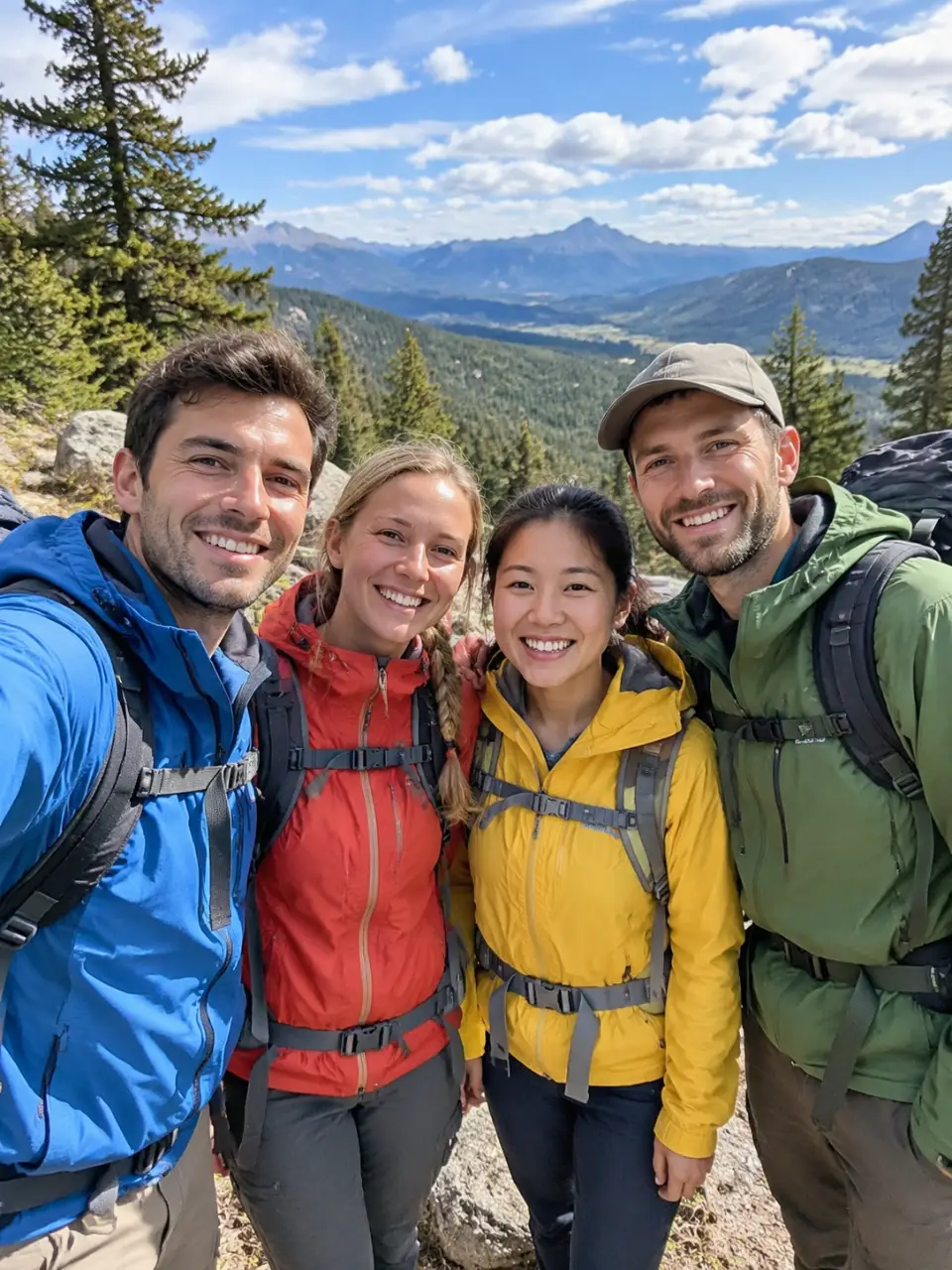
Realistic travel scene generated from a prompt
Realistic image variation based on a reference photo
What you get

All the power, none of the hassle

Prompt-Led Realism

Describe the subject, scene, lighting, and mood to guide a realistic image from words alone.

Photo-Guided Results

Upload a reference photo to give your realistic image generation a visual starting point.

Focused Visual Direction

Choose a subject and visual direction that keep your realistic photo idea specific and coherent.

Refine the Result

Generate another attempt in the same conversation when the first realistic image needs a different direction.

How it works

Create a realistic image in three steps

  1. 1

    Describe the scene

    Write what you want to see, including the subject, setting, lighting, and mood.

  2. 2

    Add visual guidance

    Upload a reference photo when you want the result to follow an existing visual starting point.

  3. 3

    Refine your direction

    Review the generated image and adjust your prompt or photo for another realistic result.

Perfect proof

What our users say

  • I needed a believable portrait concept from a short description, and the result gave me a strong visual direction to refine.

    Mara K.
  • I uploaded a product reference and used a prompt to place it in a cleaner scene. It saved me from starting the visual idea from scratch.

    Jonah P.
  • The travel image I had in mind was hard to describe, but adding the location and lighting details helped me reach a realistic version.

    Elena R.
  • I liked being able to adjust the same image idea instead of opening a new conversation every time I wanted a different mood.

    Theo M.
  • I used a reference photo for the subject and described the setting separately. That combination made the final concept feel much more specific.

    Nia S.
  • I was looking for a realistic product visual without a full shoot. A prompt and a starting image gave me something useful to keep developing.

    Caleb W.
Answers

Common questions

What can I use the realistic photo generator for?

You can create realistic images from a written prompt, a reference photo, or both. Use it for portraits, product concepts, travel scenes, and other visual ideas.

Can I use a photo as a reference?

Yes. Upload a reference photo and describe the realistic image you want to create from it. Your words and photo can guide the result together.

Can I refine a realistic image after it is generated?

Yes. You can refine the direction and generate again in the same conversation without starting over. This lets you adjust the scene, subject, or visual mood.

Do I need a subscription to generate images?

No mandatory subscription is required. Results are billed per credit, and images and video use the same credit balance in Cavro.

Play with an idea. Leave with an image.

Creators worldwide are turning “just an idea” into expensive-looking images.

Try Cavro free