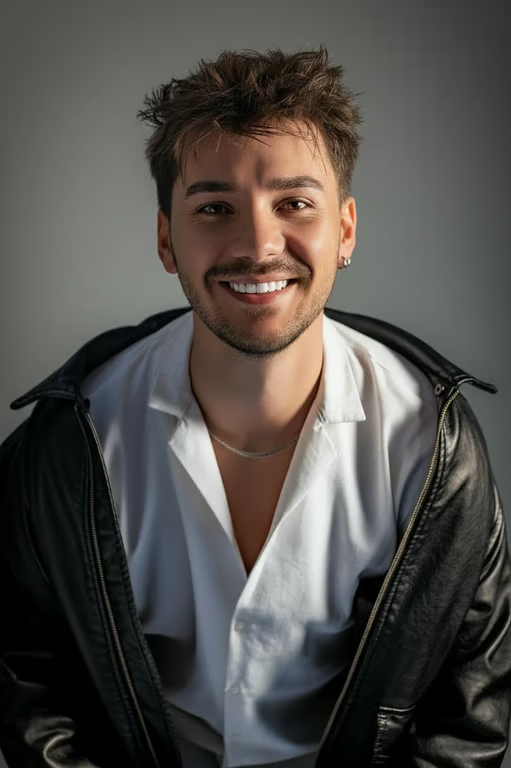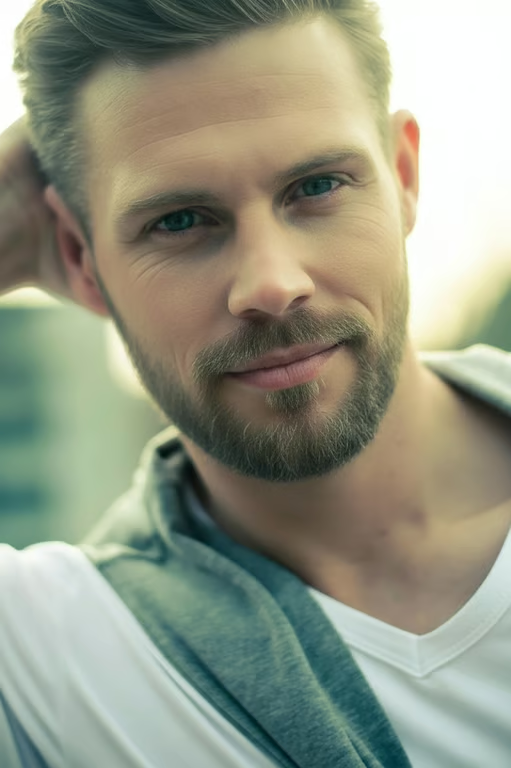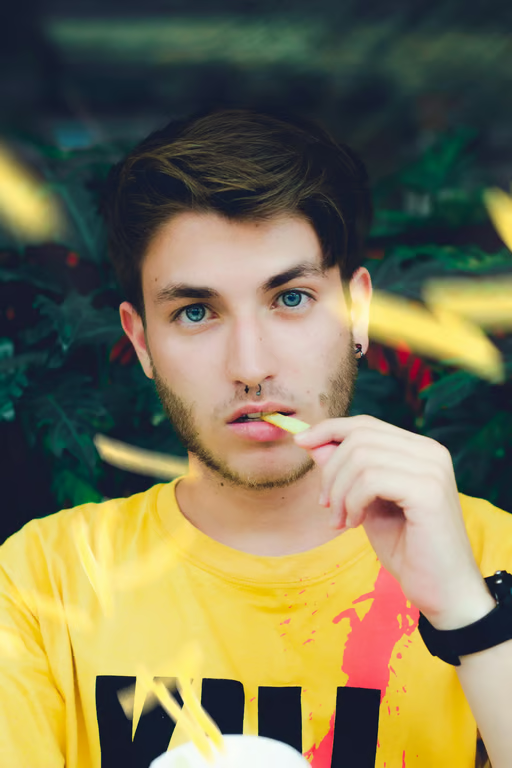
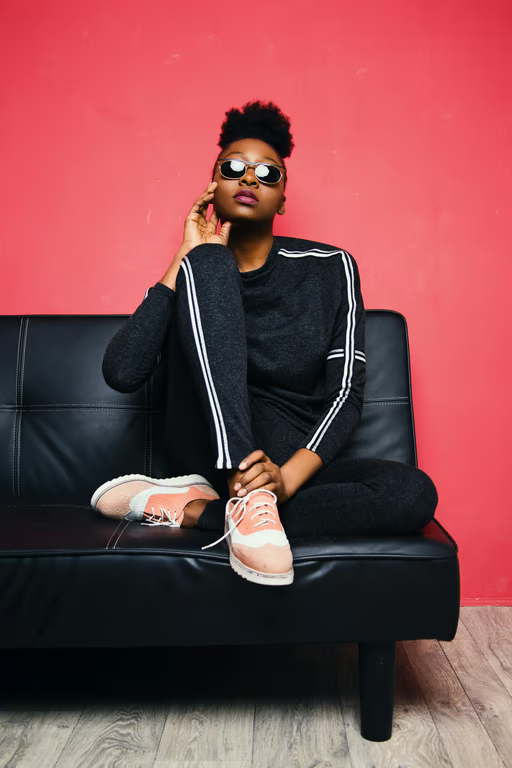

Prompt-Directed Editing
Describe the light, color, texture, or retouching change you want and turn it into an edited image.
Bring natural detail back to every photo
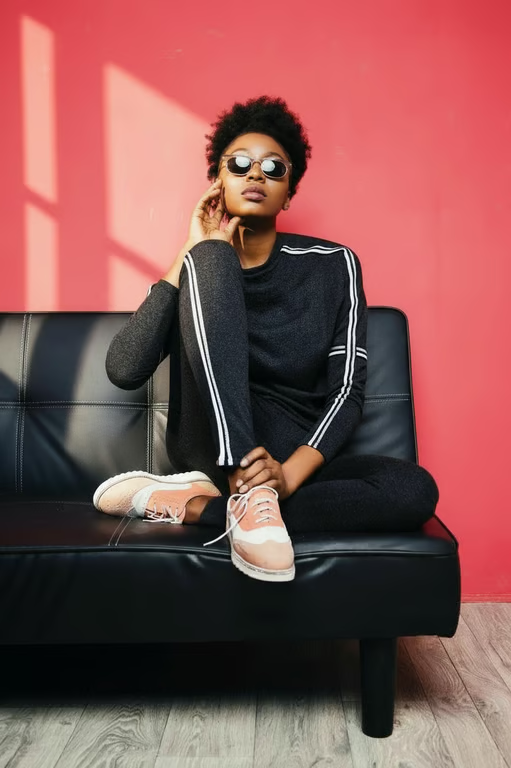
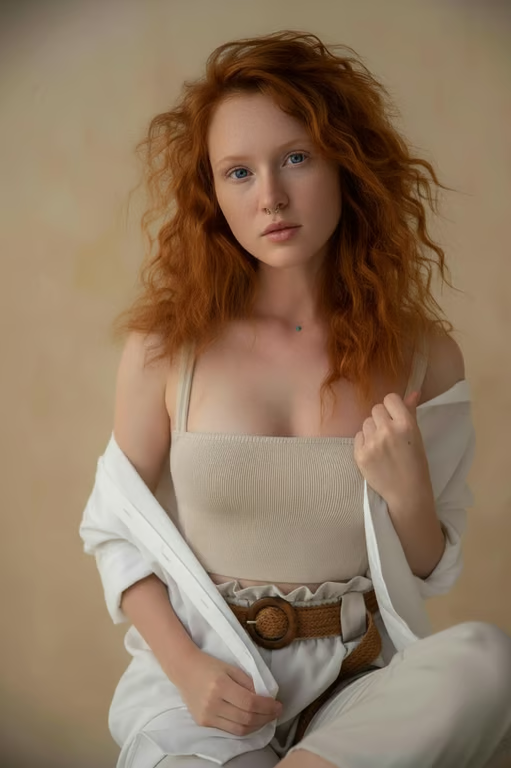
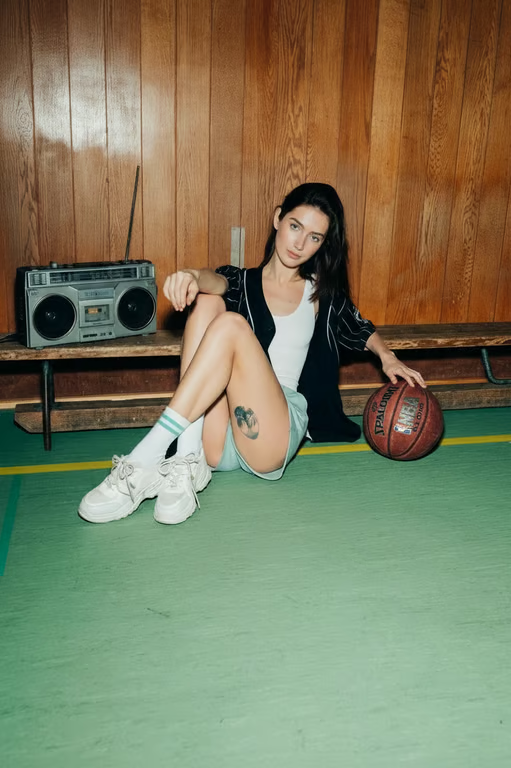
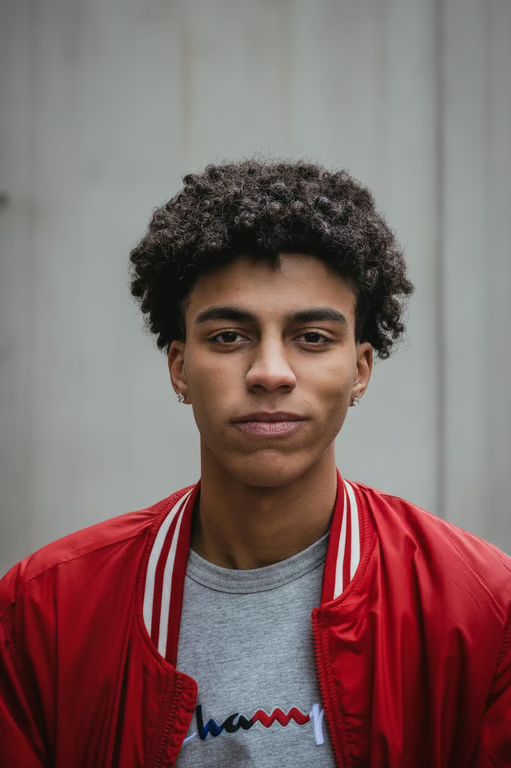

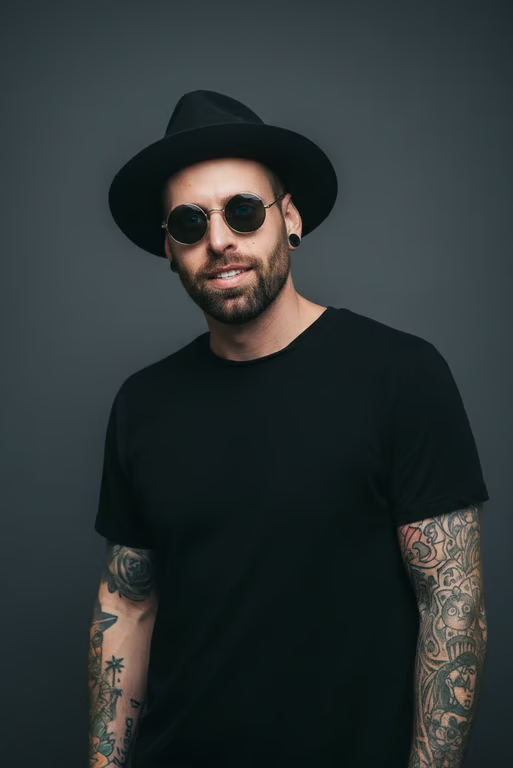
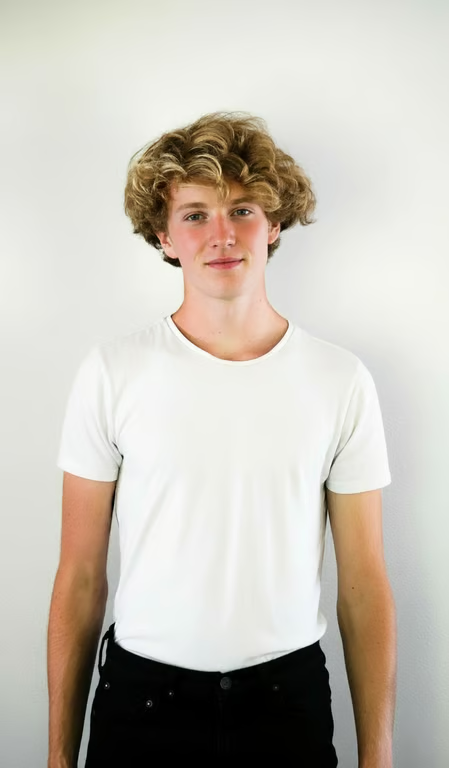
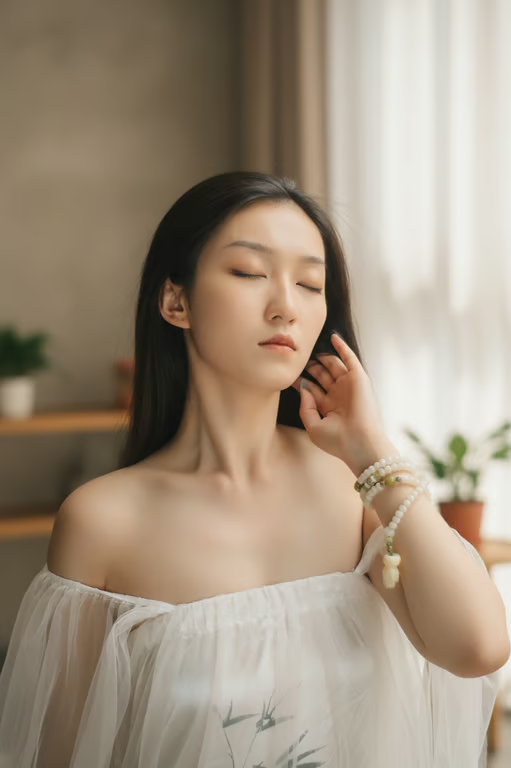
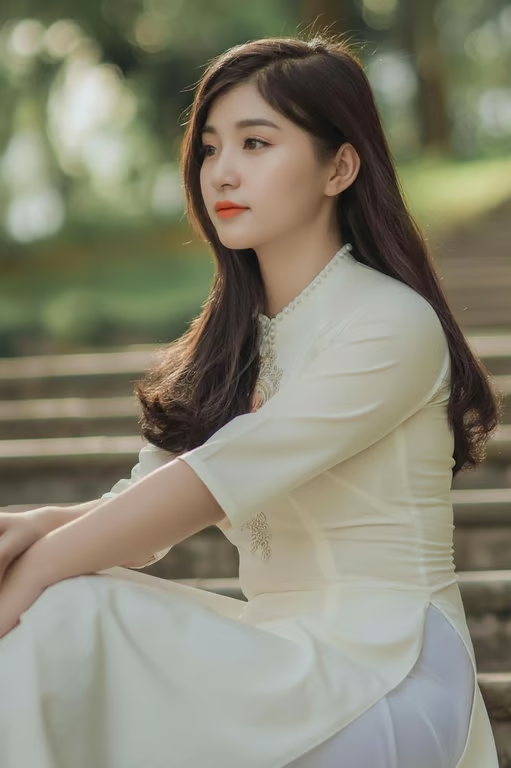
Describe the light, color, texture, or retouching change you want and turn it into an edited image.
Use your photo as the visual source so the requested realistic edit starts from your own image.
Guide fine texture and tonal changes in your prompt for a finish that feels less artificial.
Generate another version in the same conversation when the first edit needs a different direction.
Improve an existing portrait, product image, or travel shot when taking a new photo is not practical.
Bring more visible color and detail to family photos that have faded or lost definition.
Describe the result in everyday language instead of relying on complex photo retouching techniques.
Improve an existing portrait, product image, or travel shot when taking a new photo is not practical.
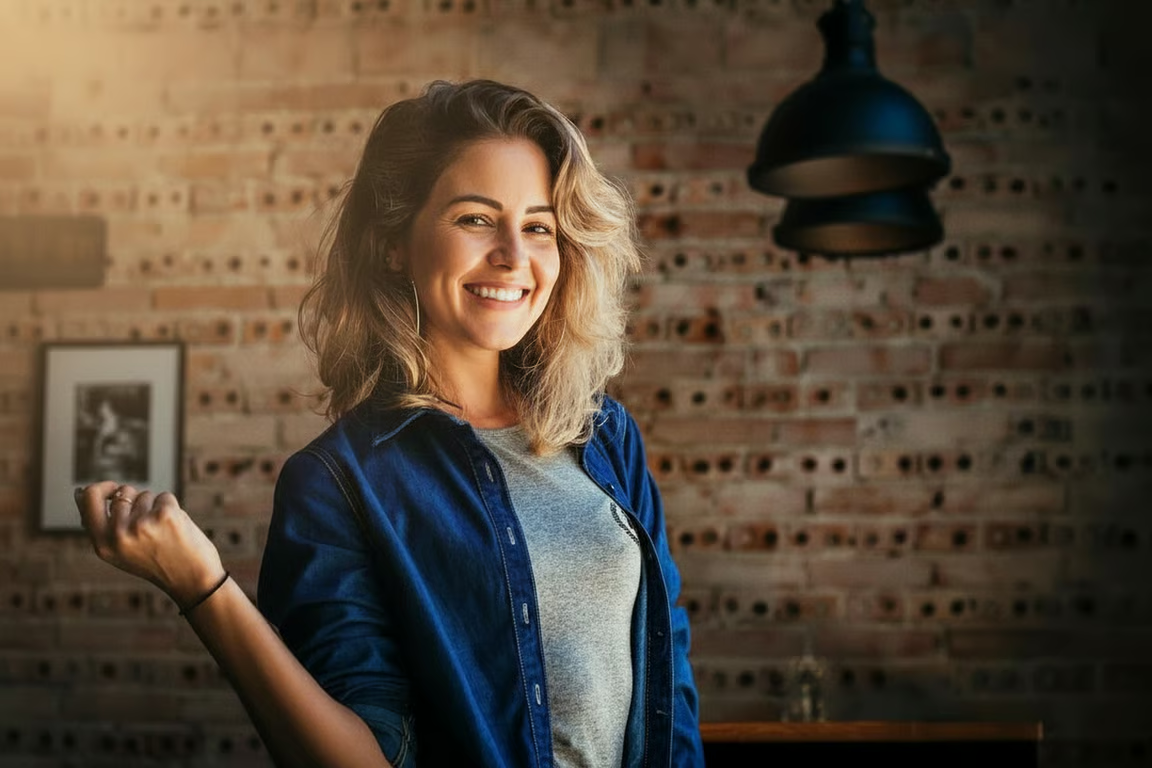
A realistic photo editor uses a written direction and a reference photo to produce an image with requested changes to light, color, texture, detail, or style. Cavro is designed for edits that retain a natural-looking appearance.
You can describe the level of light, color, retouching, or detail you want in your prompt. Using your own photo as the reference helps the requested result stay grounded in the image you provide.
You can describe a wider composition or an expanded image in your prompt. Cavro produces the requested image from your written direction and reference photo, subject to the result generated from that request.
You can describe restoration, cleanup, or watermark removal as the intended change to a supplied photo. The resulting image is produced in Cavro from the prompt and reference photo.
Yes. You can refine the result and generate again in the same conversation without starting over, using another prompt or direction for the photo.
Creators worldwide are turning “just an idea” into expensive-looking images.