











Preview Nose Fit
You have a septum or nostril idea but want to see how it relates to your nose shape. Add the piercing to your photo and take away a more concrete visual reference for your decision.
Try Cavro freePreview nose rings, ear stacks, lip studs, and more on your own photo before choosing a permanent change. Cavro helps piercing enthusiasts, creators, and professional piercers explore clearer visual references.

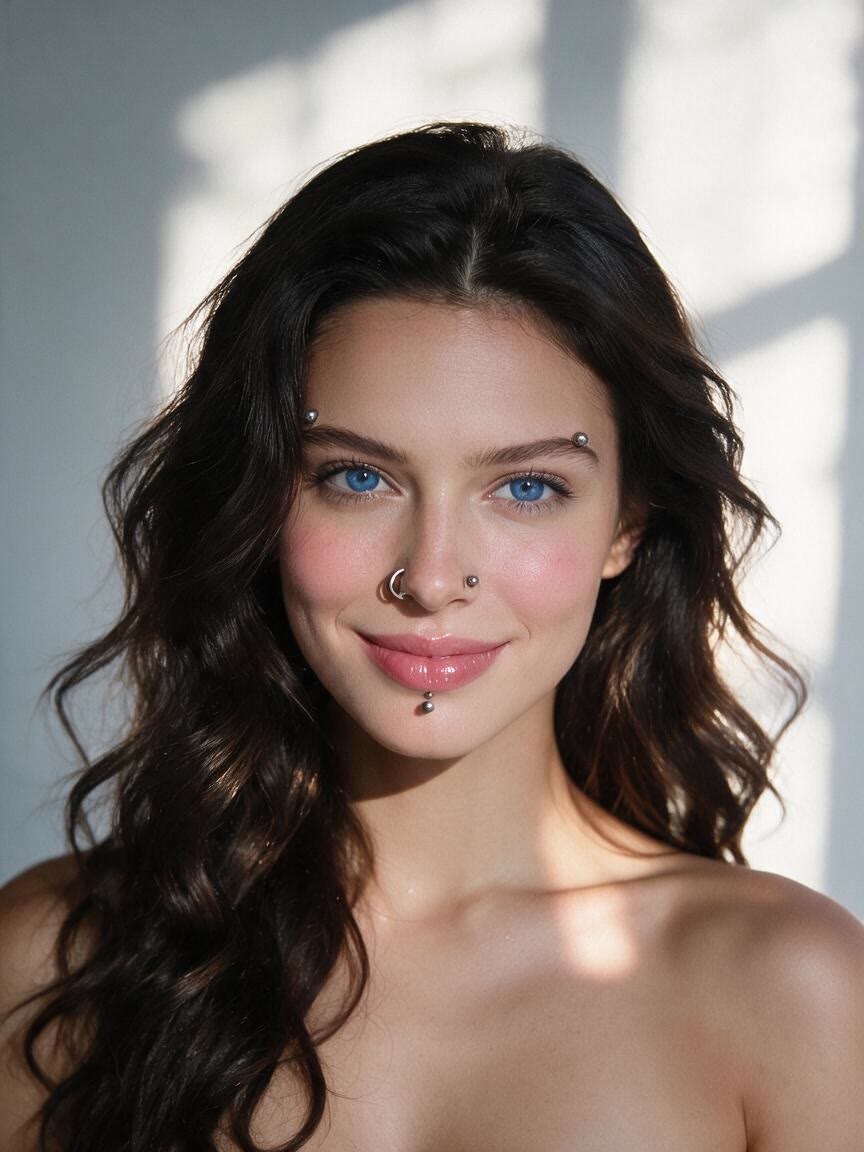










You have a septum or nostril idea but want to see how it relates to your nose shape. Add the piercing to your photo and take away a more concrete visual reference for your decision.
Try Cavro free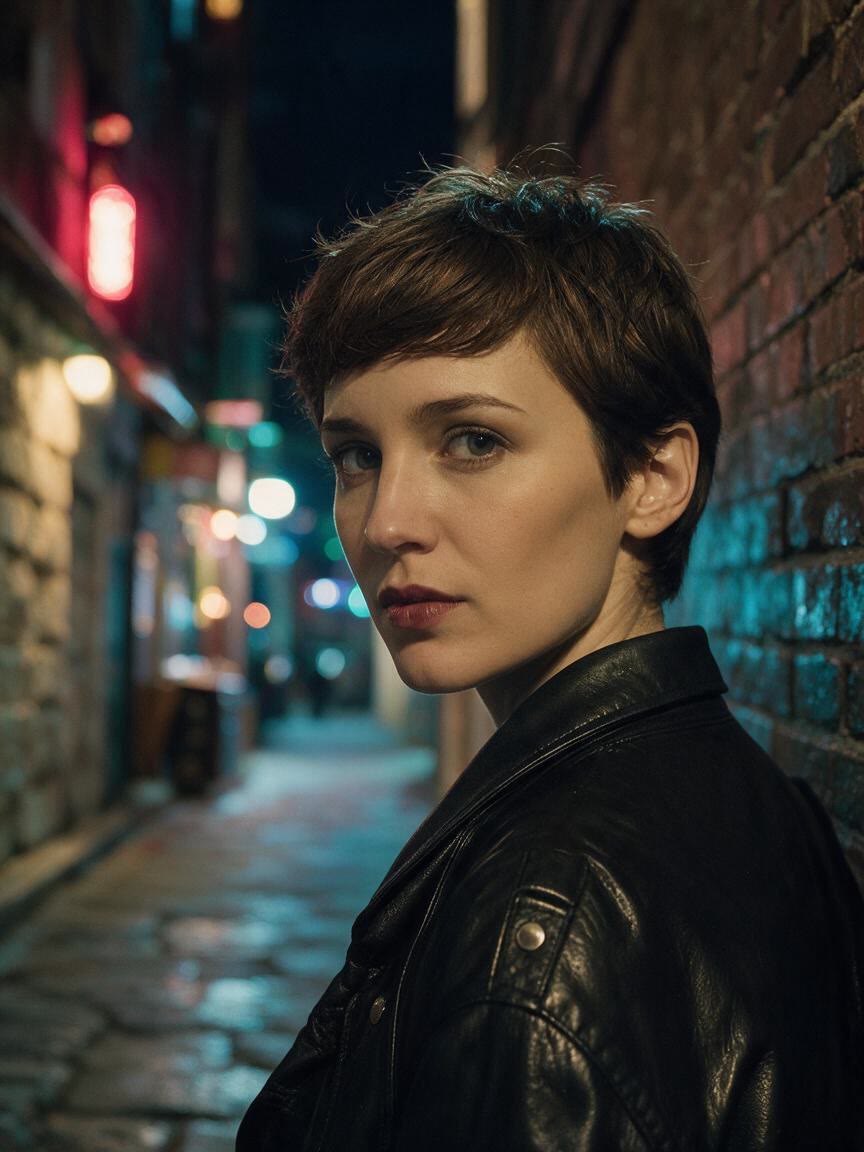
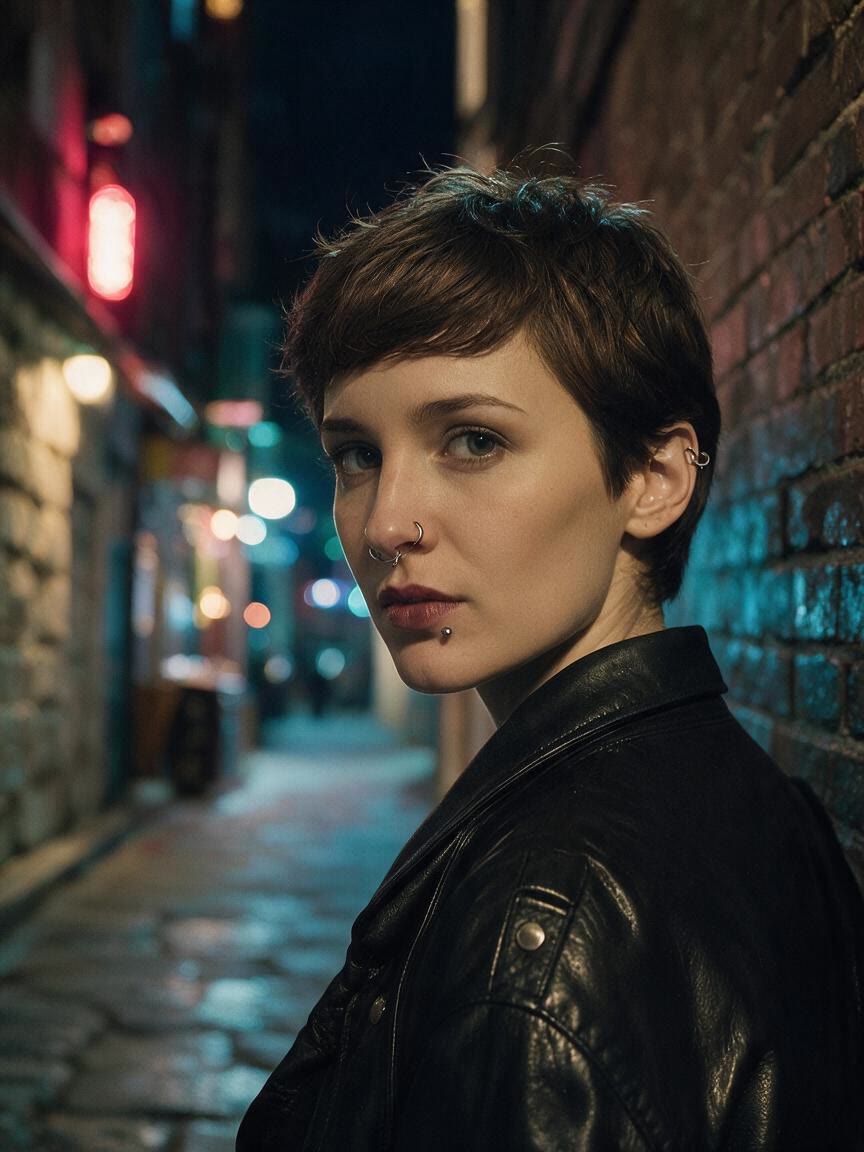
You are planning several ear piercings and want to compare the arrangement against your own anatomy. Explore a layered combination on your photo before discussing the plan or sharing it with your community.
Try Cavro free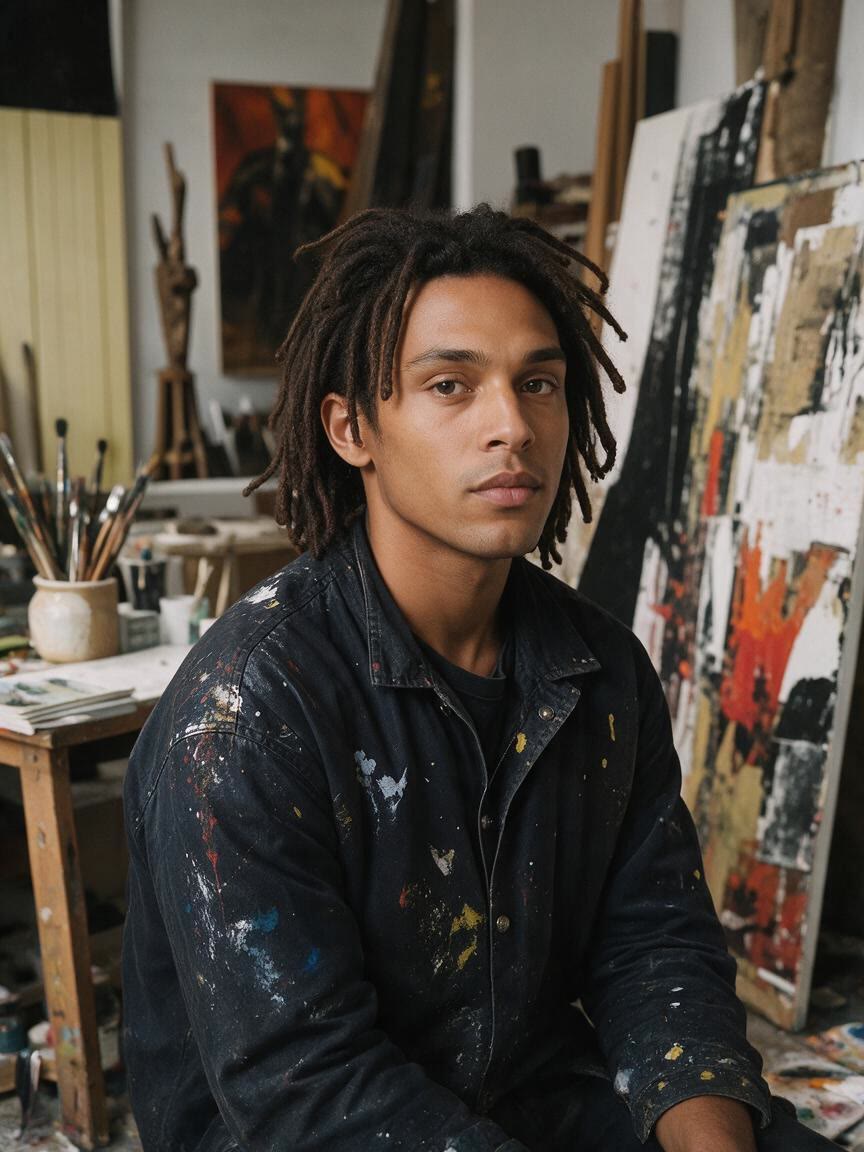
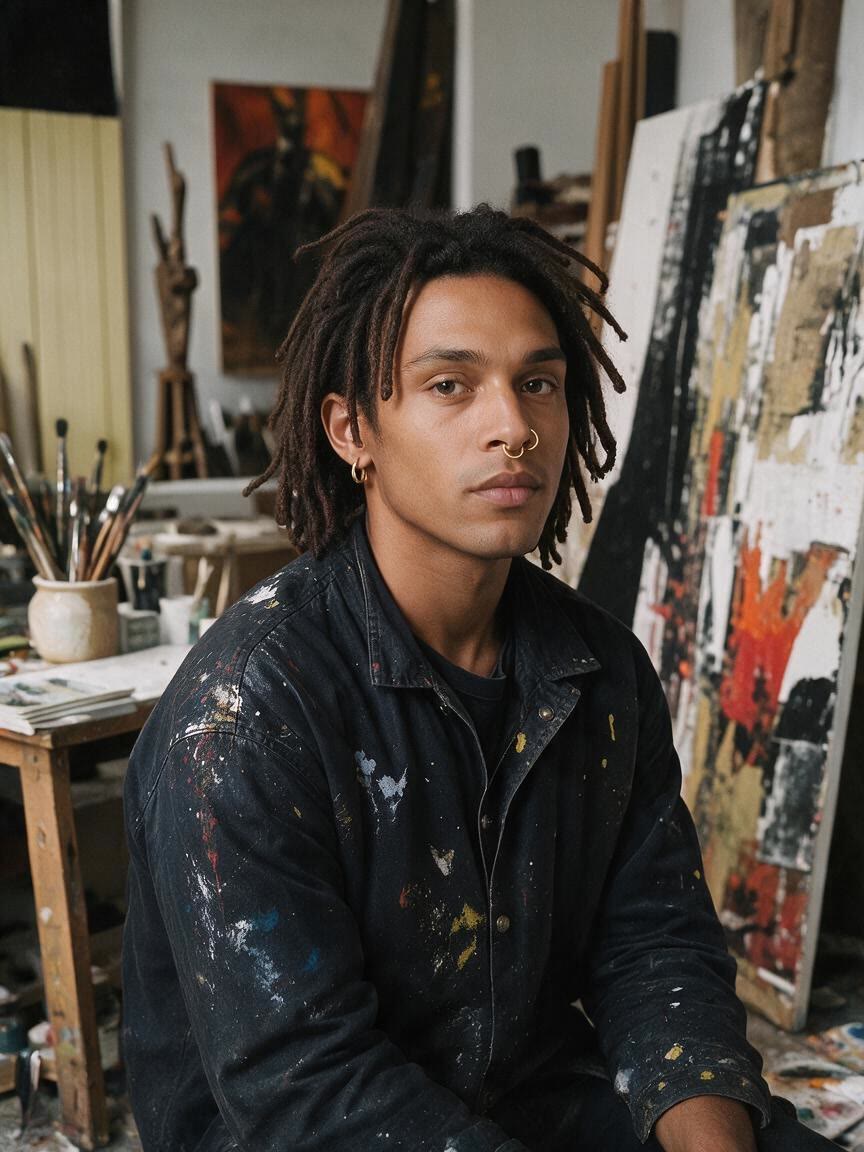
You are a piercer or client preparing for a consultation and need more than a verbal description. Create a visual direction on the client’s photo to make expectations easier to discuss.
Try Cavro free

When a piercing idea looks different across reference images, your own photo gives the concept a personal point of reference. Cavro adds the requested jewelry to that image so you can judge the overall look on your features.
Try Cavro free

A first concept may be too bold, too subtle, or simply not your style. Refine the piercing direction in the same conversation and move toward a reference that feels more useful for planning or sharing.
Try Cavro free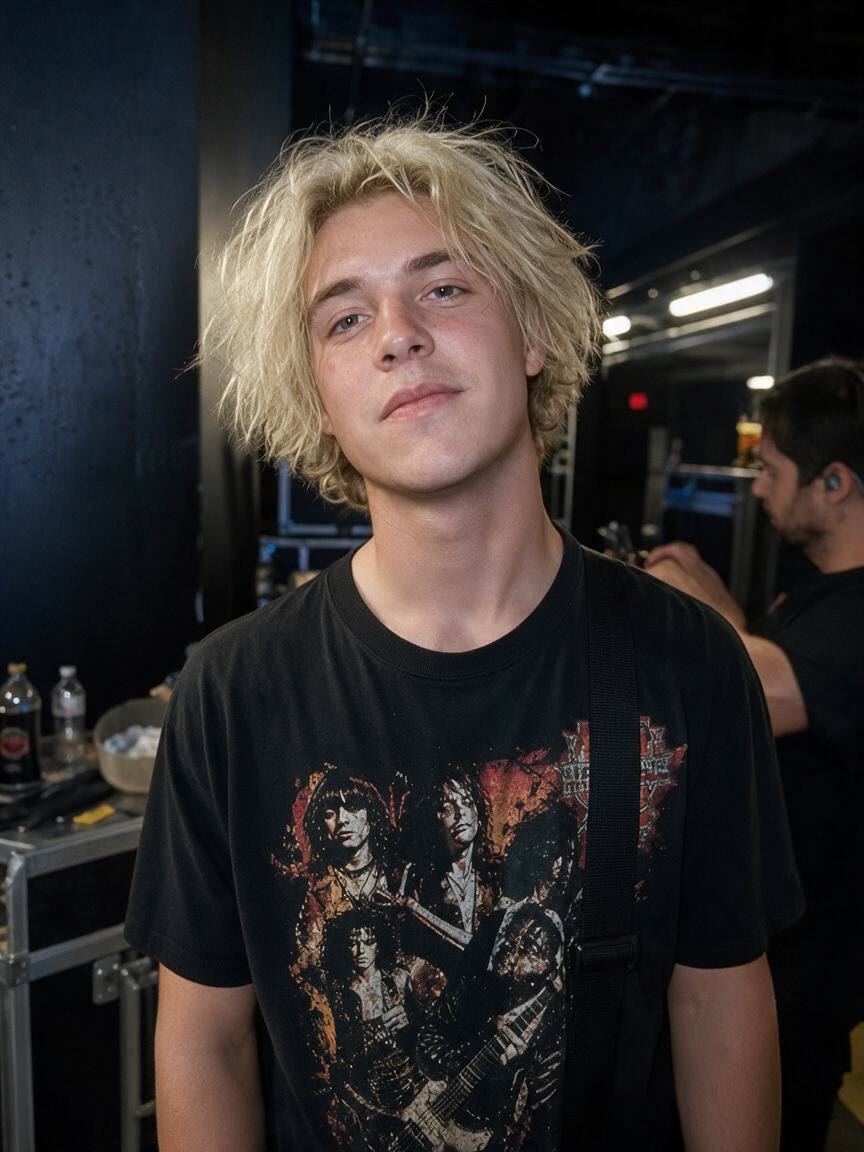
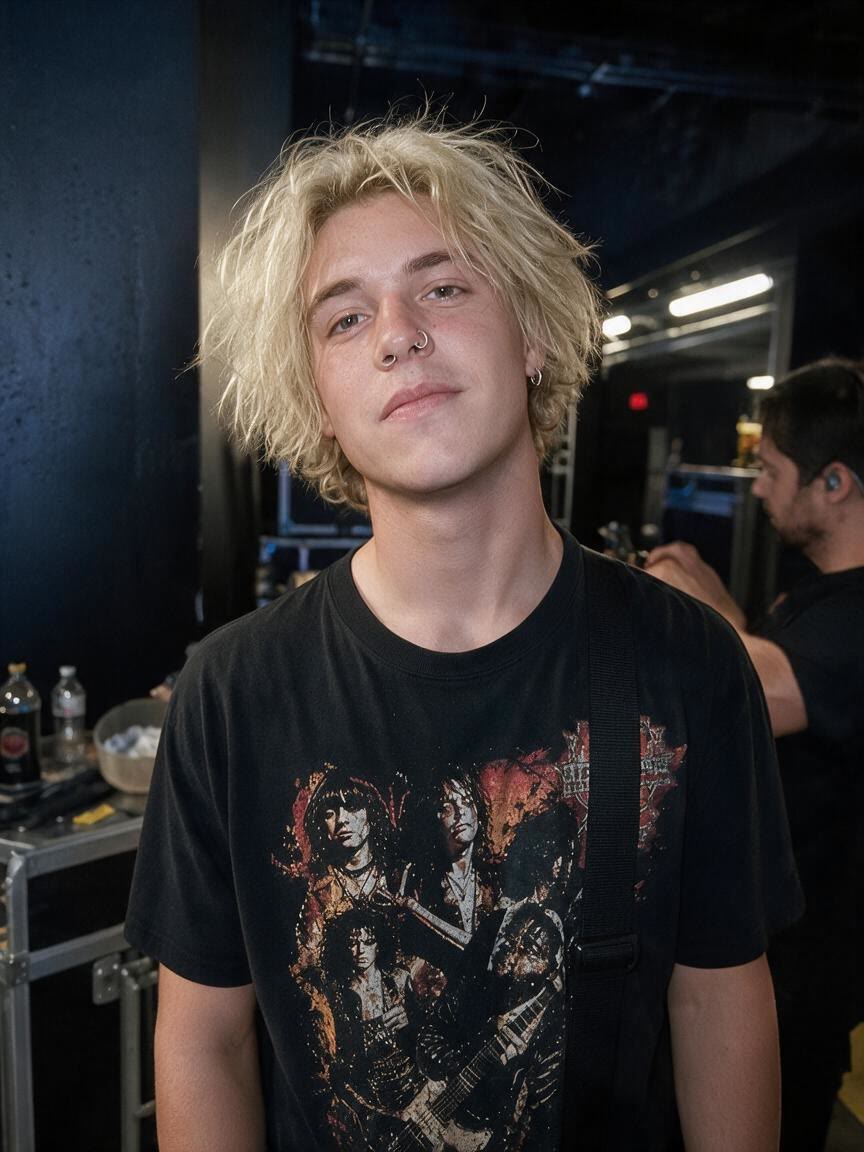
A piercing preview can lead to a short concept video or another image for your content. Cavro keeps image and video generation on one credit balance, so the visual idea can develop without splitting your workflow.
Try Cavro freeAn AI piercing filter uses a written request and your photo to create a visual preview of a piercing concept. With Cavro, you can explore nose rings, ear piercings, lip studs, and other jewelry ideas in an image or video.
Yes. Upload a photo and describe the piercing you want to preview, such as a septum ring, nostril stud, or ear stack. Cavro carries your photo and words into the same conversation for refinement.
Yes. You can use a photo of your ear to explore lobe, helix, and stacked piercing ideas. Describe the jewelry and arrangement you want to see, then refine the result if you want another direction.
Yes. Cavro can create visual concepts for nose rings, septum rings, and lip studs from your written request and reference photo. The preview is a planning reference, not a substitute for professional piercing advice.
No mandatory subscription is required. Results are billed per credit, and images and video use the same credit balance.
Creators worldwide are turning “just an idea” into expensive-looking images.