Photo to Illustration, Reimagined

Turn a personal photo into art in one conversation.
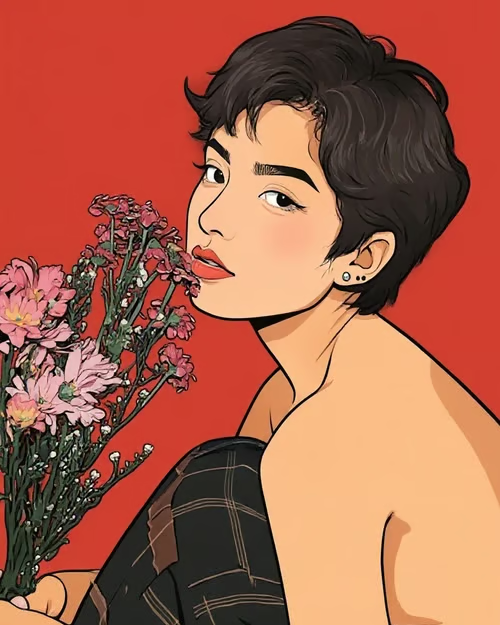
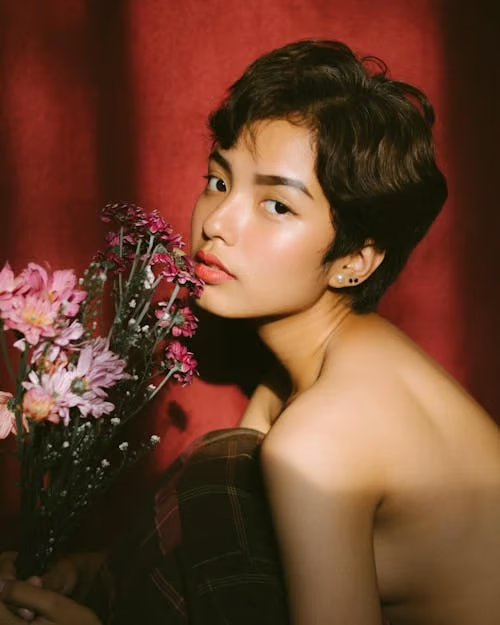
Comic-style illustrated portrait of a woman with flowers against a red background.
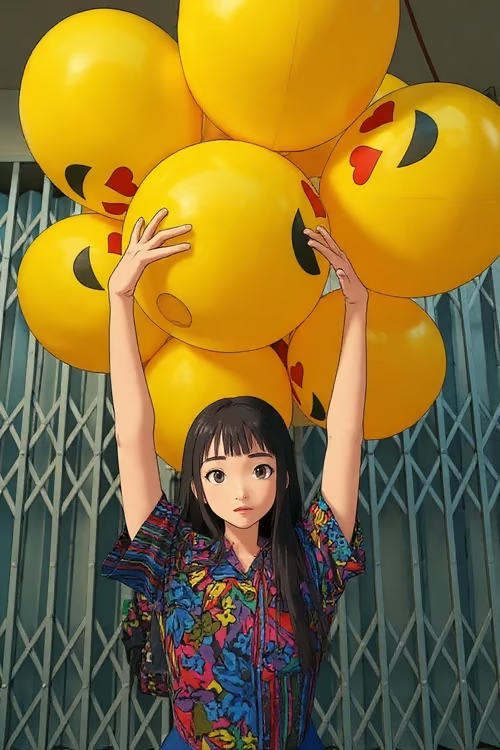
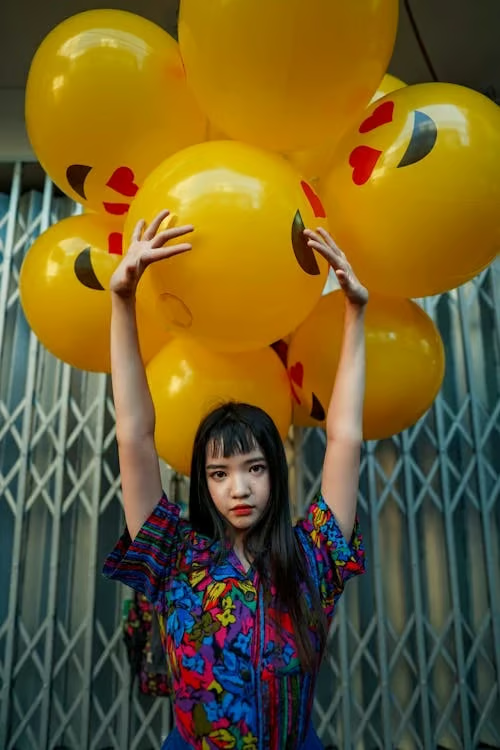
Anime-style illustration of a girl raising her arms beneath large yellow balloons.
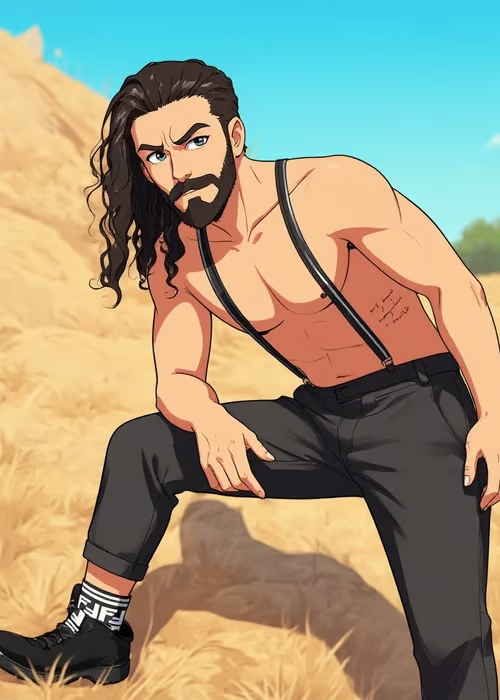
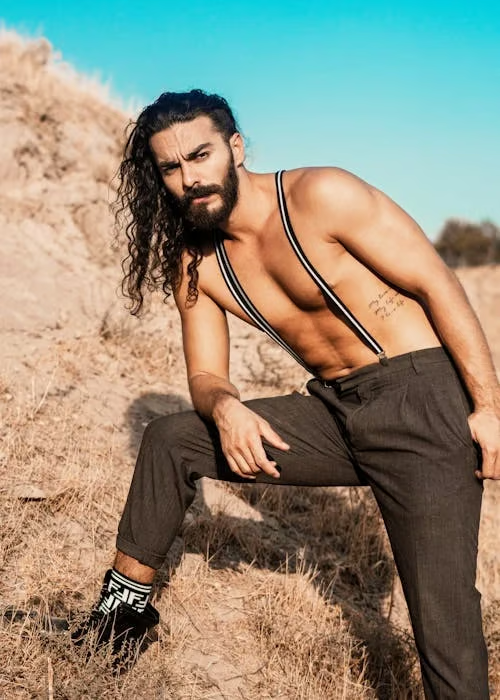
Stylized cartoon illustration of a bearded man posing outdoors in a dry landscape.
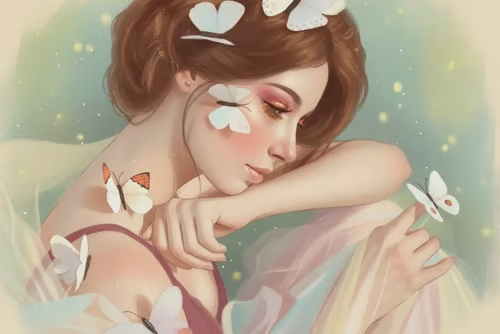
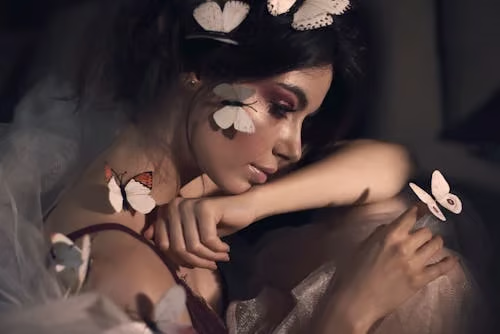
Soft pastel illustration of a resting woman with butterflies against a mint-green, speckled background.
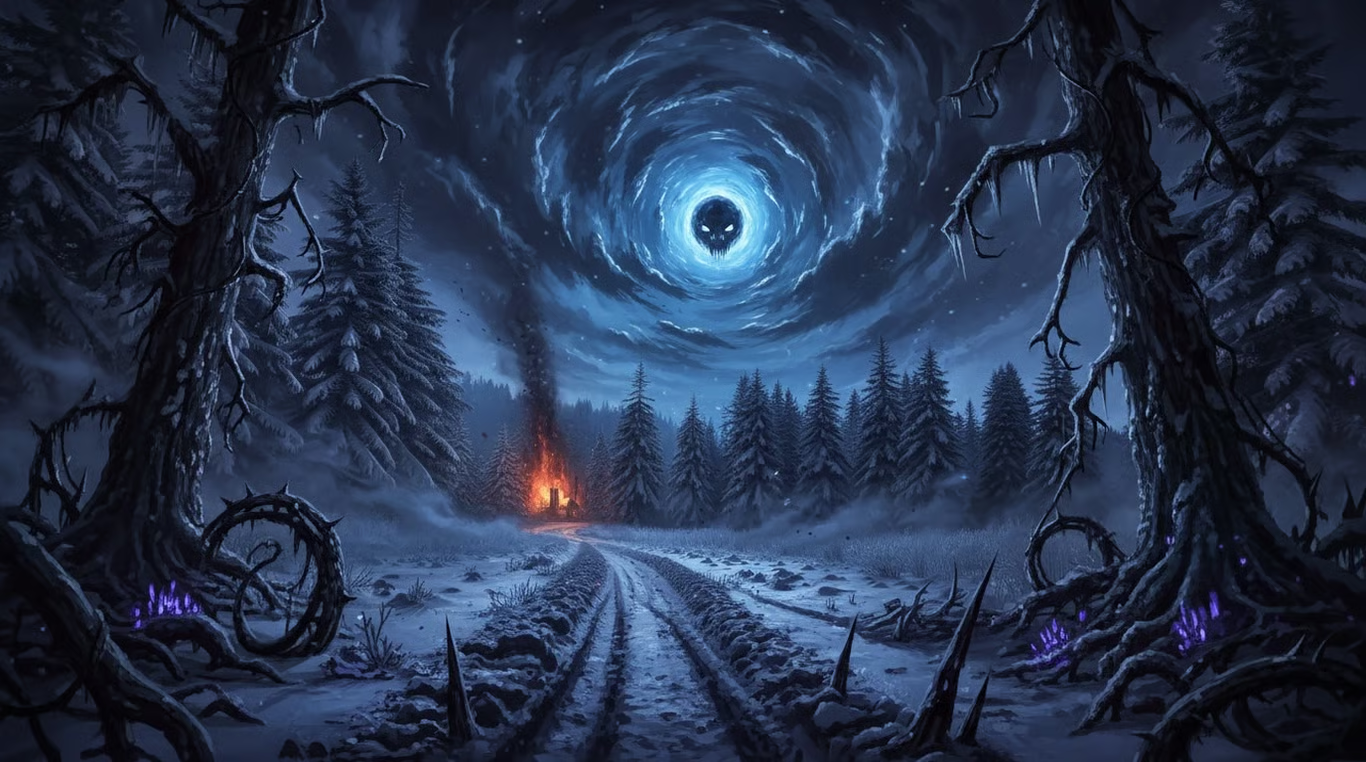
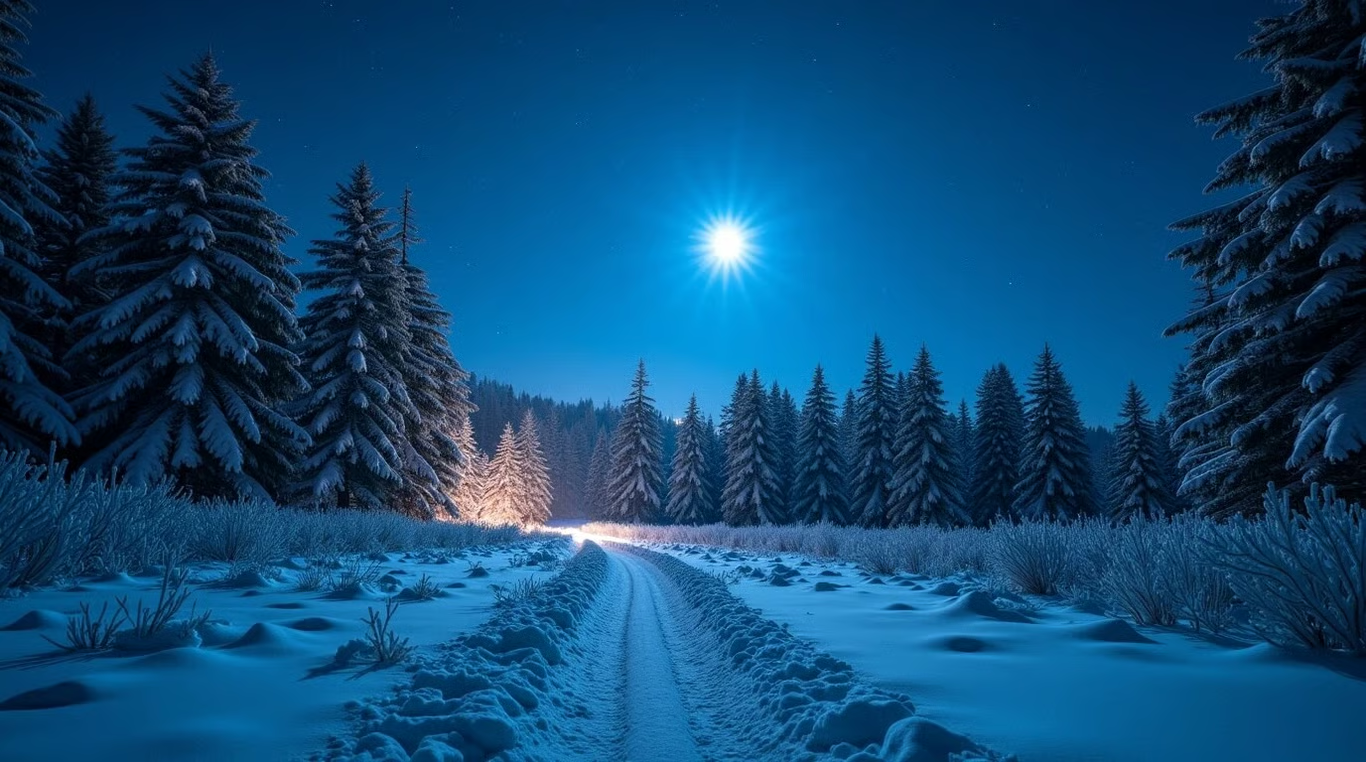
Snowy forest path beneath a skull-like blue vortex, framed by dead trees, firelight, and purple plants.
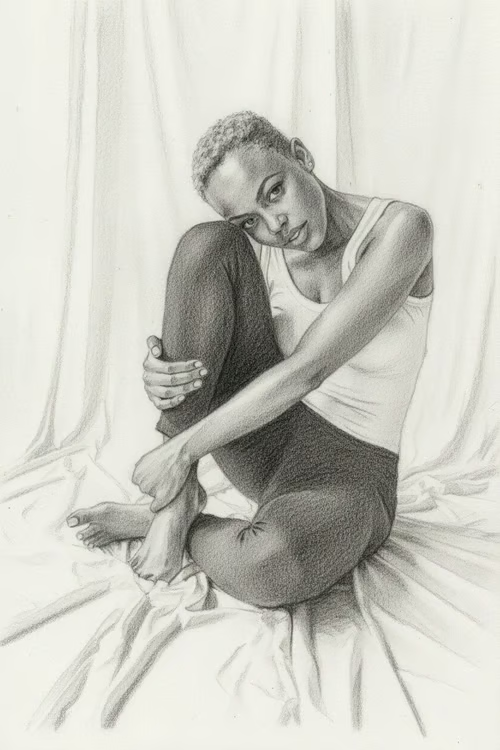
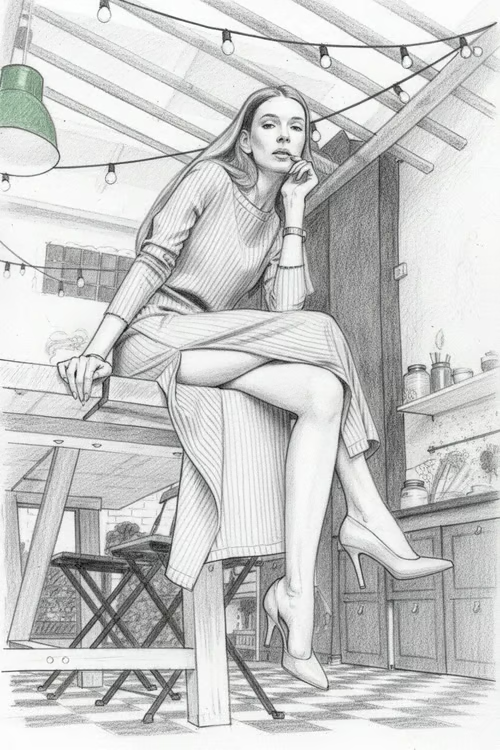
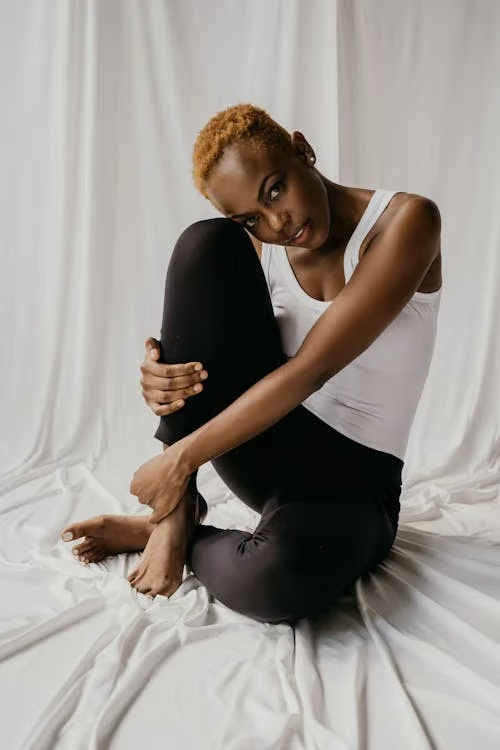
Monochrome graphite sketch of a seated woman hugging one knee on draped fabric.
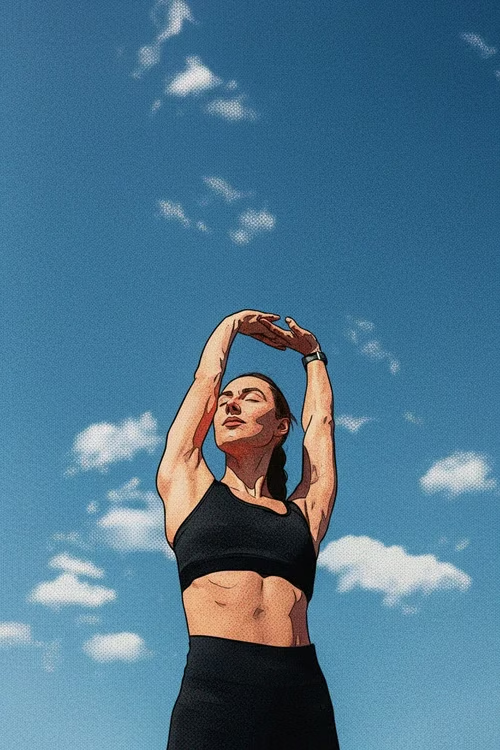
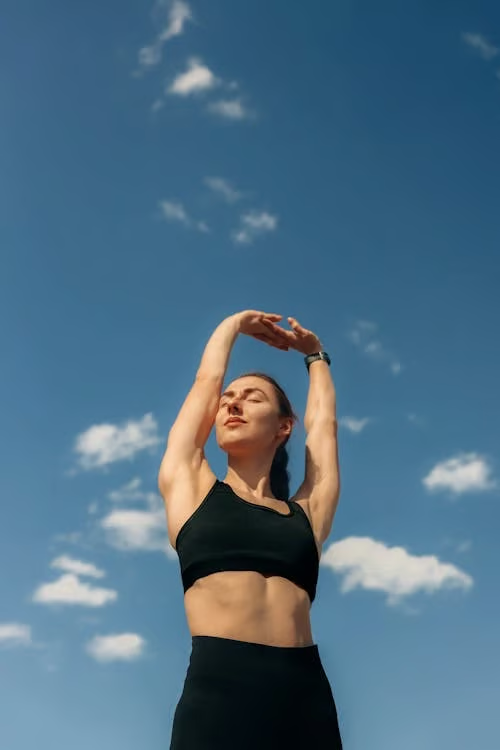
Woman stretching beneath a blue sky, rendered as a textured comic-book illustration.
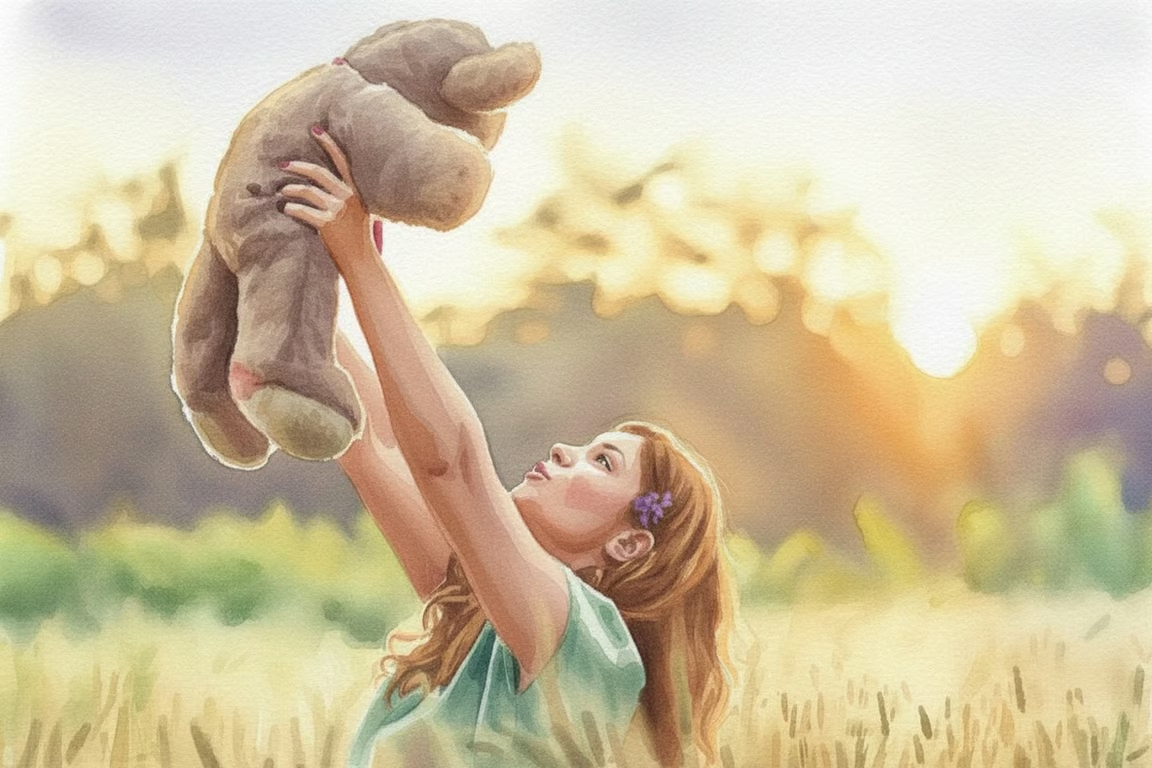
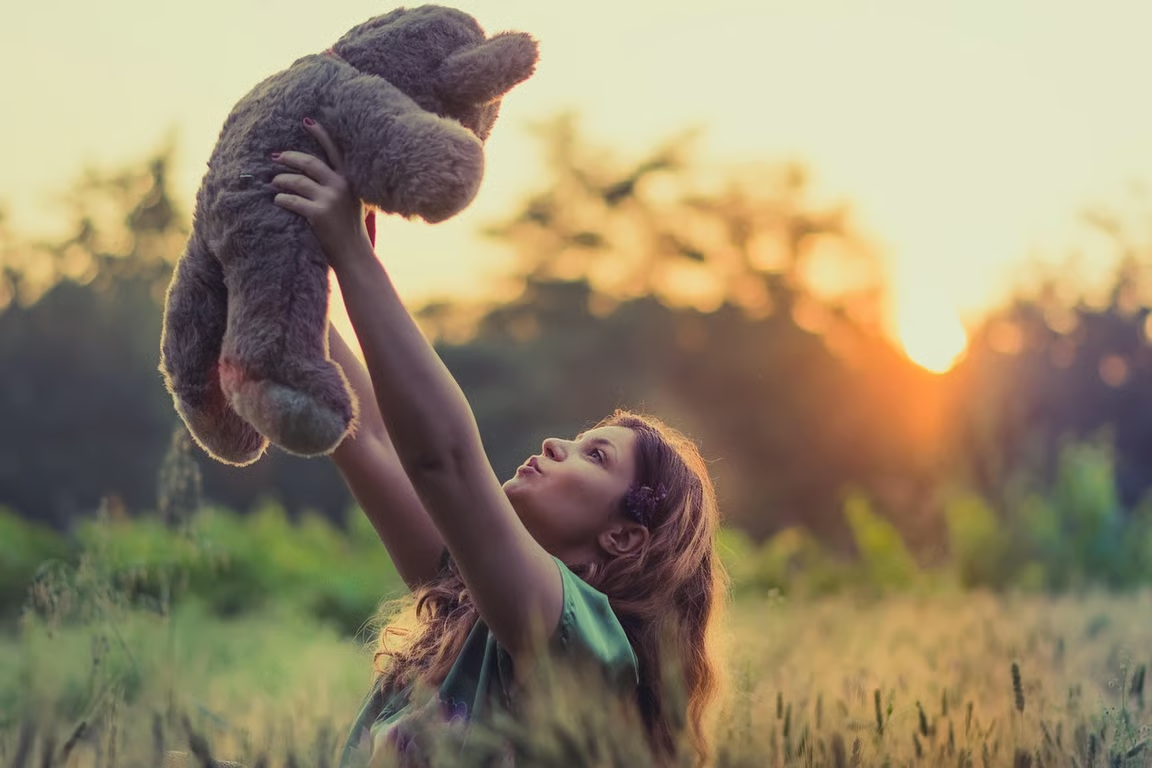
Watercolor illustration of a girl lifting a teddy bear in a sunlit meadow.
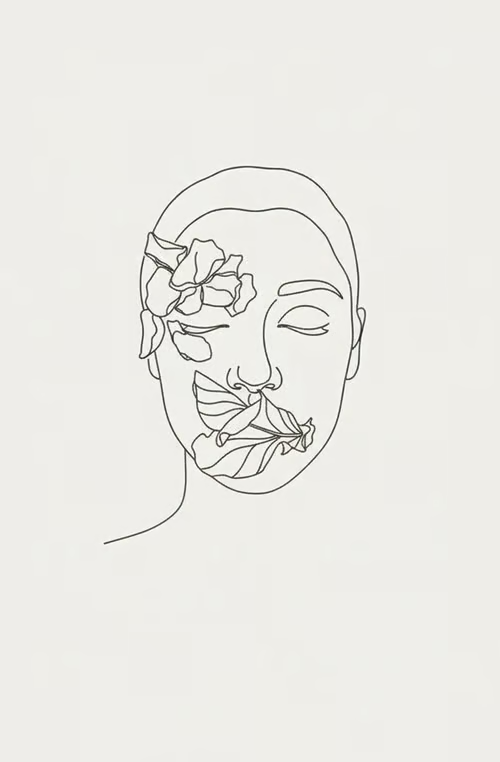
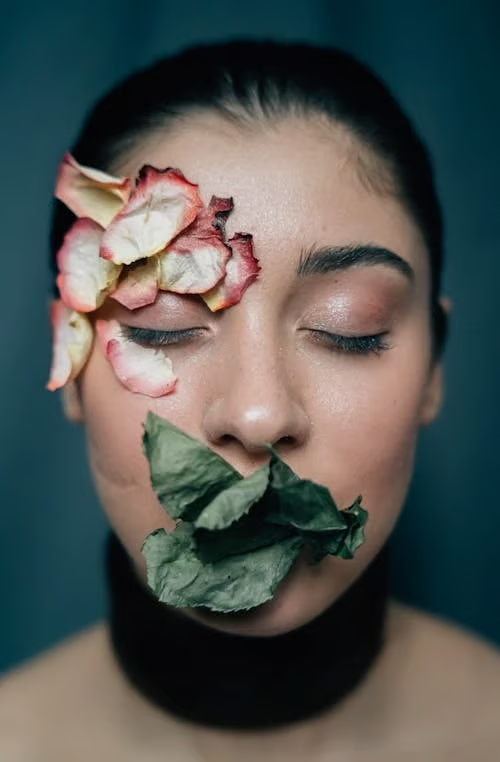
Minimalist monochrome line drawing of a flower-adorned face on an off-white background.
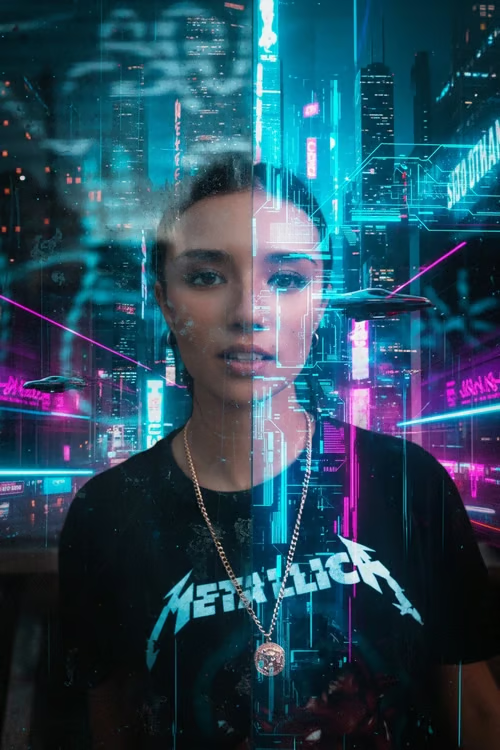
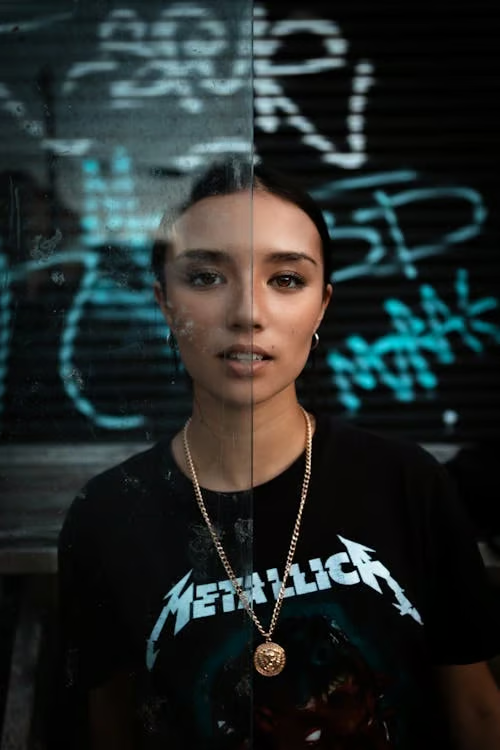
Portrait of a woman against a cyan and magenta futuristic city with holographic graphics.
What you get

All the power, none of the hassle

Photo-Based Input

Start with a reference photo and a description of the illustration you want.

Style Direction

Put cartoon, watercolor, ink, comic, or painted treatments in your hands.

Refine Again

Adjust the prompt and generate another interpretation without starting over.

Illustrated Result

Receive an image shaped around your photo, chosen style, and written direction.

User value

We are the best AI tool for...

  1. Skip a new photo shoot

    Turn an existing portrait, pet photo, or family moment into finished visual art.
  2. Create without drawing skills

    Use your words and a reference photo to explore illustration styles without manual sketching.

  3. Find the right look through revisions

    Try a new style or mood while keeping the creative idea moving in the same conversation.

Skip a new photo shoot
Perfect proof

What our users say

  • I wanted a cartoon portrait of my dog without learning to draw. The photo gave me a strong starting point, and I could keep refining the style until it felt right.

    Mara K.
  • I used an old family photo and asked for an ink drawing. It turned into something I could actually imagine framing.

    Eli R.
  • The watercolor treatment made a simple travel photo feel completely different. I liked being able to try another direction in the same conversation.

    Nina T.
  • I had a portrait but no clear art style in mind. Trying cartoon, pencil, and comic directions helped me find an illustration I wanted to keep.

    Jonah P.
  • I used a pet photo as the reference and described a storybook look. The result gave me a charming illustrated version without a separate drawing session.

    Sana L.
  • The useful part was being able to revise the image instead of starting from scratch. I could make the illustration softer and more personal with another prompt.

    Theo M.
Answers

Common questions

How do I turn a photo into an illustration?

Upload a reference photo and describe the illustration, drawing, or cartoon style you want. Cavro uses both to produce an image shaped by your photo and direction.

Can I use photo to cartoon and photo to drawing styles?

Yes. You can describe a cartoon, ink drawing, watercolor, pencil, comic, or other illustration direction in your prompt. Different style choices can be explored from the same reference photo.

Can I refine my illustration after the first result?

Yes. You can revise the prompt and generate again in the same conversation. You do not need to start over to try a new style or mood.

Do I need a subscription to create an illustration?

No mandatory subscription is required. Results are billed per credit, and images and video use the same credit balance.

Can I use a prompt without a photo?

Yes. Cavro can create from a written prompt alone, or you can combine your words with a reference photo when you want the illustration to draw from an existing image.

Play with an idea. Leave with an image.

Creators worldwide are turning “just an idea” into expensive-looking images.
Try Cavro free