




Photo to Coloring Page

Make a coloring sheet from a photo you love.
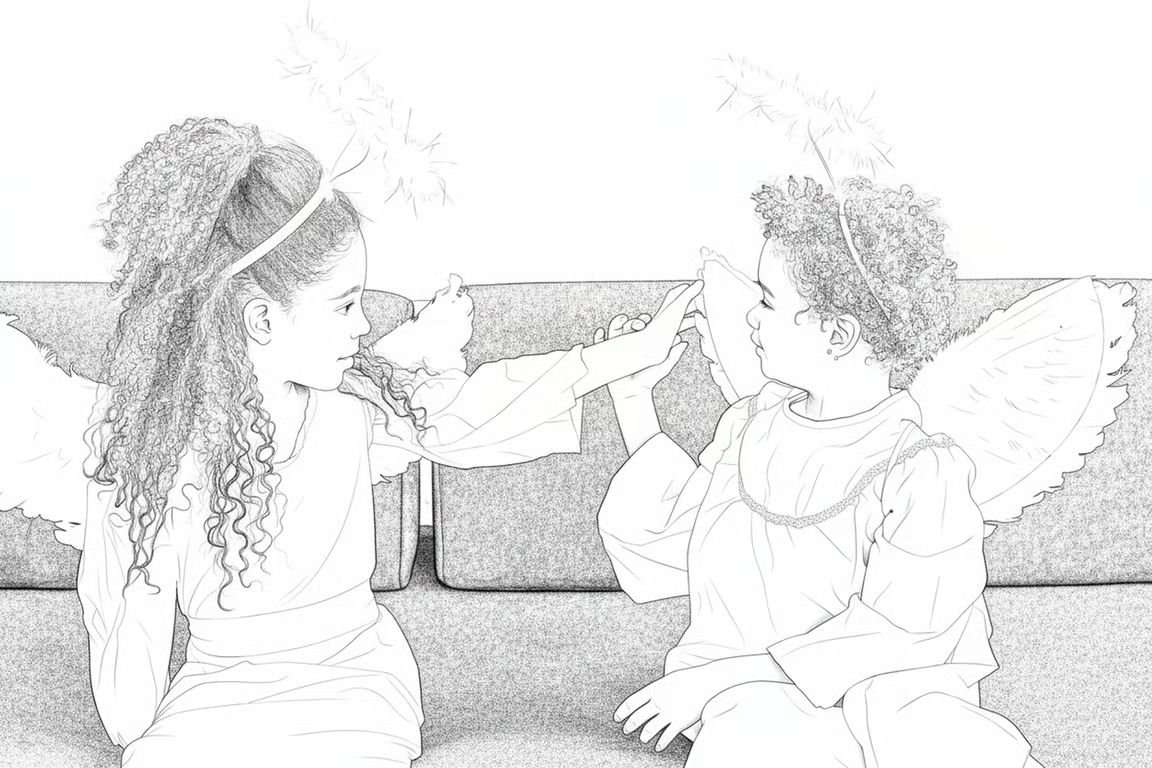
Monochrome pencil drawing of two children in angel costumes touching hands.
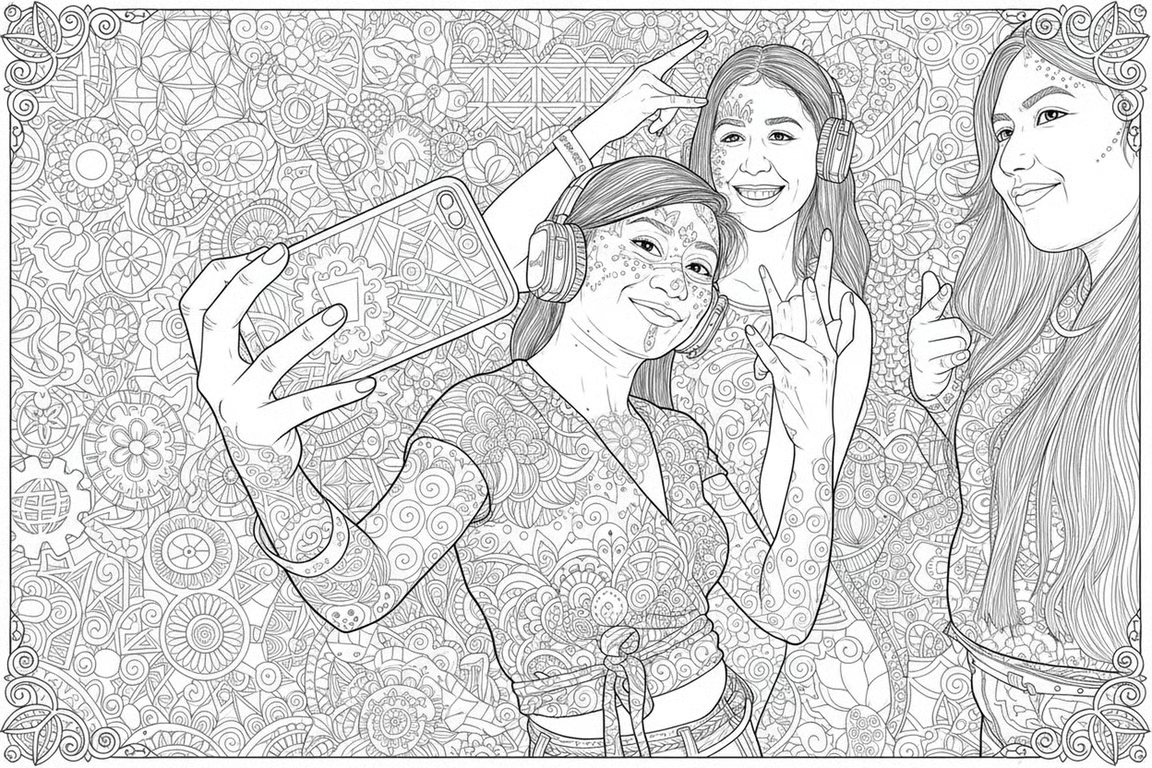
Black-and-white coloring page illustration of three friends posing together for a selfie.
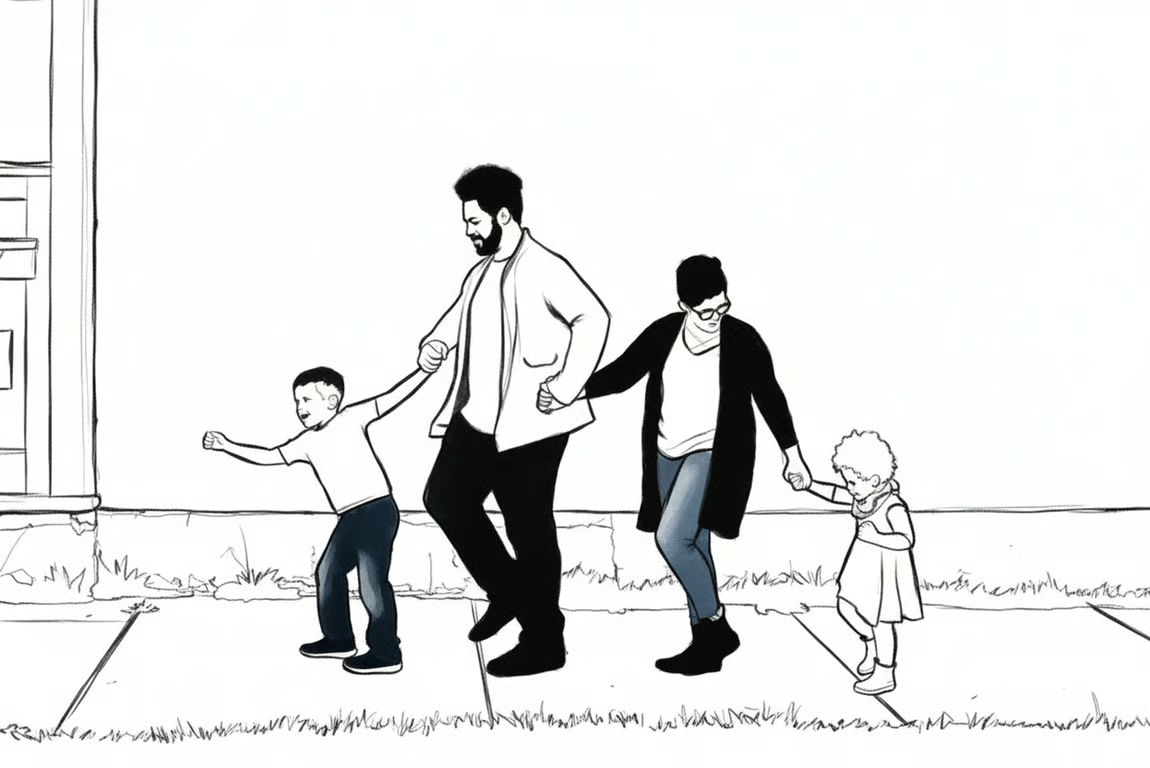
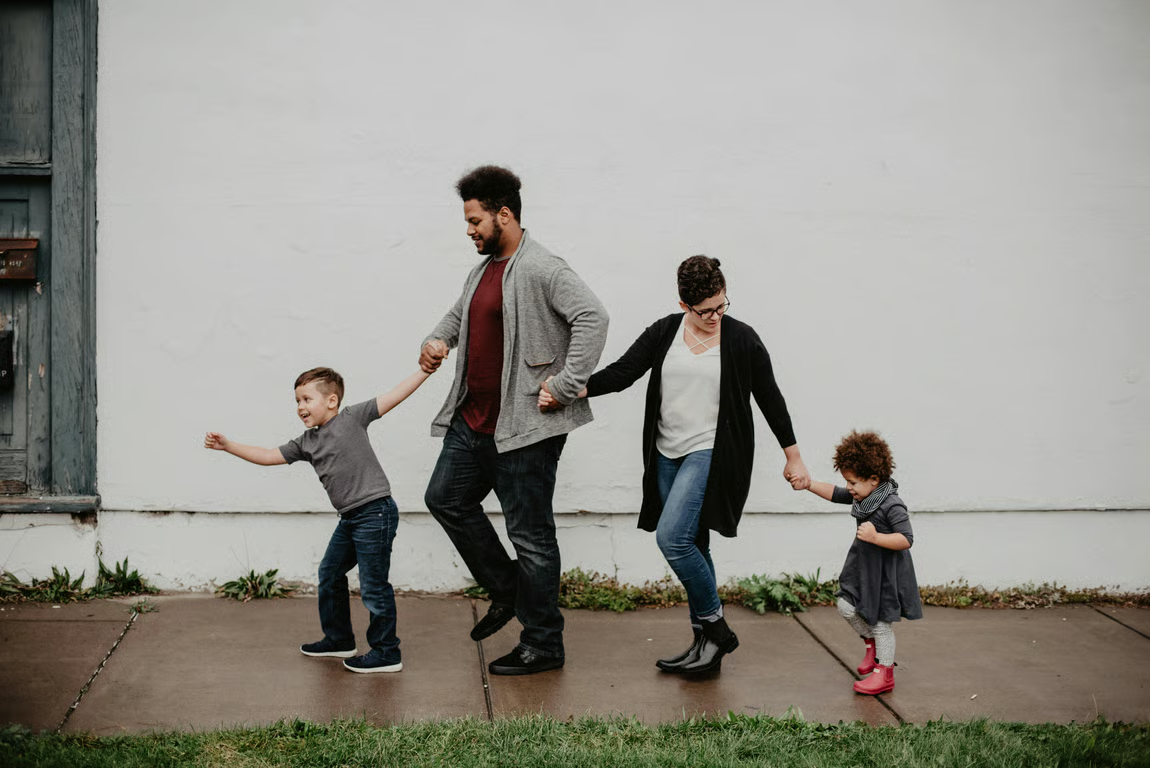
A family walking hand in hand, rendered as a black-and-white line drawing with blue jeans.
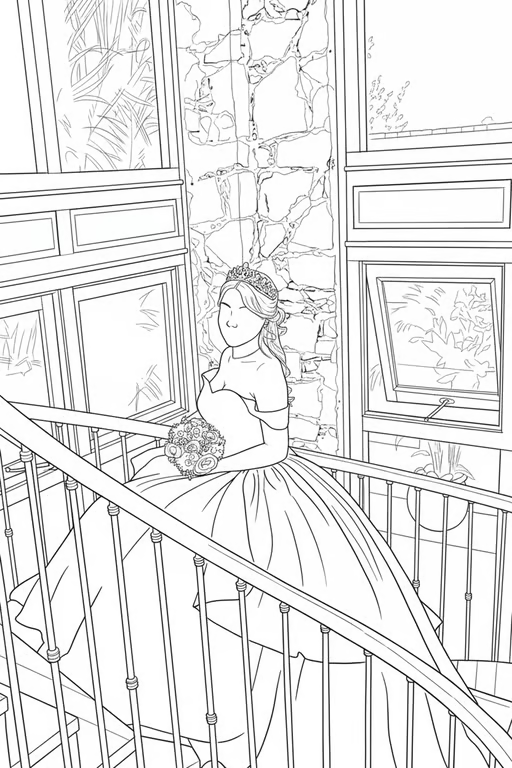
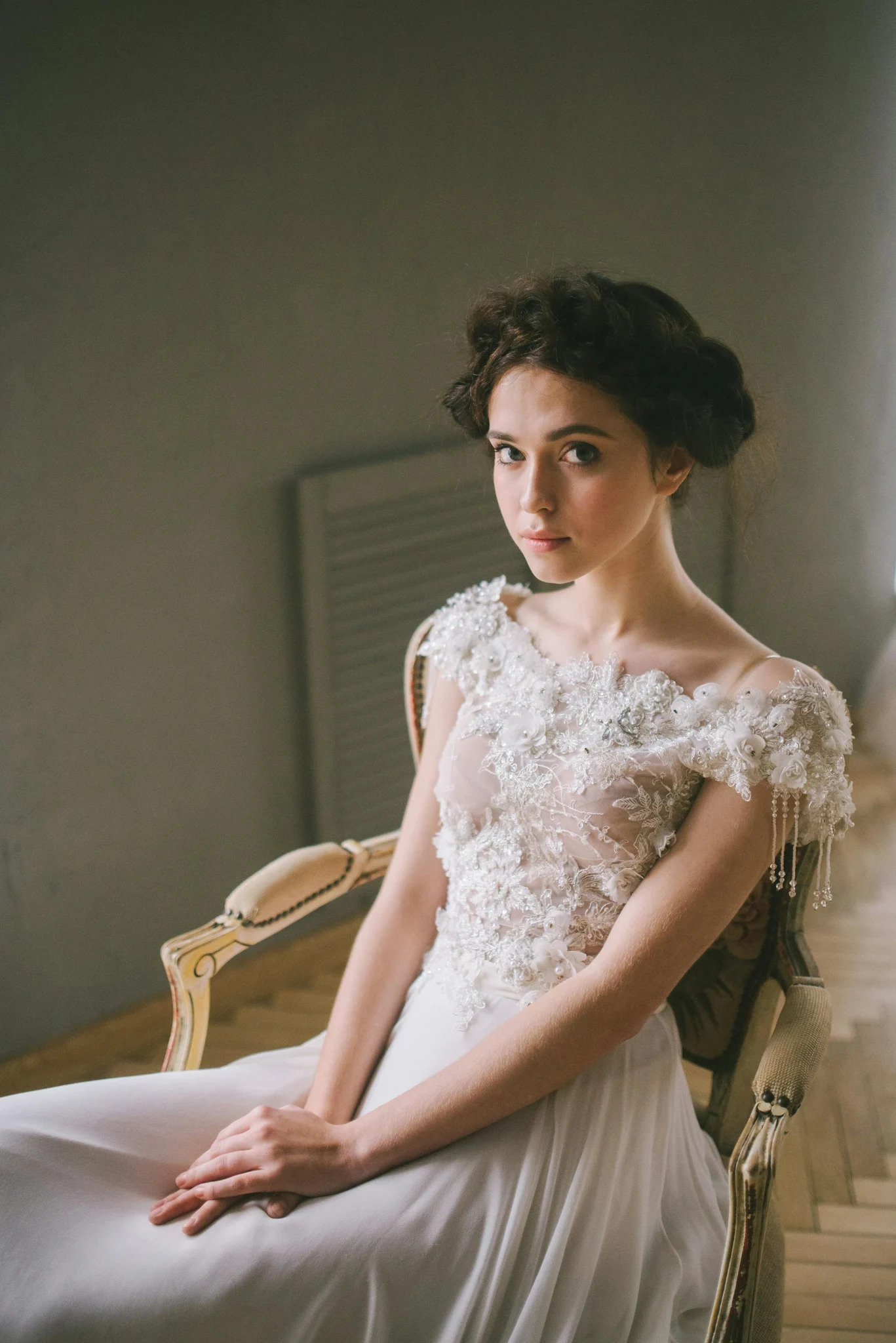
Black-and-white line drawing of a seated woman on a staircase with windows and stone walls.
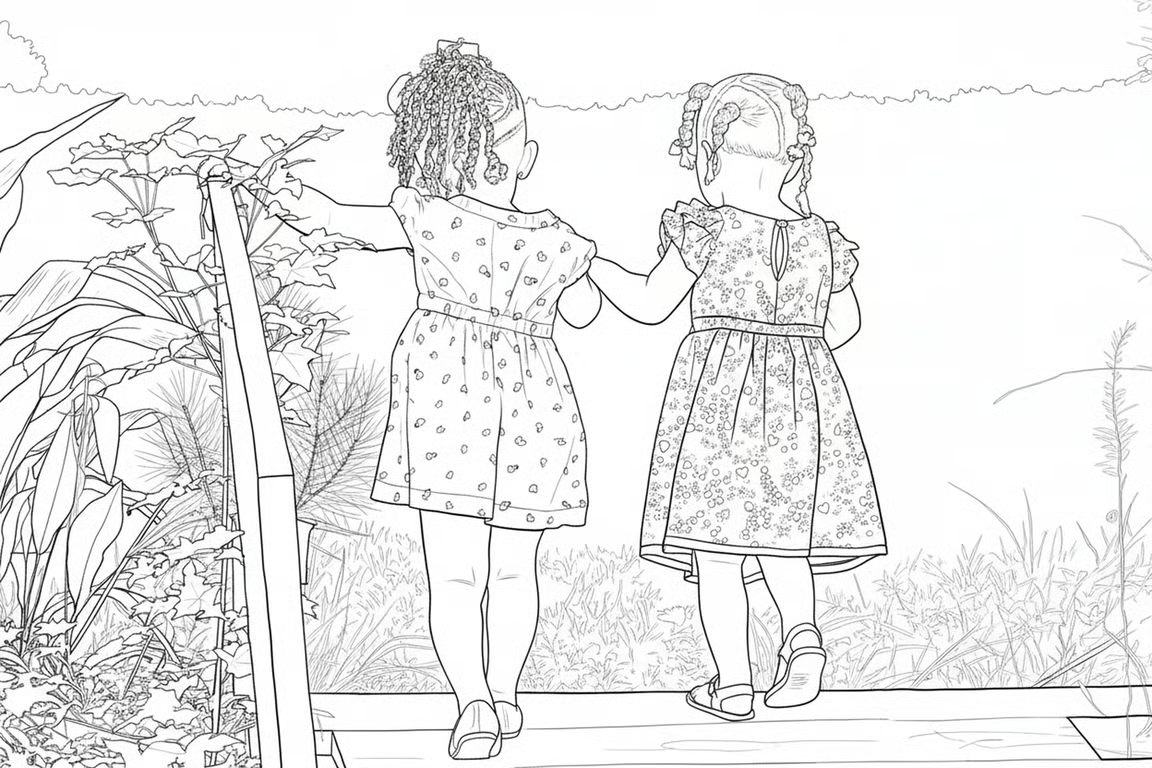
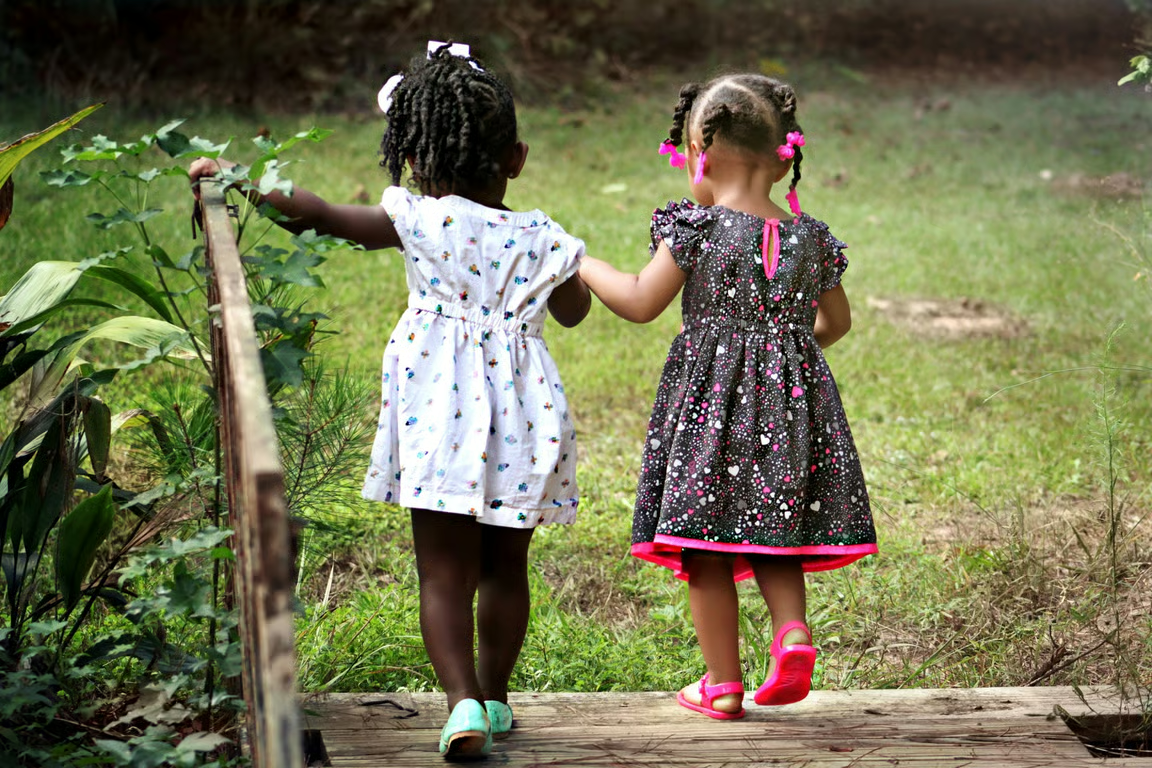
Black-and-white coloring-page drawing of two children holding hands on a wooden bridge outdoors.
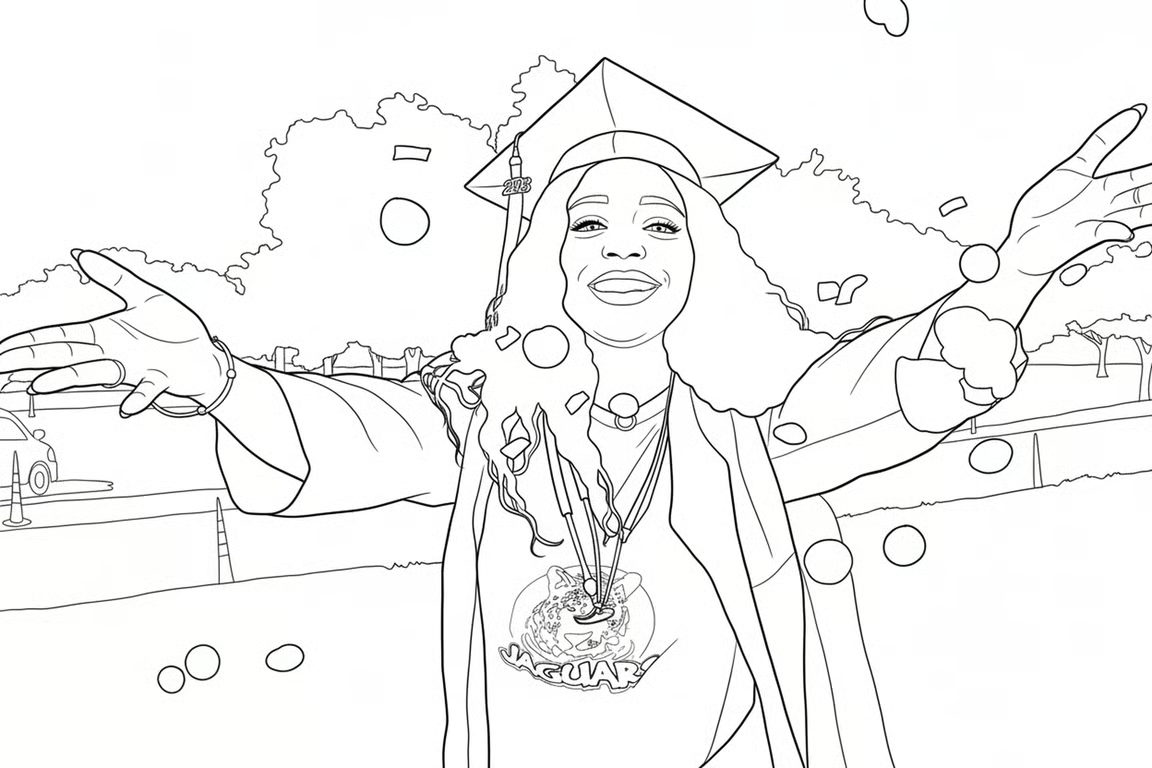
Black-and-white line drawing of a smiling graduate with raised arms and falling confetti.
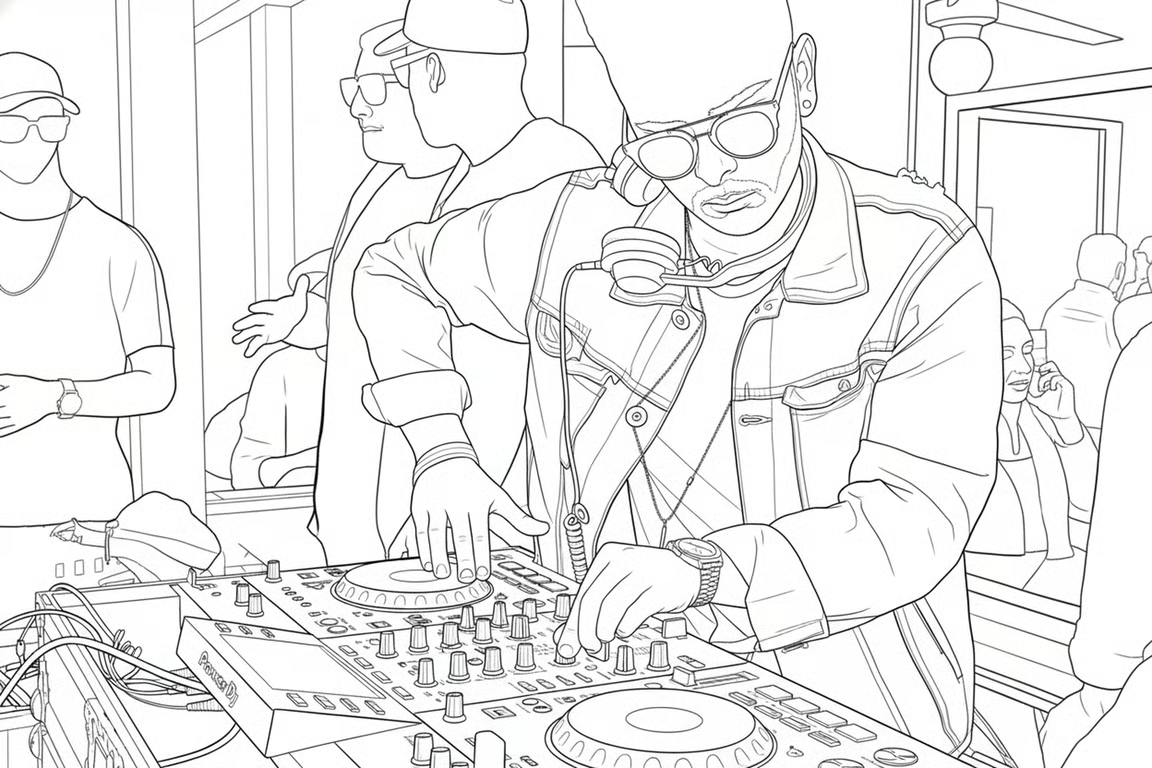
Black-and-white line drawing of a DJ wearing headphones and working at a mixing console.
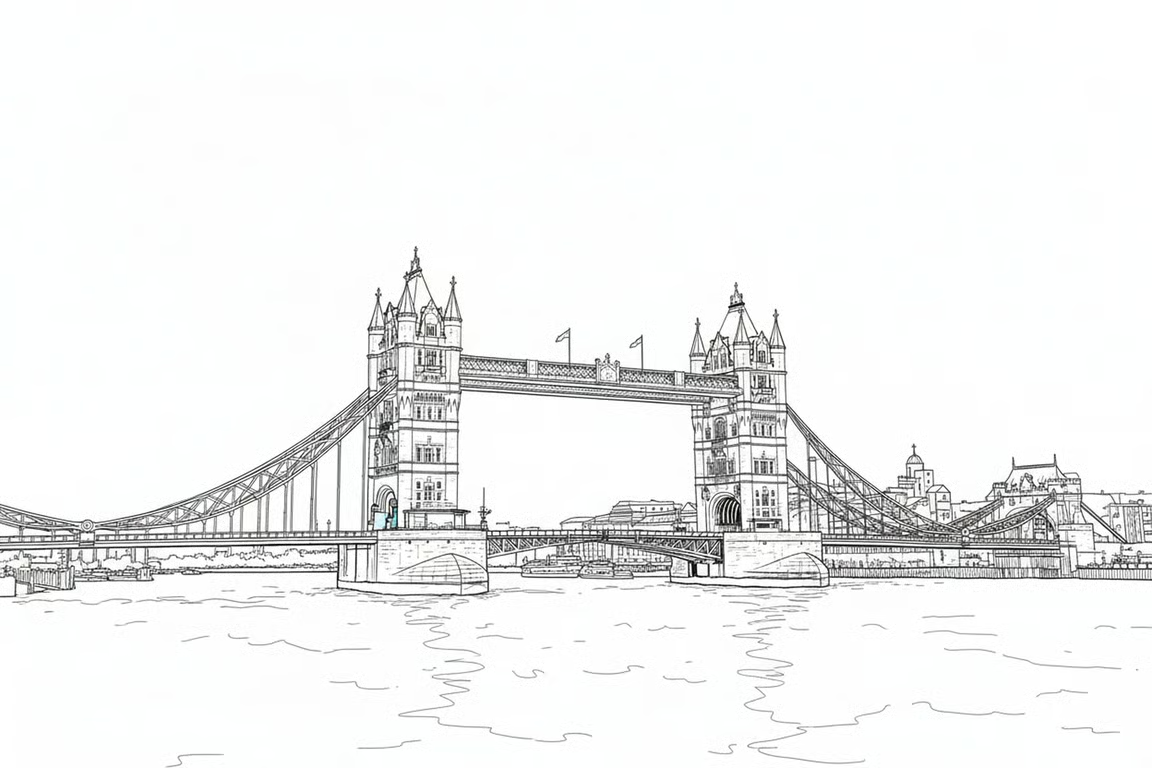
Black-and-white architectural line drawing of a large bridge spanning a river.
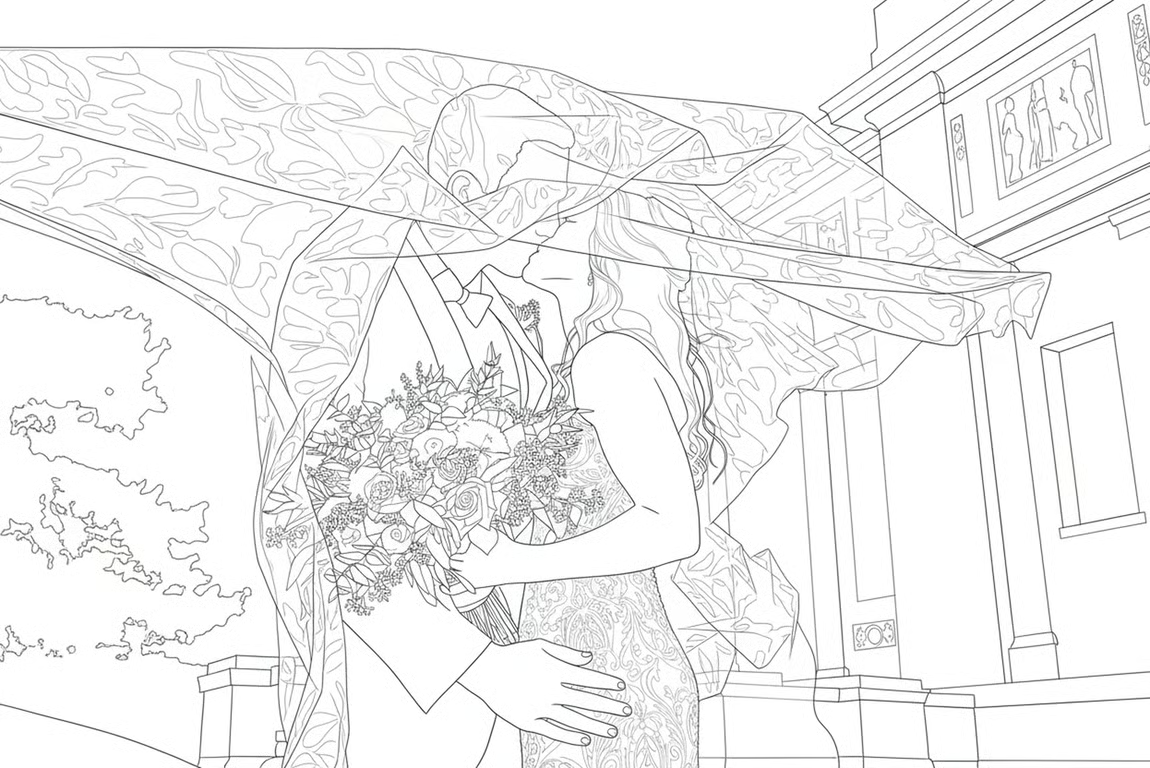
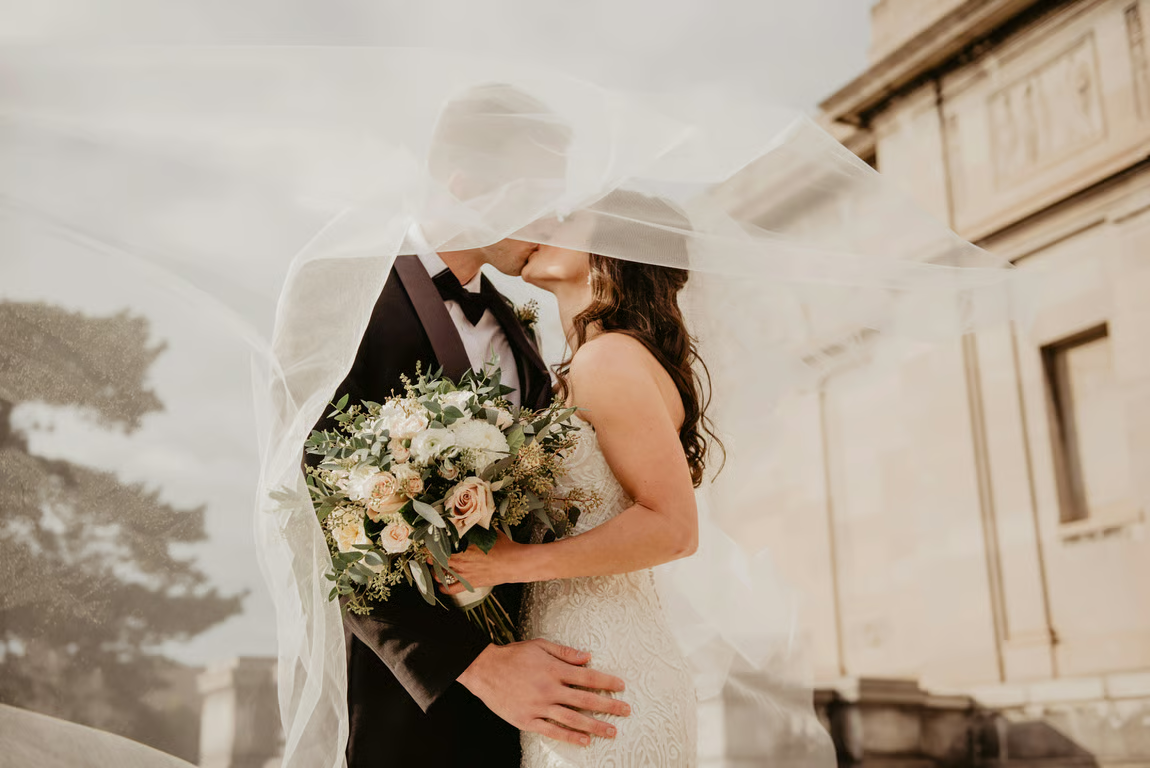
Black-and-white line drawing of a wedding couple embracing beneath a flowing veil.
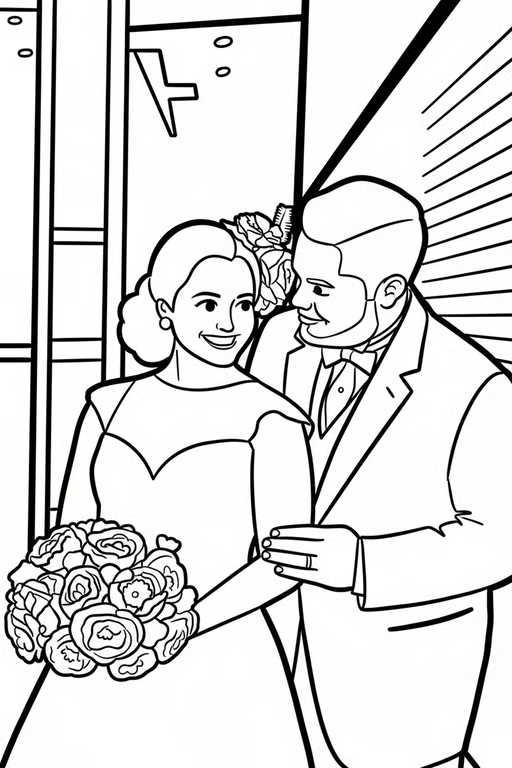
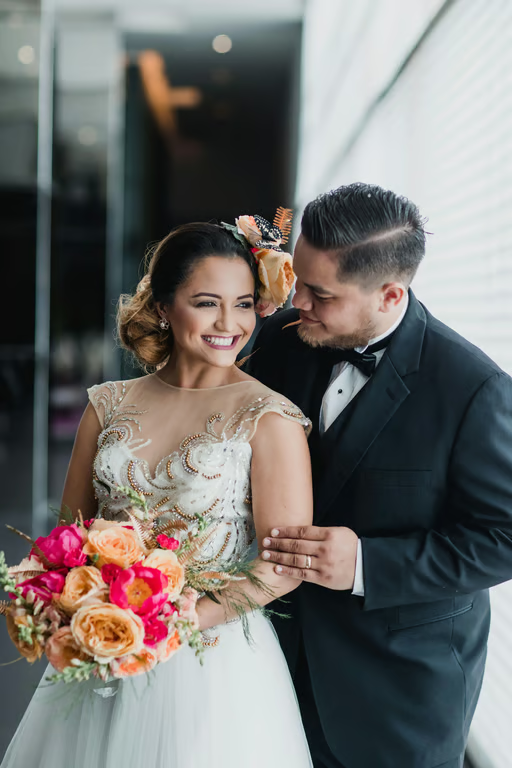
Black-and-white line drawing of a bride and groom with a flower bouquet.
What you get

All the power, none of the hassle

Use Your Photo

Start with a portrait, pet, landscape, or everyday image as the source for your coloring page.

Choose Line Detail

Select a simpler or more detailed outline style to suit the person coloring it.

Refine Your Page

Submit another prompt in the same conversation when you want to adjust the coloring-page direction.

Receive Clean Outlines

Get a black-and-white line drawing that gives your photo a clear coloring-page form.

User value

We are the best AI tool for...

  1. Skip a Separate Illustration

    Create a coloring activity from a photo you already have instead of drawing the scene from scratch.

  2. Give Kids Familiar Subjects

    Let children color people, pets, and places they recognize in a more personal activity.

  3. Create Meaningful Keepsakes

    Turn school moments, family portraits, and celebrations into pages worth saving or displaying.

Skip a Separate Illustration
Perfect proof

What our users say

  • I used a photo of our dog and got a coloring page that still felt like him. The line details made it satisfying to color.

    Mara K.
  • My kids loved coloring a picture of our family because they recognized everyone right away. It turned an ordinary photo into a fun afternoon.

    Jonah R.
  • I made pages from a few favorite travel photos and used them in a small creative project. The outlines gave me a great place to start.

    Elena P.
  • The portrait conversion captured the important features without leaving me with a complicated image to color. It made a thoughtful handmade keepsake.

    Tessa M.
  • I wanted a simple activity for a school celebration, so I used familiar photos. The children were excited to color scenes they knew.

    Caleb S.
  • I refined the prompt after the first attempt and got a page closer to the style I wanted. It was useful to build on the same photo.

    Nina L.
Answers

Common questions

What is a photo to coloring page tool?

It transforms a photo into a black-and-white line drawing designed for coloring. Cavro uses your written prompt and/or reference photo to create the image.

How do I turn a photo into a coloring page?

Upload a photo and describe the coloring-page result you want, such as clean outlines or more detail. Your words and photo are used together to create the image in Cavro.

What kinds of photos work for an AI photo to coloring page?

Portraits, pets, landscapes, family moments, and everyday photos can all provide a starting point. A clear subject and a useful description can help shape the coloring page you want.

Can I refine a coloring page from a photo?

Yes. You can refine and generate again in the same conversation without starting over, using another prompt to adjust the direction.

Do I need a subscription to convert a photo to a coloring page?

No mandatory subscription is required. Results are billed per credit, and images and video come from the same credit balance.

Play with an idea. Leave with an image.

Creators worldwide are turning “just an idea” into expensive-looking images.

Try Cavro free