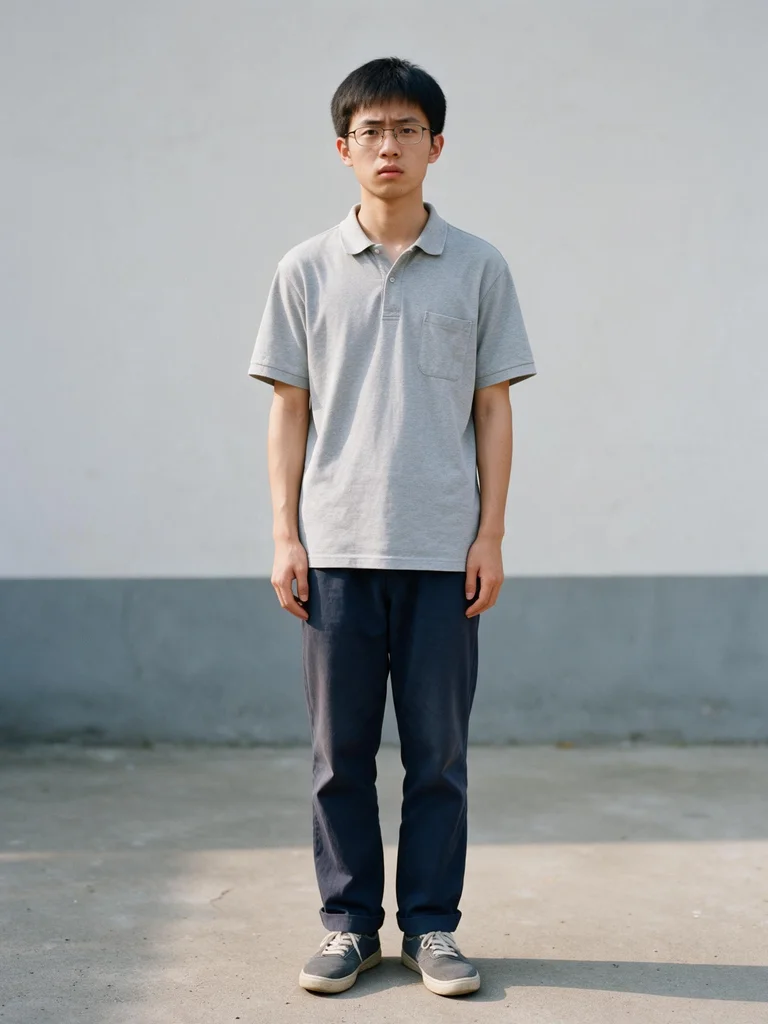


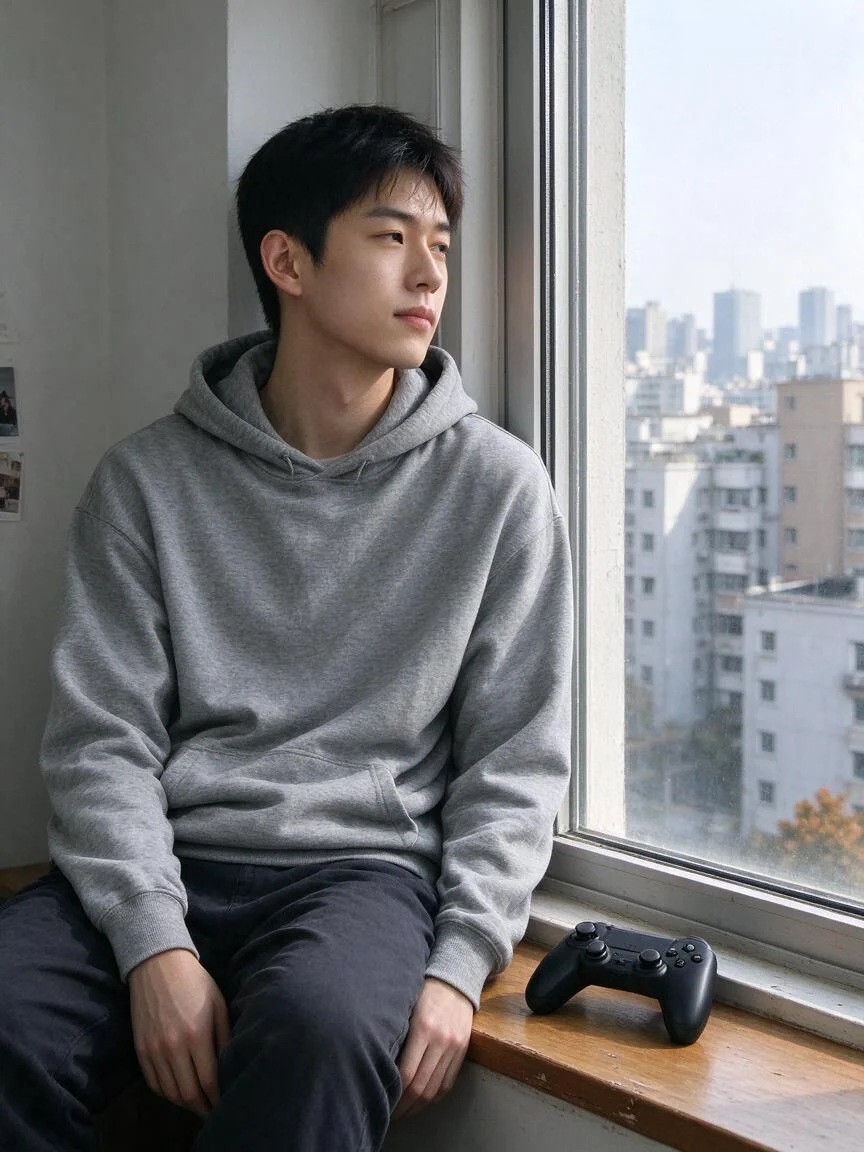

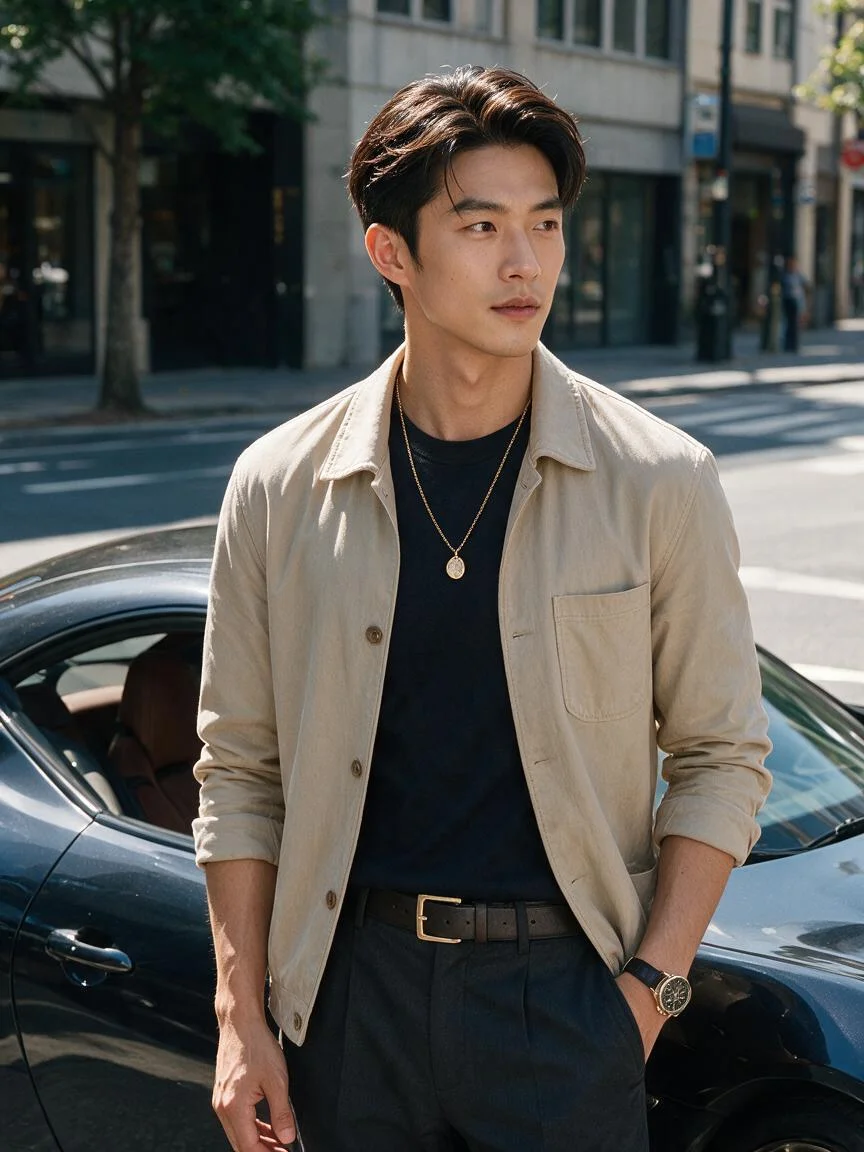

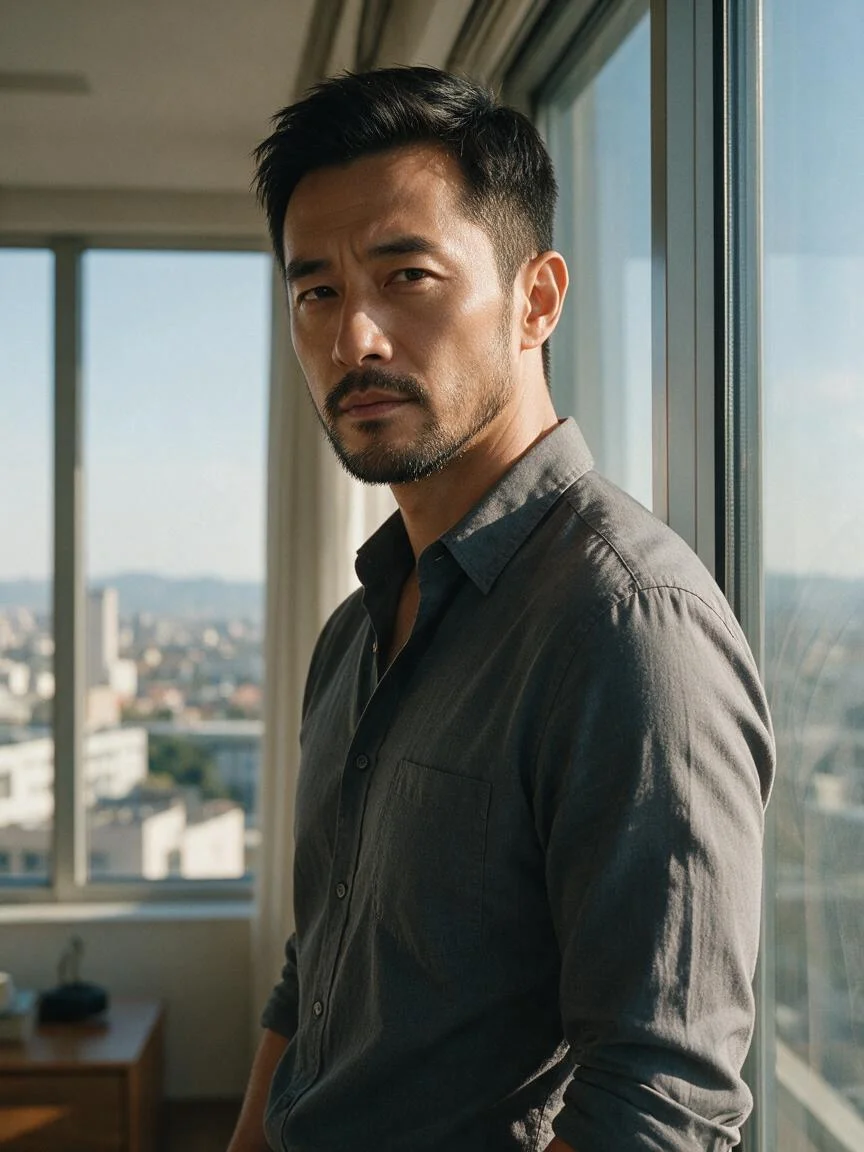

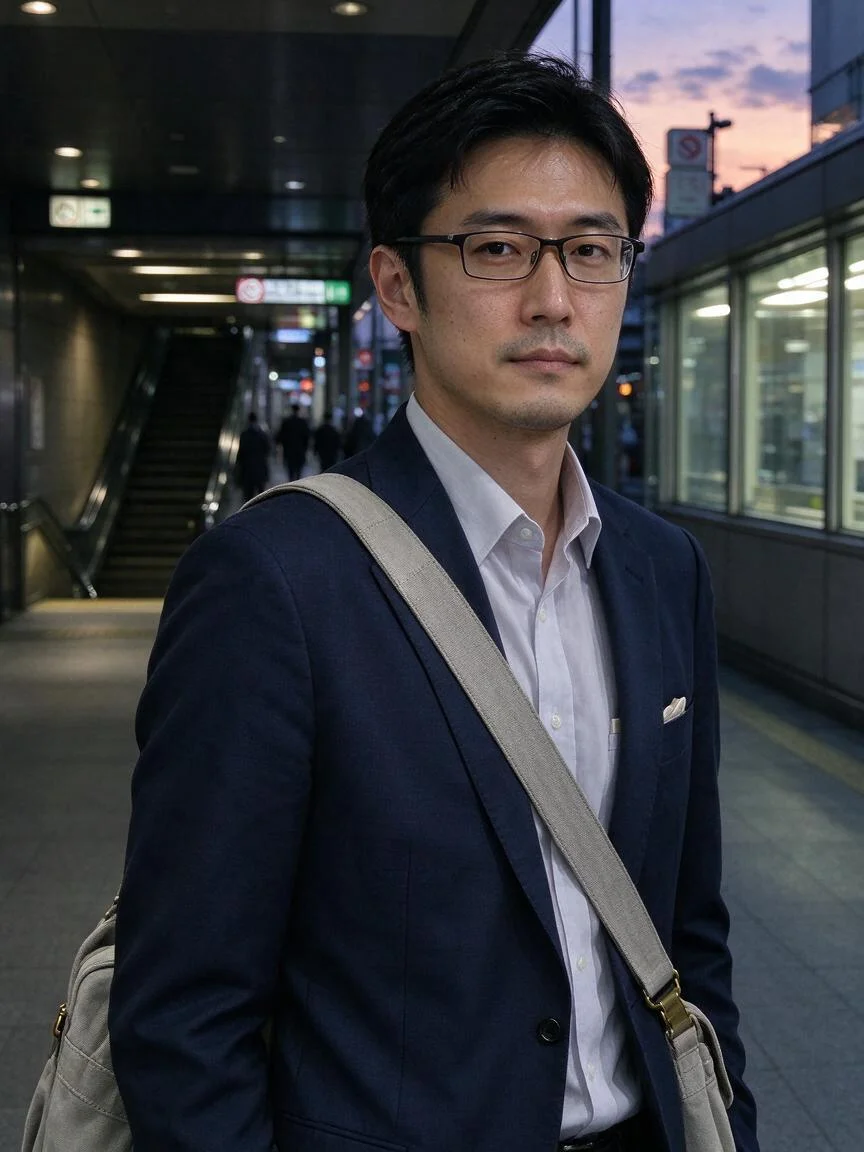
A proper photo for job hunting
Still using a résumé, badge or job-board photo from years ago? Swap into a well-fitted suit or shirt against a clean wall, and pick the frame that works.
Try Cavro freeUpload one clear photo, choose your outfits and pair them with scenes. In minutes you get a whole set of showcase photos ready to post. No studio, no new clothes, no location and no photographer: customise freely, never repeat someone else’s look, and sharpen your image to draw more attention.
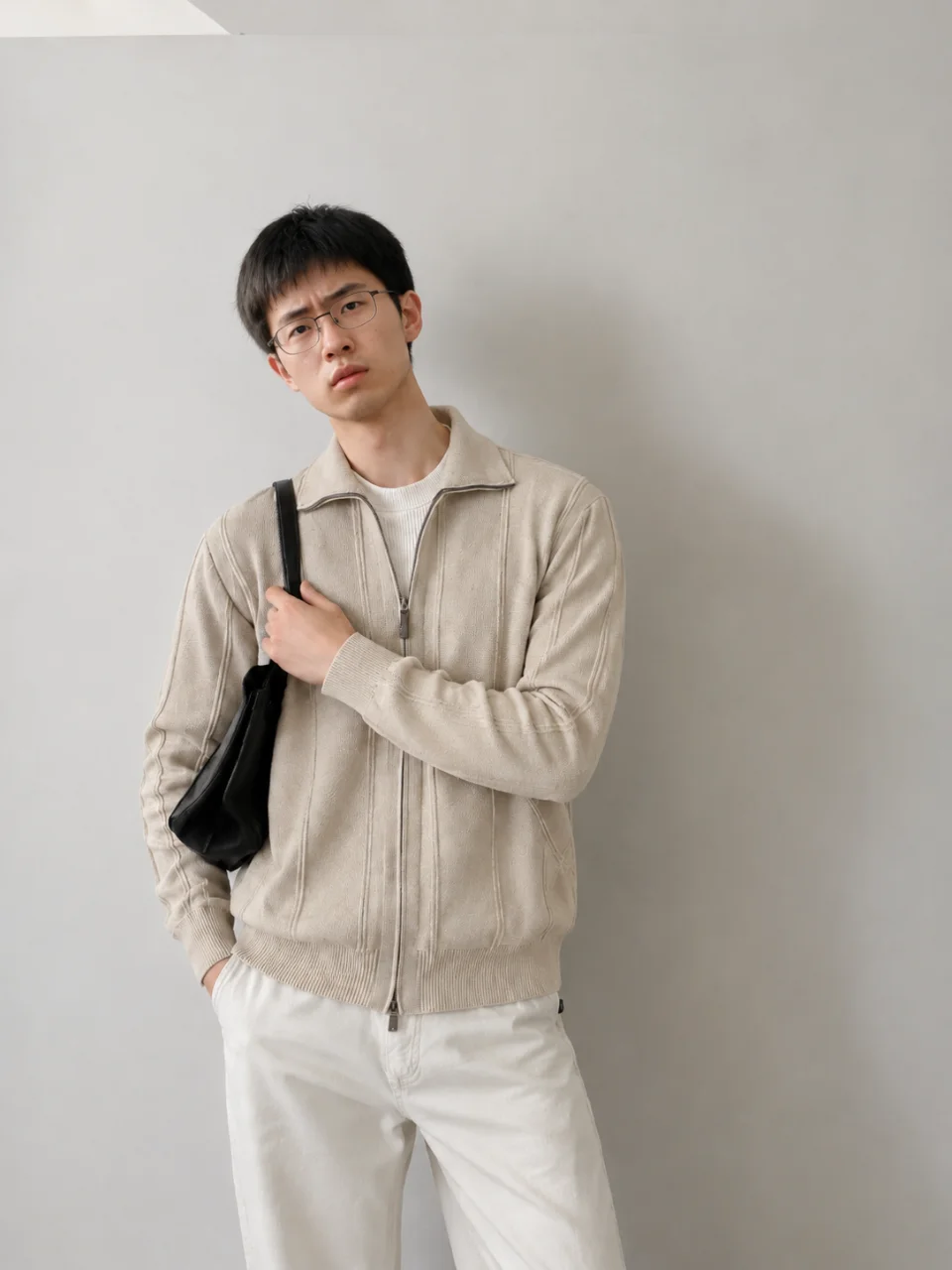
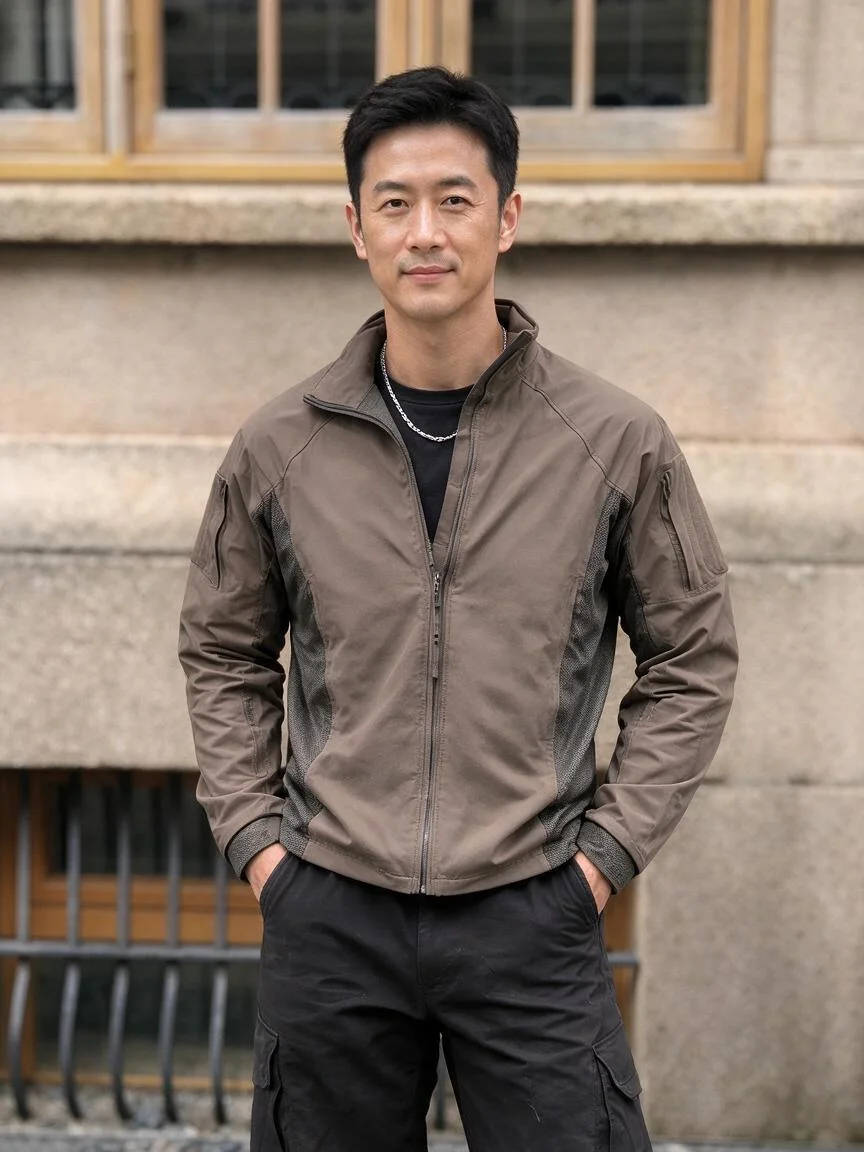
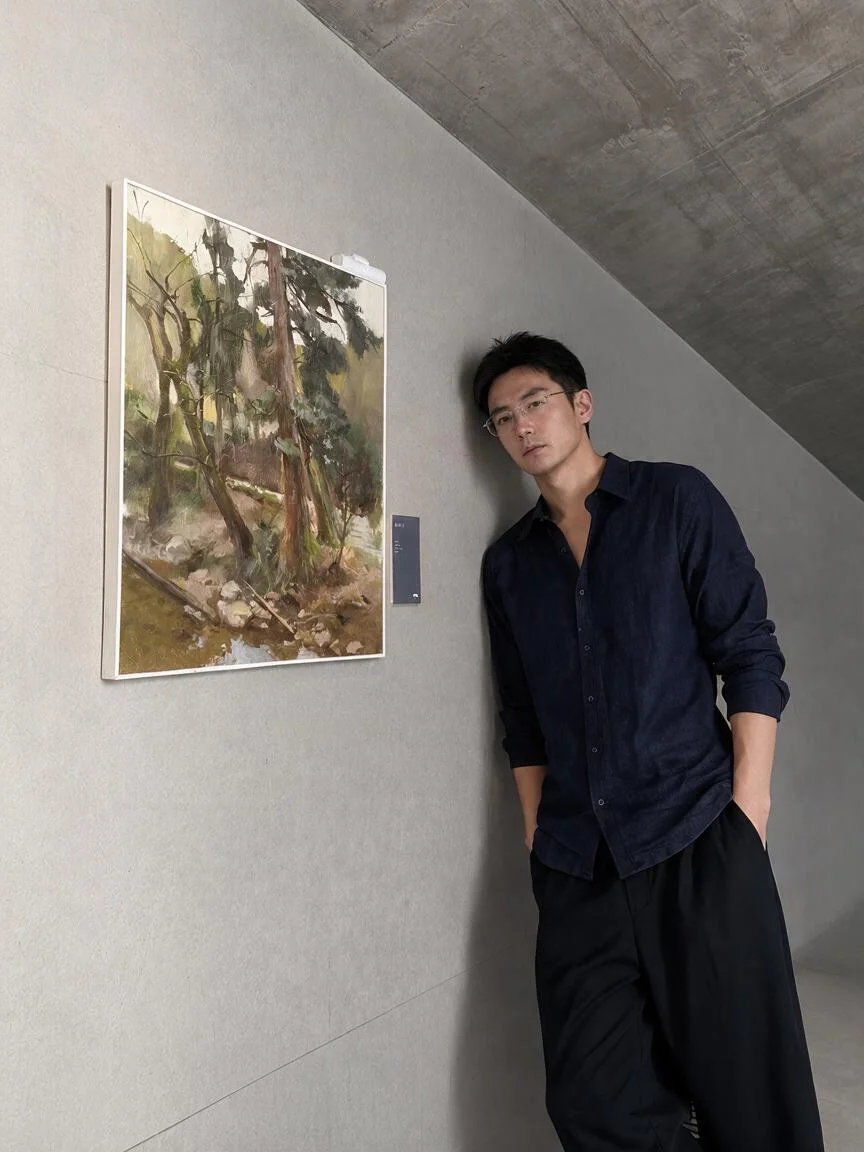
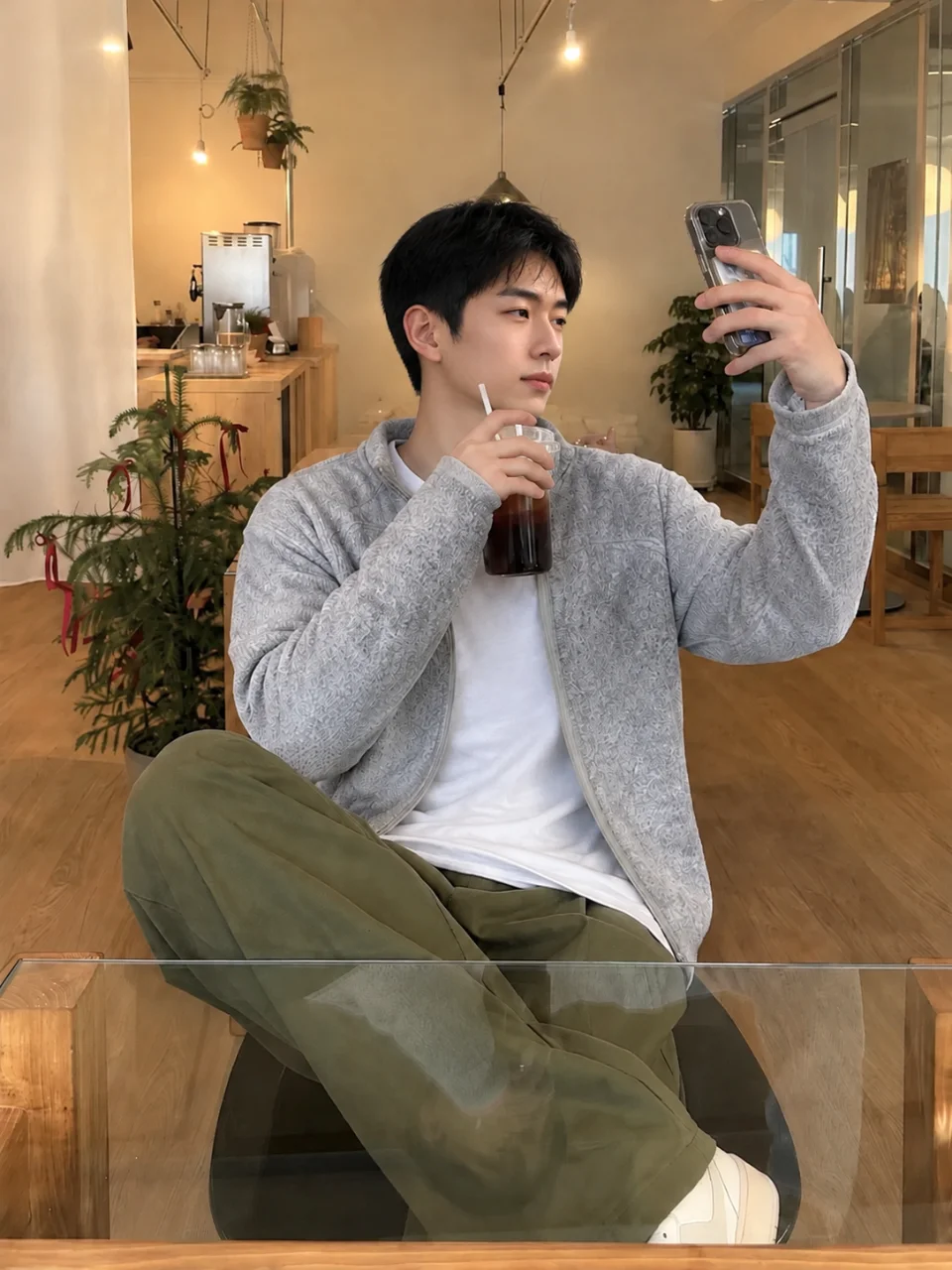

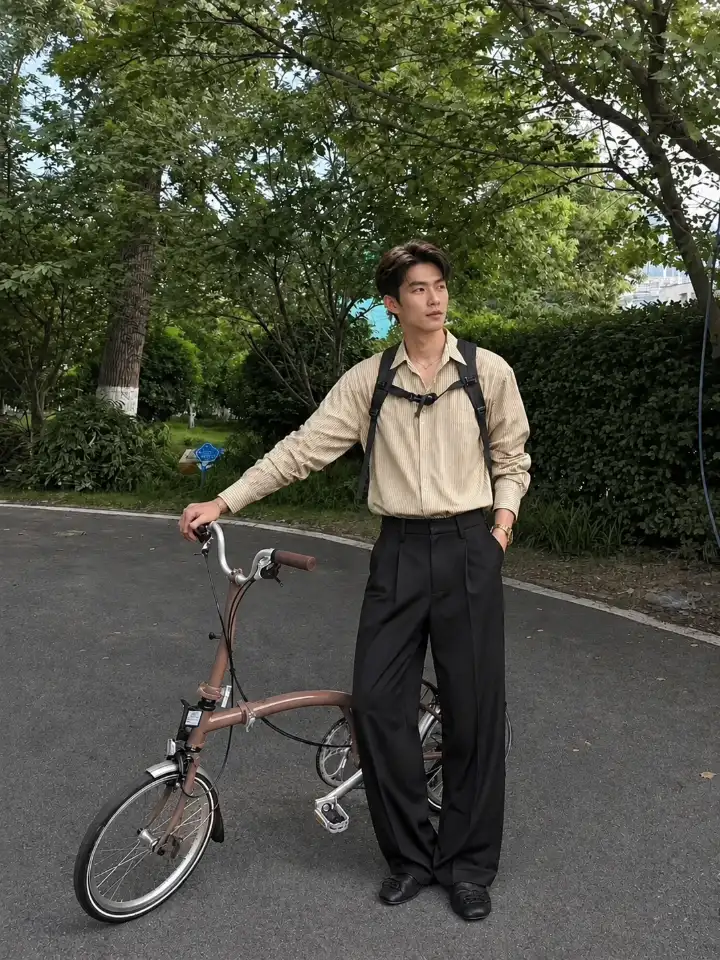
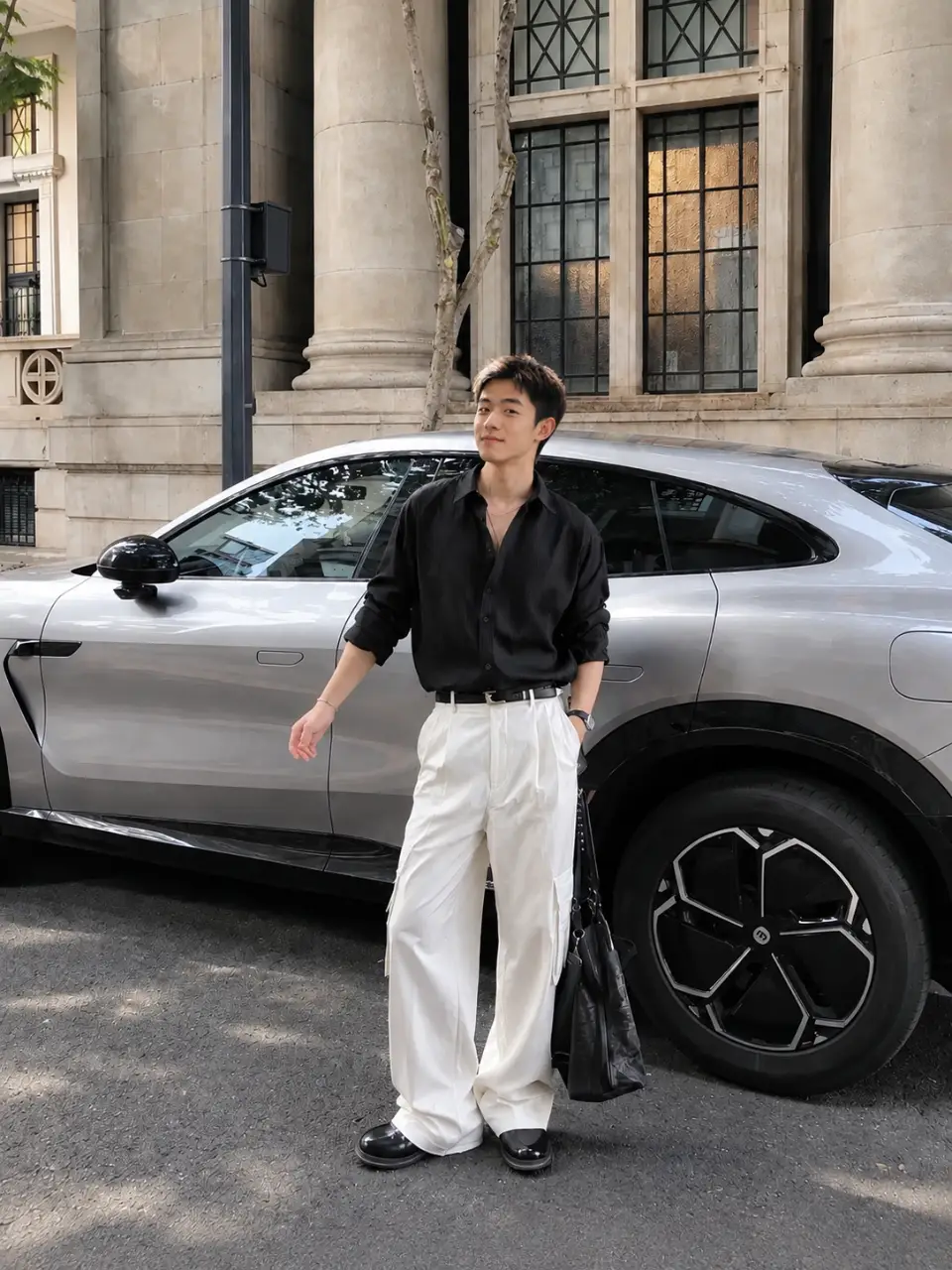
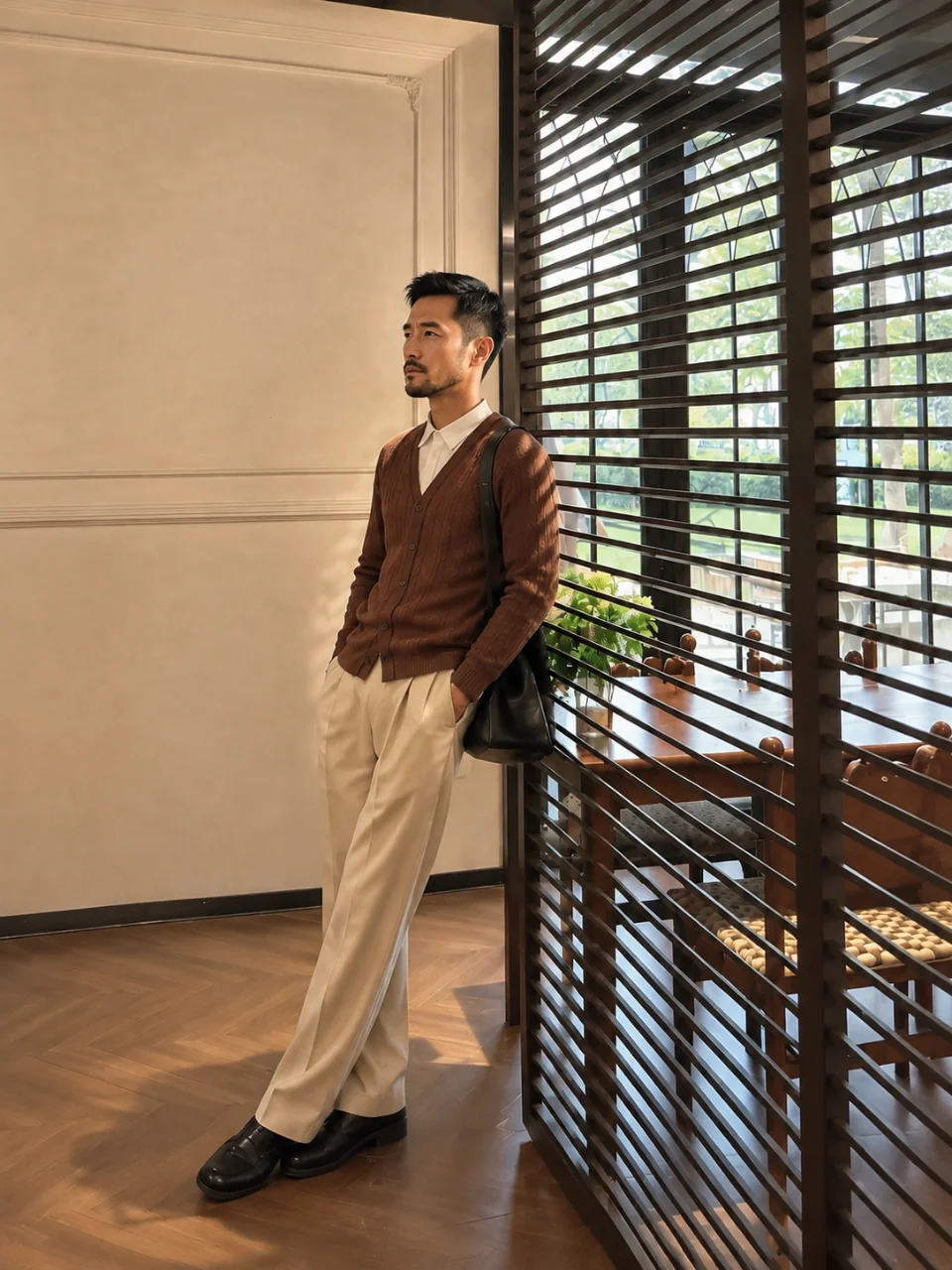
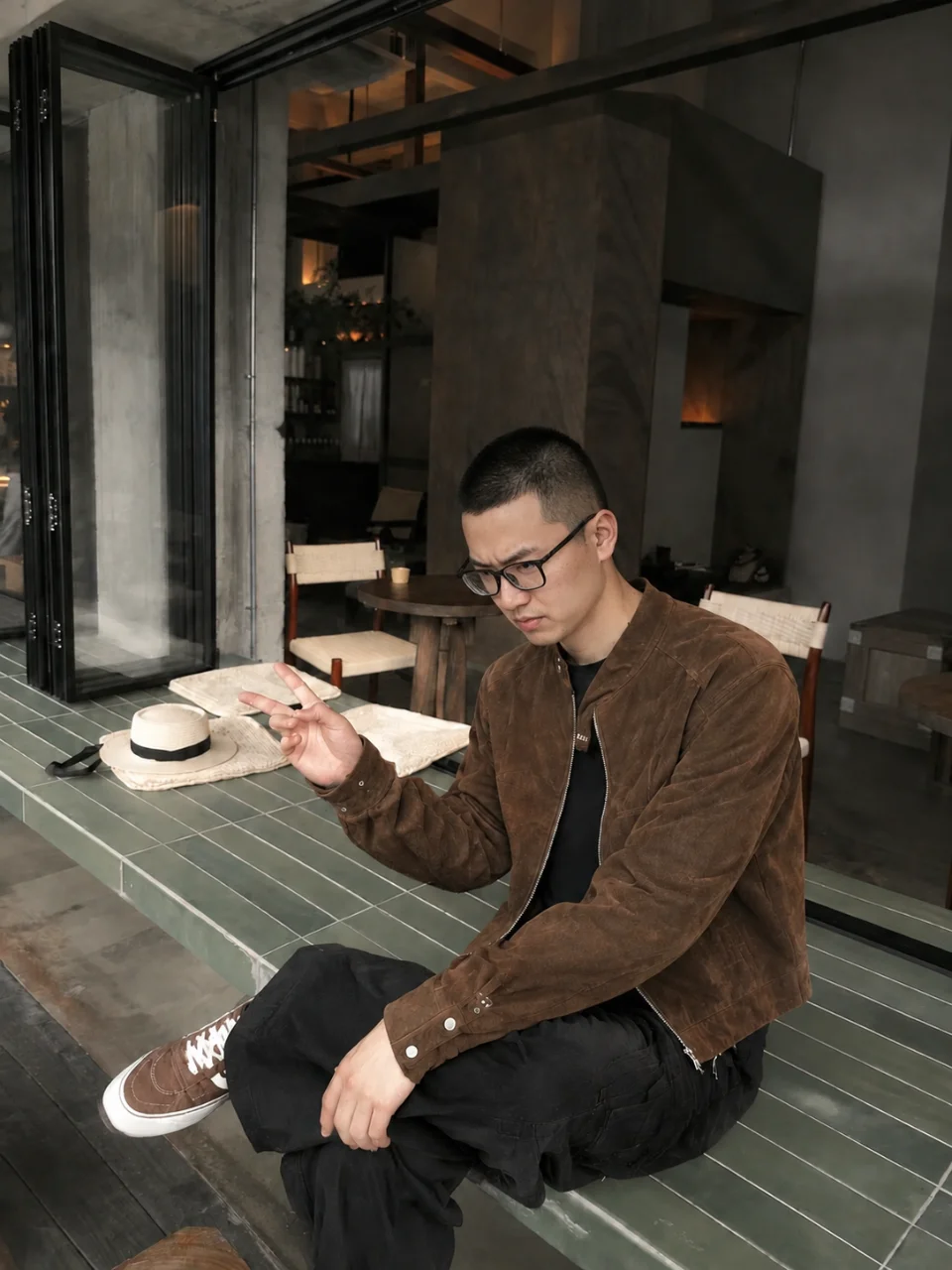
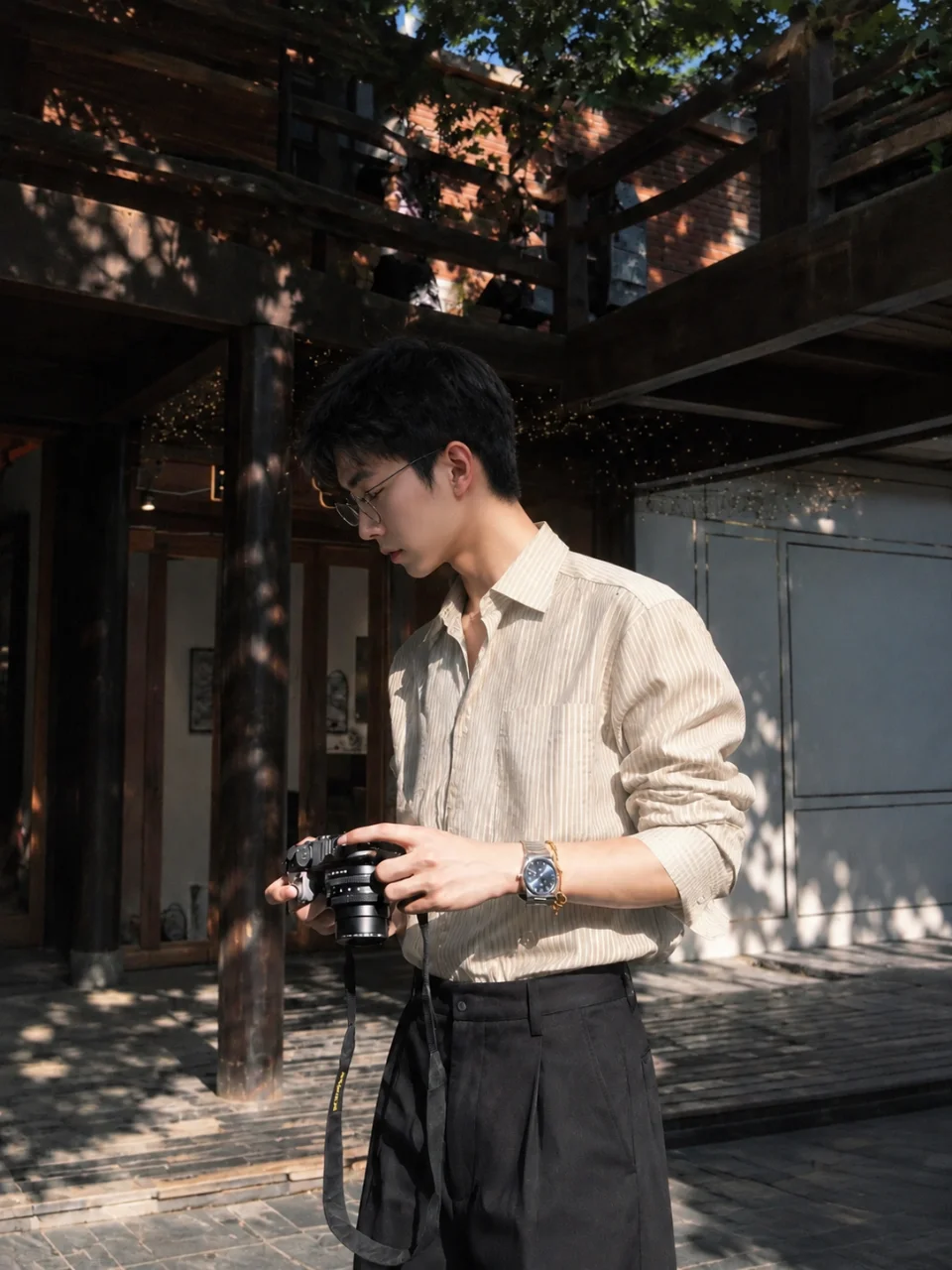
Still using a résumé, badge or job-board photo from years ago? Swap into a well-fitted suit or shirt against a clean wall, and pick the frame that works.
Try Cavro free
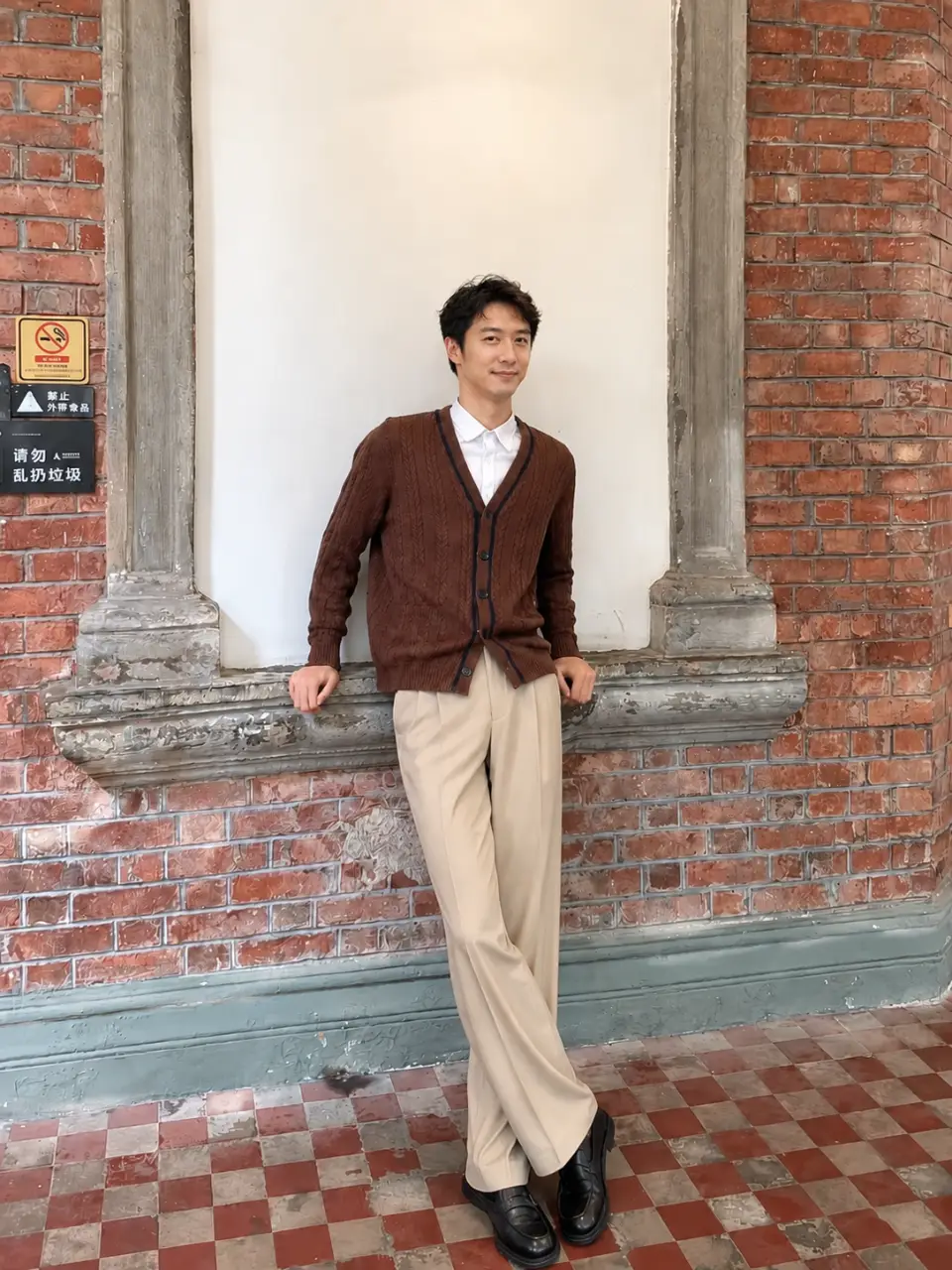
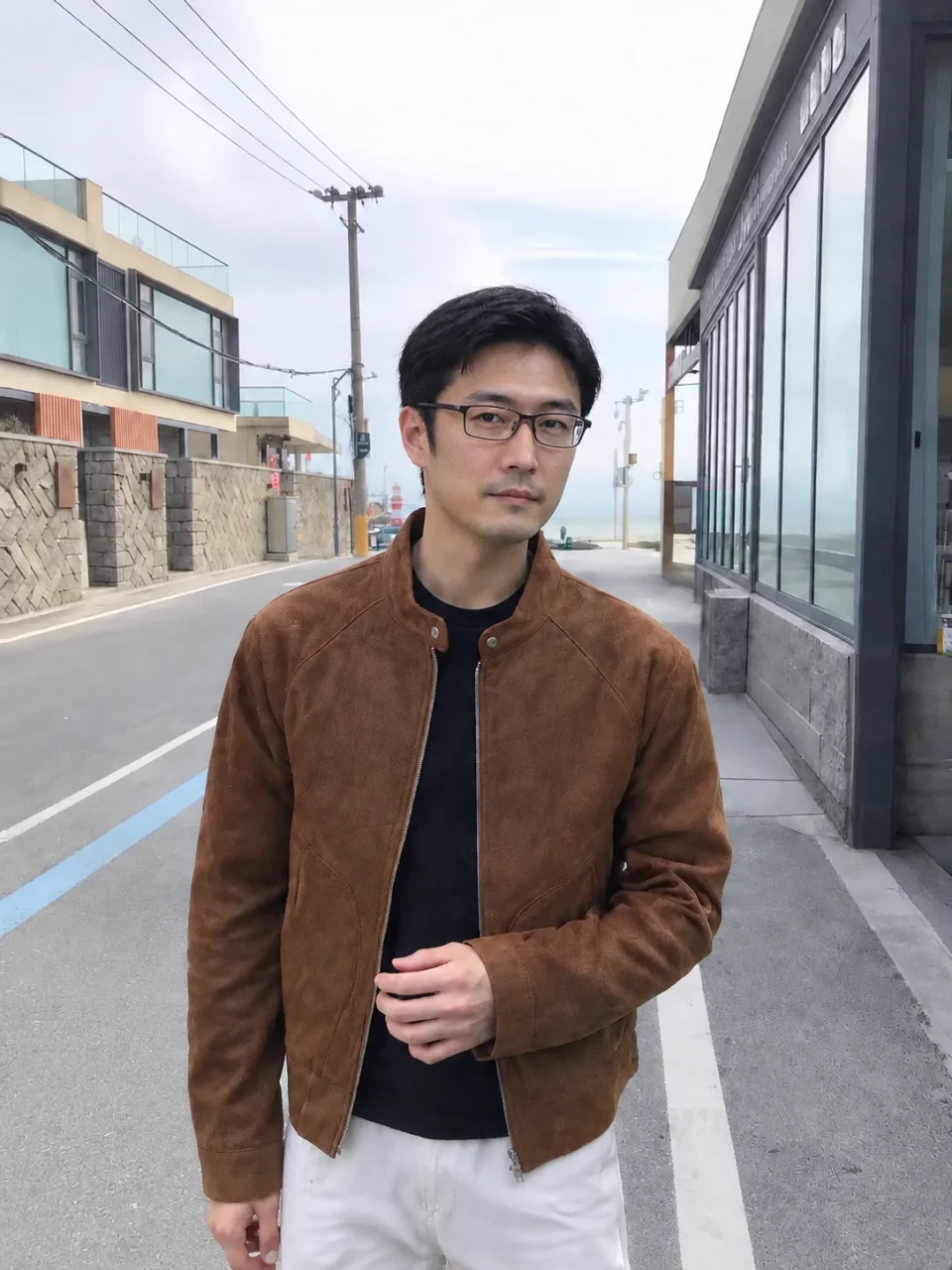
Only one good shot from a day out? Change outfits and scenes and build a matched set from the same face — enough for a whole feed in one go.
Try Cavro free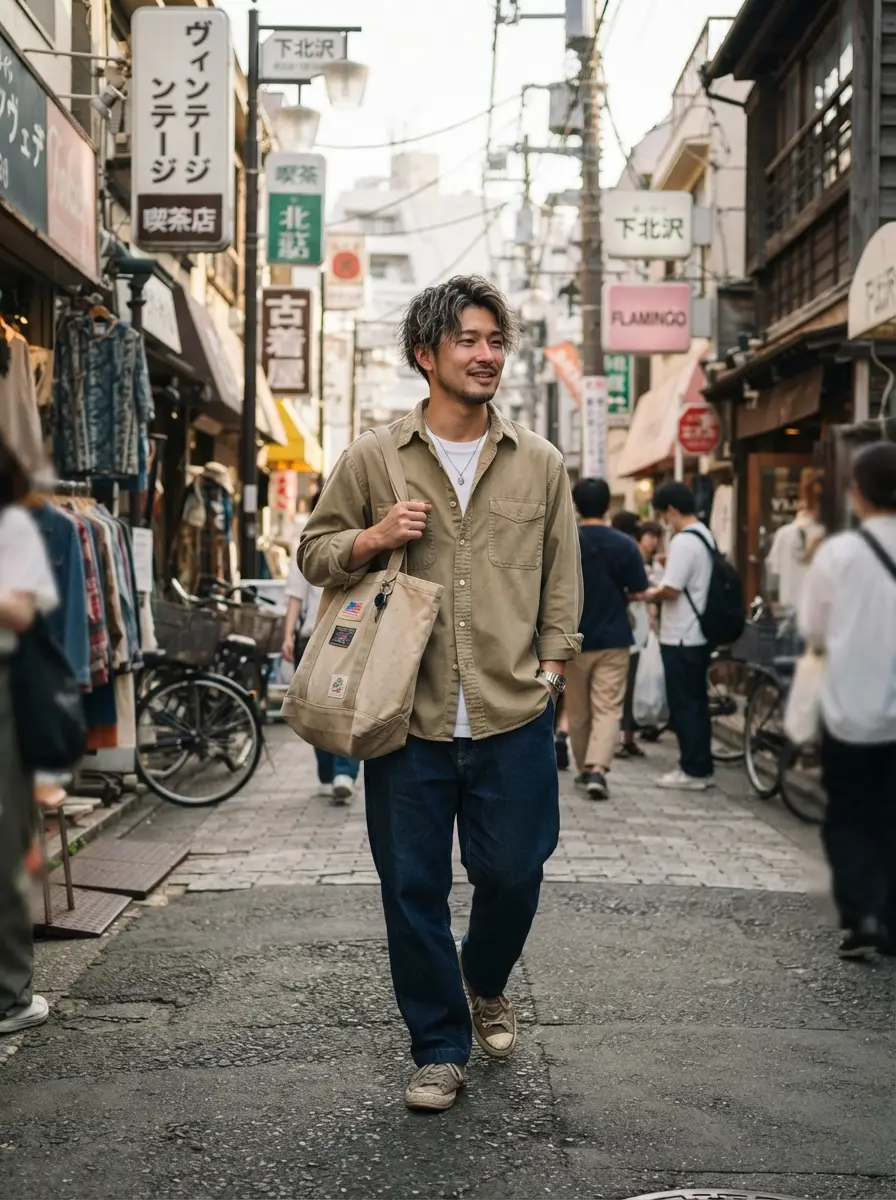
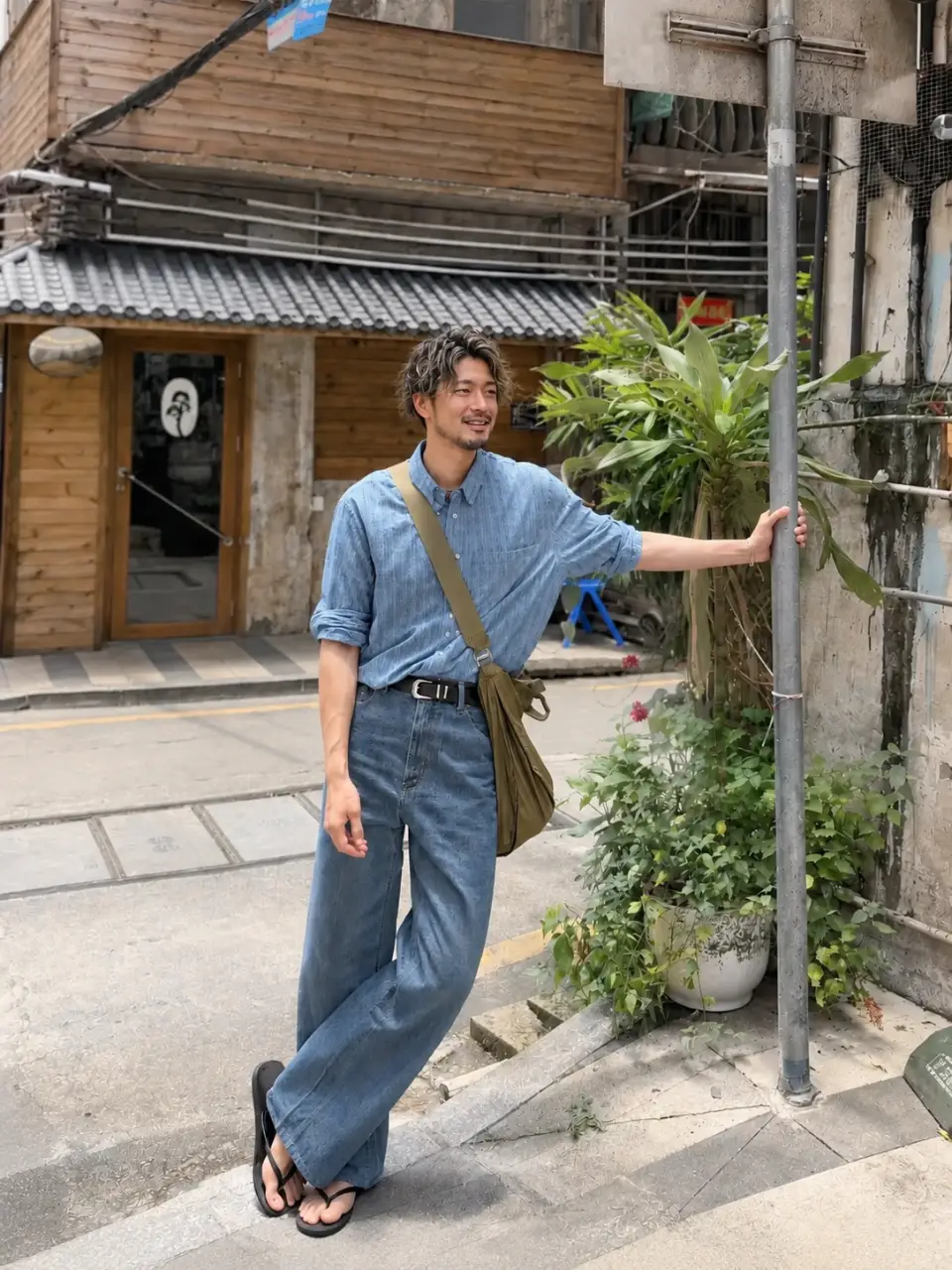
Not sure how a jacket will look on you? Put it on your own photo, compare the fit and the feel, then decide — one less return.
Try Cavro free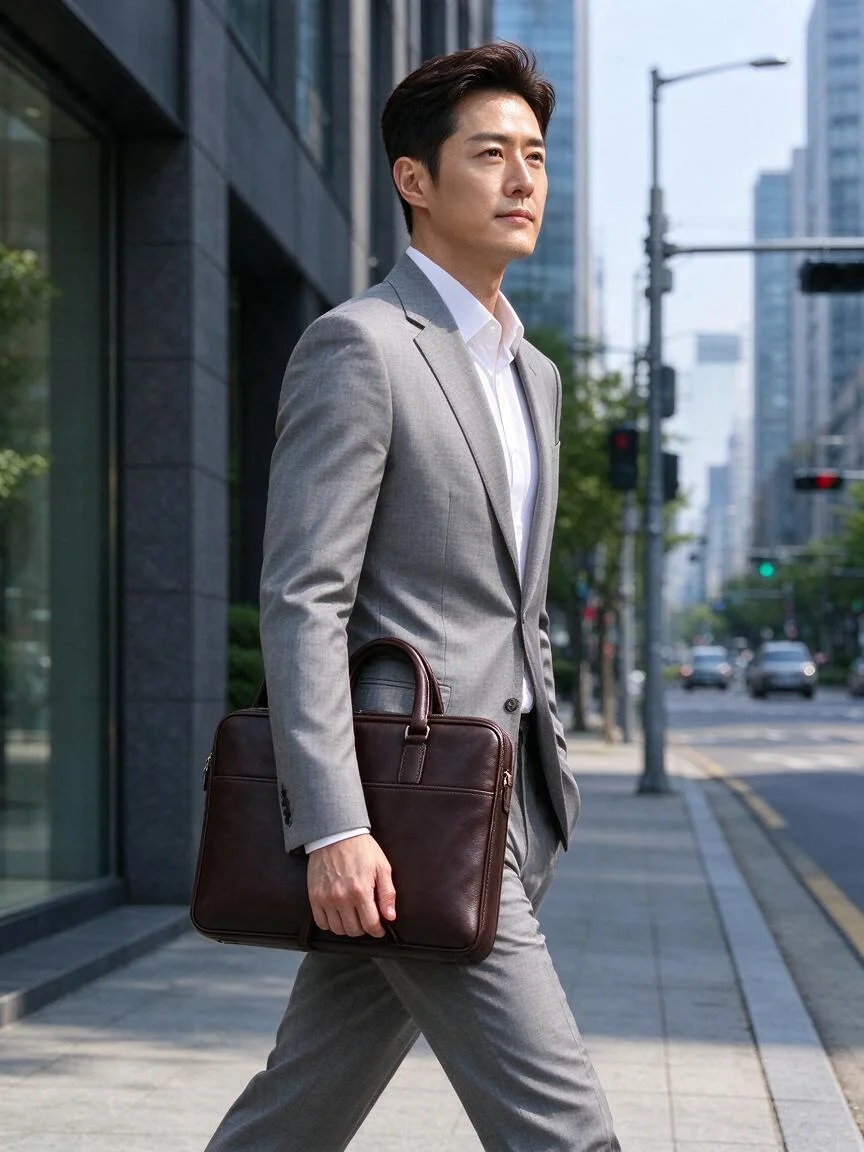
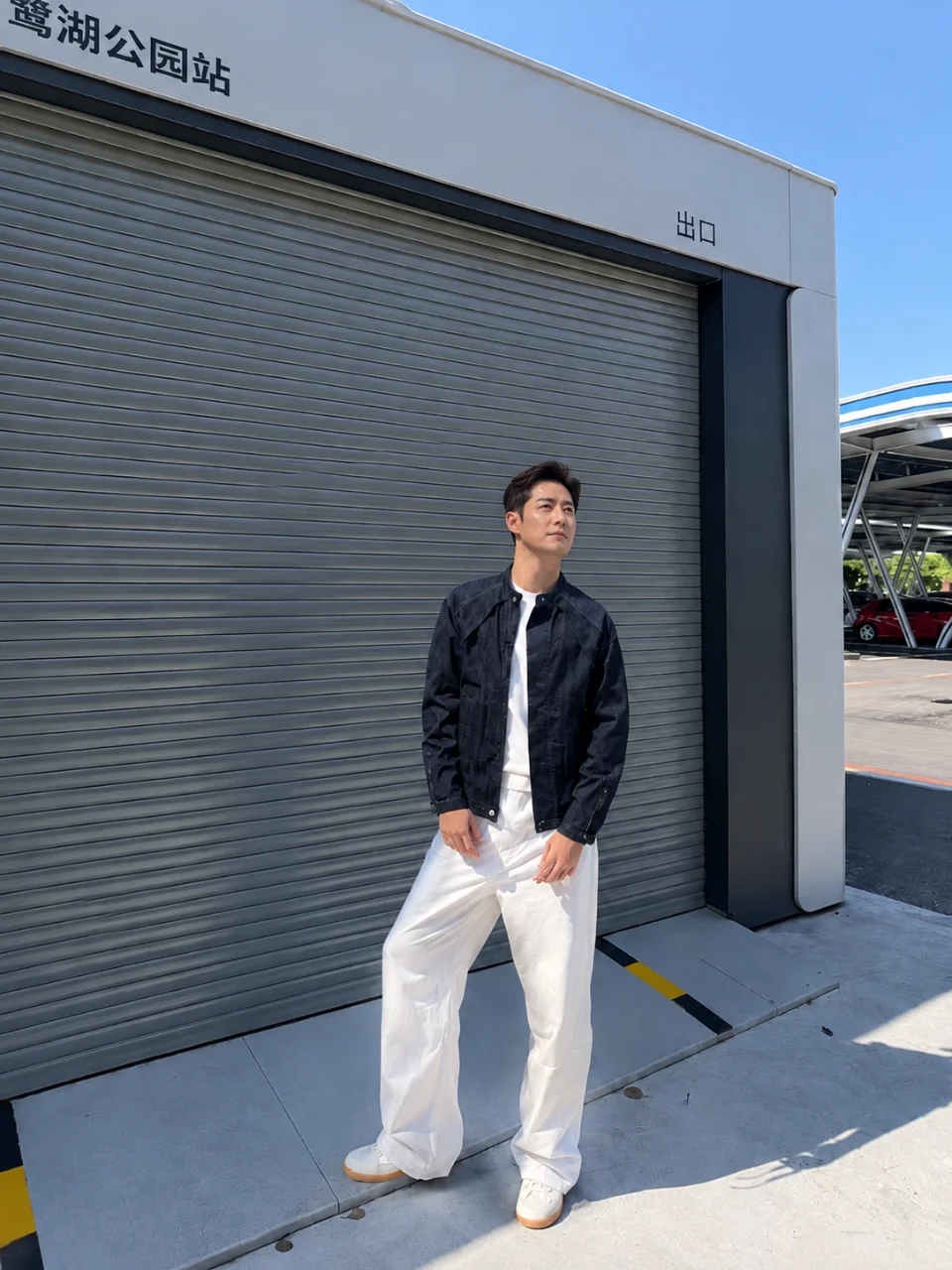
Pick any outfit or scene: your face, hair and build stay exactly as they are, so the result never turns into a vague lookalike stranger.
Try Cavro free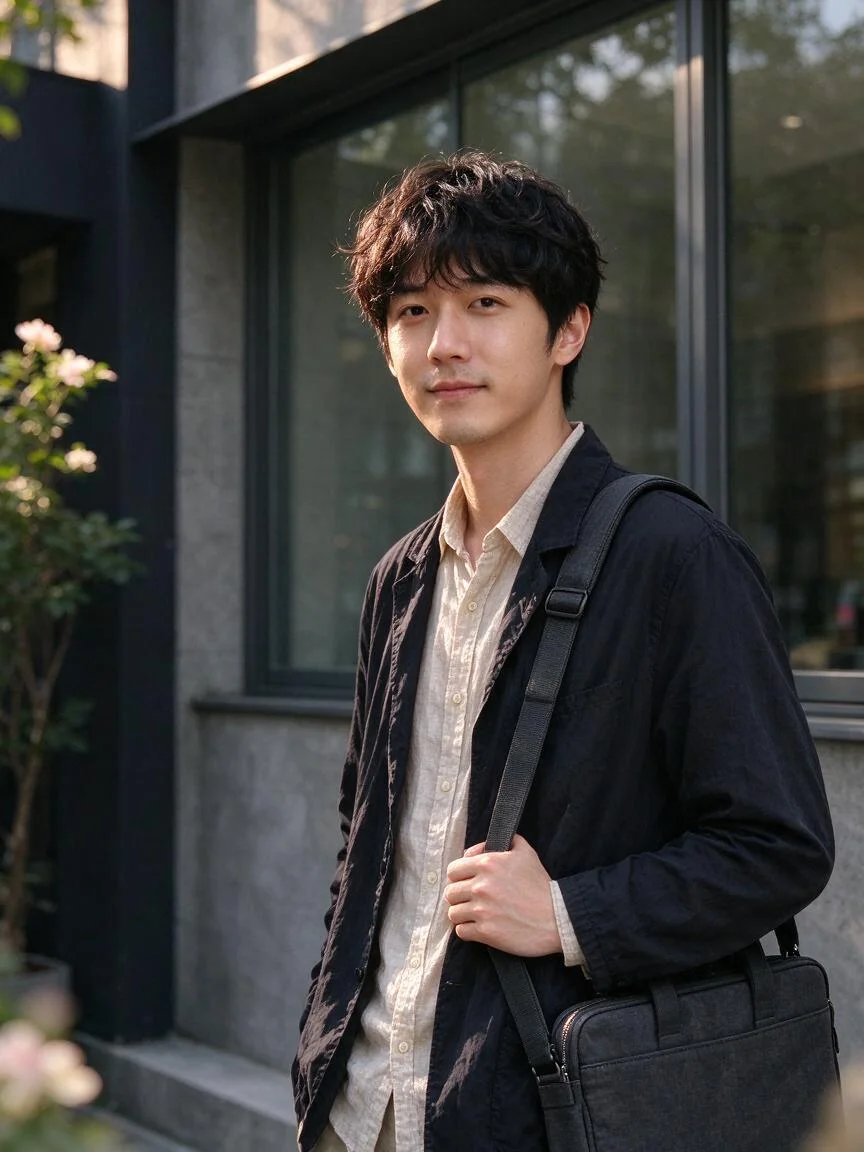
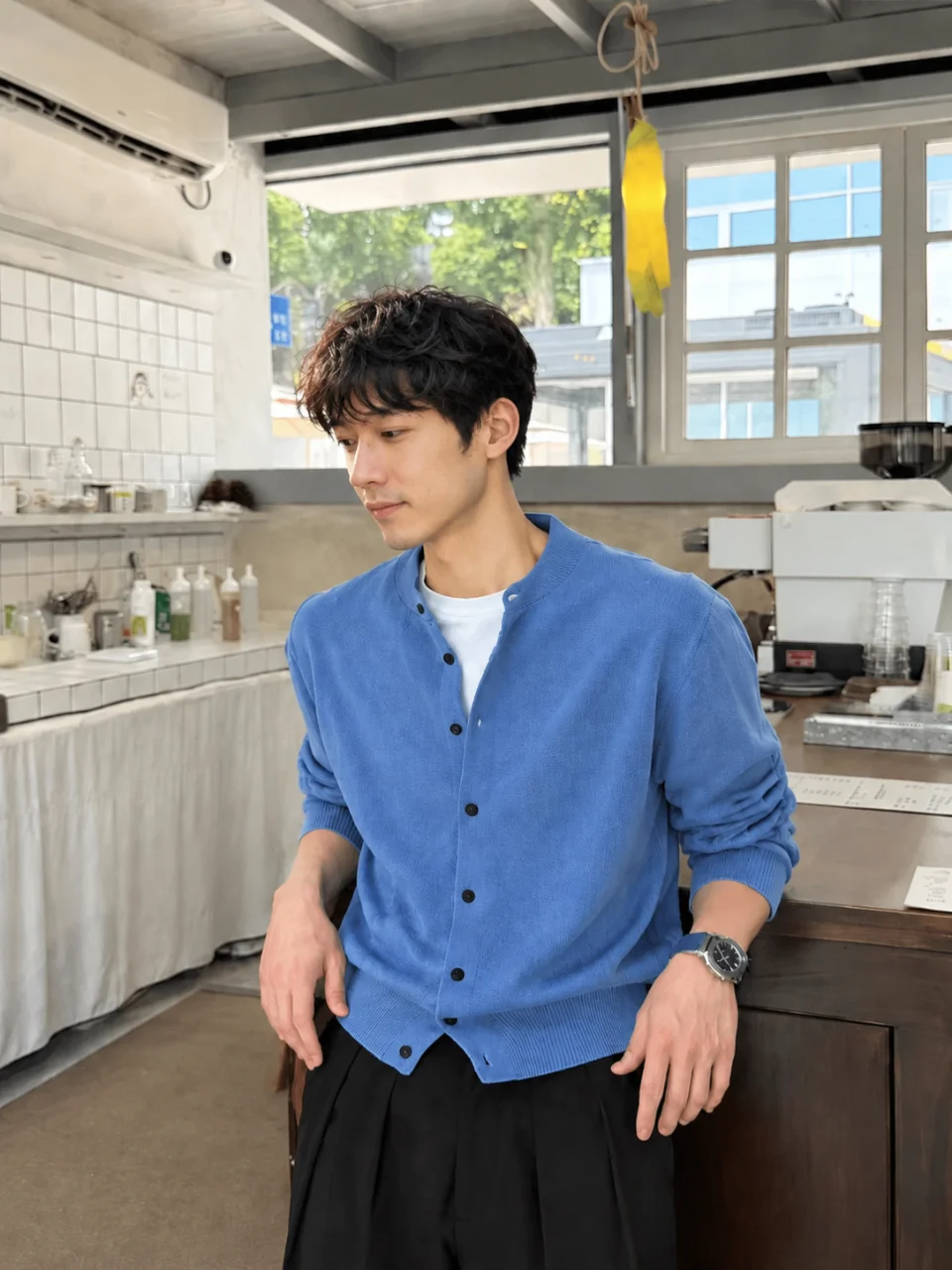
The AI dresses you along your own stance and shoulder line, with lighting matched to the original — it looks worn, not pasted on.
Try Cavro free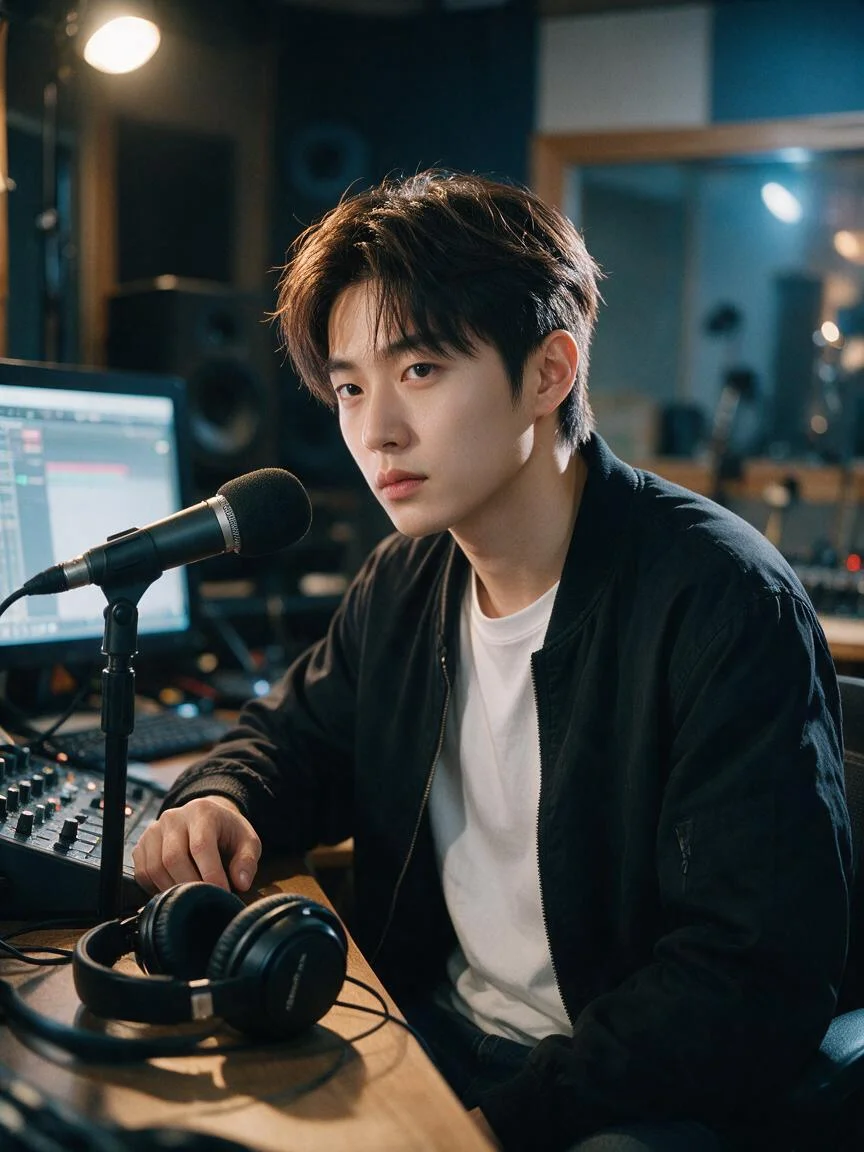
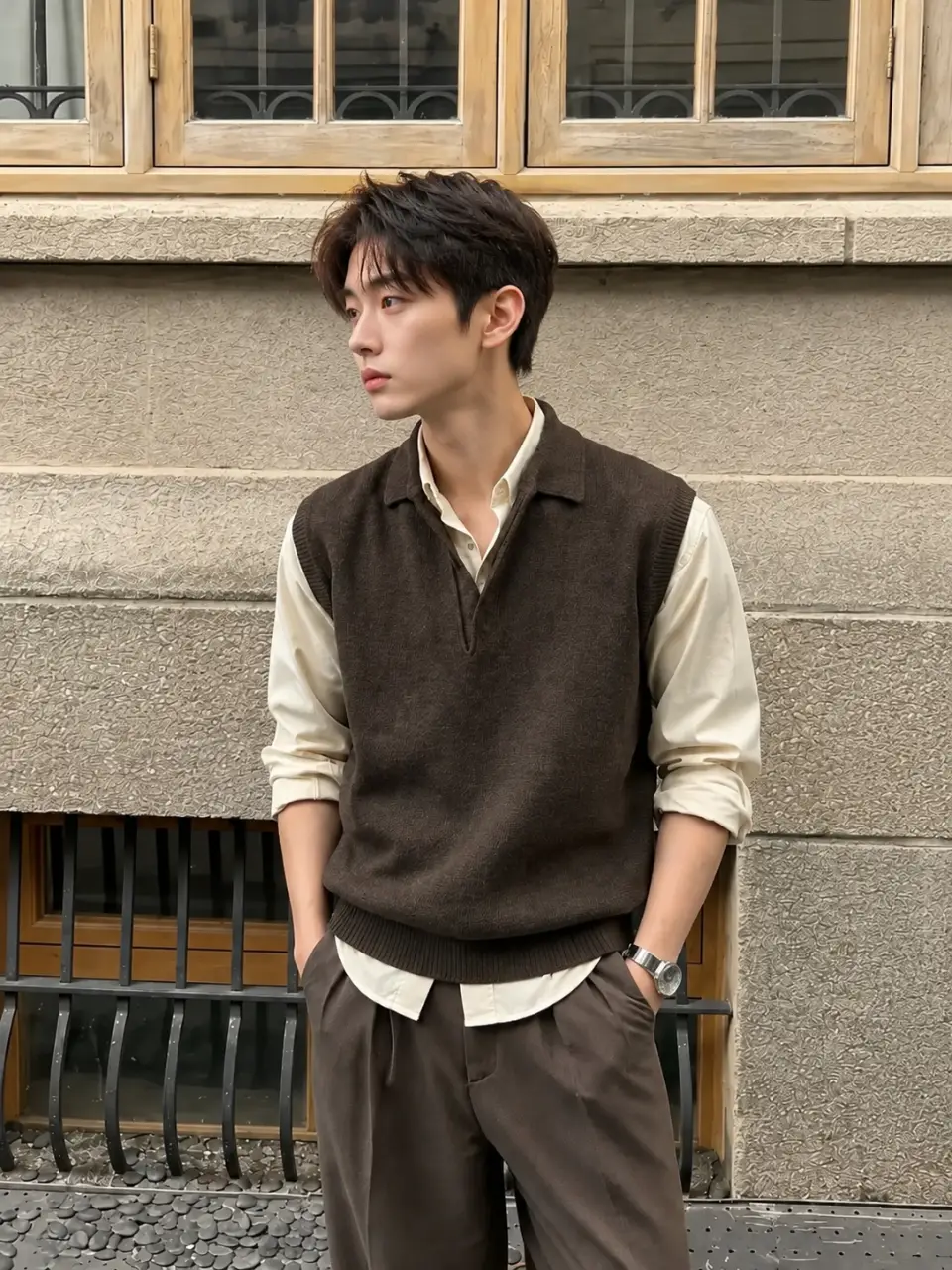
If a combination misses, change the jacket or the scene and generate once more; no new shoot to schedule and no retouching to wait for.
Try Cavro freeA showcase set is Cavro’s AI portrait tool: upload one clear photo, choose outfits and scenes, and generate a whole set at once for avatars, profile covers and social feeds.
Browse outfit and scene ideas here, pick an outfit and a scene on this screen, add your photo, then open Social Look to generate your own showcase set.
Not at all. Choose an outfit and a scene, press generate, and you’re done — no photography or editing skills needed, and it takes minutes.
Yes, you can. Mix and match outfits and scenes however you like, and your showcase set won’t repeat another person’s look — with no clothes to buy.
None of them. No professional studio, no new clothes, no location booking and no photographer — one photo is enough for the whole set.
Yes. They’re made for social media: use them as your avatar, cover or feed post to sharpen your image and get more attention.
Yes. Social Look shows the credit cost before you generate, and every new generation uses credits.
Creators worldwide are turning “just an idea” into expensive-looking images.