

Build Nostalgic Posts
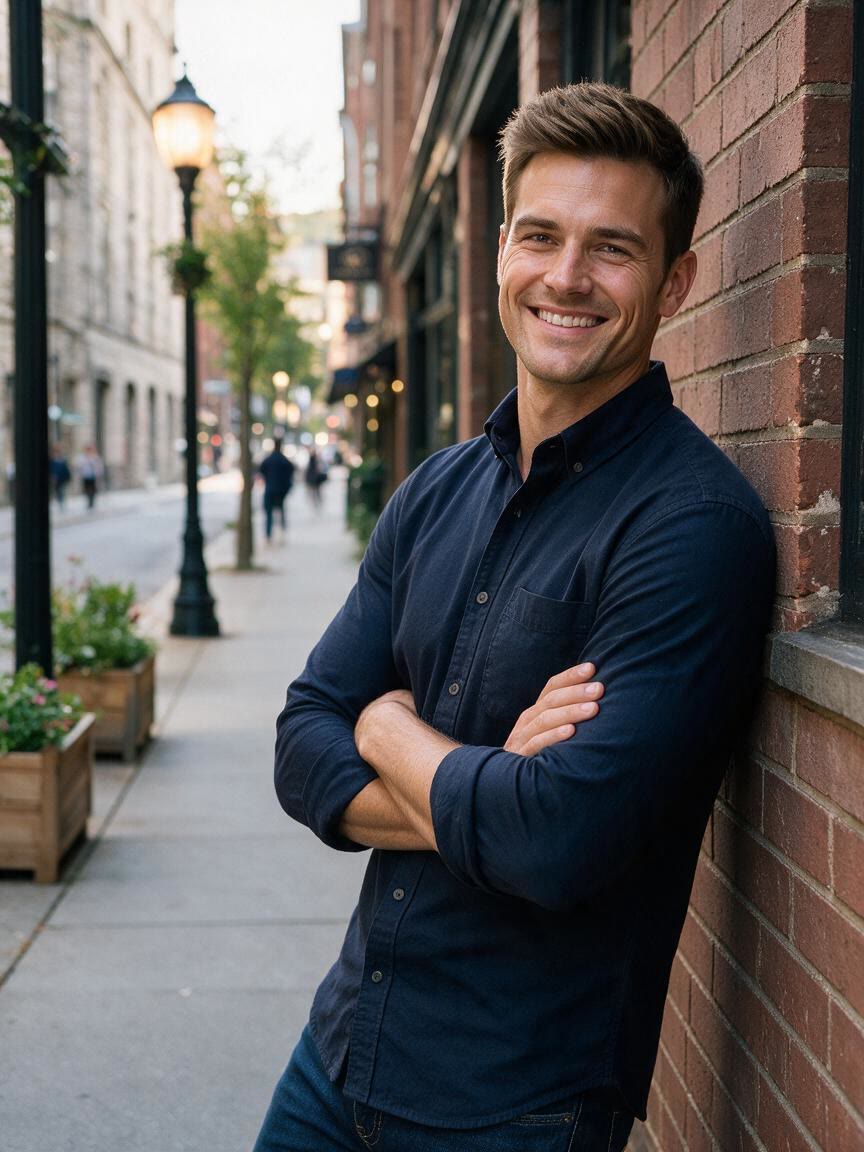
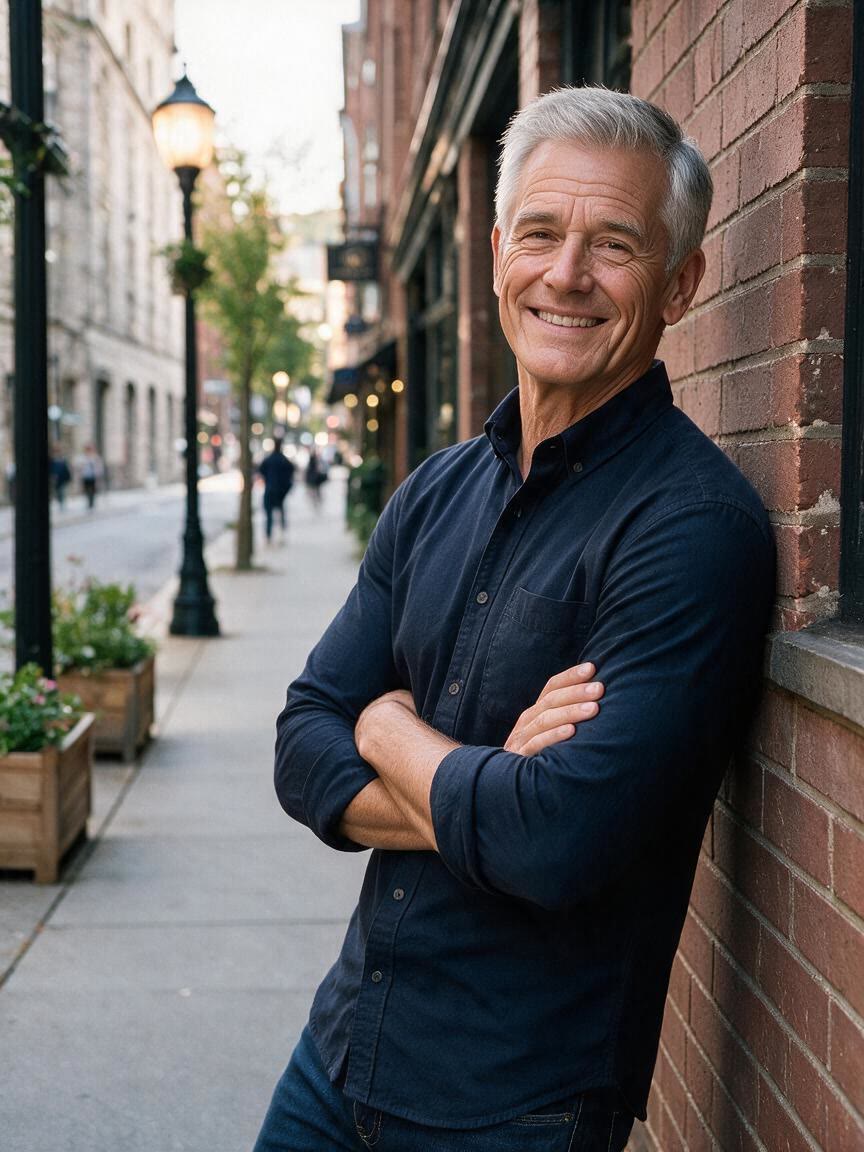
When a current photo feels too polished for a personal story, ask for a decade-inspired old photo effect. The result can add grain, fading, or light leaks that give a social post a more memorable visual mood.
Try Cavro freeGive portraits, products, travel scenes, and family photos the character of another era. Creators, photographers, designers, and curious storytellers can guide the look with a photo and a written description.
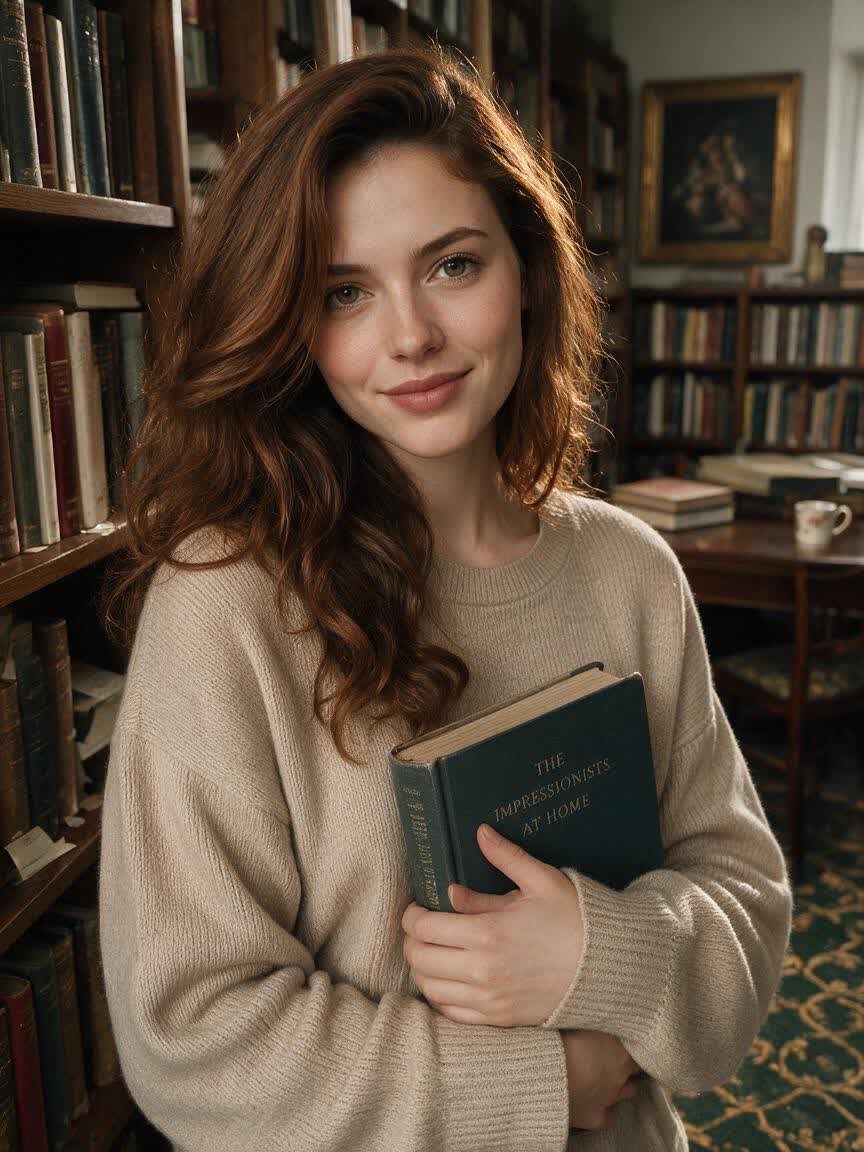
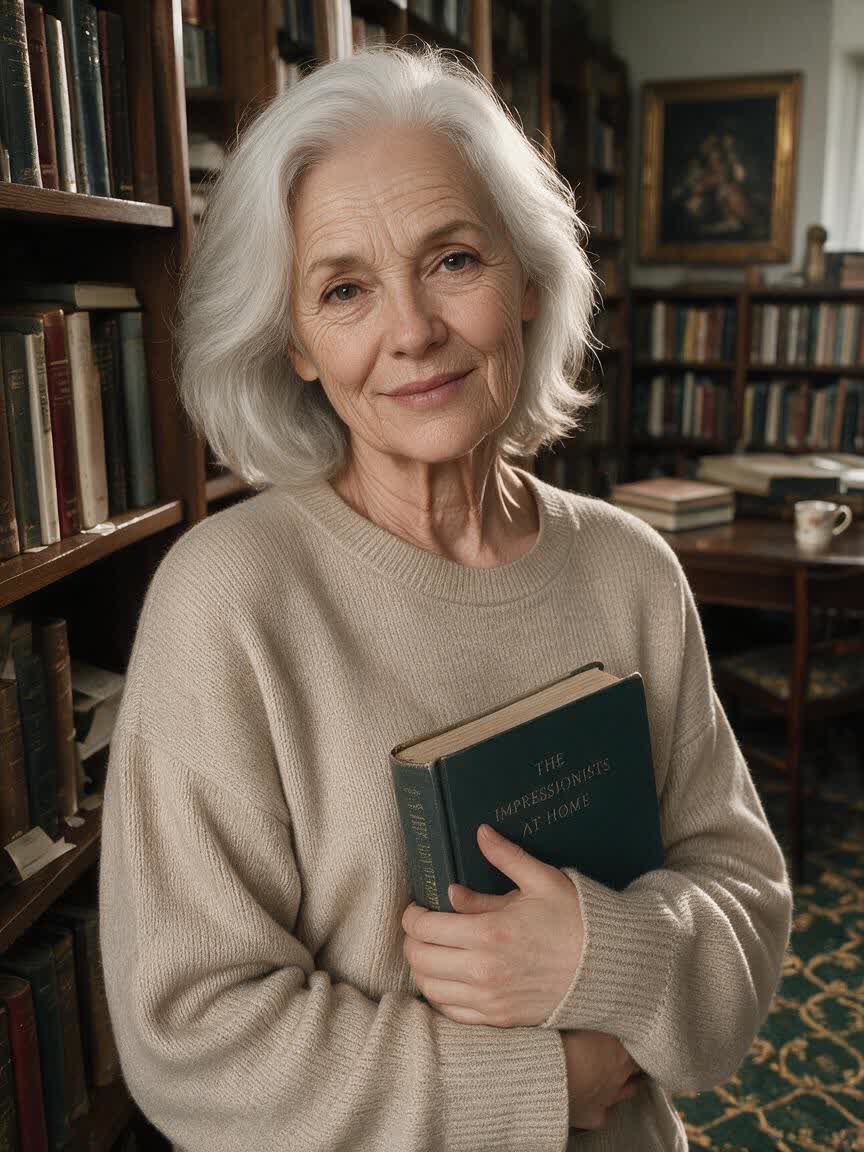
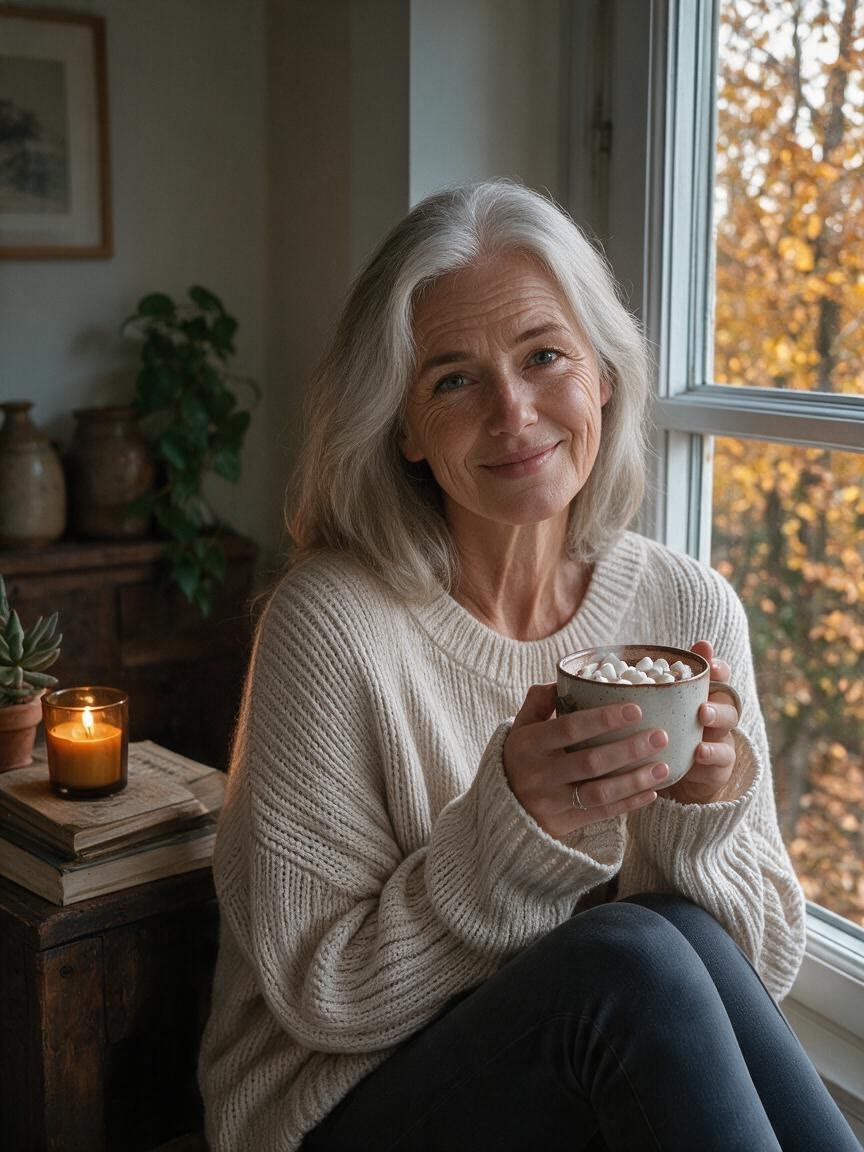
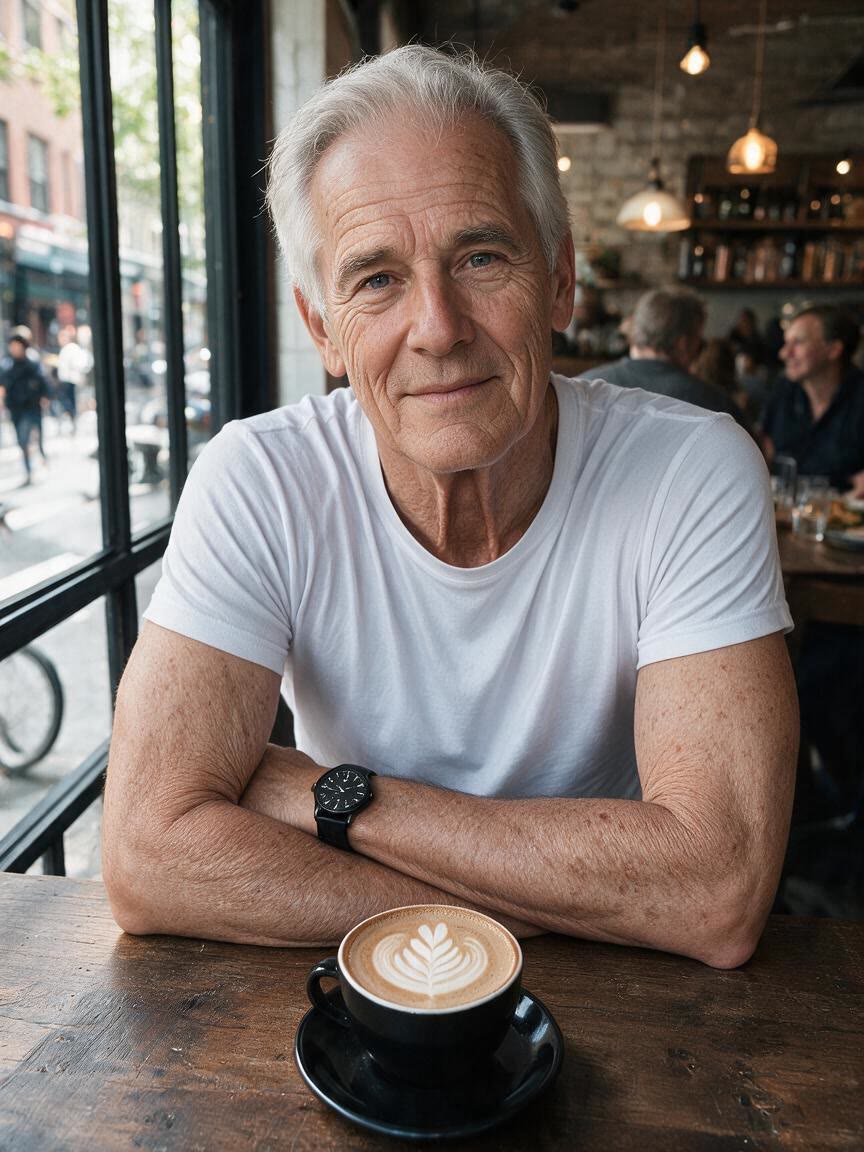

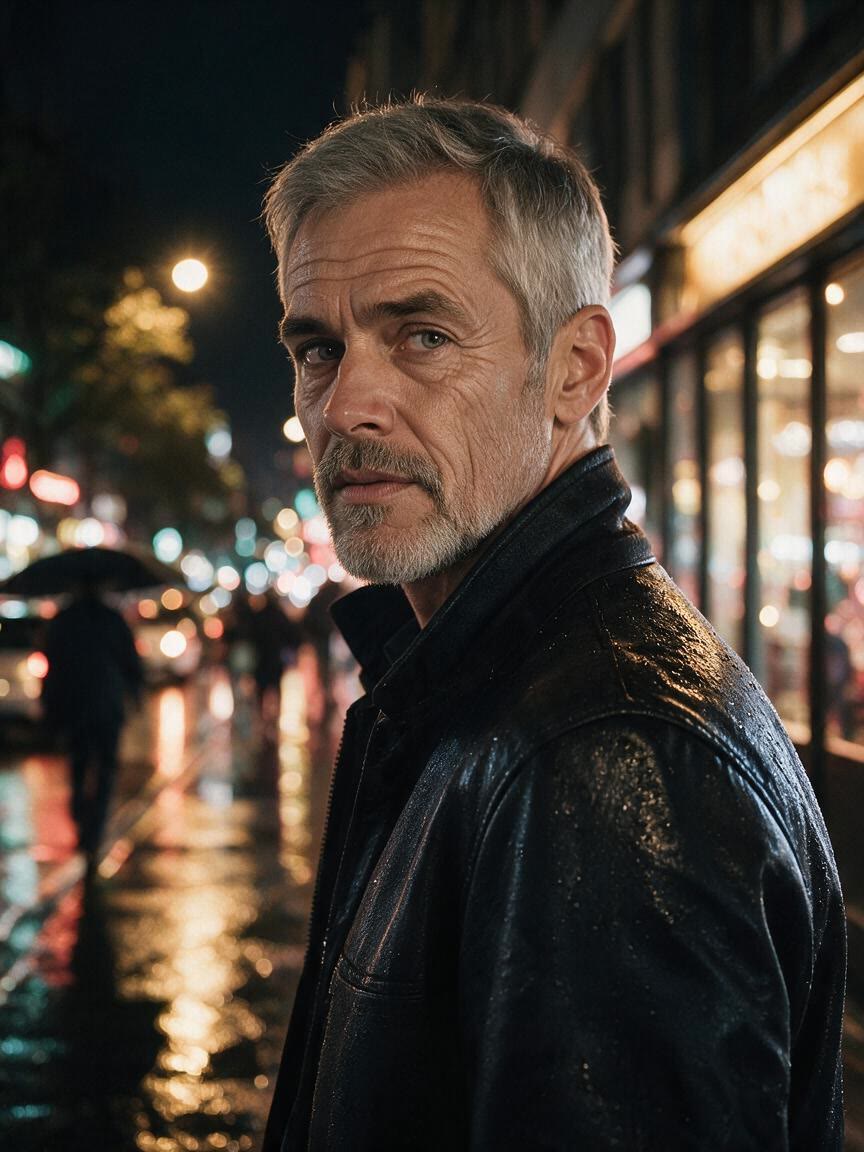
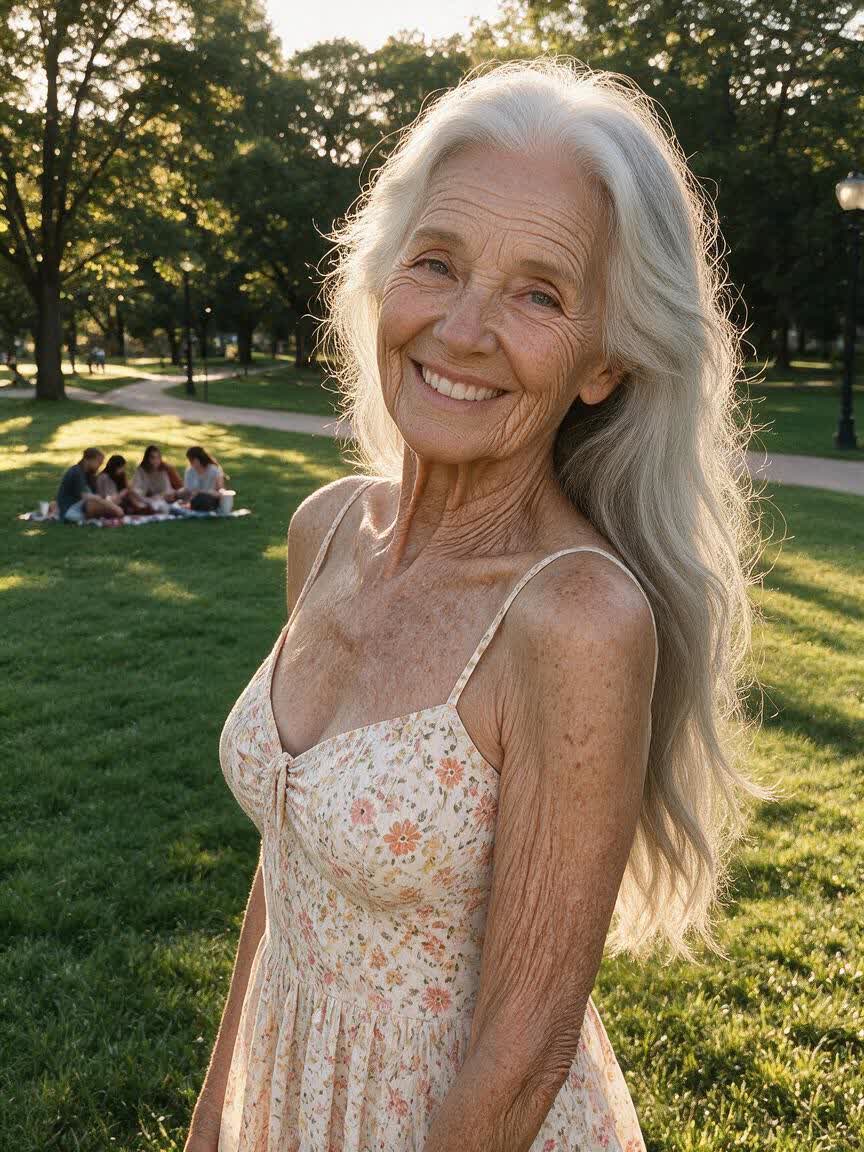
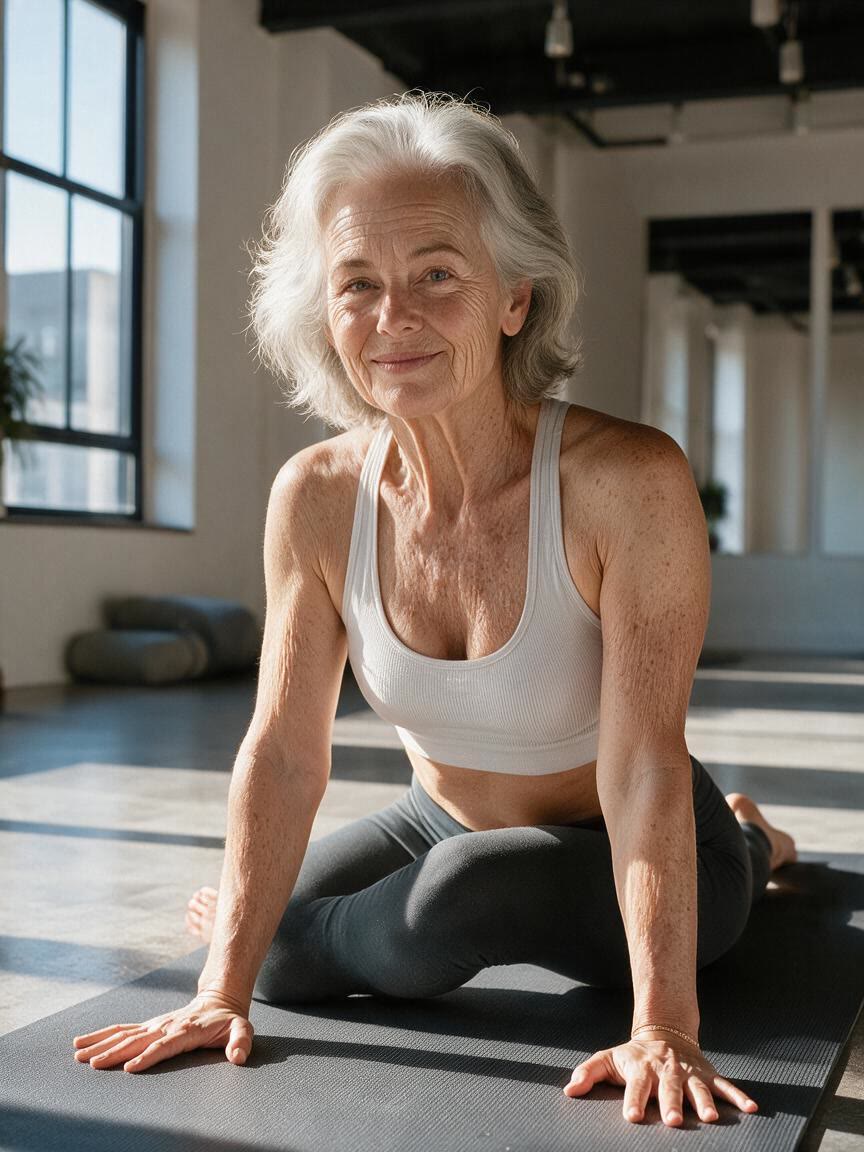
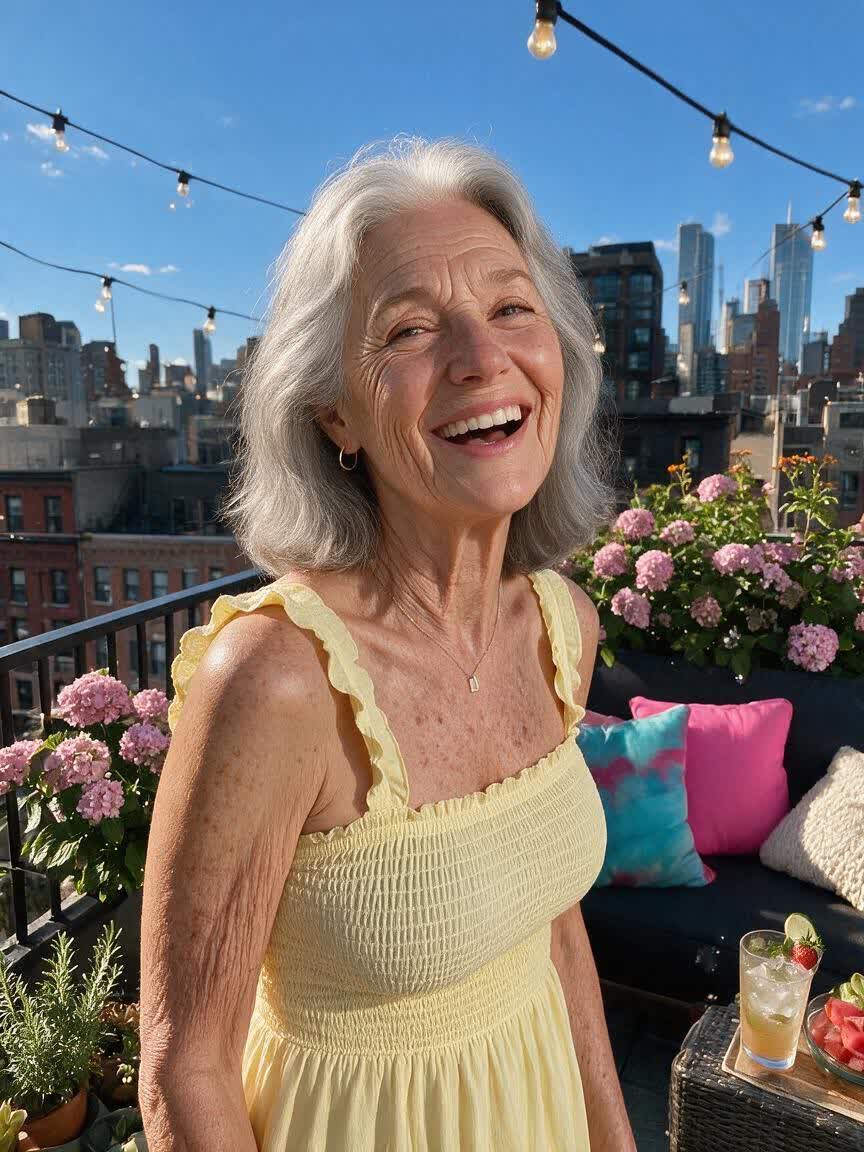
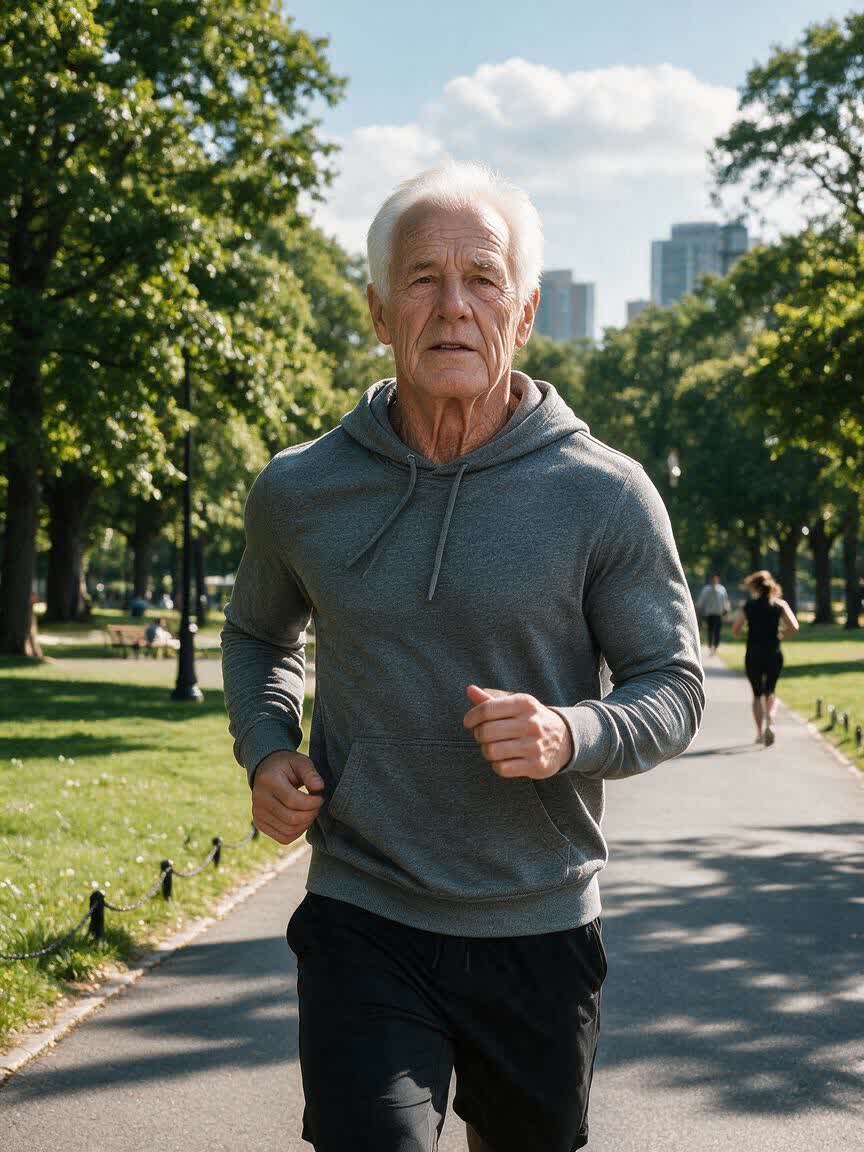
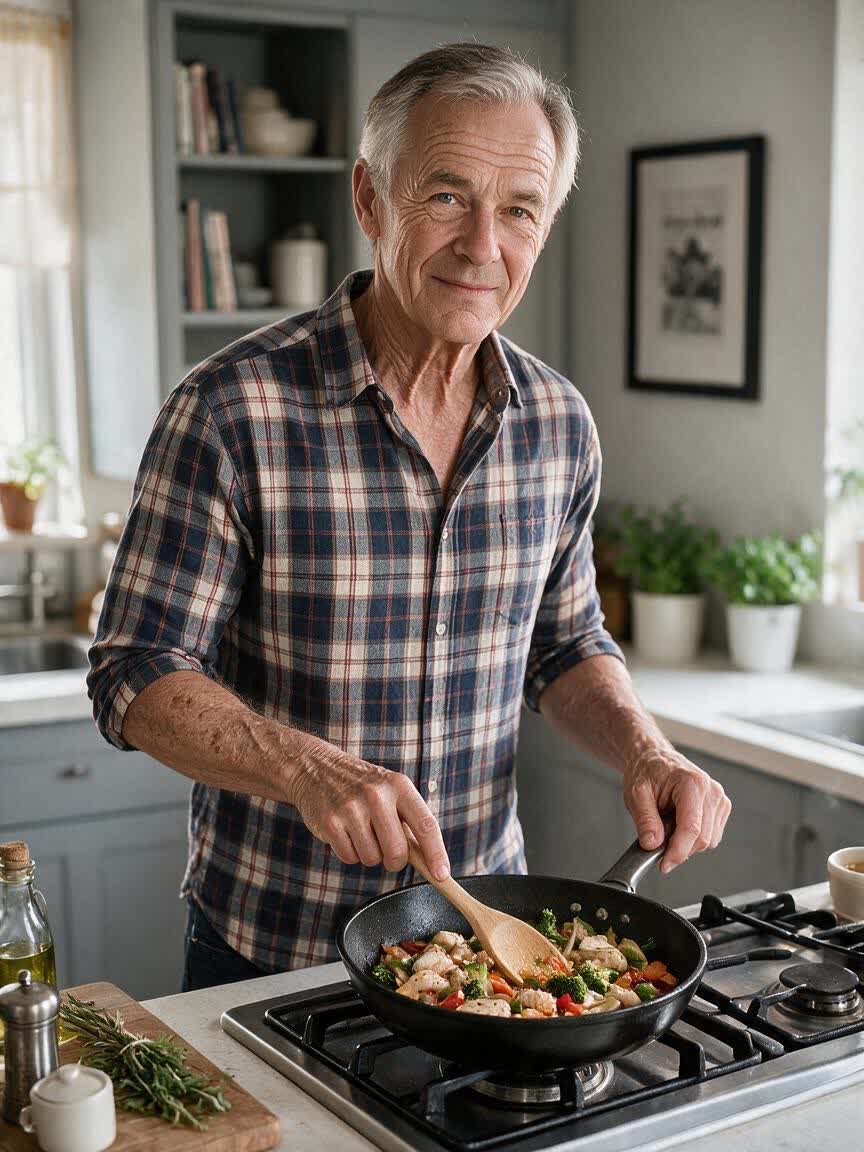
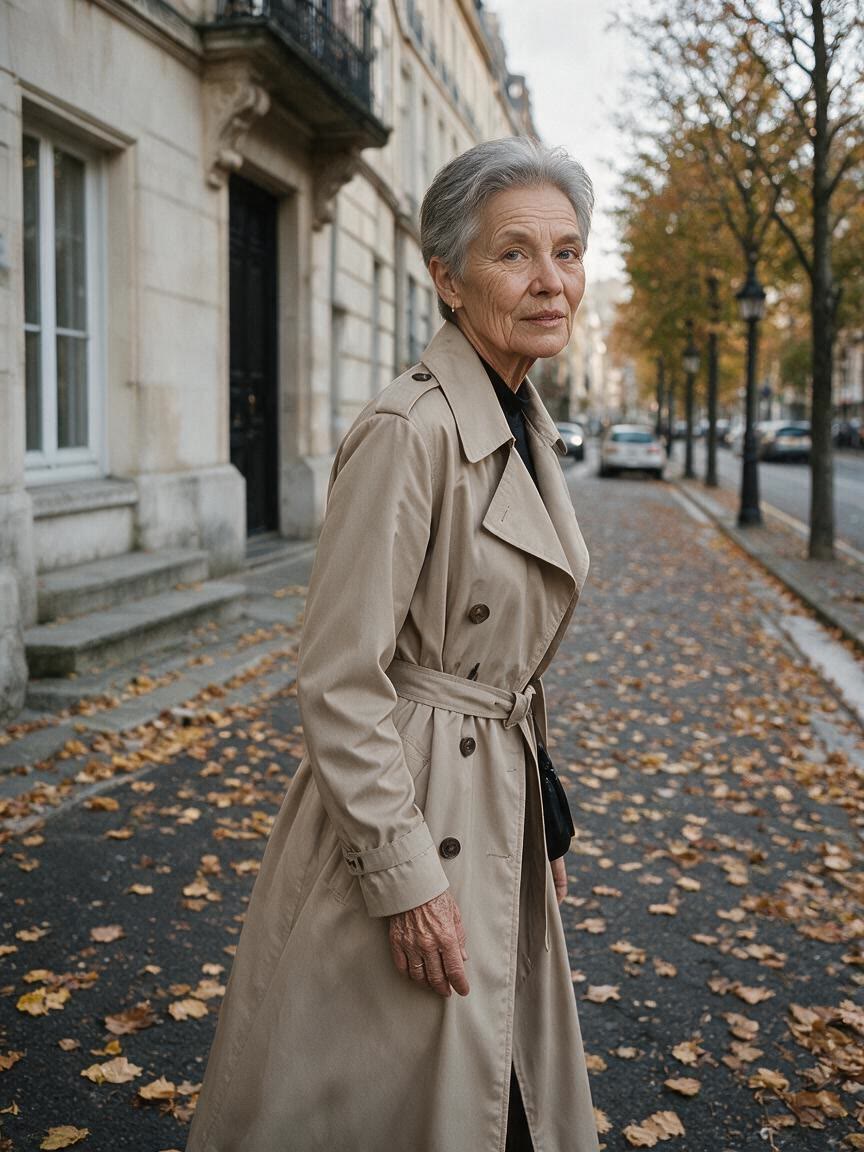
When a current photo feels too polished for a personal story, ask for a decade-inspired old photo effect. The result can add grain, fading, or light leaks that give a social post a more memorable visual mood.
Try Cavro free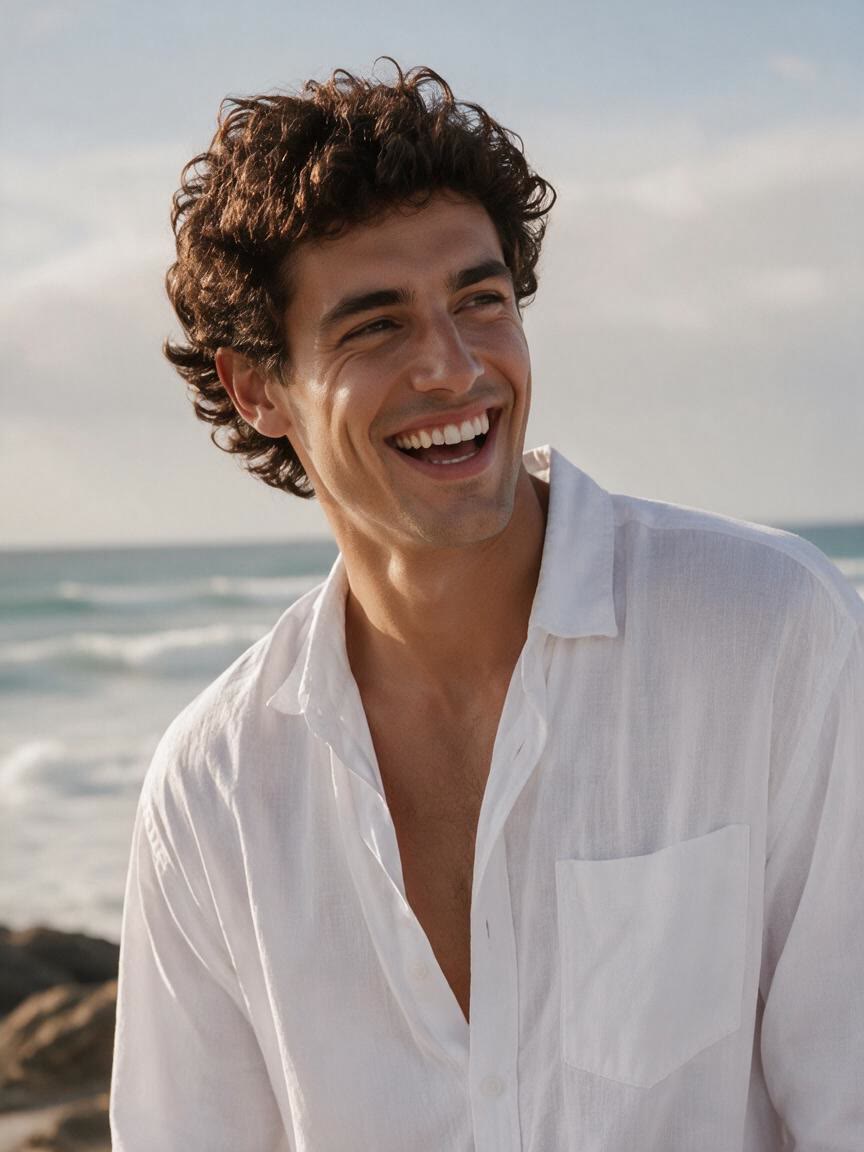
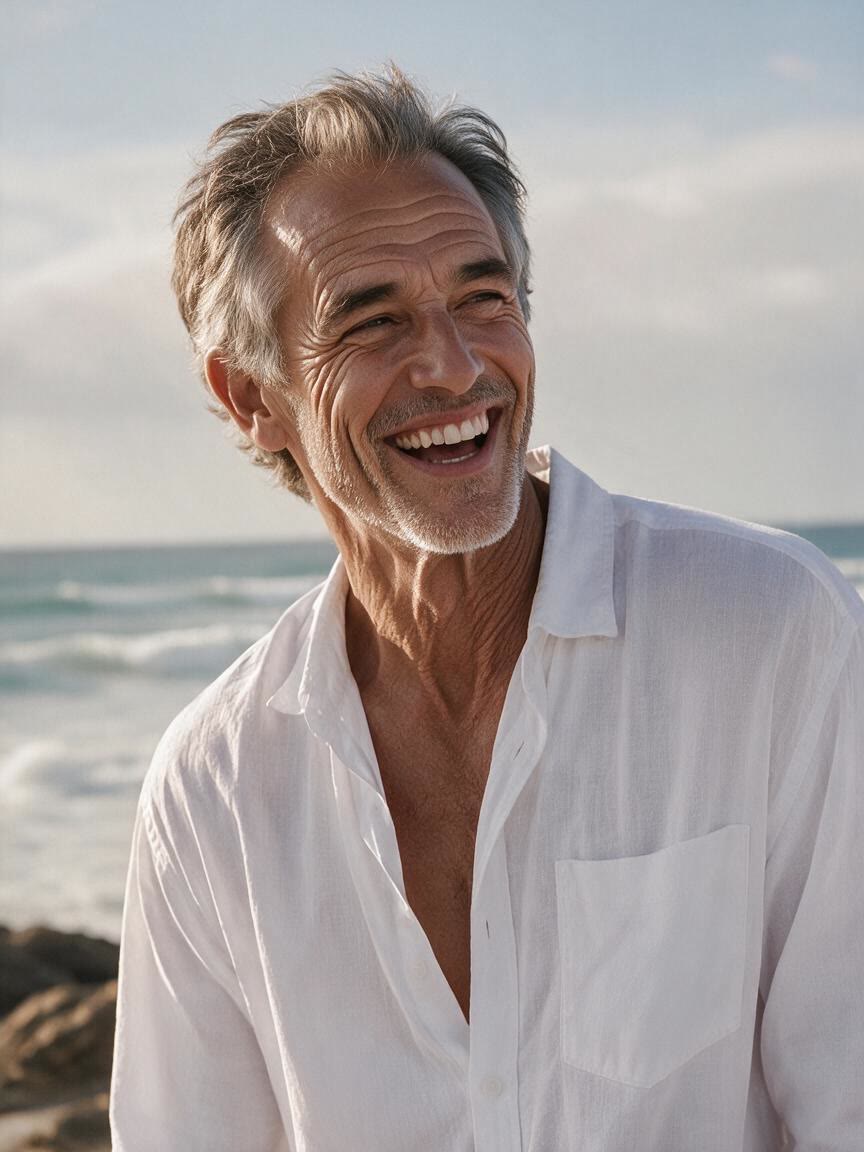
Bring a family portrait or travel image and describe the period feeling you want across an album. Cavro can turn that direction into a vintage image with a more cohesive sense of age and texture.
Try Cavro free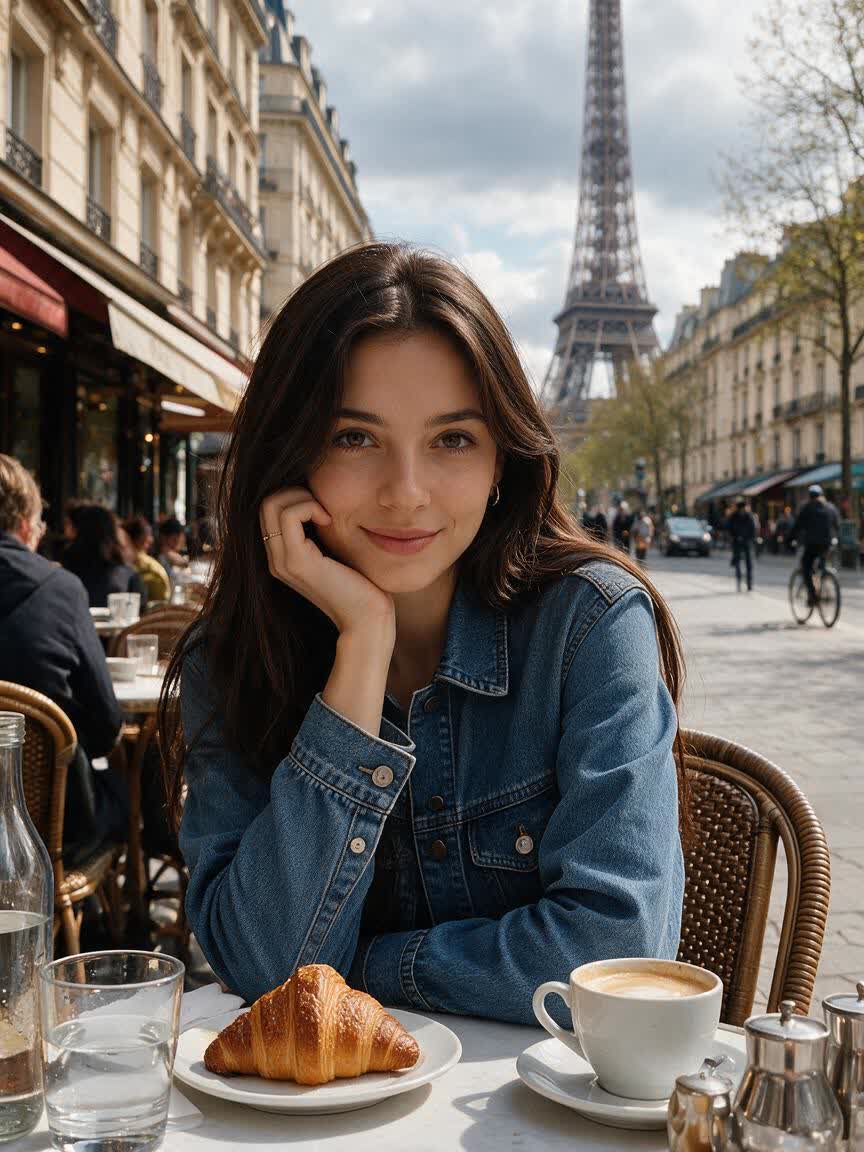
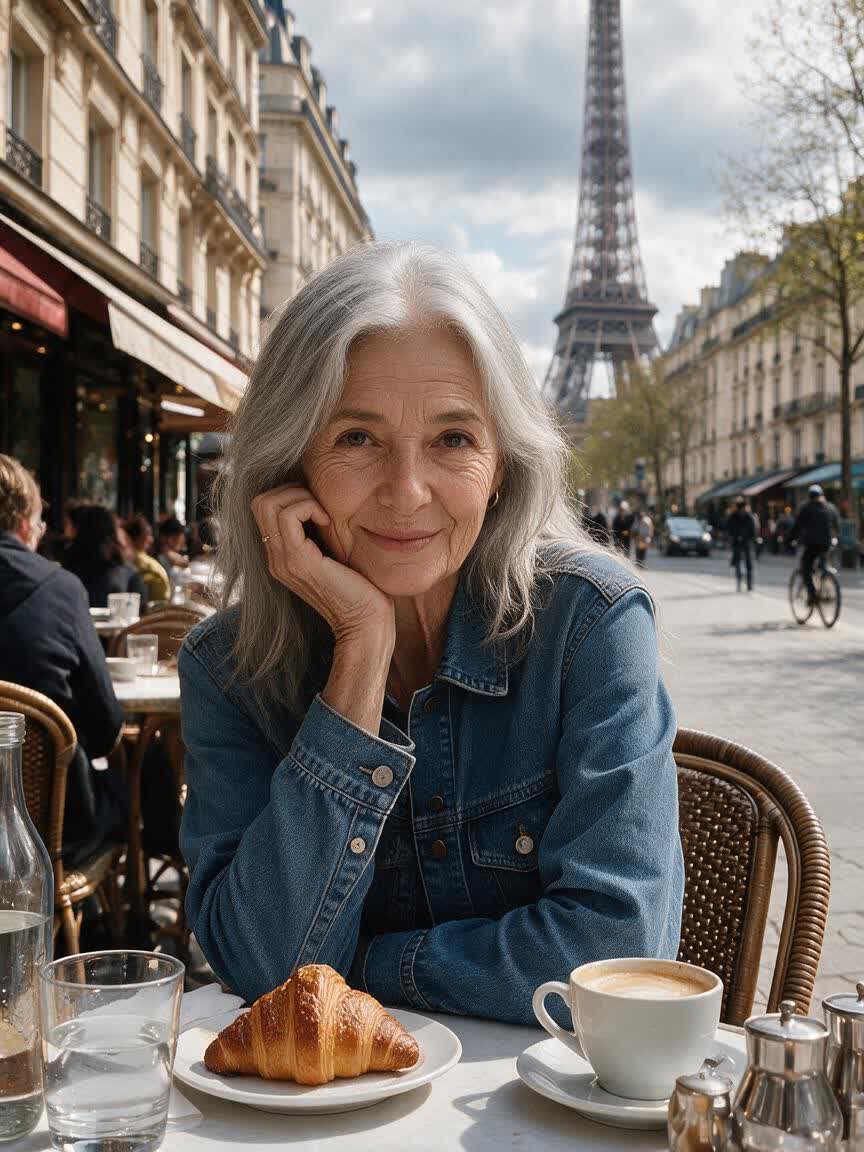
Use a portrait, product shot, or landscape as the starting point for a creative photography project. A focused era prompt can turn the same subject toward archival, printed, or snapshot-inspired visual storytelling.
Try Cavro free

When a generic filter does not capture the period you have in mind, describe the decade or photographic mood. Cavro uses that written direction with your image to produce a more intentional old photo concept.
Try Cavro free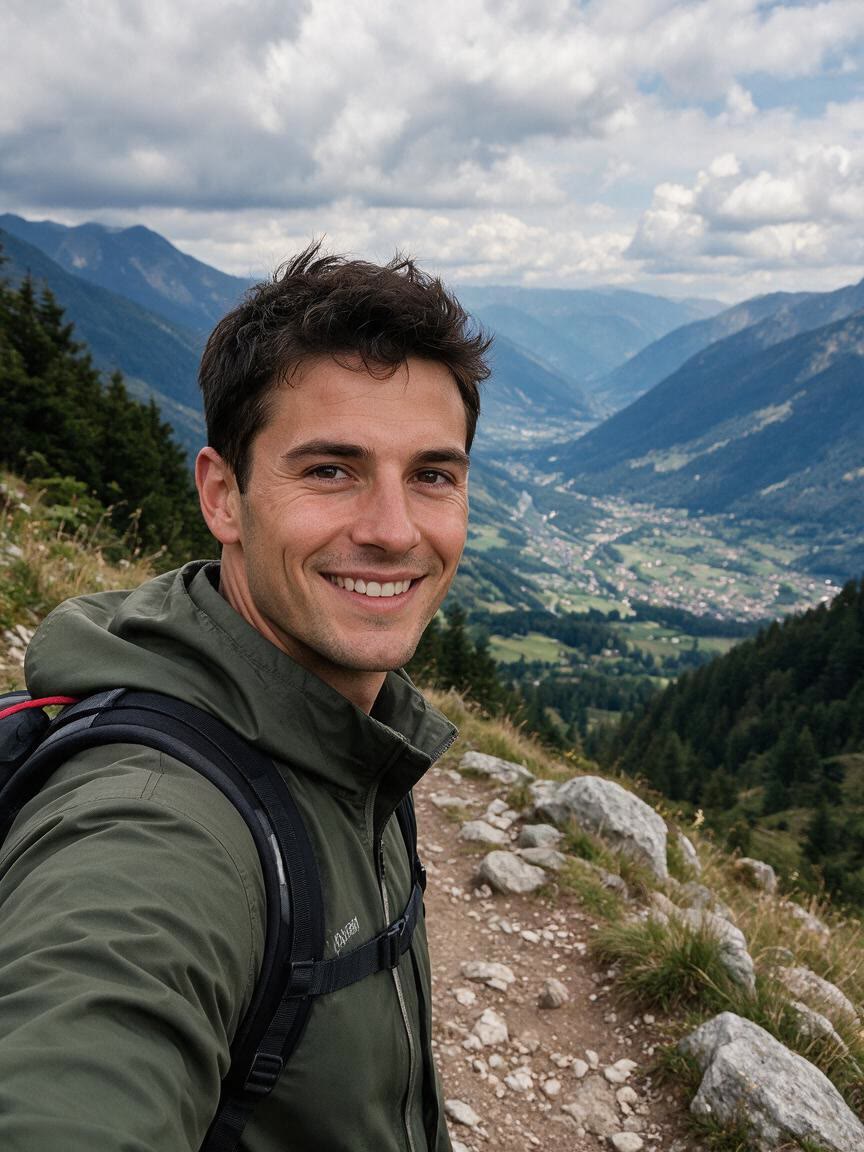
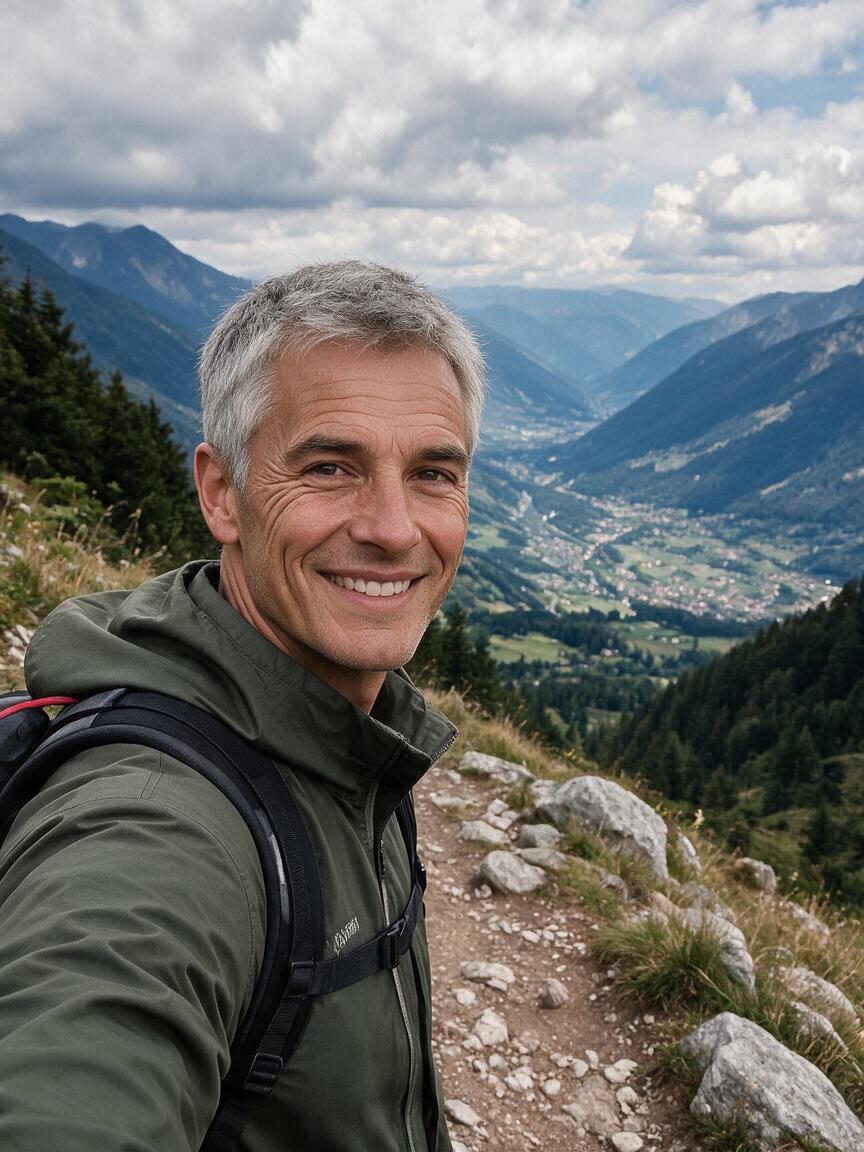
For images that need more than sepia, request details such as film grain, scratches, vignettes, fading, light leaks, or paper-like texture. These directions help shape the photographic surface and atmosphere.
Try Cavro free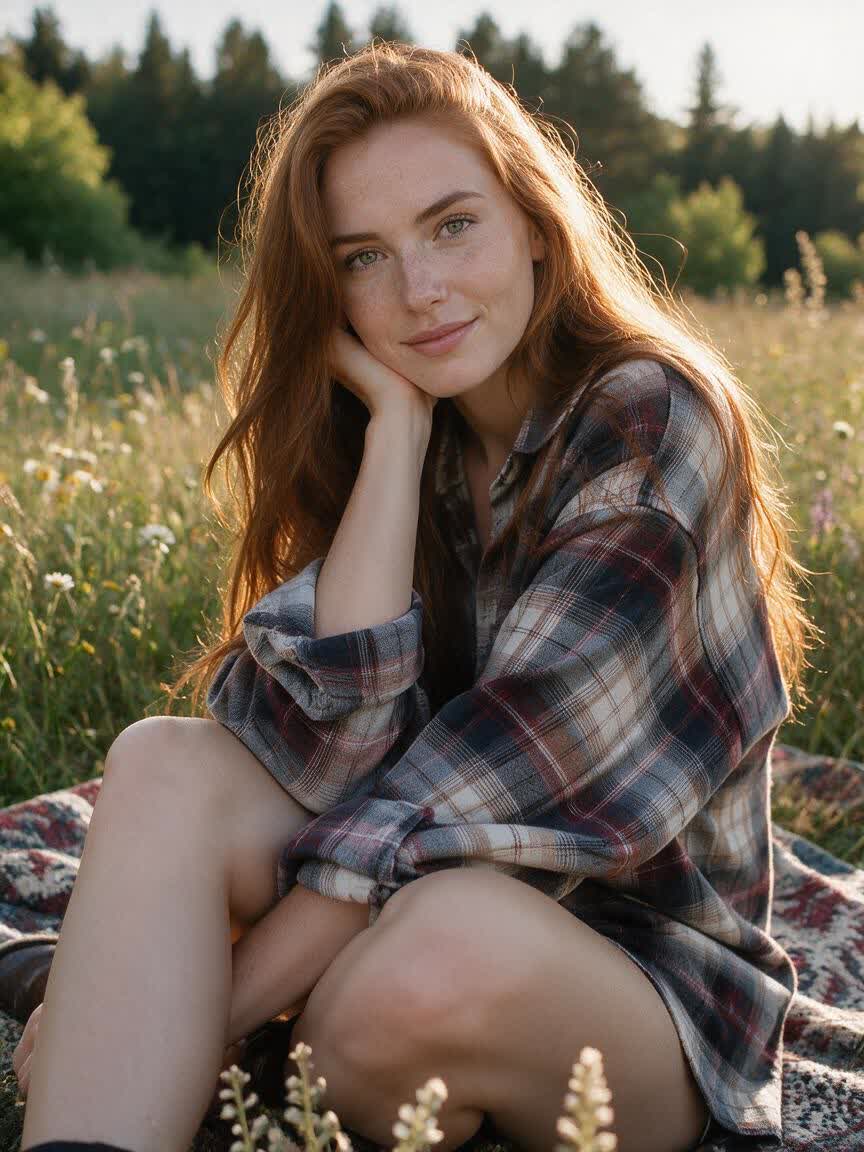
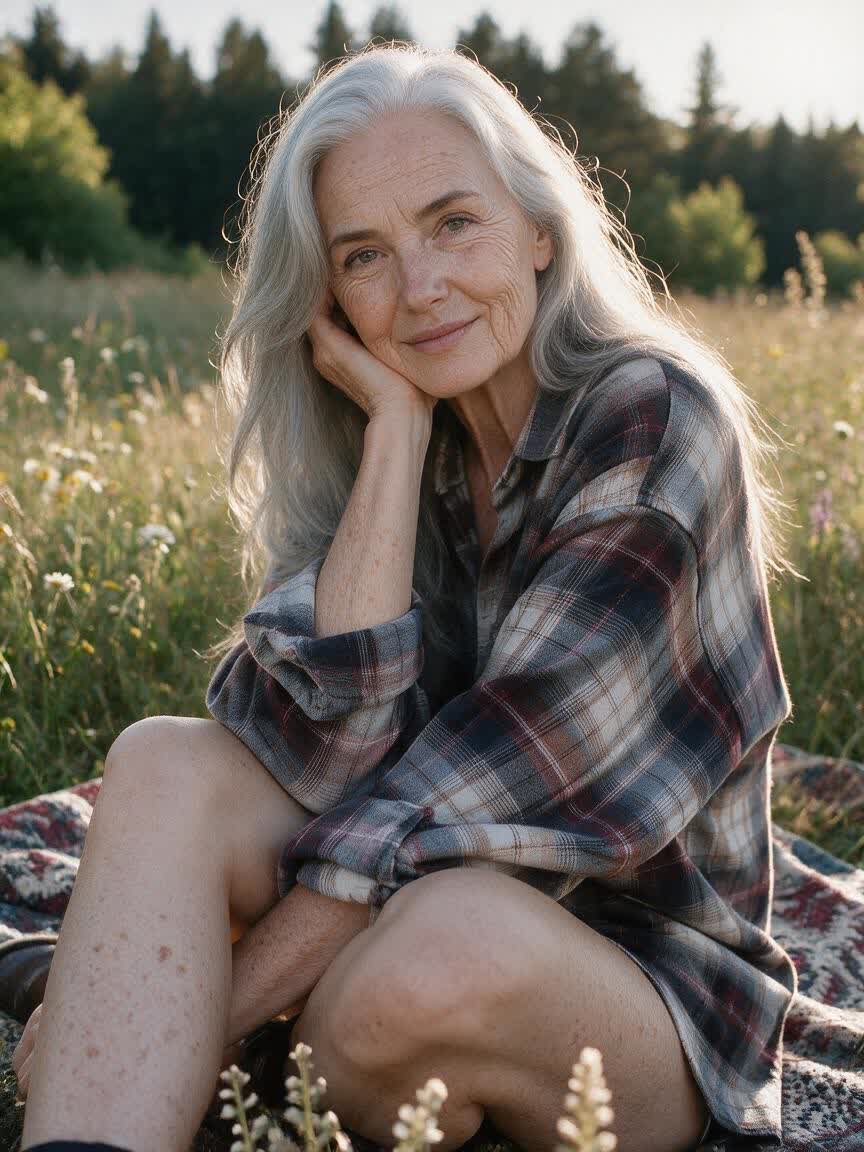
If the first vintage result is close but not right, continue refining the direction in the same conversation. You can adjust the era, texture, or overall mood without starting the image idea over.
Try Cavro freeAn AI old filter uses a written description and/or a reference photo to create an aged, vintage-style image. You can describe an era and request visual details such as grain, fading, scratches, light leaks, or paper-like texture.
Yes. You can name a decade such as the 1920s, 1950s, 1970s, or 1990s, or describe the photographic mood you want. The written direction helps shape the vintage treatment applied to your reference photo.
An age progression filter usually focuses on how a face may look at another age. An old photo effect focuses on the image's historical character, such as film texture, fading, scratches, and an era-inspired photographic finish.
Yes. Cavro can use a reference photo together with your written direction to create an image. Bring a portrait, family photo, product shot, travel scene, or another subject and describe the vintage look you want.
Yes. You can refine and generate again in the same conversation without starting over. This lets you adjust the era, texture, color, or overall mood as your idea develops.
Creators worldwide are turning “just an idea” into expensive-looking images.