AI Negative Image Generator

Create bold inverted photo art from a prompt or reference photo.
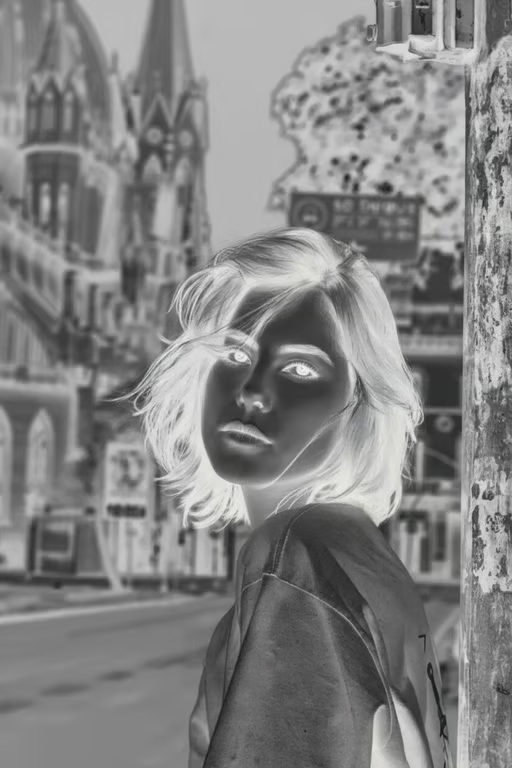
Portrait scene rendered as a monochrome photographic negative with inverted tones.
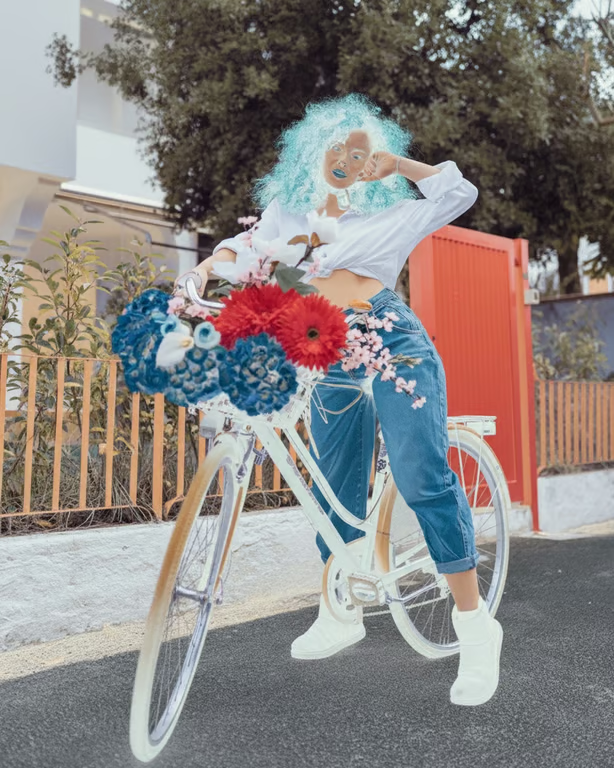
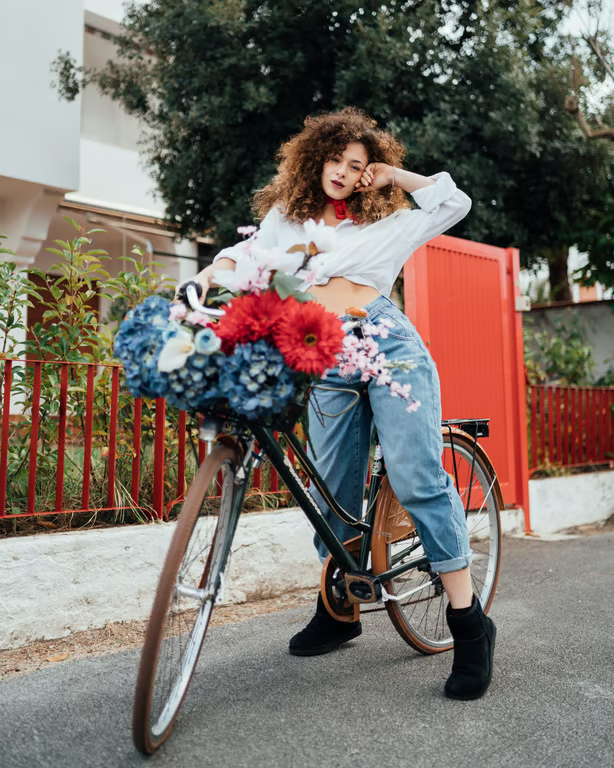
Woman posing with a flower-filled bicycle in a fully color-inverted negative image.
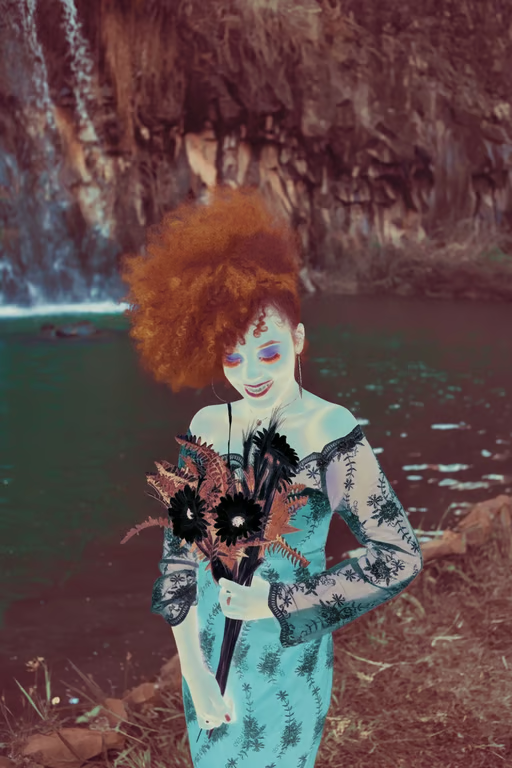
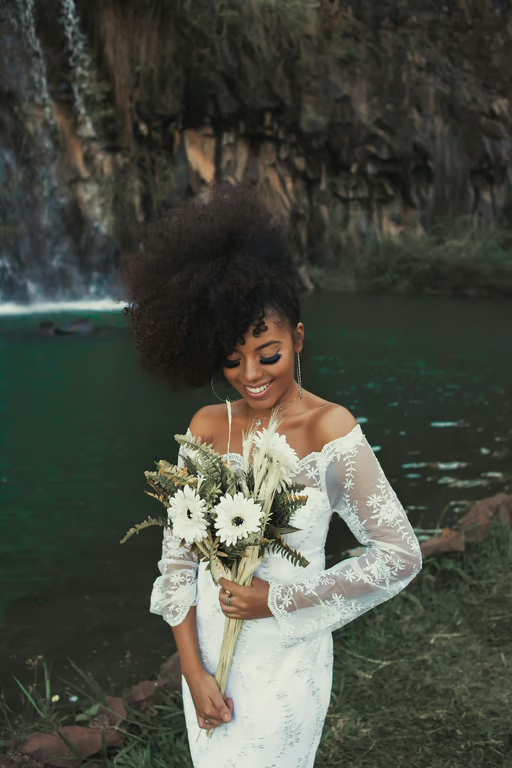
Portrait by a waterfall with all colors inverted into a high-contrast negative effect.
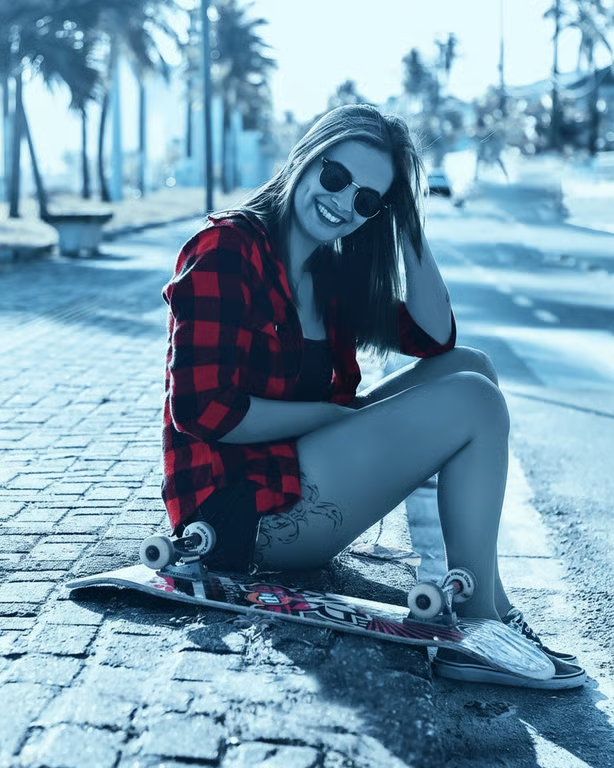
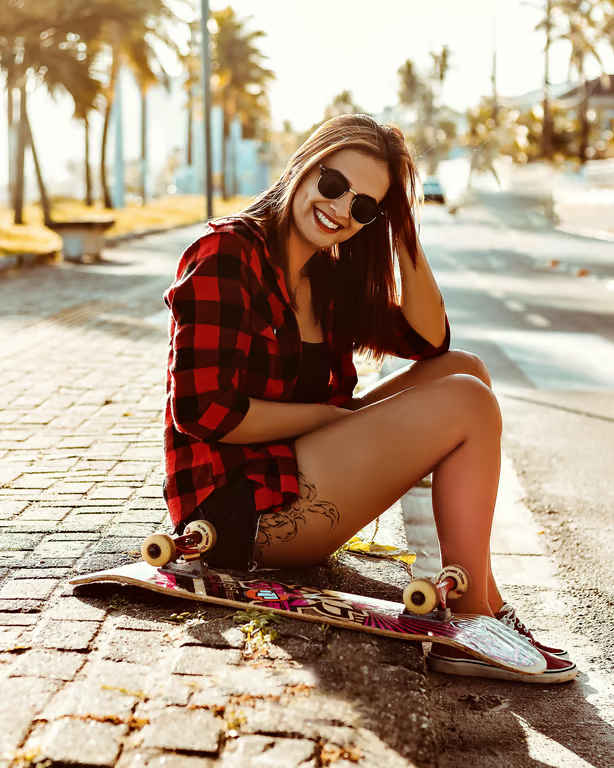
Woman sitting on a skateboard outdoors under a cool blue monochrome color grade.
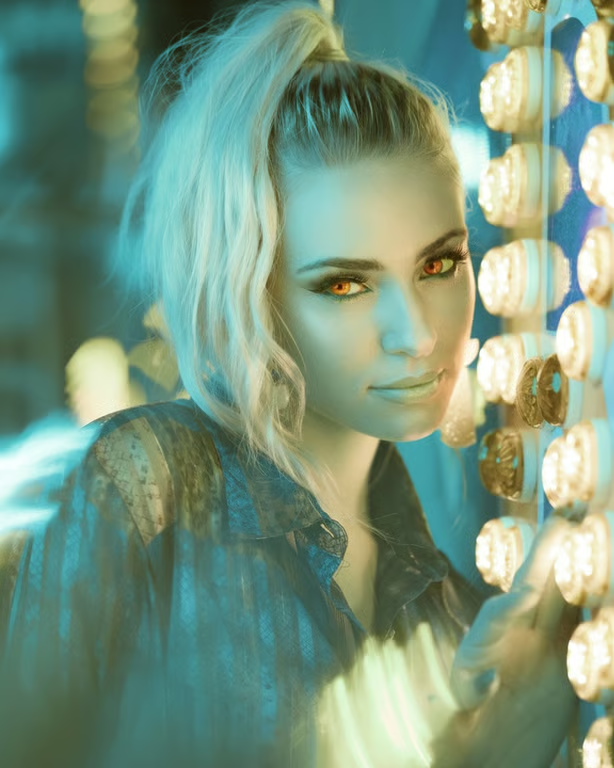
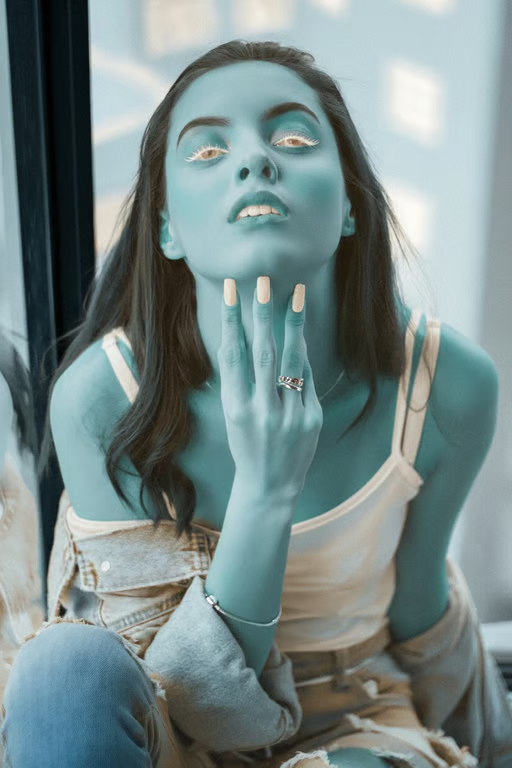
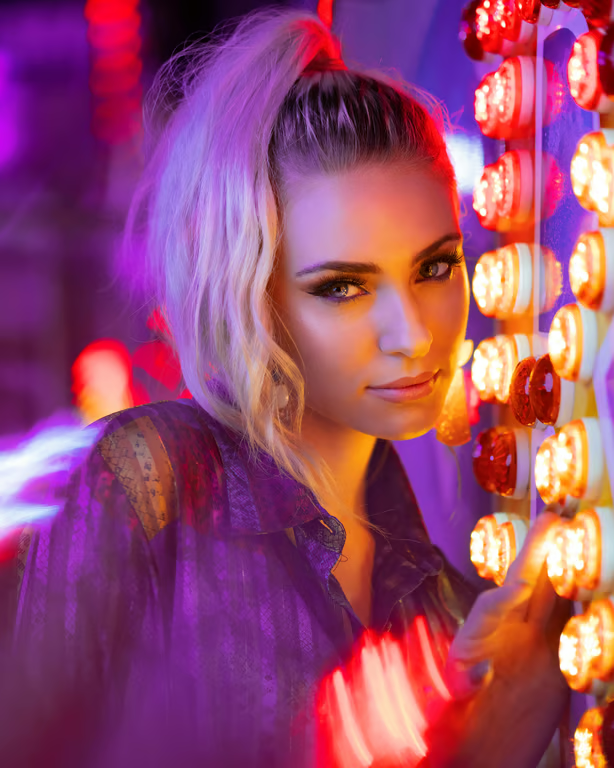
Close-up portrait of a woman under cyan-teal lighting with warm yellow highlights.
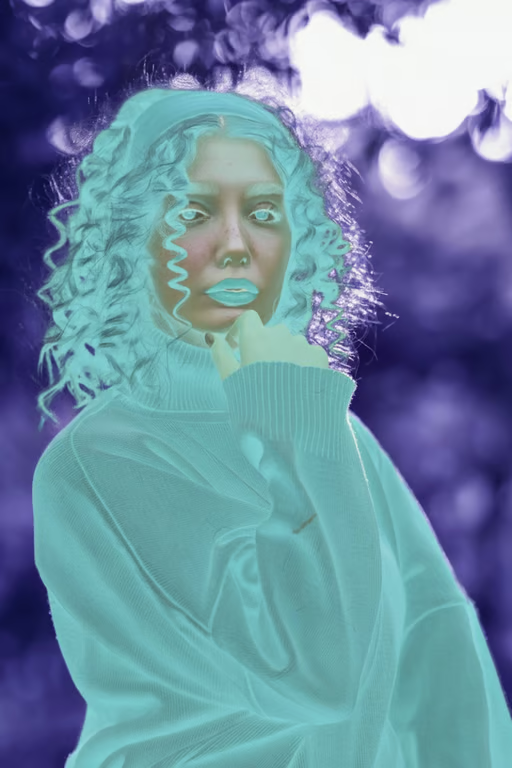
Portrait with all colors inverted into a vivid cyan and purple negative effect.
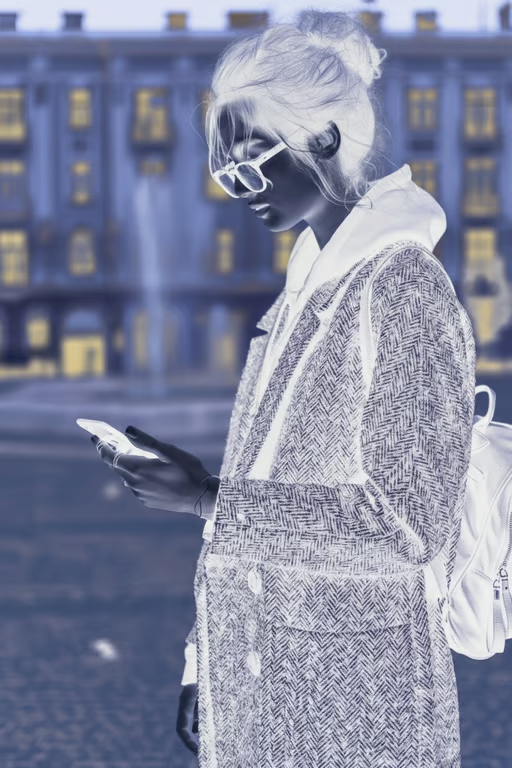
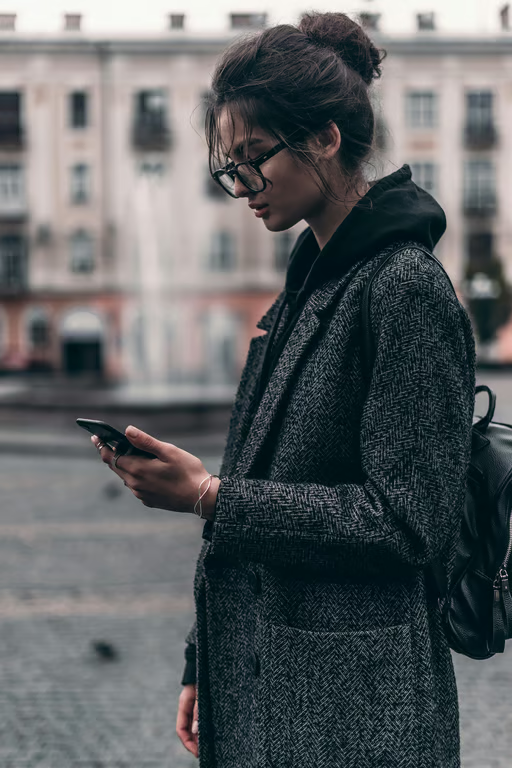
Woman looking at a phone in a city scene with all colors inverted into a negative effect.
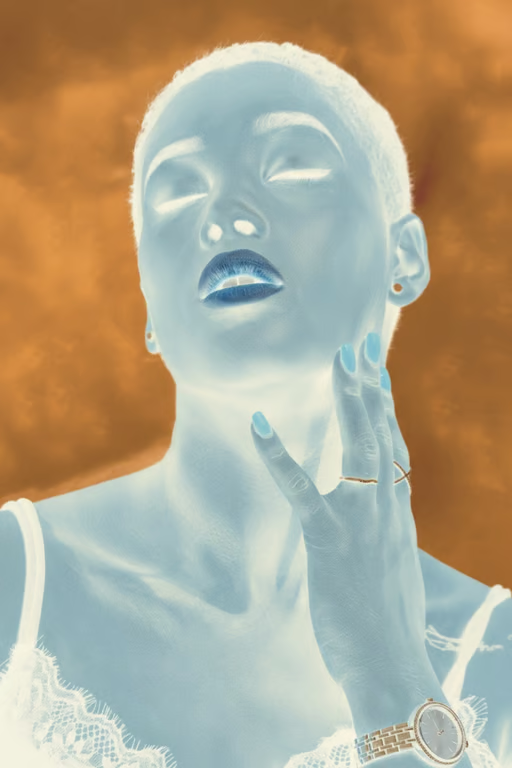
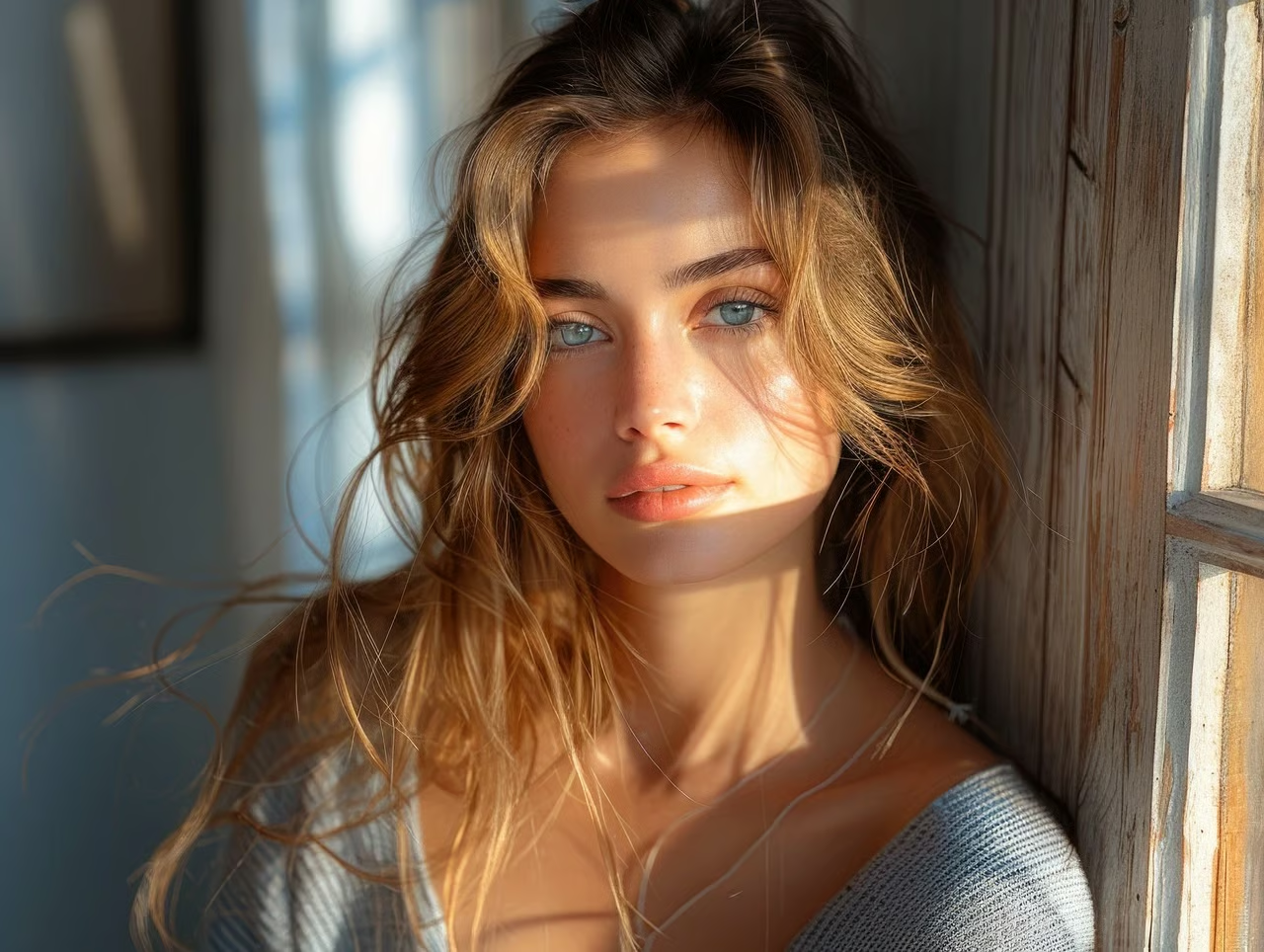
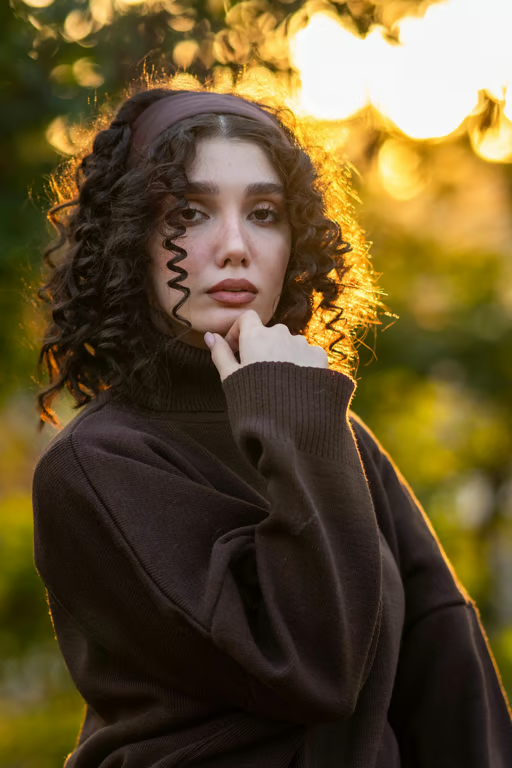
Portrait with fully inverted colors, creating a vivid photographic negative effect.
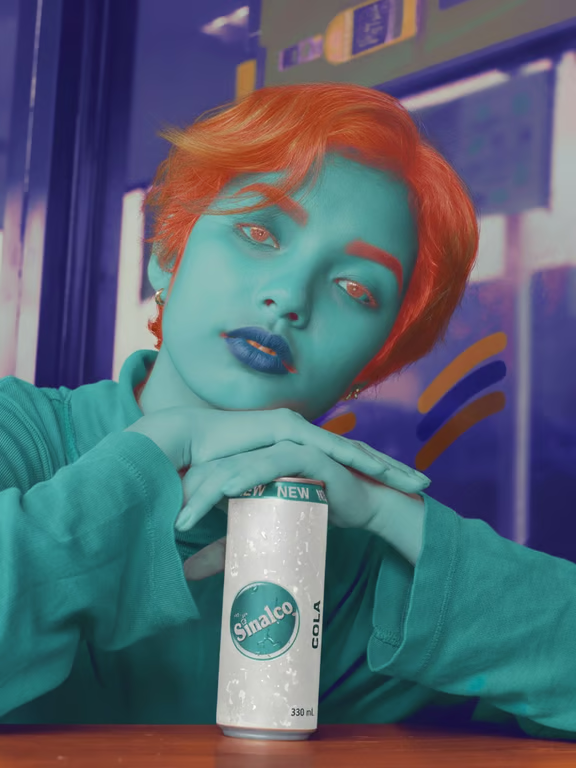
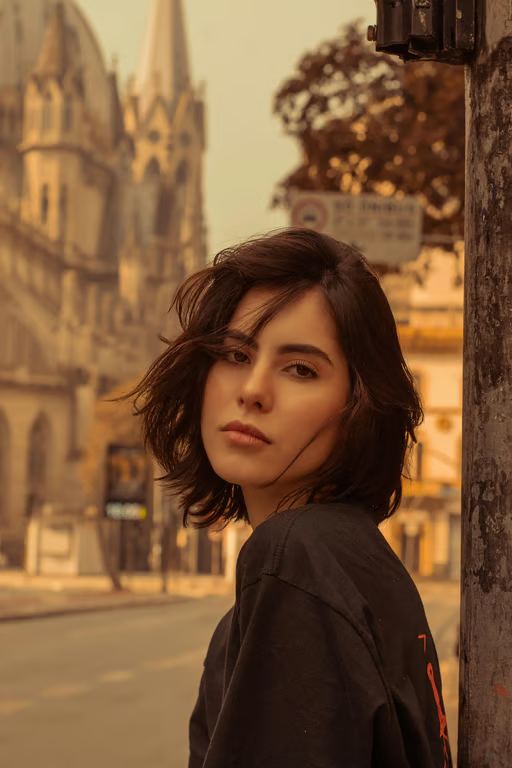
Portrait transformed into a blue-and-orange photographic negative.
Portrait of a woman shown with fully inverted negative colors.
What you get

All the power, none of the hassle

Prompt-Led Inversion

Describe the negative photo effect in natural language and guide the image toward your intended visual treatment.

Reference Photo Input

Use an uploaded photo as the visual starting point for a transformed negative-style image or video.

Refine the Result

Adjust the effect, mood, and direction with another prompt in the same conversation instead of starting over.

Image or Video Output

Choose whether your negative-style concept becomes an image or video from the same credit balance.

User value

We are the best AI tool for...

  1. Skip complicated color editing

    Create an inverted visual by describing the treatment instead of manually adjusting color channels and tones.
  2. Reuse an existing photo

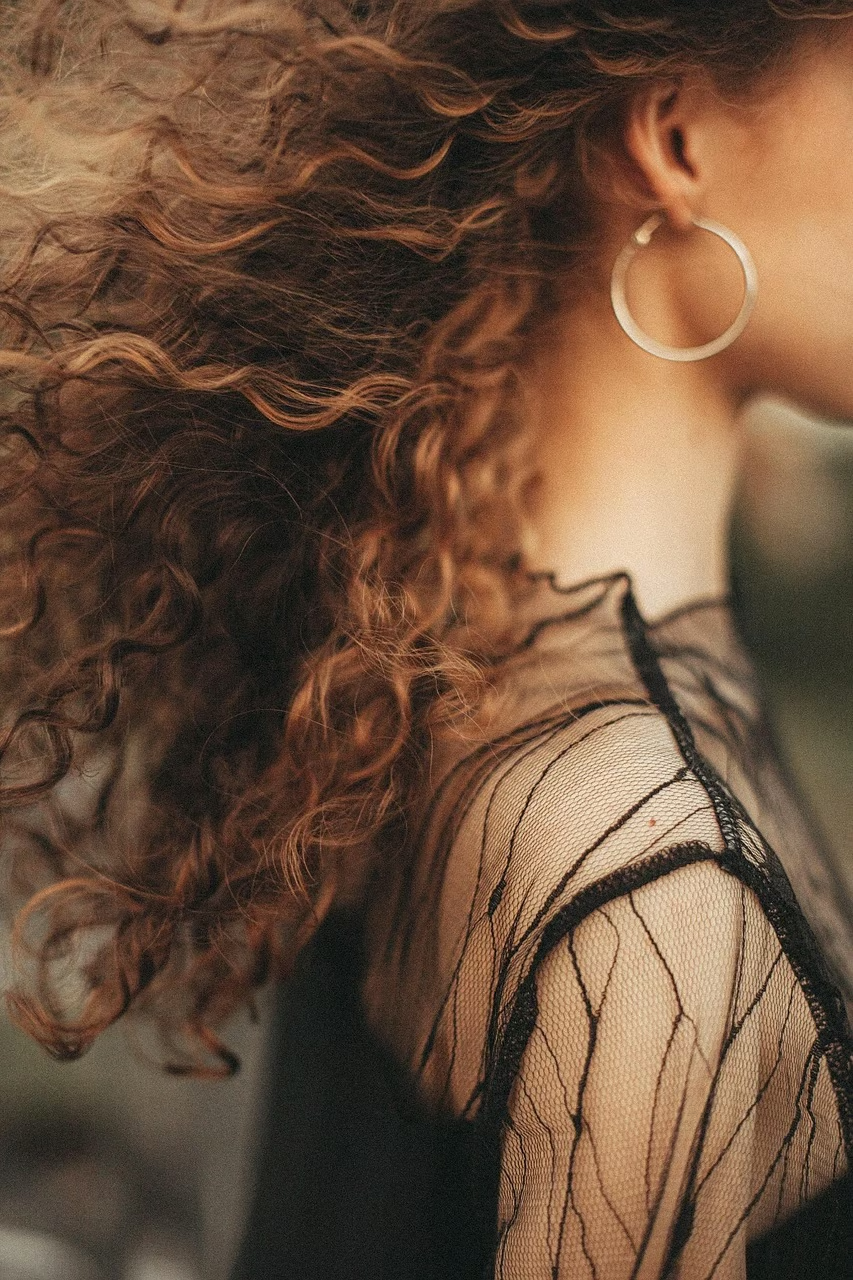
    Turn a familiar portrait, product shot, diagram, or scanned image into a fresh creative direction.

  3. Explore more than one look

    Try alternate moods and negative treatments in one conversation while keeping your original idea in context.

Skip complicated color editing
Perfect proof

What our users say

  • I wanted to turn a simple portrait into something more graphic. Describing the inverted look and adding my photo gave me a striking direction to refine.

    Mara K.
  • The negative treatment made an ordinary landscape feel completely surreal. I could keep adjusting the mood without losing the original idea.

    Jonah R.
  • I used an old scanned image as a starting point and asked for a stronger inversion. The result gave the piece a fresh visual life.

    Elise T.
  • I was exploring artwork for social content and wanted a color treatment outside the usual filters. The prompt let me try several bold variations.

    Theo B.
  • My product photo needed a more unusual direction. Using the photo with a clear negative-style description helped me explore the concept quickly.

    Nina S.
  • I liked being able to ask for a different contrast and mood after the first result. The conversation made experimenting with negative art feel natural.

    Caleb M.
Answers

Common questions

What is a negative image generator?

A negative image generator creates an inverted or negative-style visual from a written prompt and/or a reference photo. With Cavro, describe the look you want and use the generated result as a creative image or video direction.

How do I create a negative image online?

Add a prompt describing the negative photo effect, and upload a reference photo if you want to guide the result. Cavro uses those inputs to generate an image or video, and you can refine the direction in the same conversation.

Can I use my own photo for a negative photo effect?

Yes. Cavro accepts a reference photo along with your written prompt. Describe how you want the colors, contrast, mood, or style changed so the generated result follows your creative direction.

Can I refine a negative image after it is generated?

Yes. You can generate again in the same conversation without starting over. Use another prompt to adjust the negative treatment, mood, or visual direction.

Do I need a subscription to make a negative image?

No mandatory subscription is required. Cavro bills results per credit, and images and video use the same credit balance.

Play with an idea. Leave with an image.

Creators worldwide are turning “just an idea” into expensive-looking images.
Try Cavro free