My Little Pony Character Generator

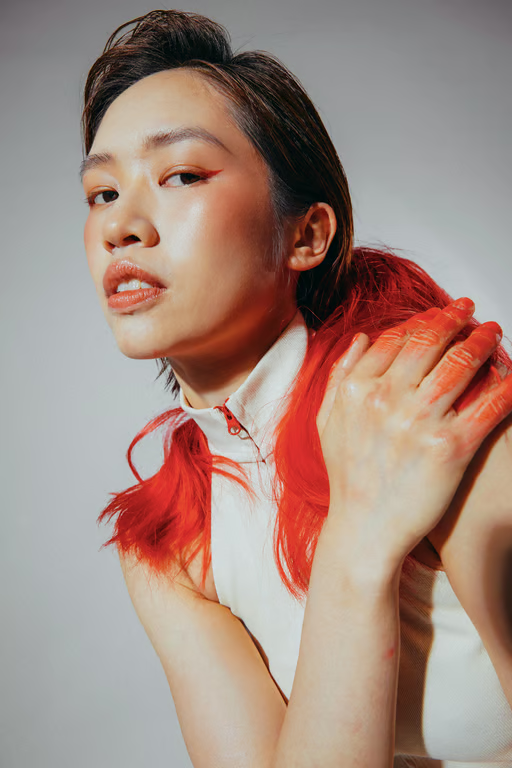
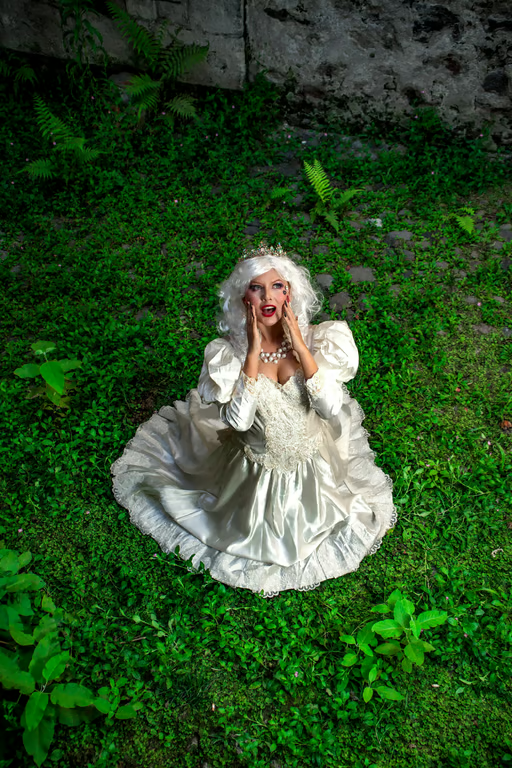
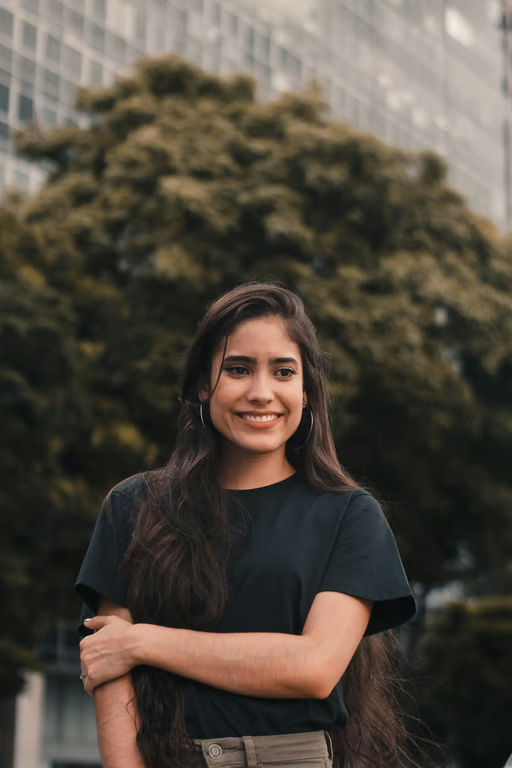
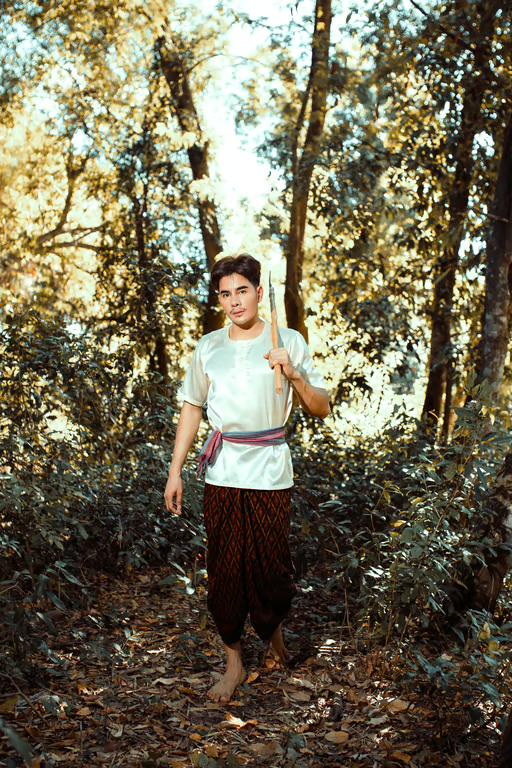
Shape a pony character from words or a photo.
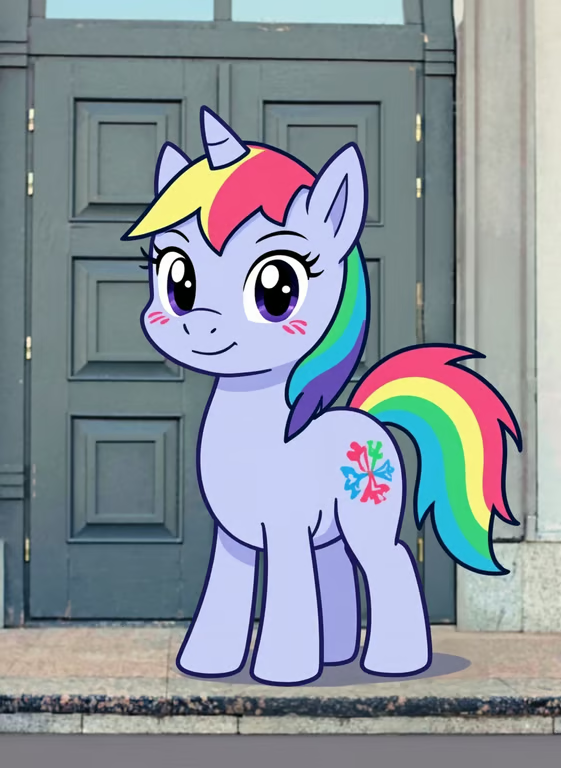
Colorful lavender unicorn pony with rainbow mane, striped tail and floral cutie mark.
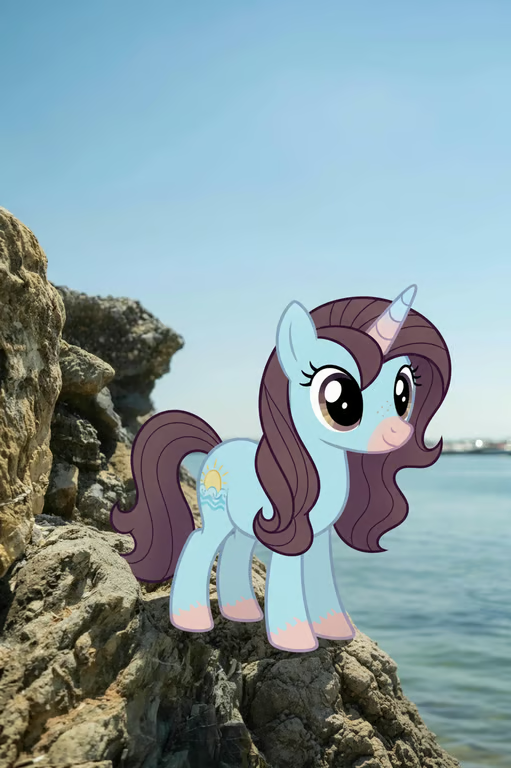
Light-blue cartoon unicorn pony with dark purple mane, horn, pink hooves, and yellow sun cutie mark by the sea.
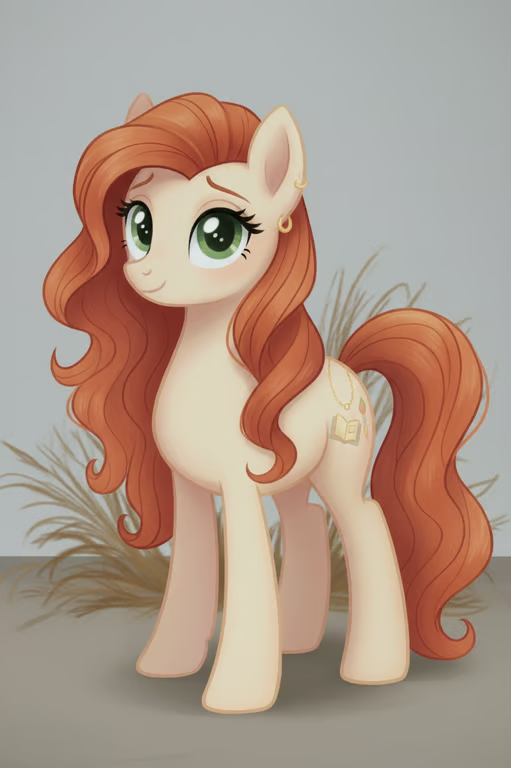
Cream-colored pony character with green eyes, orange-red mane, gold cutie mark, and dry grass.
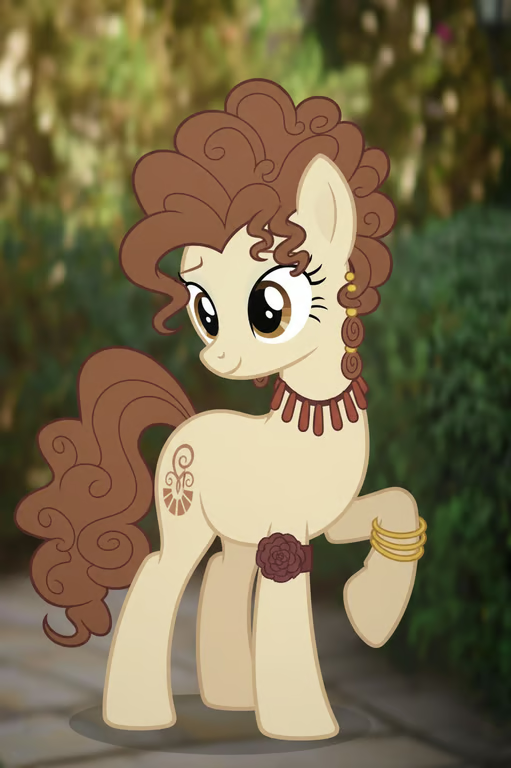
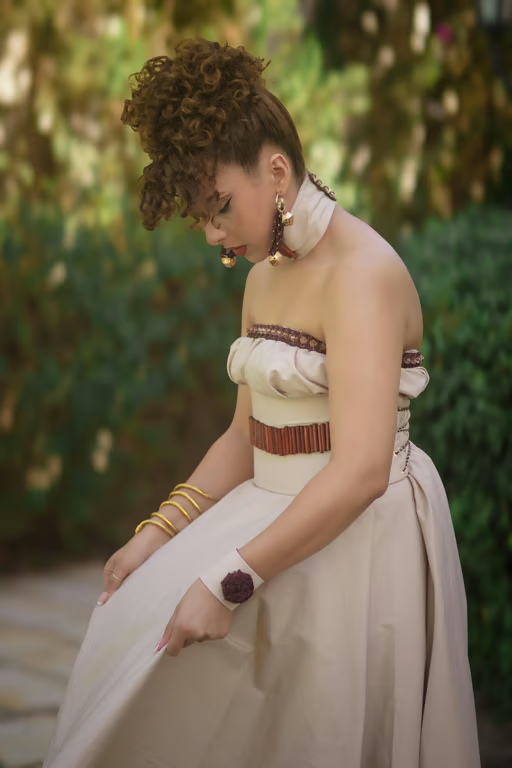
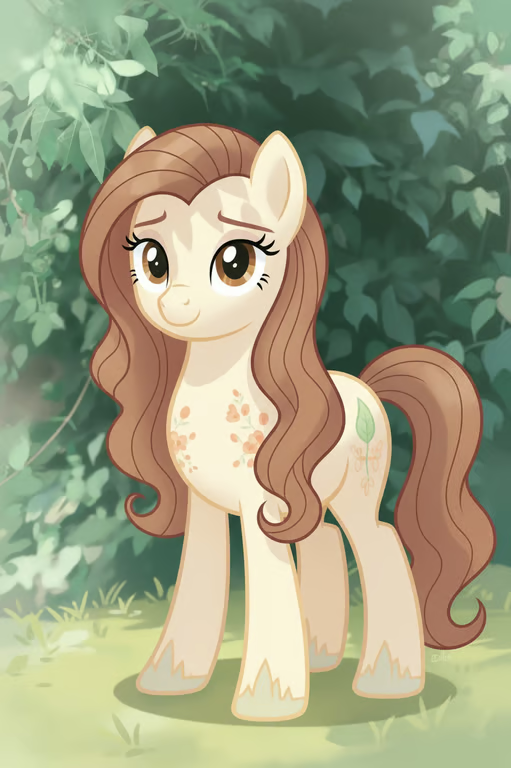
Cream-colored pony character with curly brown mane and tail, gold bangles, and a dark red rose.
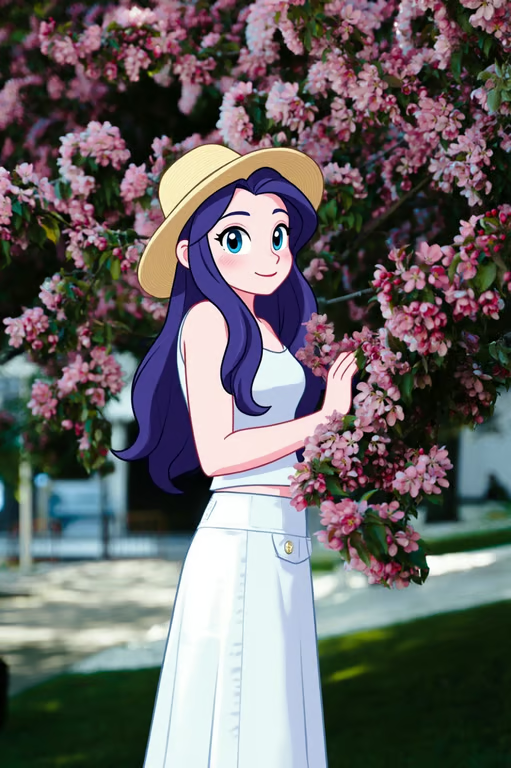
Anime-style woman with large blue eyes, long purple hair, a straw hat, and white clothing.
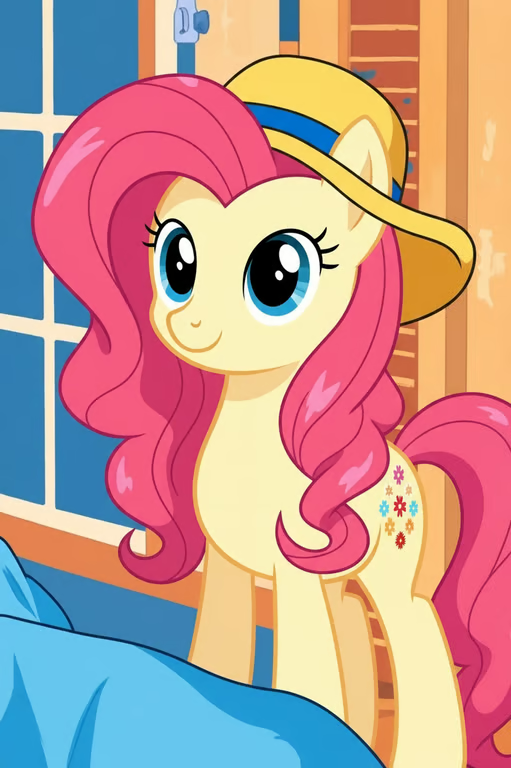
Yellow cartoon pony with a pink mane, wide-brimmed hat, and floral flank mark.
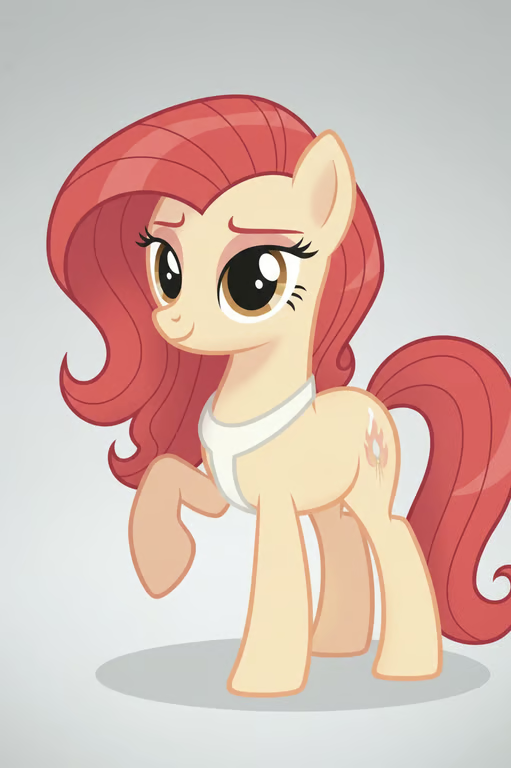
Cream-colored cartoon pony with a pink-red mane, curled tail, white collar, and flank cutie mark.
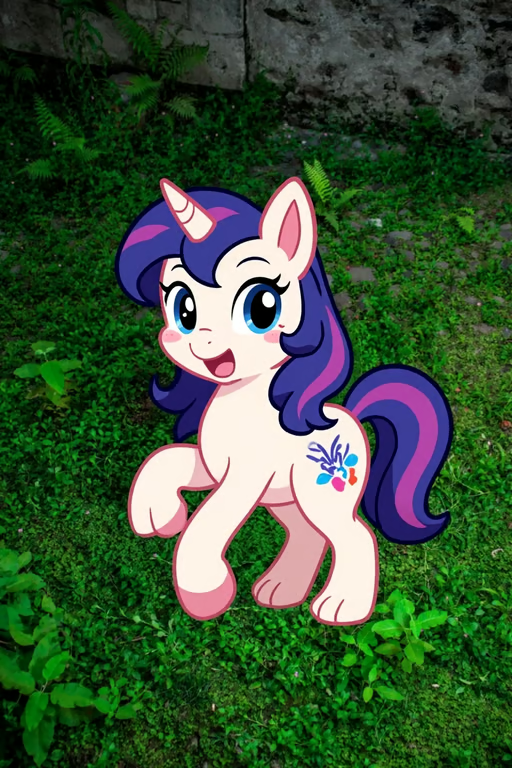
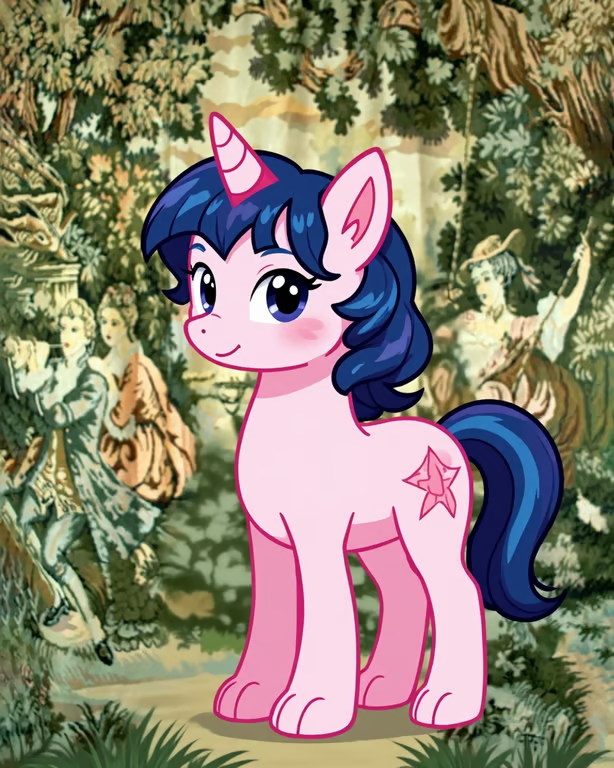
Cartoon cream unicorn pony with purple and pink mane, blue eyes, and floral cutie mark
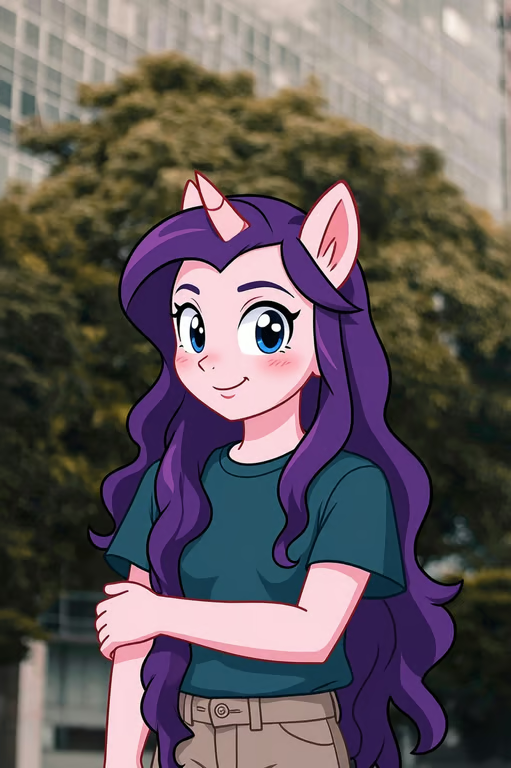
Cartoon pony character with purple hair, pink skin, pointed ears, a horn, and a teal shirt.
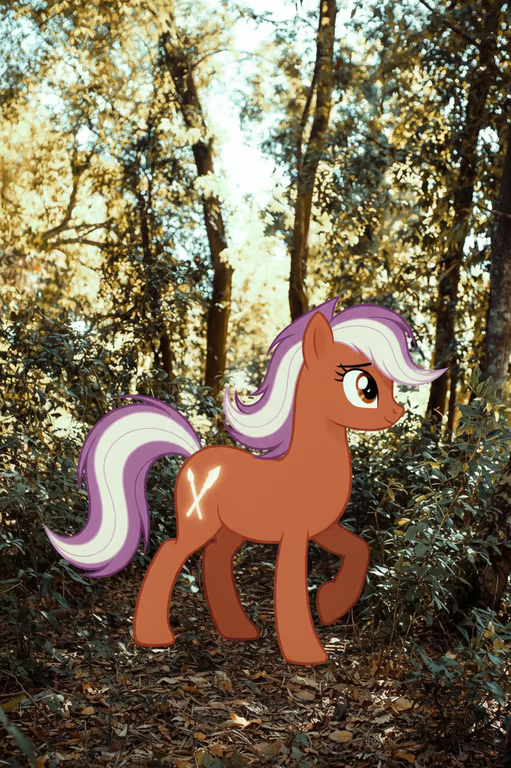
Orange-brown cartoon pony with flowing white and purple hair and a white crossed flank marking.
What you get

All the power, none of the hassle

Prompt Or Photo

Use a written character idea, a reference photo, or both to guide your pony design.

Choose Pony Type

Set a direction such as earth pony, pegasus, unicorn, or alicorn for the character concept.

Generate Image Or Video

Turn the same pony concept into an image or video from the available output options.

Refine Variations

Adjust the character idea and generate another pony variation in the same conversation.

User value

We are the best AI tool for...

  1. Skip the blank-page problem

    Start with a visual pony concept instead of building every character detail from scratch.
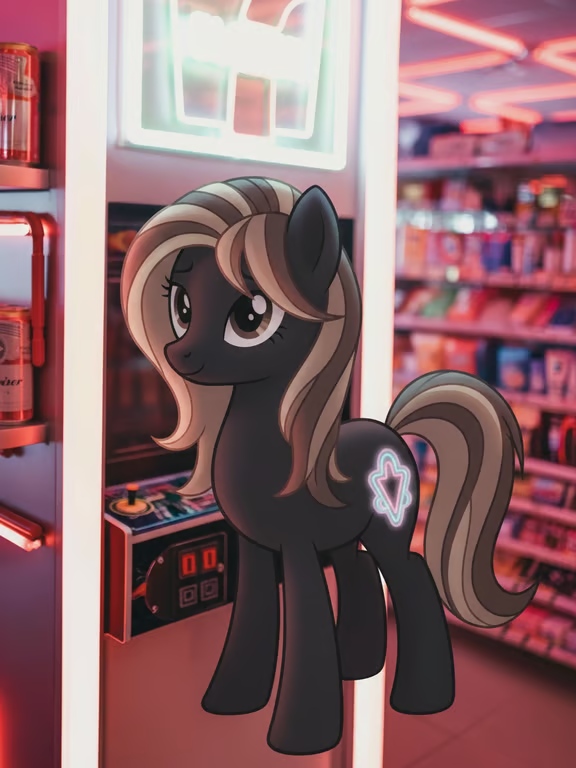
  2. Turn inspiration into fan art

    Give a photo or idea a distinct pony identity for stories, celebrations, or profile pictures.

  3. Keep exploring one character

    Try different pony types, colors, and moods until one feels right for your concept.

Skip the blank-page problem
Perfect proof

What our users say

  • I wanted a pony version of a character I had sketched in words. The reference photo helped me explore a clear visual direction without starting from nothing.

    Mara K.
  • I used a selfie for a playful profile picture and then tried a few different pony types. The ability to keep refining the idea made the character feel personal.

    Theo R.
  • My invitation needed a cheerful pony character, so I described the colors and mood I wanted. I could keep shaping the concept until it matched the celebration.

    Nina S.
  • I started with a story hero and then experimented with a unicorn version and a pegasus version. It was useful to continue from the same conversation.

    Owen P.
  • I had a photo and a loose idea for a cutie mark. Cavro gave me a way to turn those starting points into a character concept I could keep developing.

    Lena V.
  • I wanted a pony-inspired character for a personal collection idea. Trying different prompts helped me find a look that felt more distinctive than my first thought.

    Iris M.
Answers

Common questions

What is a My Little Pony character generator?

It is a way to turn a written character idea, a reference photo, or both into an image or video concept. With Cavro, you can shape a pony-inspired character and refine it in the same conversation.

Can I use a photo with the My Little Pony character generator?

Yes. Cavro accepts a reference photo alongside your written prompt, so the photo can help guide the character you want to create.

Can I create both images and video?

Yes. Images and video come out of the same conversation in Cavro and use one credit balance. Choose the output that fits your pony character idea.

Can I change my pony character after generating it?

Yes. You can refine the idea and generate again in the same conversation without starting over. This lets you explore new pony types, colors, accessories, or moods.

Do I need a subscription to make a pony character?

No mandatory subscription is required. Results are billed per credit, so you can use credits for the images or video you generate.

Play with an idea. Leave with an image.

Creators worldwide are turning “just an idea” into expensive-looking images.
Try Cavro free