AI Muscle Generator

Add natural definition without changing your pose.
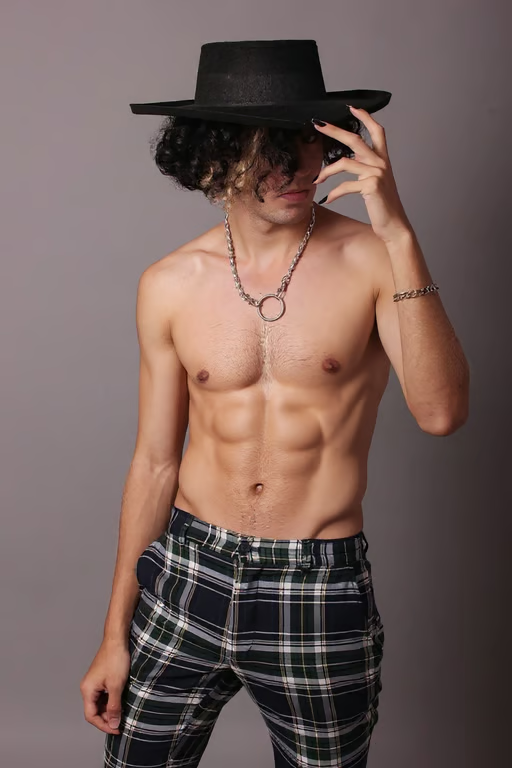
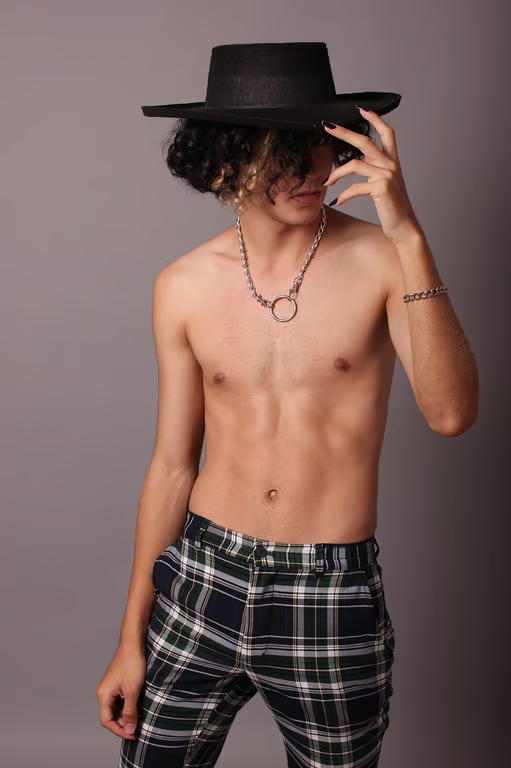
Shirtless person wearing a black hat and plaid pants, with a more defined muscular torso.
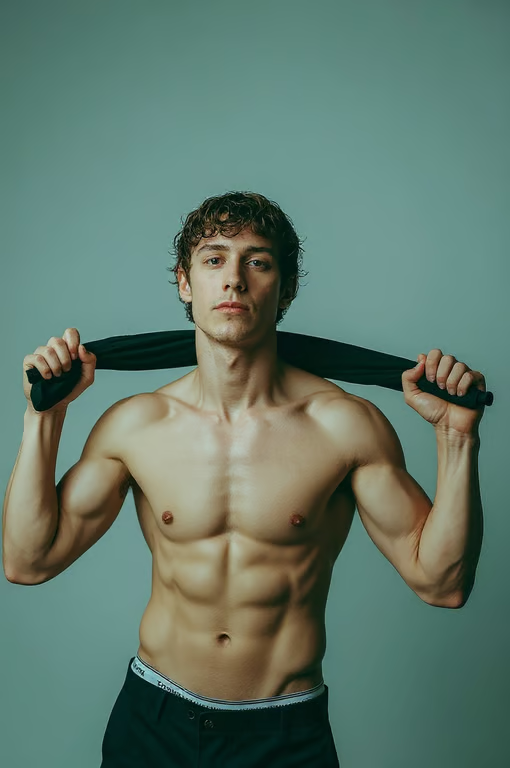
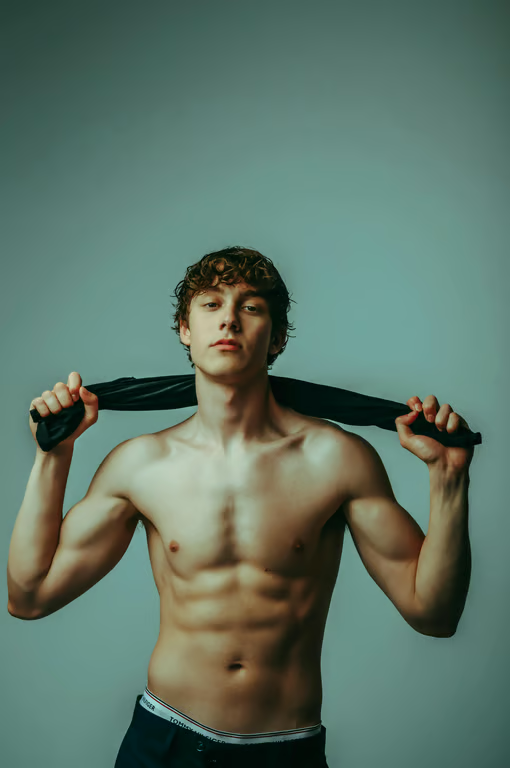
Shirtless man holding a black shirt behind his shoulders, with a defined muscular physique.
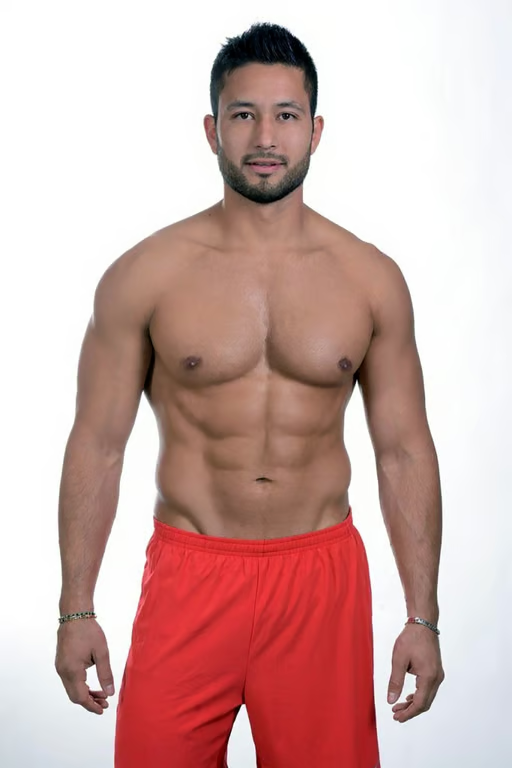
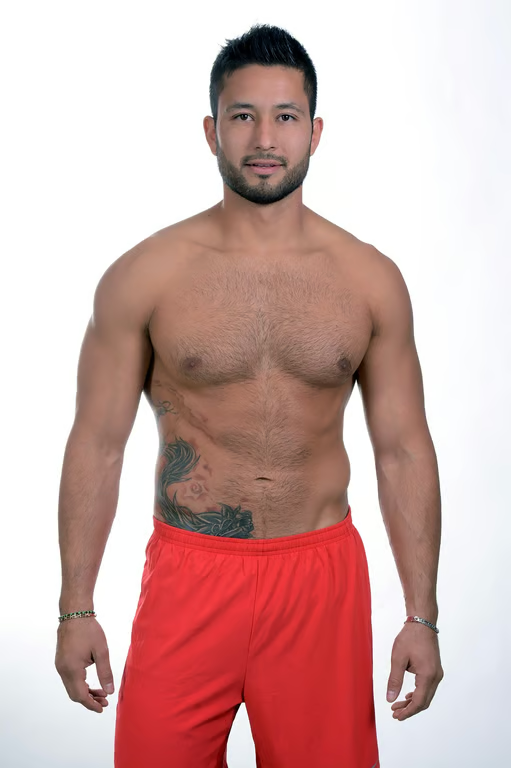
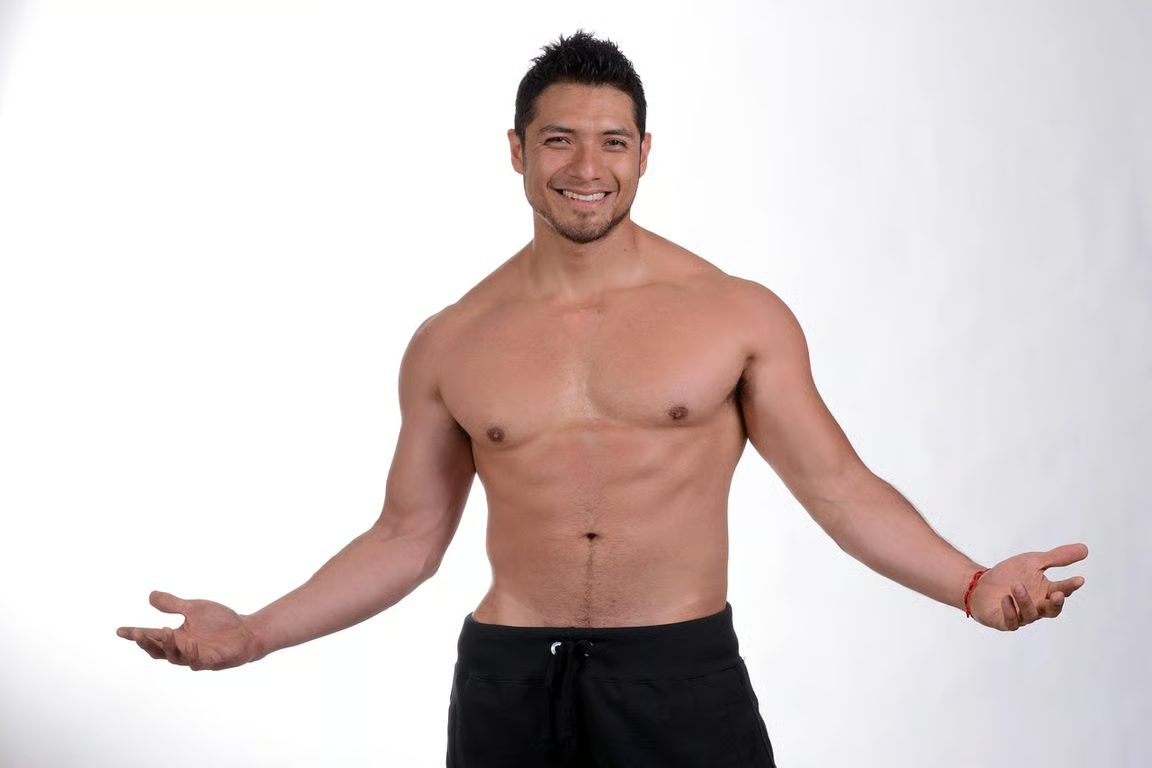
Shirtless man standing against a white background with smooth skin and defined chest and abdominal muscles.
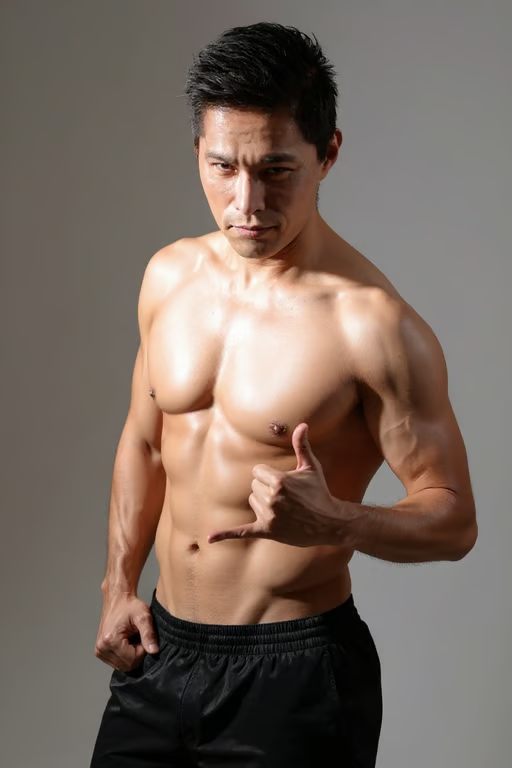
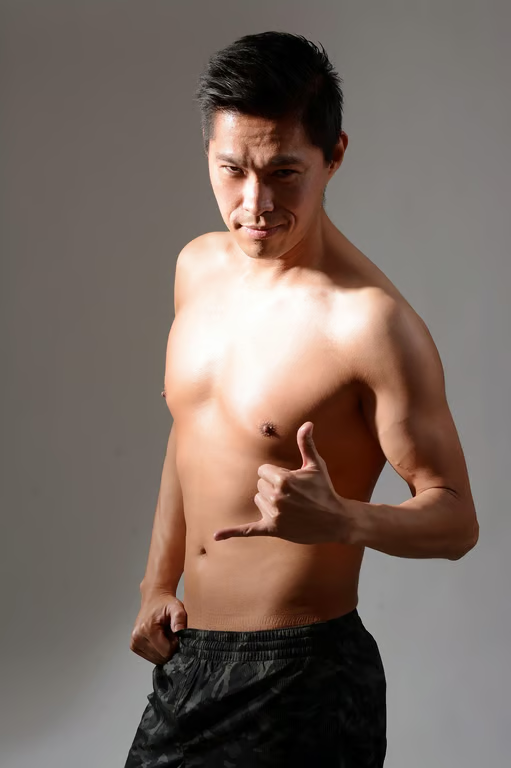
A shirtless man poses against a gray background with defined chest and abdominal muscles.
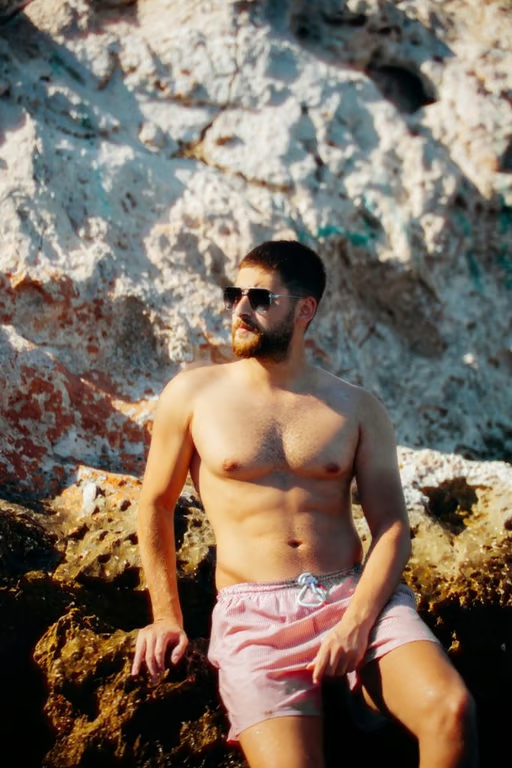
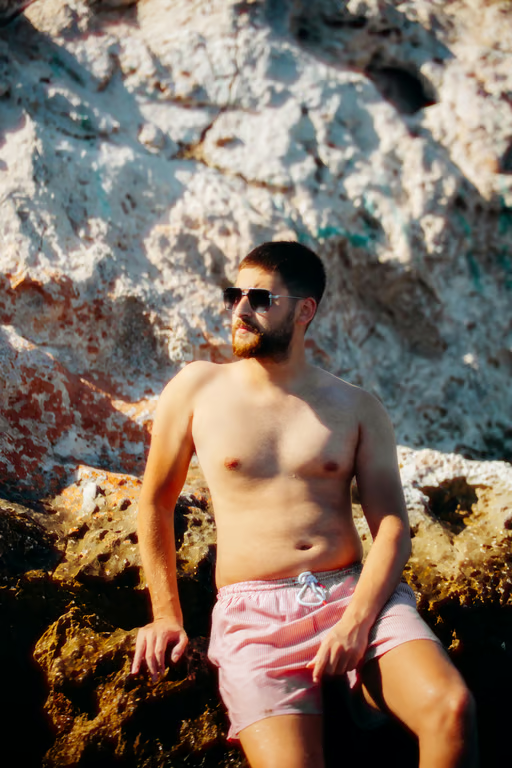
A bearded man wearing sunglasses and pink swim shorts sits on sunlit rocks with visible chest hair.
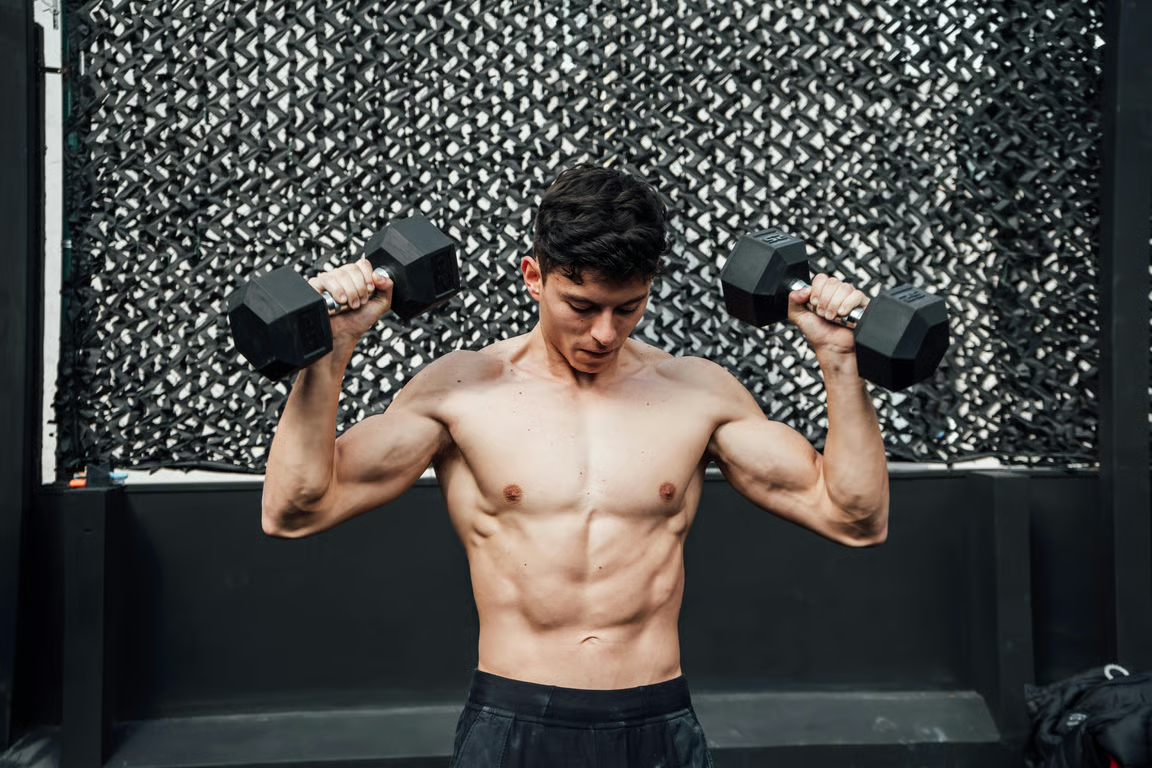
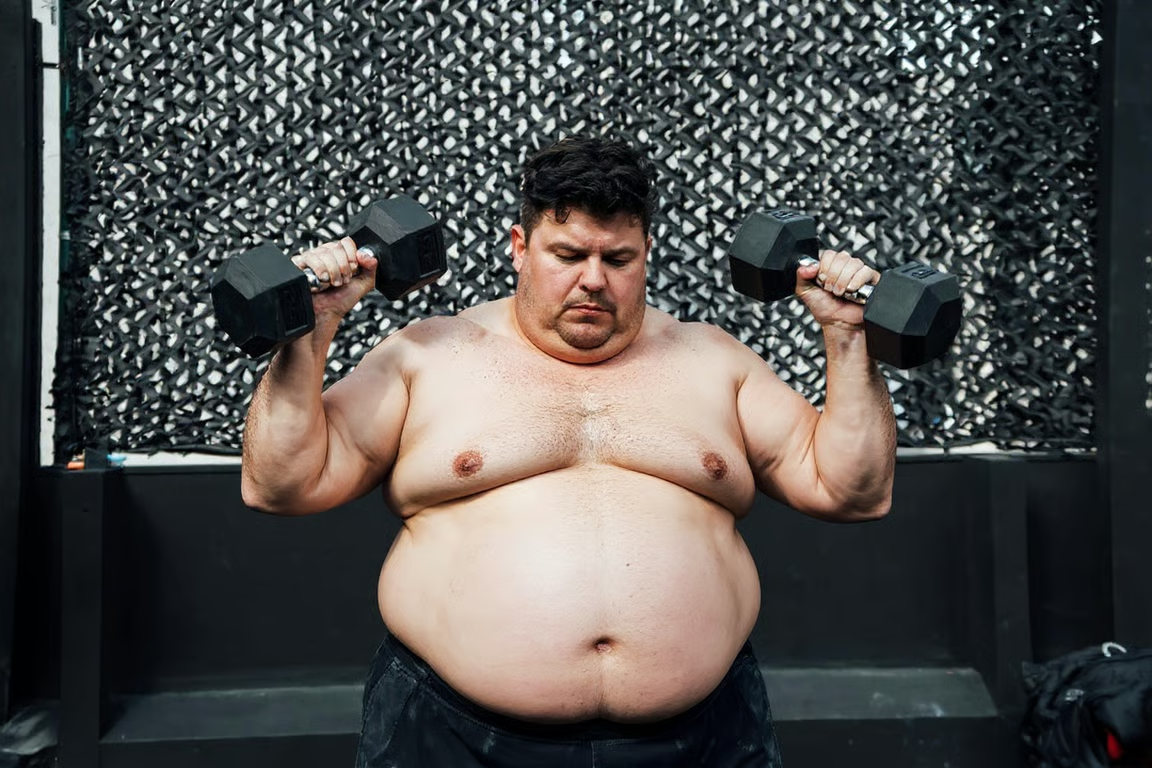
A shirtless man lifts two dumbbells, showing defined arms and abdominal muscles.
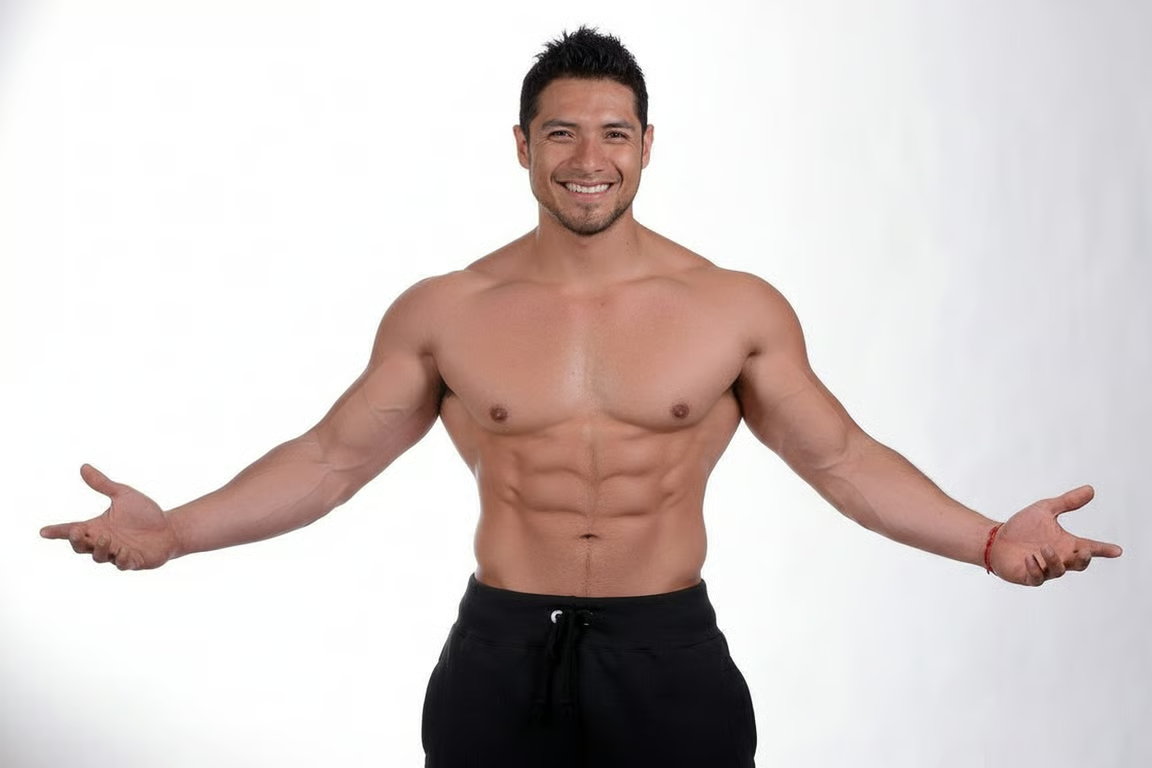
Shirtless man smiling and posing with visibly defined abdominal and upper-body muscles.
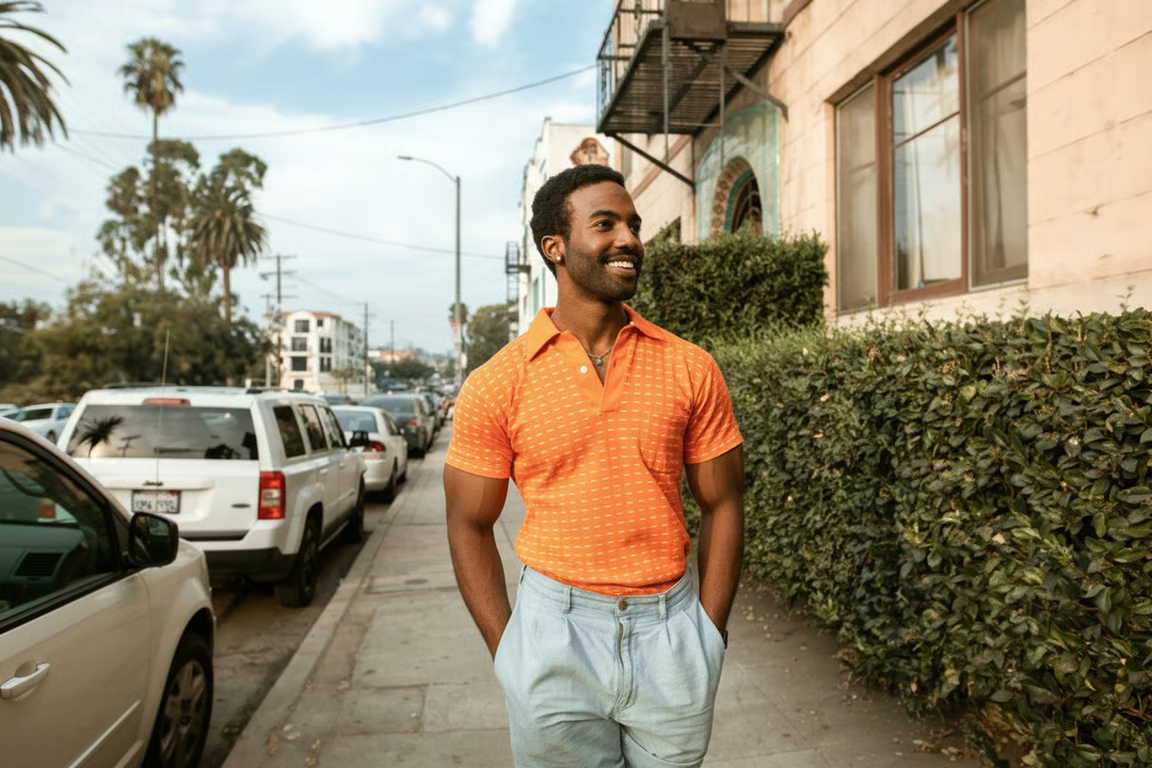
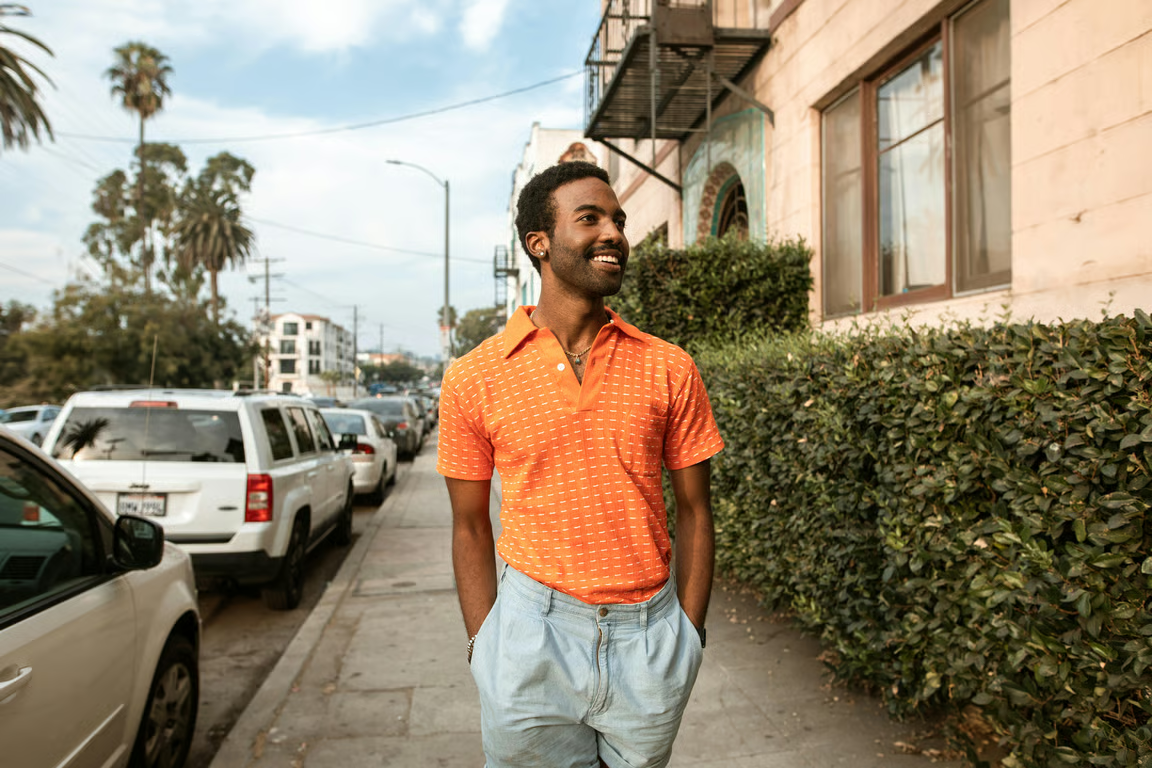
Smiling man in an orange shirt standing on a leafy city sidewalk.
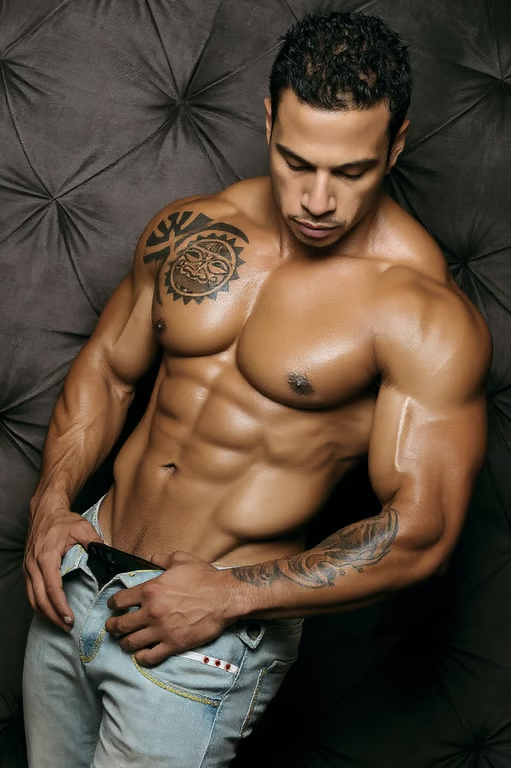
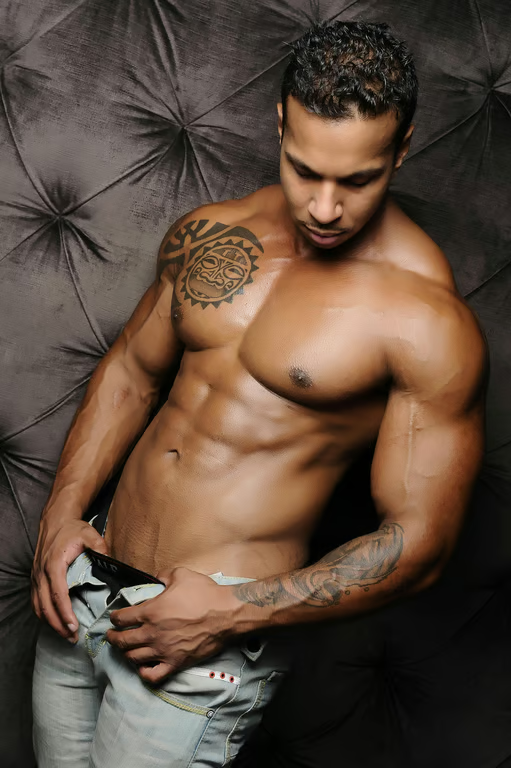
Portrait of a muscular man with defined abs against a dark padded backdrop.
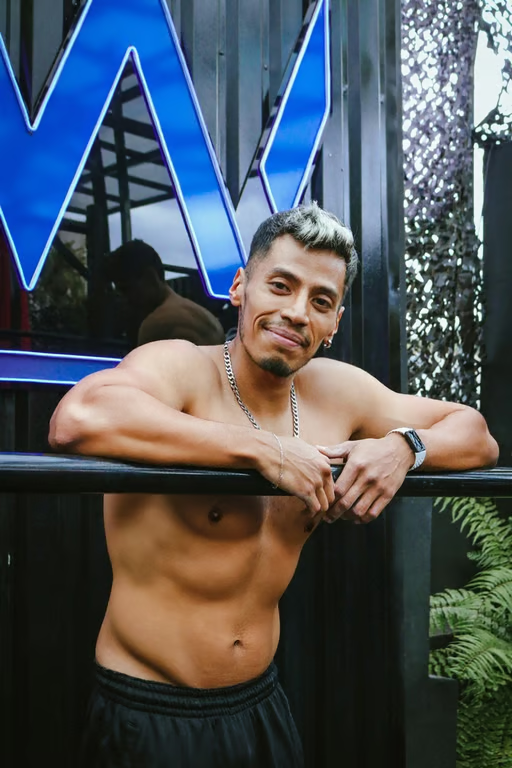
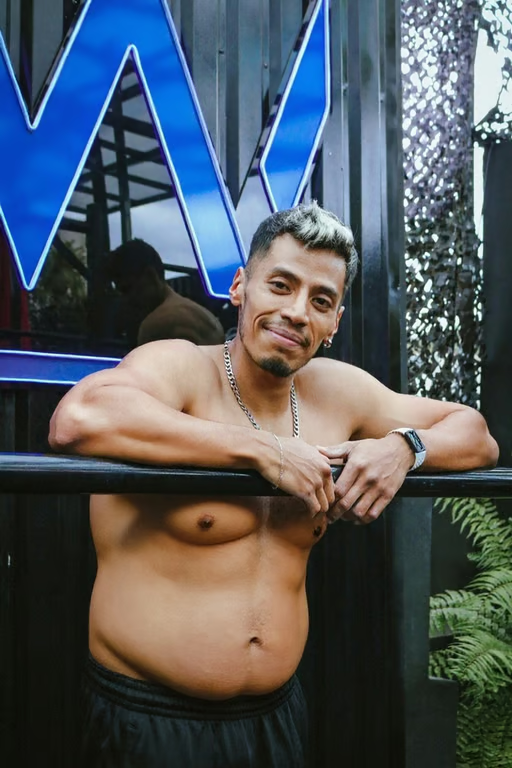
Shirtless man leaning on a railing, shown with a slimmer and more defined abdomen.
What you get

All the power, none of the hassle

Use A Reference Photo

Start from your own image so the muscle enhancement follows the person and pose in the photo.

Set Definition Direction

Describe subtle, athletic, sculpted, or balanced definition to control the physique edit.

Refine The Attempt

Generate again in the same conversation when the first muscle enhancement needs adjustment.

Preserve Natural Detail

Create realistic definition while retaining proportions, skin texture, and complex scene details.

User value

We are the best AI tool for...

  1. Skip the extra shoot

    Create a refined fitness or brand-style image from an existing photo instead of arranging another session.
  2. Avoid advanced retouching skills

    Describe the body transformation you want without relying on complicated manual post-production.

  3. Show progress with restraint

    Explore realistic muscle definition that reads like genuine training progress rather than a heavy filter.

Skip the extra shoot
Perfect proof

What our users say

  • I wanted a stronger fitness profile photo without booking another shoot. The definition looked measured and believable.

    Mara K.
  • My original pose was dynamic, so I was glad the physique edit did not make it look stiff. It felt like a natural progress image.

    Jonah R.
  • I used an existing portrait for a creative concept and asked for subtle shoulder and arm definition. The result stayed close to the mood I wanted.

    Elena T.
  • The first version gave me a useful starting point, and I could refine the body transformation until it looked right for my profile.

    Darius P.
  • I needed a clean brand-style fitness image, not an exaggerated transformation. The balanced edit gave me exactly that direction.

    Nina S.
  • The edit helped a dim photo show more physique detail while still looking like the same person and scene.

    Caleb W.
Answers

Common questions

What is an AI muscle generator used for?

An AI muscle generator creates a physique edit from a written prompt and/or reference photo. It can add realistic muscle definition for fitness portraits, profile images, creative shoots, and photo post-production.

Can I use my own photo for muscle enhancement?

Yes. Upload a reference photo and describe the muscle enhancement you want. Your prompt and photo guide the resulting image or video in Cavro.

Can I make the muscle definition more subtle?

Yes. Ask for restrained, balanced, or natural definition, then refine and generate again in the same conversation if the result needs adjustment.

Do I need a subscription to create a muscle edit?

No mandatory subscription is required. Results are billed per credit, and images and video use the same credit balance.

Can the edit preserve my pose and proportions?

Describe the pose and physique direction you want, and use your photo as the reference. Cavro is designed to support realistic edits that retain natural proportions, skin texture, and posture.

Play with an idea. Leave with an image.

Creators worldwide are turning “just an idea” into expensive-looking images.
Try Cavro free