AI Map Generator

Turn map ideas into visuals with a reference photo.
Illustrated travel route map with landmarks and paths
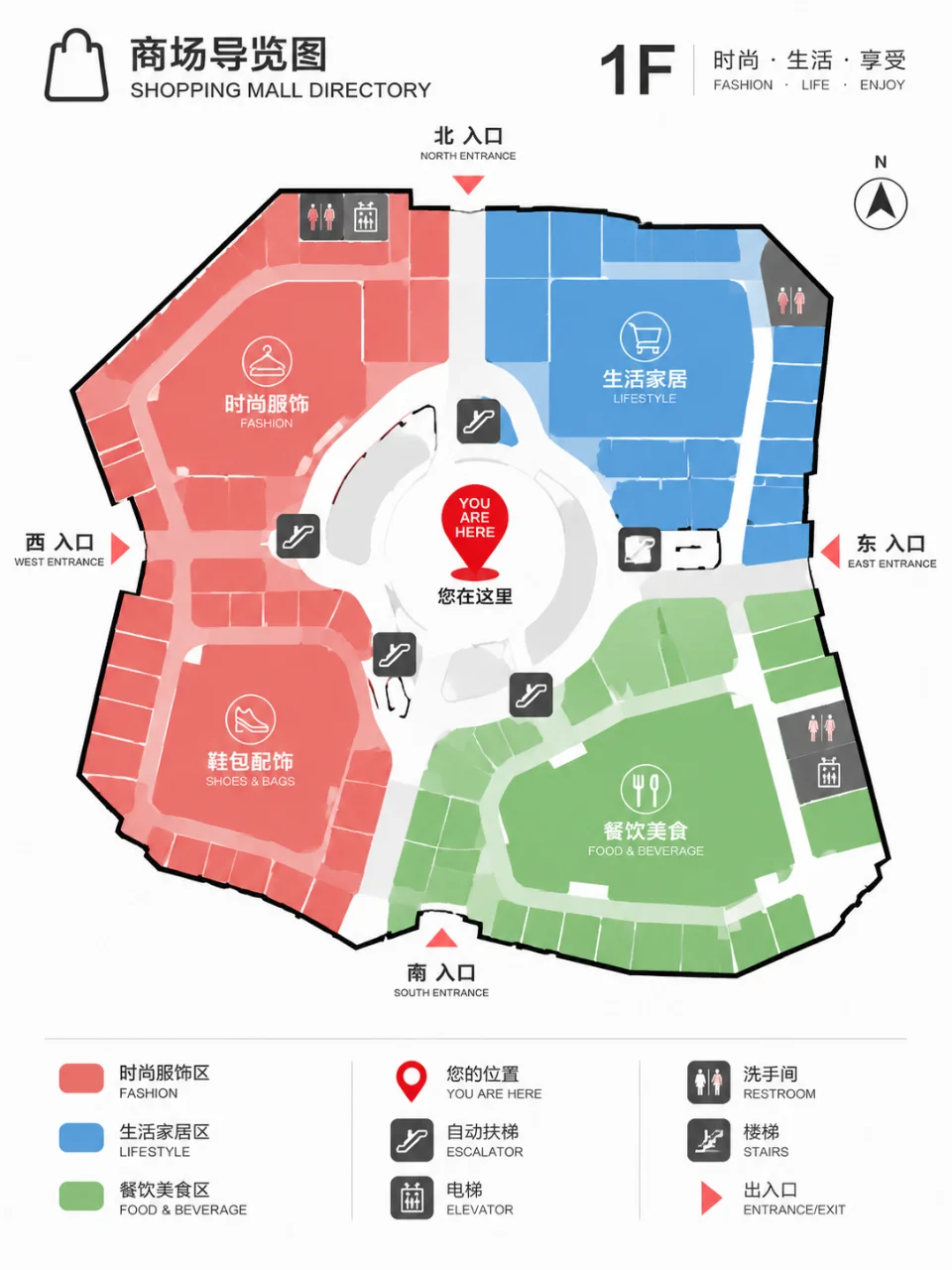
Clean urban map showing roads, districts, and green spaces
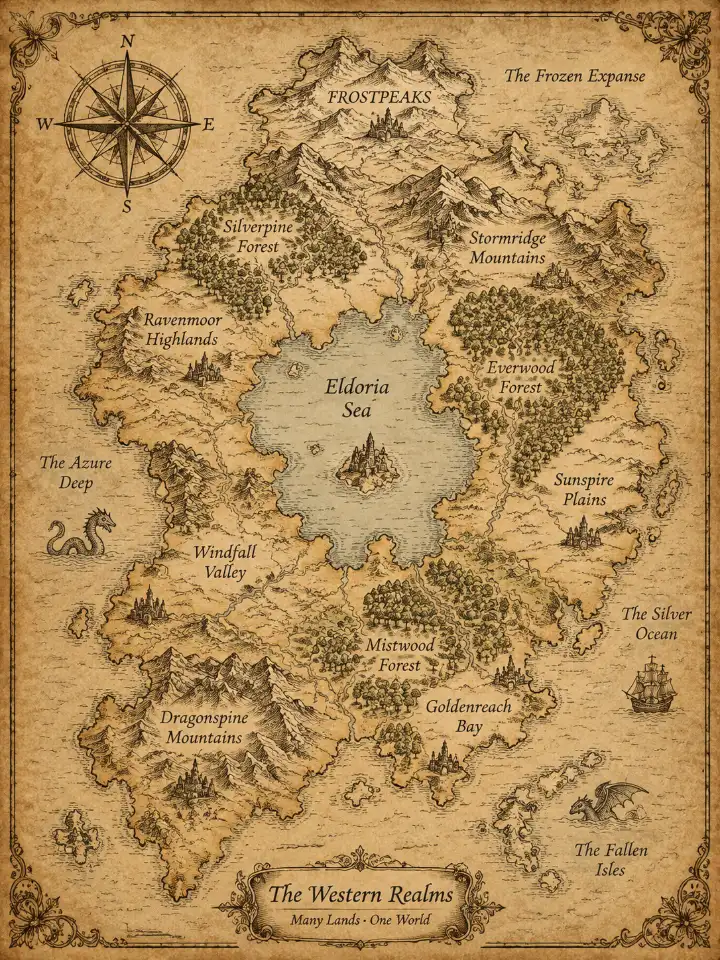
Fantasy world map with mountains, rivers, settlements, and borders
Educational map visual showing geographic areas and landmarks
What you get

All the power, none of the hassle

Prompt-led mapping

Describe terrain, landmarks, routes, and visual style in words to guide a map image or video.

Reference guidance

Use a reference photo alongside your map prompt when an existing visual should inform the result.

Style direction

Choose a visual direction such as an illustrated atlas, topographic terrain, or clean infographic.

Refine the result

Keep developing the same map concept by refining the conversation and generating again.

How it works

Build your map visual in three steps

  1. 1

    Describe the map

    Write the place, terrain, landmarks, layout, and visual treatment you want to see.

  2. 2

    Add visual direction

    Include a reference photo and choose an image or video direction for the map.

  3. 3

    Refine the scene

    Review the result in Cavro, then adjust your idea and generate another version in the same conversation.

Perfect proof

What our users say

  • I needed a clear visual for a fictional region, with mountains, rivers, and settlements all described in one brief. The result gave me a strong map concept to refine.

    Mara K.
  • I used a reference image for the landscape and described the route I wanted. It helped me turn a rough travel idea into a much more presentable map visual.

    Jonah R.
  • My lesson needed a simple geographic illustration rather than a dense explanation. I could describe the relationships and keep refining the map in the same conversation.

    Elena P.
  • I was sketching a game world and wanted a map with distinct regions and terrain. The prompt gave me a useful starting image that I could keep developing.

    Theo M.
  • I wanted an urban layout that felt organized and readable. Adding the roads, parks, and districts to the brief produced a visual direction I could work with.

    Nadia S.
  • The ability to try another version without starting over suited my map project. I could adjust the mood and landscape details as the idea became clearer.

    Caleb T.
Answers

Common questions

What can I use the AI map generator for?

You can use it to develop map visuals for travel routes, urban layouts, education, games, or imagined worlds. Describe the place and visual direction in a prompt, with a reference photo if helpful.

Can I use a reference photo for a map?

Yes. Cavro can use a written prompt and/or a reference photo to create an image or video. Your photo can help communicate the terrain, mood, or visual direction you want.

Can I refine an AI map after generating it?

Yes. You can refine the map concept and generate again in the same conversation without starting over. This lets you adjust details as the visual takes shape.

Does making an AI map require a subscription?

No mandatory subscription is required. Results are billed per credit, and images and video use the same credit balance in Cavro.

Play with an idea. Leave with an image.

Creators worldwide are turning “just an idea” into expensive-looking images.

Try Cavro free