




AI Makeup Filter for Realistic Virtual Try-On

Preview natural or glam makeup on your own photo before you apply it. Shoppers, creators, and anyone planning a special look can explore shades, finishes, and styles with Cavro.

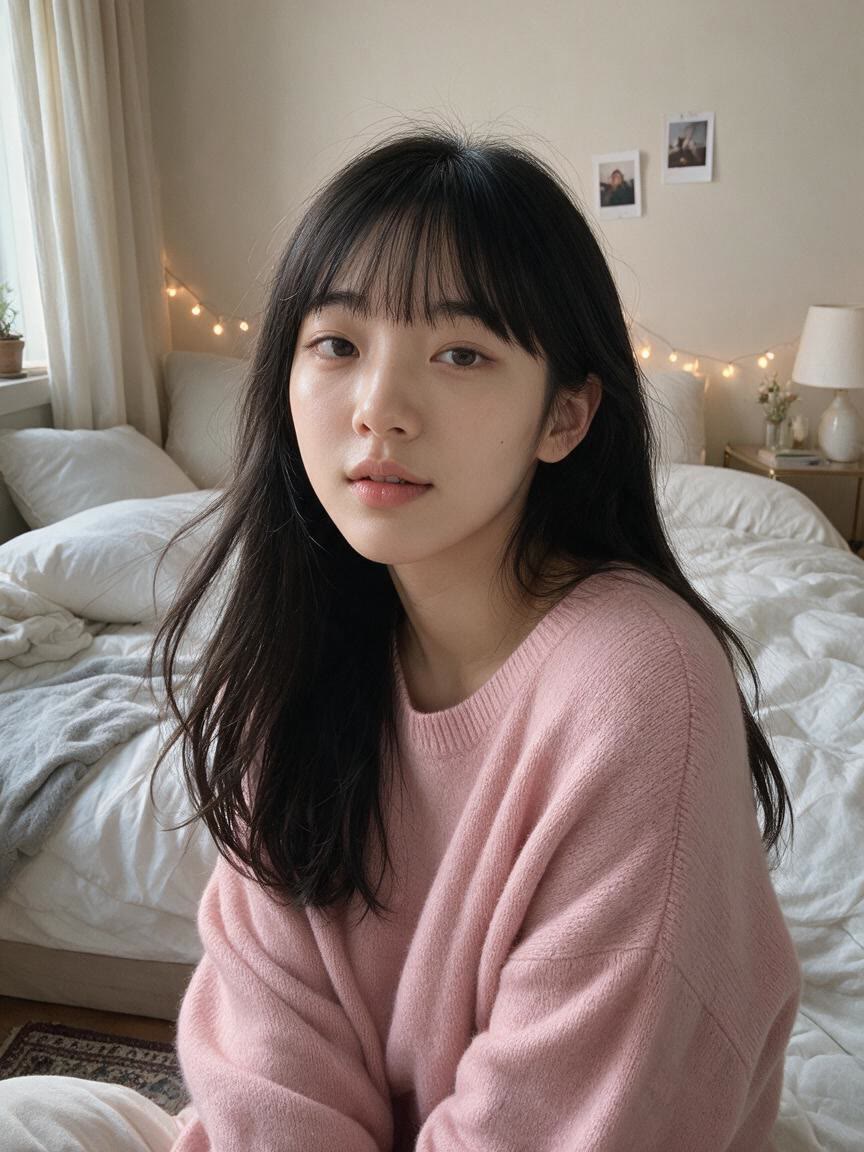
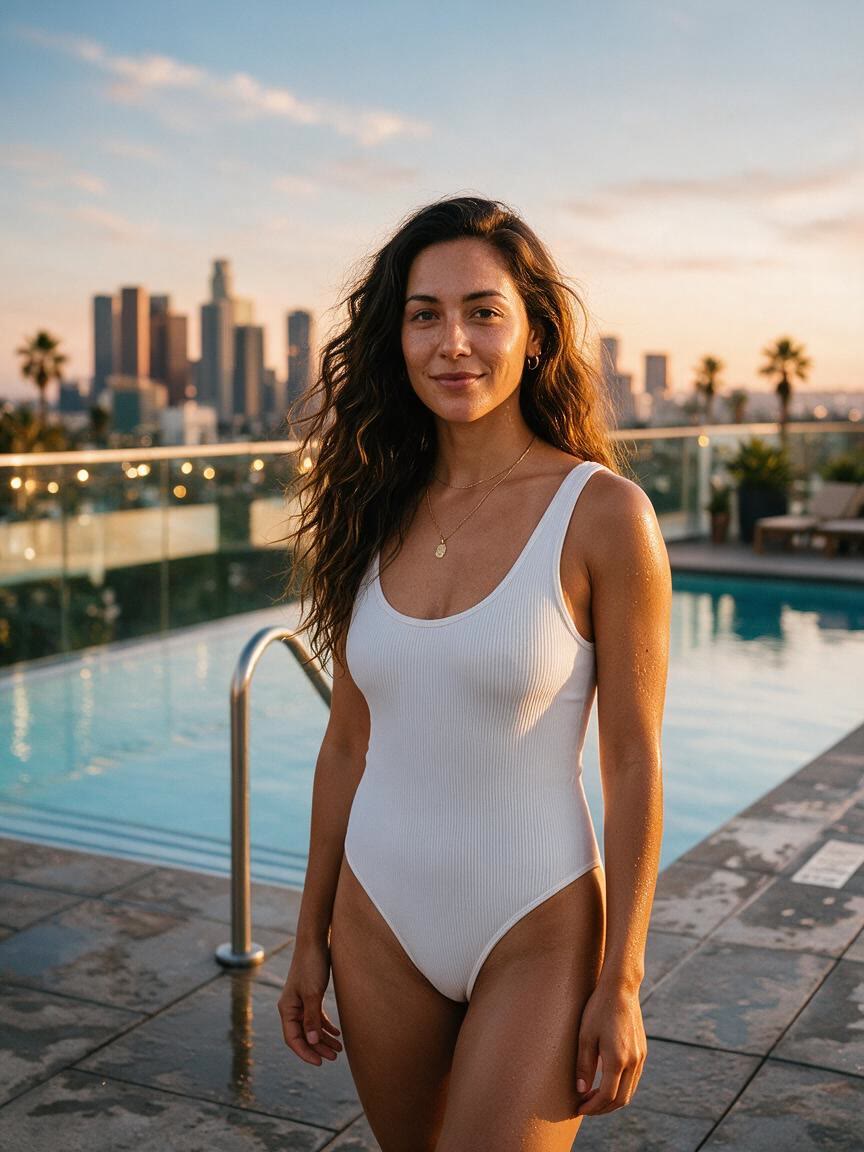
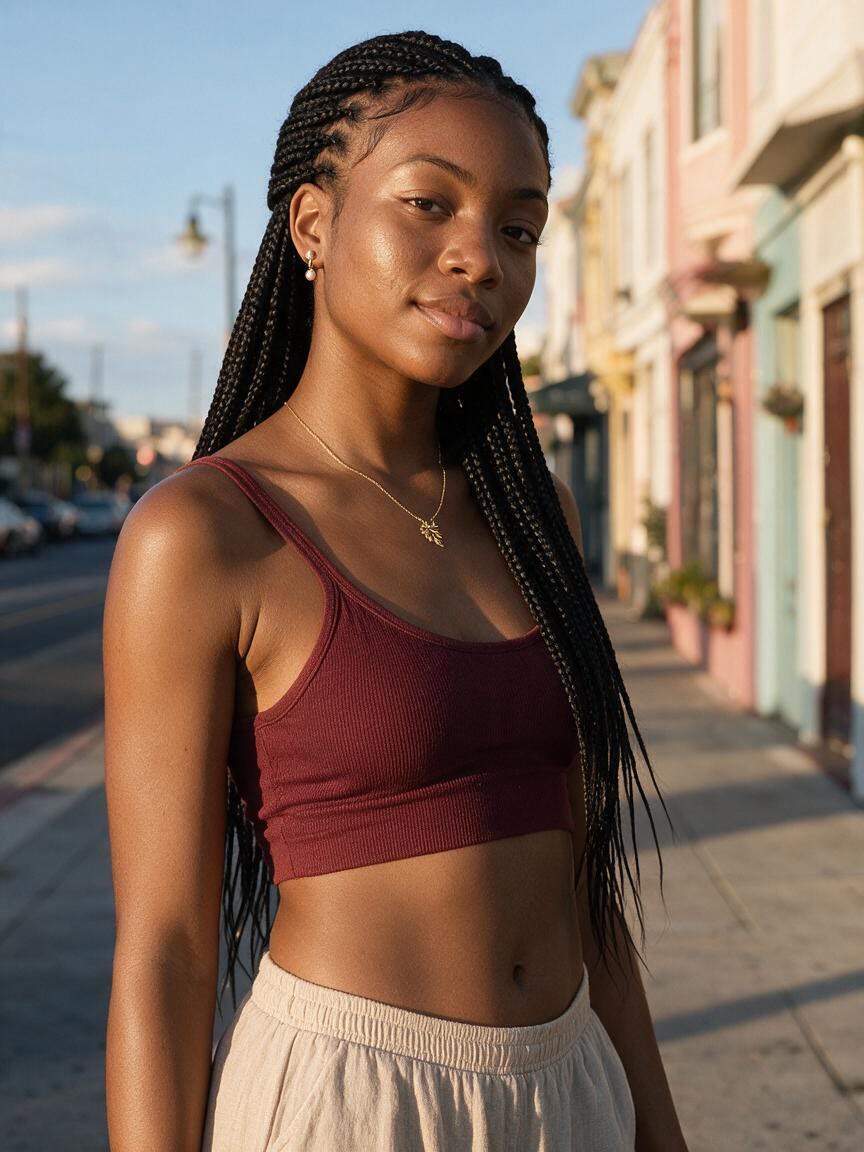
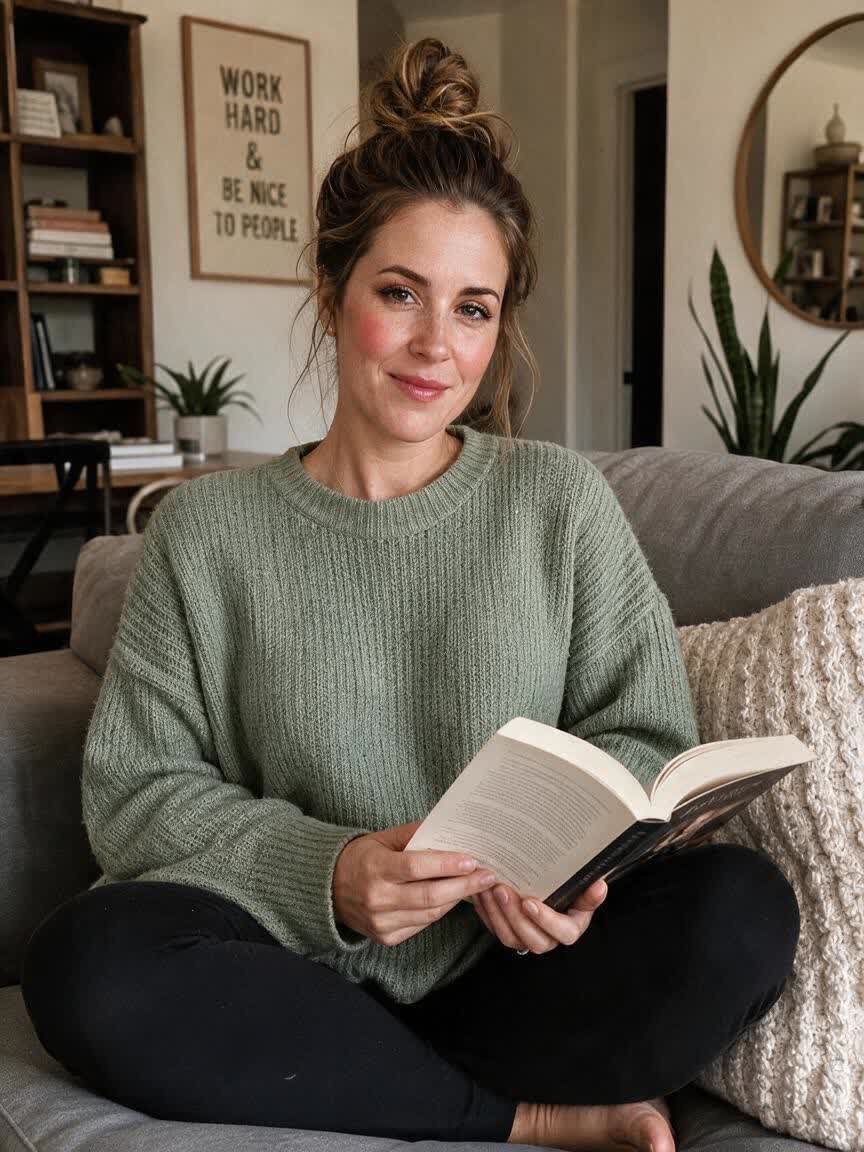
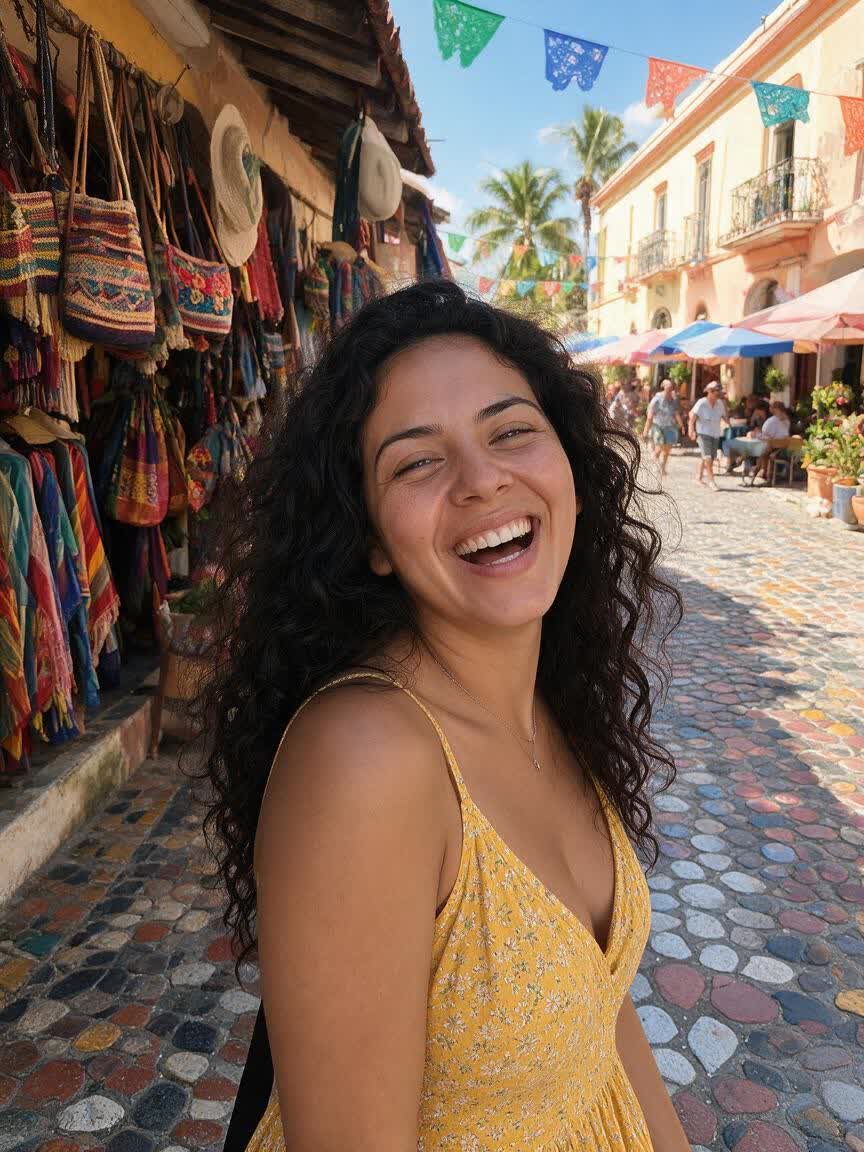
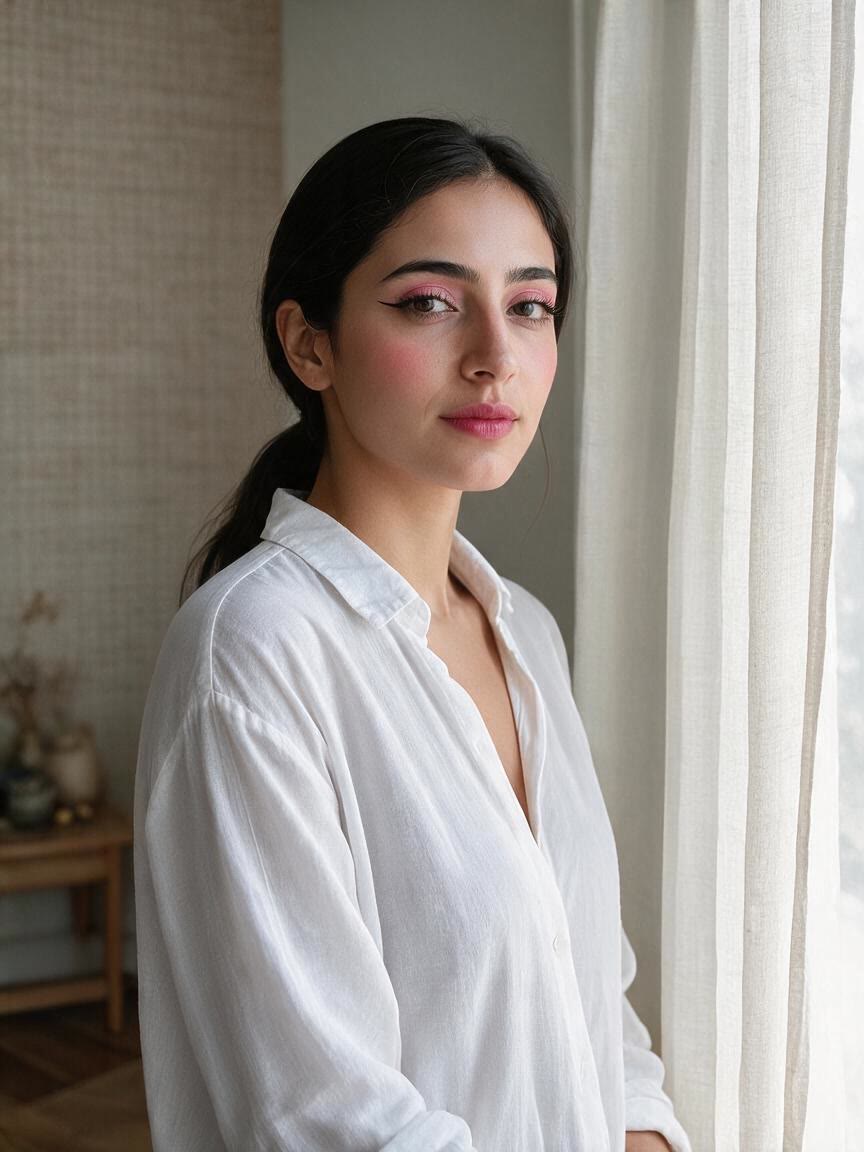
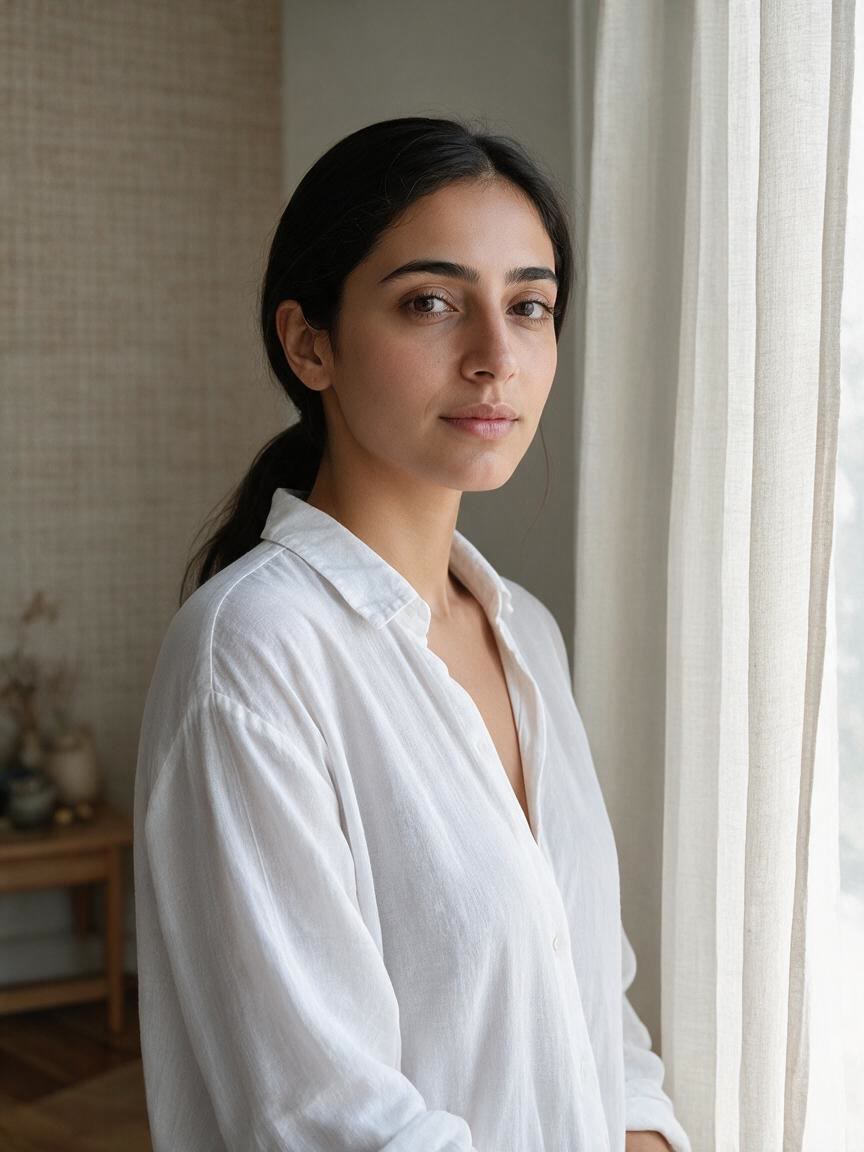
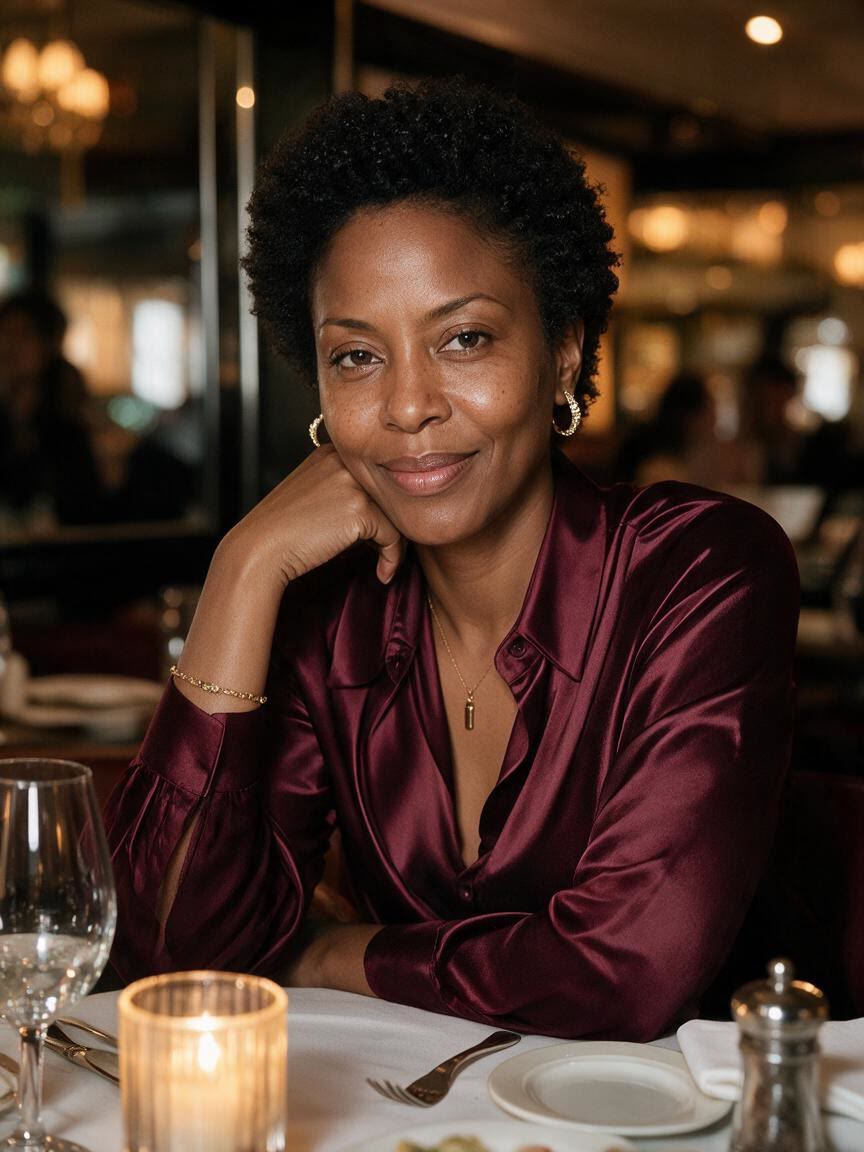
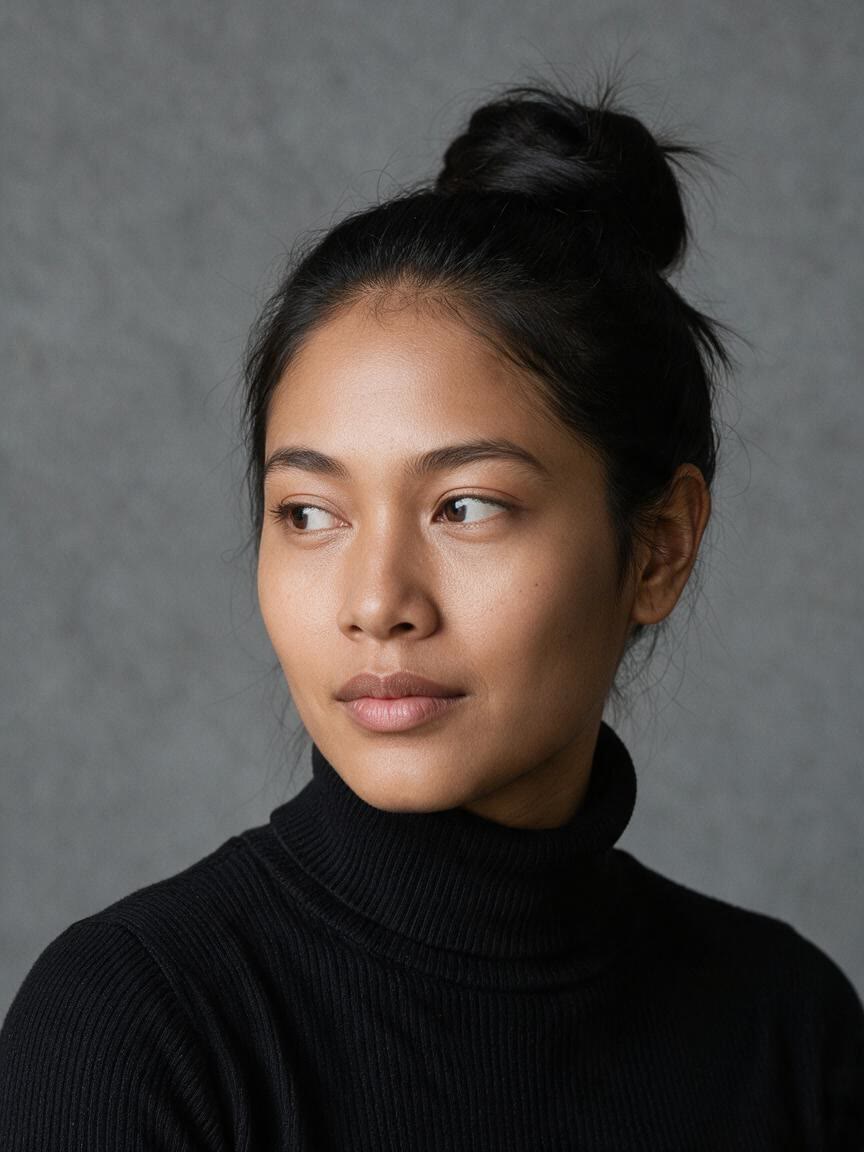
Selfie with a soft everyday makeup look
Before
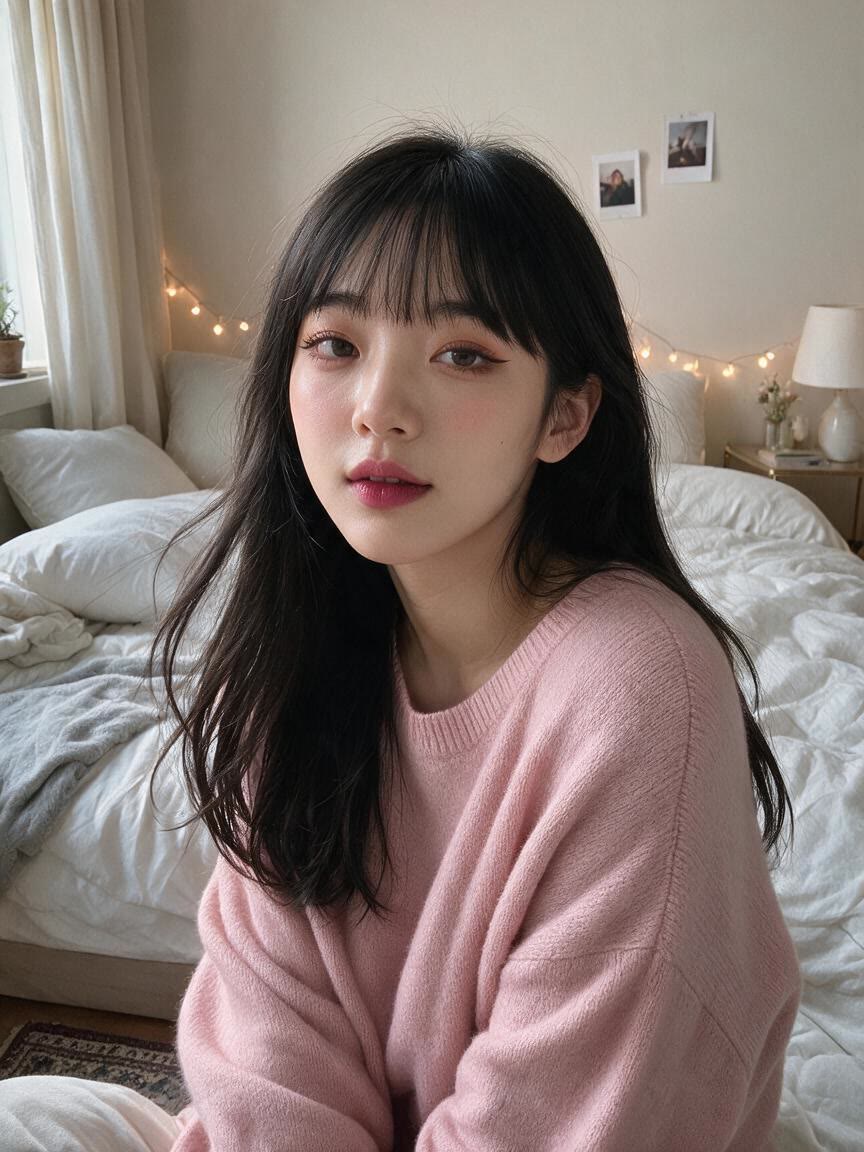
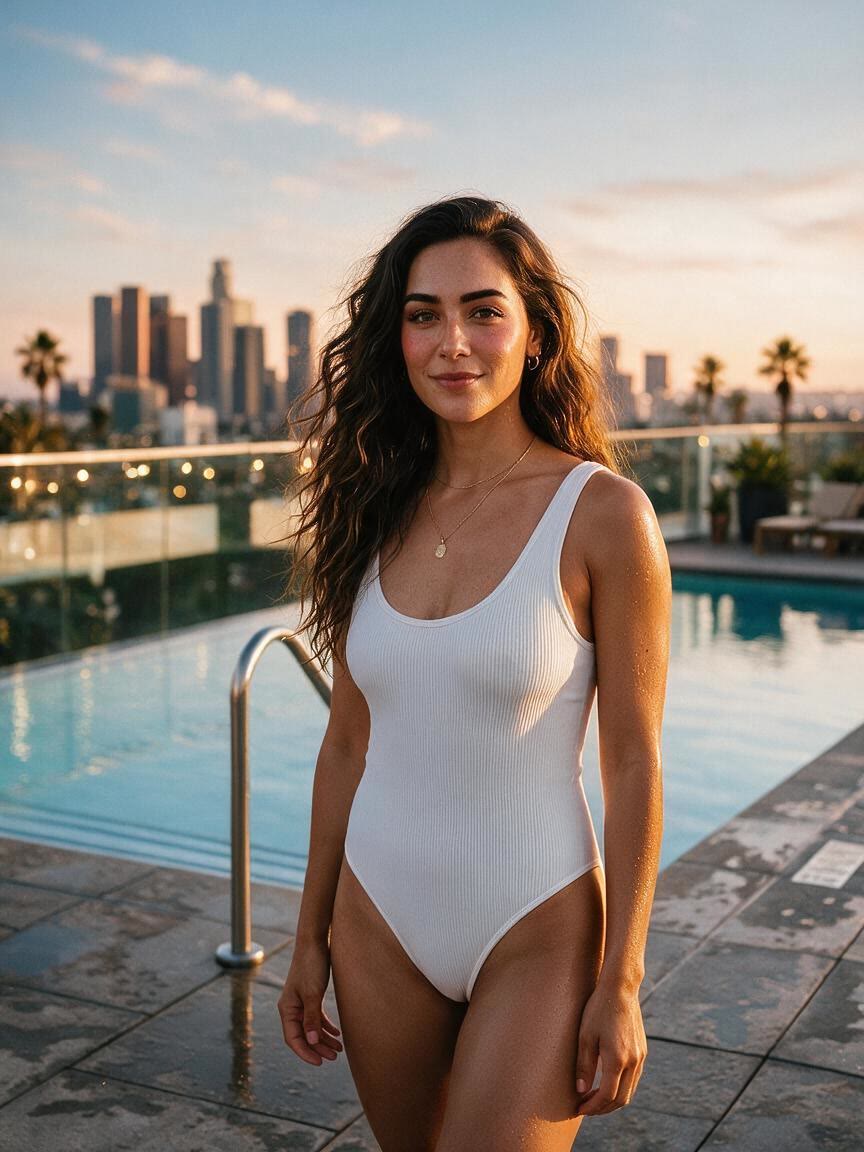
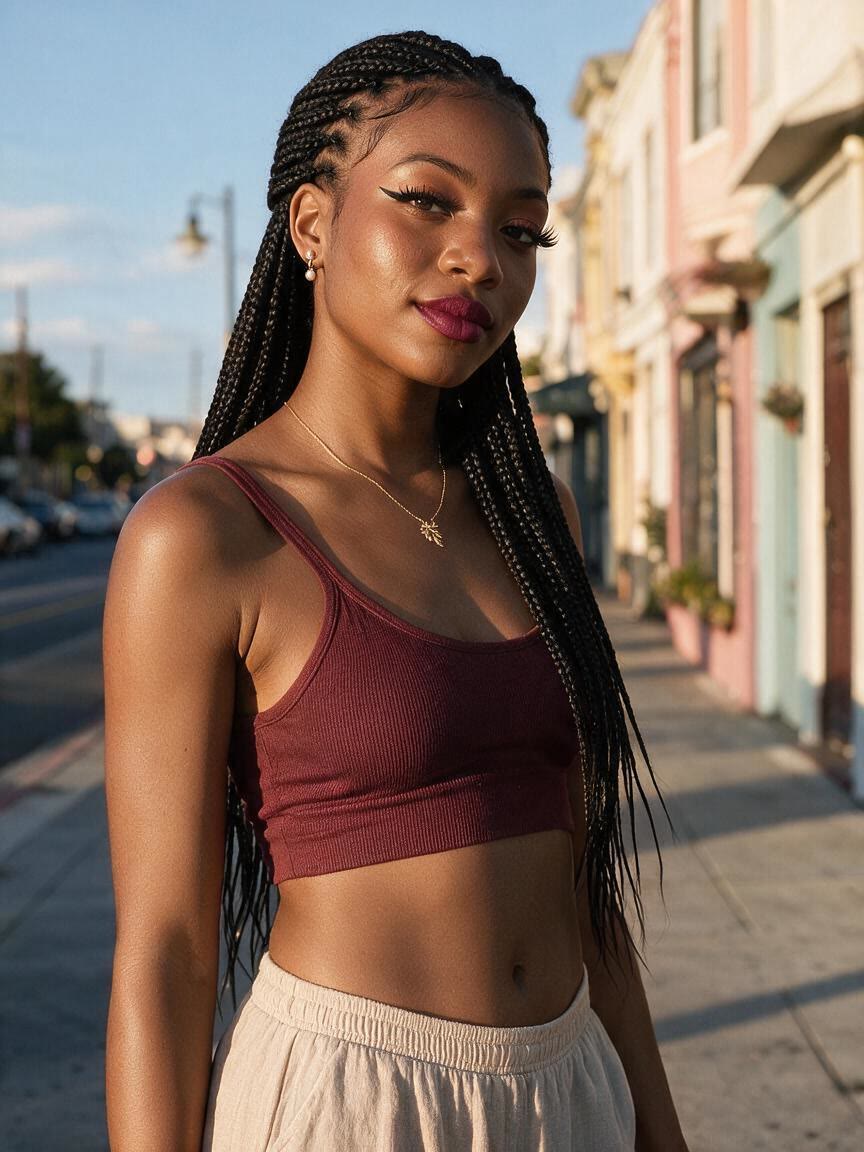
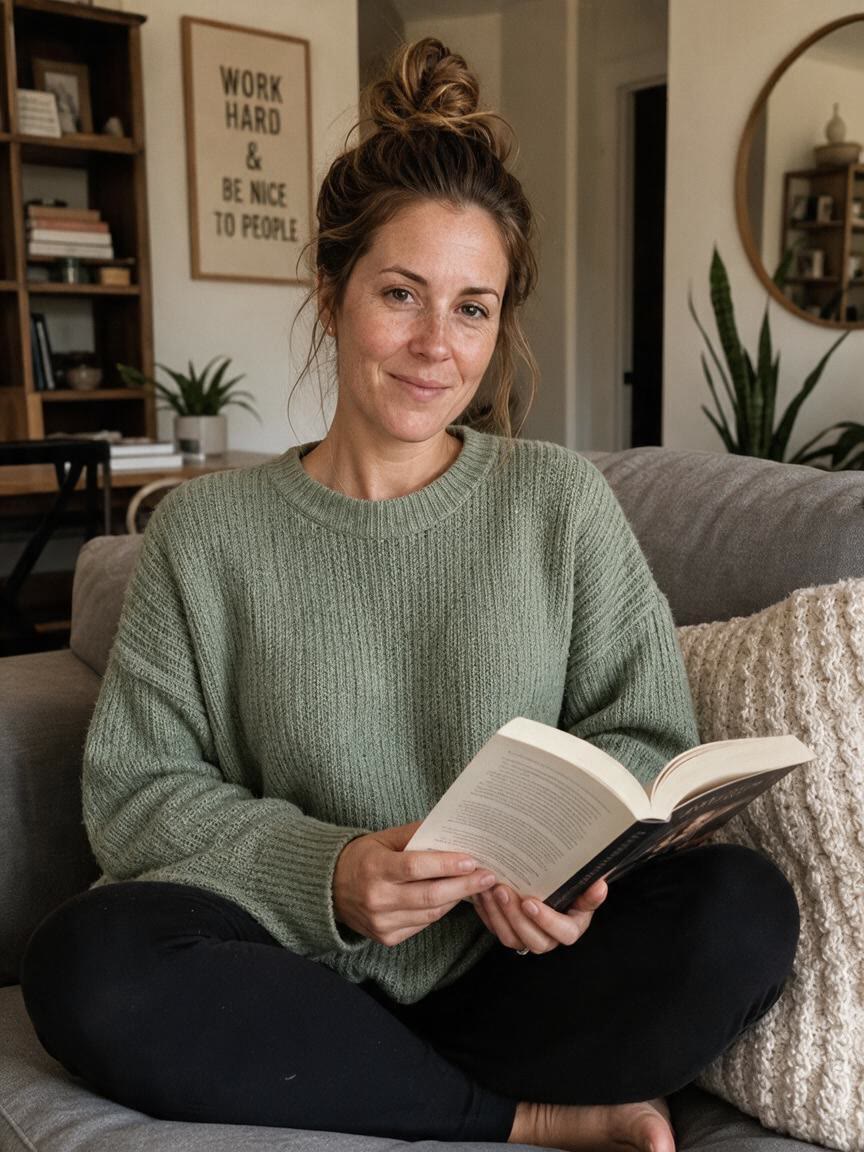
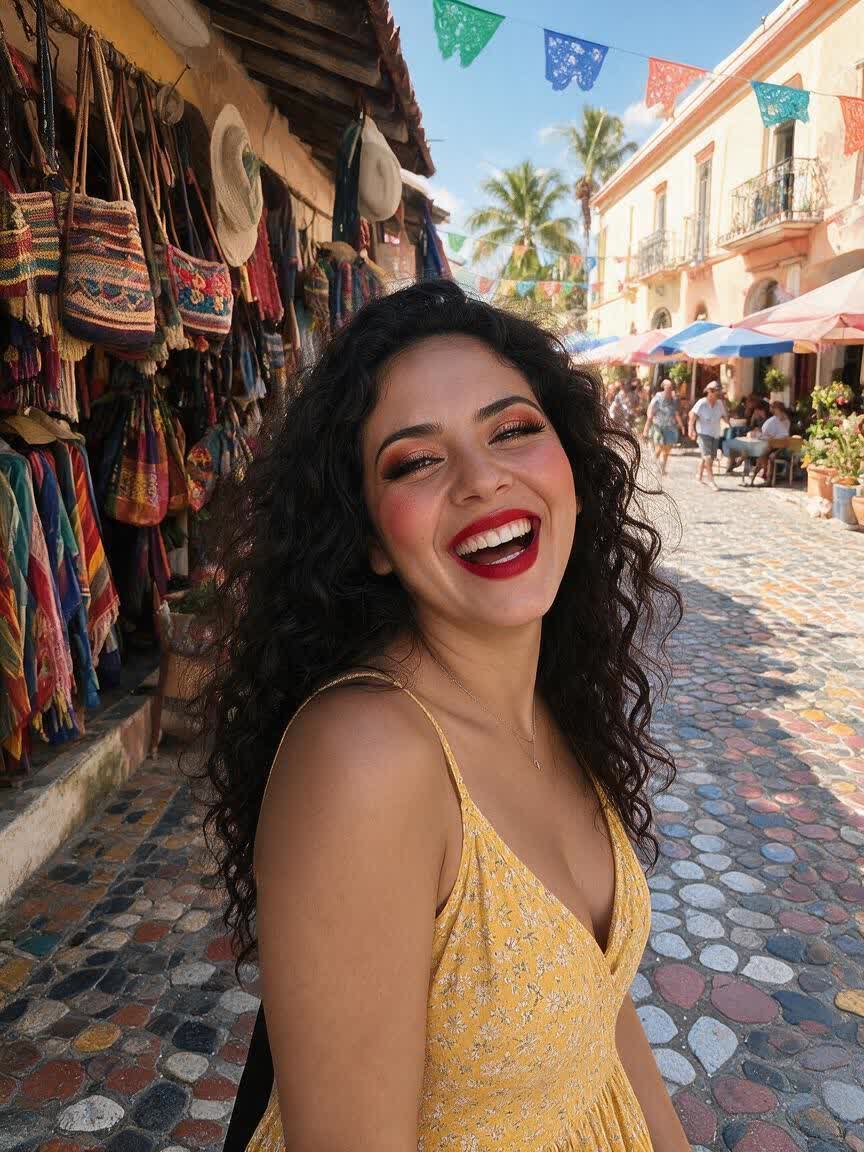
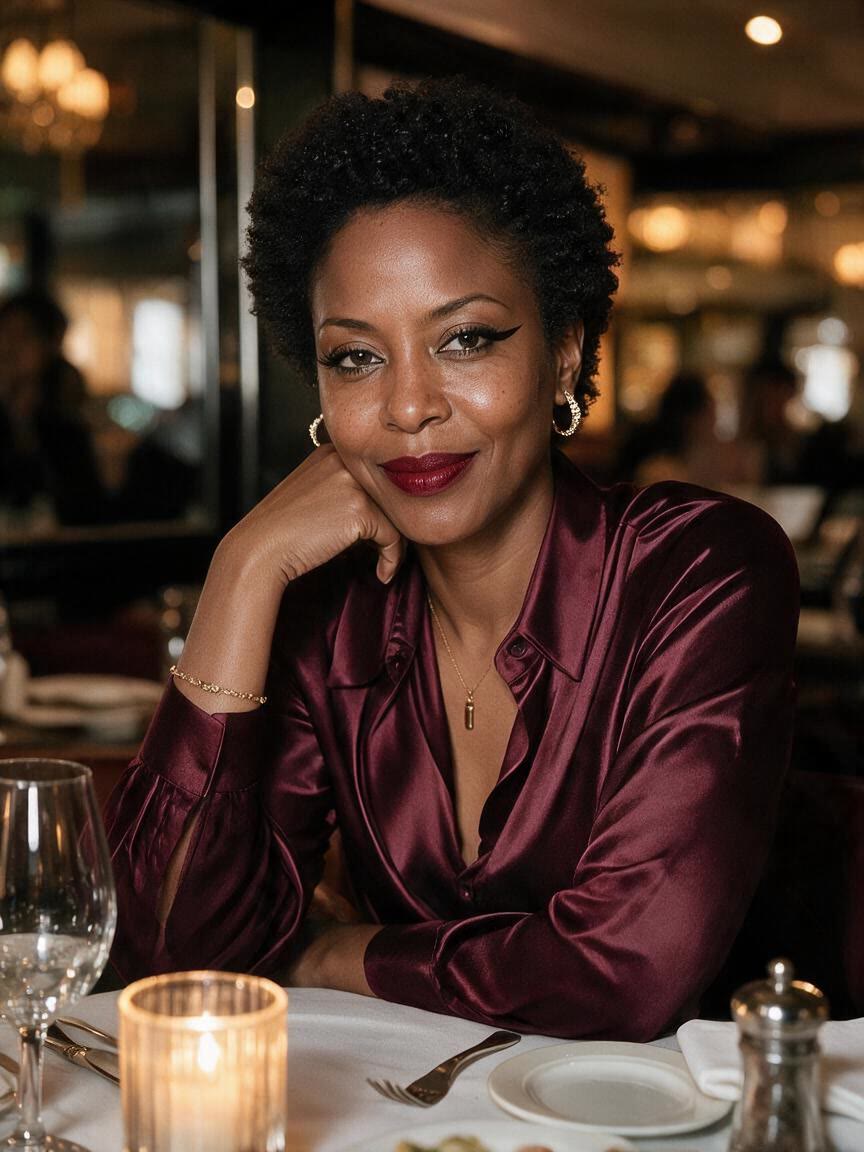
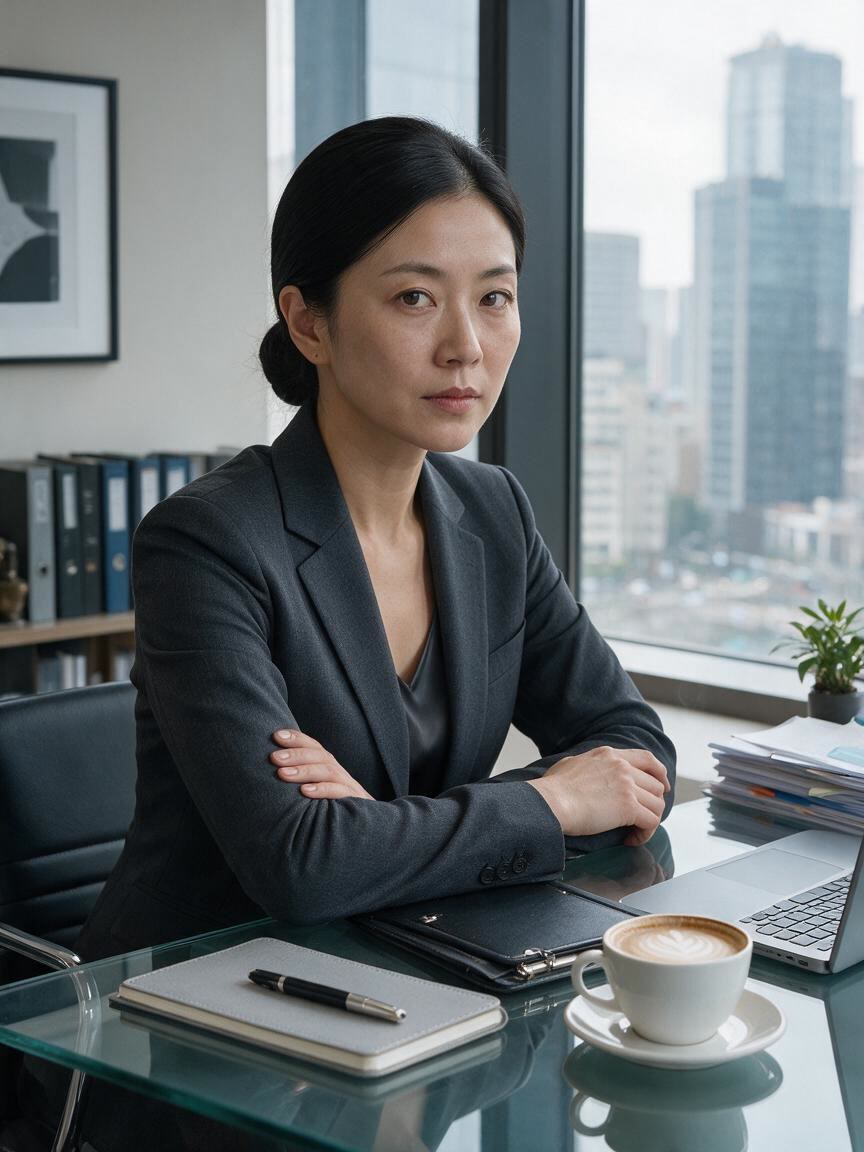
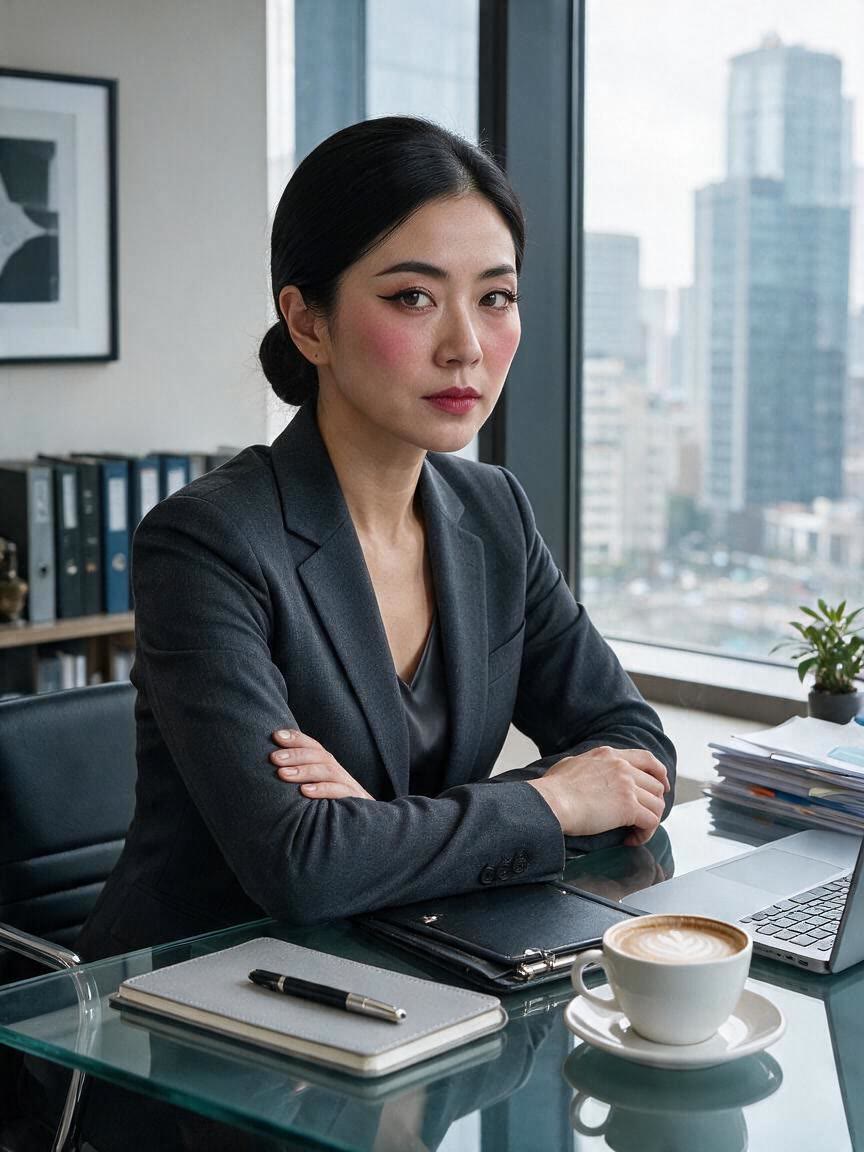
Selfie with bold winged eyeliner
After

Speed up creation with examples

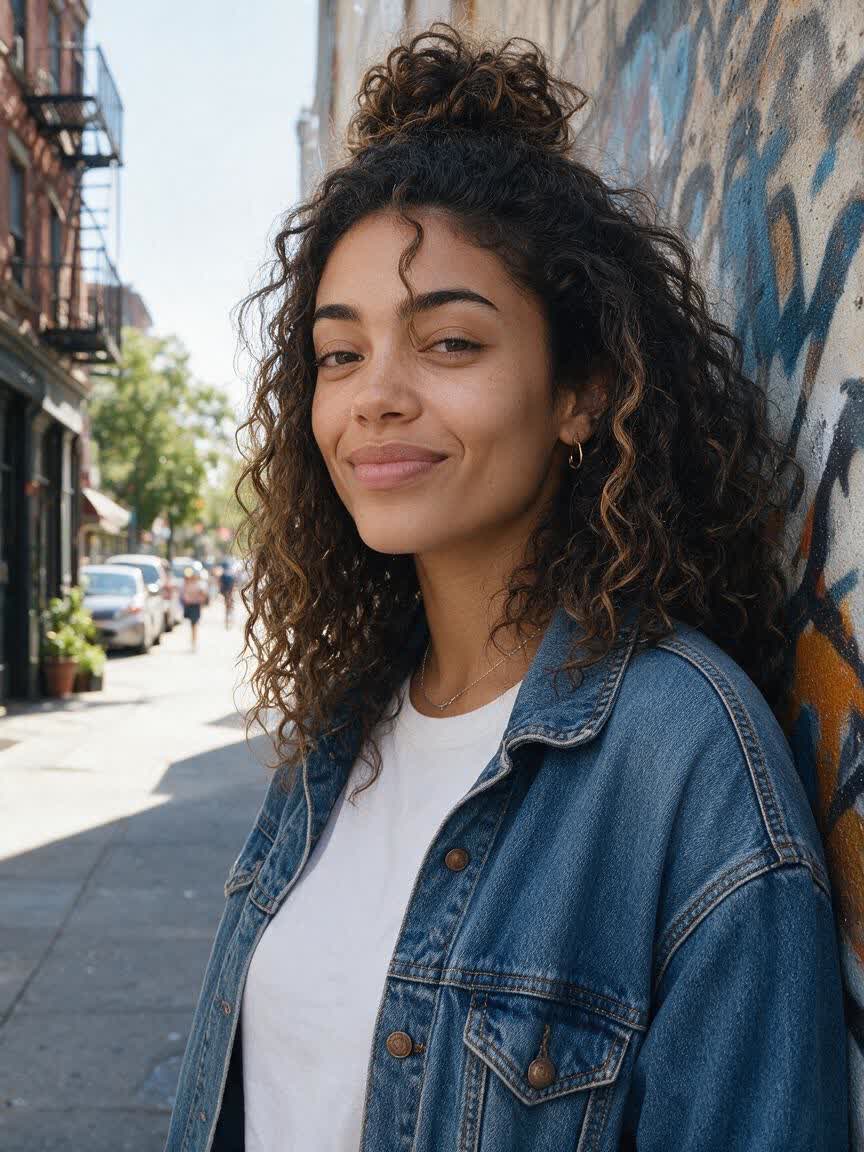
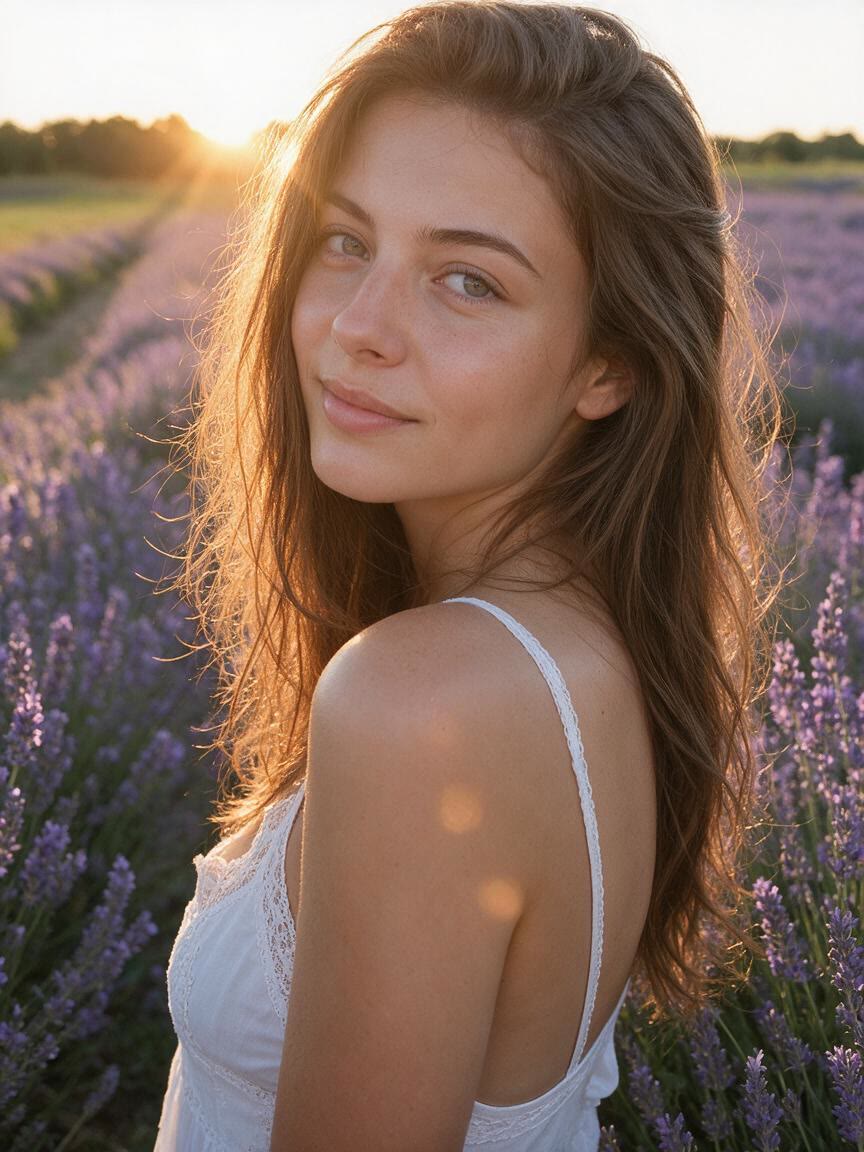
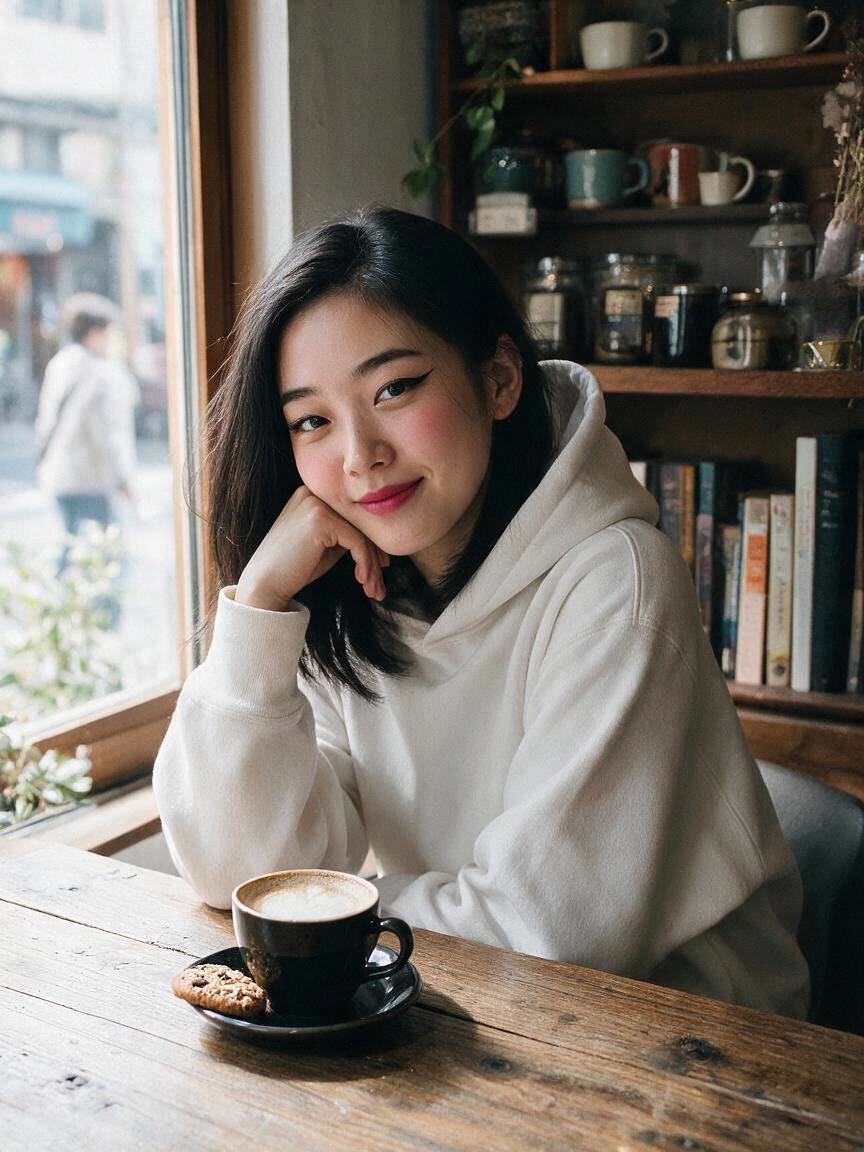
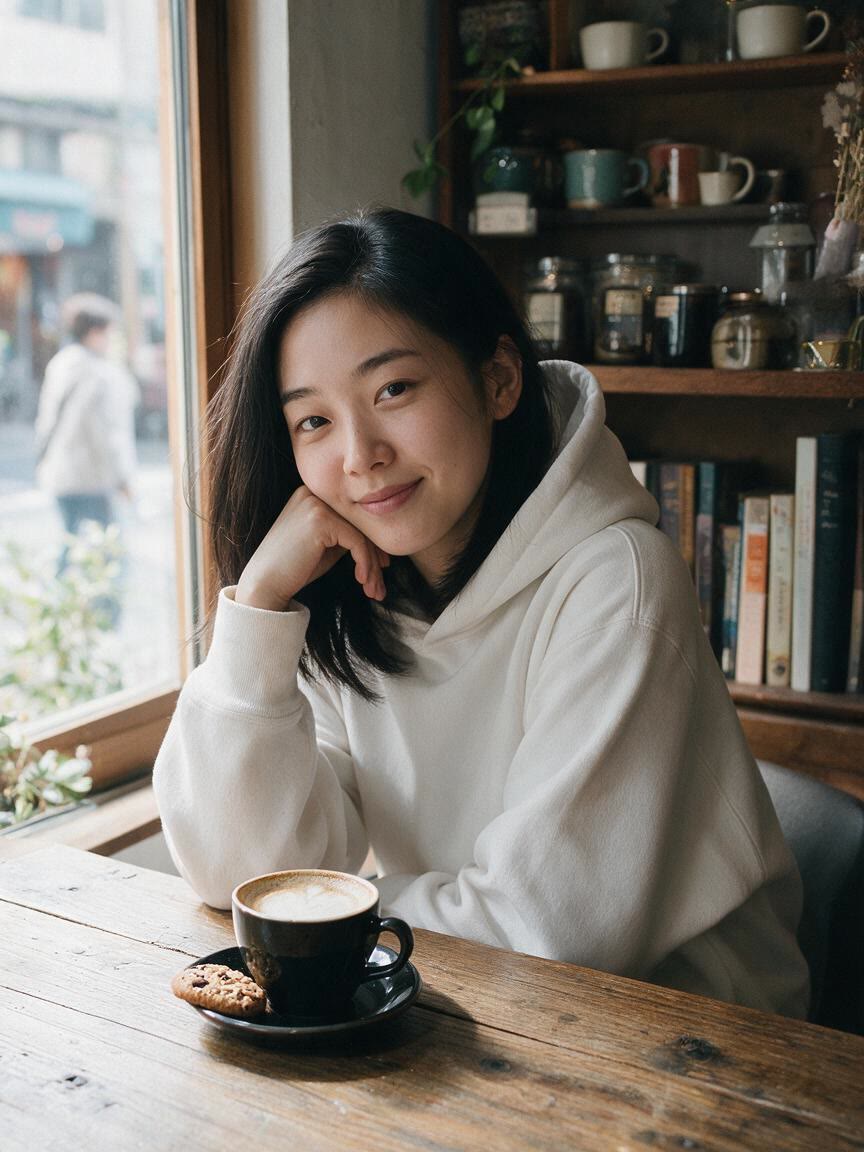
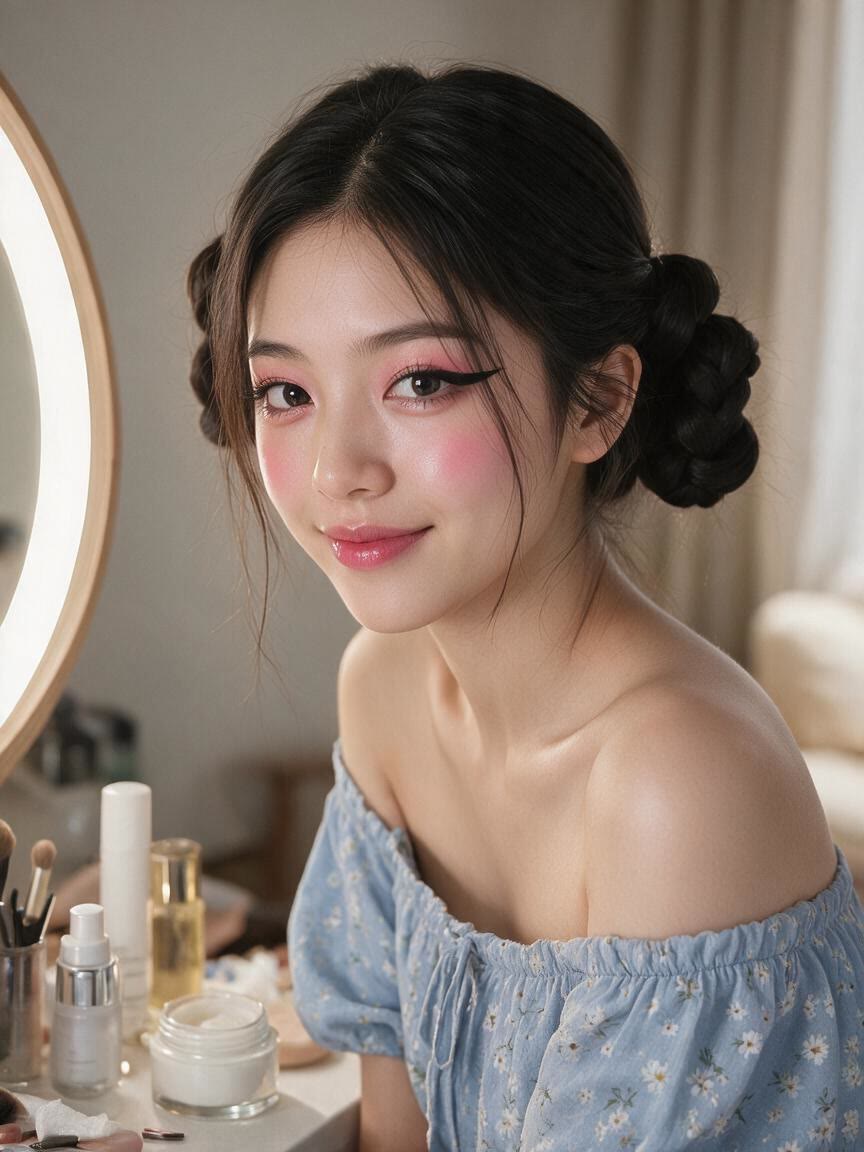
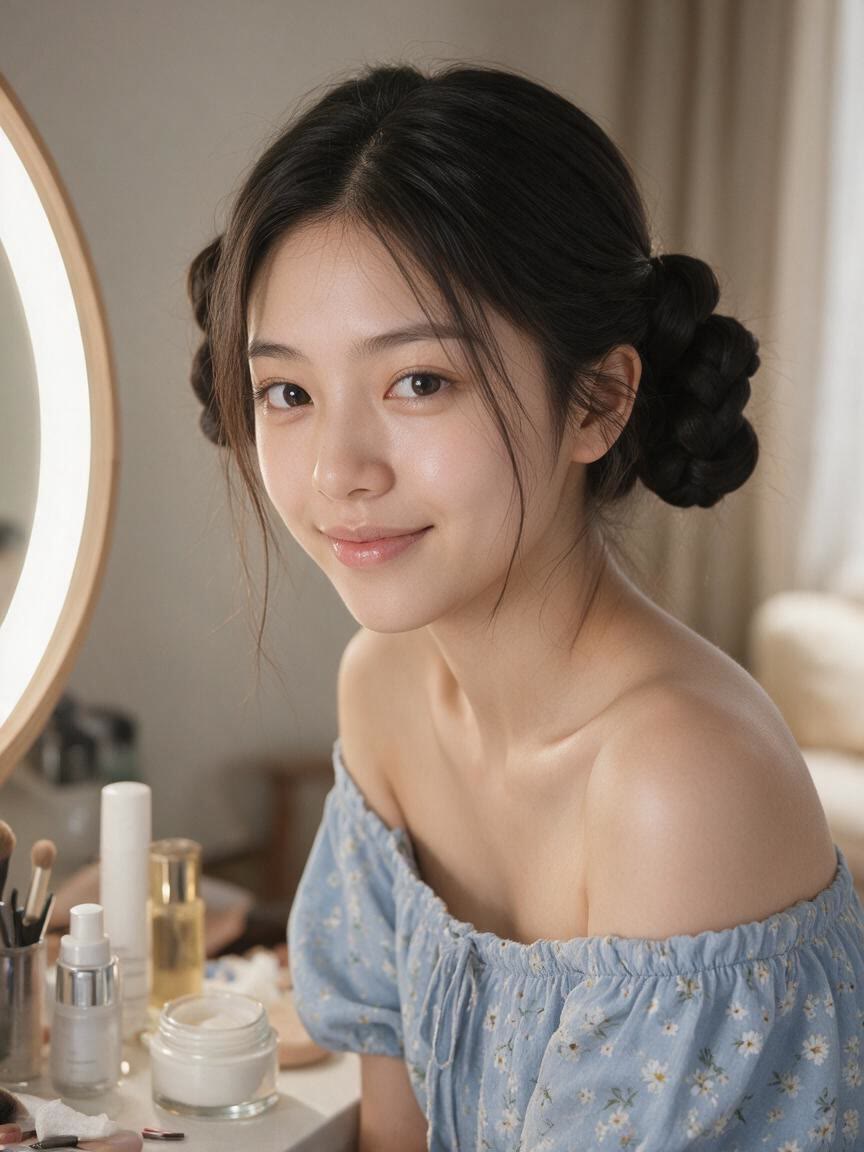
Selfie with a soft everyday makeup look
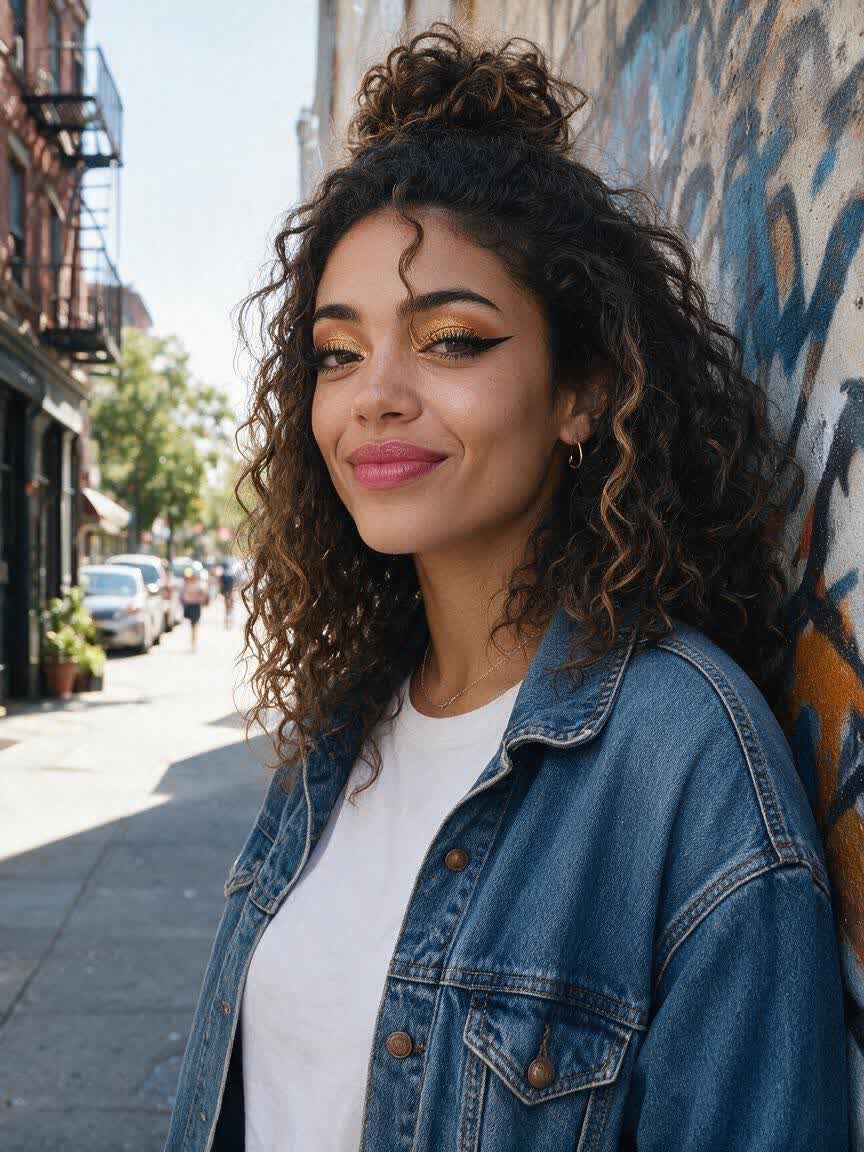
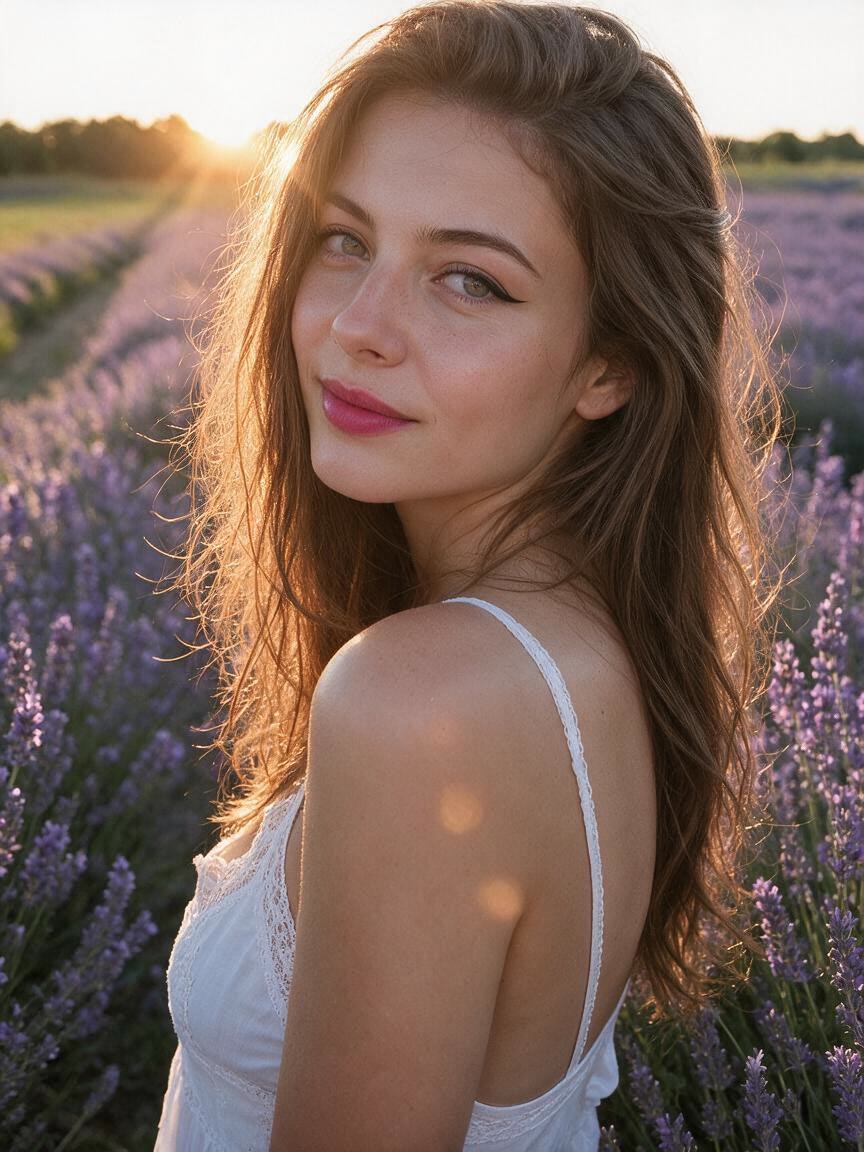
Selfie with bold winged eyeliner
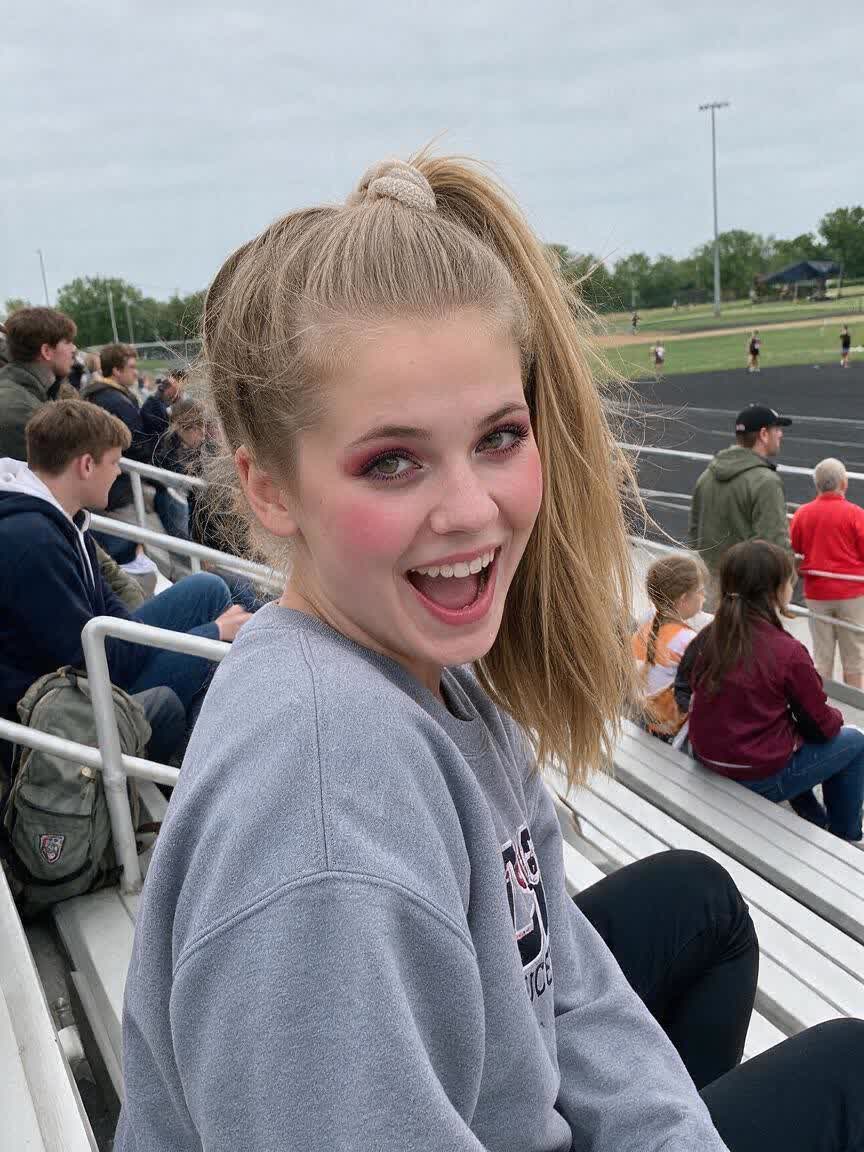
Selfie with warm sunset eyeshadow
Selfie with glossy nude lips
Selfie with sculpted contour makeup
Selfie with fresh rosy blush
Selfie with a full glam makeup look
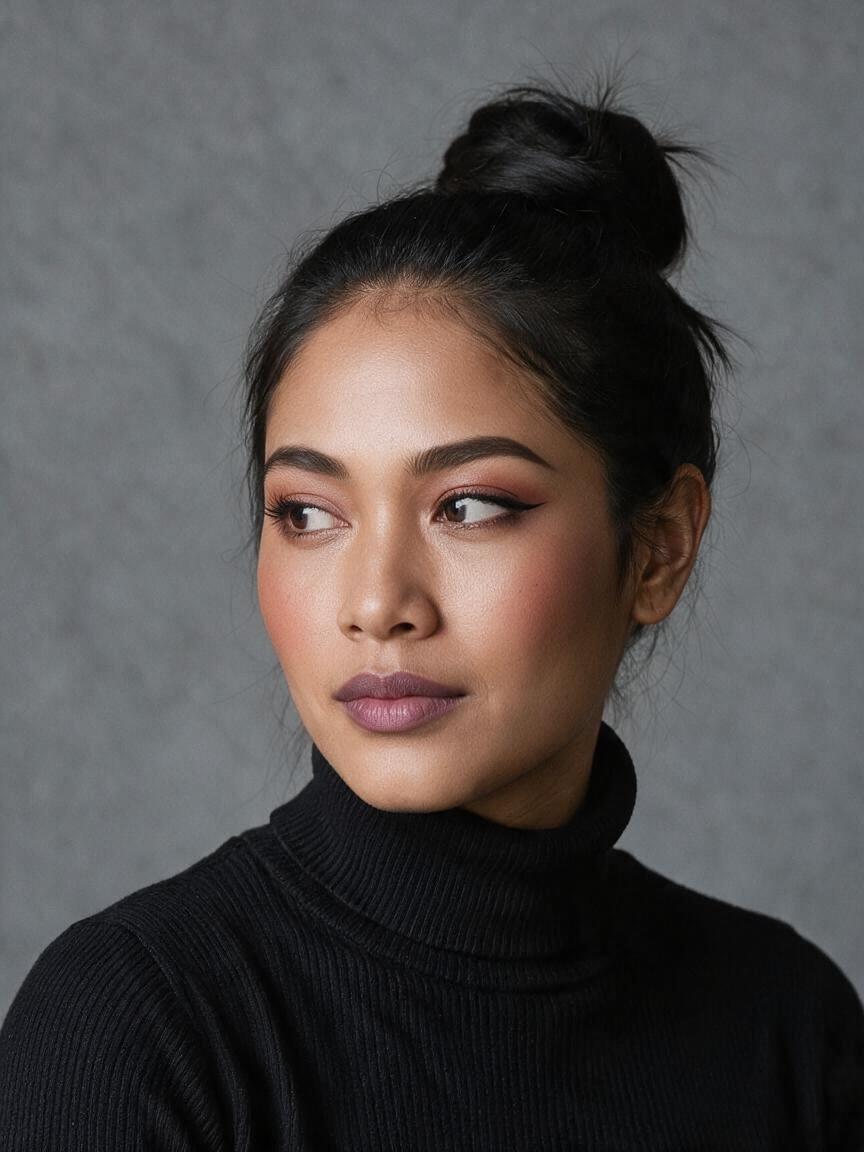
Selfie with coordinated monochrome makeup
Selfie with polished professional makeup
Selfie with an evening smoky eye look
How people use Cavro

How People Use Makeup Try-On

Shop With Confidence

Shop With Confidence

Before buying a foundation, lip color, or eyeshadow shade, use a selfie to preview the direction you want. Cavro helps you compare makeup categories and finishes visually, so your shortlist reflects the look you are actually trying to create.

Try Cavro free
Create Beauty Content

Create Beauty Content

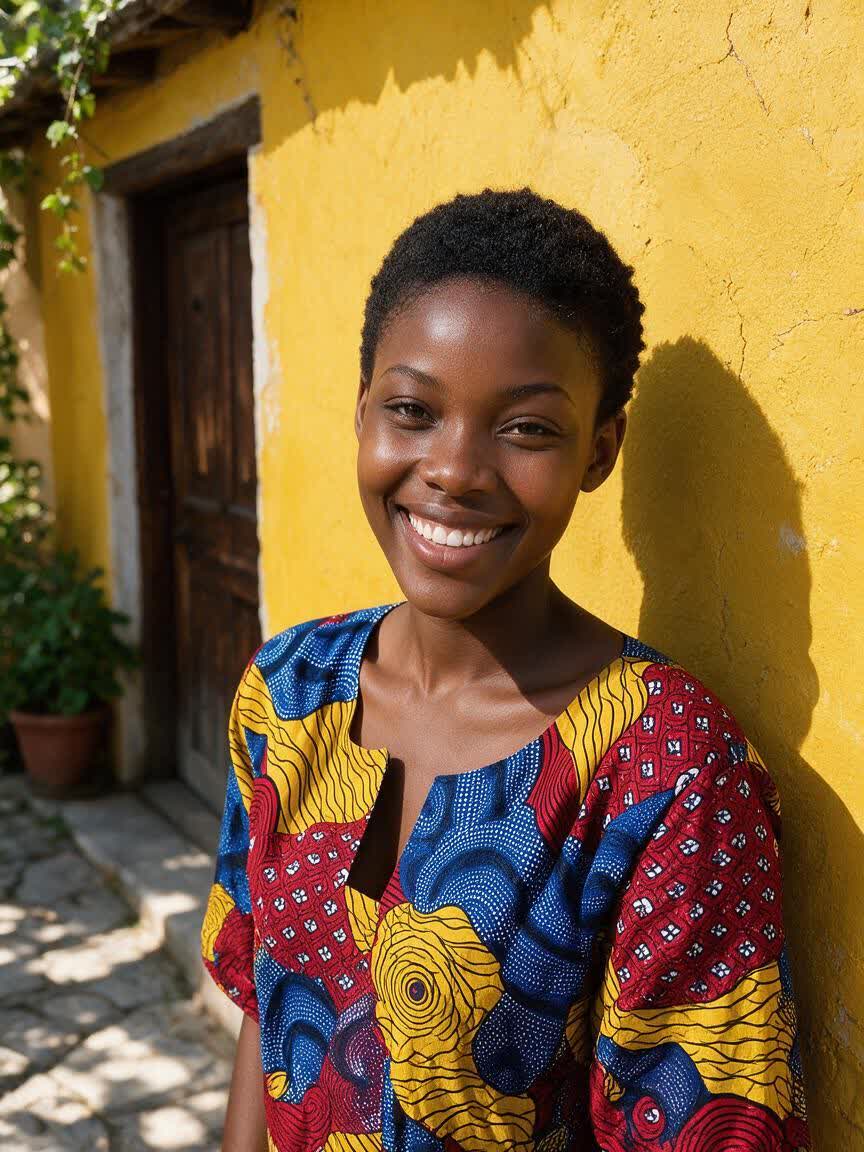
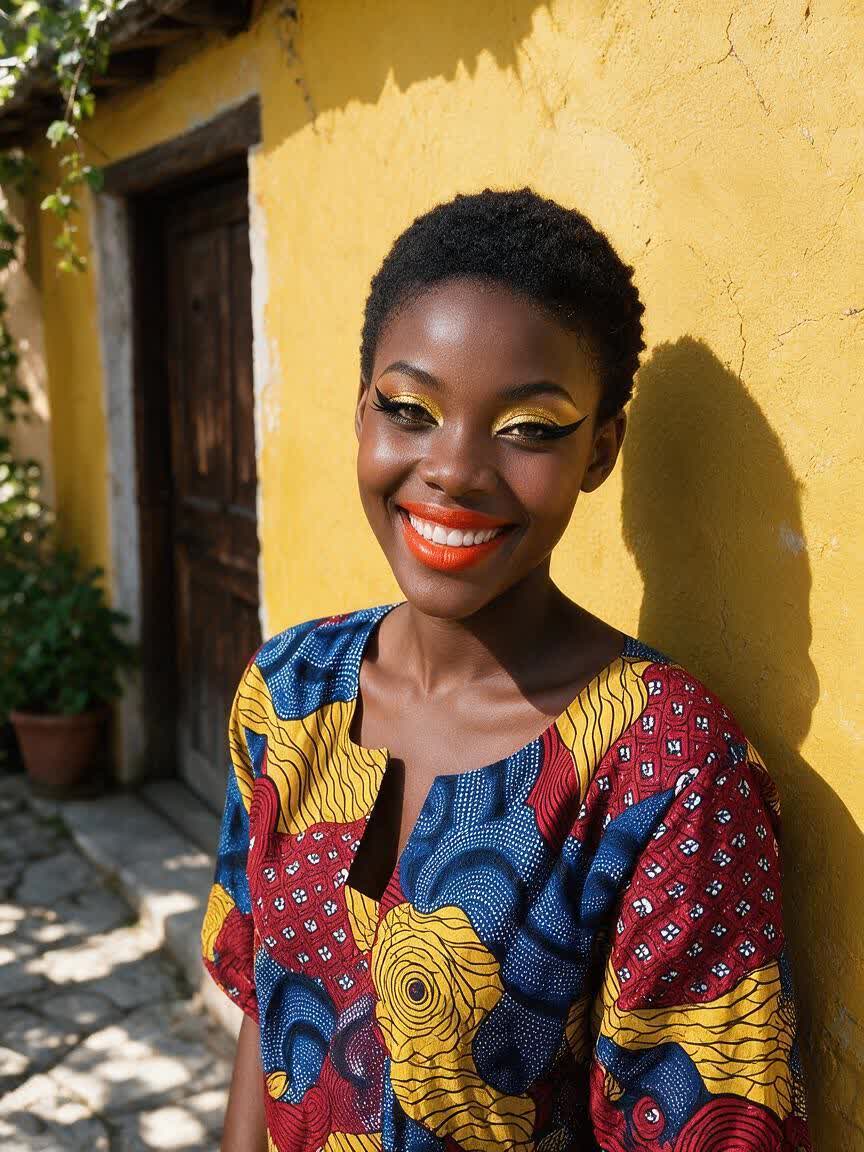
Creators can turn one selfie into several polished makeup variations for social posts, mood boards, or beauty concepts. Describe each change and generate distinct brows, eye looks, blush tones, or lip finishes without arranging a new shoot.

Try Cavro free
Plan Your Occasion Look

Plan Your Occasion Look

When an interview, event, or celebration is coming up, preview the full combination before reaching for your products. Test the balance of eyes, contour, blush, and lips, then choose a look that suits the moment.

Try Cavro free
Why Use Cavro

Why Use Cavro for Makeup Preview

See Shades Before Buying

See Shades Before Buying

A product page cannot always show how a shade fits your own face. Use your selfie to preview lip, blush, and eyeshadow directions, giving you a clearer visual reference before committing to a purchase.

Try Cavro free
Keep Your Features Visible

Keep Your Features Visible

Makeup exploration works better when your original facial geometry and key image details remain part of the result. Cavro applies the requested style to your photo so the preview still feels connected to you.

Try Cavro free
Refine One Look

Refine One Look

A first result may need a softer lip, stronger liner, or different blush. Refine the same conversation and generate again to develop the makeup combination instead of rebuilding it from the beginning.

Try Cavro free
Perfect proof

What our users say

  • I had no idea which style I wanted until I tried Cavro. It built a wall of striking ideas around my own taste, and the artist I took one to was surprised.

    Leo V.
  • I posted a reveal video made with Cavro on TikTok and it passed 20,000 views. The result looked so real that people thought I had actually gone and got it.

    Darius C.
  • Cavro let me preview the idea on my own body before deciding. It kept me away from a couple of bad ones and led me to a design I genuinely like.

    James P.
  • Cavro changed the way I brainstorm with clients. We generate options in seconds and start refining straight away. It is part of my daily work now.

    Mia R.
  • I used Cavro to build a sleeve concept that blends Japanese motifs with geometric lines. It generated so fast, and the result went well past what I expected.

    Hana S.
  • I wanted something meaningful and delicate for my wedding. Cavro gave me elegant, personal options, my artist customised one, and I am really happy with it.

    Zoey T.
Answers

Common questions

What is an AI makeup filter?

An AI makeup filter applies a described makeup style to a reference photo. With Cavro, you can explore brows, eyeshadow, eyeliner, lashes, contour, blush, and lip tones from your own selfie.

Can I use Cavro to try on makeup online before buying?

Yes. Upload a selfie and describe the shade, finish, or makeup category you want to preview before shopping. The generated image can help you compare directions visually, though it is not a substitute for an in-person color match.

Can I create natural and glam makeup looks?

Yes. You can request a subtle everyday look, a polished professional style, or a more dramatic glam transformation. Refine the same conversation when you want to adjust the intensity or change individual features.

What kind of photo works best for an AI beauty filter?

Use a clear, well-lit selfie with your face visible and minimal obstruction. A straightforward reference gives Cavro more useful visual information for applying the requested makeup style.

Can I change only one part of the makeup?

Yes. Ask for a focused change such as a different lip tone, softer blush, stronger eyeliner, or a new eyeshadow color. You can then generate again in the same conversation to develop the look.

Play with an idea. Leave with an image.

Creators worldwide are turning “just an idea” into expensive-looking images.

Try Cavro free