Prompt-Led Layouts
Describe a cover or feature page and receive a magazine-style image shaped around your editorial idea.
Turn ideas and photos into polished magazine-style pages.
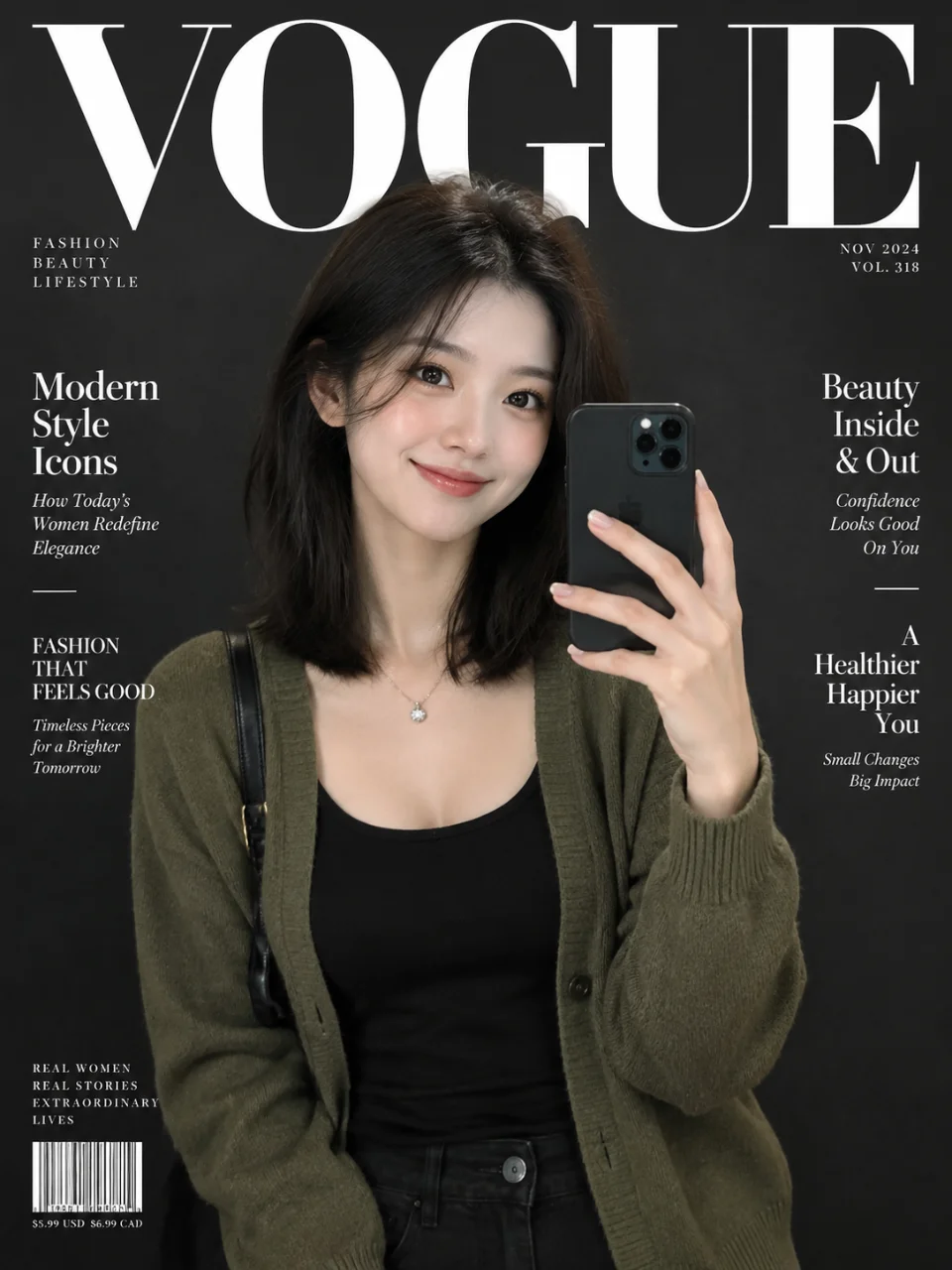
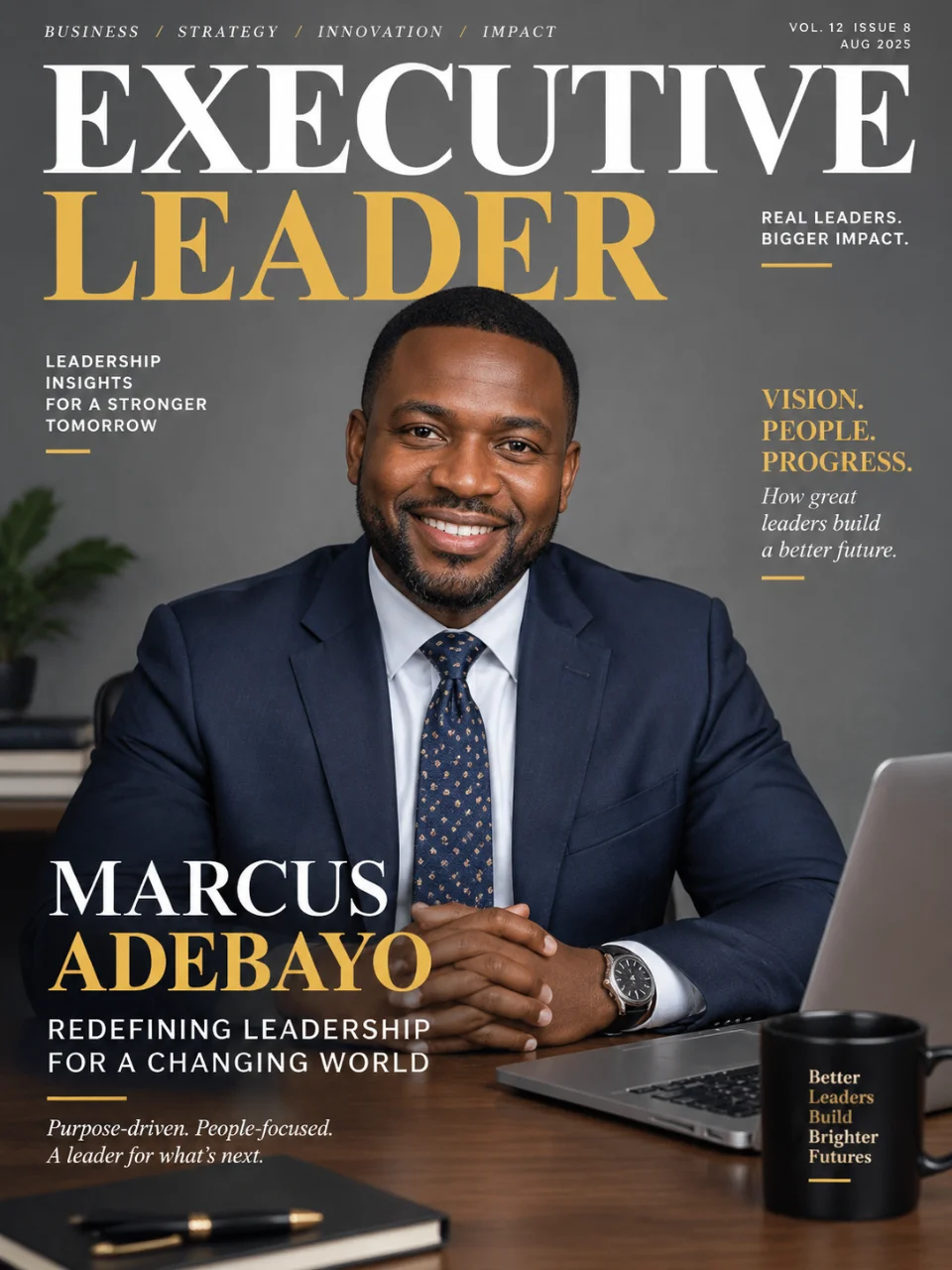
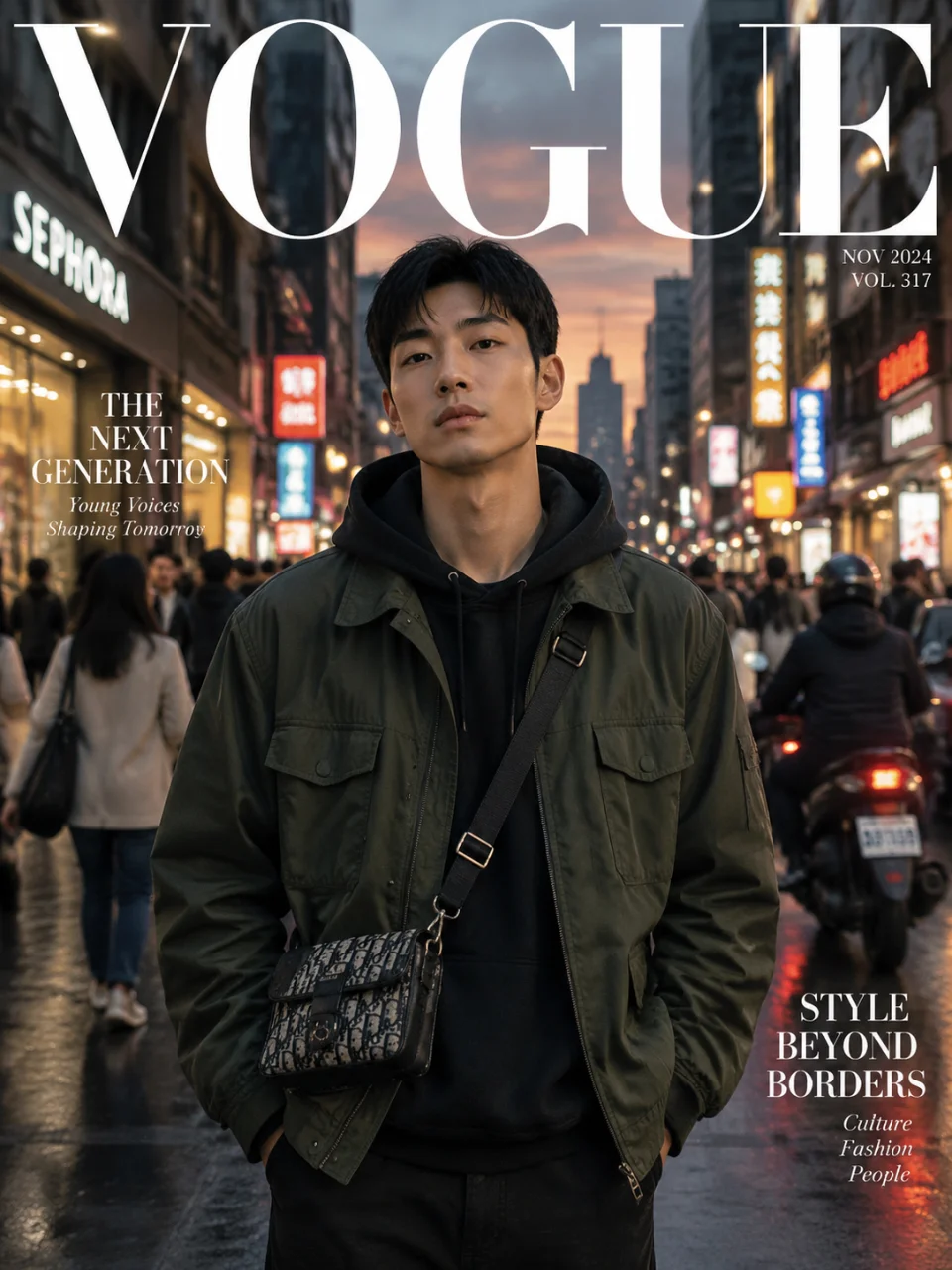
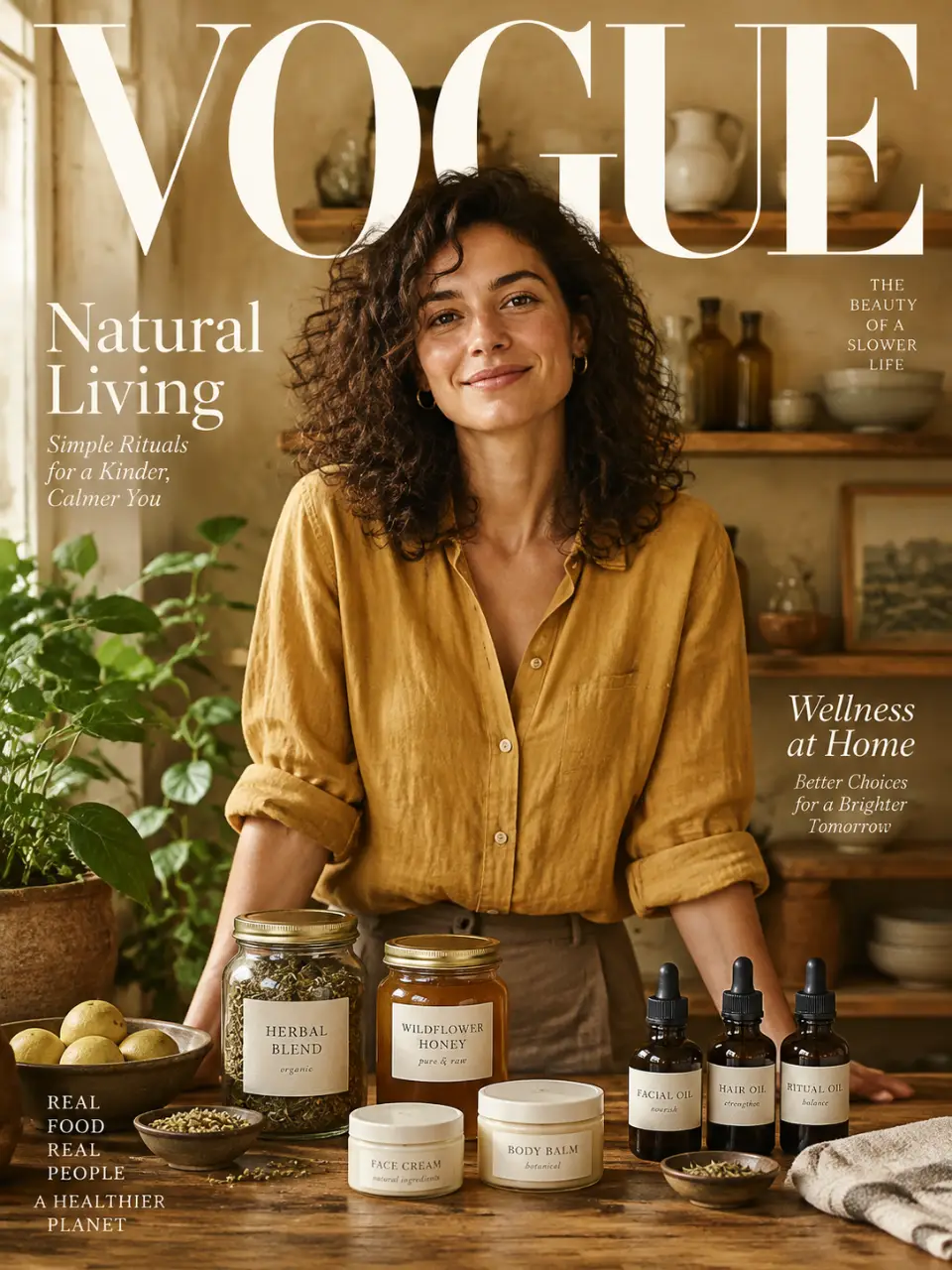
Describe a cover or feature page and receive a magazine-style image shaped around your editorial idea.
Add a photo to guide the subject, atmosphere, or visual treatment of your magazine concept.
Adjust the concept in the same conversation and generate another version without starting over.
Create either a magazine-style image or video from the same conversation and credit balance.
Write the story, subject, layout mood, and visual details you want to see.
Upload a reference photo when you want the result guided by a specific subject or look.
Continue shaping the idea in Cavro and generate another magazine-style version when needed.
Describe the cover, feature, subject, and visual mood you want, then optionally add a reference photo. Cavro turns that direction into an image or video and lets you refine the concept in the same conversation.
Yes. Results are billed per credit, and there is no mandatory subscription. Your available credit balance determines what you can generate.
You can describe the page structure, editorial mood, subject, and visual details in your prompt. If the first result is not right, refine the direction and generate again without starting over.
Yes, you can describe a social post, square editorial graphic, or shareable magazine-style page in your prompt. Add the intended format and visual treatment so Cavro can shape the concept around that use.
Yes. Upload a reference photo and describe how you want it used in the magazine-style image or video. Your words and photo continue in Cavro together once you proceed.
Creators worldwide are turning “just an idea” into expensive-looking images.