Image to Emoji Converter

Turn photos into playful emoji art for sharing.
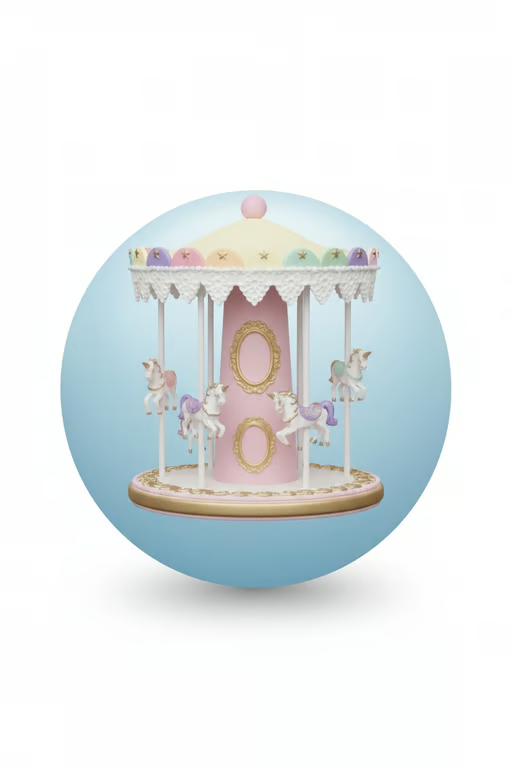
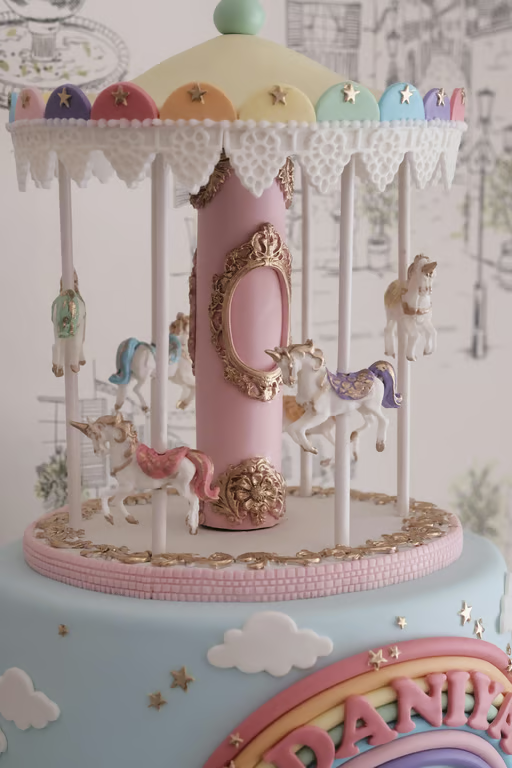
Pastel carousel with two oval gold frames, pink finial, and gold platform rim on blue.
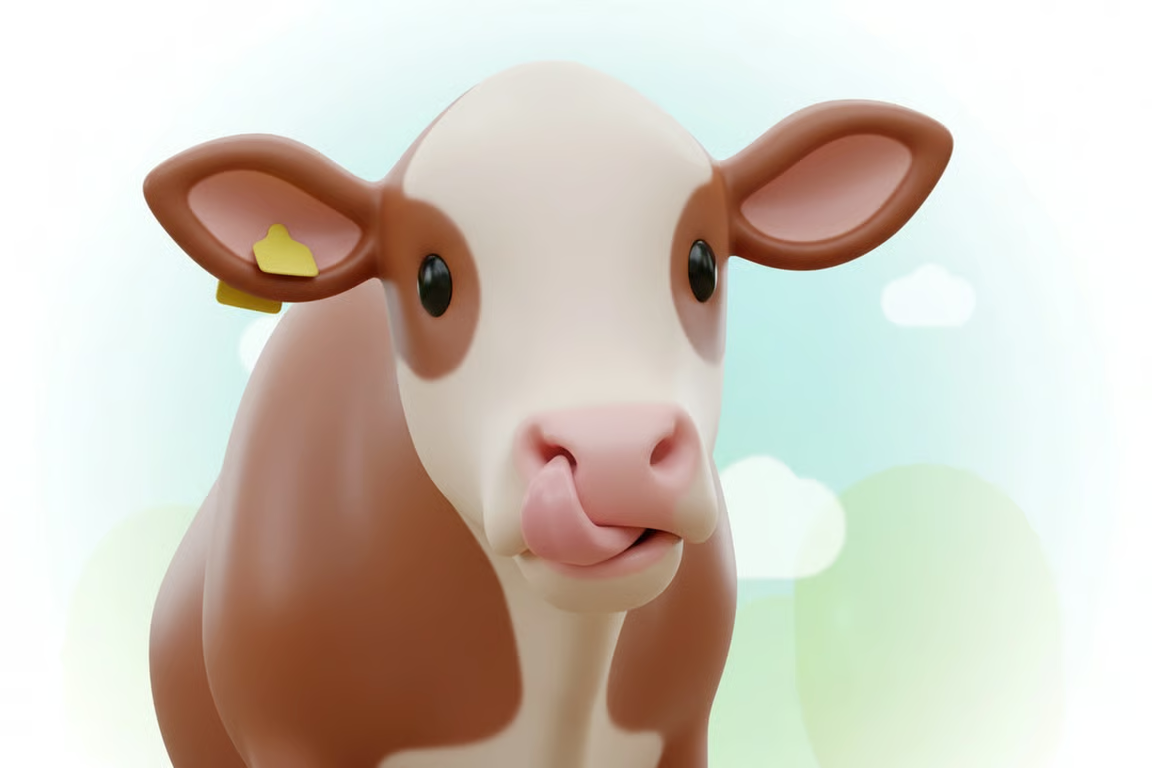
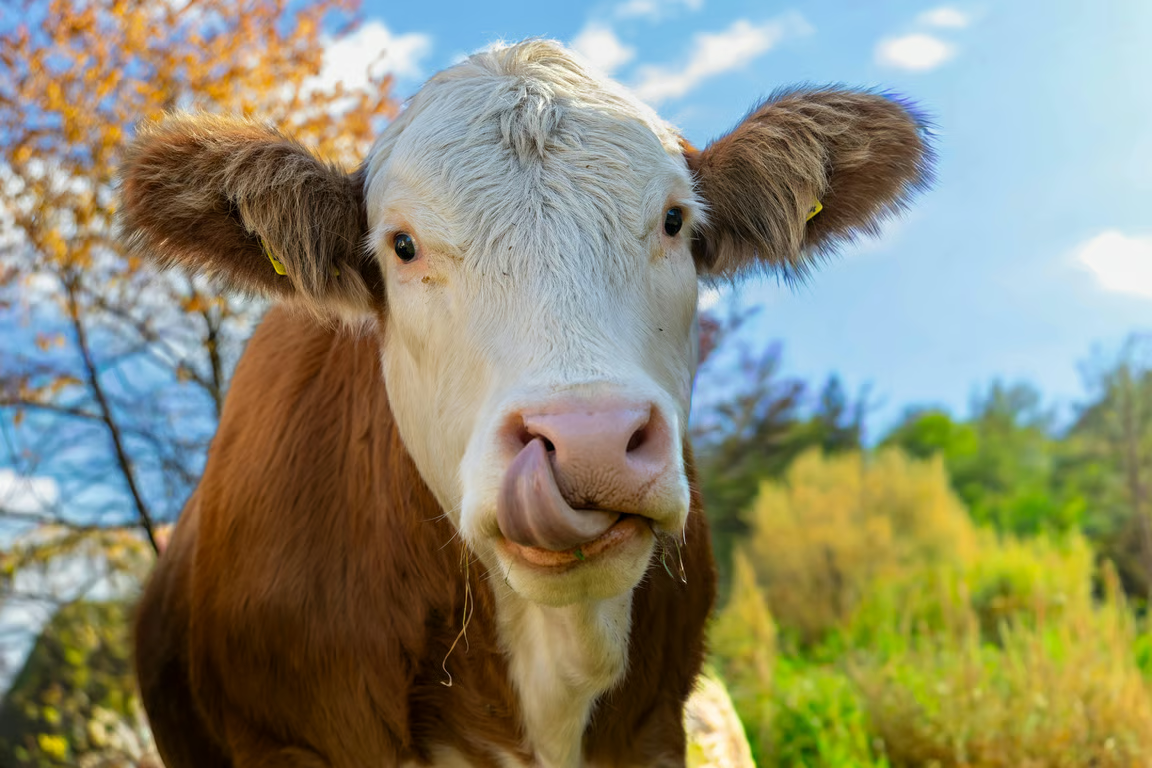
Playful 3D emoji-style cow with glossy features against a pale pastel sky.
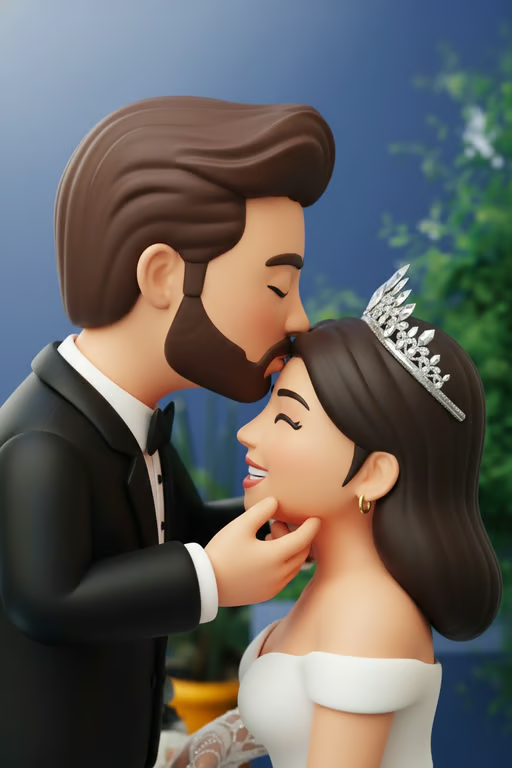
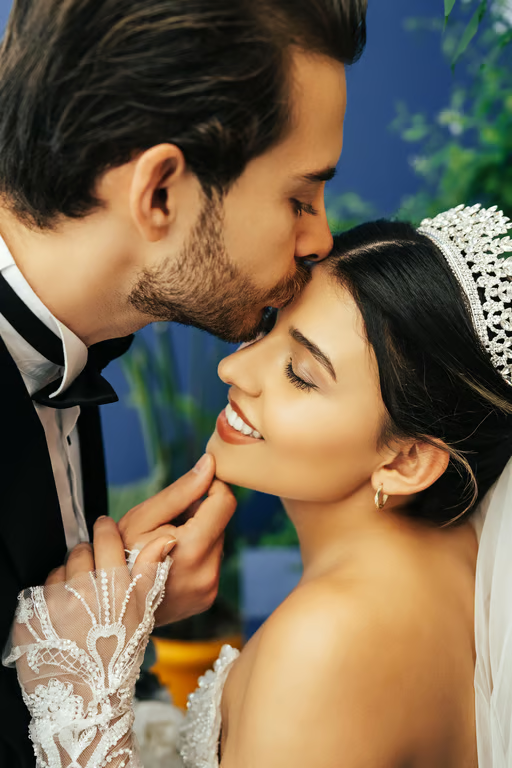
3D emoji-style bride and groom sharing a kiss in a wedding scene.
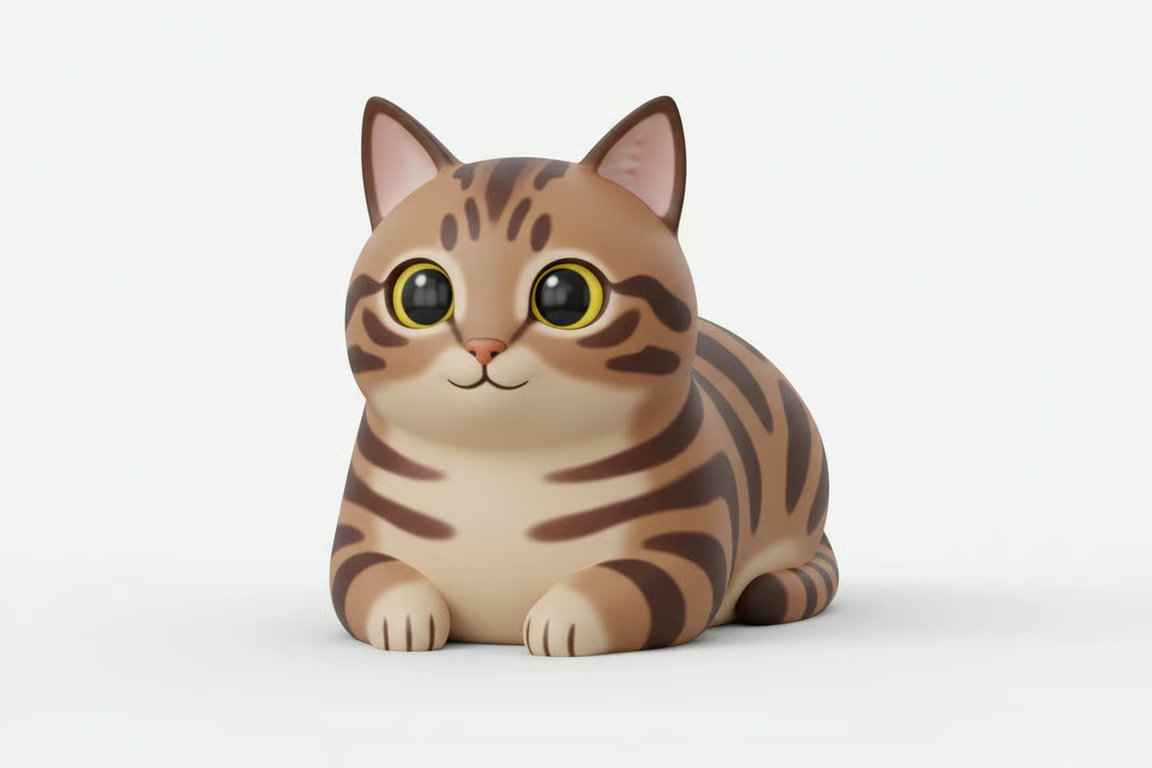
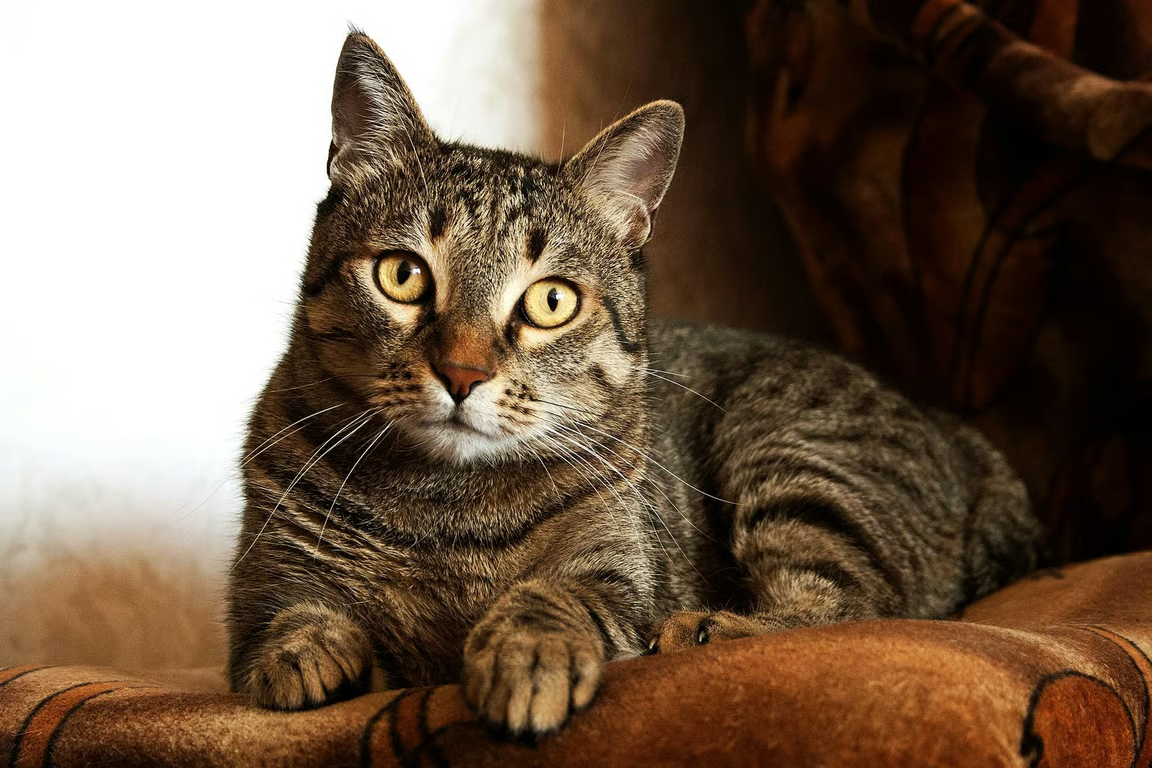
Rounded 3D emoji-style cat with oversized eyes on a plain light gray background.
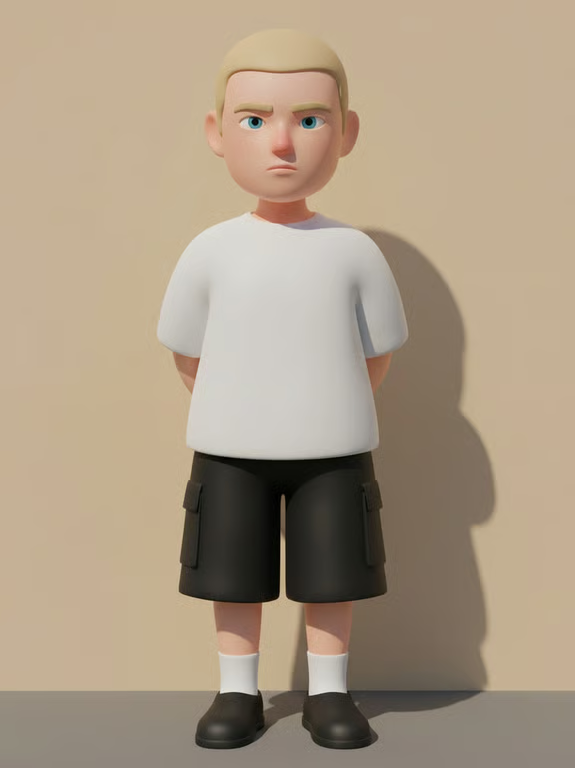
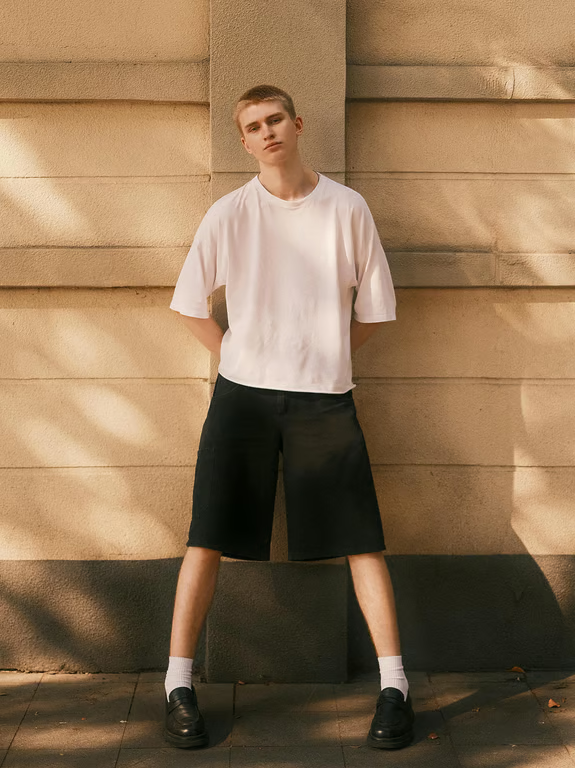
3D emoji-style character wearing a white shirt and black cargo shorts against a beige background.
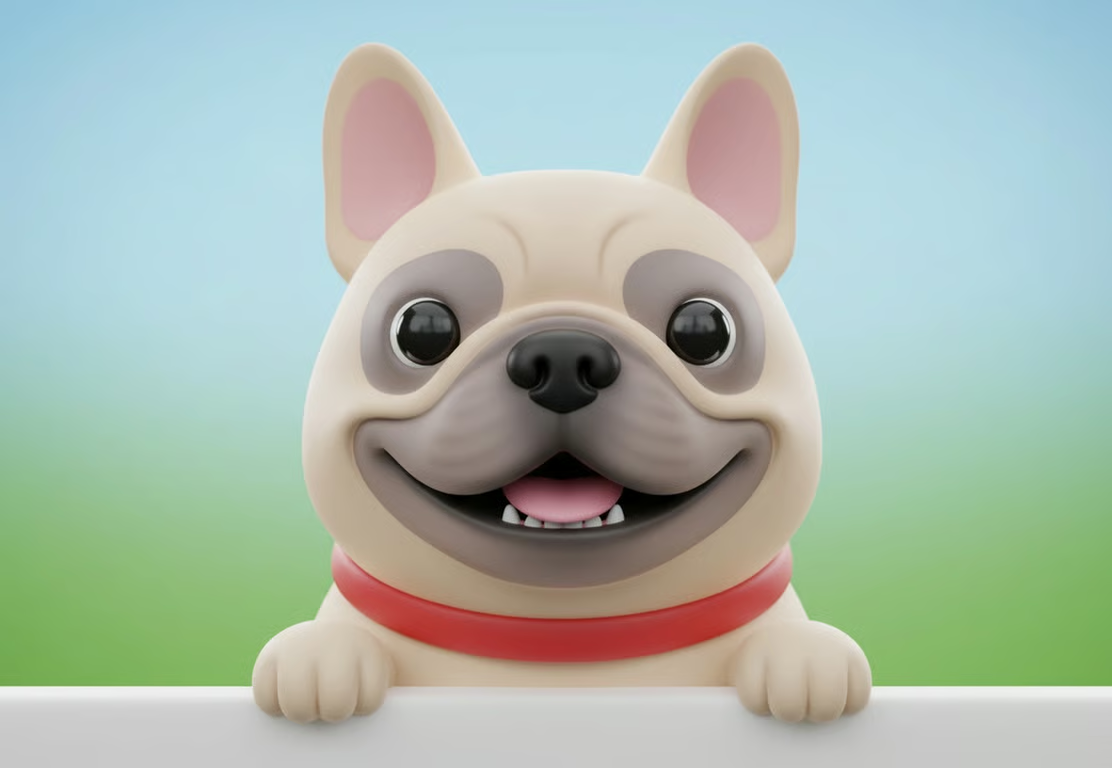
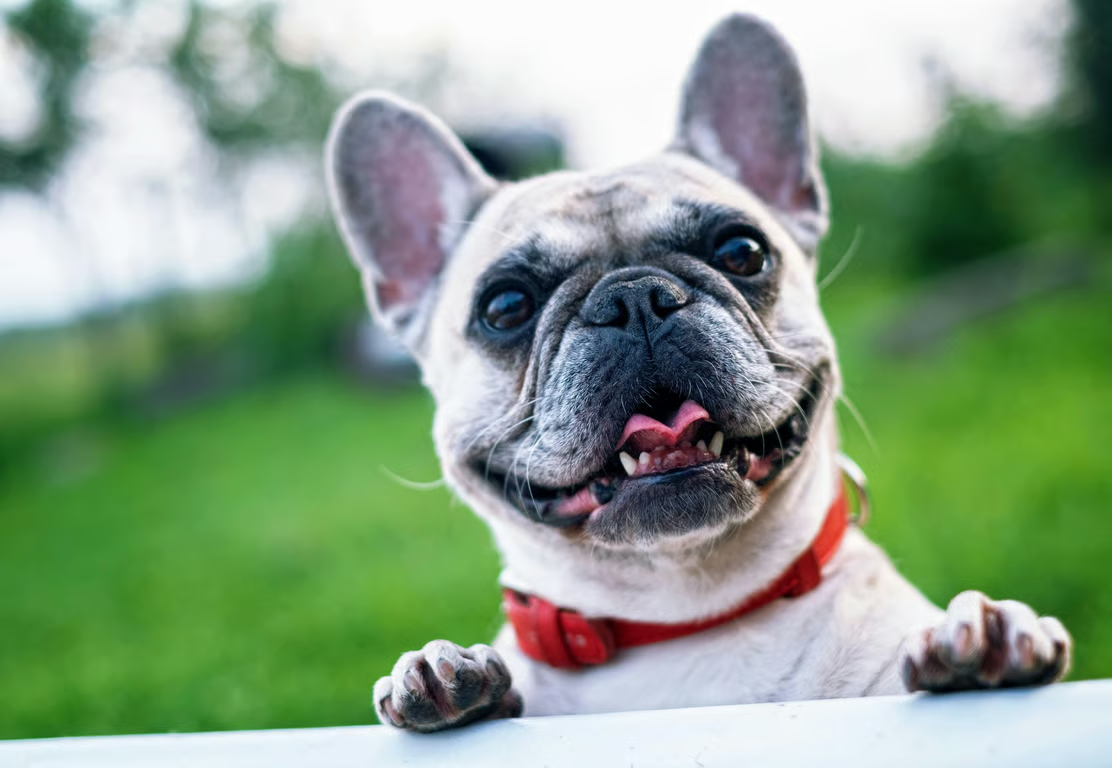
Smiling 3D emoji-style French bulldog with oversized black eyes against a blue-green gradient.
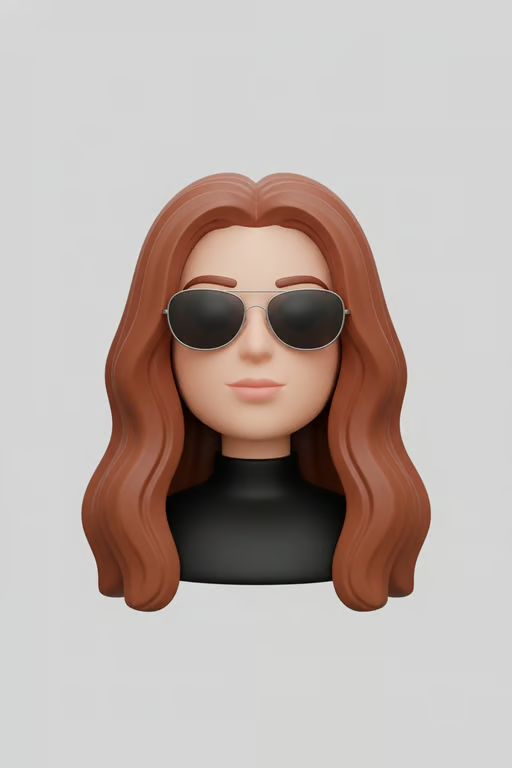
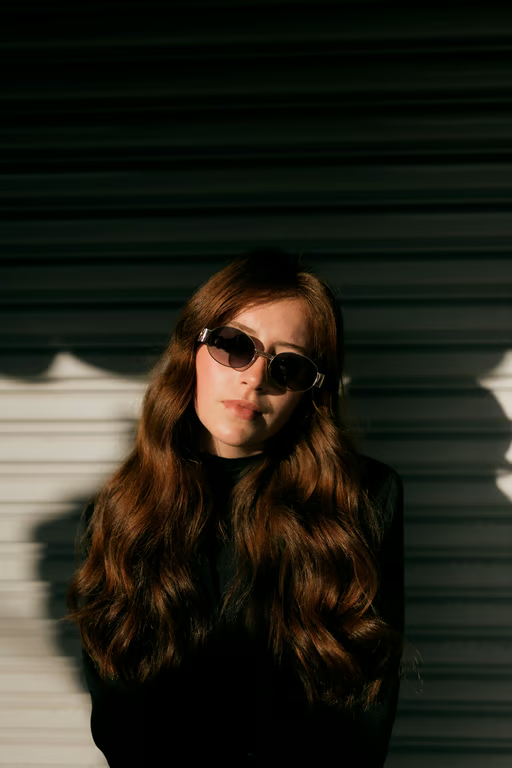
3D emoji-style portrait of a woman with long brown hair and sunglasses on a light gray background
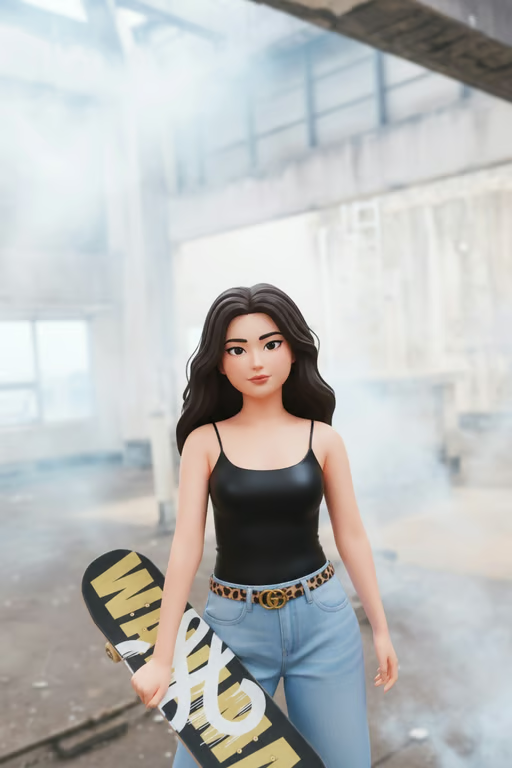
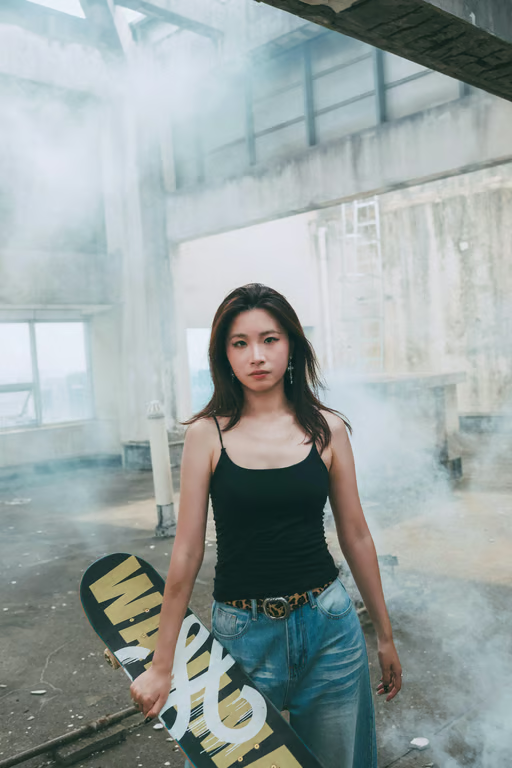
A 3D emoji-style woman holding a skateboard in an industrial indoor setting.
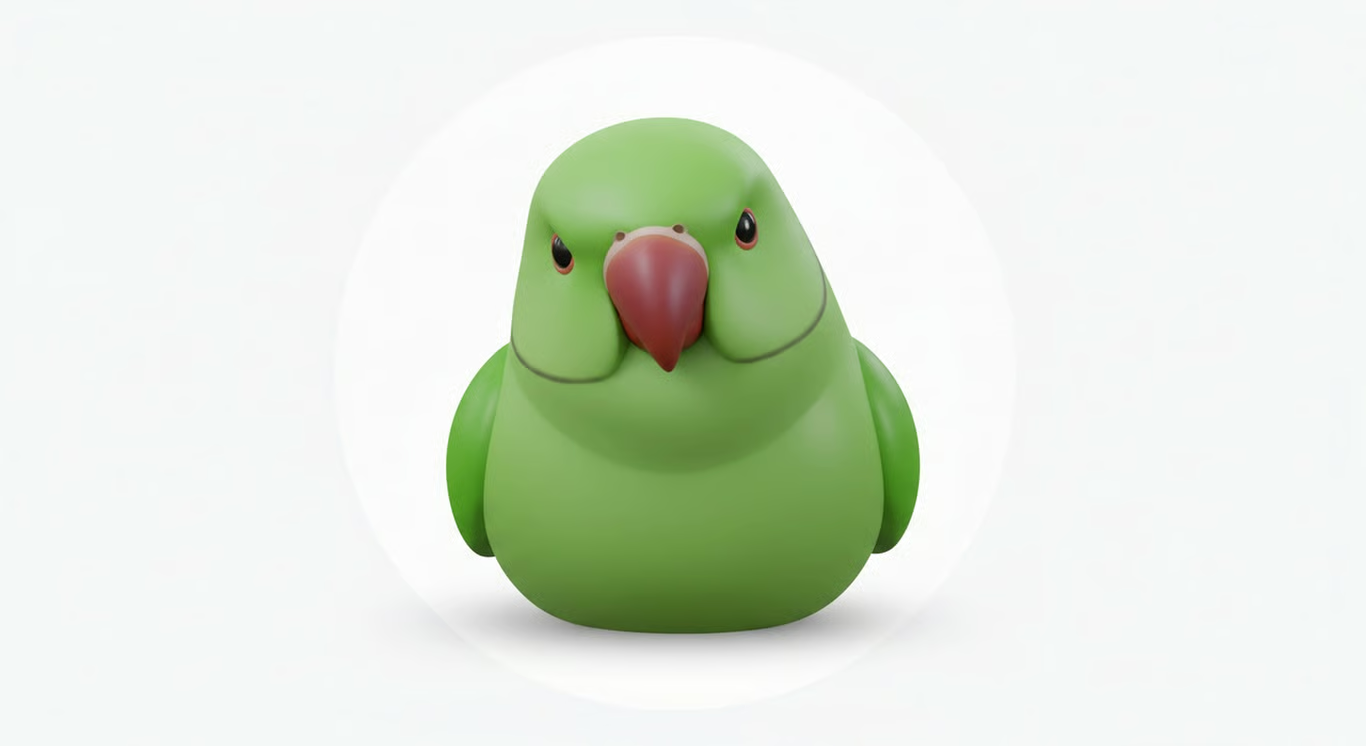
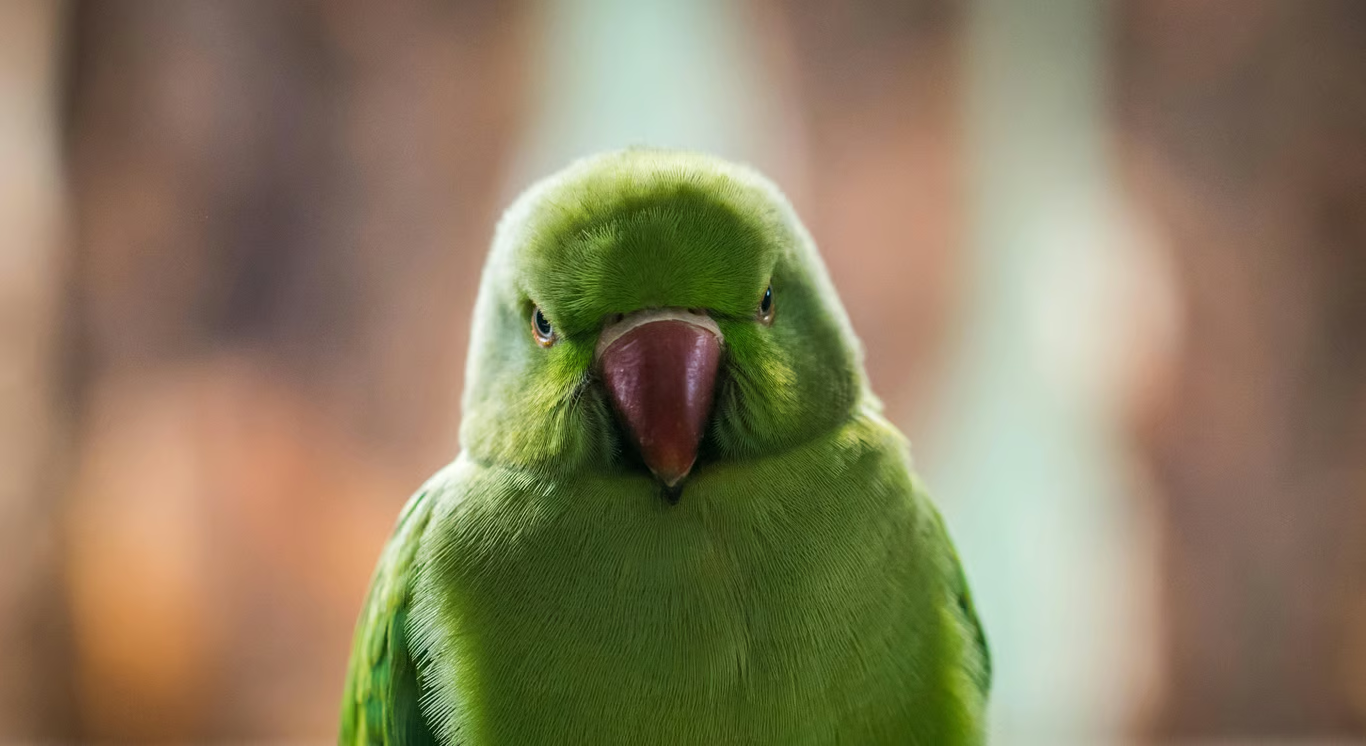
Rounded green 3D emoji parrot centered against a plain white background.
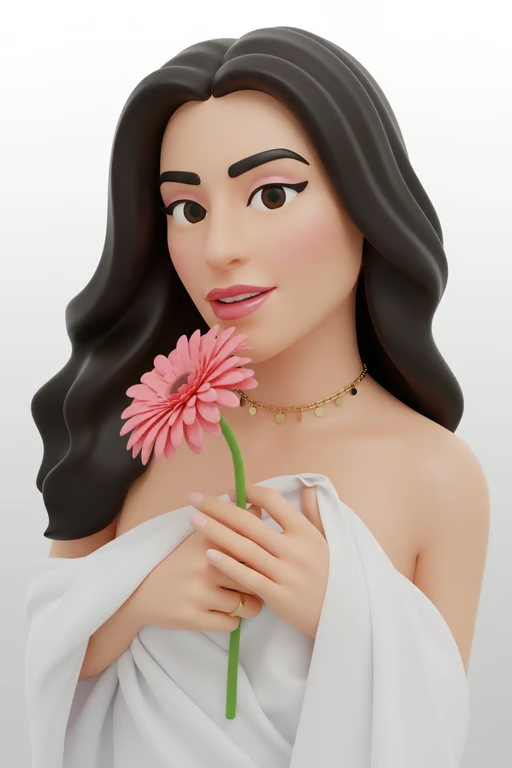
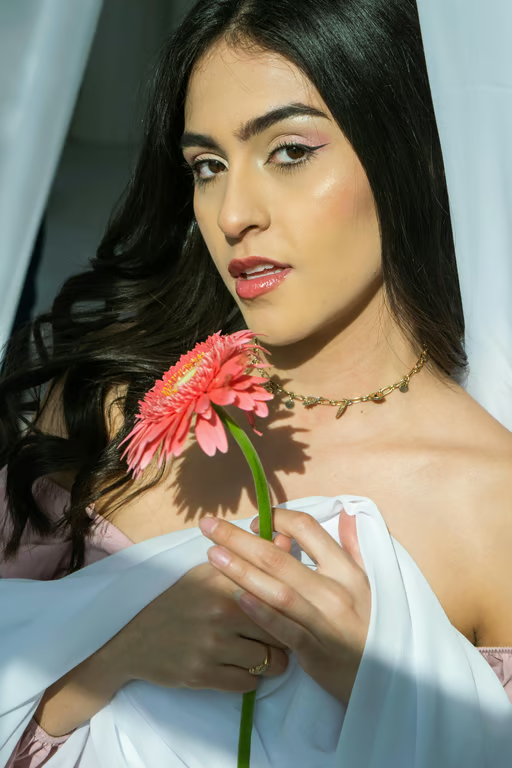
3D emoji-style woman holding a pink flower against a plain light background.
What you get

All the power, none of the hassle

Photo-Guided Art

Use a selfie, pet photo, landscape, or meme as the visual starting point for emoji artwork.

Prompt-Led Style

Put the emoji mood, visual treatment, and creative direction in your own words.

Refine In Place

Ask for another version in the same conversation when the first emoji result needs a new direction.

Image Or Video

Receive an emoji-style image or video from the same creative conversation and credit balance.

User value

We are the best AI tool for...

  1. Make a Profile Image Without a New Shoot

    Turn an existing selfie or pet photo into a distinctive emoji-style avatar for profiles and chats.
  2. Share Memes With a Fresh Look

    Give familiar images a playful visual treatment for messages, reactions, and social posts.

  3. Create Without Illustration Skills

    Use a photo and a plain-language idea to shape emoji art without manually drawing every detail.

Make a Profile Image Without a New Shoot
Perfect proof

What our users say

  • I used a pet photo and a short prompt, and it became a playful emoji portrait I could share right away.

    Mara K.
  • My selfie turned into a much more expressive chat image than the original photo. I liked being able to refine the look in the same conversation.

    Jonah R.
  • I wanted to refresh an old meme image, and the emoji treatment gave it a completely different feel for sharing.

    Lina T.
  • The landscape photo already had the subject I wanted. I only had to describe the emoji style and adjust it once.

    Owen P.
  • I made a profile-style emoji from a photo I had on hand without needing to draw anything myself.

    Suri M.
  • The prompt let me try a fun reaction image, then generate another version when I wanted a different expression.

    Theo J.
Answers

Common questions

What does this image to emoji converter do?

It uses your written prompt and/or reference photo to create emoji-style images or video in Cavro. You can describe the mood, style, and changes you want in ordinary language.

What images can I use for photo to emoji art?

You can start with photos such as selfies, pet pictures, landscapes, memes, food, or group moments. The photo provides the visual reference while your prompt guides the transformation.

Can I use the result as an avatar or share it?

Yes, emoji-style results can be made for ideas such as profile images, chat icons, reactions, and social sharing. You can refine the result and generate another version in the same conversation.

Can I create an emoji image and video from one photo?

Cavro can turn a written prompt and/or reference photo into images or video. Images and video come from the same conversation and use one credit balance.

Do I need a subscription to use the AI emoji converter?

Results are billed per credit, and there is no mandatory subscription. You can continue refining and generating as your idea develops.

Play with an idea. Leave with an image.

Creators worldwide are turning “just an idea” into expensive-looking images.
Try Cavro free