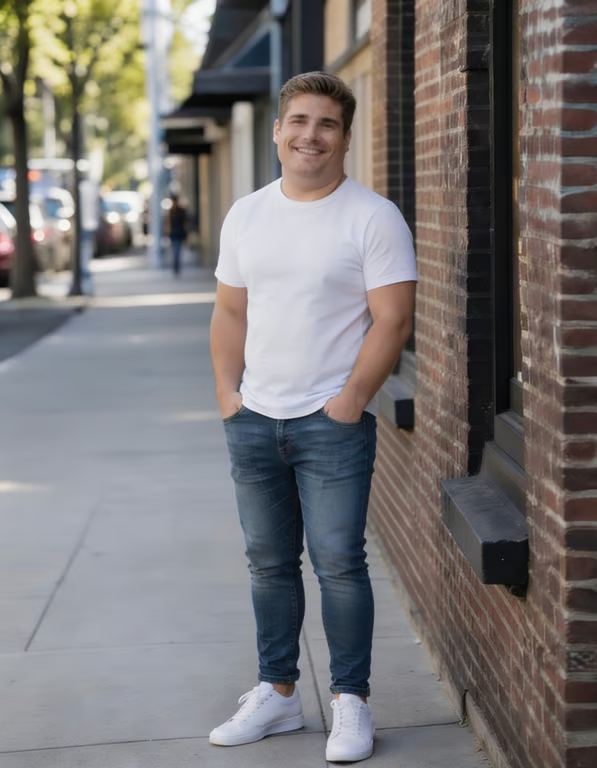
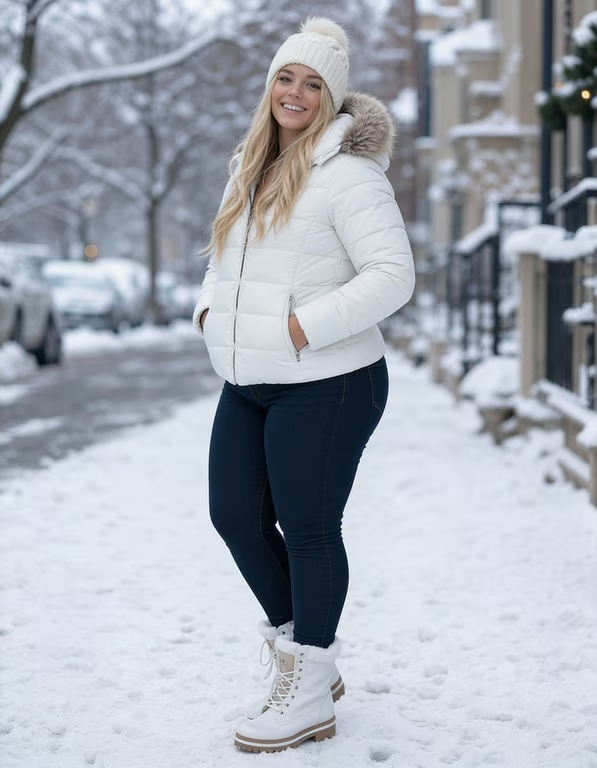
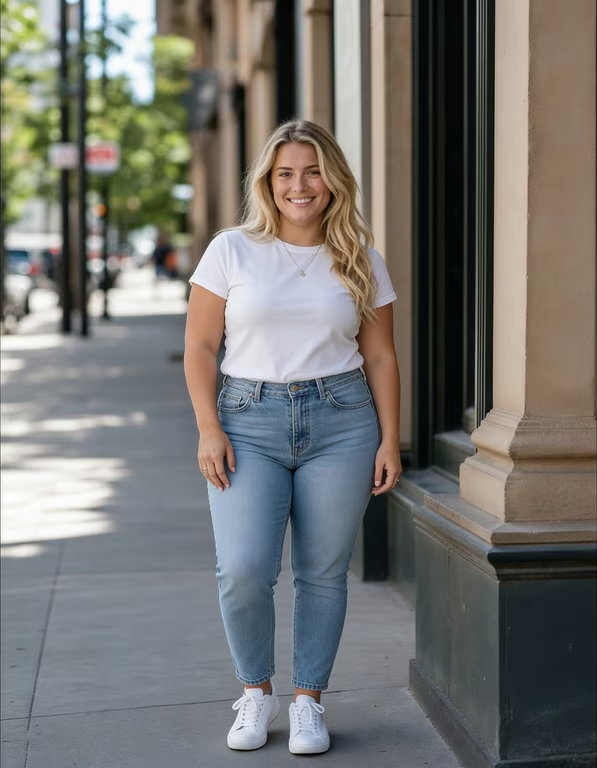
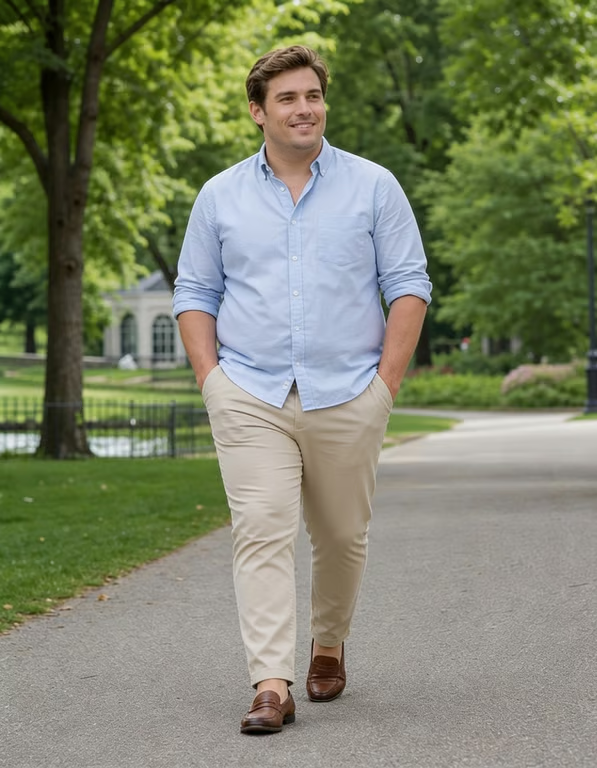
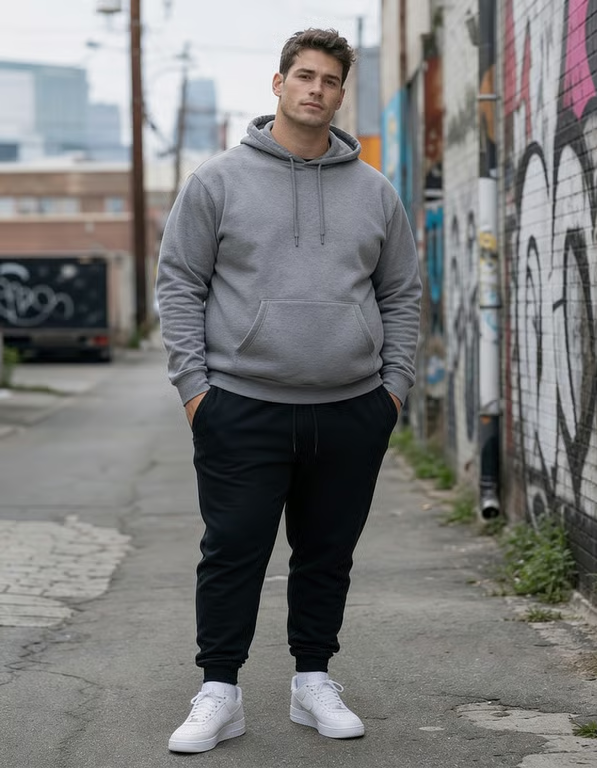
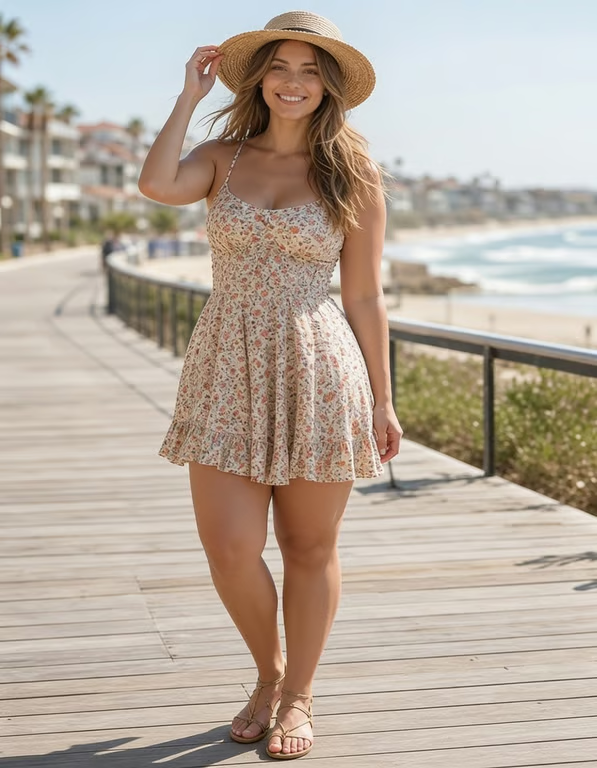
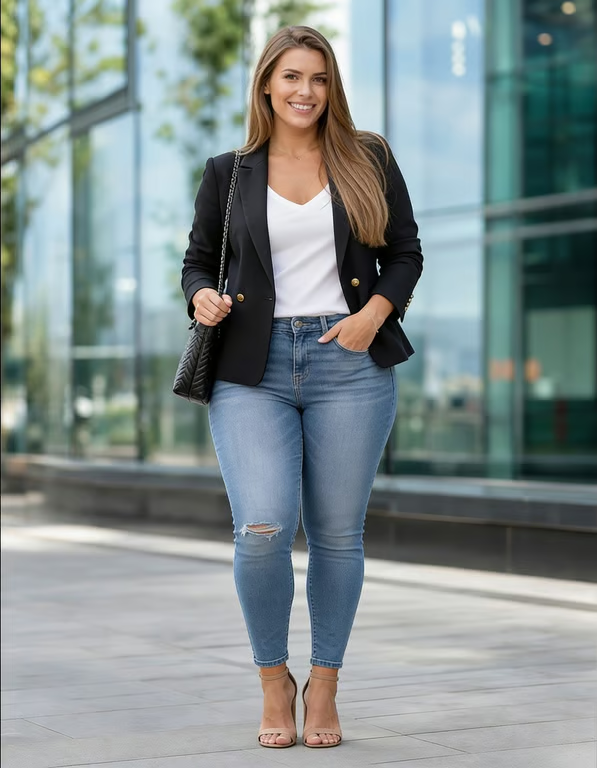
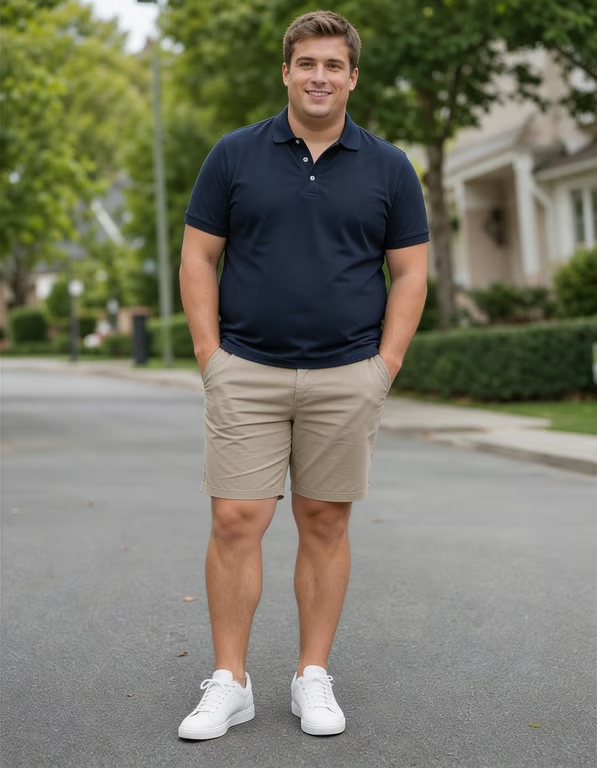
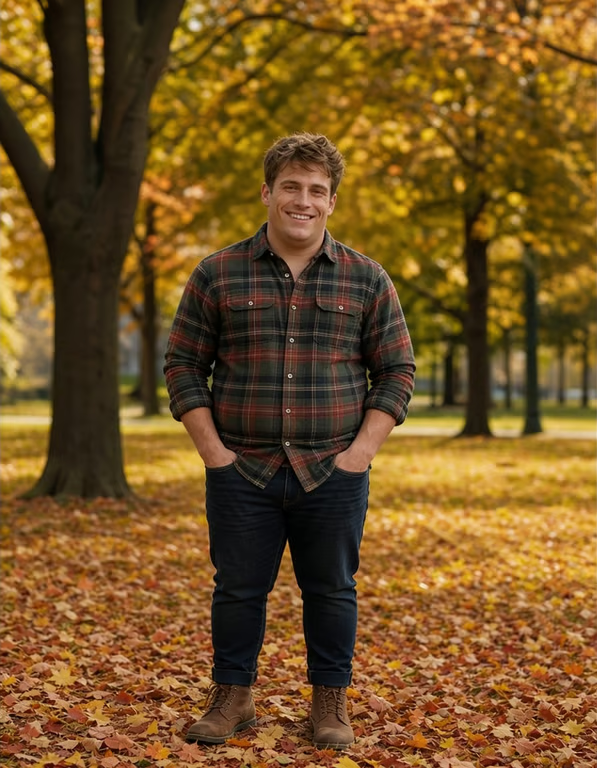
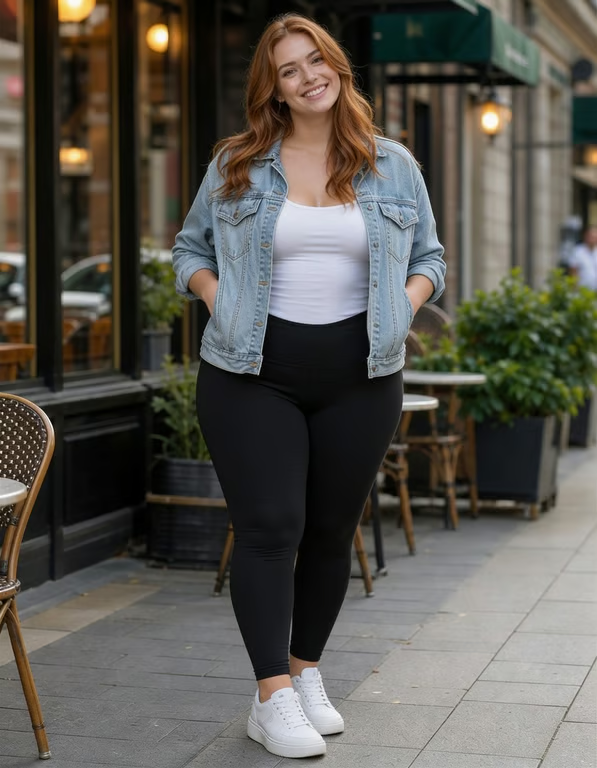
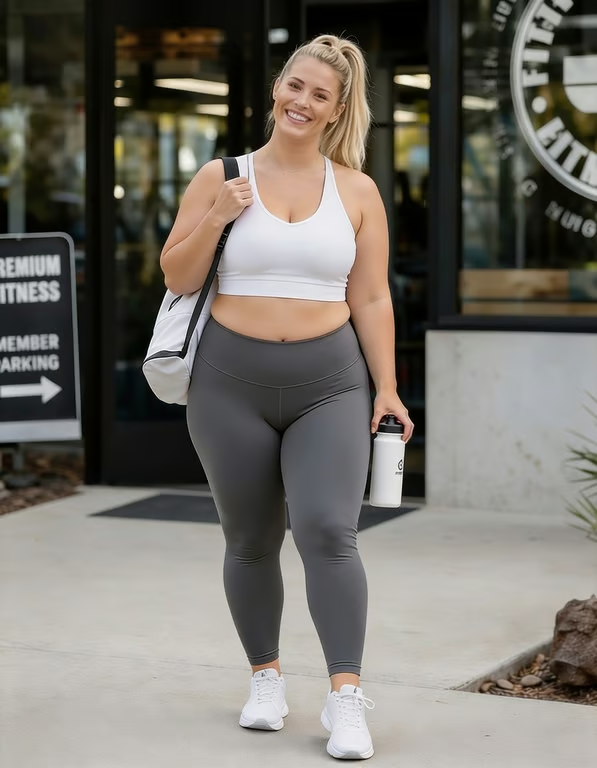
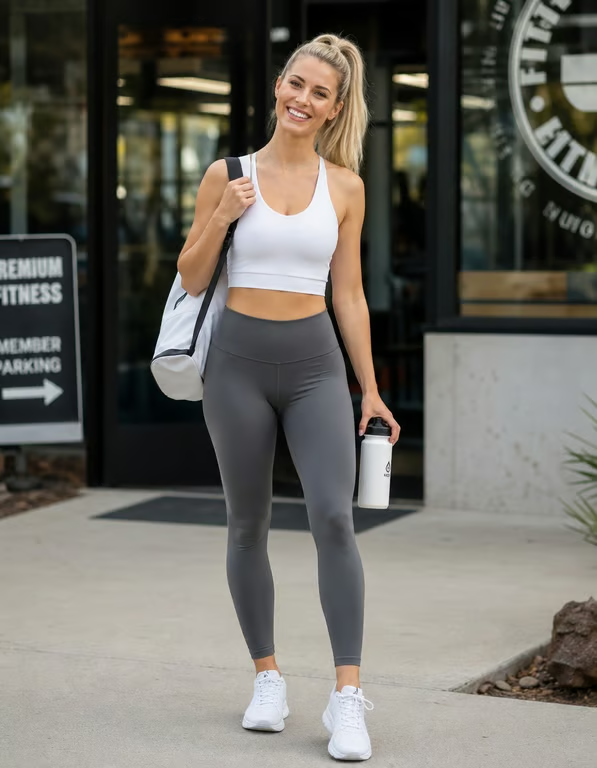
Refresh a Portrait
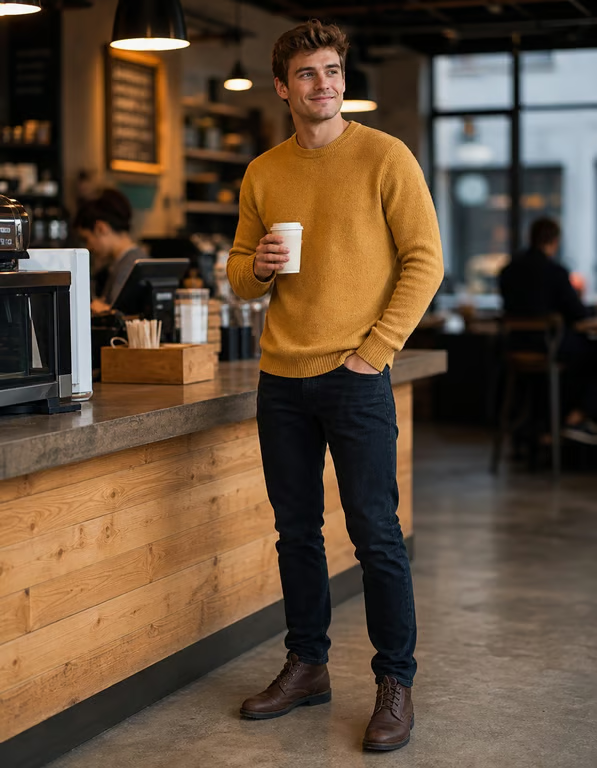
You arrive with a portrait that feels too compressed or short in proportion. Use an AI height increase direction with the photo to explore a more elongated version for a profile or personal post.
Try Cavro freeCreate a taller-looking version of your portrait, outfit photo, or full-body shot. Cavro uses your reference photo and written direction to shape the result around the look you want.
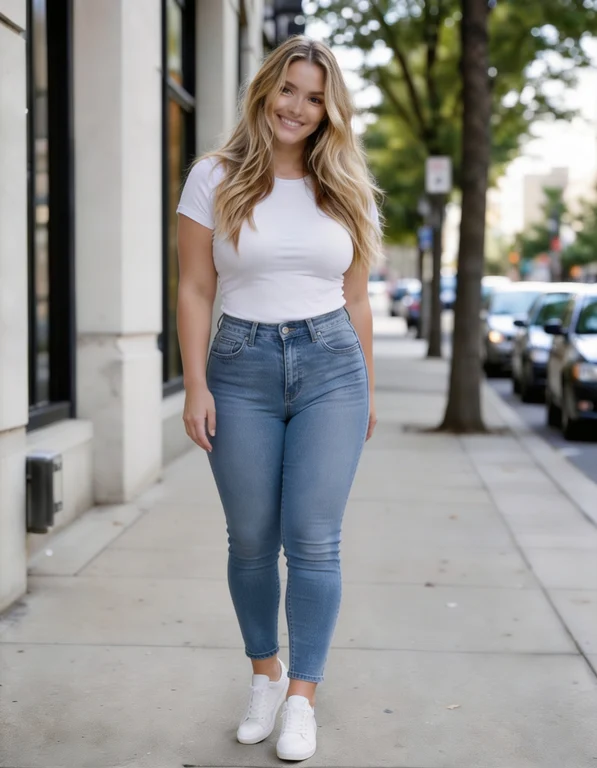
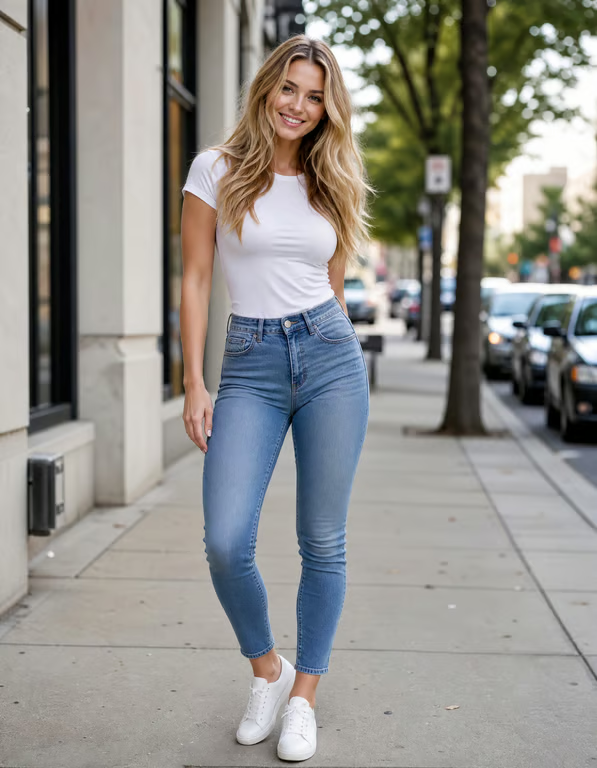
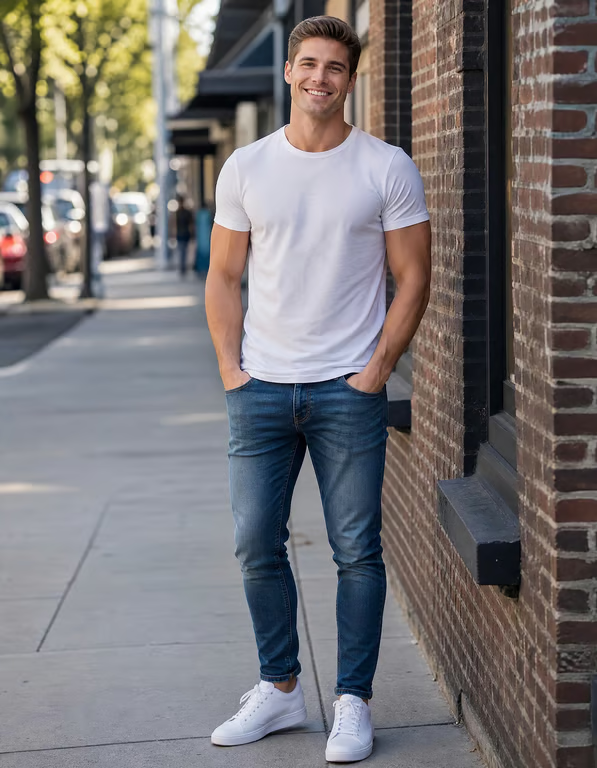
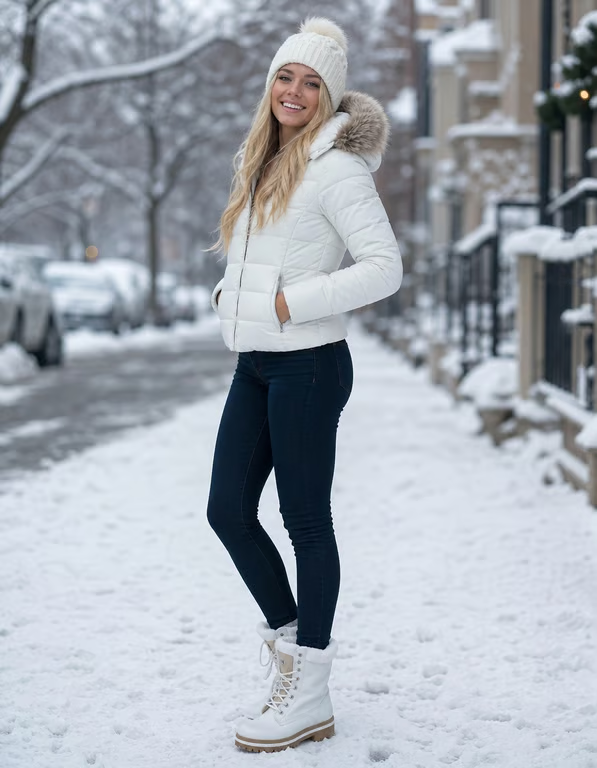
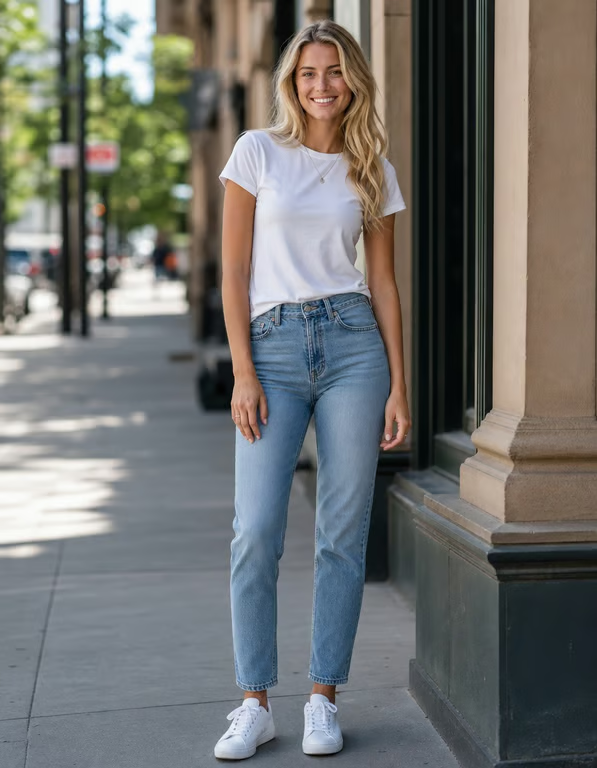
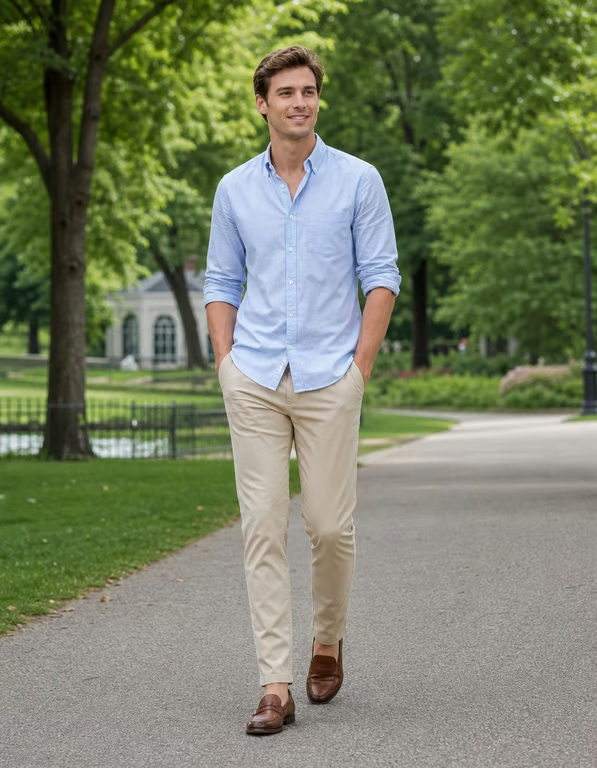
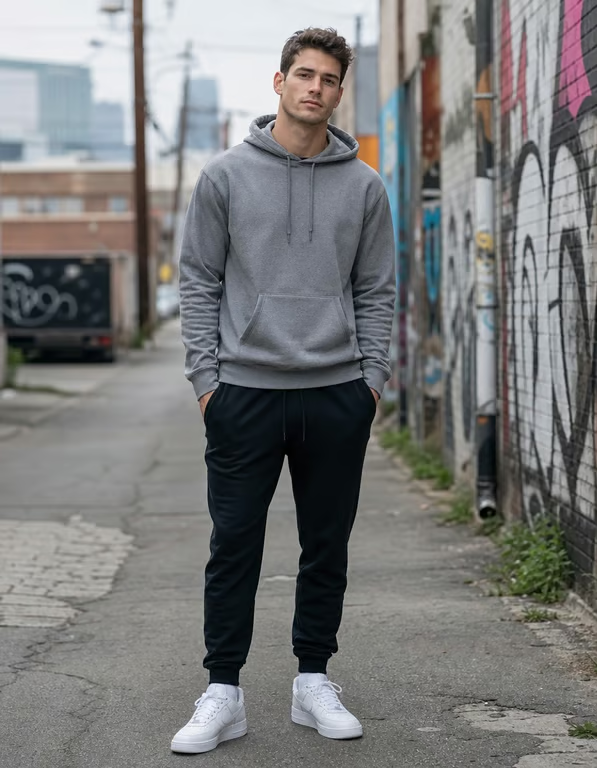
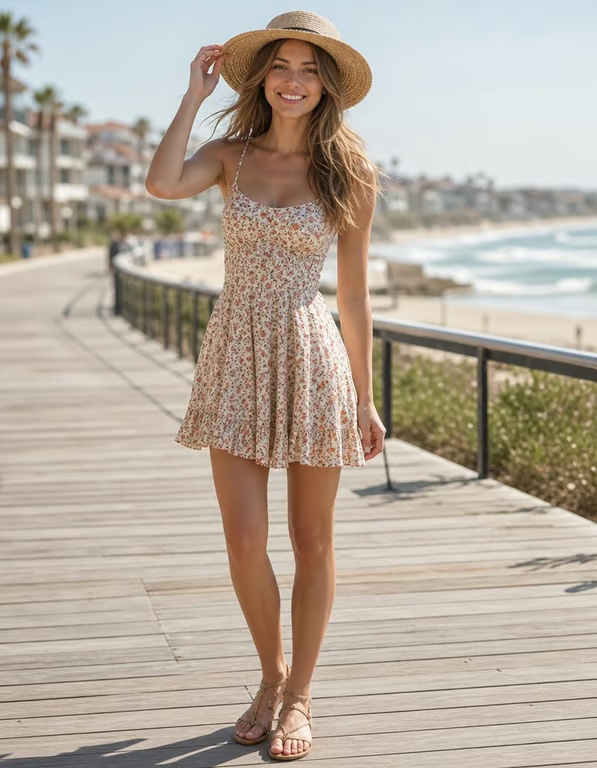
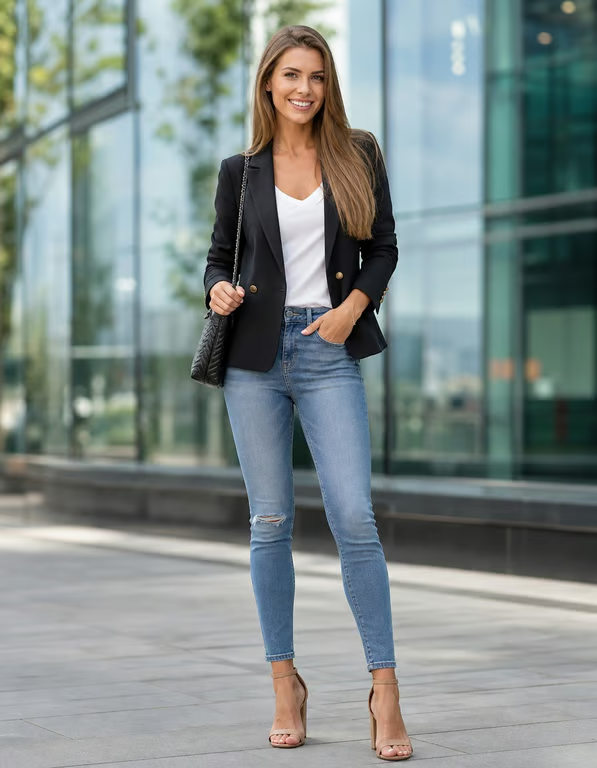
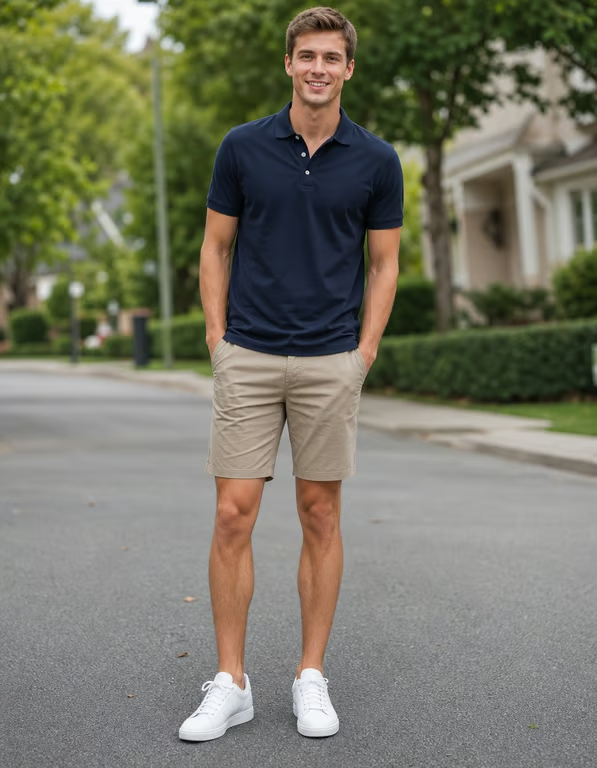
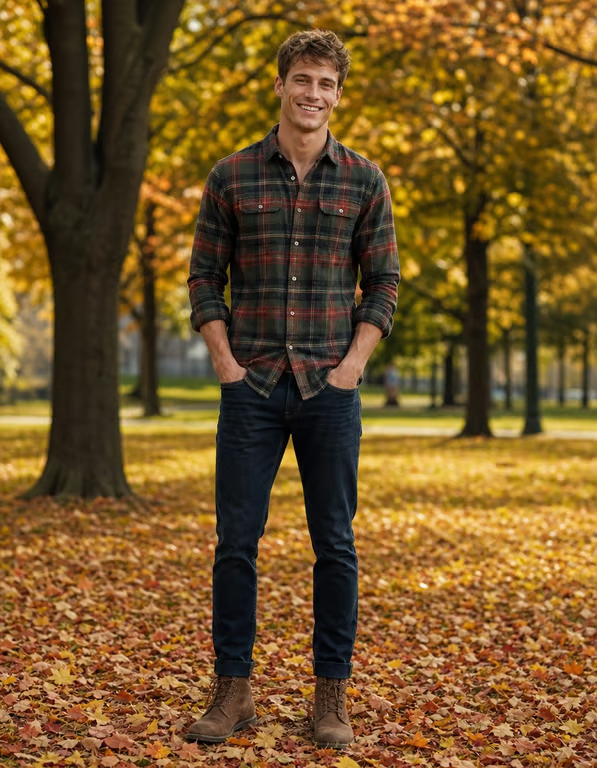
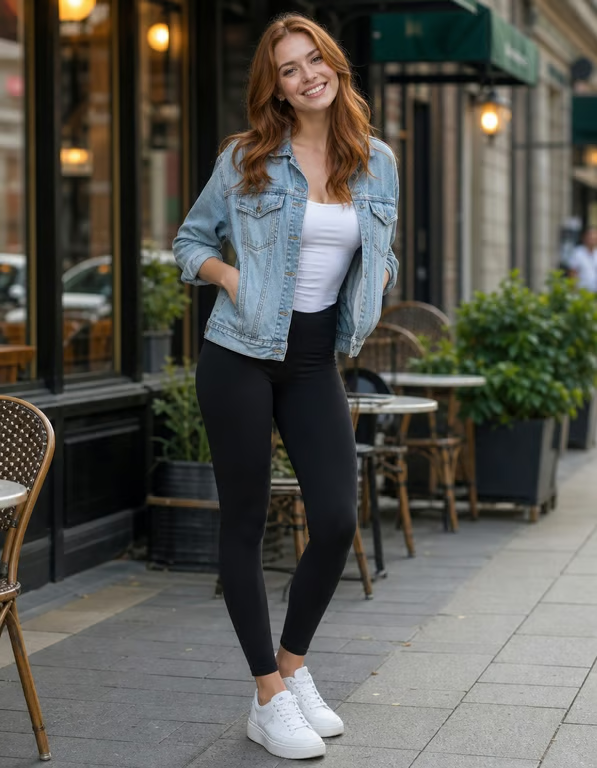
You arrive with a portrait that feels too compressed or short in proportion. Use an AI height increase direction with the photo to explore a more elongated version for a profile or personal post.
Try Cavro free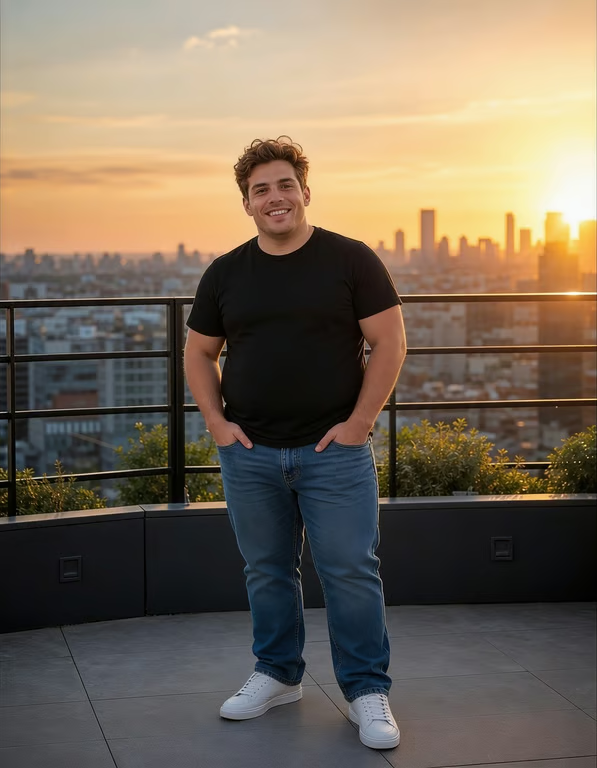
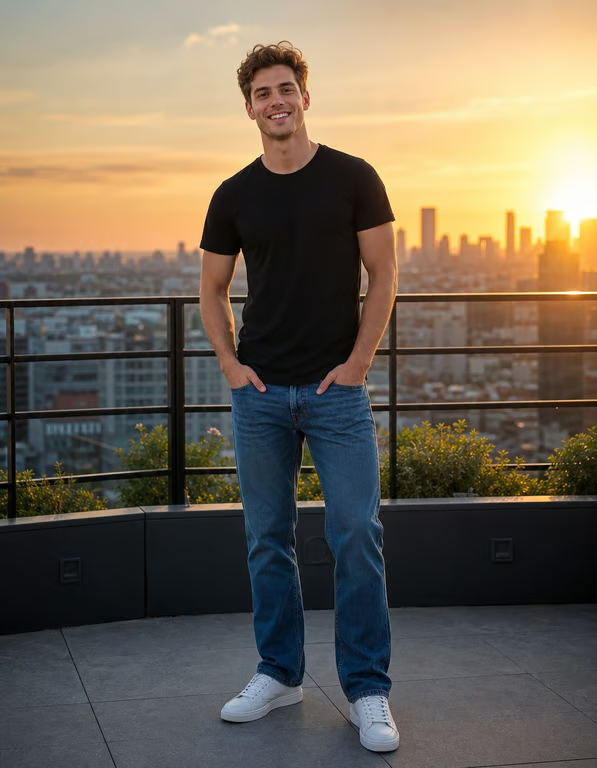
An outfit photo can look different from how the clothing felt in person. Apply a height boost AI edit to create a longer-looking silhouette that puts more emphasis on the full look.
Try Cavro free

When a favorite snapshot does not show your preferred proportions, use a virtual height filter to try a taller appearance. The result gives you another version to consider before sharing.
Try Cavro free

You bring the actual portrait, outfit photo, or snapshot you want to change. Cavro uses that reference with your written direction, so the height edit is shaped around your image rather than a generic example.
Try Cavro free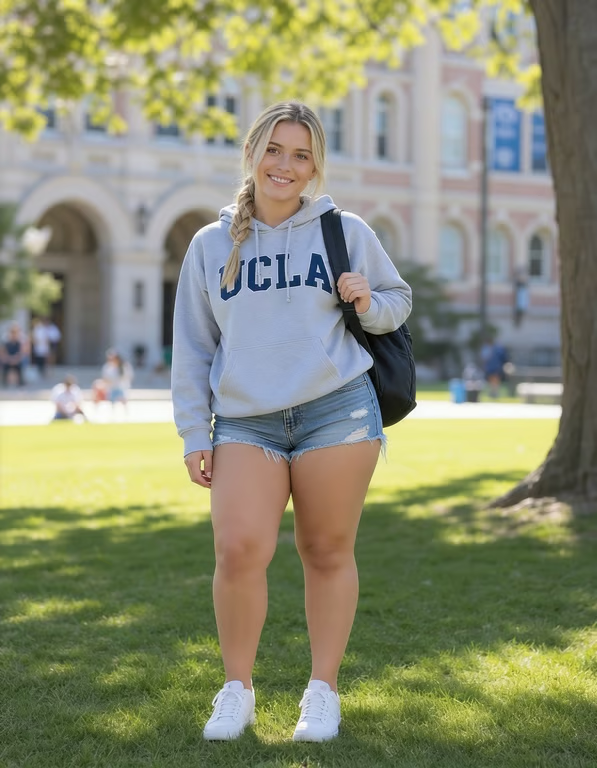
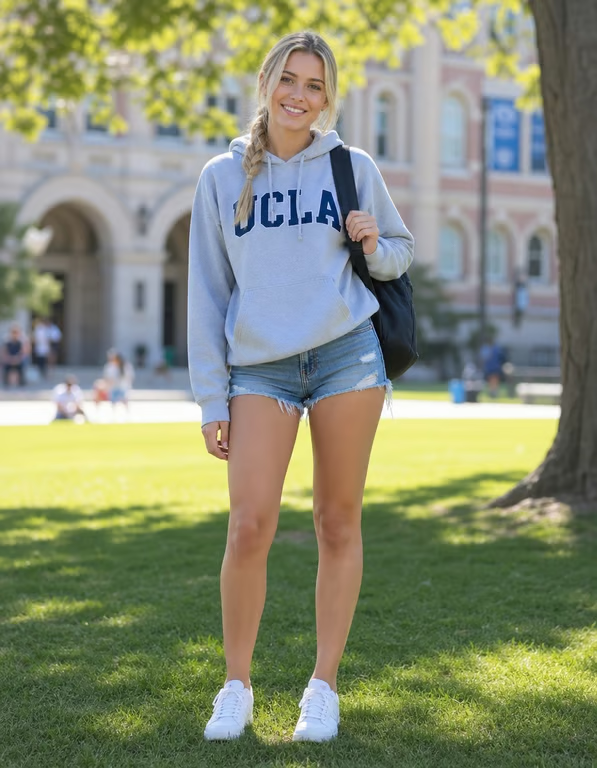
A first result may need a smaller or stronger adjustment. Stay in the same conversation, describe the next change, and generate again until the taller-looking version better fits the photo.
Try Cavro free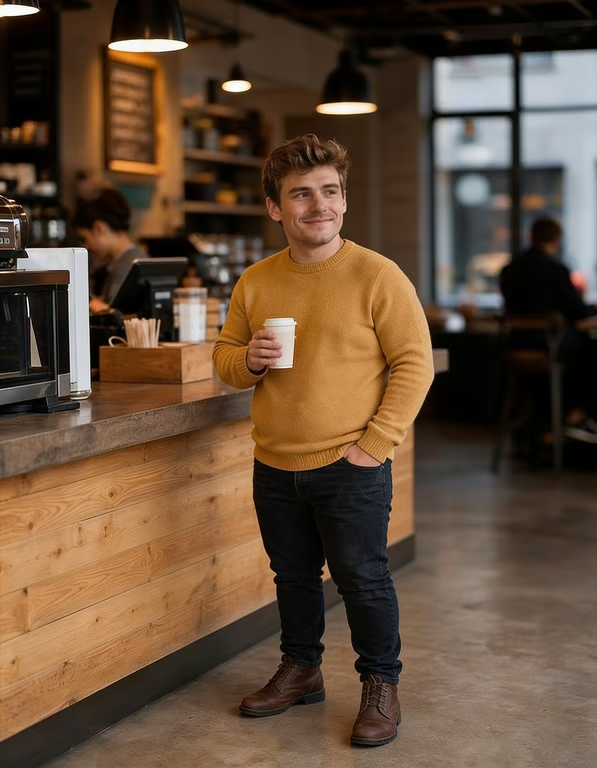
Your image edits and video creations use the same credit balance in Cavro. Results are billed per credit, with no mandatory subscription when you only want to make a specific photo adjustment.
Try Cavro freeIt is an image-editing use case where a written direction and reference photo are used to create a taller-looking appearance. Cavro can turn that combination into an edited image.
A clear portrait, outfit photo, or full-body image works well when the person is easy to see. Photos with a visible pose give your height increase direction more visual context.
Yes. Describe the level of change you want, such as a subtle height boost or a more elongated appearance. You can refine the result and generate again in the same conversation.
No mandatory subscription is required. Results are billed per credit, so you can use credits for the image generation you choose.
Yes. Cavro turns a written prompt and/or a reference photo into an image or video, so you can combine your photo with a specific AI height increase request.
Creators worldwide are turning “just an idea” into expensive-looking images.