AI Halloween Costume Generator

Turn your photo into a spooky, funny, or cute costume look.
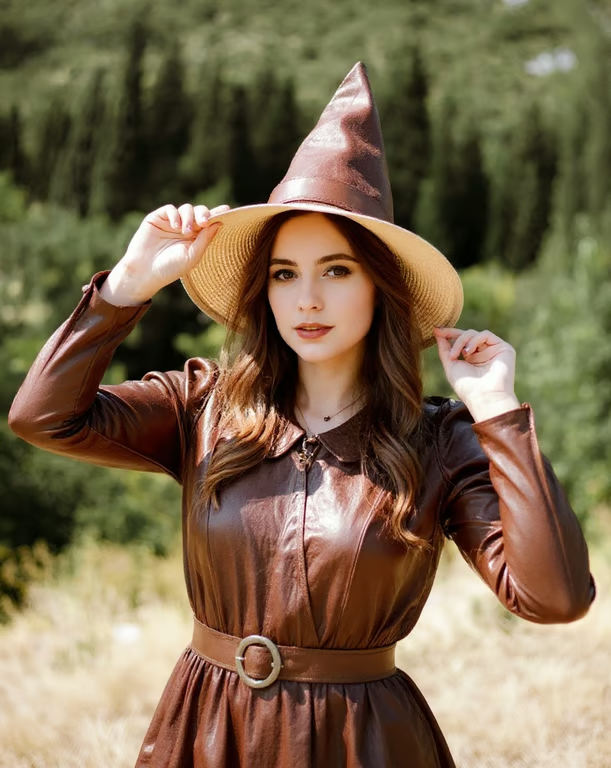
Woman wearing a pointed brown witch hat, glossy brown costume dress, belt, eyeliner, and red lipstick.
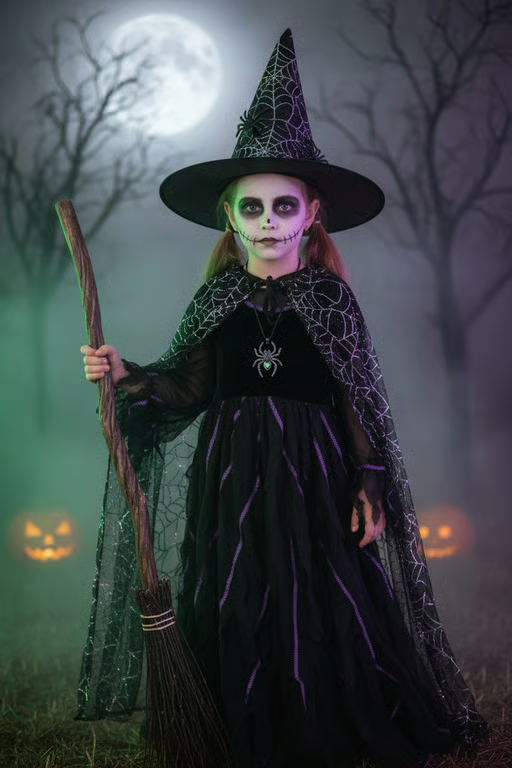
Girl transformed into a witch with a pointed hat, broom, spooky makeup, and moonlit forest background.
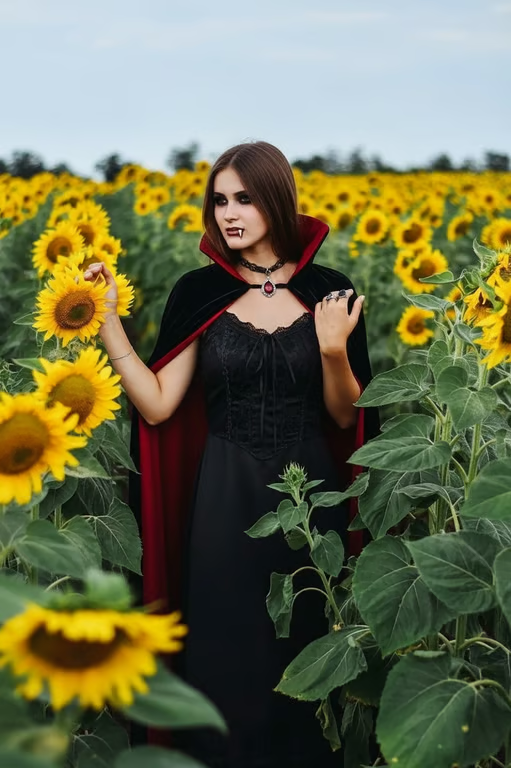
Woman in a sunflower field wearing a black gothic vampire dress and red-lined cape.
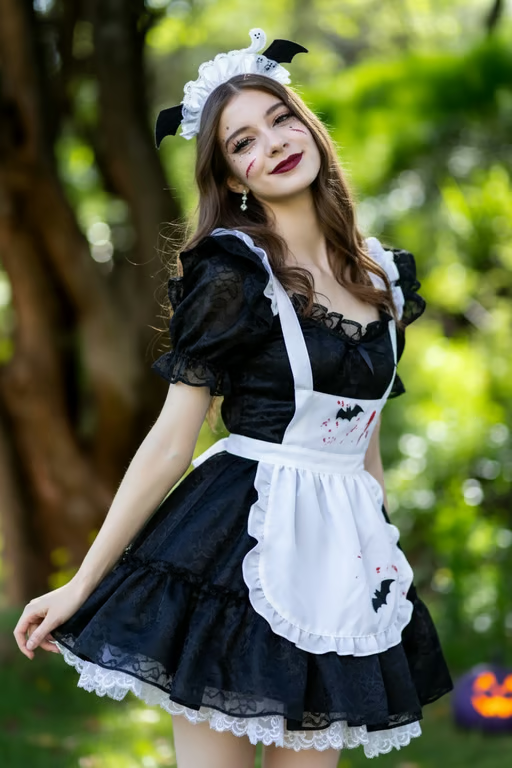
Woman in a black lace maid costume with a white apron, bat headpiece, and eerie makeup.
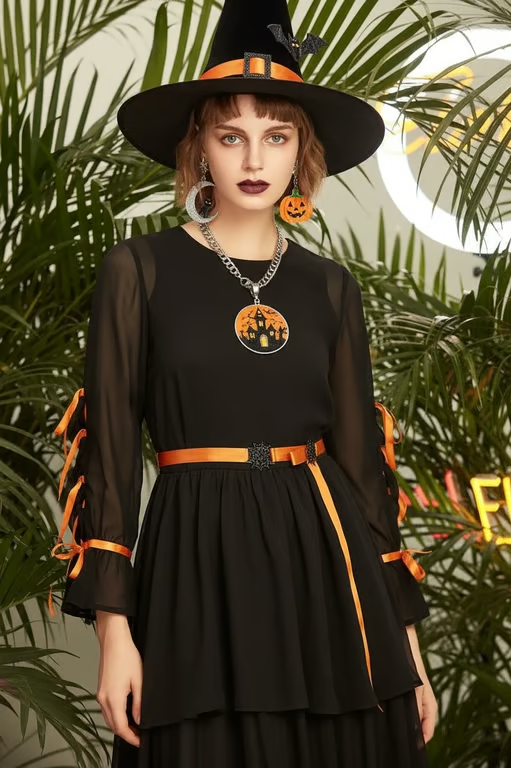
Woman wearing a black witch hat and black-and-orange costume with Halloween accessories.
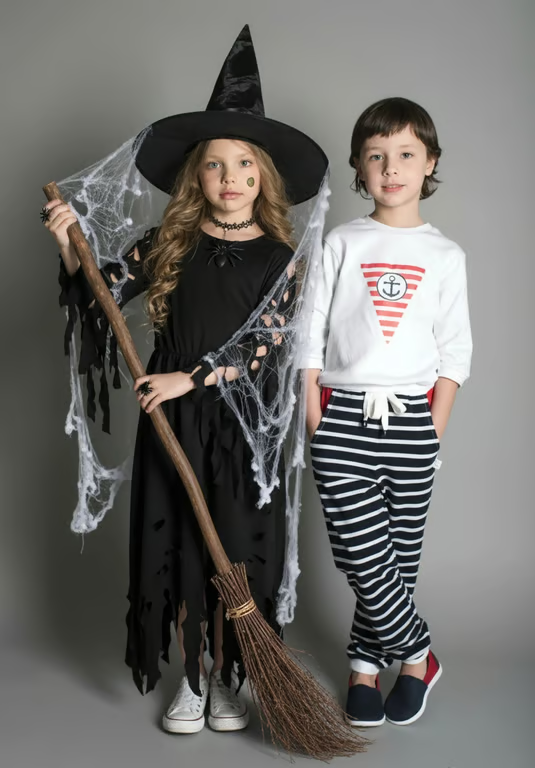
Child wearing a pointed witch hat and tattered black witch costume beside another child.
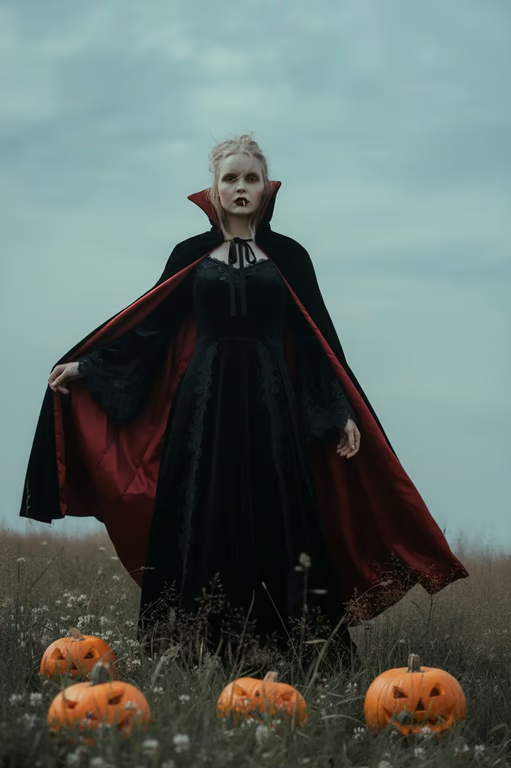
Person transformed into a vampire with a black cape, pointed ears, and pumpkins in a field.
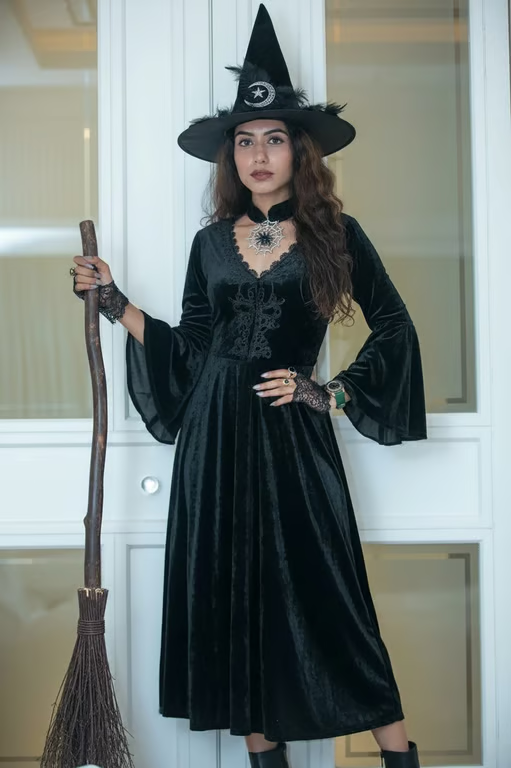
Woman transformed into a witch wearing a black dress and pointed hat beside a broom.
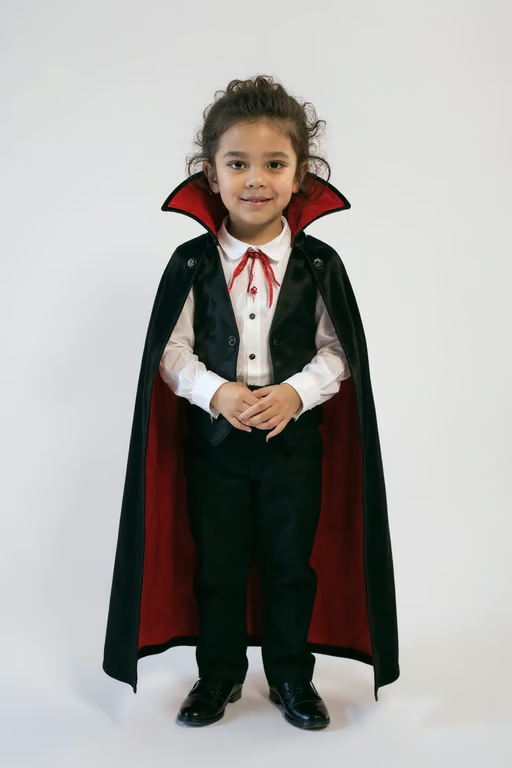
Child wearing a black vampire cape with red lining, vest, white shirt, and black dress shoes.
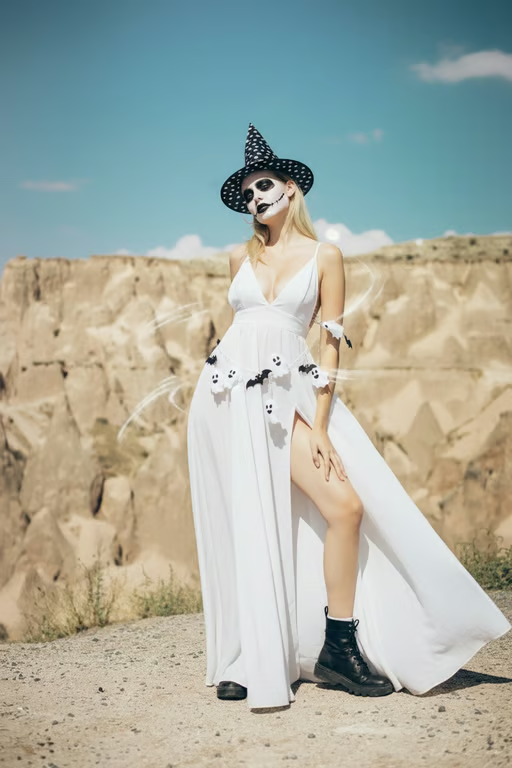
Woman wearing a pointed witch hat, skull makeup, and a flowing white ghost costume.
What you get

All the power, none of the hassle

Photo-Based Costumes

Upload a reference photo and describe the Halloween outfit you want to try.

Style Direction

Choose a mood and costume direction to guide the look from playful to spooky.

Prompt Refinement

Adjust the costume idea and generate another version when the first look needs a change.

Image Or Video

Create the Halloween transformation as an image or video from the same conversation.

User value

We are the best AI tool for...

  1. Preview before you shop

    Explore costume concepts before spending time searching for clothes, props, or accessories.
  2. Create without costume skills

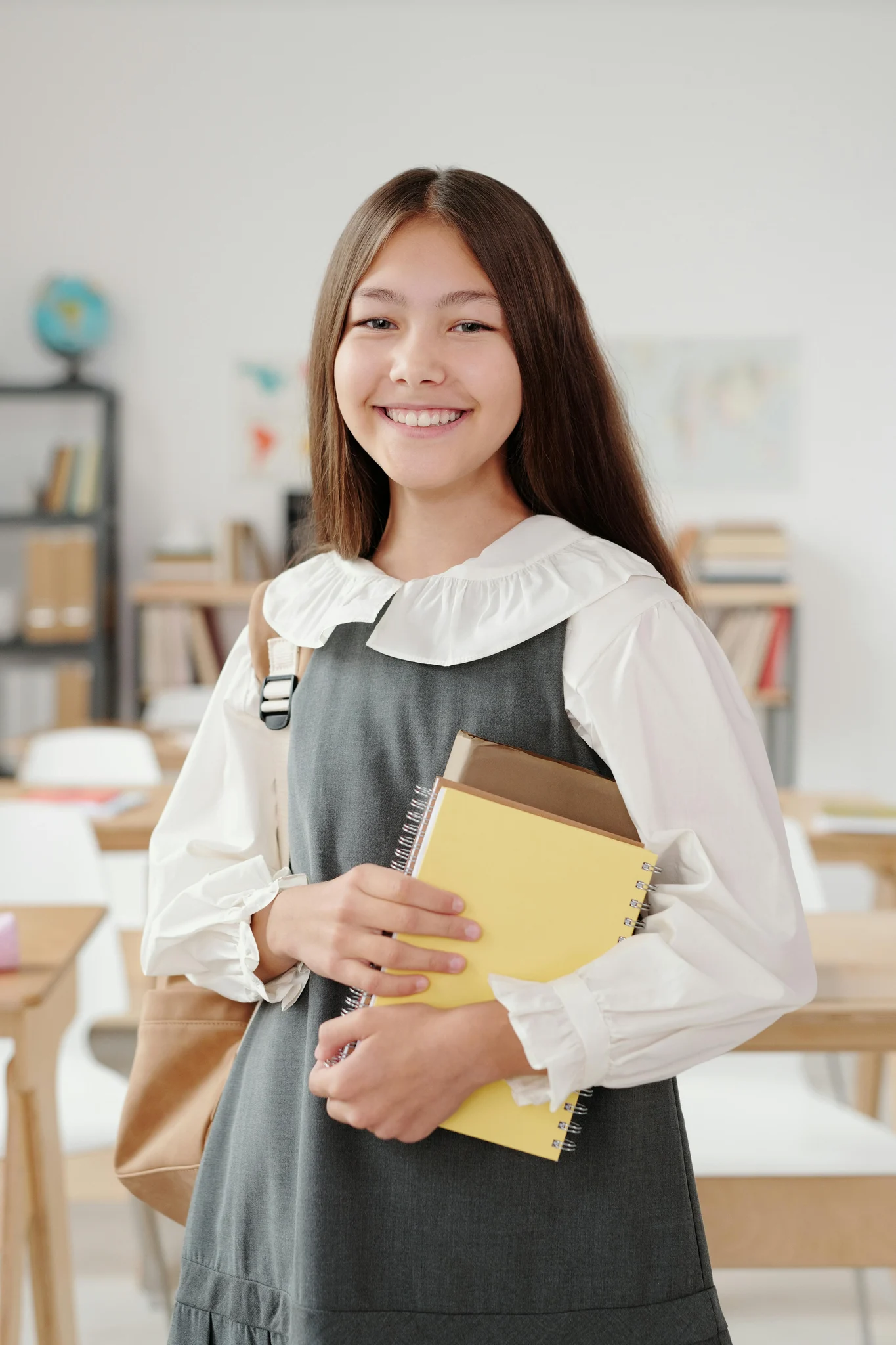
    Turn a simple photo into a character concept without sewing, makeup, or a physical try-on.

  3. Make party photos memorable

    Give family portraits, booth snapshots, and social posts a distinctive Halloween twist.

Preview before you shop
Perfect proof

What our users say

  • I wanted a vampire look for a party invitation without buying a costume first. The photo gave me a clear concept to work from.

    Mara K.
  • My family tried several costume directions from one group photo. The funny versions were our favorite.

    Jonah R.
  • I used a simple portrait to explore a woodland witch idea, then refined the prompt until the mood felt right.

    Priya S.
  • The costume preview helped me choose a direction for our Halloween booth before gathering props.

    Derek L.
  • I was looking for a last-minute social post and turned one photo into several spooky character ideas.

    Nina T.
  • Trying a knight, ghost, and astronaut concept in the same conversation made costume planning much more fun.

    Owen F.
Answers

Common questions

What is an AI Halloween costume generator?

An AI Halloween costume generator turns a written costume idea and/or reference photo into an image or video. With Cavro, you can explore spooky, funny, cute, and character-inspired looks.

What kinds of costumes can I try?

Try directions such as vampires, witches, skeletons, astronauts, knights, pumpkins, ghosts, or original character ideas. Describe the mood, outfit, accessories, and setting you want to explore.

Can I make the result more realistic or change the style?

Yes, you can refine your costume prompt and generate again in the same conversation. Use additional wording to request a different mood, outfit direction, or level of theatrical styling.

Can I use a group photo?

You can upload a group photo as a reference and describe the costume direction you want to explore. For the clearest result, make the intended changes specific in your prompt.

How are credits and privacy handled?

Results are billed per credit, and there is no mandatory subscription. Upload only photos you have permission to use, and review Cavro's current privacy and security terms before continuing.

Play with an idea. Leave with an image.

Creators worldwide are turning “just an idea” into expensive-looking images.
Try Cavro free