



Green Screen Remover

Clean backgrounds from any reference photo

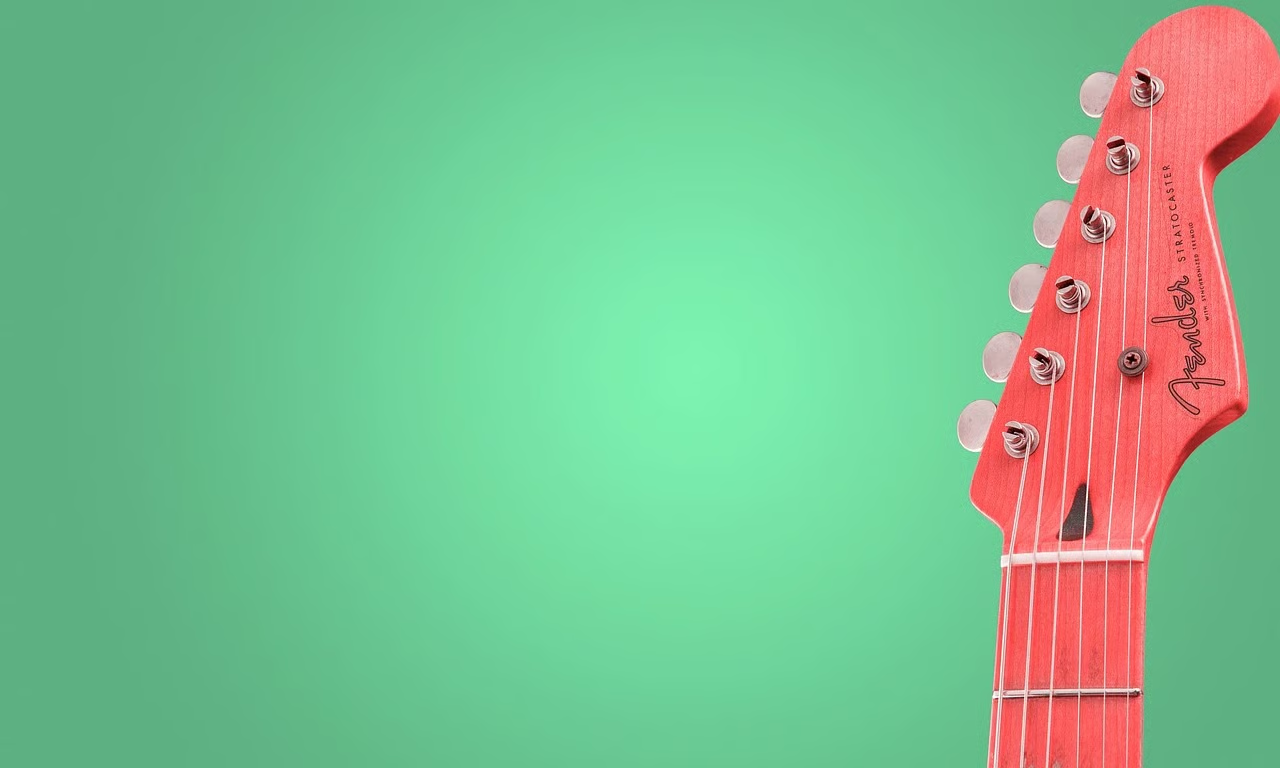
Red guitar headstock against a blue sky scattered with soft white clouds.
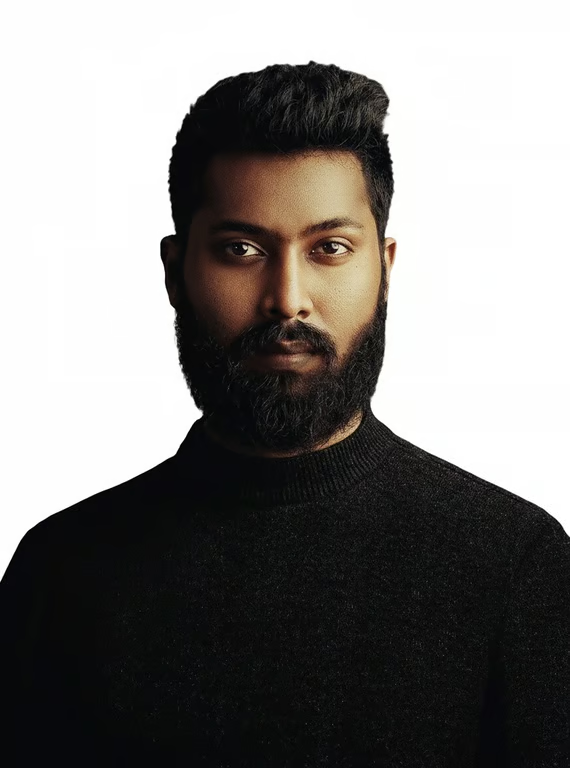
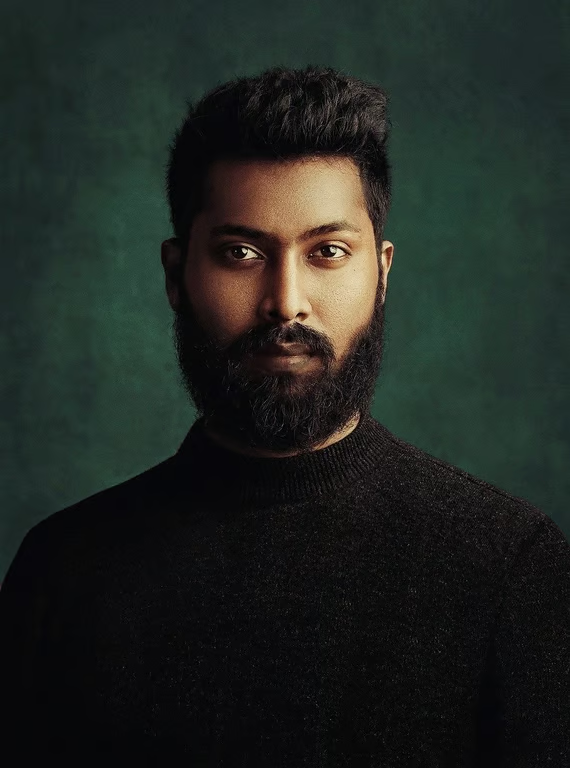
Portrait of a bearded man in a black sweater against a white background.
Playful close-up portrait of a person making circles around their eyes against a white background.
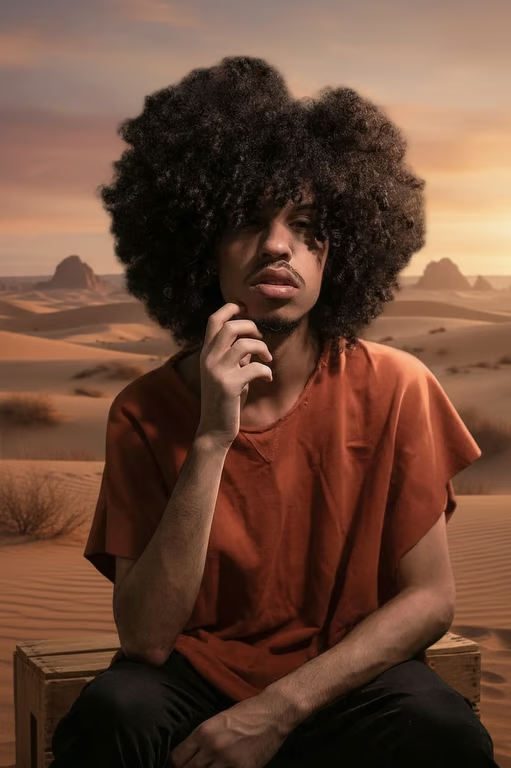
Seated person in an orange shirt against a desert sunset, resting on a wooden crate.
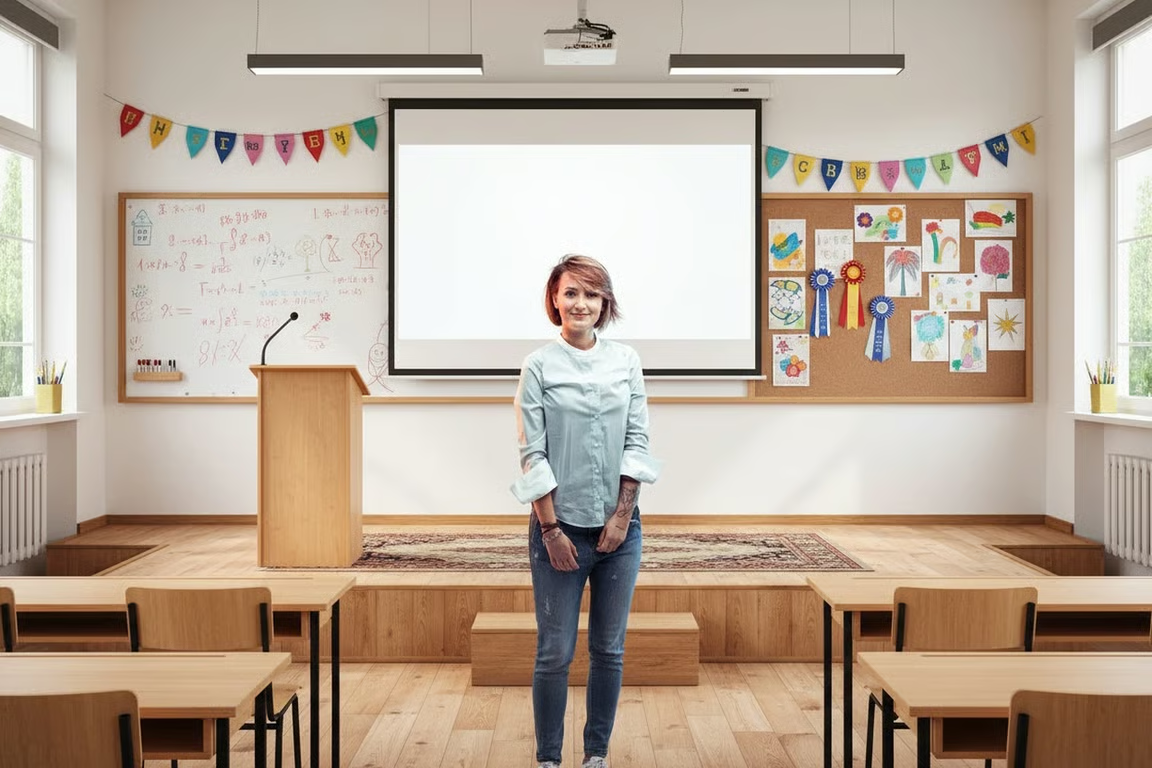
Woman standing in a bright classroom with desks, a stage, and a projection screen.
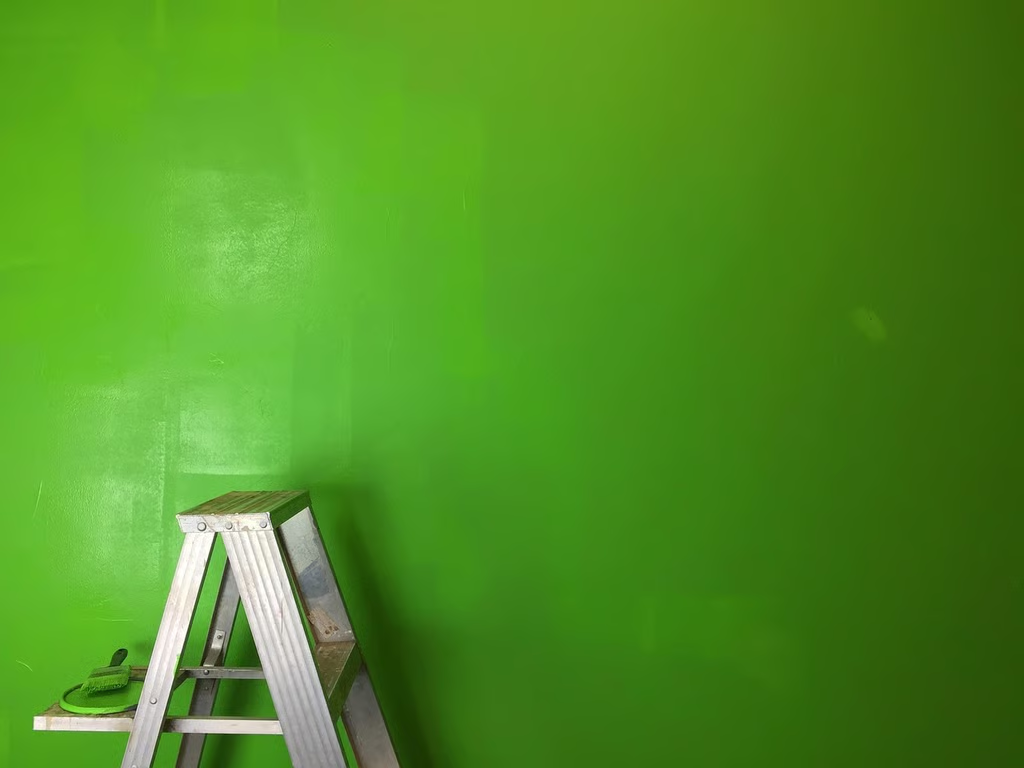
Ladder and green brush in front of a wall painted with colorful vertical stripes.
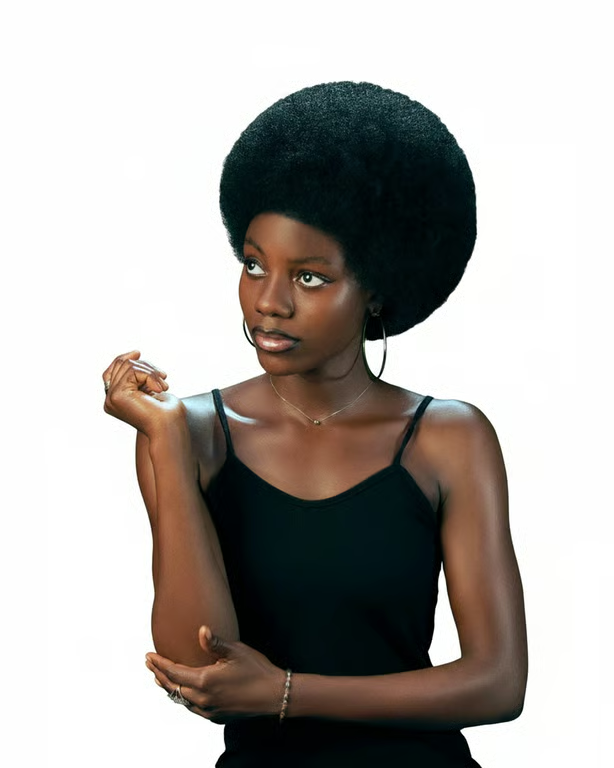
Portrait of a woman with an afro against a solid white background.
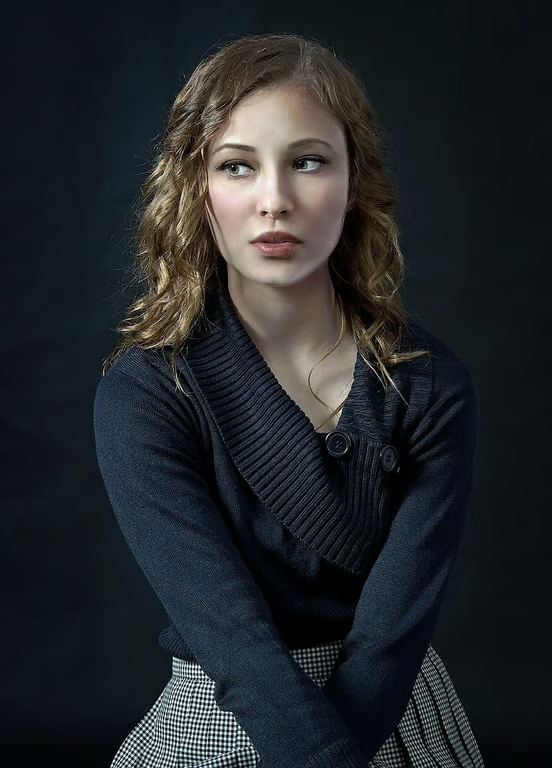
Portrait of a woman against a deep red background with dark shadows in the foreground.
Portrait of a smiling child with an amusement park, rides, and lights in the background.
Man in a blue blazer standing in a bright conference room with office chairs and a long table.
What you get

All the power, none of the hassle

Prompt-Led Removal

Describe the chroma key background you want changed and guide the new visual with natural language.

Choose Any Setting

Direct the replacement toward a studio, outdoor scene, color field, or other background you imagine.

Image Or Video

Create a green-screen replacement as an image or video from the same conversation.

Refine Again

Adjust the background direction and generate another attempt without starting over.

User value

We are the best AI tool for...

  1. Skip another backdrop setup

    Turn a reference photo into a new scene without arranging a fresh physical background.
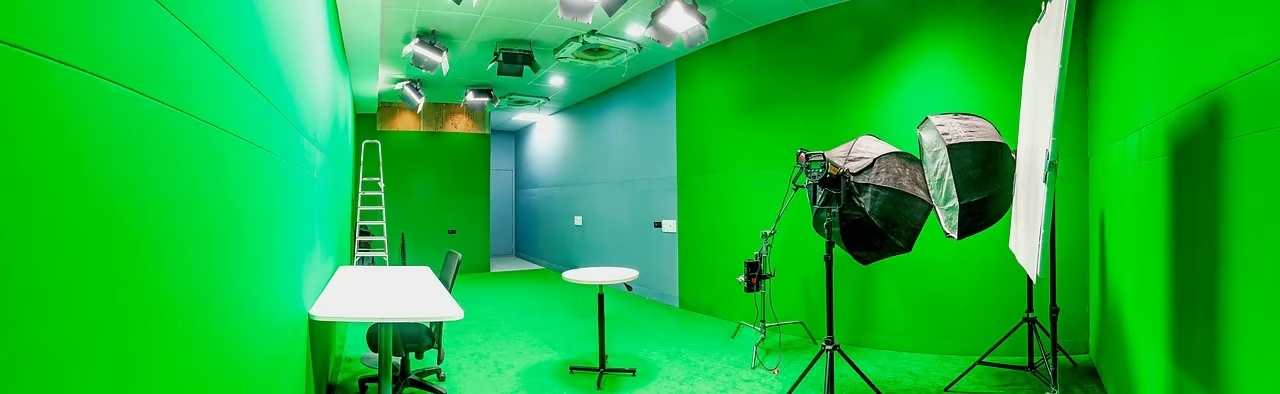
  2. Make subjects stand out

    Replace distracting chroma-green space with a background that supports the subject and message.

  3. Create without editing expertise

    Use plain-language direction to shape a clean composite instead of relying on advanced green-screen skills.

Skip another backdrop setup
Perfect proof

What our users say

  • I needed a clean product backdrop without reshooting the setup. The replacement direction gave me a much more usable visual.

    Mara K.
  • I described an outdoor scene for a portrait and got a fresh direction without rebuilding the shoot around a new background.

    Jonah R.
  • The prompt made it simple to move from a distracting green backdrop to a focused classroom setting for my lesson content.

    Priya S.
  • I used the same conversation to try a few background ideas for a short clip. Refining the direction was exactly what I needed.

    Eli T.
  • The color-field concept helped my subject stand out much more clearly than the original green-screen setup.

    Nora B.
  • I wanted a polished presenter background without learning a complicated editor. Describing the scene was a natural way to start.

    Caleb M.
Answers

Common questions

What is a green screen remover?

A green screen remover replaces a chroma-green backdrop with a new visual setting. With Cavro, you describe the replacement and can use a reference photo to guide the result.

Can I remove a green screen online with Cavro?

Yes. Cavro lets you provide a prompt and/or reference photo online, then creates an image or video based on that direction. The words and photo you provide continue into Cavro when you continue.

Can I create a green-screen replacement as video?

Yes. Cavro can produce images or video from a written prompt and/or reference photo. Describe the replacement scene and choose the output that fits your project.

Can I refine a green-screen replacement?

Yes. You can revise the direction and generate again in the same conversation, so you do not have to start over when the background needs a different look.

How does Cavro charge for green-screen results?

Results are billed per credit from one shared credit balance for images and video. There is no mandatory subscription.

Play with an idea. Leave with an image.

Creators worldwide are turning “just an idea” into expensive-looking images.
Try Cavro free