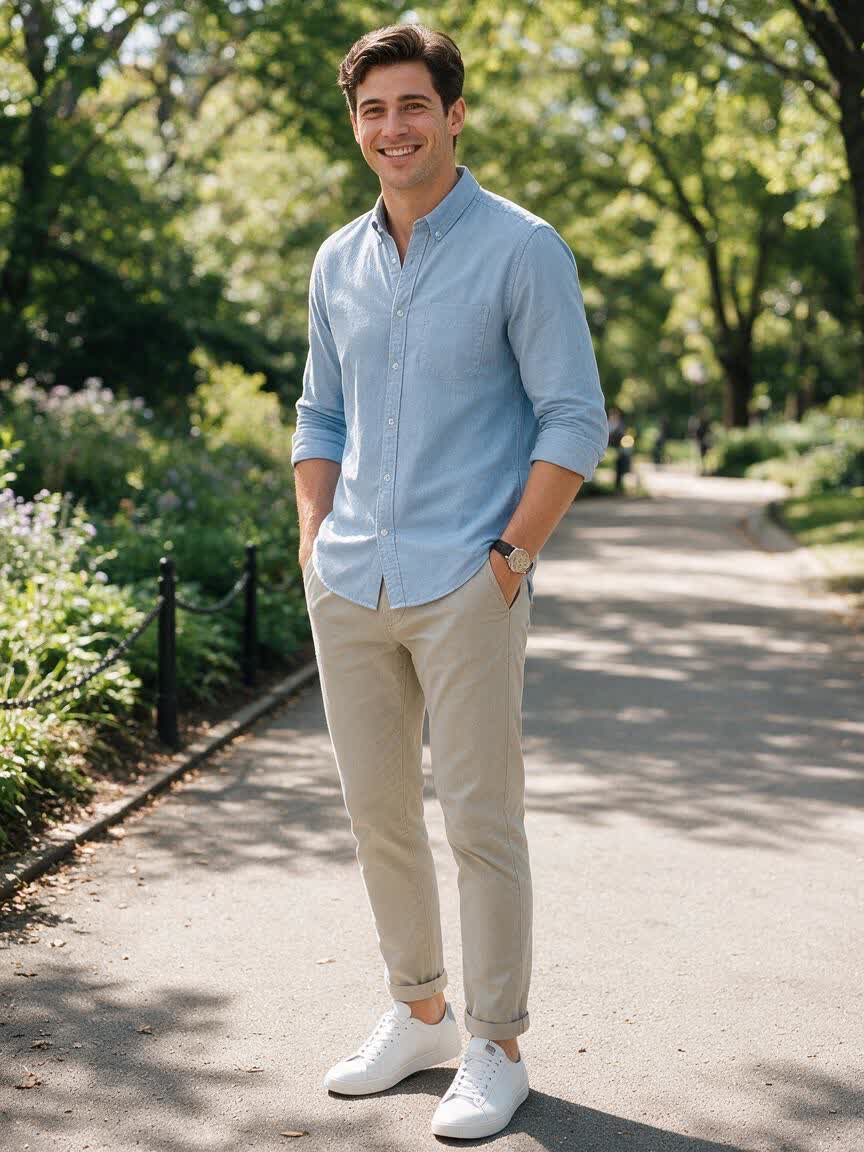
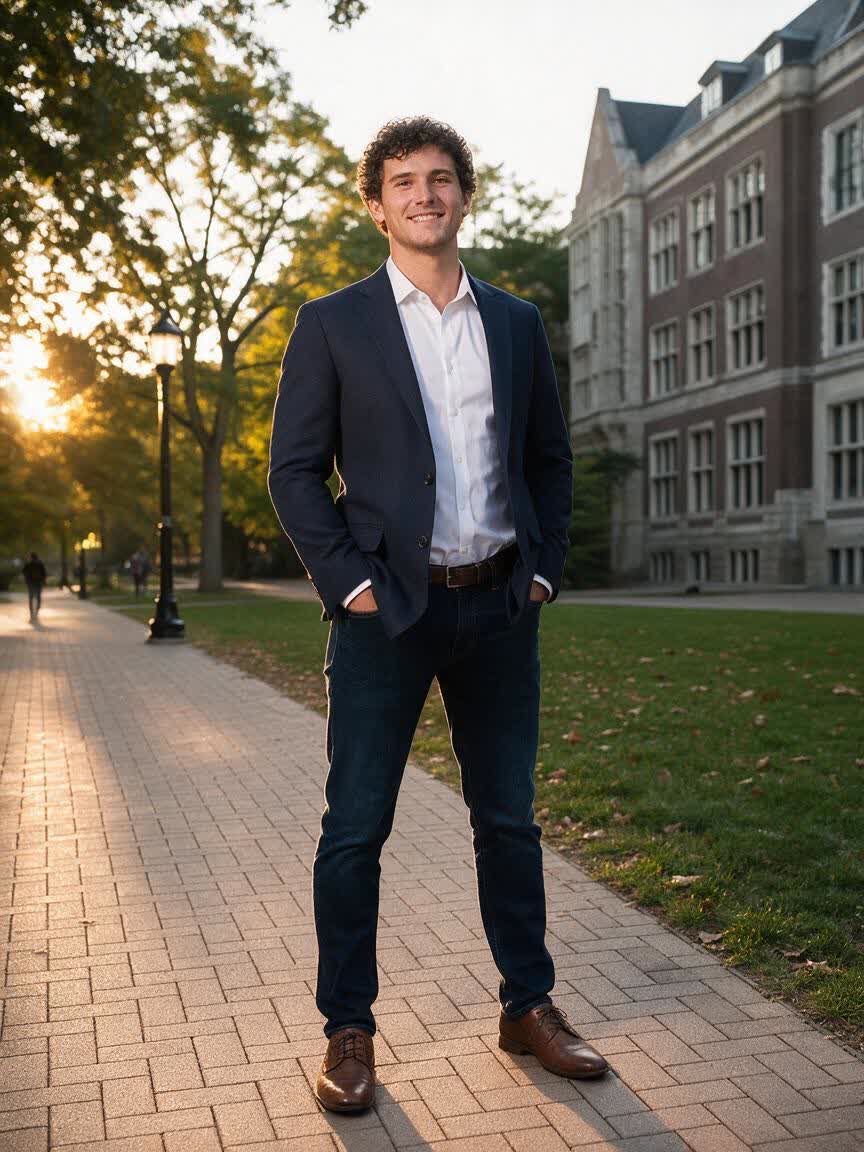
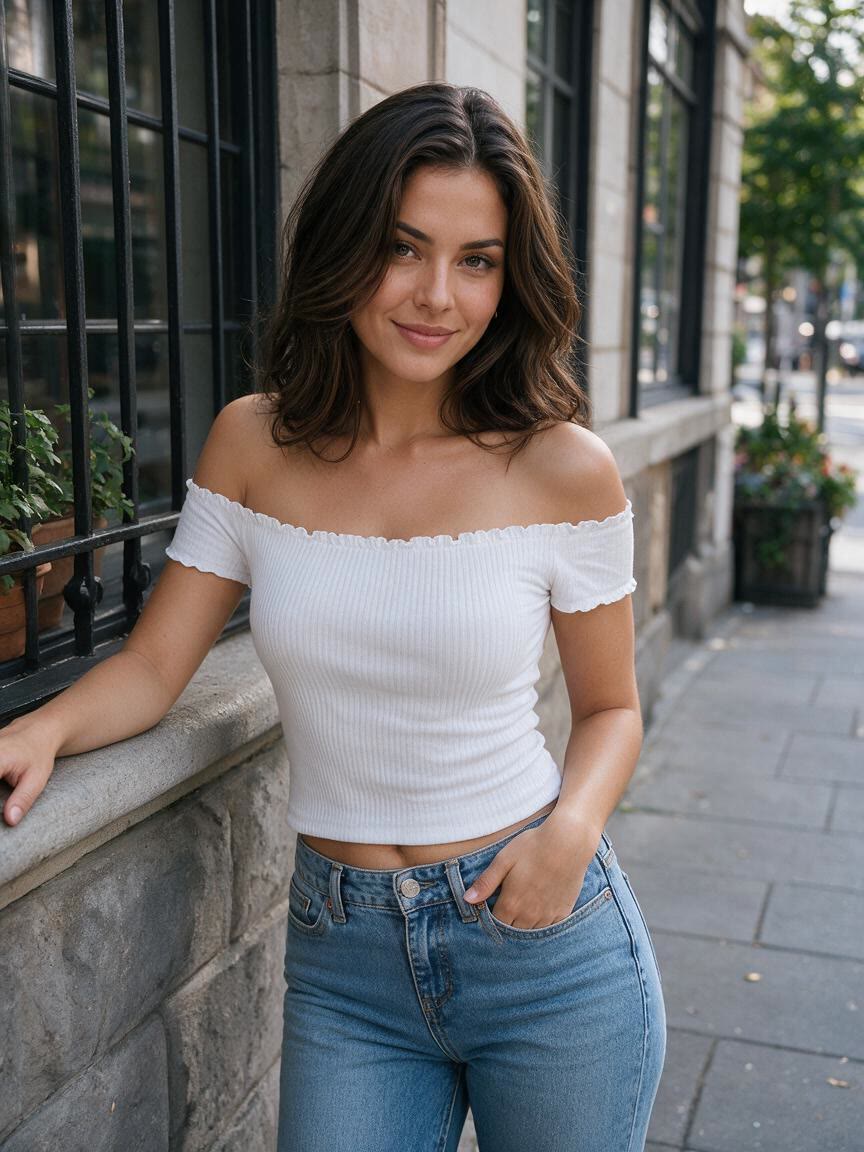
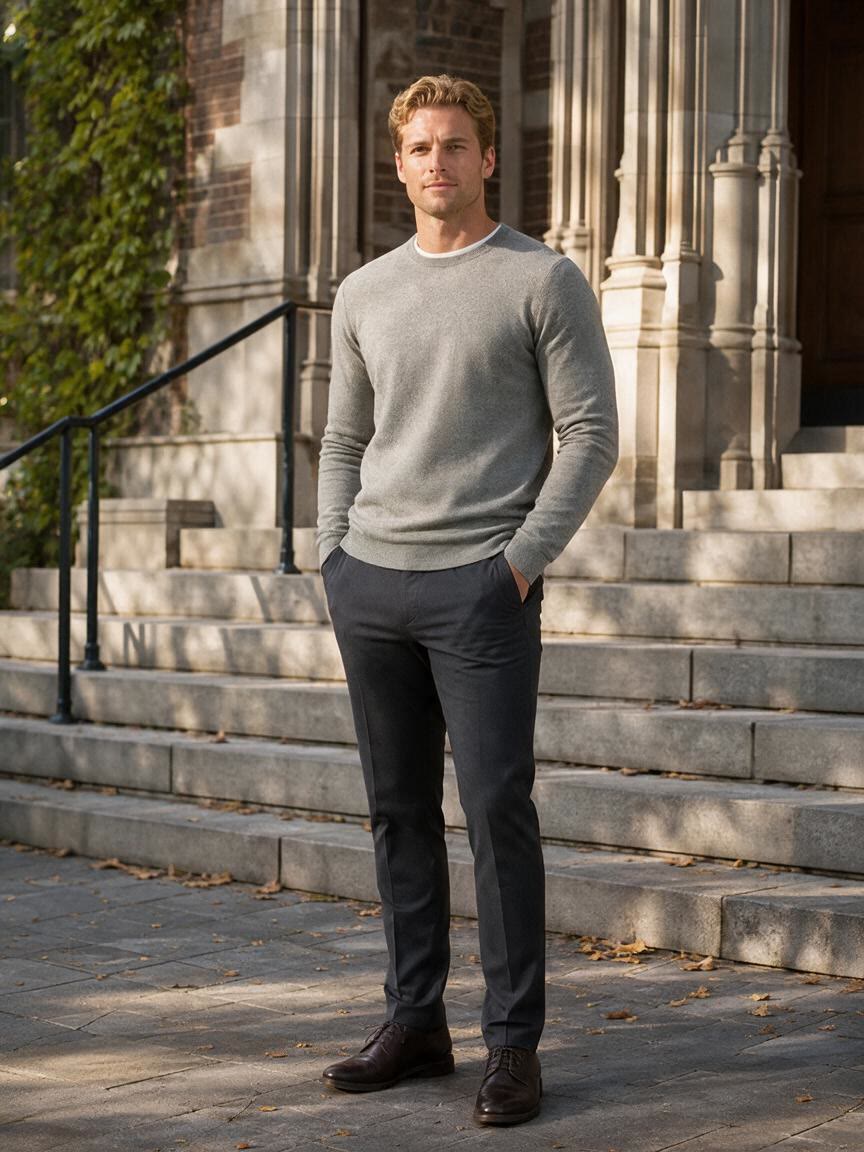
Missed The Ceremony
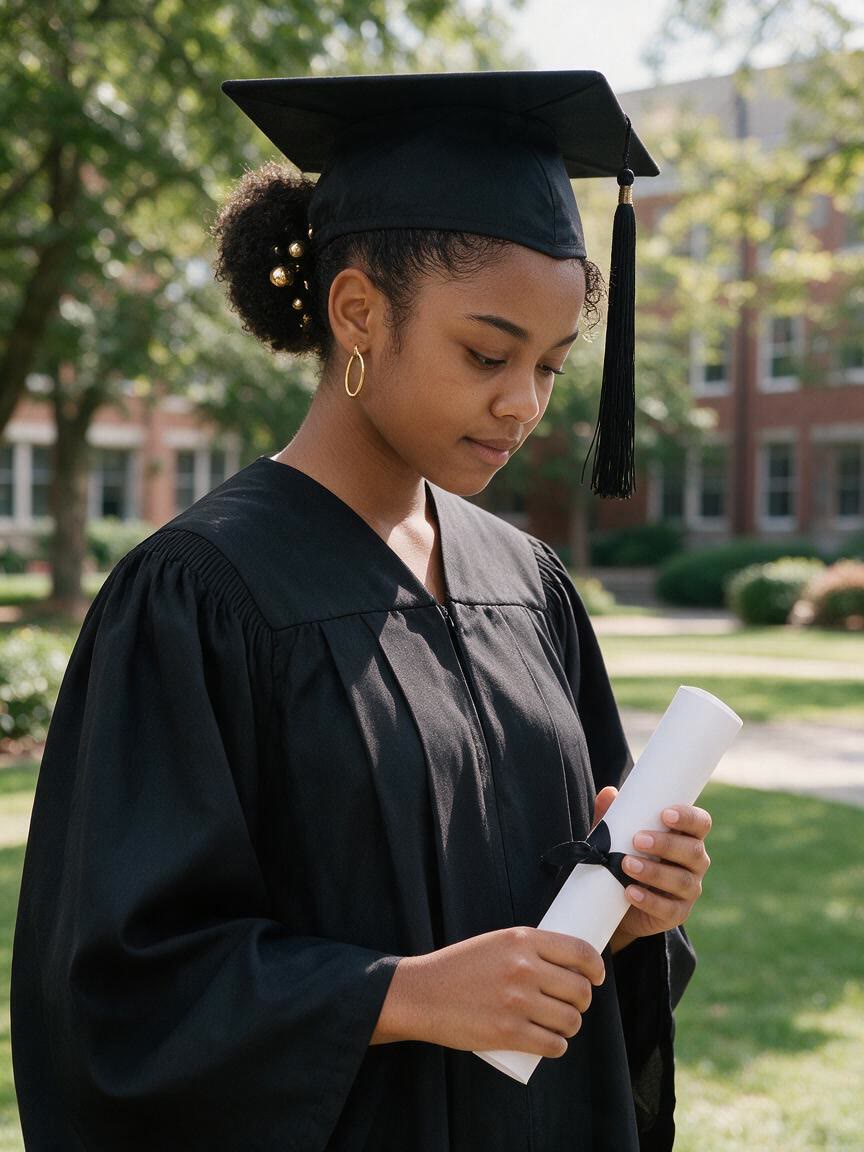
If you could not attend the ceremony, bring a personal portrait and describe the graduation details you want added. Cavro turns that starting point into a dedicated image for sharing or saving.
Try Cavro freeTurn a personal portrait into a graduation-style image for announcements, family milestones, social posts, or a celebration you could not attend. Cavro lets graduates, students, families, and creators shape the result with a photo and a written prompt.
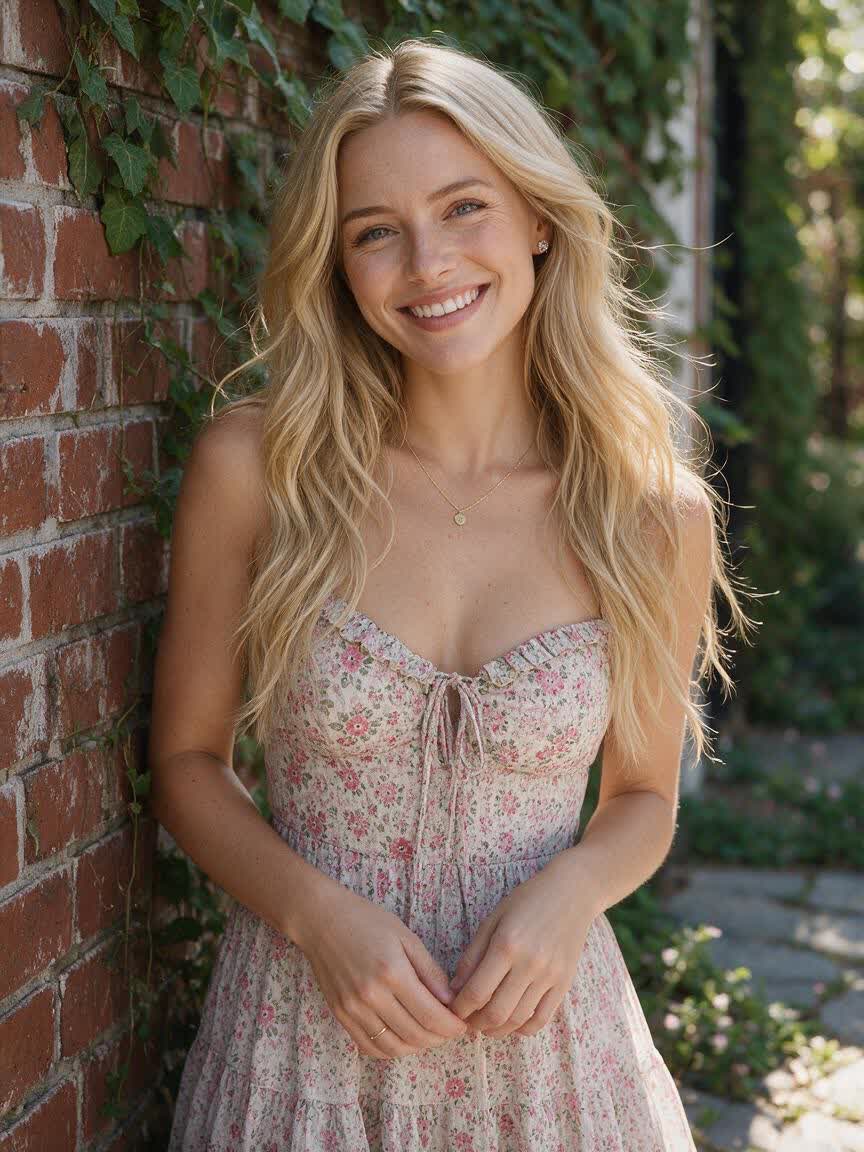
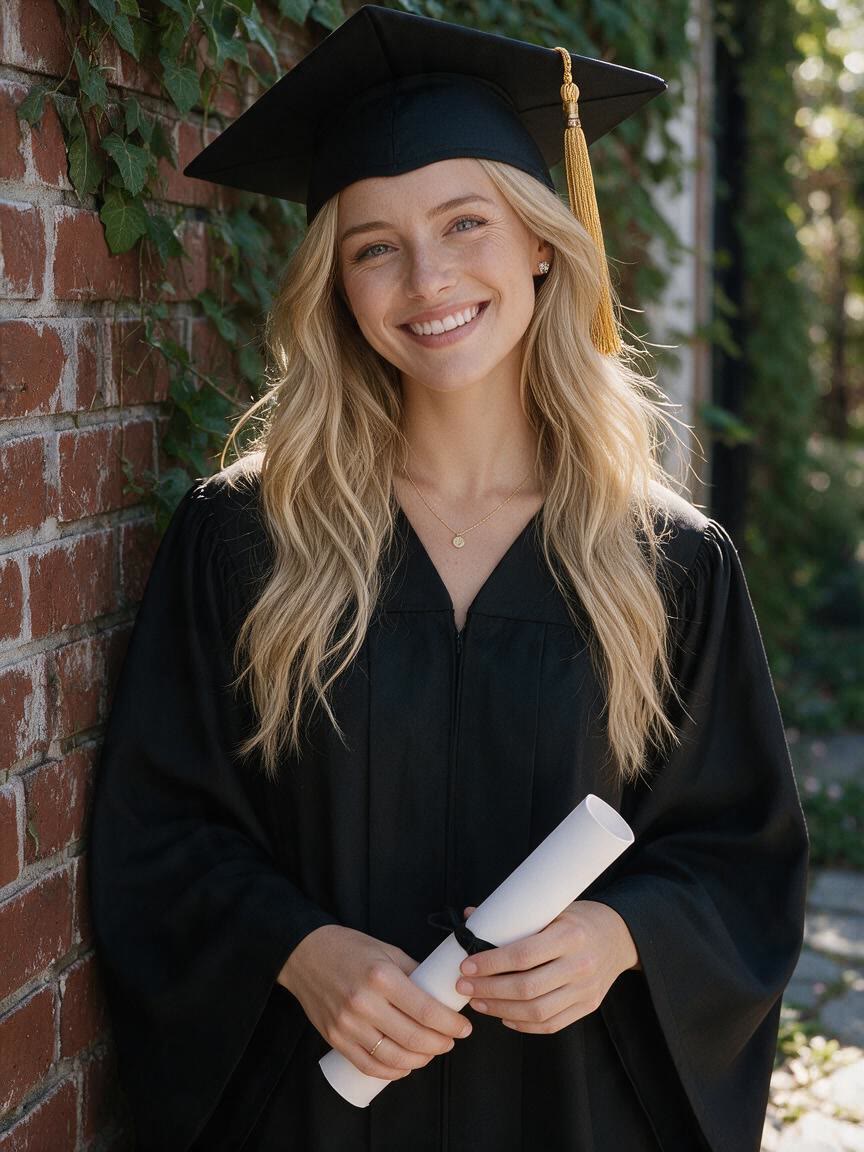
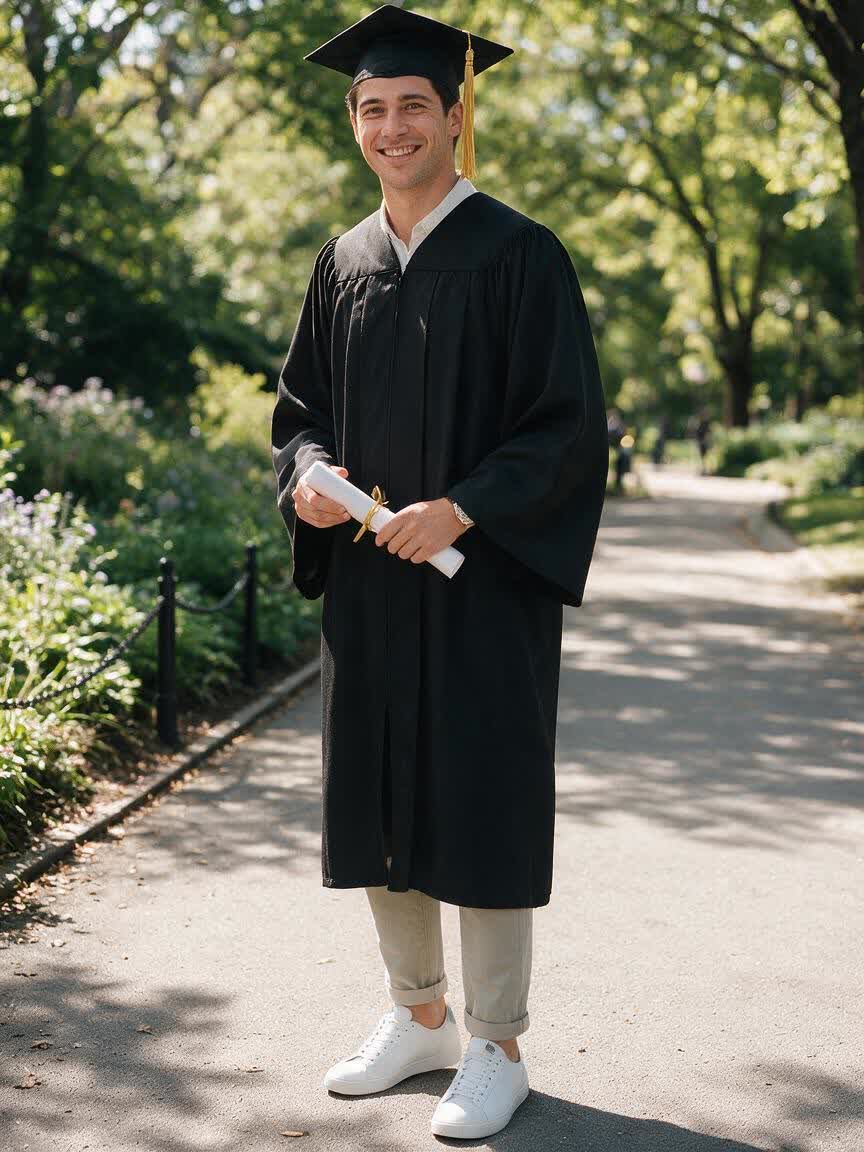
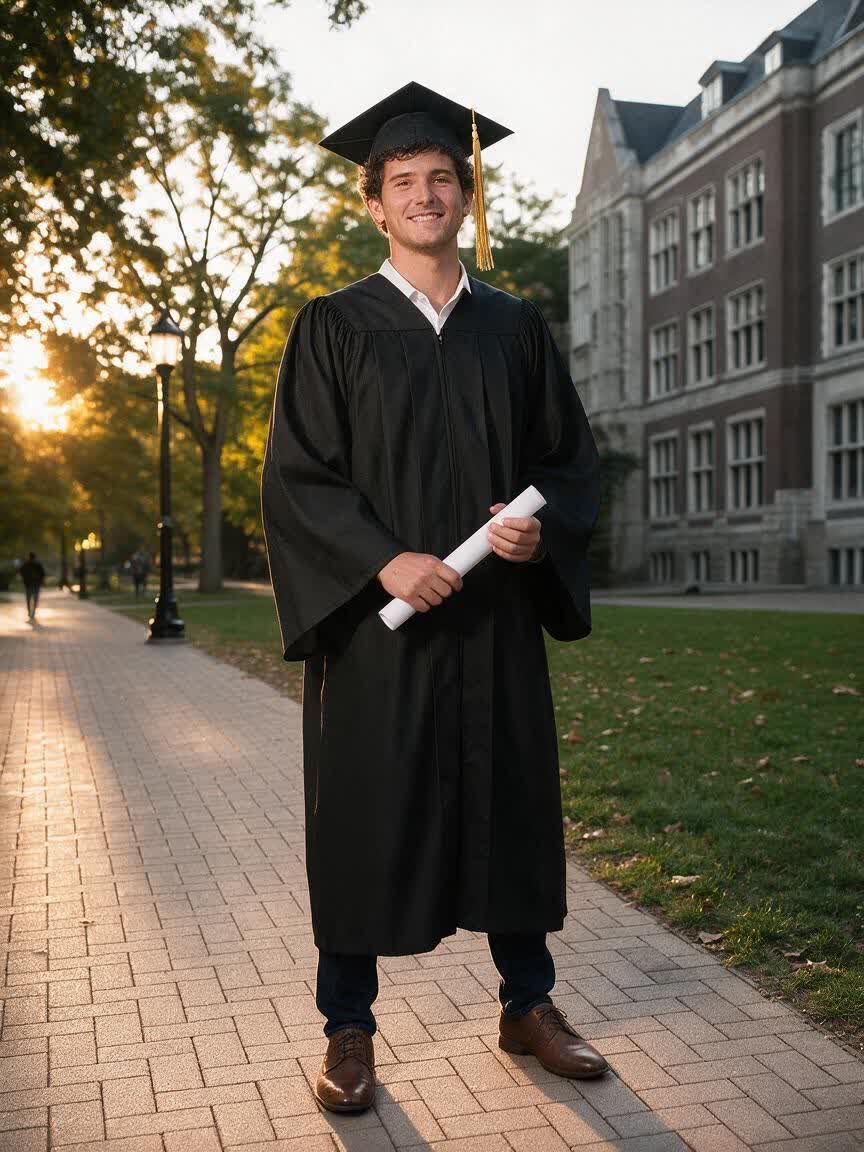
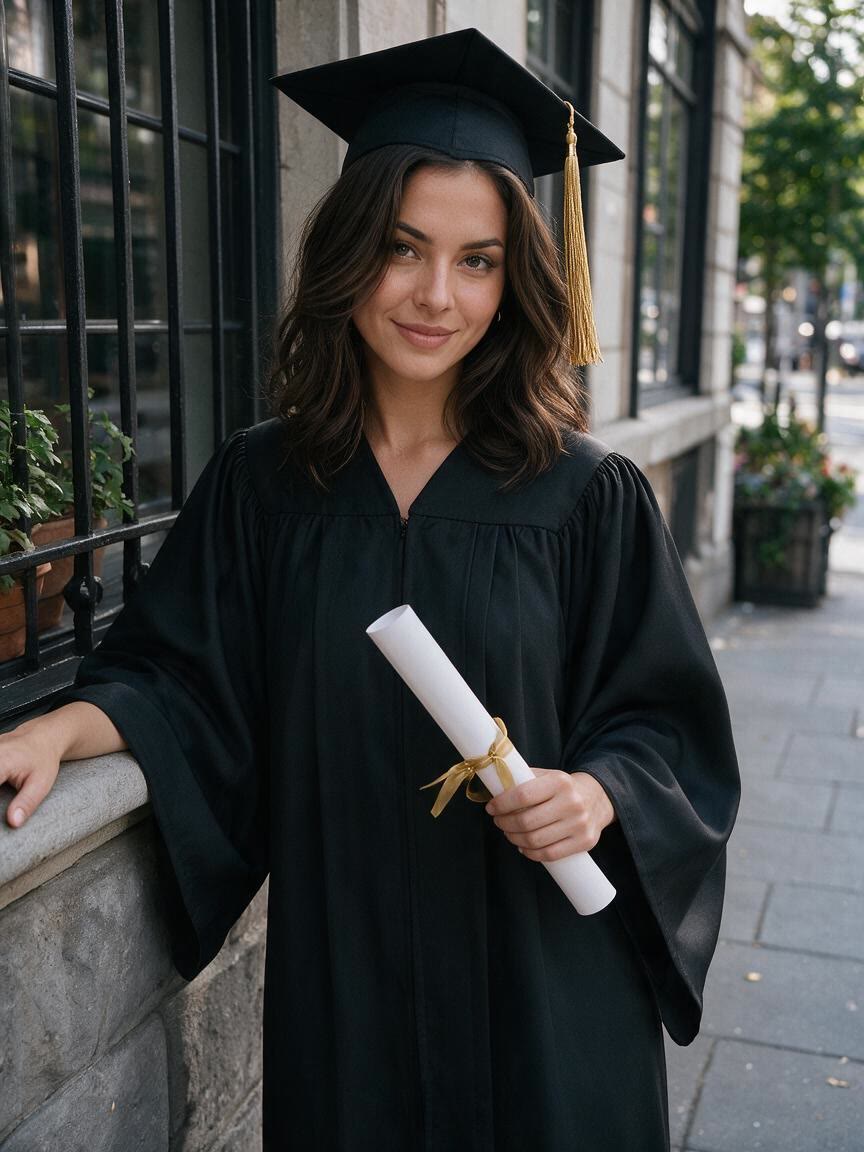
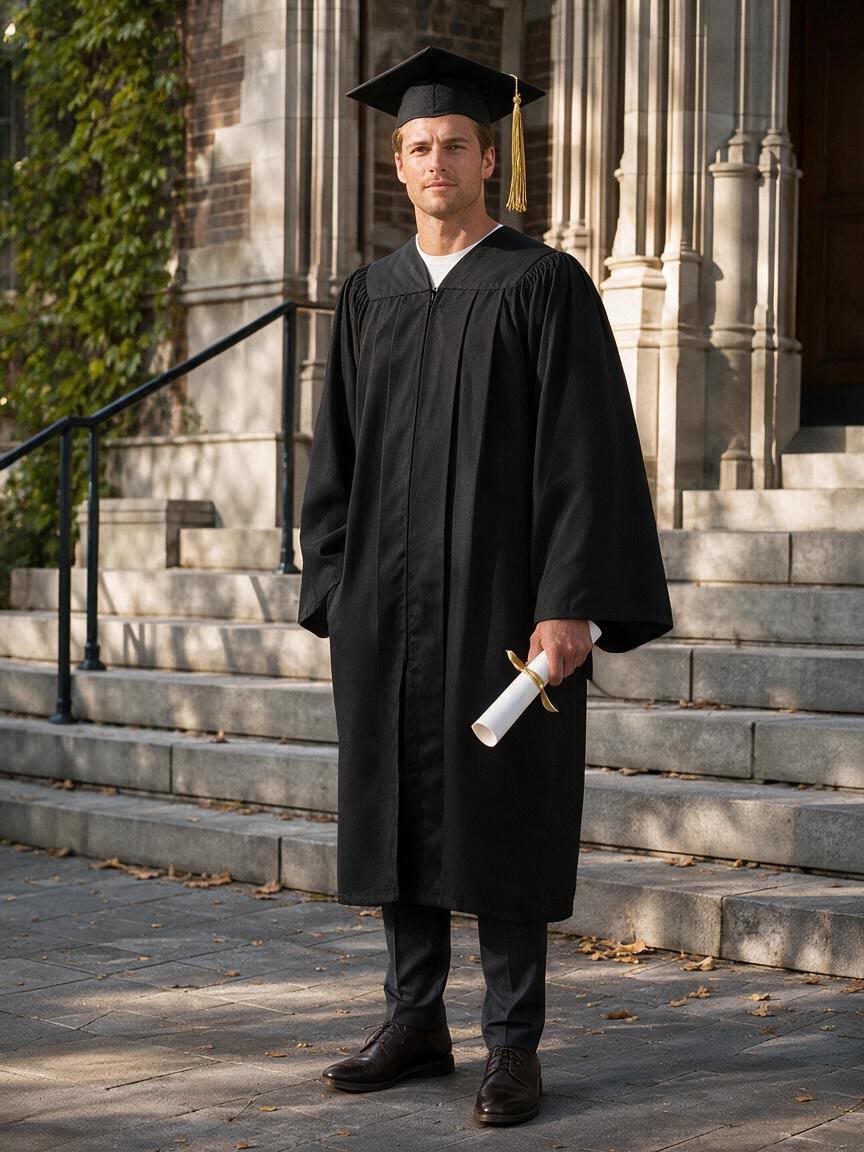
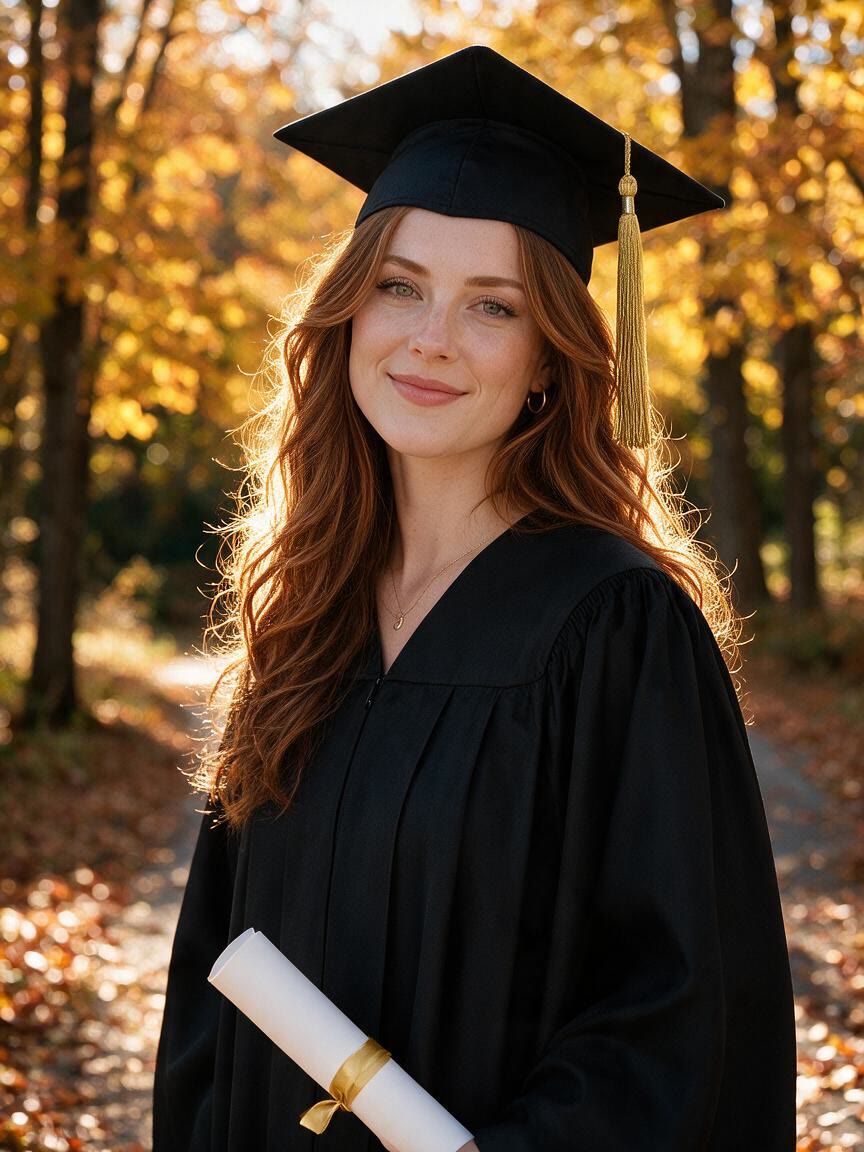
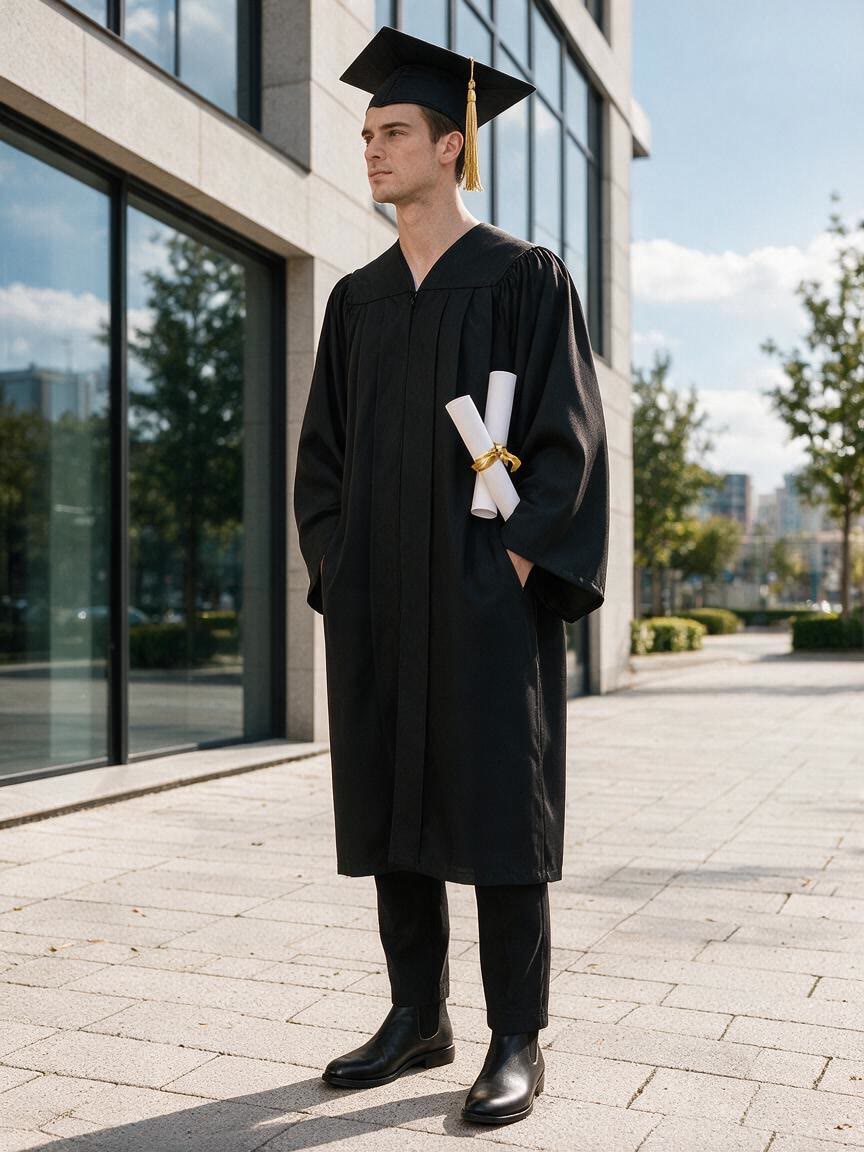
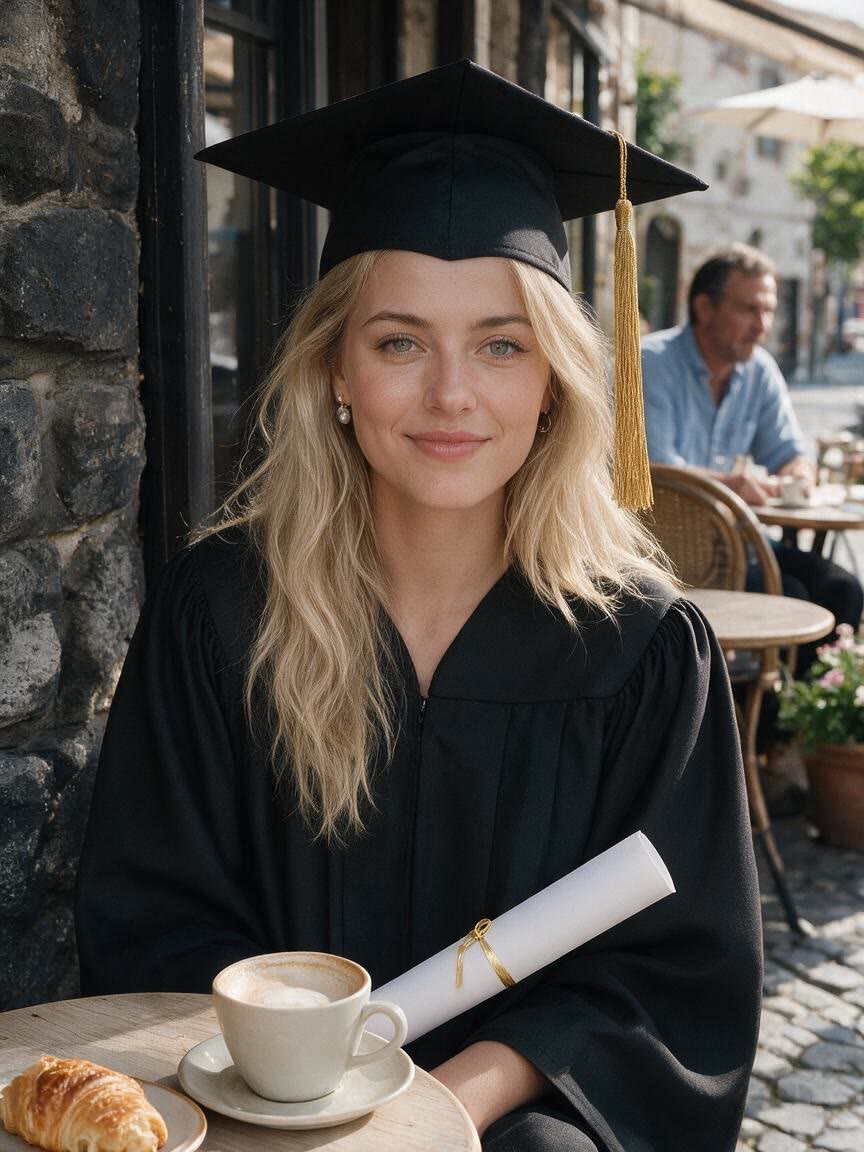
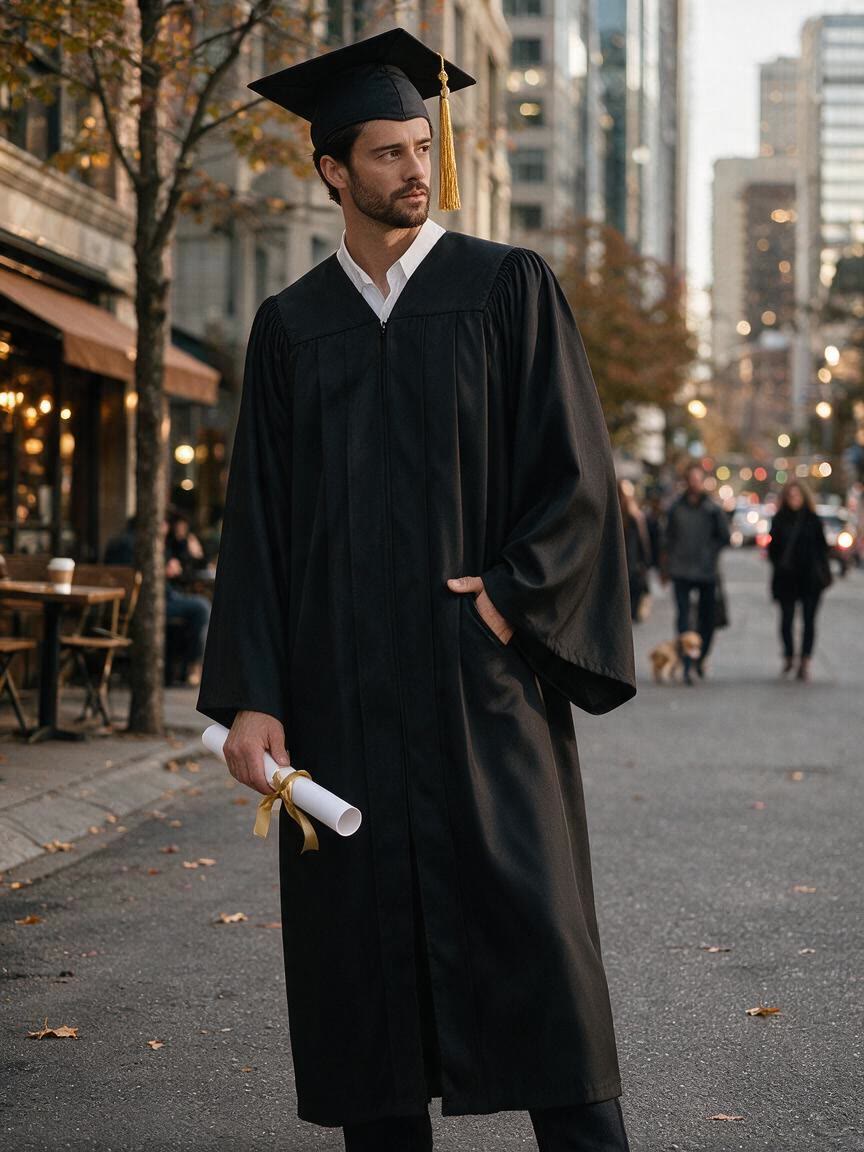
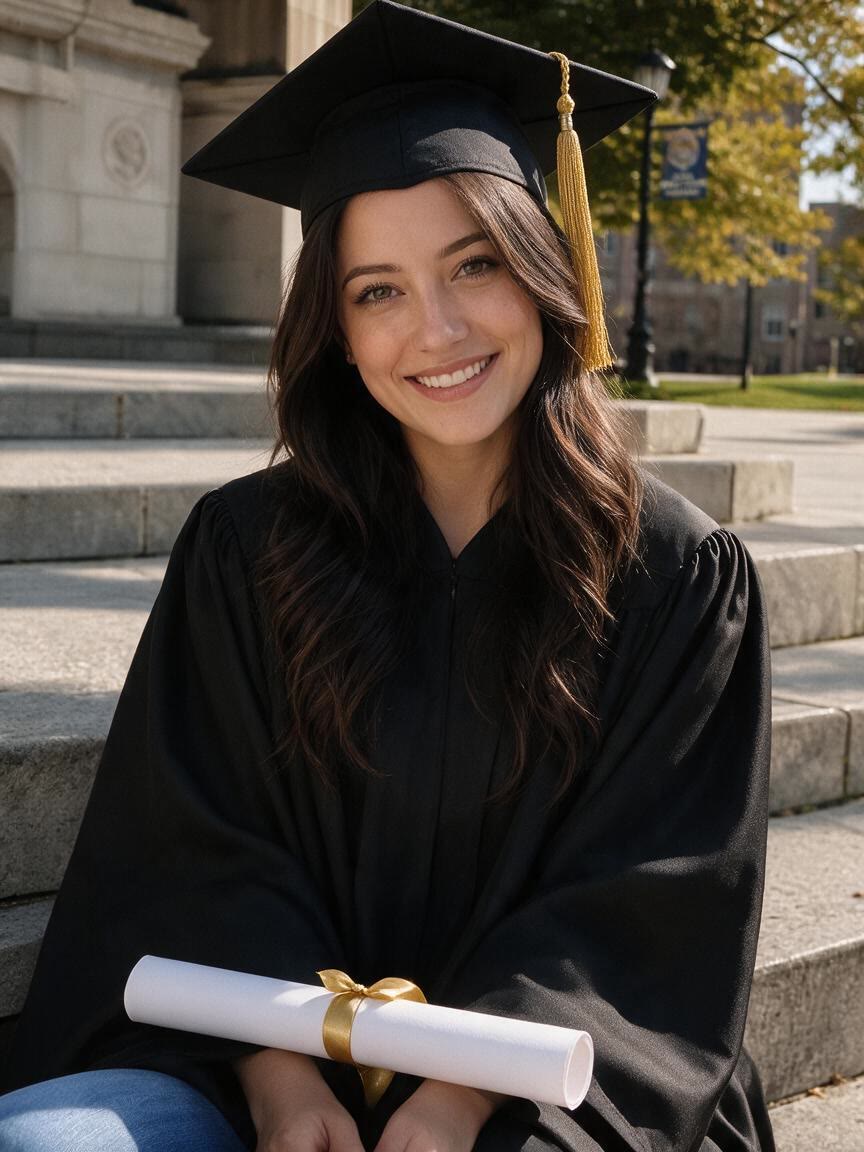
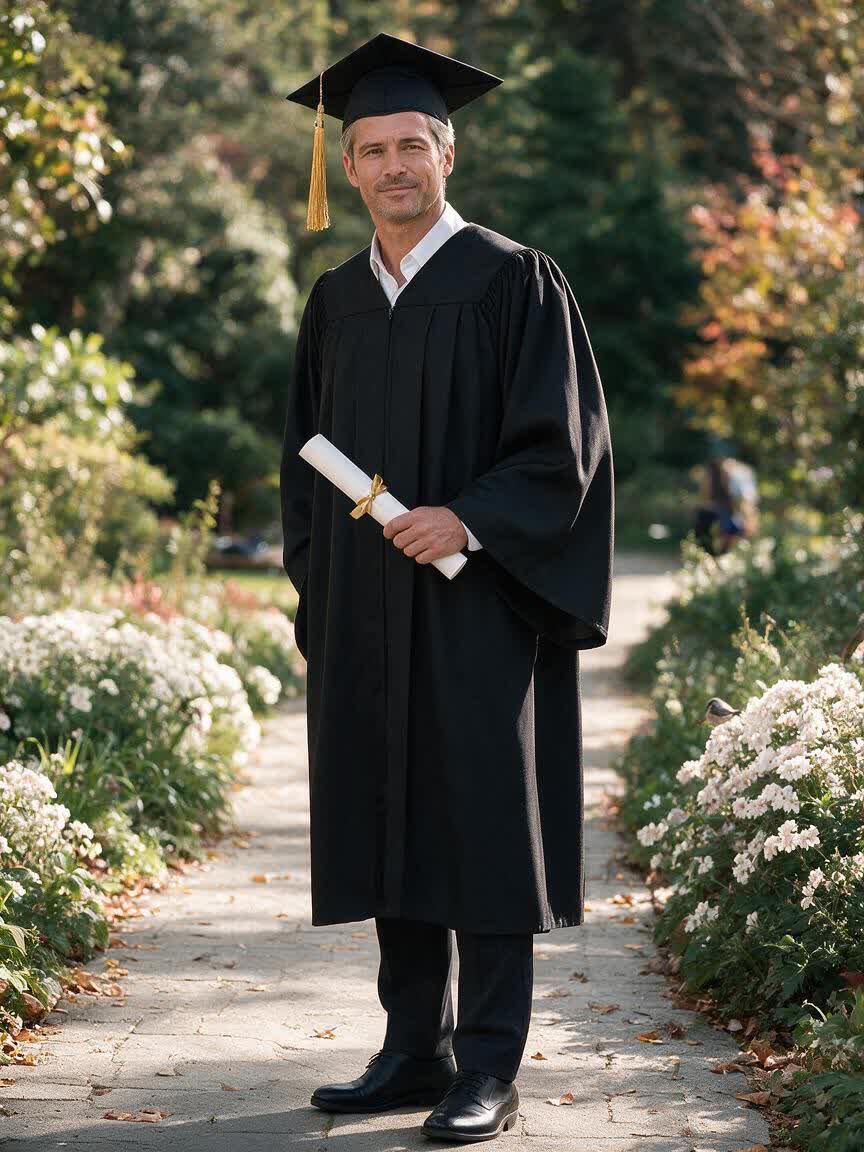
If you could not attend the ceremony, bring a personal portrait and describe the graduation details you want added. Cavro turns that starting point into a dedicated image for sharing or saving.
Try Cavro free

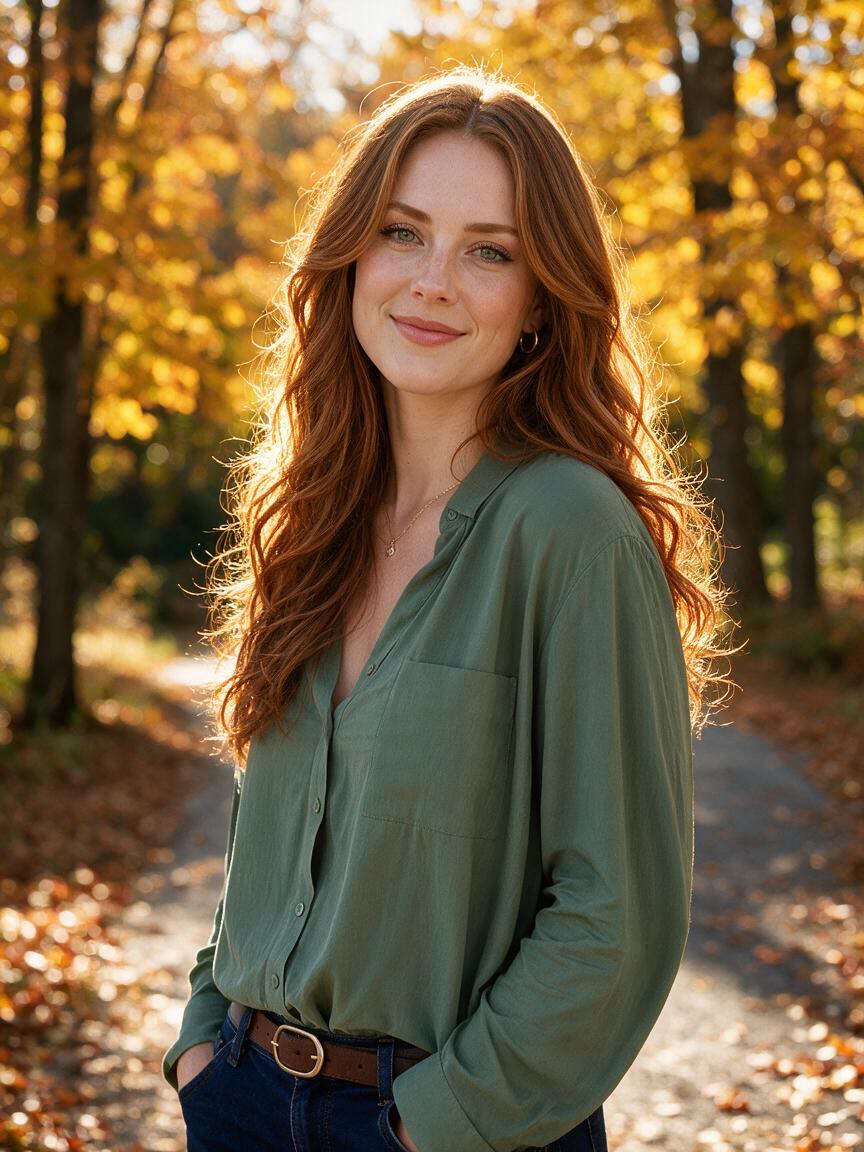
Families can use a graduate’s portrait to create a meaningful image for a card, message, or celebration. A written prompt shapes the cap, gown, diploma, and overall mood around the occasion.
Try Cavro free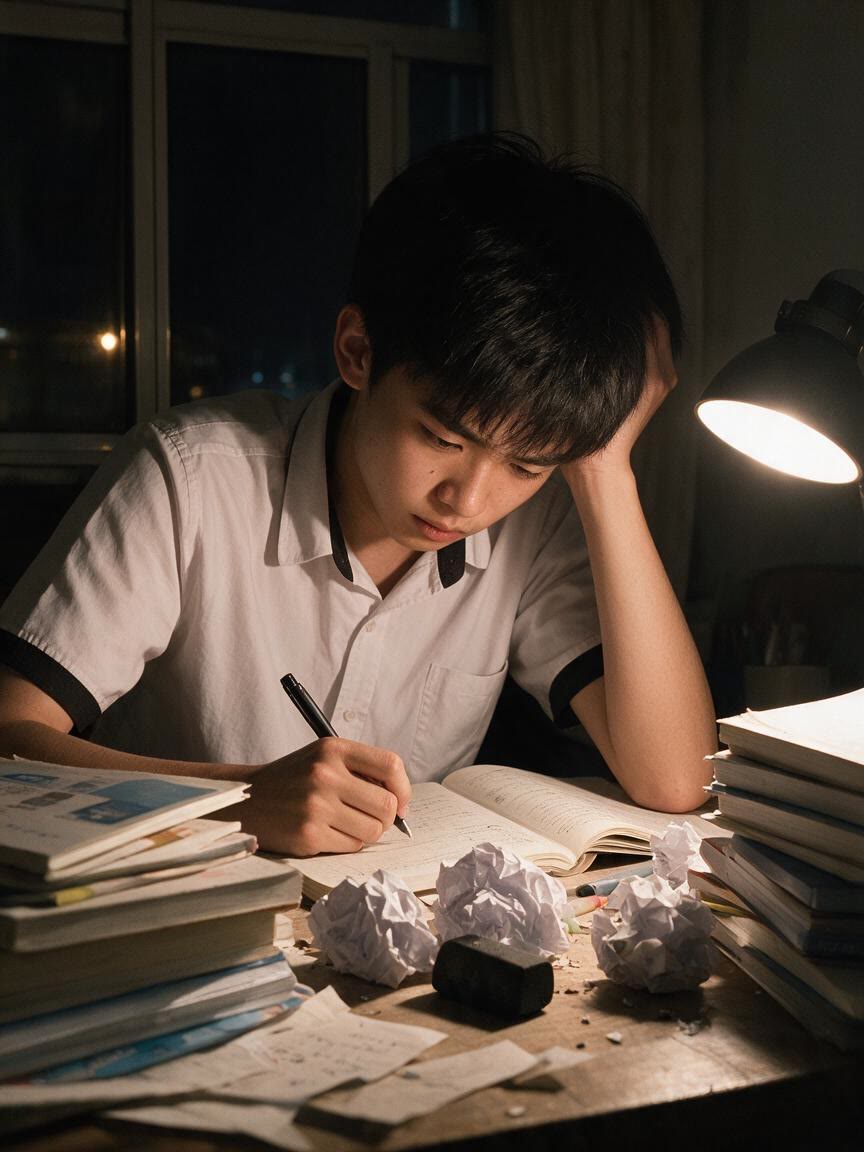
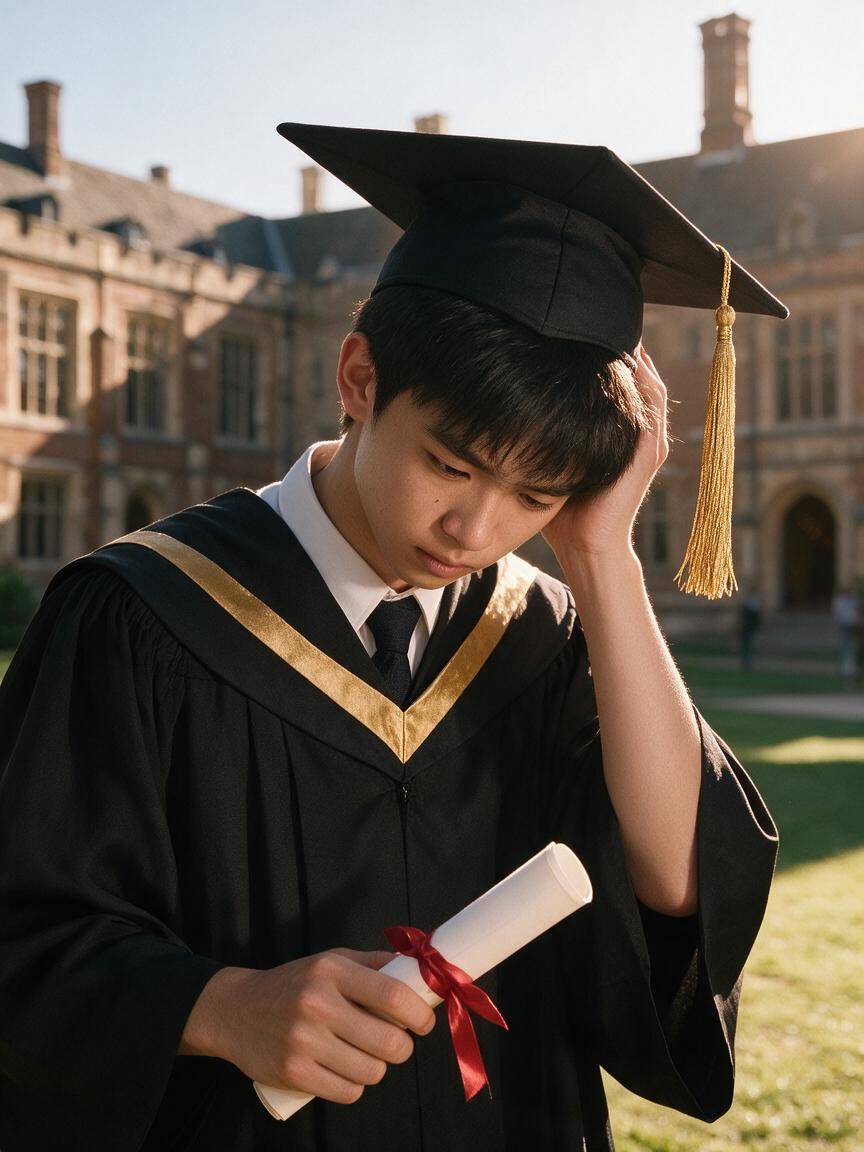
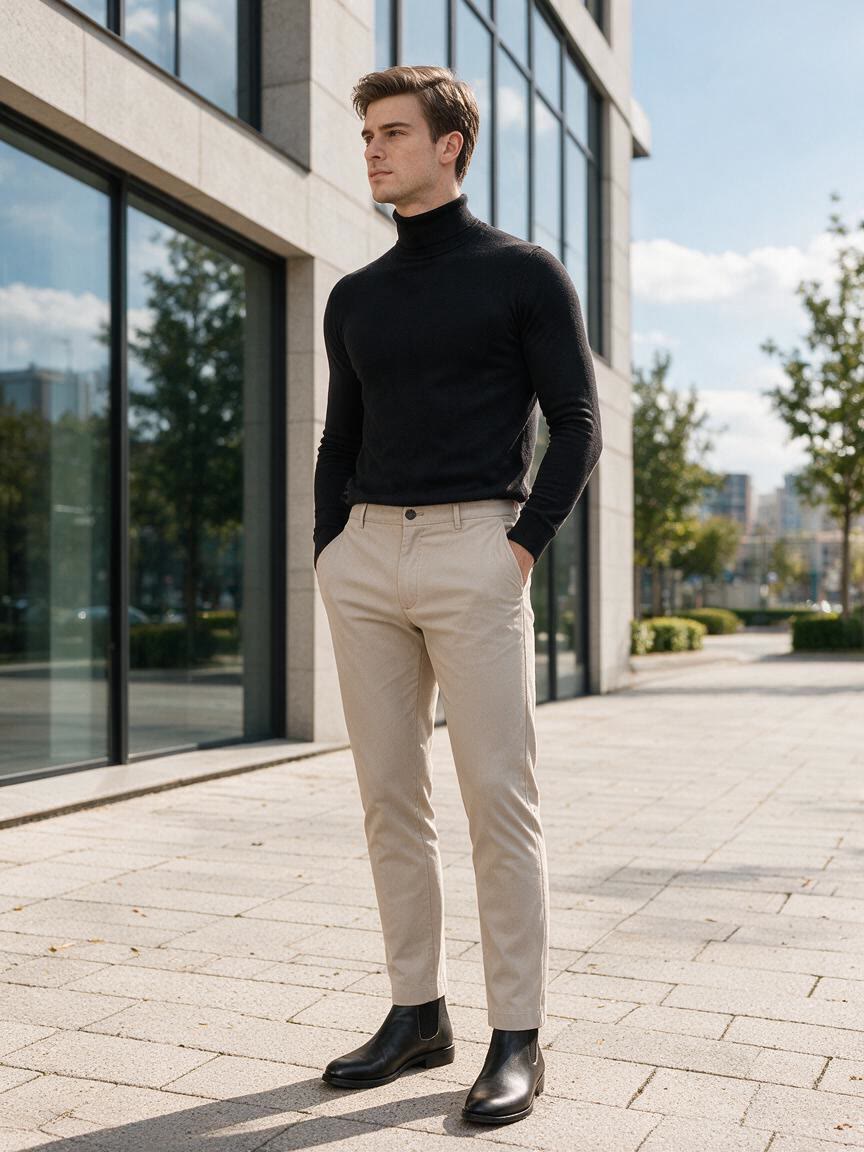
Graduates and creators can prepare a graduation picture for an announcement or social post from a photo they already have. Refine the result in the same conversation until the direction feels right.
Try Cavro free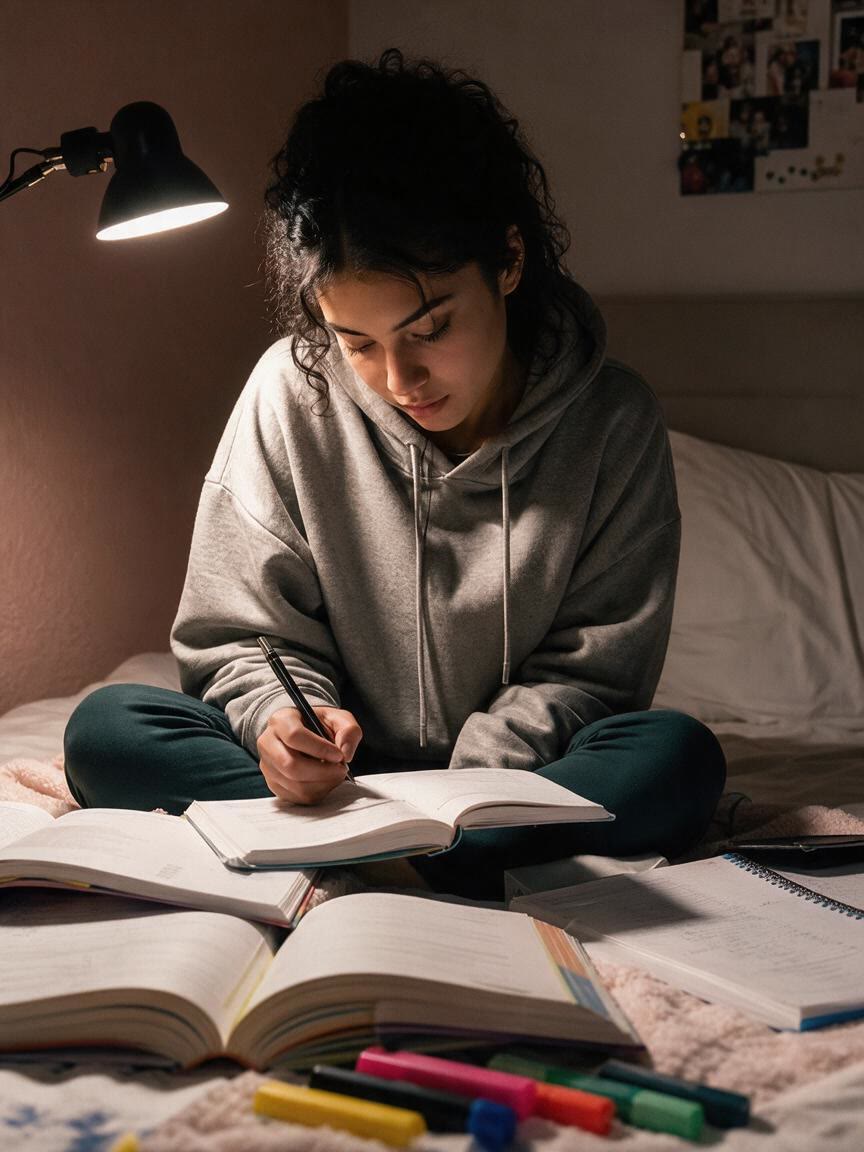
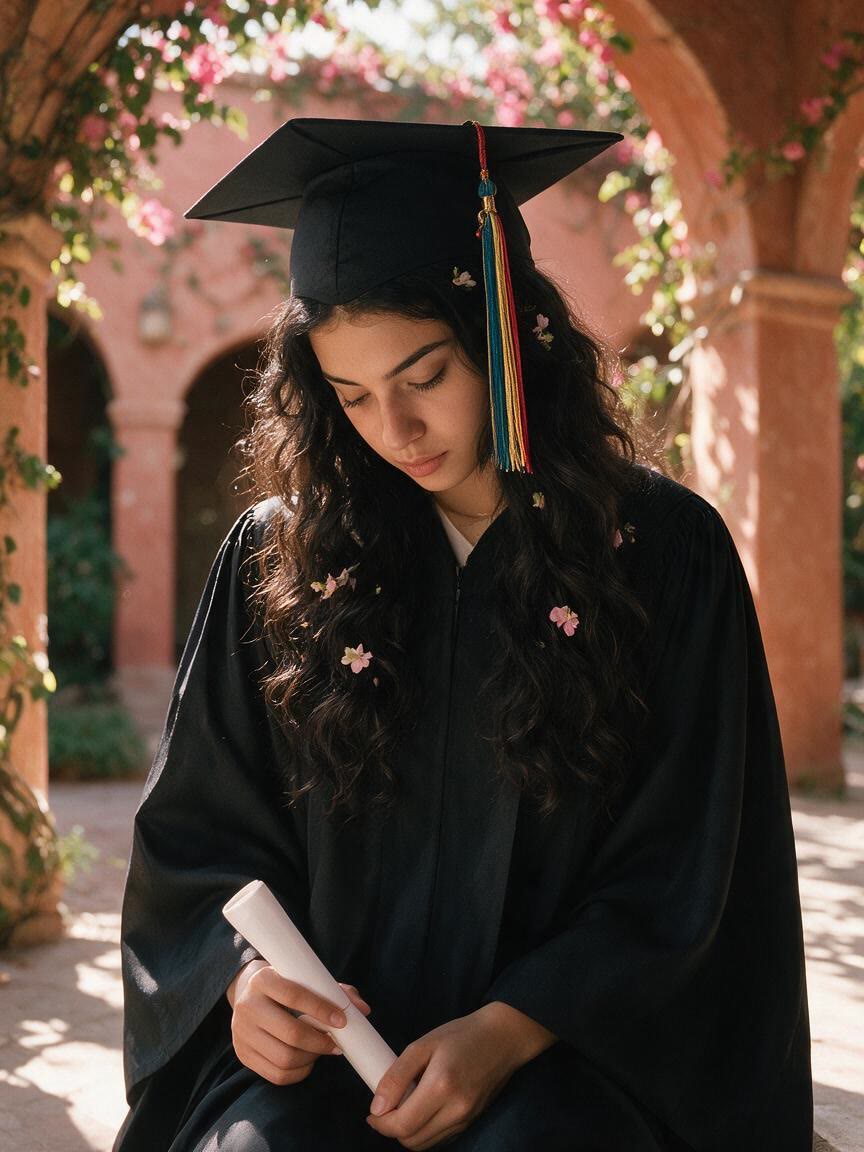
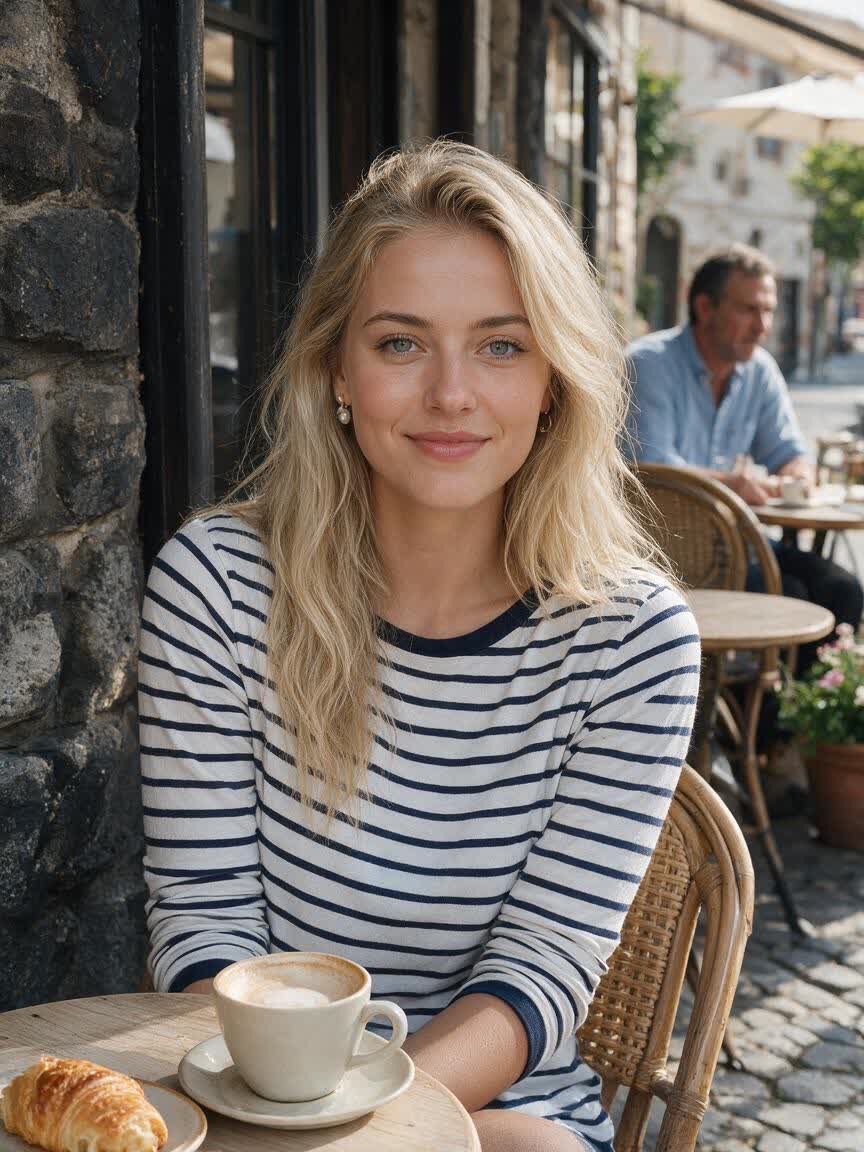
A missed ceremony or delayed photographer does not have to leave you without a graduation image. Upload a portrait and use a written request to shape a cap-and-gown result for announcements, keepsakes, or social posts.
Try Cavro free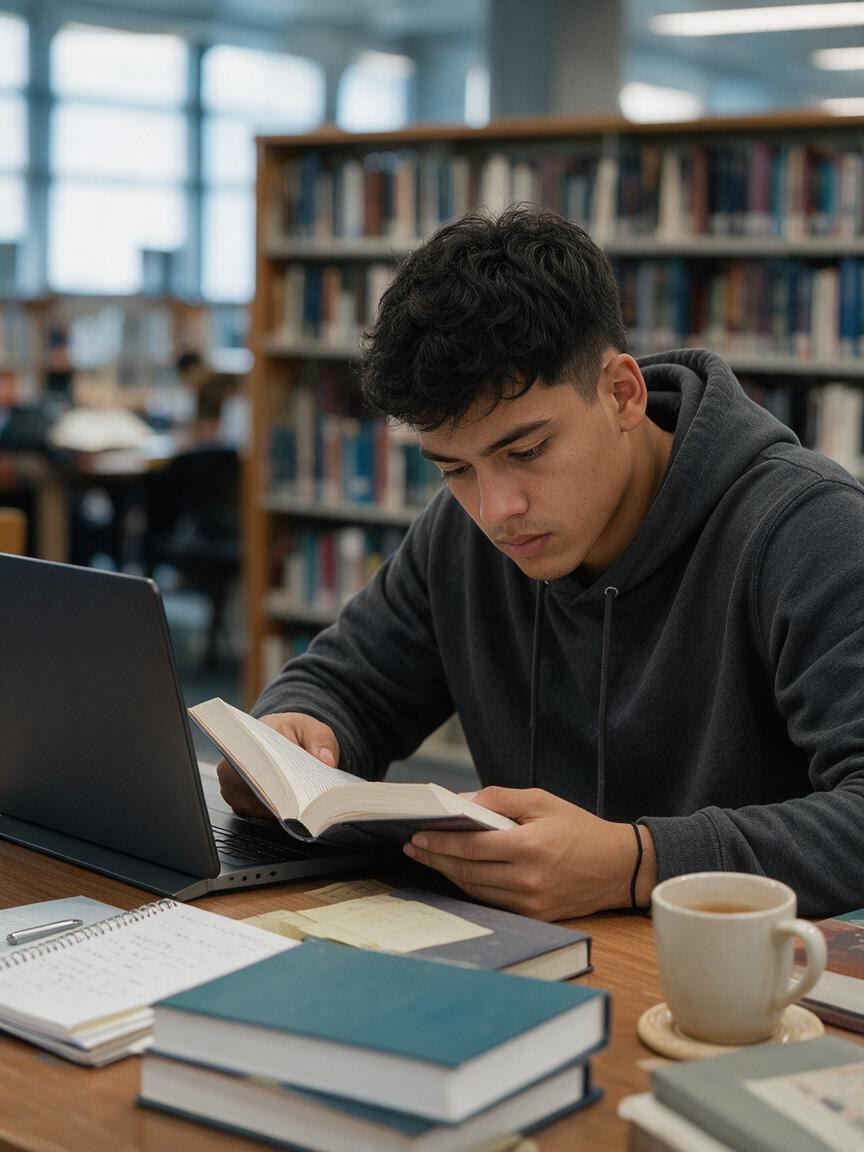
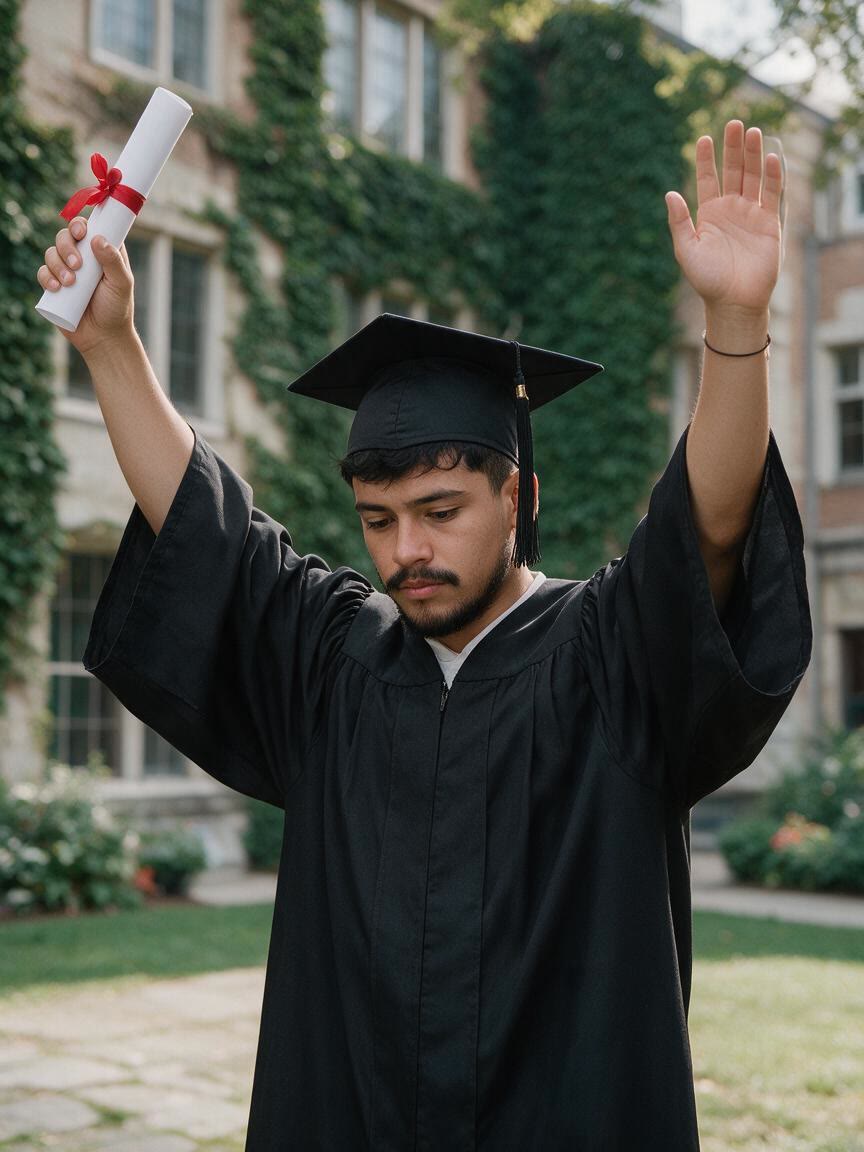
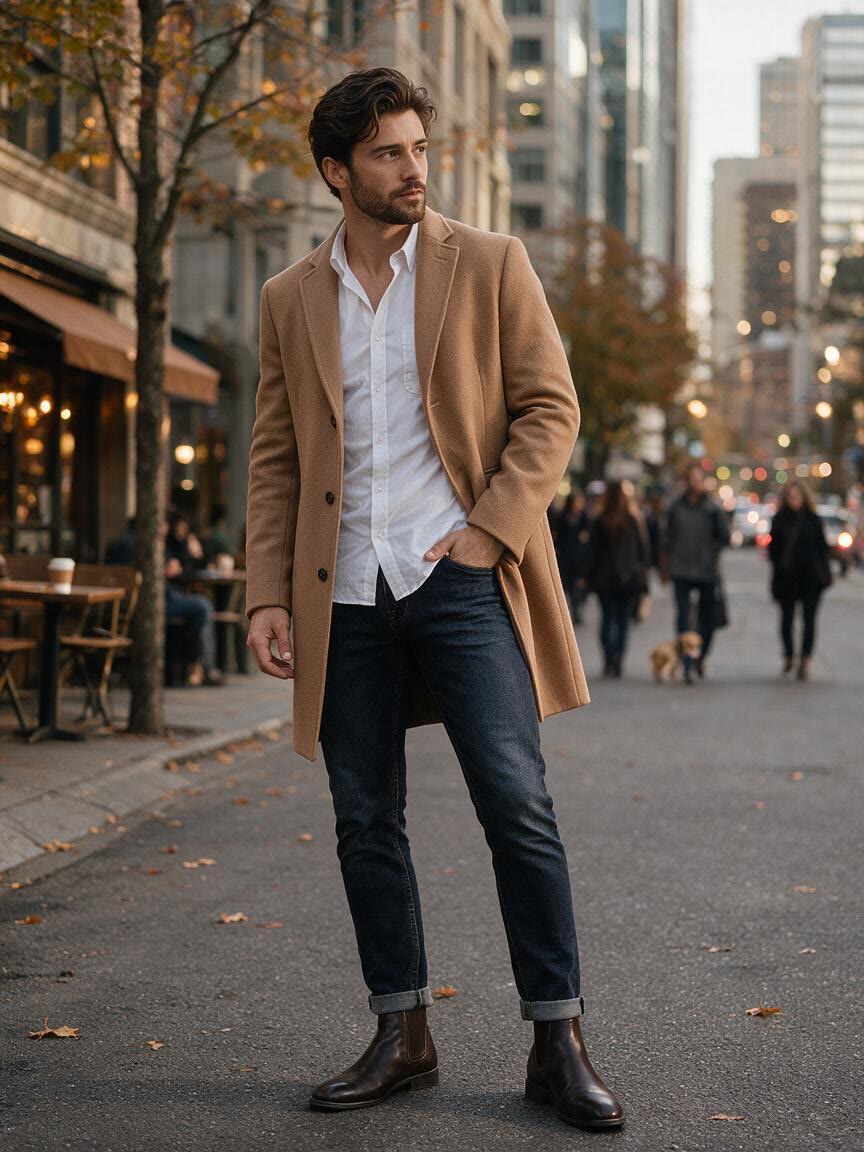
Graduation styling can include a cap, gown, tassel, hood, diploma, lighting, and setting. Describe the combination that fits your milestone, then refine the image in the same conversation instead of starting over.
Try Cavro free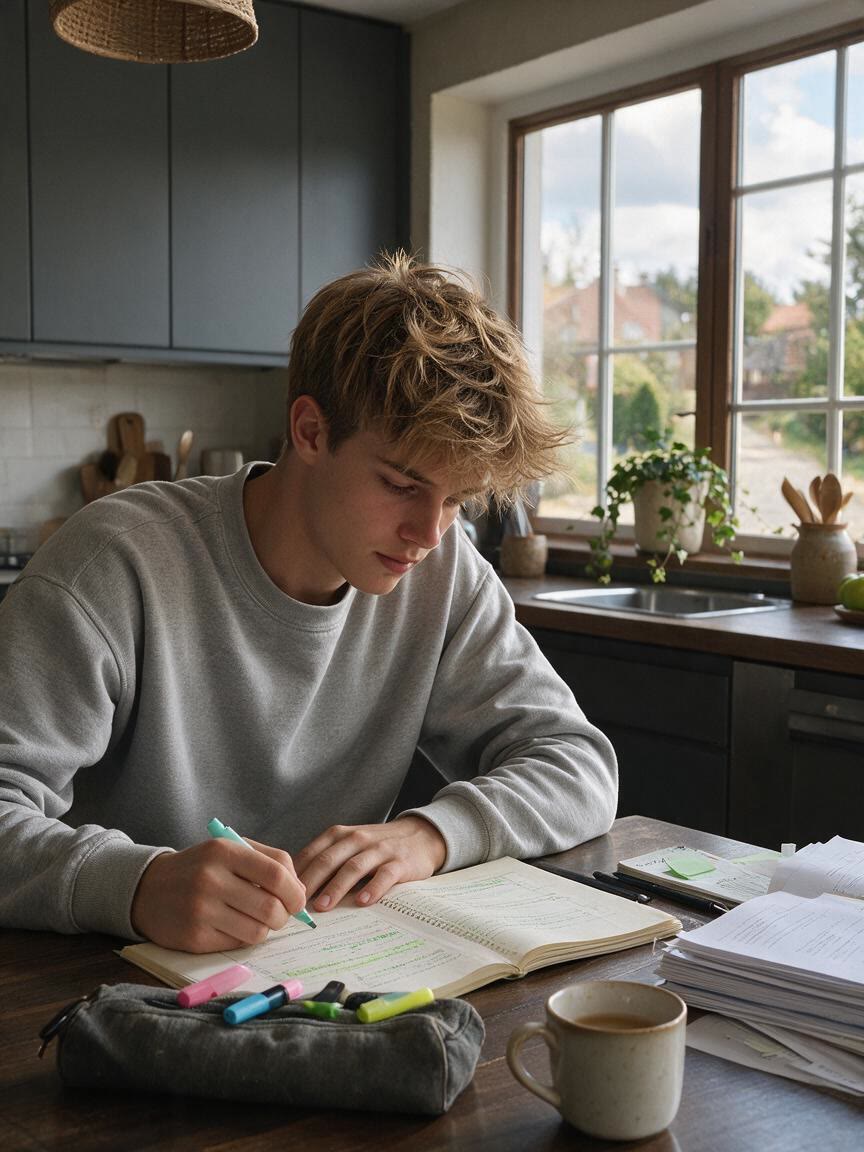
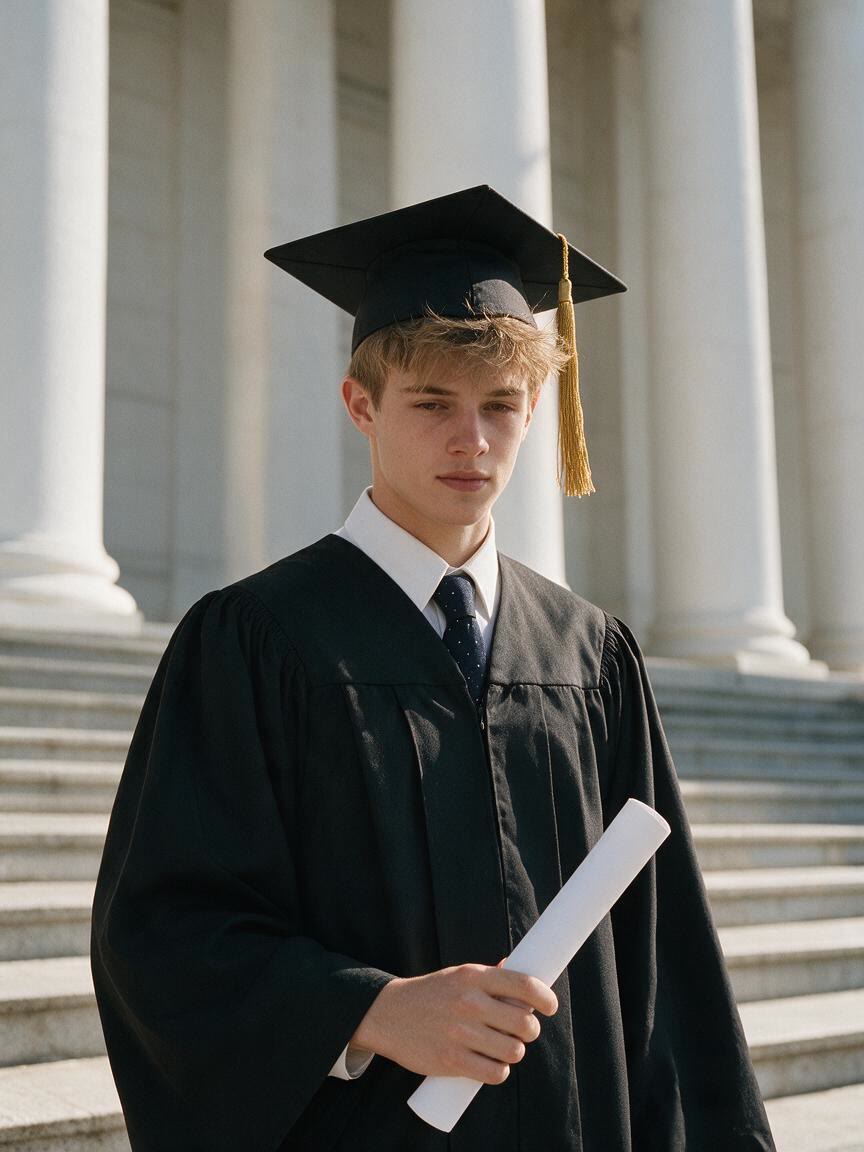
Create a graduation portrait without committing to a mandatory subscription. Cavro bills results per credit, so the image work stays on one credit balance while you explore and revise your direction.
Try Cavro freeAn AI graduation photo generator turns a written request and a reference portrait into an image with a graduation direction. With Cavro, you can describe details such as a cap, gown, tassel, hood, or diploma and refine the result in the same conversation.
Yes. Cavro accepts a reference photo along with your written prompt, so you can start with a portrait you already have. A clear image with a visible face gives the graduation edit a useful starting point.
Yes. You can refine the request and generate again in the same conversation without starting over. This lets you adjust the graduation styling, background direction, lighting, or added details.
Results are billed per credit, and images and video use the same credit balance in Cavro. There is no mandatory subscription, so you can review the available pricing before creating.
Creators worldwide are turning “just an idea” into expensive-looking images.